TheBestModels
Members
-
Joined
Everything posted by TheBestModels
-
 Thanks all for the updates
 -
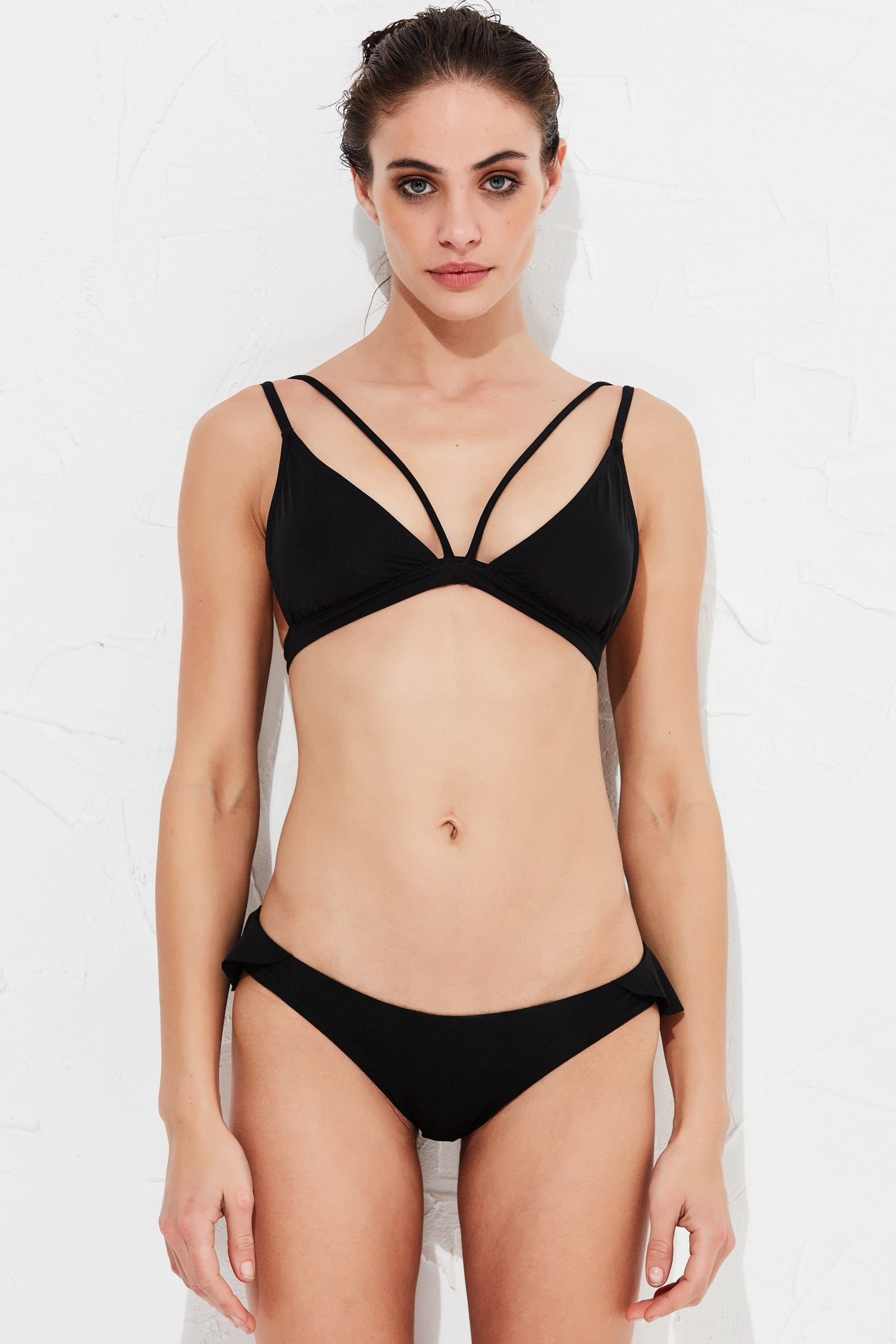
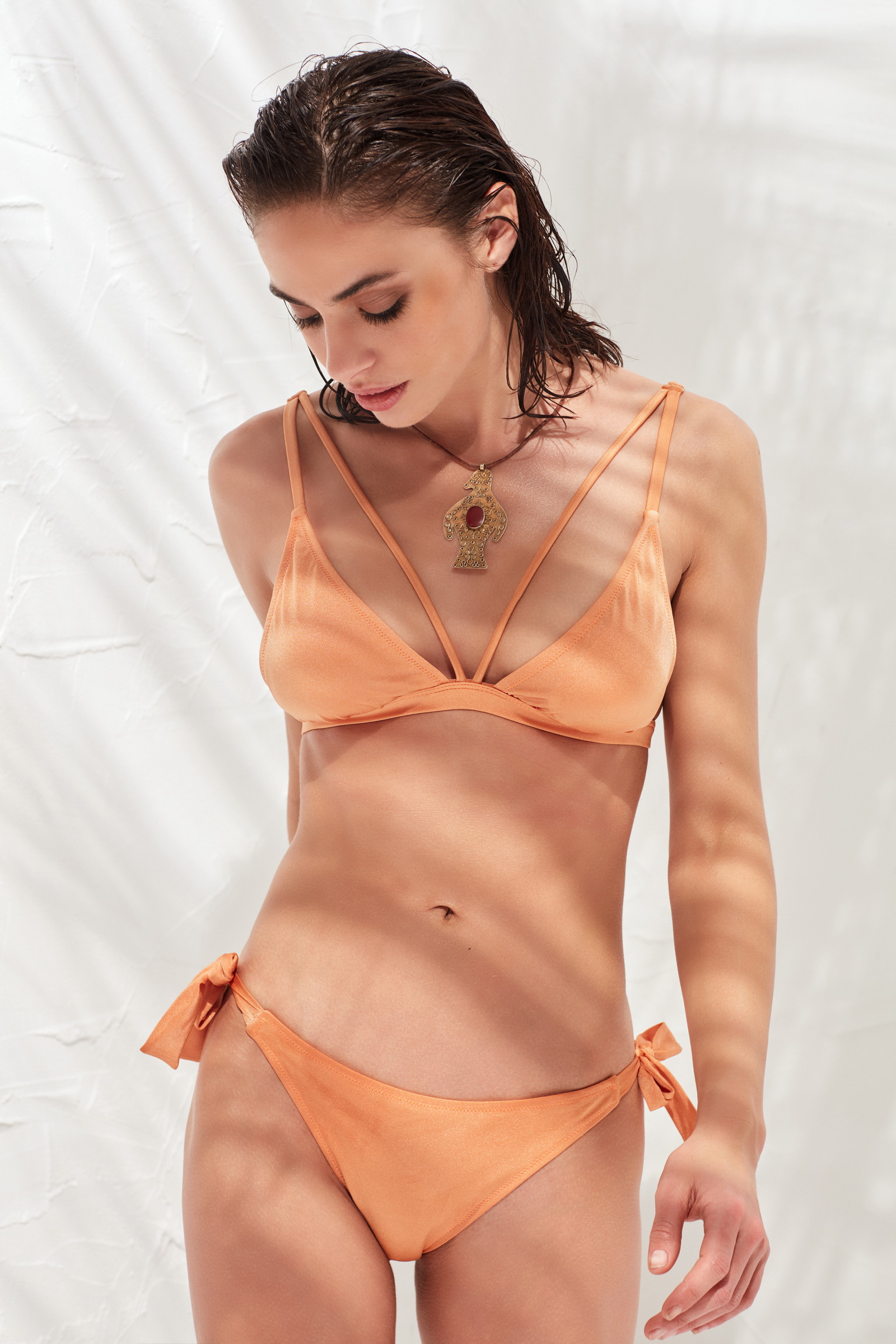
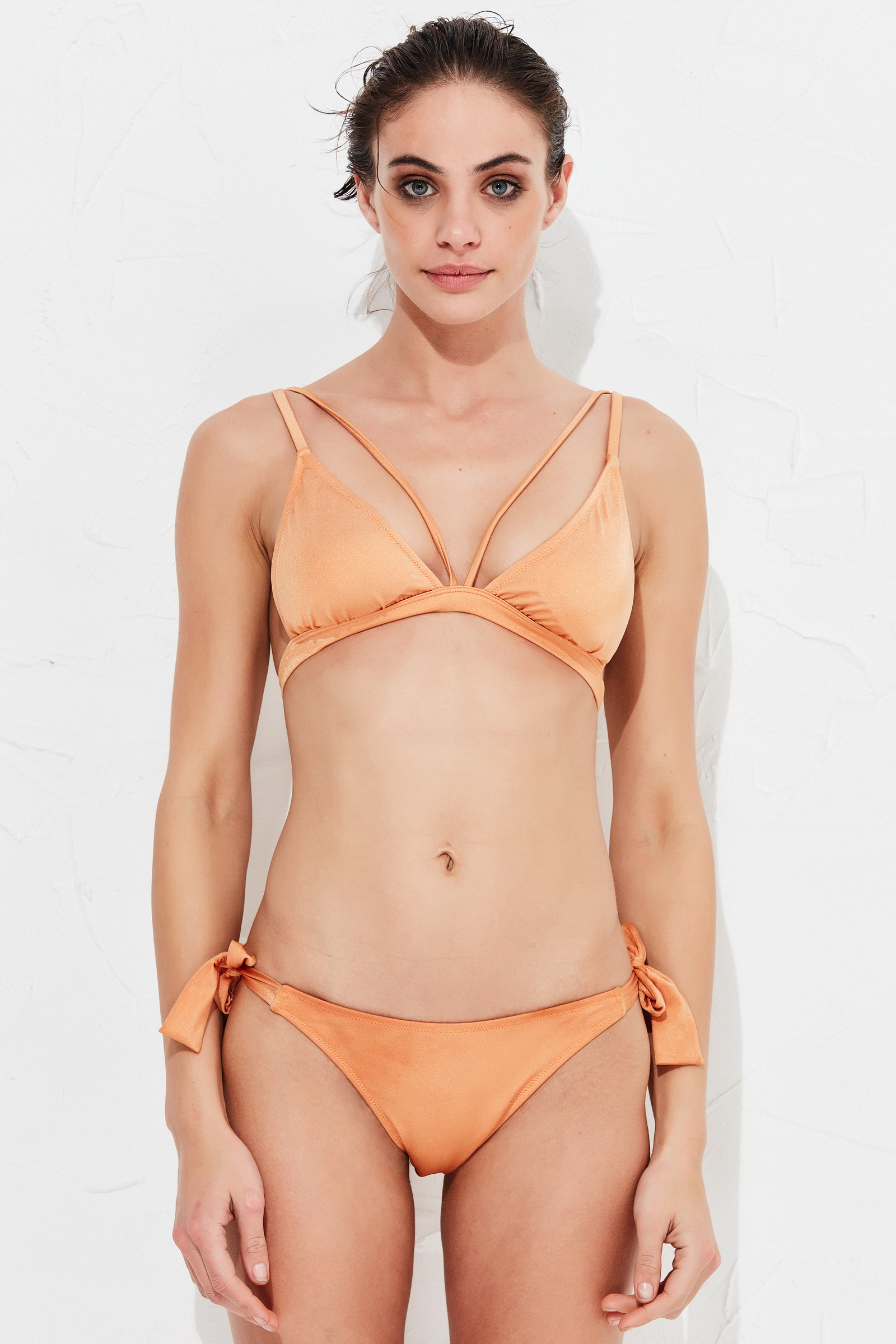
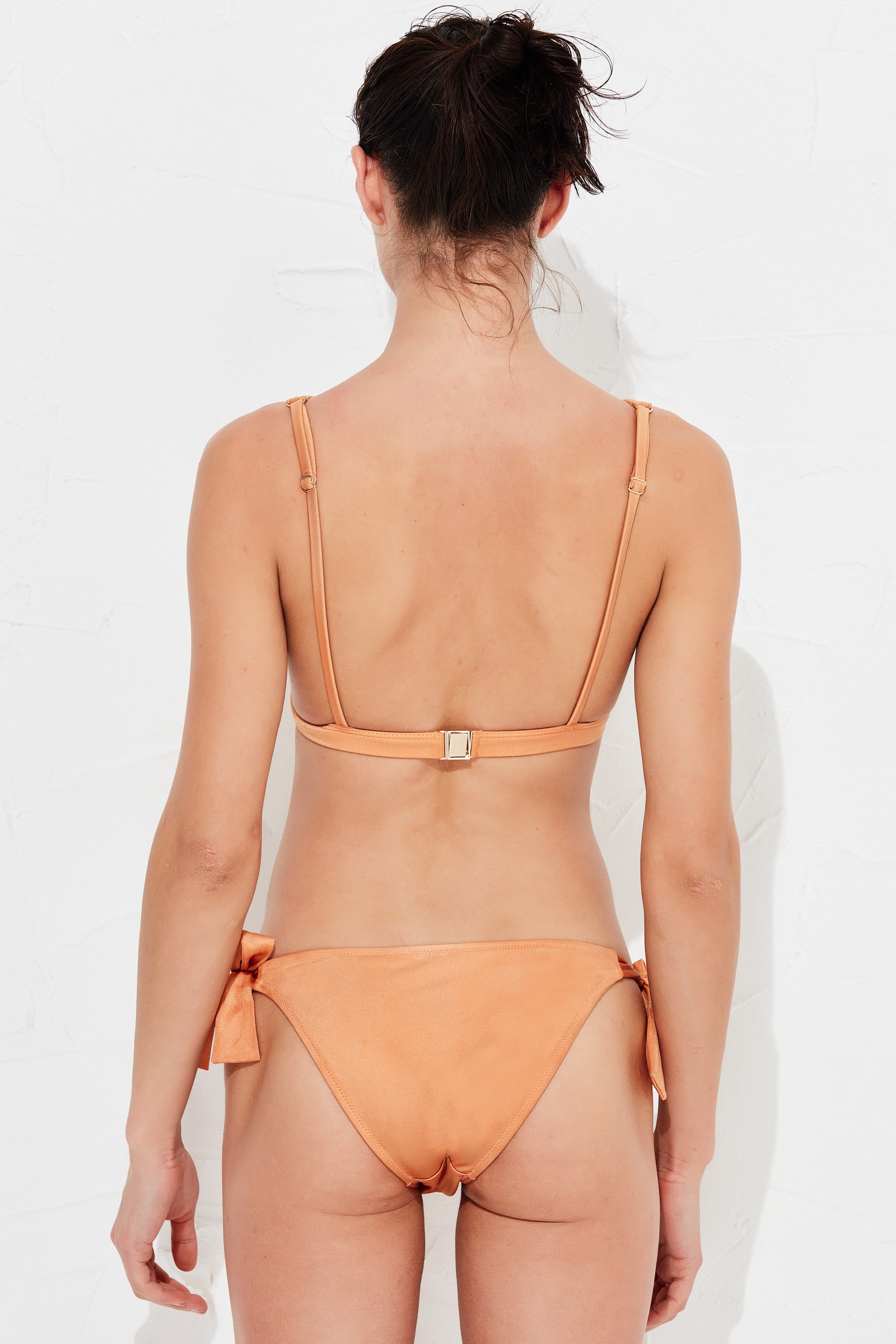
I posted the pics one after the other, so i fixed the issue this way, i'll need to try it another time. But i tried to edit the quote, and no, still impossible to remove or change what is wrote into the box ...
@mesutakkoyun1

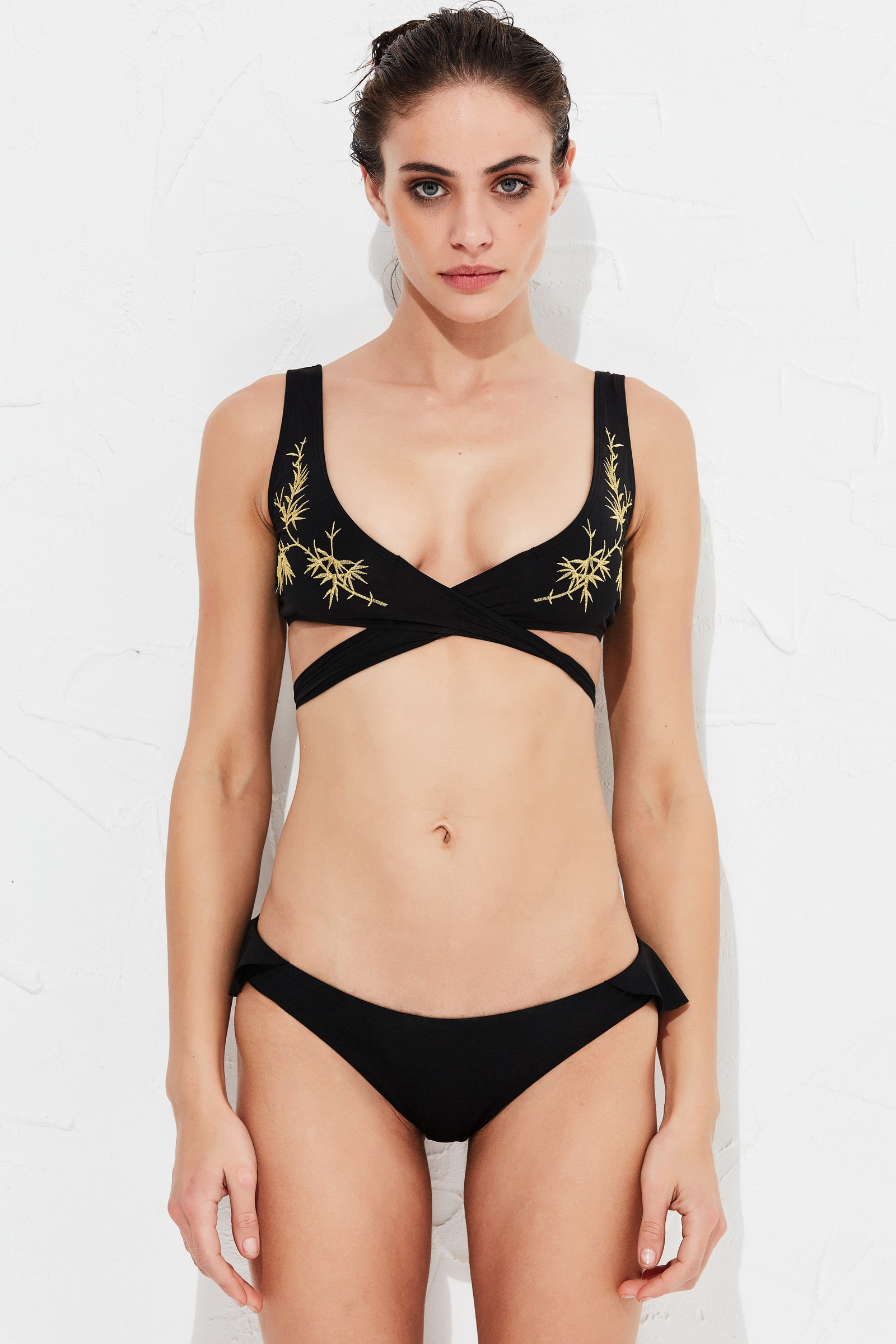
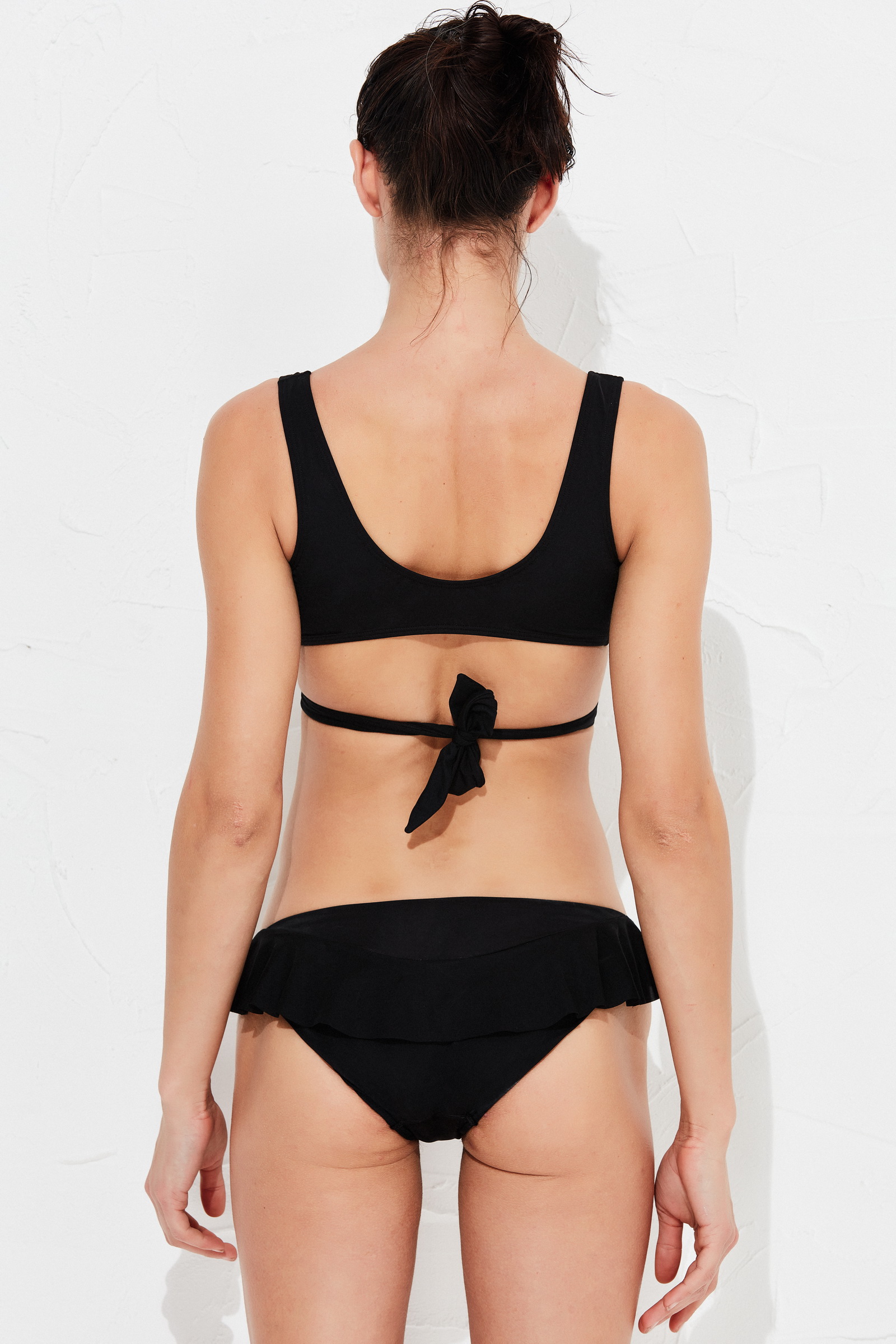
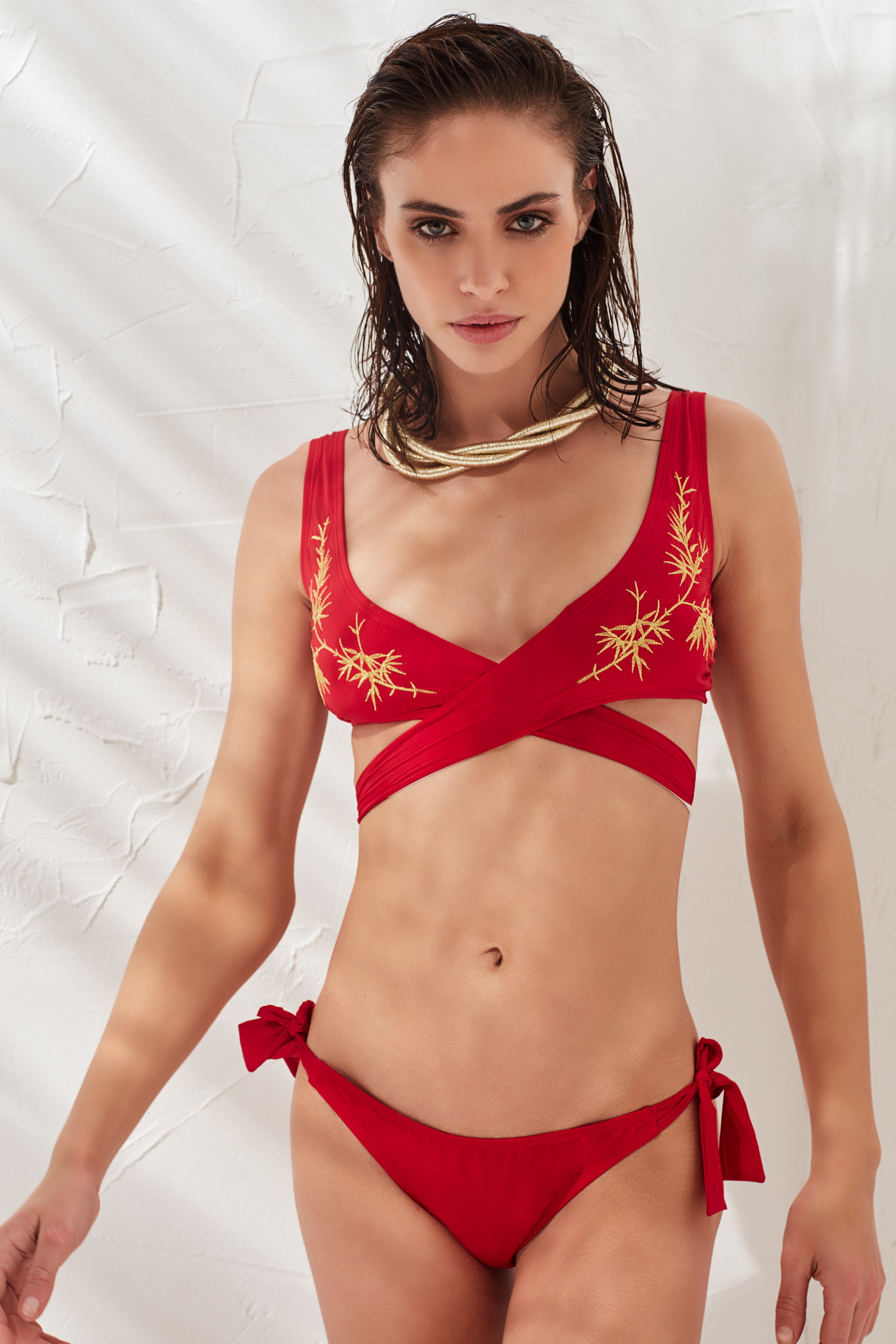
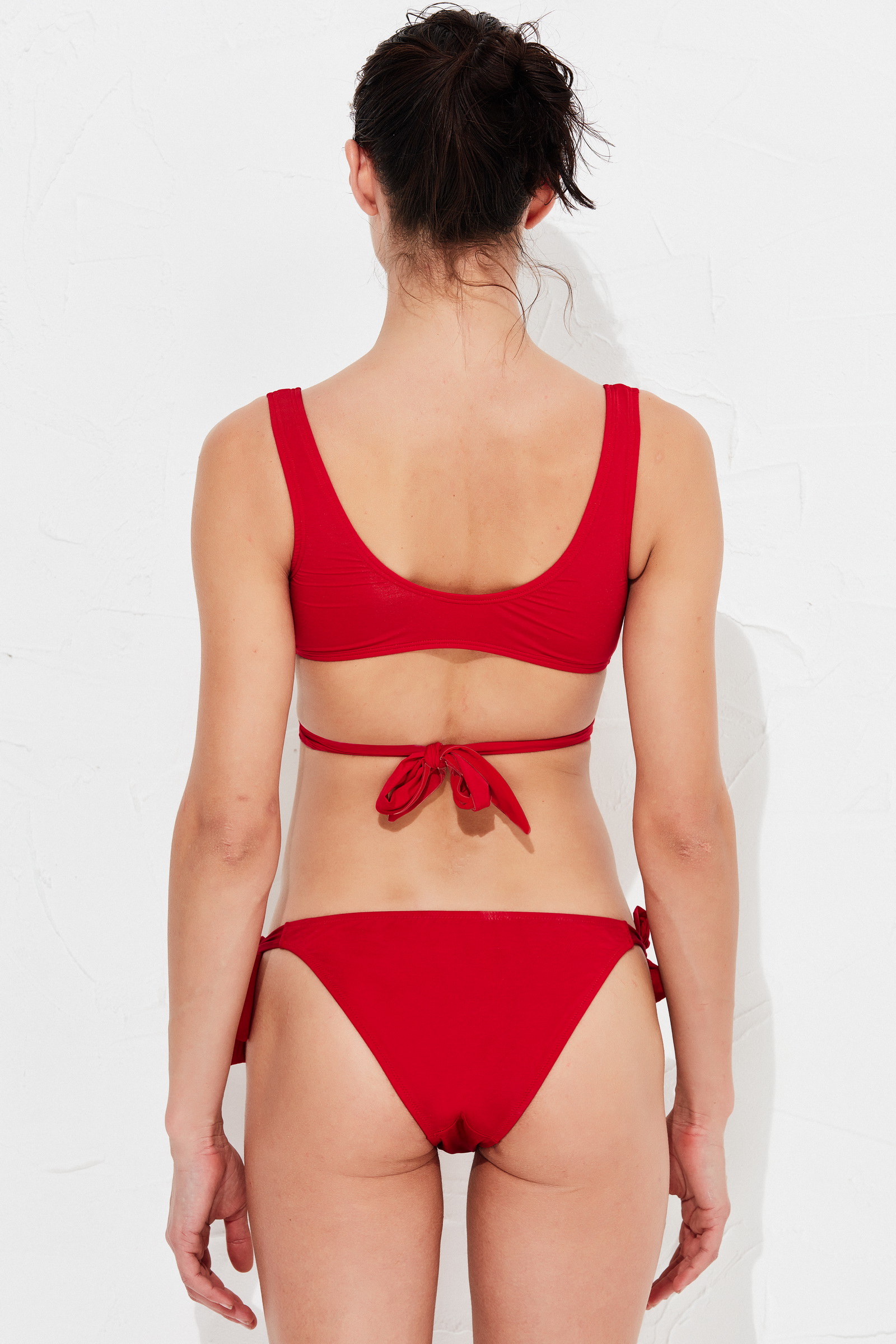
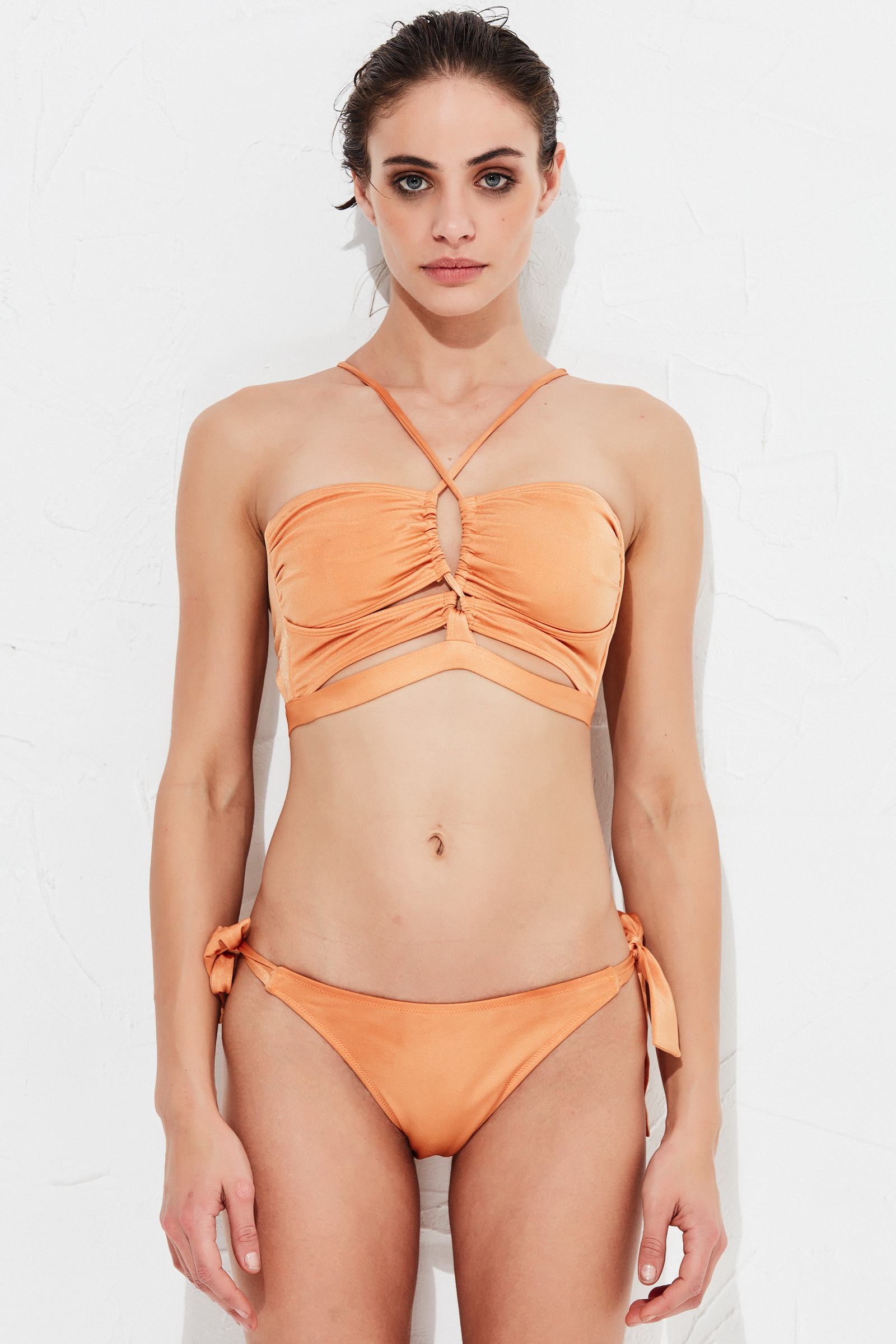
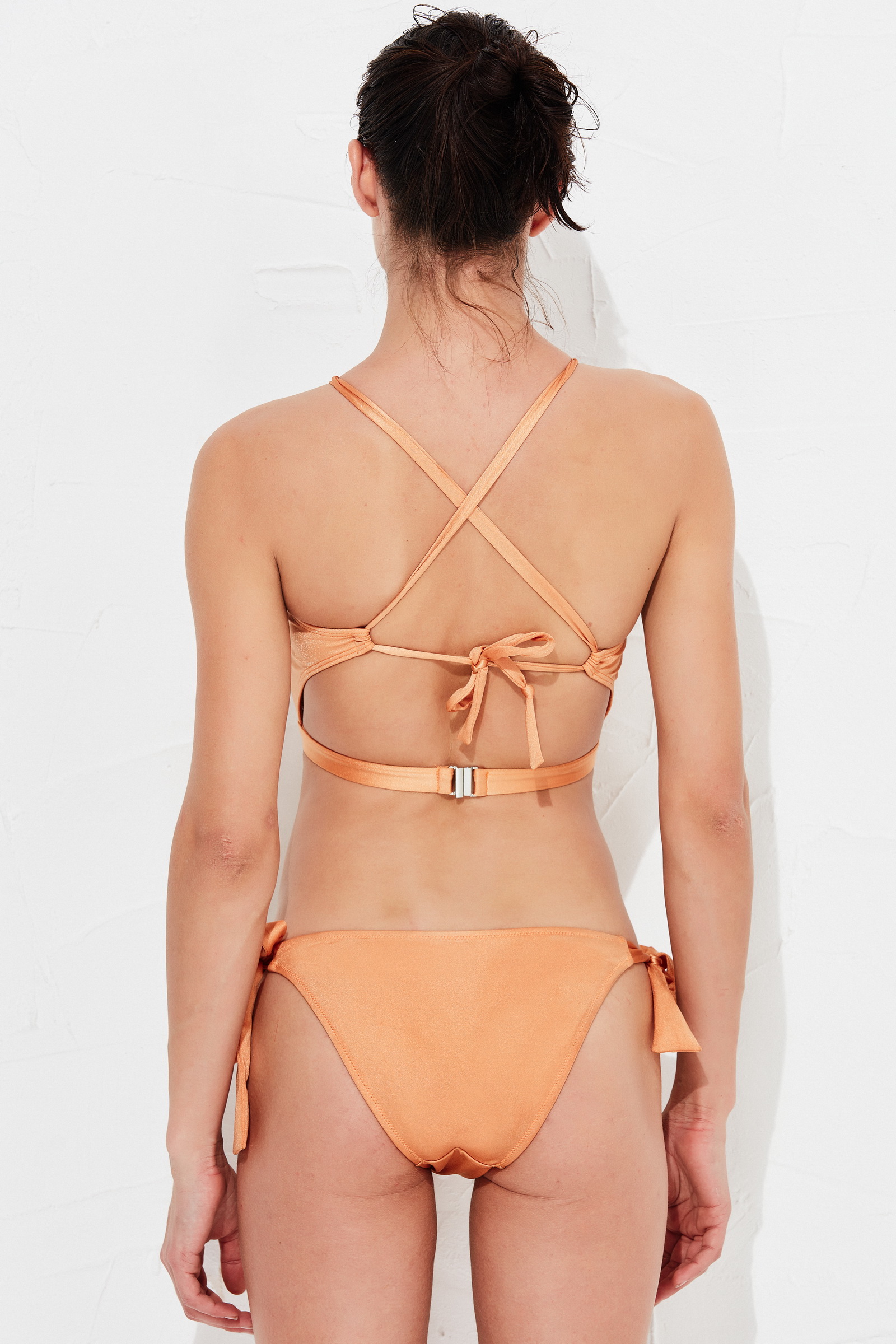
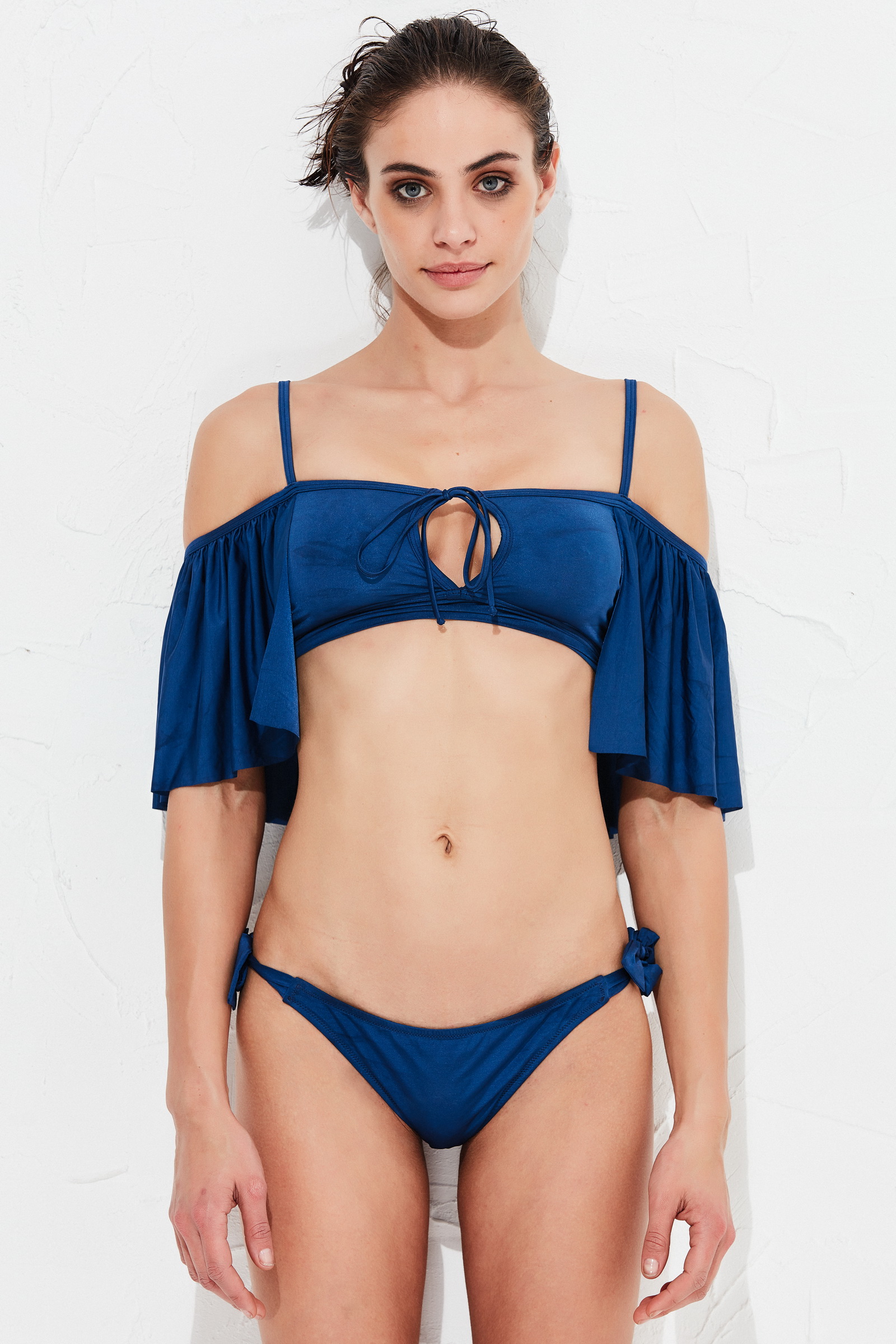
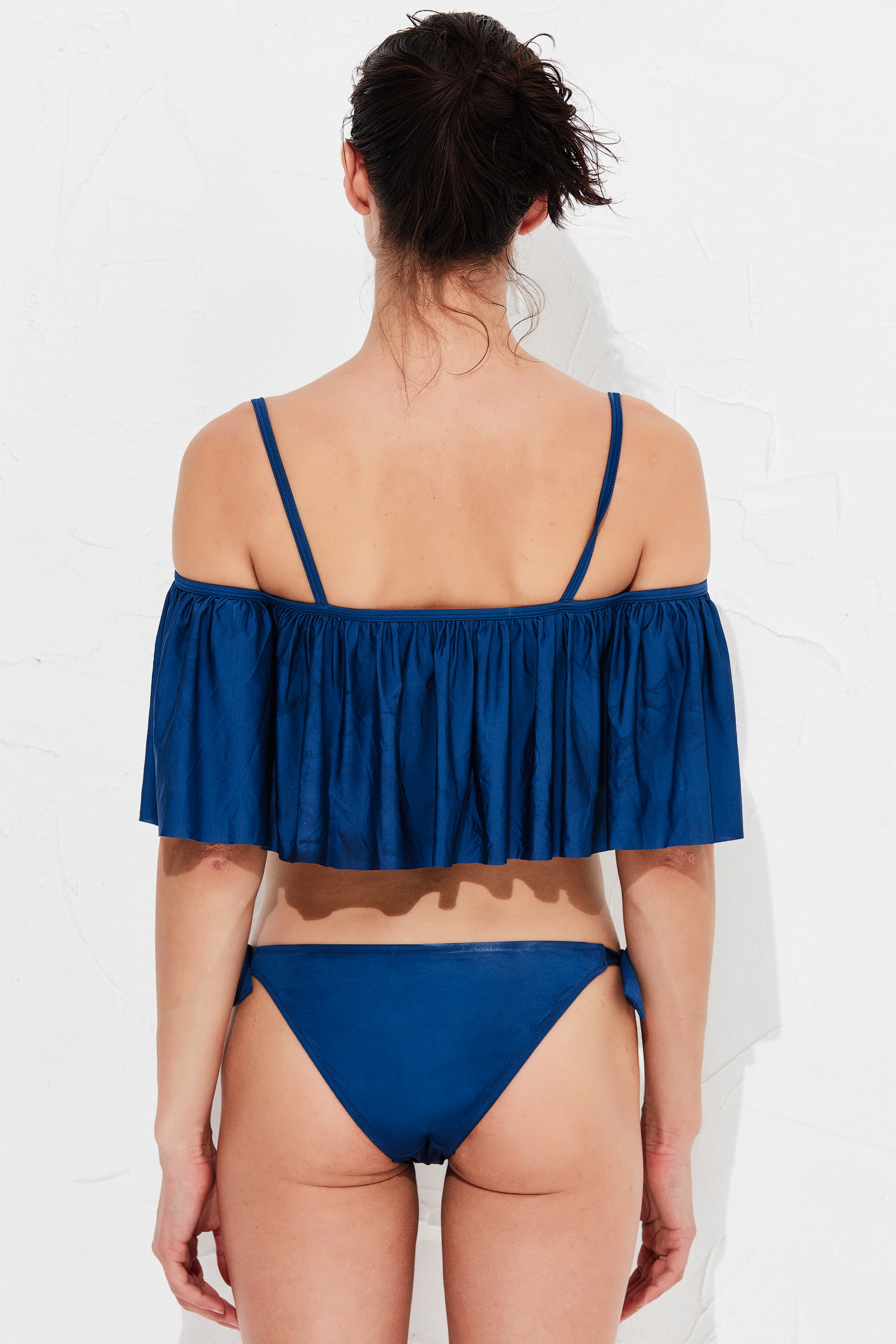
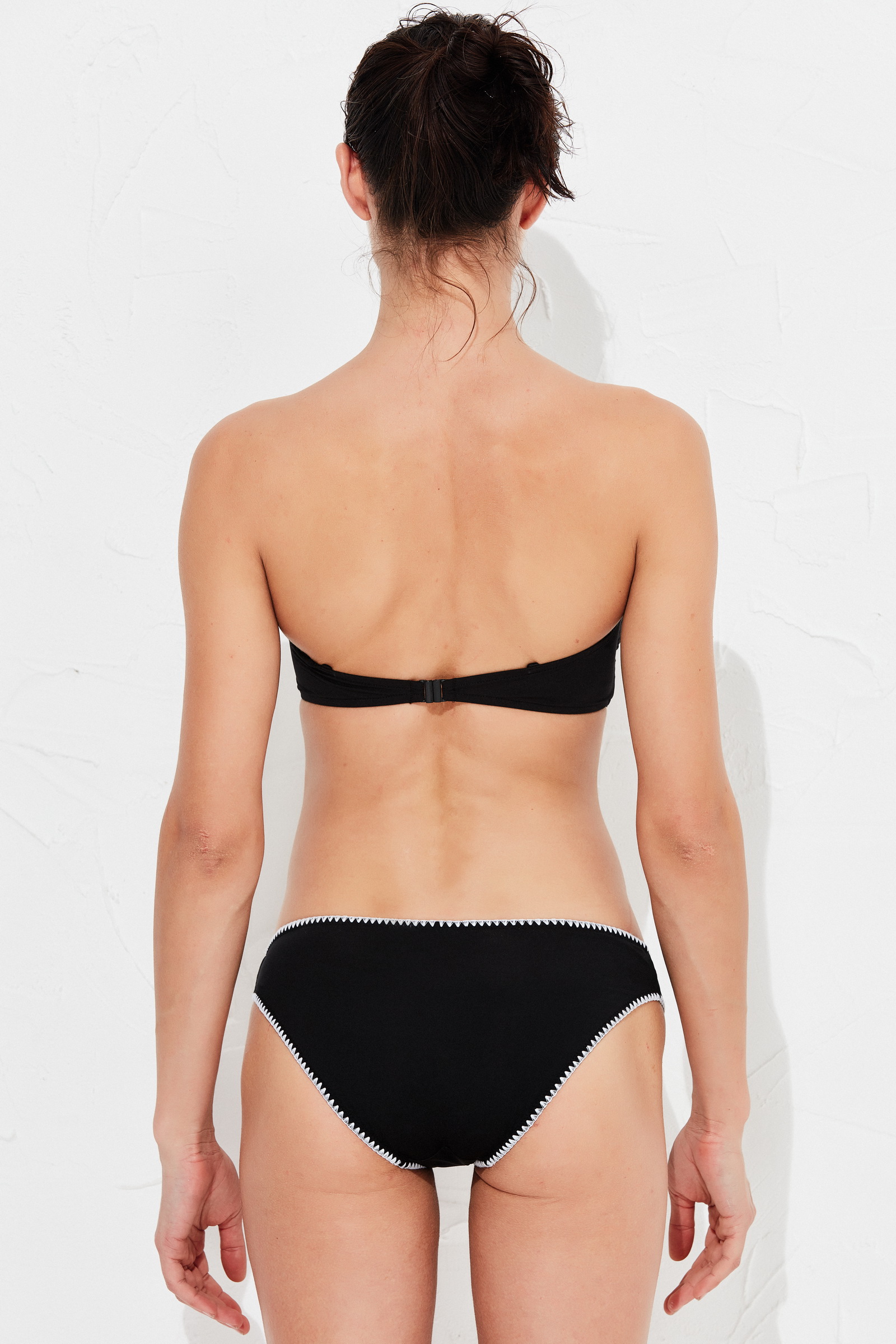
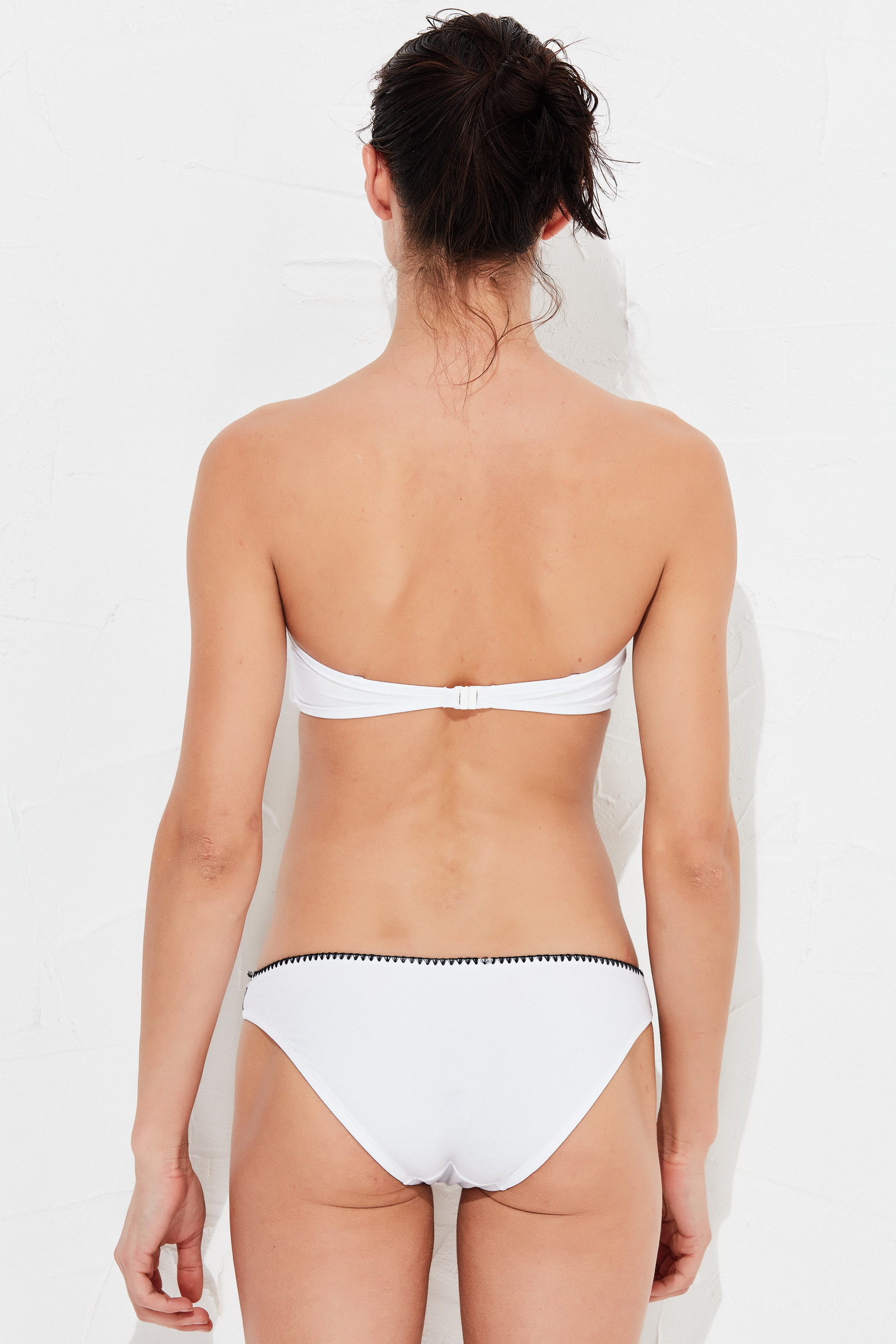
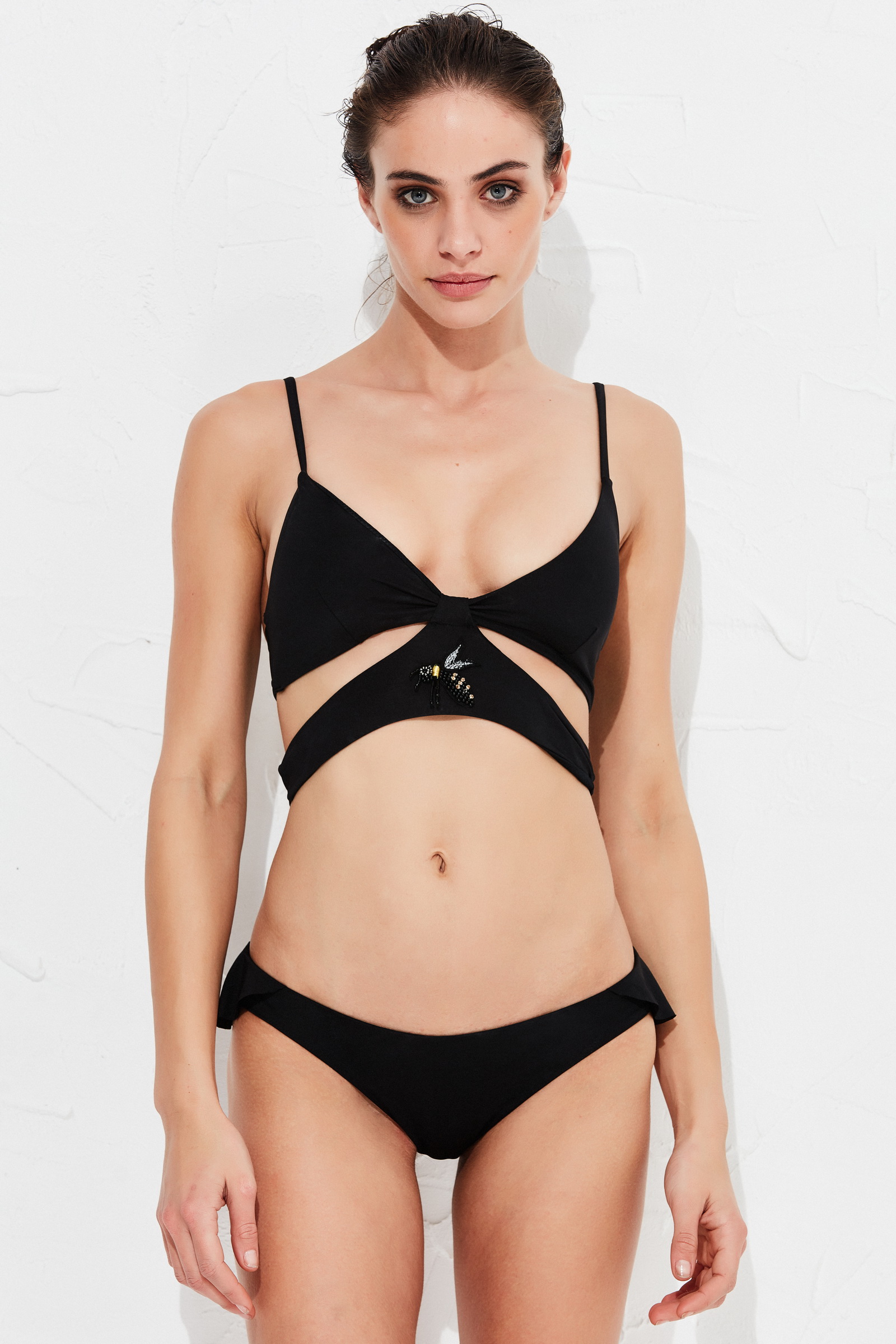
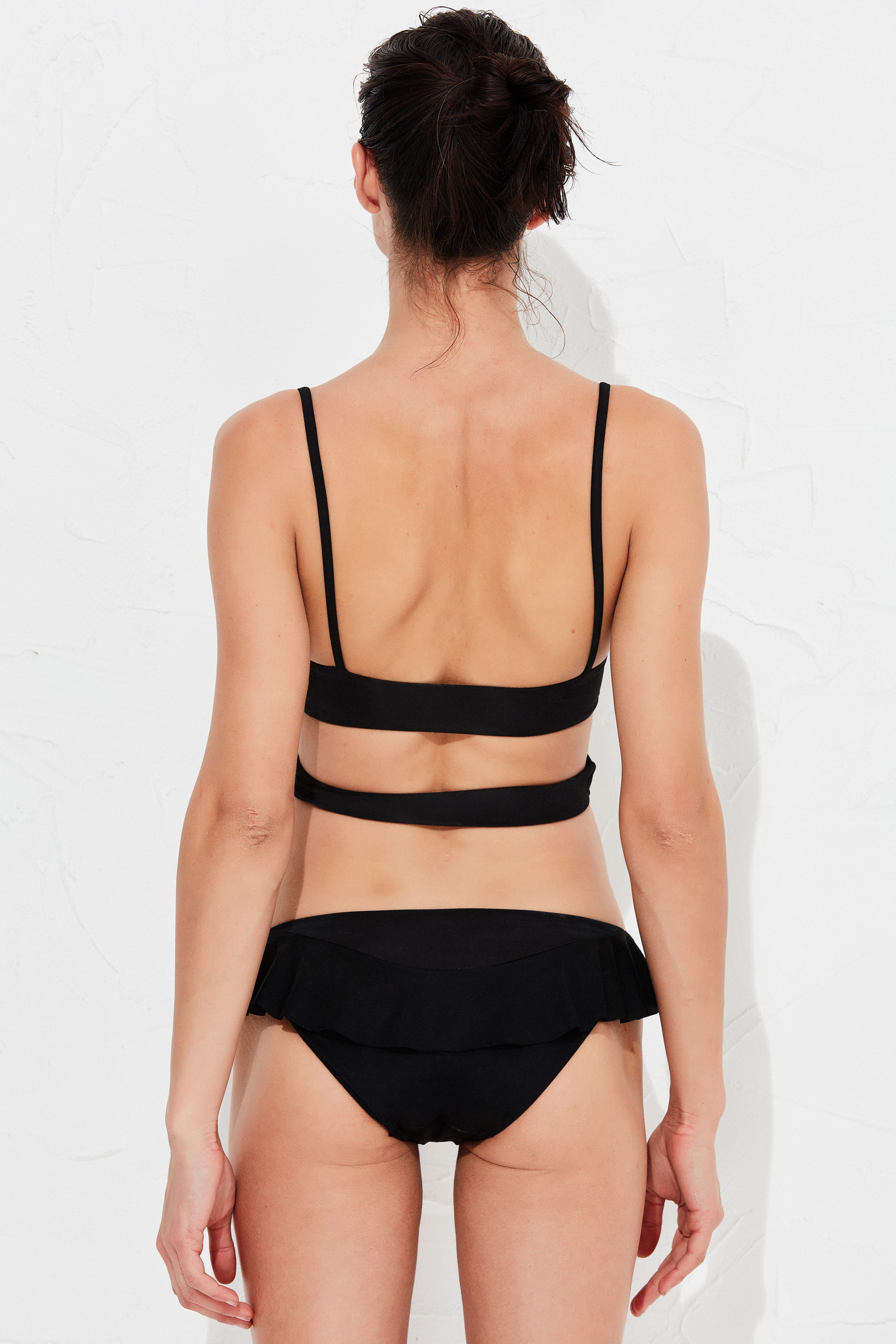
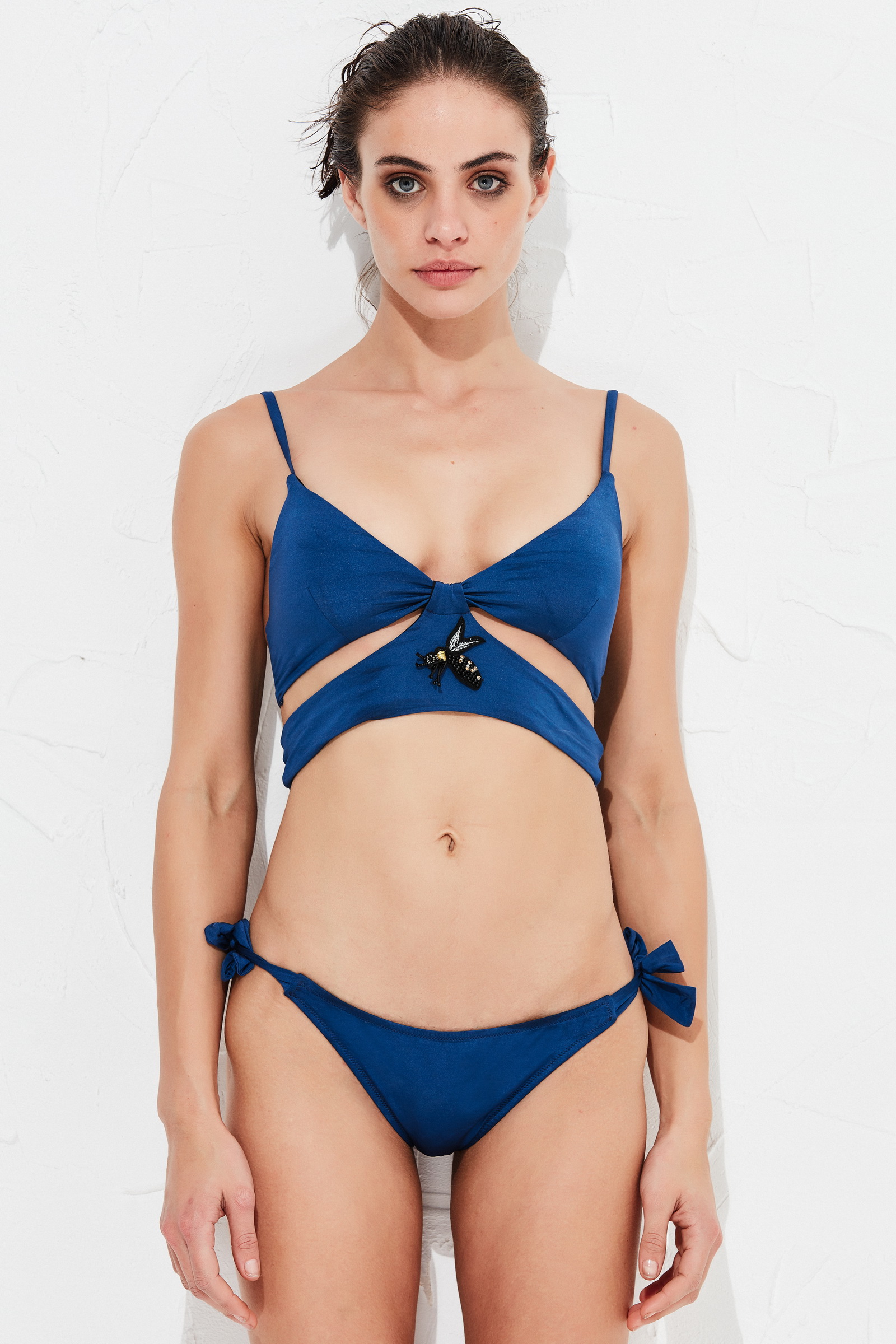
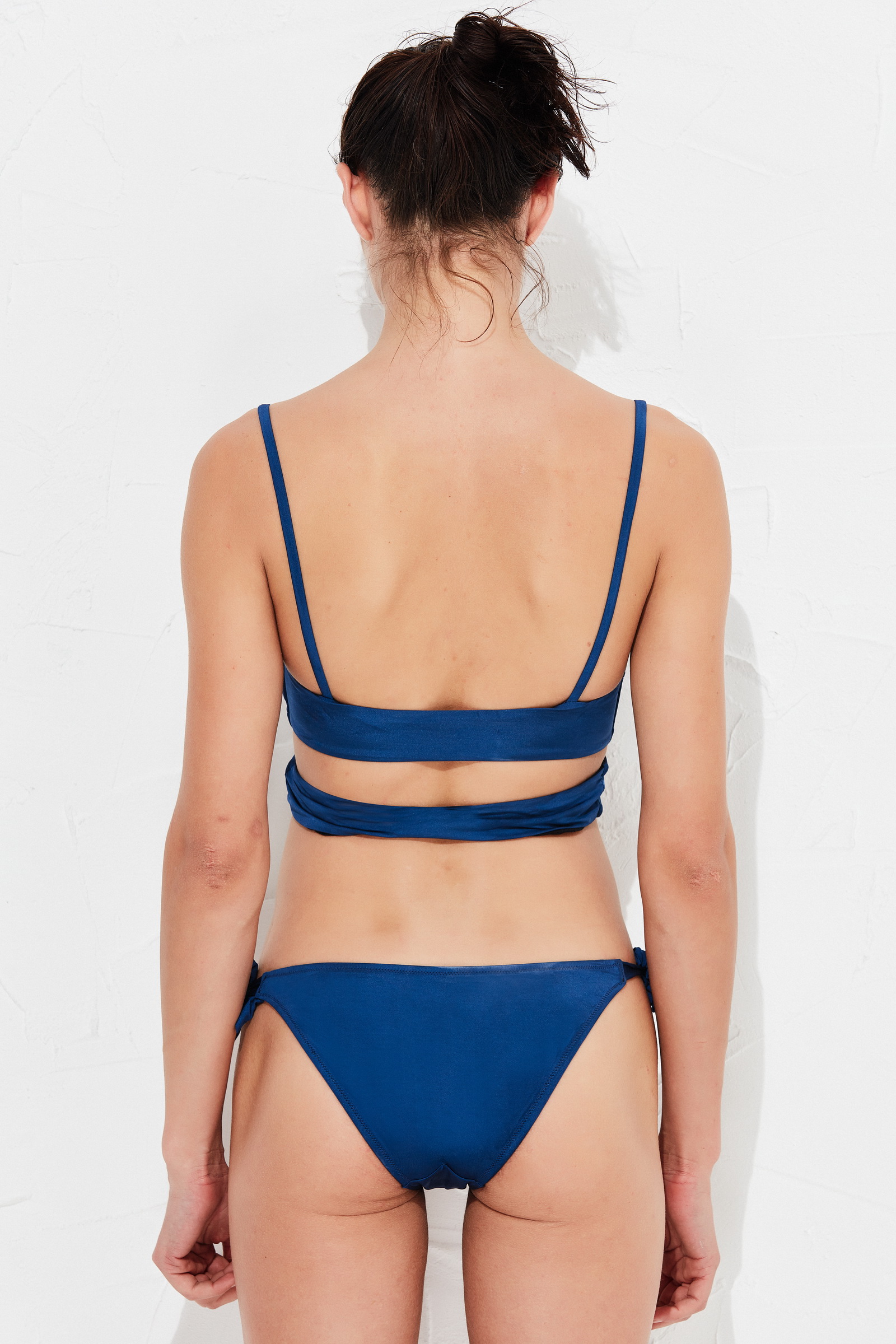
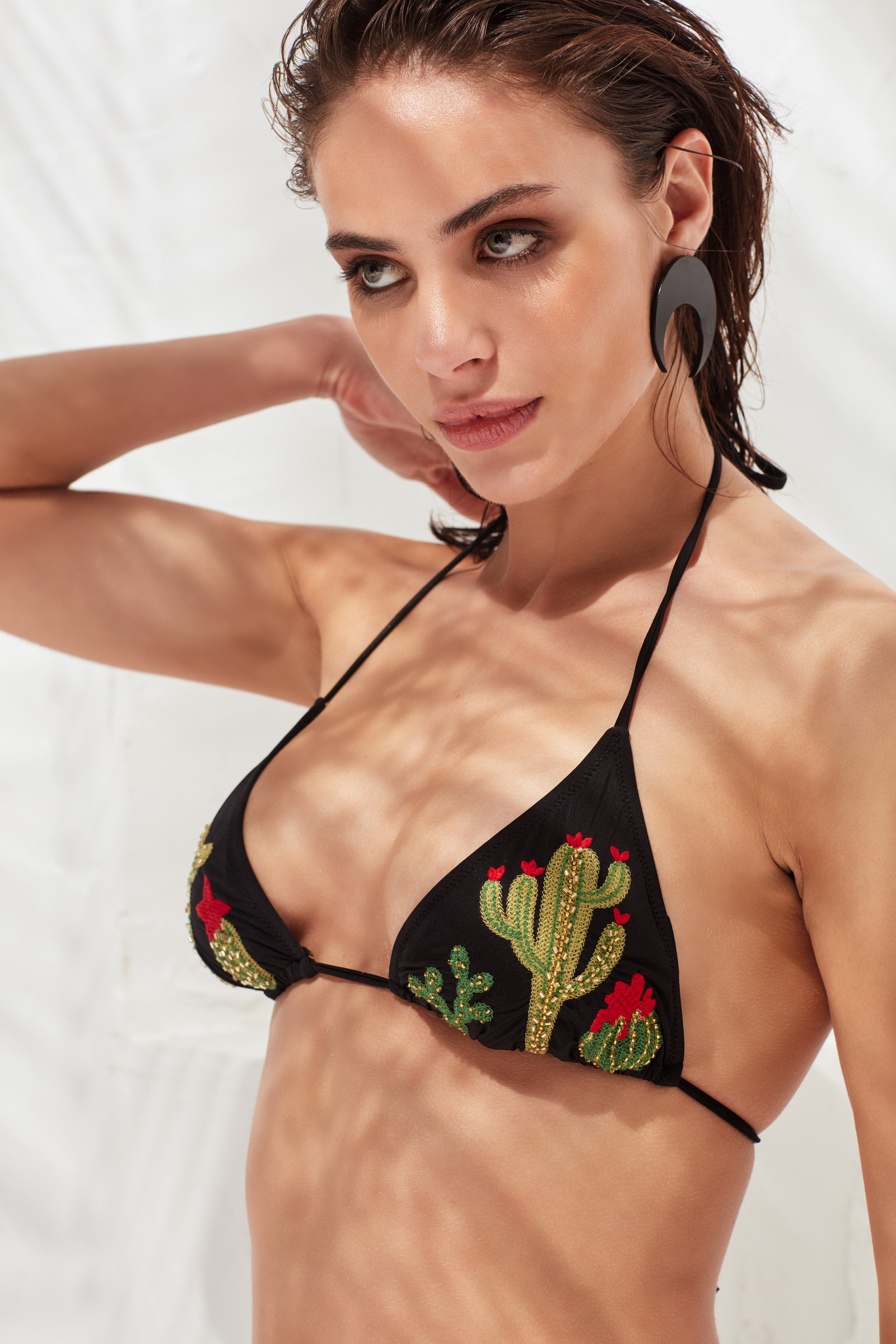
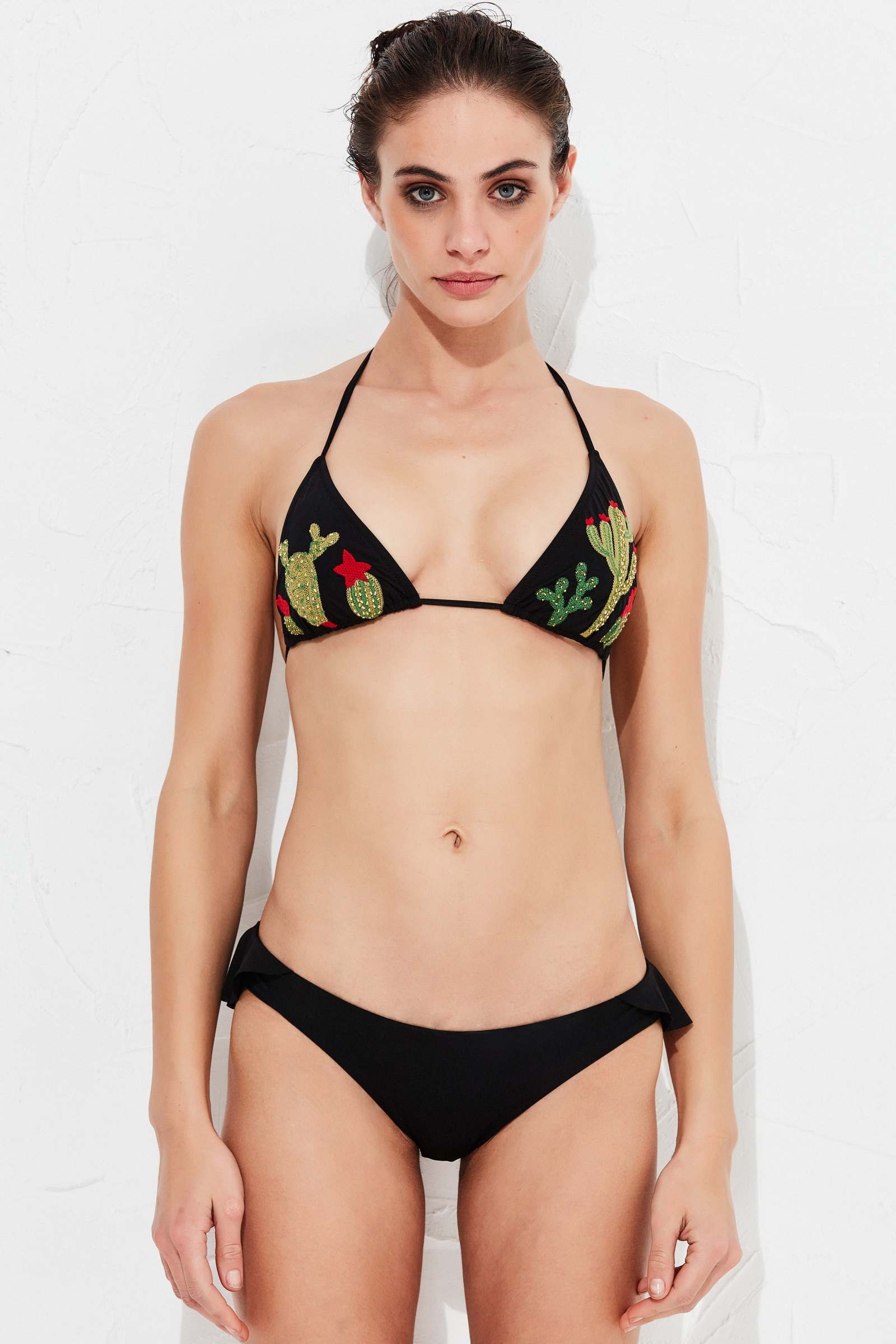
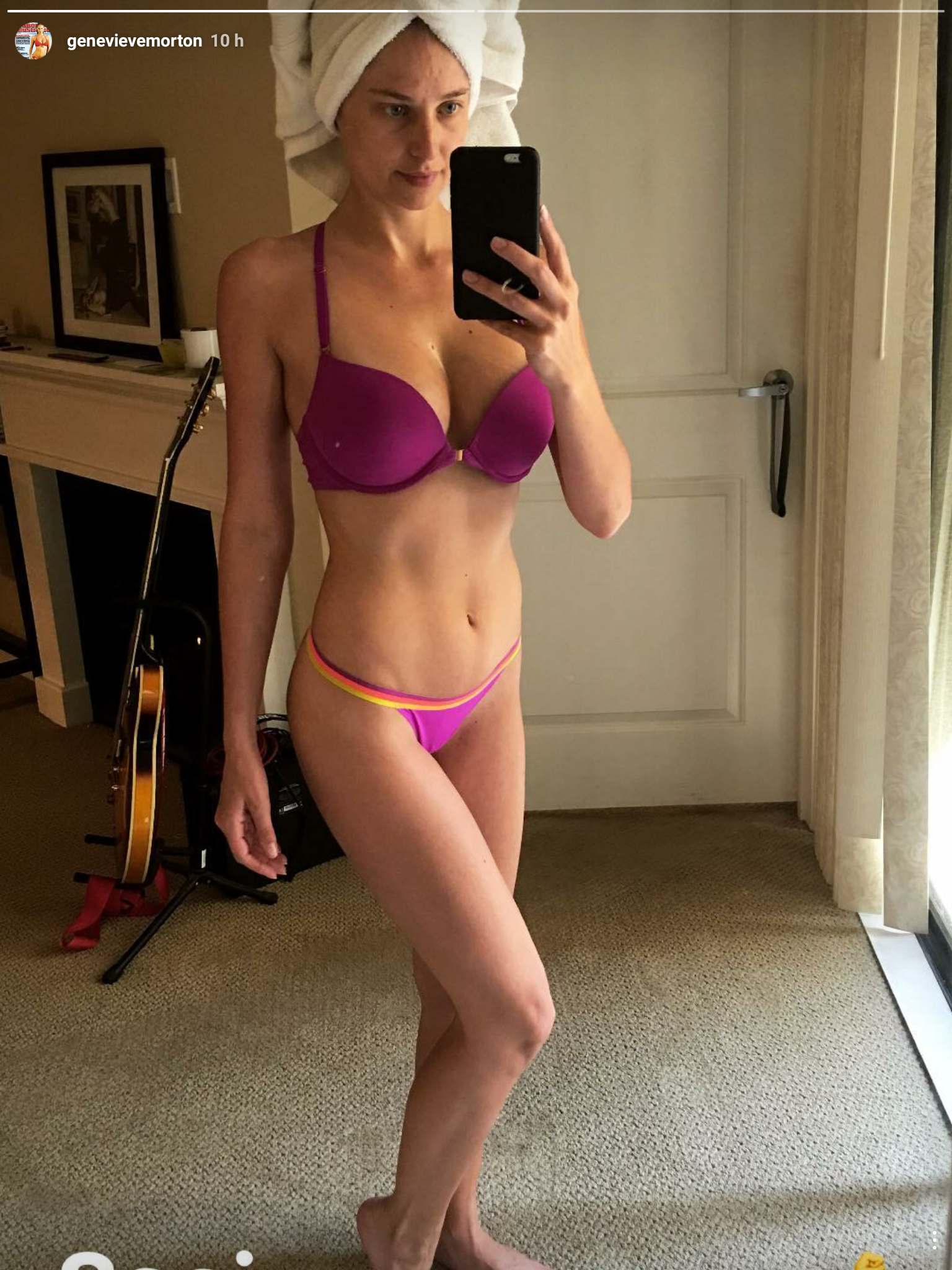
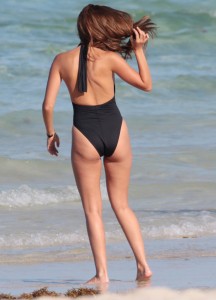
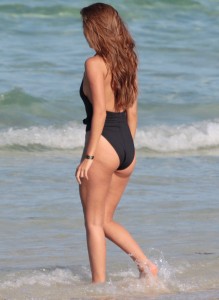
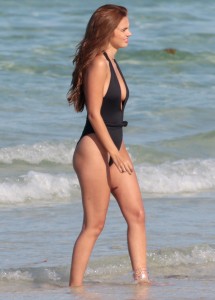
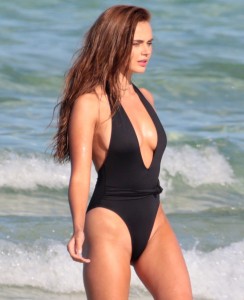
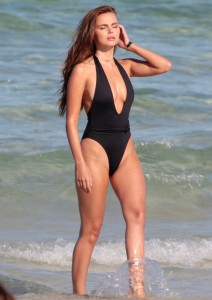
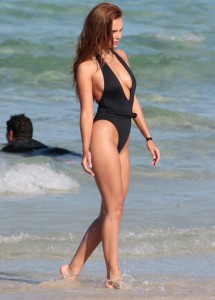
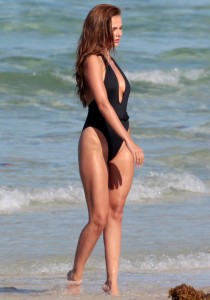
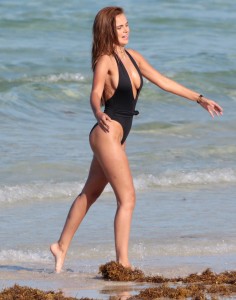
 @maddog107 I think i find another issue. Here >> for exemple, when we try to host pictures, and directly post them, we can't post them horizontally but vertically like this ... And we can't edit the quote either ...
IG Story
@maddog107 I think i find another issue. Here >> for exemple, when we try to host pictures, and directly post them, we can't post them horizontally but vertically like this ... And we can't edit the quote either ...
IG Story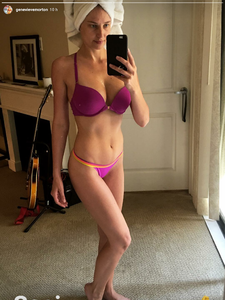
Account
Navigation
Search
Configure browser push notifications
Chrome (Android)
- Tap the lock icon next to the address bar.
- Tap Permissions → Notifications.
- Adjust your preference.
Chrome (Desktop)
- Click the padlock icon in the address bar.
- Select Site settings.
- Find Notifications and adjust your preference.
Safari (iOS 16.4+)
- Ensure the site is installed via Add to Home Screen.
- Open Settings App → Notifications.
- Find your app name and adjust your preference.
Safari (macOS)
- Go to Safari → Preferences.
- Click the Websites tab.
- Select Notifications in the sidebar.
- Find this website and adjust your preference.
Edge (Android)
- Tap the lock icon next to the address bar.
- Tap Permissions.
- Find Notifications and adjust your preference.
Edge (Desktop)
- Click the padlock icon in the address bar.
- Click Permissions for this site.
- Find Notifications and adjust your preference.
Firefox (Android)
- Go to Settings → Site permissions.
- Tap Notifications.
- Find this site in the list and adjust your preference.
Firefox (Desktop)
- Open Firefox Settings.
- Search for Notifications.
- Find this site in the list and adjust your preference.