TheBestModels
Members
-
Joined
Everything posted by TheBestModels
-
 Si 2018 = Lais, Kate and Hailey. But everybody will agree to say it's one of the poorest issue of the recent time ... MJ, it's time for the retirement castle
 -
What happened to the rating post thing ?
-
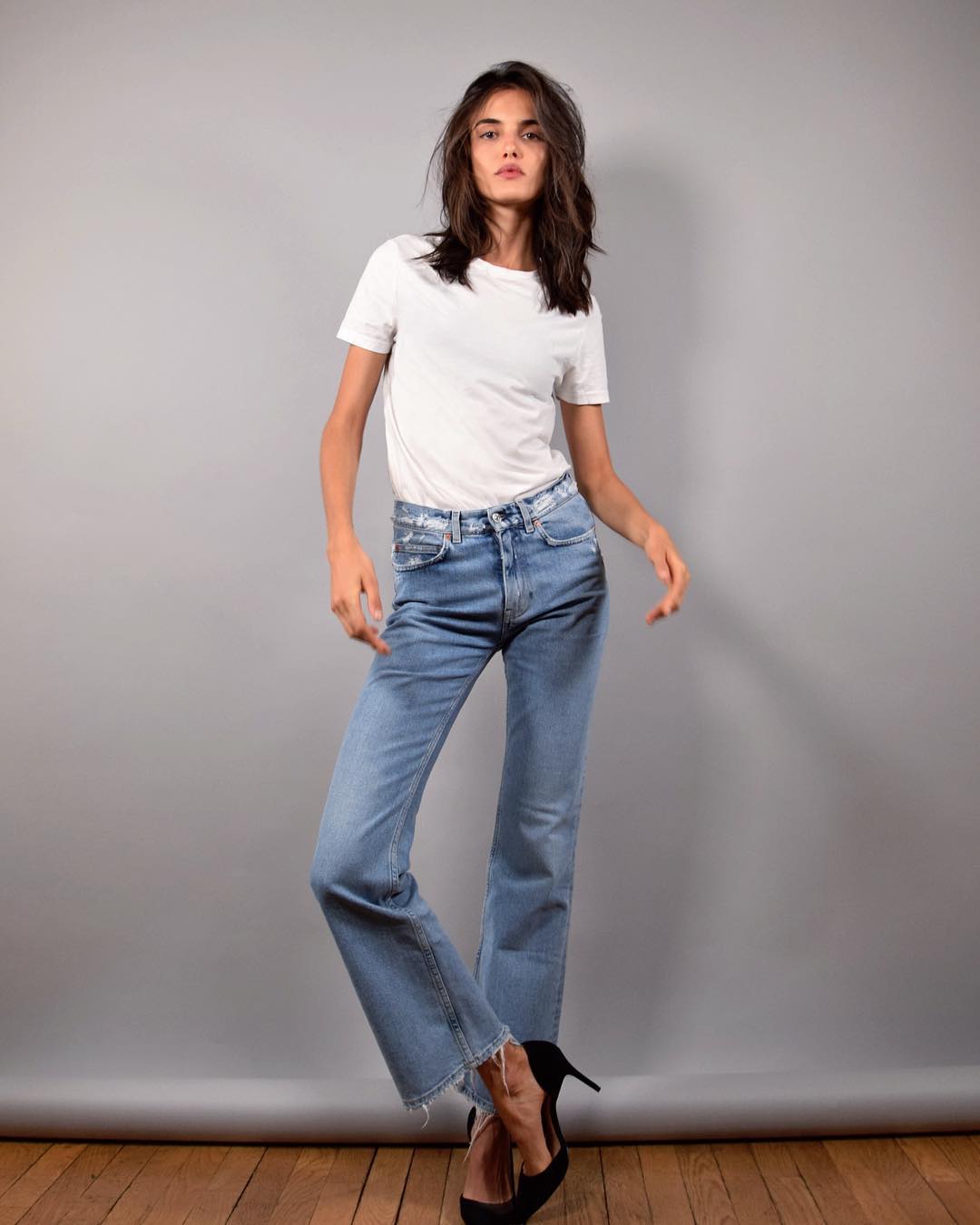
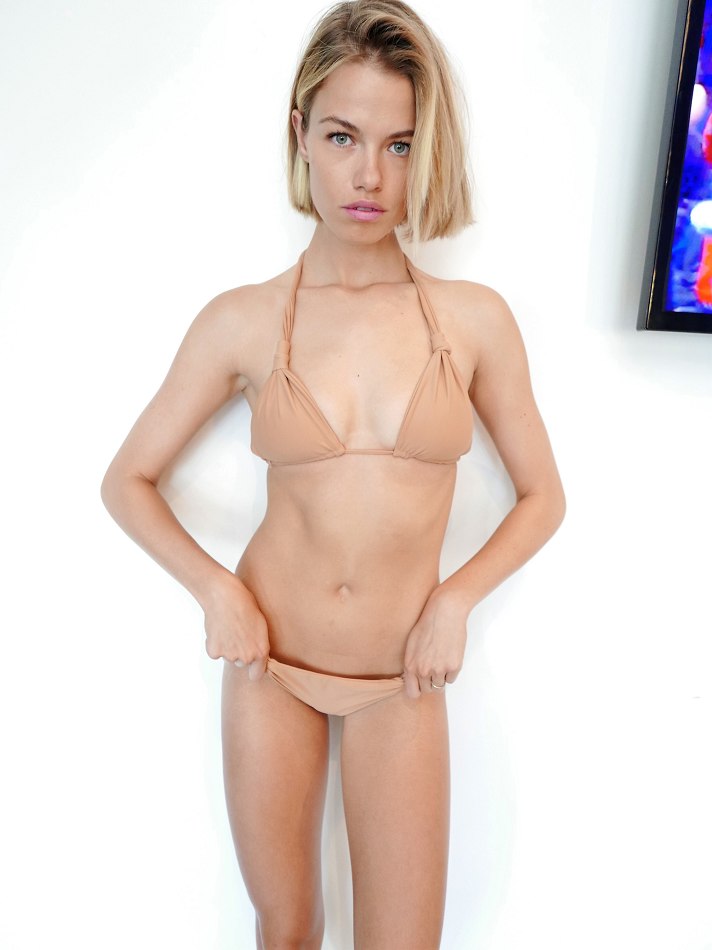
New Polaroids / Digitals
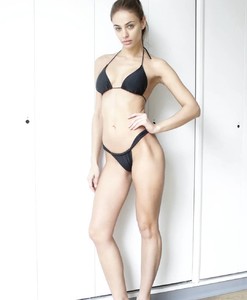 Wonderful ! Thanks a lot @Candylicious. !
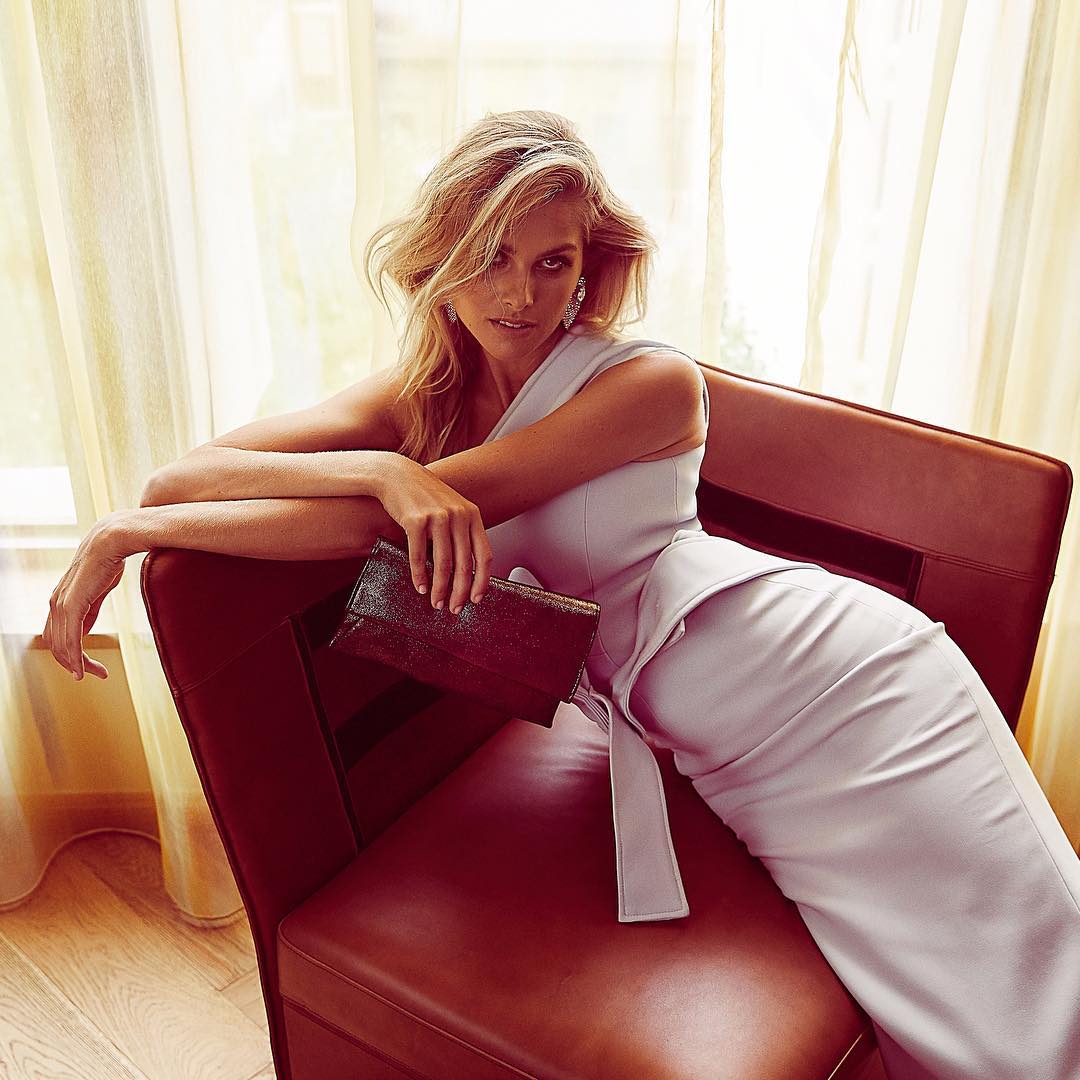
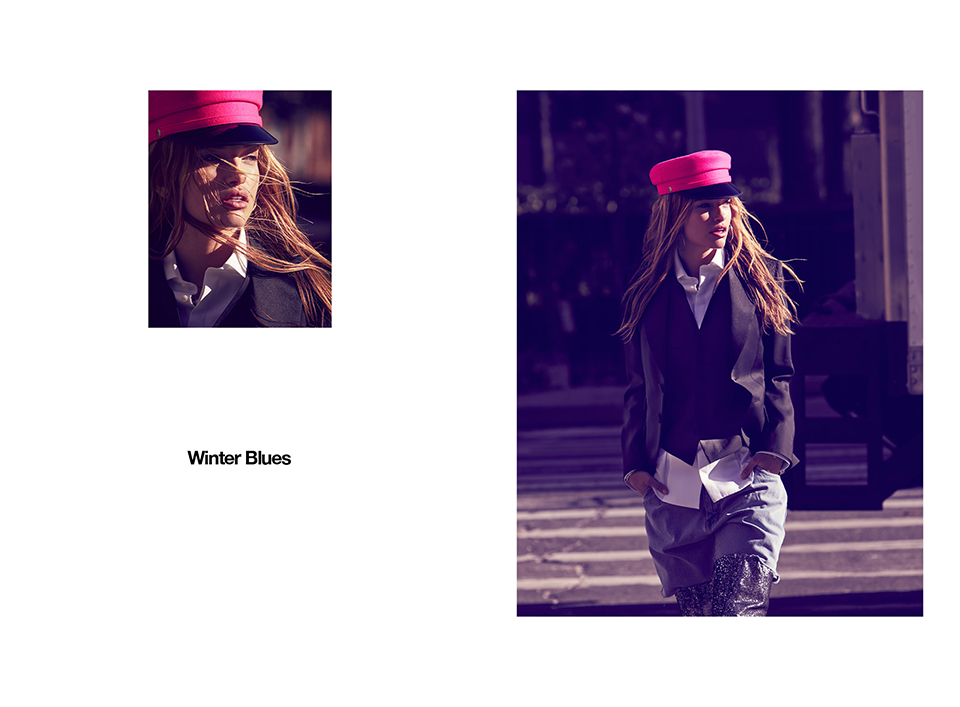
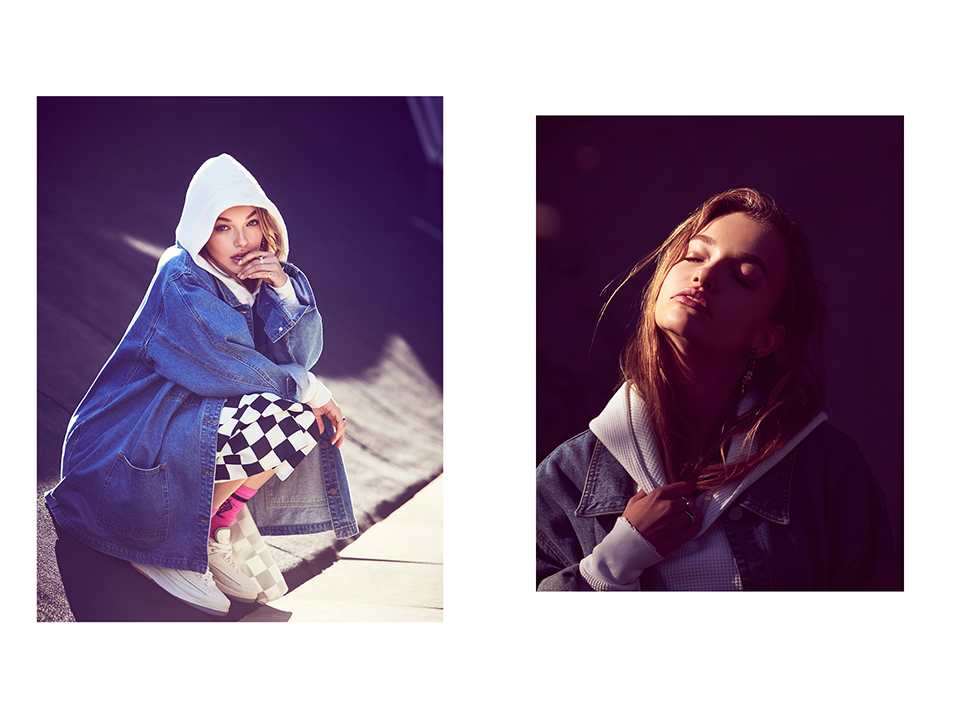
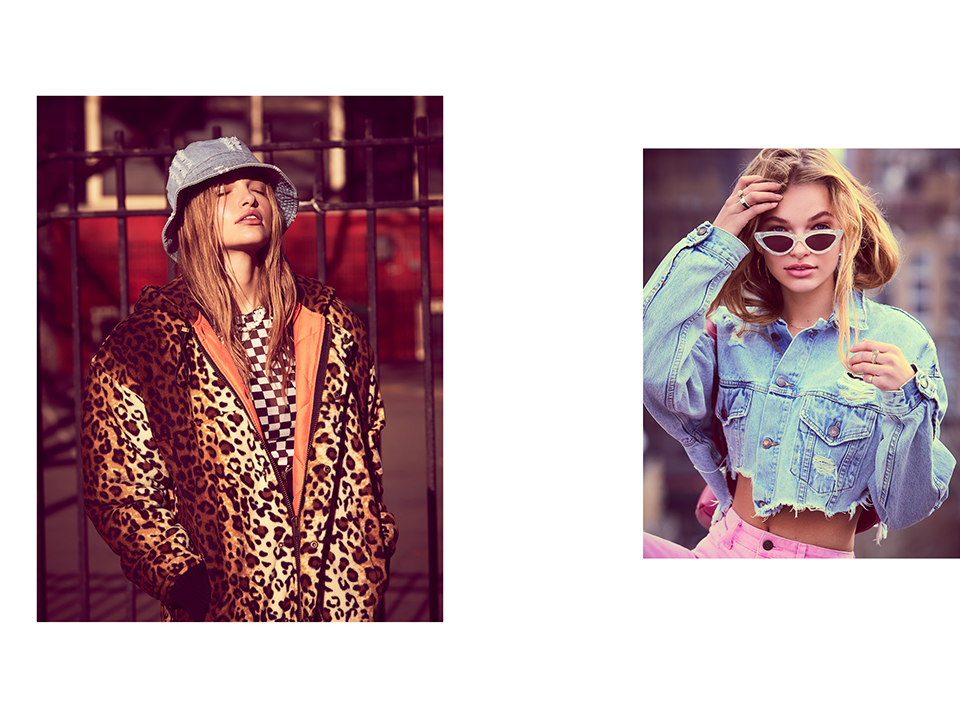
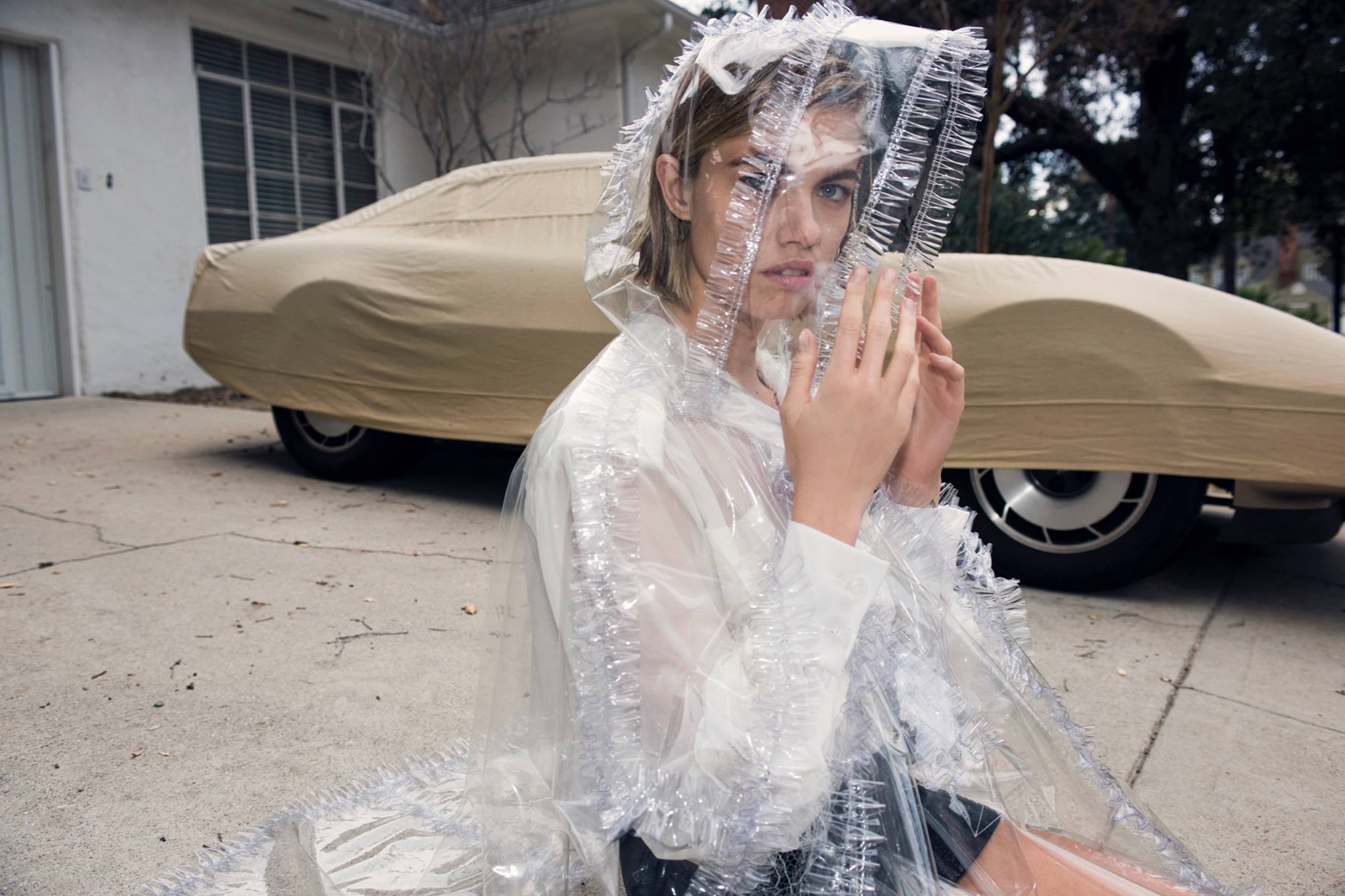
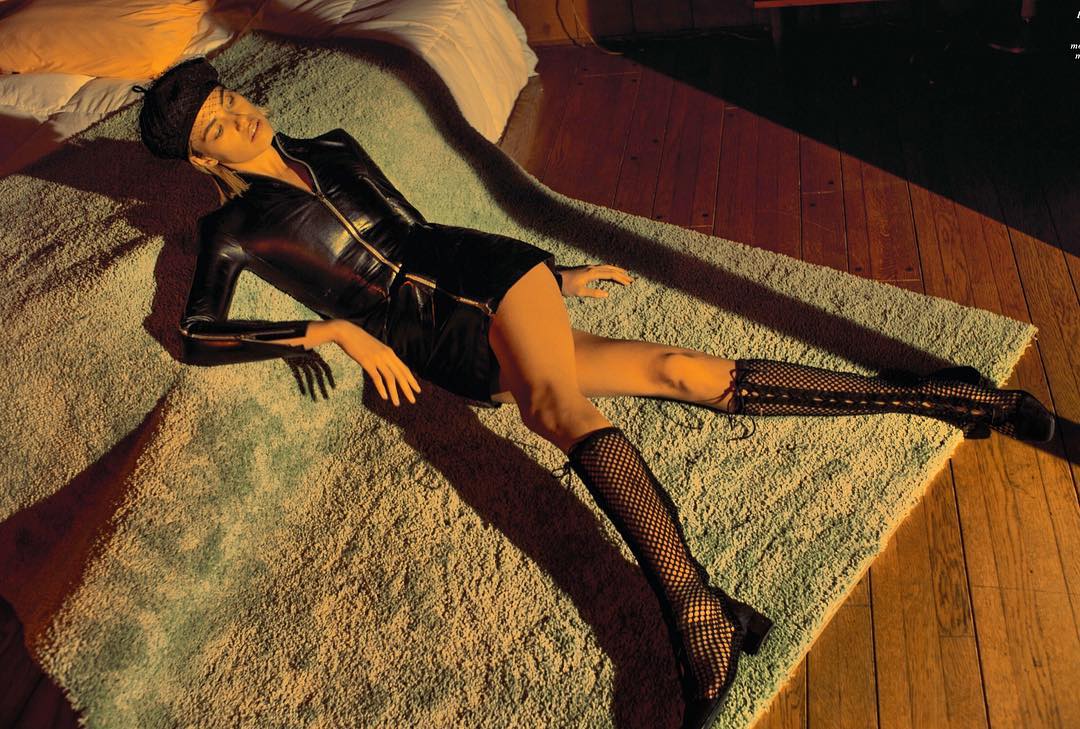
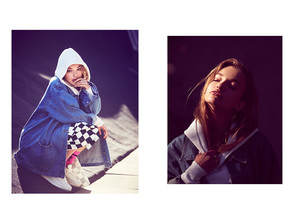
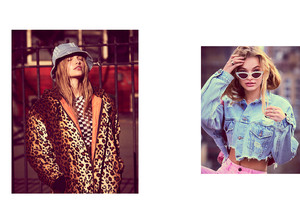
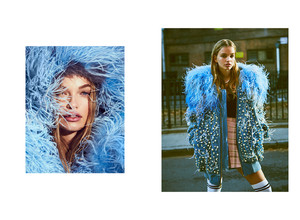
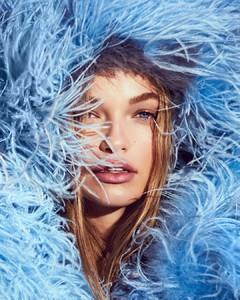
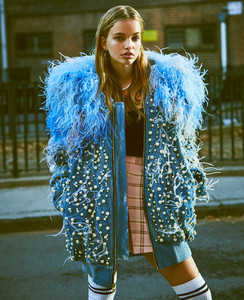
@cakemagazine Kyle Deleu @kyledeleu, Fashion Stylist: Gabriela Langone @xgabriela, Hair Stylist: Erin Tierney @erintierneyartist, Makeup Artist: Brian Dean @lashesandswag, Model: Noor Schauten @noorschauten with Wilhelmina Models NY
Wonderful ! Thanks a lot @Candylicious. !
@cakemagazine Kyle Deleu @kyledeleu, Fashion Stylist: Gabriela Langone @xgabriela, Hair Stylist: Erin Tierney @erintierneyartist, Makeup Artist: Brian Dean @lashesandswag, Model: Noor Schauten @noorschauten with Wilhelmina Models NY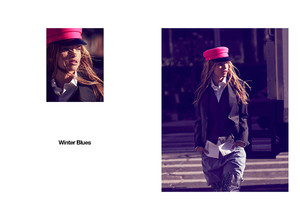


Account
Navigation
Search
Configure browser push notifications
Chrome (Android)
- Tap the lock icon next to the address bar.
- Tap Permissions → Notifications.
- Adjust your preference.
Chrome (Desktop)
- Click the padlock icon in the address bar.
- Select Site settings.
- Find Notifications and adjust your preference.
Safari (iOS 16.4+)
- Ensure the site is installed via Add to Home Screen.
- Open Settings App → Notifications.
- Find your app name and adjust your preference.
Safari (macOS)
- Go to Safari → Preferences.
- Click the Websites tab.
- Select Notifications in the sidebar.
- Find this website and adjust your preference.
Edge (Android)
- Tap the lock icon next to the address bar.
- Tap Permissions.
- Find Notifications and adjust your preference.
Edge (Desktop)
- Click the padlock icon in the address bar.
- Click Permissions for this site.
- Find Notifications and adjust your preference.
Firefox (Android)
- Go to Settings → Site permissions.
- Tap Notifications.
- Find this site in the list and adjust your preference.
Firefox (Desktop)
- Open Firefox Settings.
- Search for Notifications.
- Find this site in the list and adjust your preference.