jj3
Members
-
Joined
Everything posted by jj3
-
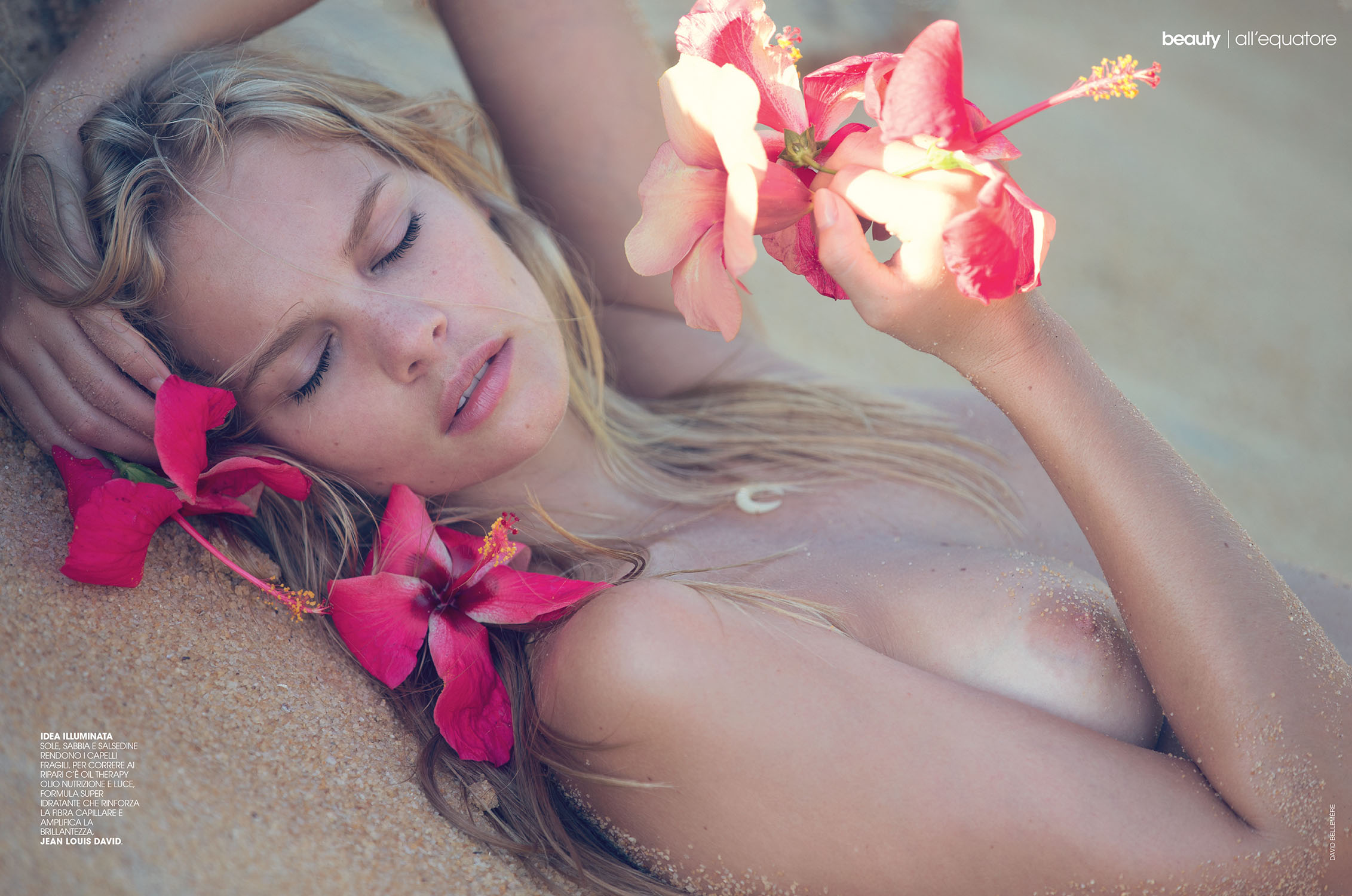
 Marie Claire ITALIA By David Bellemere

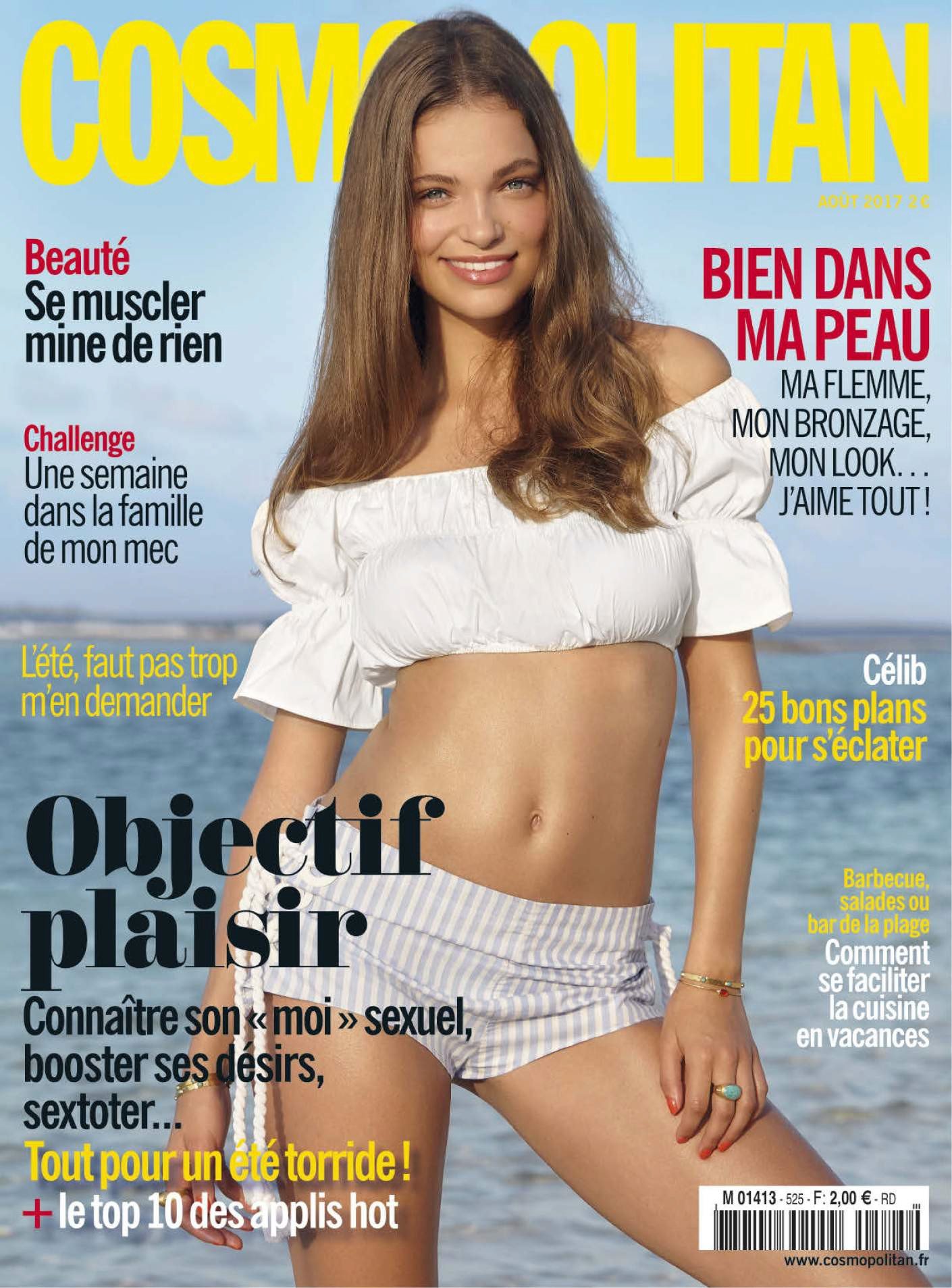
 Cosmopolitan Fance August 2017 by Emmanuelle Lannes

 Polaroids / Digitals
.thumb.jpg.2dc696ee3f41b465ed02792ffea43b83.jpg)
.thumb.jpg.8ec1a35b531fd04706b2c00077795428.jpg)
.thumb.jpg.ba4a964e36e518e80169ba4b7c27cf5c.jpg)
.thumb.jpg.96eb300a610c2d89ffc181406ad9cebb.jpg)
.thumb.jpg.1ec01939e5b62e06261ce625ed4f152a.jpg)
.thumb.jpg.17b0a0e894cdeb9806a000541fe8287e.jpg)
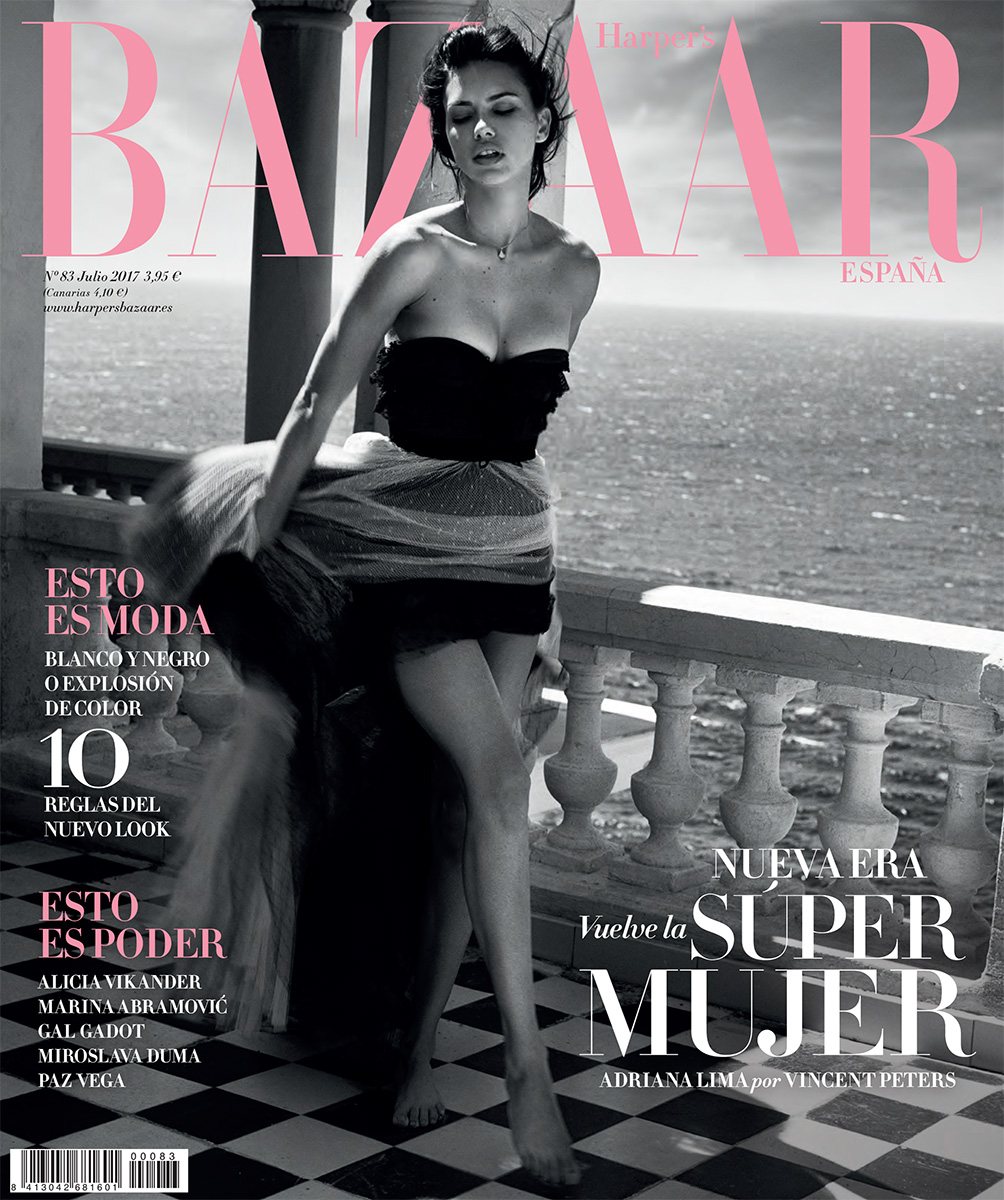
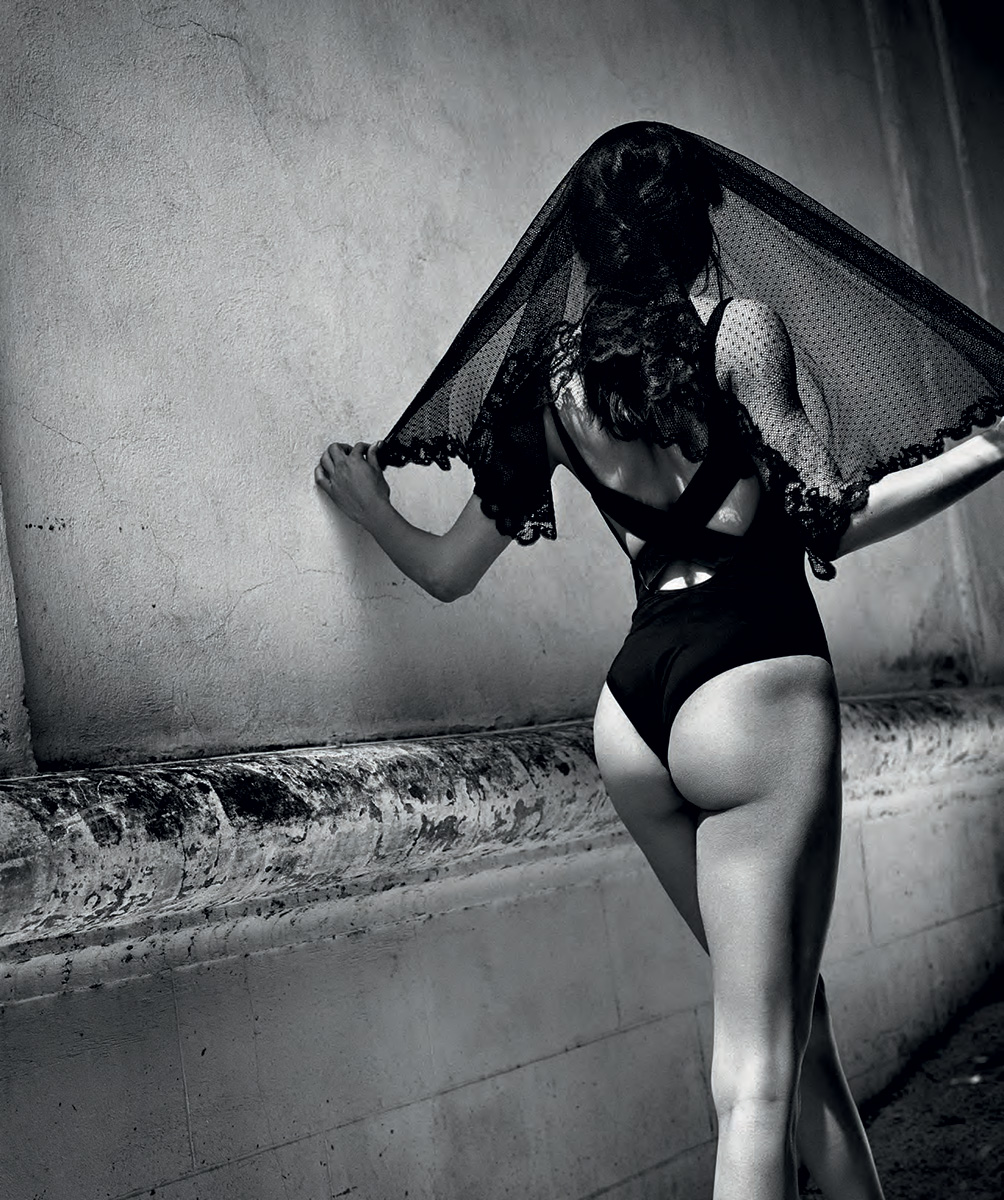
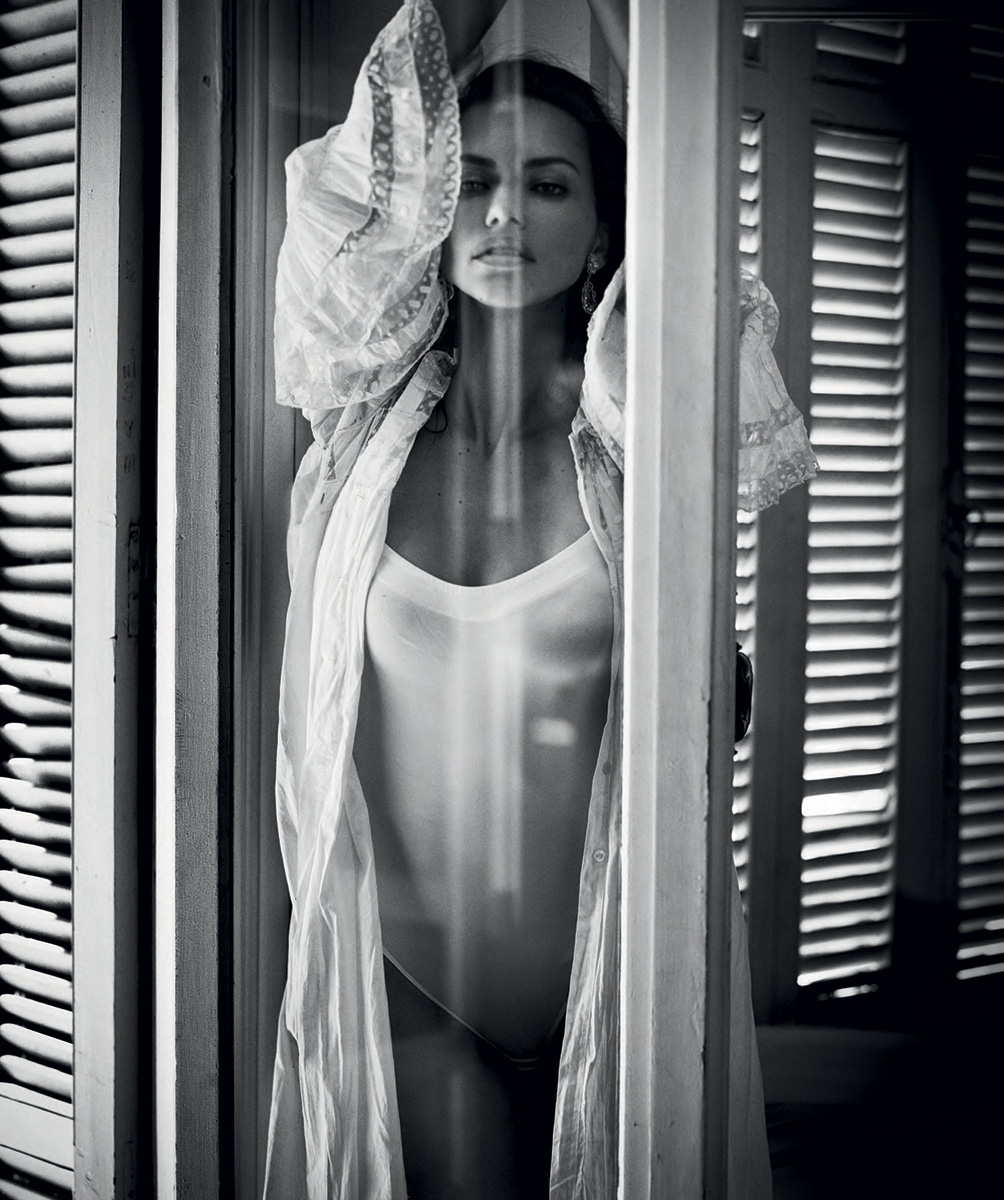
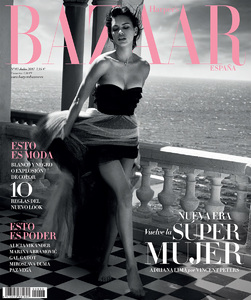
 VINCENT PETERS FOR HARPER’S BAZAAR ESPAÑA /July 2017





















 No news so far ...
And yes, law is law And WTF in the US peeps are allowed to hide their faces in the official pictures ???... When you're so much into "respect", you should start by respecting the laws of the countries where you're travelling.
I agree ! I just read it ... "READ IT" and i was impressed, MUUUCH better than LUI or anything else.
@lovenookie by @shotbybryce
No news so far ...
And yes, law is law And WTF in the US peeps are allowed to hide their faces in the official pictures ???... When you're so much into "respect", you should start by respecting the laws of the countries where you're travelling.
I agree ! I just read it ... "READ IT" and i was impressed, MUUUCH better than LUI or anything else.
@lovenookie by @shotbybryce
 PHILIPP PLEIN MENSWEAR SPRING SUMMER 2018 MILAN
 >> Marie Claire Italia sur Instagram Mood of the day☀️? #MCSho.mp4
Account
Search
Configure browser push notifications
Chrome (Android)
- Tap the lock icon next to the address bar.
- Tap Permissions → Notifications.
- Adjust your preference.
Chrome (Desktop)
- Click the padlock icon in the address bar.
- Select Site settings.
- Find Notifications and adjust your preference.
Safari (iOS 16.4+)
- Ensure the site is installed via Add to Home Screen.
- Open Settings App → Notifications.
- Find your app name and adjust your preference.
Safari (macOS)
- Go to Safari → Preferences.
- Click the Websites tab.
- Select Notifications in the sidebar.
- Find this website and adjust your preference.
Edge (Android)
- Tap the lock icon next to the address bar.
- Tap Permissions.
- Find Notifications and adjust your preference.
Edge (Desktop)
- Click the padlock icon in the address bar.
- Click Permissions for this site.
- Find Notifications and adjust your preference.
Firefox (Android)
- Go to Settings → Site permissions.
- Tap Notifications.
- Find this site in the list and adjust your preference.
Firefox (Desktop)
- Open Firefox Settings.
- Search for Notifications.
- Find this site in the list and adjust your preference.



















.jpg.575649285641165a99dfbd4b3819d795.jpg)
.jpg.dfeee243d424b905120af8deeb5f682c.jpg)
.jpg.ae962e364af7fd26f7989744073e98b7.jpg)
.jpg.394afcce0491e288b2cb60351a39d8e4.jpg)
.jpg.695b30c4d6cfe5e215741edbedd1ea80.jpg)
.jpg.66506e7df60c9b9e784922d987acabdb.jpg)