jj3
Members
-
Joined
Everything posted by jj3
-
 Nevermind, i hate you now, that's all. Plus, i got it too :
 How you know that ?
Bad way, i mean, look at her face ... I never ever got why she was so loved. Was it really genuine at least ? Or just one of these "beautiful" stories all made by the mediatic system, to sell books and make big audiences on tv ... Not sure. The Queen got my admiration since the beginning at the oposite, i have to say. She got the bad role in that story, for the medias, but in real, she received from the destiny the hard role. It was way worse to become the Queen in such a young age like she was, than to become a lil princess, without real importance. Let's face it, Diana wanted to become prncess, no one forced her. But then, she adopted that victime position, to win more importance, and attention, because imo, yeah, she was a big attention whore.
41°C tomorrow ... more than 2 months above 30°C, straight !
IDK if Diana Spencer was ugly or not, but she looked damn crazy
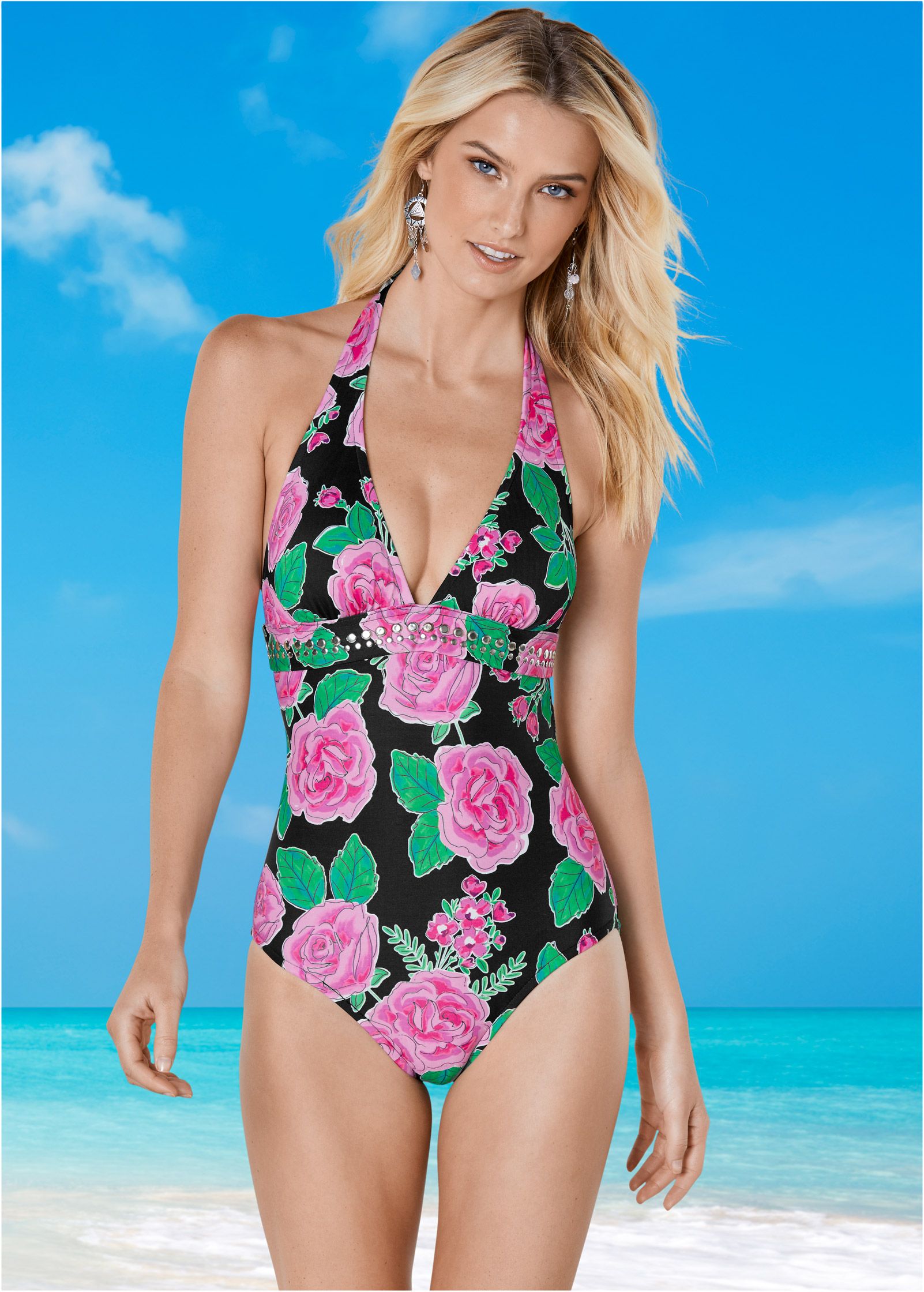
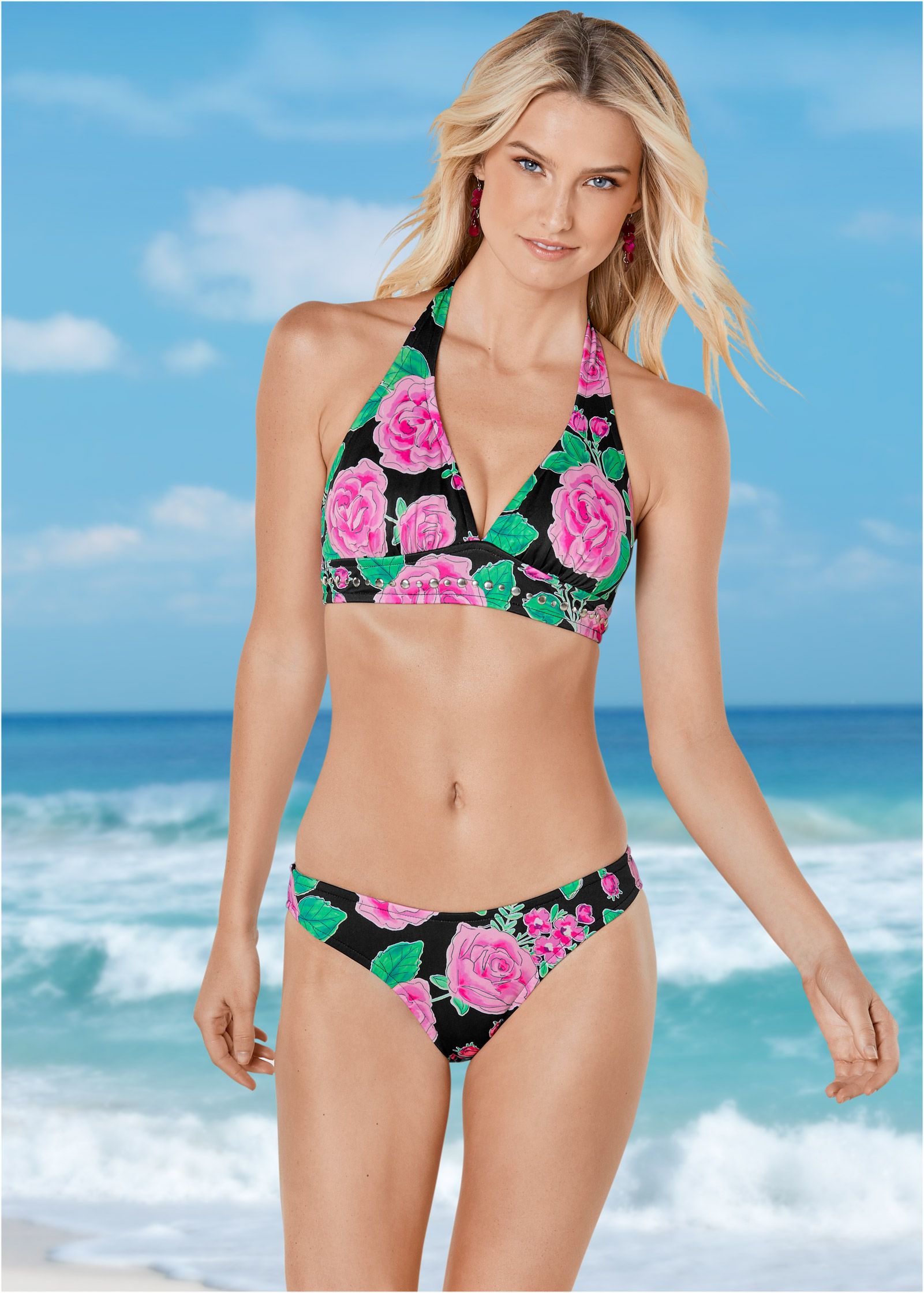
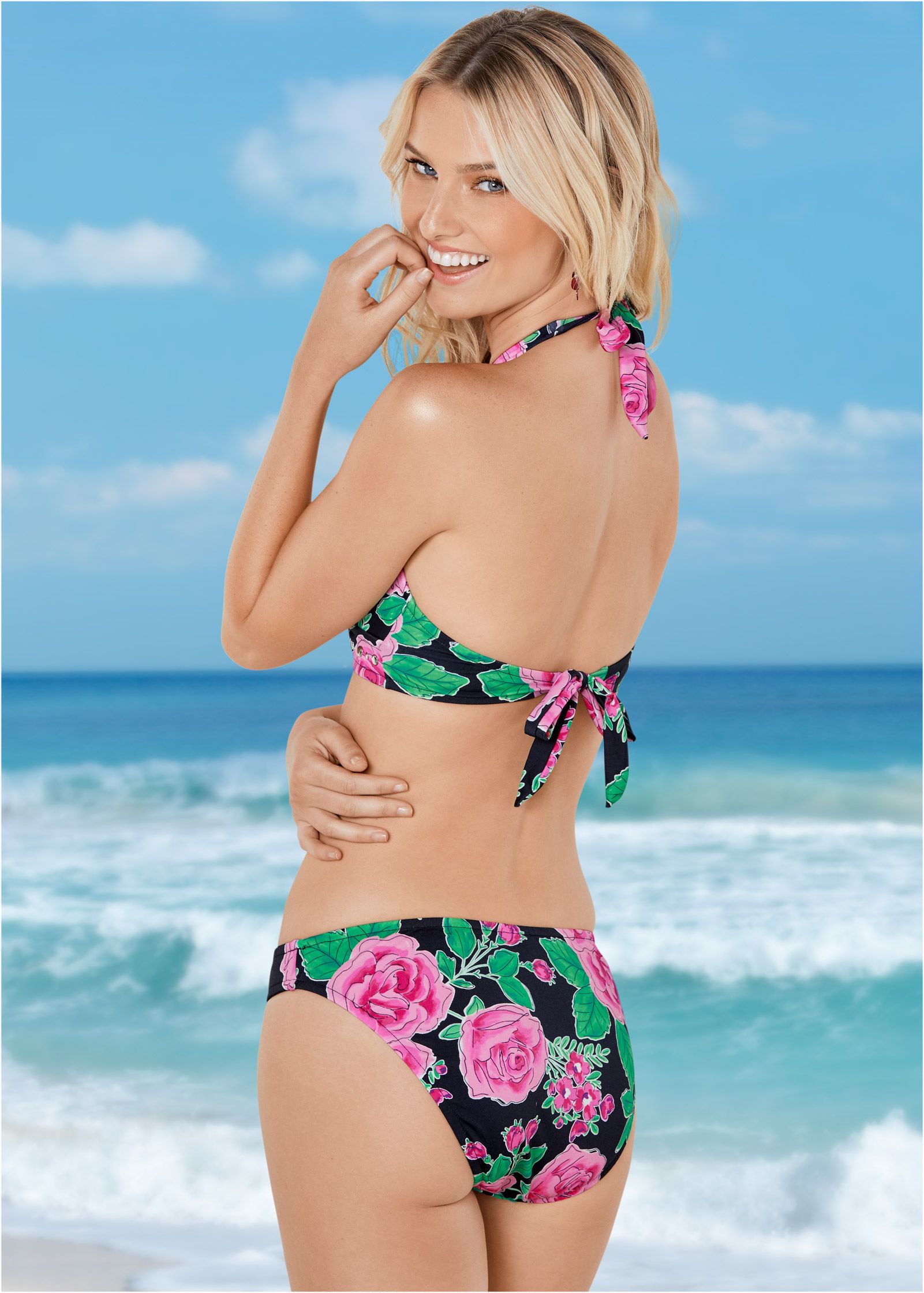
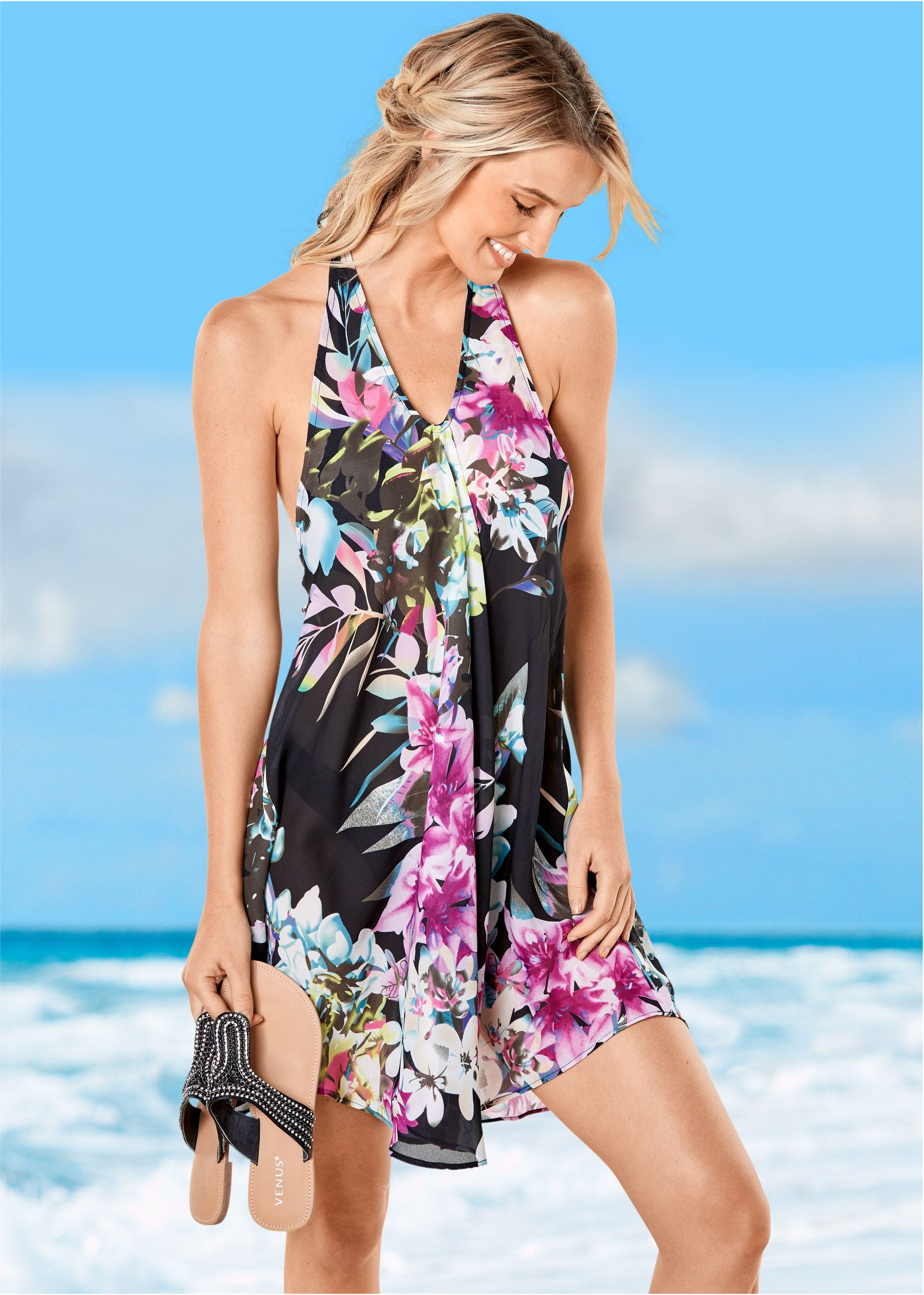
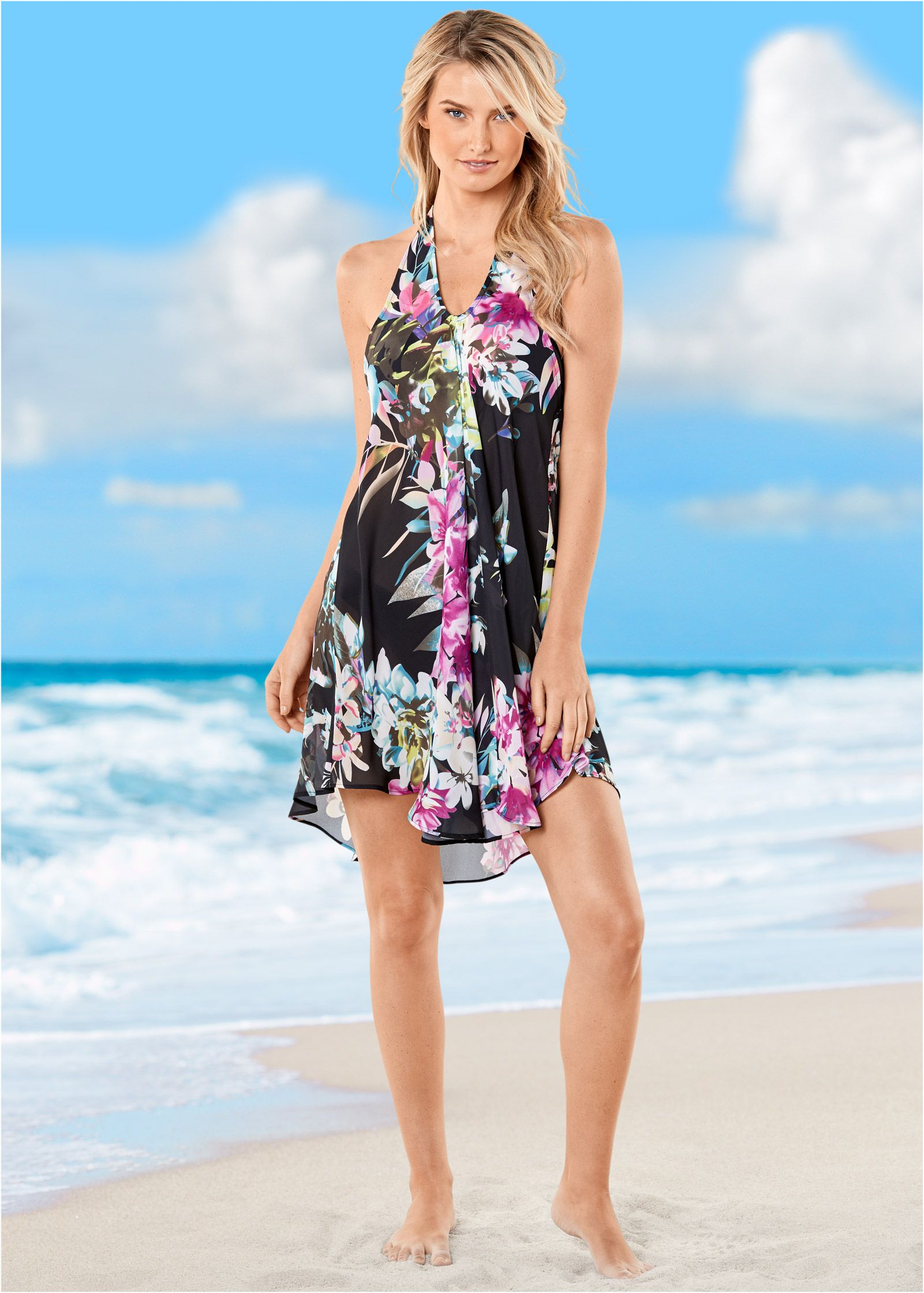
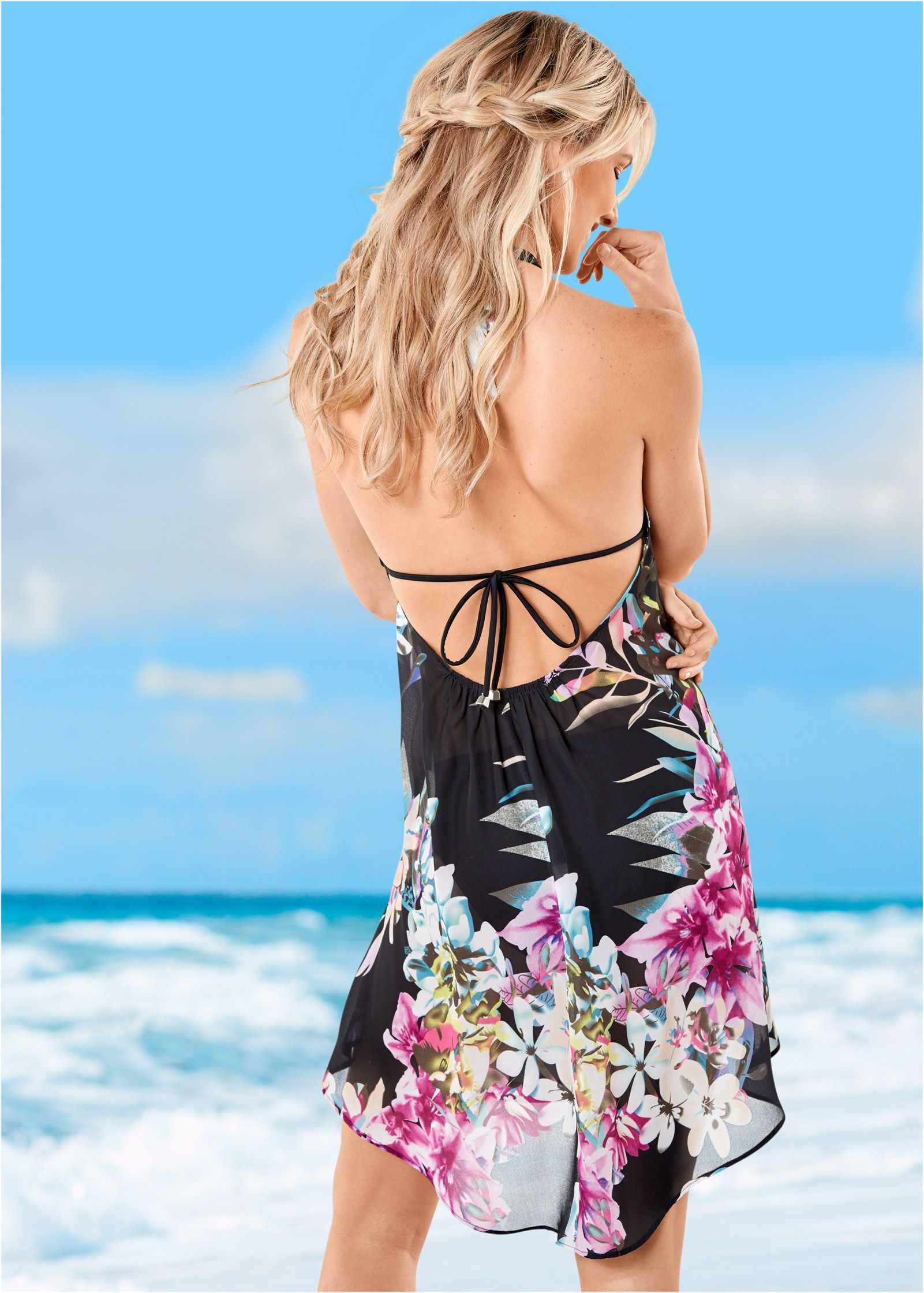
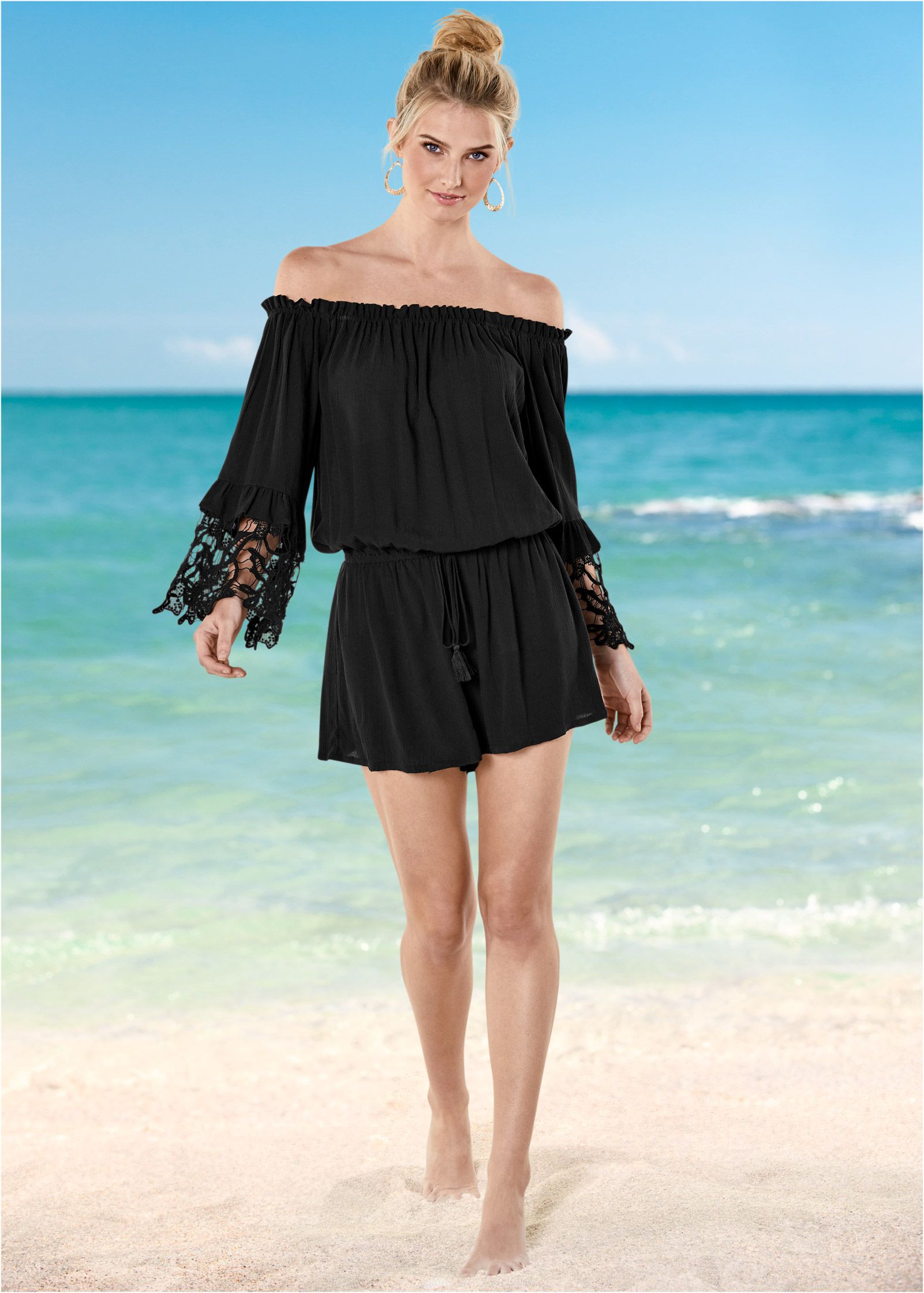
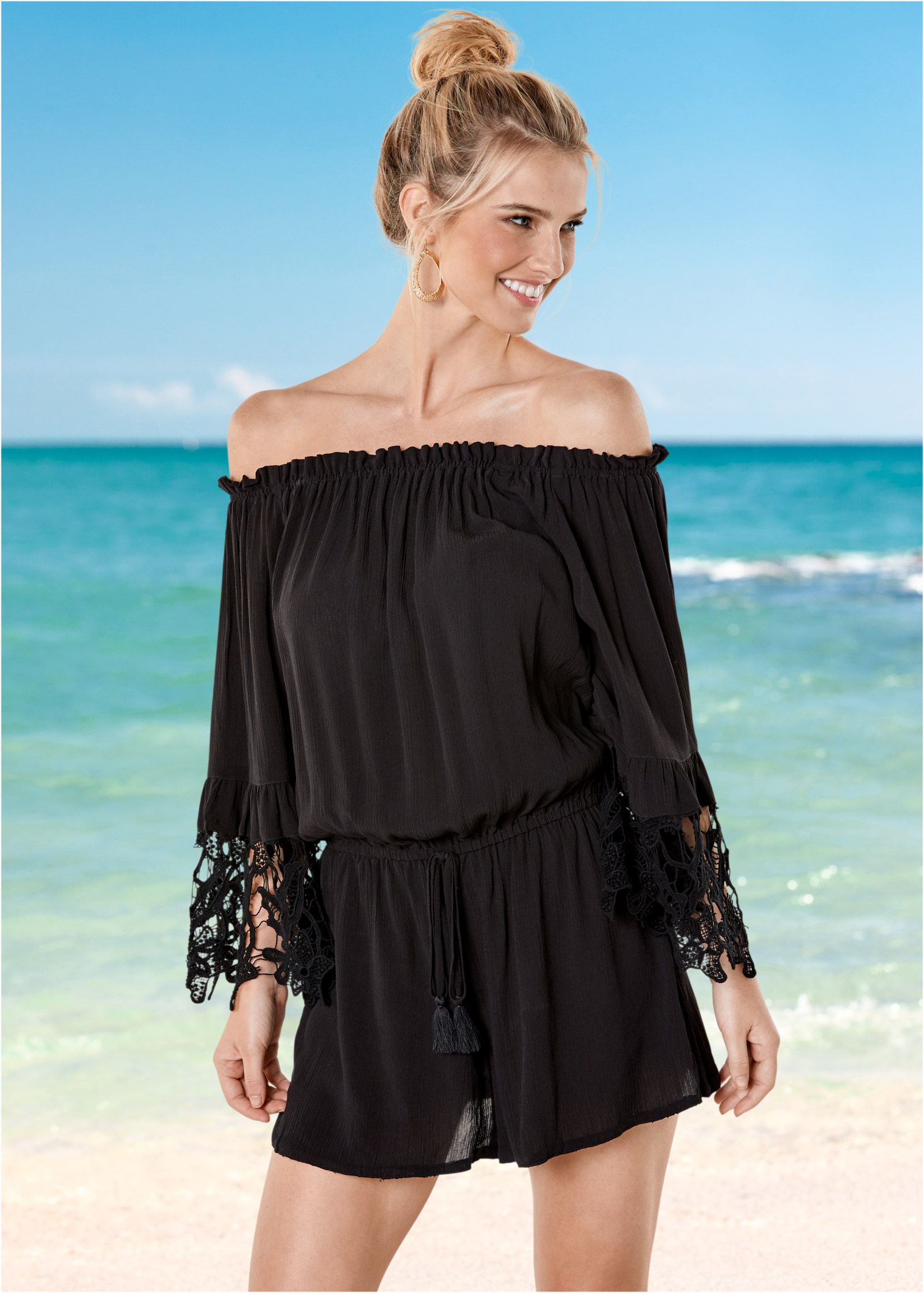
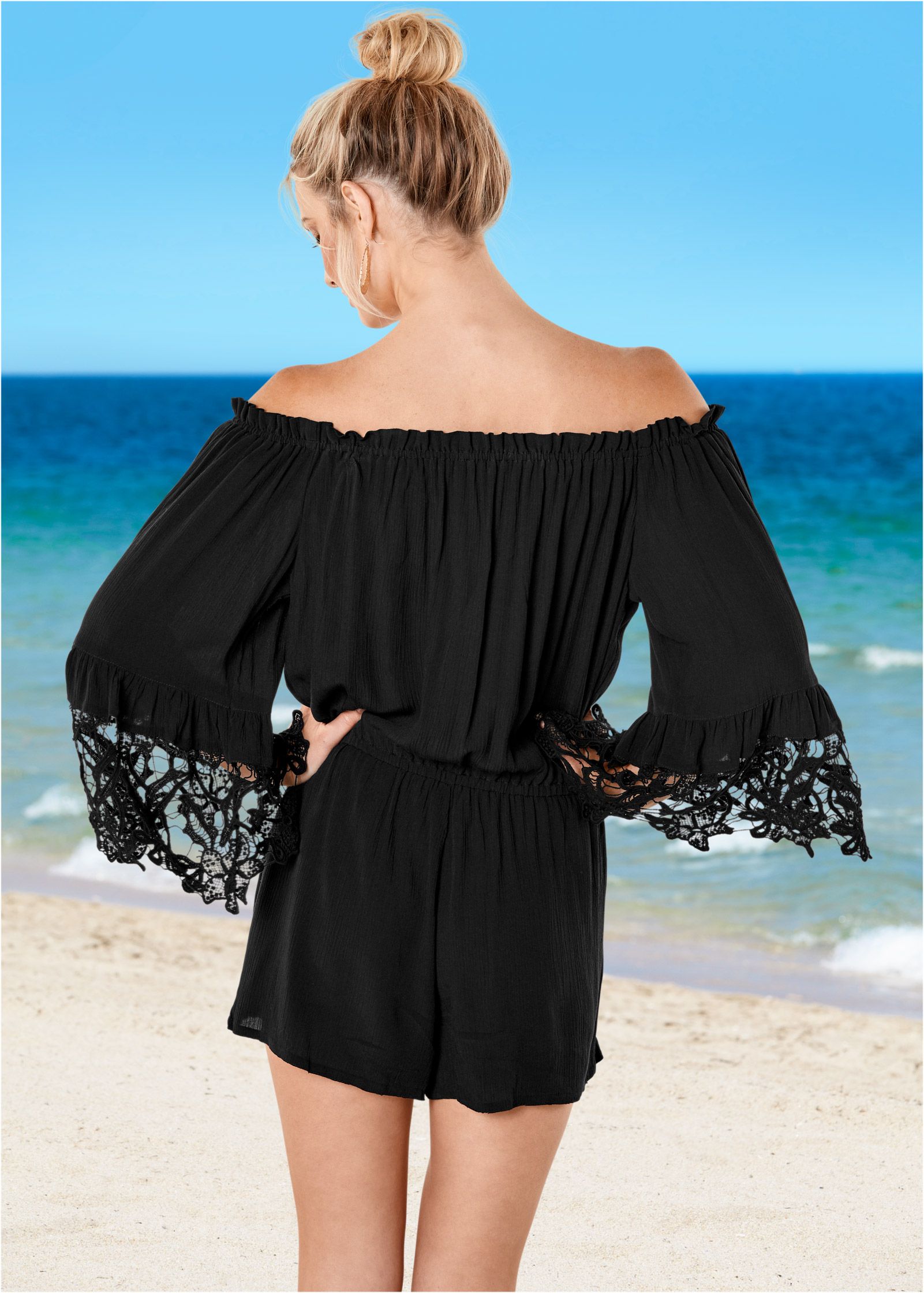
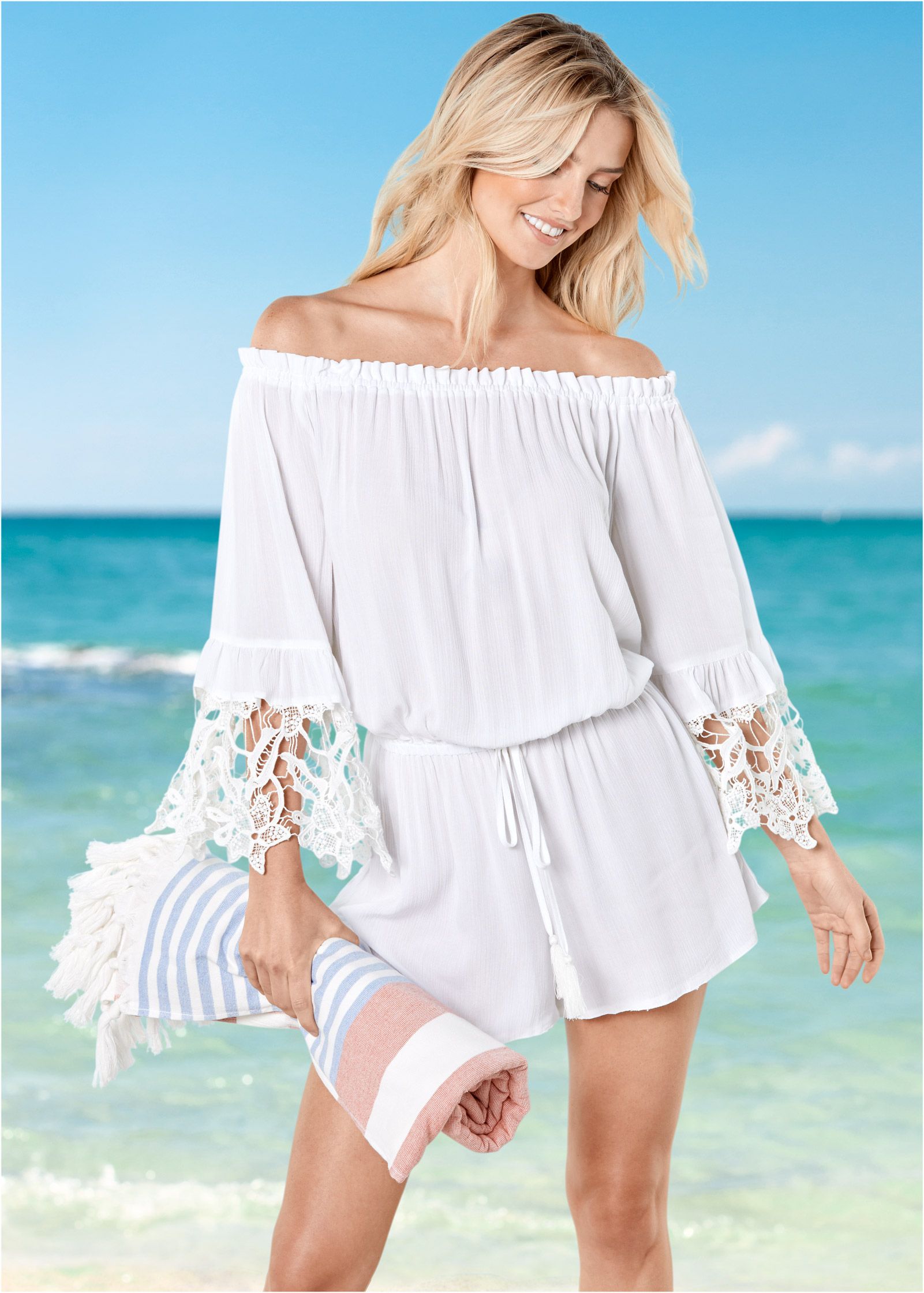
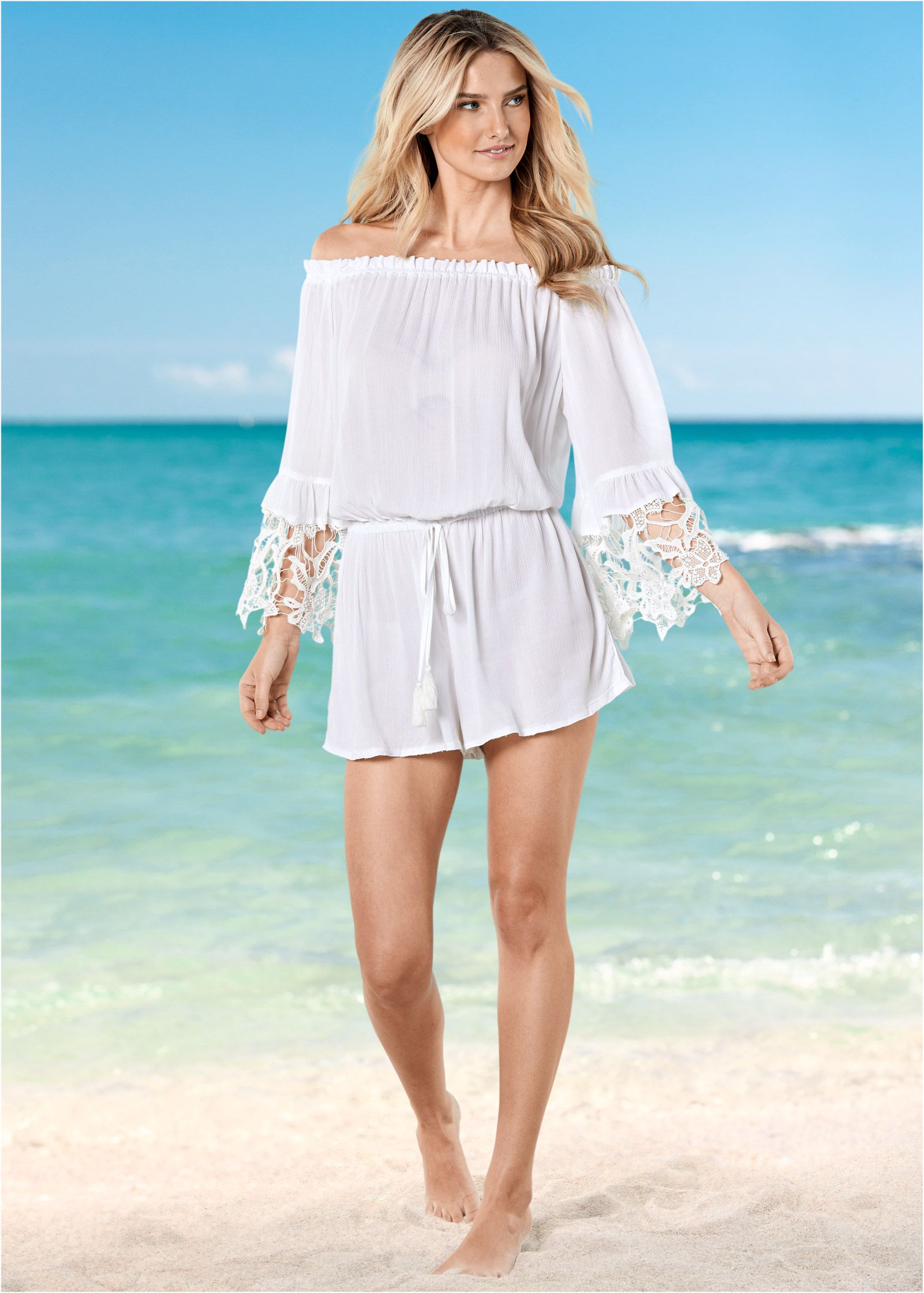
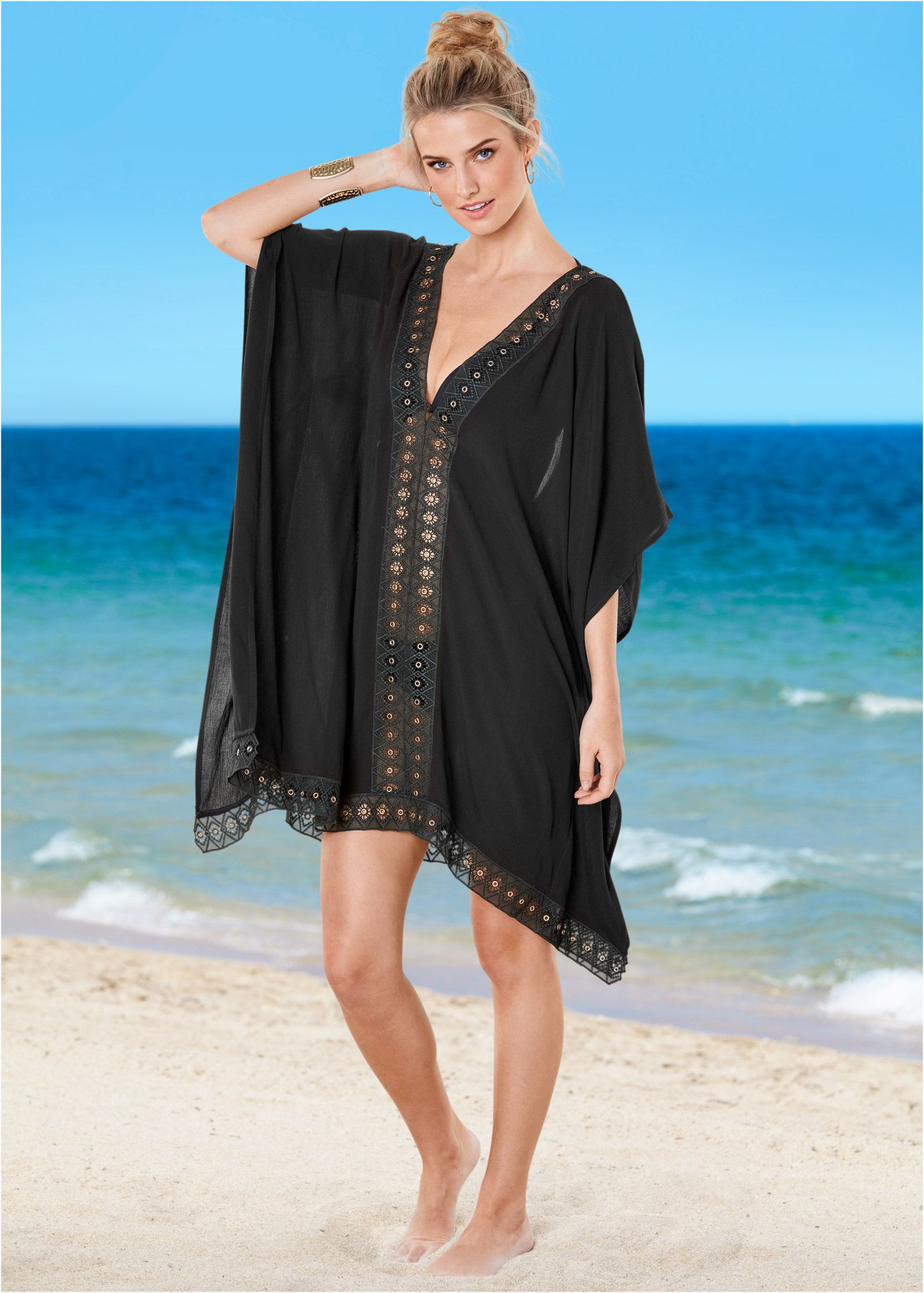
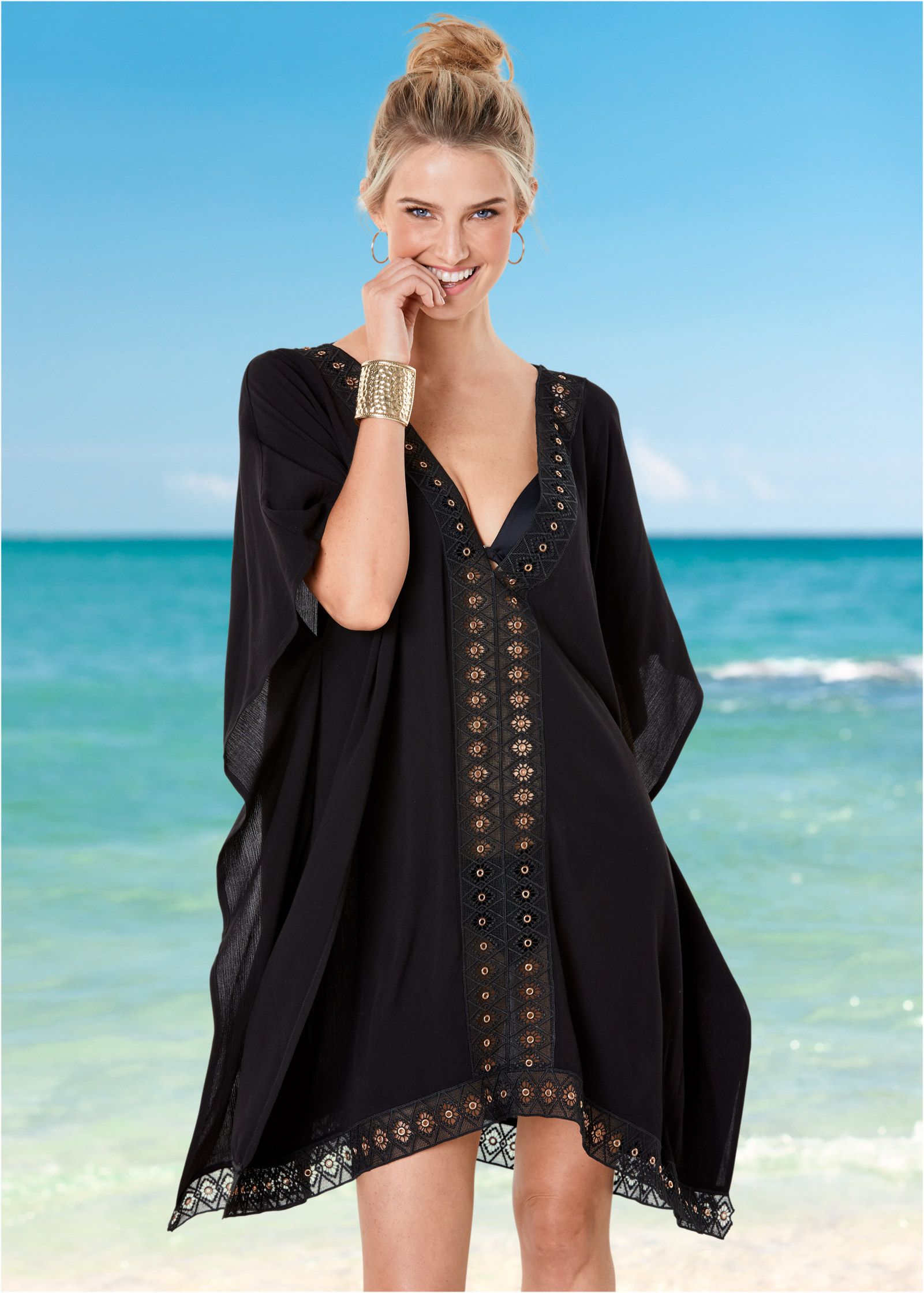
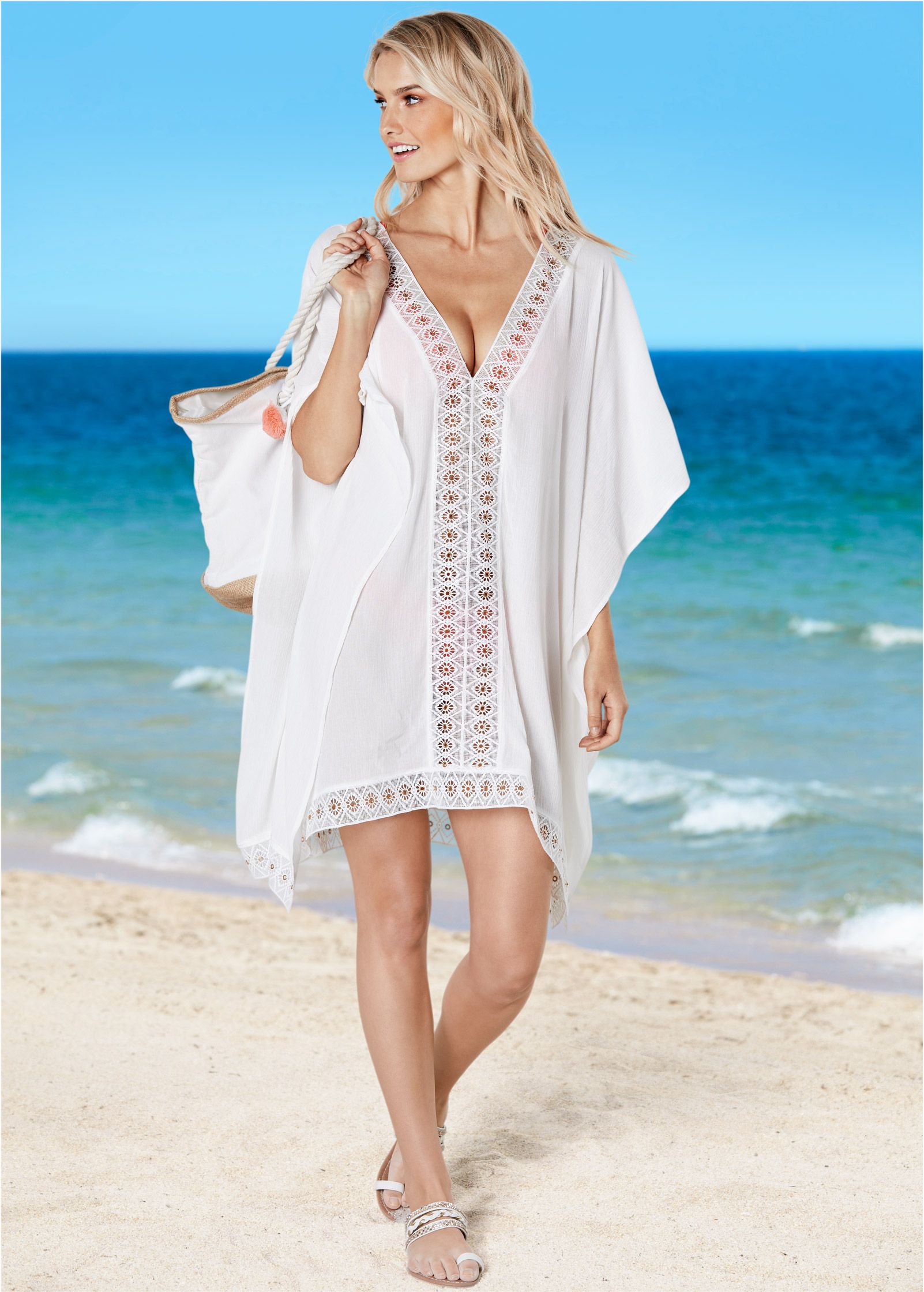
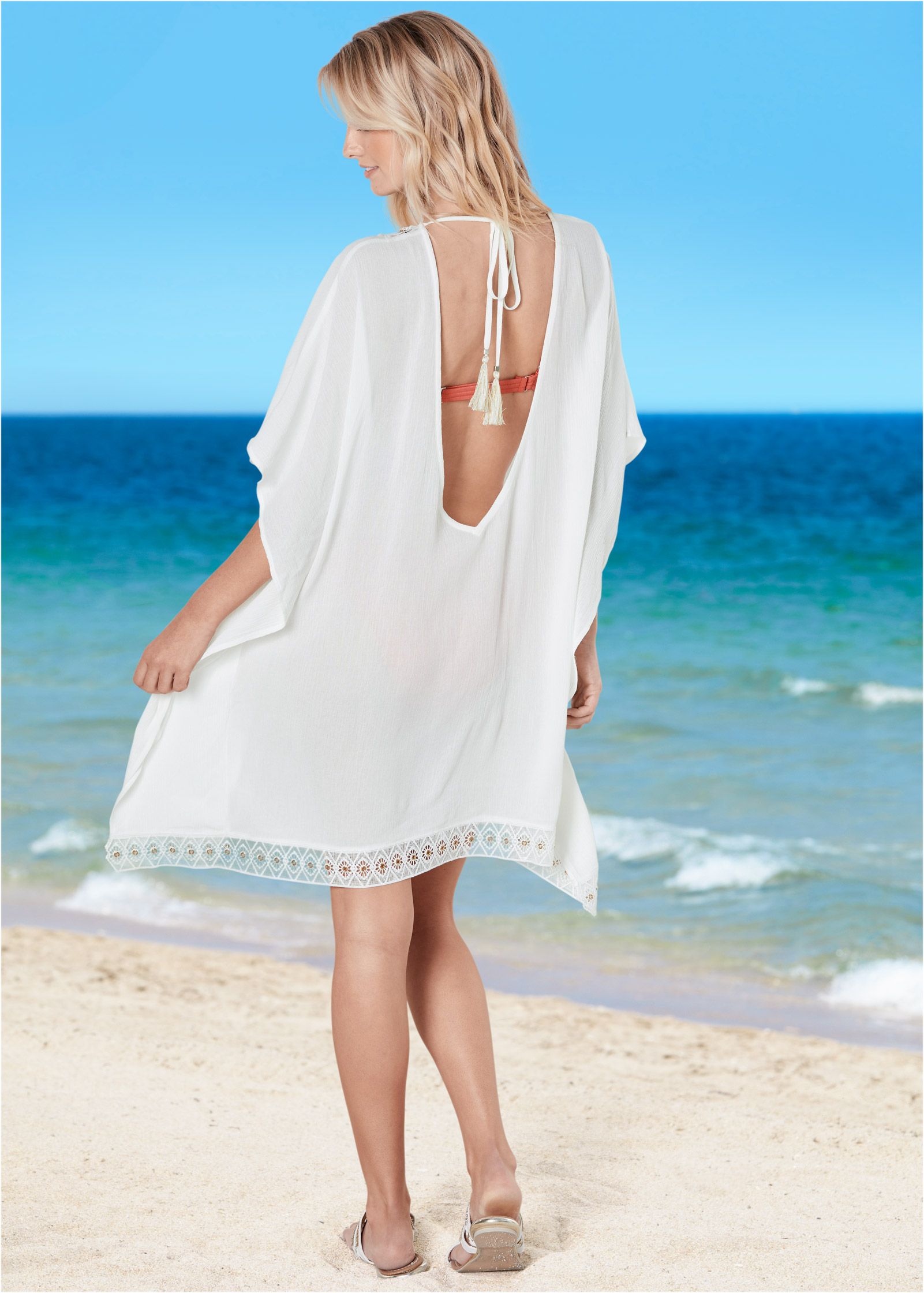
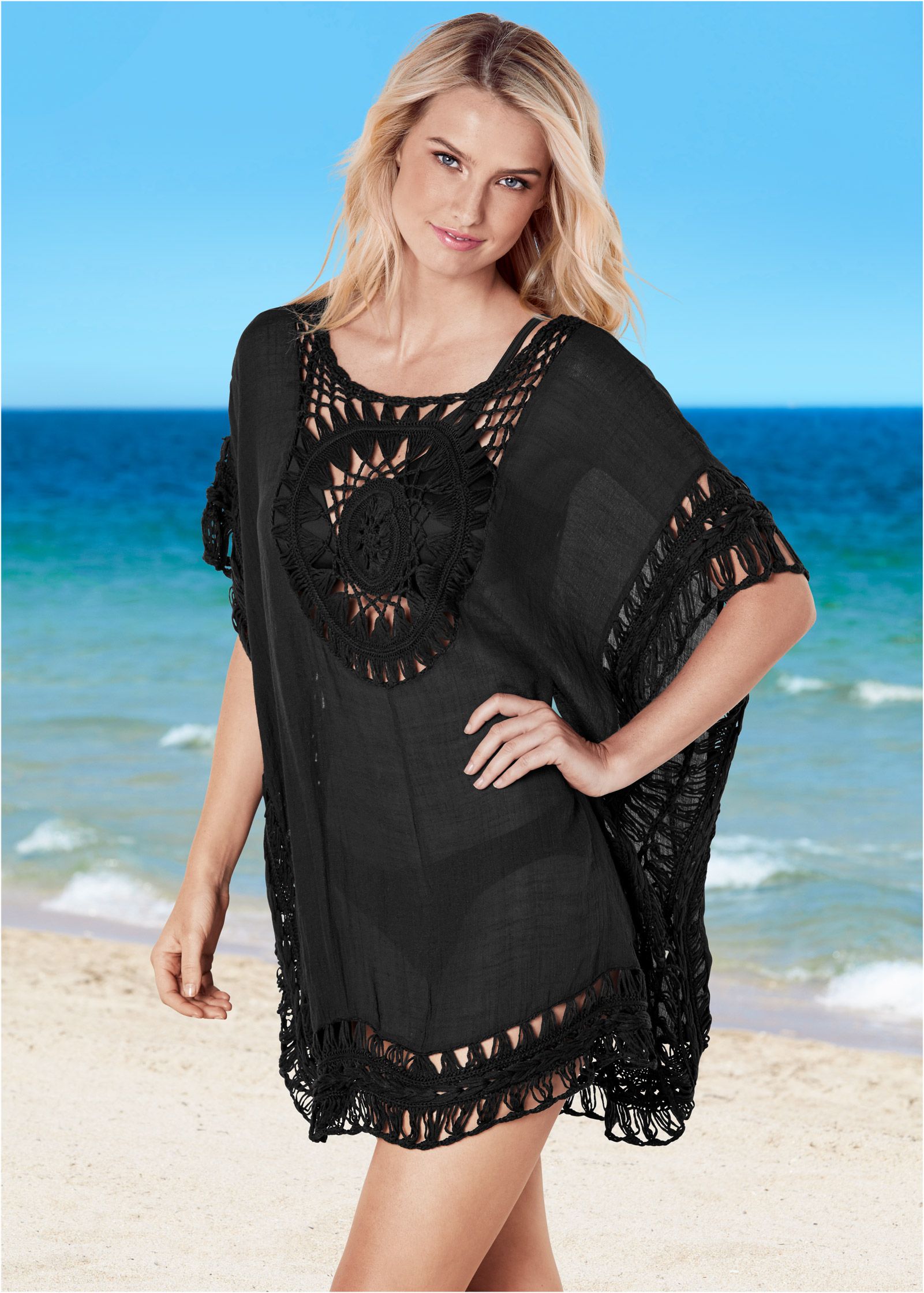
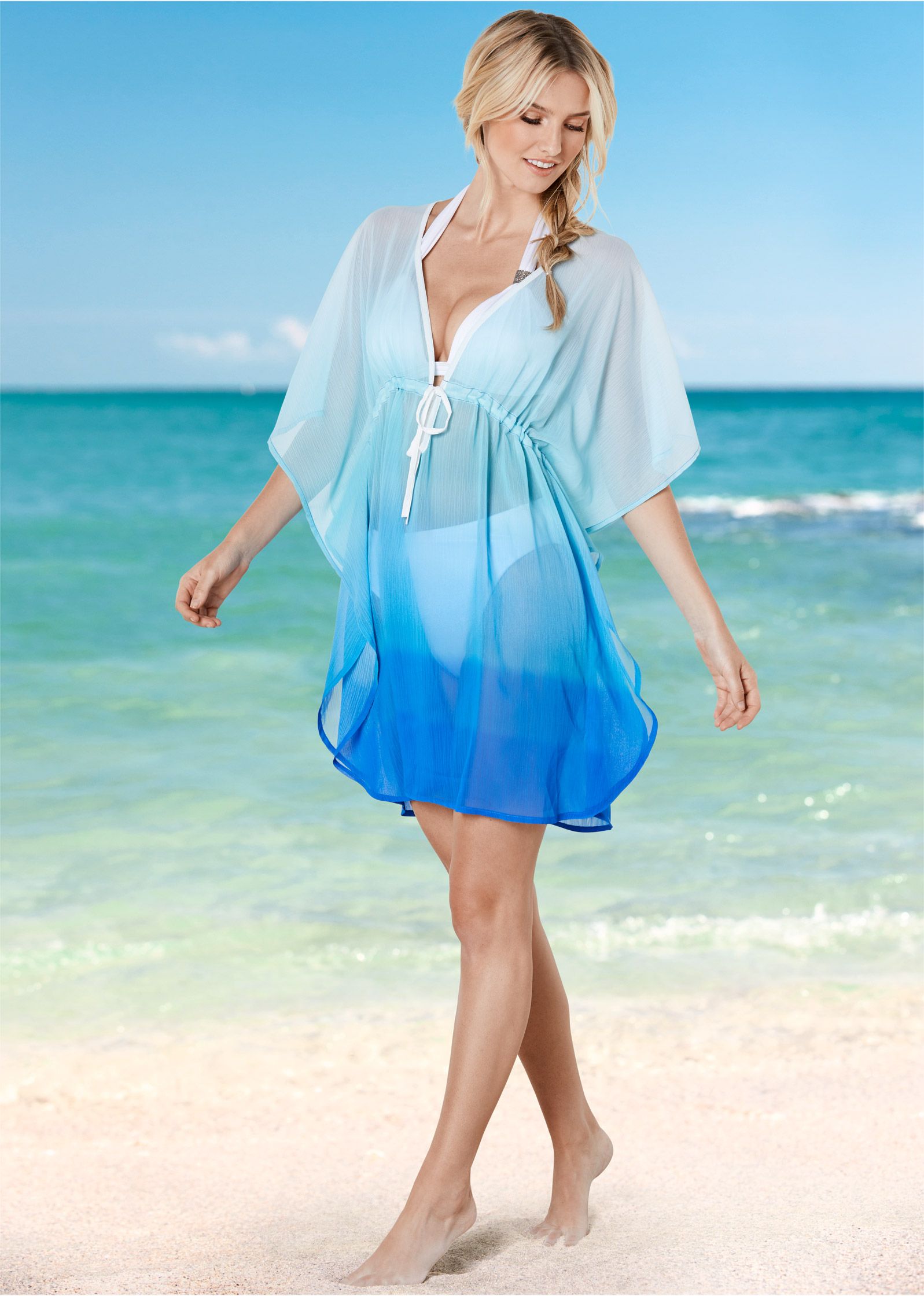
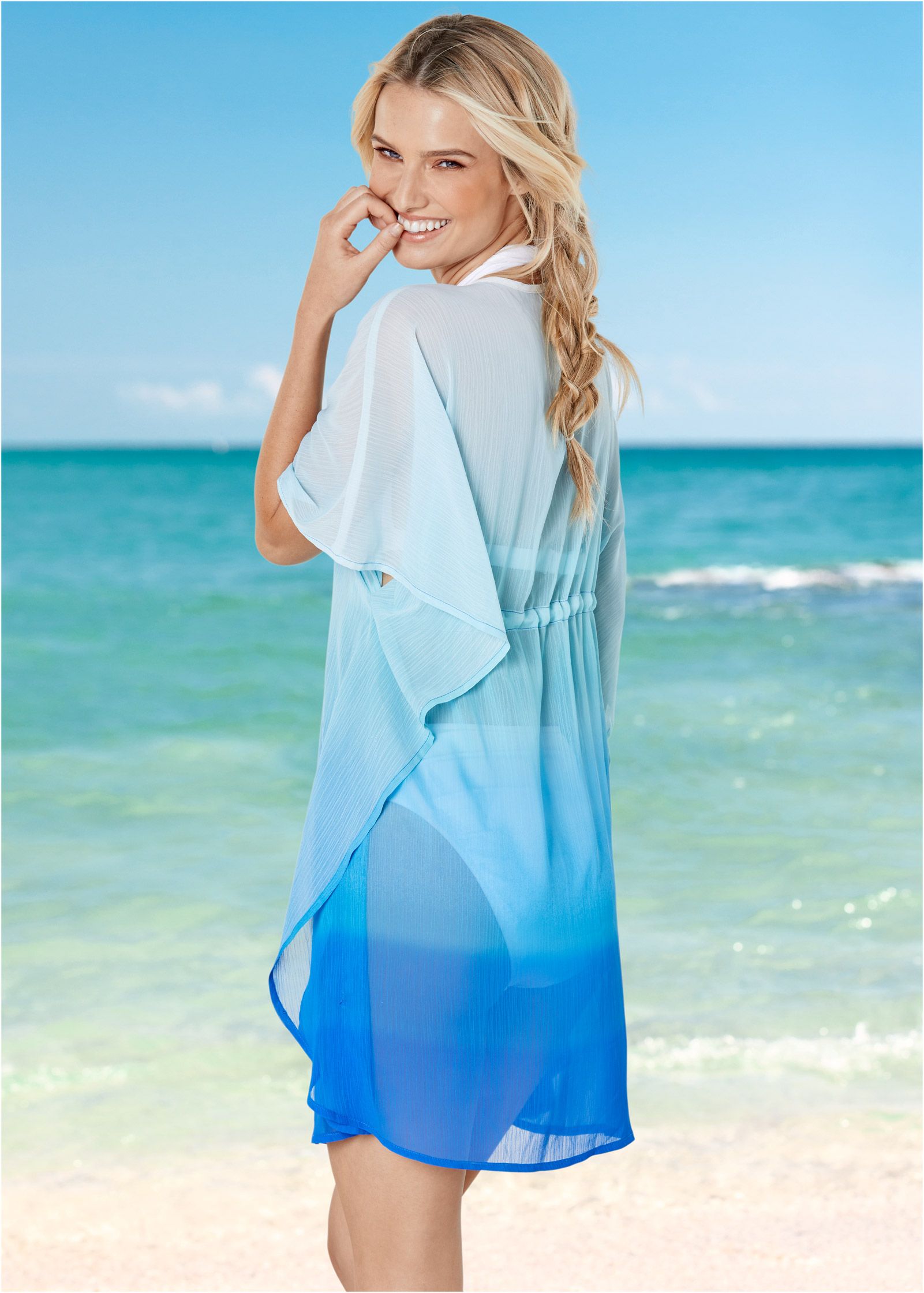
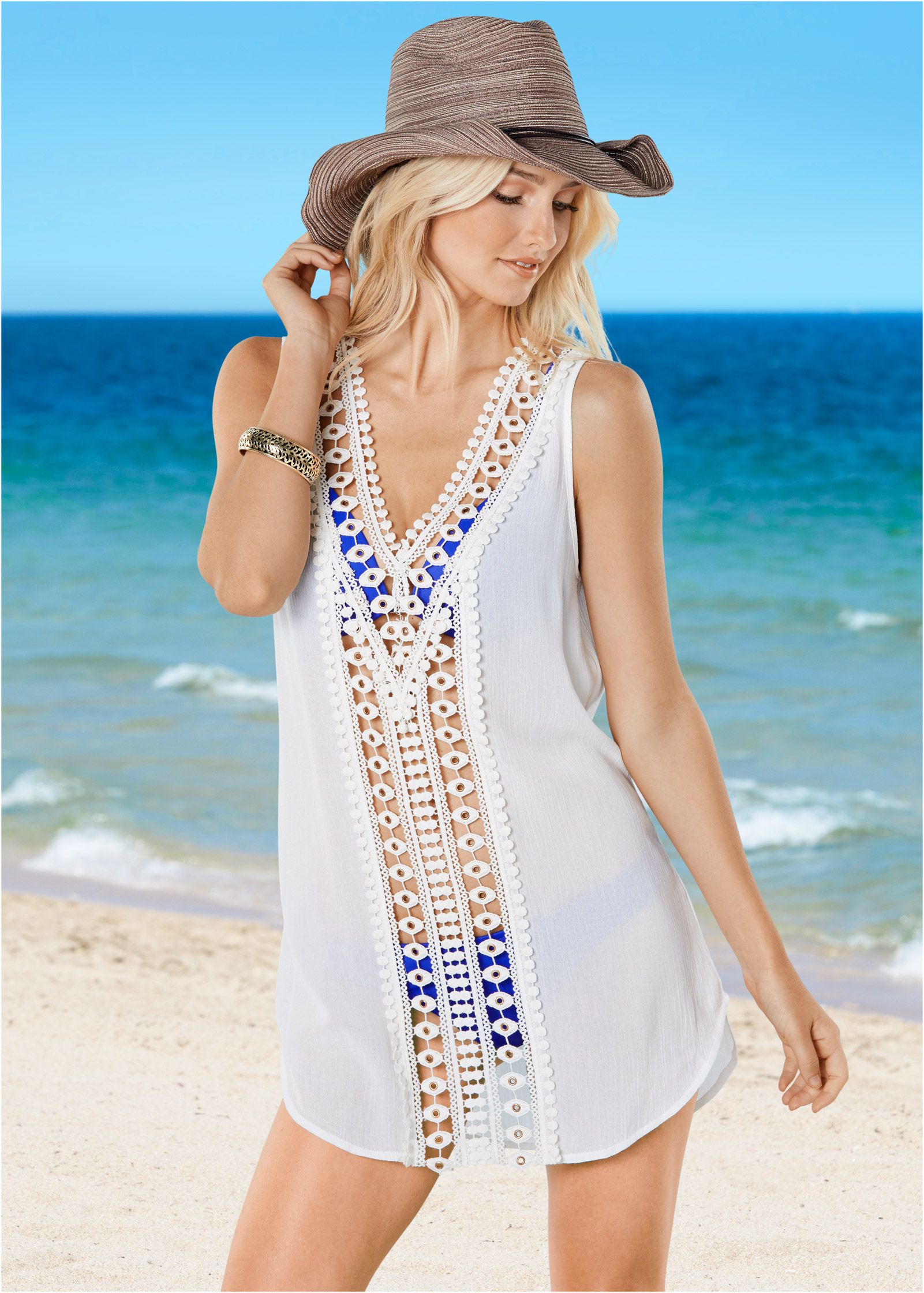
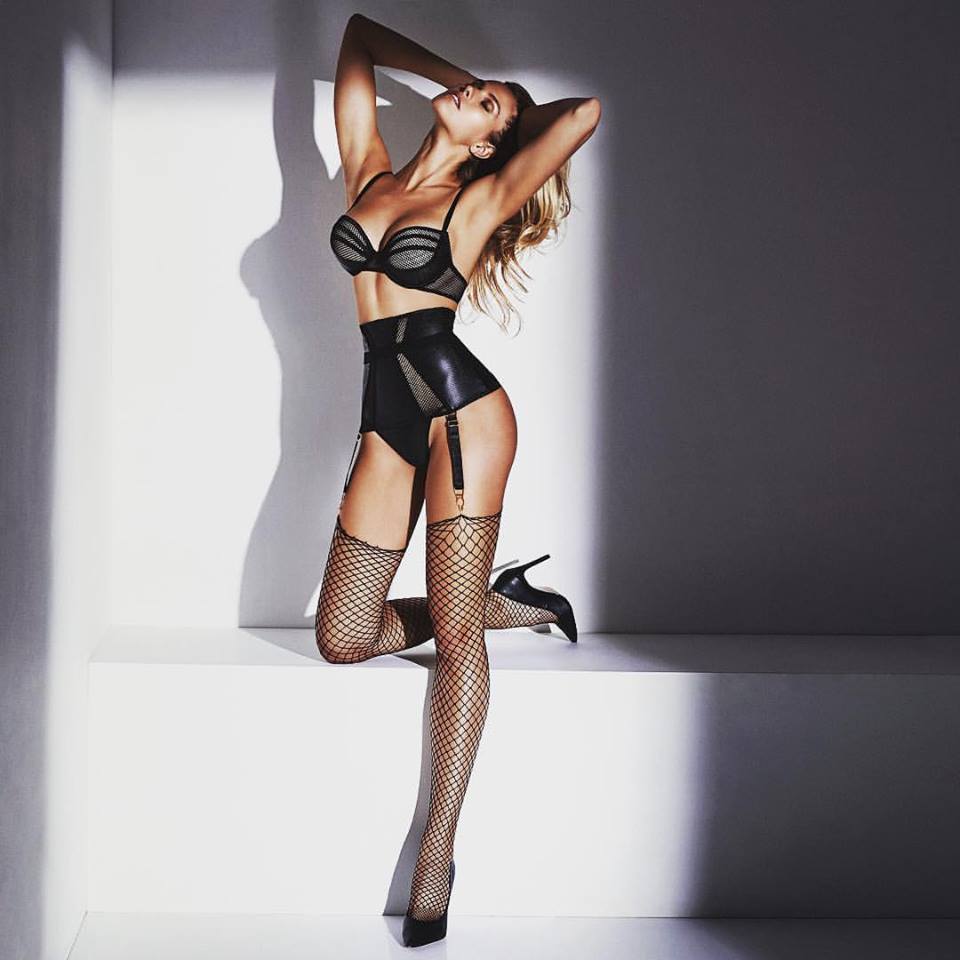
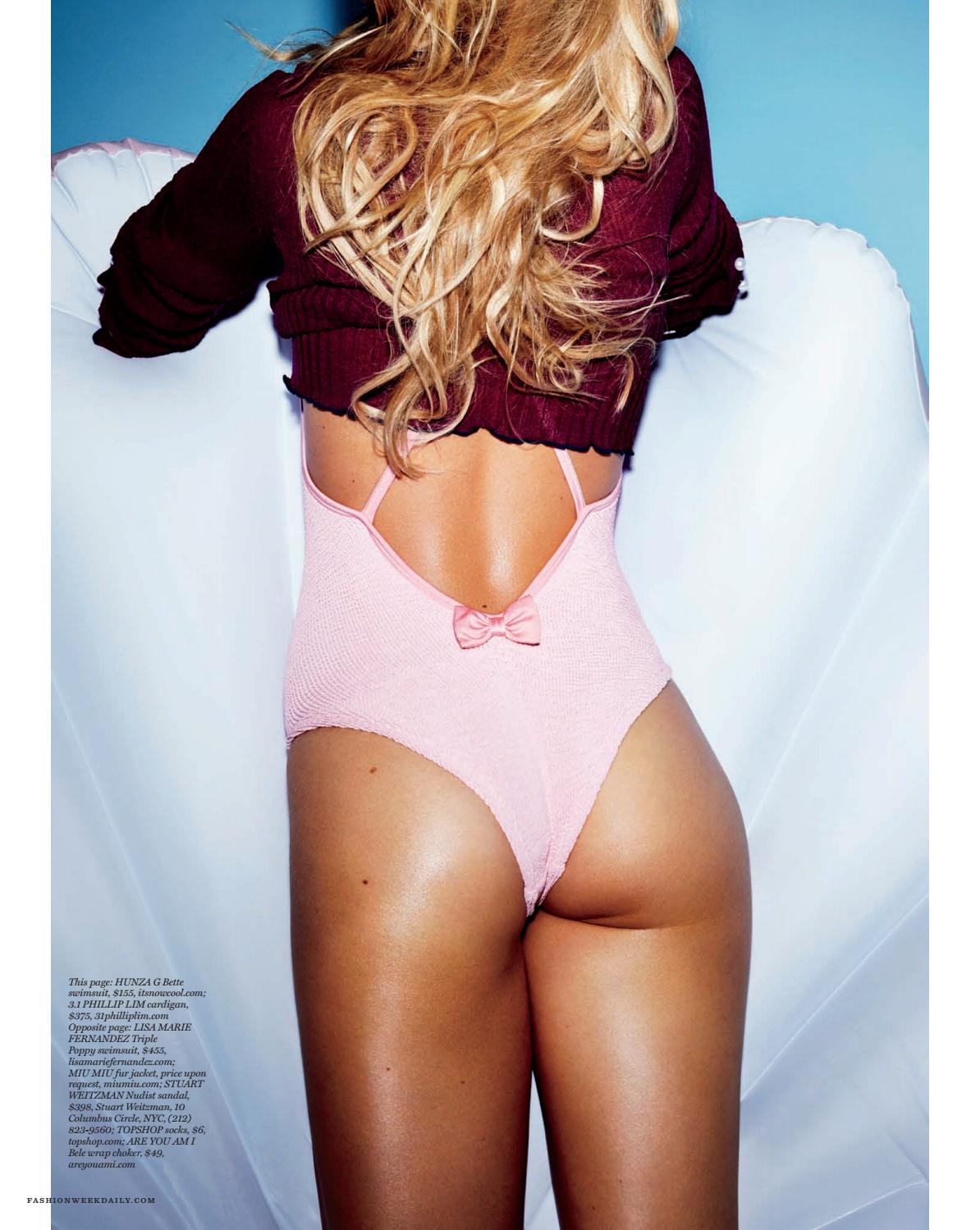
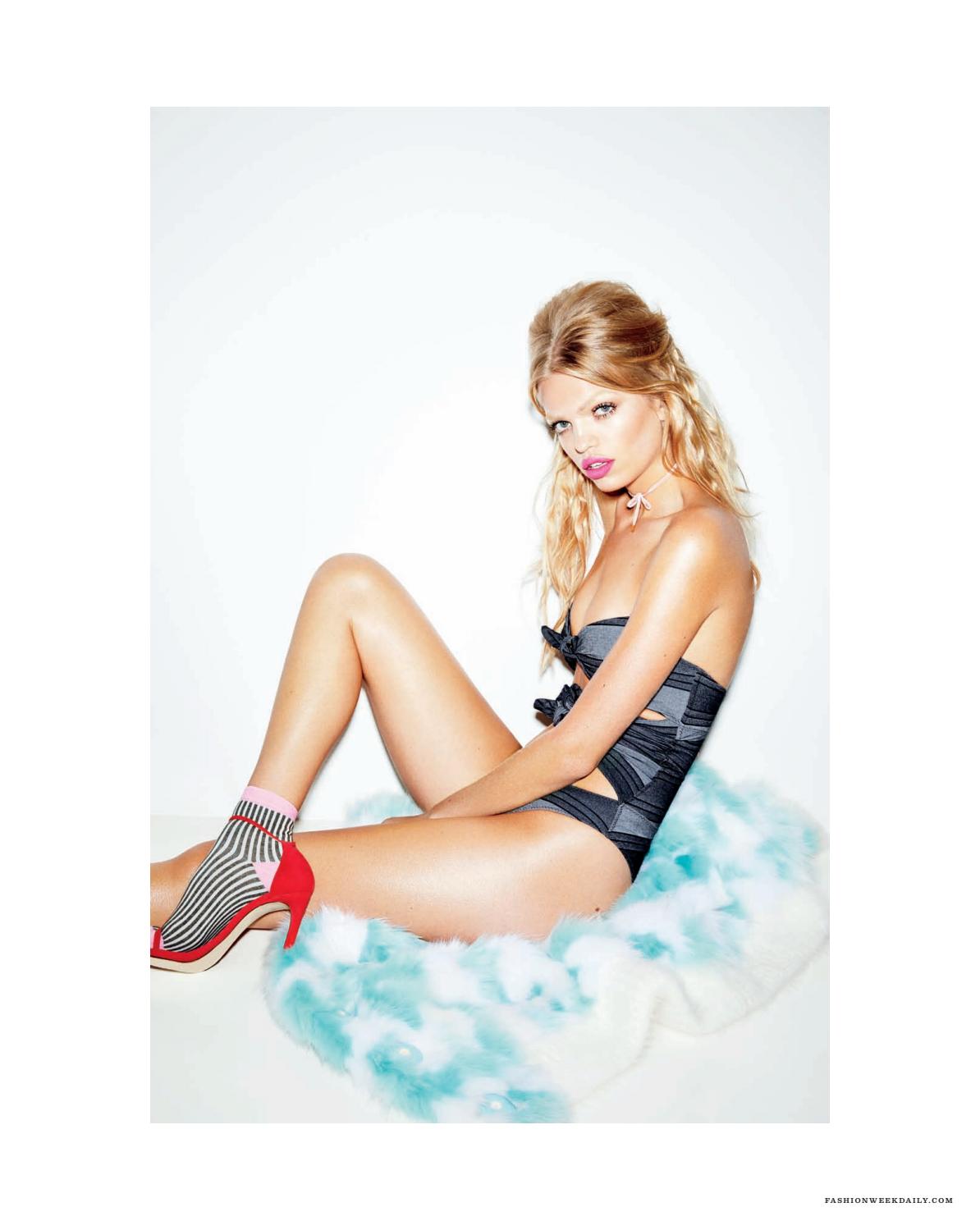
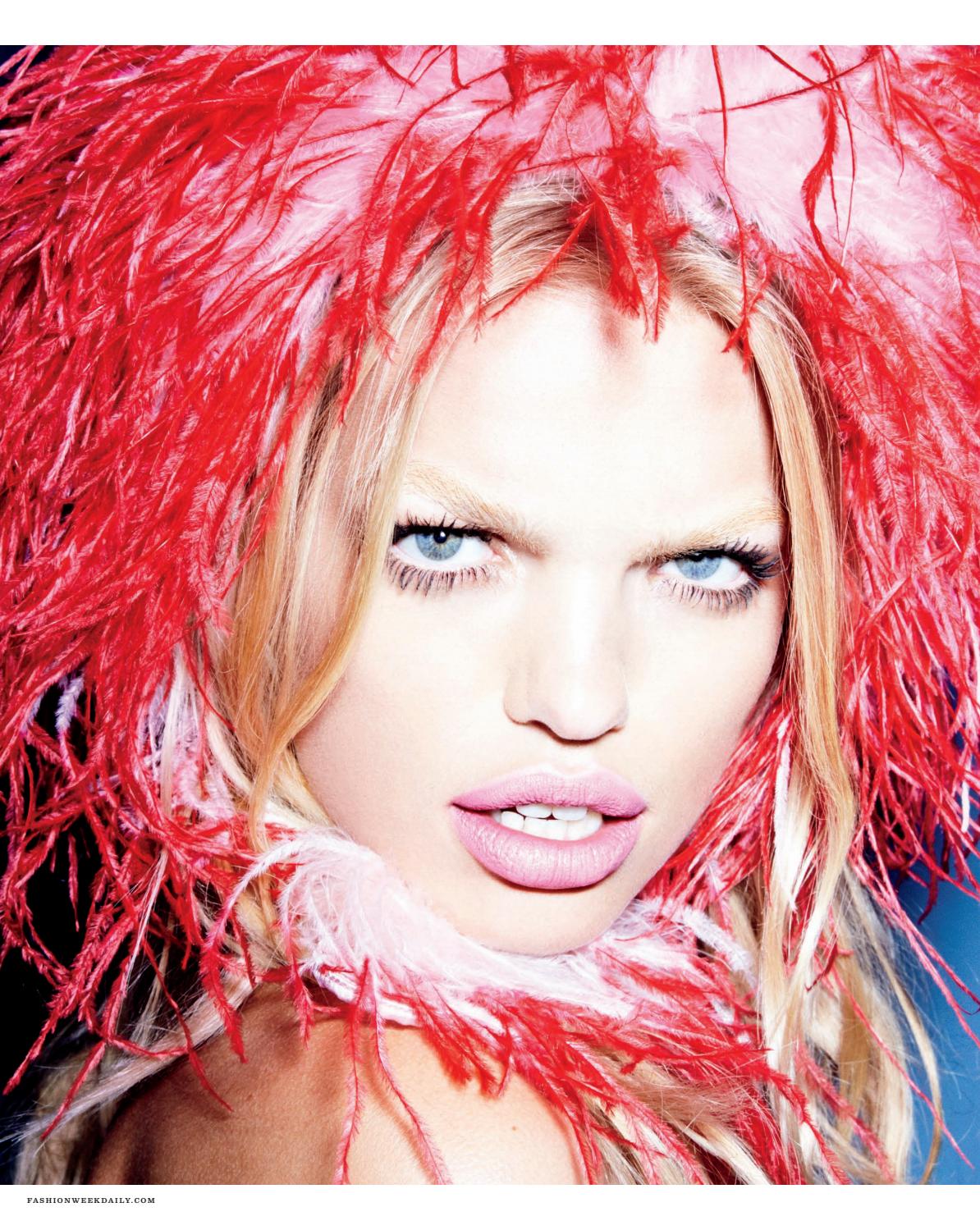
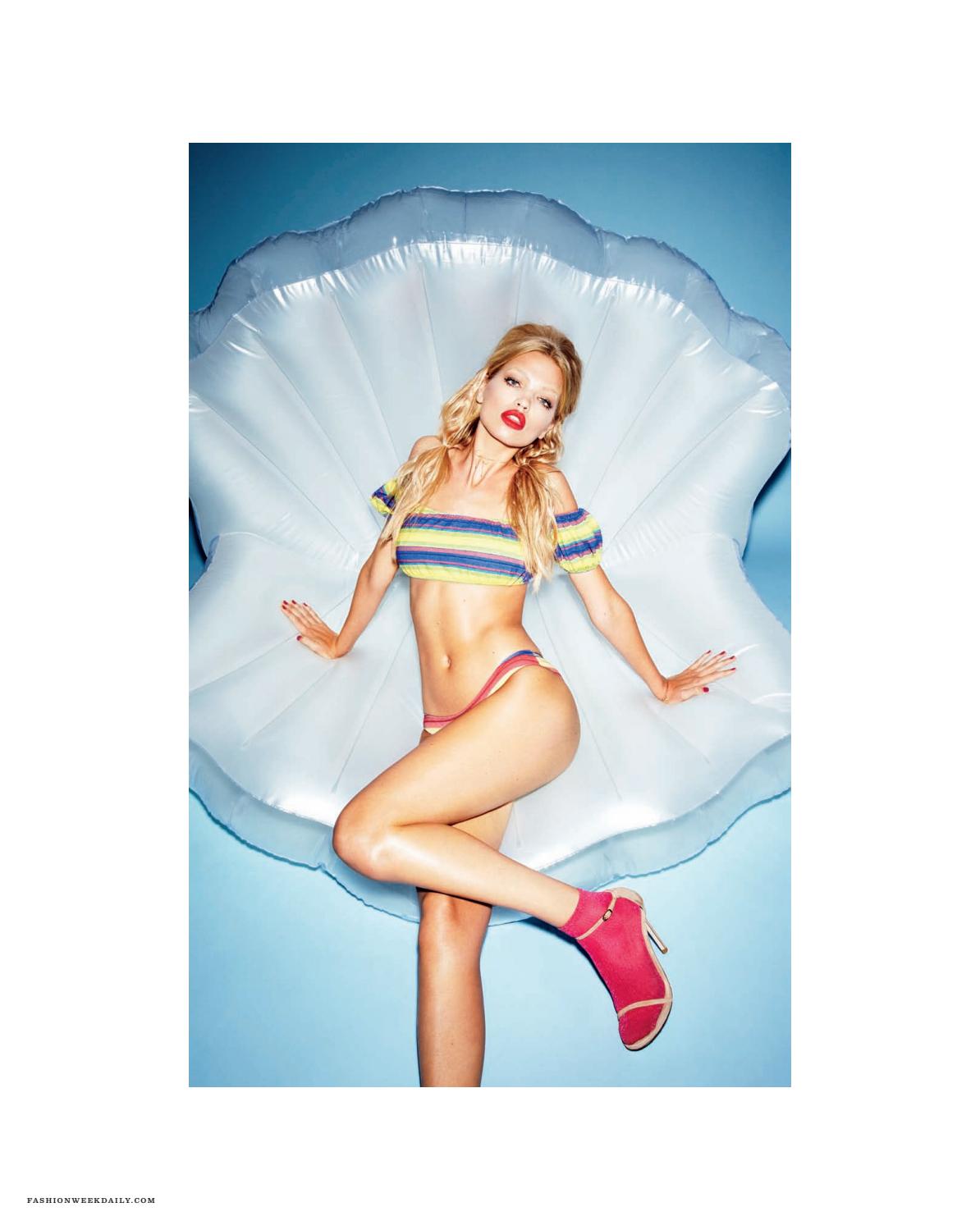
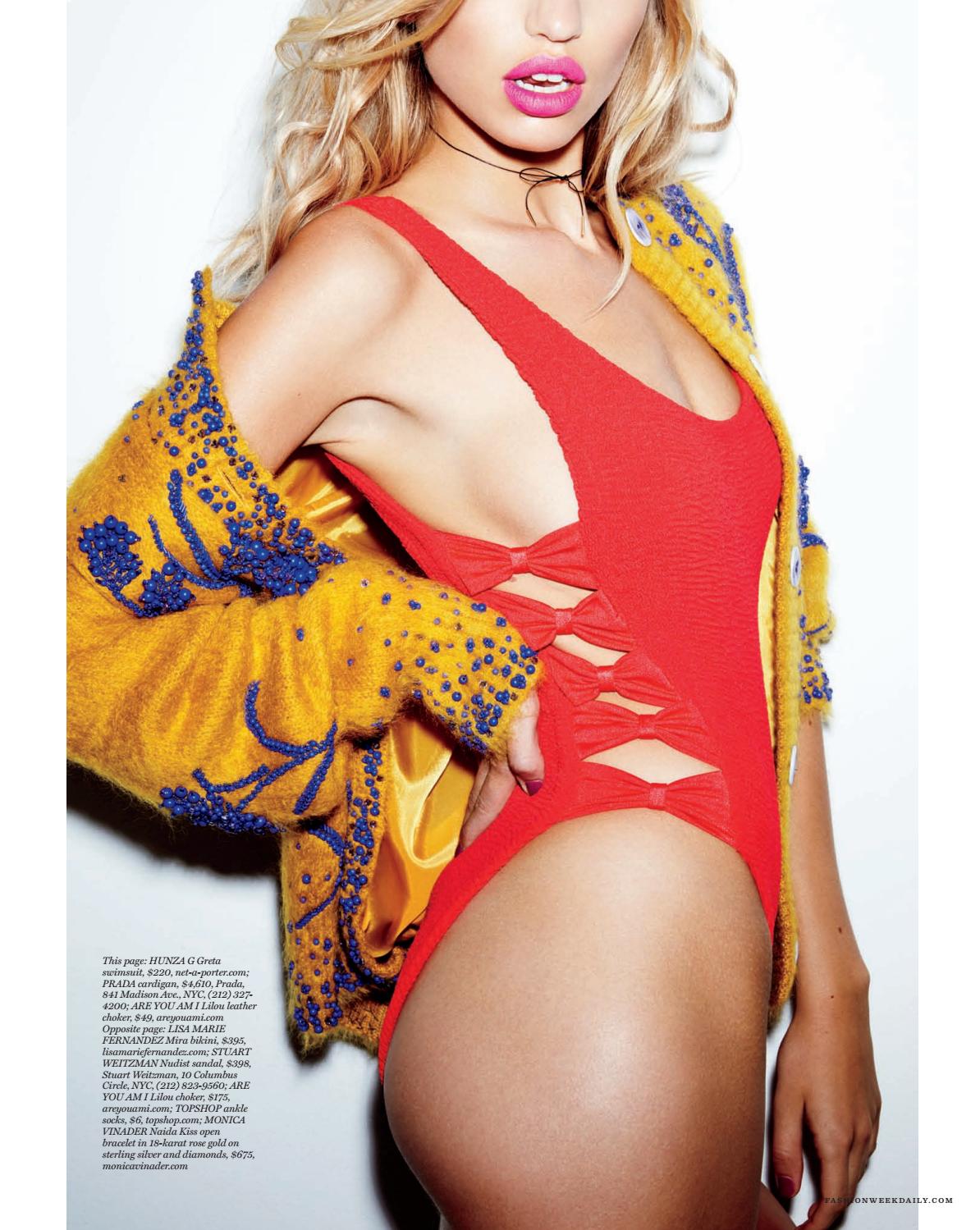
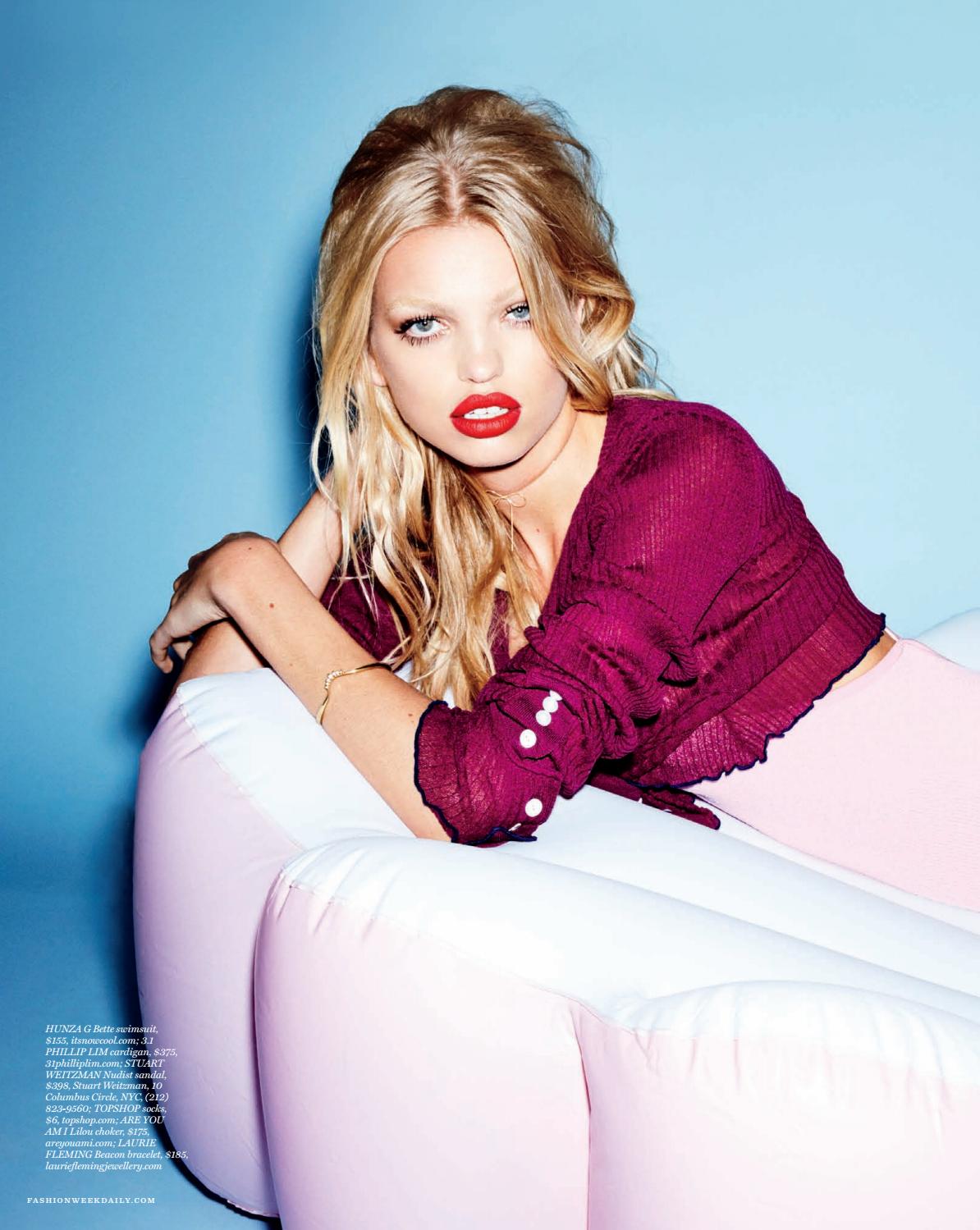
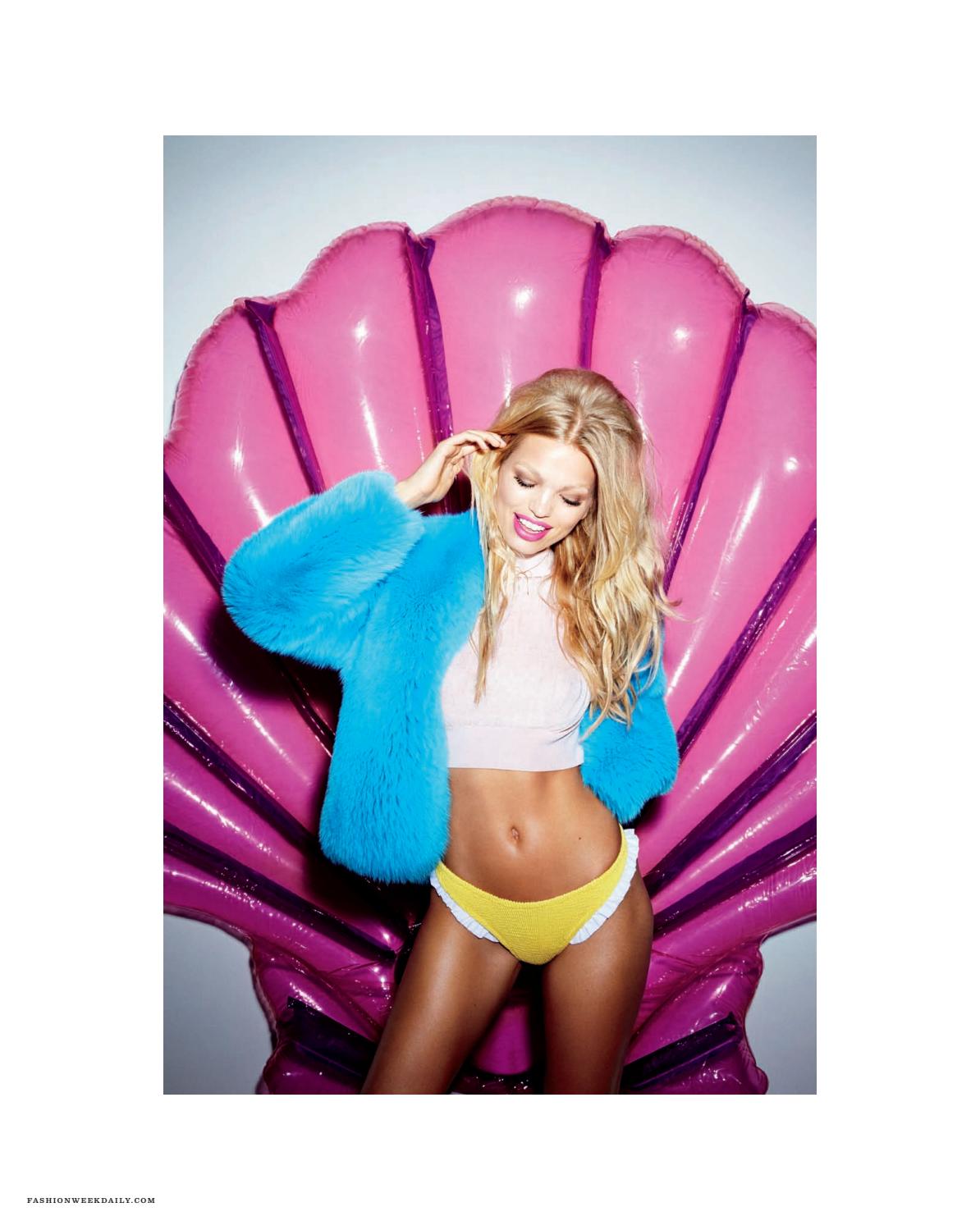
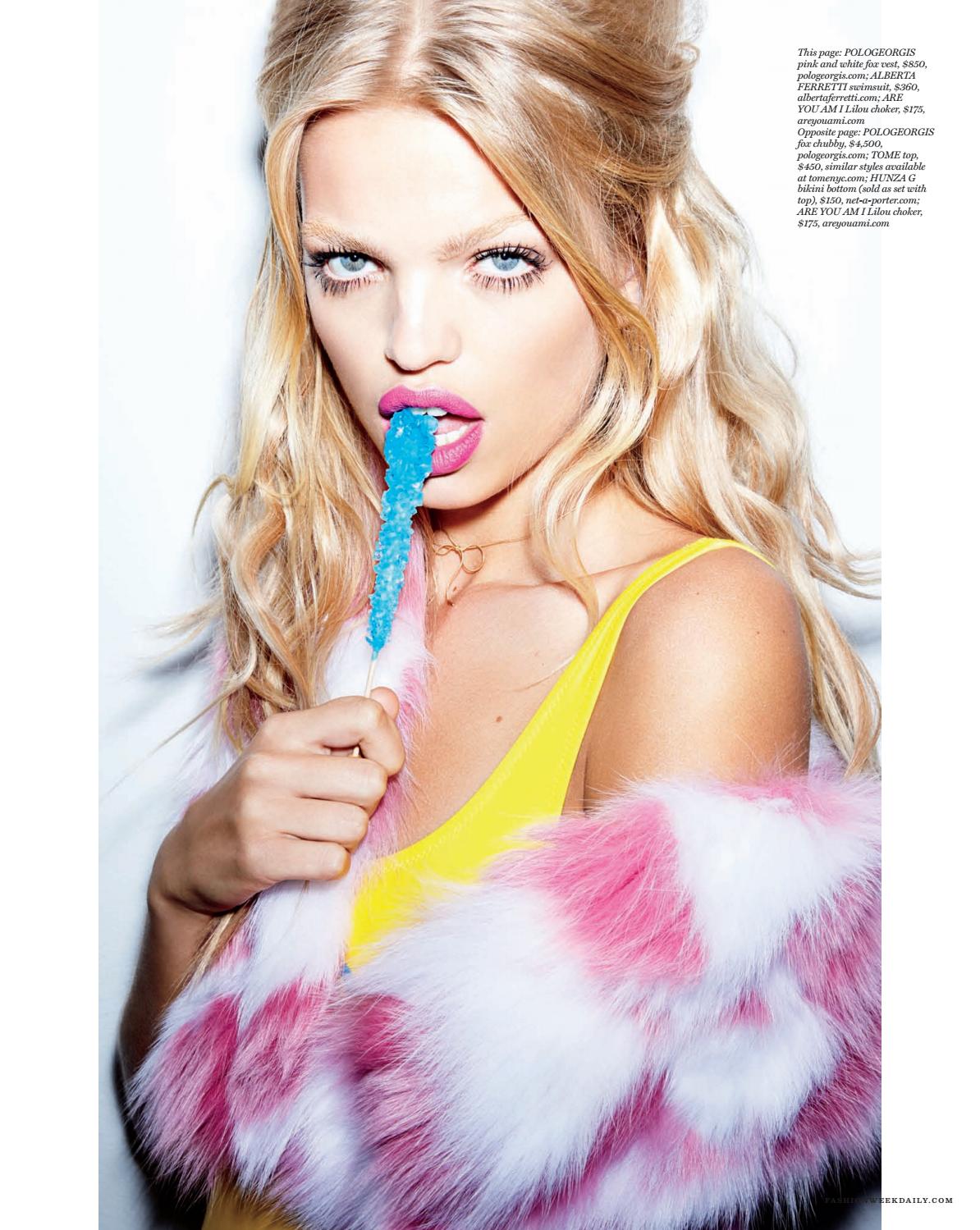
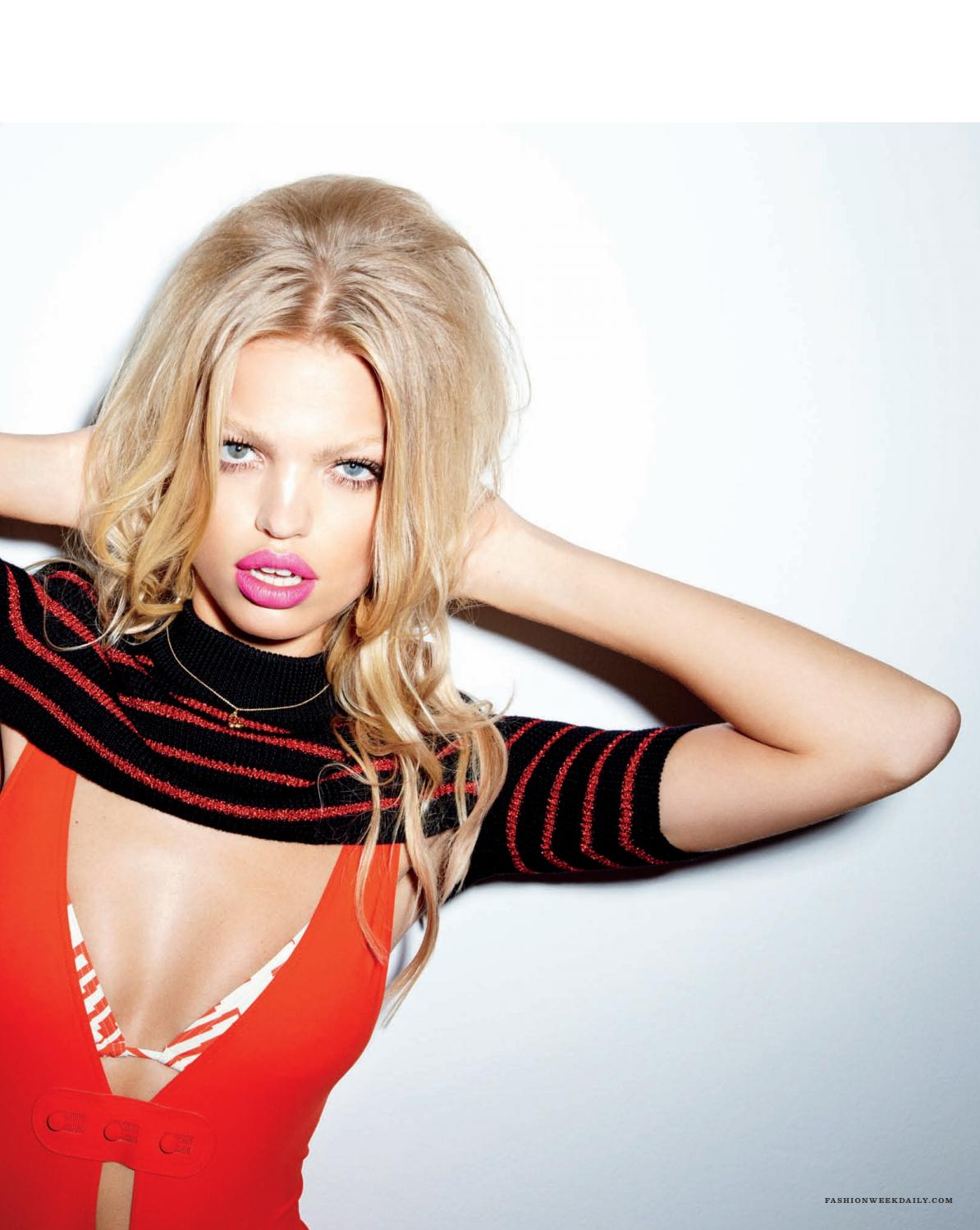
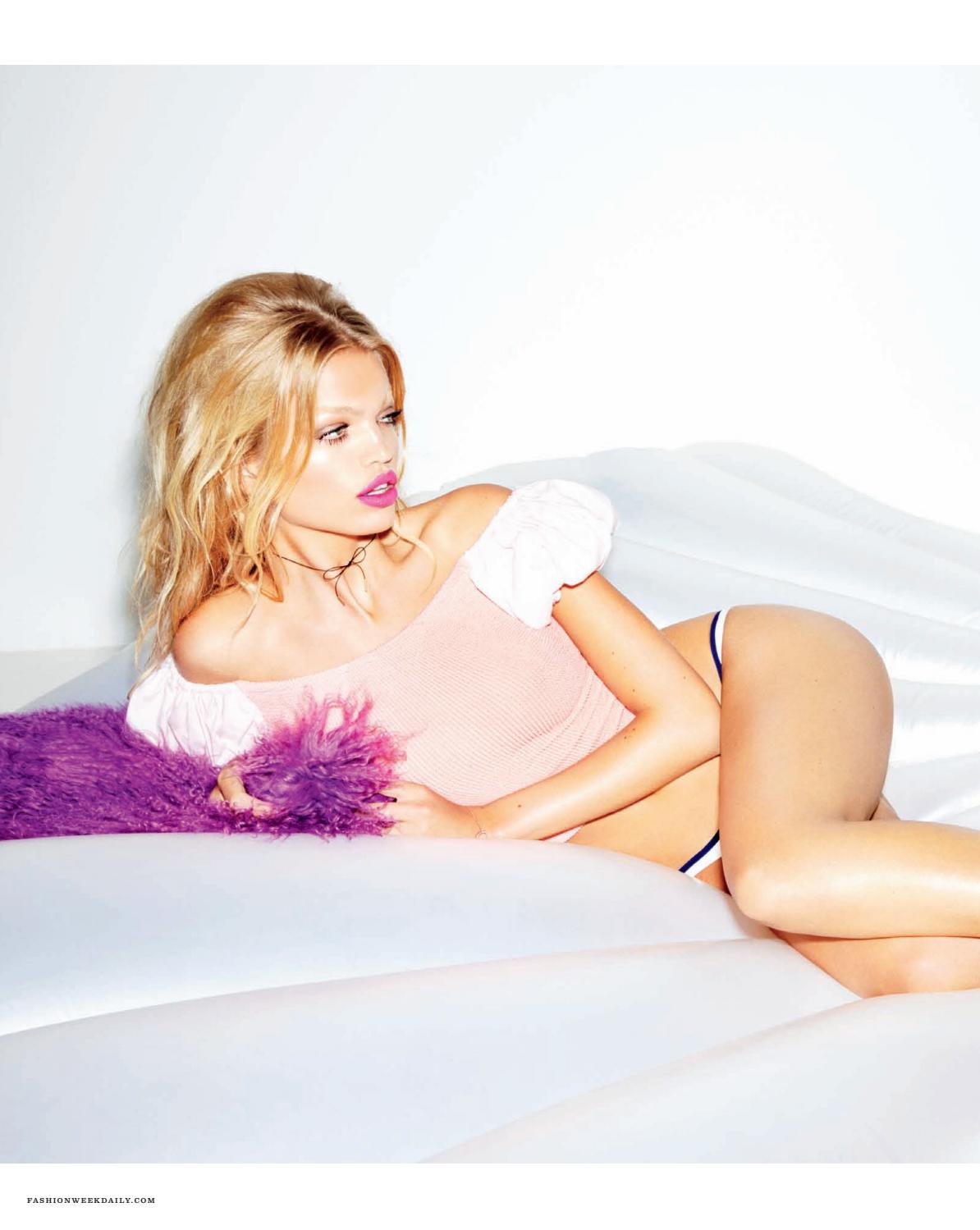
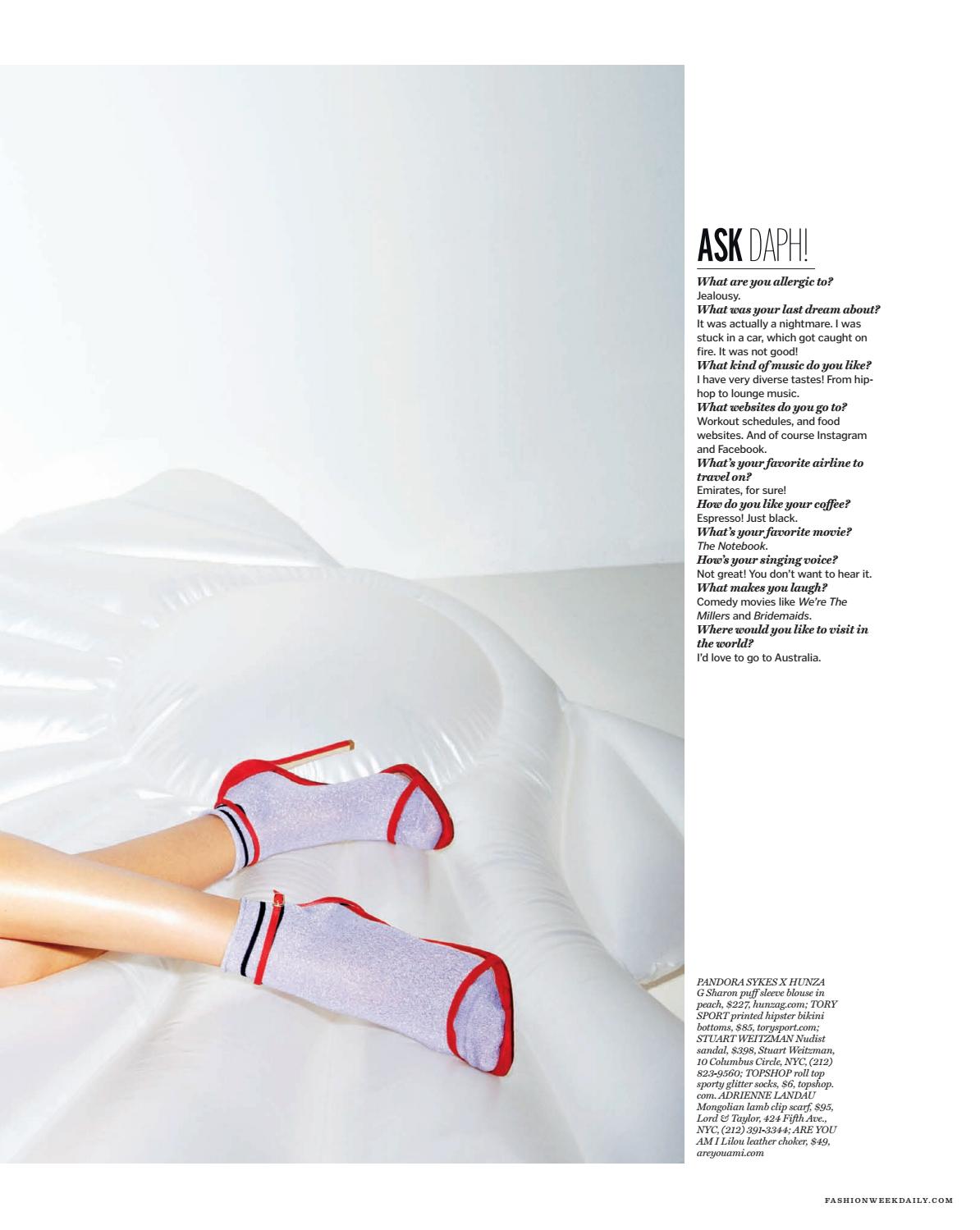
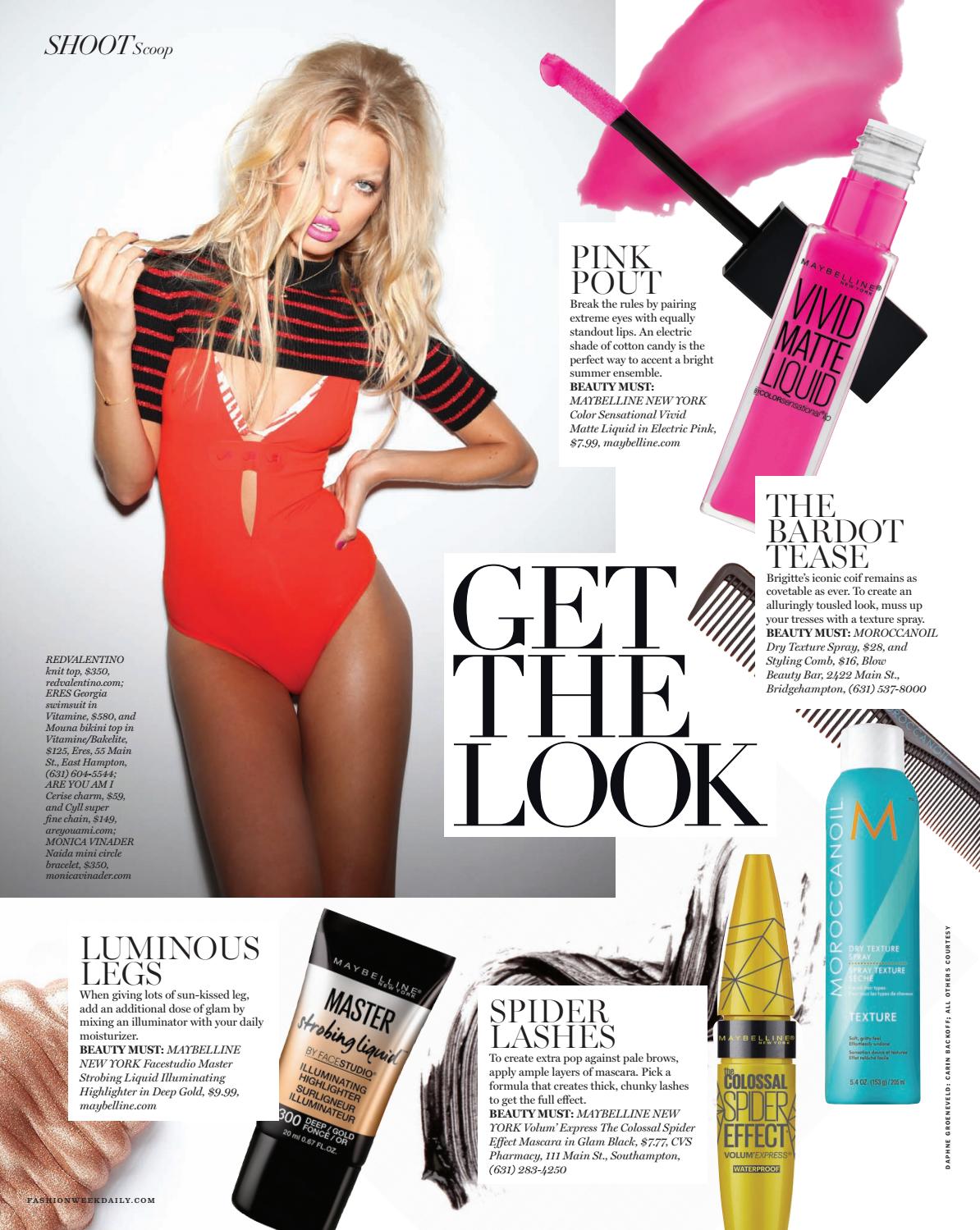
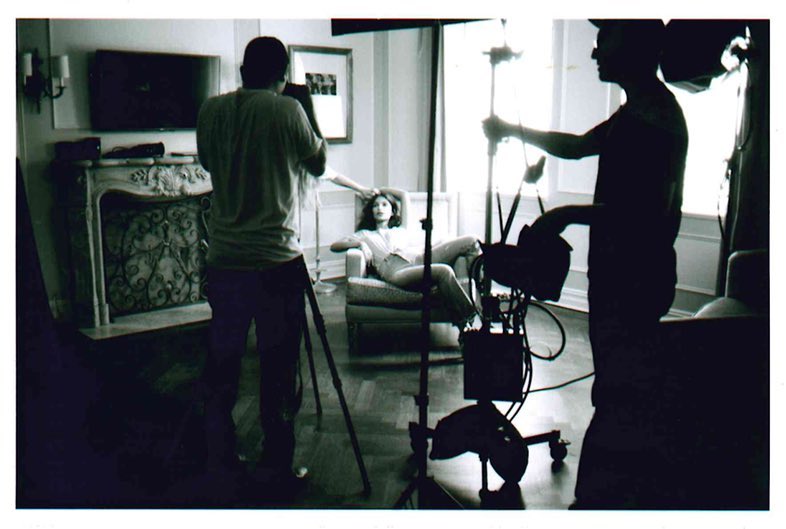
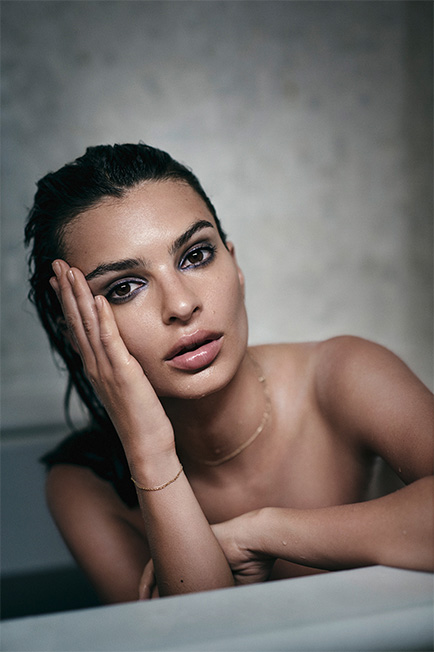
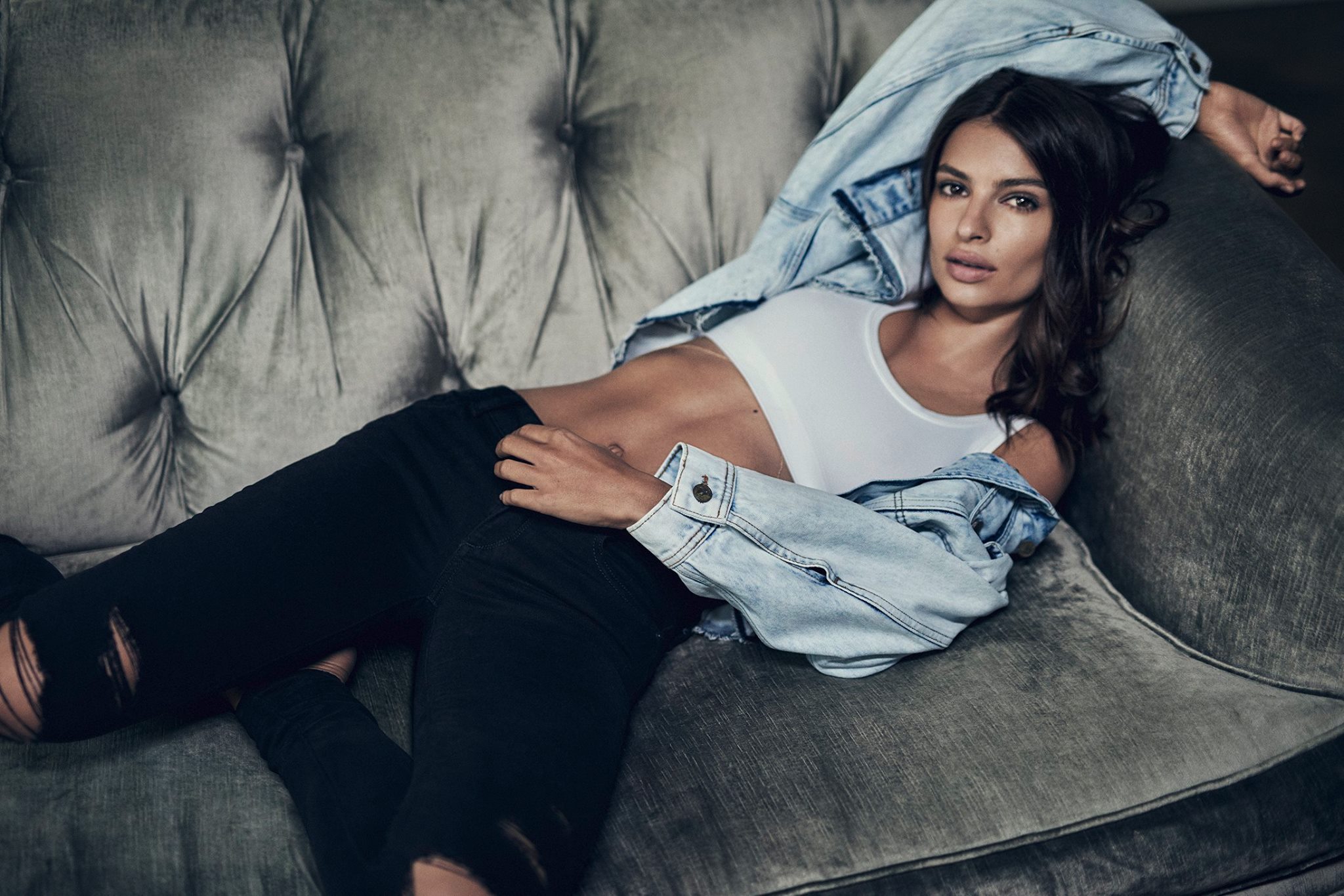
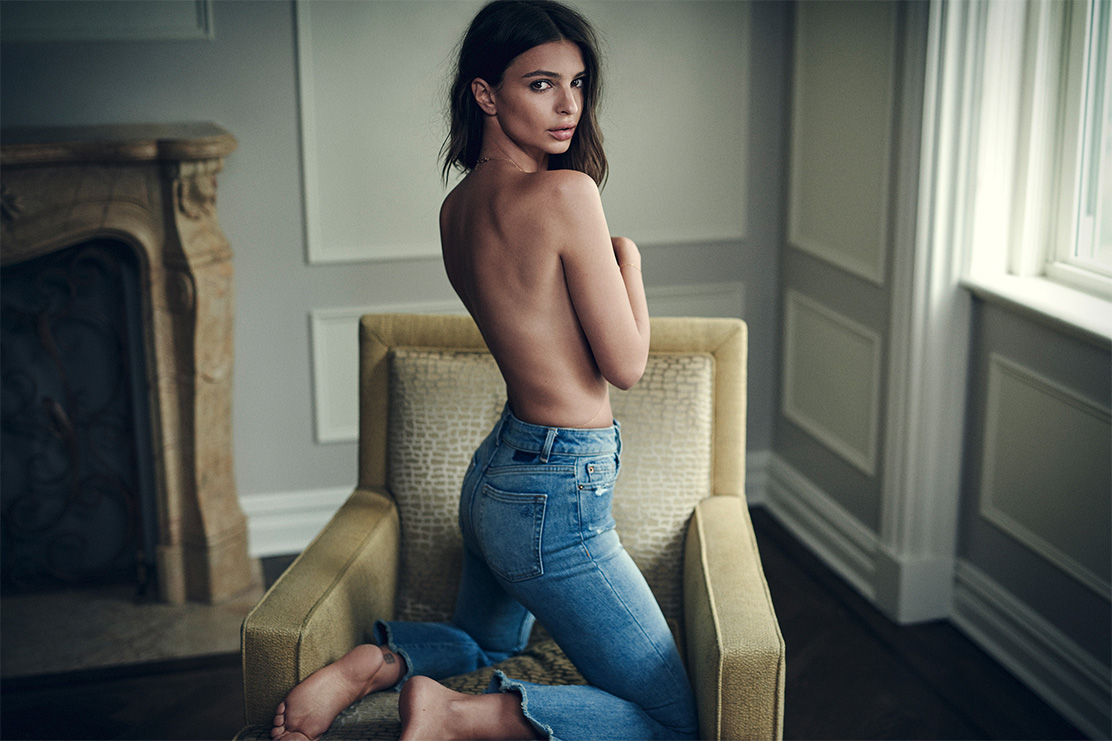
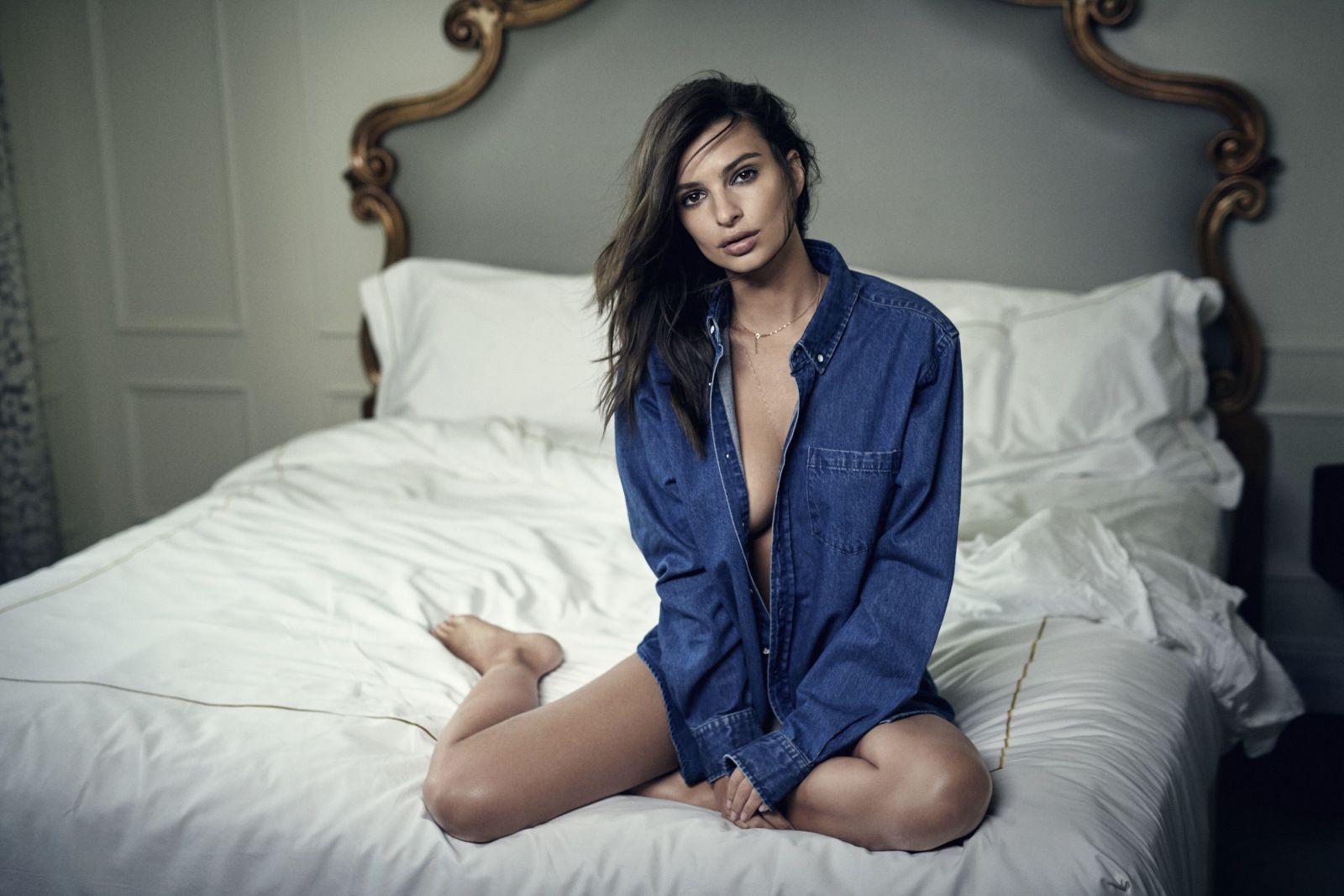
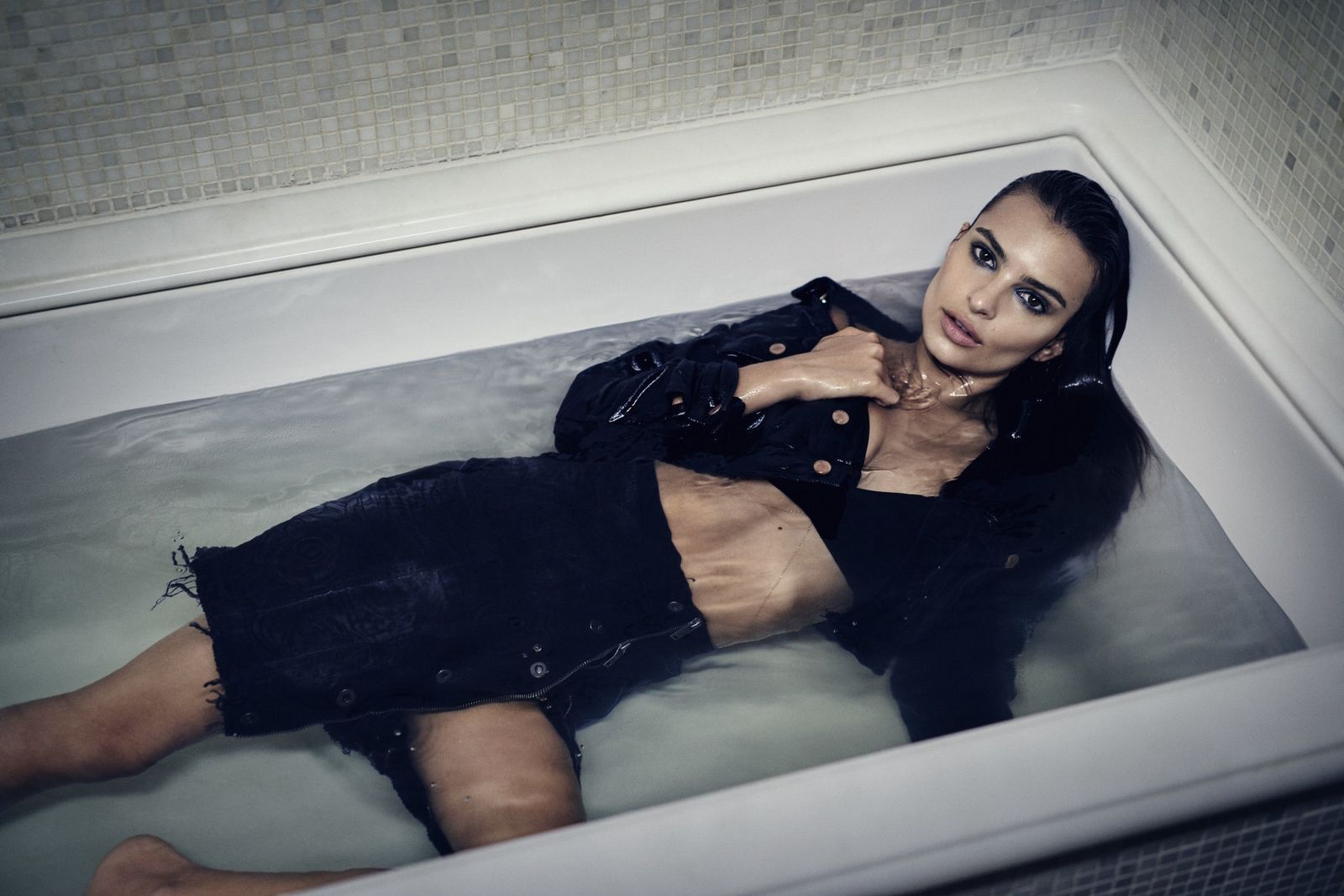
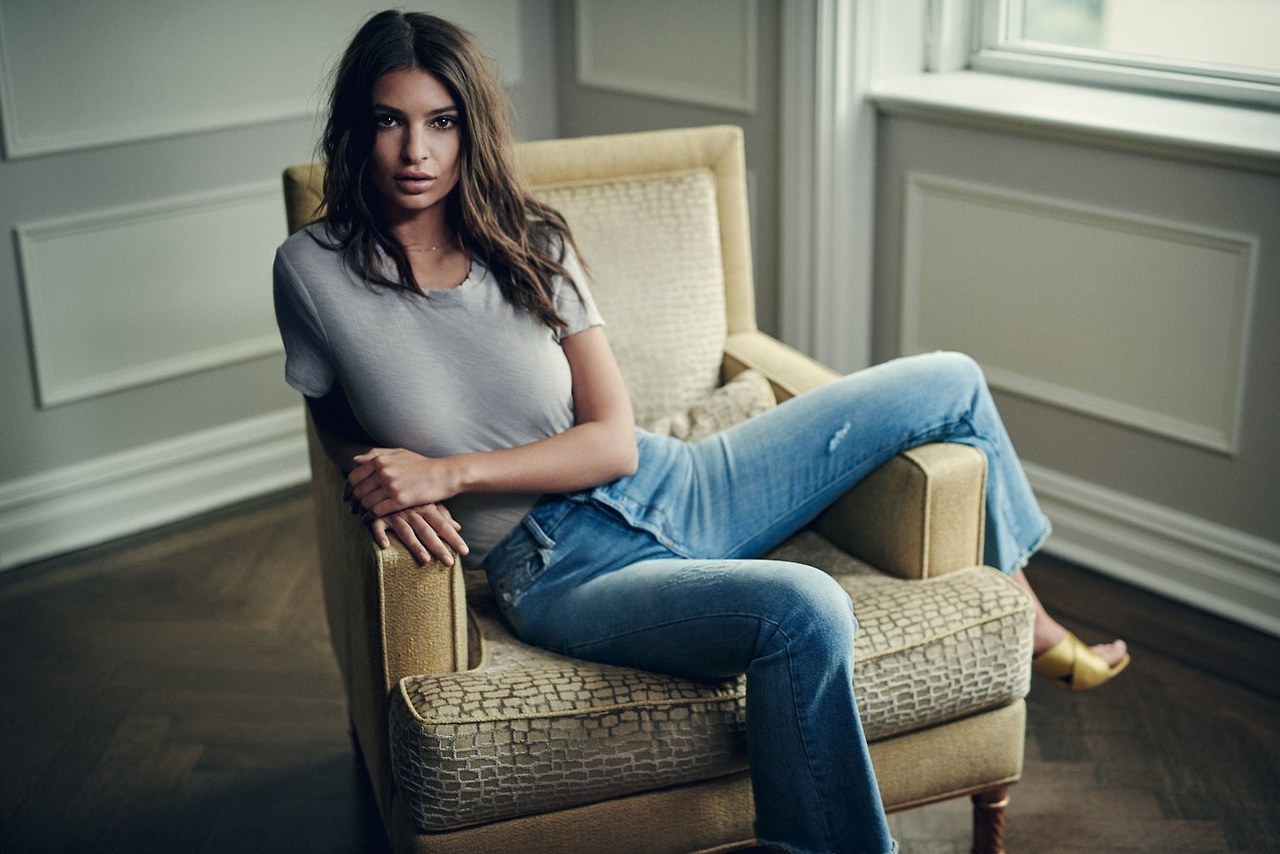
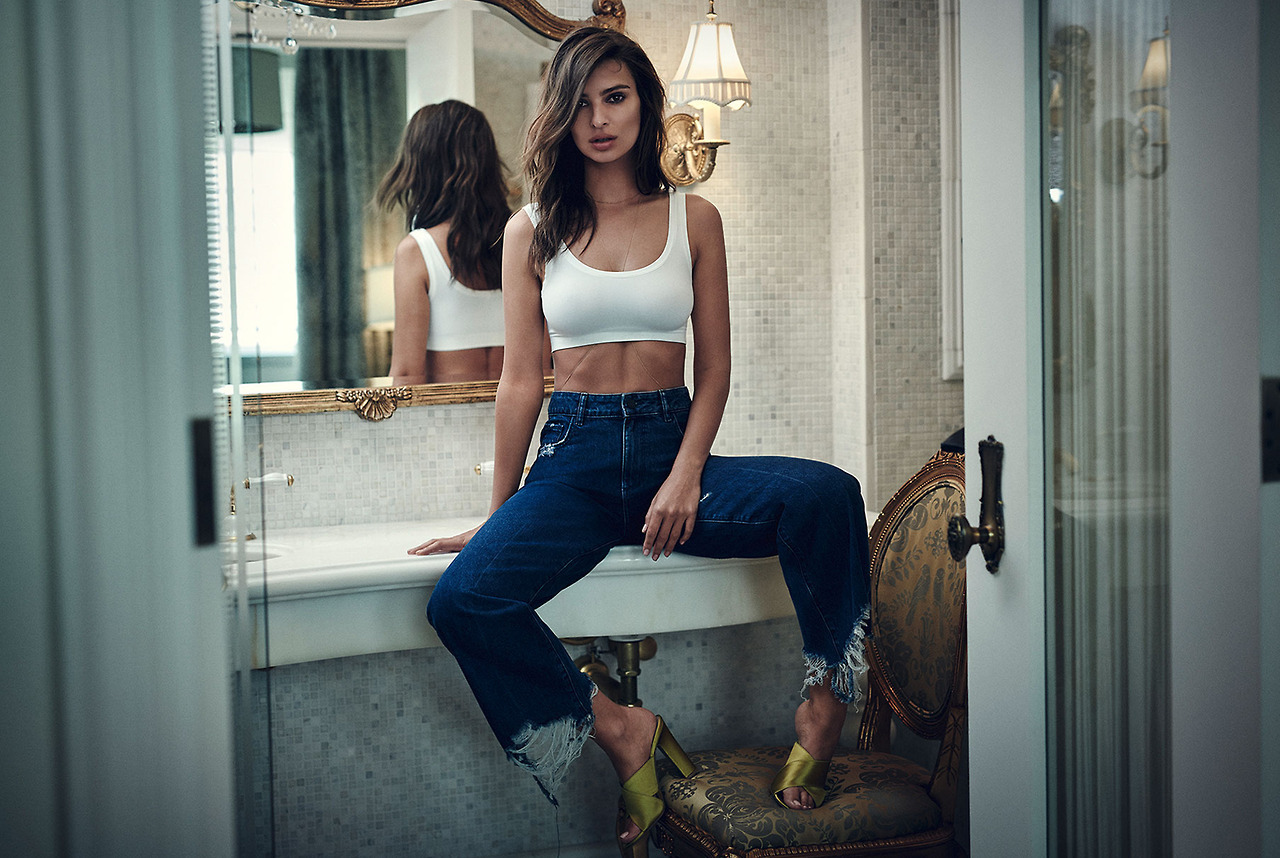
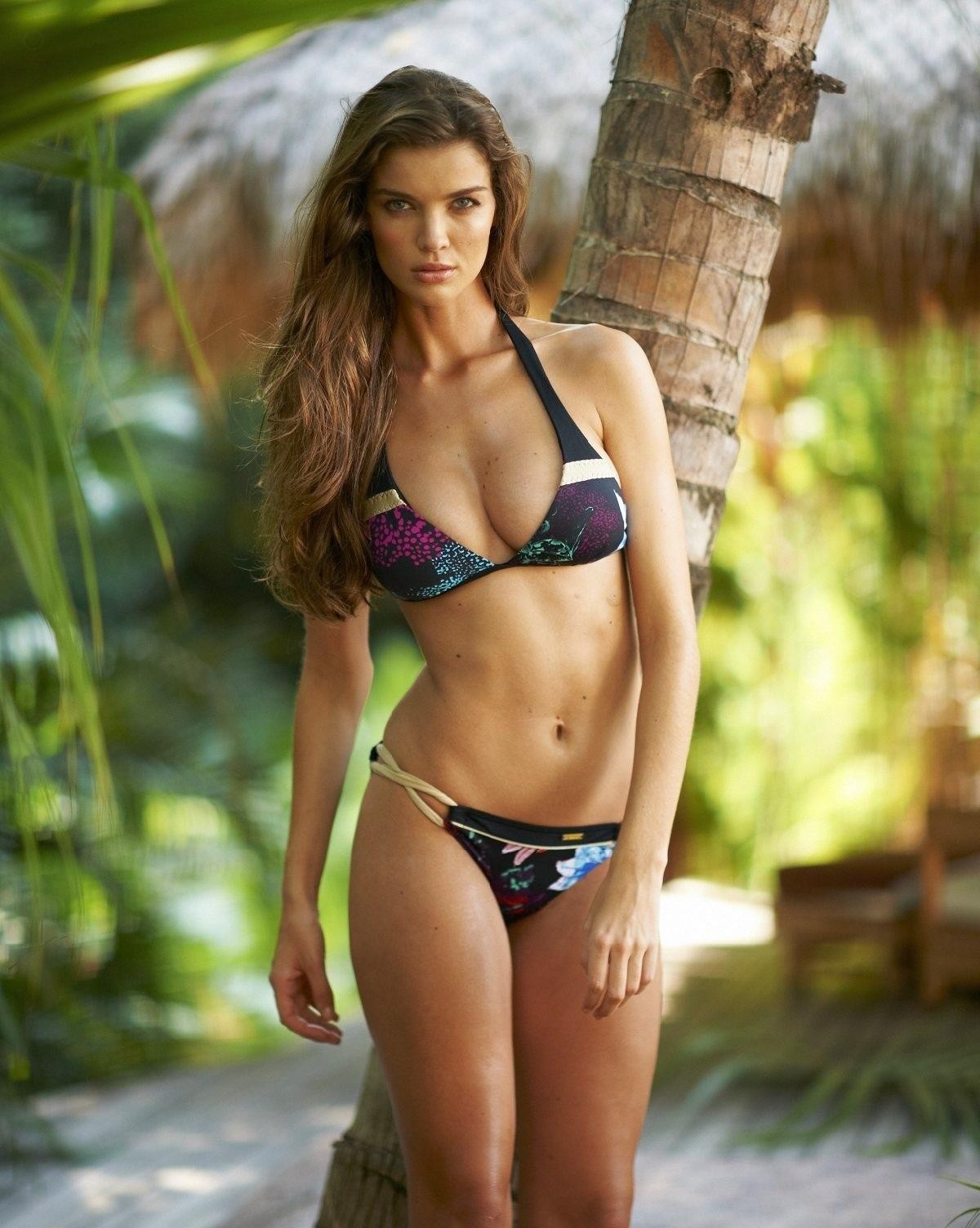
by @makeupmark and hair by @helenreavey for @freepeople
How you know that ?
Bad way, i mean, look at her face ... I never ever got why she was so loved. Was it really genuine at least ? Or just one of these "beautiful" stories all made by the mediatic system, to sell books and make big audiences on tv ... Not sure. The Queen got my admiration since the beginning at the oposite, i have to say. She got the bad role in that story, for the medias, but in real, she received from the destiny the hard role. It was way worse to become the Queen in such a young age like she was, than to become a lil princess, without real importance. Let's face it, Diana wanted to become prncess, no one forced her. But then, she adopted that victime position, to win more importance, and attention, because imo, yeah, she was a big attention whore.
41°C tomorrow ... more than 2 months above 30°C, straight !
IDK if Diana Spencer was ugly or not, but she looked damn crazy
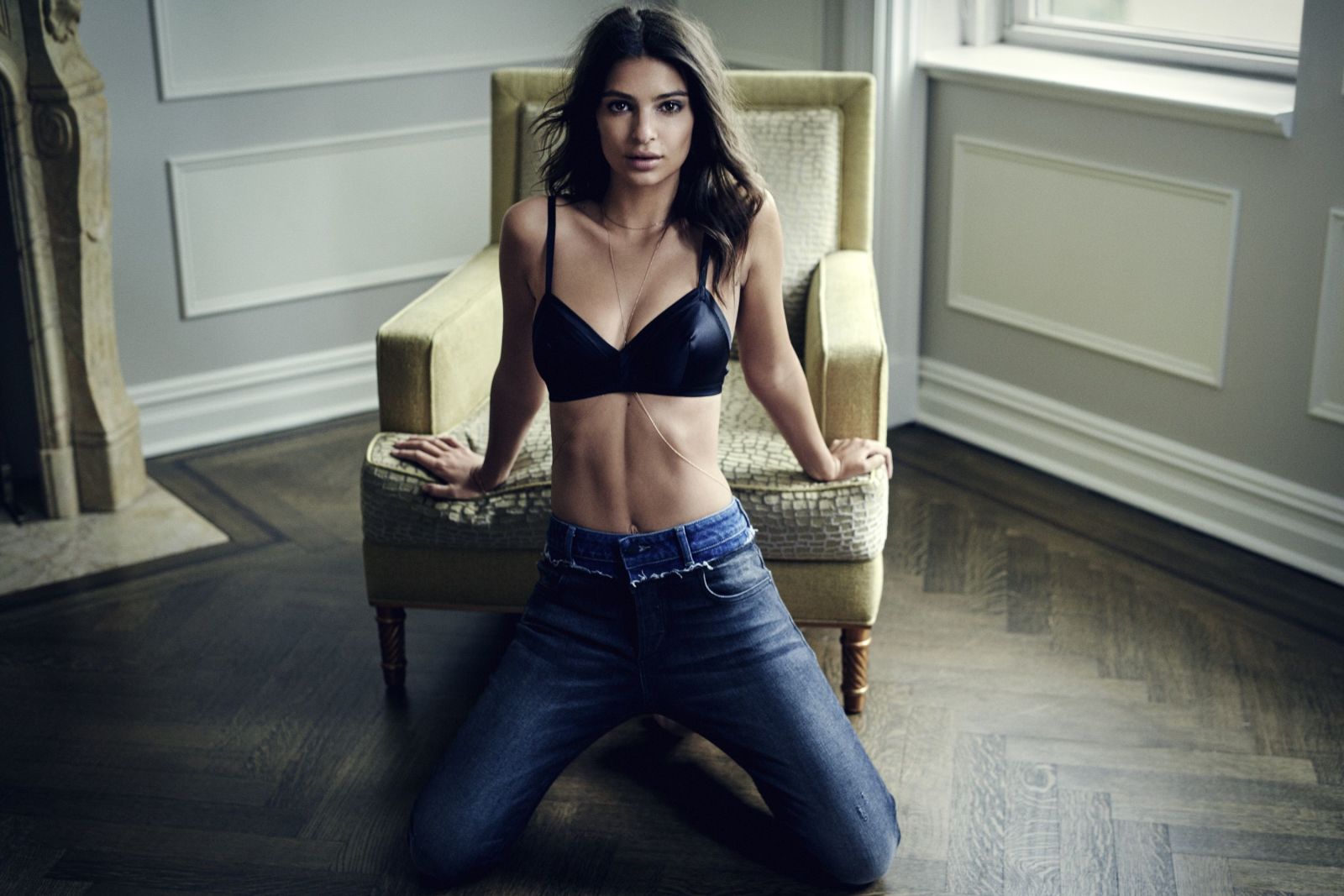
by @makeupmark and hair by @helenreavey for @freepeople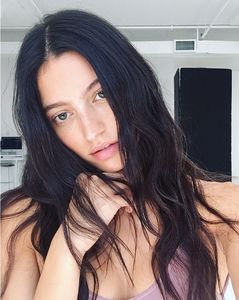 @fredericks_hollywood

Account
Search
Configure browser push notifications
Chrome (Android)
- Tap the lock icon next to the address bar.
- Tap Permissions → Notifications.
- Adjust your preference.
Chrome (Desktop)
- Click the padlock icon in the address bar.
- Select Site settings.
- Find Notifications and adjust your preference.
Safari (iOS 16.4+)
- Ensure the site is installed via Add to Home Screen.
- Open Settings App → Notifications.
- Find your app name and adjust your preference.
Safari (macOS)
- Go to Safari → Preferences.
- Click the Websites tab.
- Select Notifications in the sidebar.
- Find this website and adjust your preference.
Edge (Android)
- Tap the lock icon next to the address bar.
- Tap Permissions.
- Find Notifications and adjust your preference.
Edge (Desktop)
- Click the padlock icon in the address bar.
- Click Permissions for this site.
- Find Notifications and adjust your preference.
Firefox (Android)
- Go to Settings → Site permissions.
- Tap Notifications.
- Find this site in the list and adjust your preference.
Firefox (Desktop)
- Open Firefox Settings.
- Search for Notifications.
- Find this site in the list and adjust your preference.