
foofur16
Members
-
Joined
-
Last visited
Everything posted by foofur16
-
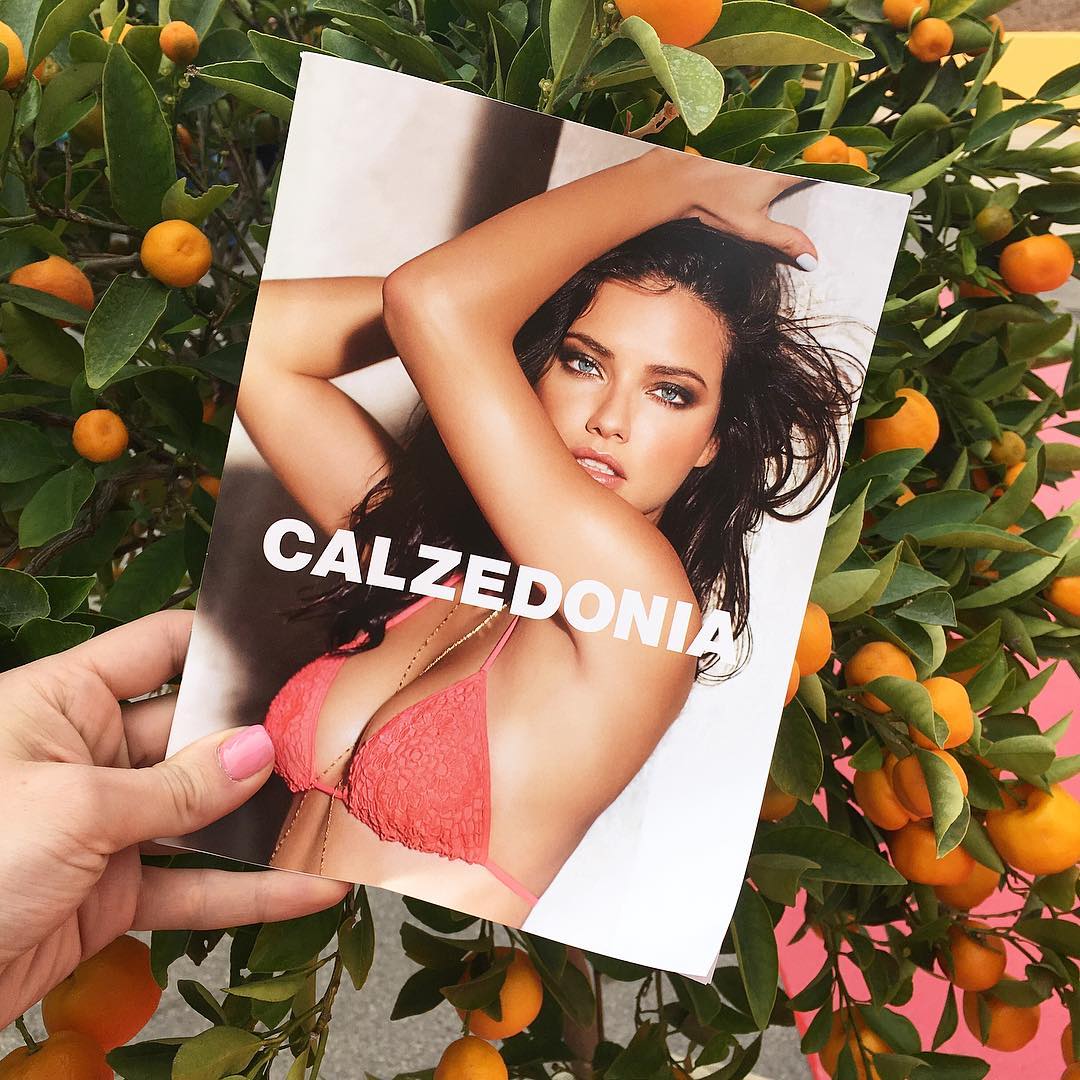
 Does anybody know if this pic is new by any chance? According to this tumblr, Adriana is the new face of Calzedonia. http://nhlovesadri.tumblr.com/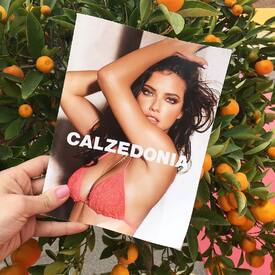
-
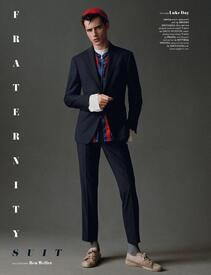
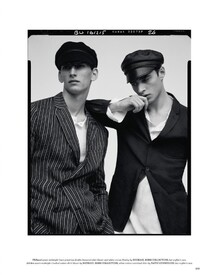
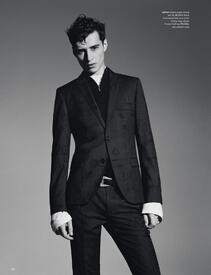
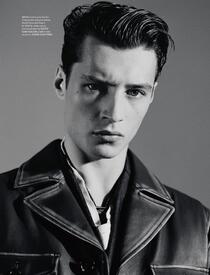
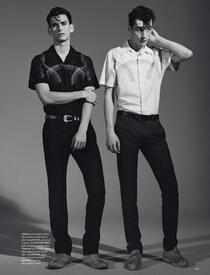
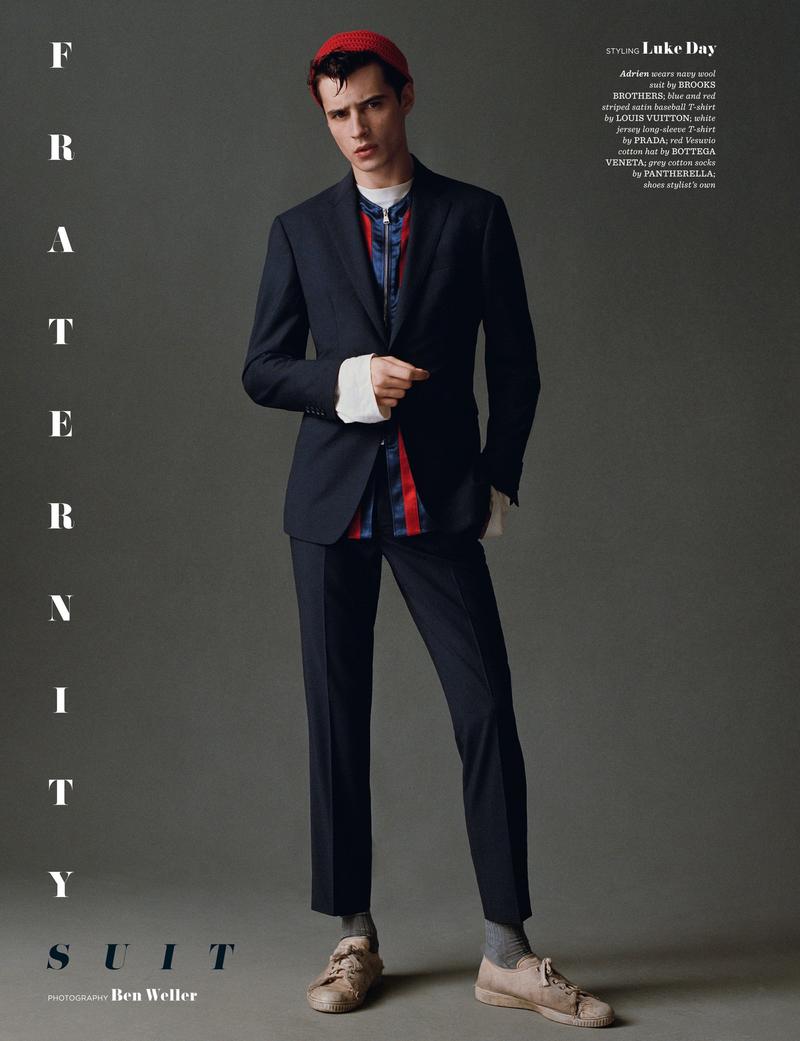
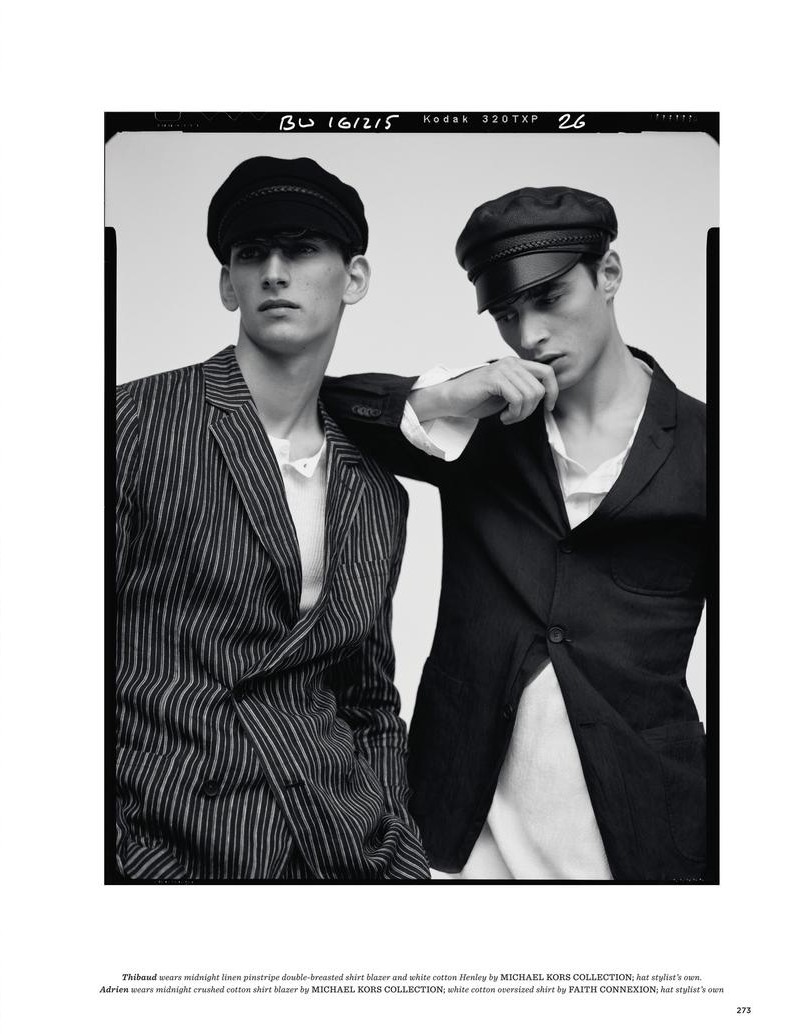
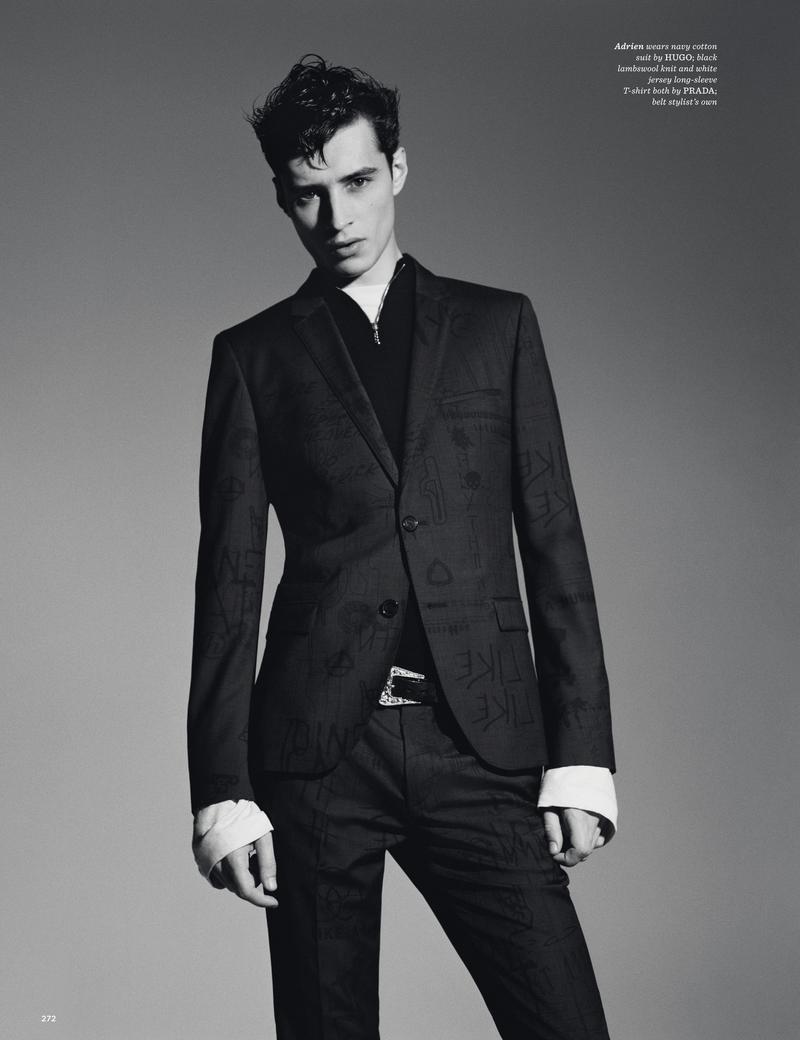
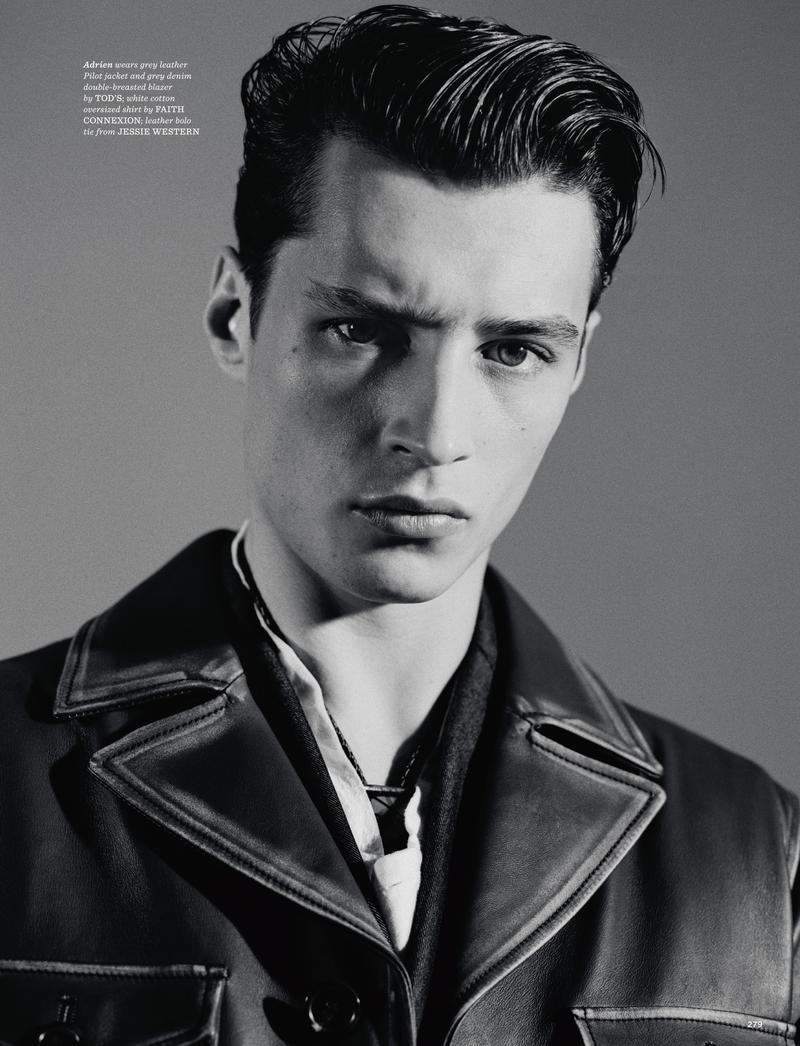
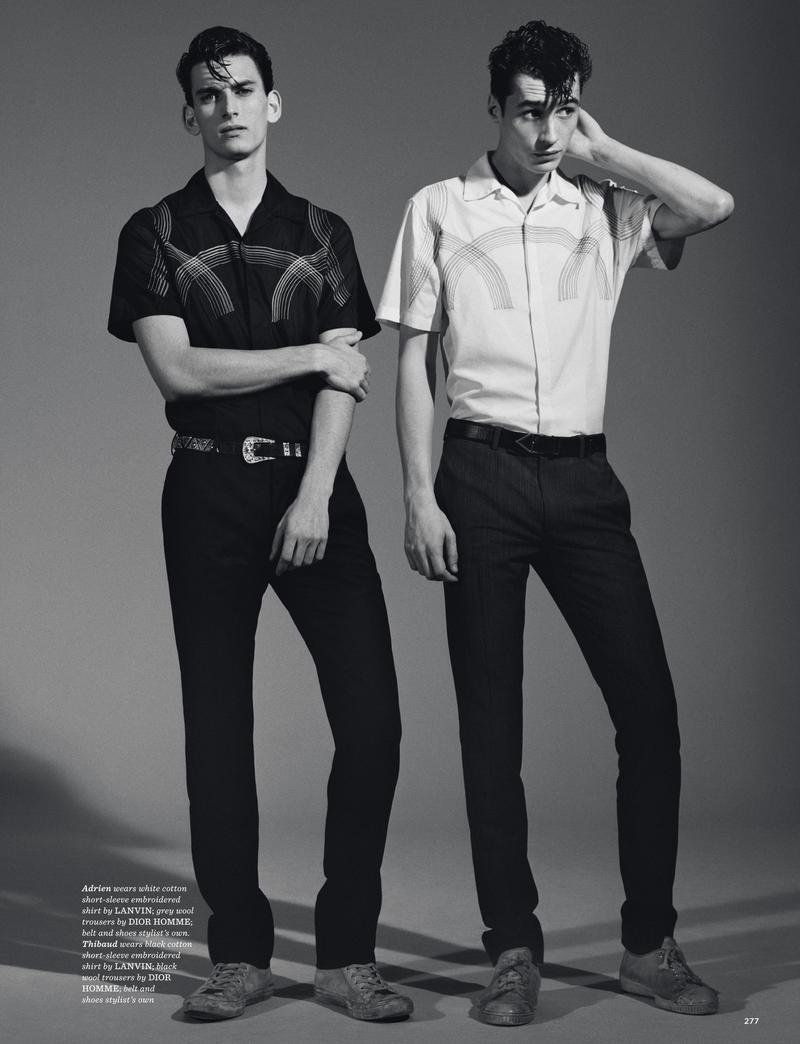
British GQ Style Spring-Summer 2016 Photography: Ben Weller Styling: Luke Day Models: Adrien Sahores & Thibaud Charon thefashionisto
-
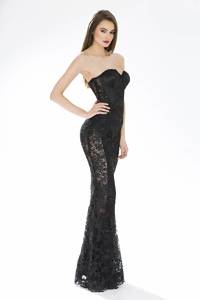
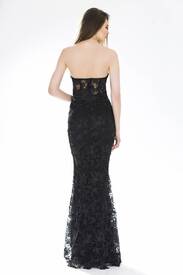
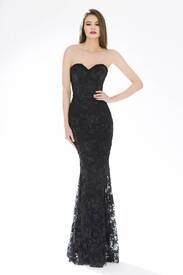
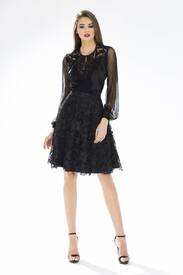
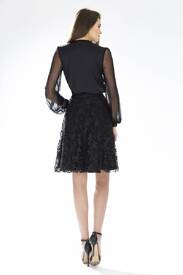
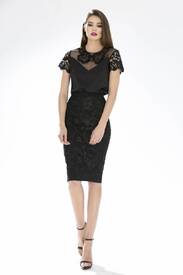
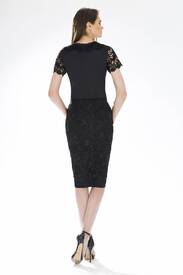
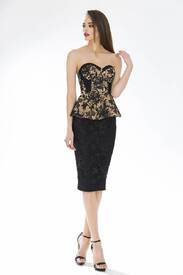
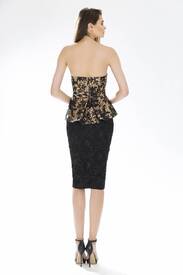
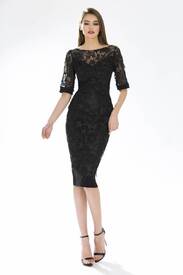
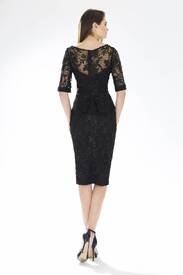
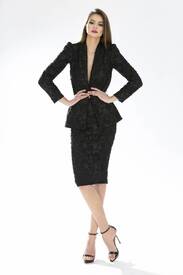
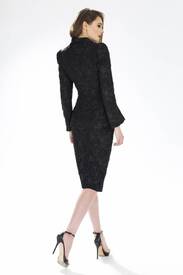
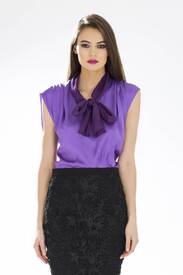
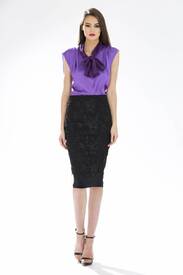
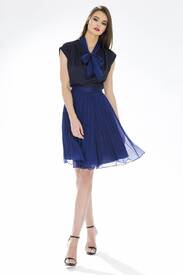
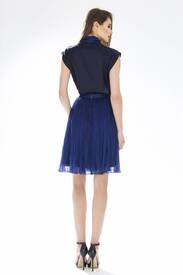
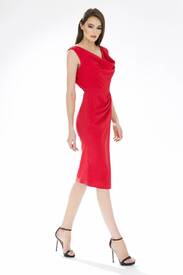
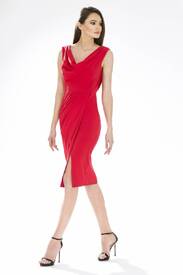
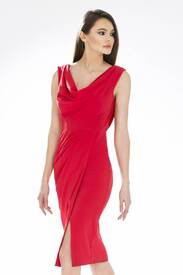
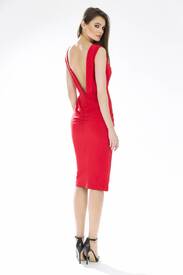
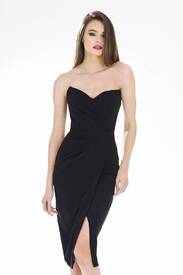
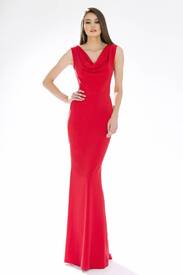
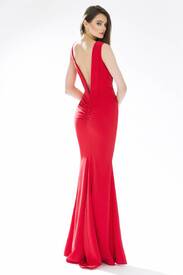
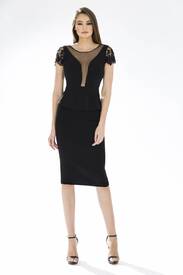
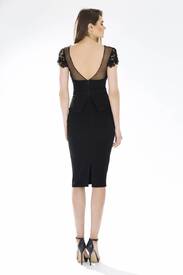
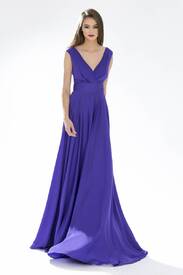
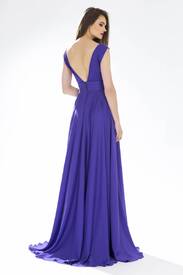
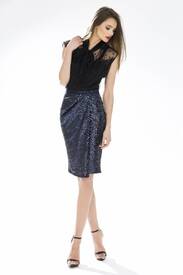
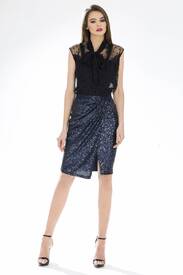
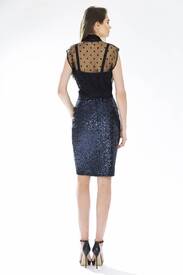
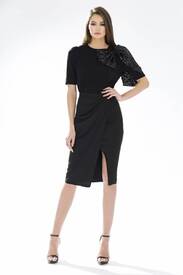
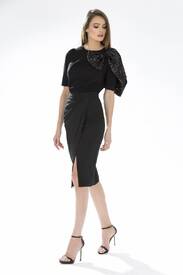
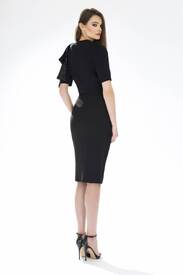
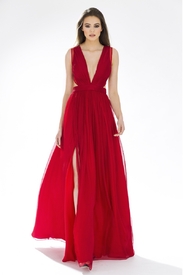
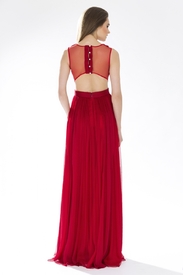
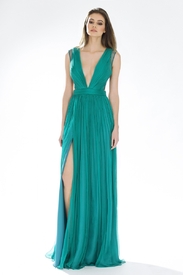
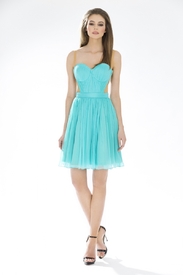
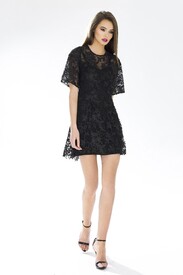
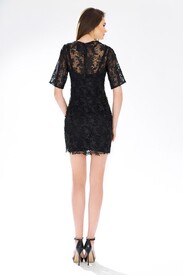
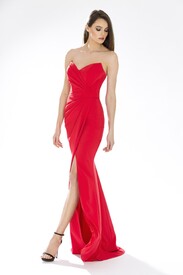
Cristallini 2015
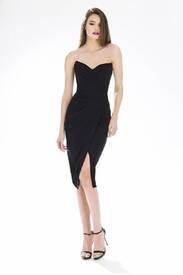
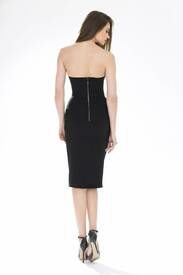
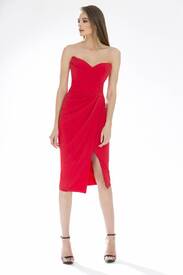
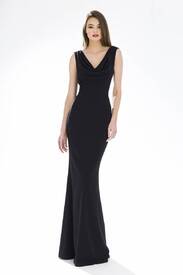
-
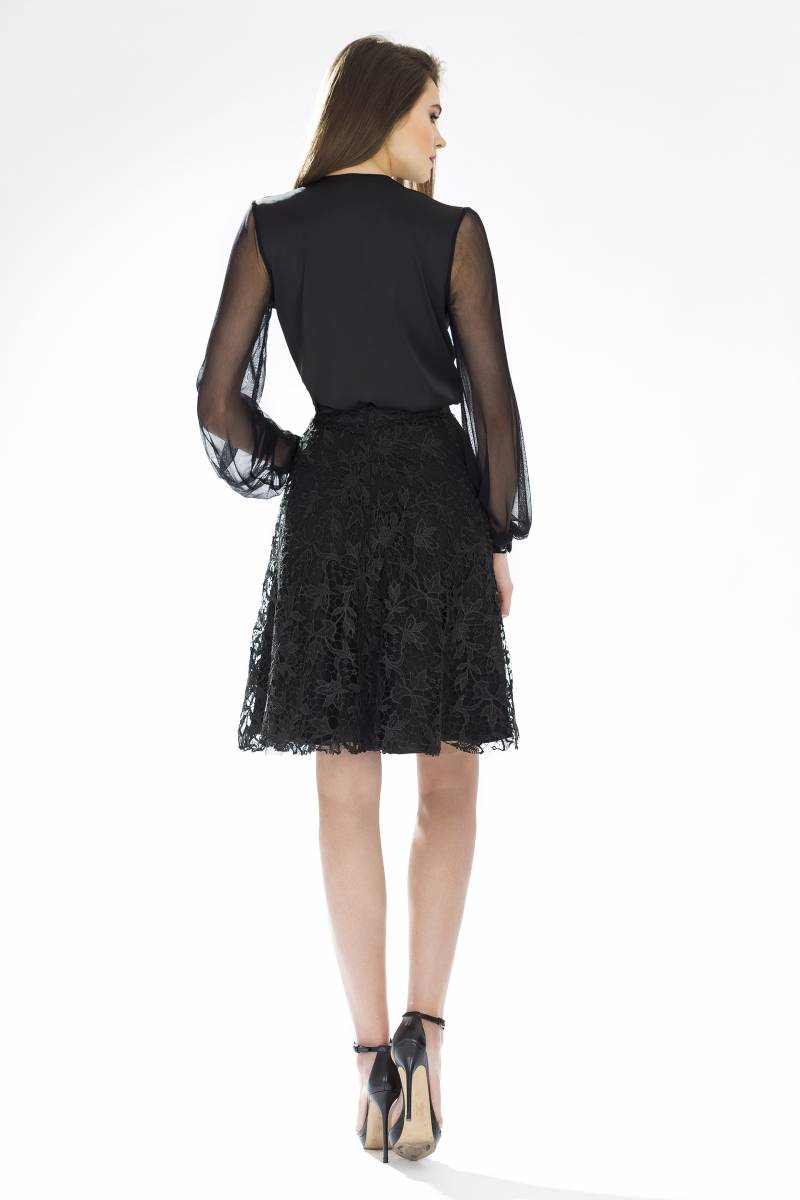
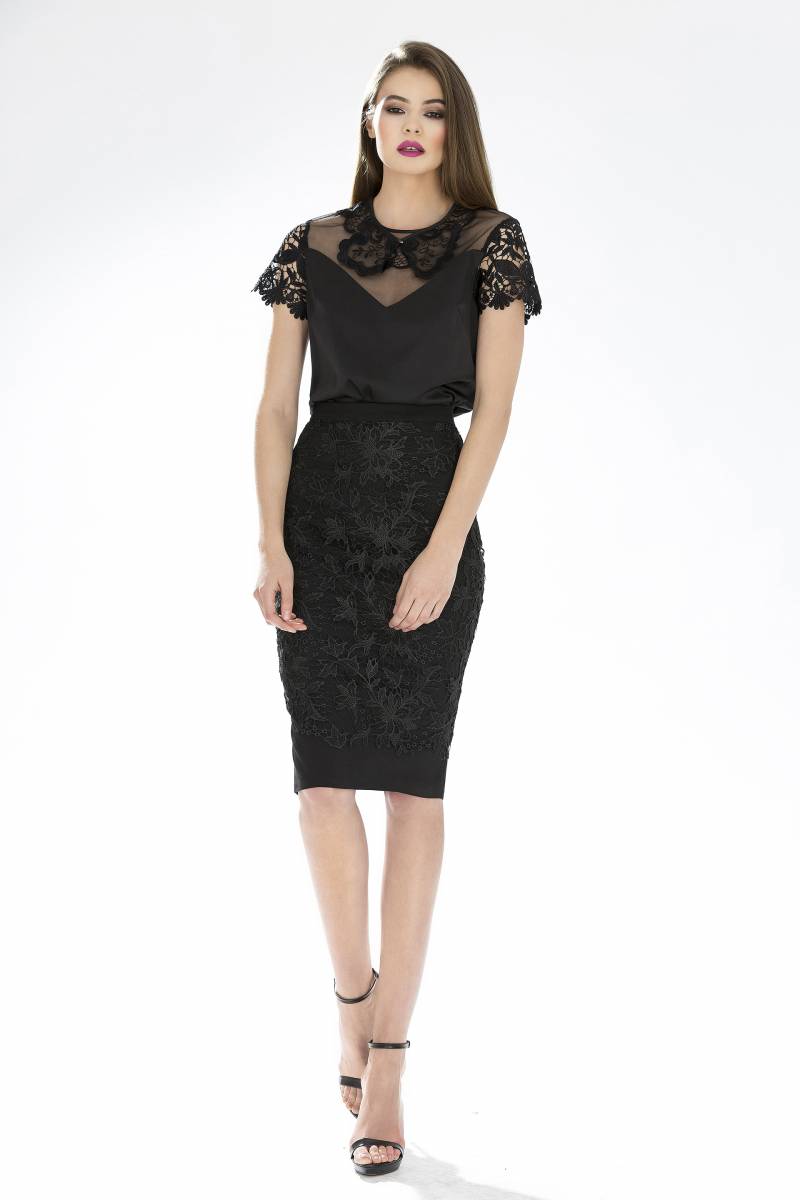
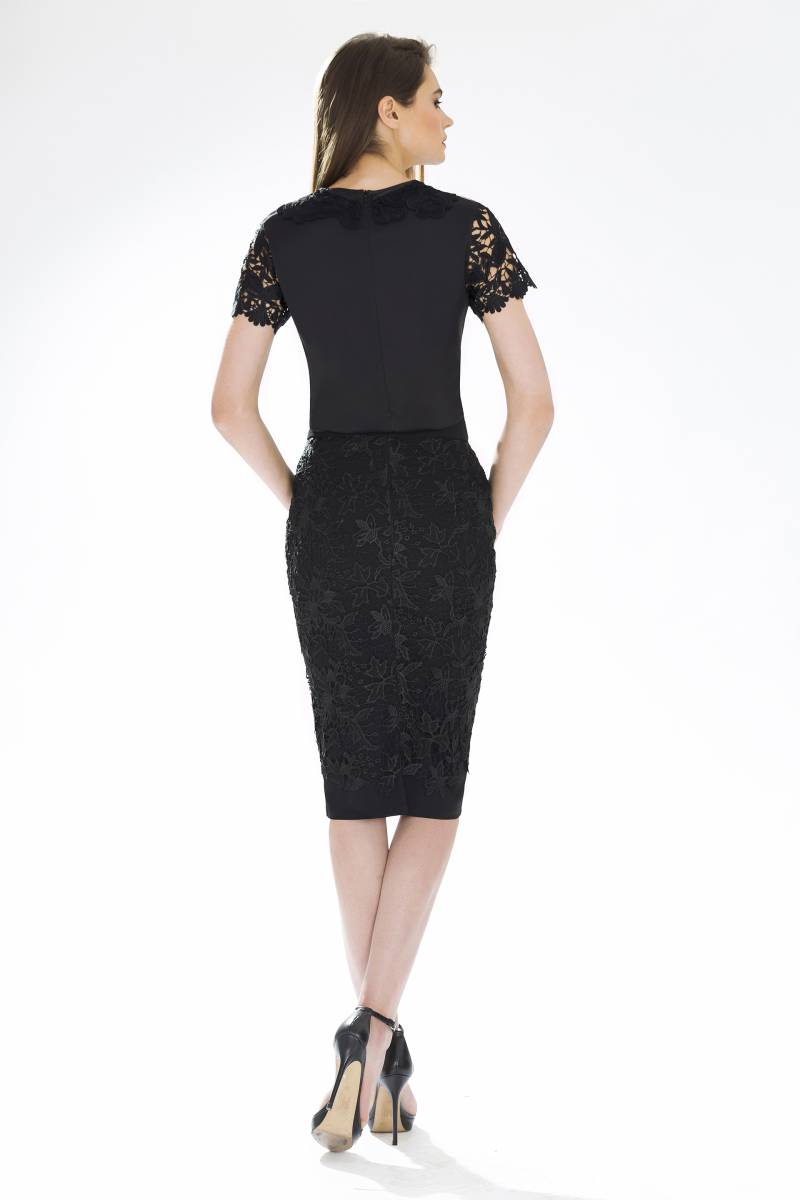
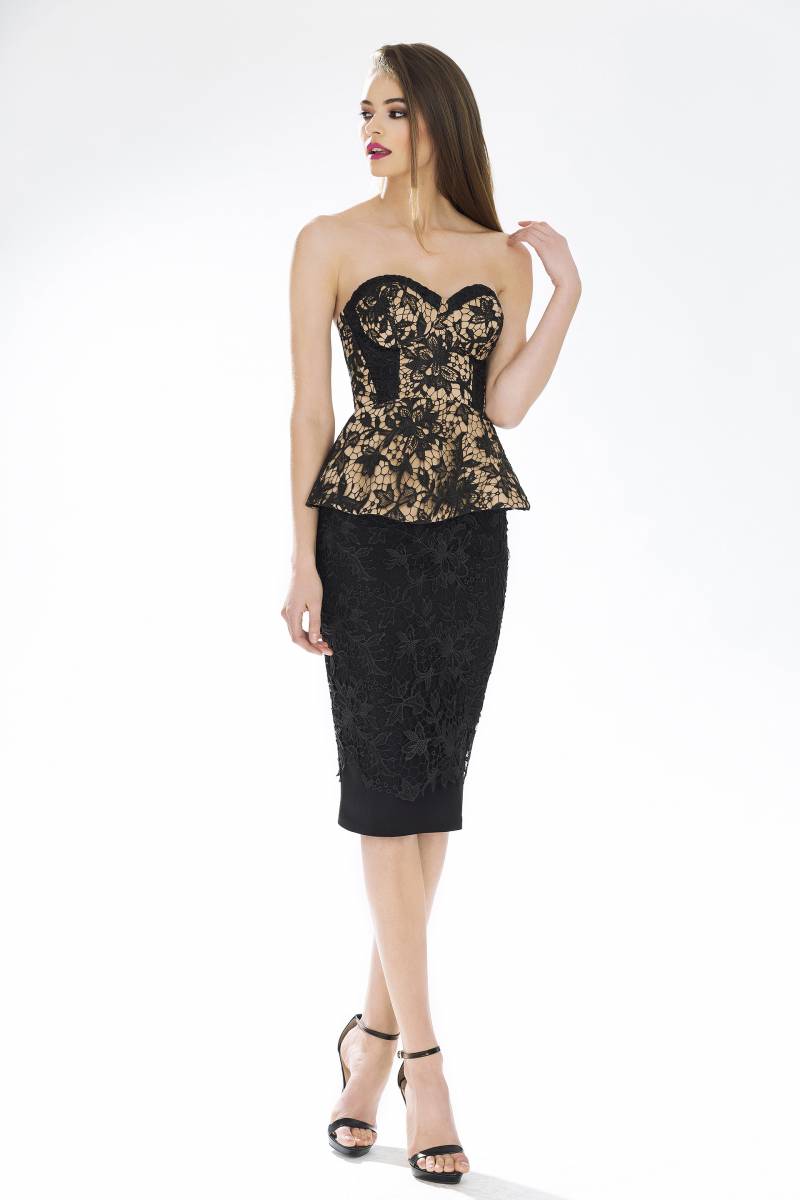
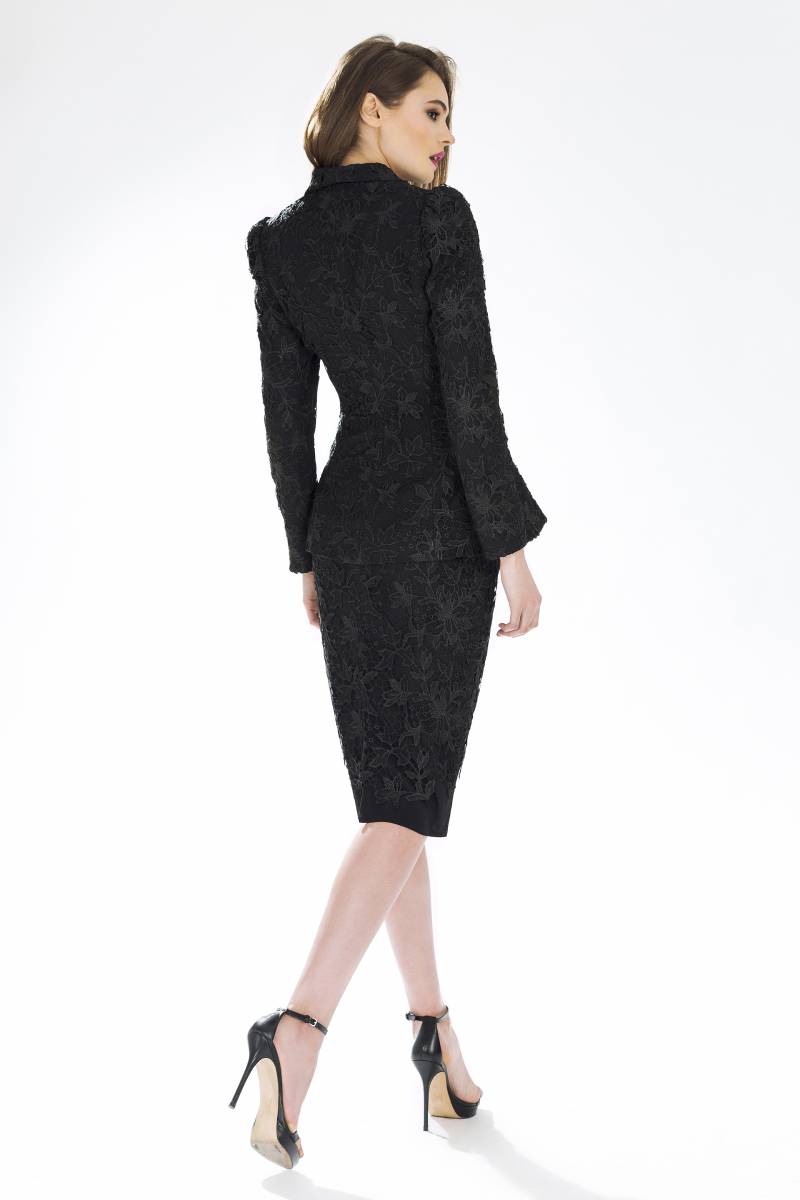
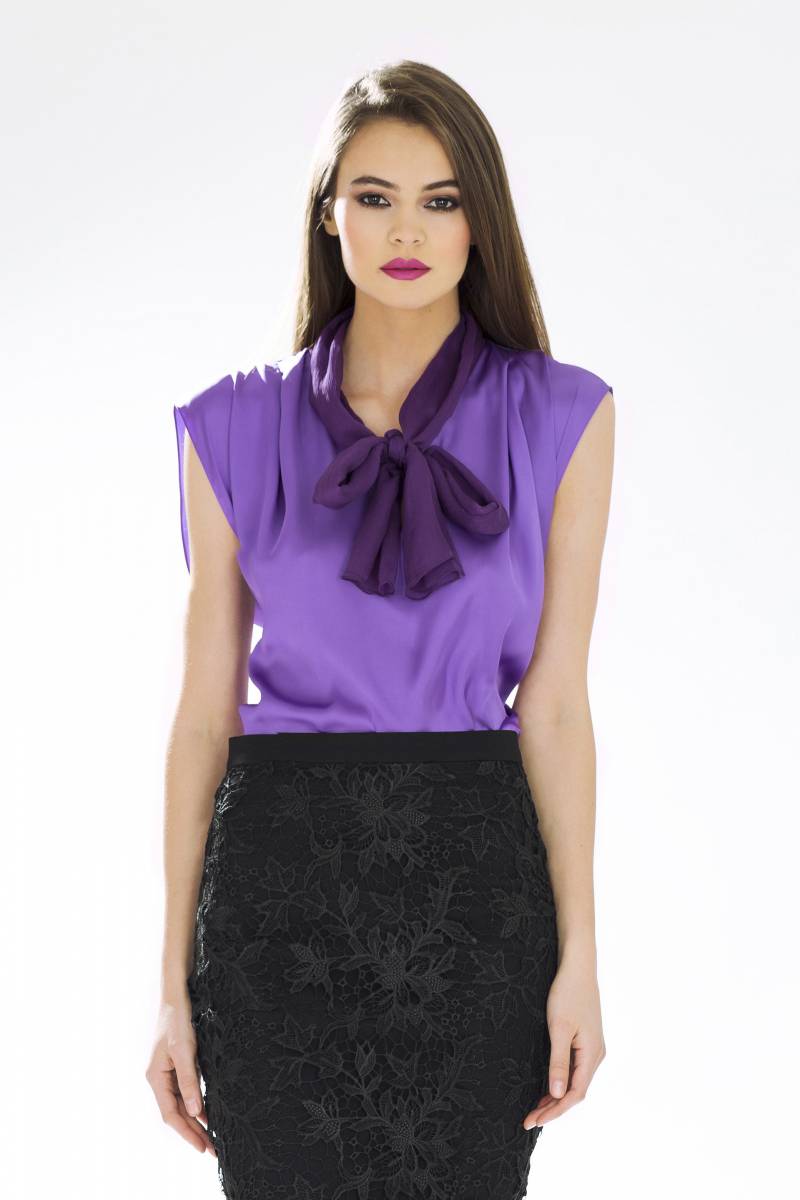
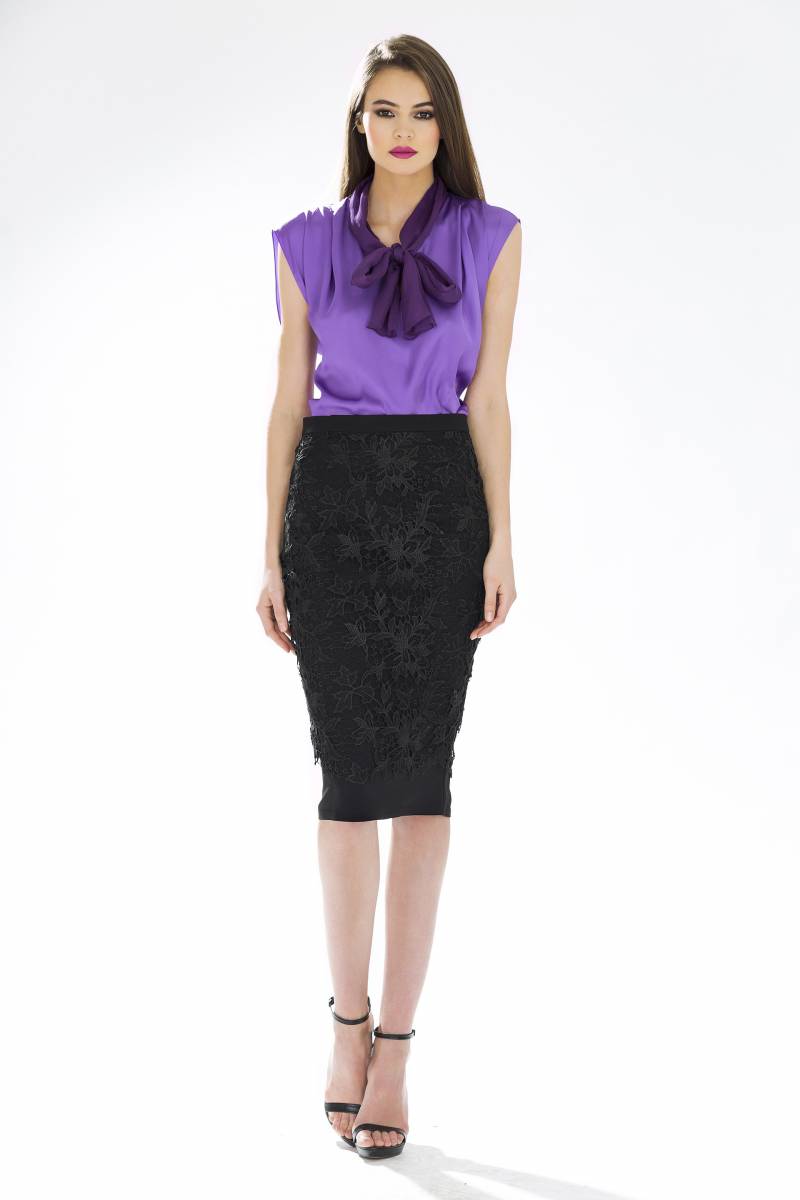
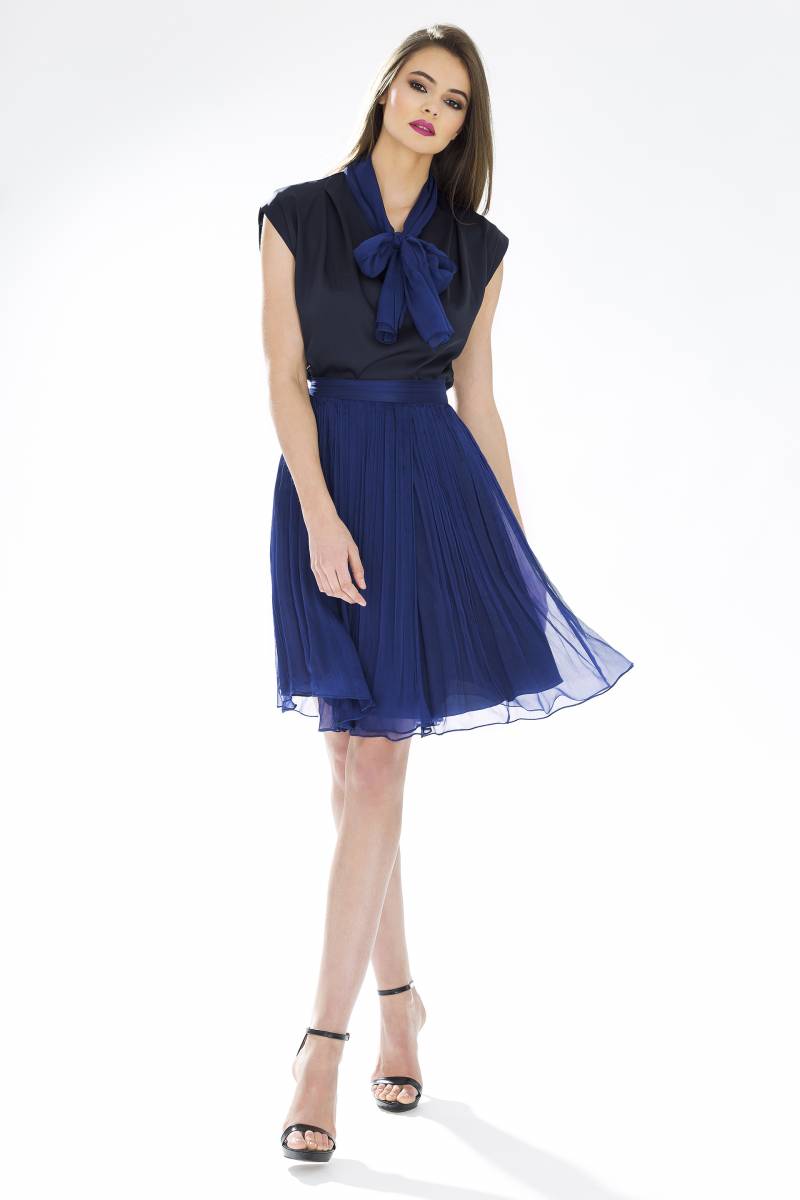
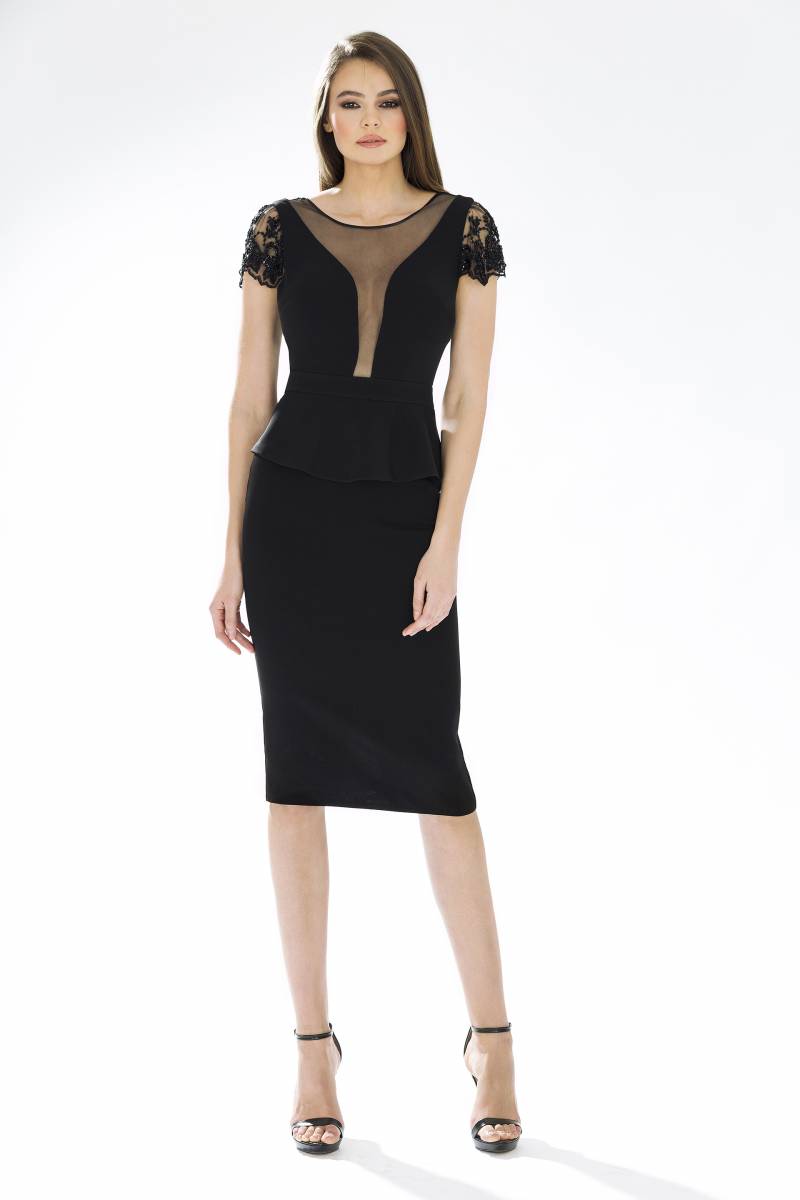
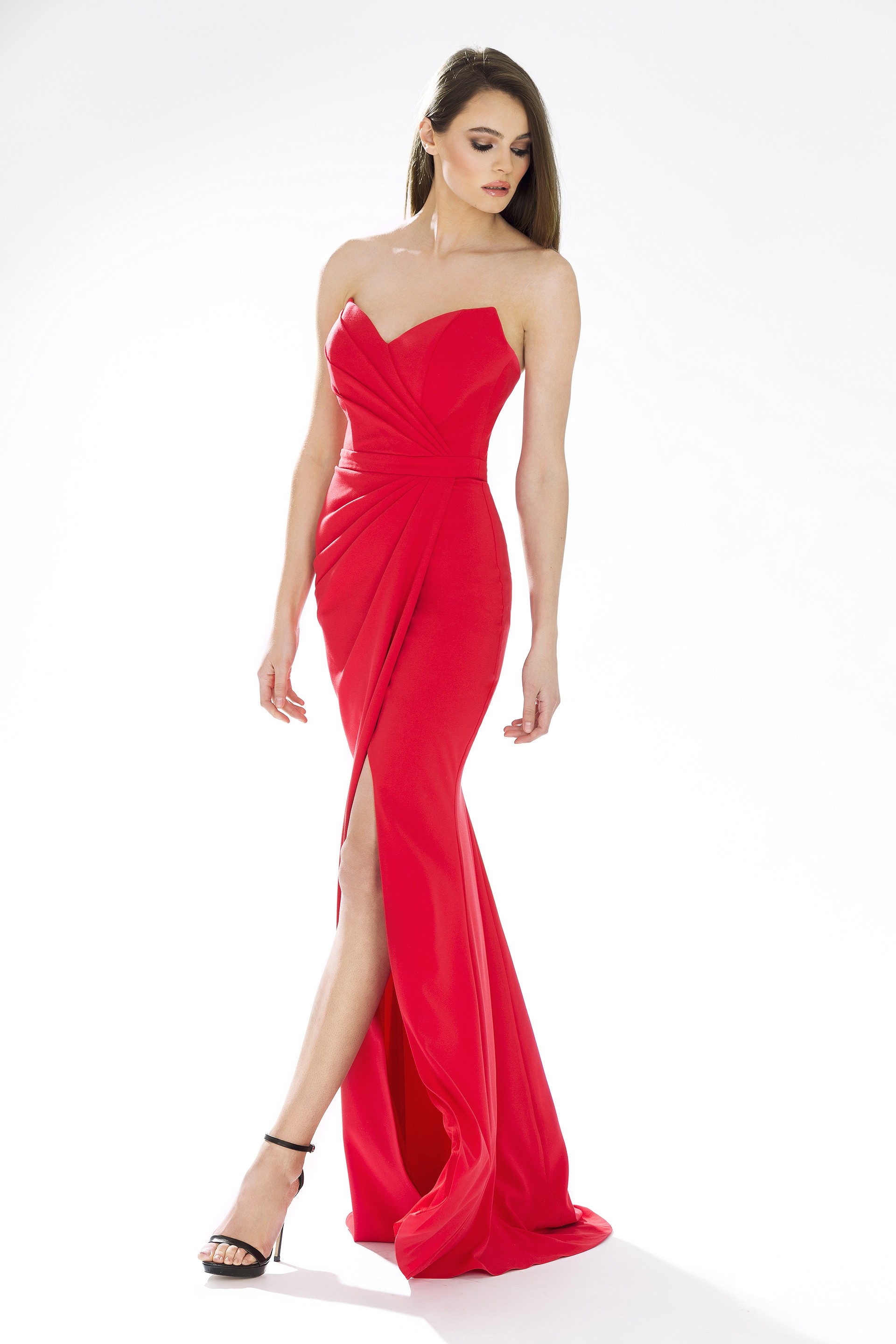
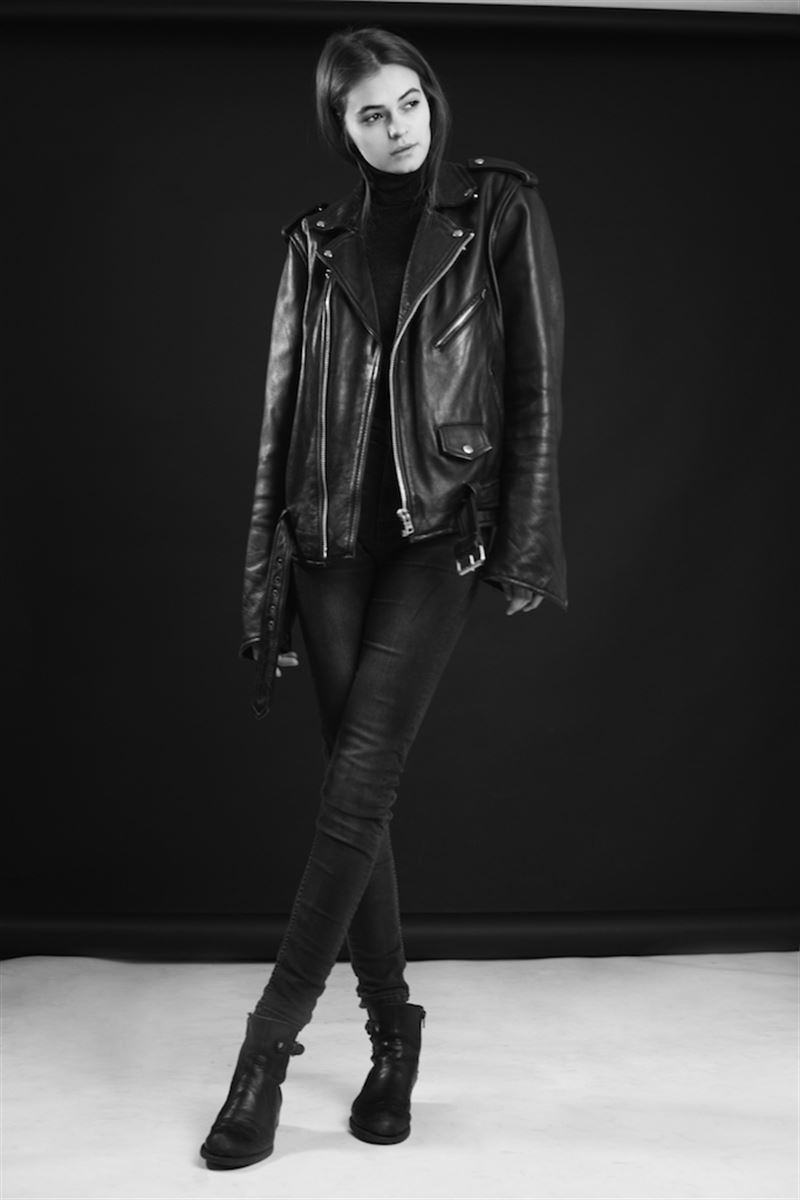
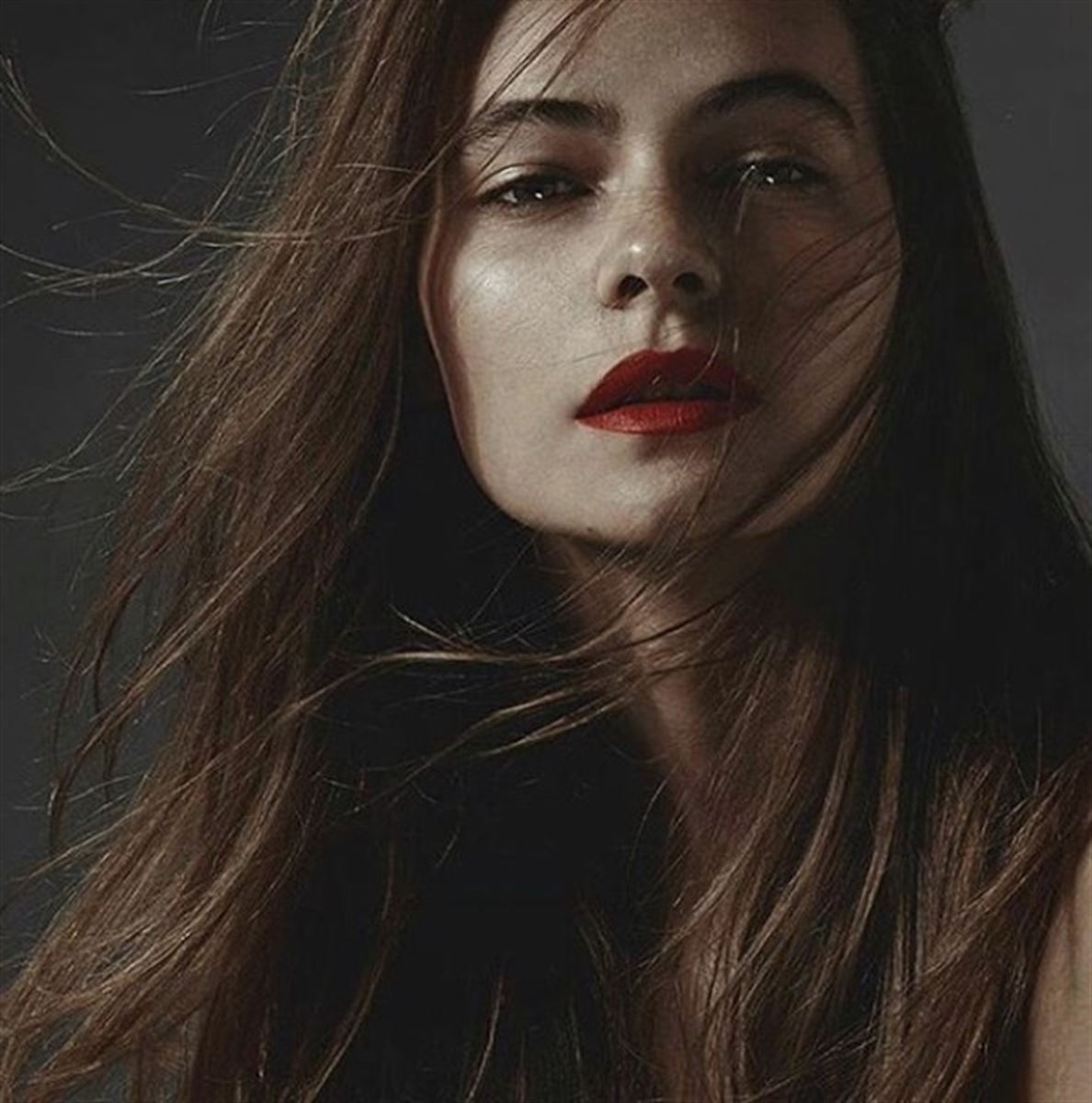
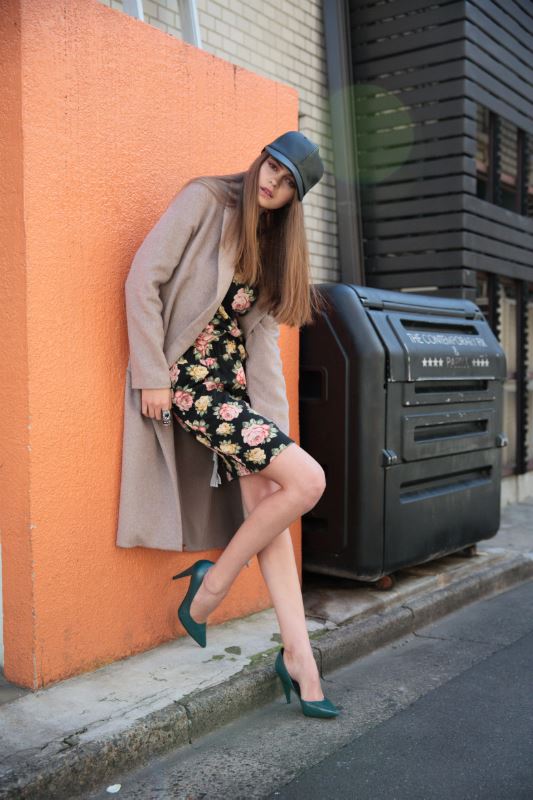
Oana Virlan (also Oana Varlan or Oana Vîrlan) height 177 - 5’ 9.5” bust 83 - 32” waist 60 - 23” hips 90 - 35” shoes 39 - 7.5 hair color dark blonde Agencies One Models Romania Boom Models Milan Instagram - https://www.instagram.com/oanamariav/?hl=en


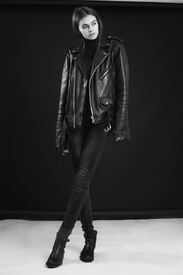
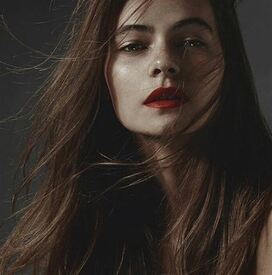
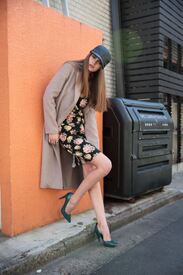
-
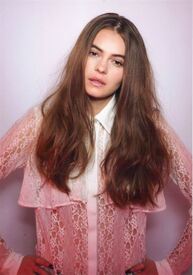
Lacoste SS16 collection
-
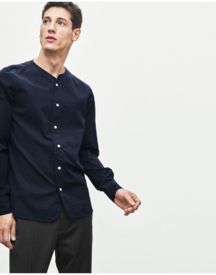
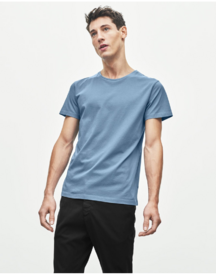
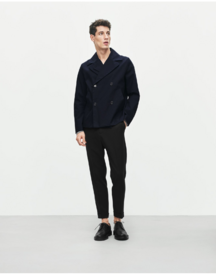
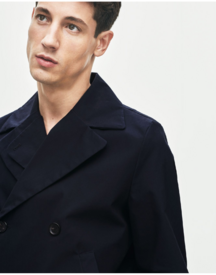
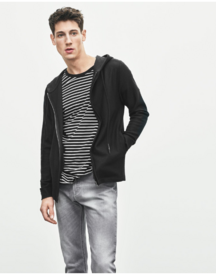
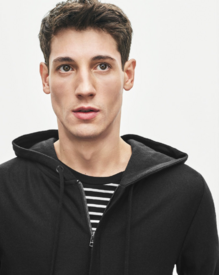
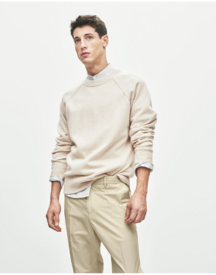
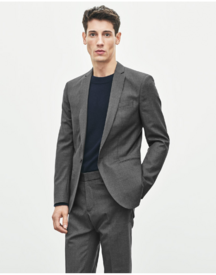
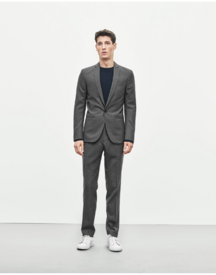
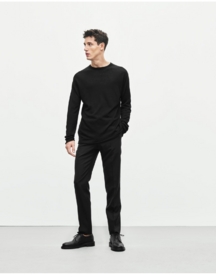
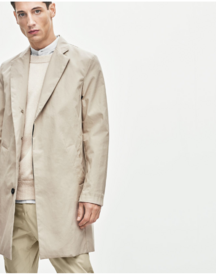
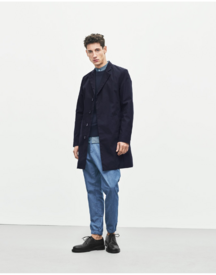
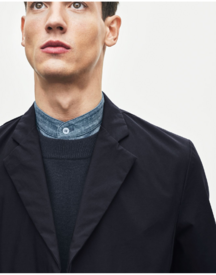
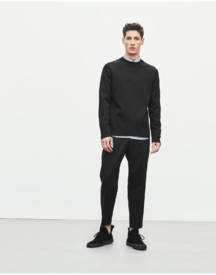
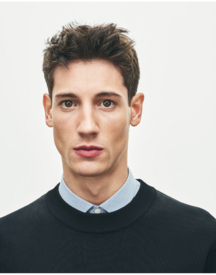
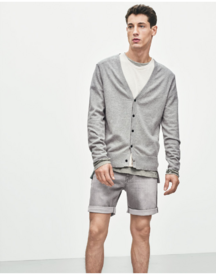
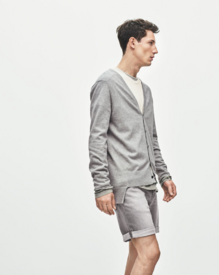
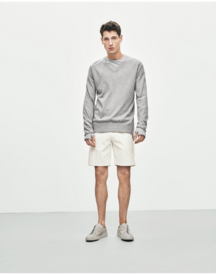
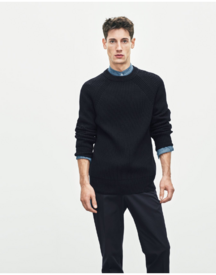
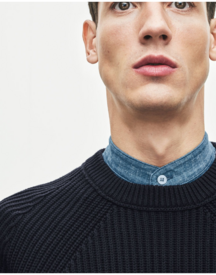
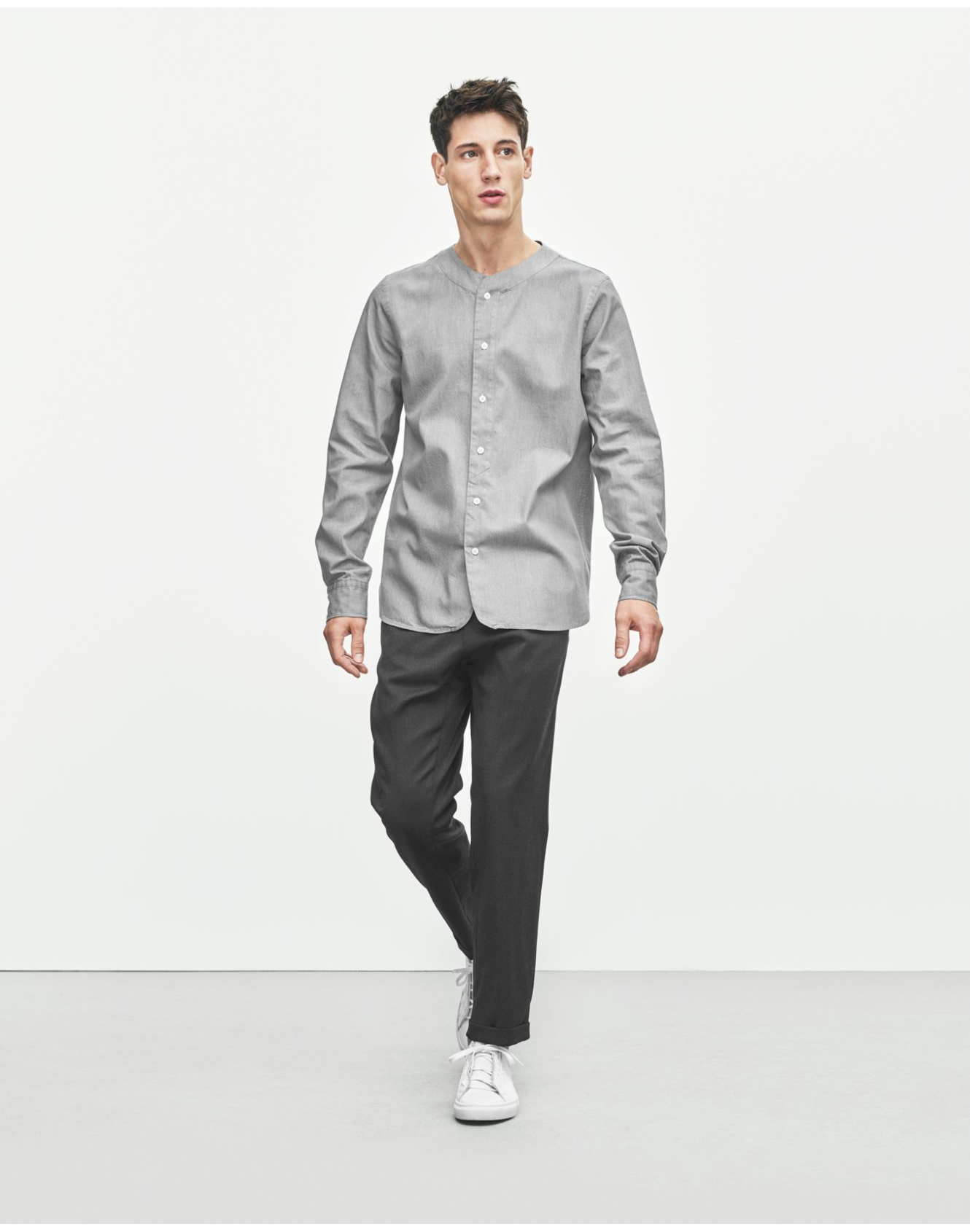
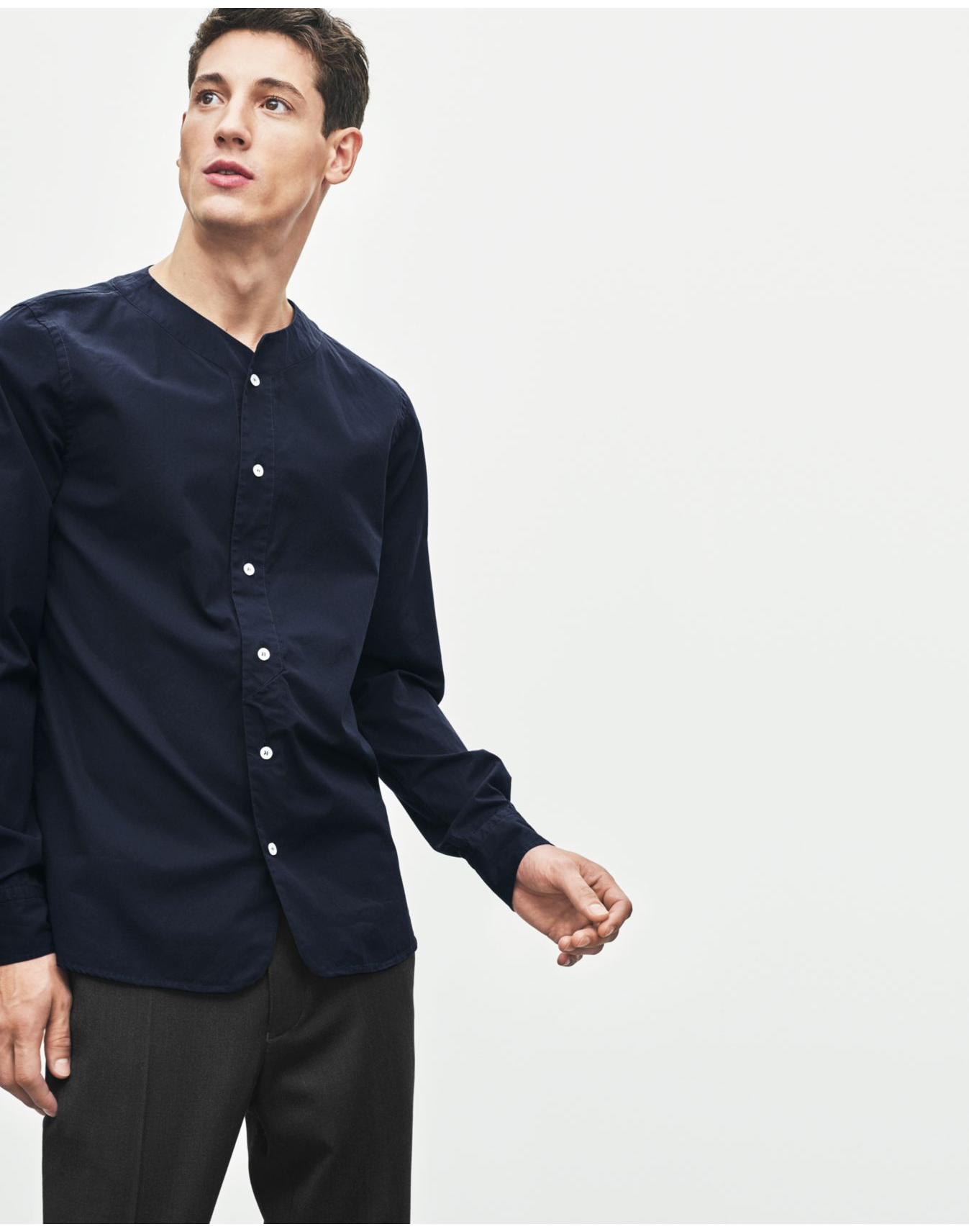
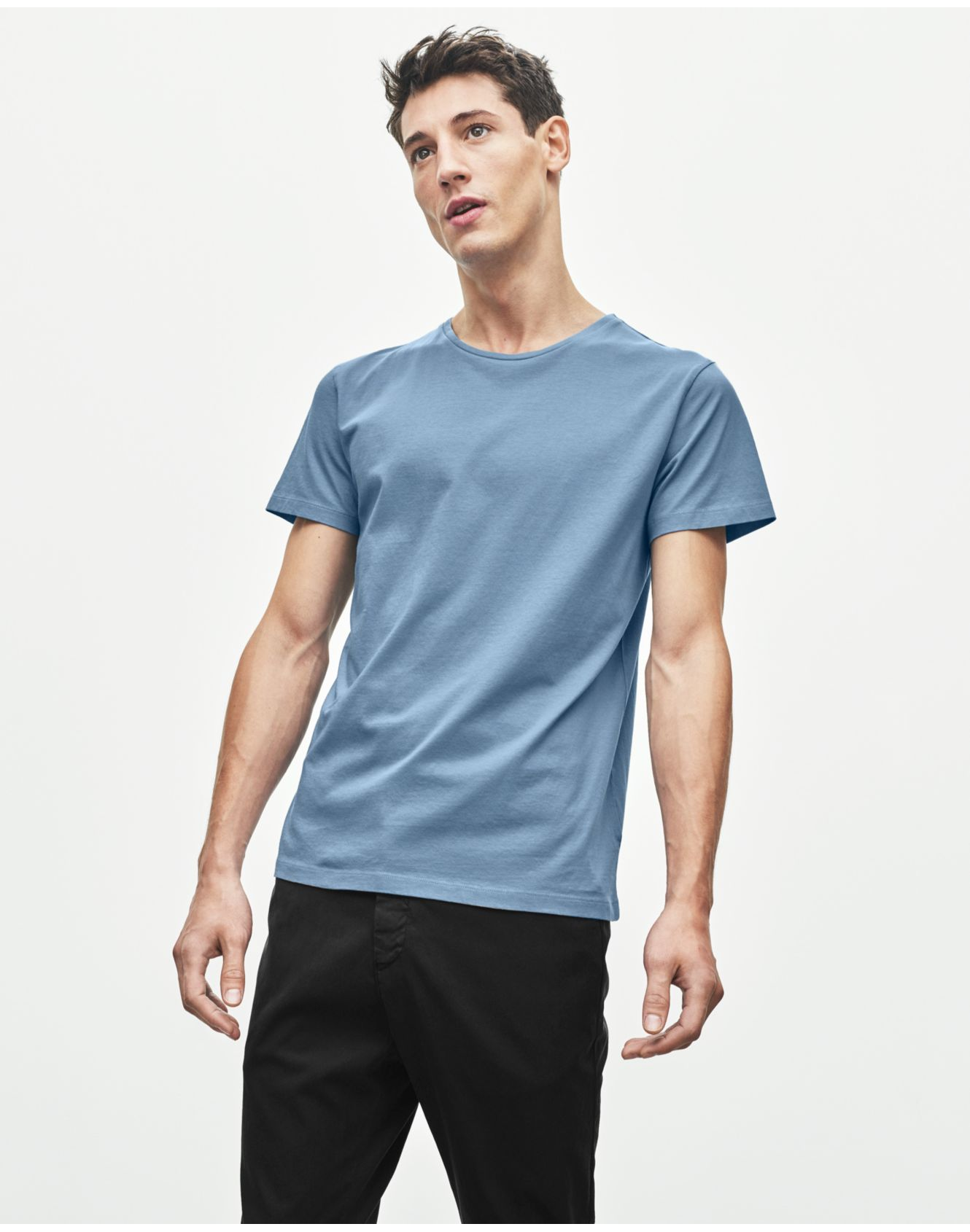
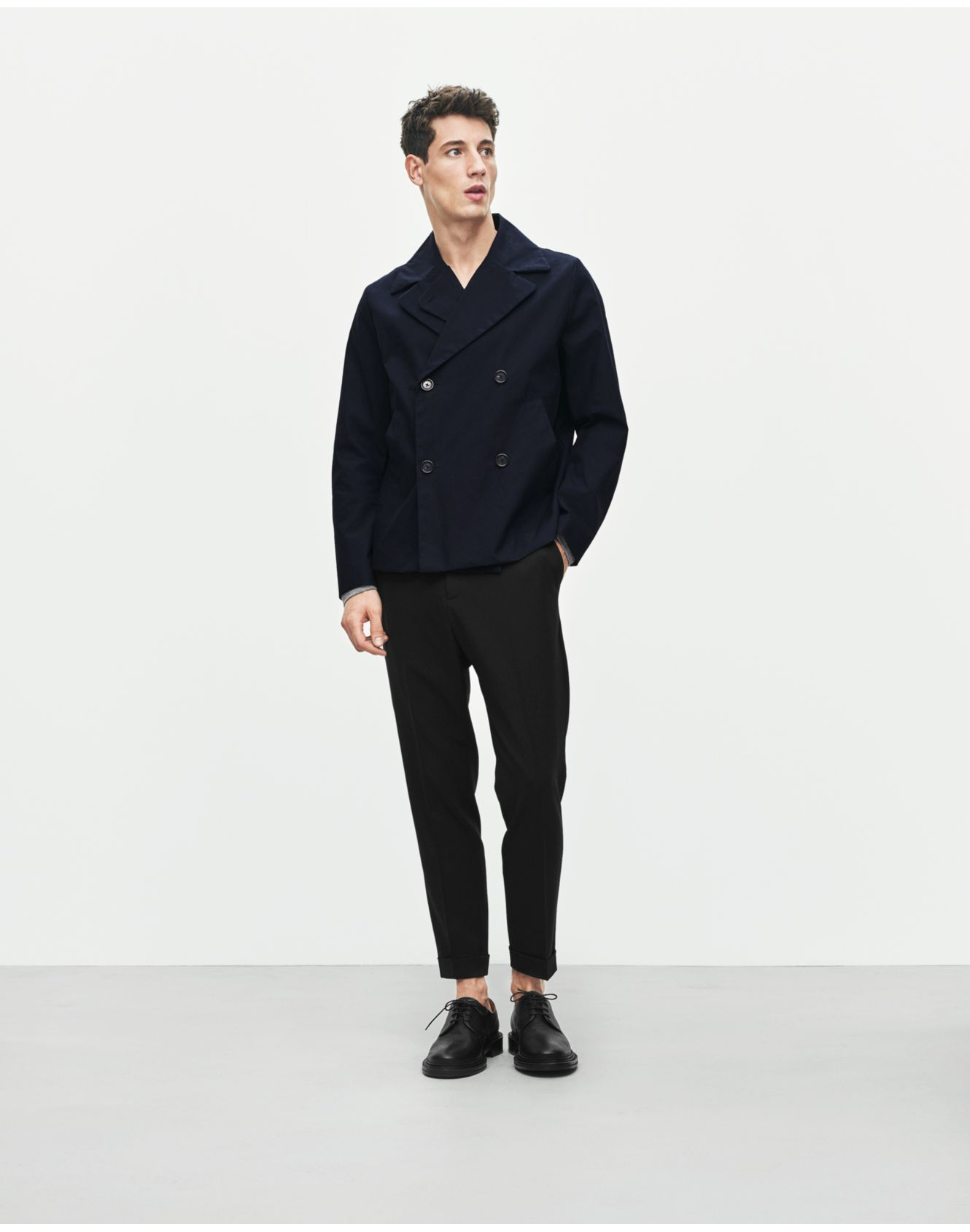
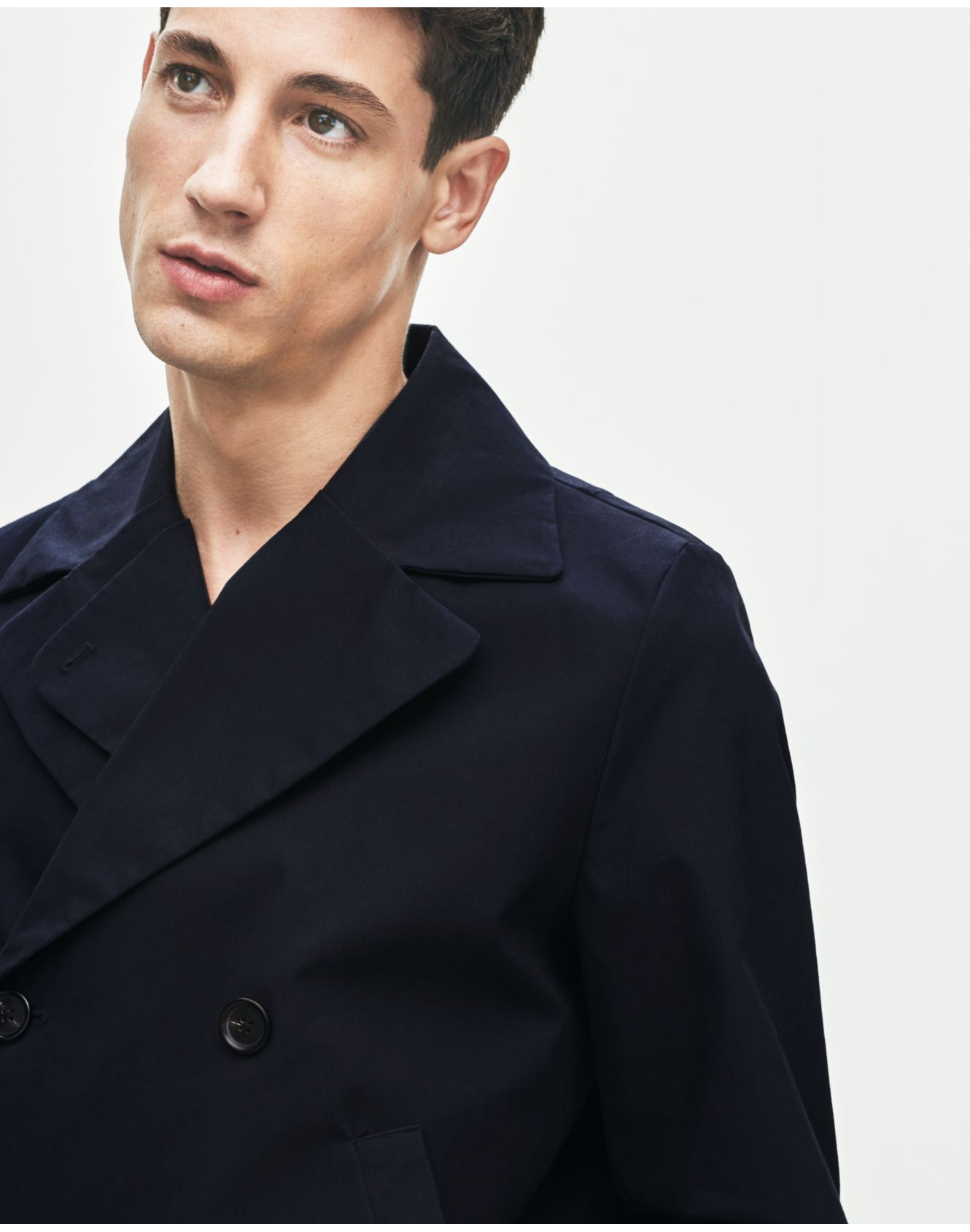
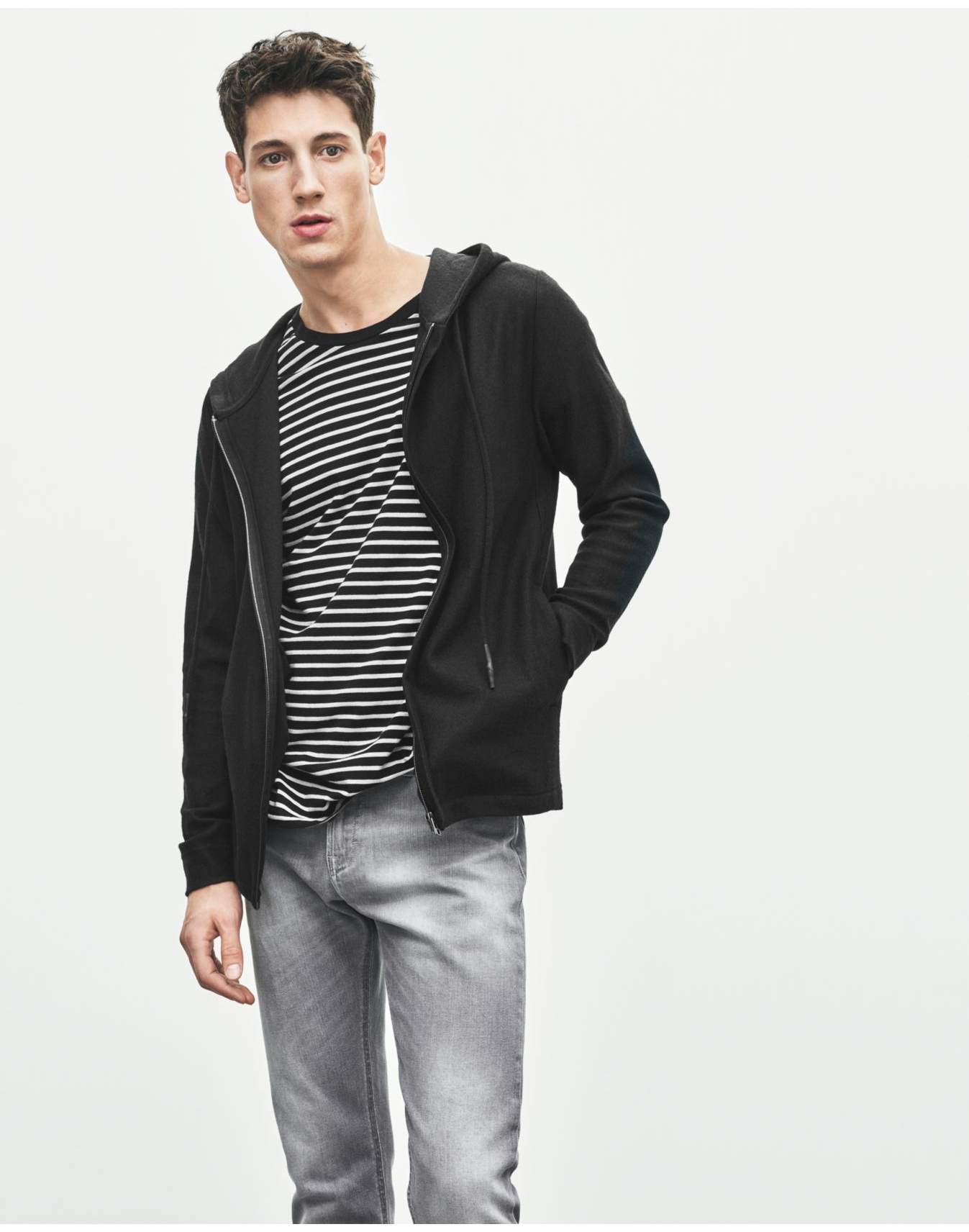
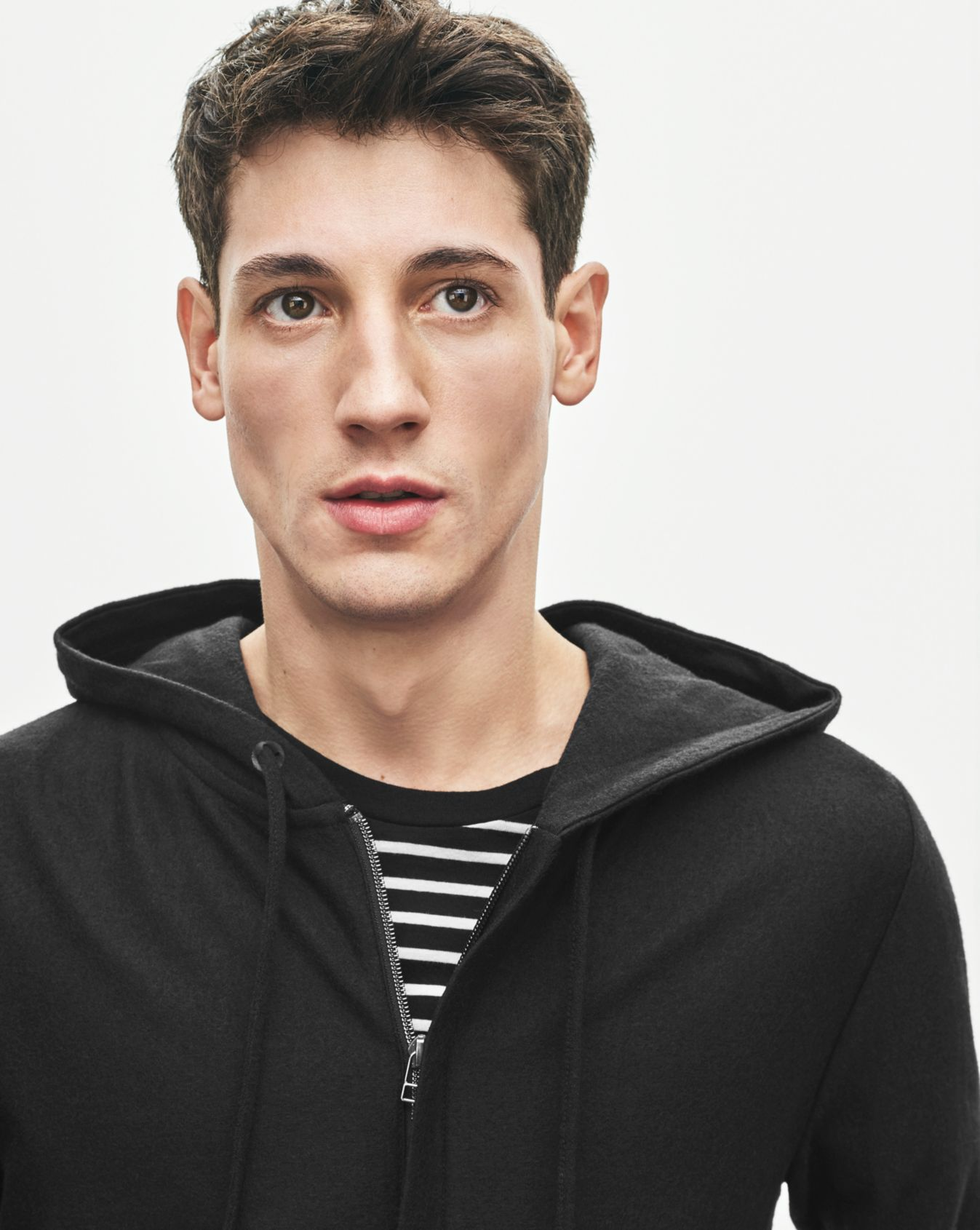
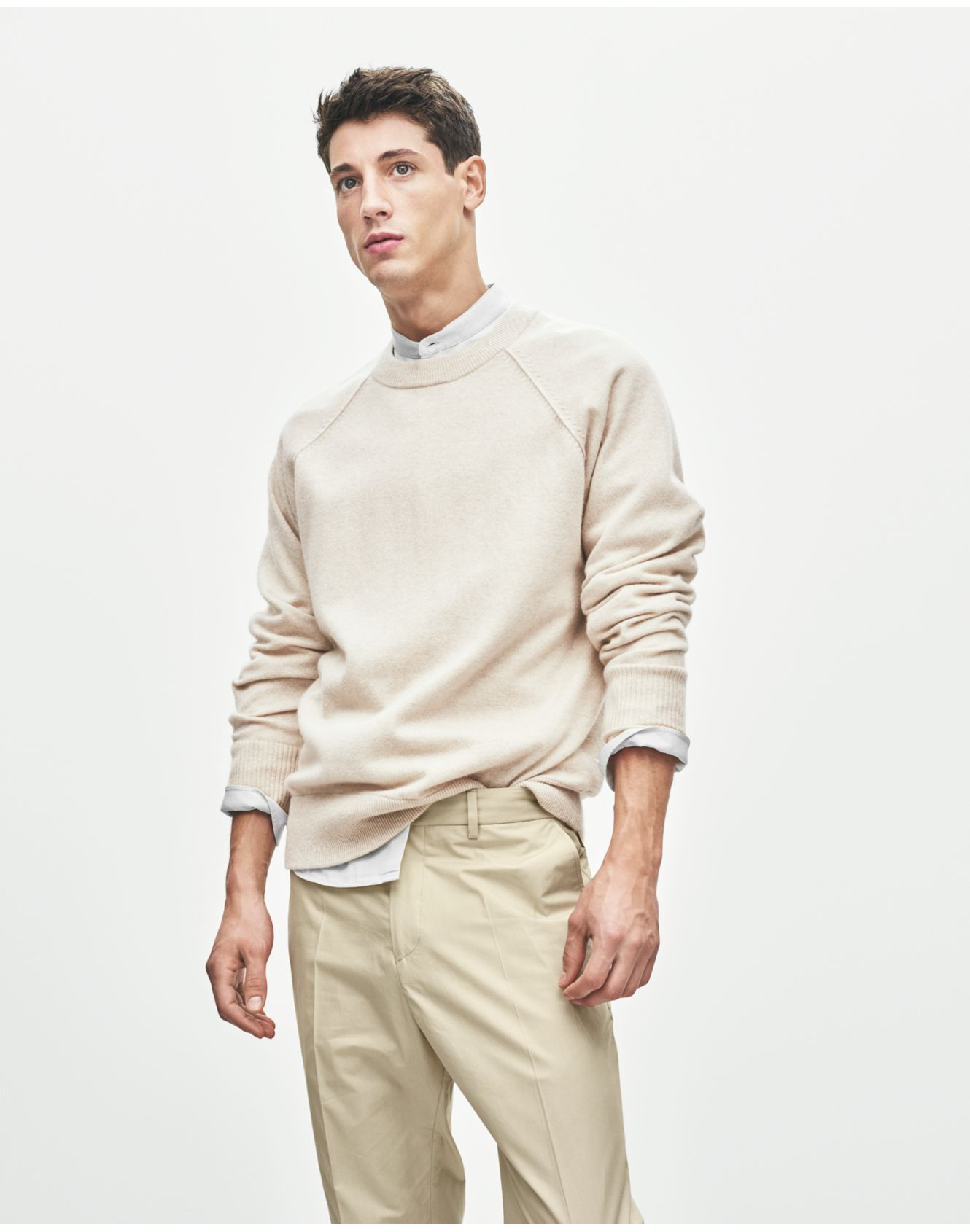
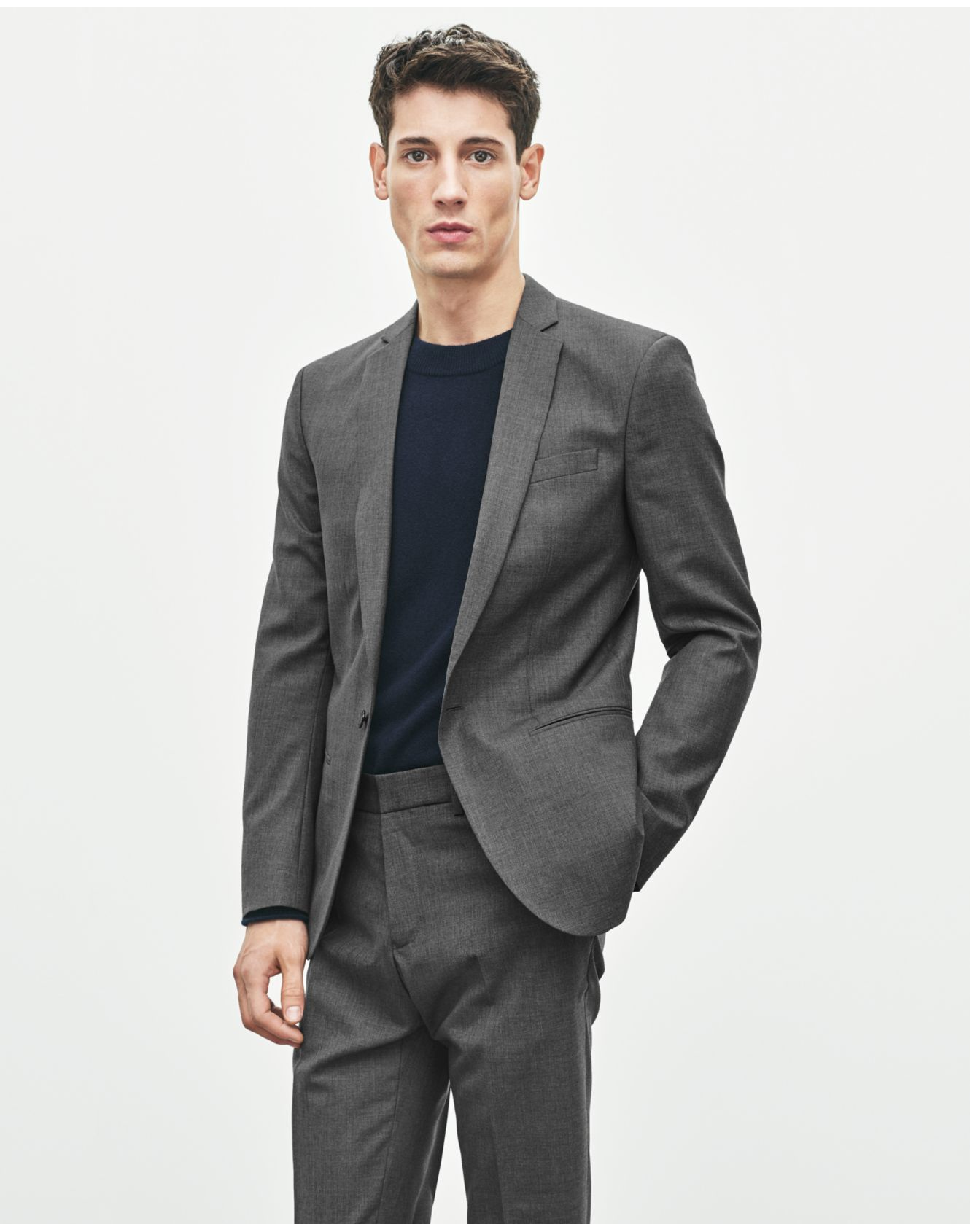
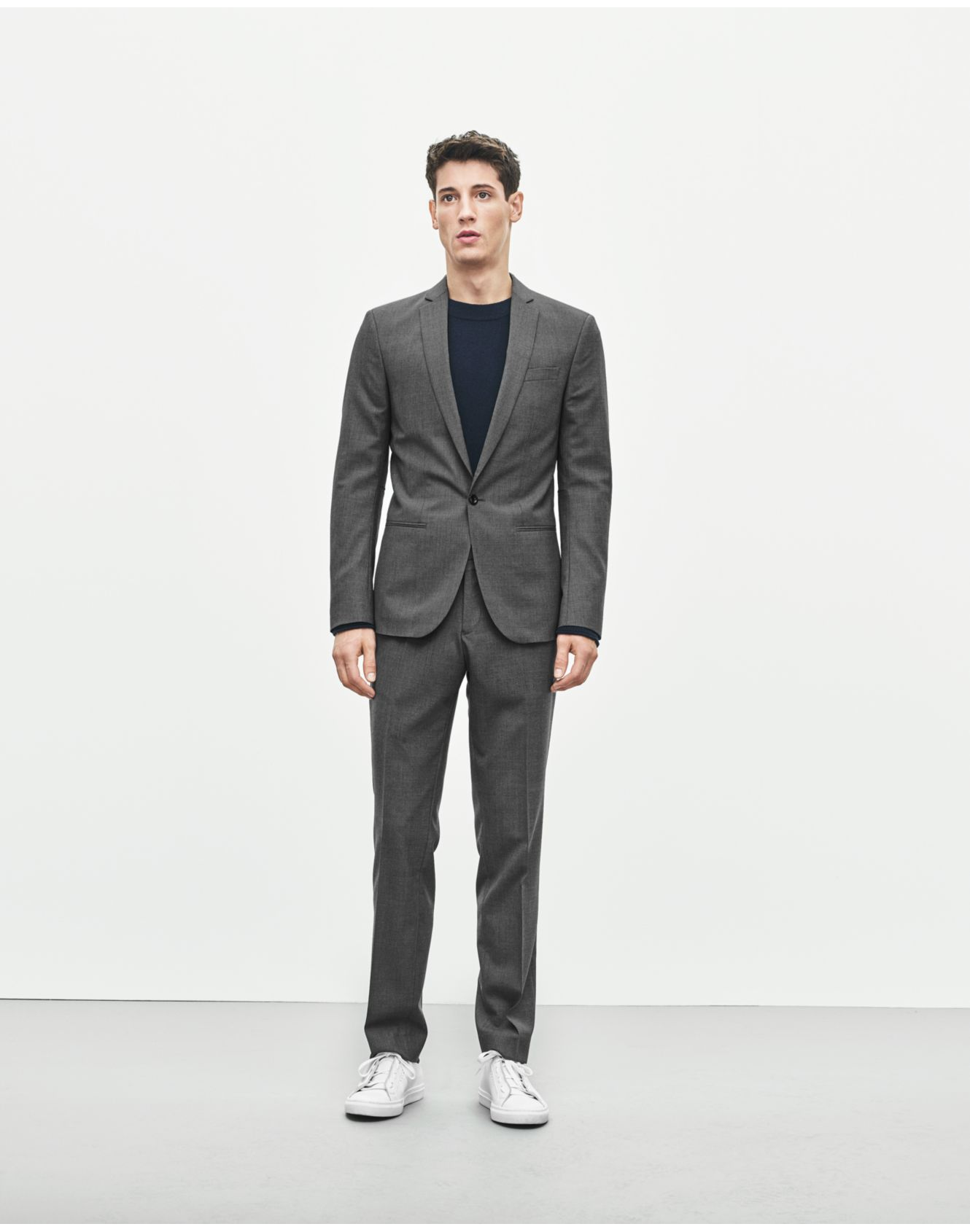
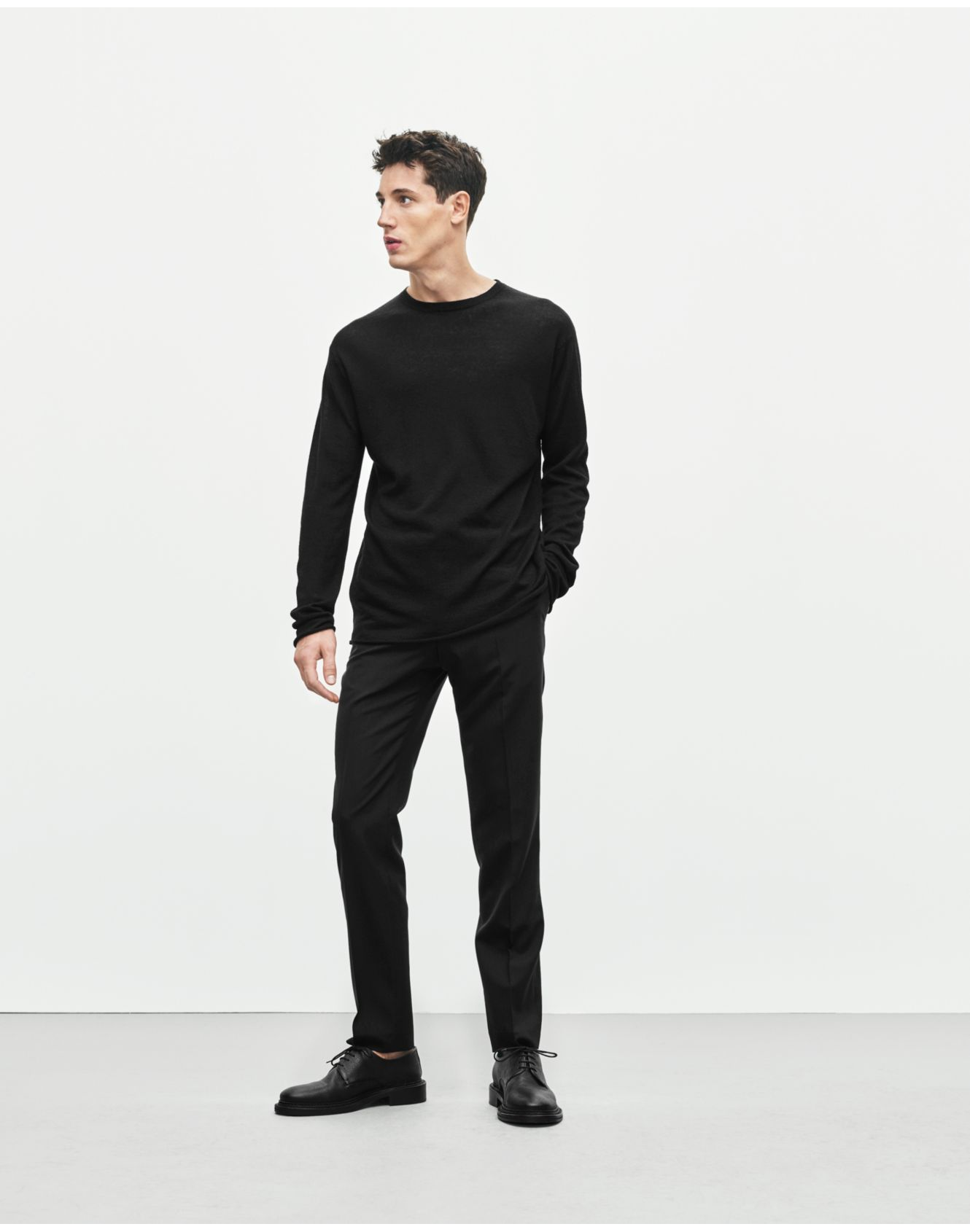
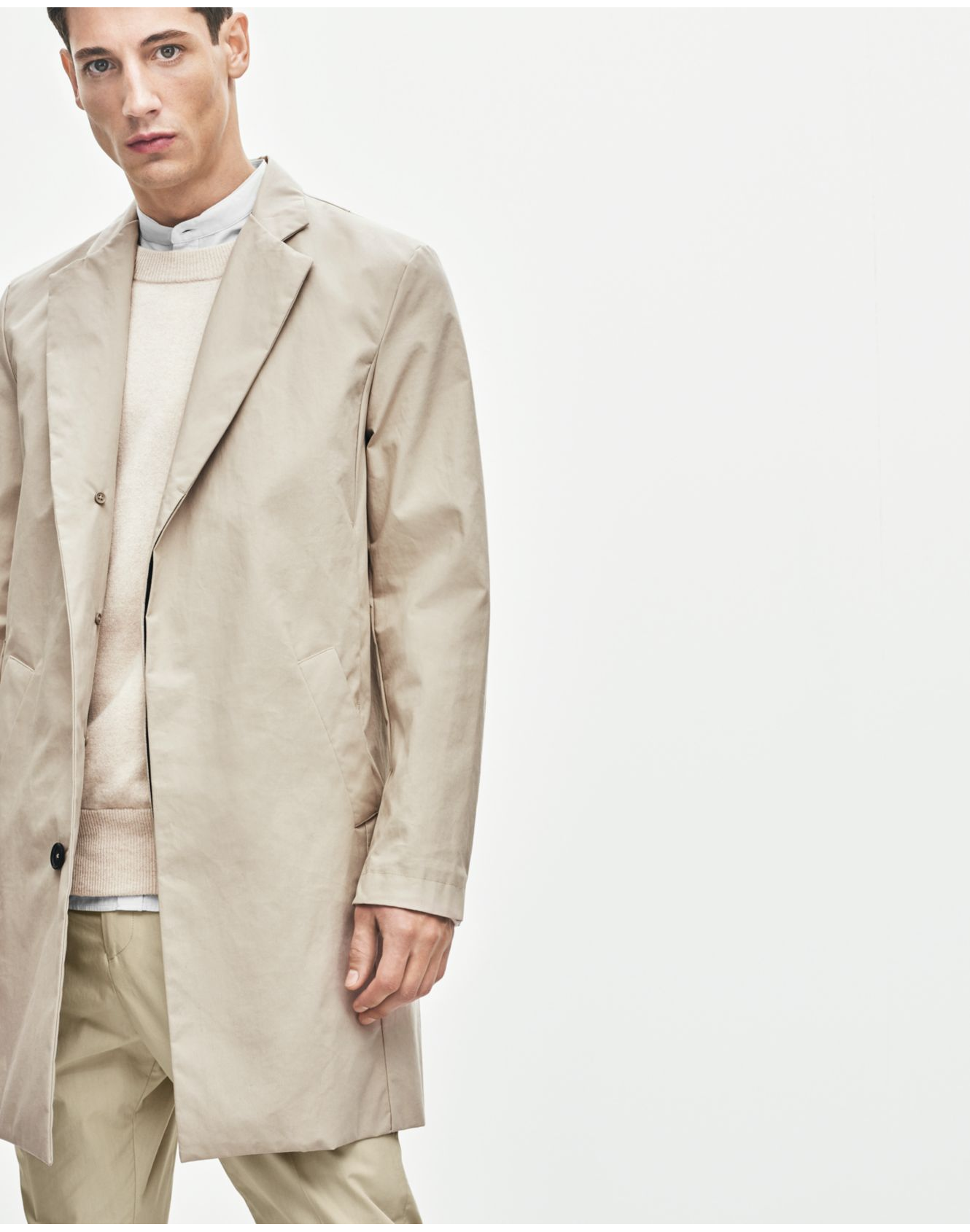
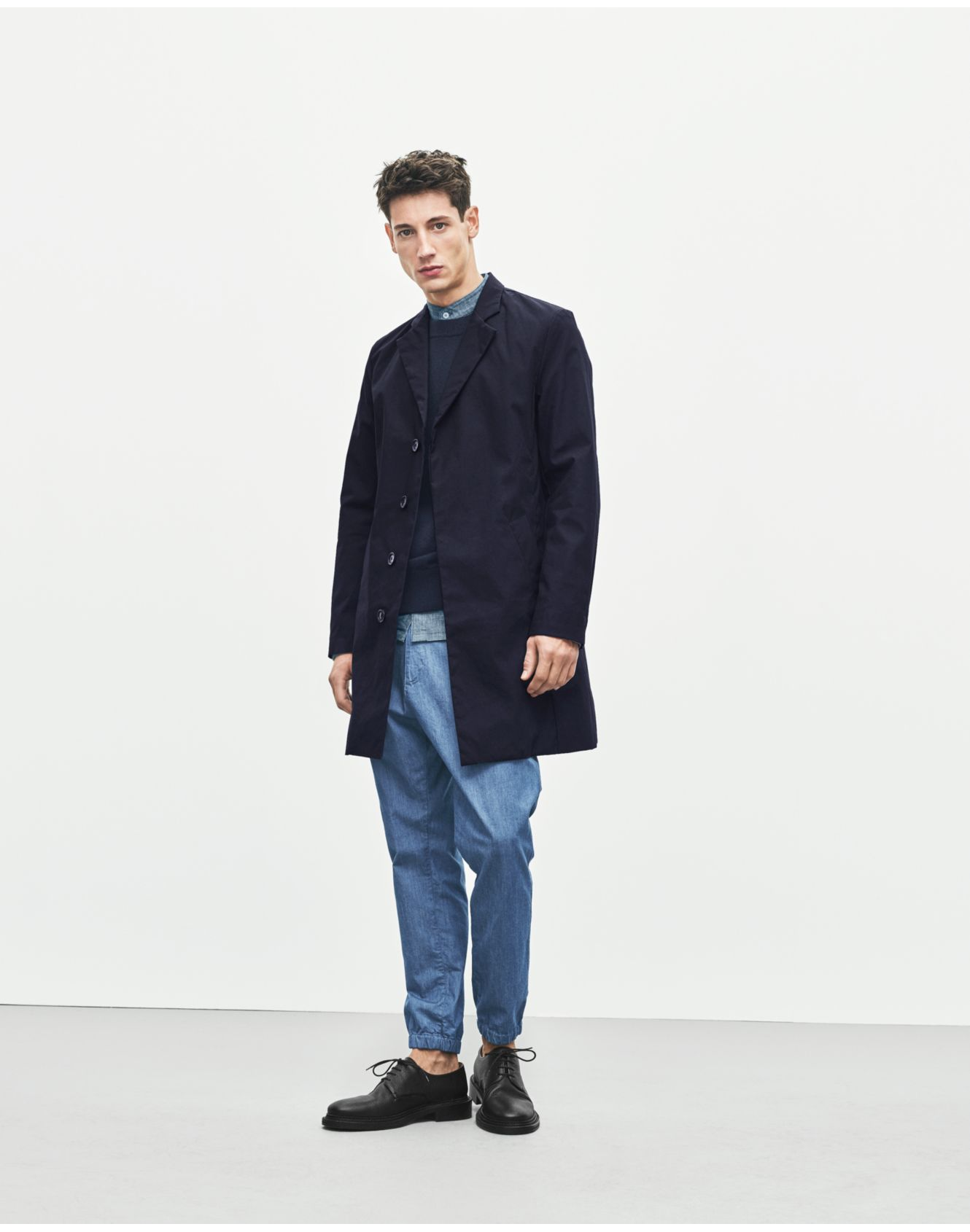
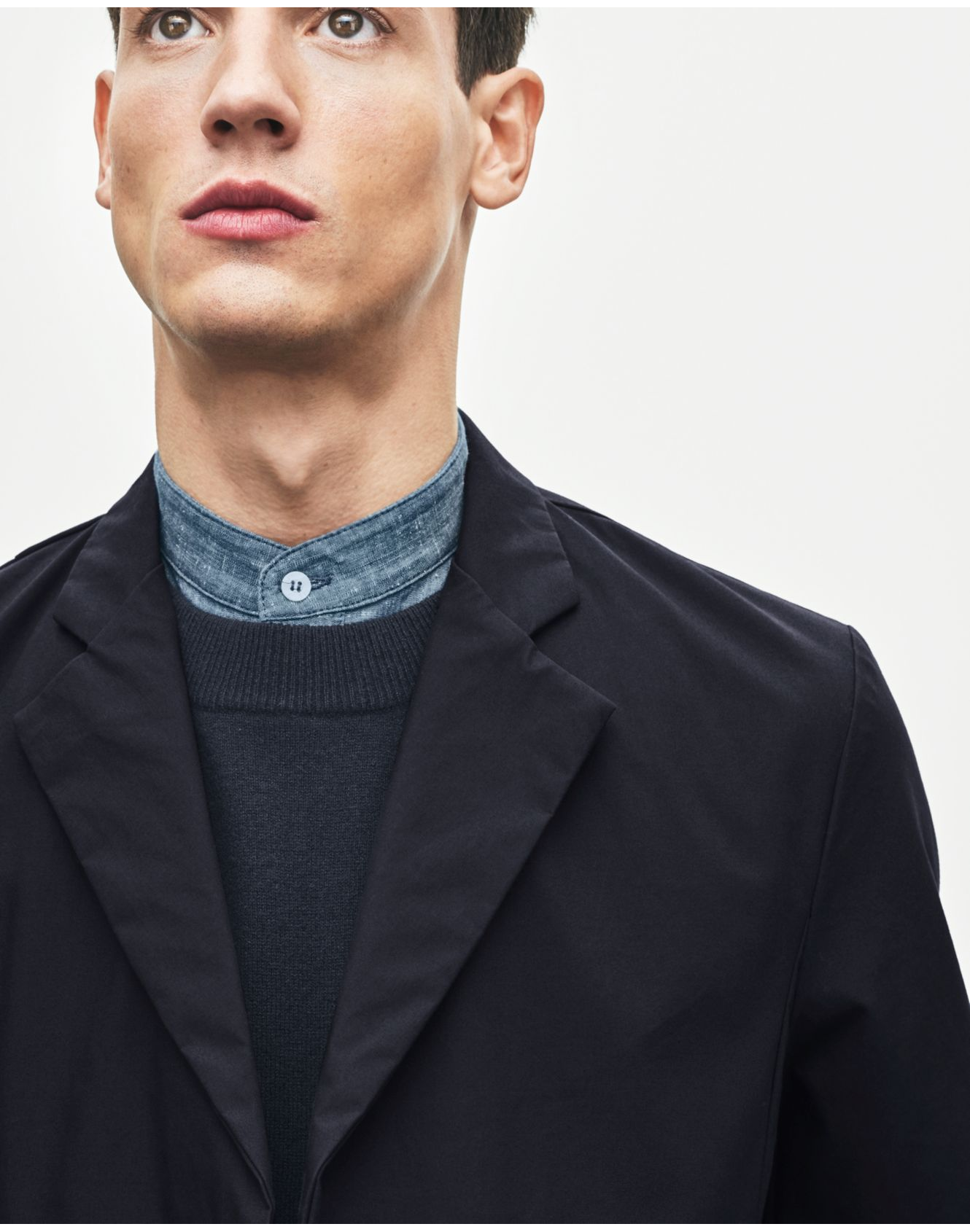
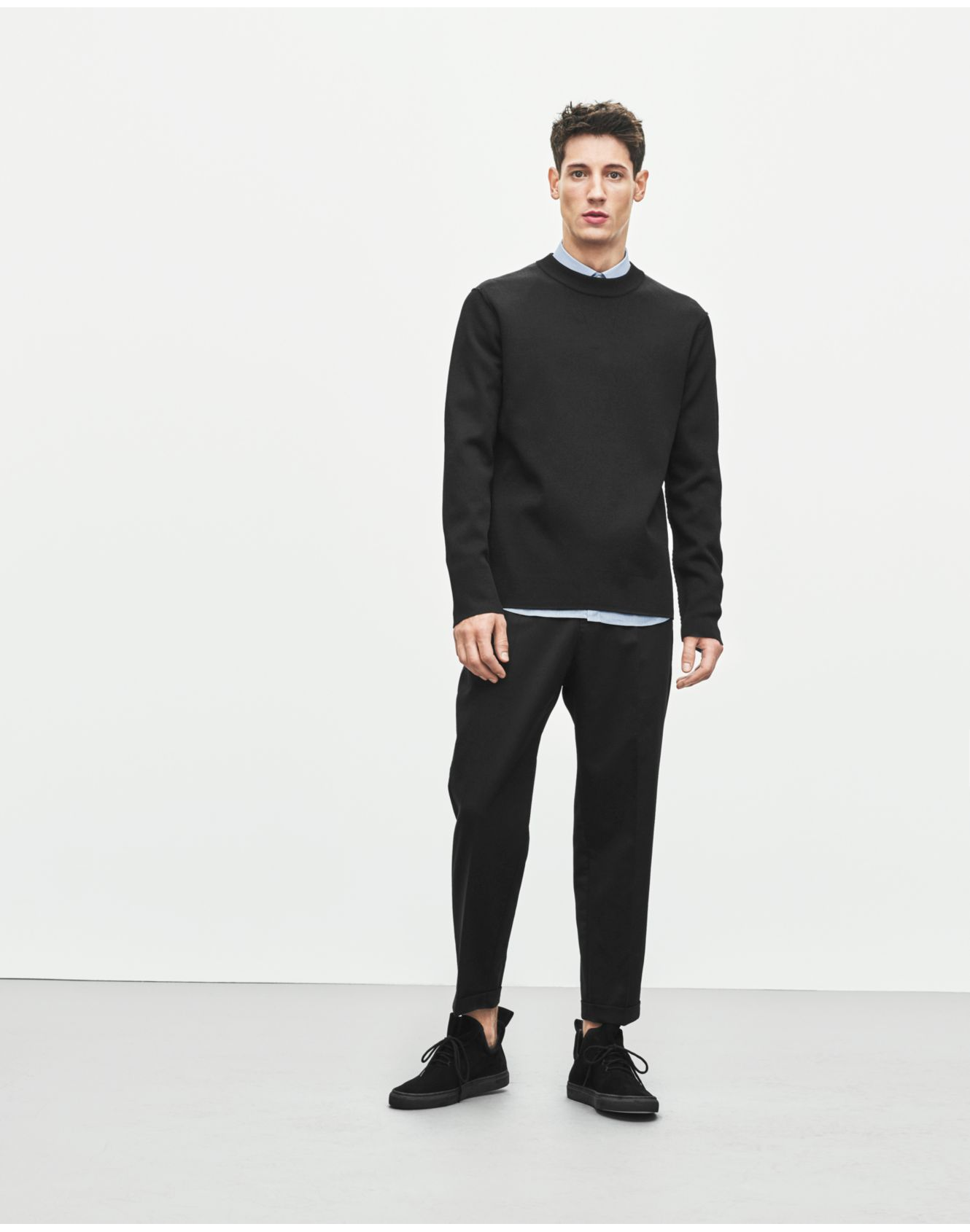
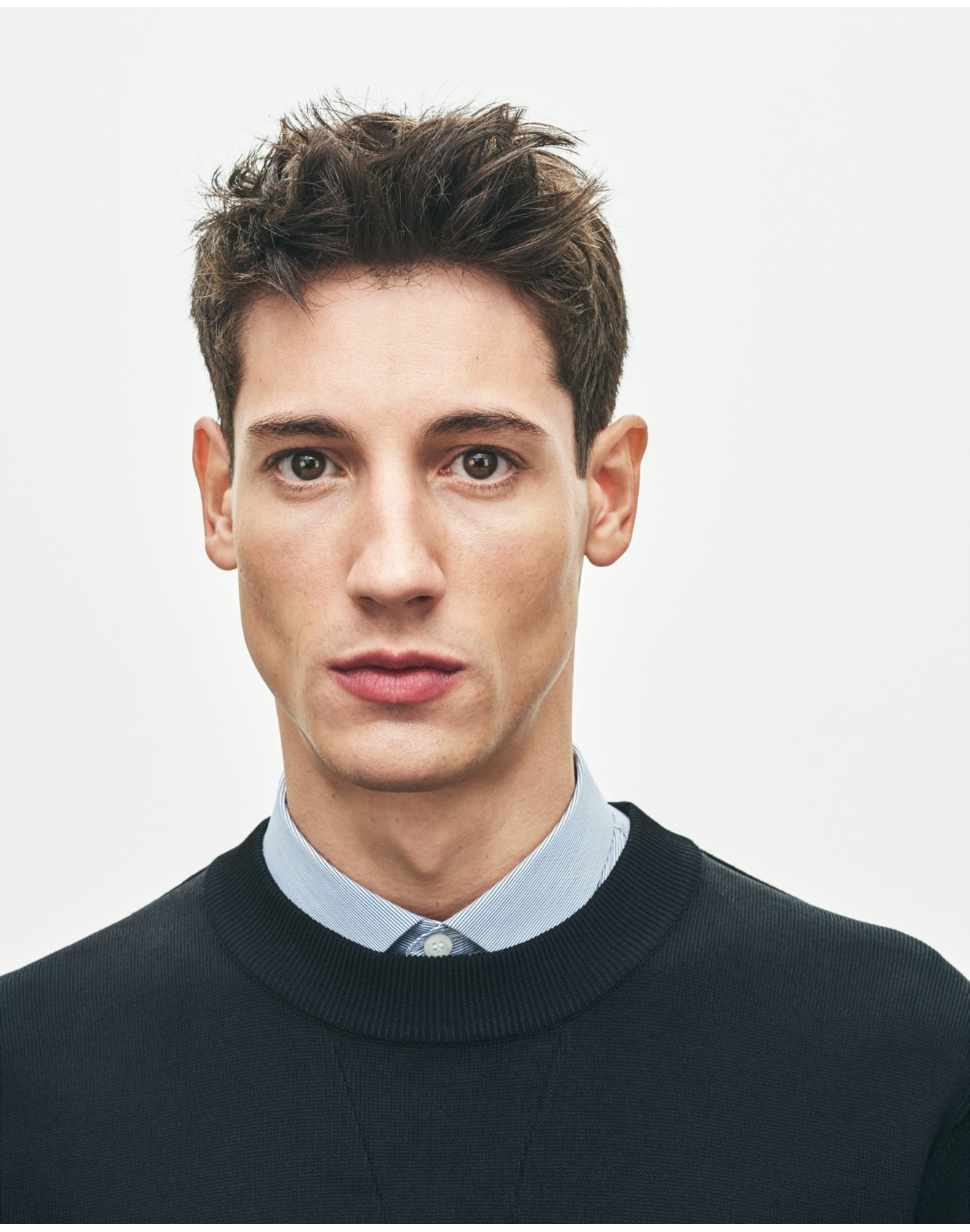
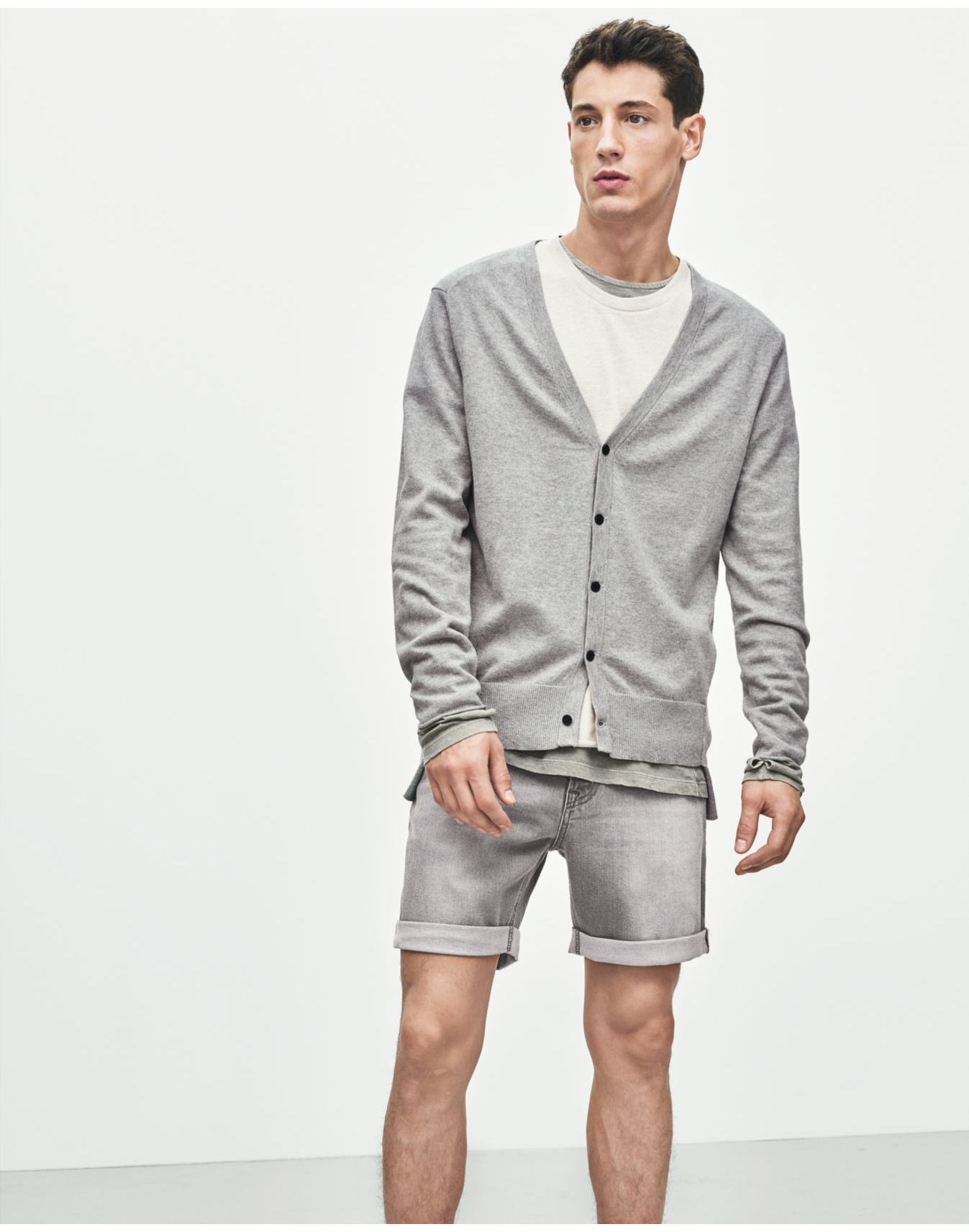
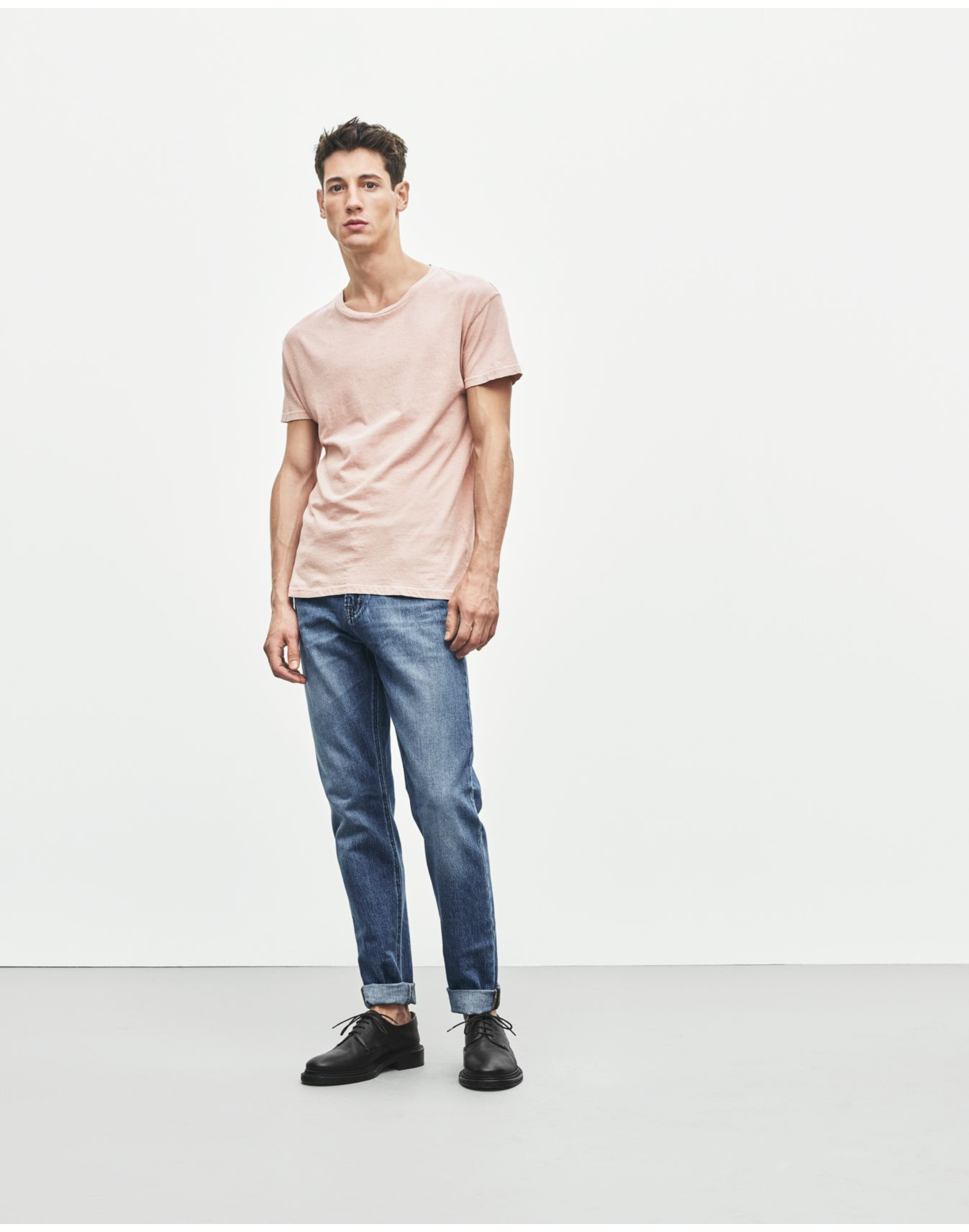
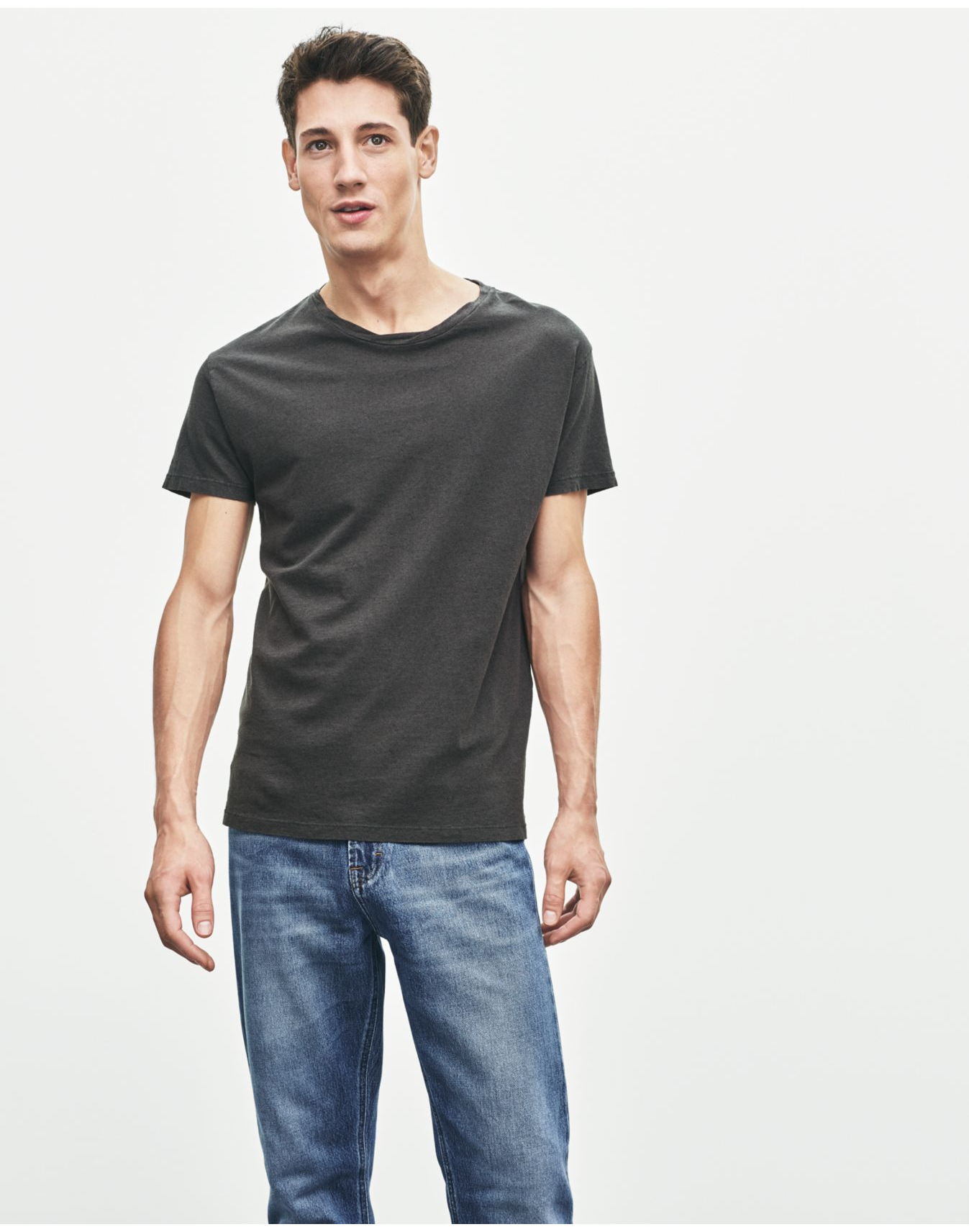
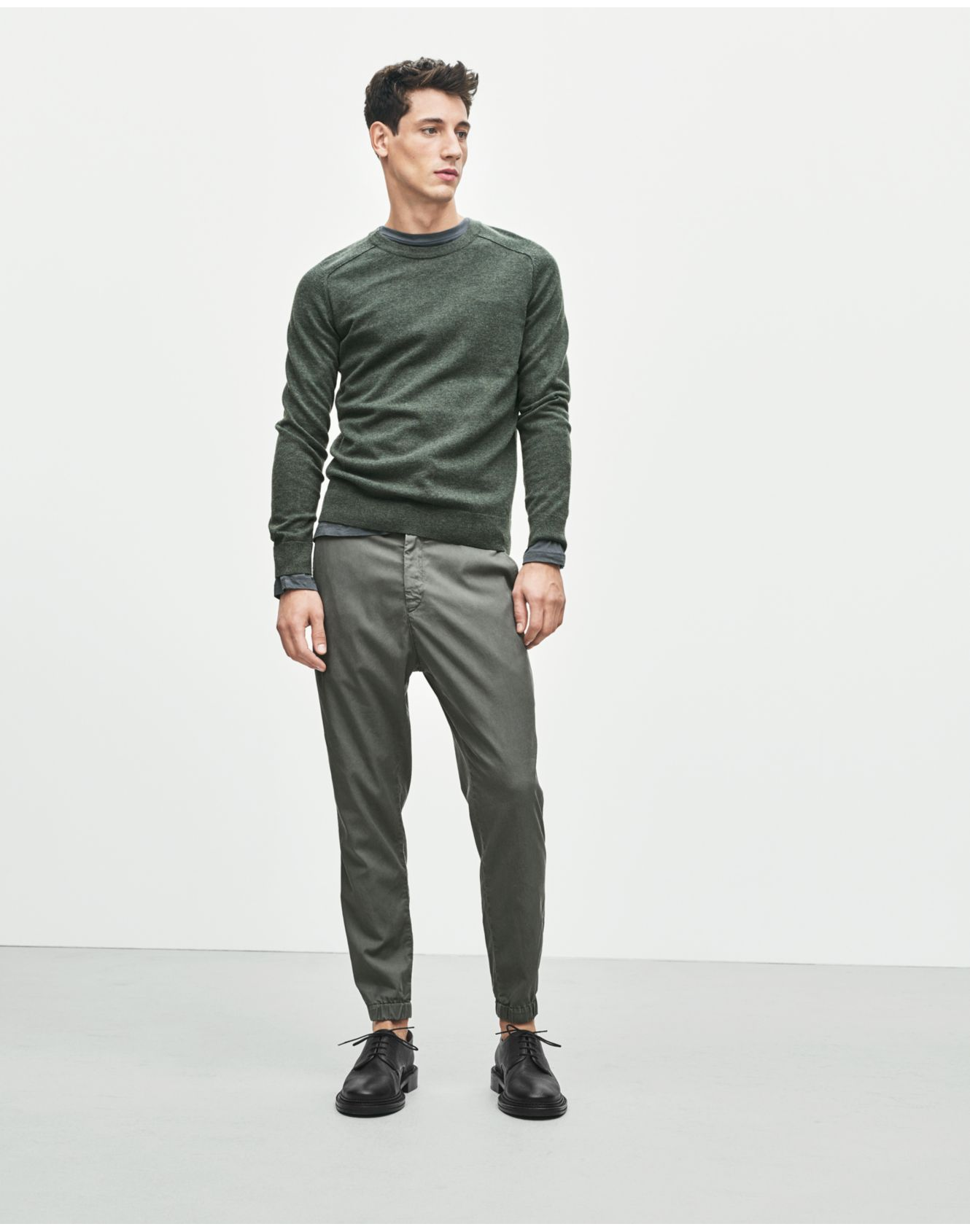
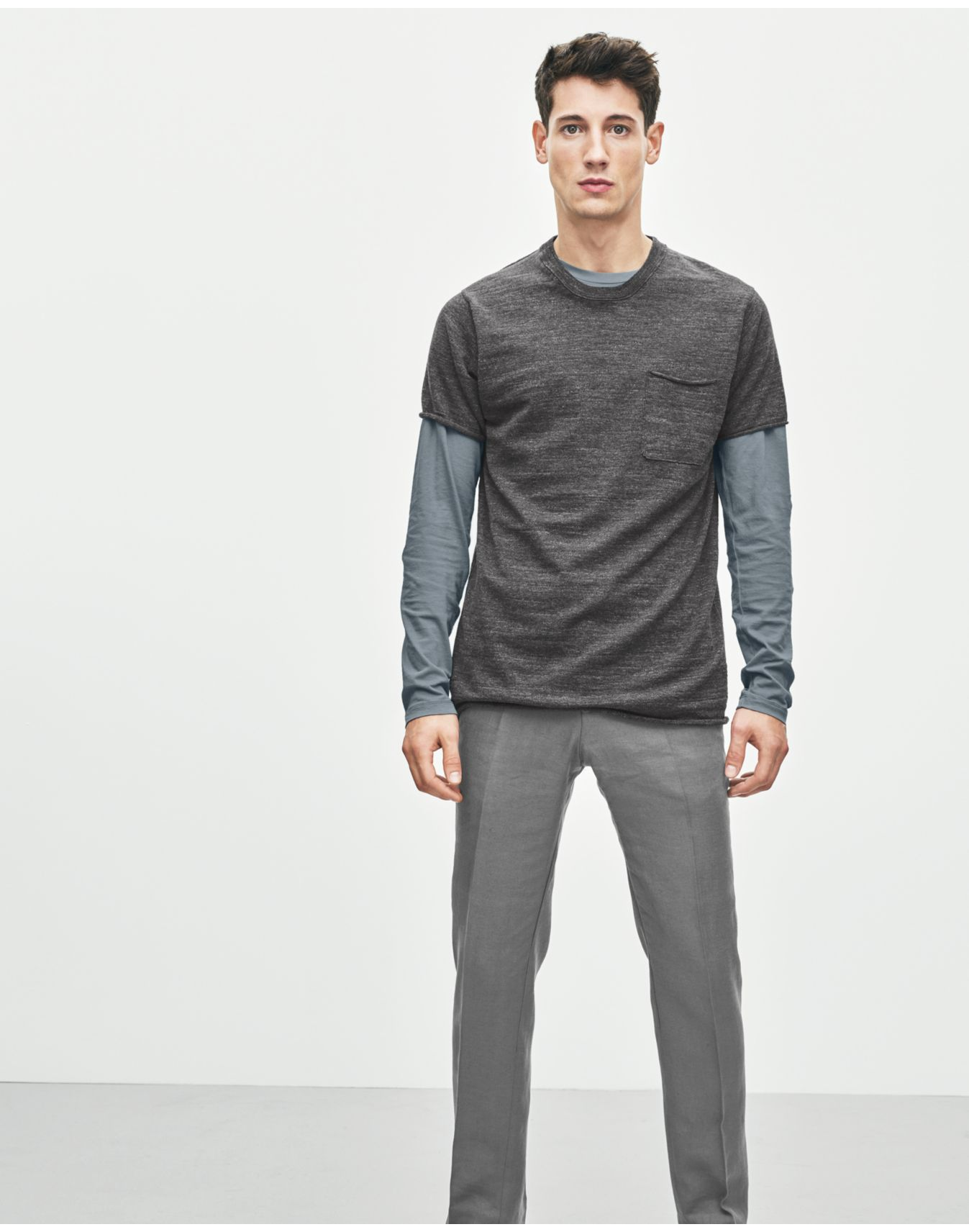
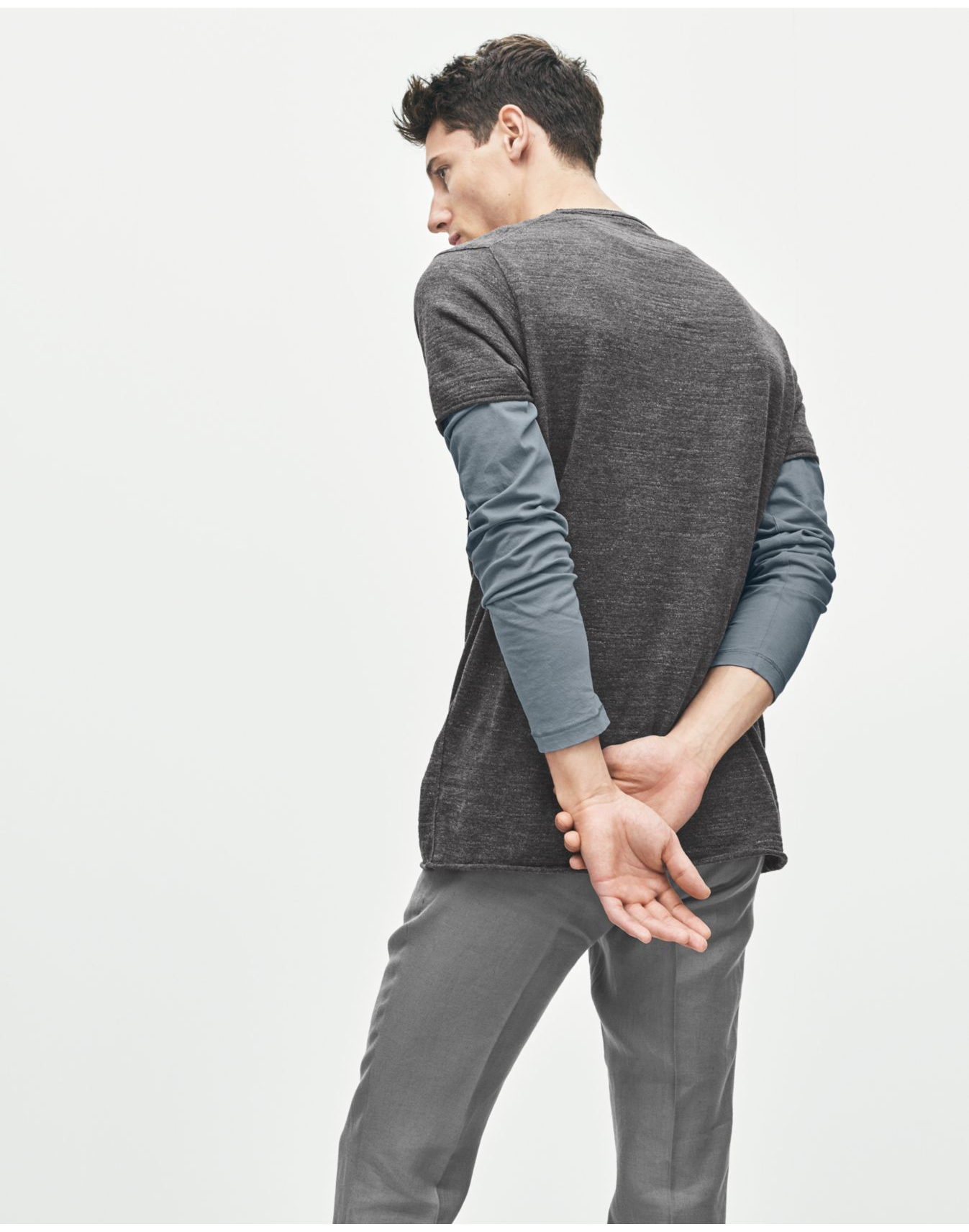
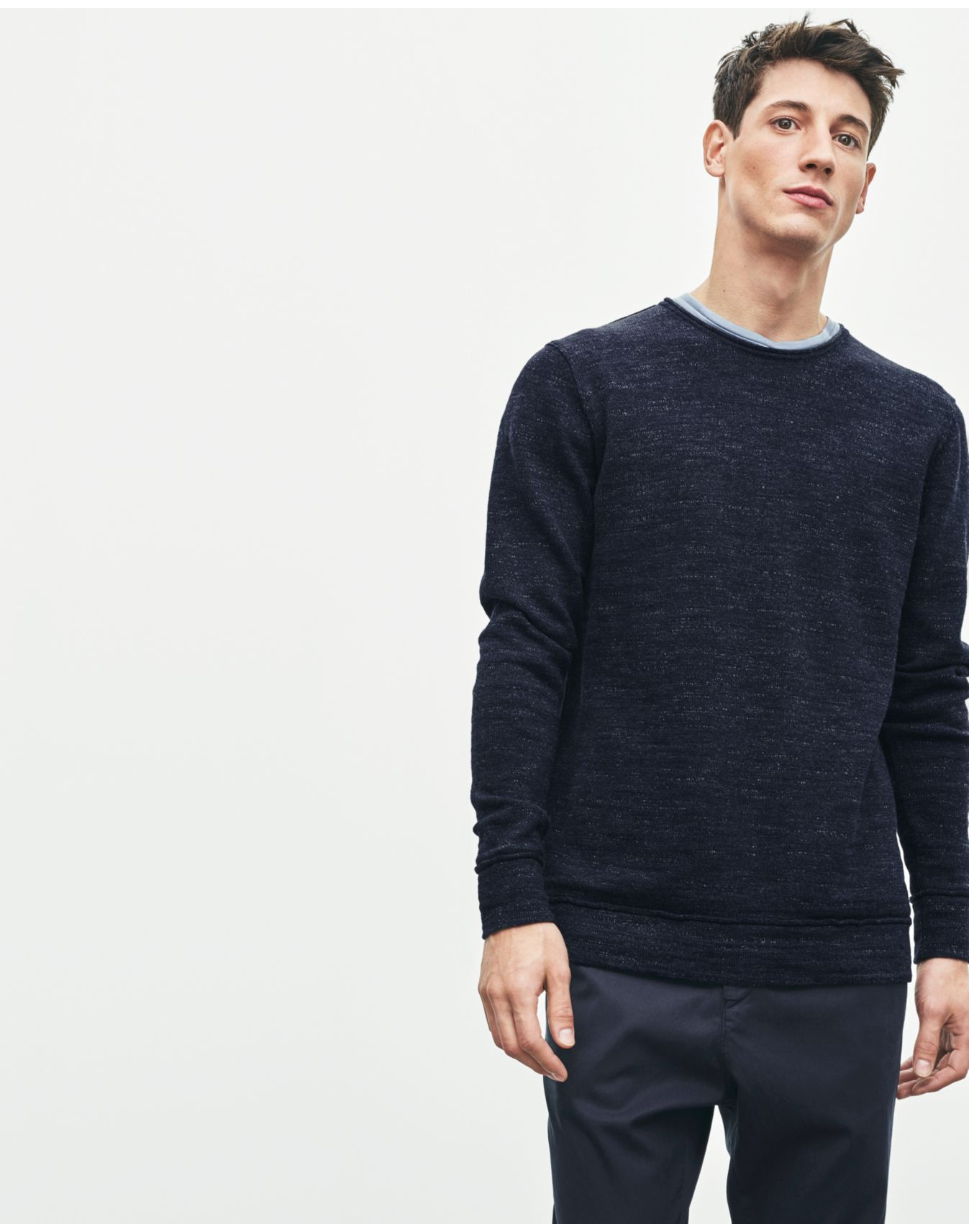
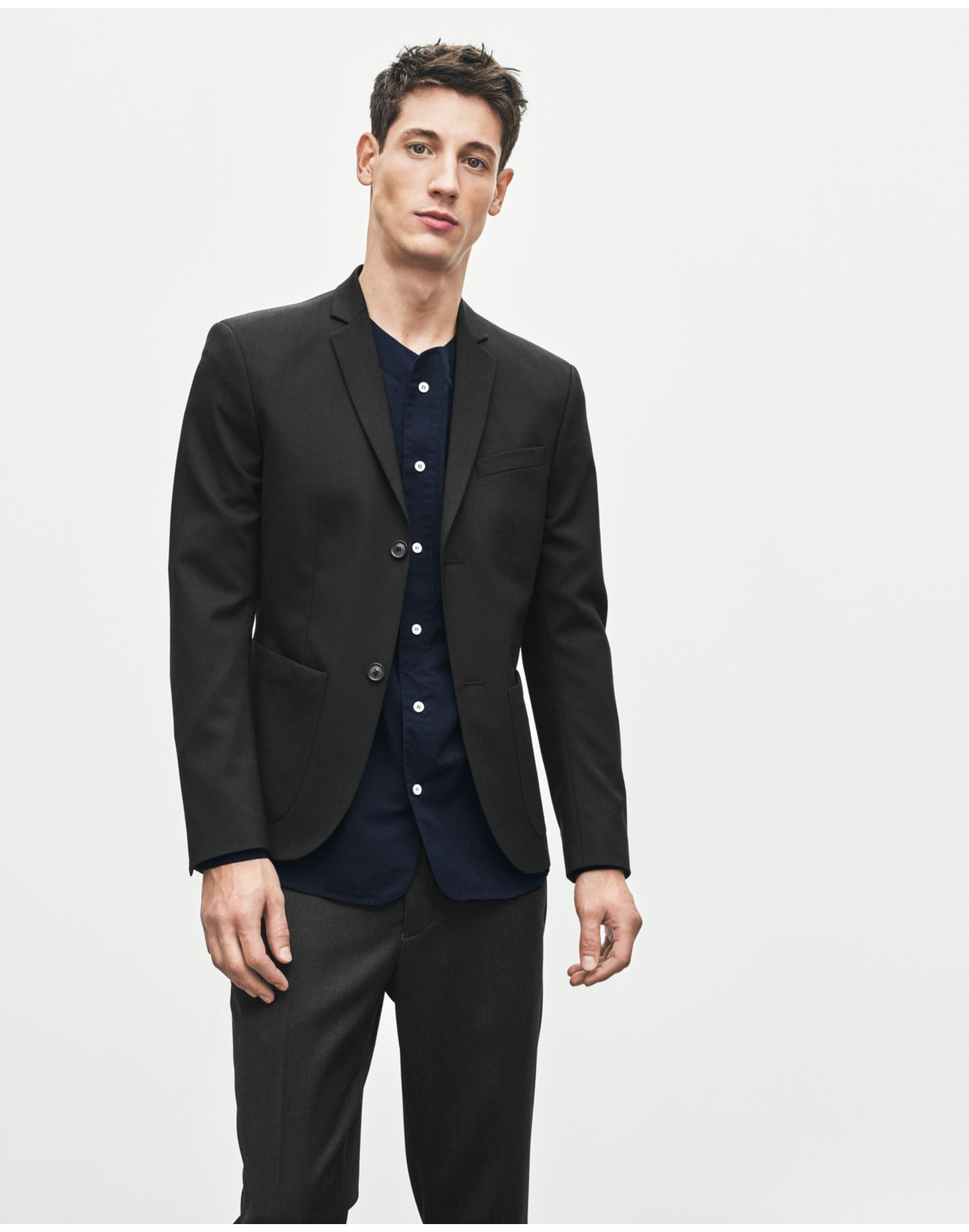
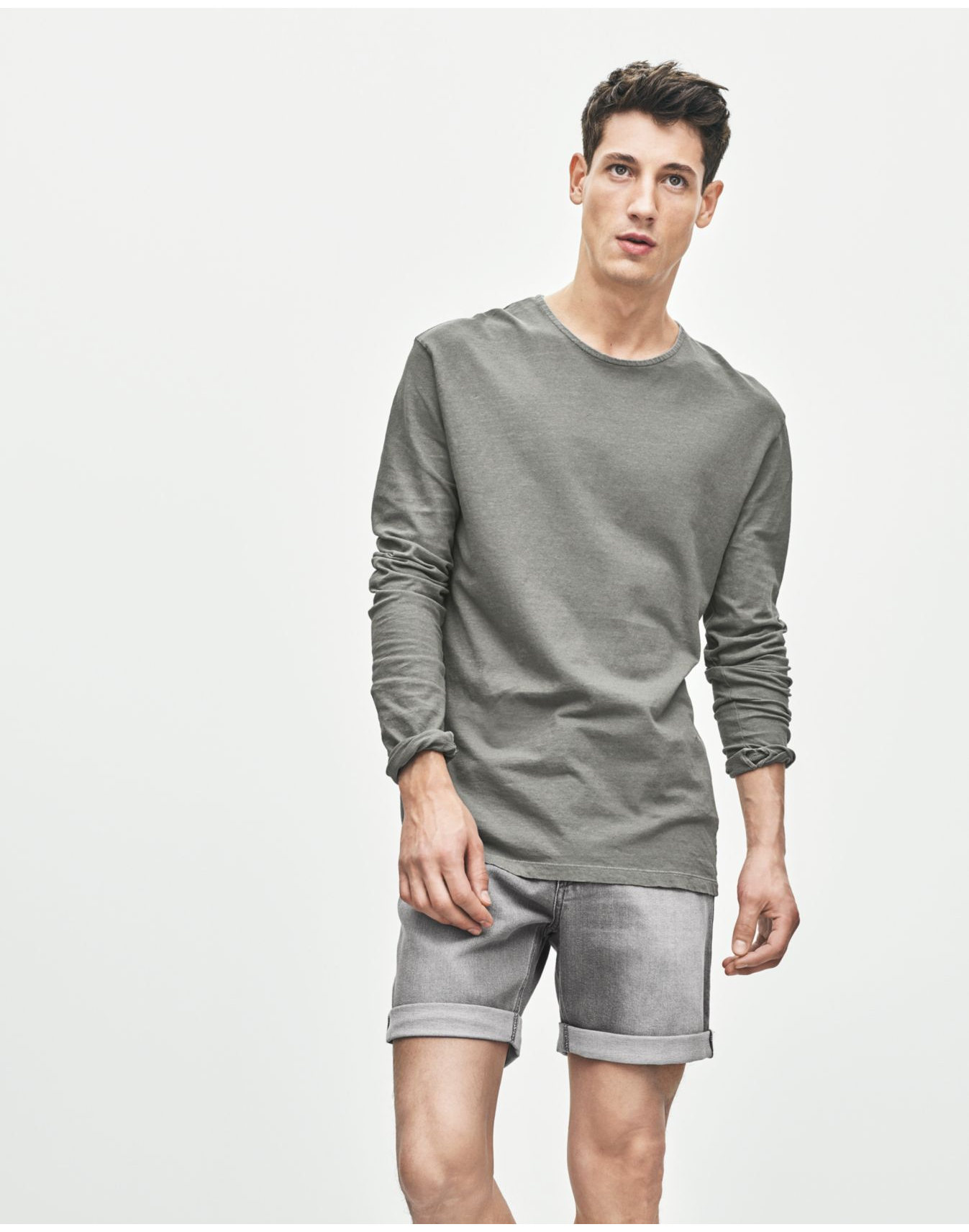
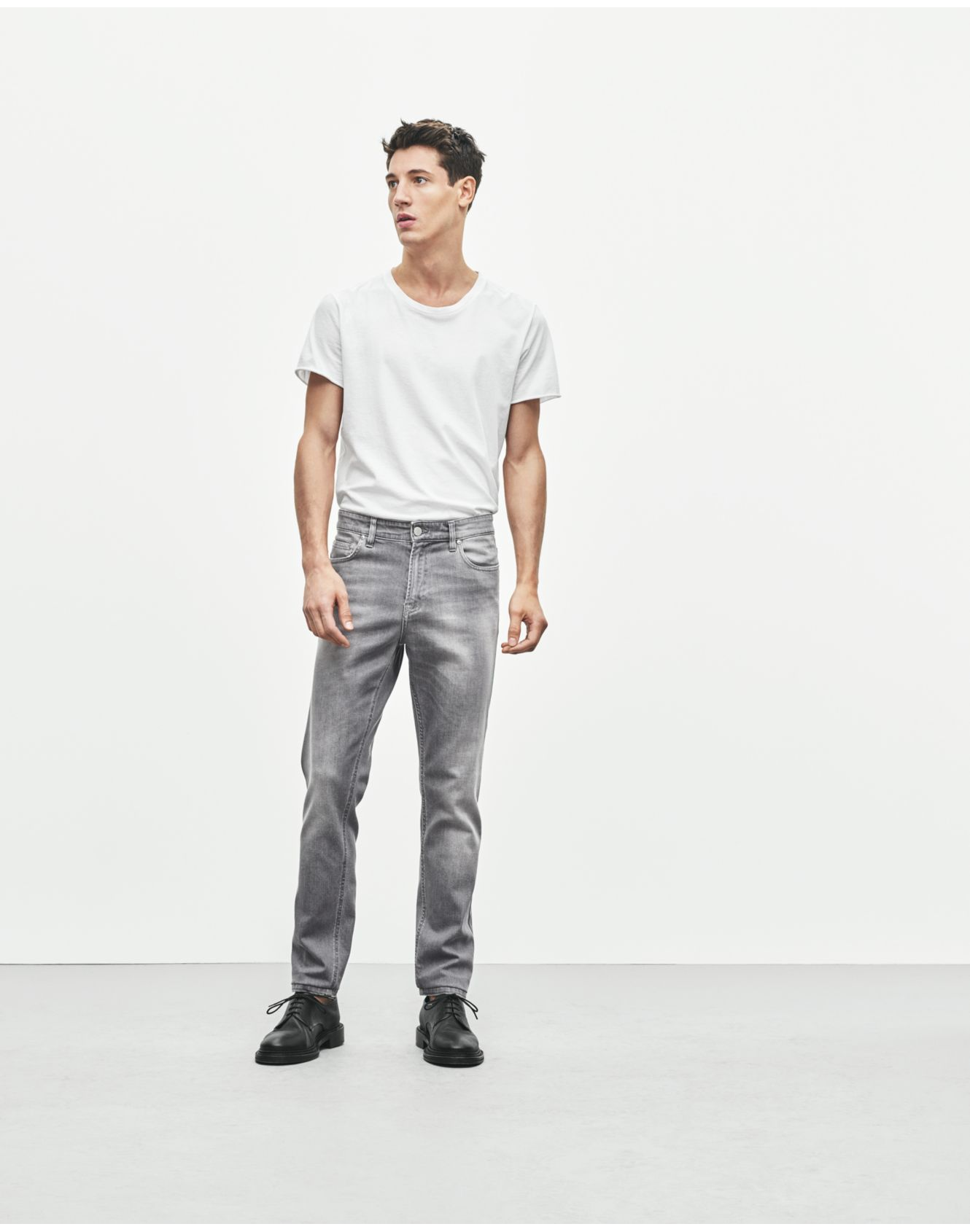
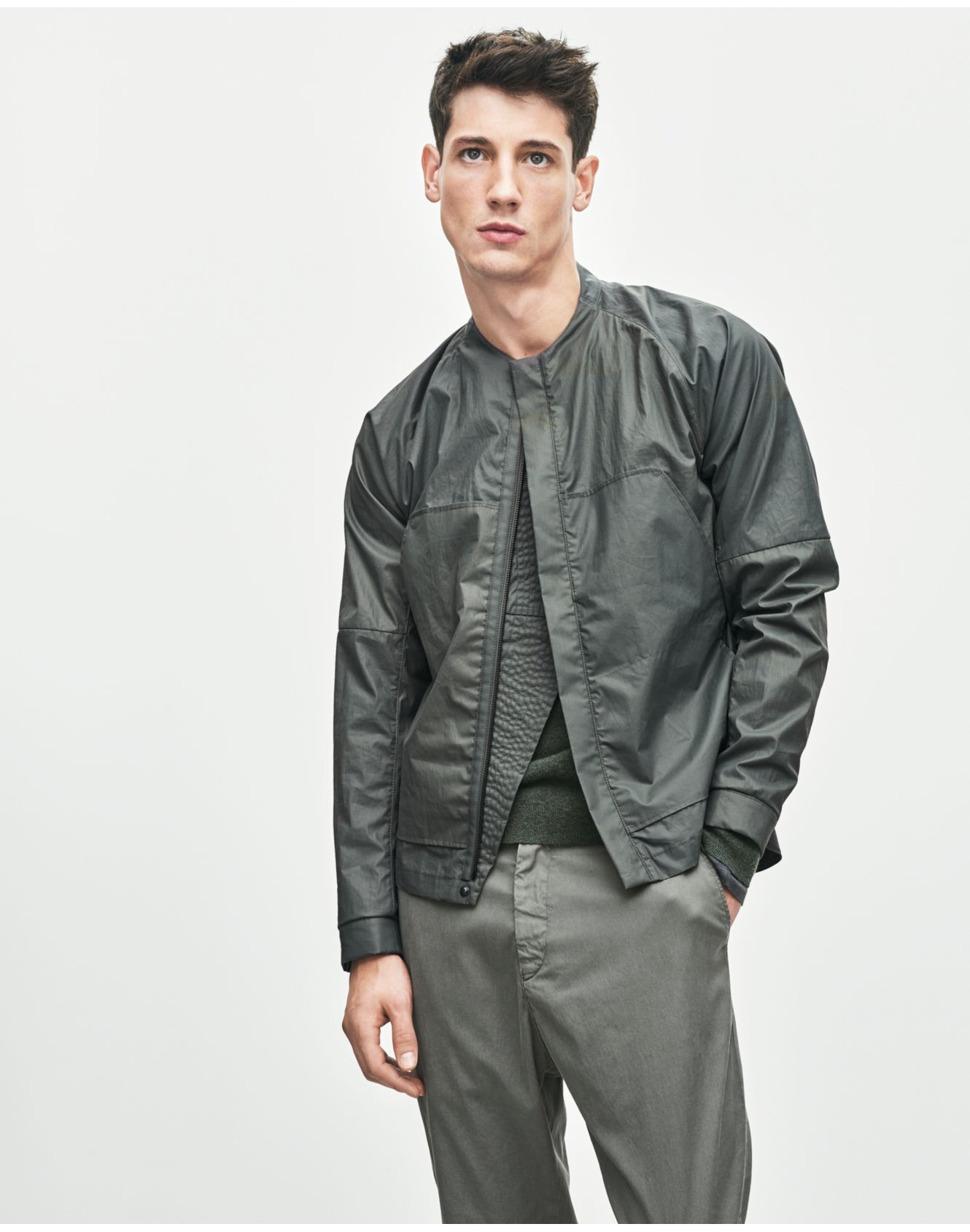
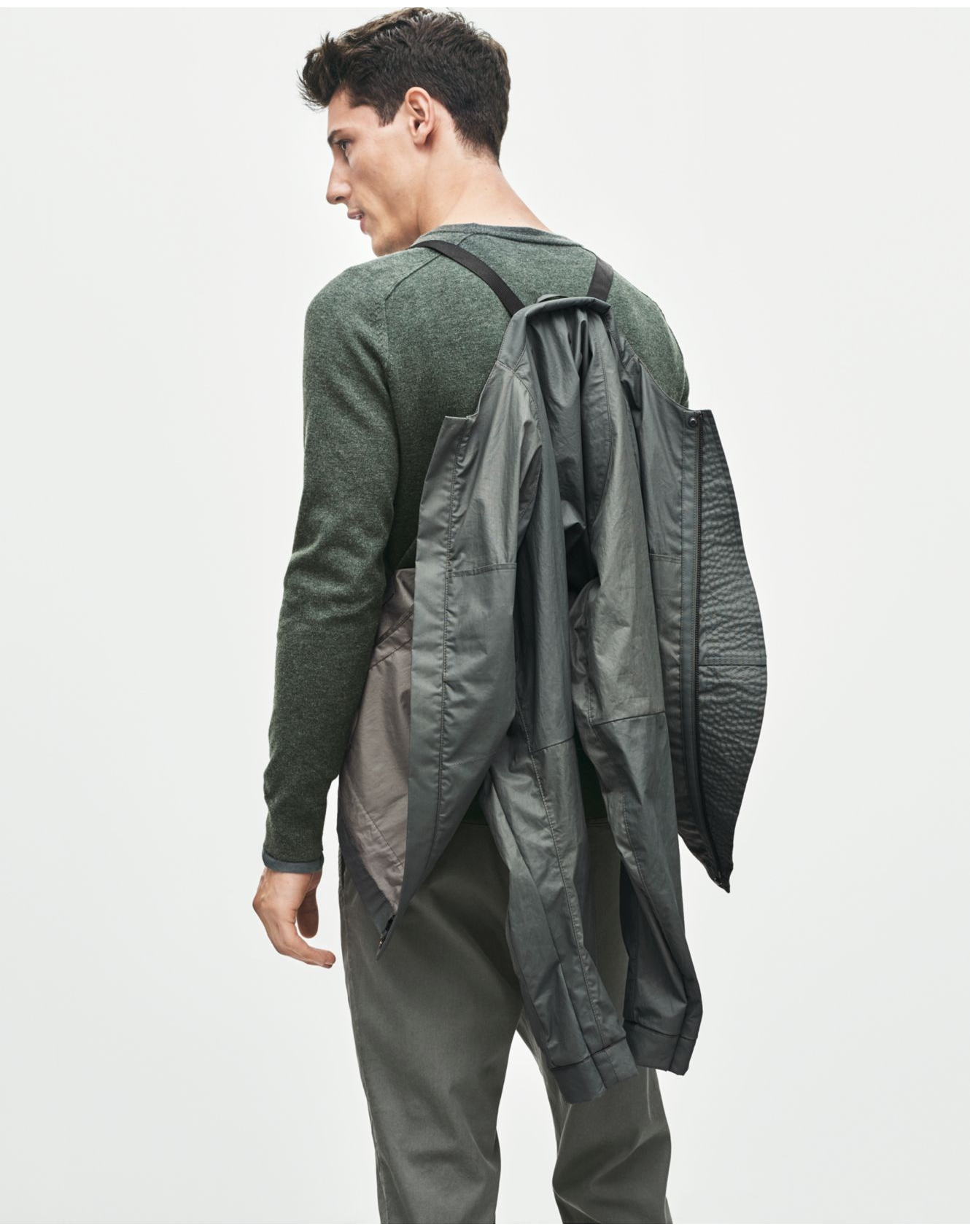
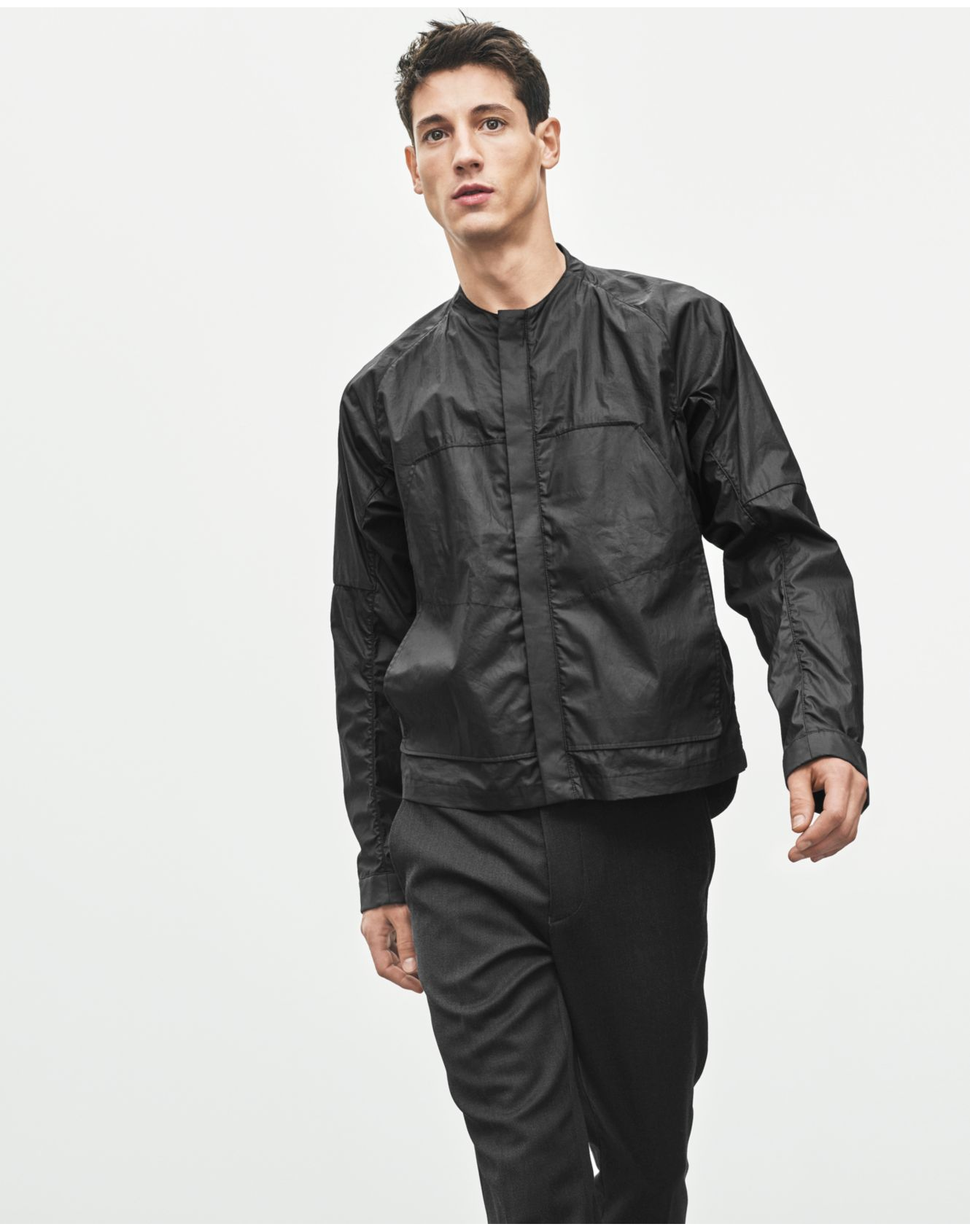
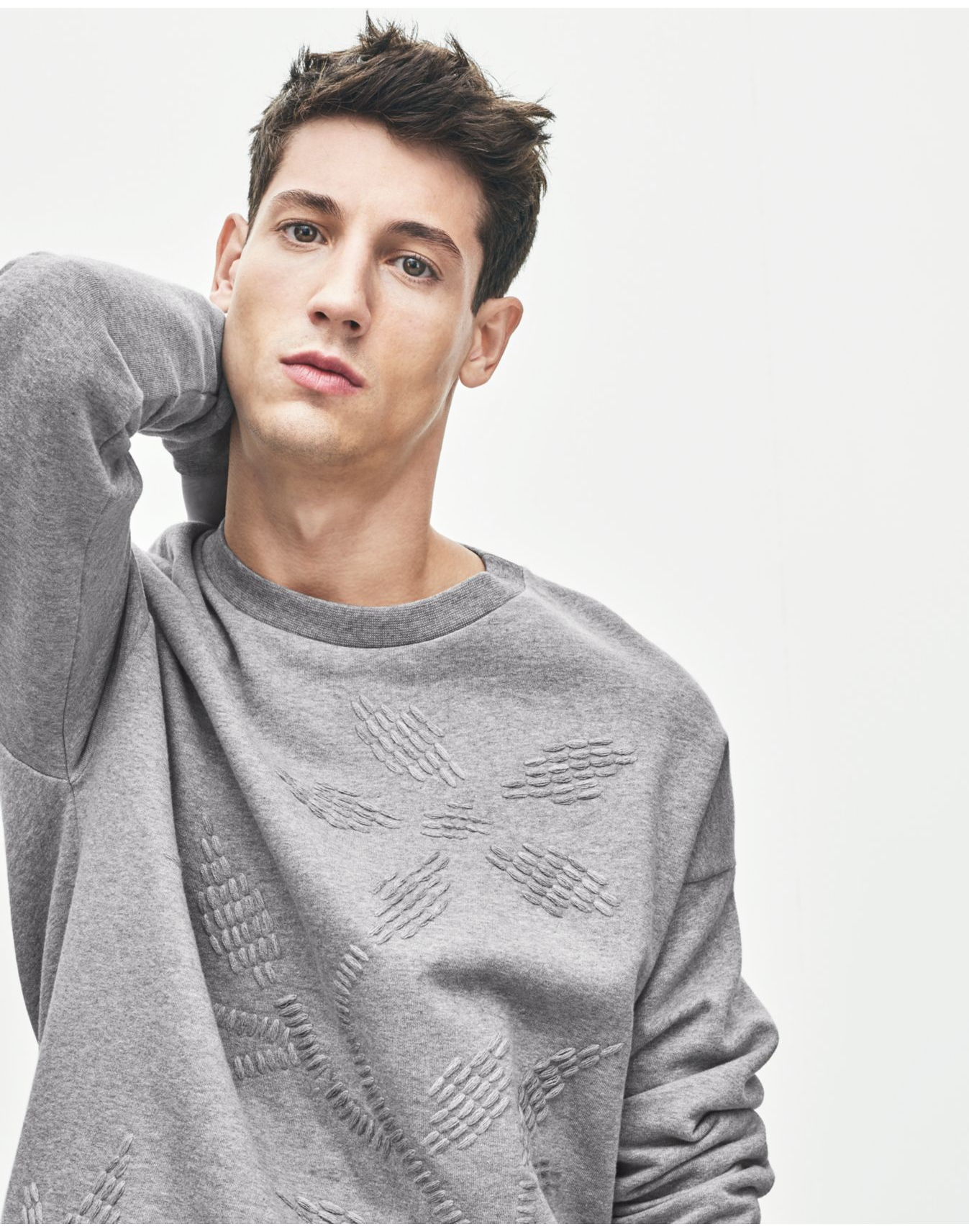
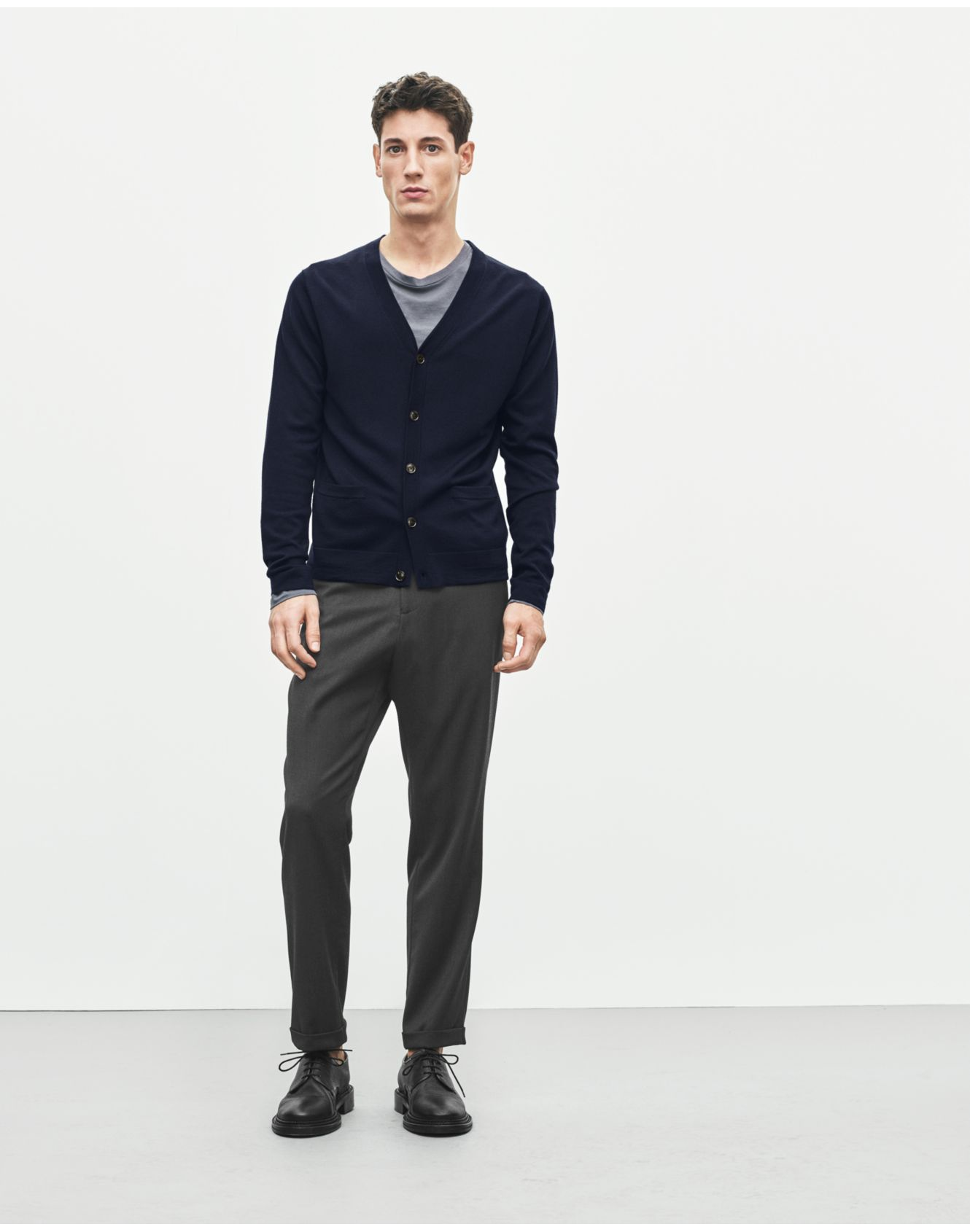
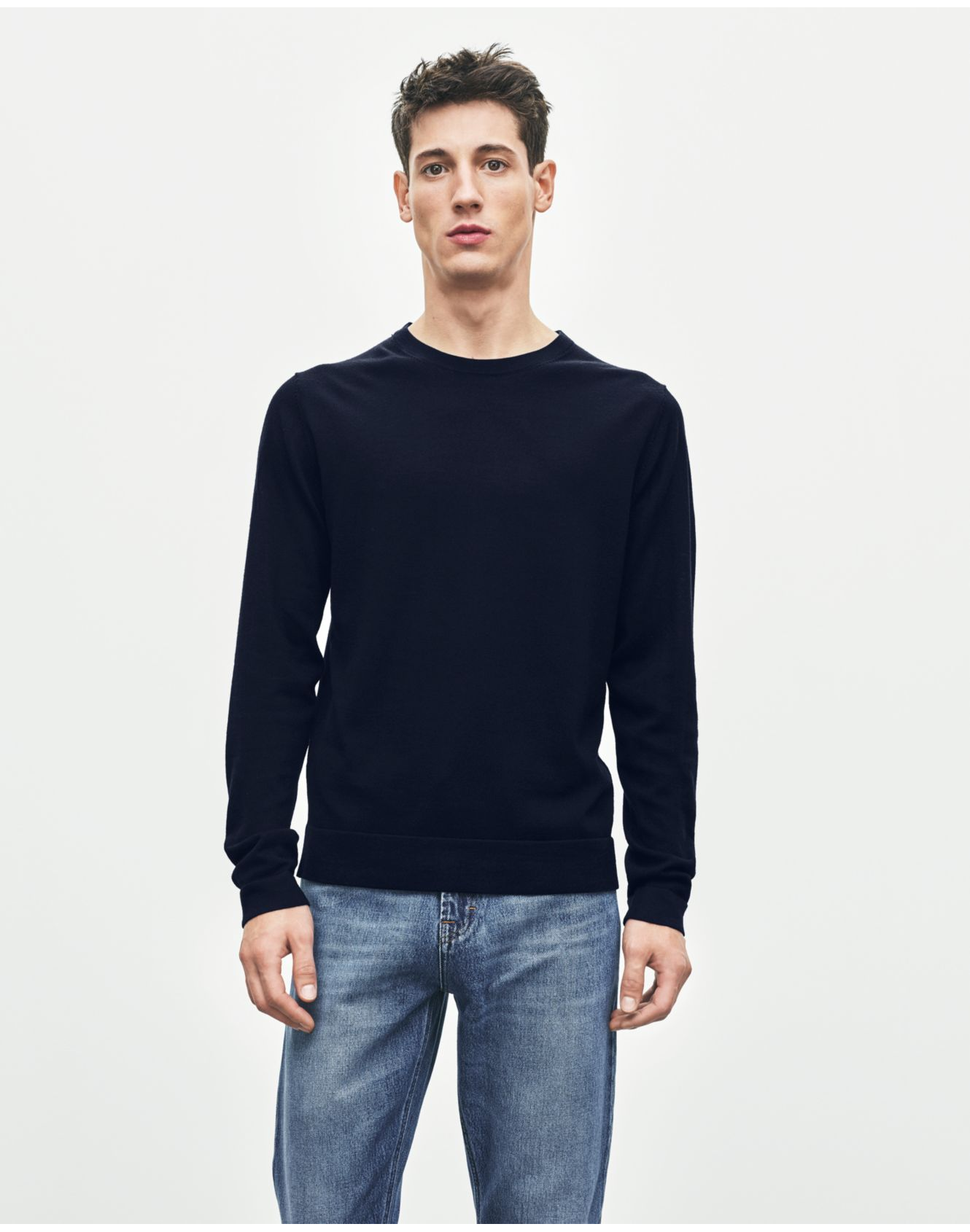
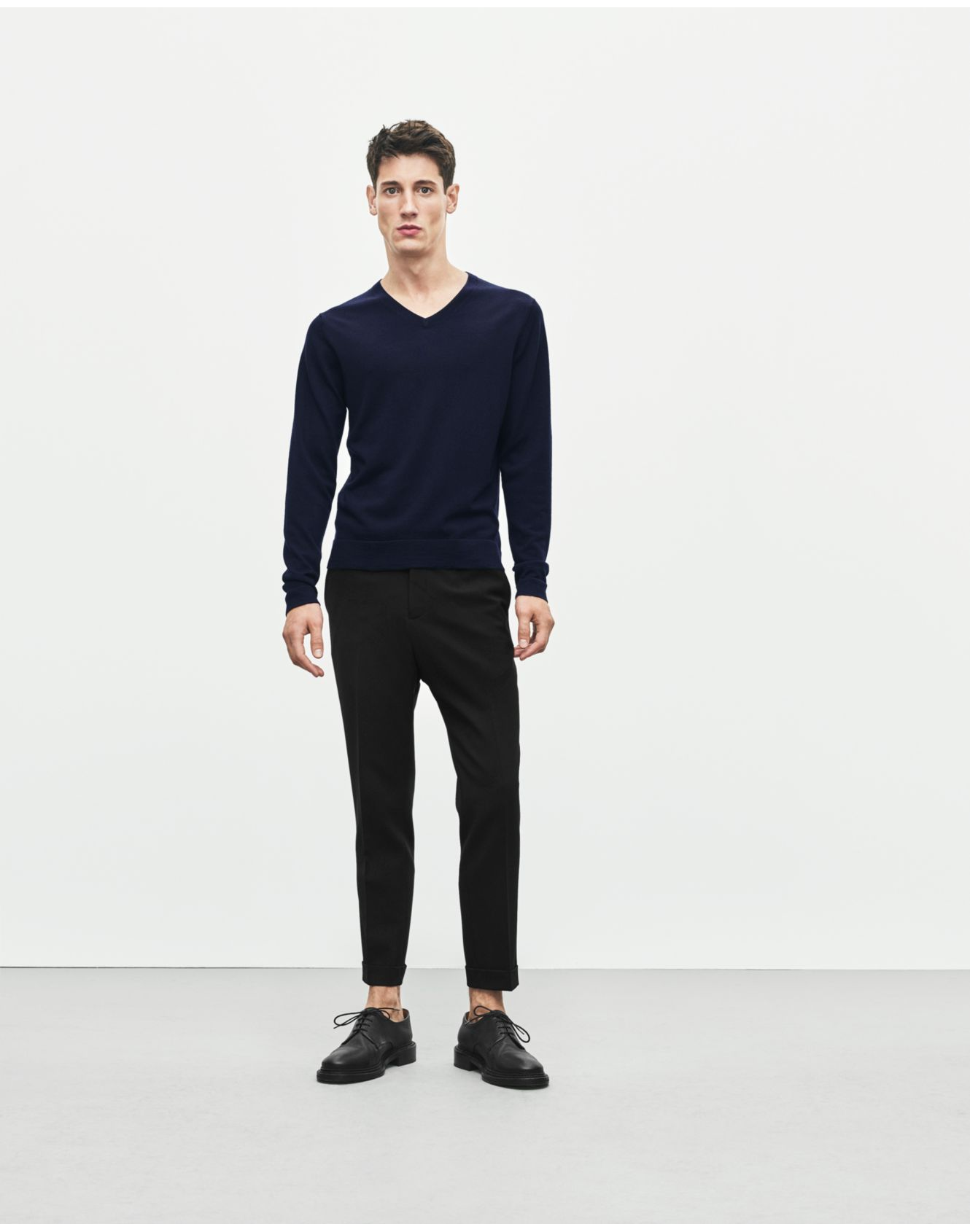
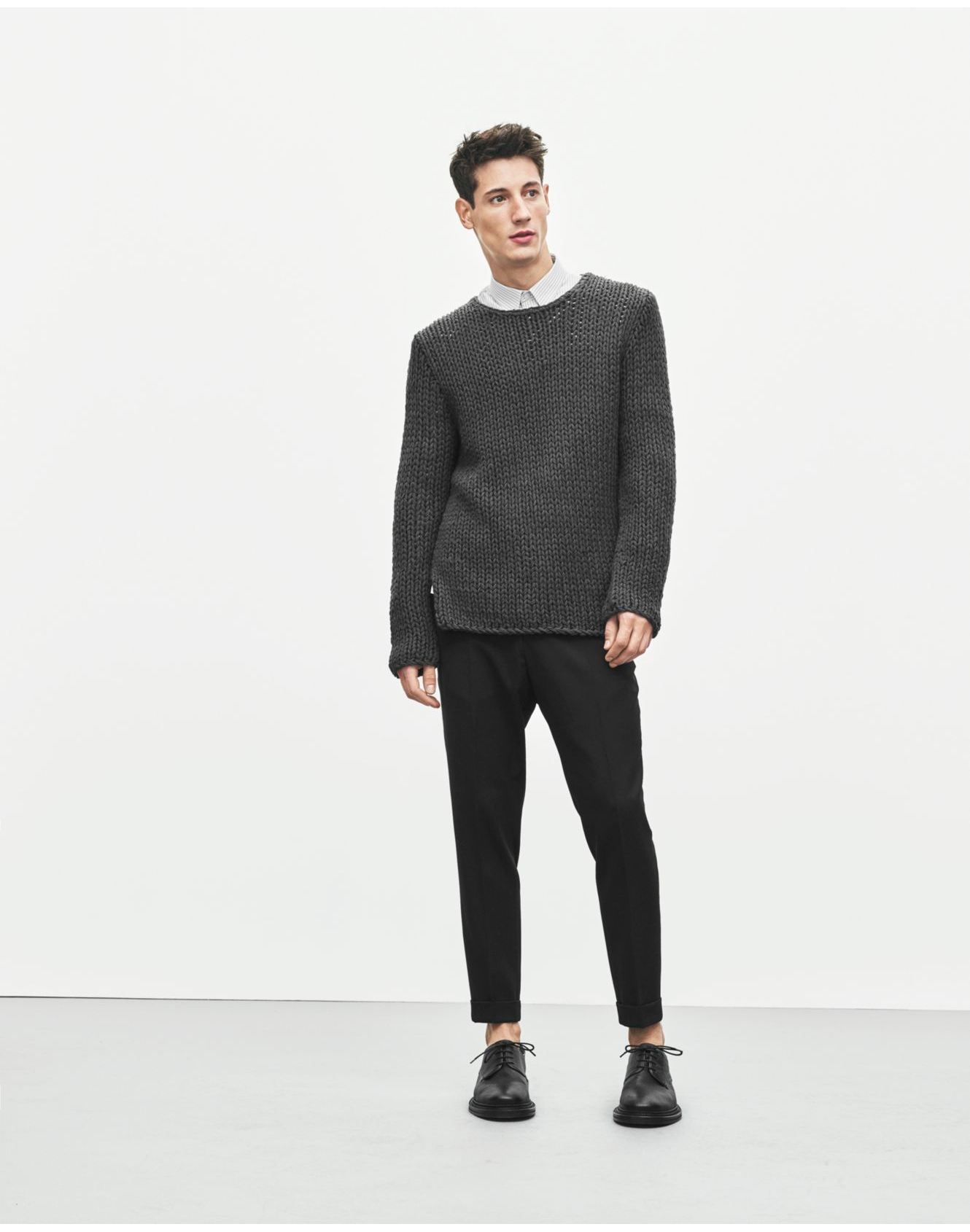
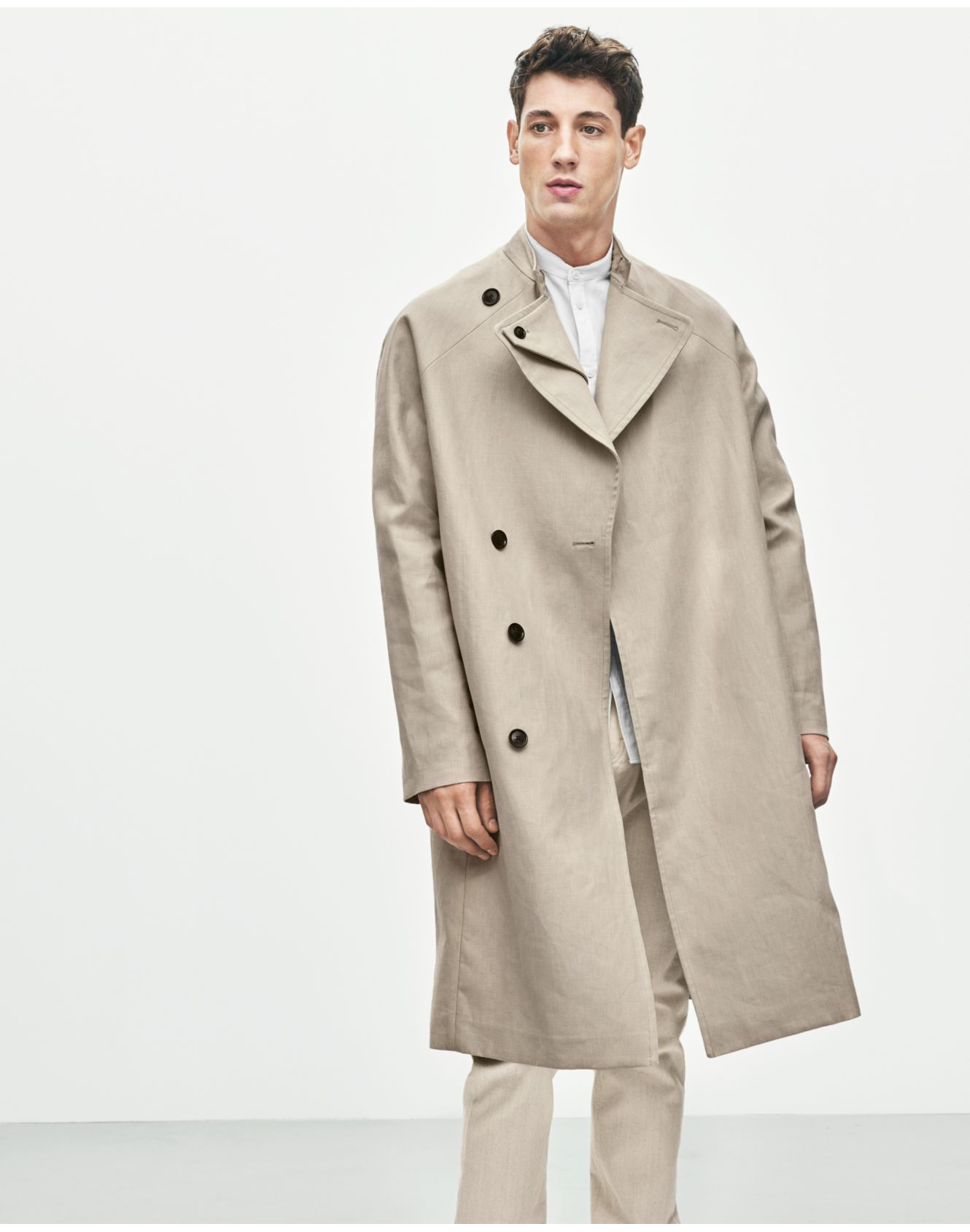
Filippa K S/S 2016 Lookbook Photographer: Philip Messman Stylist: Emelie Johansson filippa-k.com
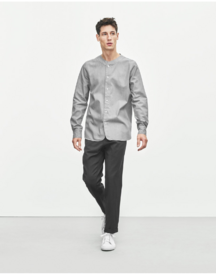
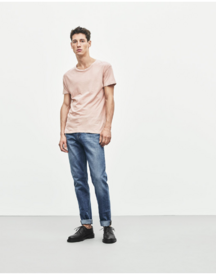
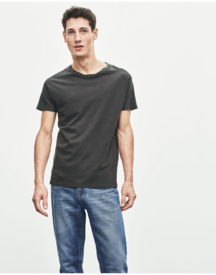
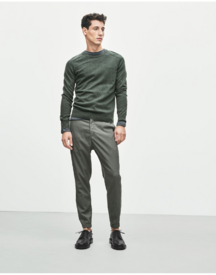
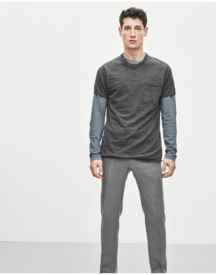
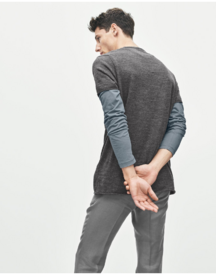
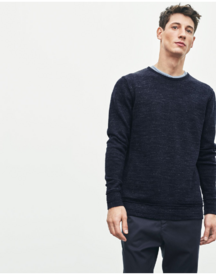
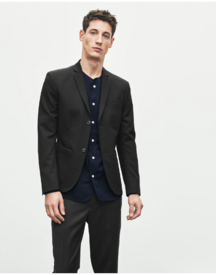
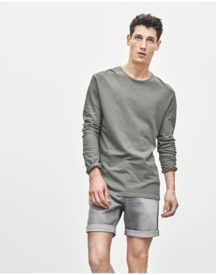
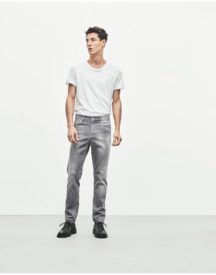
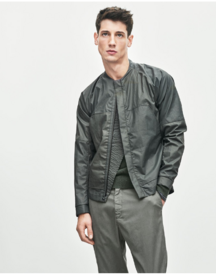
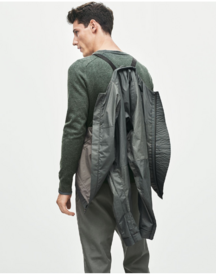
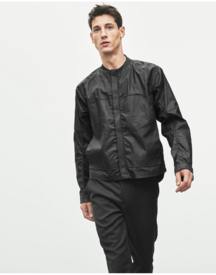
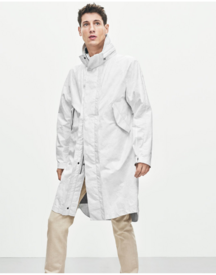
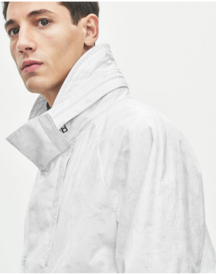
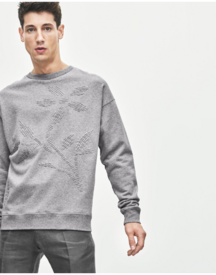
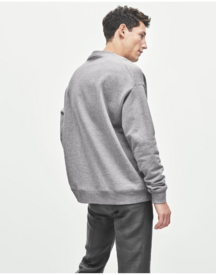
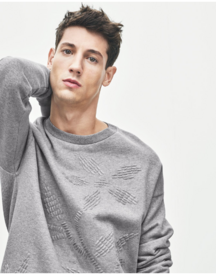
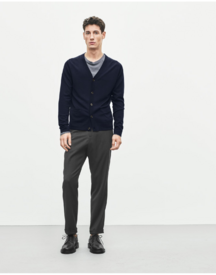
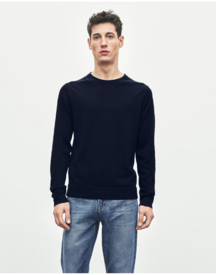
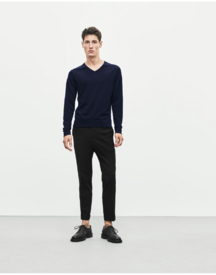
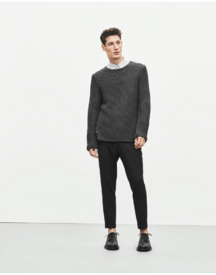
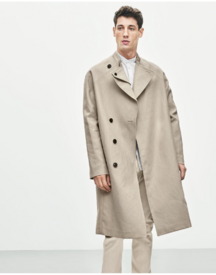
-
That's what I was thinking as well. She had much worse rumours about her (like her ex cheating rumours) and she never addressed them, on social media no less, which as TKC and others mentioned lately, she is not particularly fond of so my guess is her team must have put her up to it so as not to lose the graces of Katie Grand and co.
-
So this rumour of being "mean" to KenGi bothered her more than the Bieber one? I mean it's a good move for her to clear the air but I hope that this doesn't become more and more common. She's WAAY above this.
-
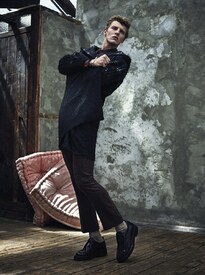
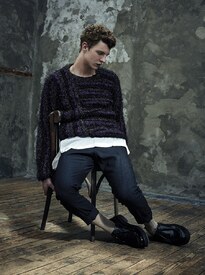
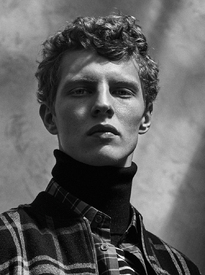
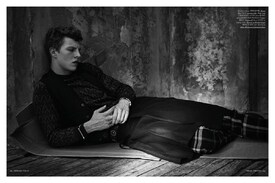
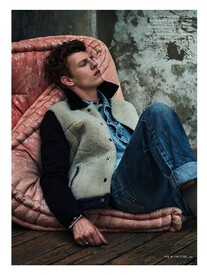
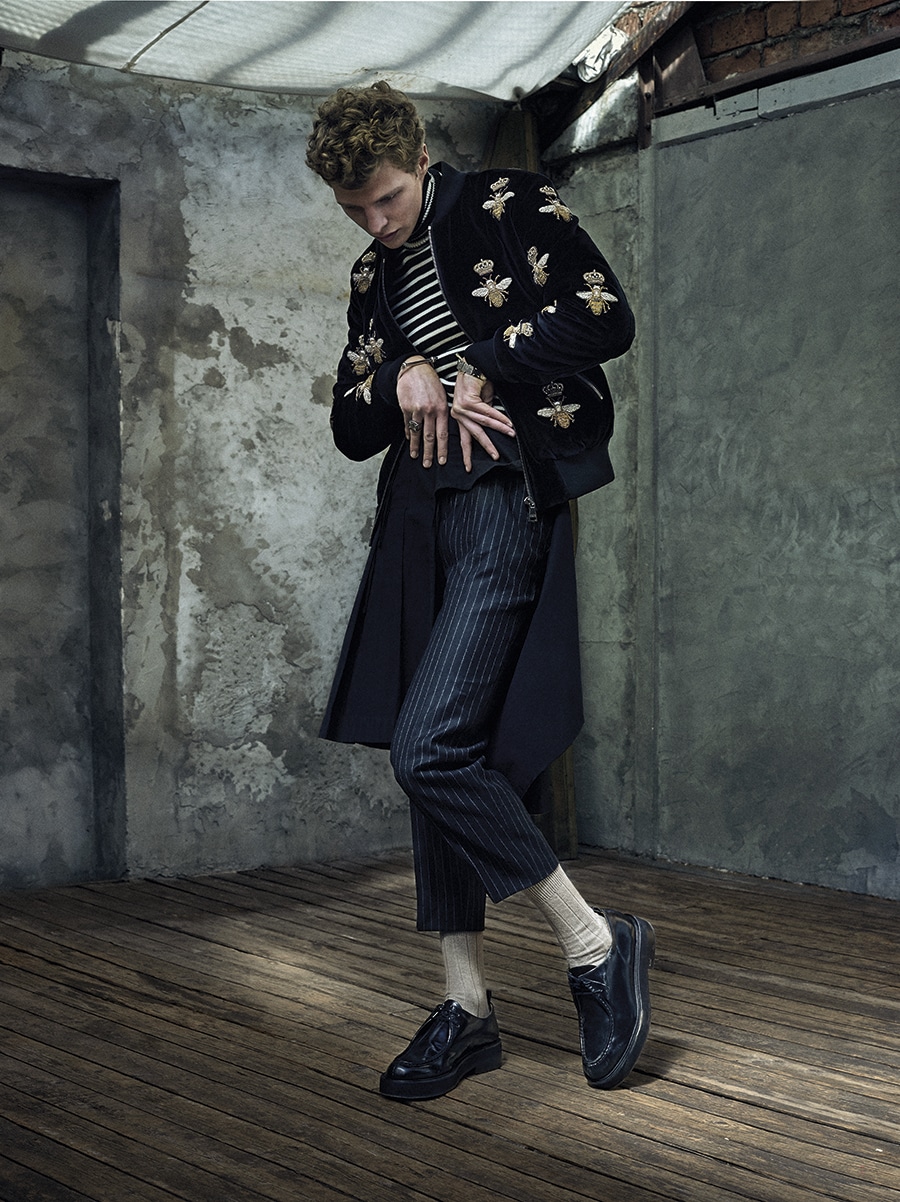
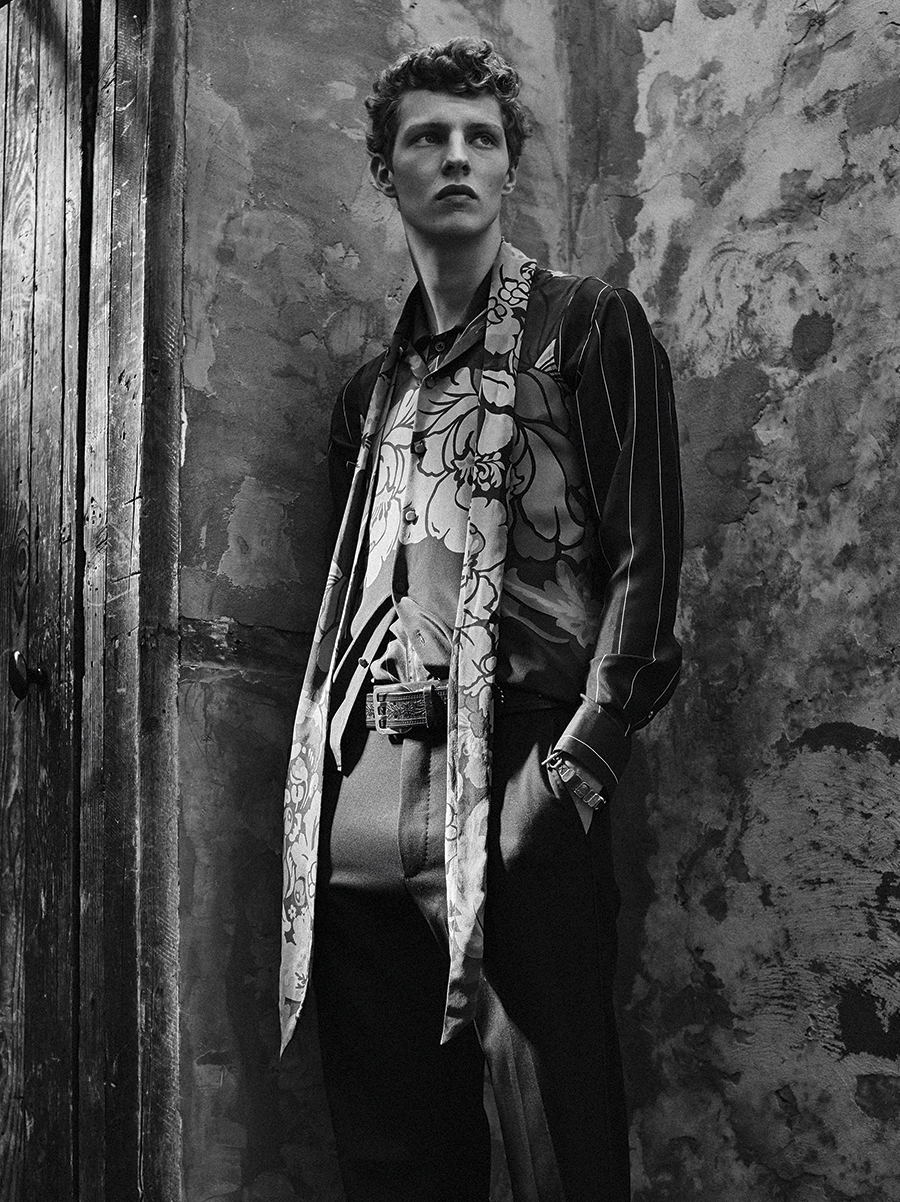
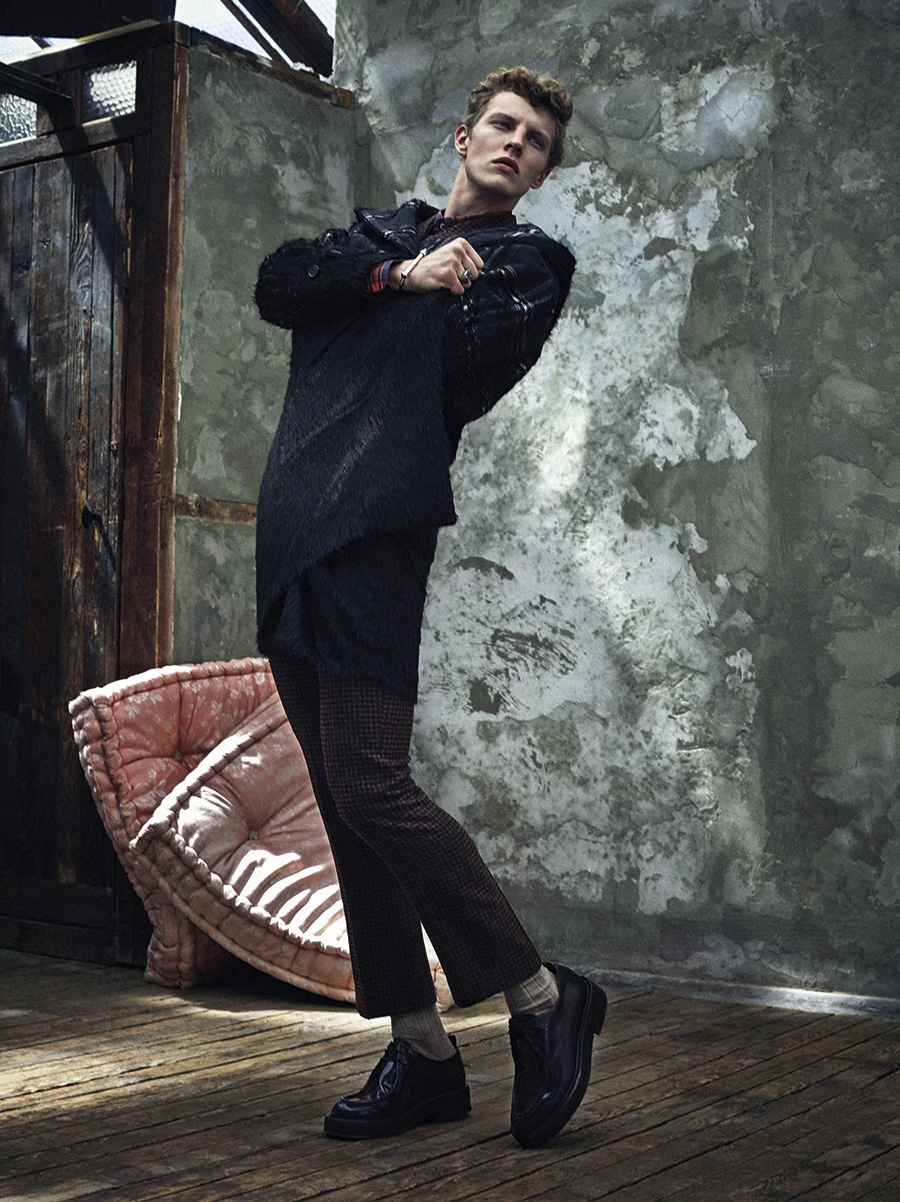
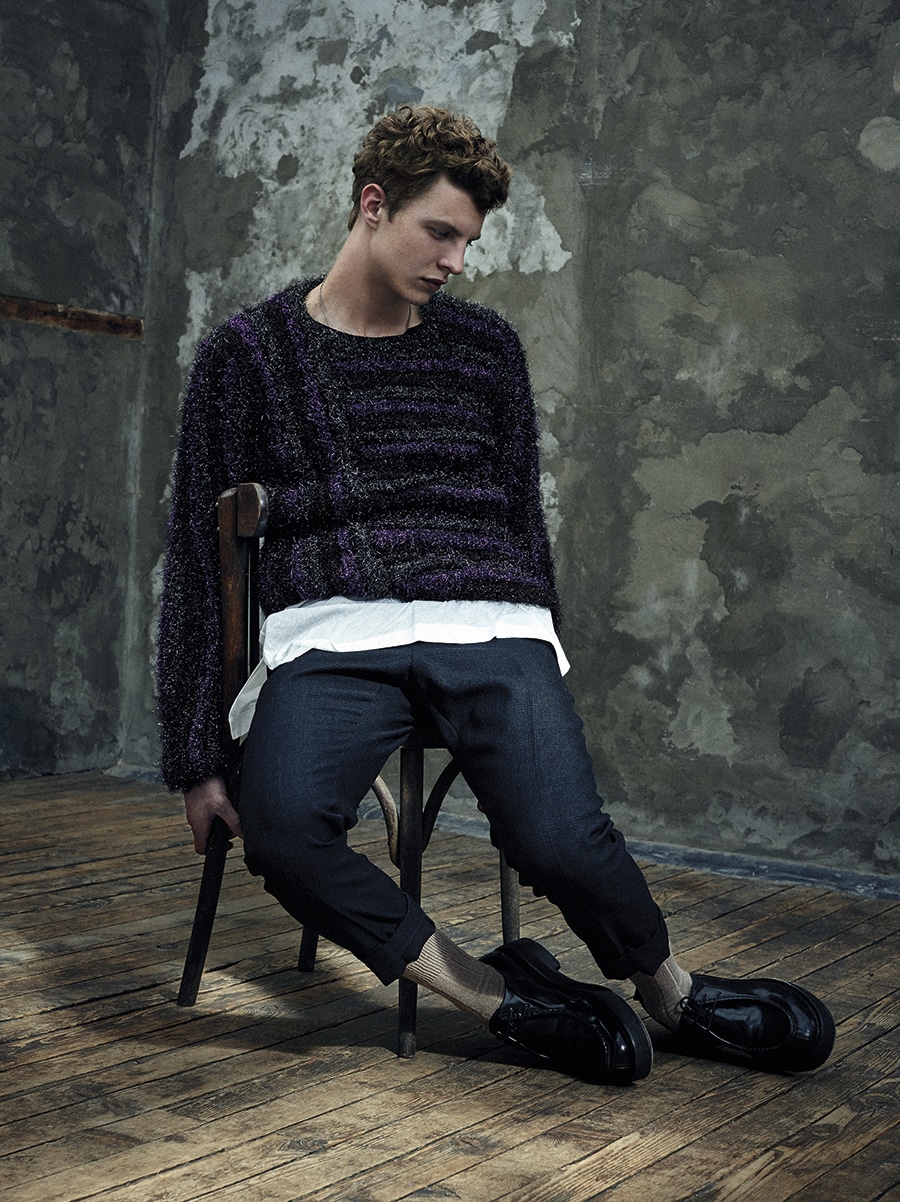
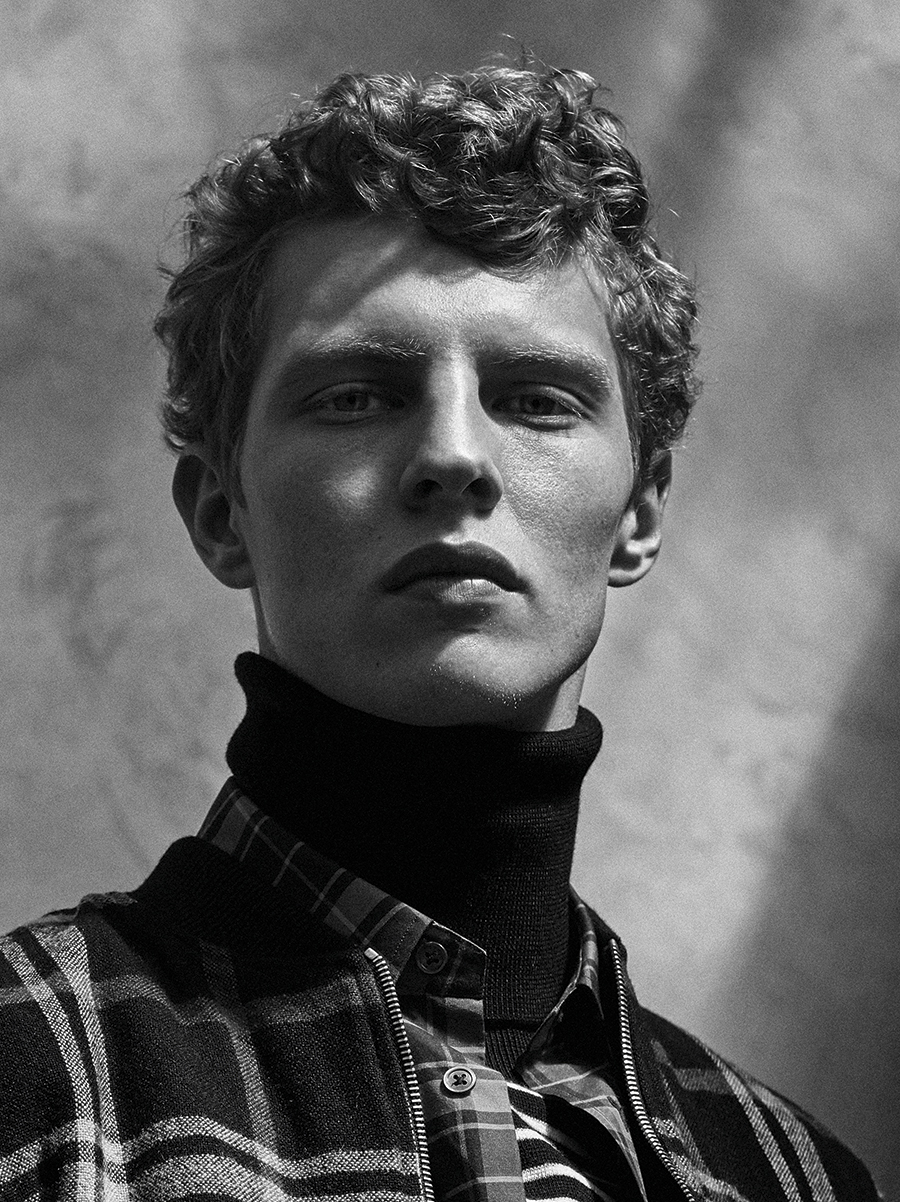
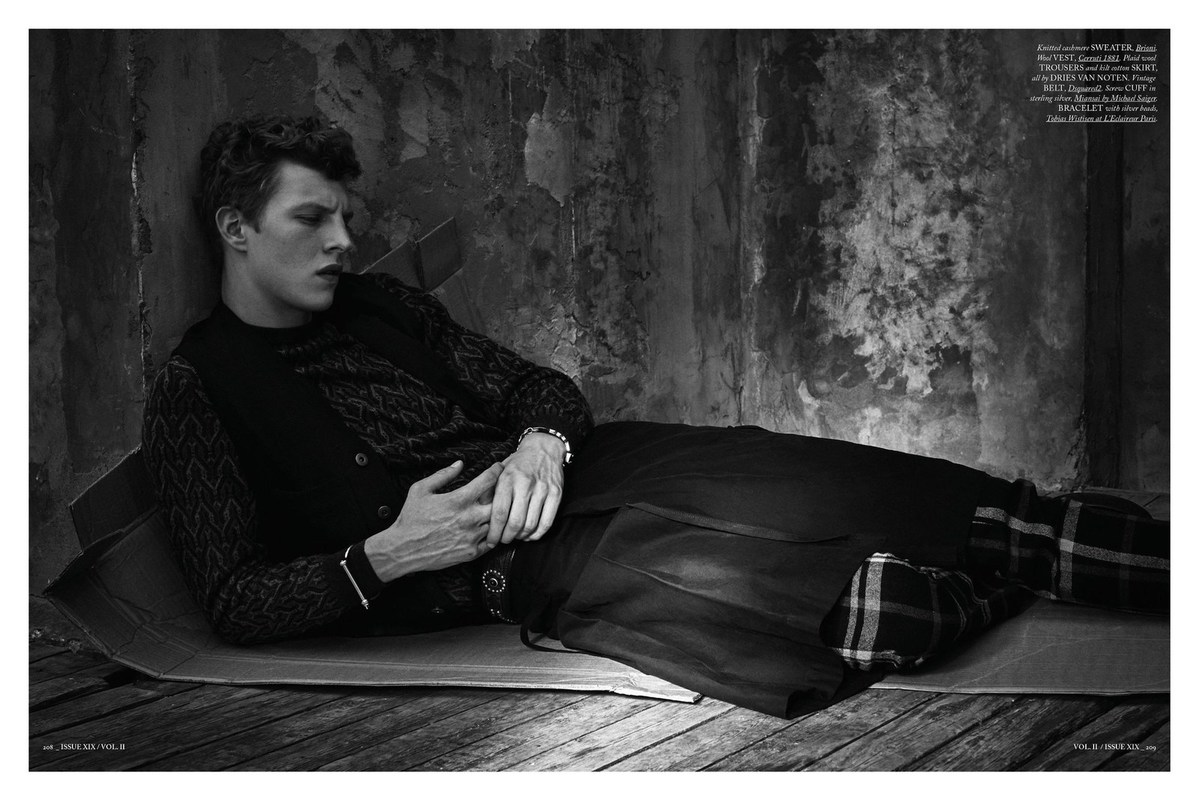
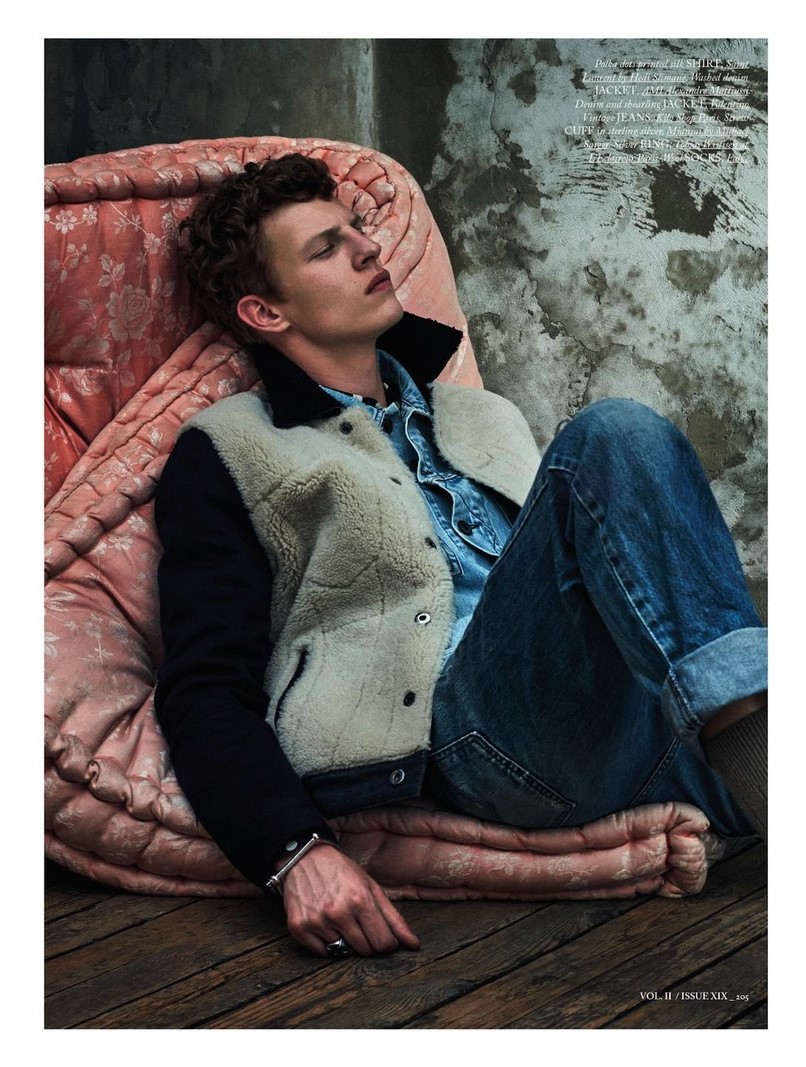
HERCULES UNIVERSAL ISSUE XIX – VOL. II / BRIGHT YOUNG THINGS PHOTOGRAPHED BY THOMAS GOLDBLUM thomasgoldblum.com
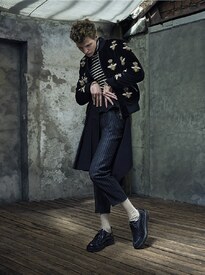
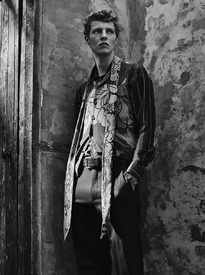
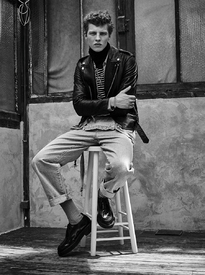
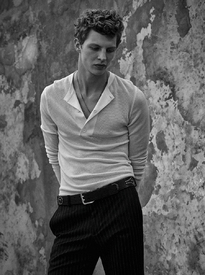
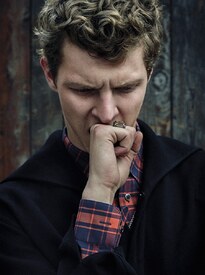
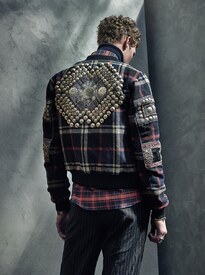
 Agent Provocateur Swimwear SS'16
Clement Chabernaud and Marjolaine Rocher by Matthew Brookes for LUI April 2016 Warning "Nudity" success models
Reckon Albums February 2016 models.com
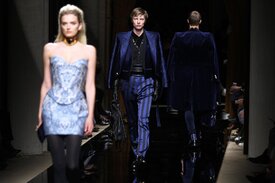
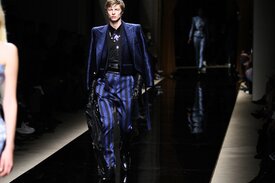
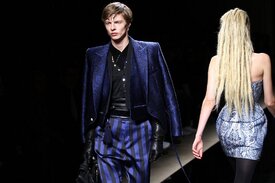
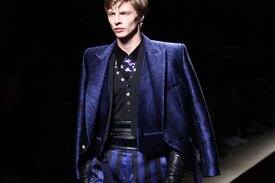
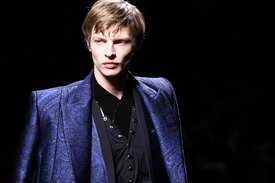
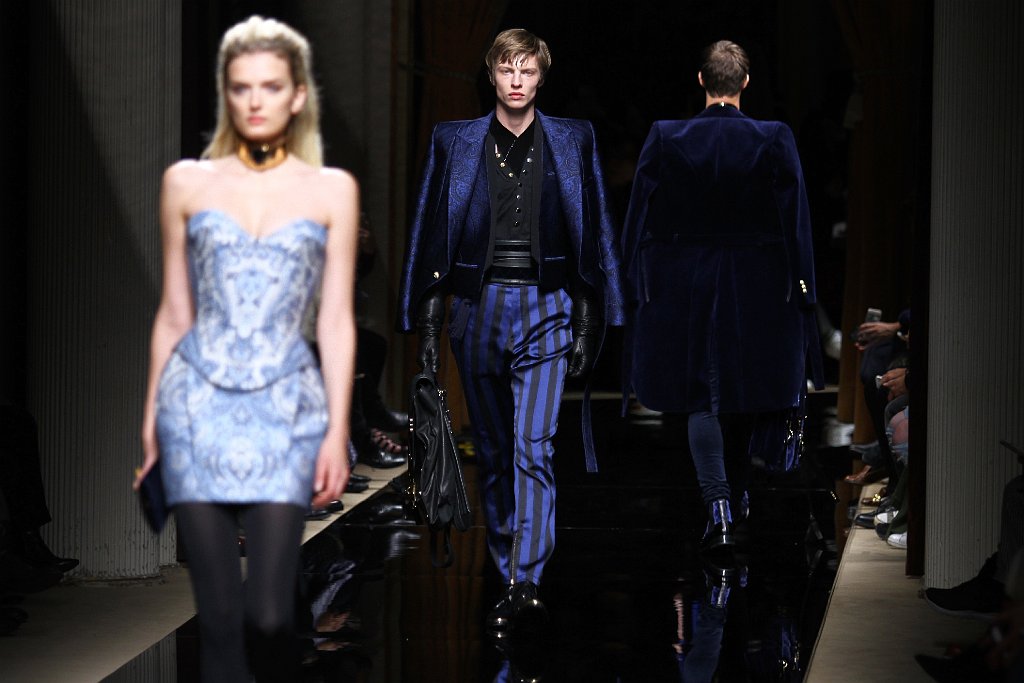
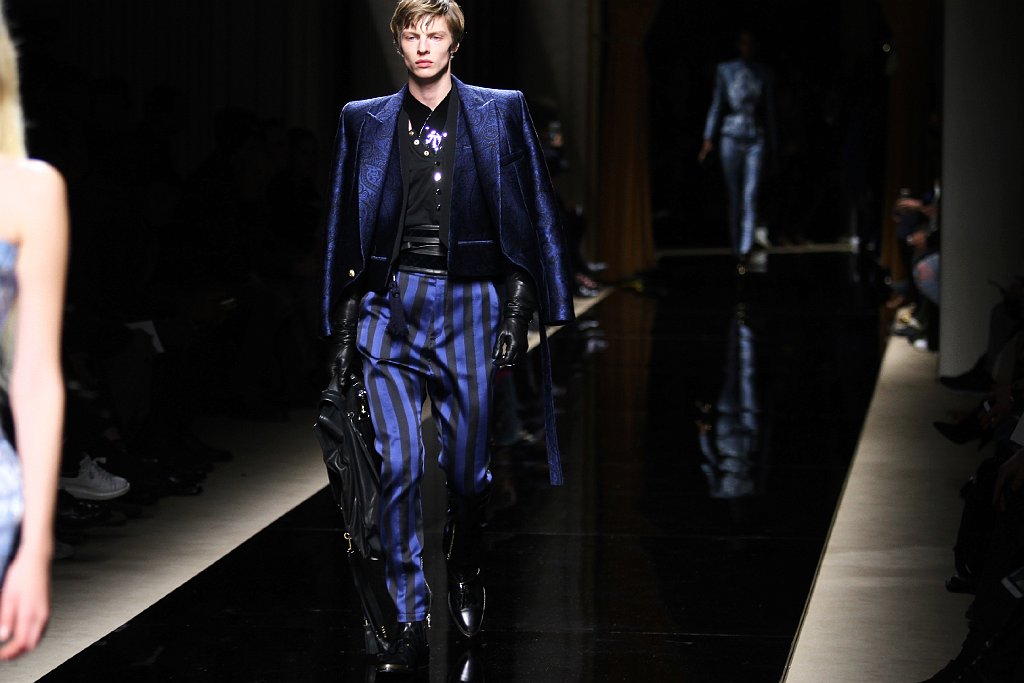
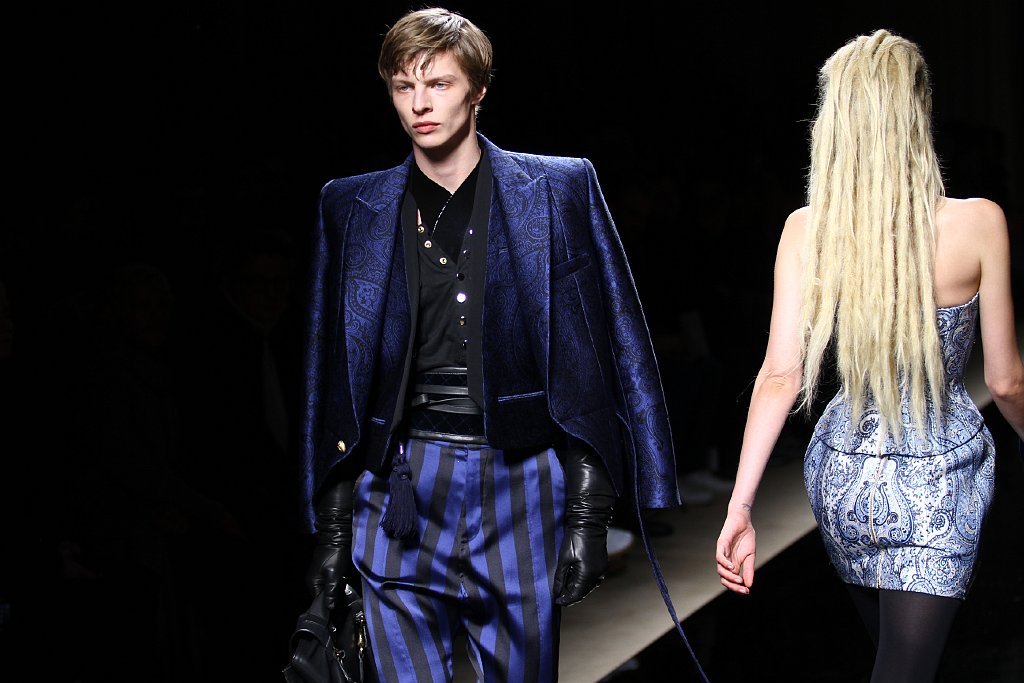
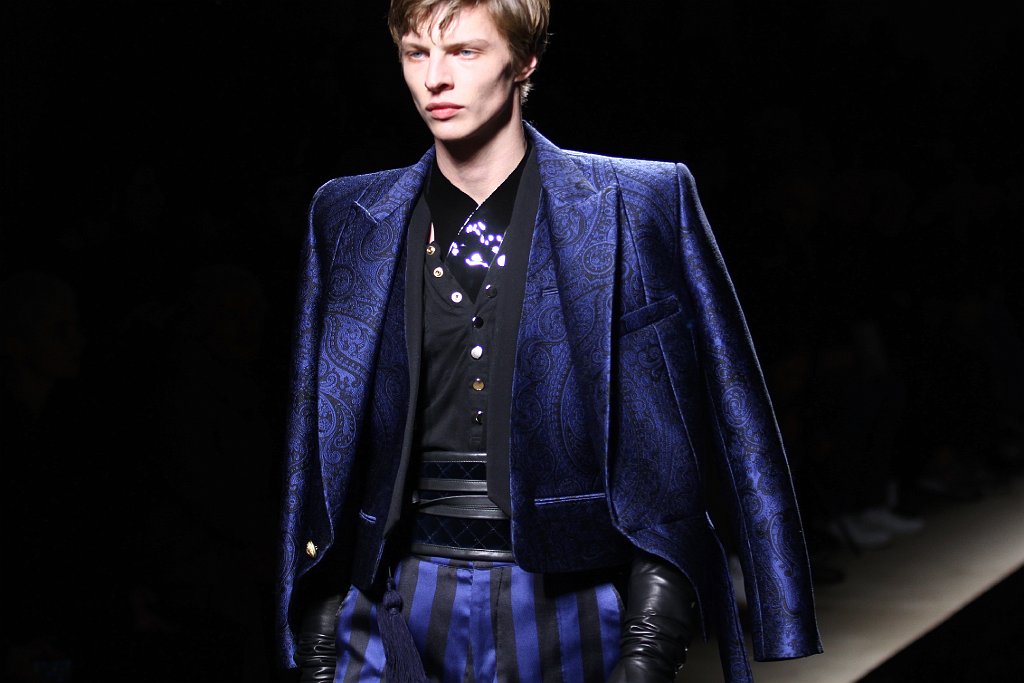
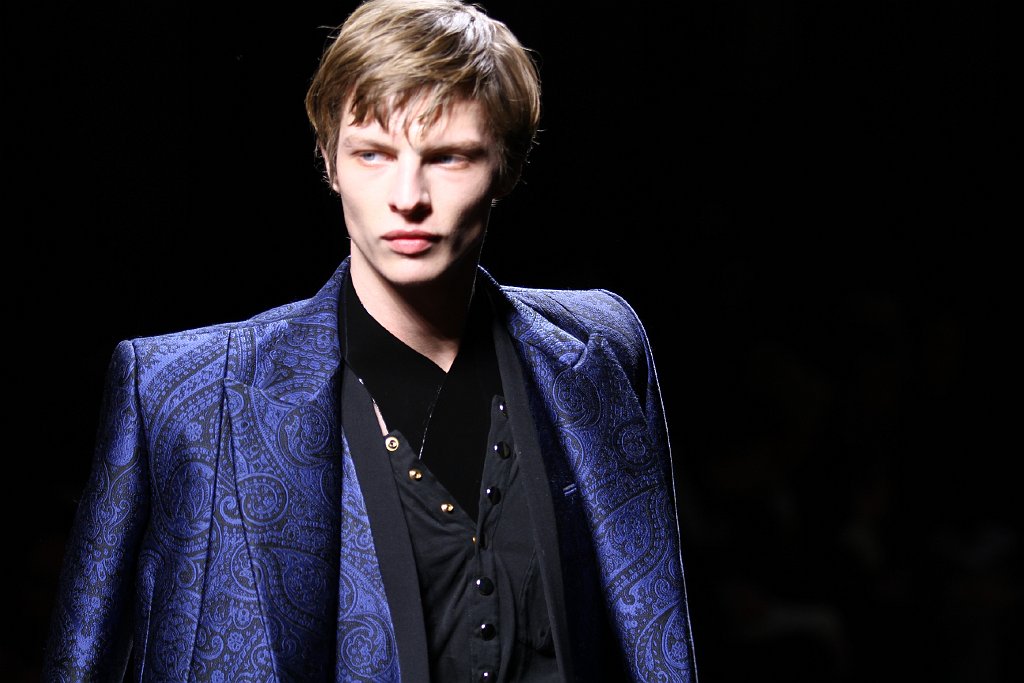
Balmain Fall-Winter 2016 icanteachyouhowtodoit.com
Agent Provocateur Swimwear SS'16
Clement Chabernaud and Marjolaine Rocher by Matthew Brookes for LUI April 2016 Warning "Nudity" success models
Reckon Albums February 2016 models.com
Balmain Fall-Winter 2016 icanteachyouhowtodoit.com
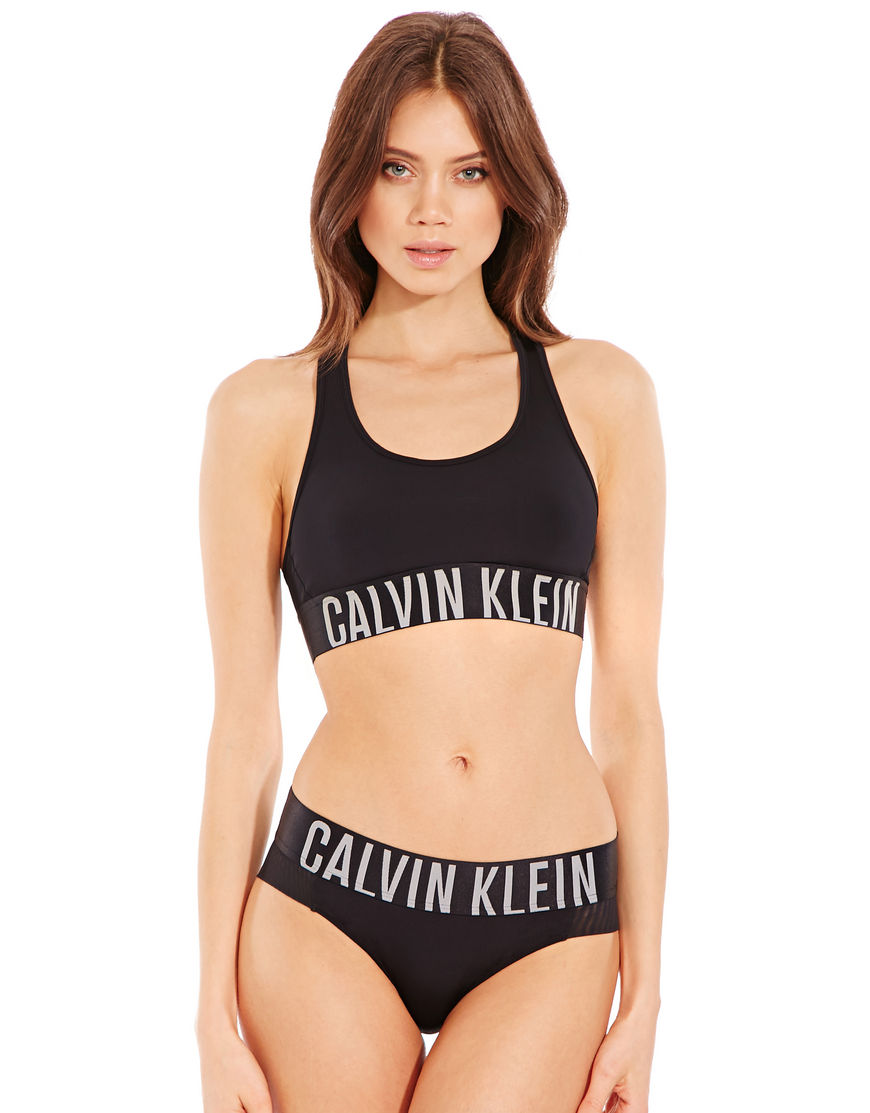
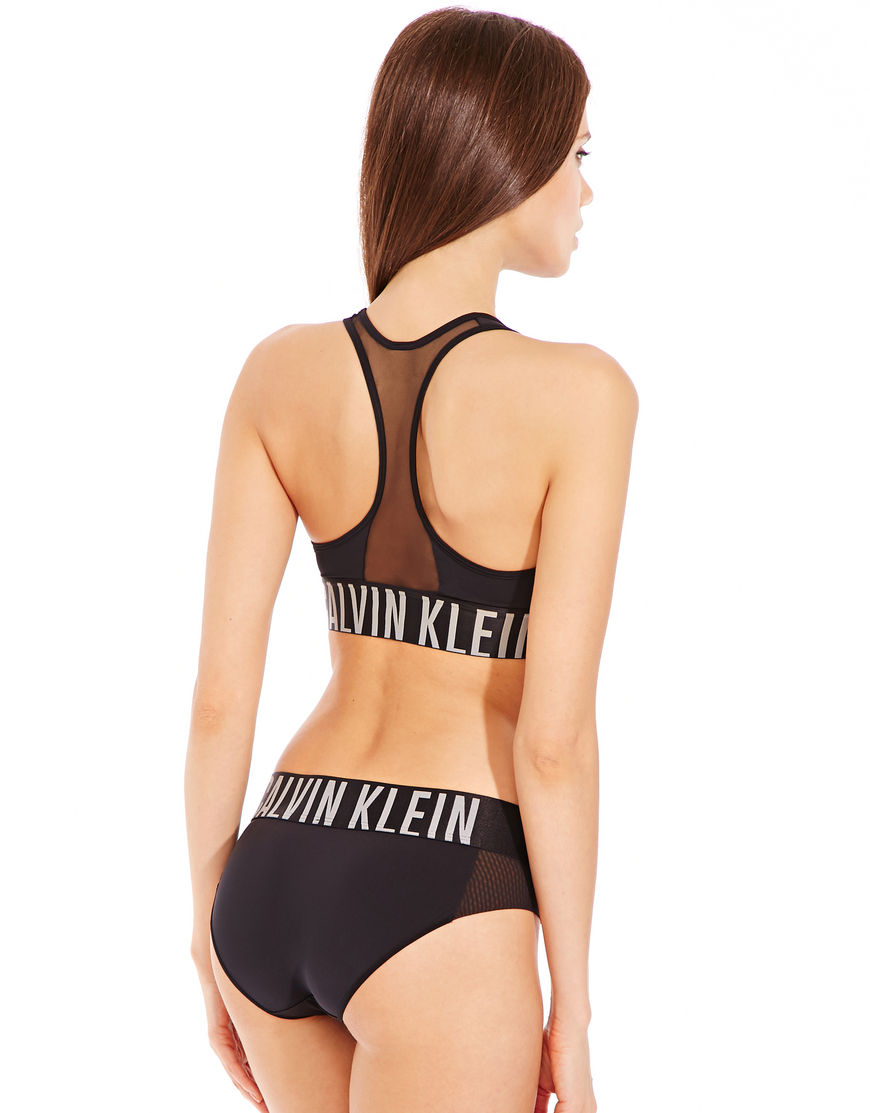
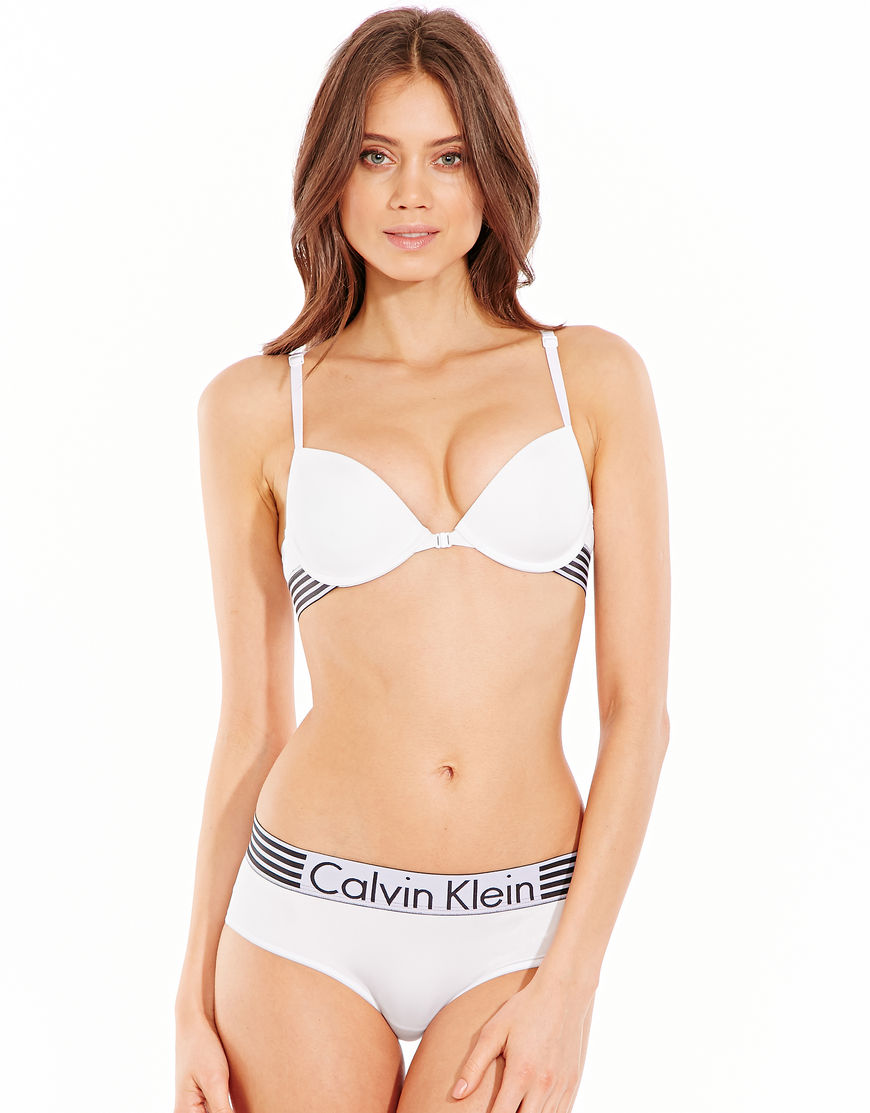
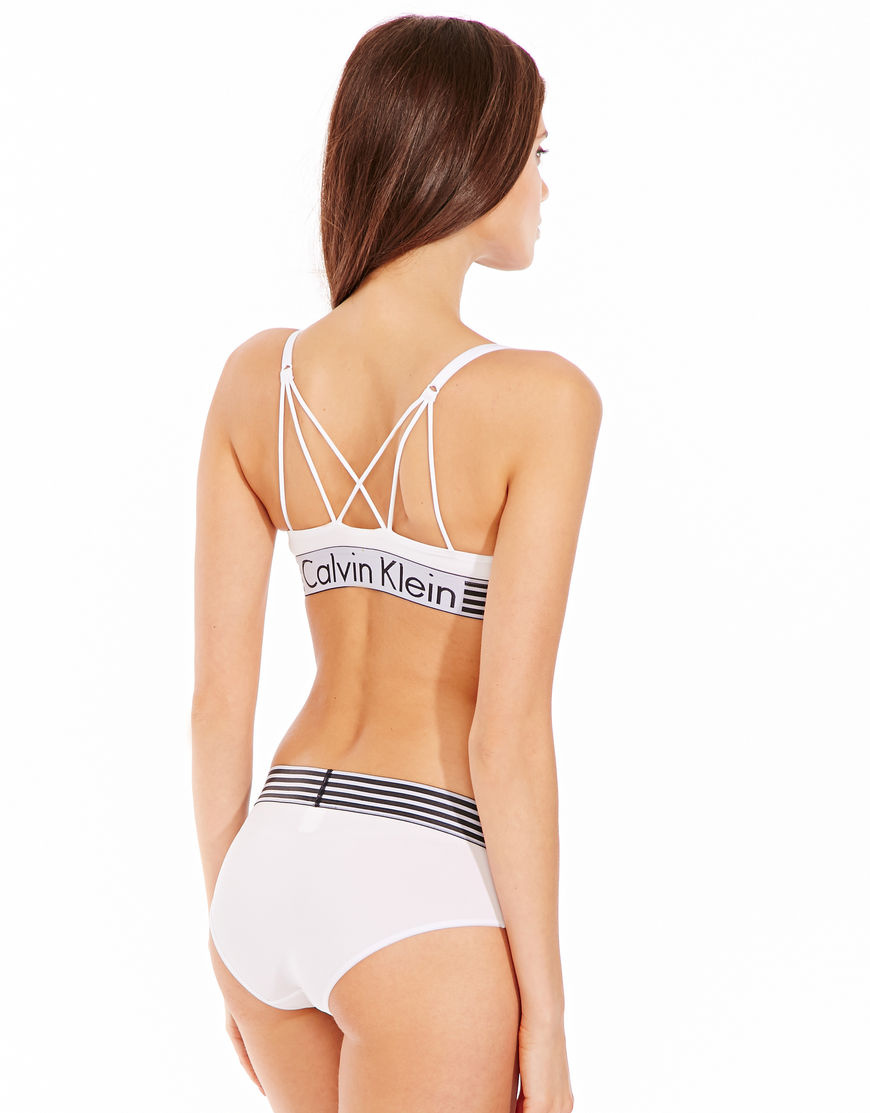
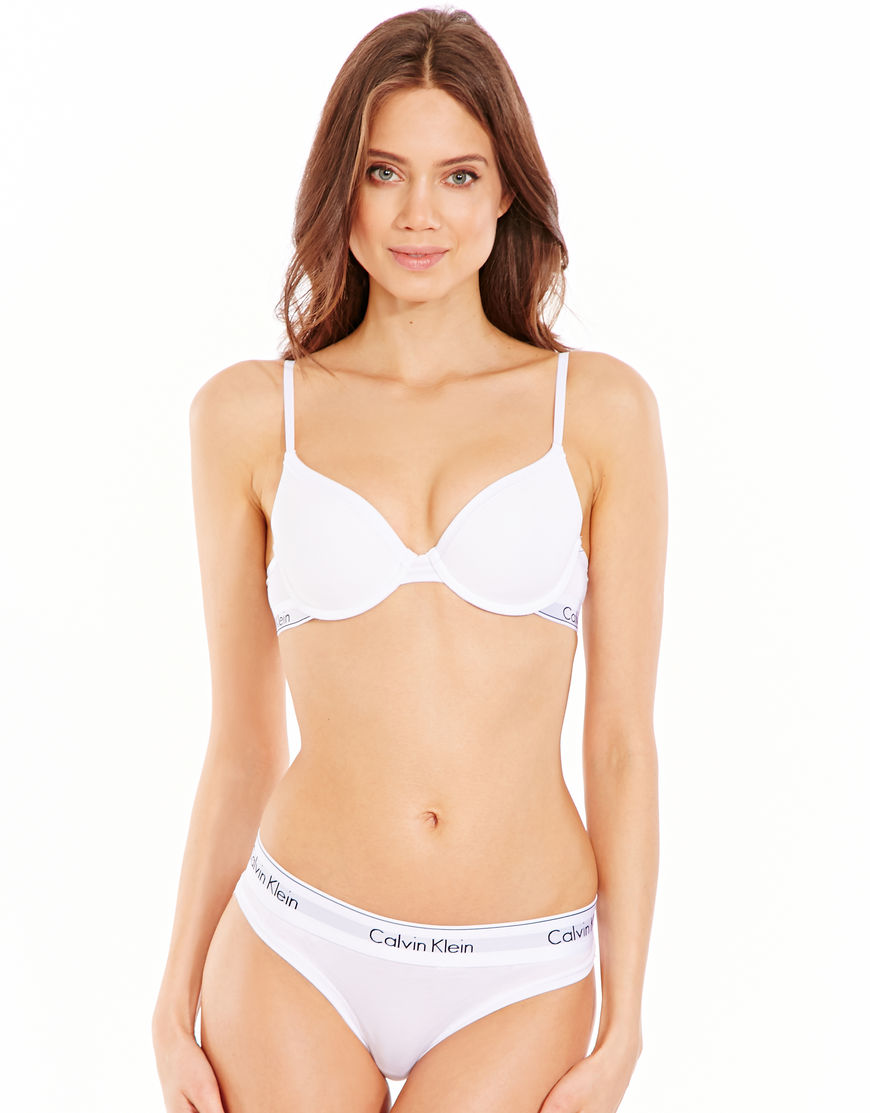
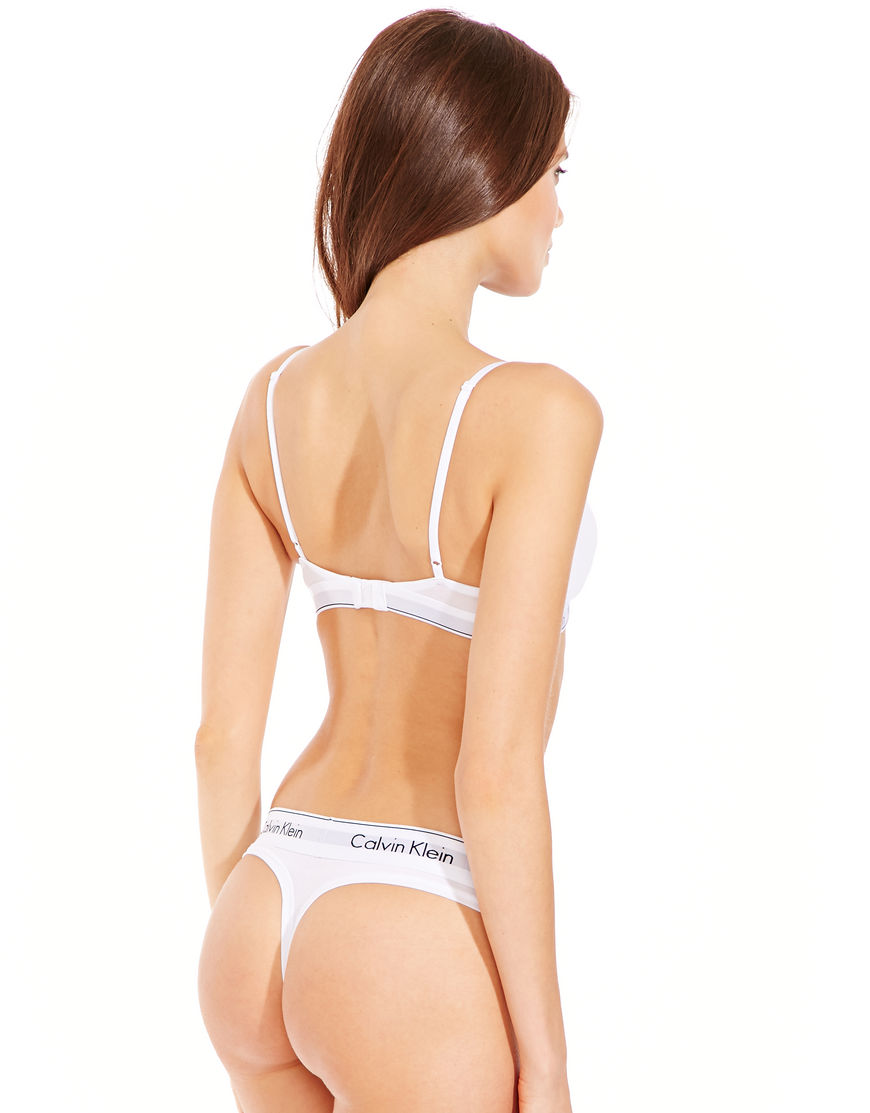
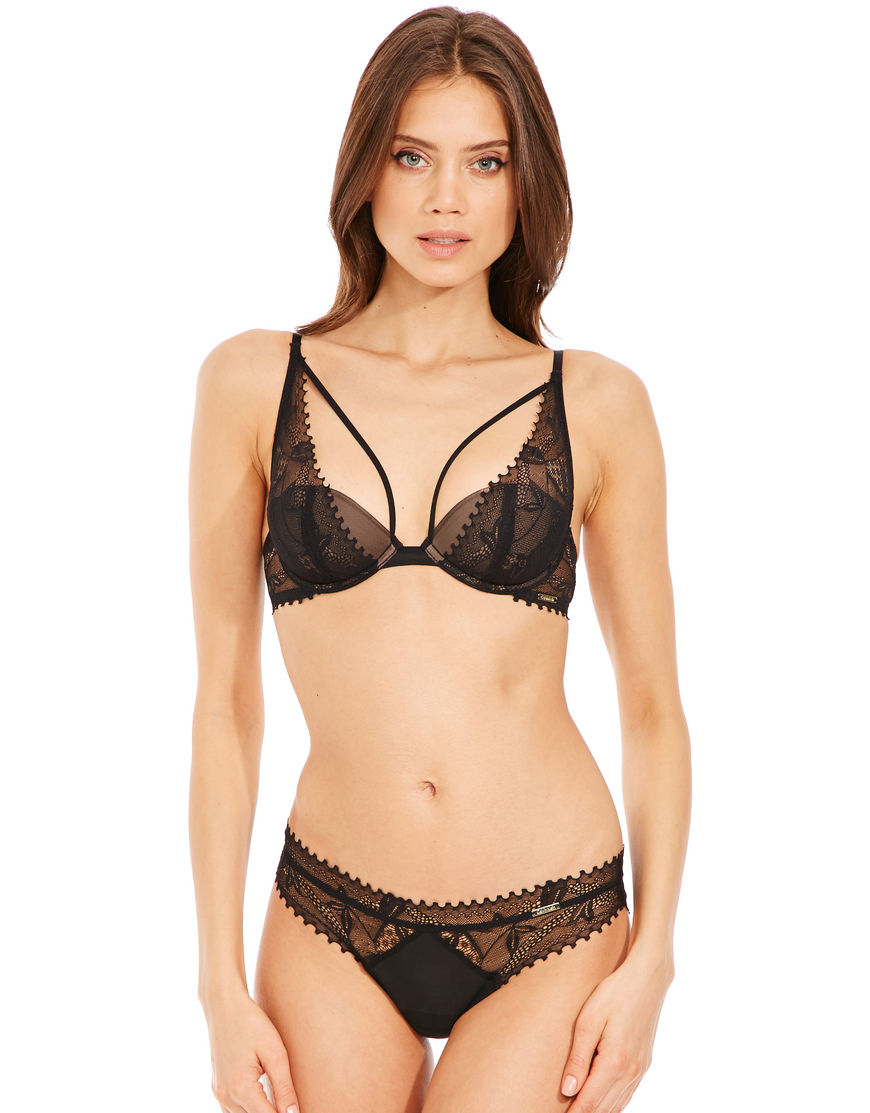
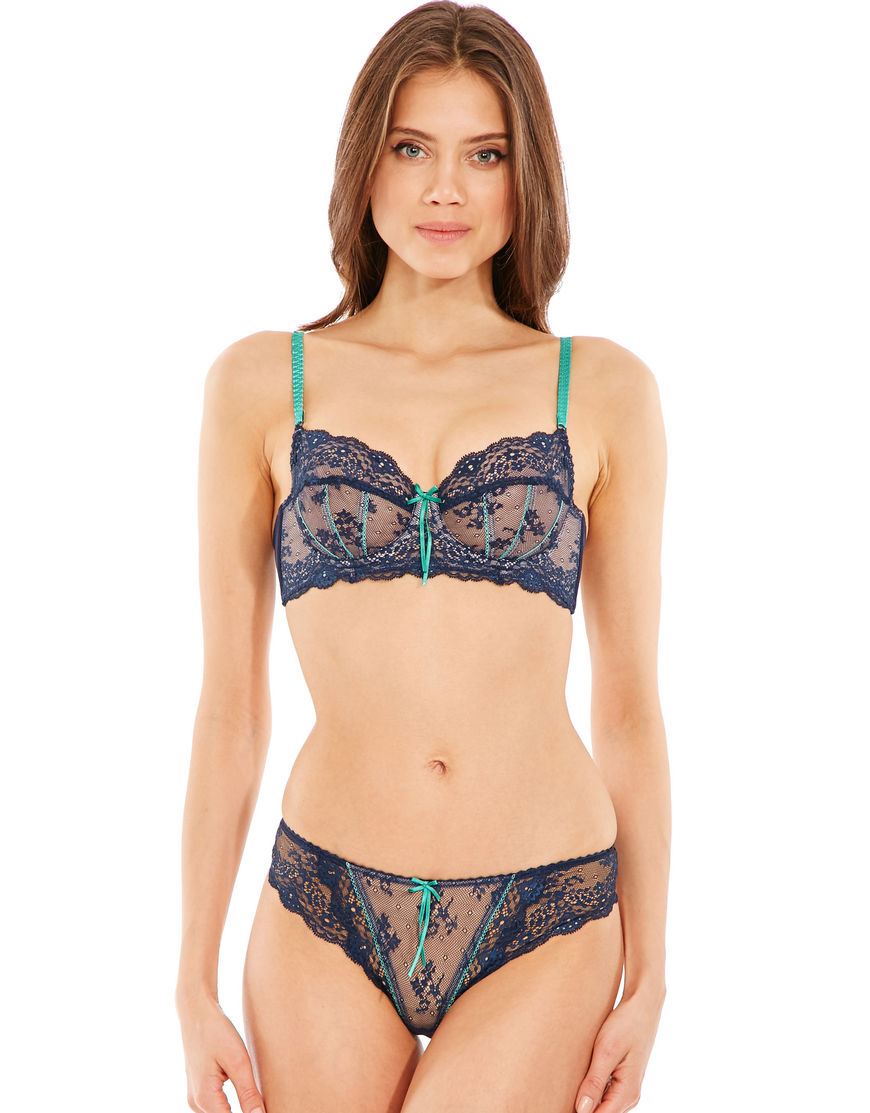
 Figleaves - Calvin Klein / Heidi Klum Intimates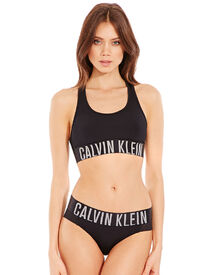
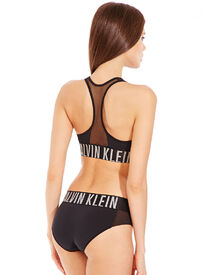
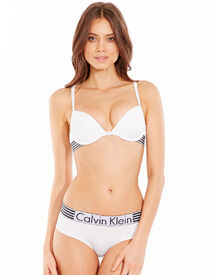
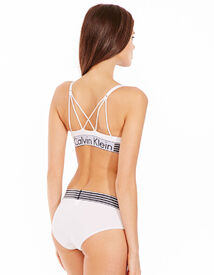
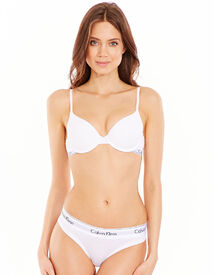
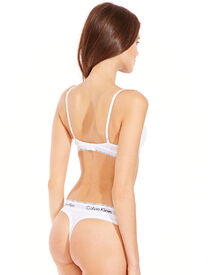
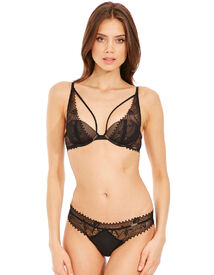
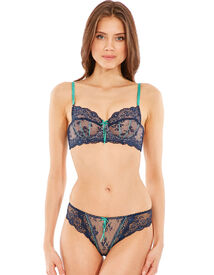
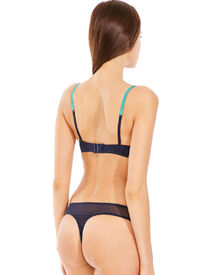
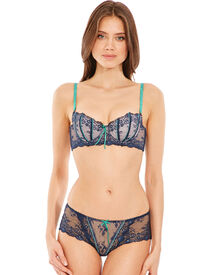
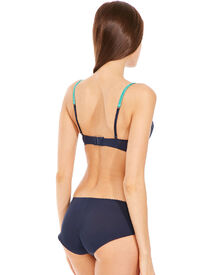
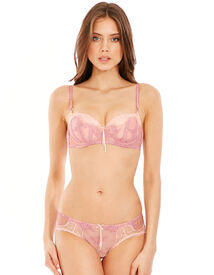
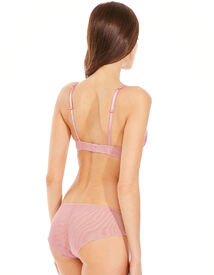
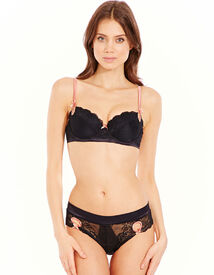
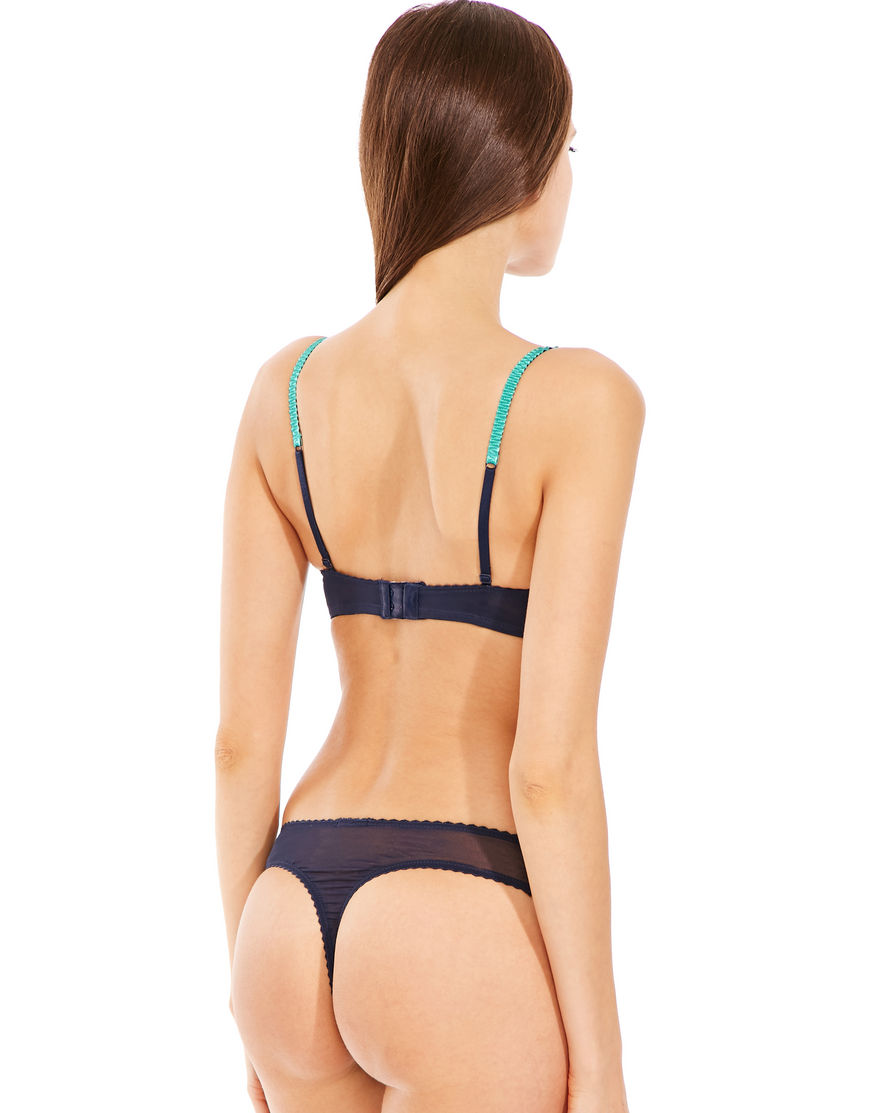
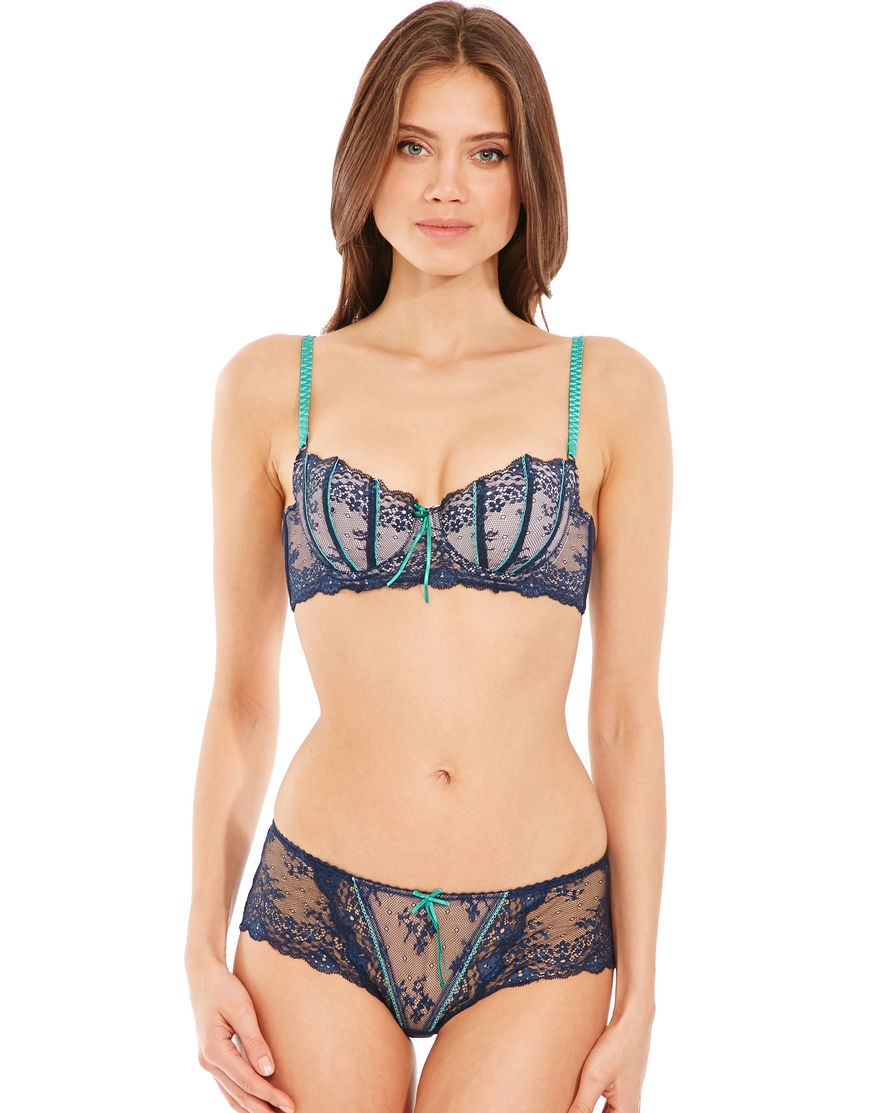
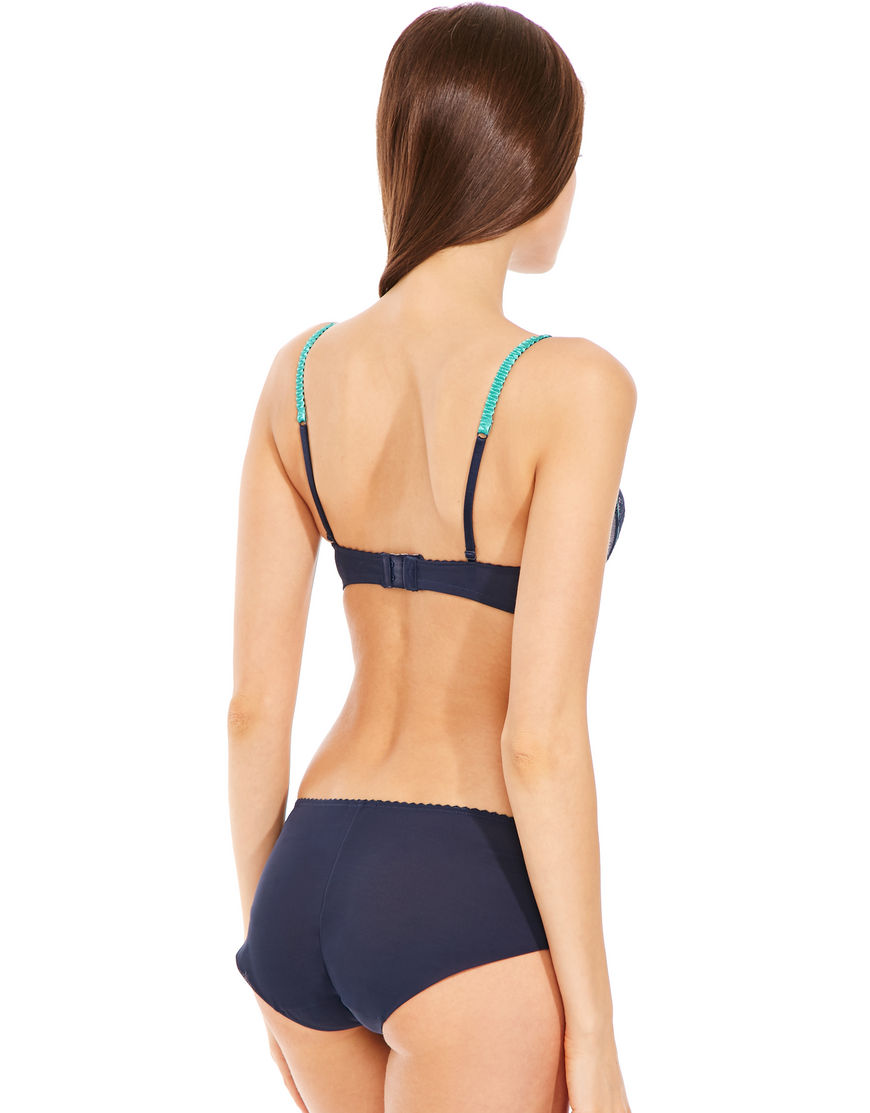
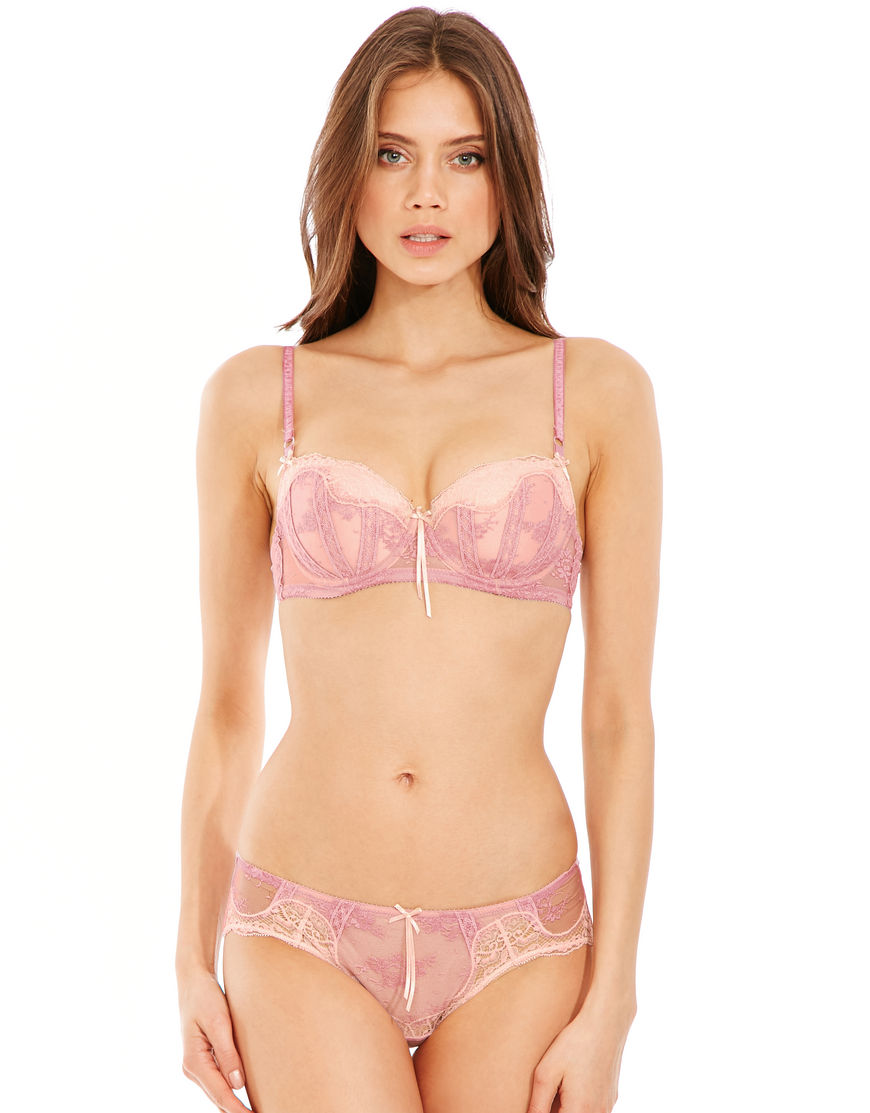
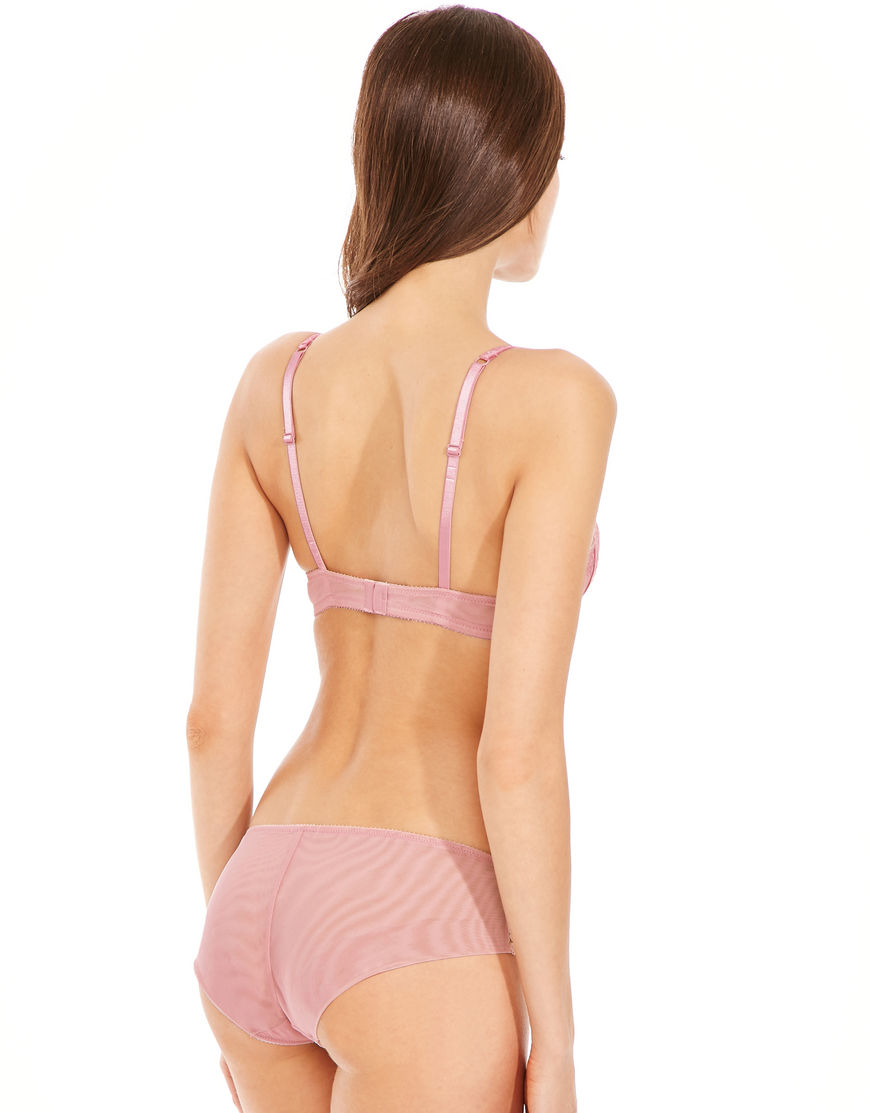
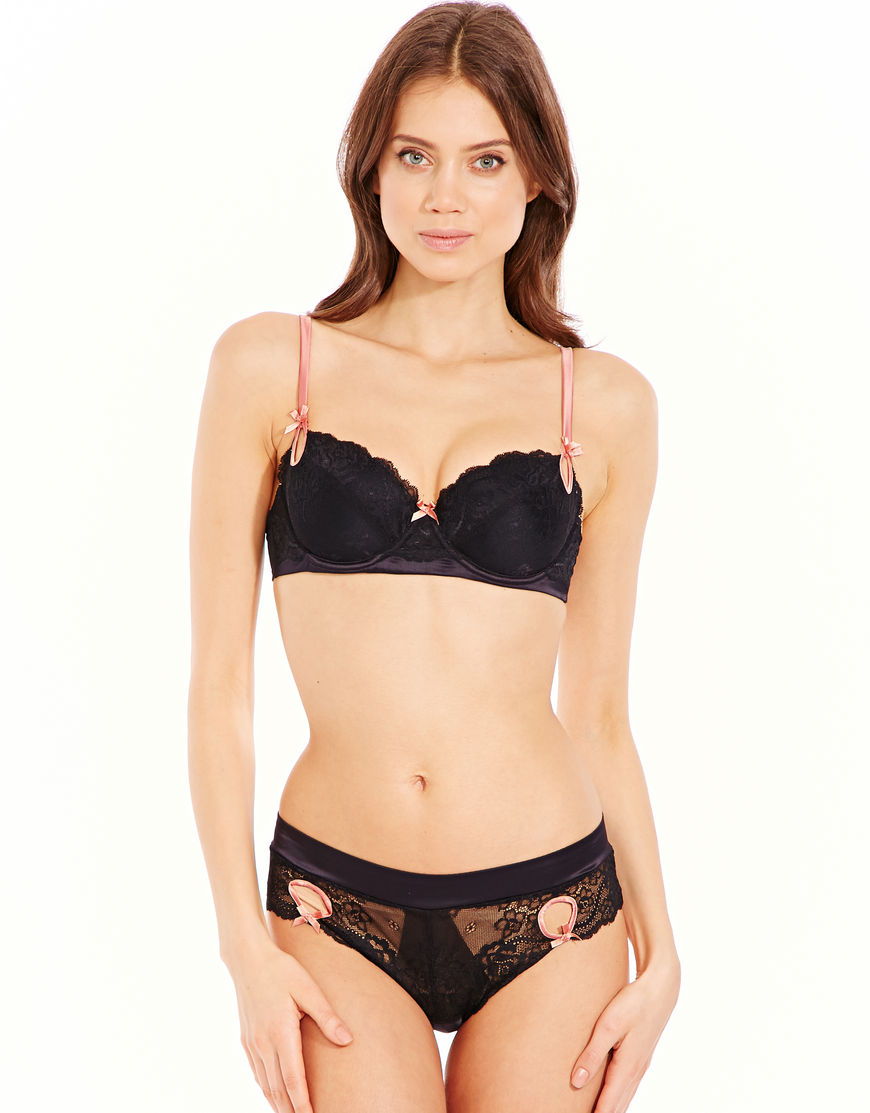
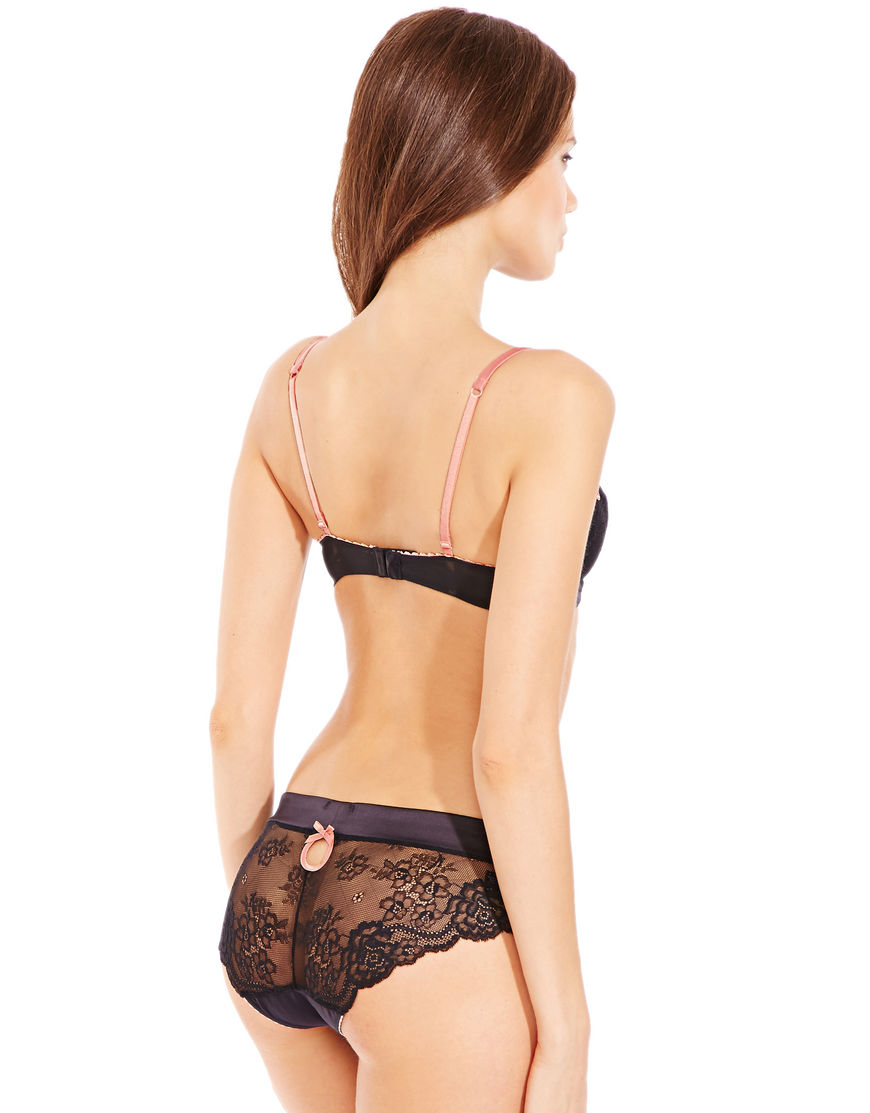
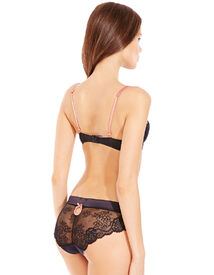 Next UK next.co.uk
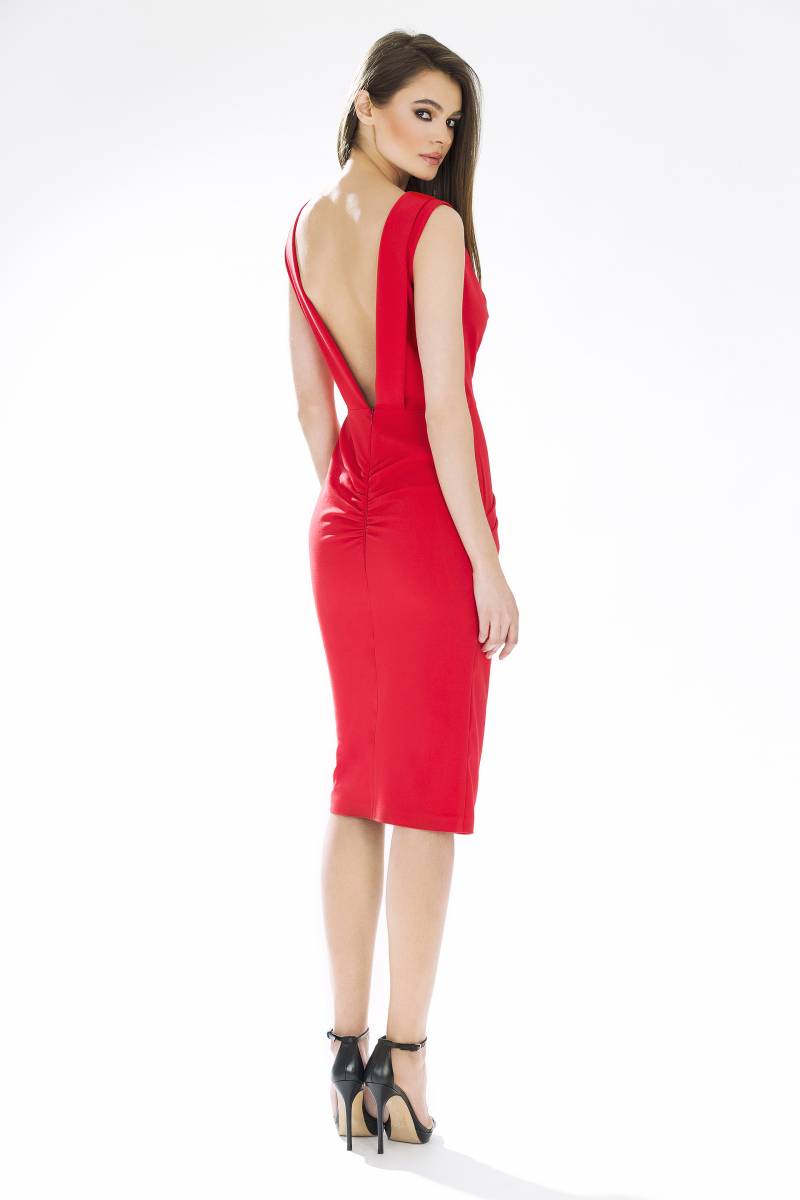
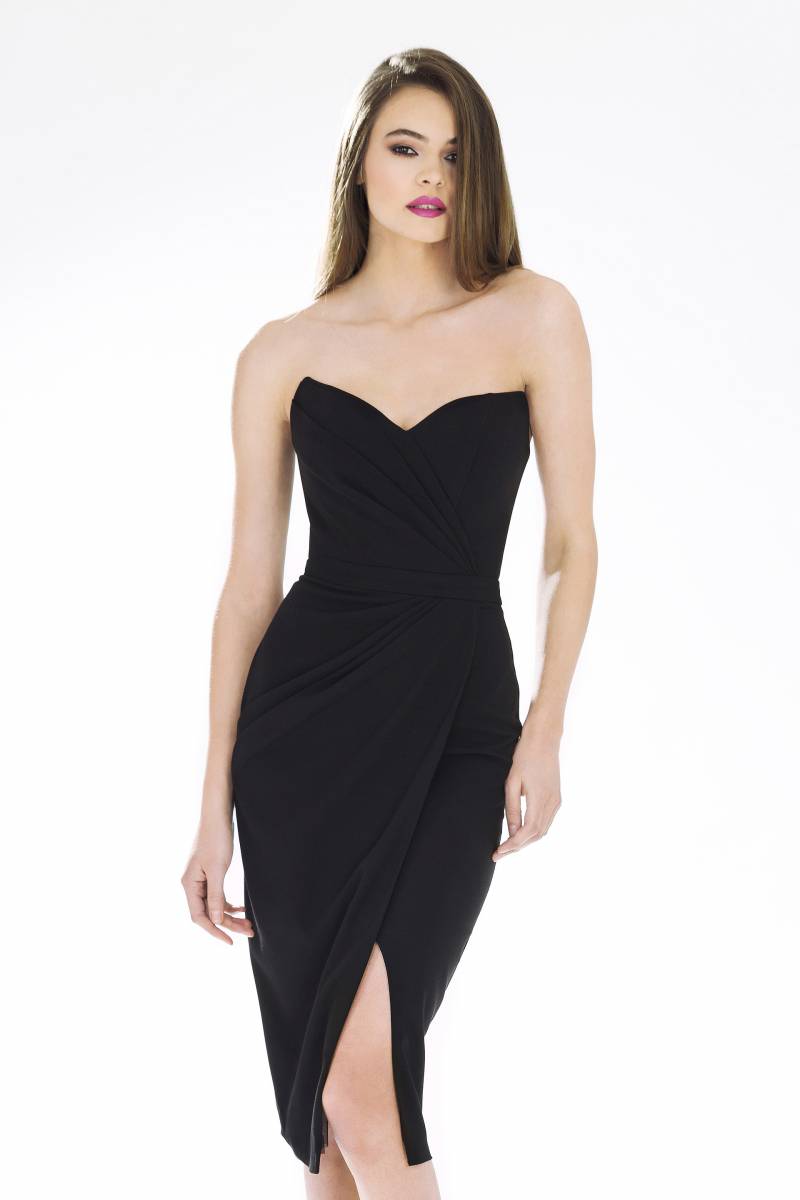
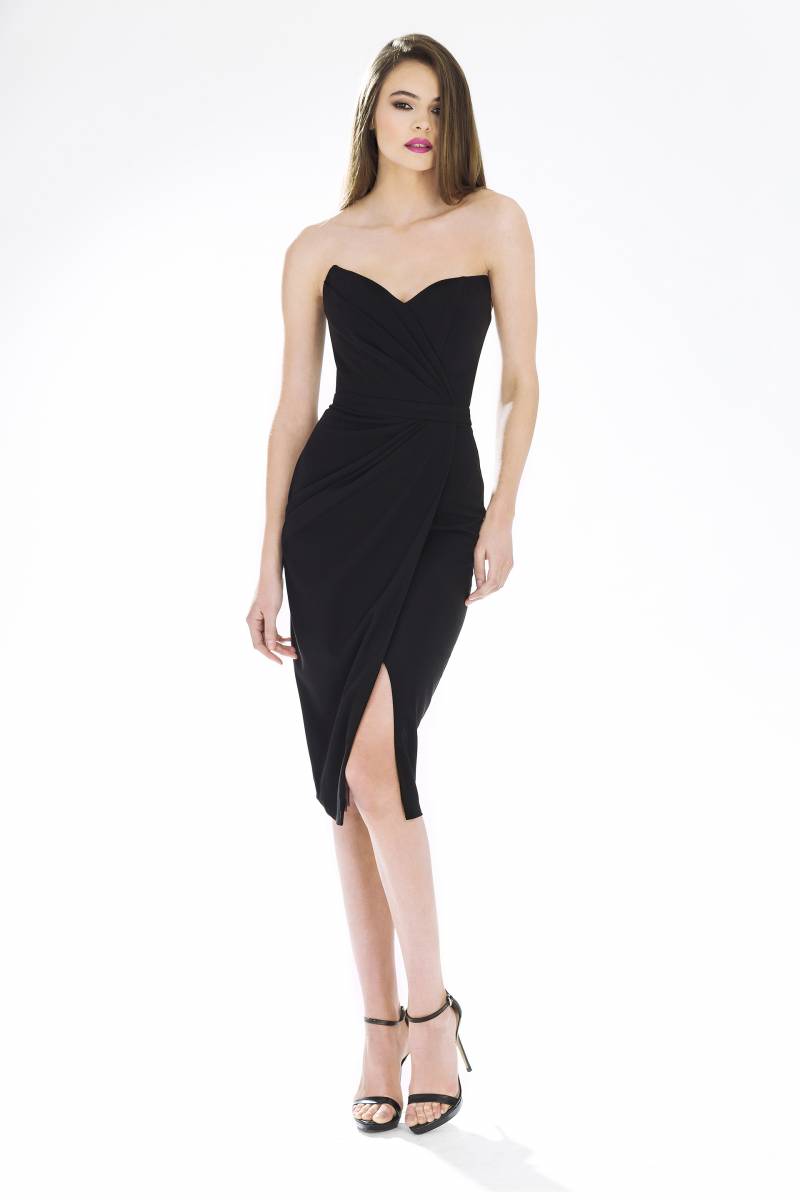
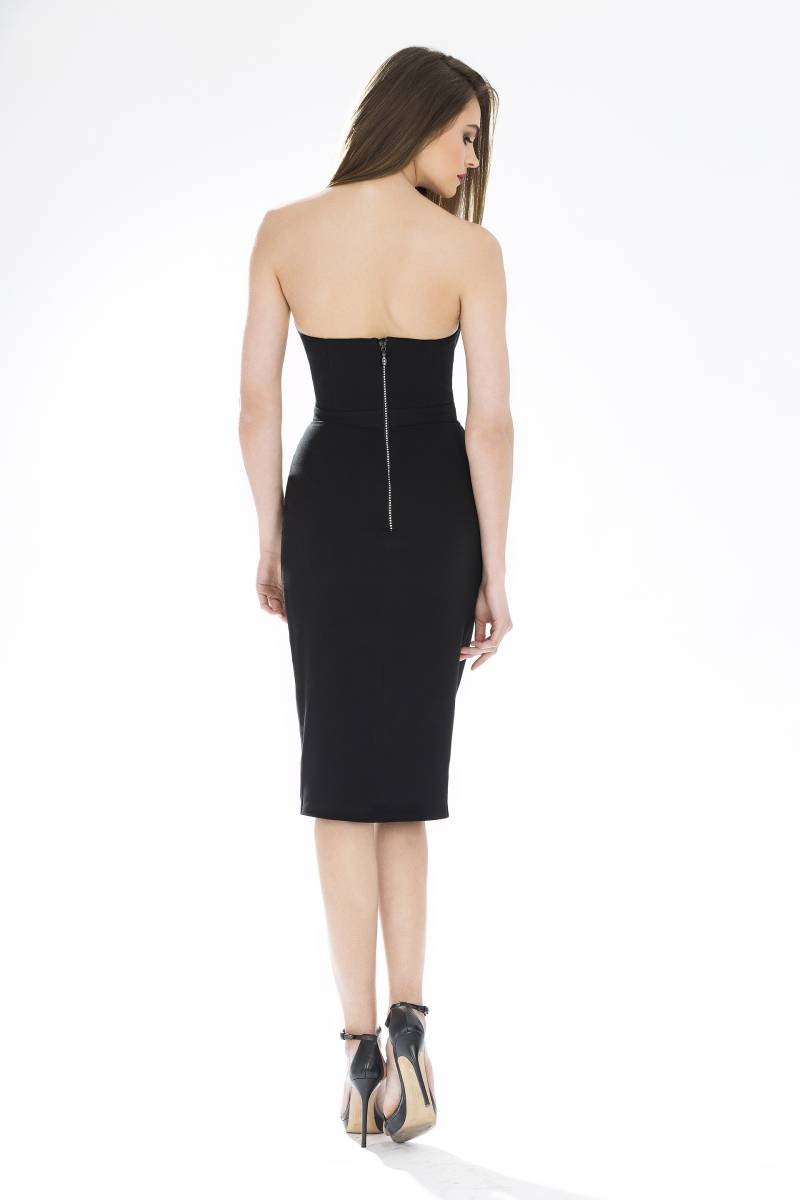
Account
Navigation
Search
Configure browser push notifications
Chrome (Android)
- Tap the lock icon next to the address bar.
- Tap Permissions → Notifications.
- Adjust your preference.
Chrome (Desktop)
- Click the padlock icon in the address bar.
- Select Site settings.
- Find Notifications and adjust your preference.
Safari (iOS 16.4+)
- Ensure the site is installed via Add to Home Screen.
- Open Settings App → Notifications.
- Find your app name and adjust your preference.
Safari (macOS)
- Go to Safari → Preferences.
- Click the Websites tab.
- Select Notifications in the sidebar.
- Find this website and adjust your preference.
Edge (Android)
- Tap the lock icon next to the address bar.
- Tap Permissions.
- Find Notifications and adjust your preference.
Edge (Desktop)
- Click the padlock icon in the address bar.
- Click Permissions for this site.
- Find Notifications and adjust your preference.
Firefox (Android)
- Go to Settings → Site permissions.
- Tap Notifications.
- Find this site in the list and adjust your preference.
Firefox (Desktop)
- Open Firefox Settings.
- Search for Notifications.
- Find this site in the list and adjust your preference.