
sexysilk
Members
-
Joined
-
Last visited
Everything posted by sexysilk
-
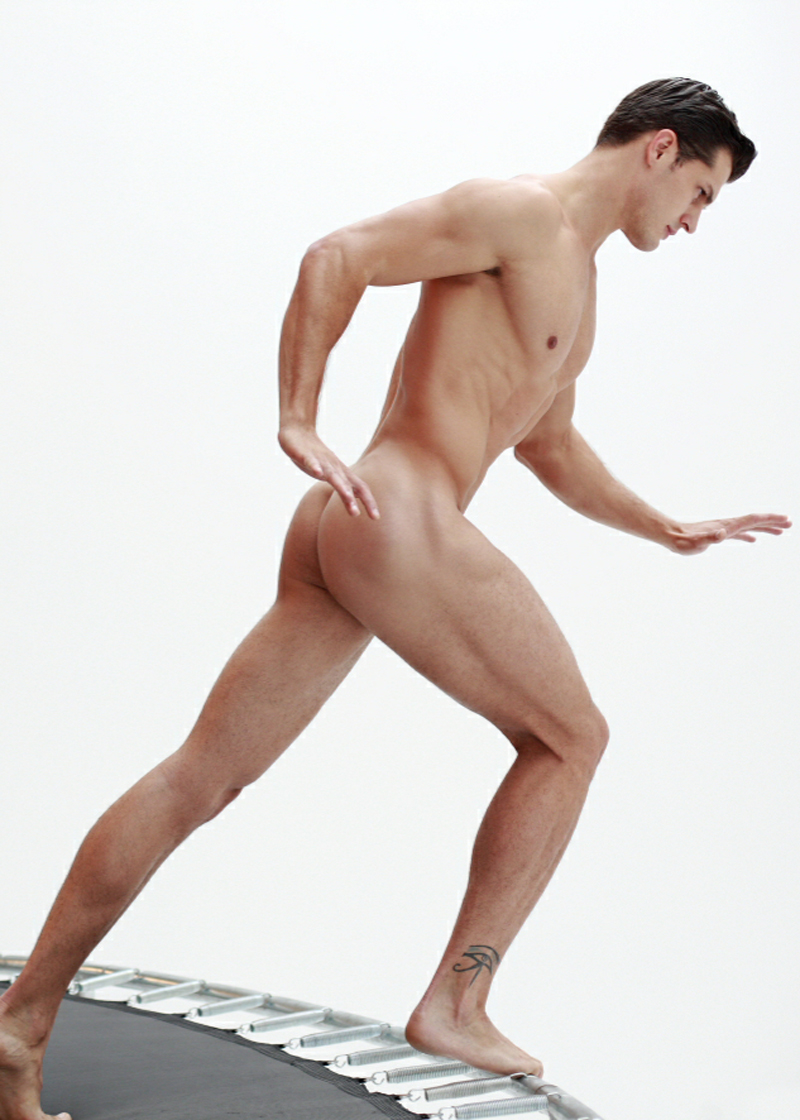
 I want to be in that bedroom with him for a very, very long time
 -
thanks for the last pic he is dreamy
-
I was about to post those pics U beated me into this one
Doesen`t sound gay... and he looks like a cute little puppy
This bot is so gay... too bad
warning nudity http://www.imagebam.com/image/022f60110684730
yes but he is better
Yes I know him he is such a sweet person and very kind
Yes he is his pics are defenitly going on my blog Thanks
LOOOOOOOOOOOOOOOOOOOOVE
he`s handsome
you`re wellcome dear
He is looking more mature













Account
Search
Configure browser push notifications
Chrome (Android)
- Tap the lock icon next to the address bar.
- Tap Permissions → Notifications.
- Adjust your preference.
Chrome (Desktop)
- Click the padlock icon in the address bar.
- Select Site settings.
- Find Notifications and adjust your preference.
Safari (iOS 16.4+)
- Ensure the site is installed via Add to Home Screen.
- Open Settings App → Notifications.
- Find your app name and adjust your preference.
Safari (macOS)
- Go to Safari → Preferences.
- Click the Websites tab.
- Select Notifications in the sidebar.
- Find this website and adjust your preference.
Edge (Android)
- Tap the lock icon next to the address bar.
- Tap Permissions.
- Find Notifications and adjust your preference.
Edge (Desktop)
- Click the padlock icon in the address bar.
- Click Permissions for this site.
- Find Notifications and adjust your preference.
Firefox (Android)
- Go to Settings → Site permissions.
- Tap Notifications.
- Find this site in the list and adjust your preference.
Firefox (Desktop)
- Open Firefox Settings.
- Search for Notifications.
- Find this site in the list and adjust your preference.