Jump to content
View in the app

A better way to browse. Learn more.

Bellazon

A full-screen app on your home screen with push notifications, badges and more.

To install this app on iOS and iPadOS
  1. Tap the Share icon in Safari
  2. Scroll the menu and tap Add to Home Screen.
  3. Tap Add in the top-right corner.
To install this app on Android
  1. Tap the 3-dot menu (⋮) in the top-right corner of the browser.
  2. Tap Add to Home screen or Install app.
  3. Confirm by tapping Install.

fletch

Members
  • Joined

  • Last visited

Everything posted by fletch

  1. https://www.instagram.com/ksyander/
  2. Thanks for the credit!
  3. https://www.lotusmodels.com.br/model/leticia-rodrigues
  4. Leticia S Rodrigues Nascimento https://www.lotusmodels.com.br/model/leticia-rodrigues
  5. https://www.instagram.com/rodriguesleticias/ Leticia S Rodrigues Nascimento https://www.lotusmodels.com.br/model/leticia-rodrigues
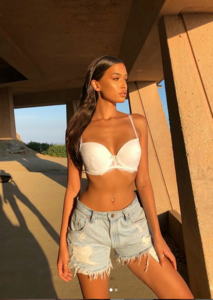
  6. #1 https://www.instagram.com/deboralenar/ https://www.mingmanagement.com.br/pt/modelo/14/debora-lenartovicz
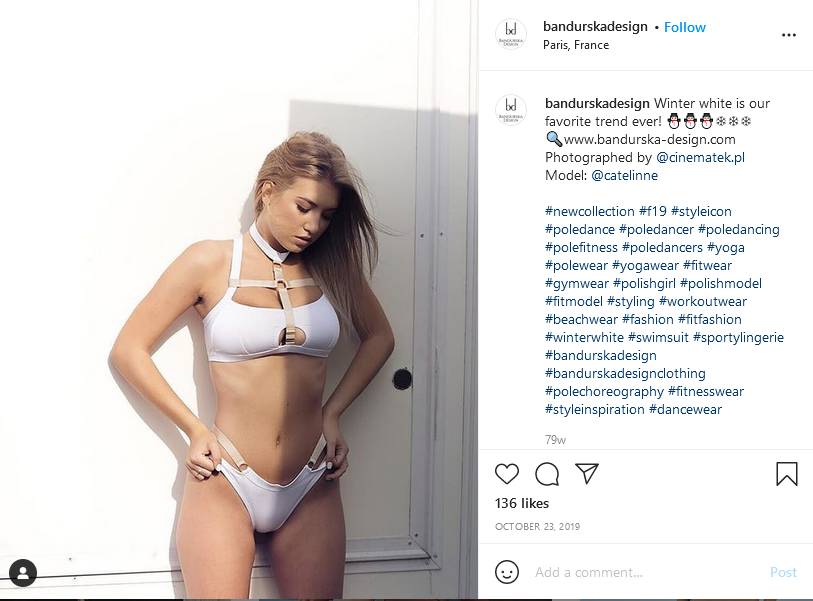
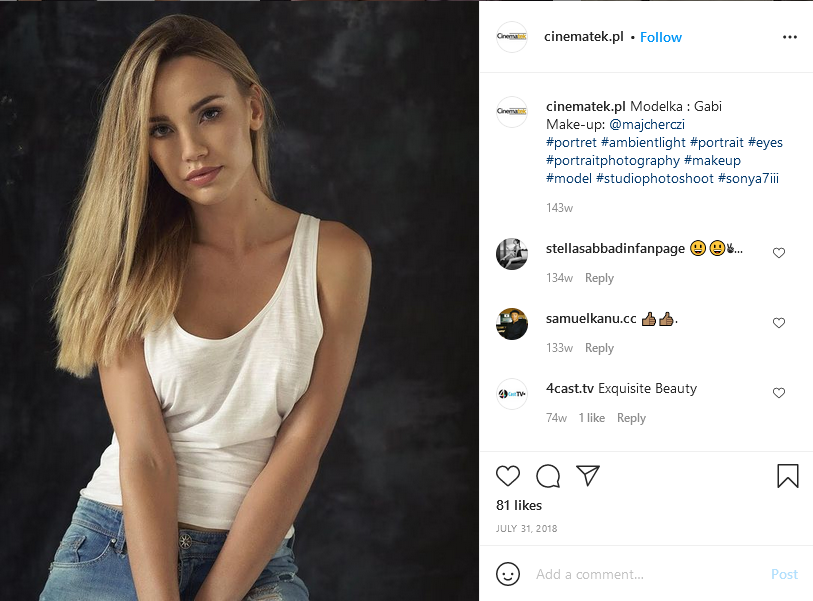
  7. #1 Gabi was also with SPP models but no longer.
  8. You're welcome! I'm still working on more information on #1.
  9. fletch replied to RKJ's topic in MODEL ID [help]
    You're welcome!
  10. Not yet.
  11. #2 https://spp.com.pl/models/kasia-k Kasia Kucharska
  12. #2 her IG account is private
  13. still looking for more information, #1
  14. fletch replied to RKJ's topic in MODEL ID [help]
    https://www.instagram.com/cristina_scarlevschi_poledance/
  15. I've spent many hours looking for #1 without luck. I will keep trying.
  16. You're welcome!
  17. #2 is Wendy Both This is from her web site, WendyBoth.com under modeling/iconic.
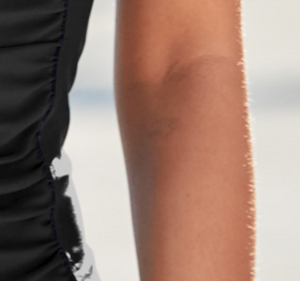
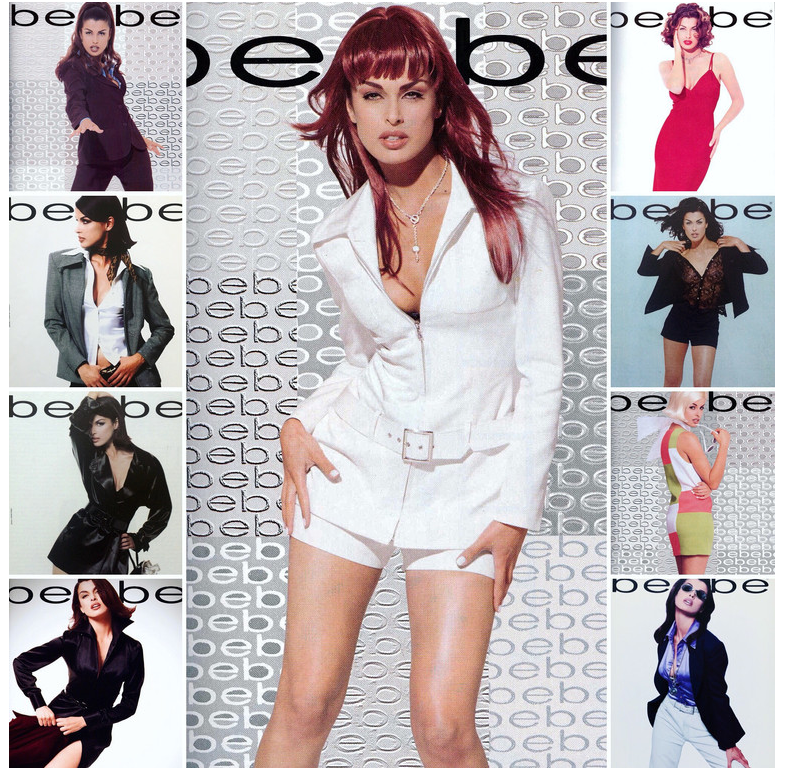
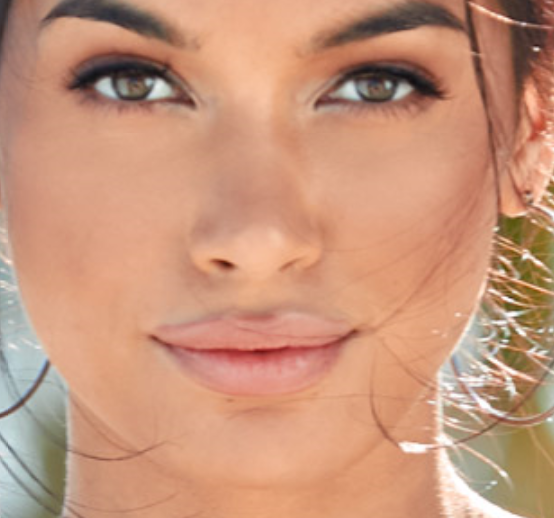
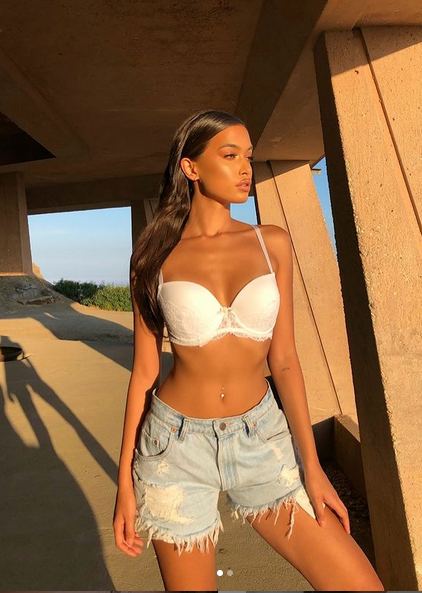
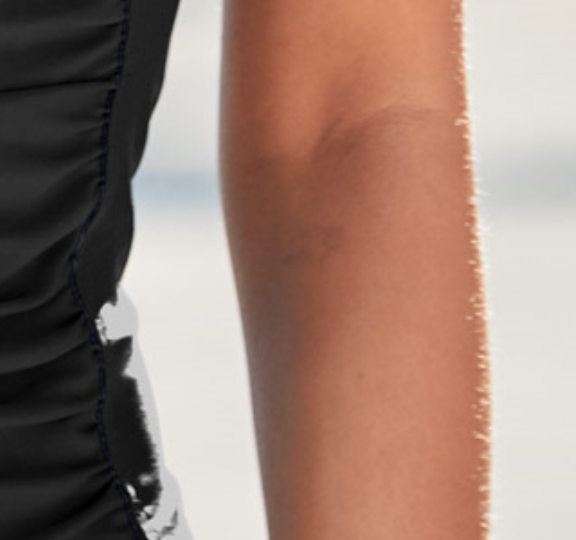
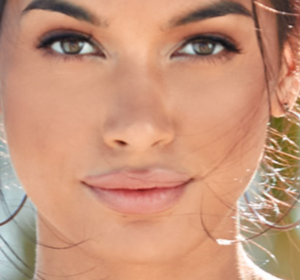
  18. I'm not 100% but the freckle under her lower lip matches and Rona had a tattoo on her right lower arm that looks like it was removed or not completely photo shopped.
  19. Shawn.
  20. Shaun Dillon, not sure about the spelling.
  21. fairly sure https://www.instagram.com/marianadelriob/
  22. fletch replied to enzio344's topic in MODEL ID [help]
    Sorry, I was wrong. This one's IG is @miss_gromova22 (private account).
  23. You're welcome!

Account

Navigation

Search

Configure browser push notifications

Chrome (Android)
  1. Tap the lock icon next to the address bar.
  2. Tap Permissions → Notifications.
  3. Adjust your preference.
Chrome (Desktop)
  1. Click the padlock icon in the address bar.
  2. Select Site settings.
  3. Find Notifications and adjust your preference.