
LITTLE MISS SUNSHINE
Banned
-
Joined
-
Last visited
Everything posted by LITTLE MISS SUNSHINE
-
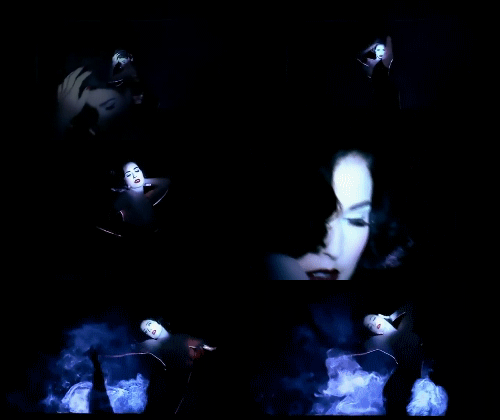
 gifs by me, enjoy







-
gifs by me, enjoy, part 1



-
she appears at 1:18 to 1:34
WARNING NUDITY
MissLima I SIMPLY ADORE YOUR SIGGY, and i agree, those who think she is ROLLY POLLY are on CRACK, he skin, body hair all look better
OMG heavens to betsy Love, those are HOTTTTTTTTTTTTTTTT
 gifs by me, enjoy

 gifs by me, enjoy




 gifs by me, enjoy
 gif by me, enjoy
that perfum promo is STUNNINGGGGGGGGGGGGGGGGGGGGGGGGGG
sorry edited
WARNING NUDITY http://fashiongonerogue.com/regina-feoktis...011/#more-51507
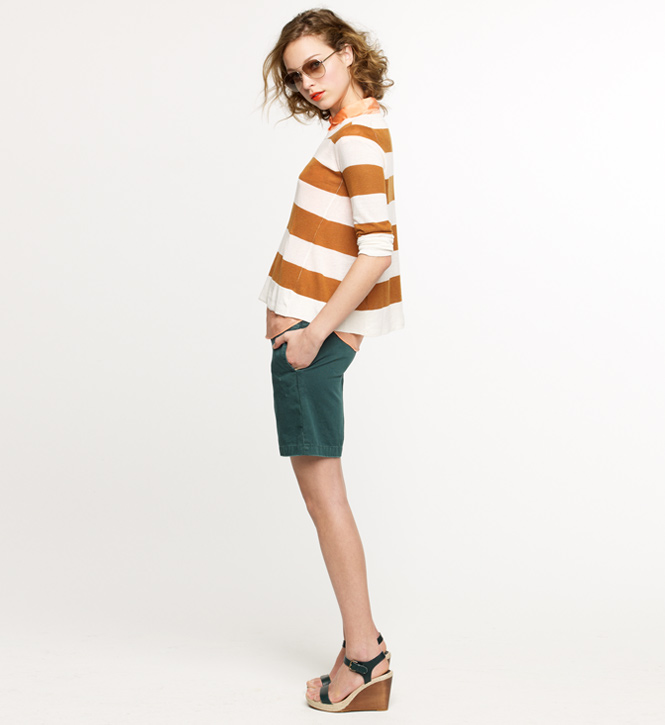
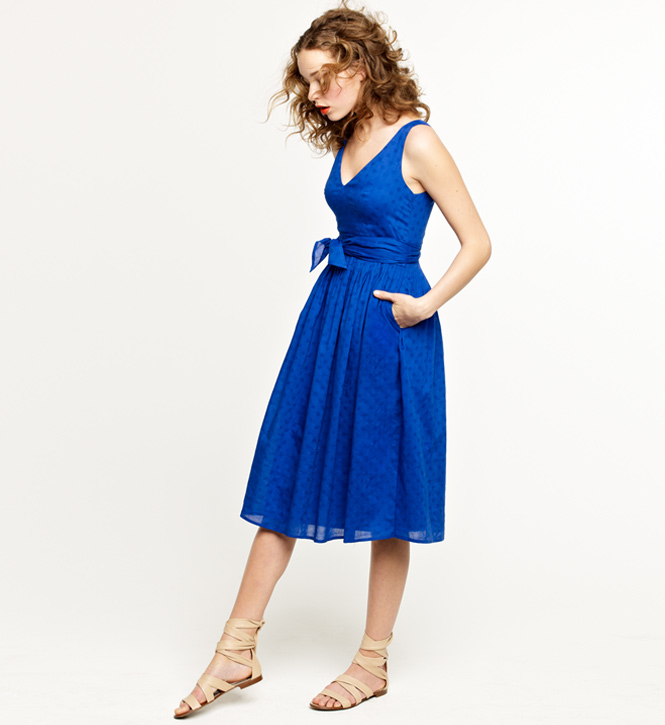
J. Crew Looks We Love May 2011 Lookbook Written by Joanna on Friday, April 22nd, 2011 | 2011, Lookbook from fashiongonerogue.com
gif by me, enjoy
that perfum promo is STUNNINGGGGGGGGGGGGGGGGGGGGGGGGGG
sorry edited
WARNING NUDITY http://fashiongonerogue.com/regina-feoktis...011/#more-51507
J. Crew Looks We Love May 2011 Lookbook Written by Joanna on Friday, April 22nd, 2011 | 2011, Lookbook from fashiongonerogue.com












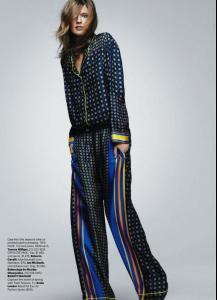
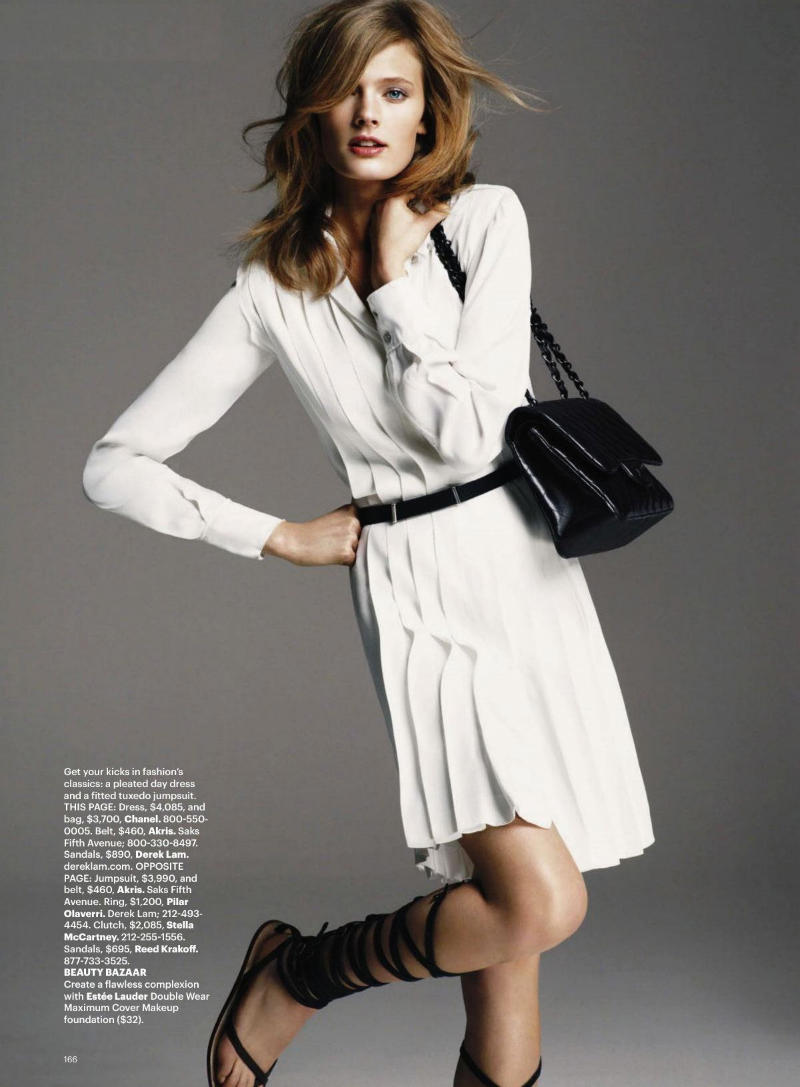
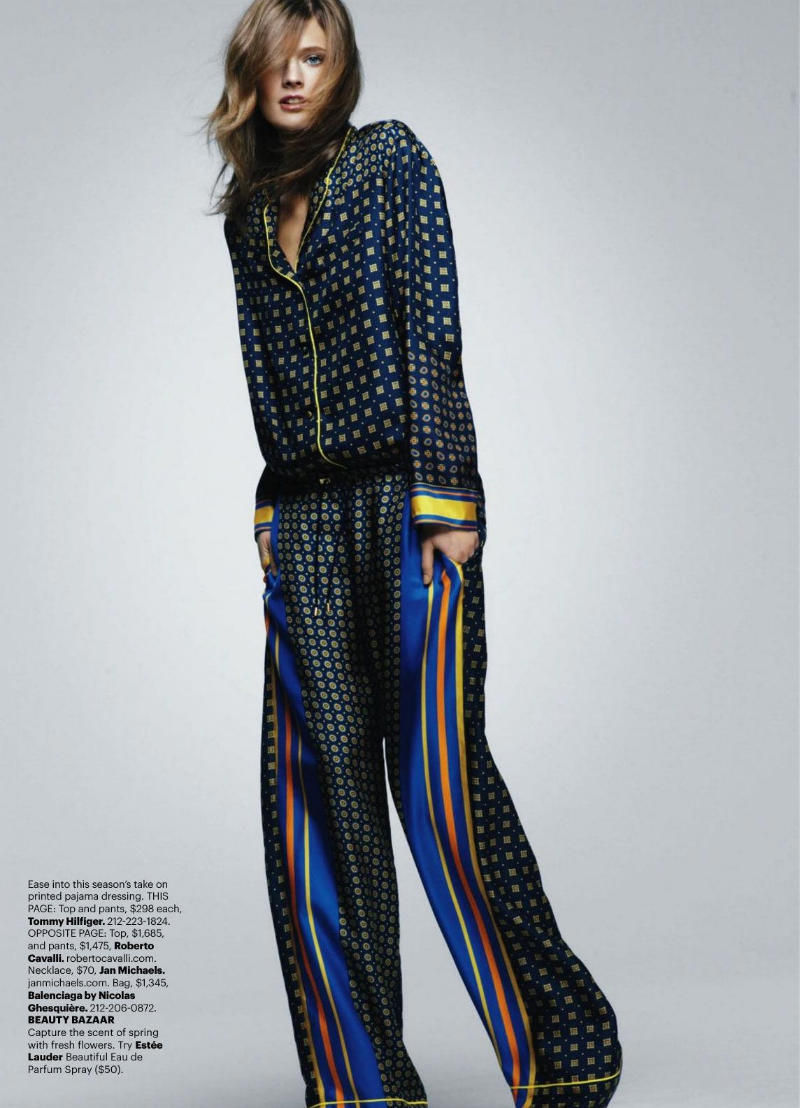
 Constance Jablonski by Greg Kadel for Harper’s Bazaar US May 2011Written by Joanna on Friday, April 22nd, 2011 | 2011, Constance Jablonski, Editorial, Greg Kadel, Harper's Bazaar US, Katie Mossman from fashiongonerogue.com







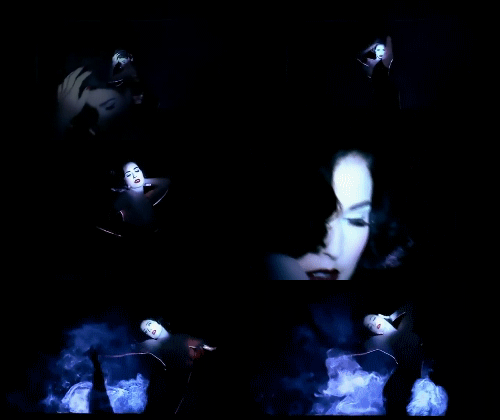
 that video is perfection Sis love it
Bershka Spring/Summer 2011 Ad Campaign Models: Hannah Holman & Claudia Guarnieri from fashionising.com
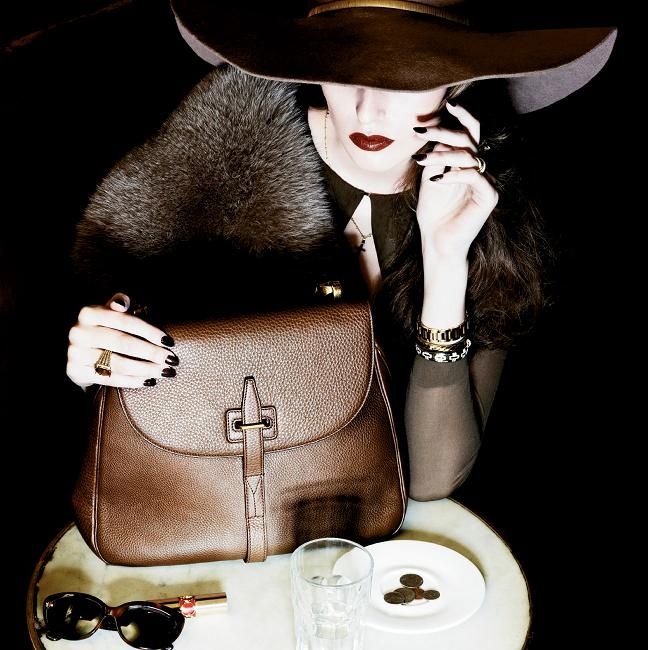
Ladies Who Lunch Model: Kelsey Van Mook @ Next Photograher: Robbie Fimmano from fashinising.com
that video is perfection Sis love it
Bershka Spring/Summer 2011 Ad Campaign Models: Hannah Holman & Claudia Guarnieri from fashionising.com
Ladies Who Lunch Model: Kelsey Van Mook @ Next Photograher: Robbie Fimmano from fashinising.com


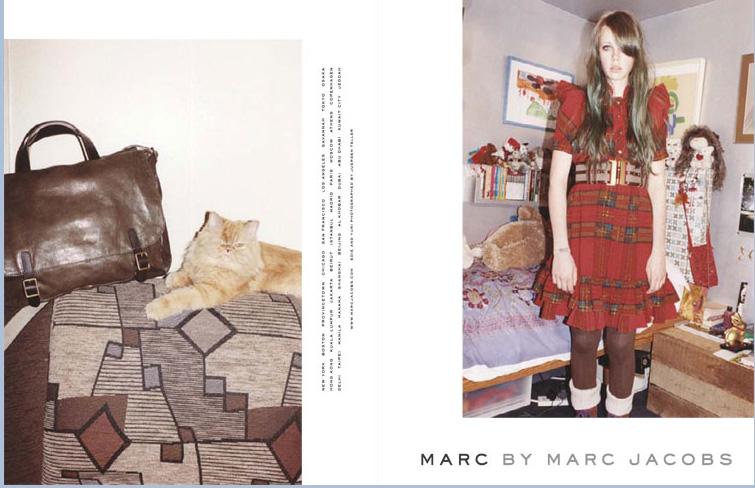
 Marc by Marc Jacobs Marc by Marc Jacobs F/W 09 client: Marc by Marc Jacobs published: Fall/Winter 2009


















































Account
Search
Configure browser push notifications
Chrome (Android)
- Tap the lock icon next to the address bar.
- Tap Permissions → Notifications.
- Adjust your preference.
Chrome (Desktop)
- Click the padlock icon in the address bar.
- Select Site settings.
- Find Notifications and adjust your preference.
Safari (iOS 16.4+)
- Ensure the site is installed via Add to Home Screen.
- Open Settings App → Notifications.
- Find your app name and adjust your preference.
Safari (macOS)
- Go to Safari → Preferences.
- Click the Websites tab.
- Select Notifications in the sidebar.
- Find this website and adjust your preference.
Edge (Android)
- Tap the lock icon next to the address bar.
- Tap Permissions.
- Find Notifications and adjust your preference.
Edge (Desktop)
- Click the padlock icon in the address bar.
- Click Permissions for this site.
- Find Notifications and adjust your preference.
Firefox (Android)
- Go to Settings → Site permissions.
- Tap Notifications.
- Find this site in the list and adjust your preference.
Firefox (Desktop)
- Open Firefox Settings.
- Search for Notifications.
- Find this site in the list and adjust your preference.