bontempi
Members
-
Joined
Everything posted by bontempi
-
Very early Werner Schreyer pics! Nice one!
-
OMG I loved VIVA magazine and too bad that it survived only so shortly! It was booked by Marion Darimont at the time and before she became the booker of German Elle and later of Amica Germany. Marion was the one who taught me how to put nice portfolios together which was way back in 1990 :) One of my very first bookings ever was actually the VIVA cover of Micki Mamon :)))) @everyone: Pls note that the LORD model must be at least 30 y/o in Feb.1990 as per German law. This might help to ID her ;)
-
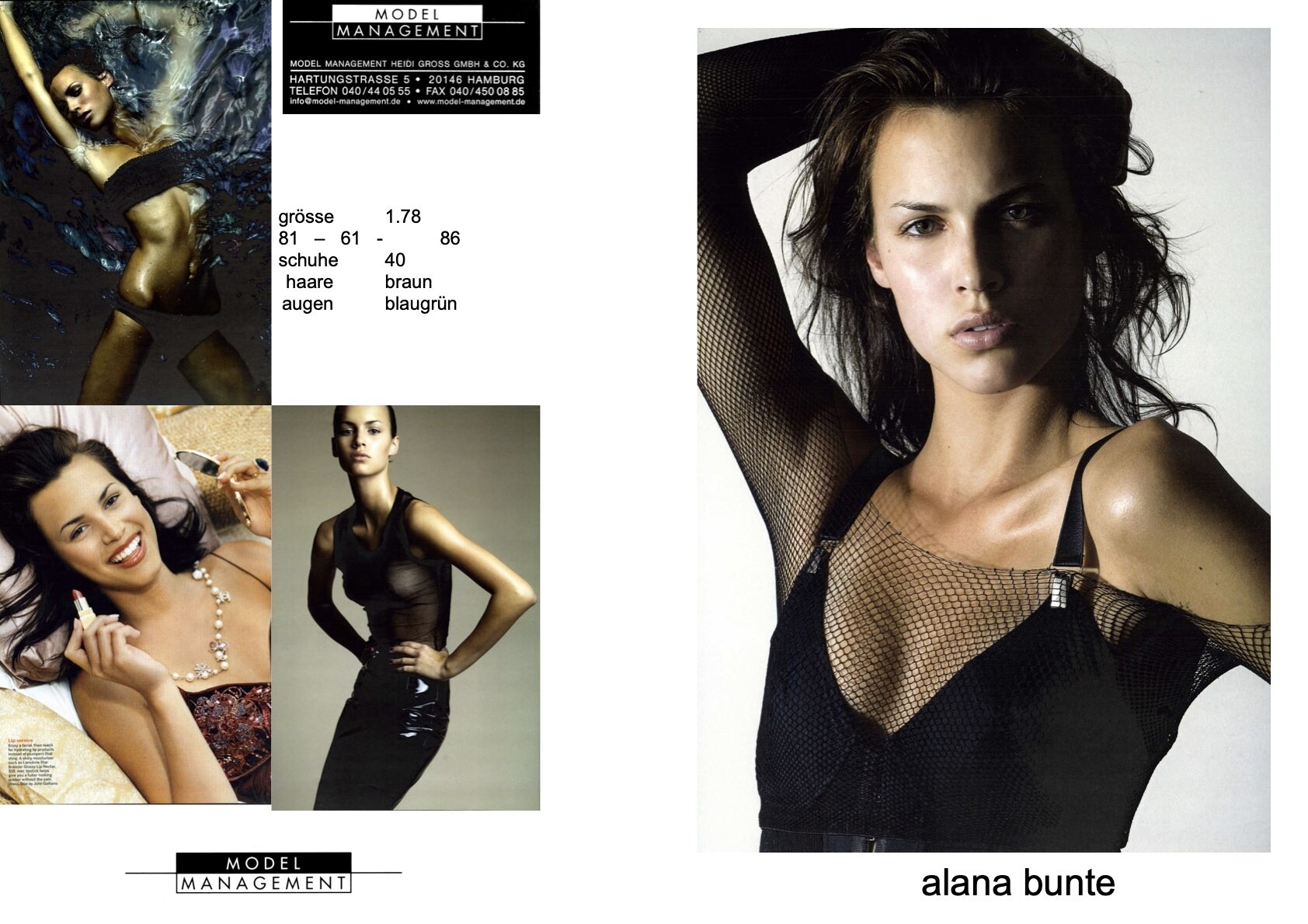
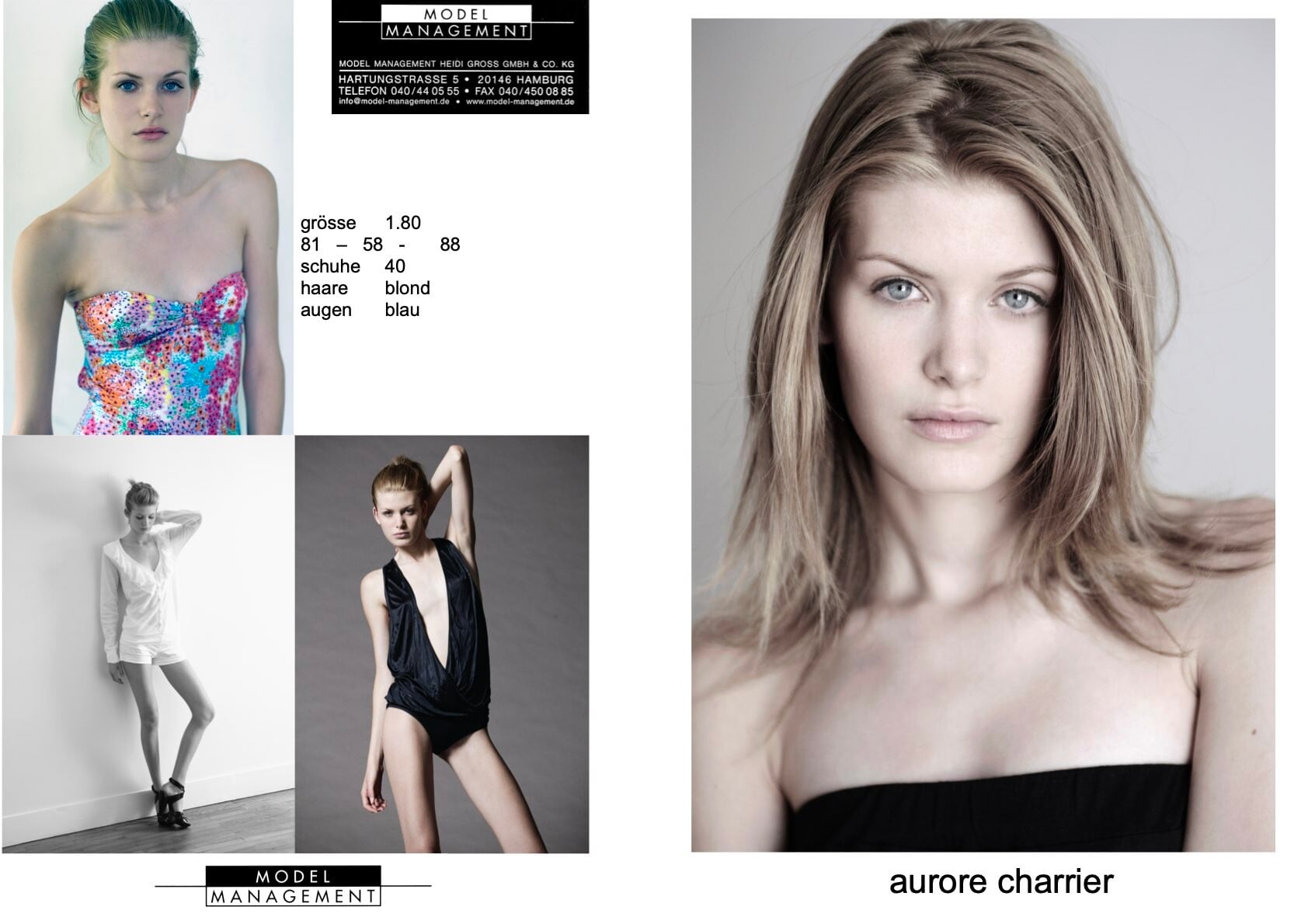
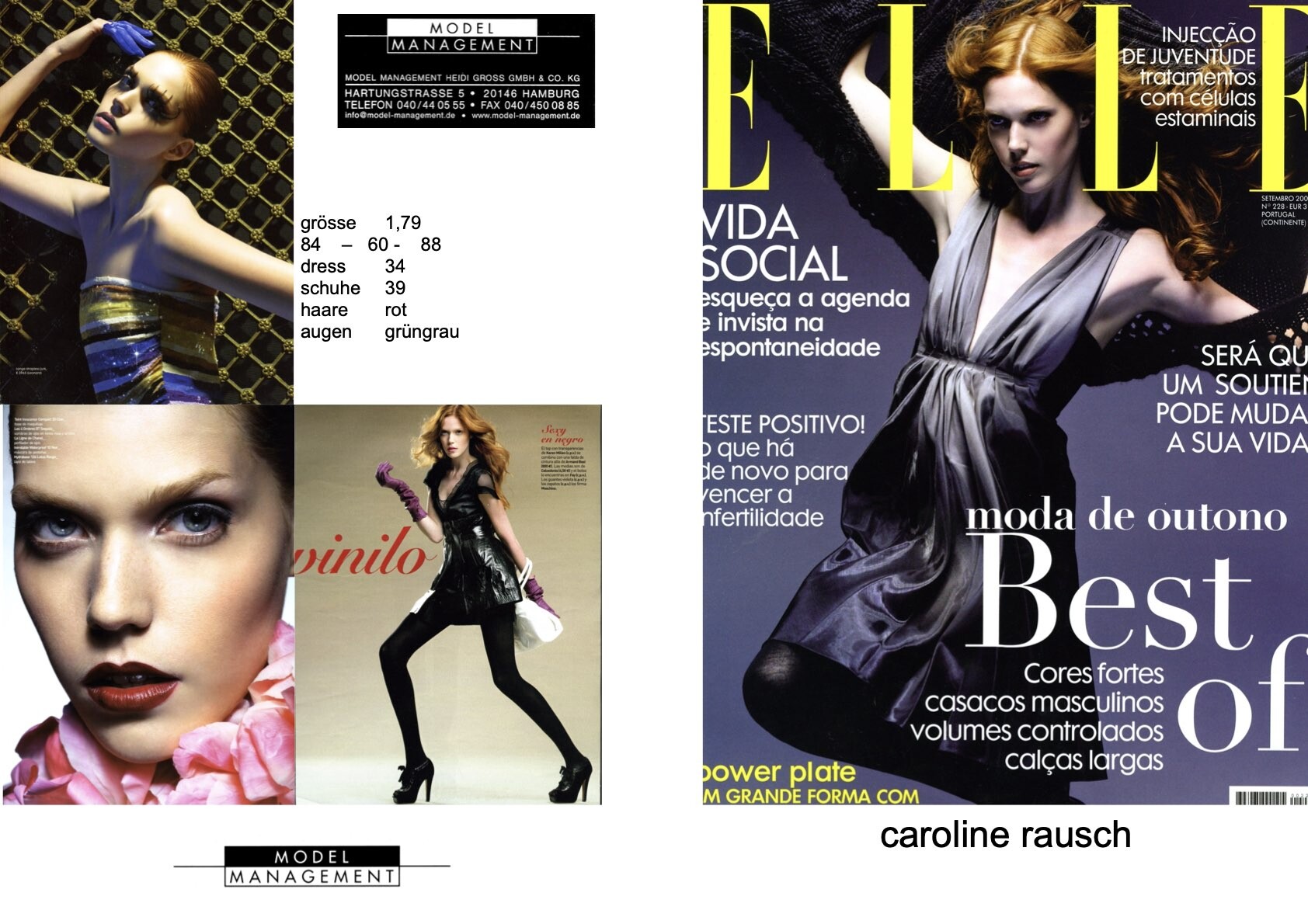
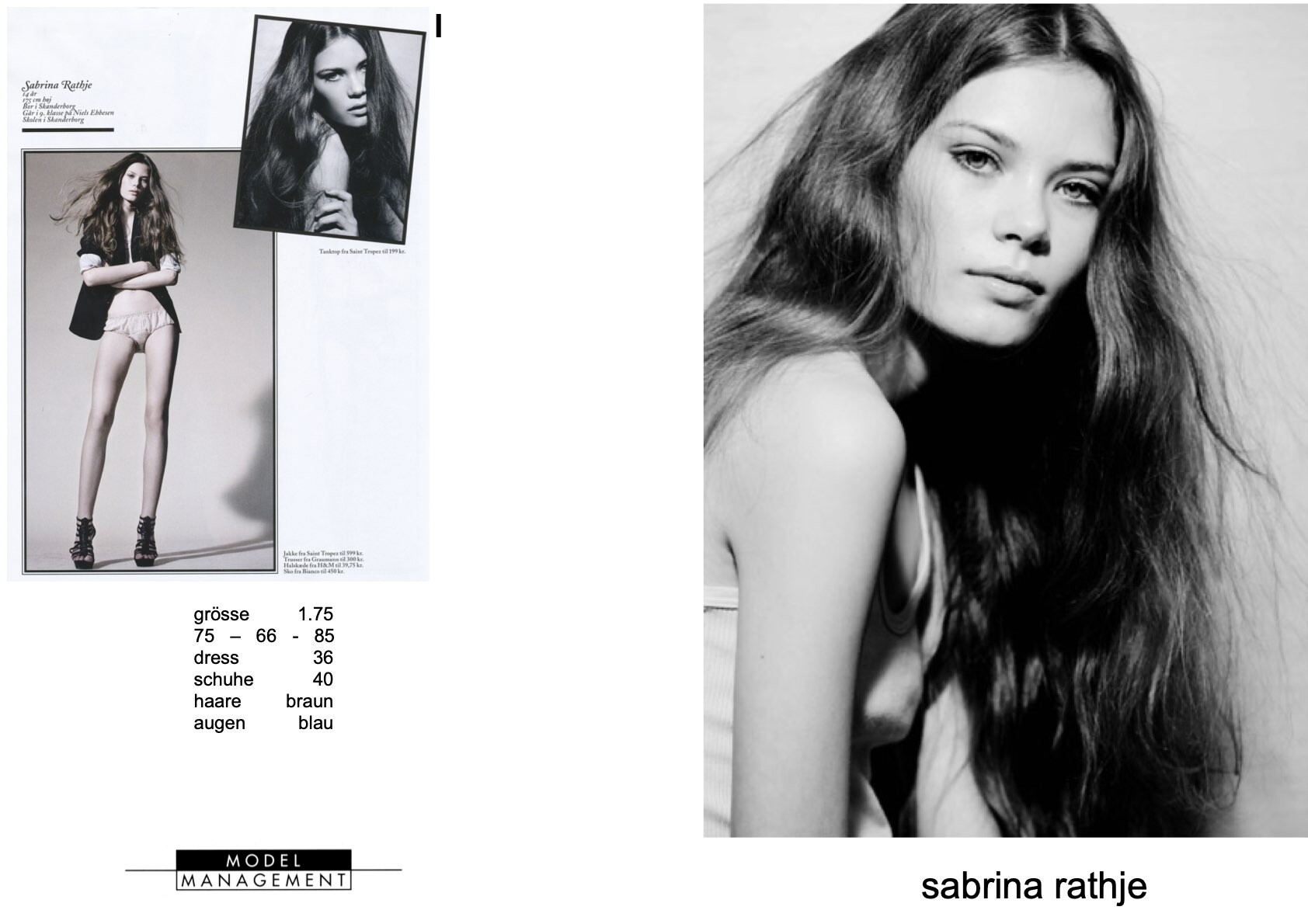
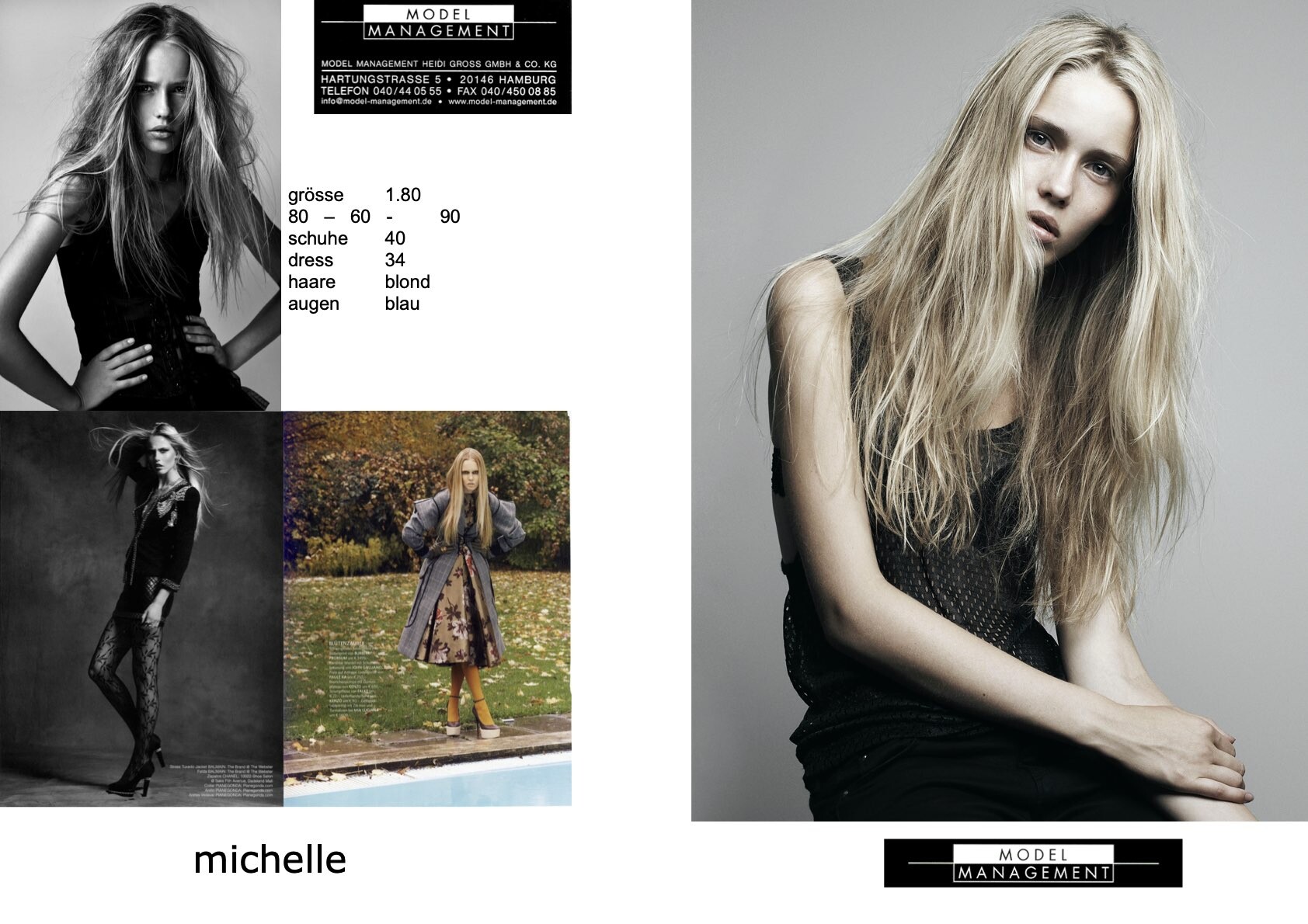
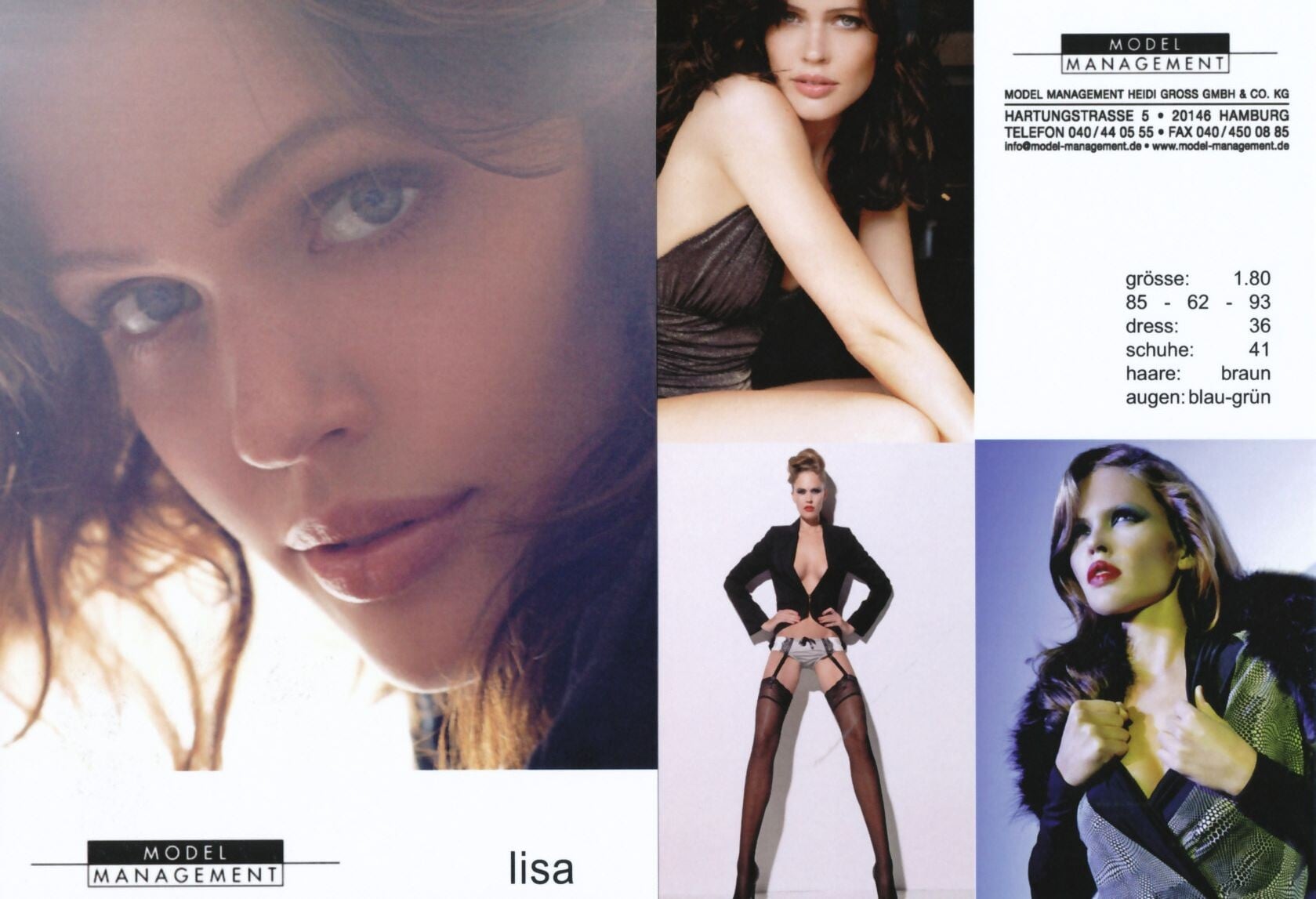
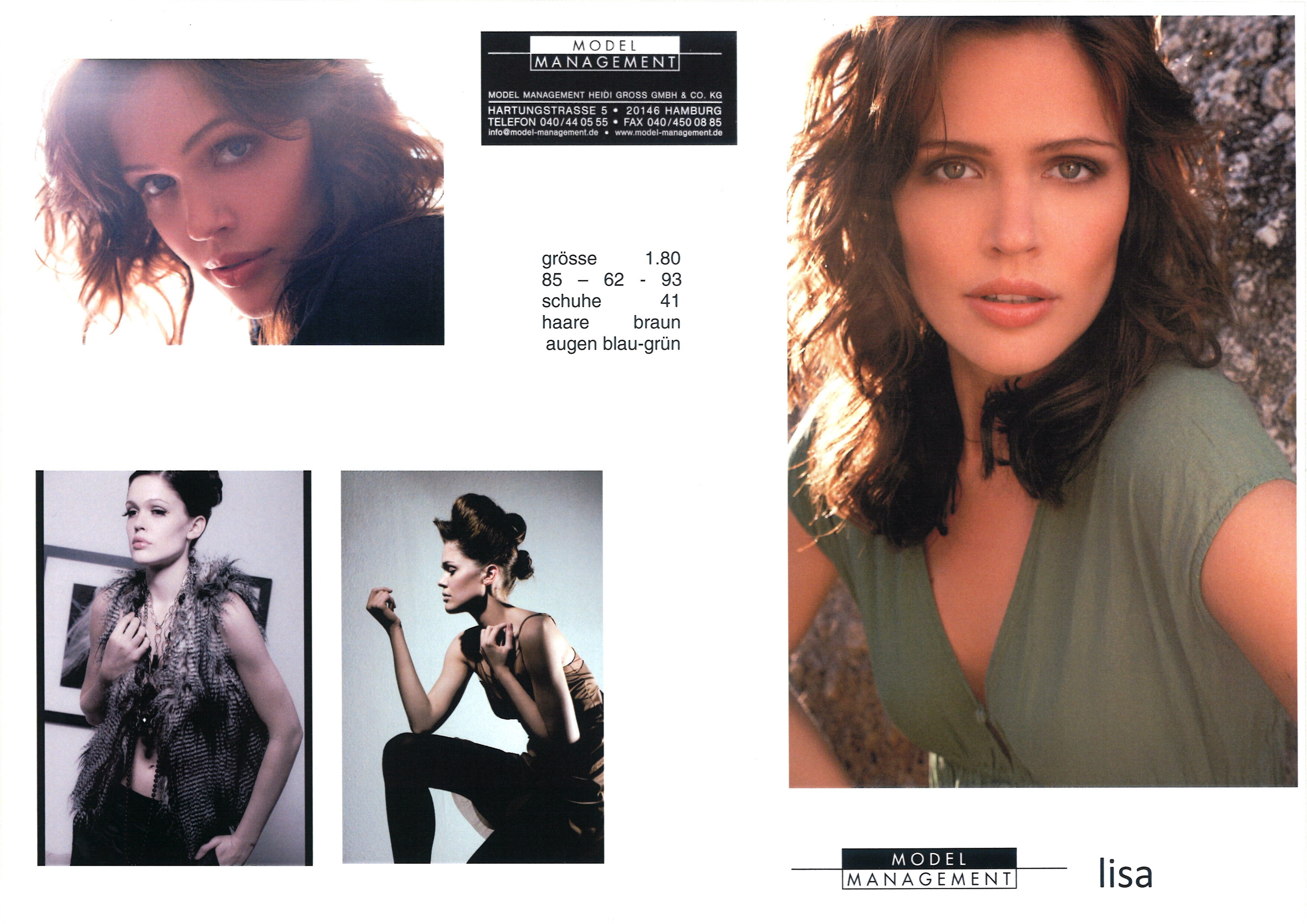
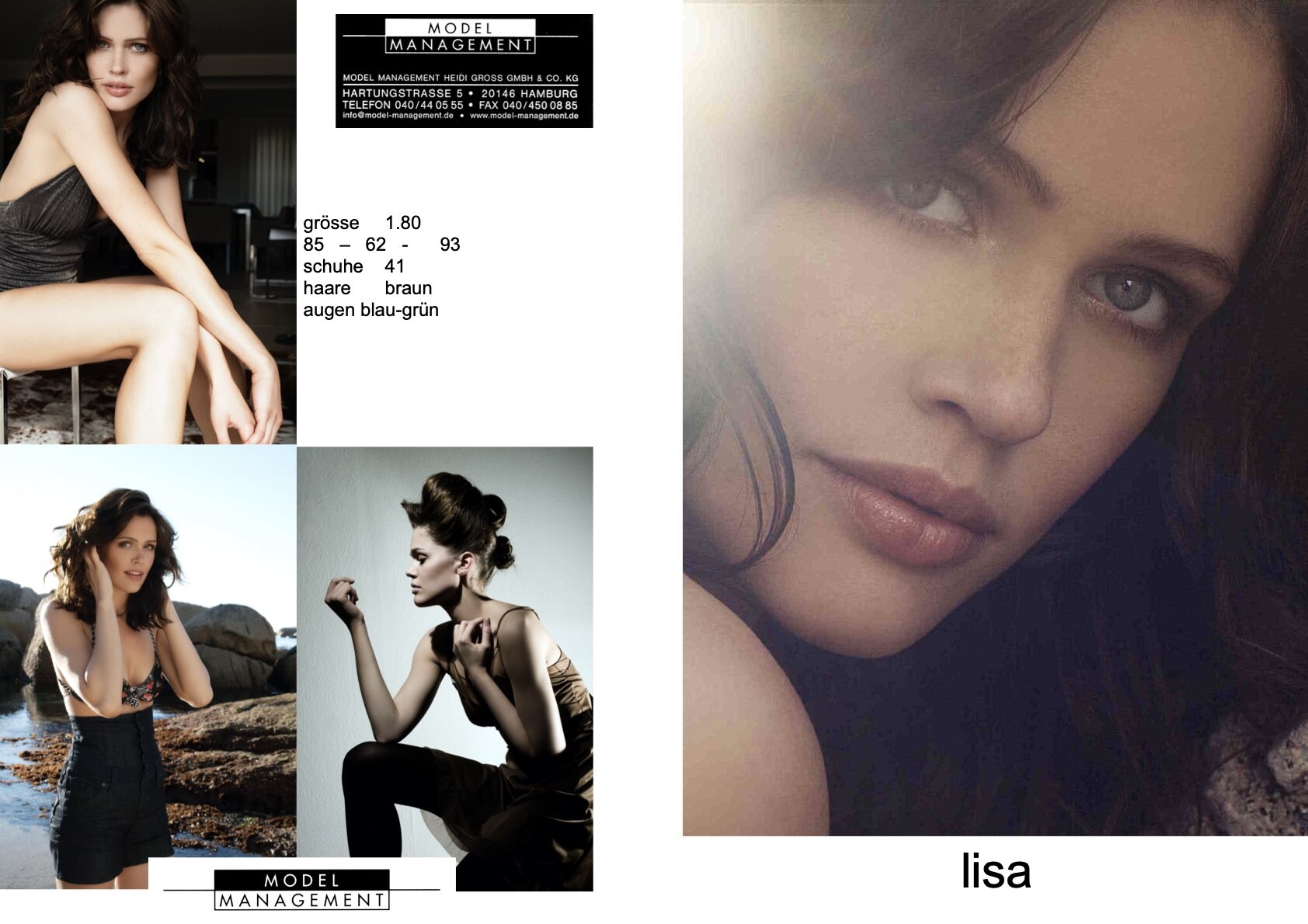
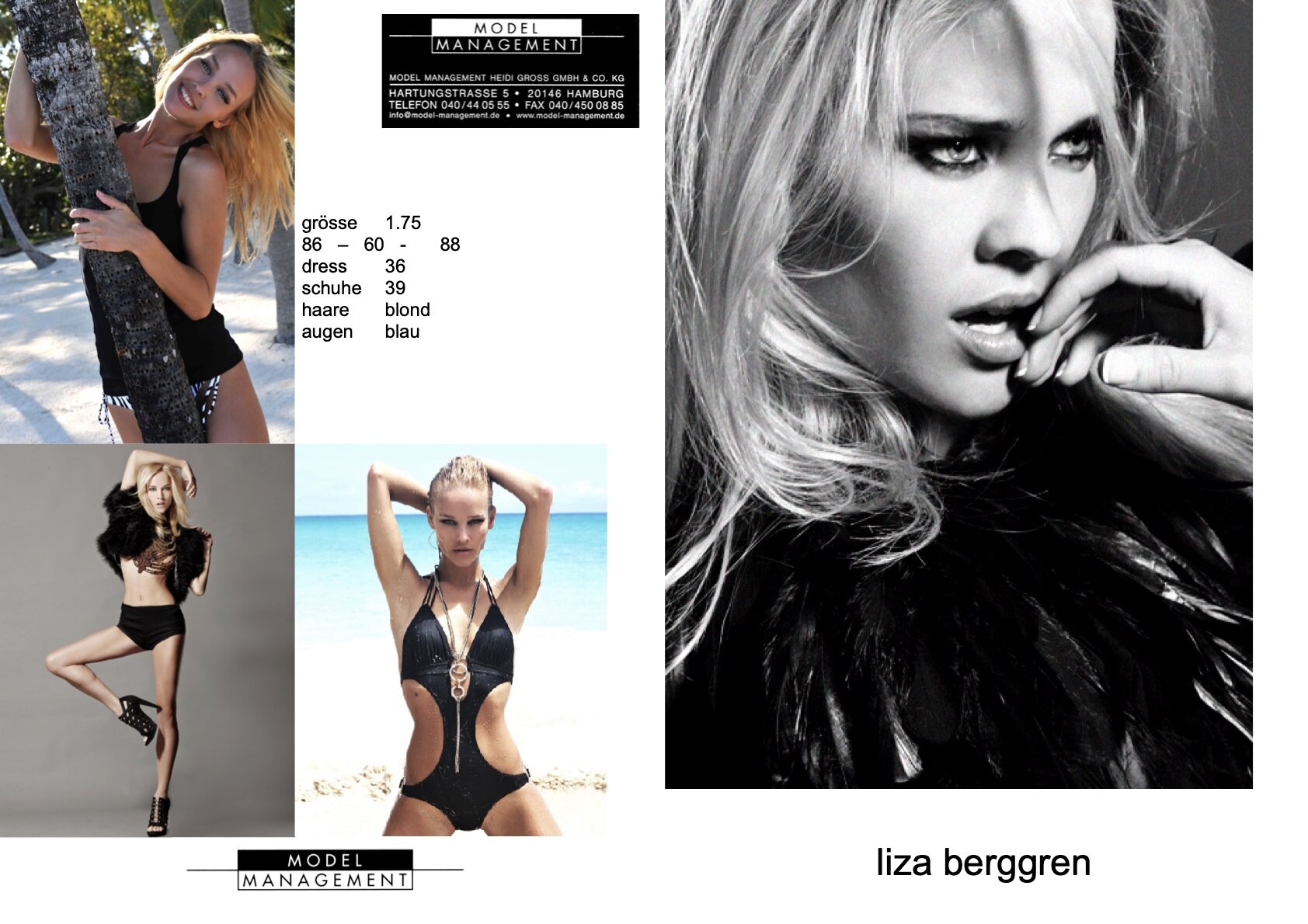
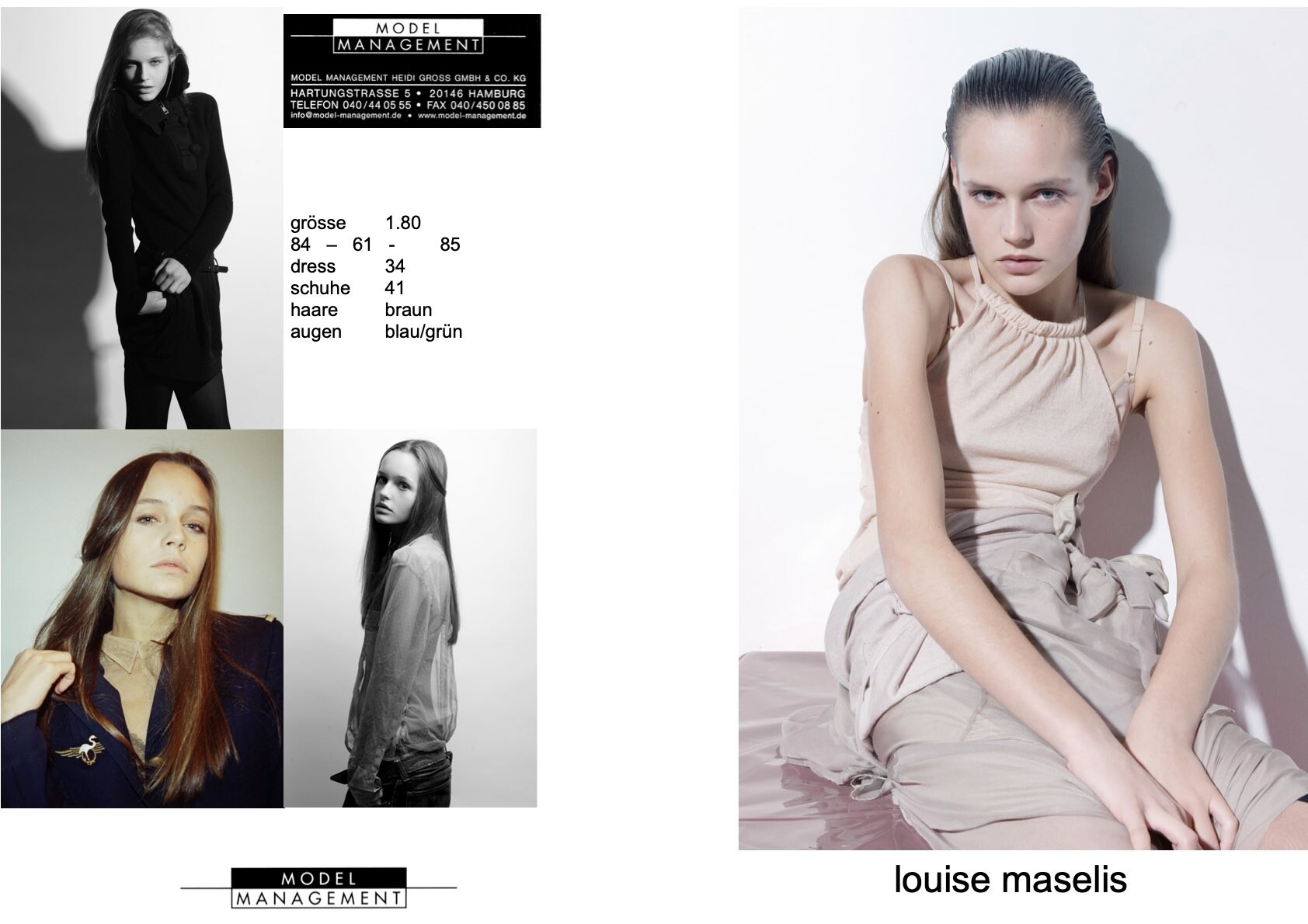
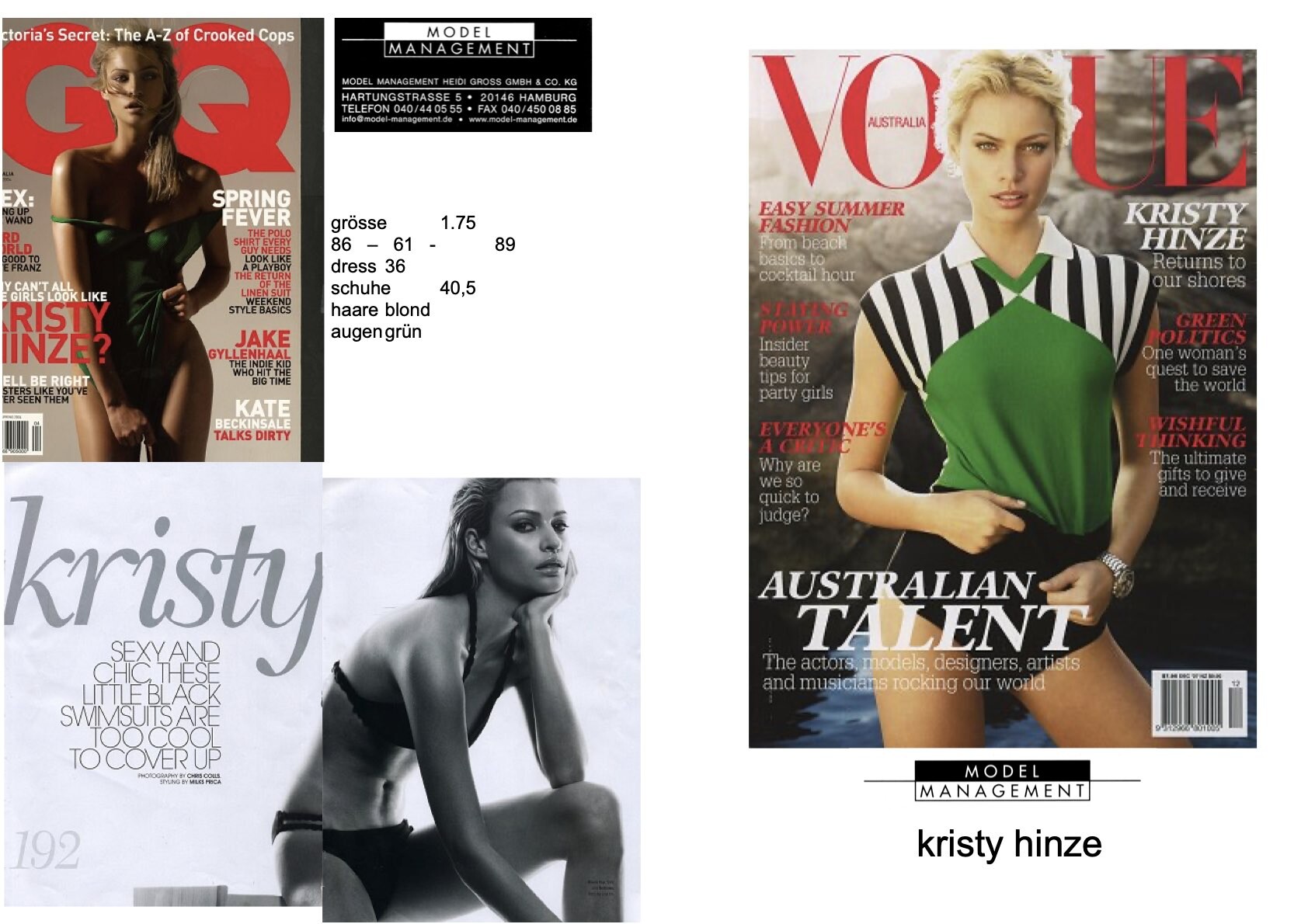
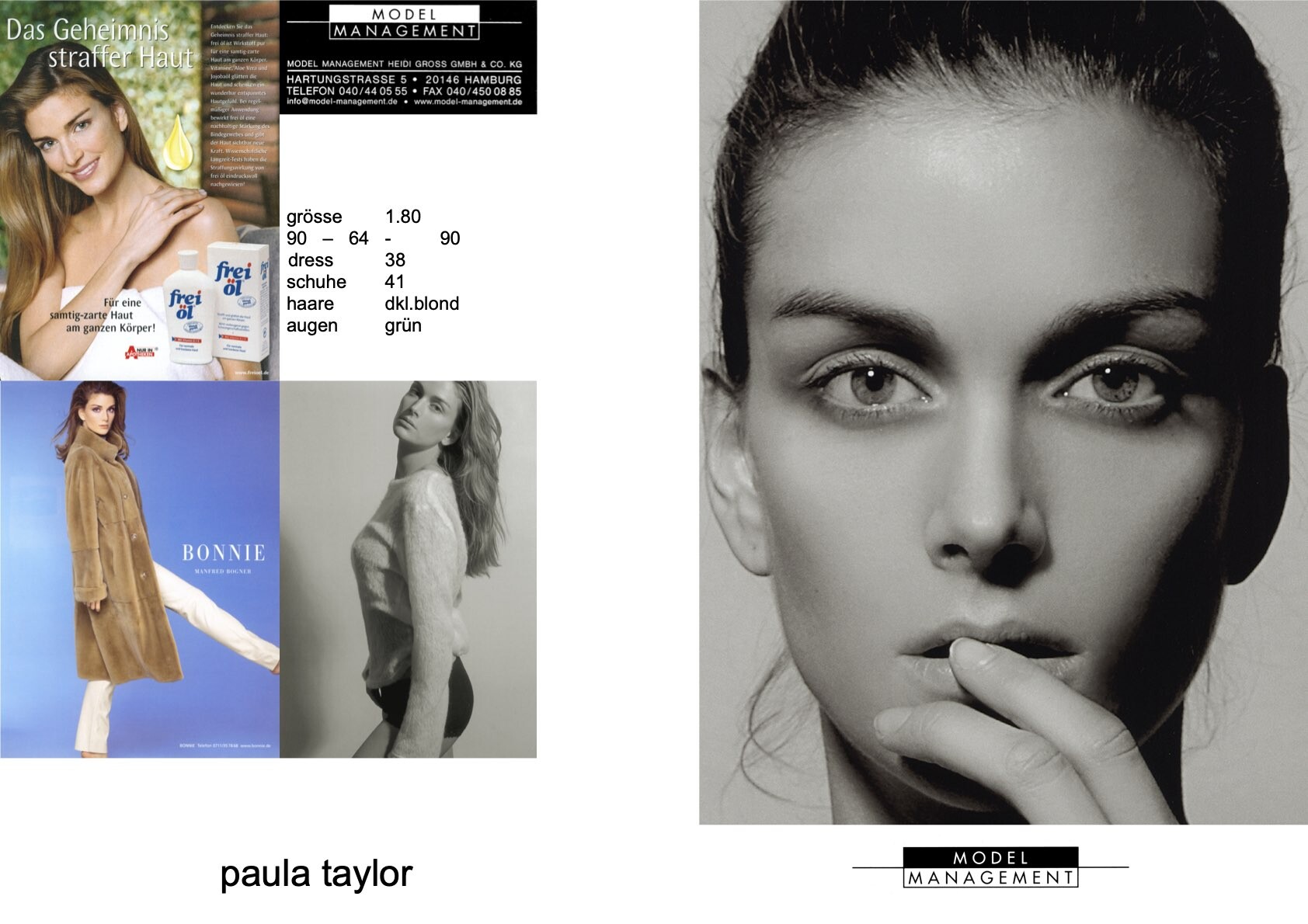
MODEL MANAGEMENT HAMBURG composite 2006 my scans

-
MODEL MANAGEMENT HAMBURG composite 2007 my scans

-
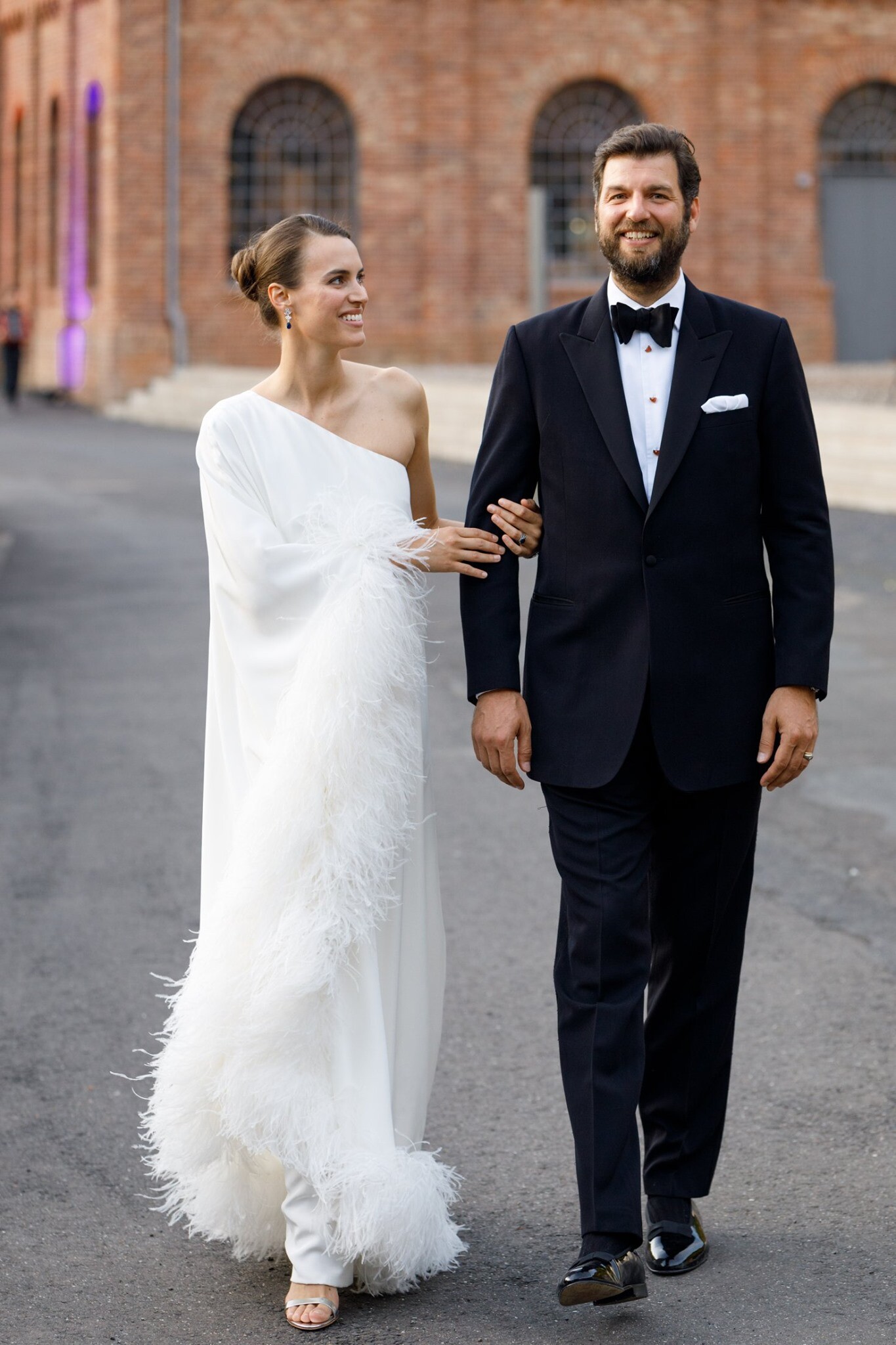
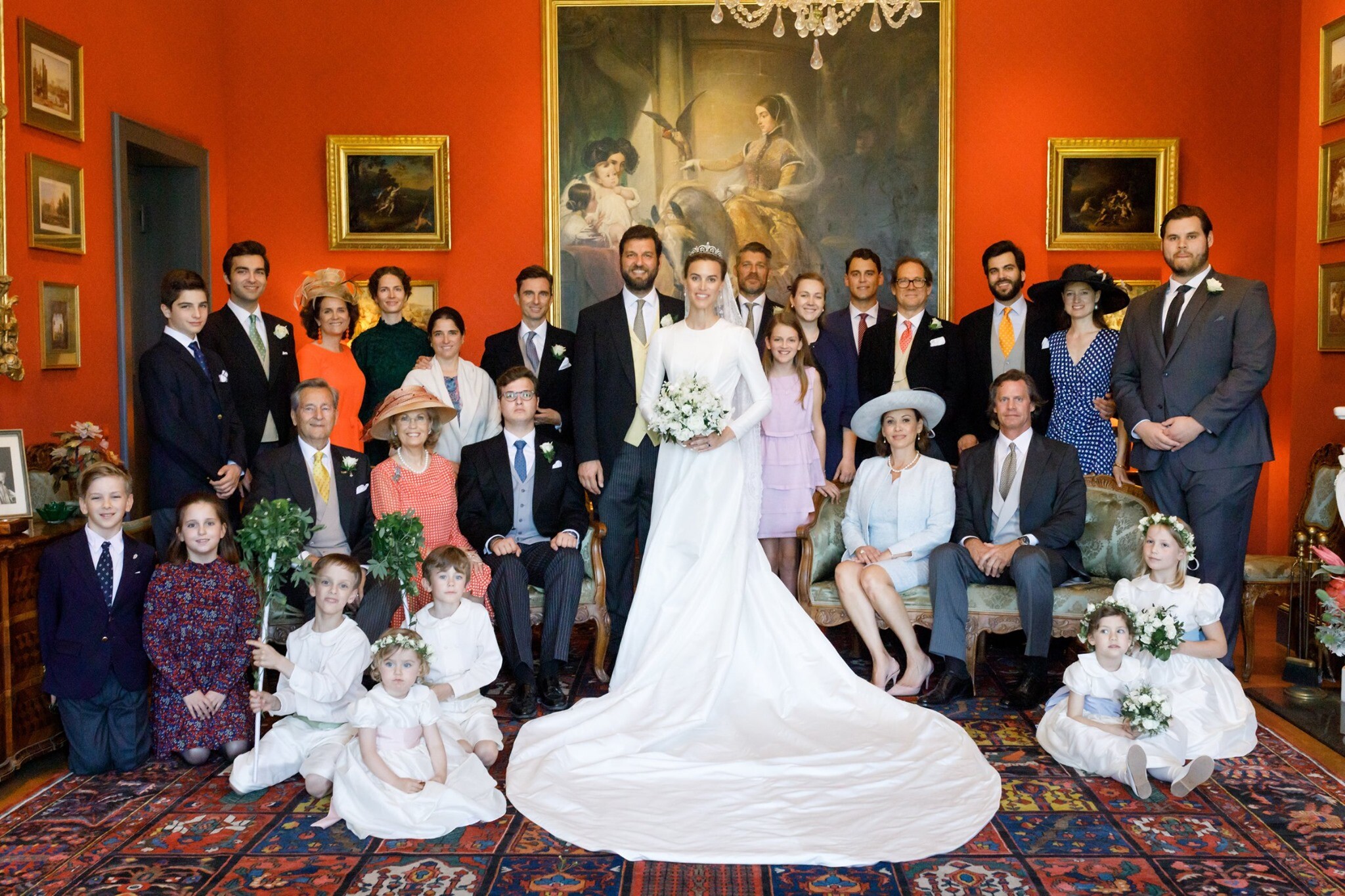
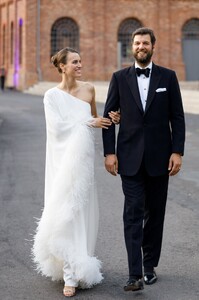
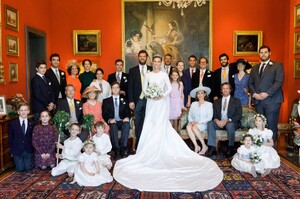
Alana's official name after marrying is now Princess Alana Sayn-Wittgenstein-Sayn ! facebook

-
-
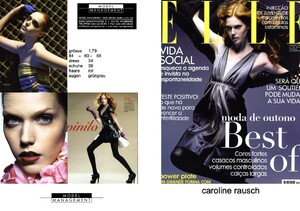
MODEL MANAGEMENT HAMBURG composite 2008 my scan
-
-
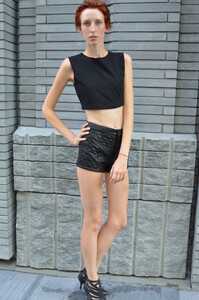
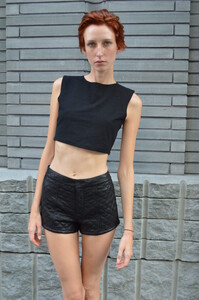
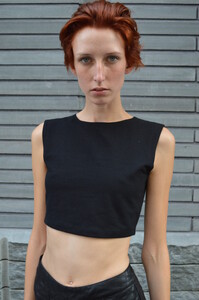
POLAS 2013 my scans


-
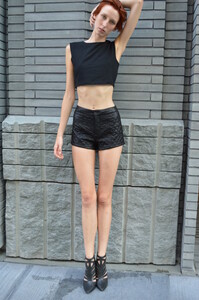
POLAS 2013 my scans




-
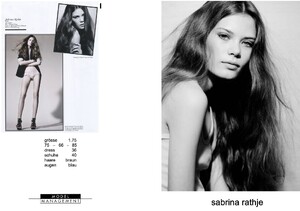
MODEL MANAGEMENT HAMBURG composite 2009 my scan
-
MODEL MANAGEMENT HAMBURG composite Mar.2010 my scan
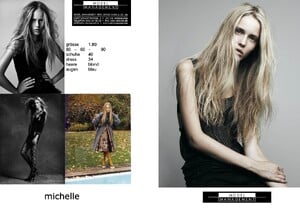
-
more composites MODEL MANAGEMENT HAMBURG my scans
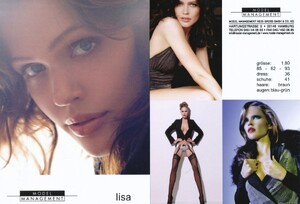
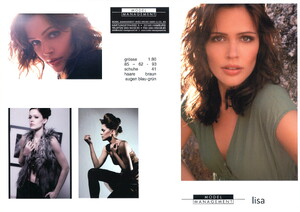
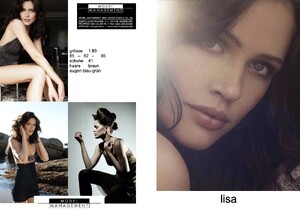
- 6 replies
-
- 2000s
- 2010s
- brown hair
- fashion model
-
Tagged with:
-
-
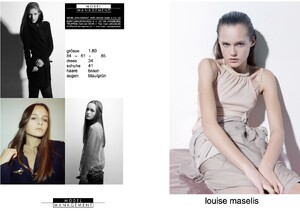
MODEL MANAGEMENT HAMBURG composite ca.2009 my scan
-
Anastasia Volkonskaya comes from Kursk, Russia and was born in the beginning of Mar.1994.
-
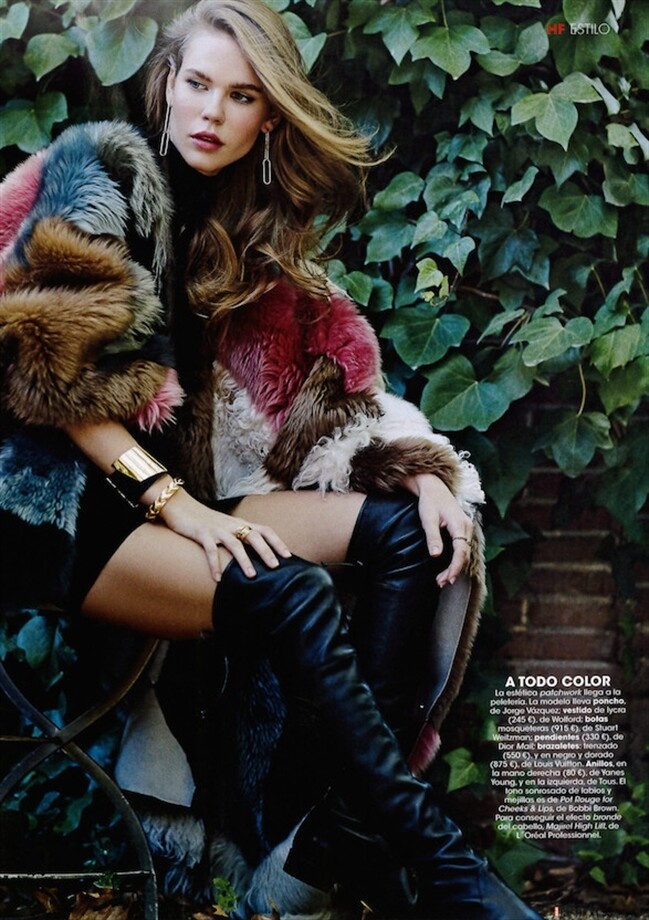
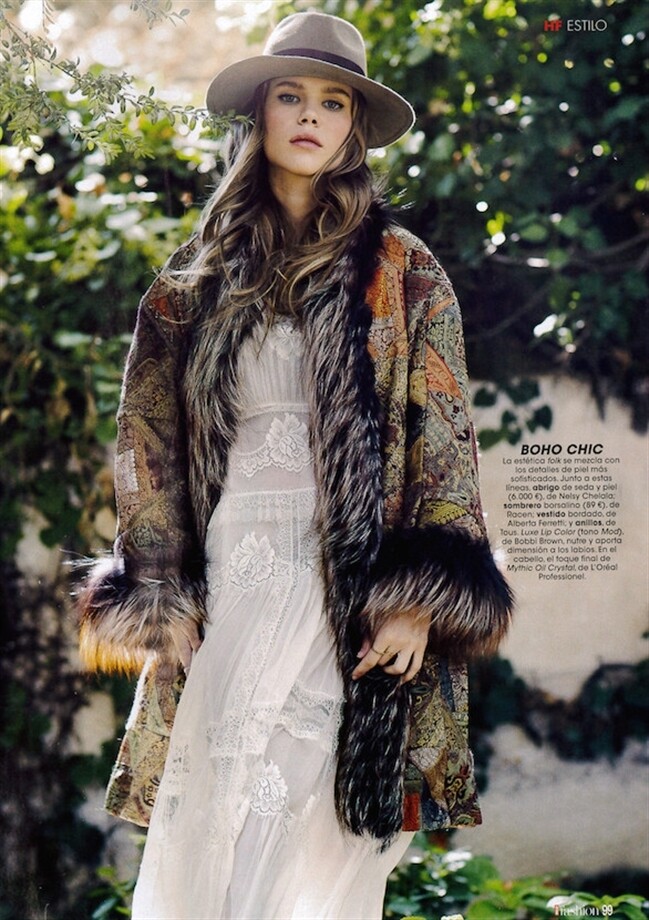
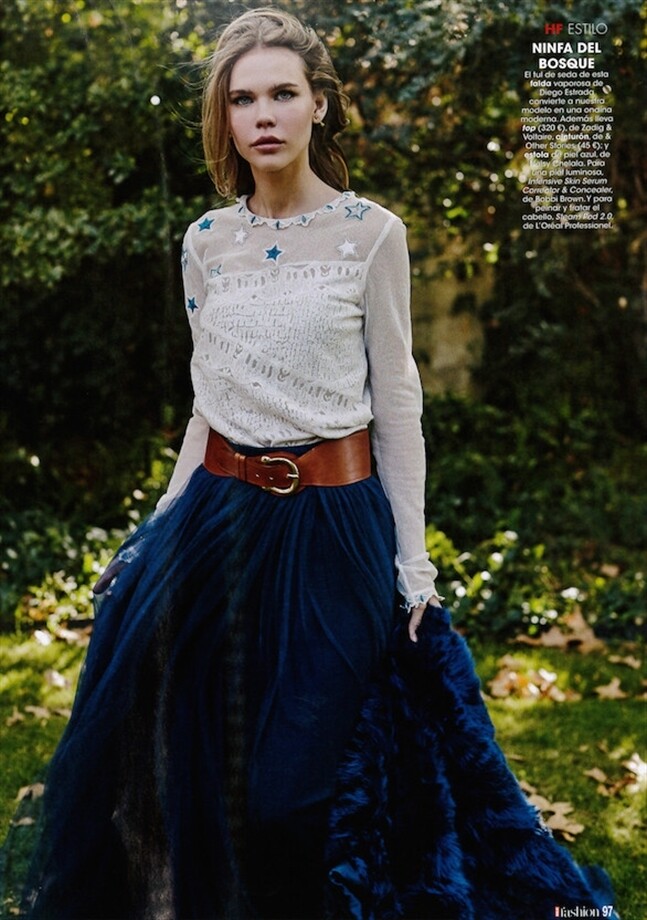
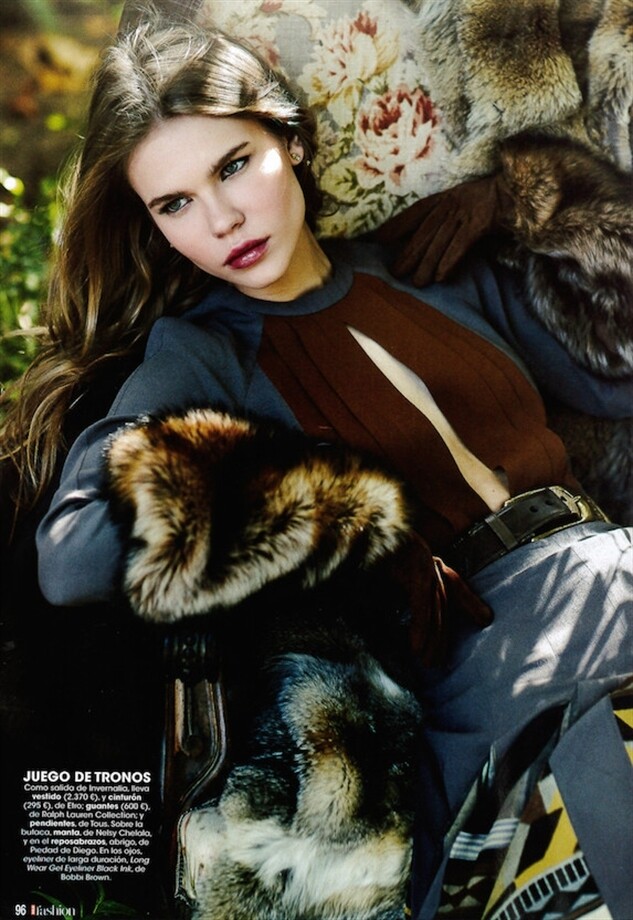
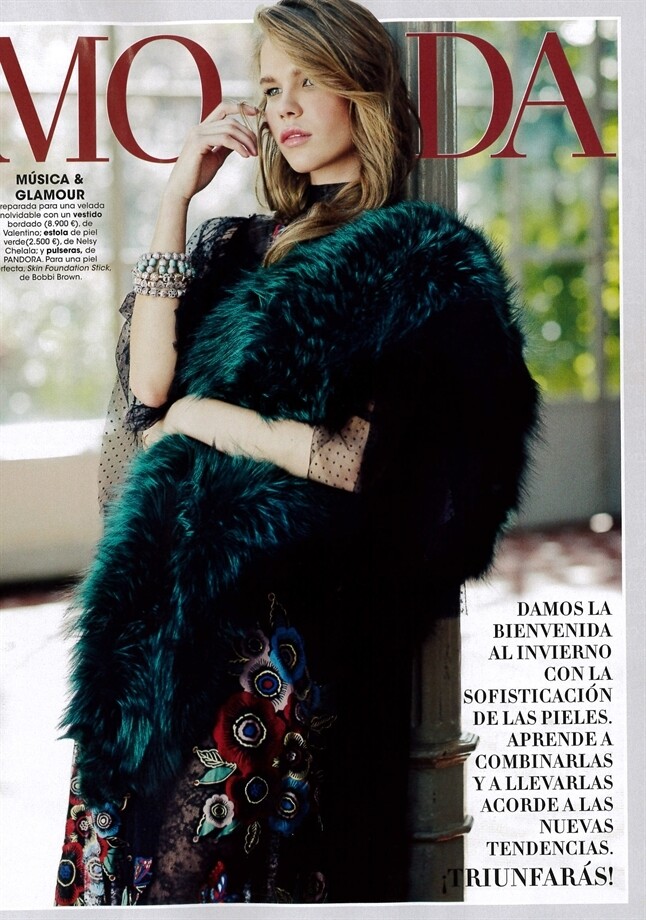
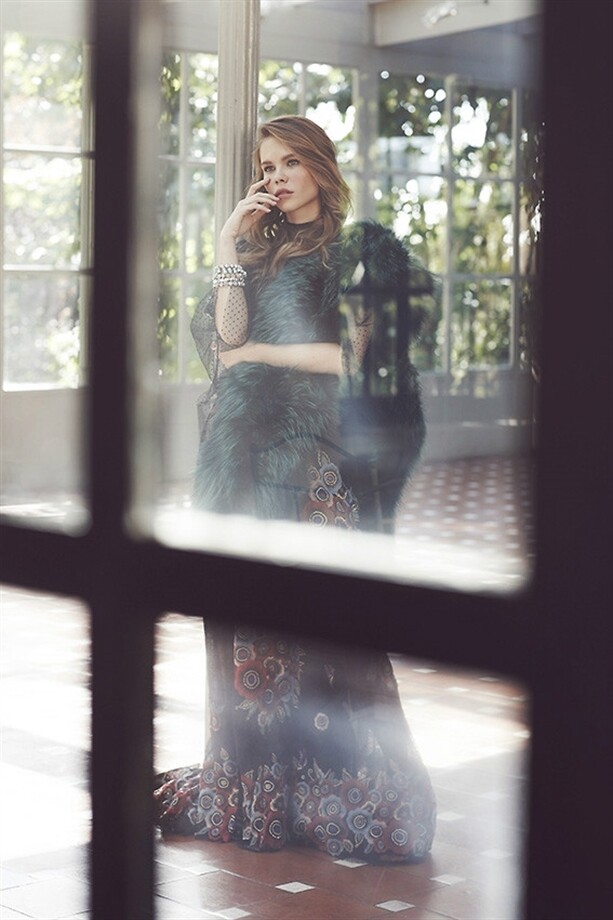
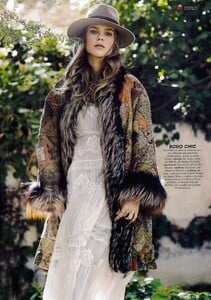
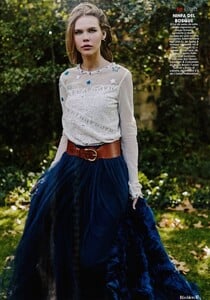
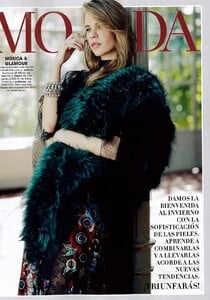
UNKNOWN SPANISH MAGAZINE ca.2015 - photo unknown my scans




-
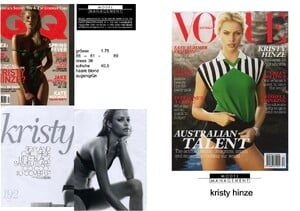
MODEL MANAGEMENT HAMBURG composite ca.2007 my scan
-
-
Stephanie Smollett comes from the Bahamas and was born on Apr.30, 1982.
-
DOUBLE THREAD! PLS POST HERE INSTEAD!
-
-
-
-