Jump to content
View in the app

A better way to browse. Learn more.

Bellazon

A full-screen app on your home screen with push notifications, badges and more.

To install this app on iOS and iPadOS
  1. Tap the Share icon in Safari
  2. Scroll the menu and tap Add to Home Screen.
  3. Tap Add in the top-right corner.
To install this app on Android
  1. Tap the 3-dot menu (⋮) in the top-right corner of the browser.
  2. Tap Add to Home screen or Install app.
  3. Confirm by tapping Install.

Minerva13

Members
  • Joined

  • Last visited

Everything posted by Minerva13

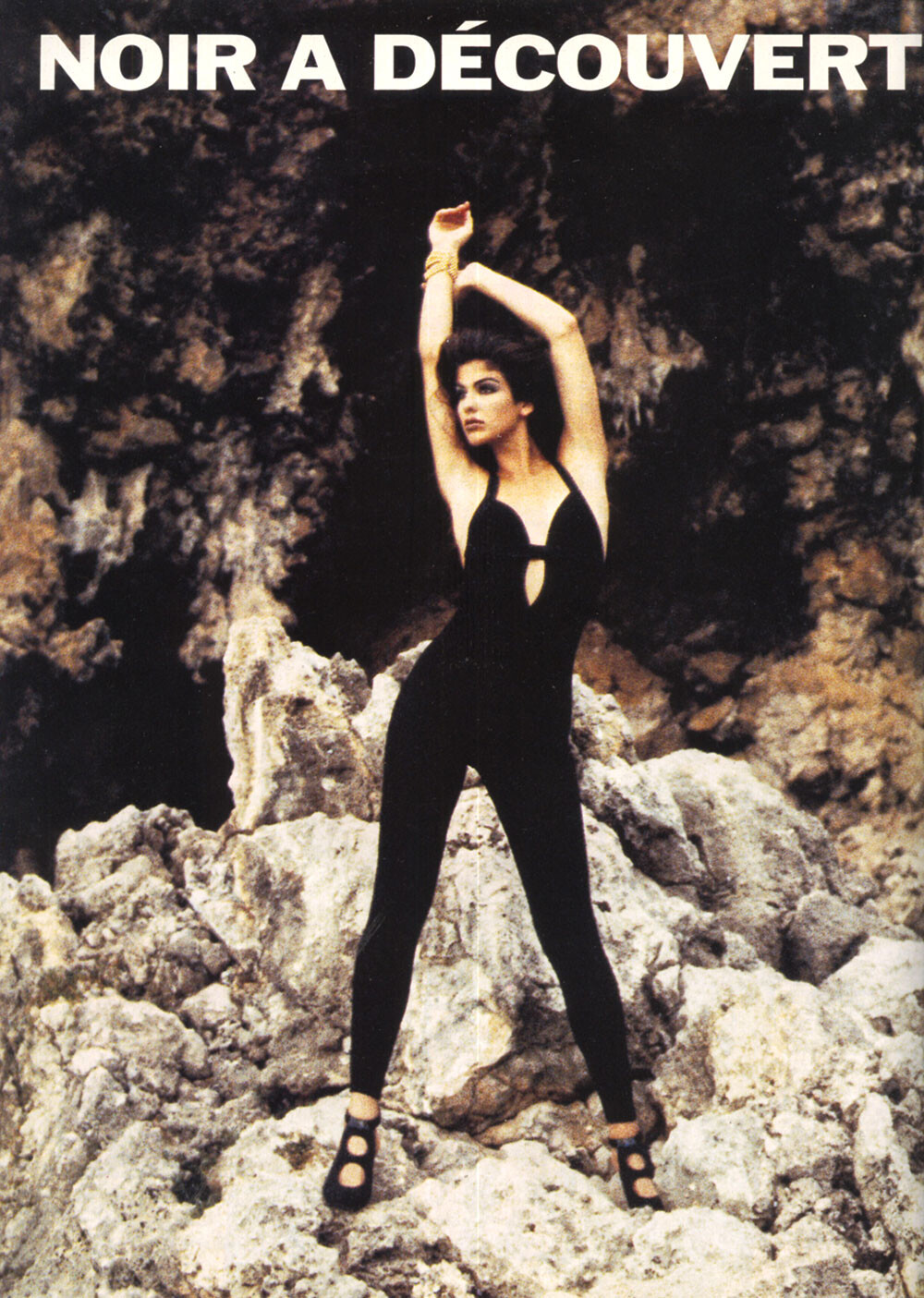
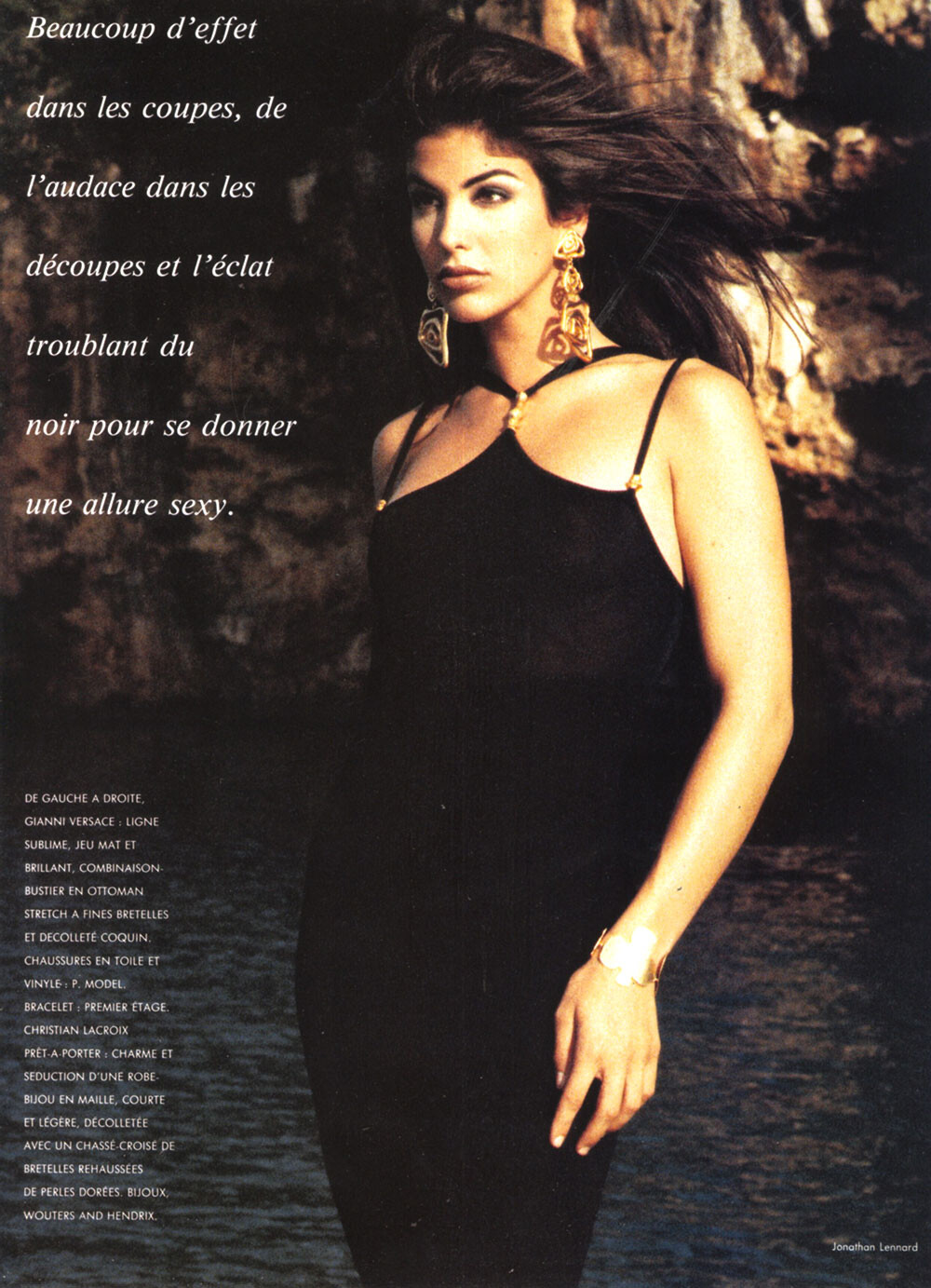
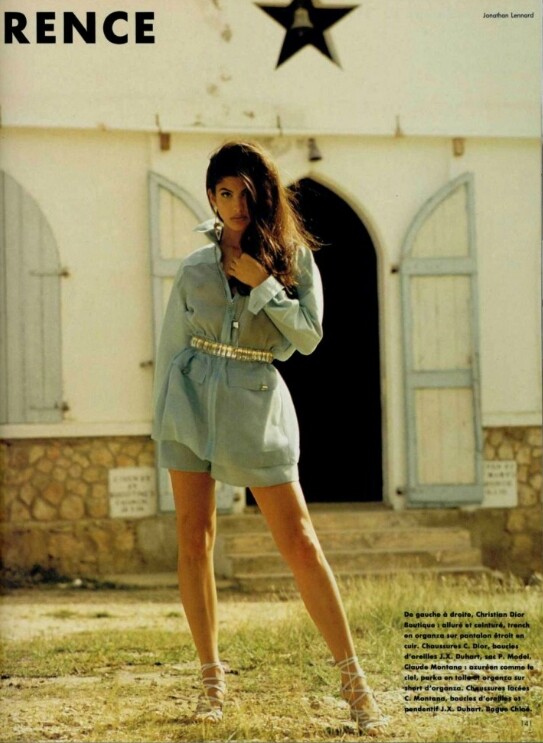
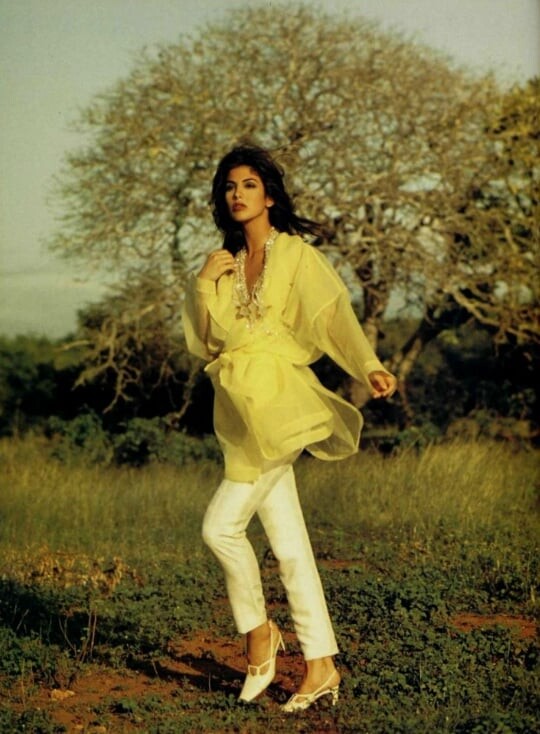
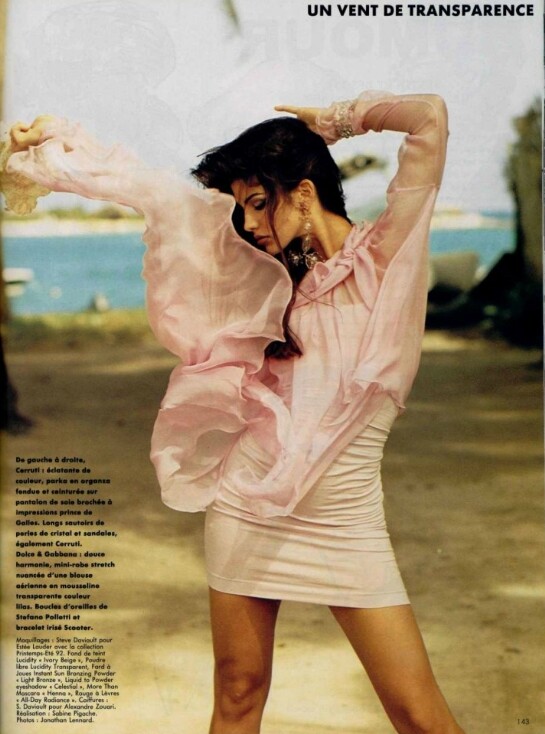
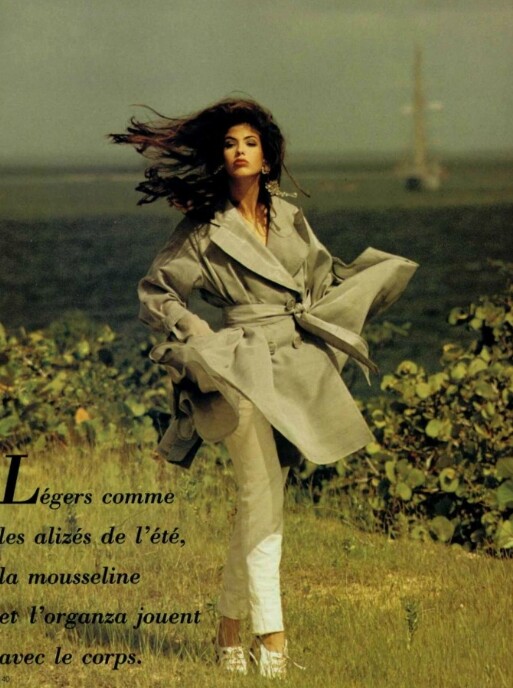
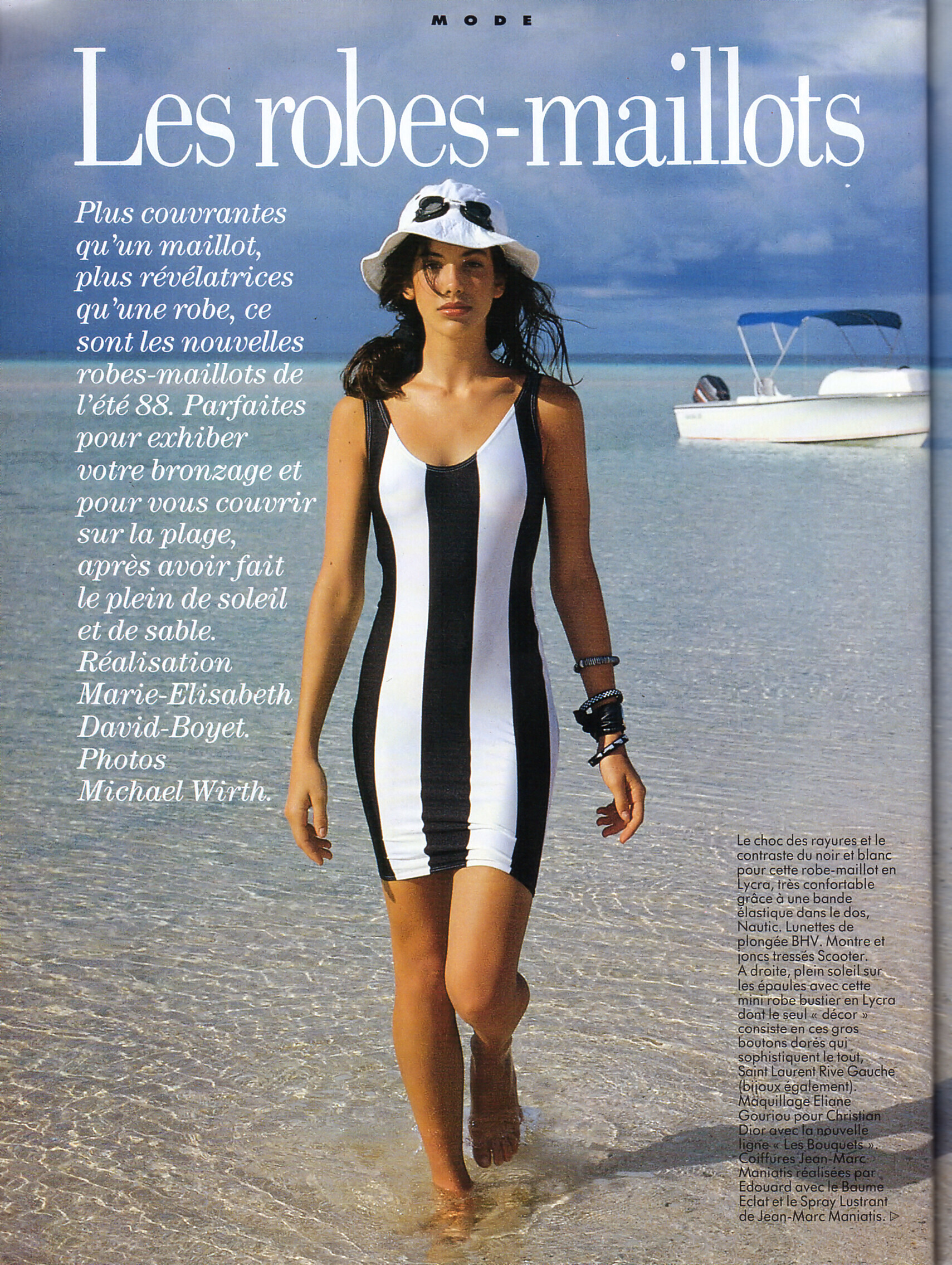
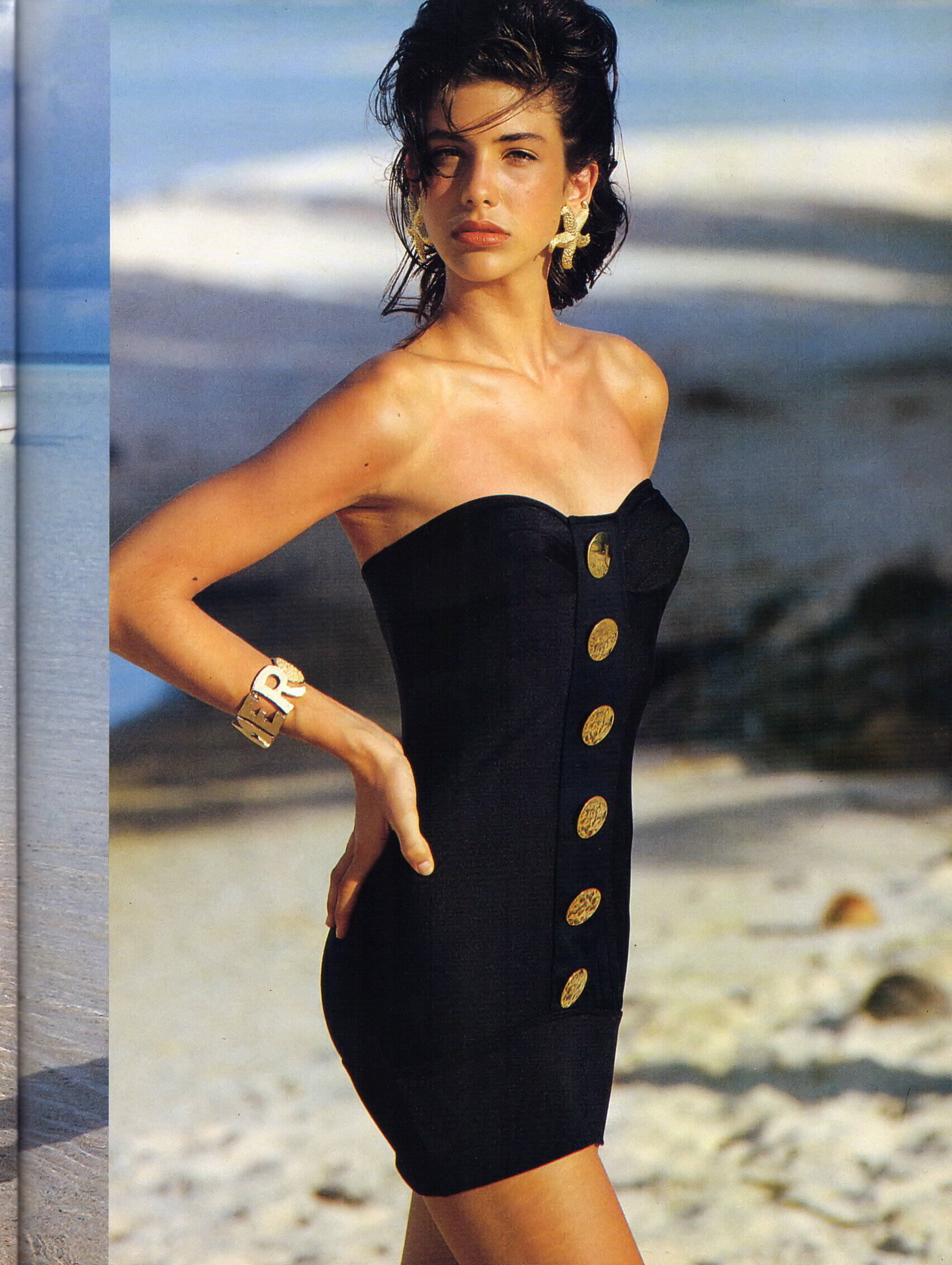
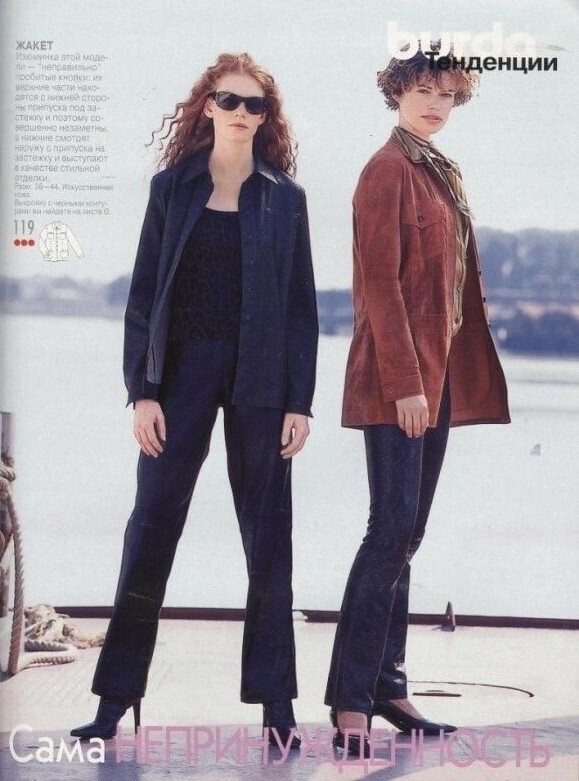
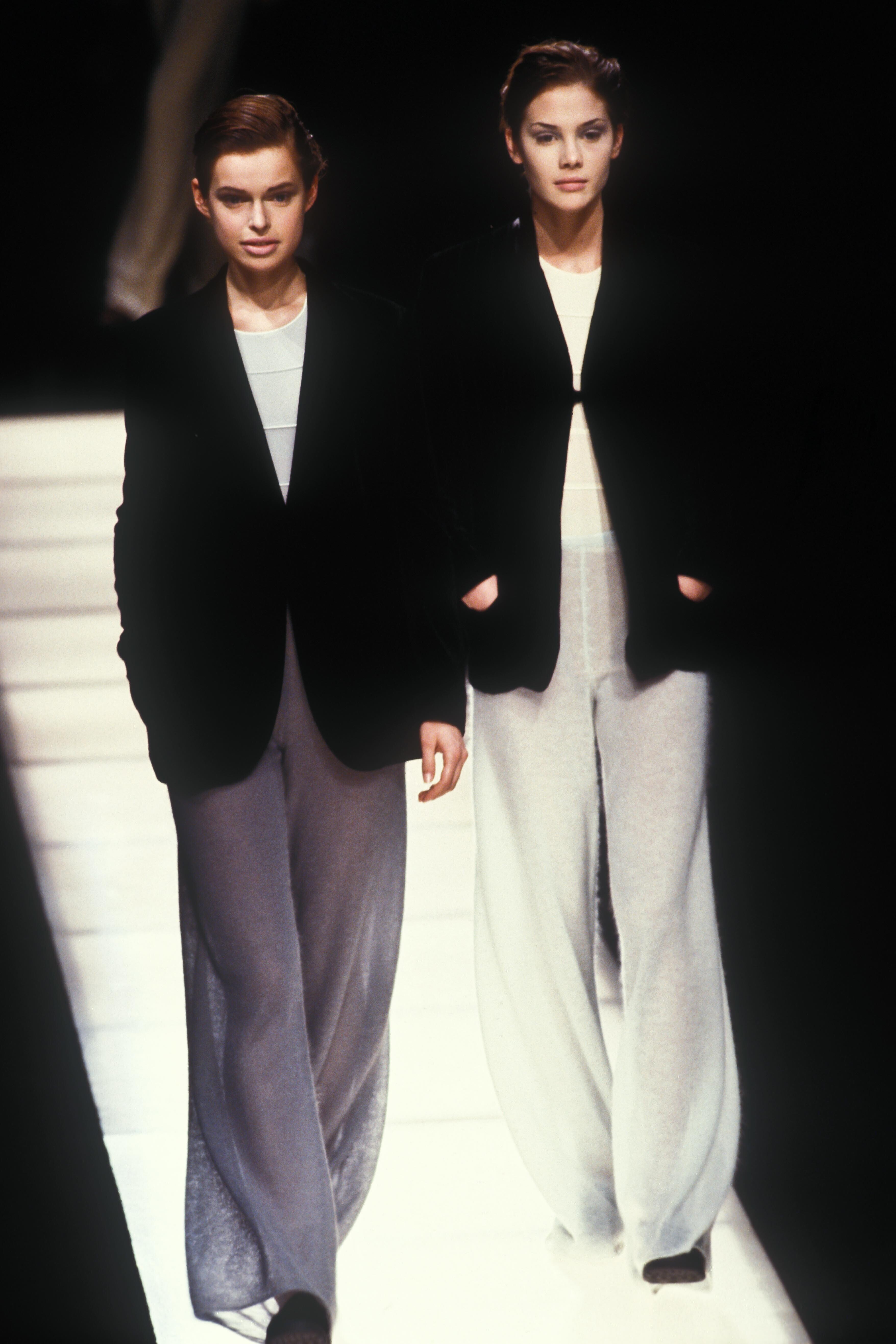
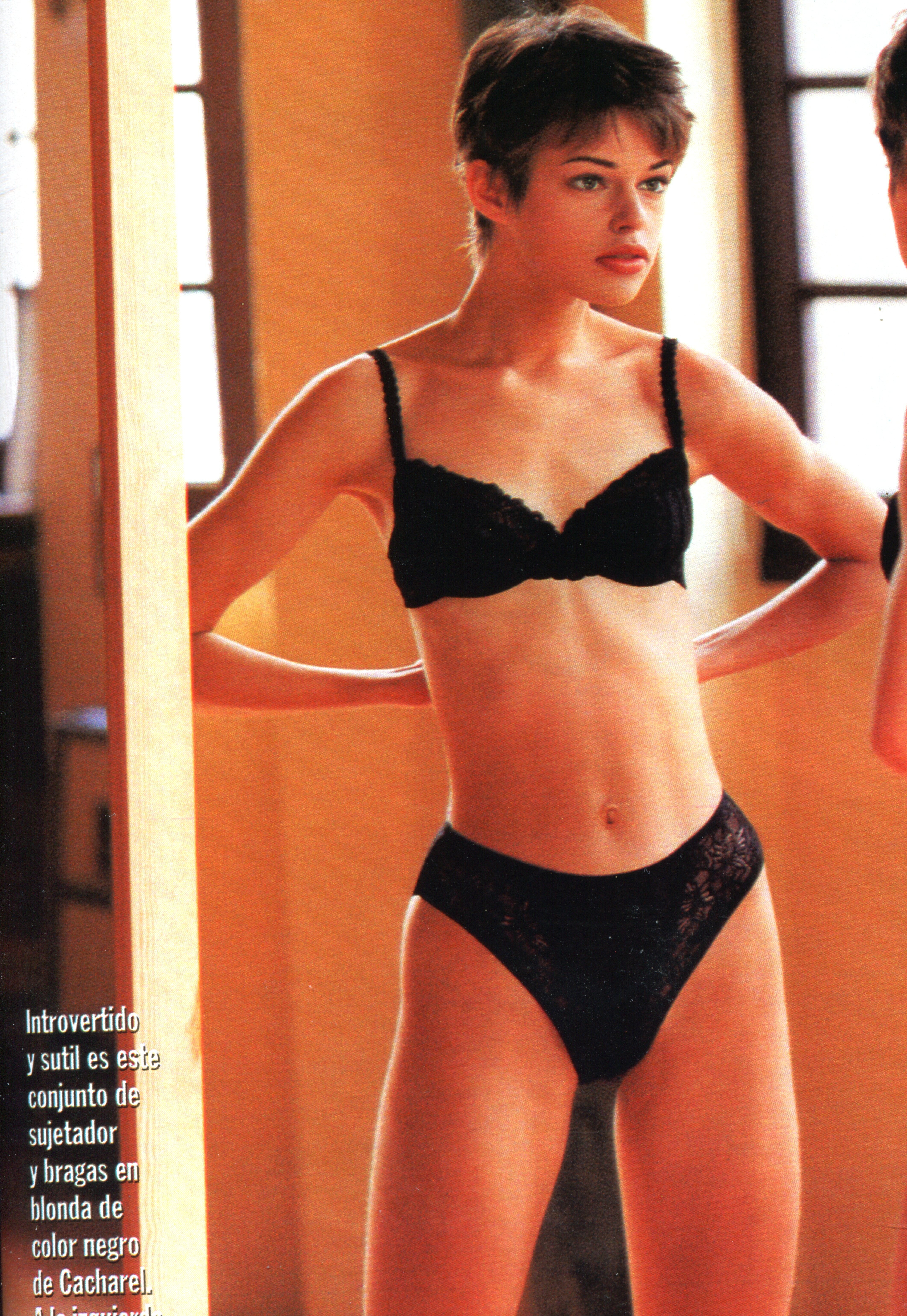
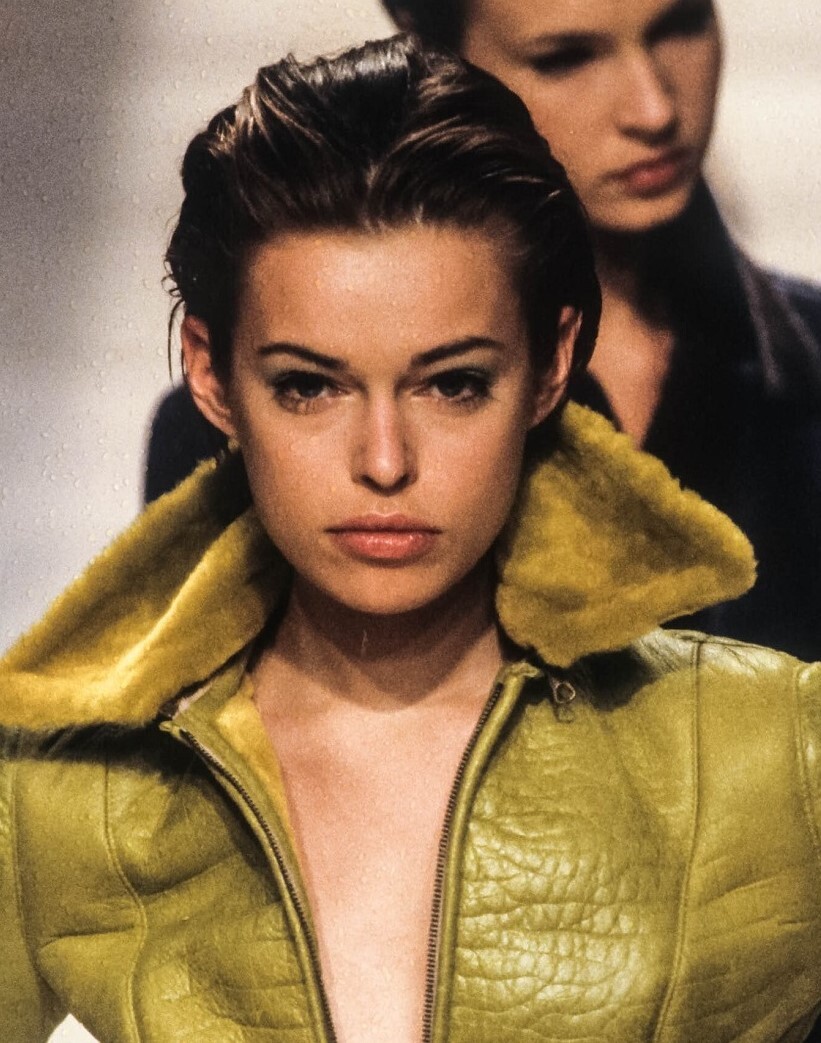
  1. Gabriela Cubert-brunette model
  2. Happy & Beautiful Russia #133,22 march 2022
  3. Happy & Beautiful Russia #133, 22 march 2022
  4. Happy & Beautiful Russia #132,22 february 2022
  5. ^ looks so vulgar
  6. Minerva13 replied to a post in a topic in Alessandra Ambrosio
    Happy & Beautiful Russia #132, 22 february 2022
  7. Happy & Beautiful Russia #131 25 january 2022
  8. Minerva13 replied to a post in a topic in Female Fashion Models
    Happy & Beautiful Russia #131 25 january 2022
  9. Elle Russia March 2022 photo Alexey Kiselev
  10. InStyle Russia February 2022 #191 photo Anvar Norov warning:nudity Spoiler
  11. InStyle Russia #191 February 2022 ''That's now it was in 2000's'' photo Maria Mikheeva model Timoxa stylist Irina Firsova
  12. Marie Claire Russia (maybe early 2010's) 'Easy rider' photo Danil Golovkin model Tatiana Krokhina/Point
  13. name at birth:Tatiana Krokhina-nickname:Roma Milova born in Krasnodar,Russia now live in Moscow,Russia date of birth 7 april 1989 hair brown eyes blue height 1.77 cm bust 88 cm waist 63 cm hips 91 cm shoe 40 - Winner of "You Are A Supermodel season 4"-Russian TV reality show 2007 - Was a contestant in the Miss Krasnodar competition -She also fashion photographer -in 2015 with agency Marilyn -She is married and her nickname is her husband's name
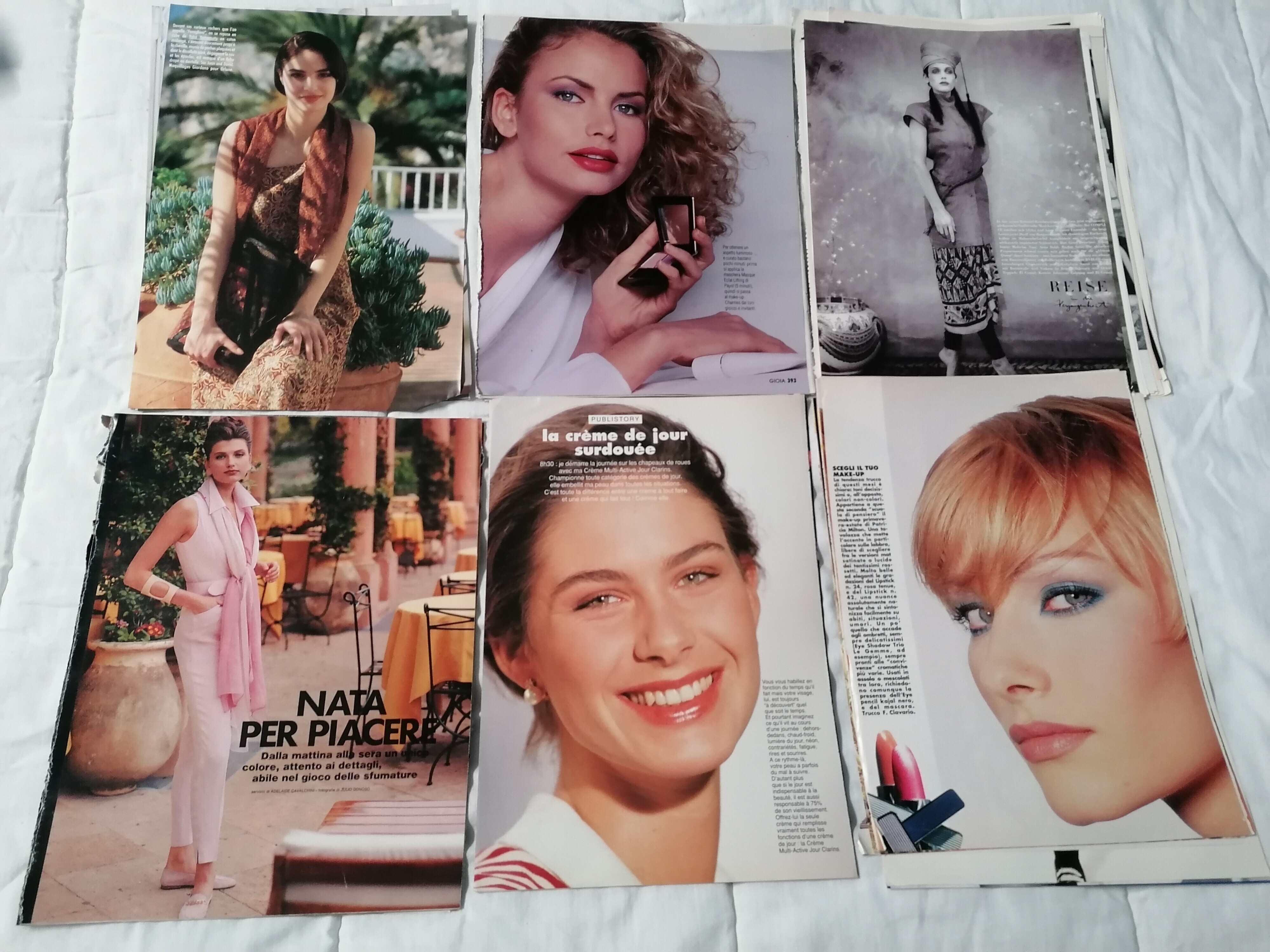
  14. I remember this 90's girl too,wonderful scans!thank you @ganescha
  15. Cosmopolitan 2007 by Dean Isidro scan by Sanja

Configure browser push notifications

Chrome (Android)
  1. Tap the lock icon next to the address bar.
  2. Tap Permissions → Notifications.
  3. Adjust your preference.
Chrome (Desktop)
  1. Click the padlock icon in the address bar.
  2. Select Site settings.
  3. Find Notifications and adjust your preference.