Skip to content
View in the app

A better way to browse. Learn more.

Bellazon

A full-screen app on your home screen with push notifications, badges and more.

To install this app on iOS and iPadOS
  1. Tap the Share icon in Safari
  2. Scroll the menu and tap Add to Home Screen.
  3. Tap Add in the top-right corner.
To install this app on Android
  1. Tap the 3-dot menu (⋮) in the top-right corner of the browser.
  2. Tap Add to Home screen or Install app.
  3. Confirm by tapping Install.

Minerva13

Members
  • Joined

  • Last visited

Everything posted by Minerva13

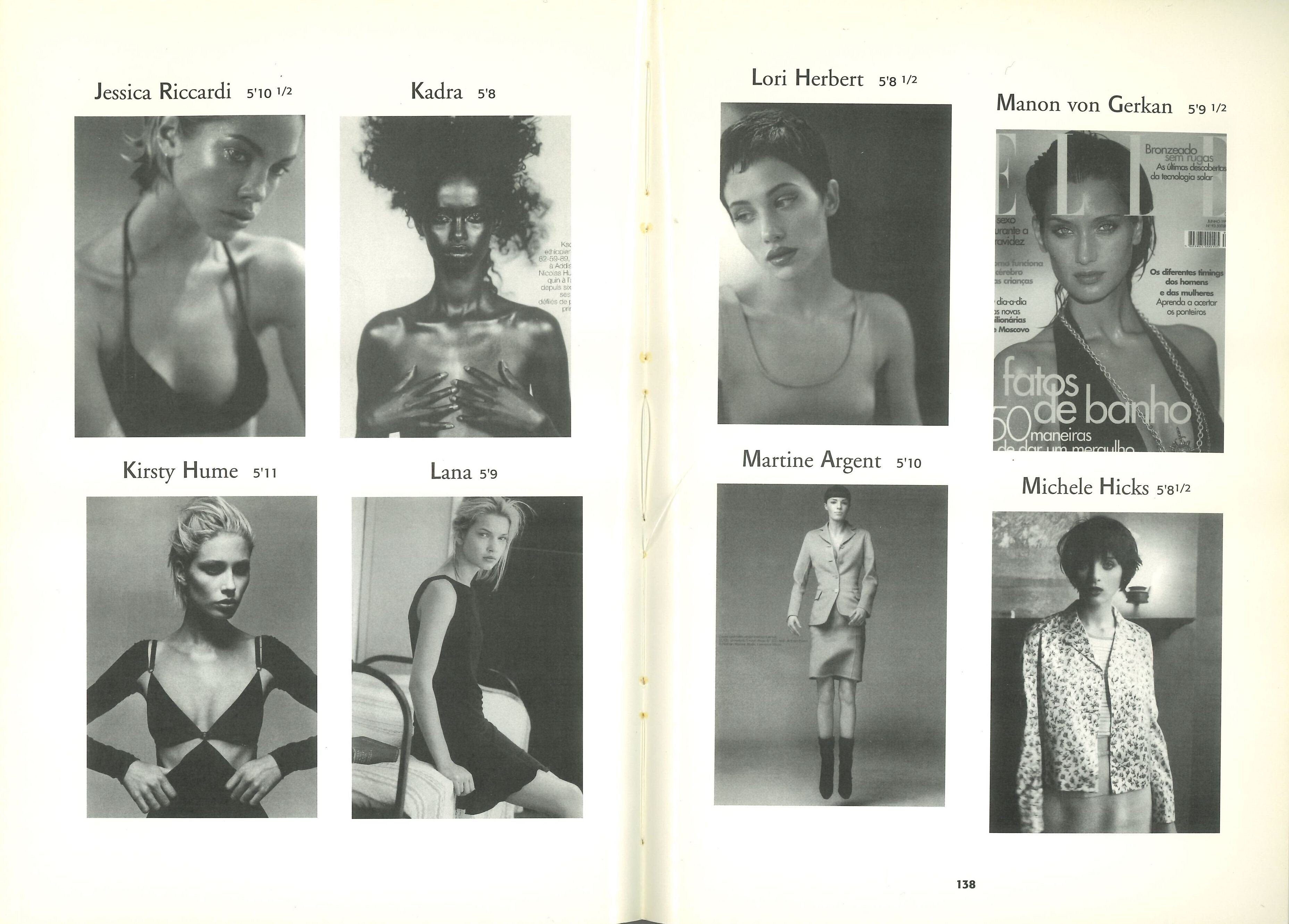
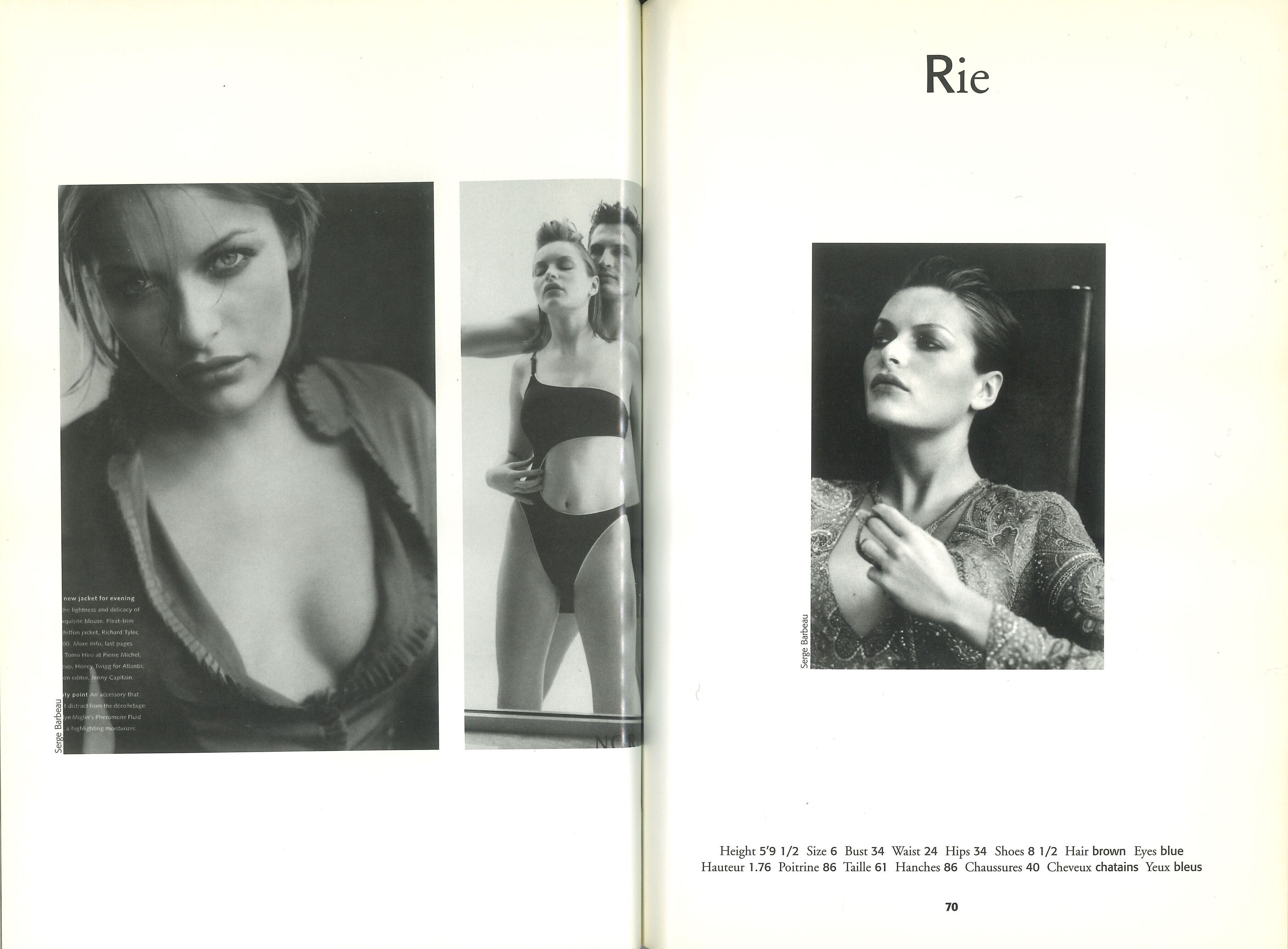
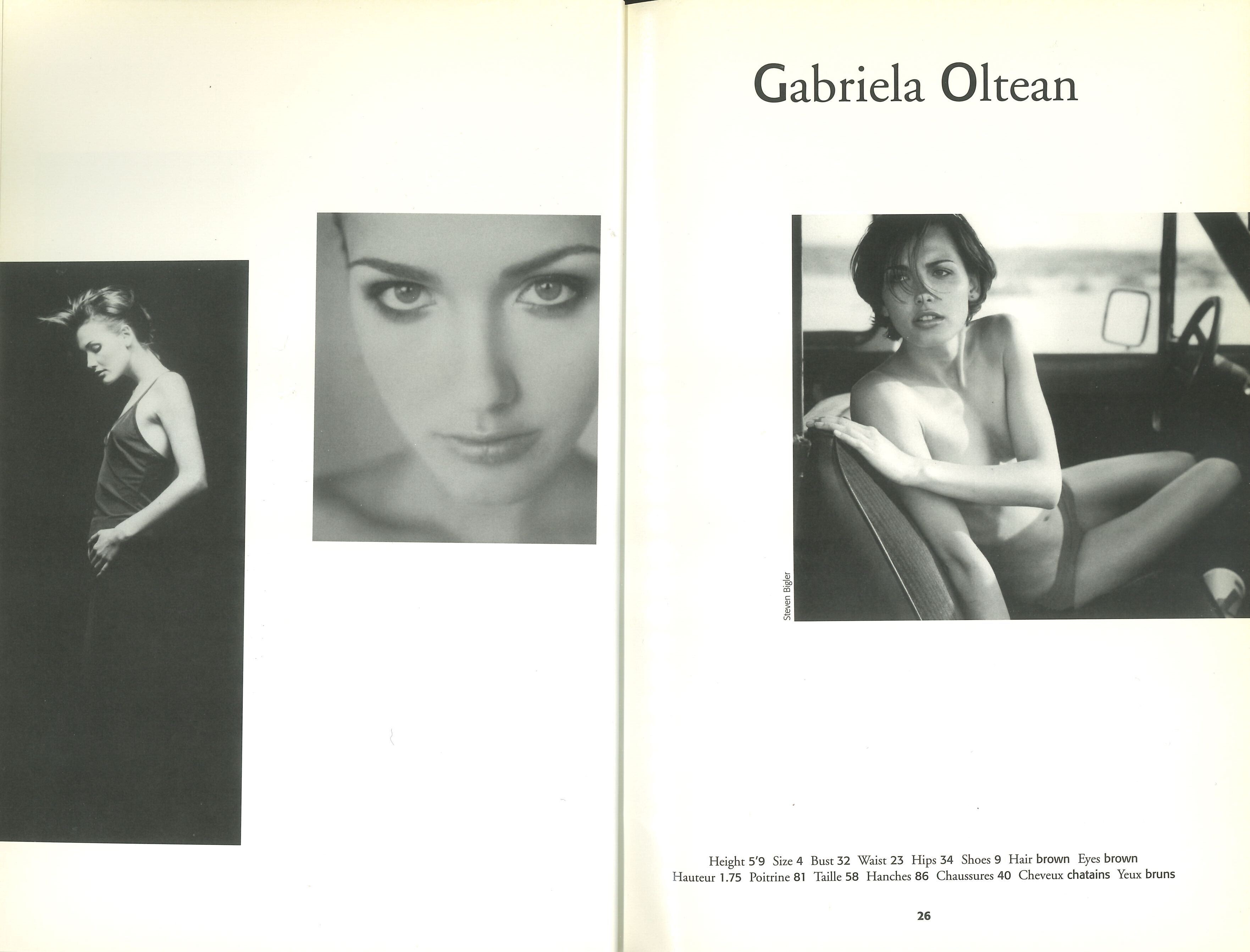
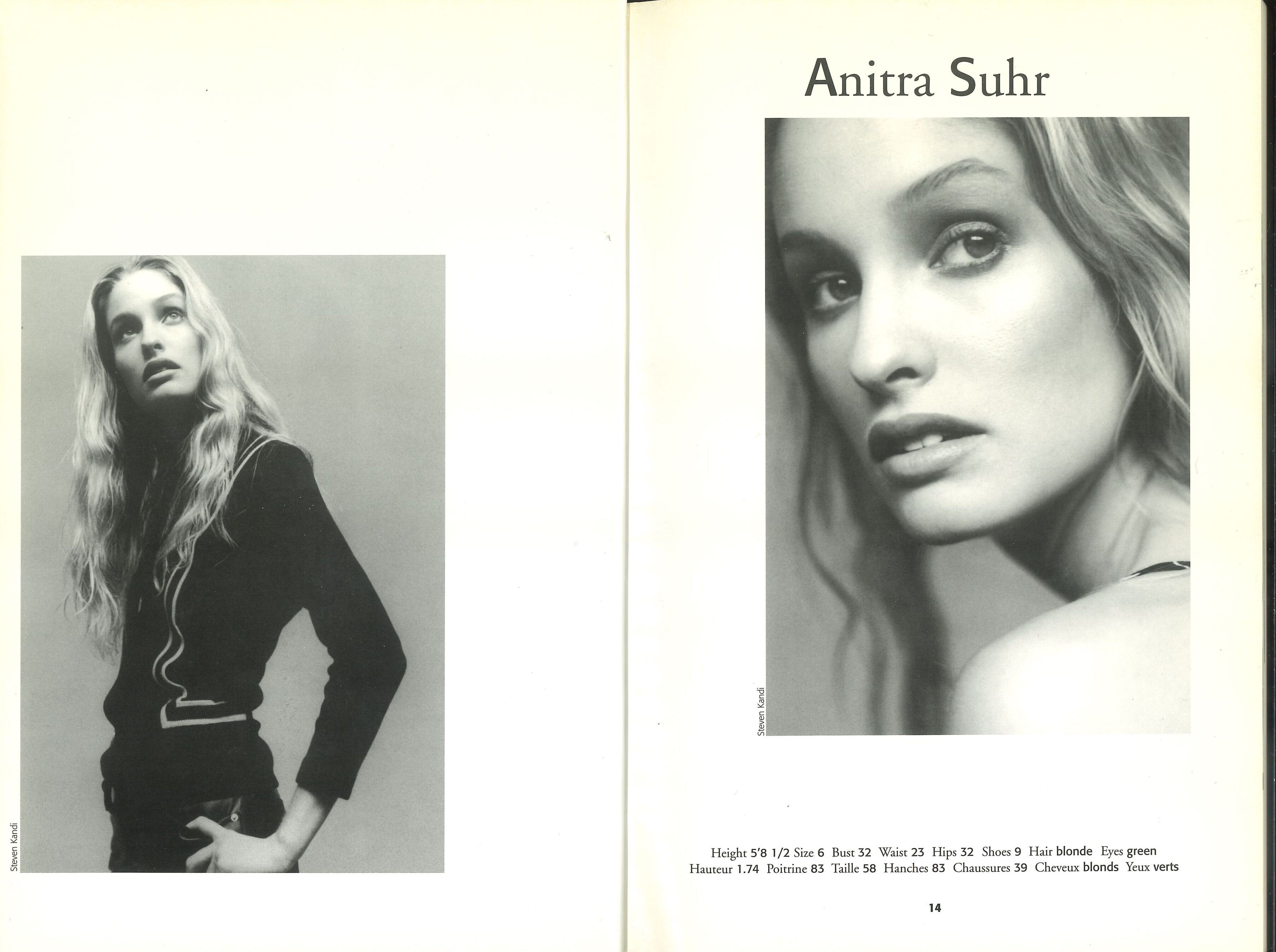
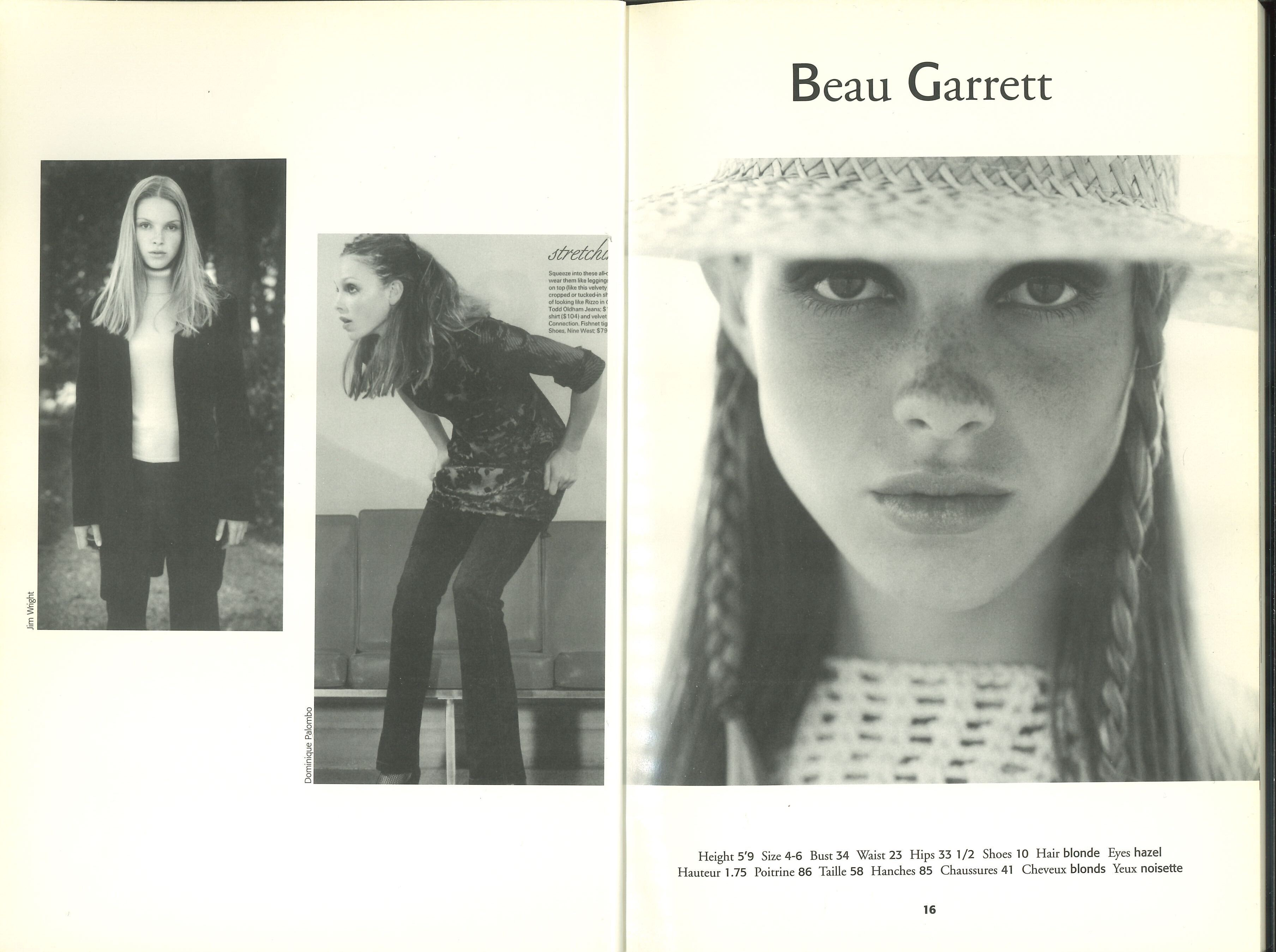
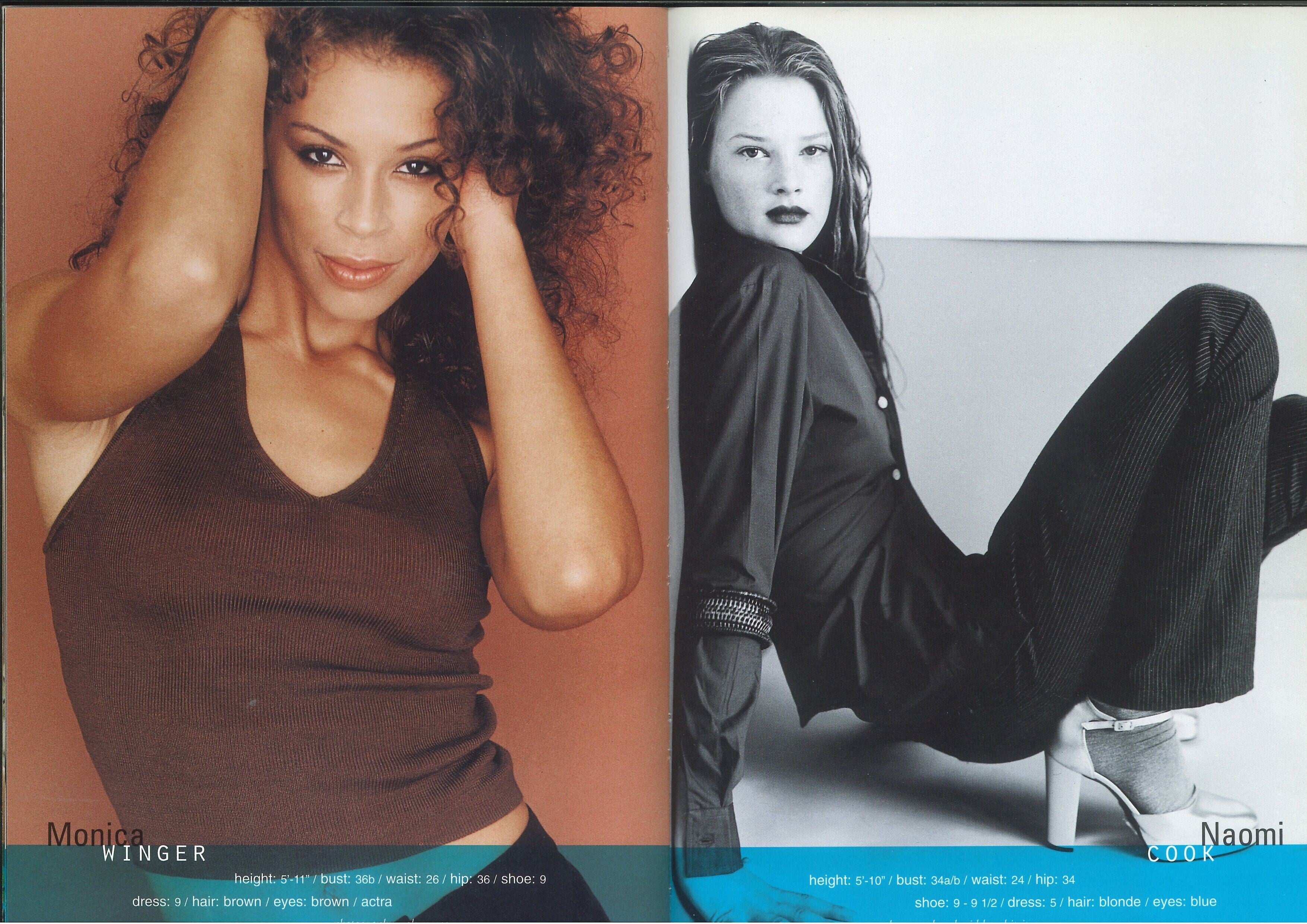
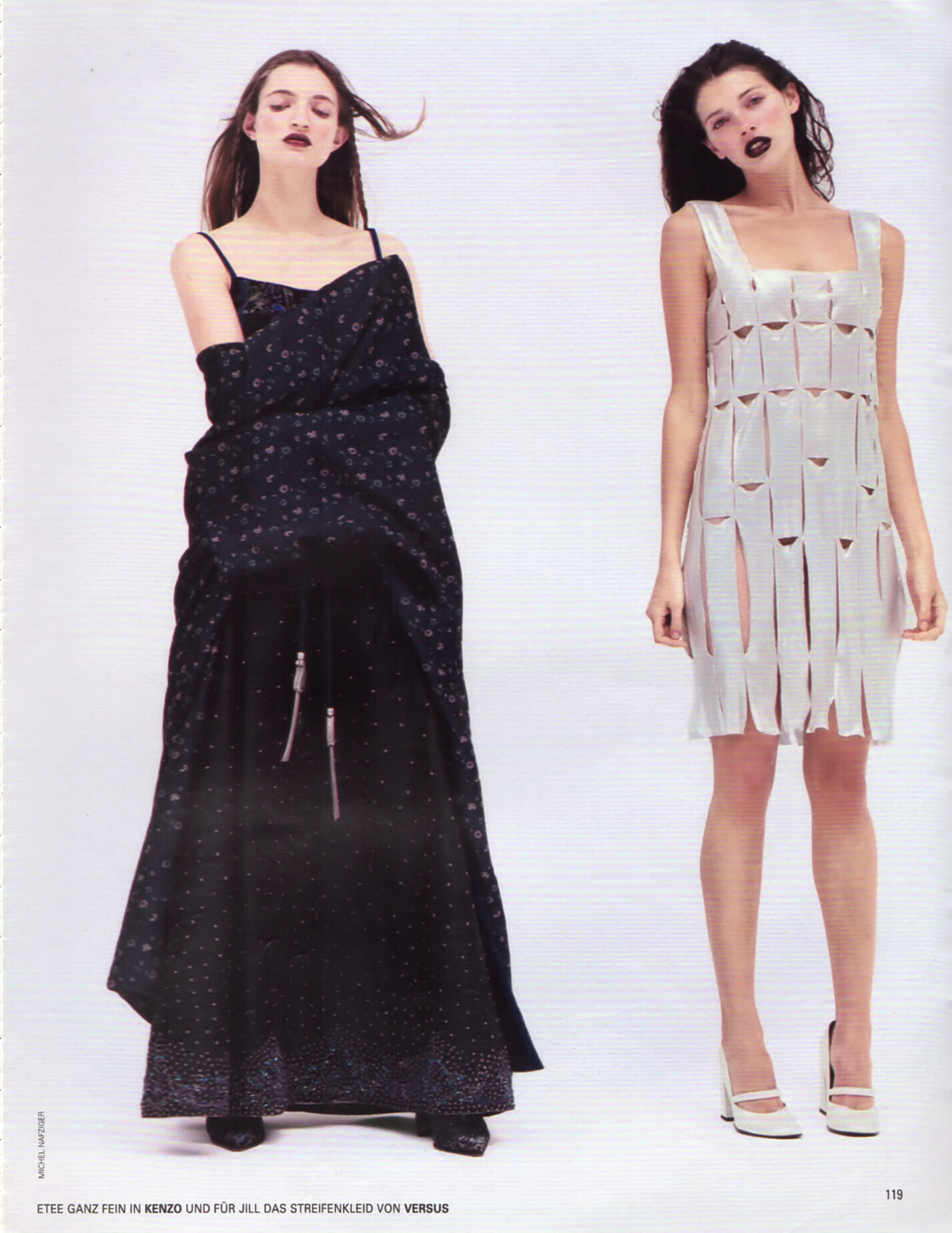
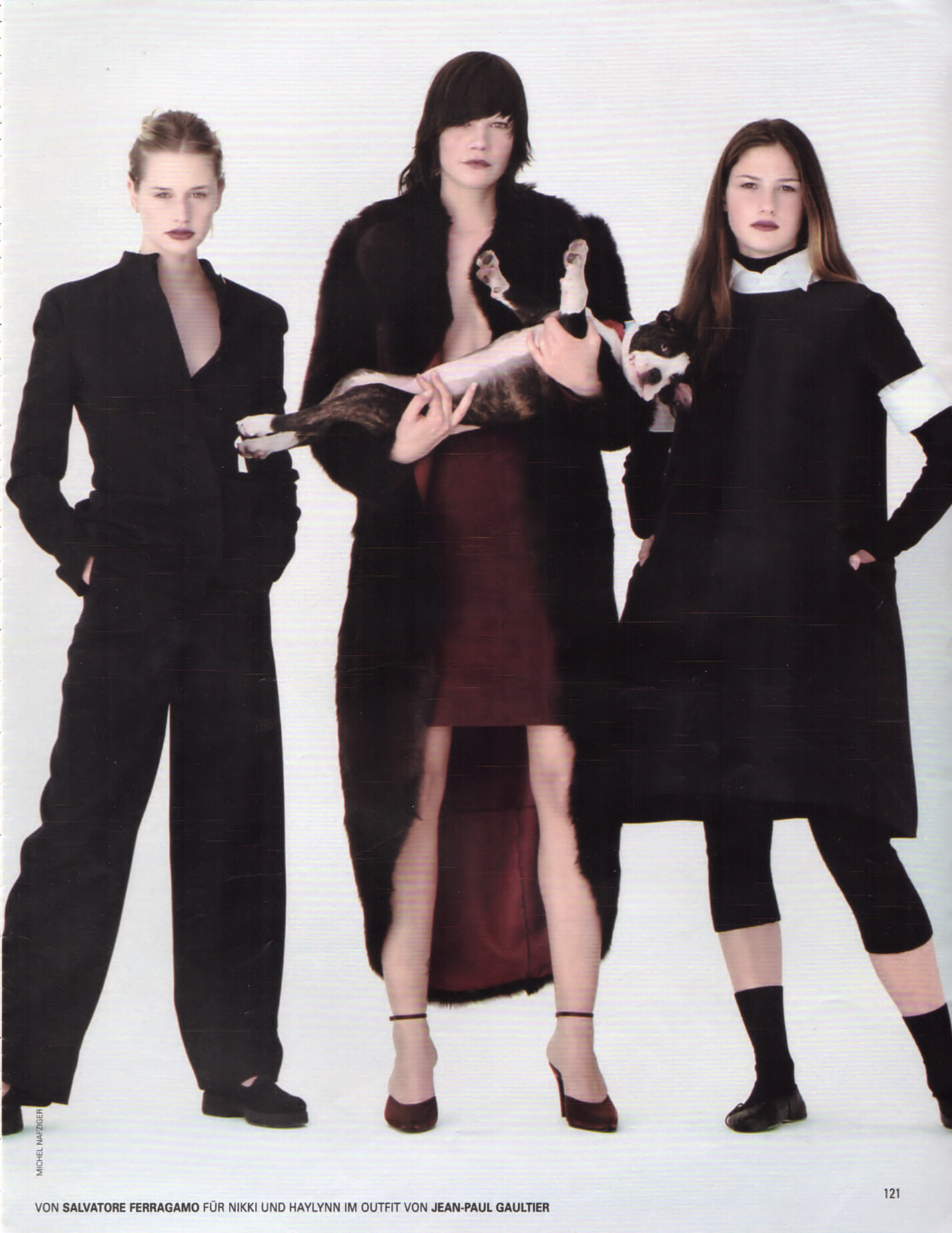
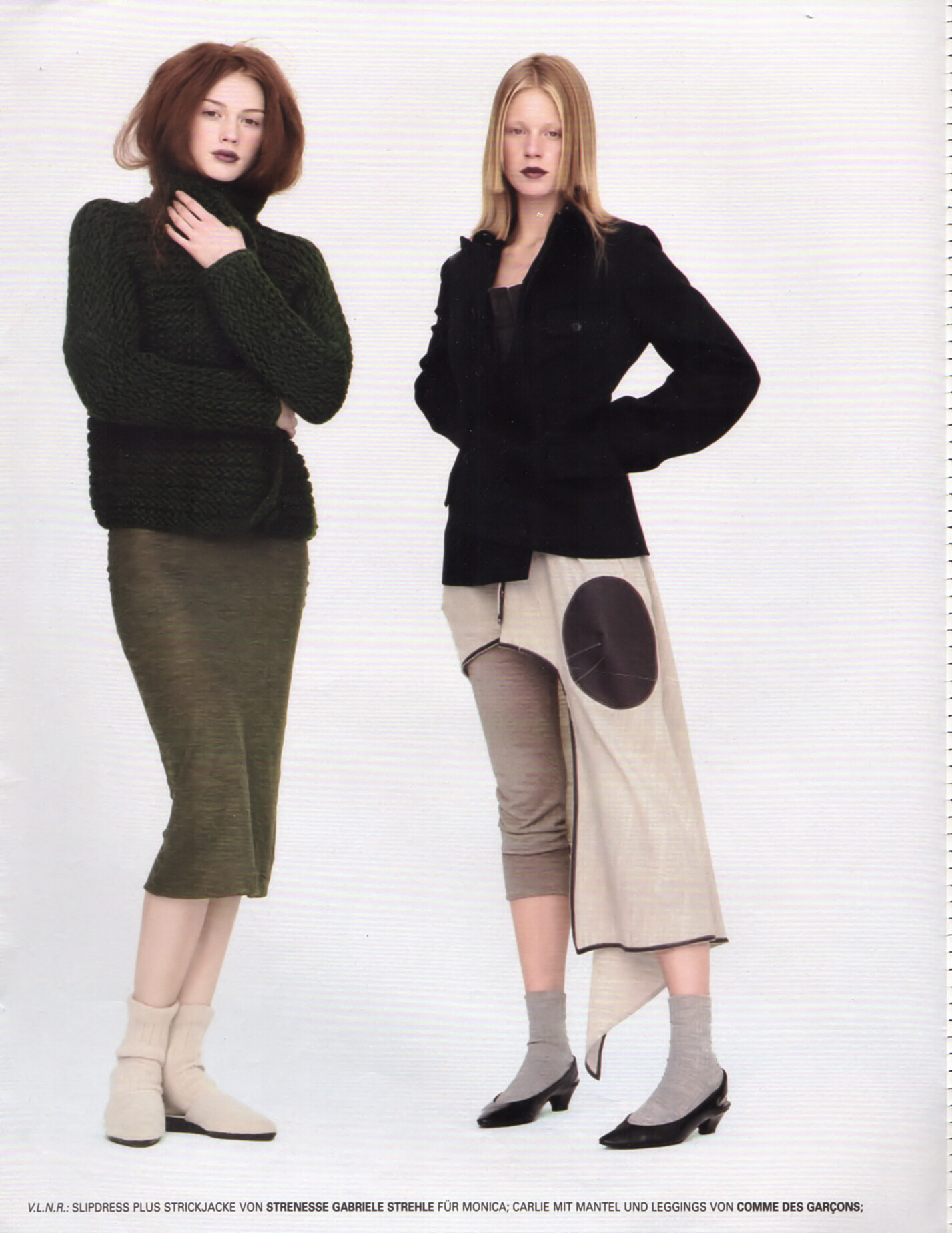
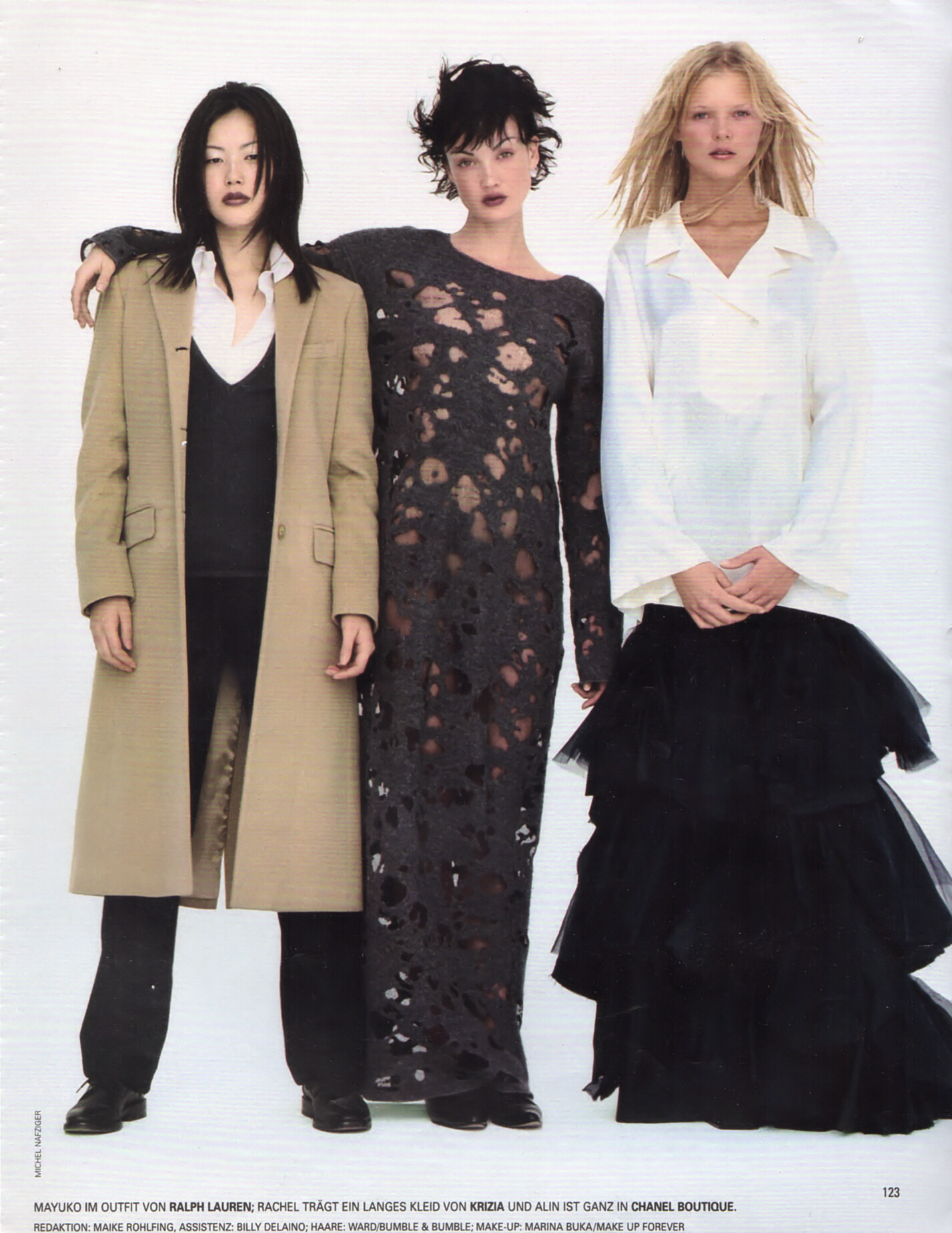
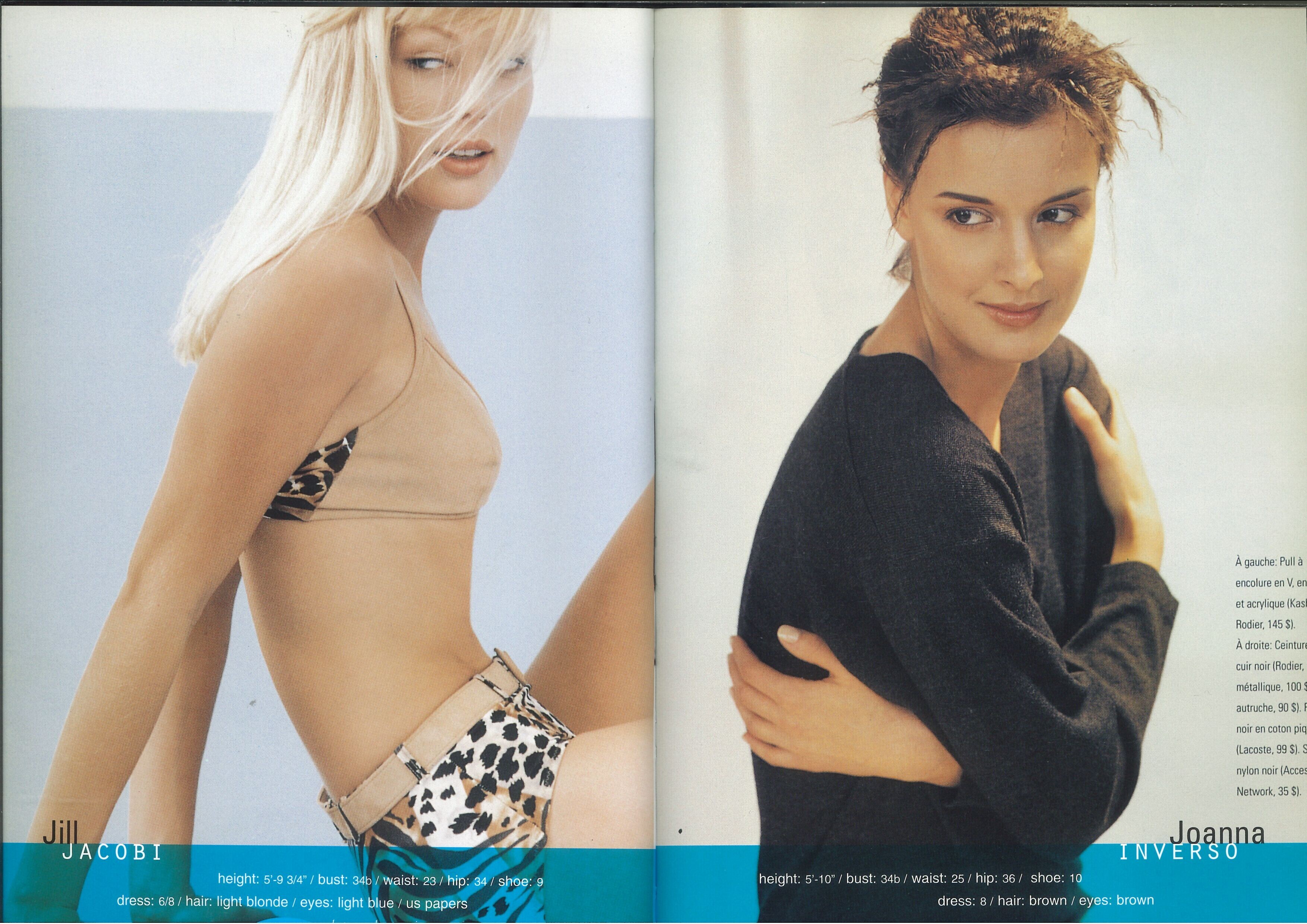
  1. Elite Model Management Los Angeles 1997 scanned by bintempi
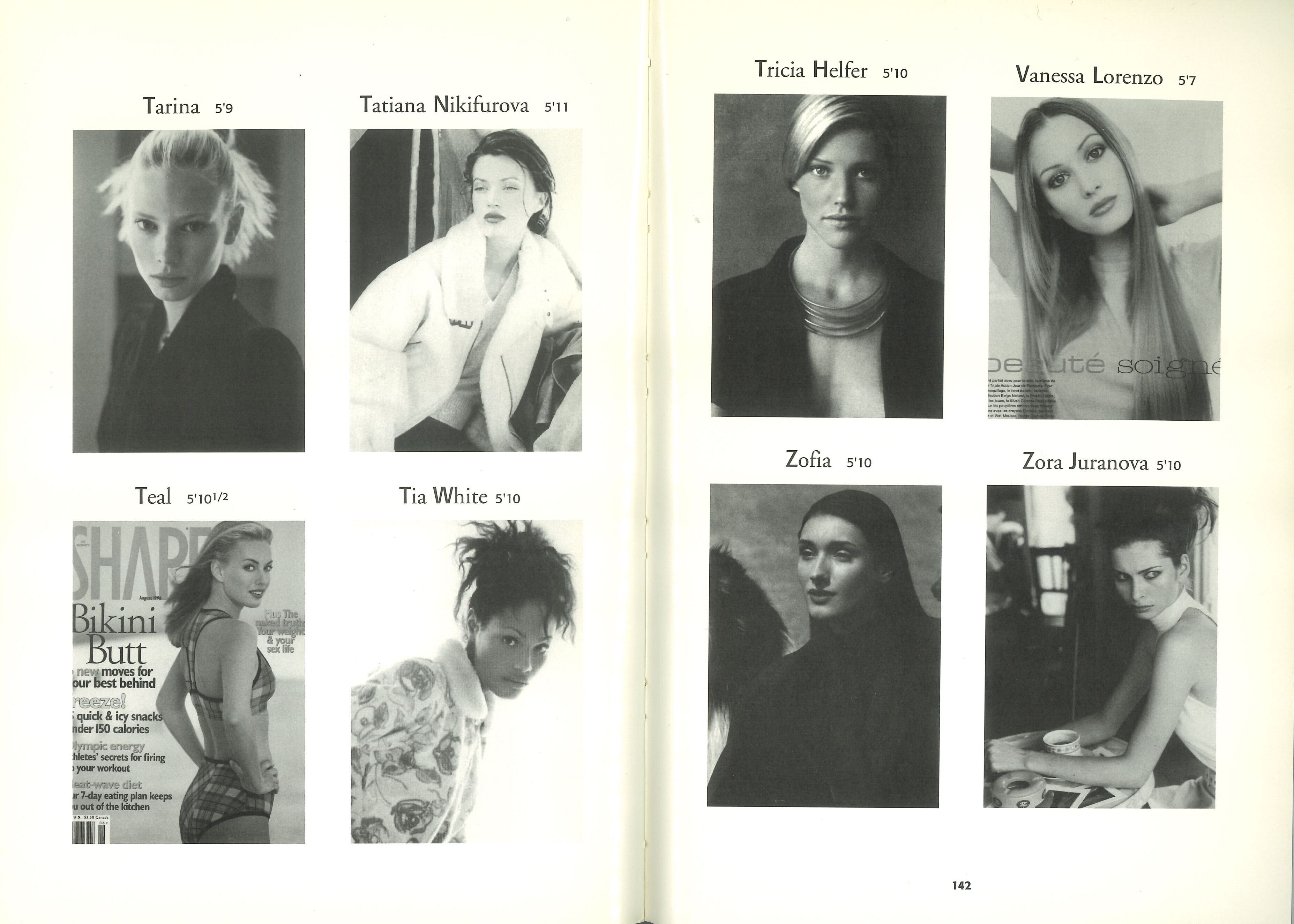
  2. Elite Model Management Los Angeles 1997 scanned by bintempi

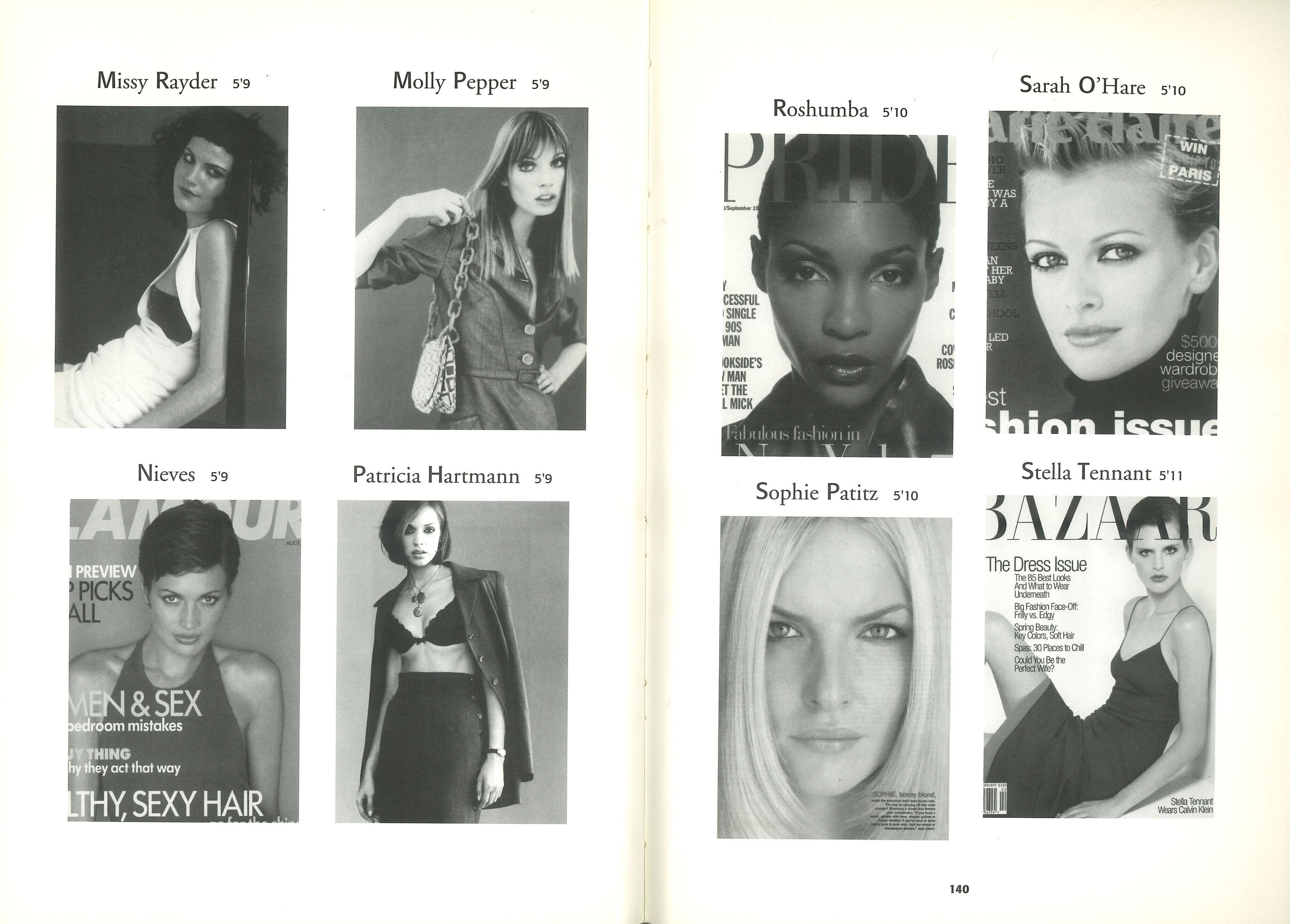
  3. Elite Model Management Los Angeles 1997 scanned by bintempi

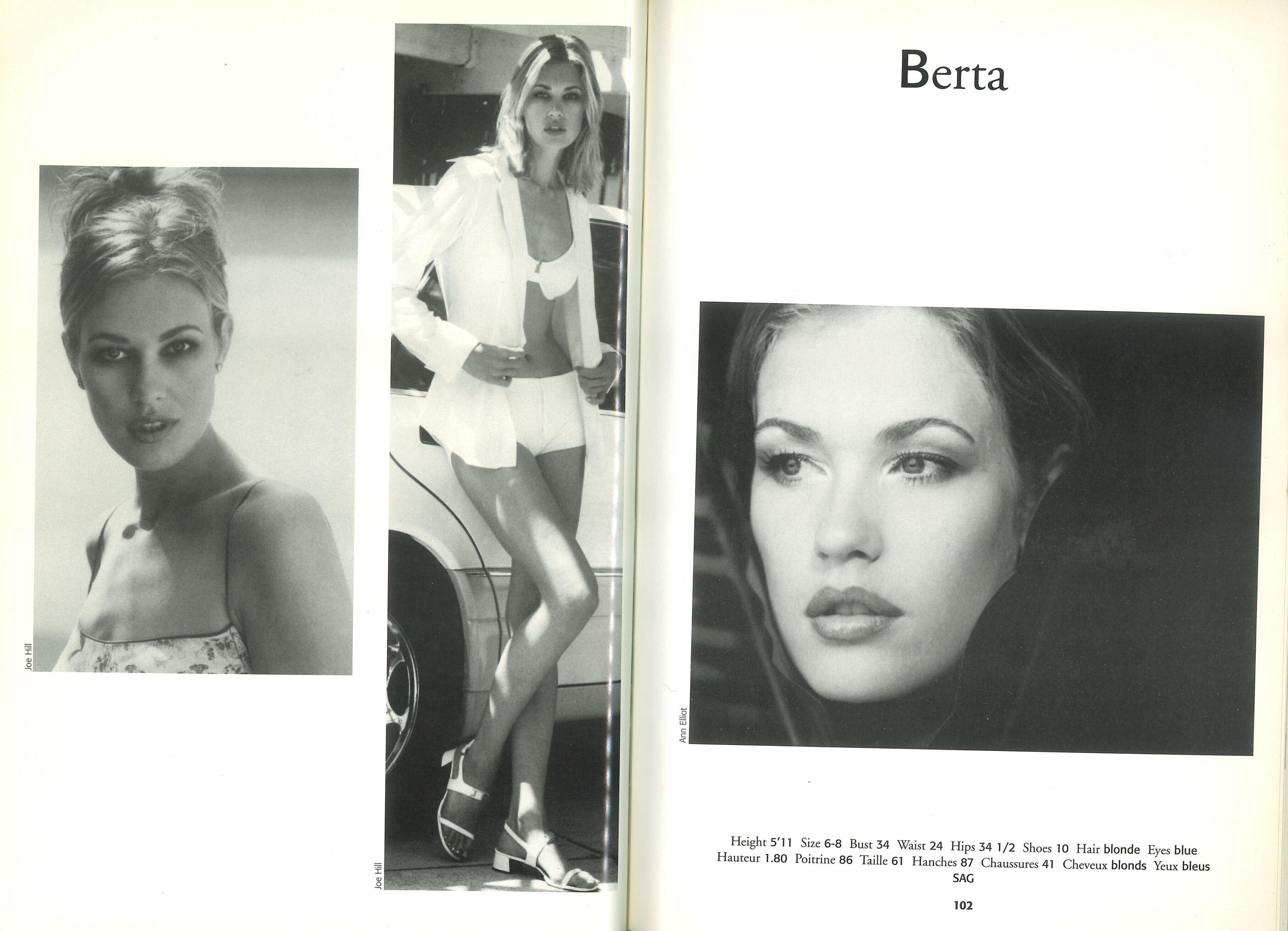
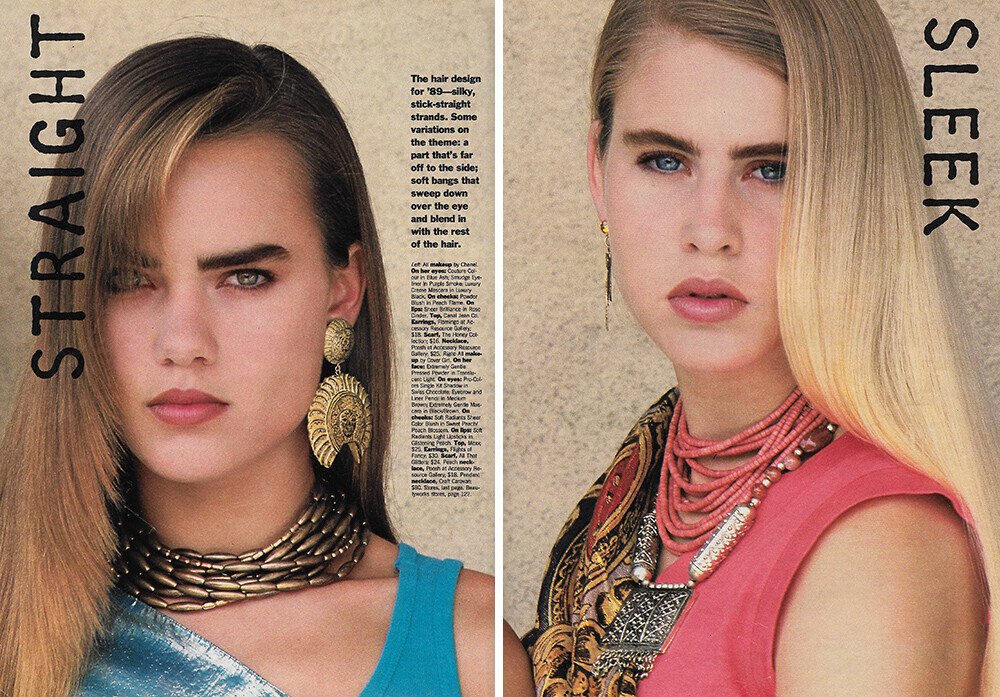
  4. Elite Model Management Los Angeles 1997 scanned by bintempi Shape US August 1996 cover

  5. Elite Model Management Los Angeles 1997 scanned by bintempi
  6. Elite Model Management Los Angeles 1997 scanned by bintempi
  7. Elite Model Management Los Angeles 1997 scanned by bintempi
  8. Elite Model Management Los Angeles 1997 scanned by bintempi
  9. @bintempi maybe you know her last name?
  10. Elite Model Management Los Angeles 1997 scanned by @bintempi
  11. Elite Model Management Los Angeles 1997 scanned by bintempi
  12. Minerva13 replied to dna's topic in Actresses
    Elite Model Management Los Angeles 1997 scanned by bintempi
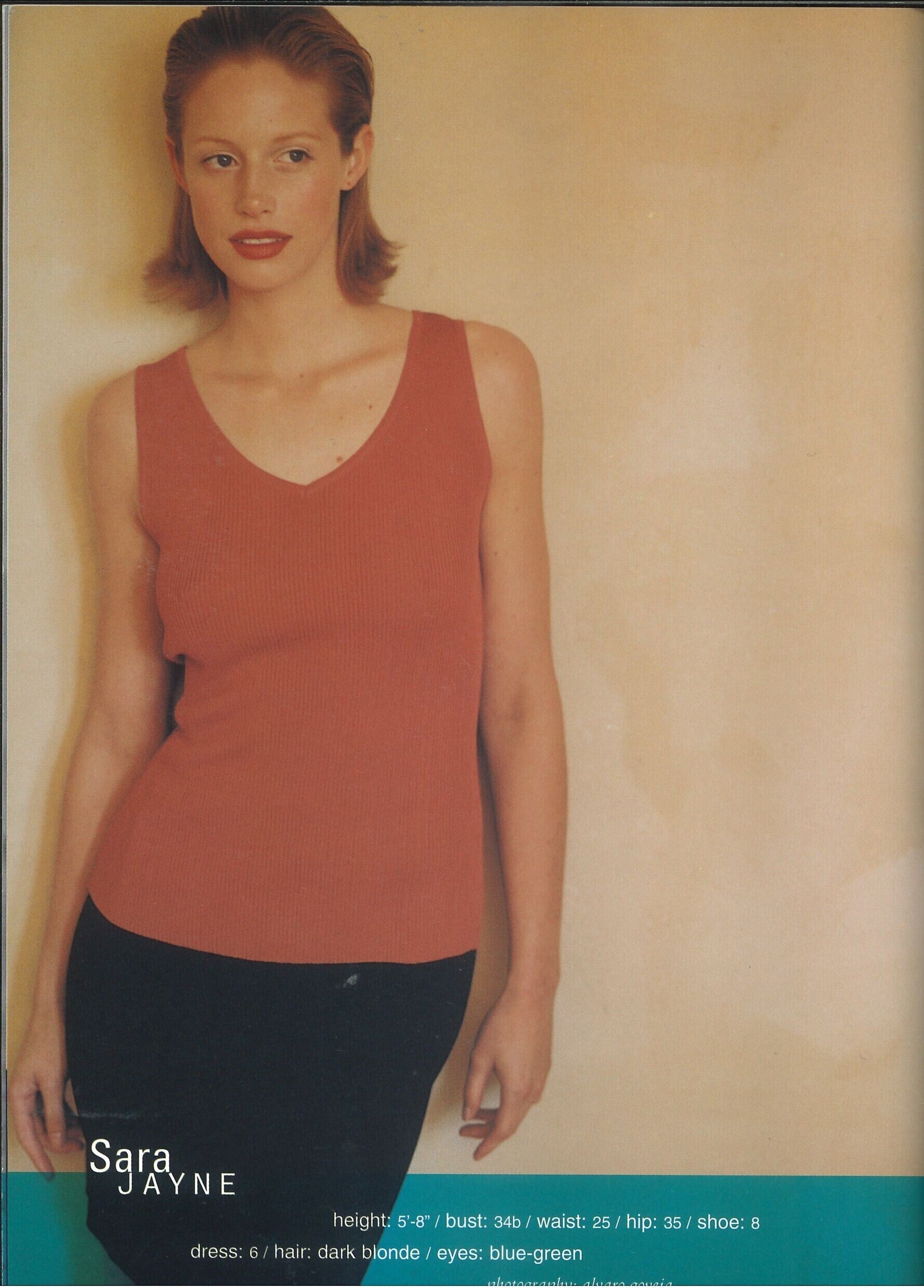
  13. Sarah Jayne Kennedy British Born in Sydney,Australia at the end 1970's or early 1980's Agency Elite, Idole, Okay Models, Premier Model Management, Hair Dark Blonde Eyes Blue-Green Height 1.74 cm Bust 87 cm Waist 64 cm Hips 89 cm Shoes 41
  14. Beautiful!Need more fashion photos
  15. Elite Model Management Toronto 1998-1999 scanned by @bintempi
  16. wonderful 90's fashion scans @parisienne 💝🌺
  17. ph. Bruce Weber +Patrick Muldoon
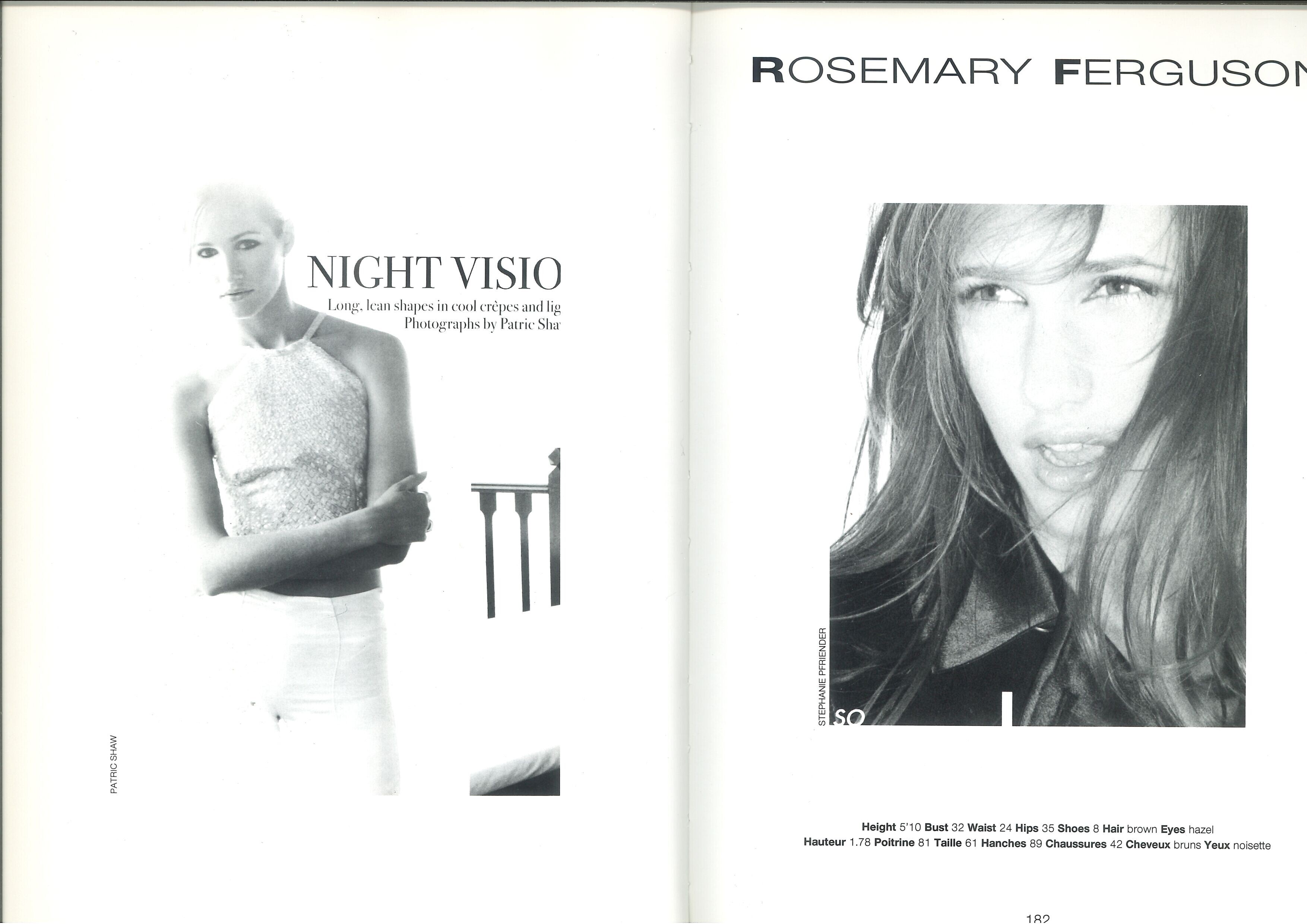
  18. Elite Premier London 1996 book scanned by bintempi

Account

Navigation

Search

Search

Configure browser push notifications

Chrome (Android)
  1. Tap the lock icon next to the address bar.
  2. Tap Permissions → Notifications.
  3. Adjust your preference.
Chrome (Desktop)
  1. Click the padlock icon in the address bar.
  2. Select Site settings.
  3. Find Notifications and adjust your preference.