Jump to content
View in the app

A better way to browse. Learn more.

Bellazon

A full-screen app on your home screen with push notifications, badges and more.

To install this app on iOS and iPadOS
  1. Tap the Share icon in Safari
  2. Scroll the menu and tap Add to Home Screen.
  3. Tap Add in the top-right corner.
To install this app on Android
  1. Tap the 3-dot menu (⋮) in the top-right corner of the browser.
  2. Tap Add to Home screen or Install app.
  3. Confirm by tapping Install.

Paula

Members
  • Joined

  • Last visited

Everything posted by Paula

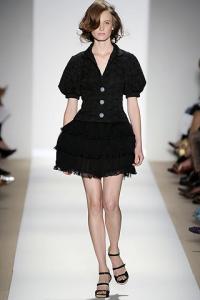
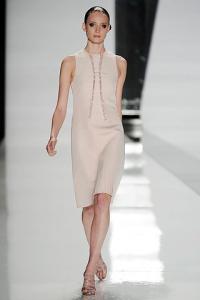
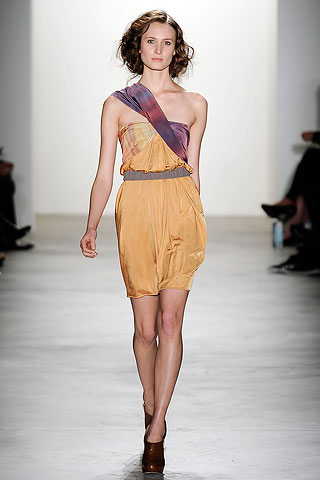
  1. J.Mendel S/S 2010 * style.com
  2. Tuleh S/S 2010 * style
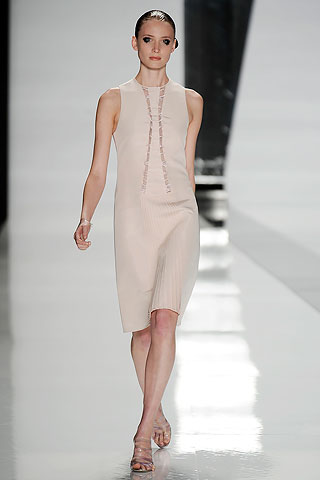
  3. Chado Ralph Rucci S/S 2010 * style
  4. Costello Tagliapietra S/S 2010 * style

  5. Charlotte Ronson S/S 2010 * style
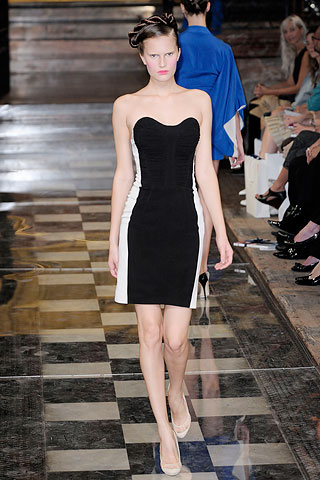
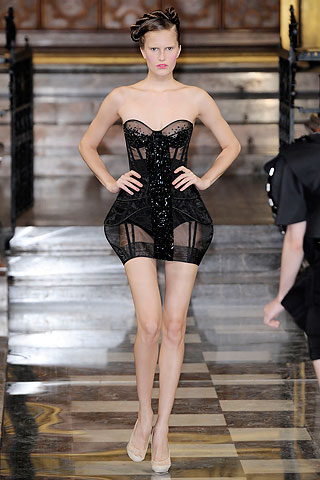
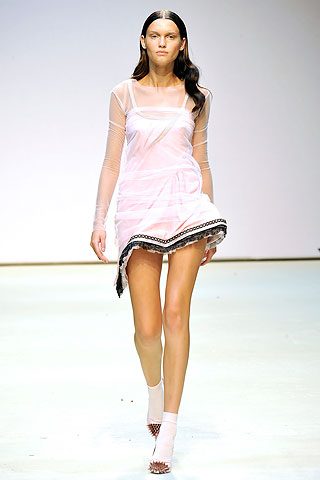
  6. Antonio Berardi S/S 2010 (she opened and closed) * style

  7. Eugenia Heidi Mini Tyra Adriana
  8. Catherine x1.5 Freja x1.5
  9. Gemma Ward
  10. Paula replied to Jade** 's topic in Babe Polls
    Miranda
  11. Paula replied to gigiriva's topic in Babe Polls
    Siri Tollerod x3
  12. Not Drew Barrymore
  13. Madonna or Drew Barrymore
  14. Hugh or Daniel Radcliffe
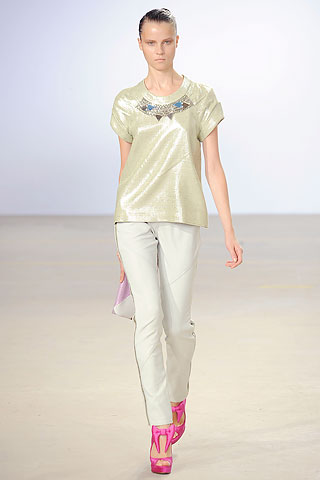
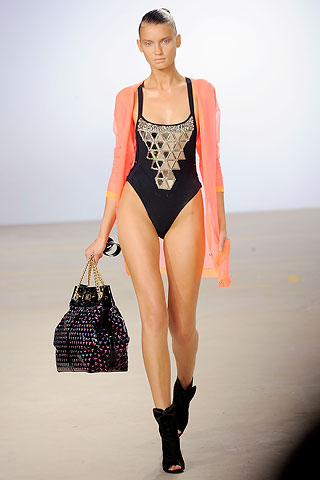
  15. Matthew Williamson S/S 2010 * style
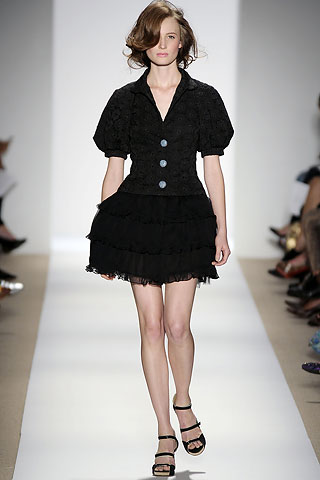
  16. Louise Goldin S/S 2010 * style
  17. Louise Goldin S/S 2010 * style
  18. Louise Goldin S/S 2010 * style
  19. Louise Goldin S/S 2010 * style
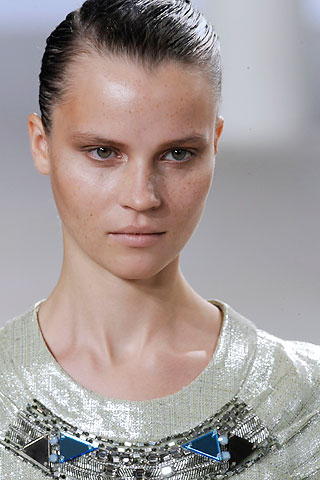
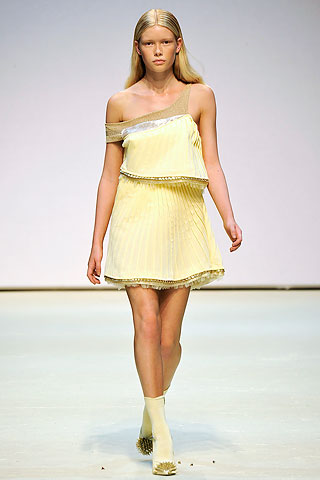
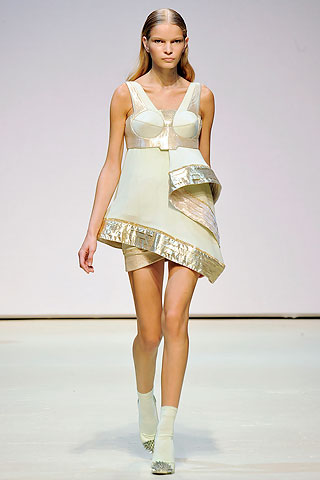
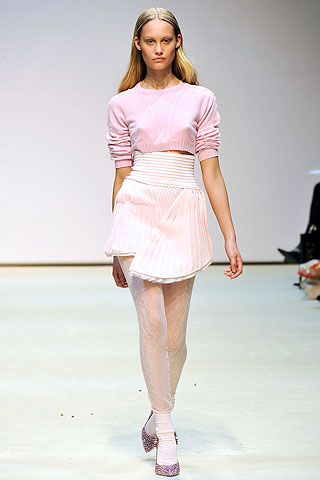
  20. Matthew Williamson S/S 2010 * style
Configure browser push notifications

Chrome (Android)
  1. Tap the lock icon next to the address bar.
  2. Tap Permissions → Notifications.
  3. Adjust your preference.
Chrome (Desktop)
  1. Click the padlock icon in the address bar.
  2. Select Site settings.
  3. Find Notifications and adjust your preference.