maddog107
Admin
-
Joined
-
Last visited
Everything posted by maddog107
-
 Can you please confirm you have the "notifications" column enabled for the appropriate type of content you want to be notified on? http://www.bellazon.com/main/notifications/options/ @jj3 I was able to find where I can allow the users to toggle that email switch, I have disabled it for your. Can you please confirm its no longer enabled for "content I follow" http://www.bellazon.com/main/notifications/options/
 -
2) Yes I thought once the rebuild was complete we would see some improved performance but unfortunantly it has not been the case. I am moving to a different machine hopefully in the next few hours and lets see what happens. Right now the performance is terrible (guess when we upgraded )
-
@alluringbeauties @Myfashexp @tzdon @Mahi @frenchkiki and Everyone else. Due to popular demands we have implemented a "Preview Post" feature, not officially supported but let me know if that works for you guys. Thanks
-
Thanks for letting me know, I think we can somehow create some forwarding rule that sends it from your current format to the "new" format OLD: http://www.bellazon.com/main/topic/51748-catalogue-fashion/?p=2917094 NEW: http://www.bellazon.com/main/topic/51748-catalogue-fashion/?do=findComment&comment=2917094
-
Can you please link me to the post in question to take a look? Thanks.
-
There is no more BB code editor (wiki markup). Can you give me an example of what does not show up correctly so I can submit a bug report? Thanks.
-
Hmm, it just spins and never returns? I know that there are some bugs there that will be addressed in the next version which comes out early next week.
-
Not disabled, doesnt exist anymore. The post will appear exactly how it shows up in the editor. If there is any discrepancy let me know so I can take a look. Thanks
-
@jj3 and @Stormbringer Can you please check the profile page again and let me know if you continue to have issues?
-
I will be kicking off that process once the search index is complete in about an hour. It will rebuild all thumbs to 275px max on any size. Thanks
-
Yes please reupload, we increased the avatar max size so its stretching it and looks blurry.
-
What browser?
-
test2

-
test

-
It's creating the search index I think that's why. Should be done in a few hours.
-
I shall try to look into it tonight. And link for the profile page? What does it say?
-
I have modified the settings for you. But for reference you can change them here: http://www.bellazon.com/main/notifications/options/
-
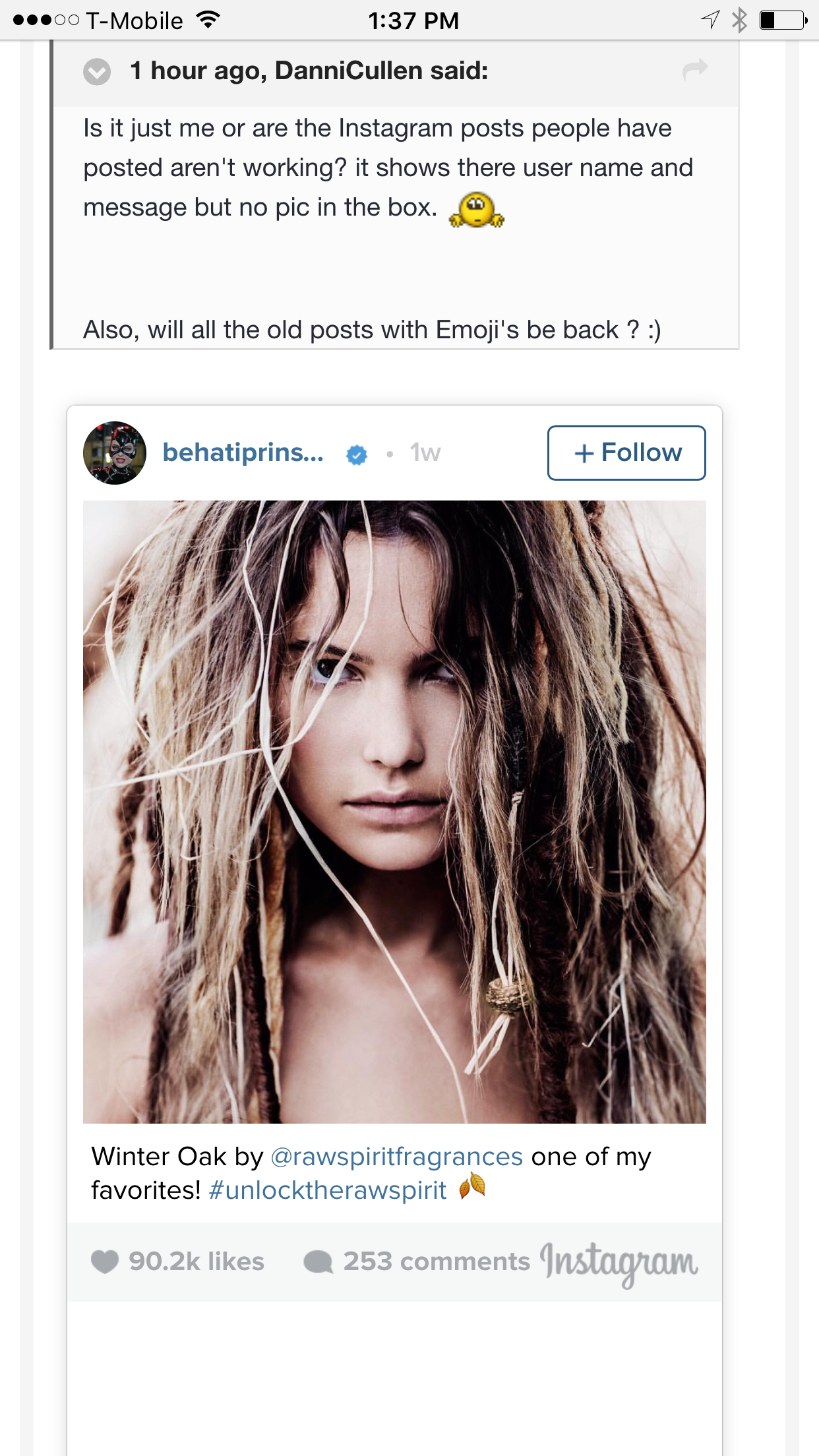
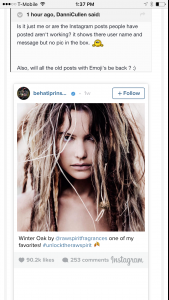
Can anyone else reproduce the Instagram issue? Perhaps a US vs World block on Instagram like youtube sometimes does?
-
Wierd on my iPhone it looks fine.
-
Looks ok to me, and regarding the emoticons yes they will be back. I added the emotions like 50% through the post rebuild so unsure if there is a different script that will go through and fix them or I have to rebuild again from scratch but that is a minor issue compared to right now where the posts are not even readable.
-
Just tried in Win8 works fine too. @jj3 can you try a different browser?
You dont need the source button to delete the quote. I think its an admin only thing. I will see who has a win10 machine I can test on.
Do you see those 4 arrows thing in the top left as in the attachment? You using windows or Mac?
 Deleting works fine for me on Chrome on OSX. Just select click the "Spoiler" grey bar, and hit 'del' on your keyboard Does that not work?