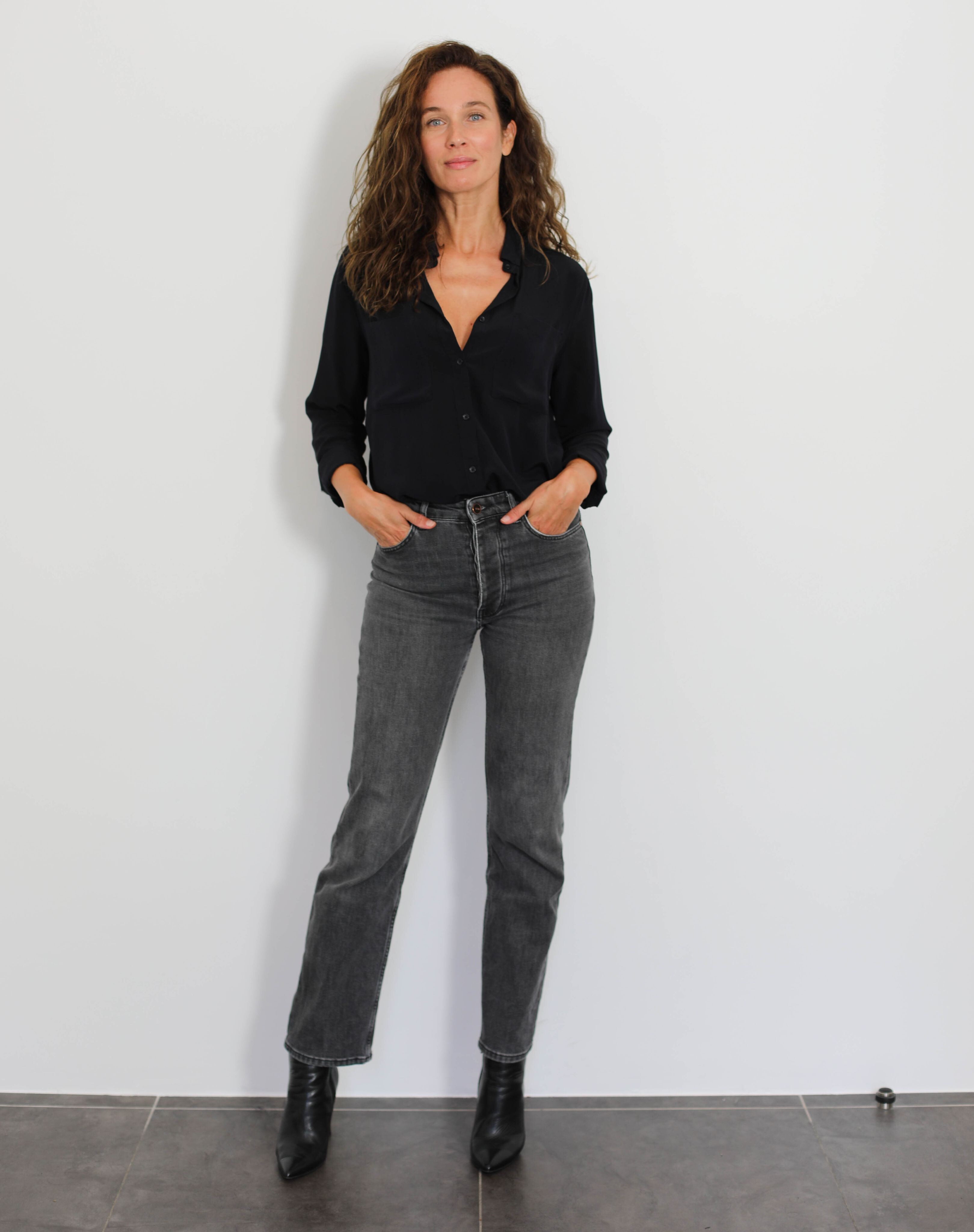
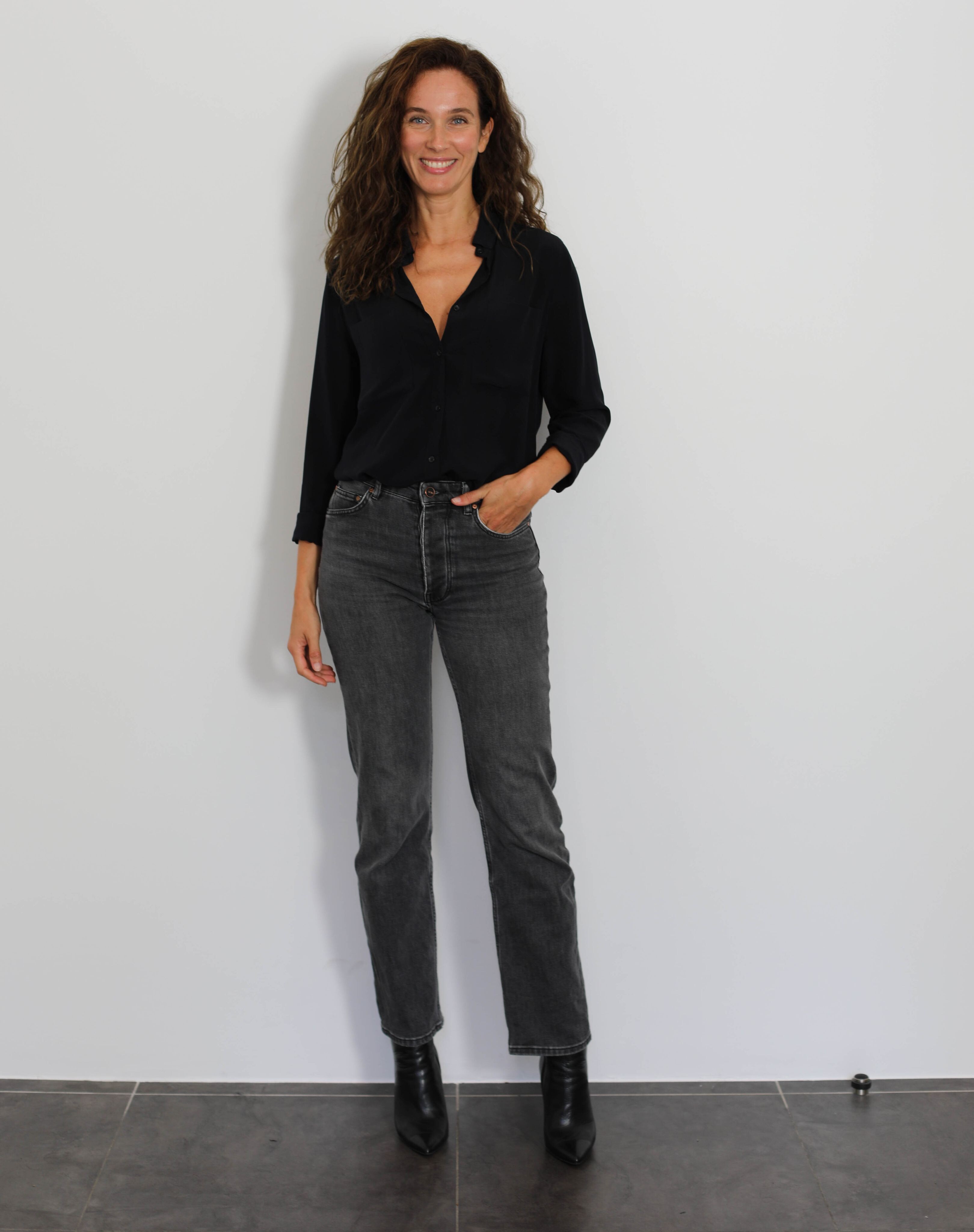
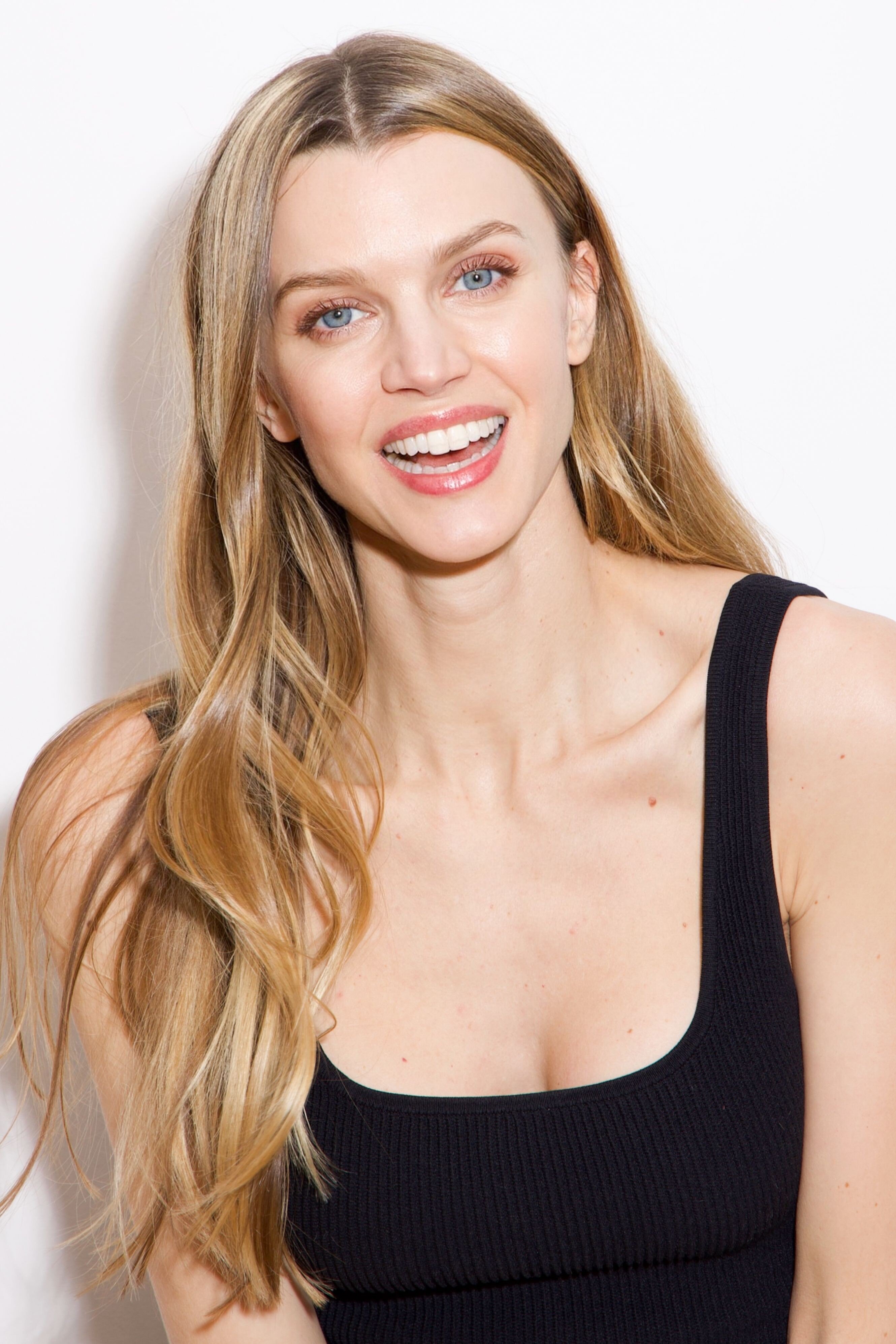
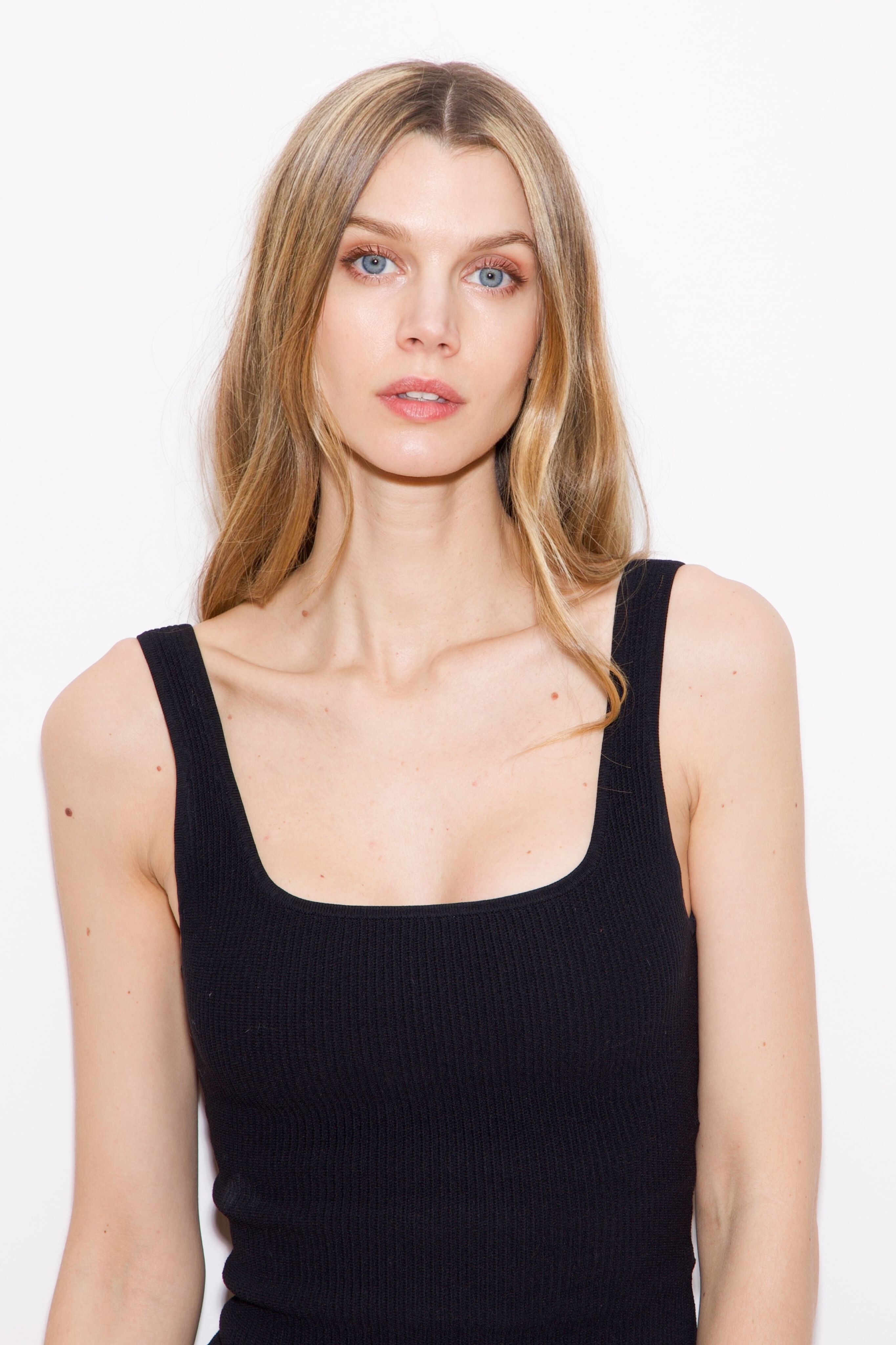
kereakp
Members
-
Joined
-
Last visited
Everything posted by kereakp
-
 1739364054-889b8d6299548fb54075c17887310e49.mp4 Spoiler b2d15d01c2adc1cc62f059c5454d19.mp4 1739364056-fd74143f7ab2e54bbe46e34e795c1e35.mp4
 -
-
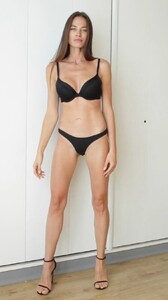
Margarita Lazo b.mp4
-
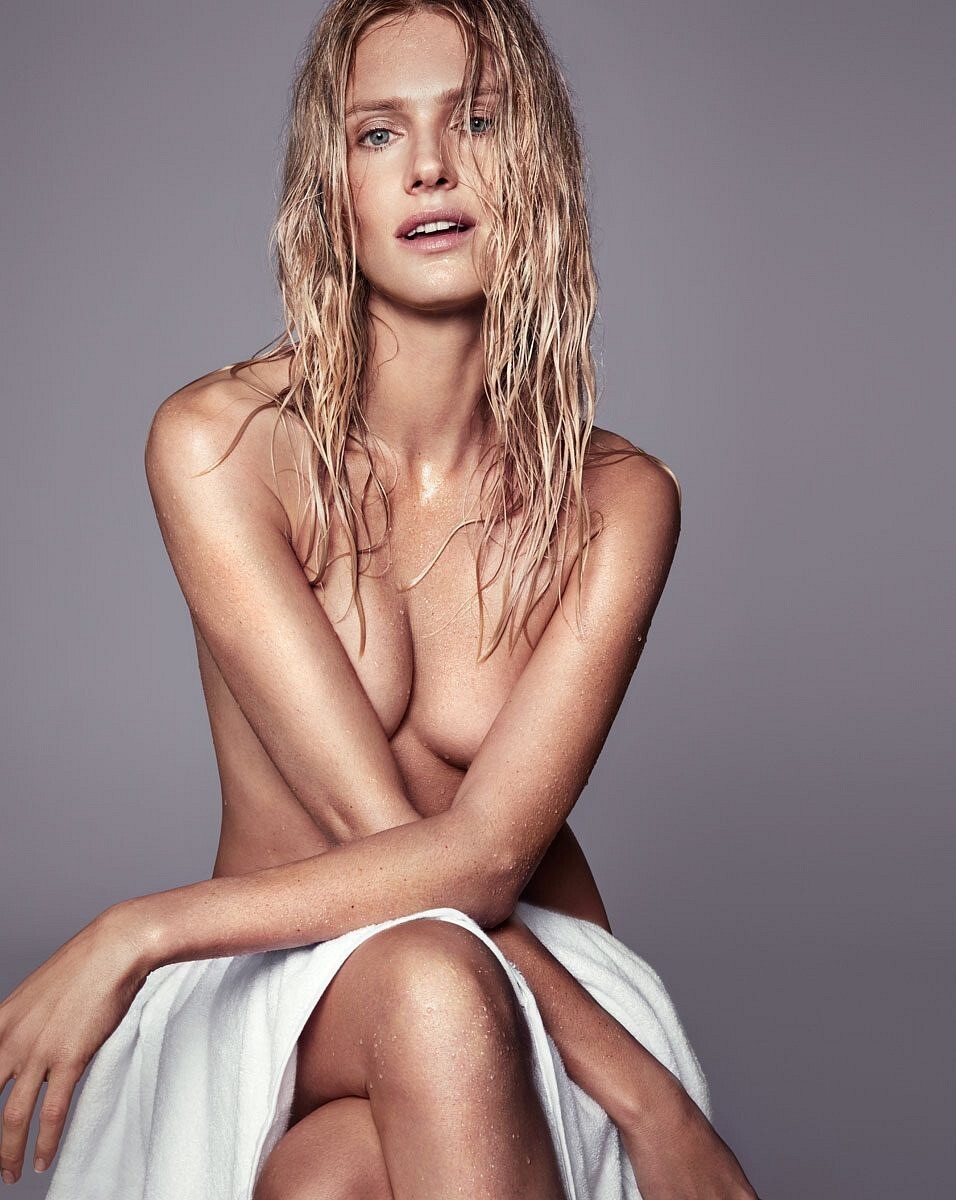
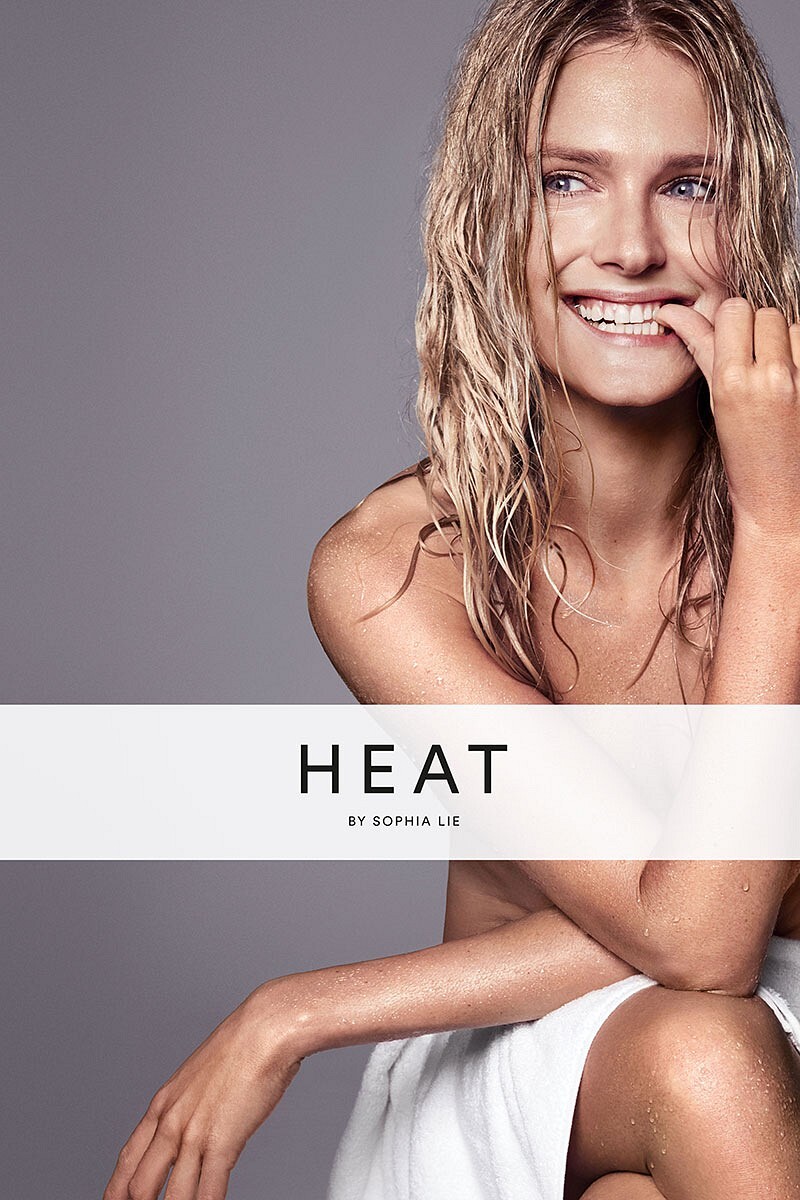
heatbysophialie Spoiler new @heatbysophialie Sculpting Tools. Featuring HEAT Facial Cupping Se.mp4

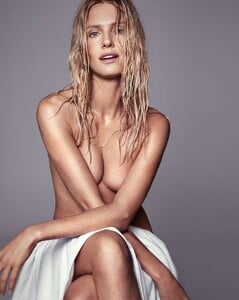

 Spoiler b1621a929b1171399e40f668114.mp4
📷 Sylwia Szyplik, 2020
Spoiler b1621a929b1171399e40f668114.mp4
📷 Sylwia Szyplik, 2020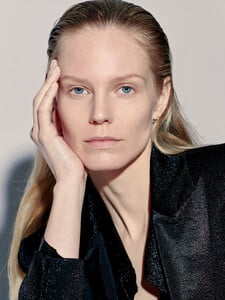
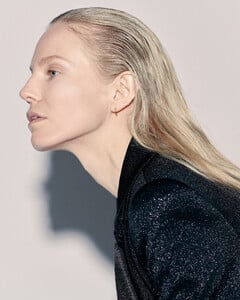
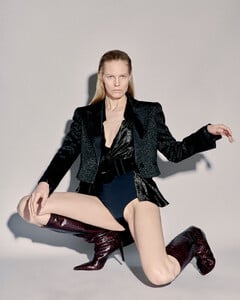
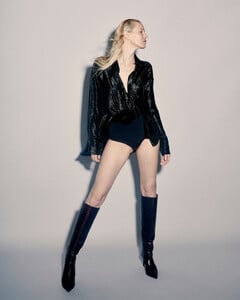
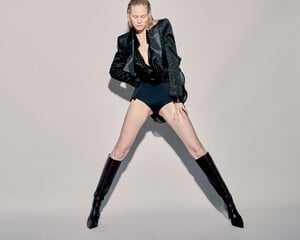 Spoiler d45880156832515b3086201d38.mp4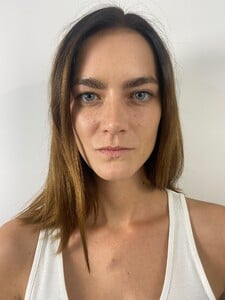
 da066cb86f86442.mp4
- 13 replies
-
- 1990s
- 2000s
- 2010s
- catalog model
-
Tagged with:
Kim in Canadian TV series Shoresy, Season 4 3-on-1. All episodes of Shoresy Season 4 are now streaming on @cravecanada.Season 4 is coming to.mp4 Kim Cloutier 2025.mp4
Denni Parkinson.mp4
 5cabb90e5b7b.mp4
Account
Search
Configure browser push notifications
Chrome (Android)
- Tap the lock icon next to the address bar.
- Tap Permissions → Notifications.
- Adjust your preference.
Chrome (Desktop)
- Click the padlock icon in the address bar.
- Select Site settings.
- Find Notifications and adjust your preference.
Safari (iOS 16.4+)
- Ensure the site is installed via Add to Home Screen.
- Open Settings App → Notifications.
- Find your app name and adjust your preference.
Safari (macOS)
- Go to Safari → Preferences.
- Click the Websites tab.
- Select Notifications in the sidebar.
- Find this website and adjust your preference.
Edge (Android)
- Tap the lock icon next to the address bar.
- Tap Permissions.
- Find Notifications and adjust your preference.
Edge (Desktop)
- Click the padlock icon in the address bar.
- Click Permissions for this site.
- Find Notifications and adjust your preference.
Firefox (Android)
- Go to Settings → Site permissions.
- Tap Notifications.
- Find this site in the list and adjust your preference.
Firefox (Desktop)
- Open Firefox Settings.
- Search for Notifications.
- Find this site in the list and adjust your preference.
.jpg.92e1b7071a67cba6aacc22665e0c8e27.jpg)
.jpg.fb197a9285ad4a9a183d1d102d952ff9.jpg)