
ThorGod
Members
-
Joined
-
Last visited
Everything posted by ThorGod
-

-
-
https://strawpoll.com/BJnXV8jlYZ
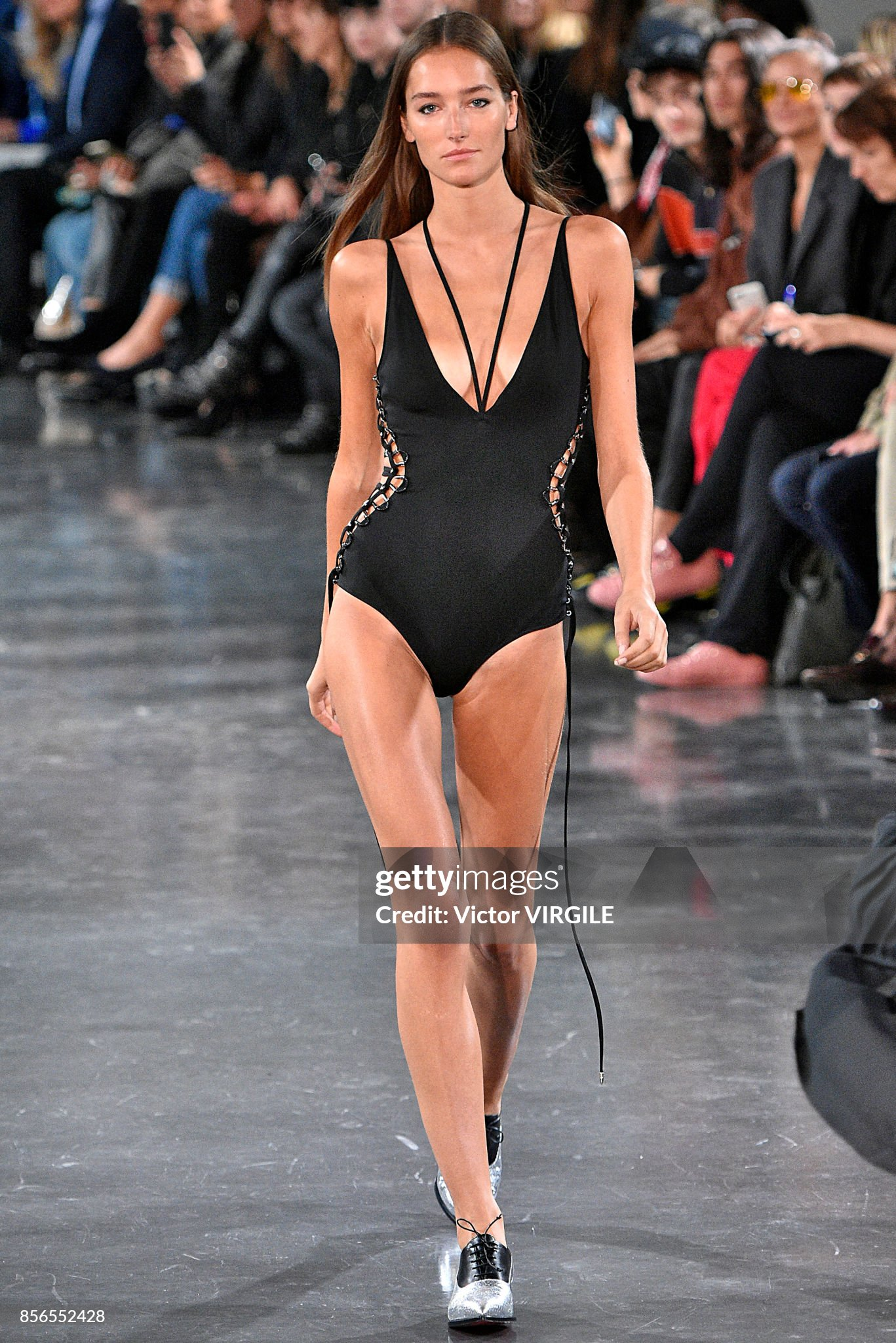
 Jesus christ that body
Blonde is so much better for her.
So much hotter with those perfect boobs.
God damn it she's hot!!
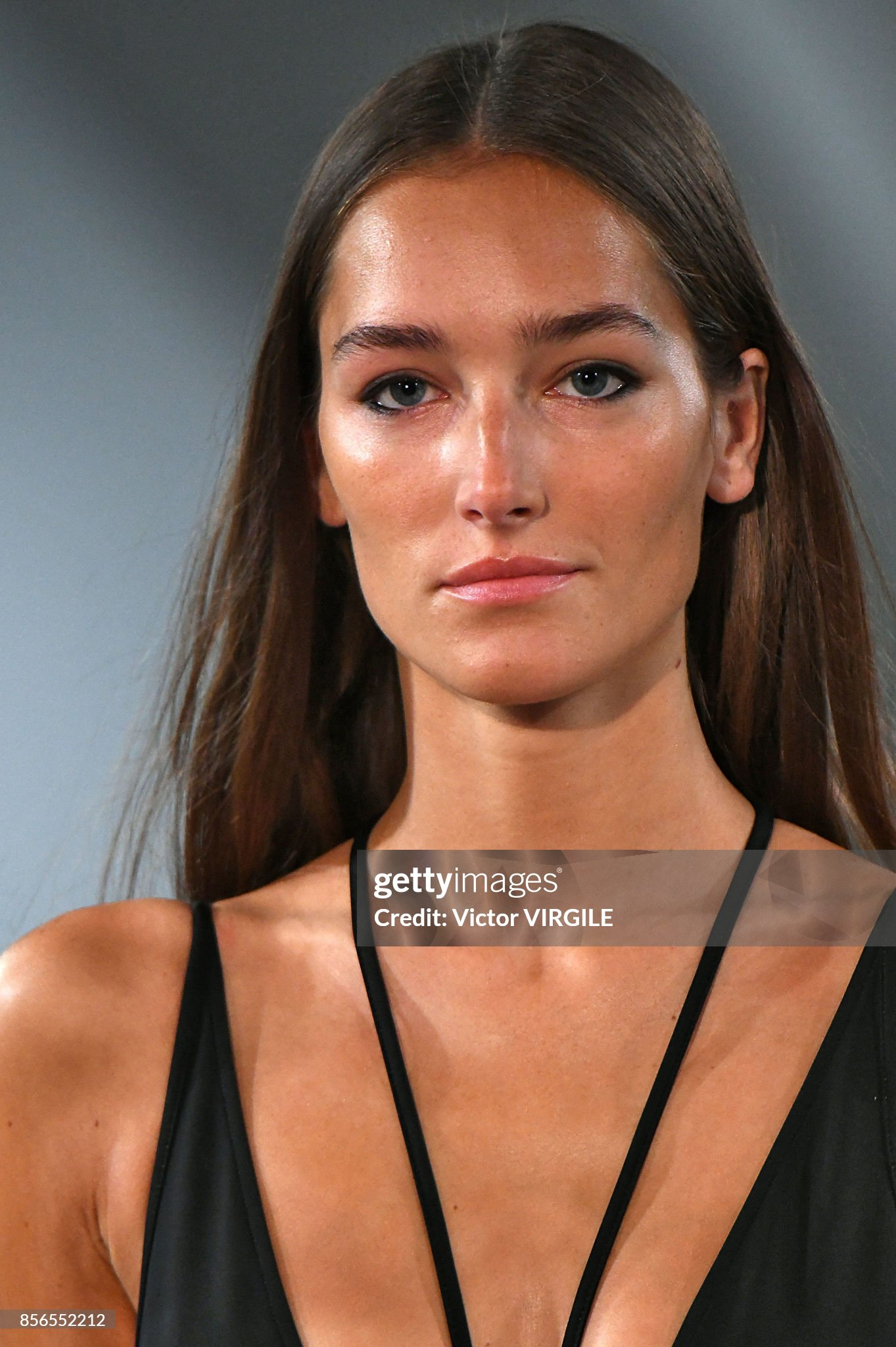
Such an incredible underrated model, thanks for the uploads she's so hot.
Jesus christ that body
Blonde is so much better for her.
So much hotter with those perfect boobs.
God damn it she's hot!!
Such an incredible underrated model, thanks for the uploads she's so hot. No she isn't but found her https://www.instagram.com/djunabel/
Well at least it doesn't fit HER.
Where are official etam galleries in uhq?
Mix
No she isn't but found her https://www.instagram.com/djunabel/
Well at least it doesn't fit HER.
Where are official etam galleries in uhq?
Mix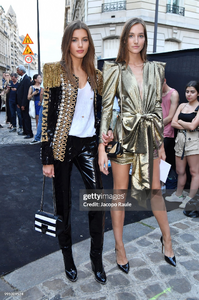
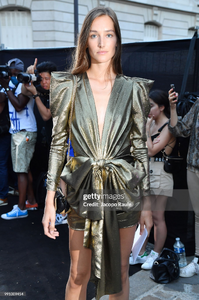
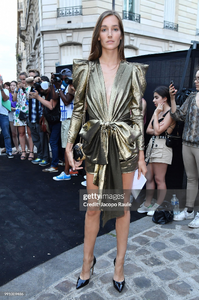


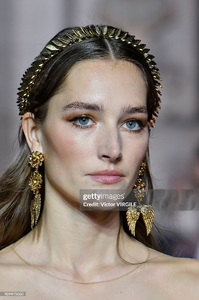
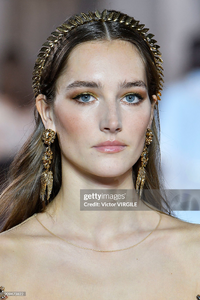
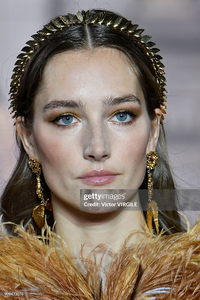
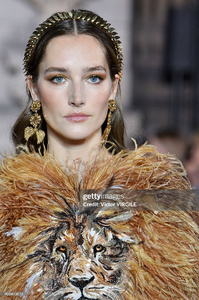
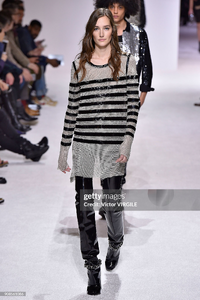
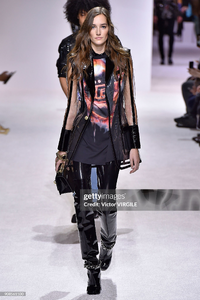
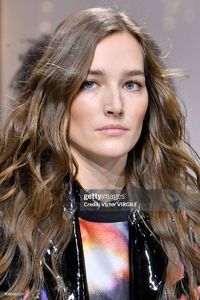
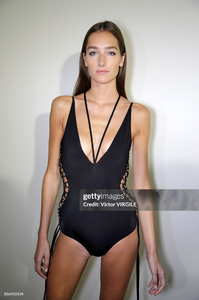
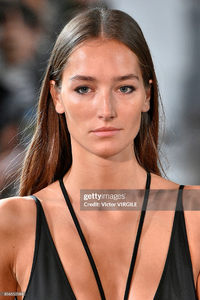
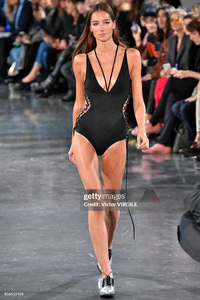
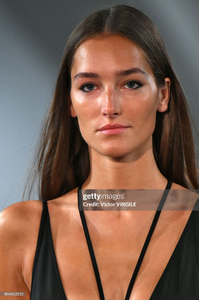

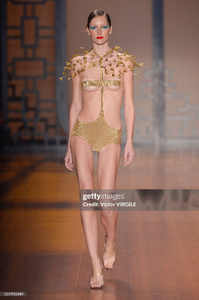
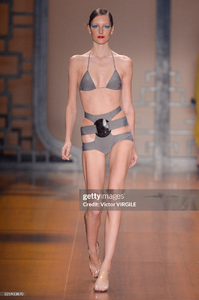


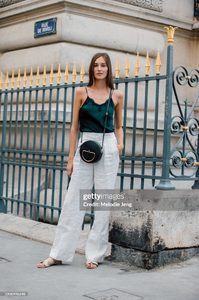
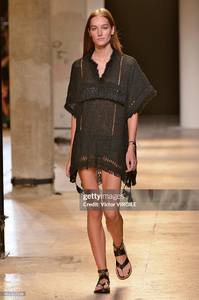
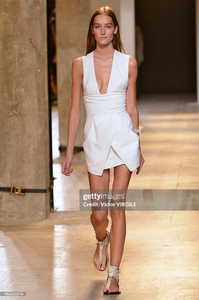
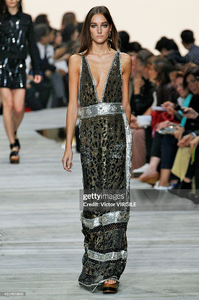
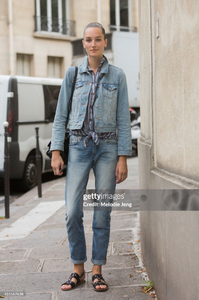
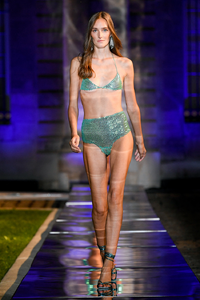
















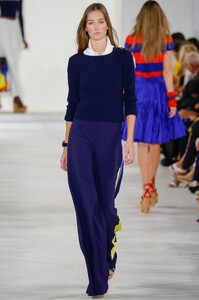
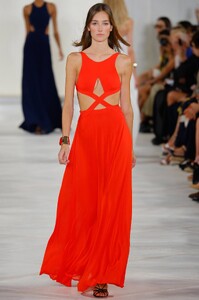

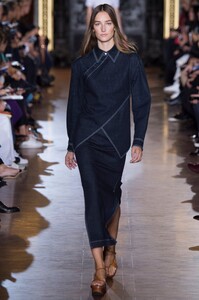












 Thanks, does someone know who the girl is next to Elsa Hosk?
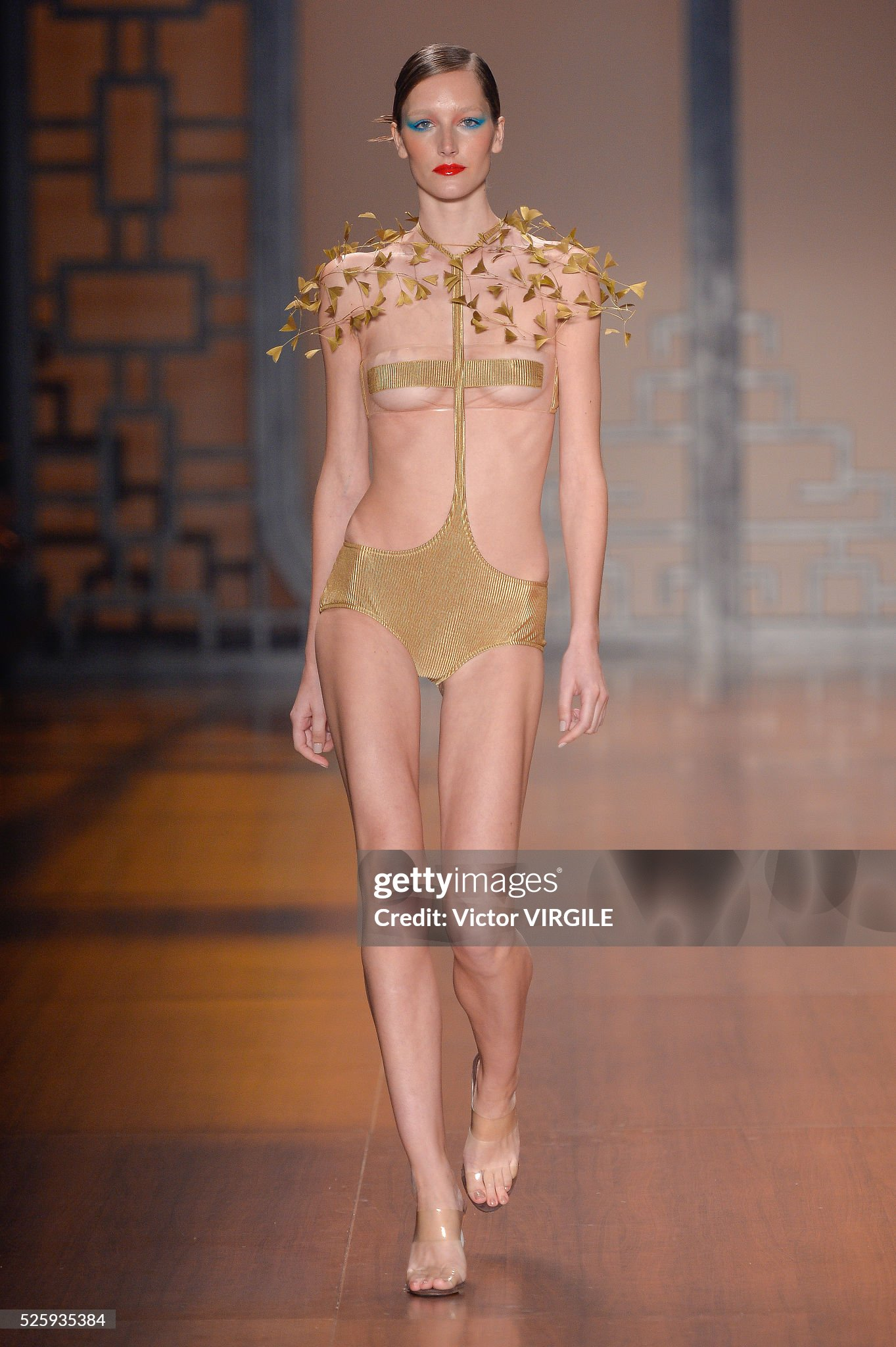
Love this look so much she's incredible such a pretty face!
Who is she with?
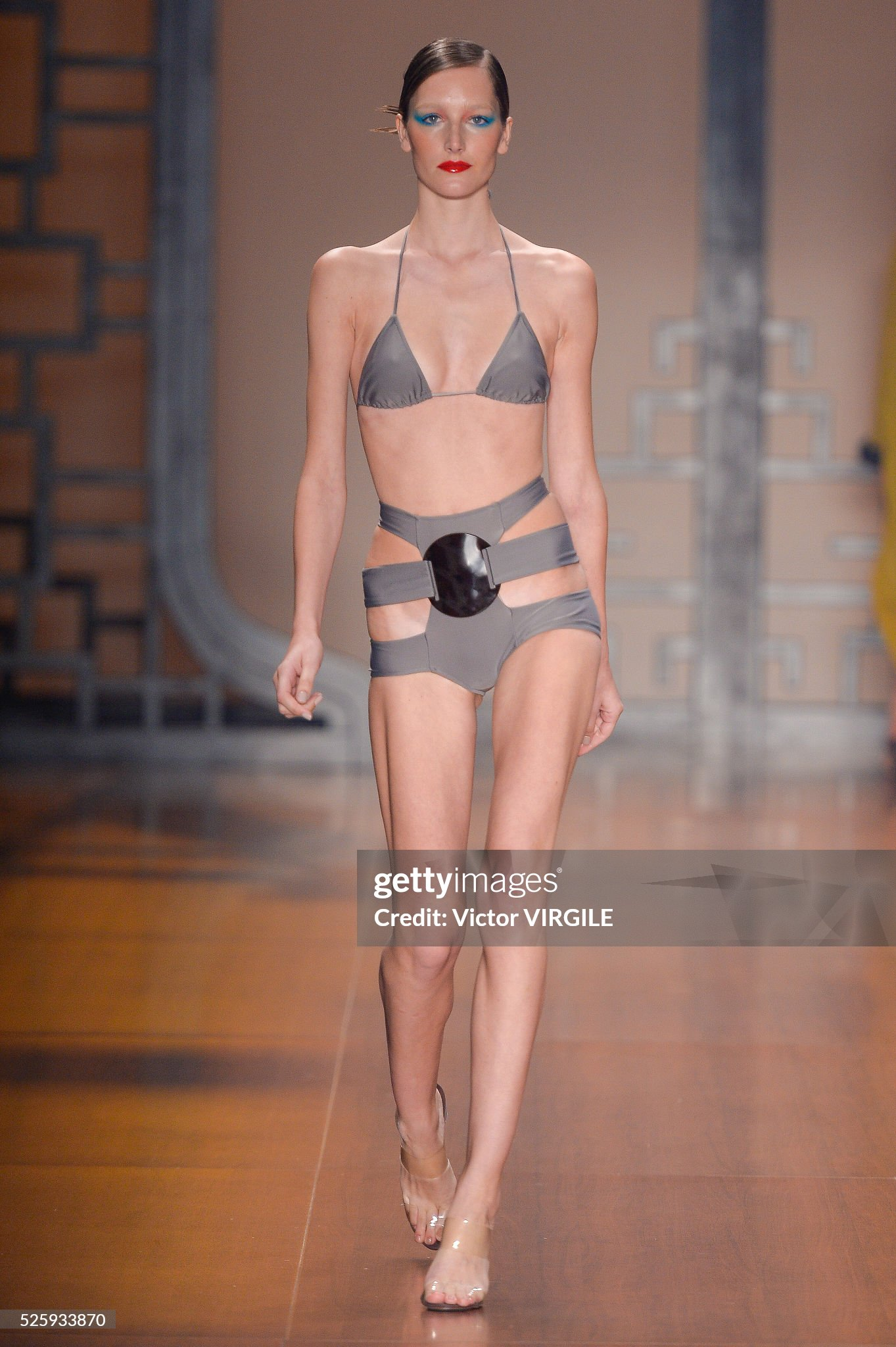
Very nice style genuinely impressed!
Thanks a lot you are a connoisseur! Any additional recommendations along my signature below?
Hot but i see some cellulite on her thigh.
How cute!
Thanks, does someone know who the girl is next to Elsa Hosk?
Love this look so much she's incredible such a pretty face!
Who is she with?
Very nice style genuinely impressed!
Thanks a lot you are a connoisseur! Any additional recommendations along my signature below?
Hot but i see some cellulite on her thigh.
How cute!
























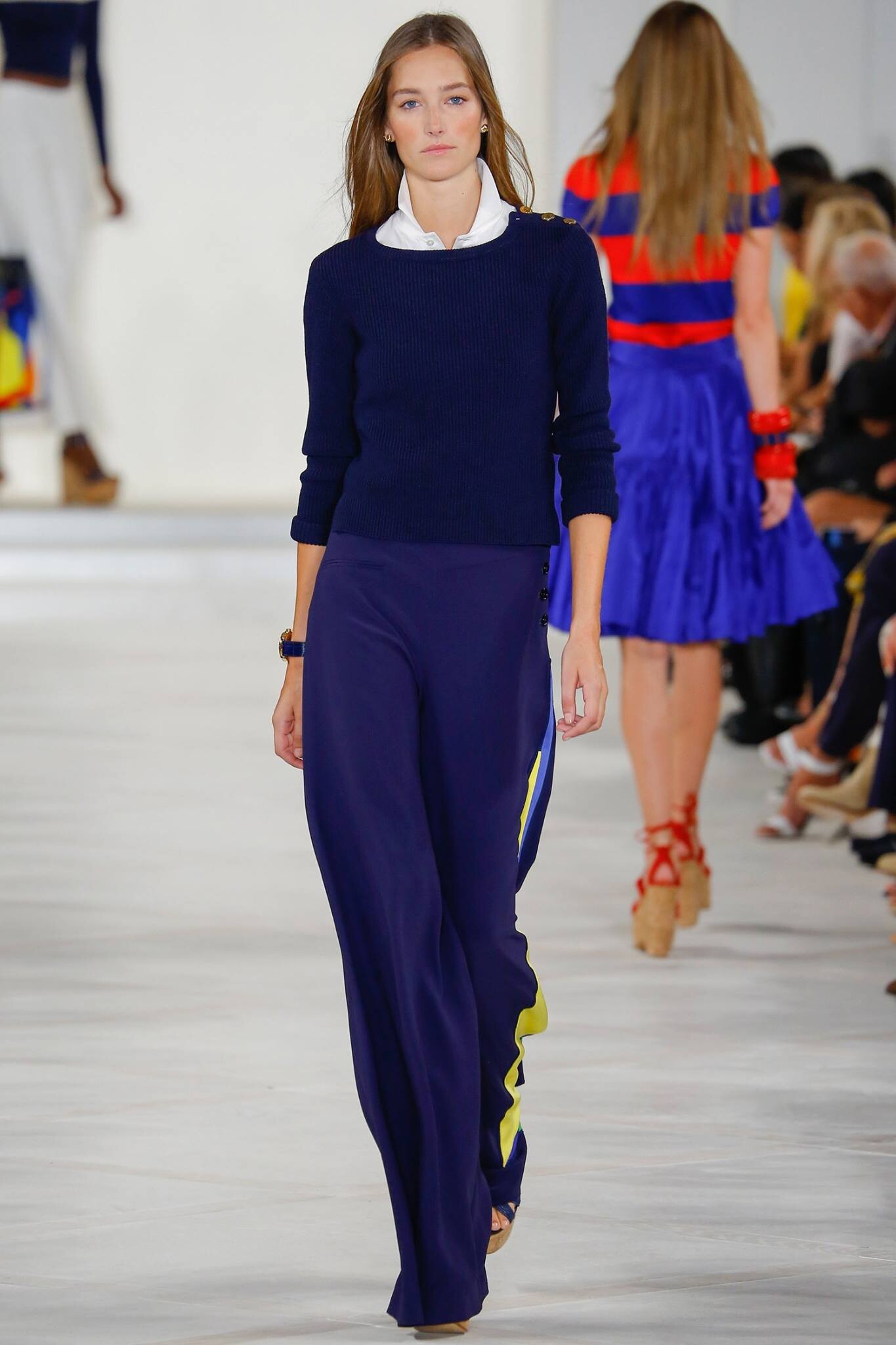
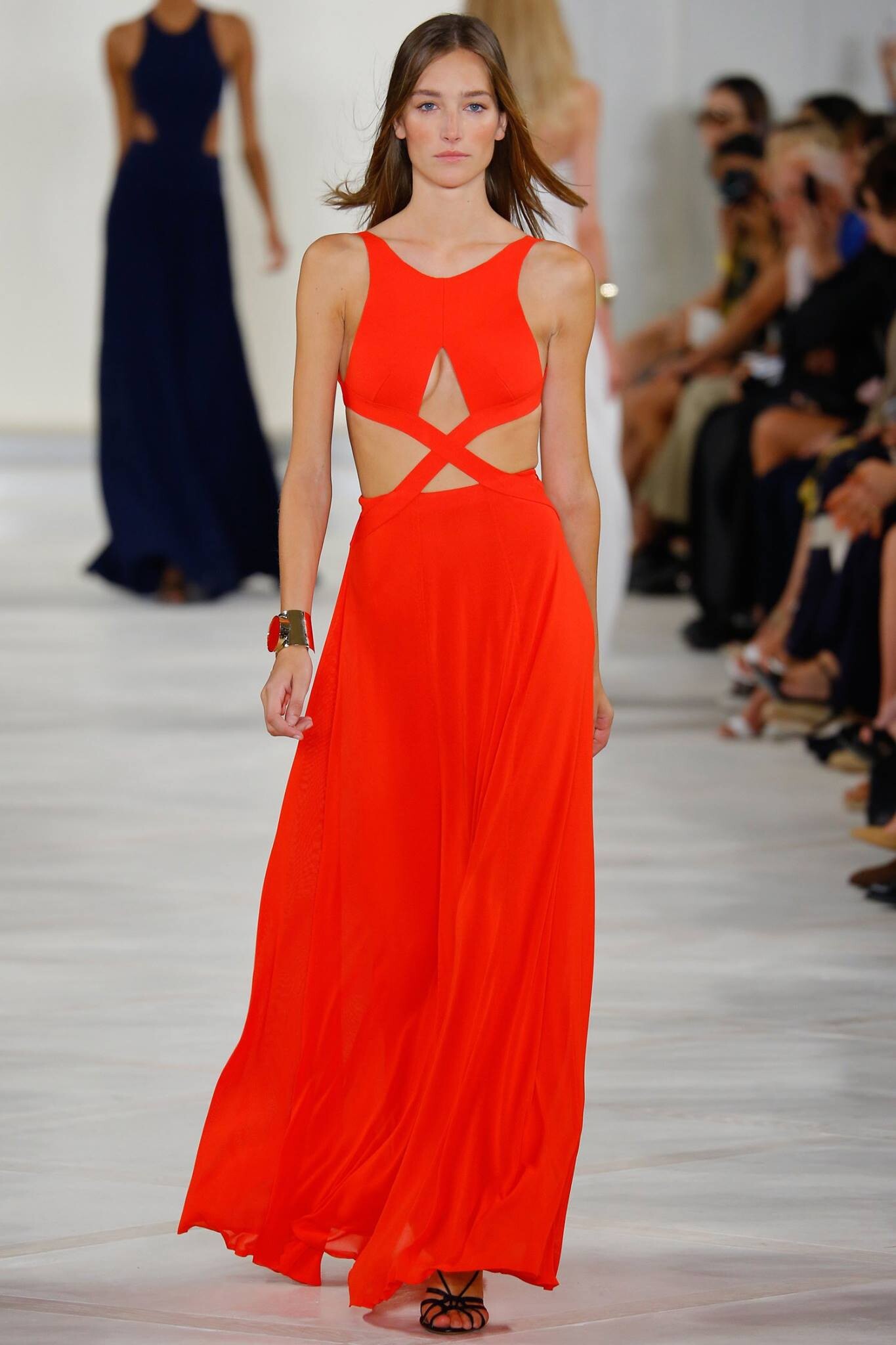

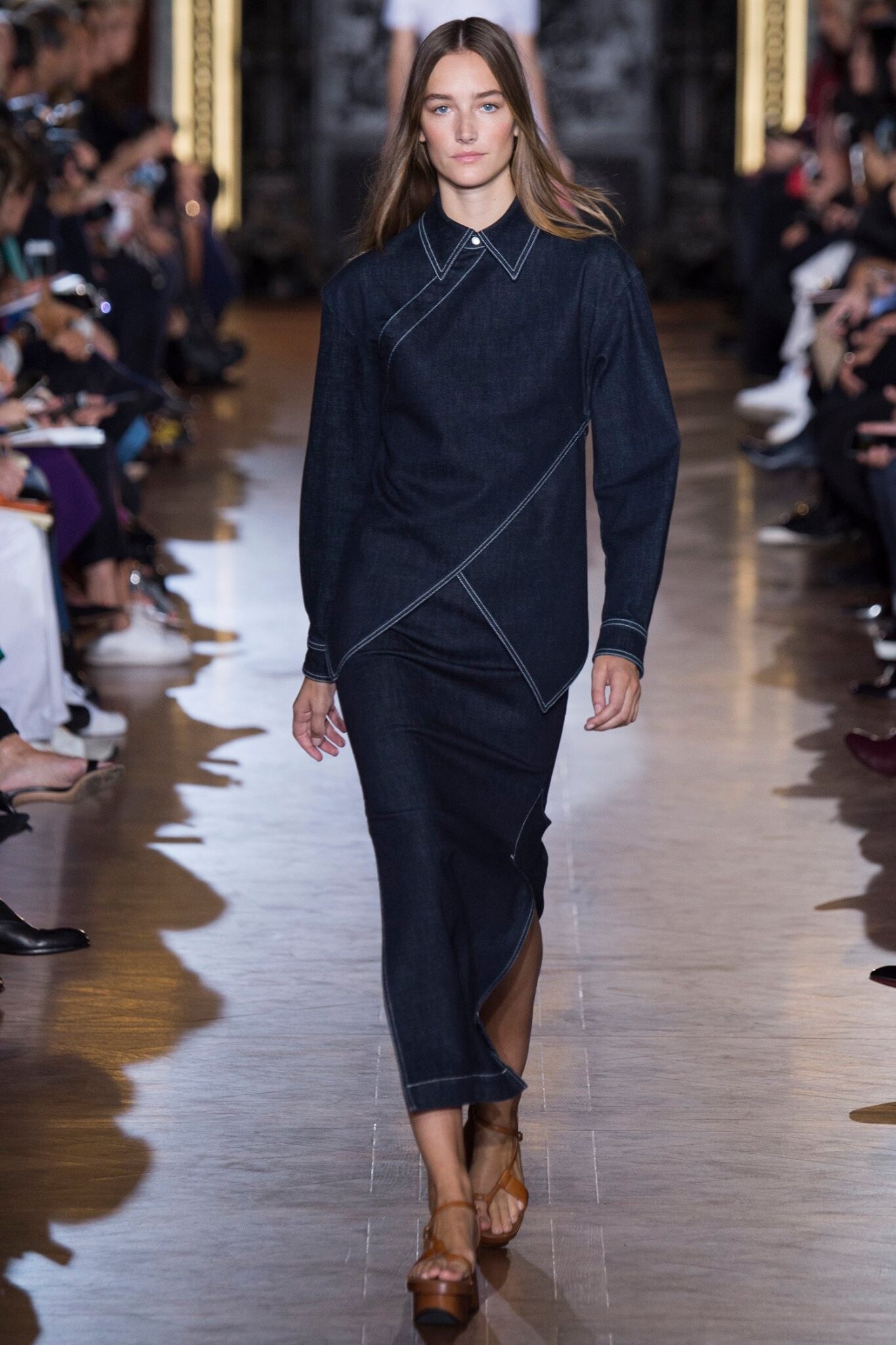

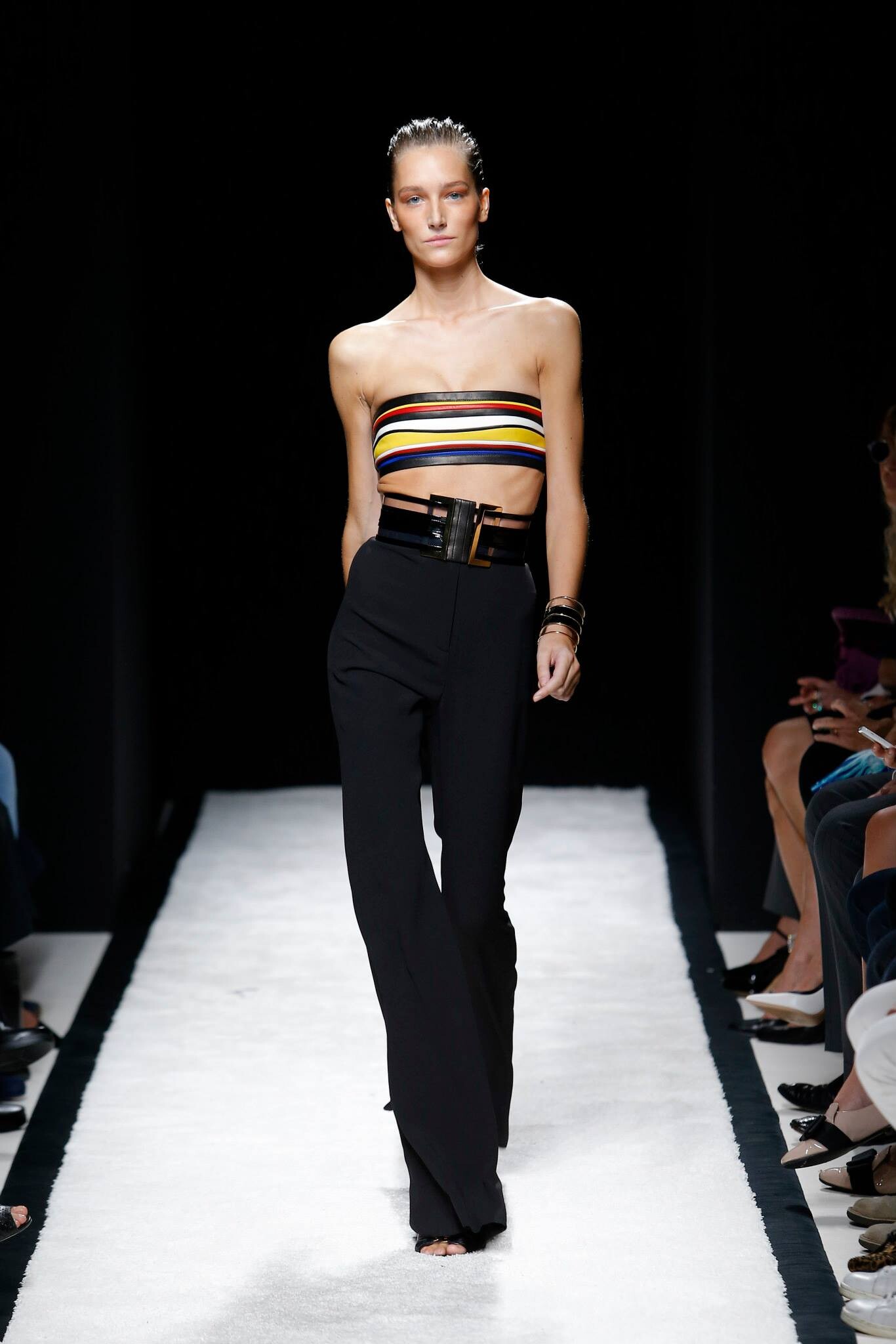



















Account
Navigation
Search
Configure browser push notifications
Chrome (Android)
- Tap the lock icon next to the address bar.
- Tap Permissions → Notifications.
- Adjust your preference.
Chrome (Desktop)
- Click the padlock icon in the address bar.
- Select Site settings.
- Find Notifications and adjust your preference.
Safari (iOS 16.4+)
- Ensure the site is installed via Add to Home Screen.
- Open Settings App → Notifications.
- Find your app name and adjust your preference.
Safari (macOS)
- Go to Safari → Preferences.
- Click the Websites tab.
- Select Notifications in the sidebar.
- Find this website and adjust your preference.
Edge (Android)
- Tap the lock icon next to the address bar.
- Tap Permissions.
- Find Notifications and adjust your preference.
Edge (Desktop)
- Click the padlock icon in the address bar.
- Click Permissions for this site.
- Find Notifications and adjust your preference.
Firefox (Android)
- Go to Settings → Site permissions.
- Tap Notifications.
- Find this site in the list and adjust your preference.
Firefox (Desktop)
- Open Firefox Settings.
- Search for Notifications.
- Find this site in the list and adjust your preference.