
ThorGod
Members
-
Joined
-
Last visited
Everything posted by ThorGod
-
 Hi everyone! I'm organizing a Top 100 list of the sexiest/hottest women of 2025, inspired by similar magazines. You can pick your personal TOP 20 women of 2025 following just a few rules. Here's how you can take part: 🗳️ How to Vote:Pick your Top 20 women of 2025 — ranked from #1 to #20. Voting is open until January 1, 2026, at 00:00 (Hawaii time). (That’s: LA – 2:00, NYC – 5:00, London – 10:00, Paris – 11:00, Sydney – 21:00) ✅ Who’s Eligible:Any model, actress, singer, athlete, etc. — but they must: Have a thread on Bellazon created before this message was posted. Be alive, popular, active in 2025, and 18 or older. Not be a man or a classic star from decades ago. ⚠️ Voting Rules:Rank 20 different women — no ties, no blank spots. Votes must reflect their 2025 presence, not past careers or personal favorites from years ago. You can update your votes until around December 20, when vote counting begins. You’re welcome to post pictures in the thread to promote your picks. 🏆 Scoring System:Your rankings will be converted to points as follows: #1 = 25 points, #2 = 20, #3 = 18... all the way down to #20 = 1 point. To make the Top 100, a woman will need votes from at 3 different users (exact number TBD based on total voters). This prevents someone from ranking high with a single vote. 📝 Voting TemplateFeel free to copy and paste this list when submitting your votes: 1 - 2 - 3 - 4 - 5 - 6 - 7 - 8 - 9 - 10 - 11 - 12 - 13 - 14 - 15 - 16 - 17 - 18 - 19 - 20 - Let’s aim for 40–50 voters or more — you've got around 120 days to send in your list! Let’s make this fun — and may the hottest woman of 2025 win! 🏆
 -
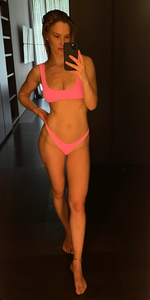
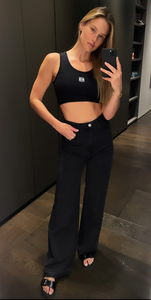
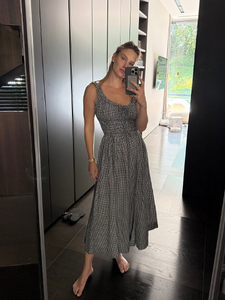
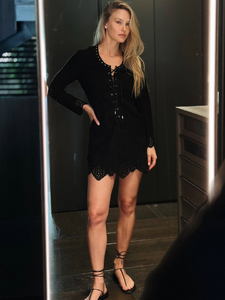
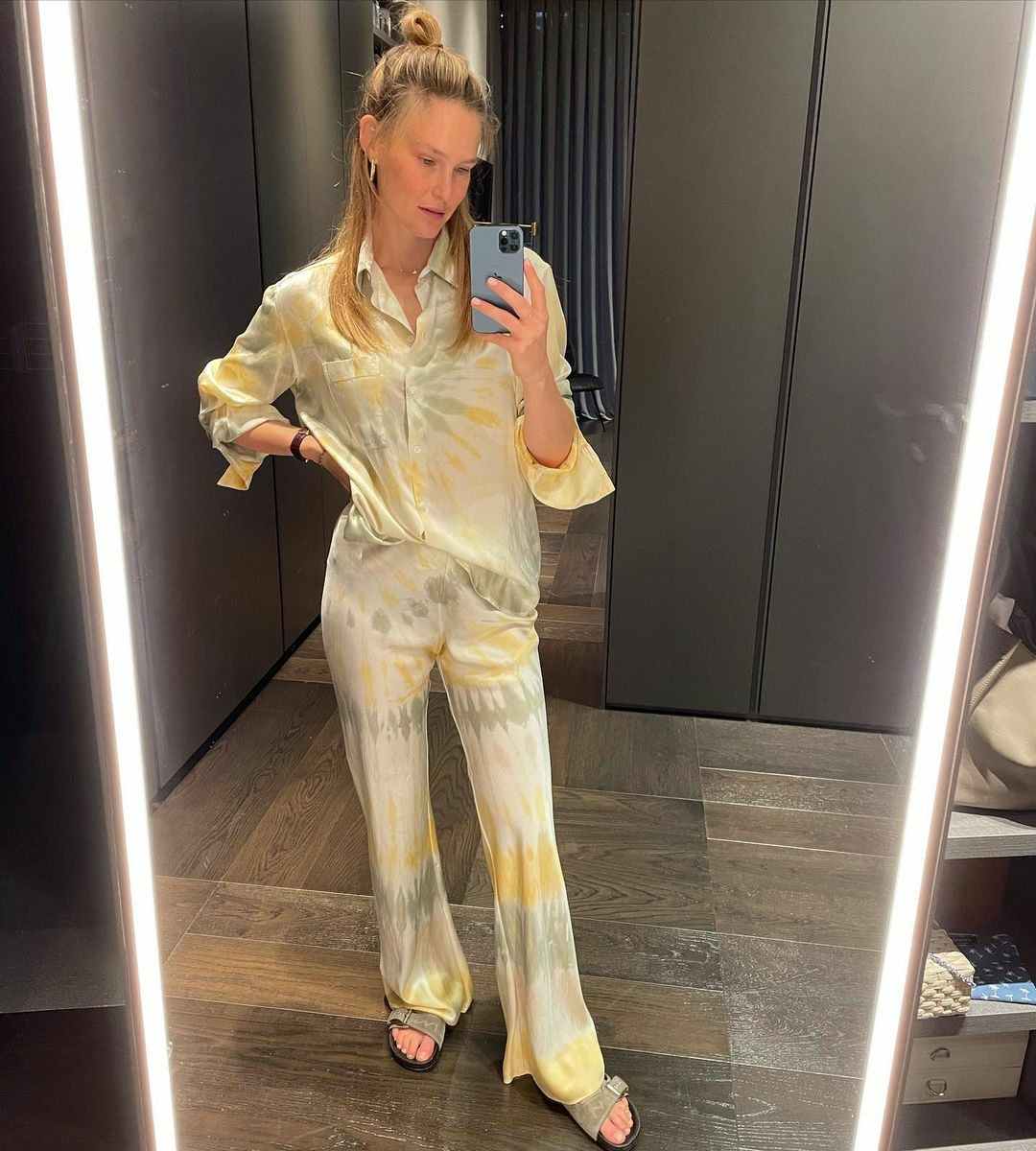
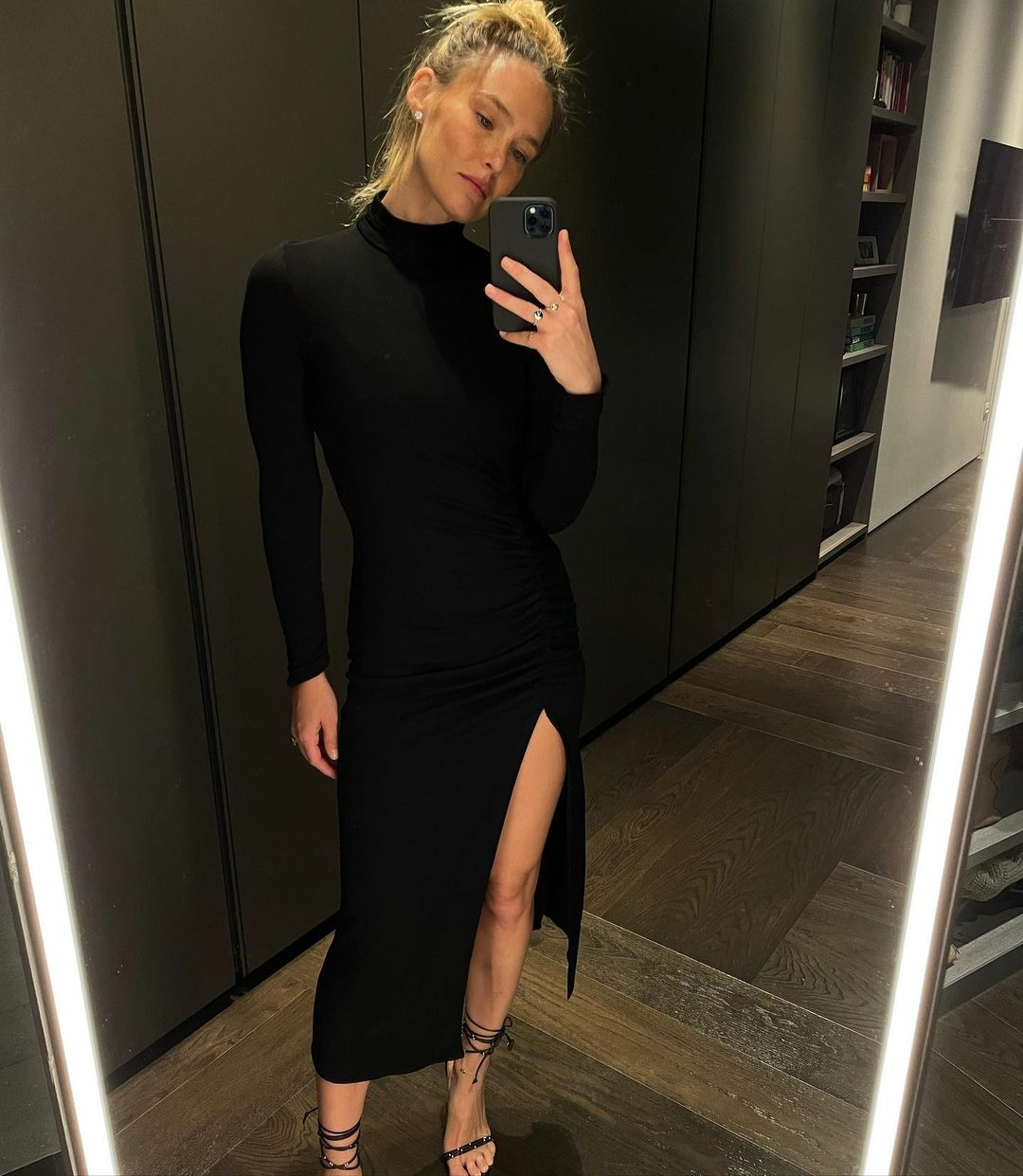
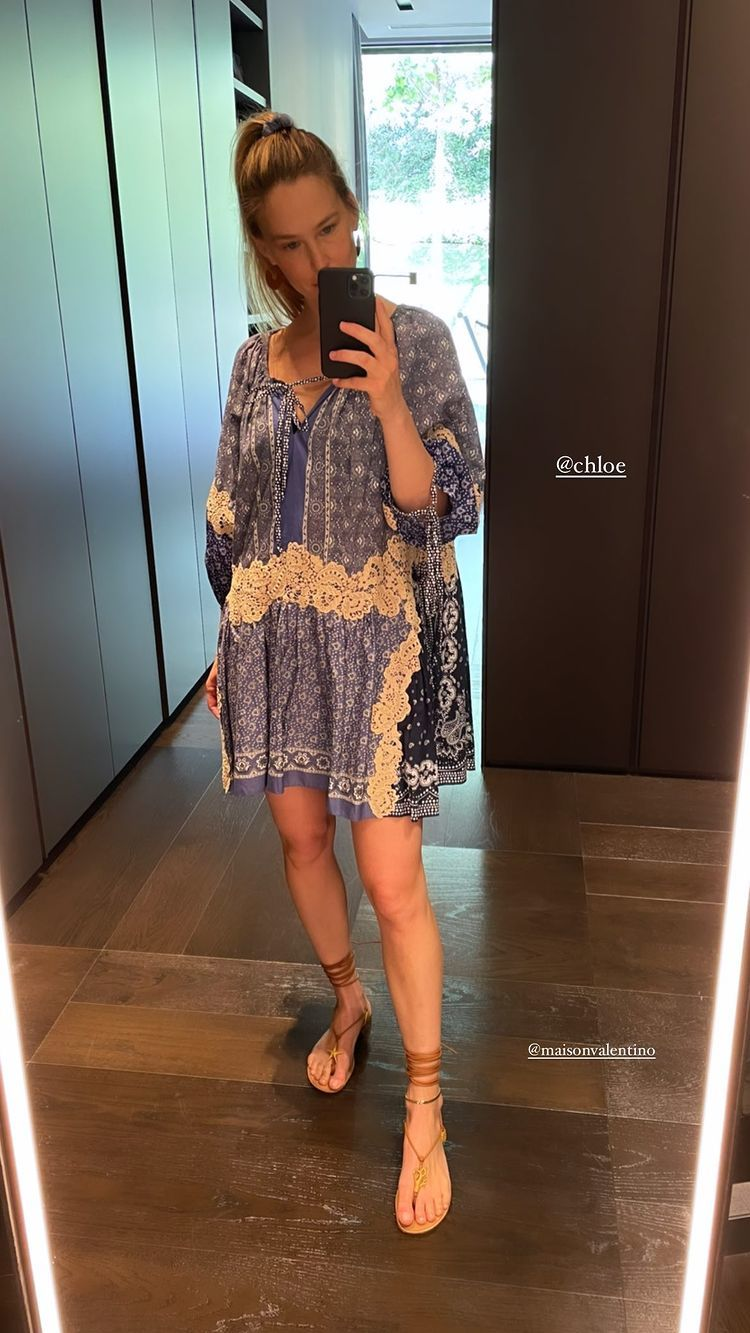
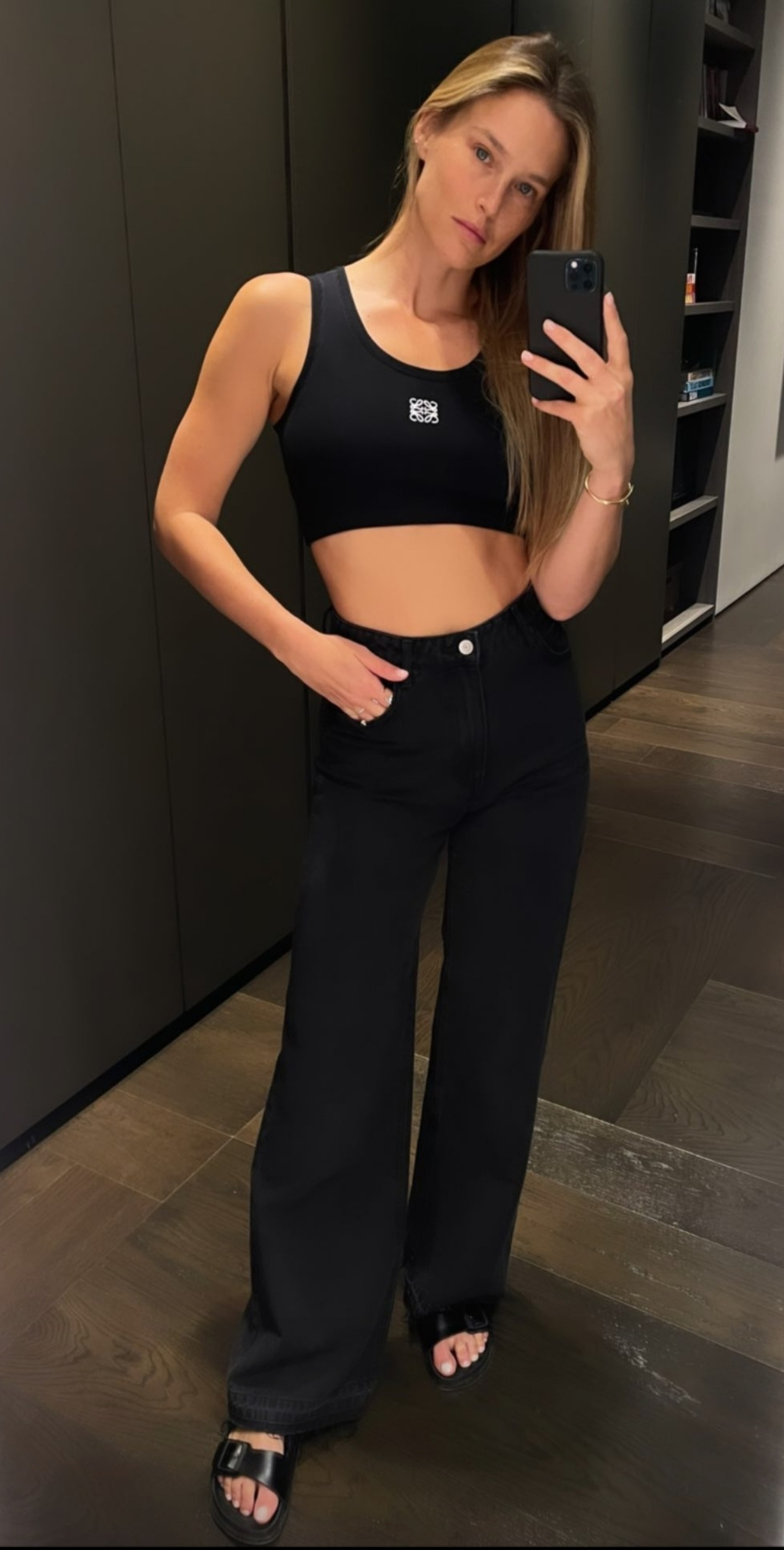
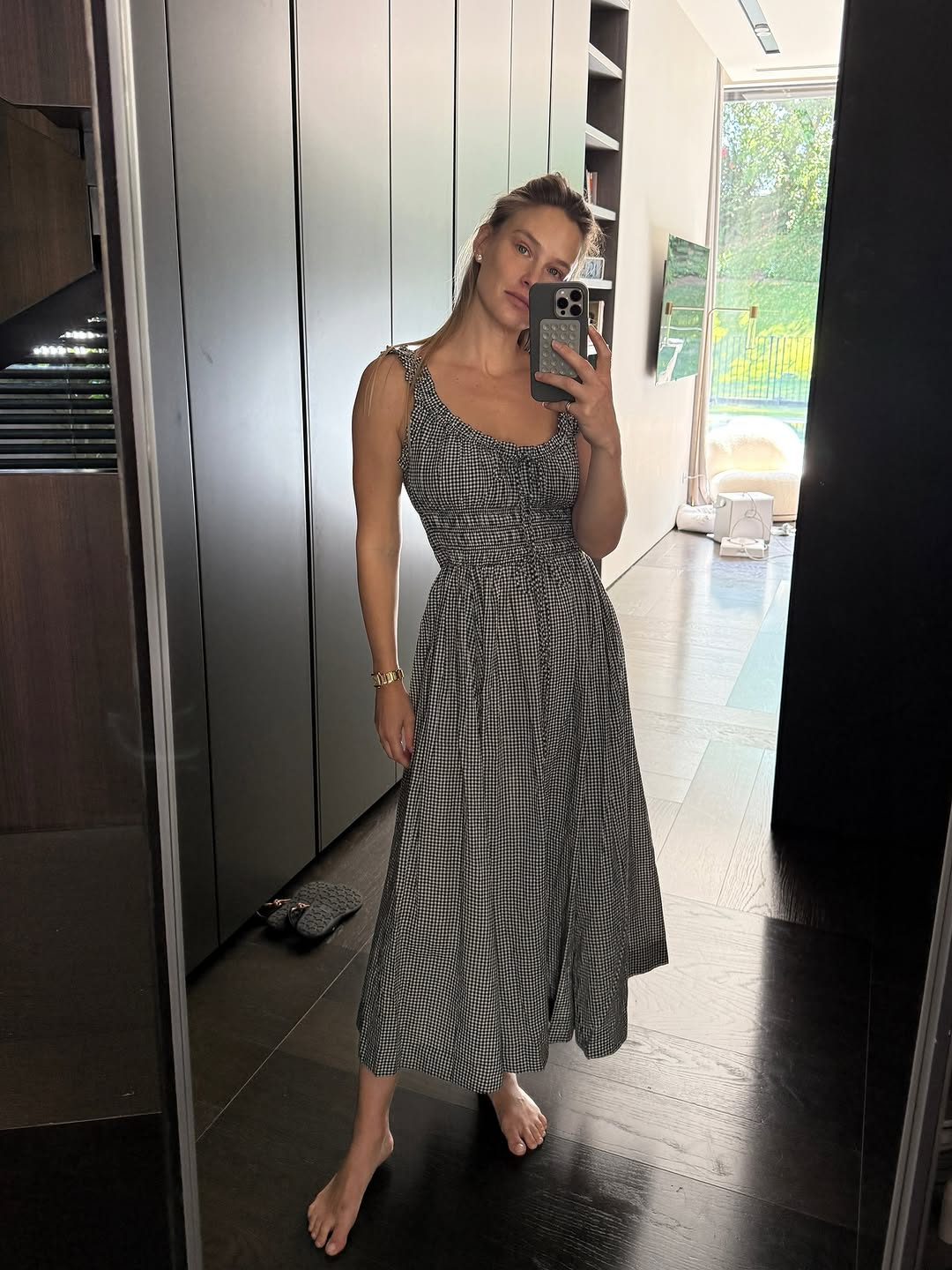
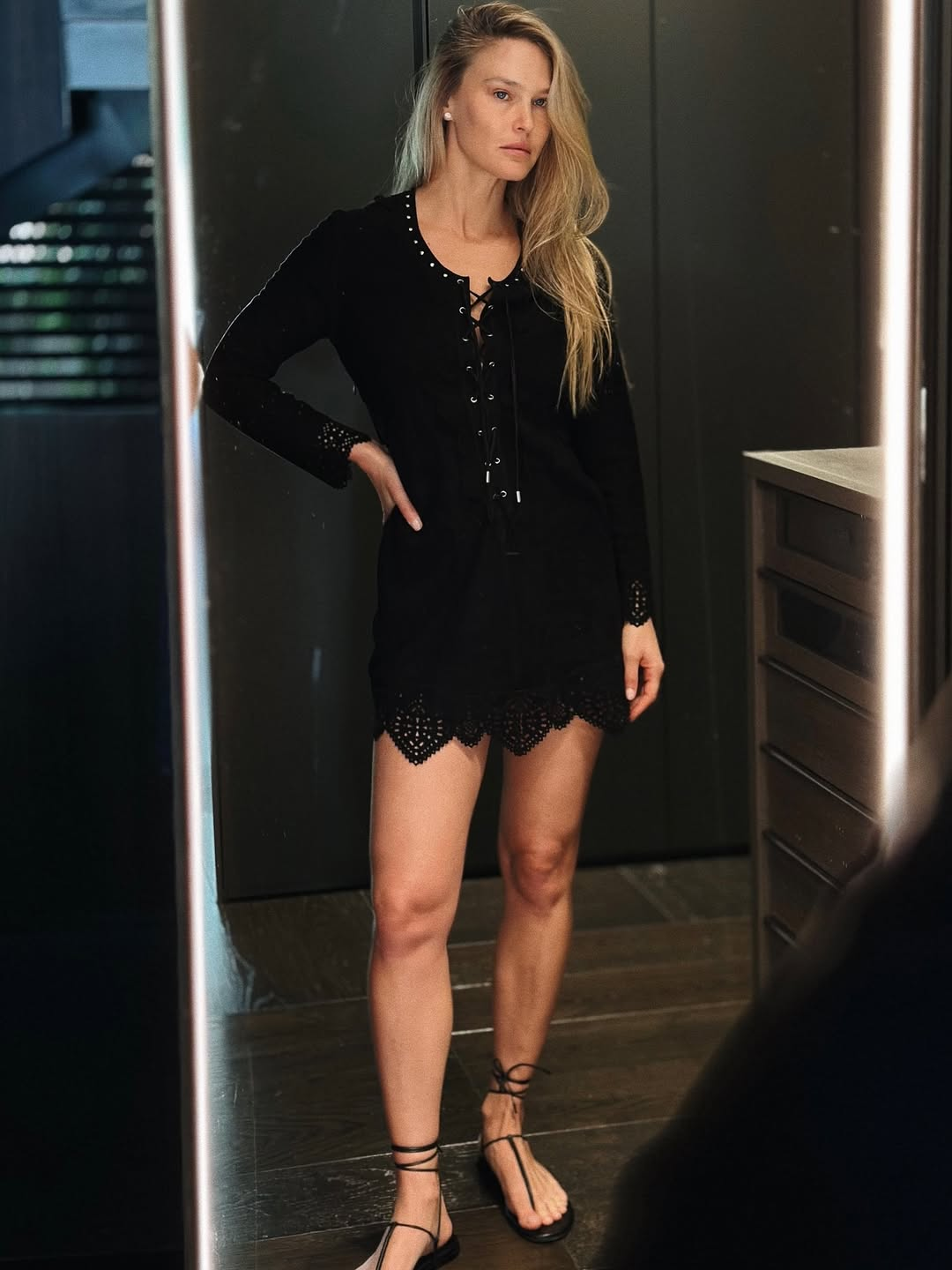
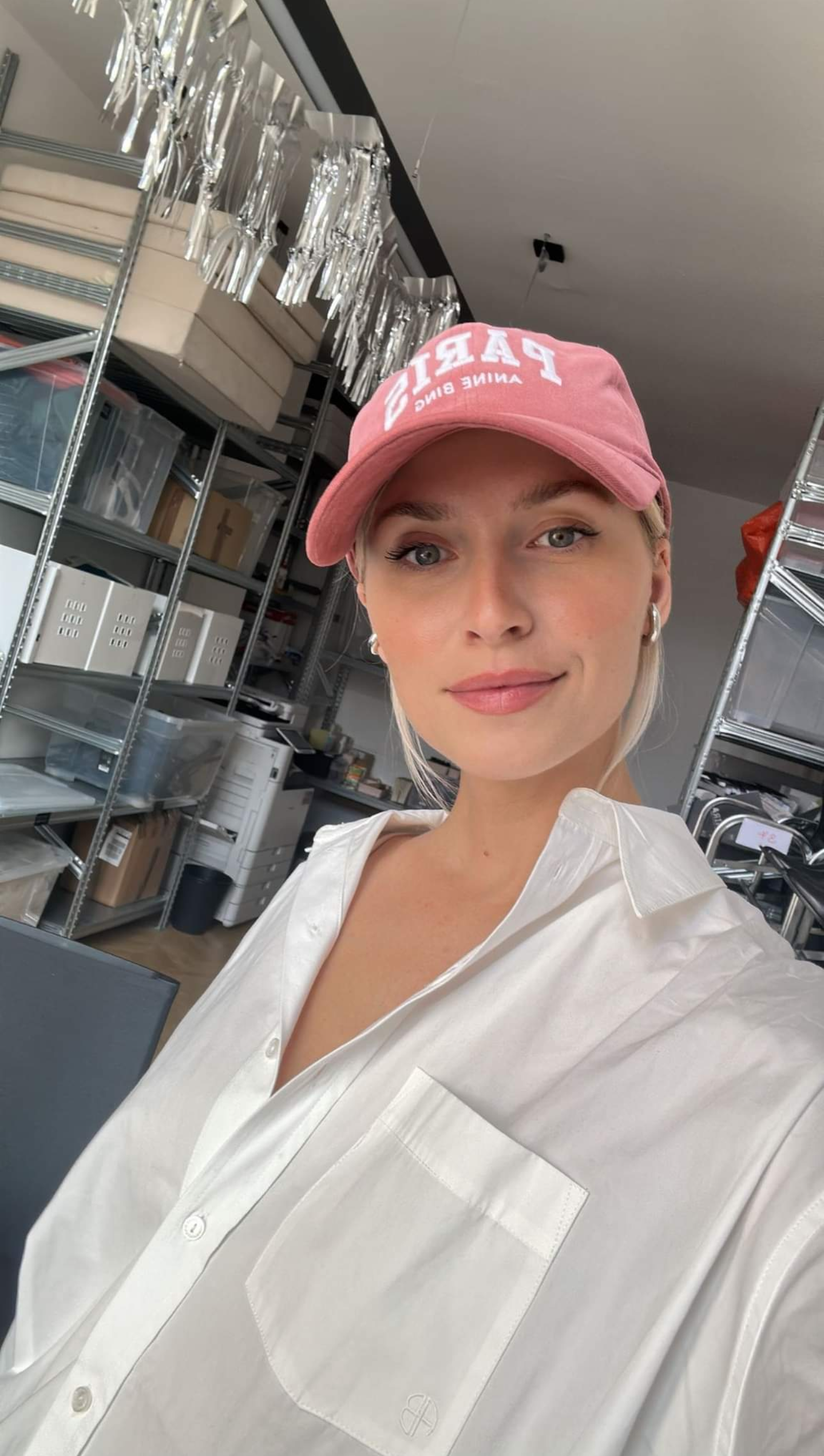
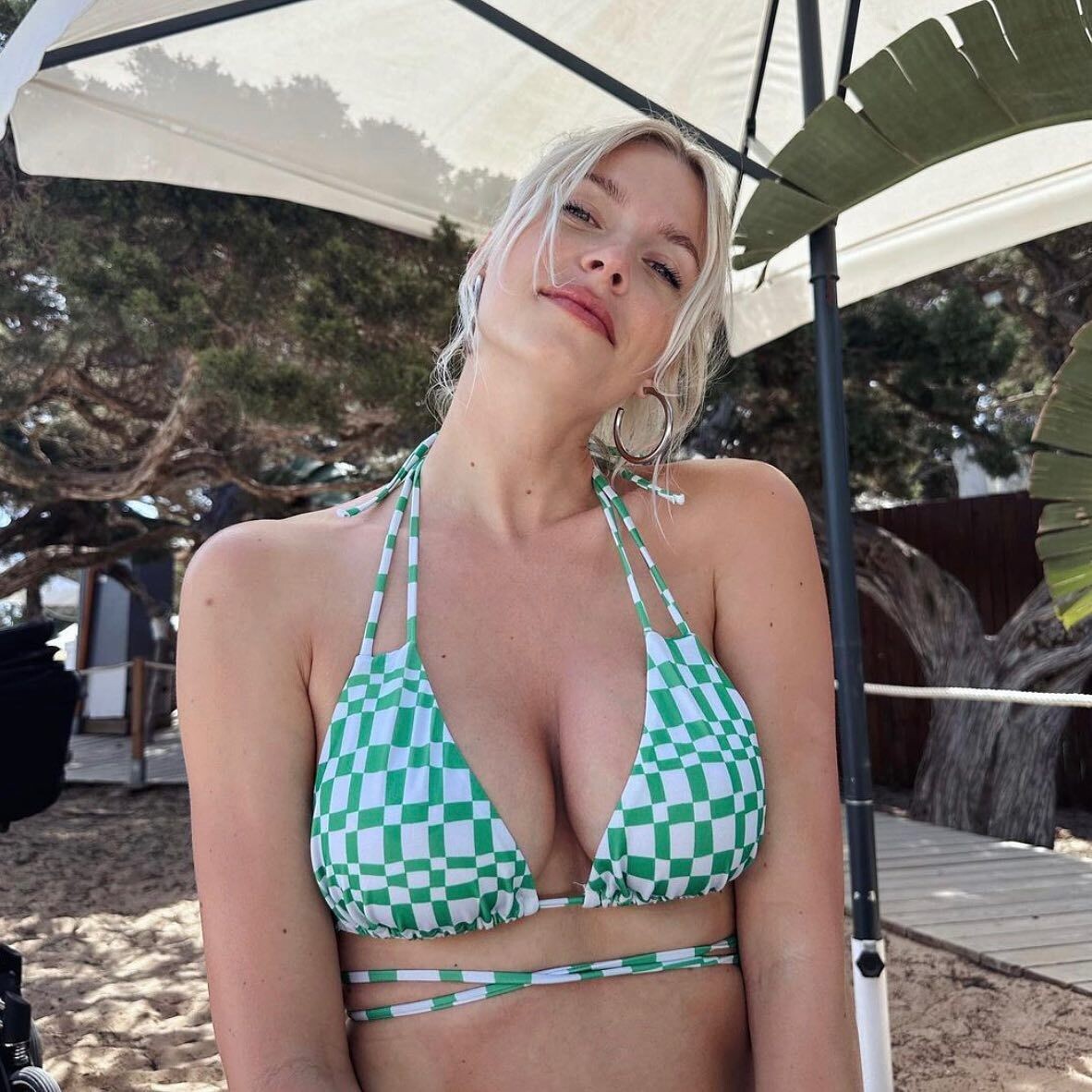
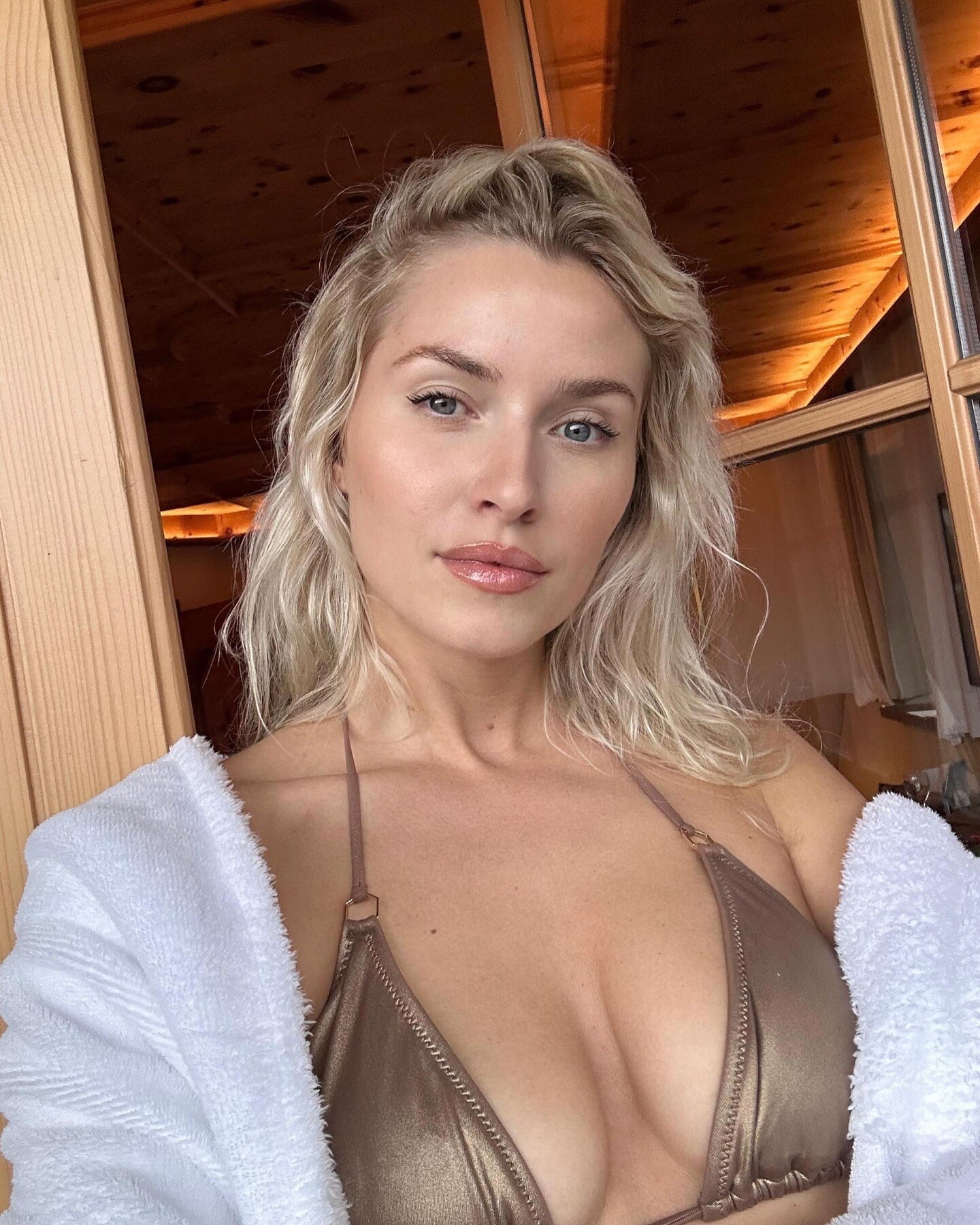
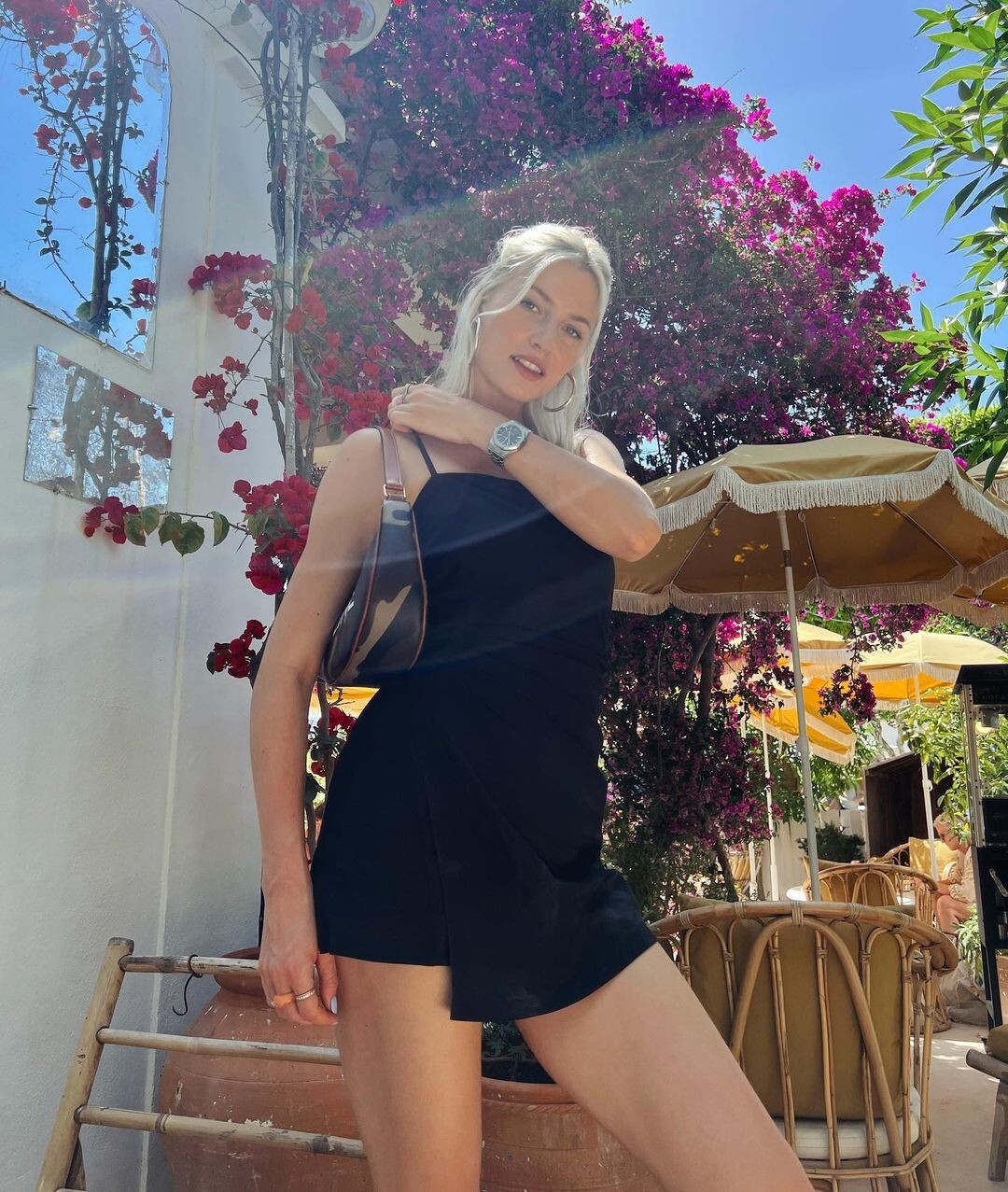
Finally some dressed pictures again... I really miss her selfies she used to take in her dark dressing room... Lately she only takes mirror selfies in the gym... :( The selfies she used to take in her dark dressing room were really fire...🔥In case you're wondering which ones i mean... :
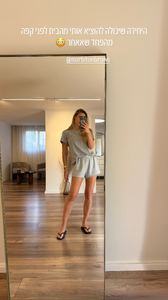
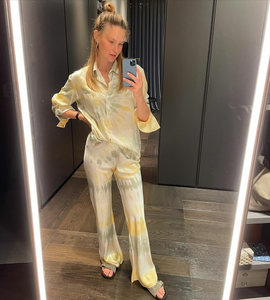
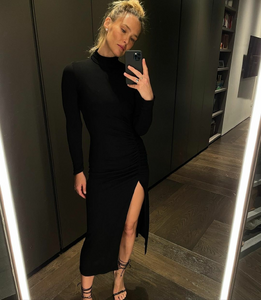
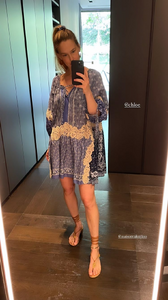
-
To be honest, I’ve never really understood Alessandra Ambrosio’s relationships post-divorce from Jamie Mazur. It often feels like she chooses partners more for public image than genuine connection, especially with her current partner, who seems more like a social media accessory than someone who truly complements her. There’s a sense that these relationships are performative, lacking the depth or authenticity she once had. Her split from Jamie was surprising, particularly since it happened while their kids were still so young. He always seemed like the one who truly fit her, and since then, her romantic choices have felt more like attempts to fill a void than meaningful connections. It’s almost as if she’s trying to mask a deeper sadness with relationships that don’t align with who she really is.
-
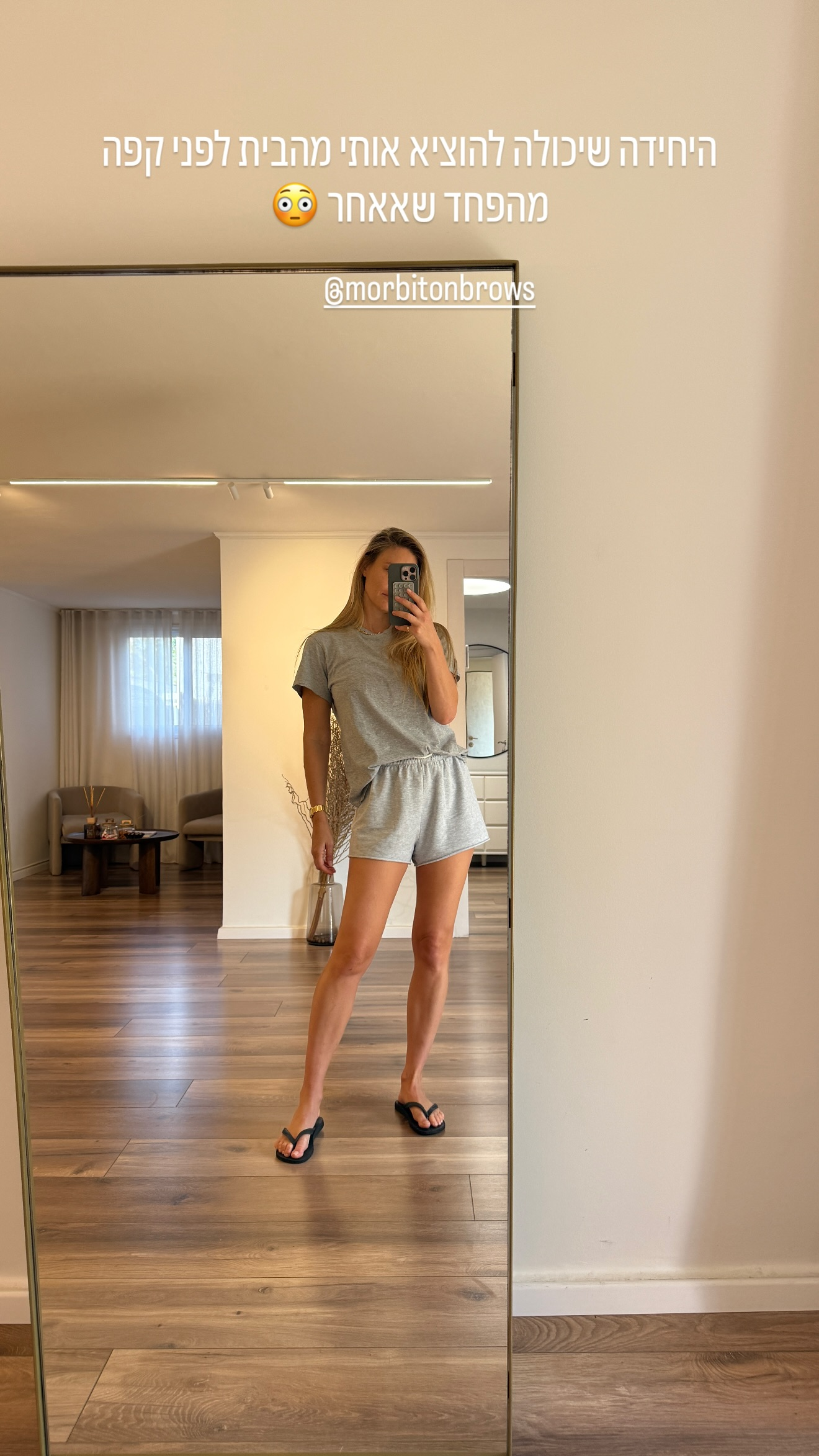
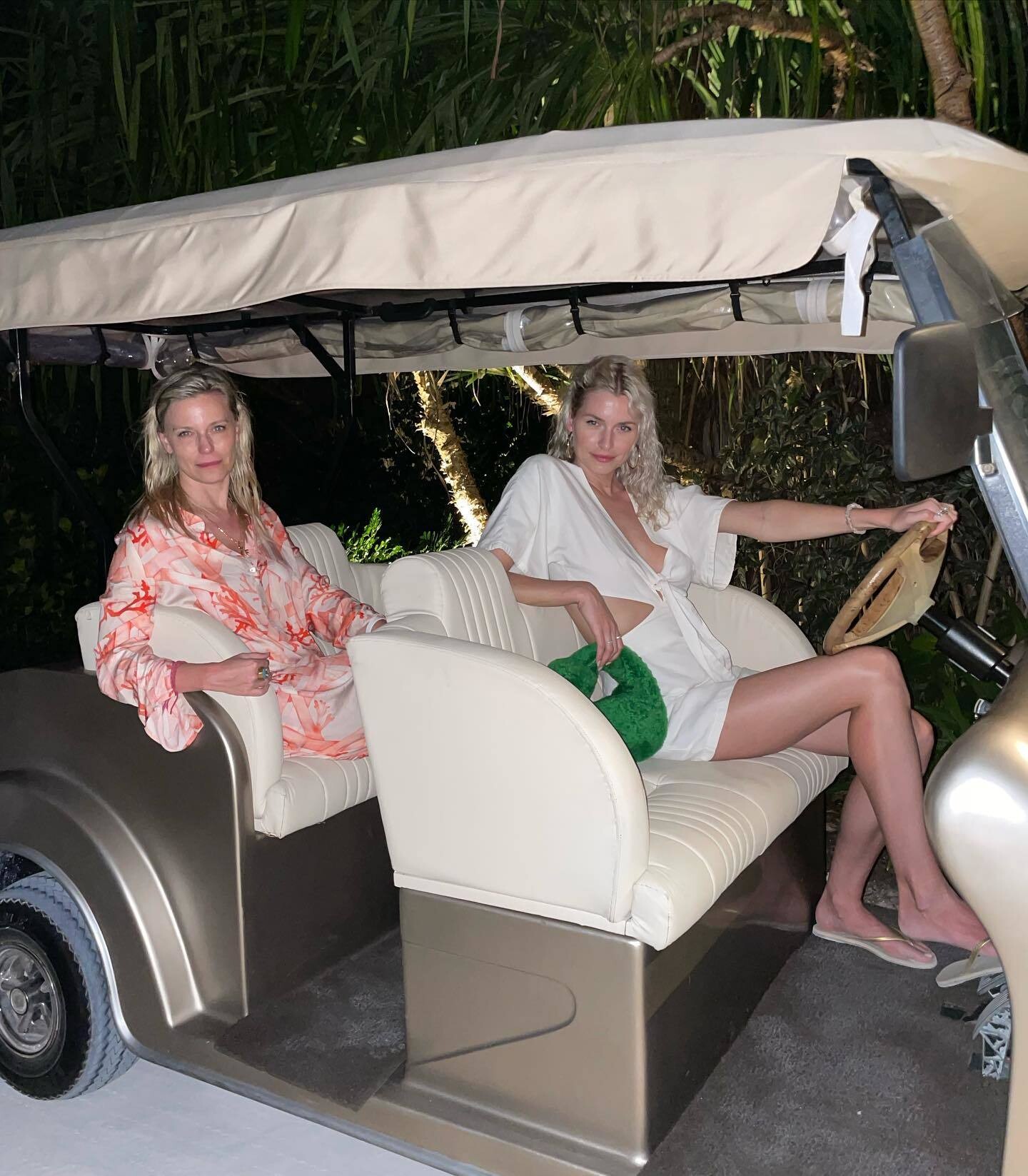
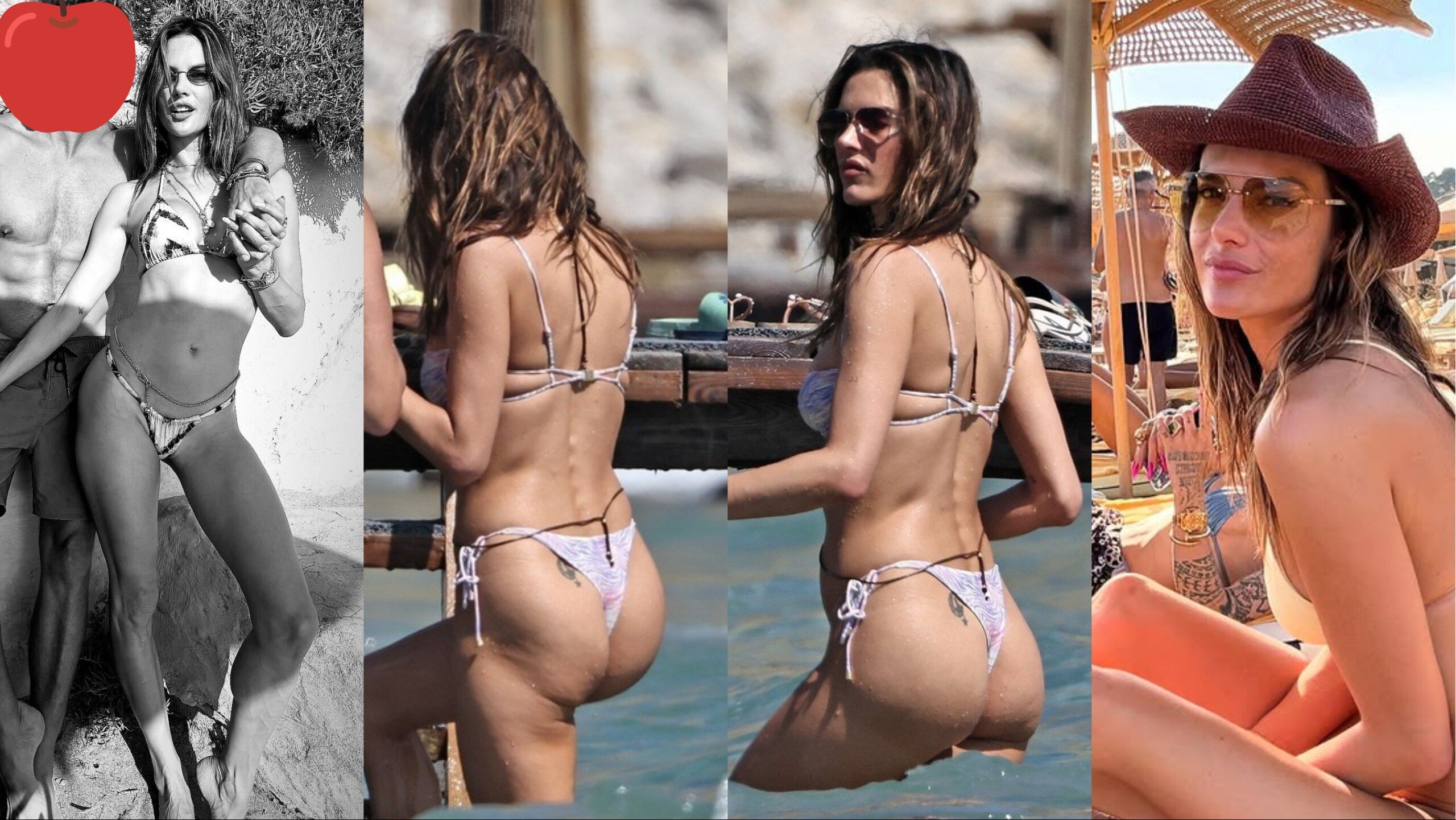
Still so hot, love it how she walks in her flip flops... ❤️
-
-
Domenica
-
-
She's really good at grabbing attention i'll tell you that
Amazing beauty just like a goddess unreal
Thank you 💘
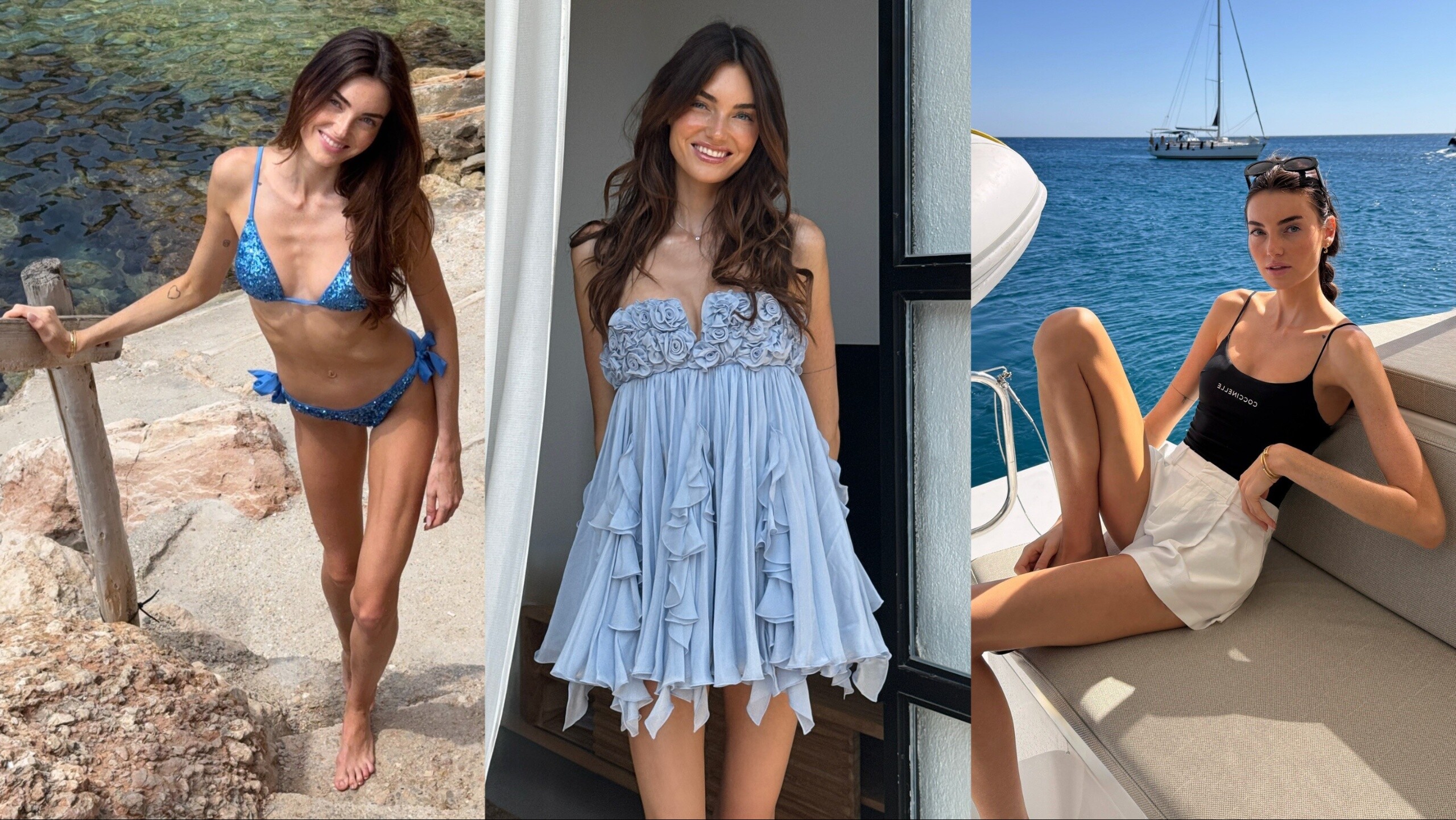
Sofia is really really hot 🔥
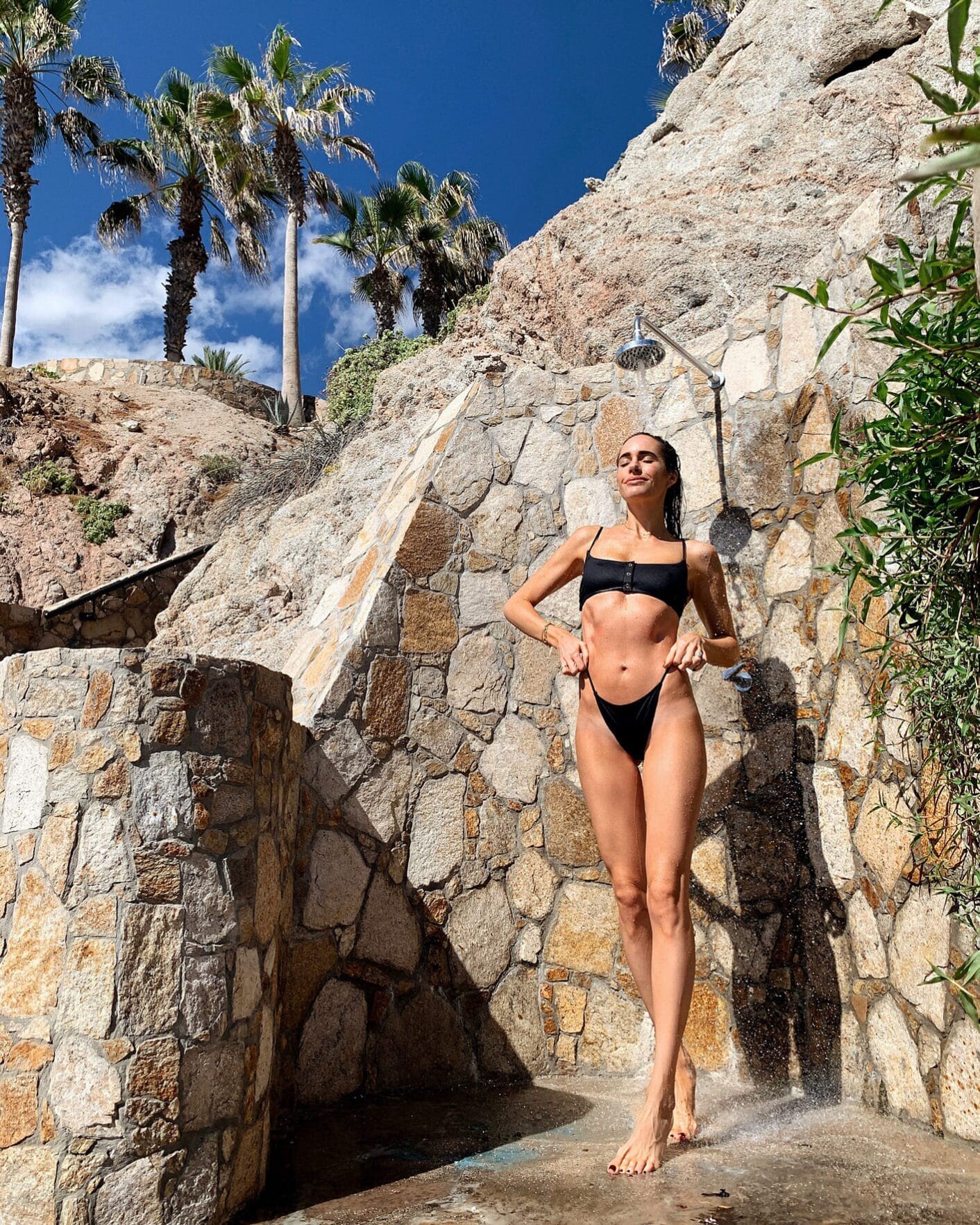
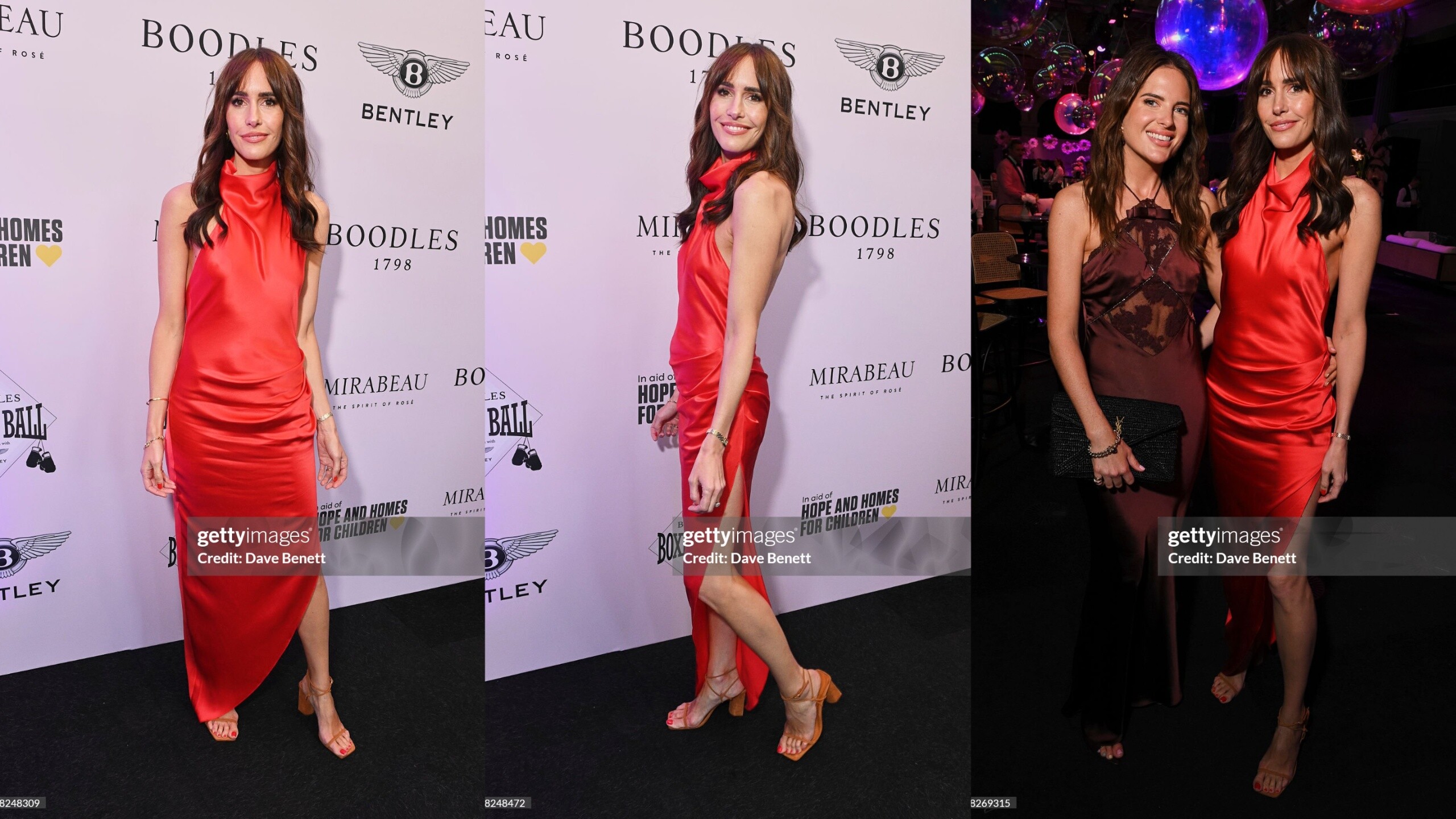
 You guys aren't ready for that Louise body...
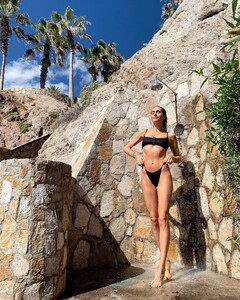 I love her a lot to be honest with so much make up on and so tanned! Almost crazy to say a pale girl can look so amazingly hot when spray tanned...
.thumb.jpg.f7c267ad86910d0a534c904c8f2cb5f8.jpg)
.thumb.jpg.c5dd4d6698d871605f2dfd80d1386962.jpg)
.thumb.jpg.dfc9026dd673c9067a2e0806b4c307c7.jpg)
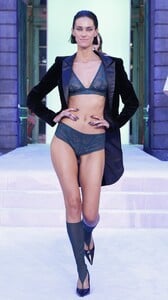
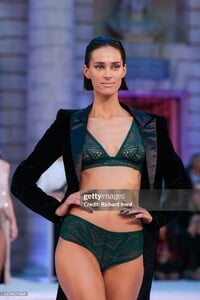
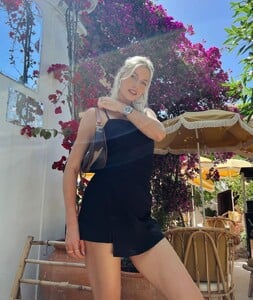
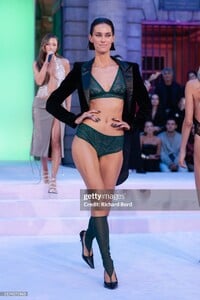 Can anyone ID these queens? 1 2 3 4 5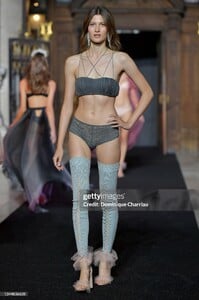
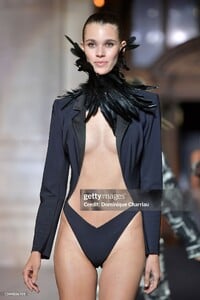
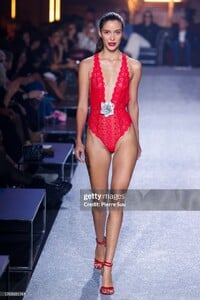
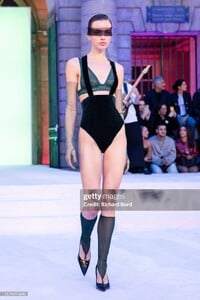
 Nice boobs, pretty face, hot mom!


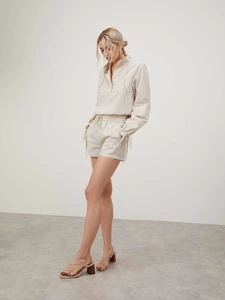
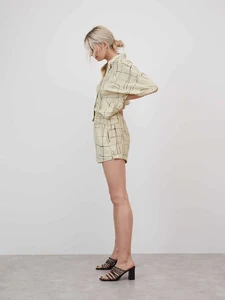
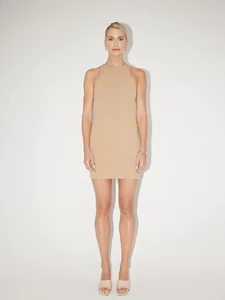
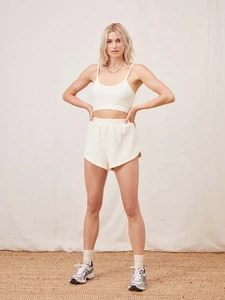
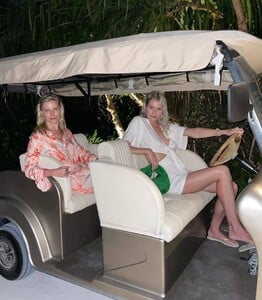
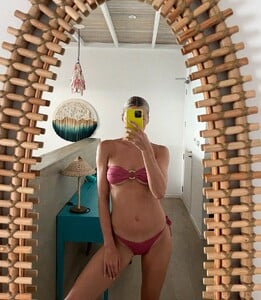

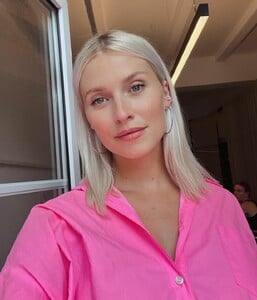
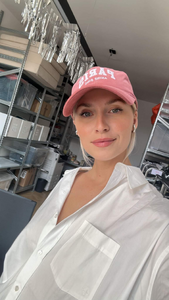


 There was a video somewhere if i recall correctly but i'm unable to find it...
If you ever find one let me know.
There was a video somewhere if i recall correctly but i'm unable to find it...
If you ever find one let me know. Lol she's always welcome to come here with her flippers
Any pictures of her showing off her booty?
Lol she's always welcome to come here with her flippers
Any pictures of her showing off her booty?


.jpg.c6ace477ddc3b0ce11fea027ac08fcc3.jpg)
.jpg.5bde8f44a01bfe7ae9d032917dc454f7.jpg)
.jpg.56e20871adfec4394cb542f1b2c5201e.jpg)
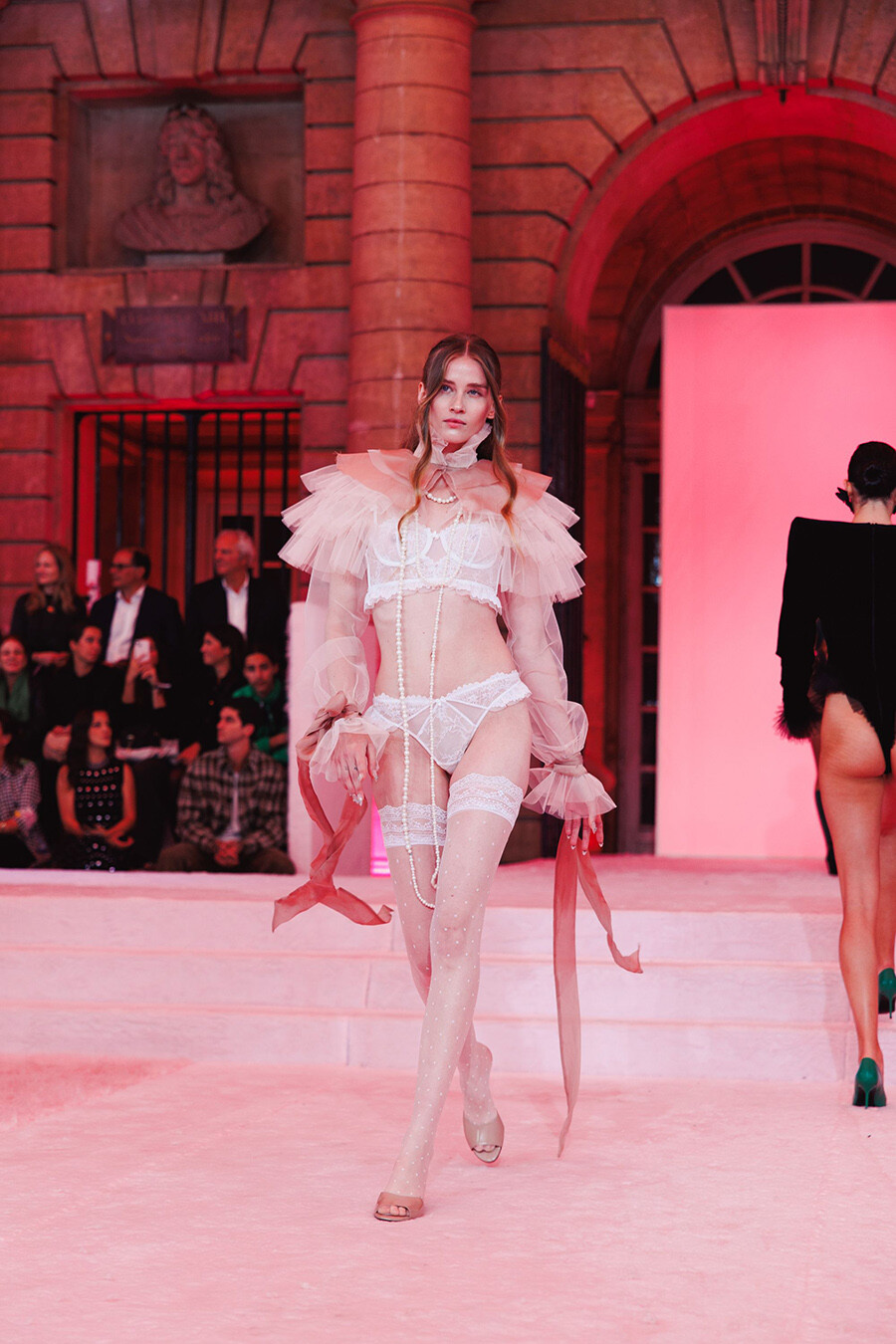
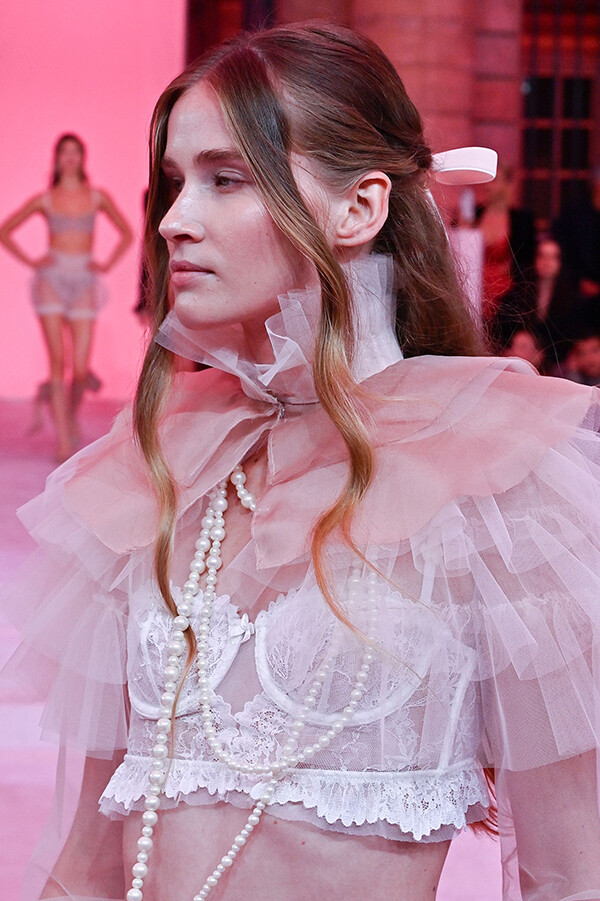
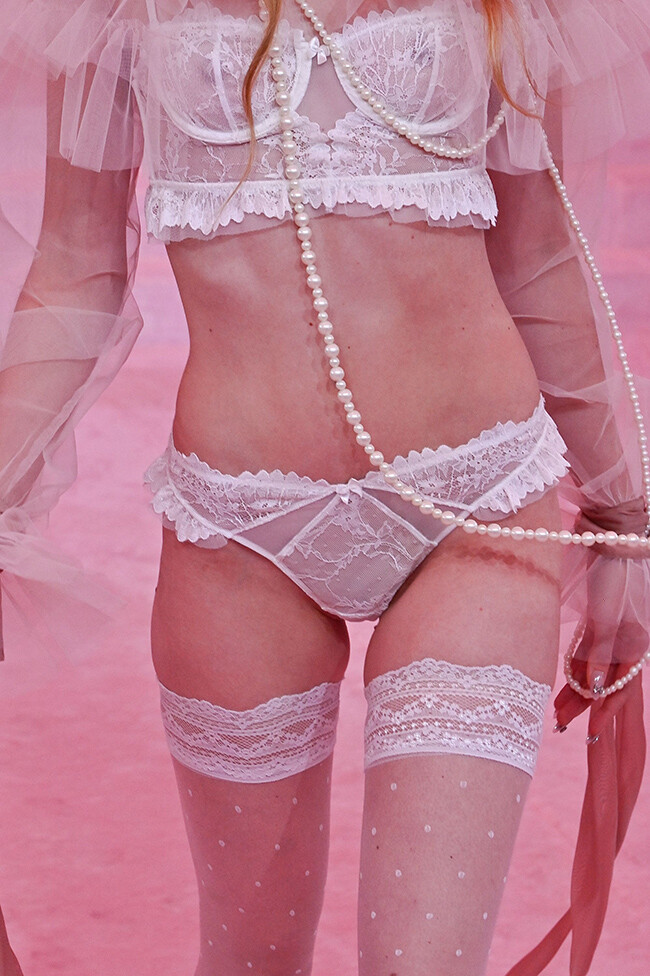
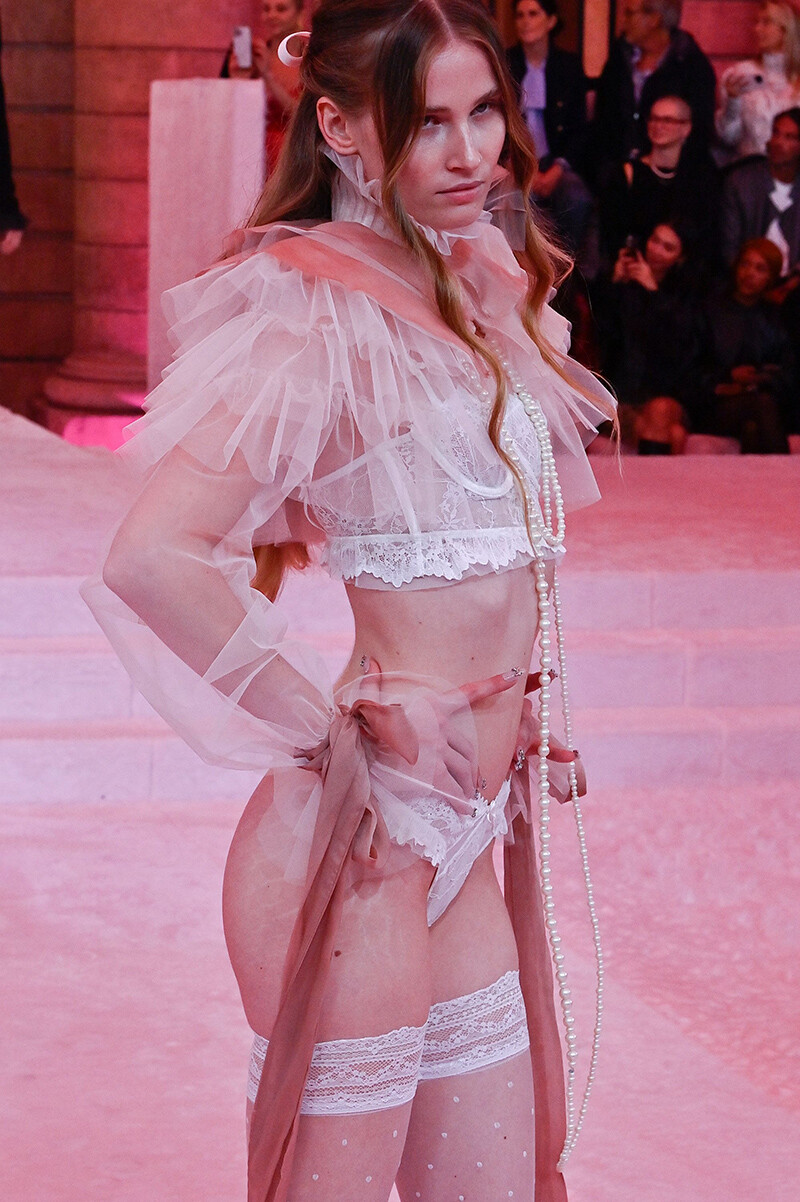
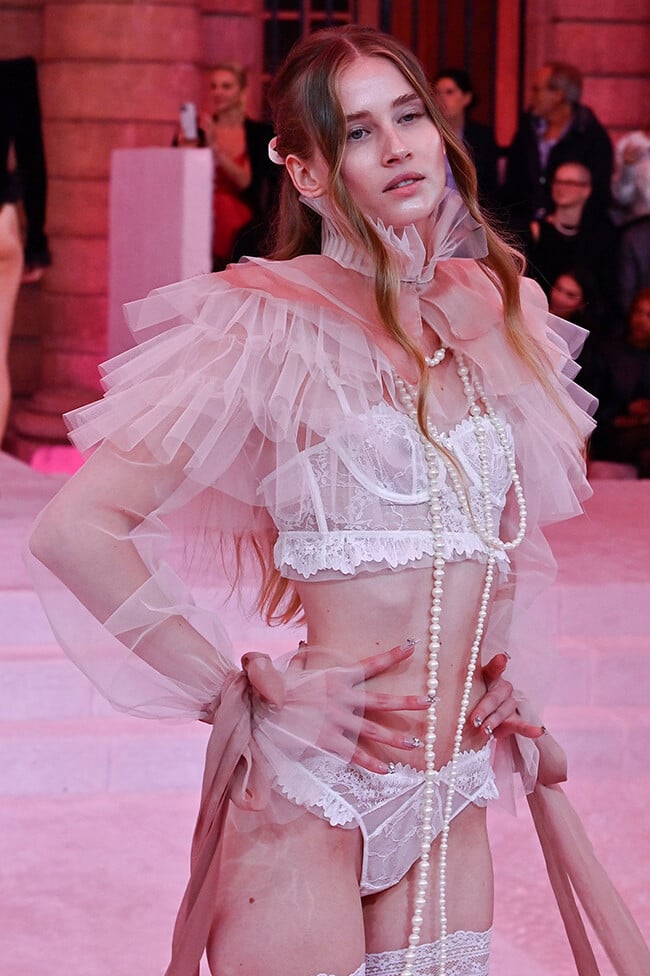
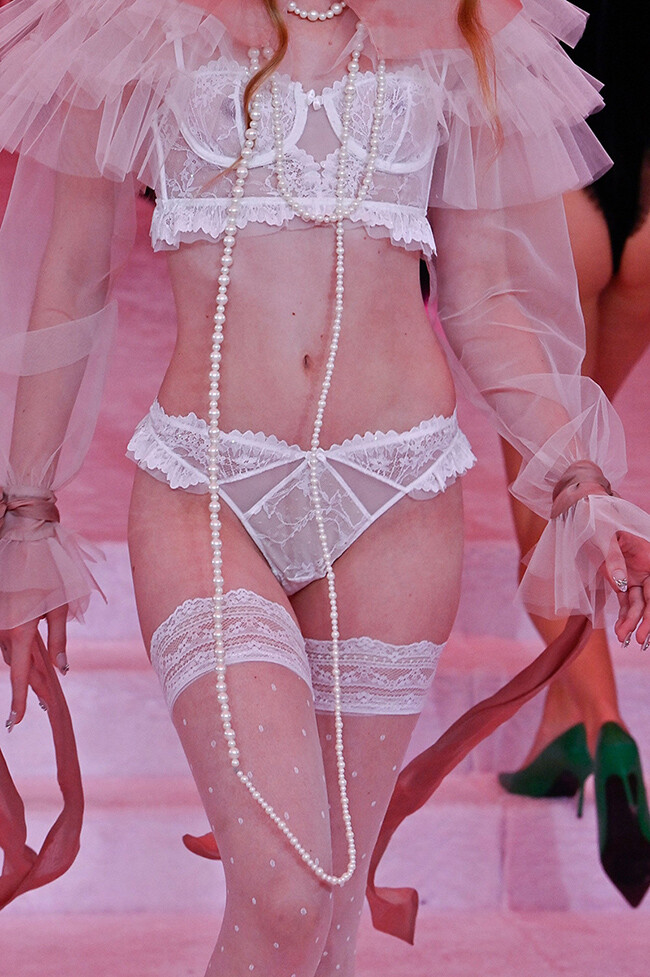
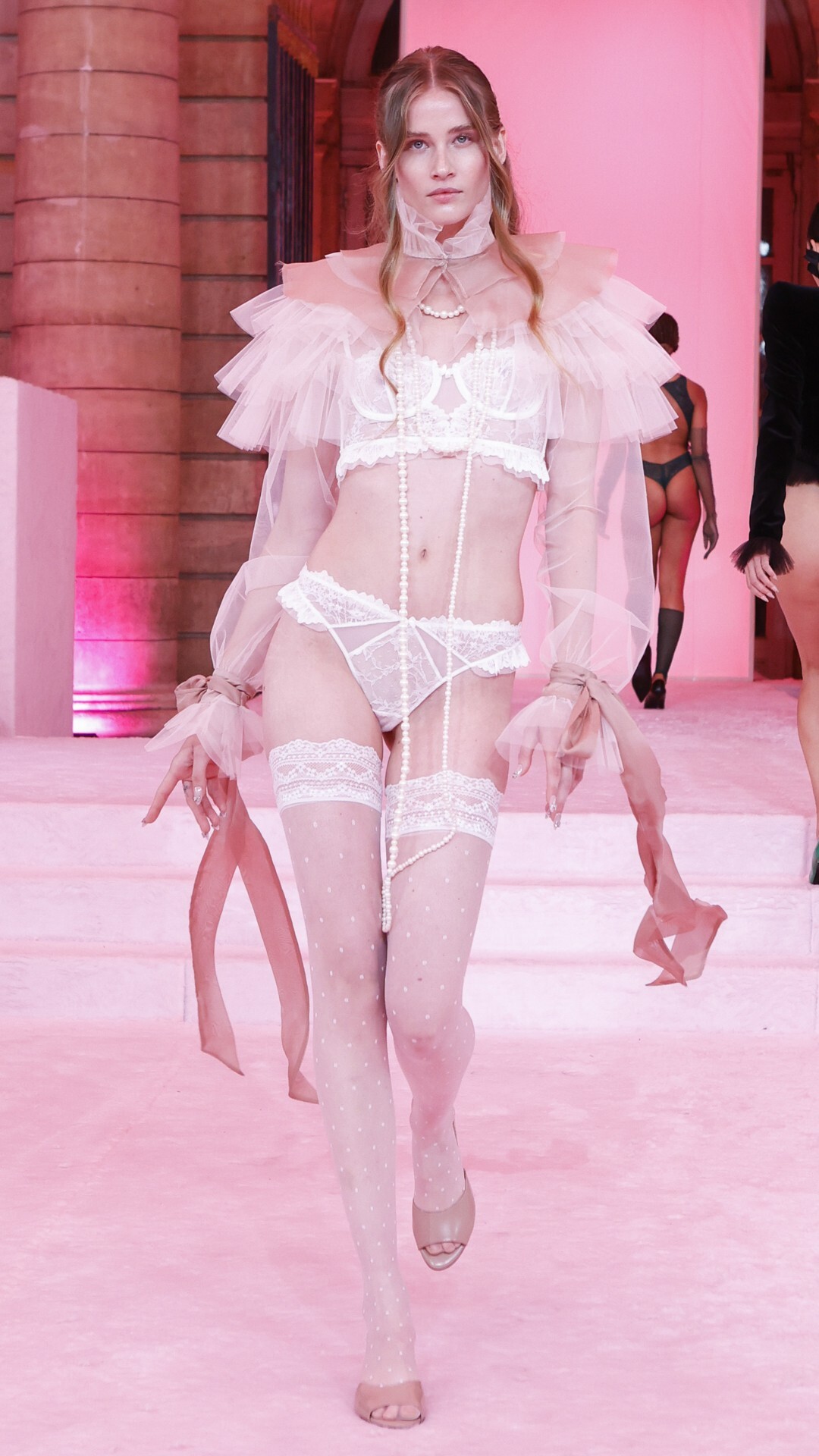
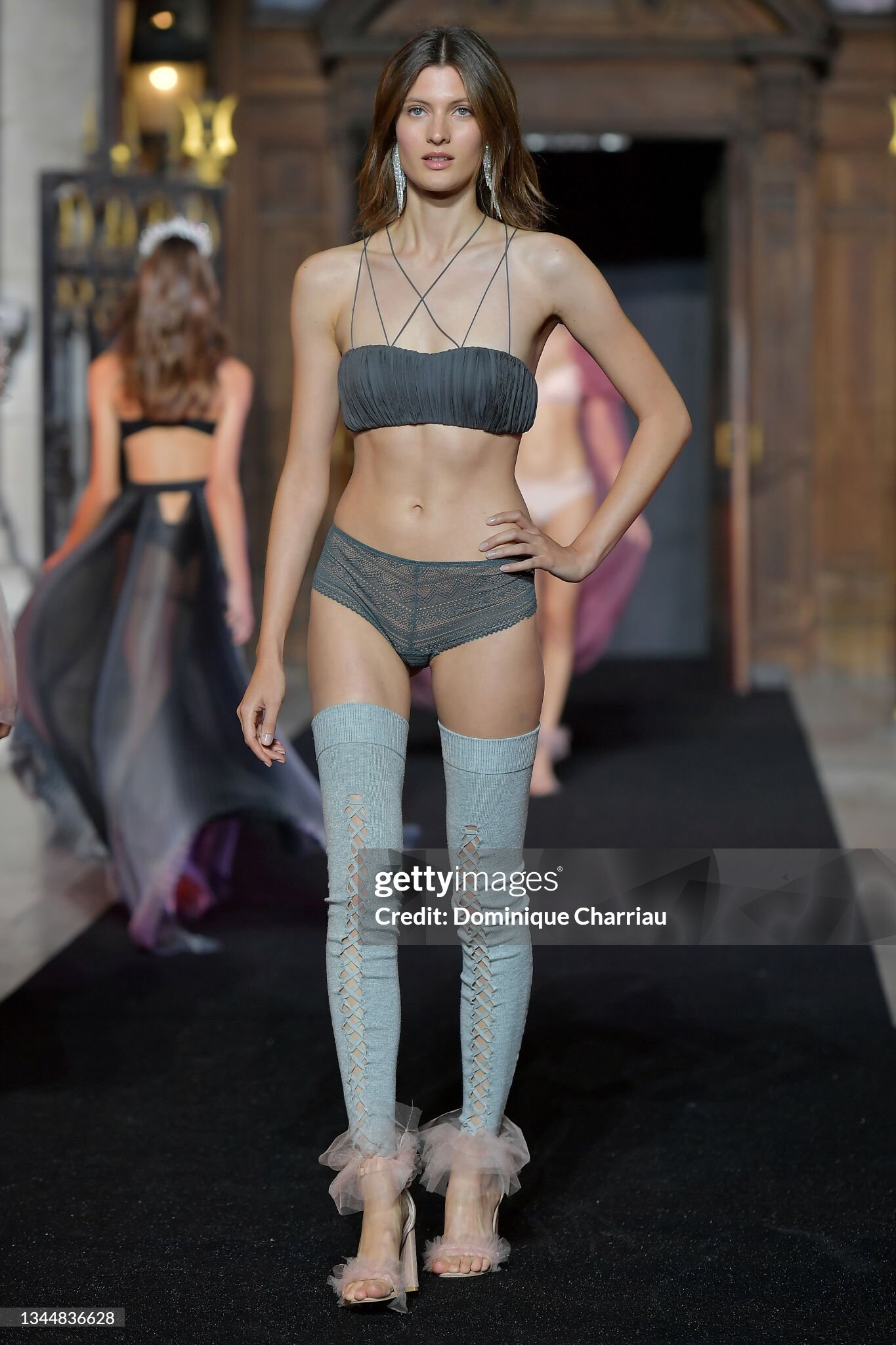
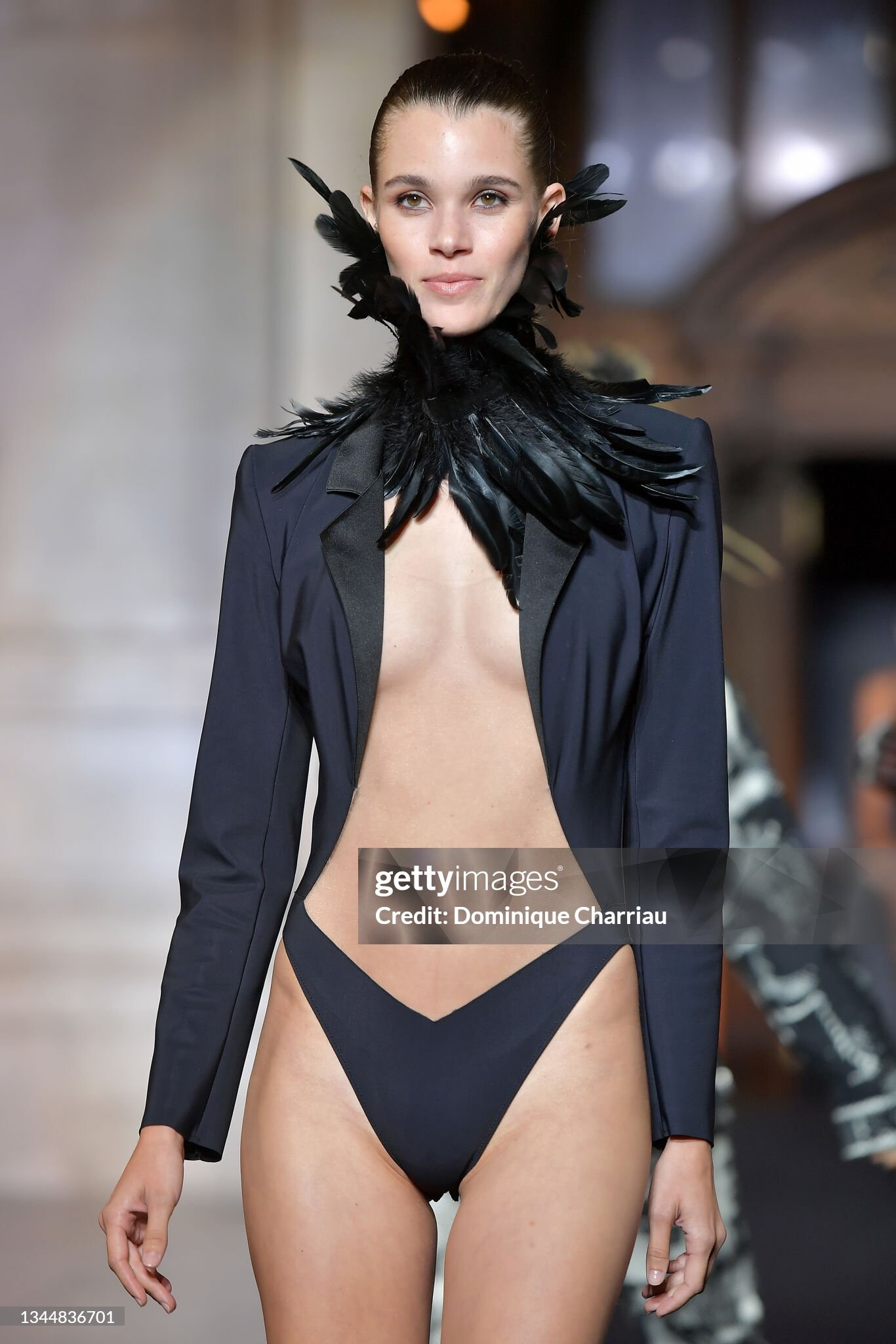
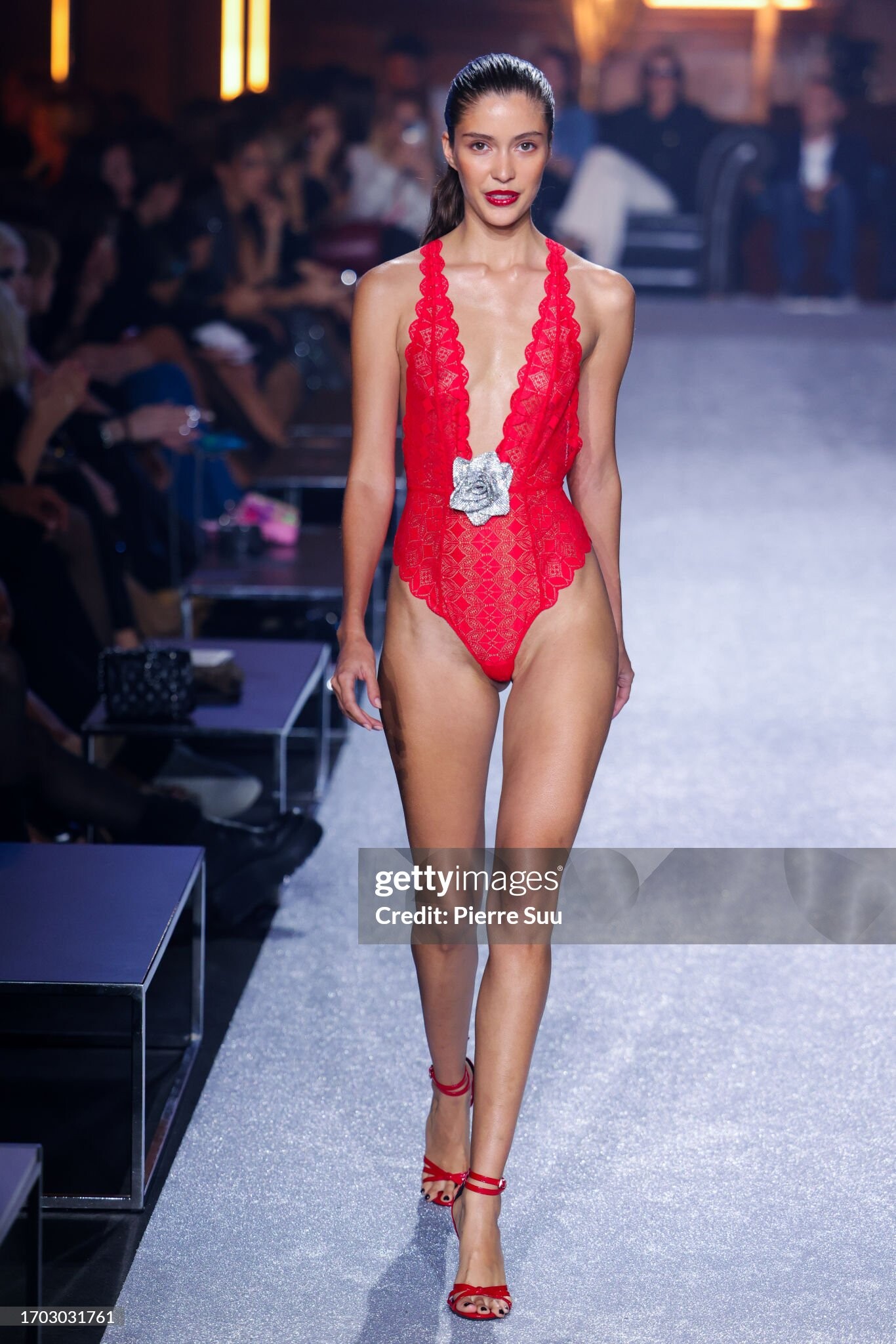
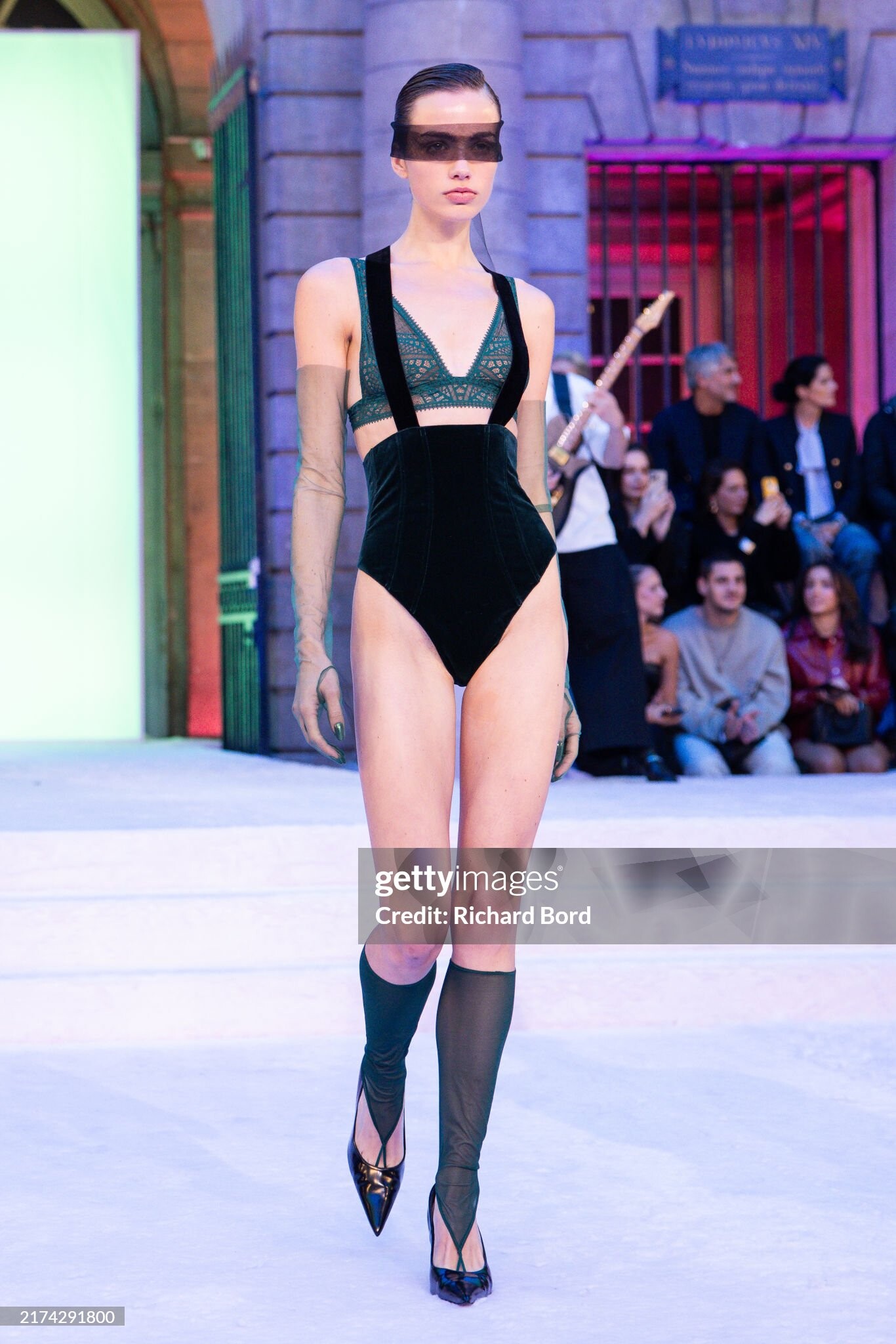
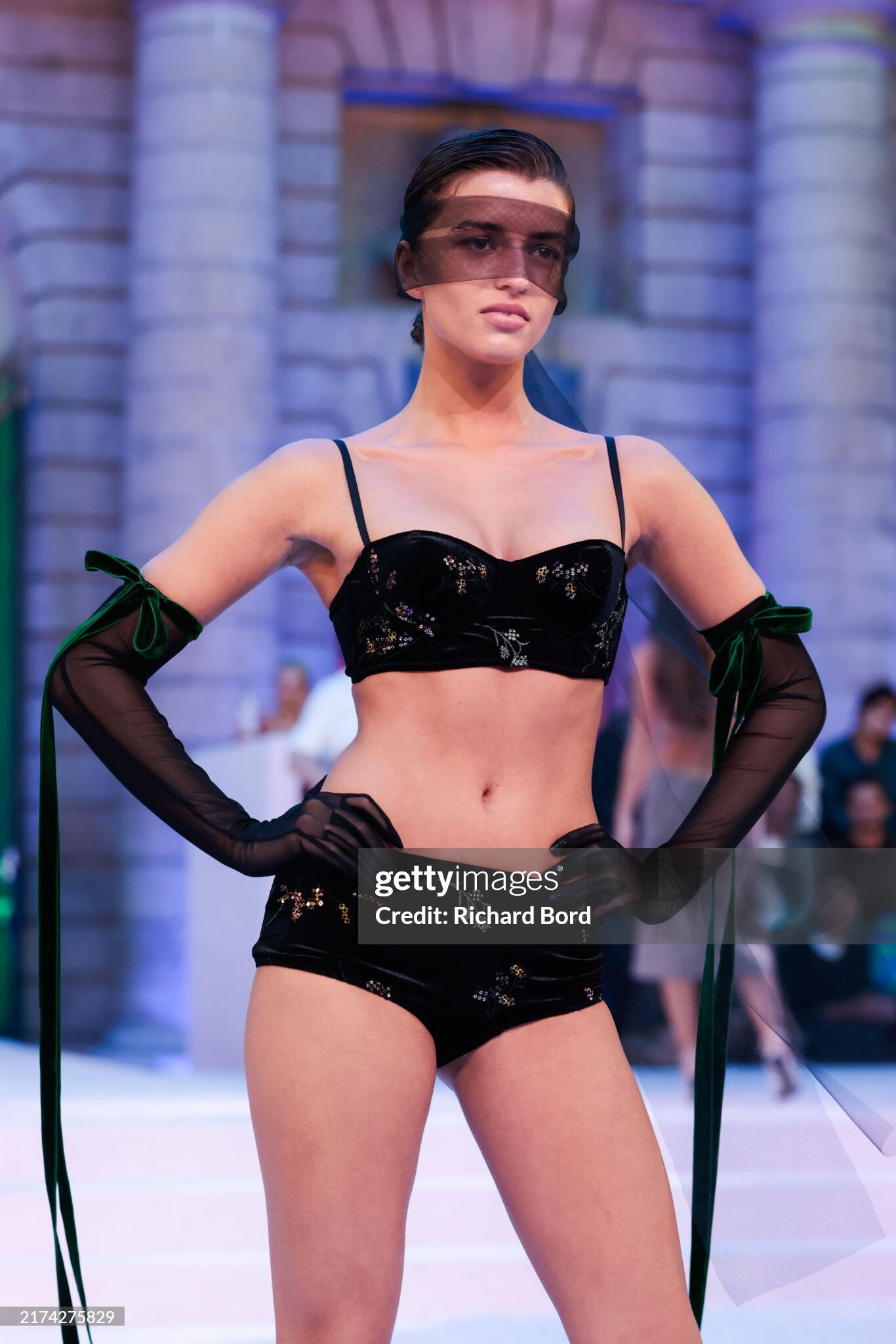
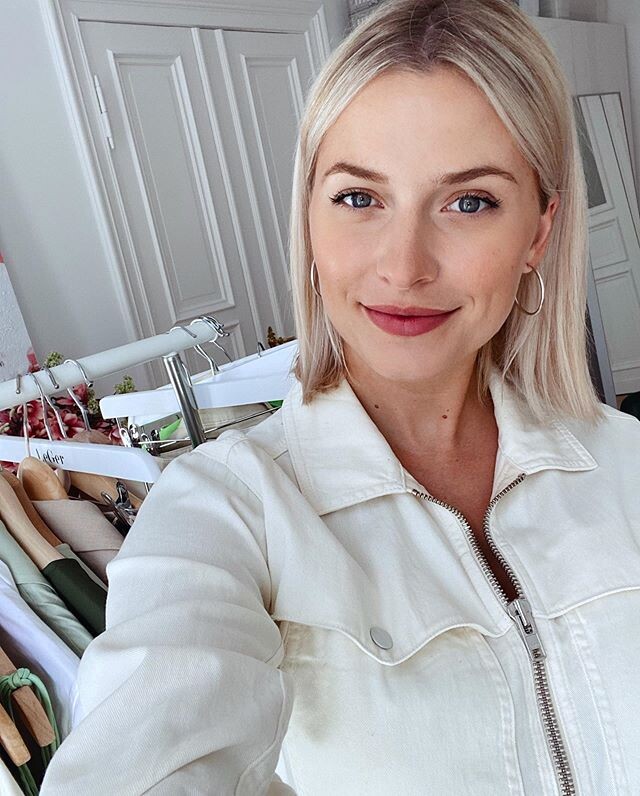
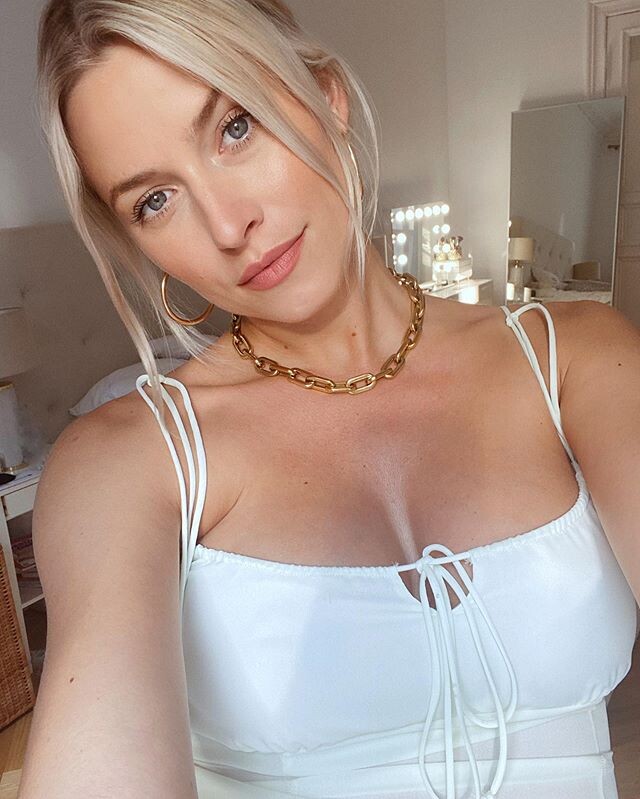
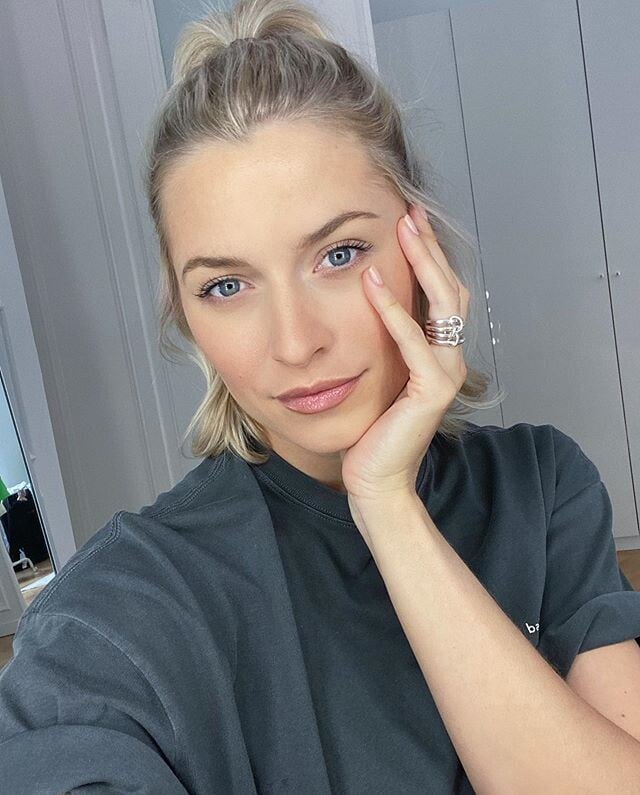

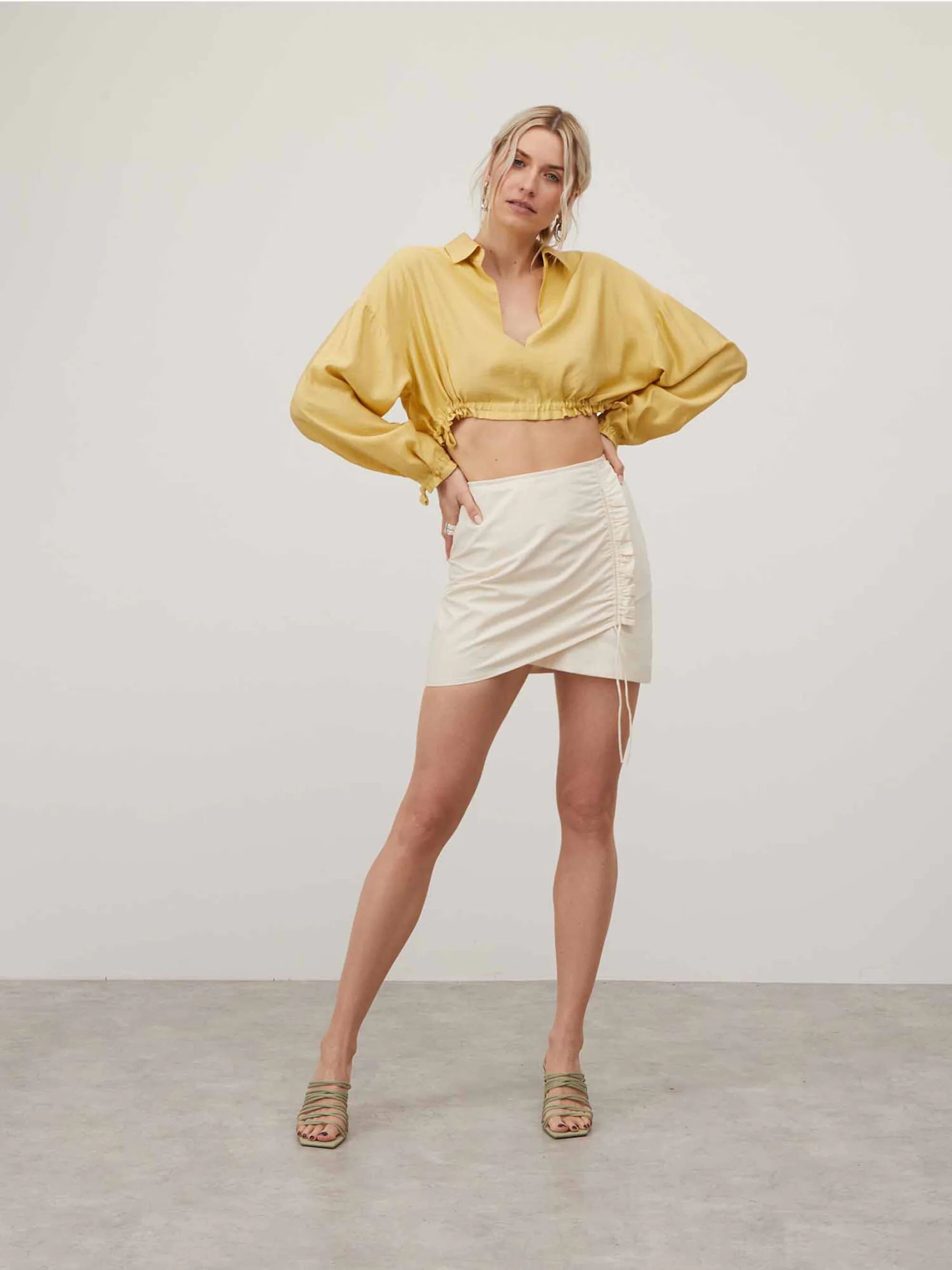
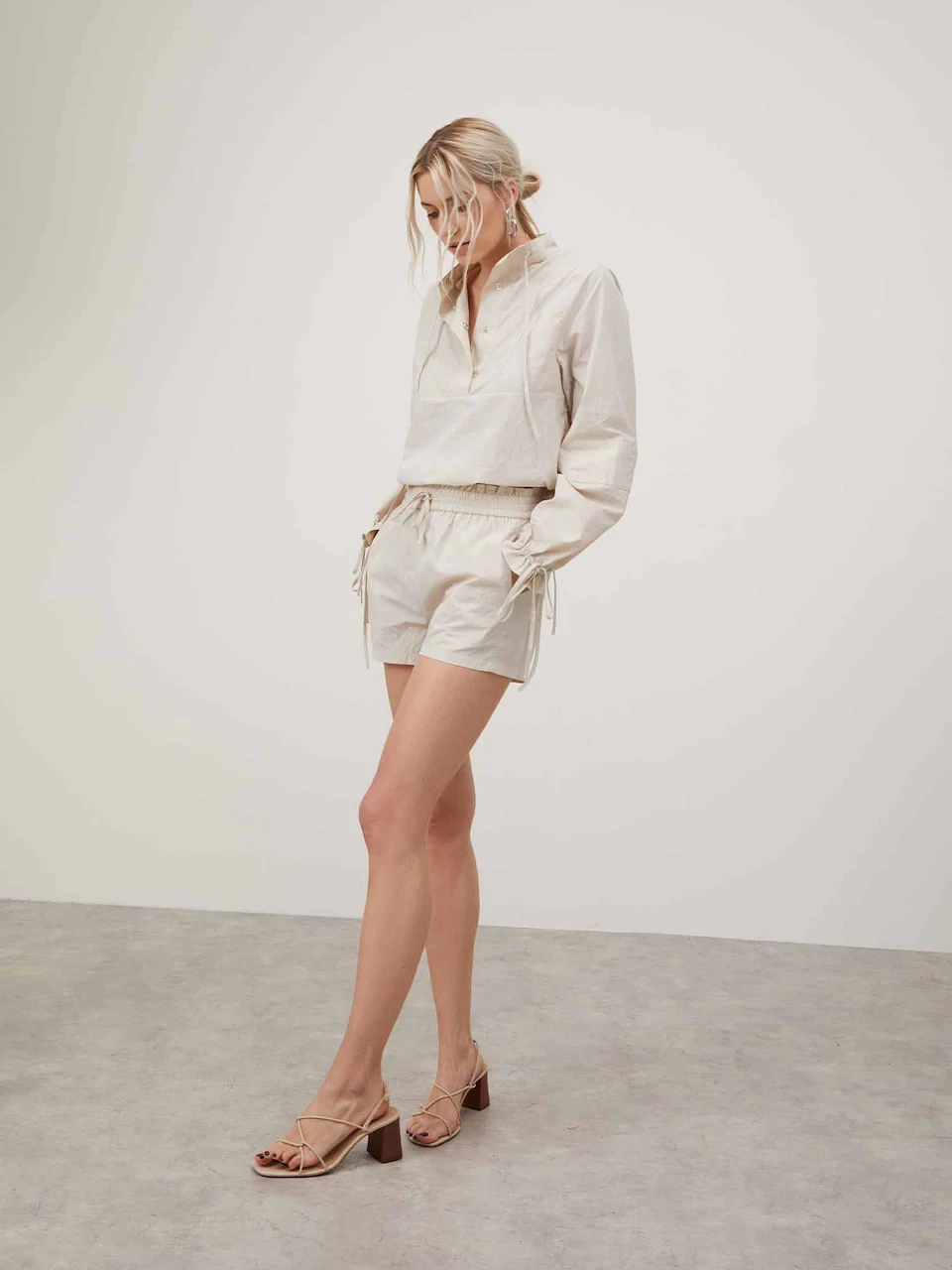
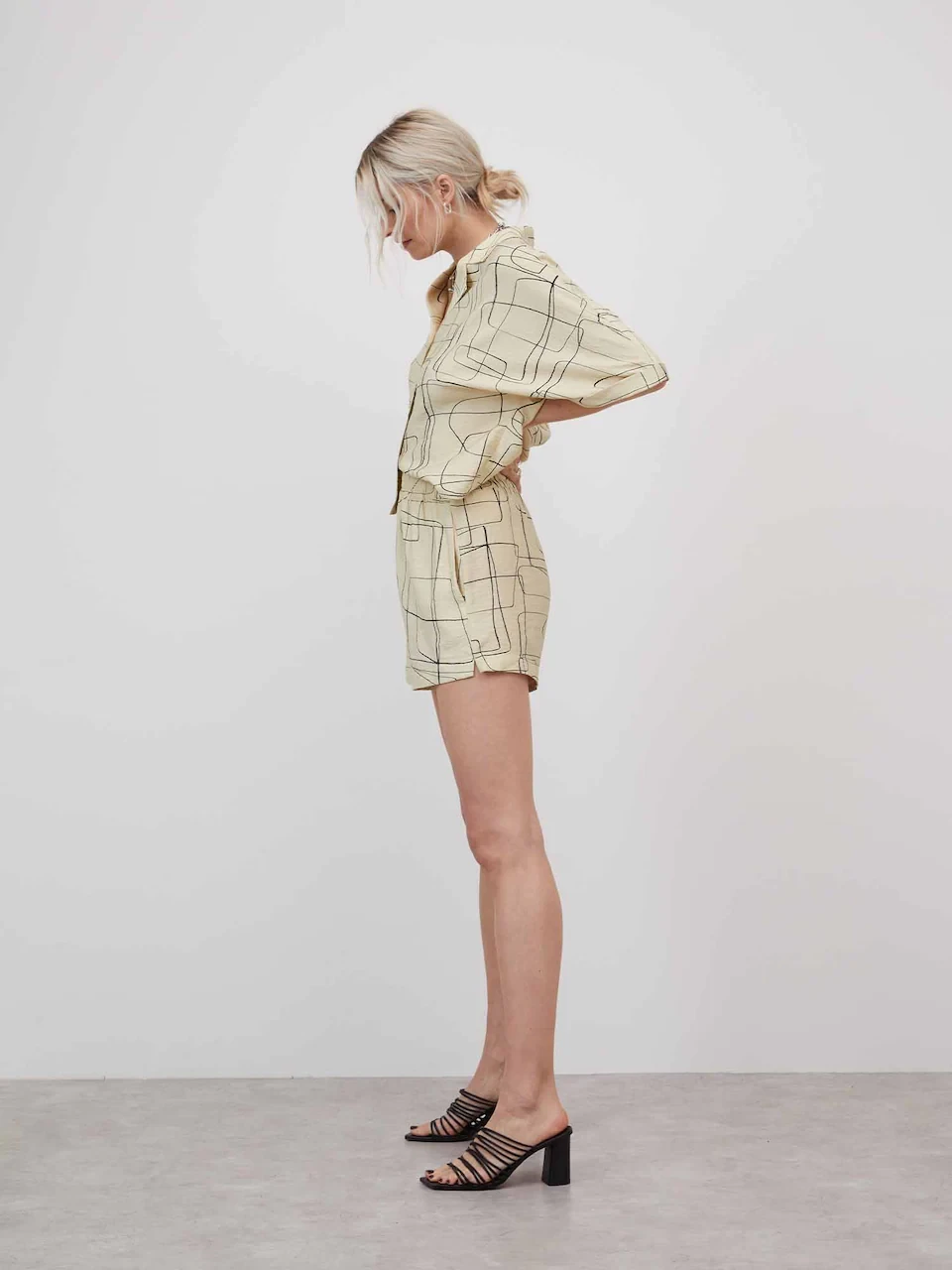
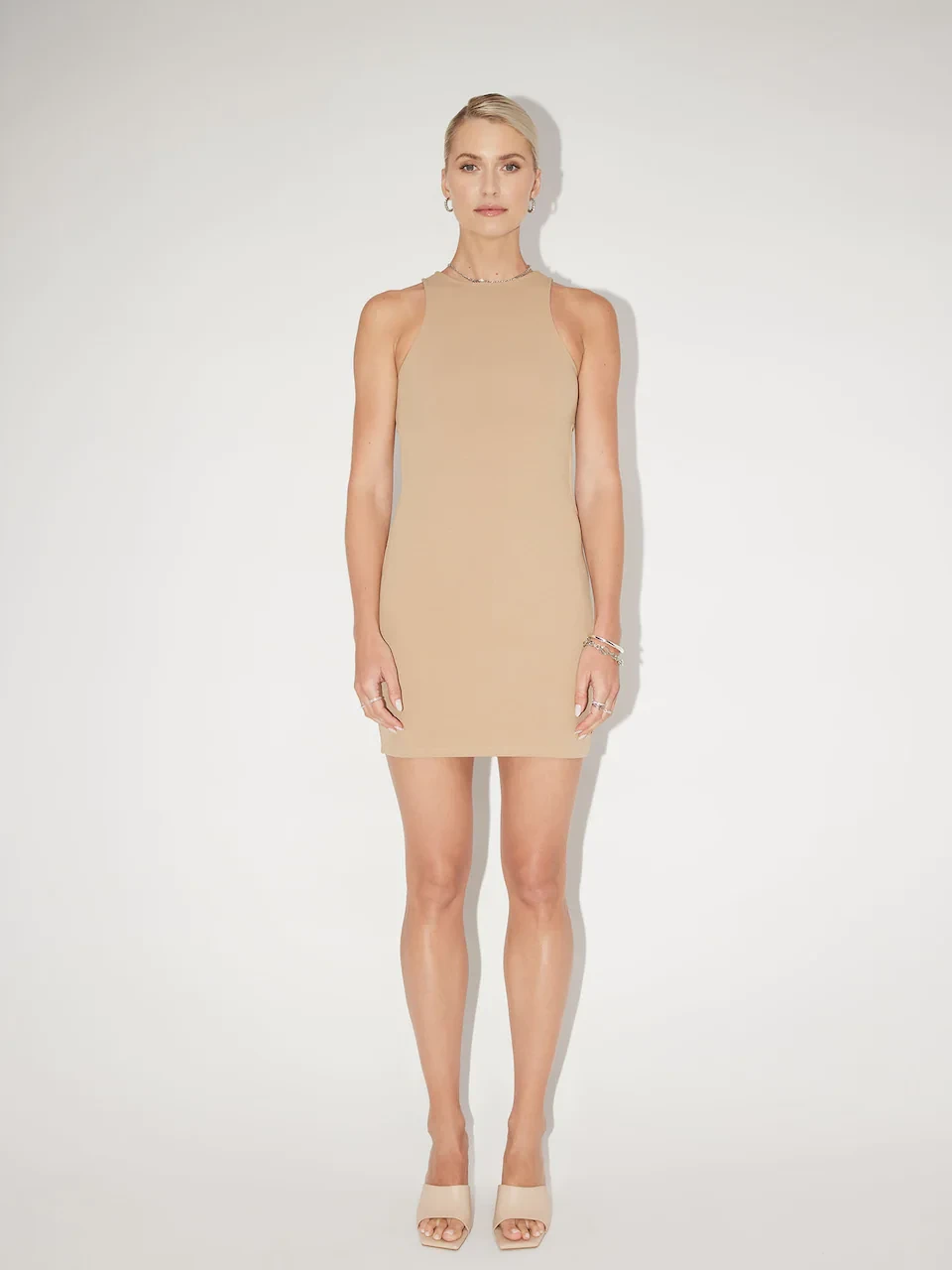

Account
Navigation
Search
Configure browser push notifications
Chrome (Android)
- Tap the lock icon next to the address bar.
- Tap Permissions → Notifications.
- Adjust your preference.
Chrome (Desktop)
- Click the padlock icon in the address bar.
- Select Site settings.
- Find Notifications and adjust your preference.
Safari (iOS 16.4+)
- Ensure the site is installed via Add to Home Screen.
- Open Settings App → Notifications.
- Find your app name and adjust your preference.
Safari (macOS)
- Go to Safari → Preferences.
- Click the Websites tab.
- Select Notifications in the sidebar.
- Find this website and adjust your preference.
Edge (Android)
- Tap the lock icon next to the address bar.
- Tap Permissions.
- Find Notifications and adjust your preference.
Edge (Desktop)
- Click the padlock icon in the address bar.
- Click Permissions for this site.
- Find Notifications and adjust your preference.
Firefox (Android)
- Go to Settings → Site permissions.
- Tap Notifications.
- Find this site in the list and adjust your preference.
Firefox (Desktop)
- Open Firefox Settings.
- Search for Notifications.
- Find this site in the list and adjust your preference.