
missparker7
Members
-
Joined
Everything posted by missparker7
-
No problem, dear.
-
Thank you.
-
-
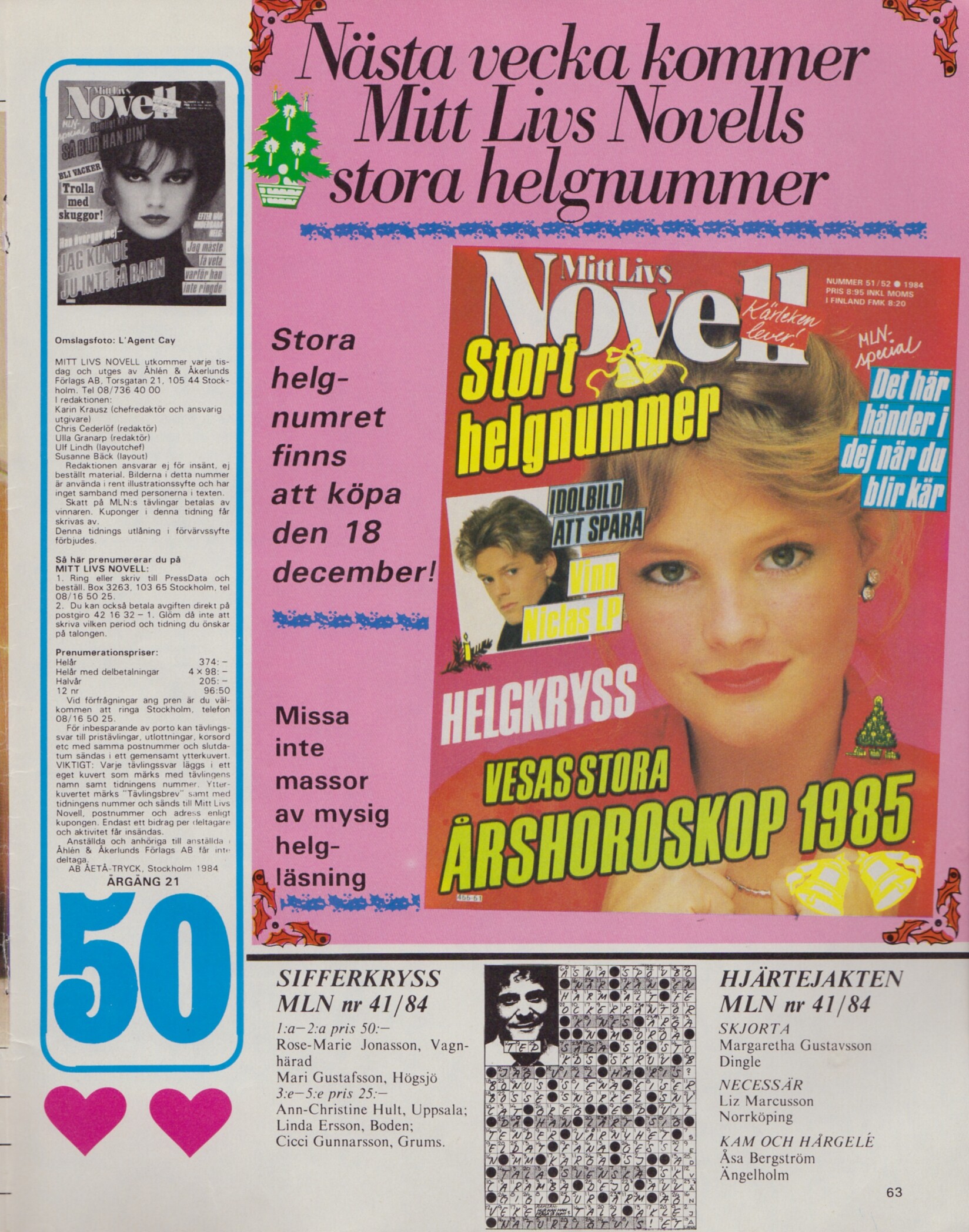
Yes, she is. She had this similar cover + cover-look/preview Mitt Livs Novell Sweden 11. December 1984 #50 and here you can see easier it´s her. ID by RocketQueen. But I´m confused this BUENHOGAR of Dayrell is from the 70s. 🤔

-
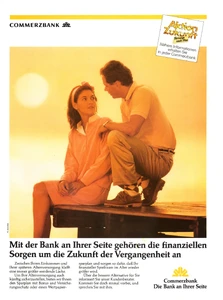
COMMERZBANK advertisement - VIVA Germany January 1989
-
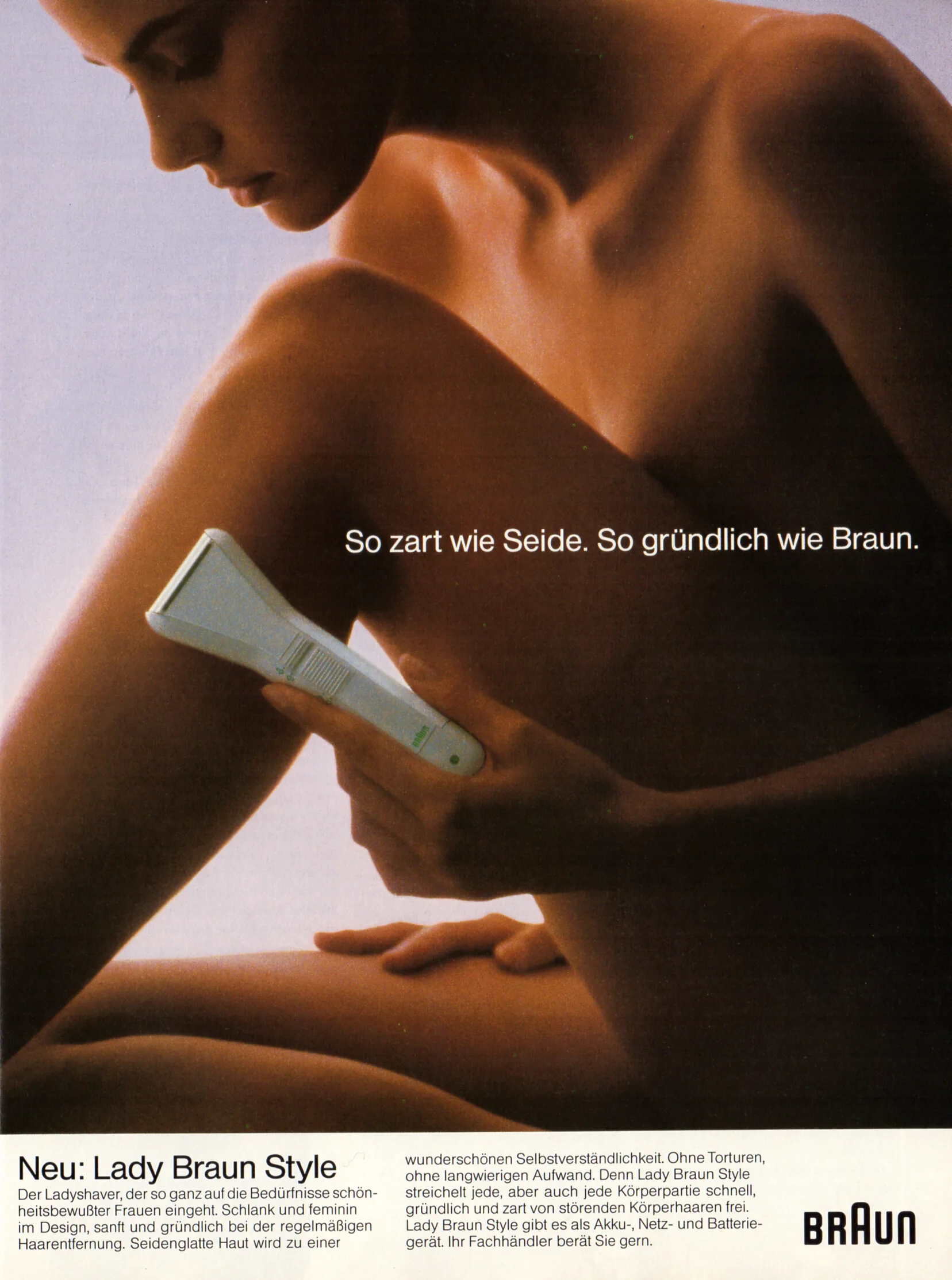
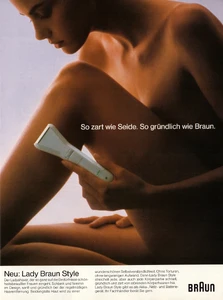
BRAUN advertisement - VIVA Germany January 1989
-
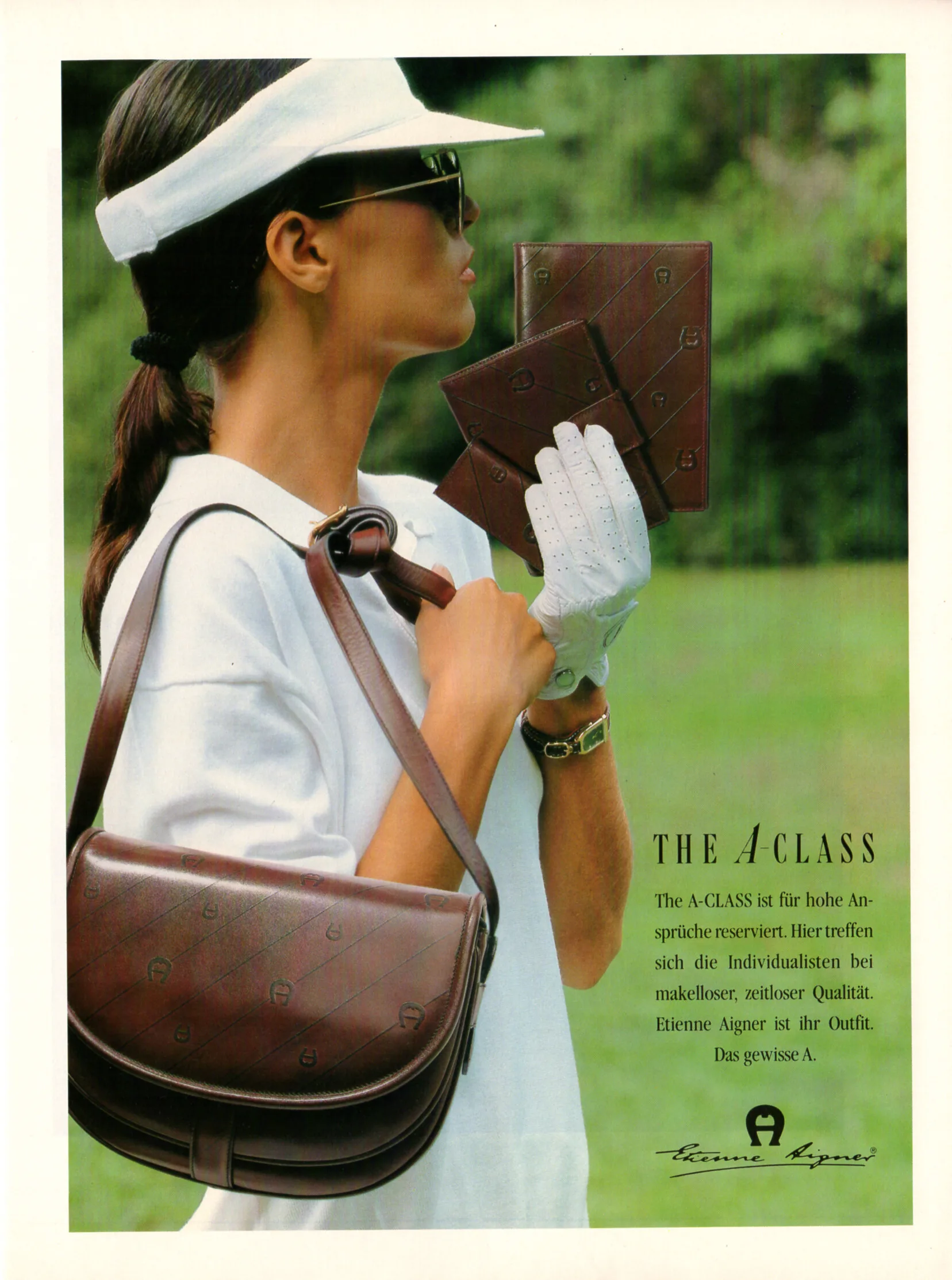
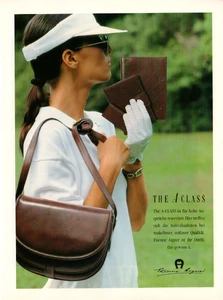
Etienne Aigner advertisement - VIVA Germany January 1989
-
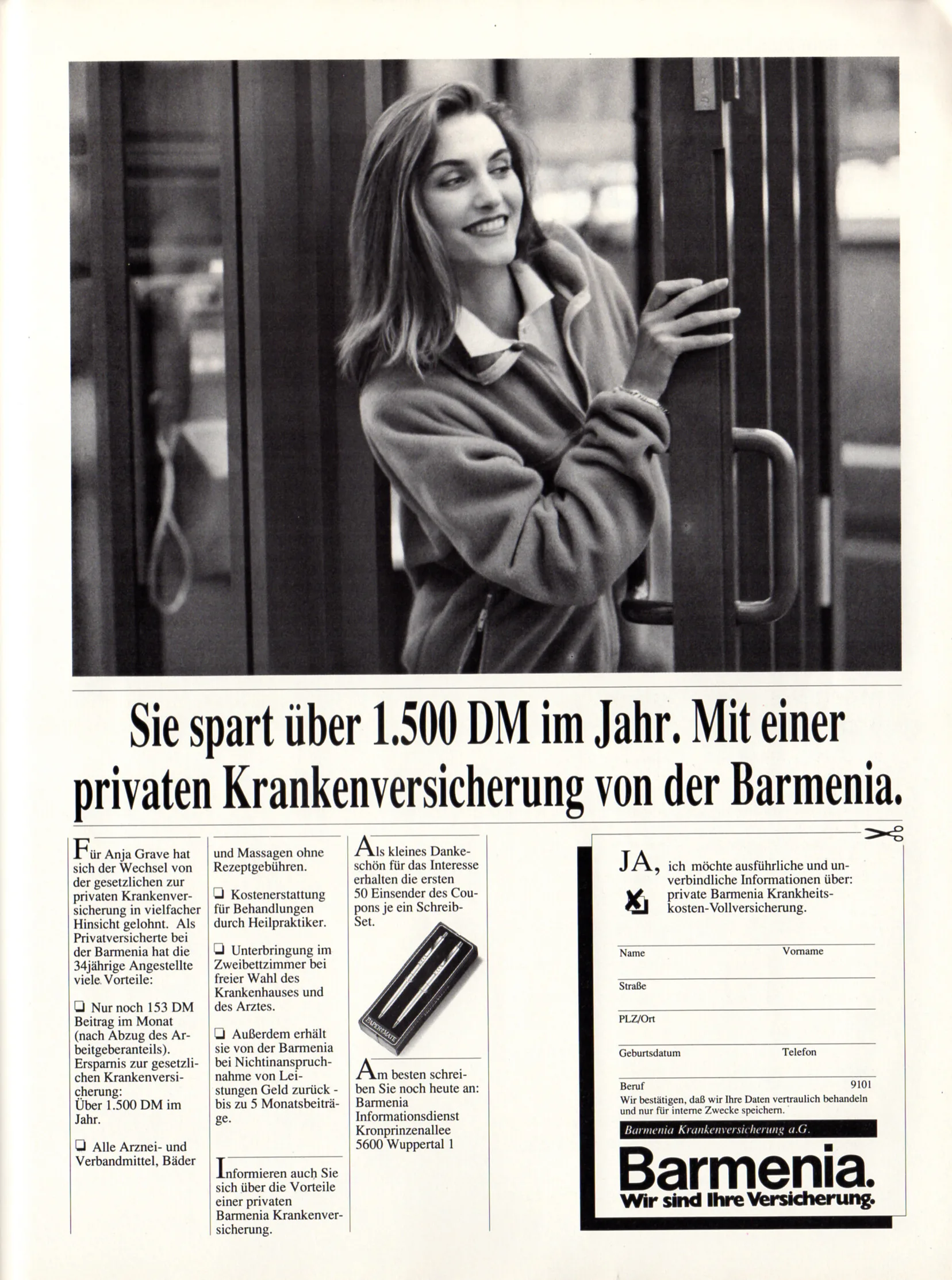
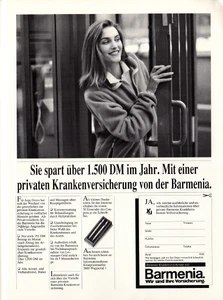
Barmenia advertisement - VIVA Germany January 1989
-
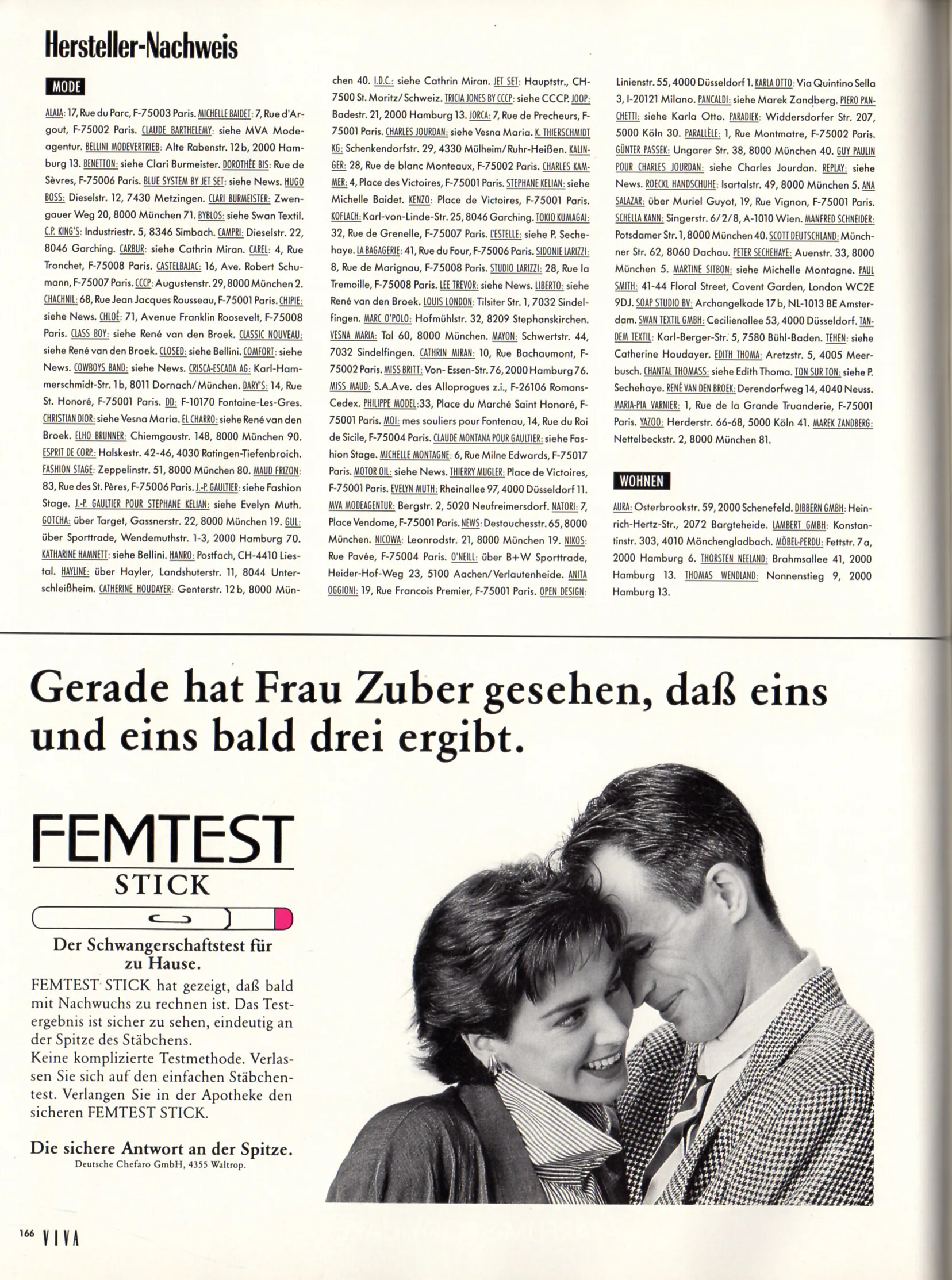
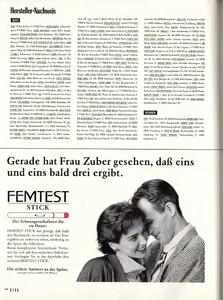
FEMTEST advertisement - VIVA Germany January 1989
-
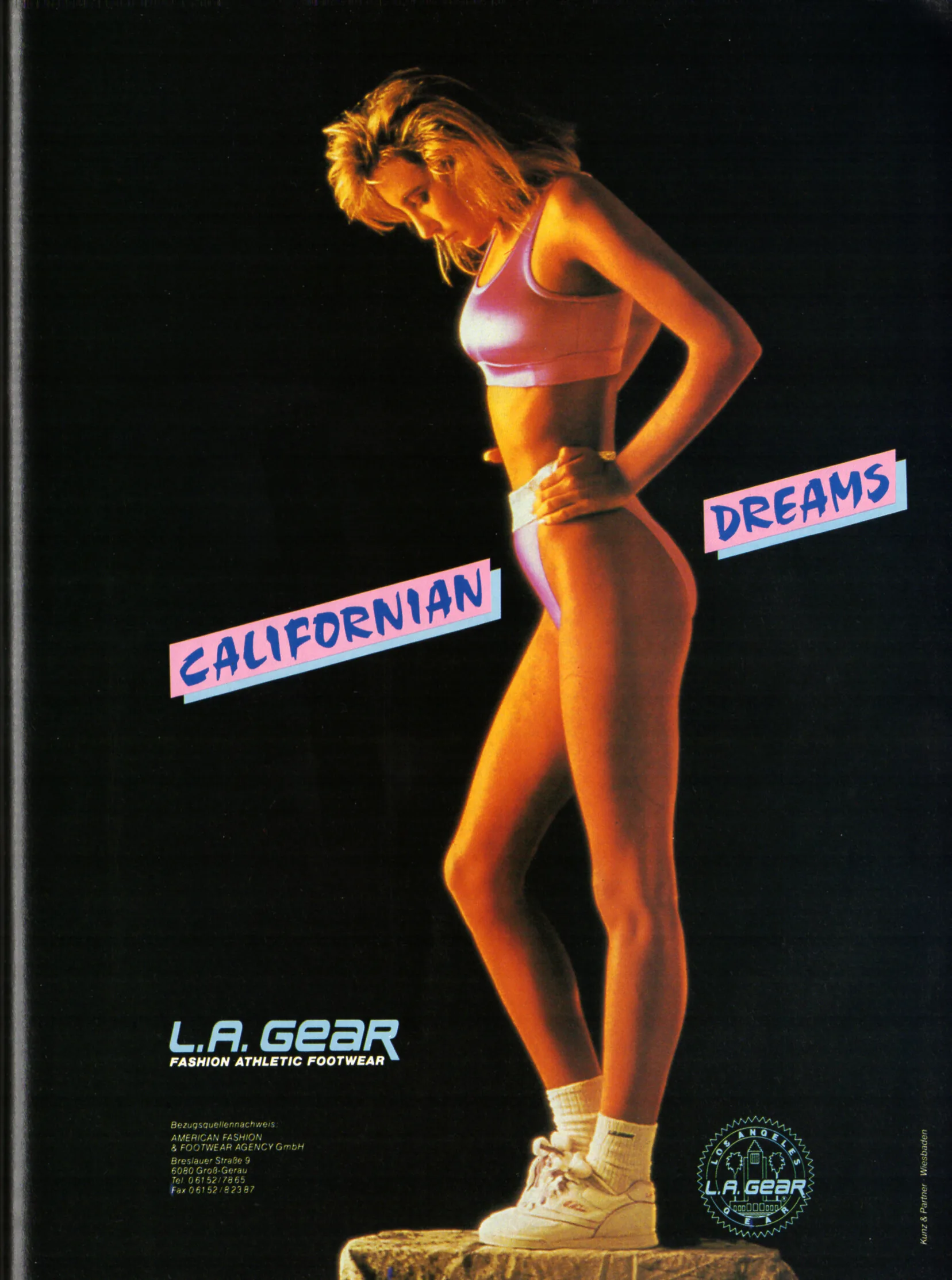
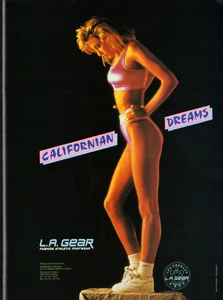
L. A. GEAR advertisement - VIVA Germany January 1989
-
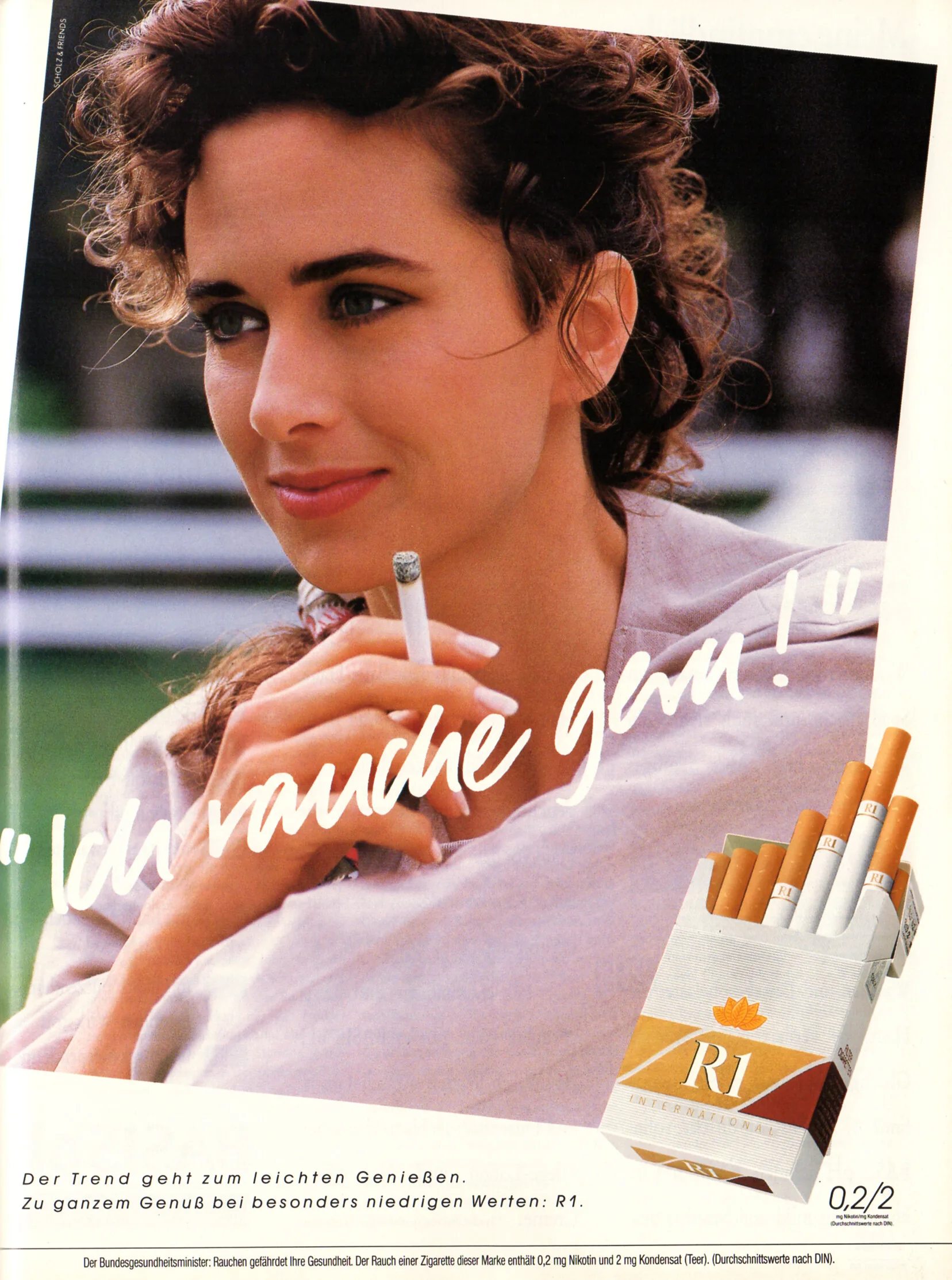
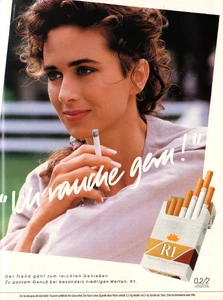
R1 advertisement - VIVA Germany January 1989
-
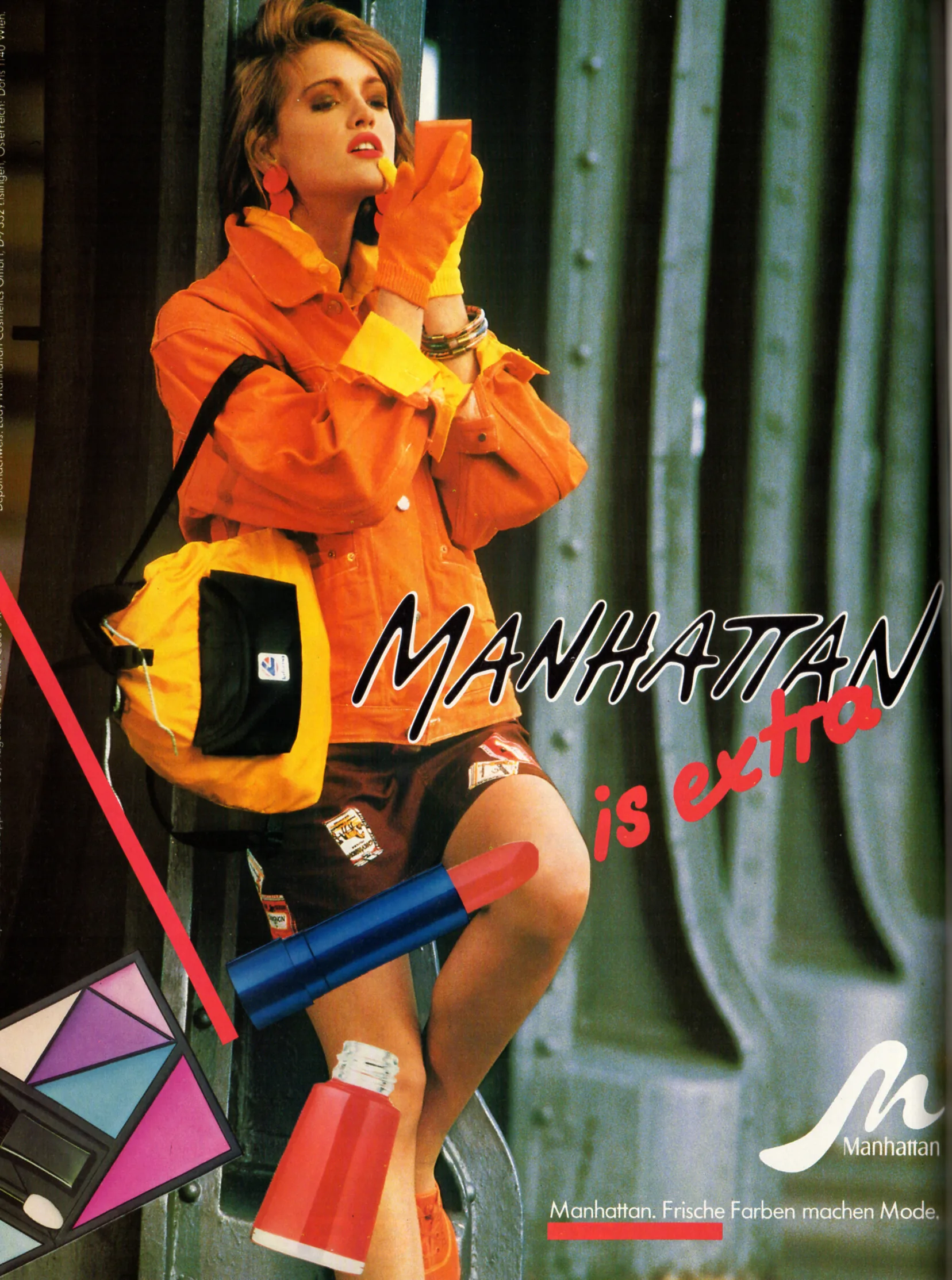
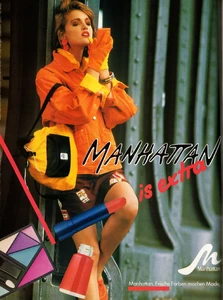
MANHATTAN advertisement - VIVA Germany January 1989
-
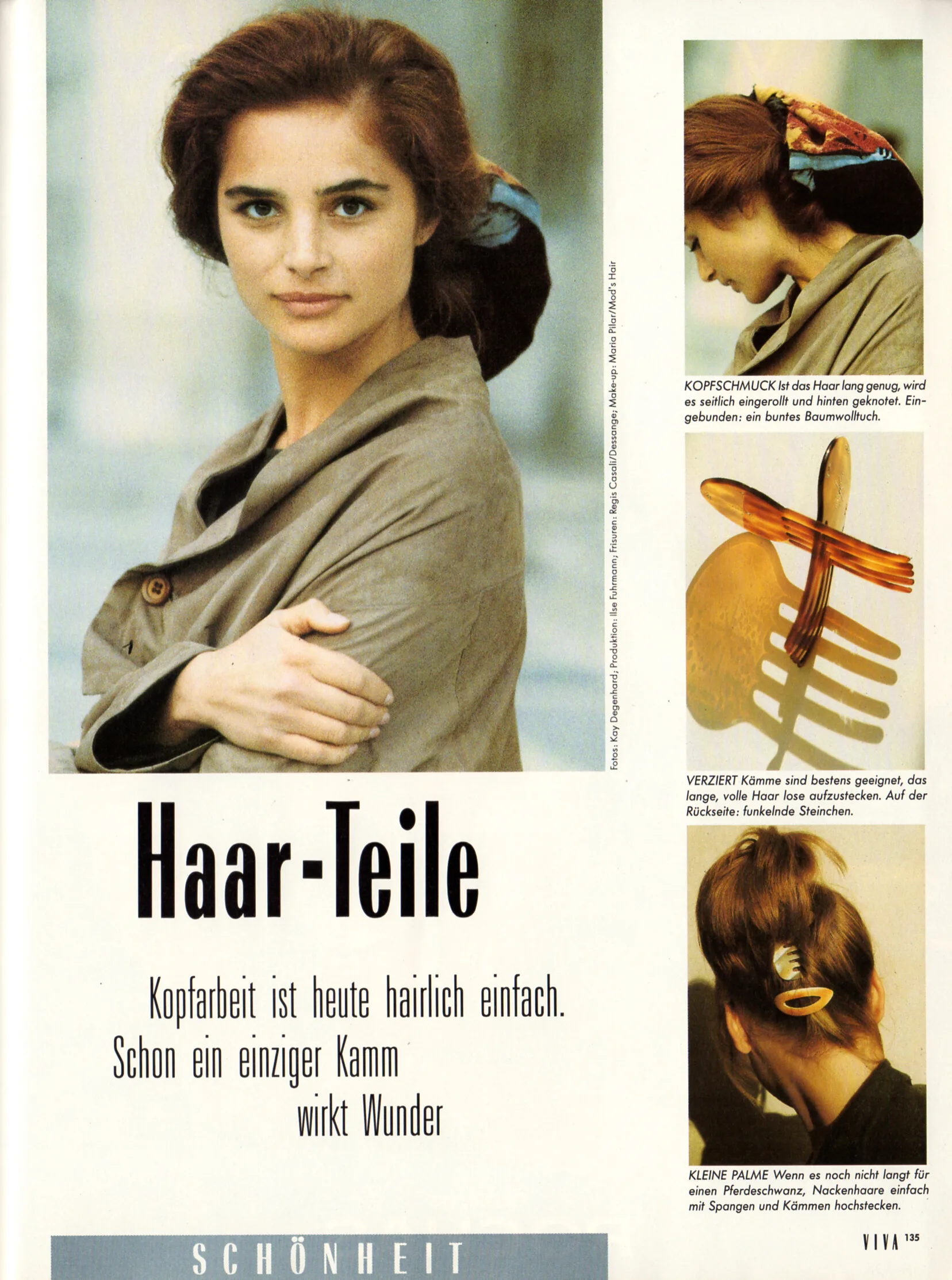
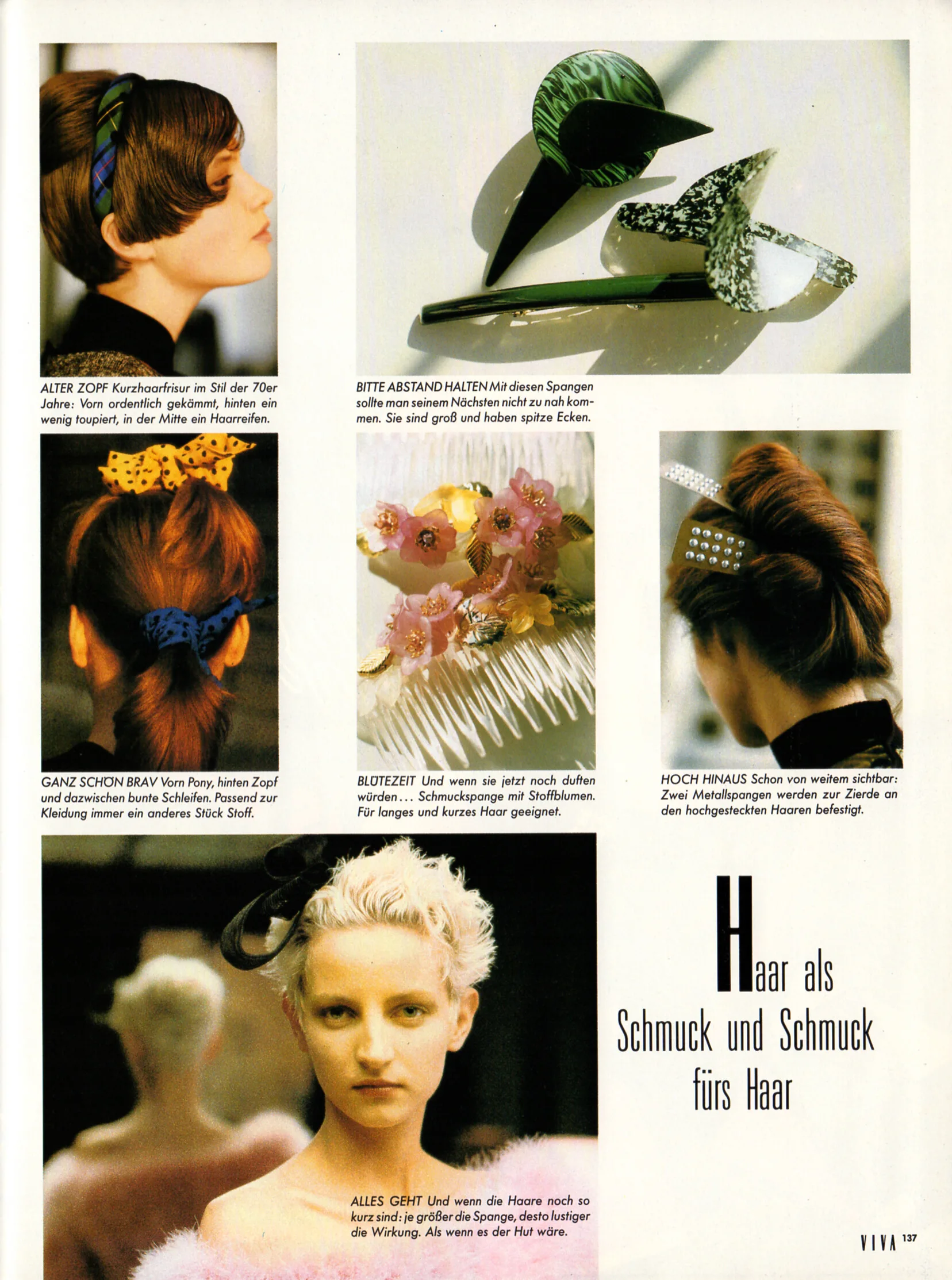
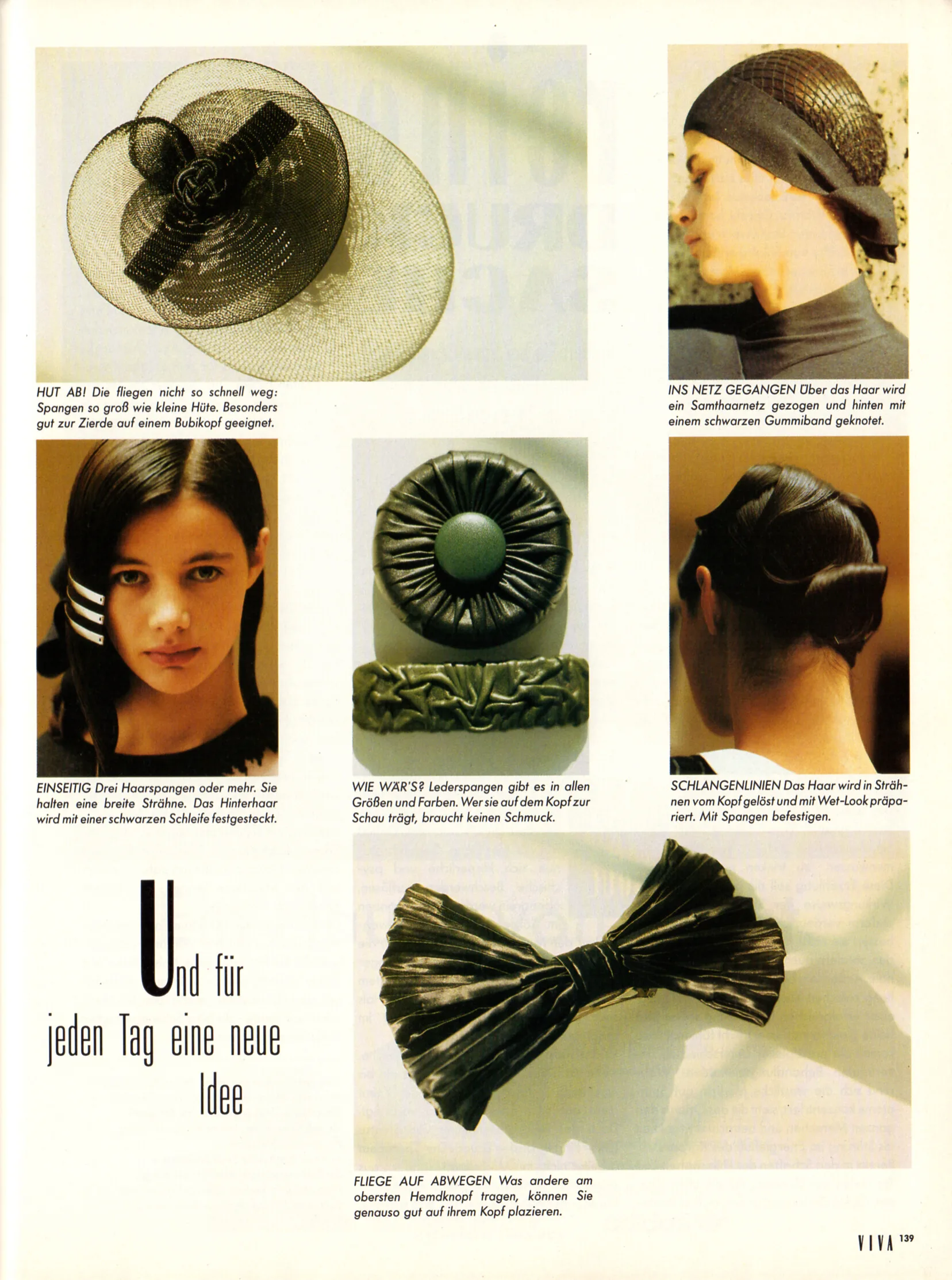
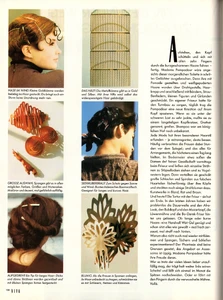
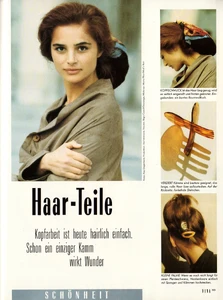
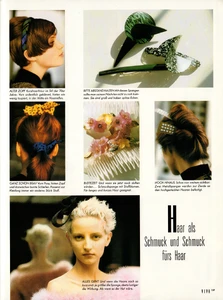
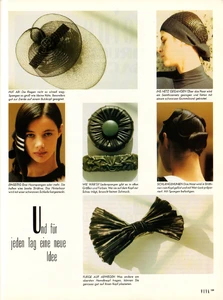
"Haar-Teile" - VIVA Germany January 1989 by Kay Degenhard
-
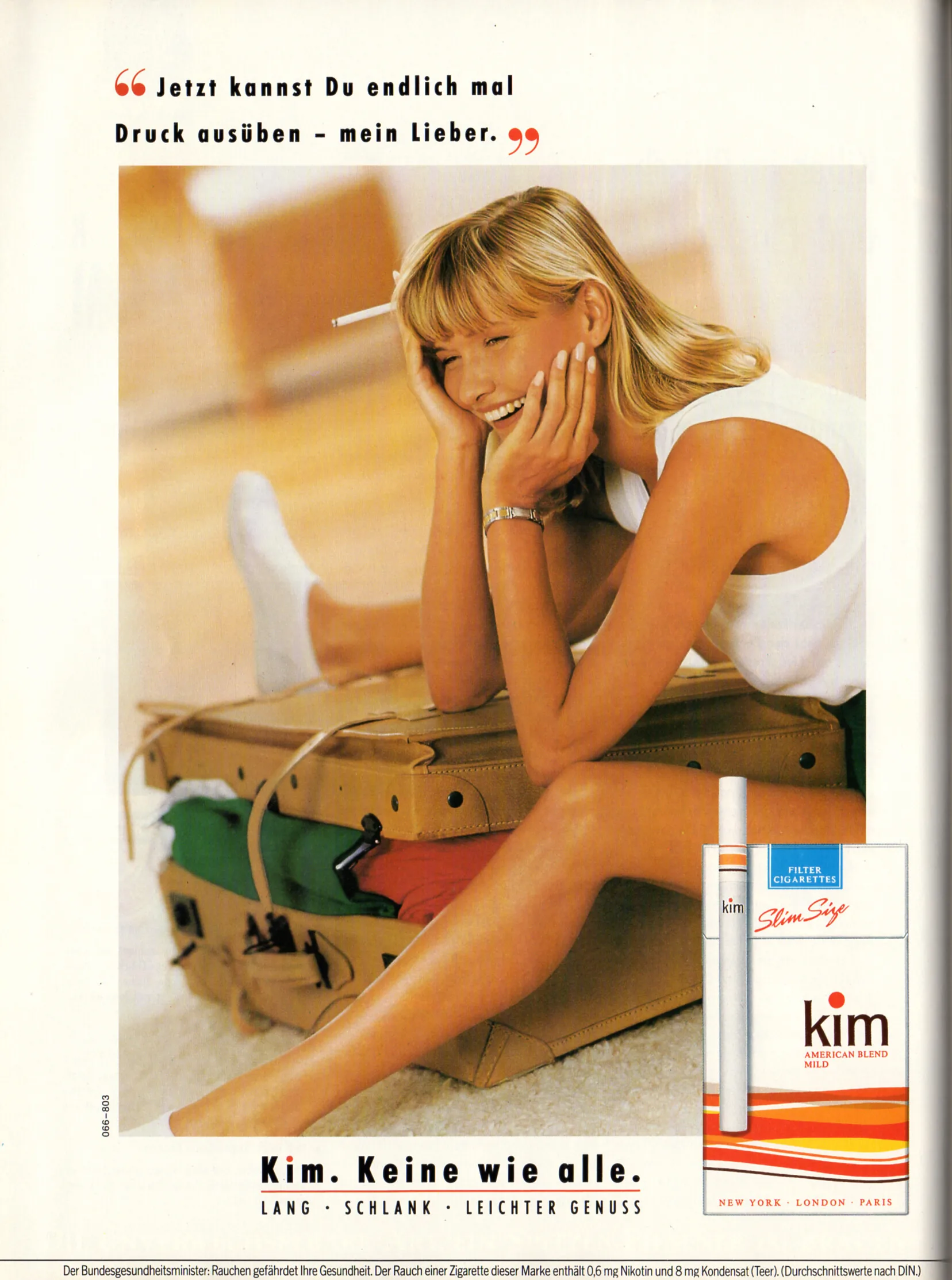
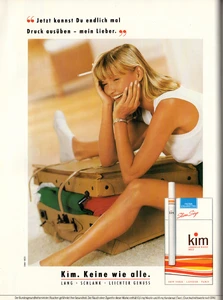
kim advertisement - VIVA Germany January 1989
-
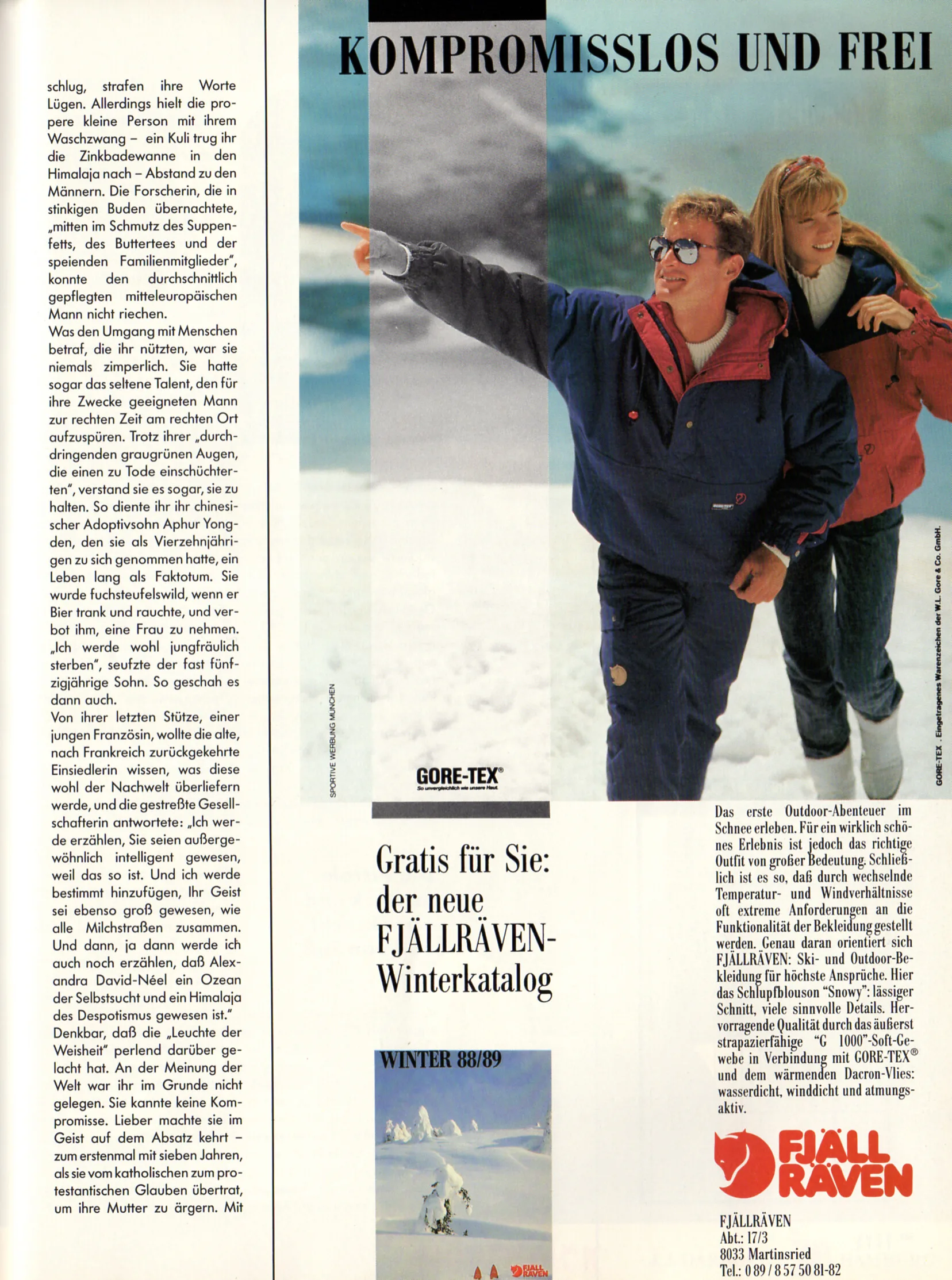
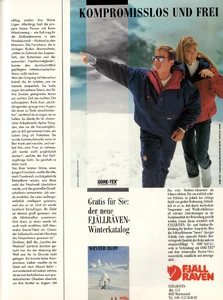
FJÄLL RÄVEN advertisement - VIVA Germany January 1989
-
-
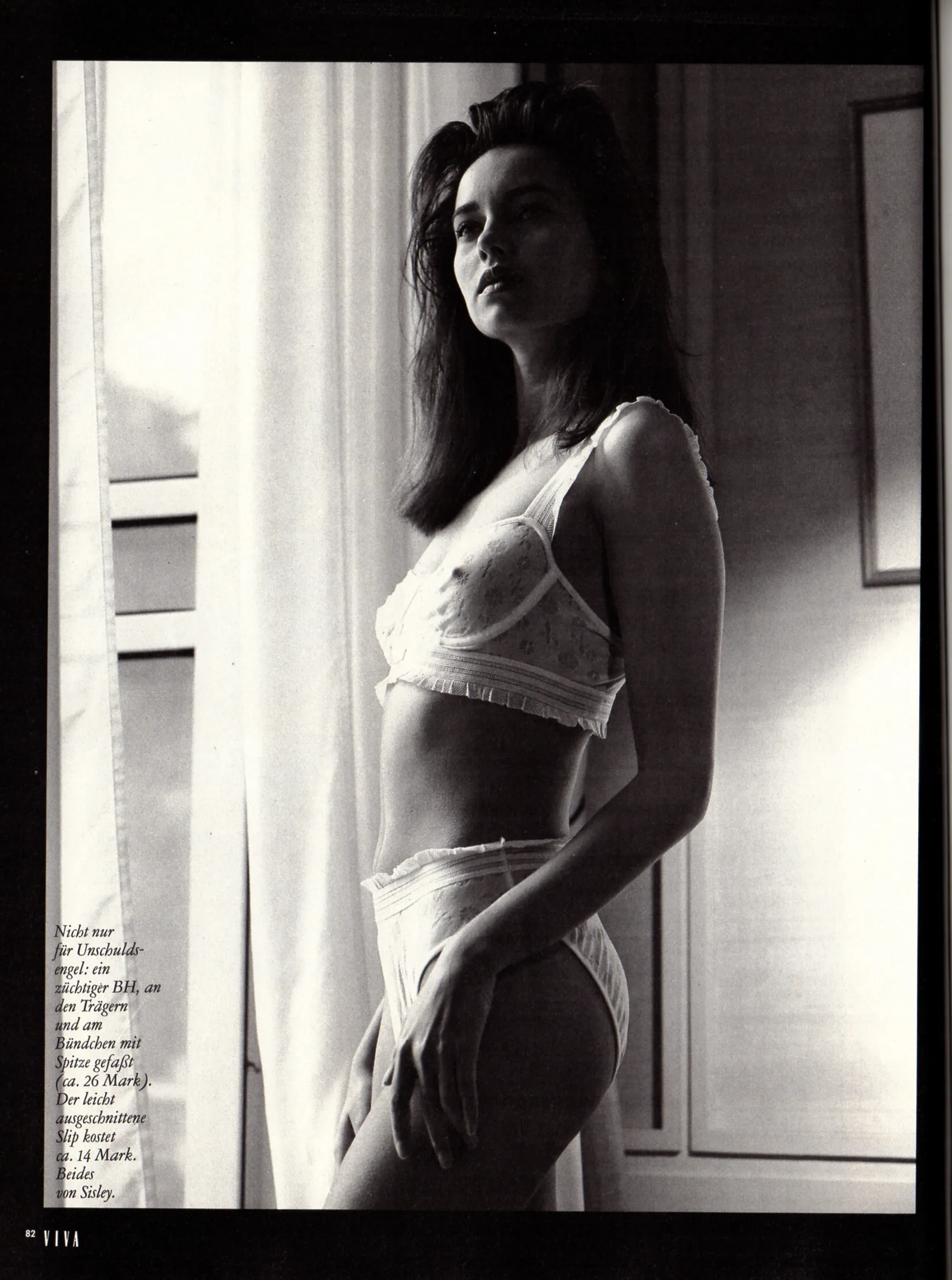
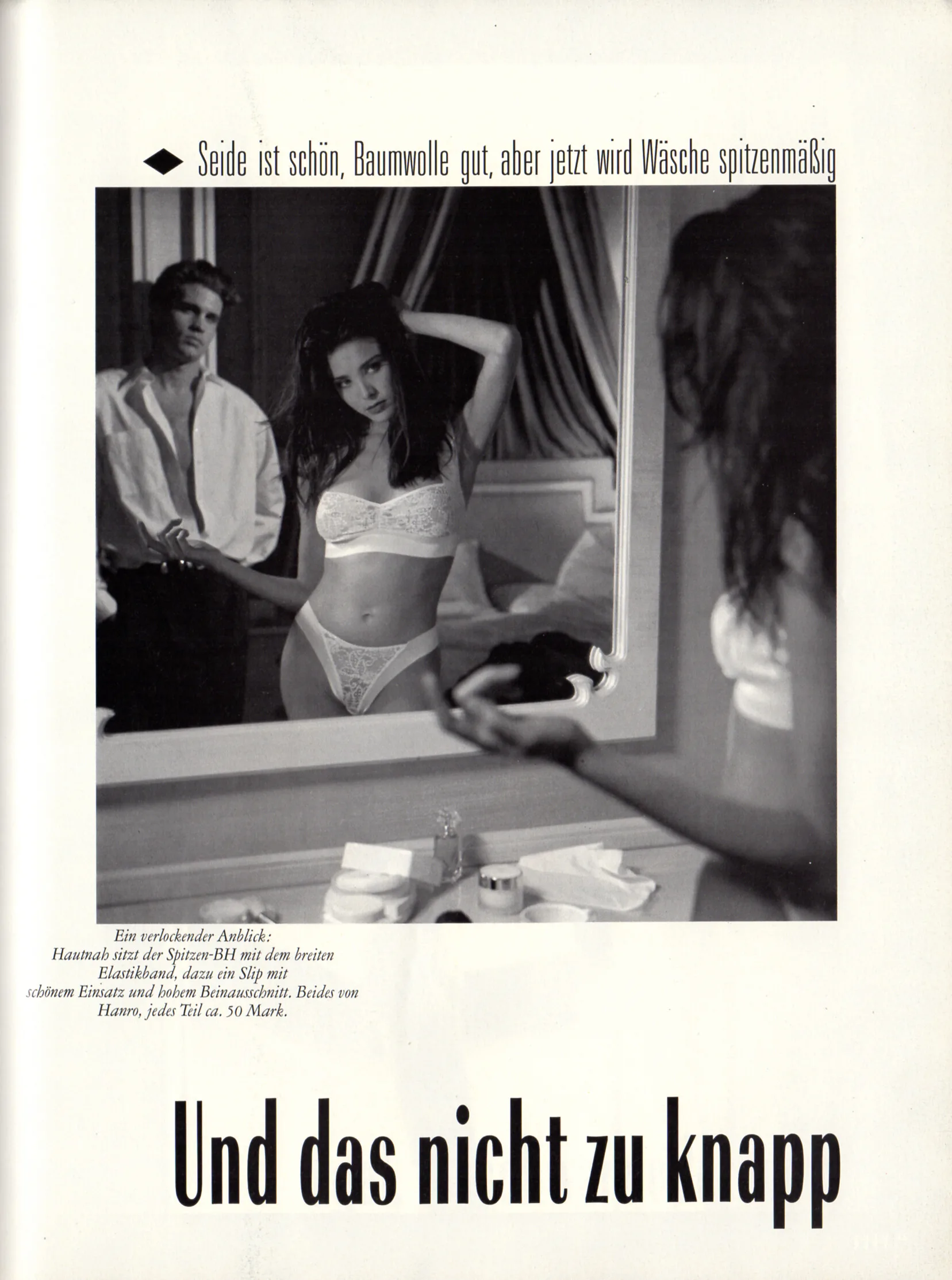
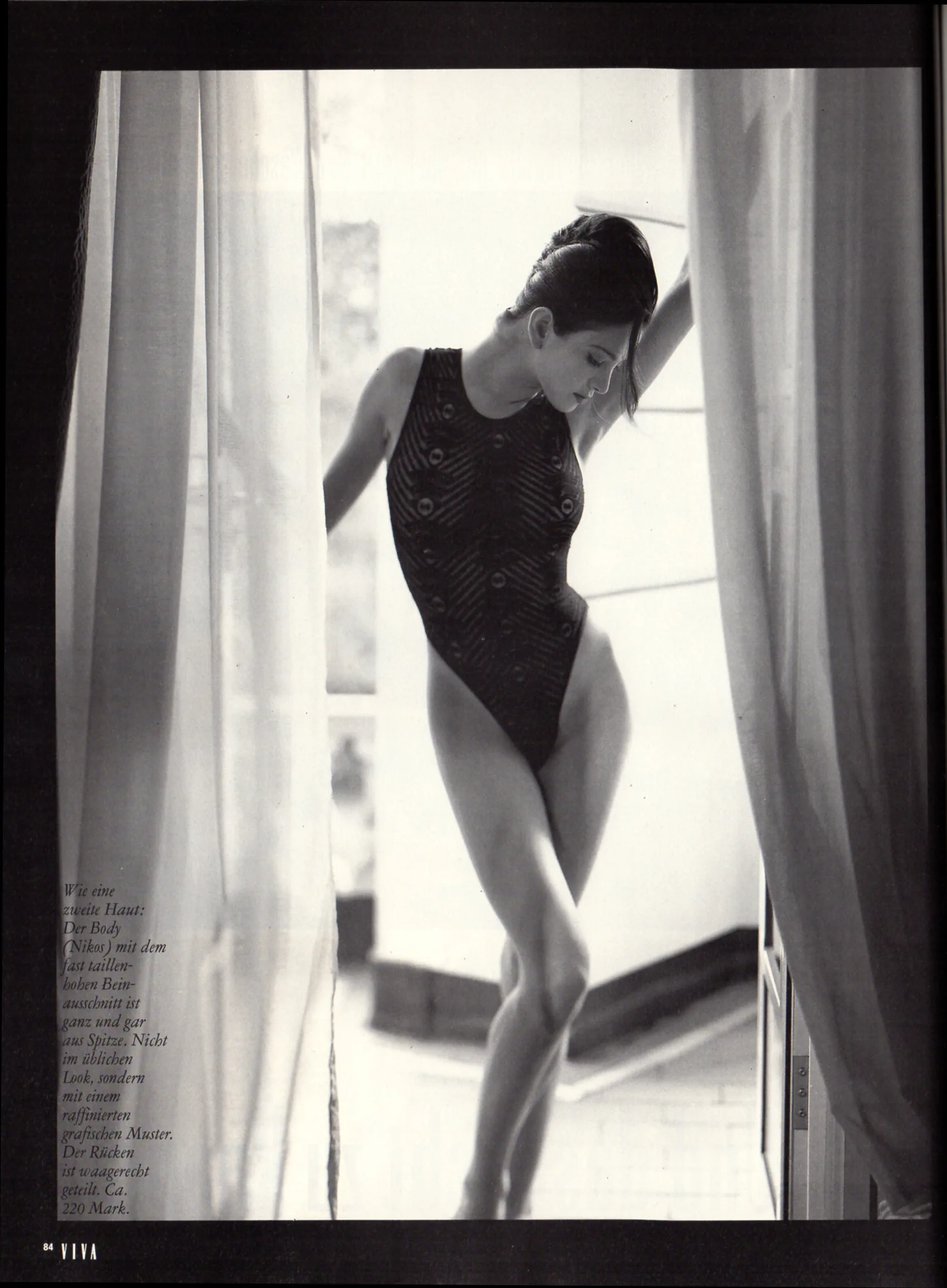
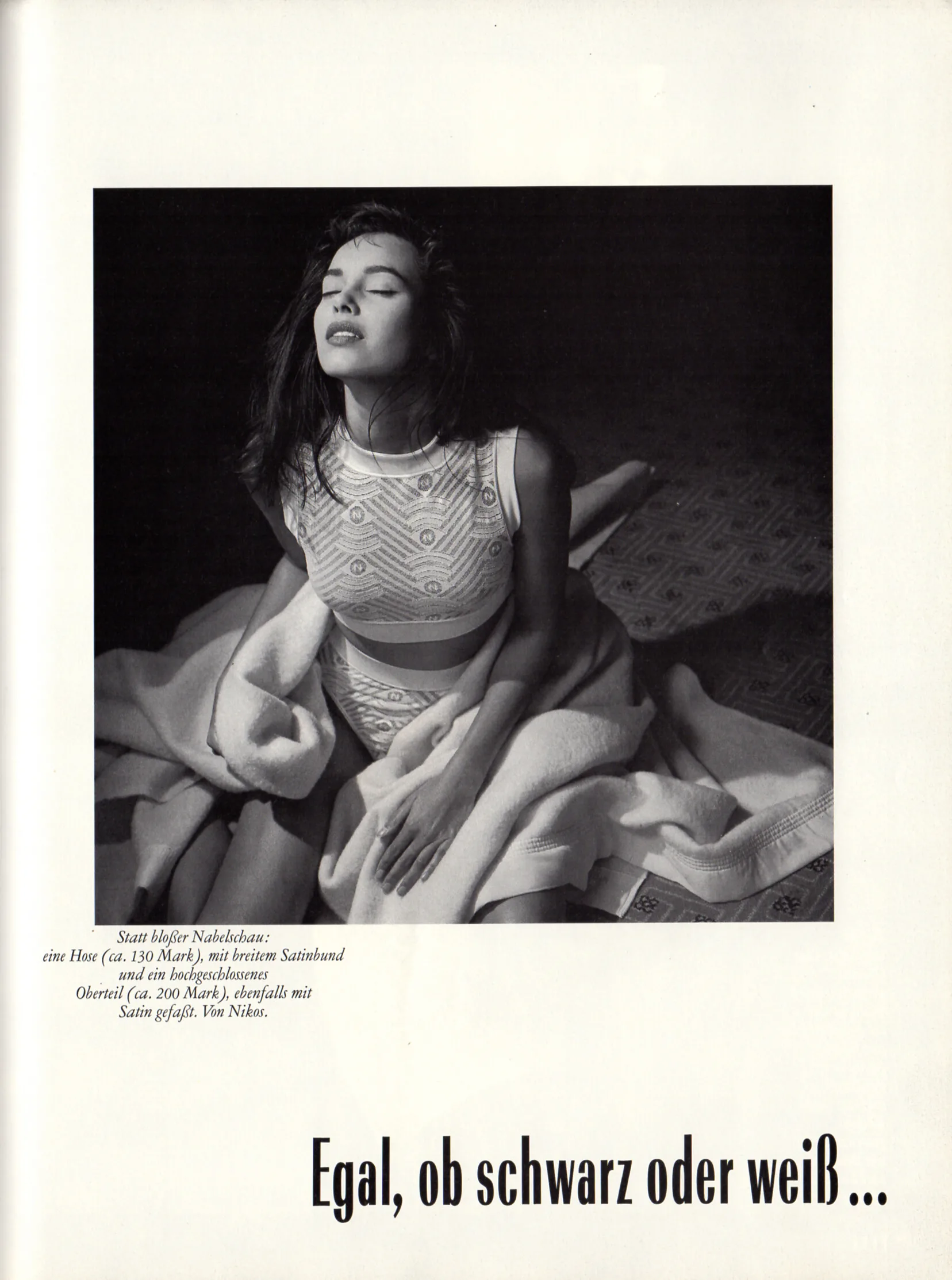
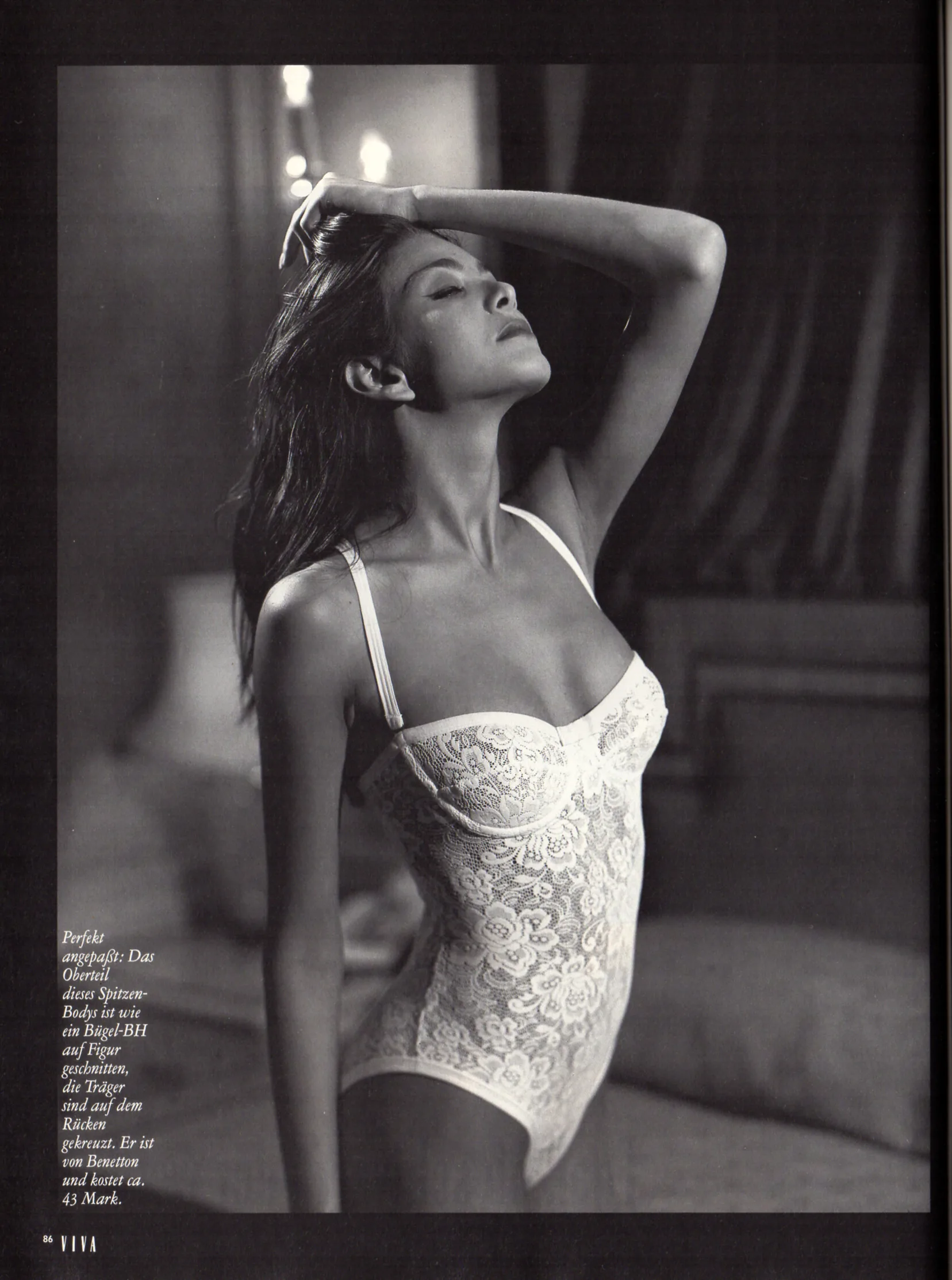
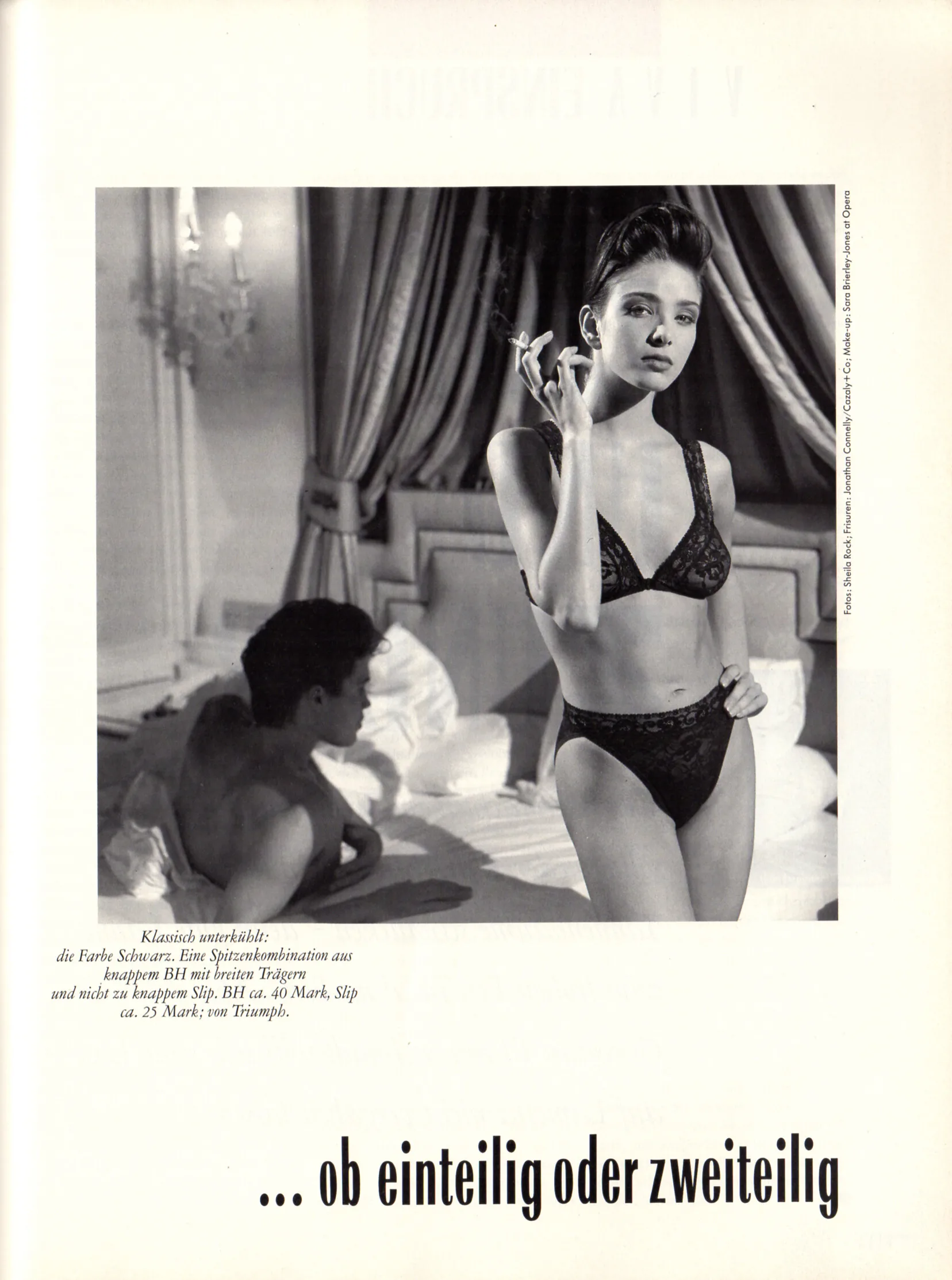
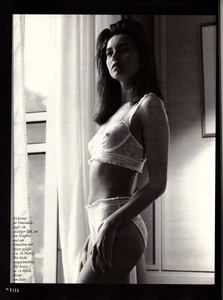
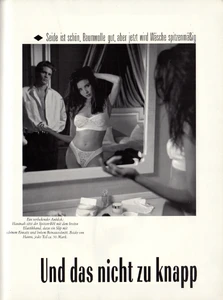
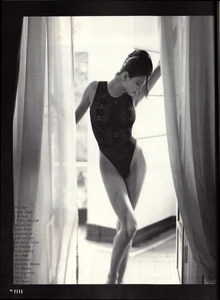
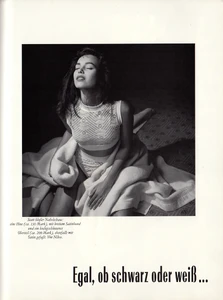
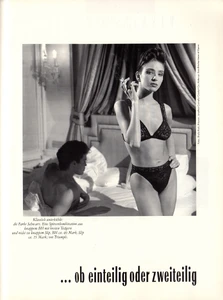
"Und das nicht zu knapp" - VIVA Germany January 1989 by Sheila Rock - also showing Aliya Knightley

- 26 replies
-
- 80s
- 90s
- australian
- blonde
-
Tagged with:
-
"Und das nicht zu knapp" - VIVA Germany January 1989 by Sheila Rock - also showing Simone Silverman
-
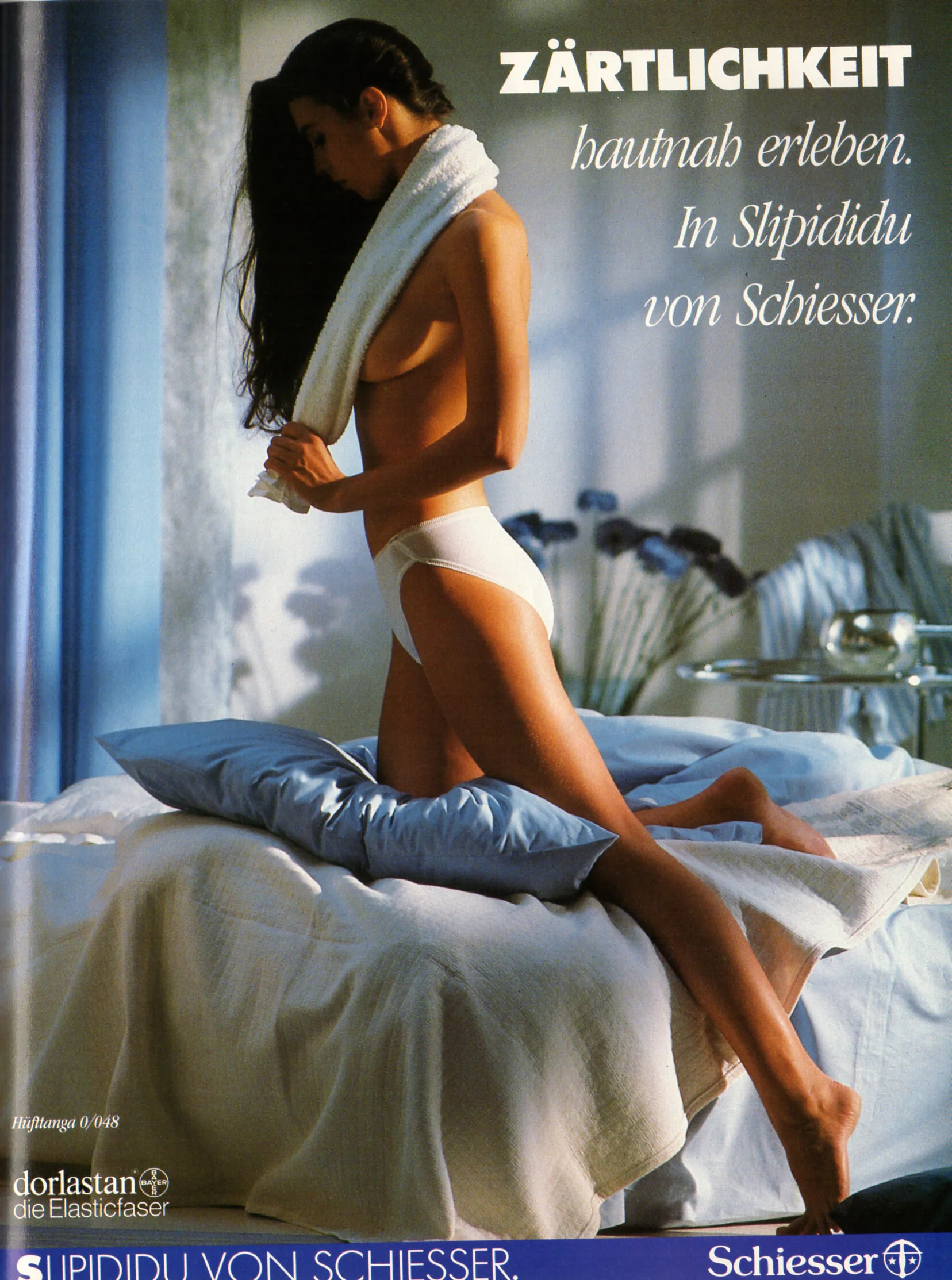
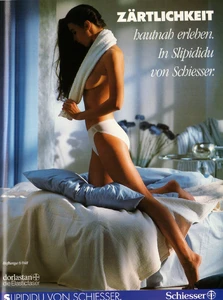
Schiesser advertisement - VIVA Germany January 1989
-
-
-
-
-
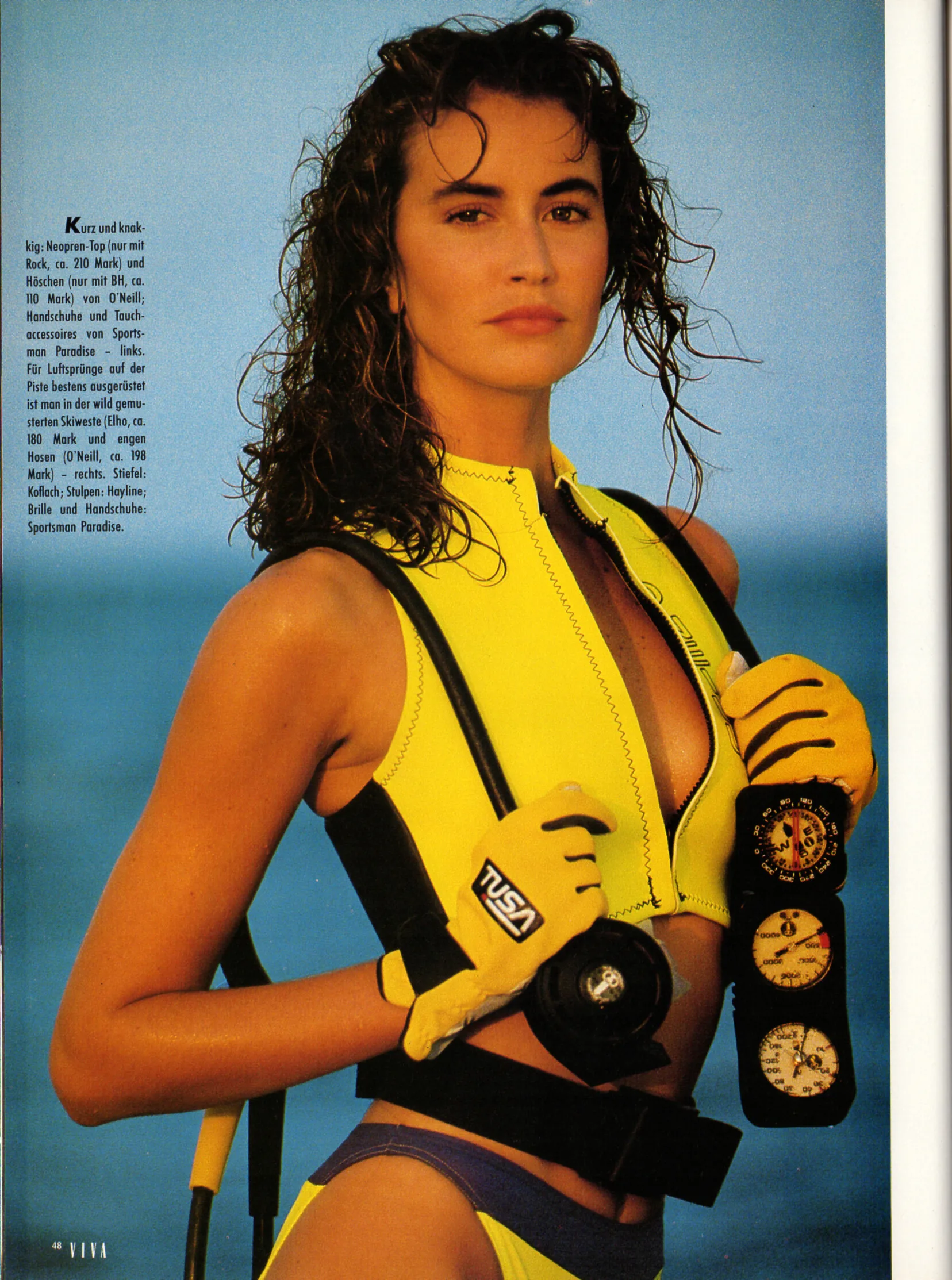
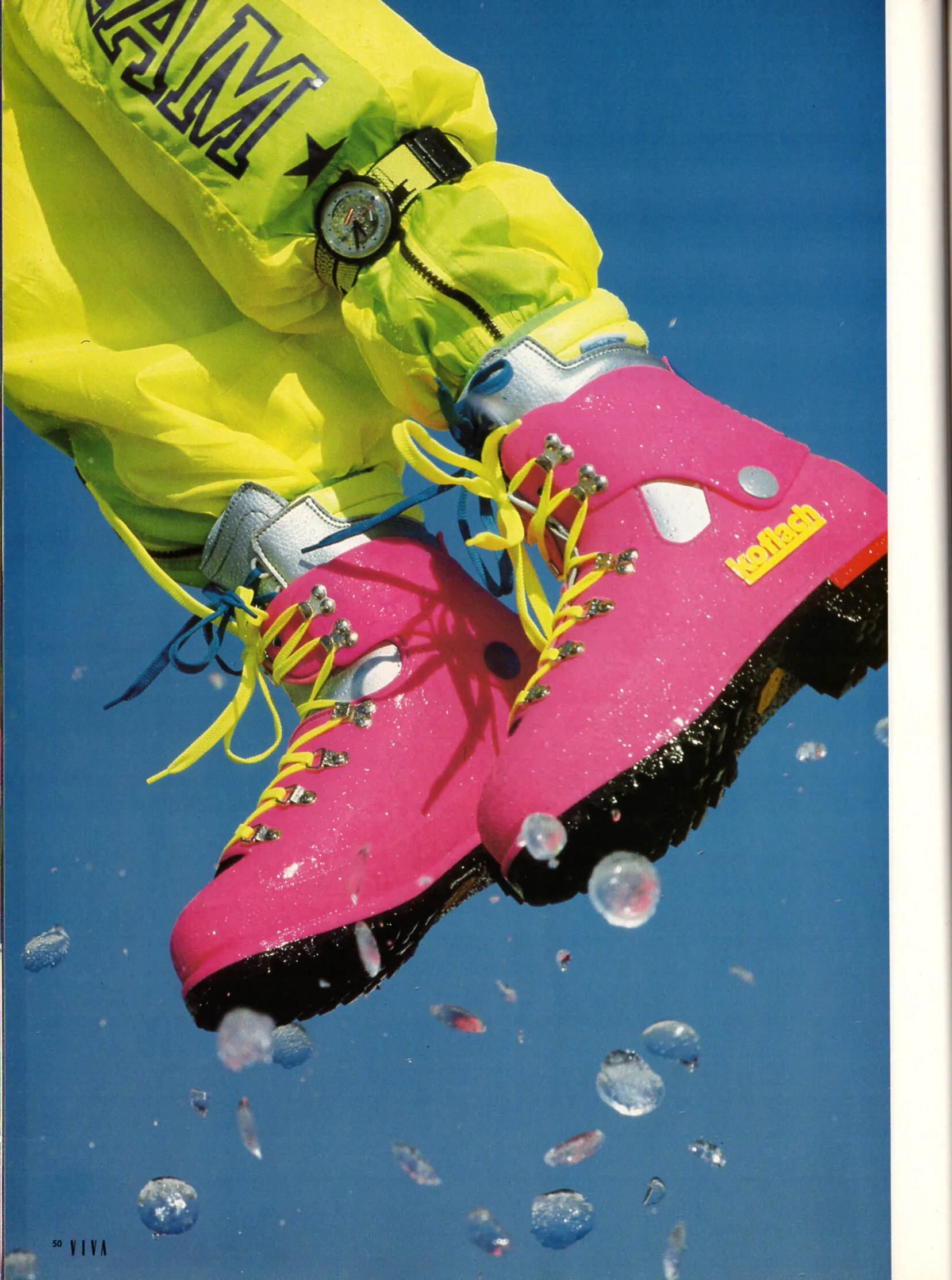
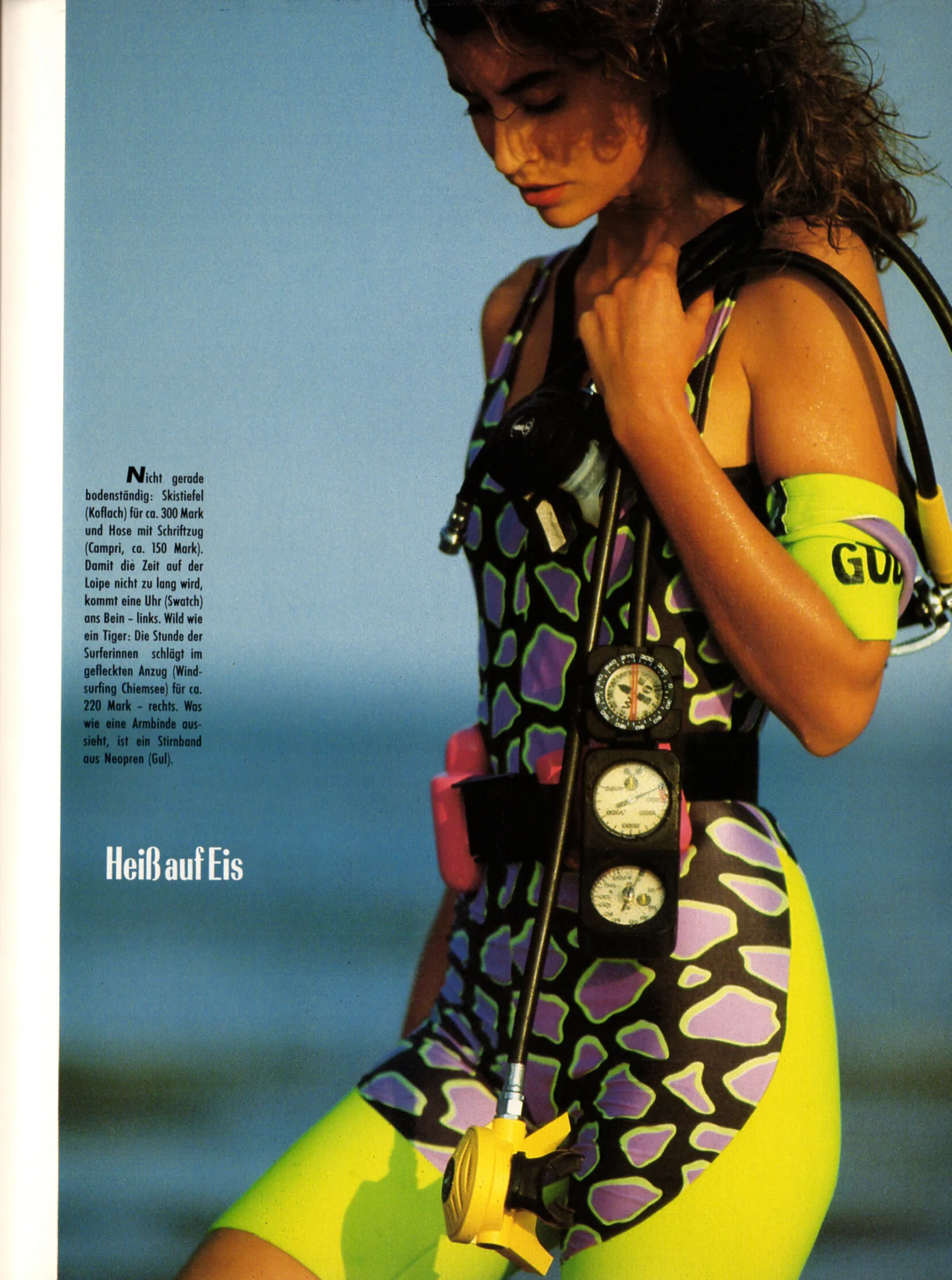
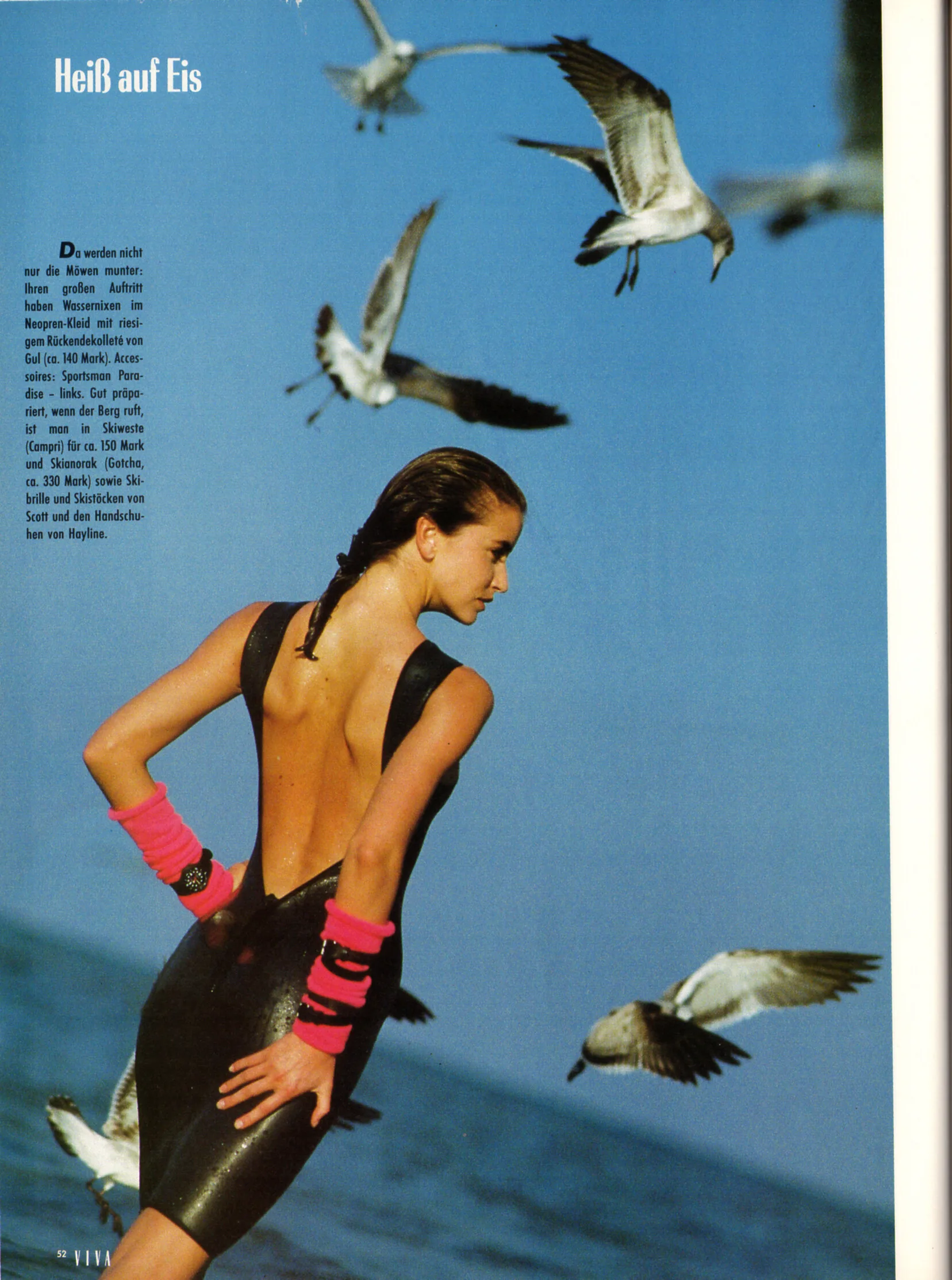
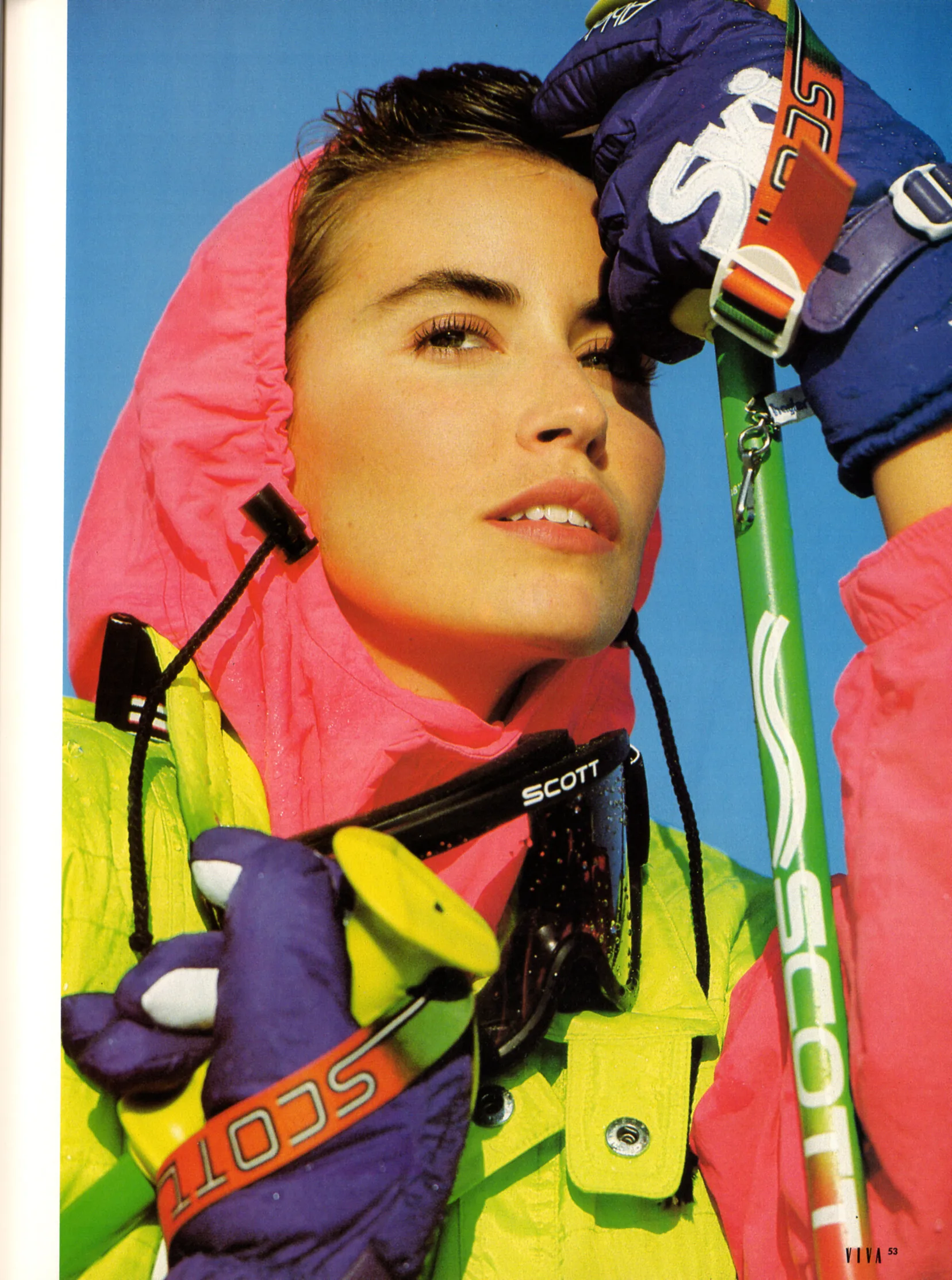
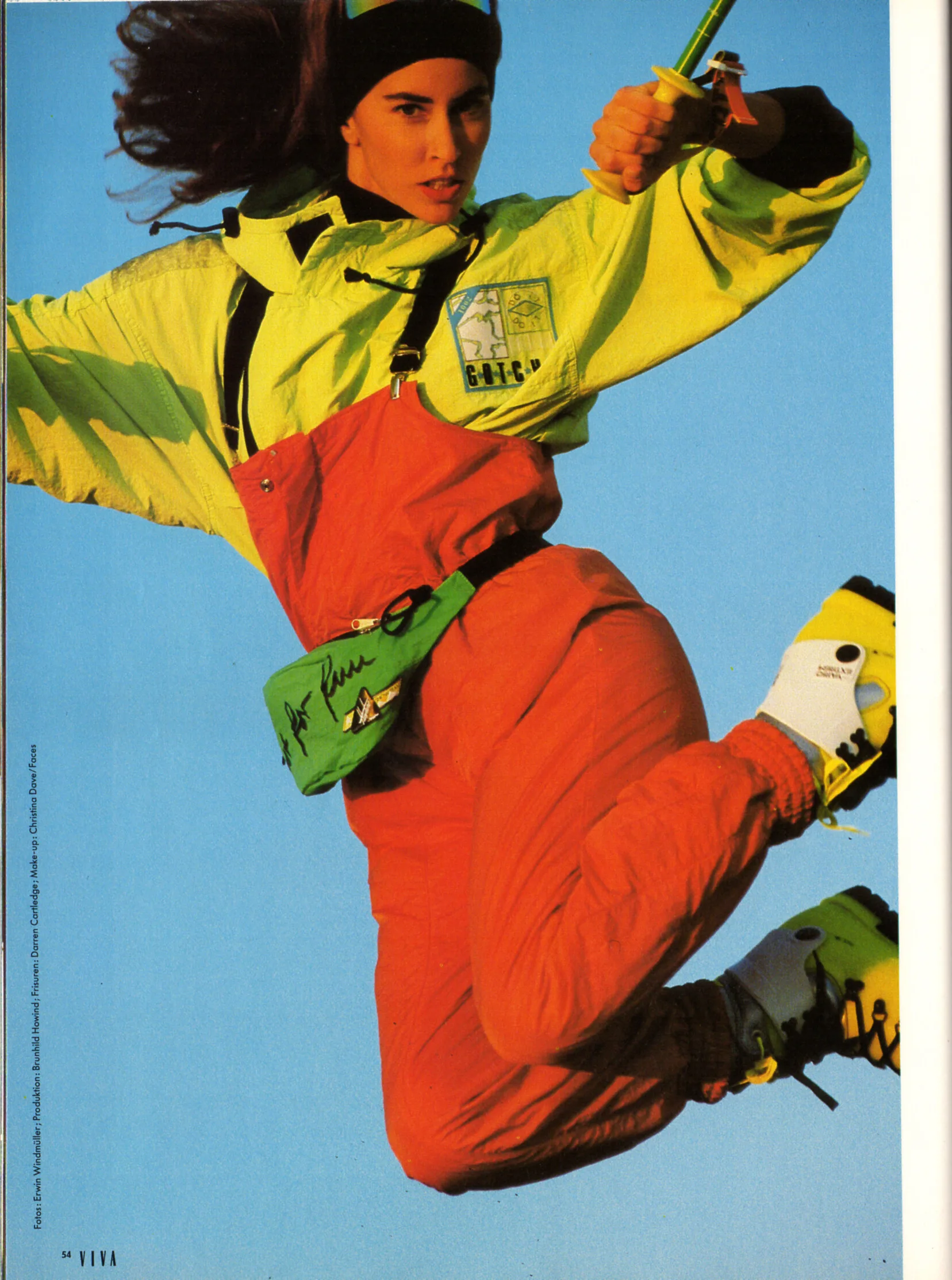
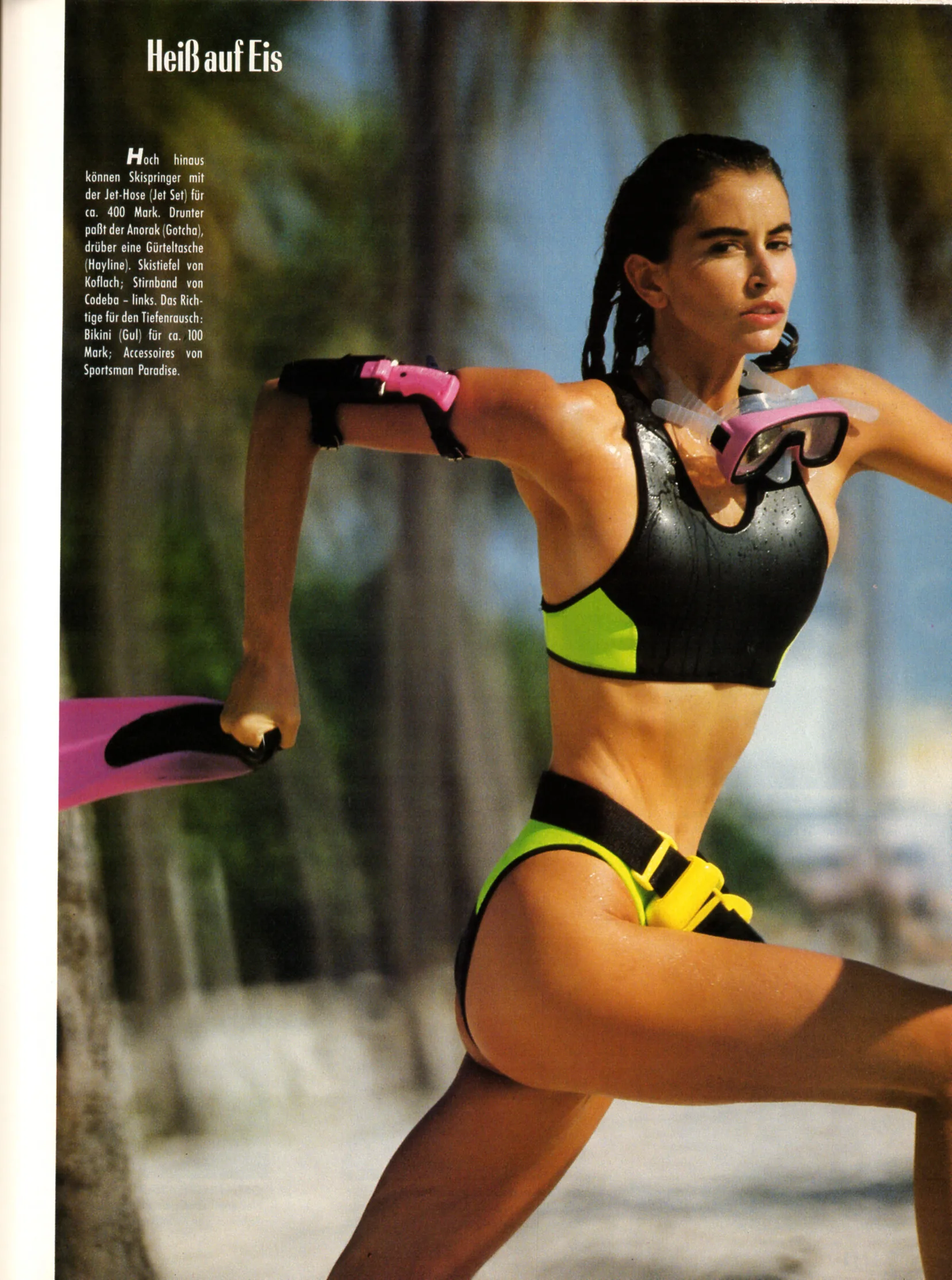
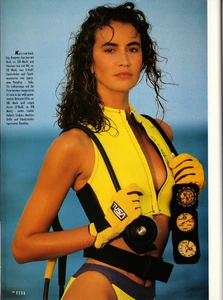
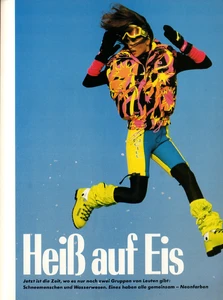
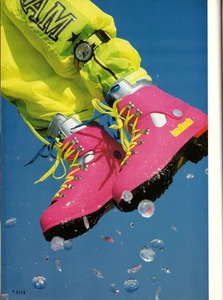
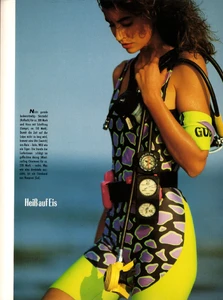
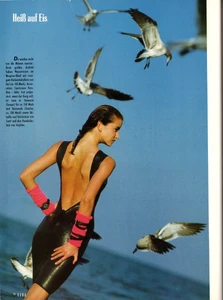
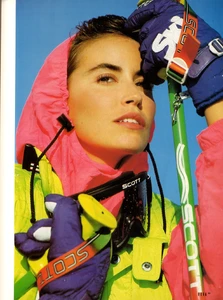
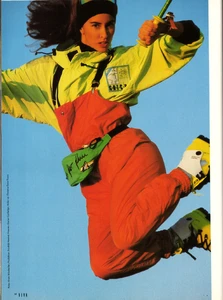
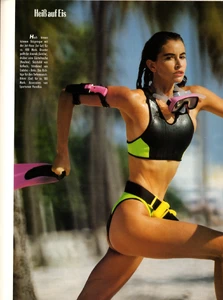
"Heiß auf Eis" - VIVA Germany January 1989 by Erwin Windmüller
-
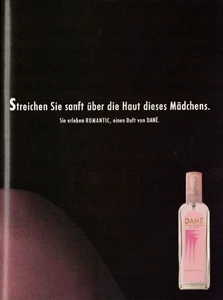
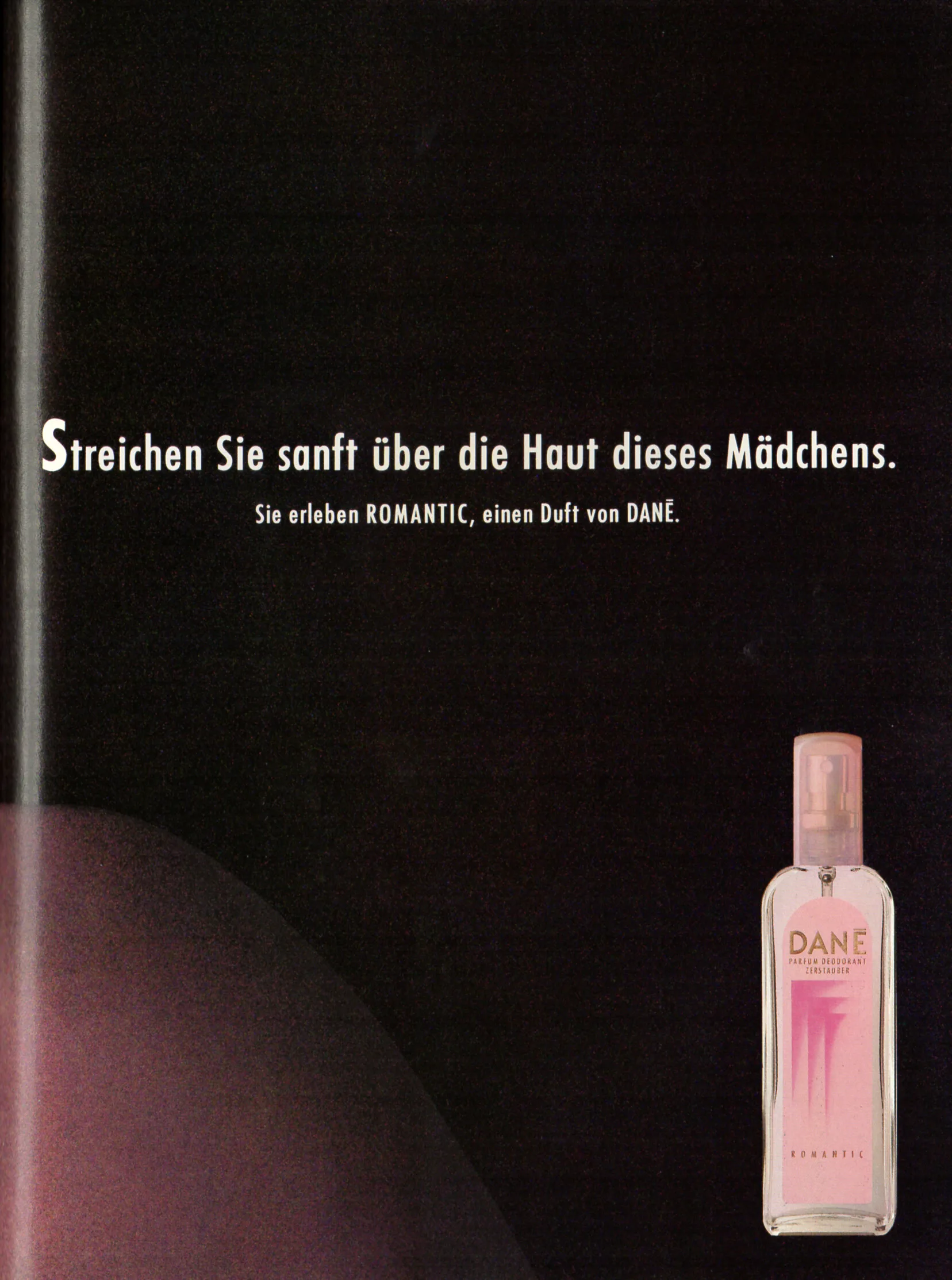
DANE advertisement - VIVA Germany January 1989