Jump to content
View in the app

A better way to browse. Learn more.

Bellazon

A full-screen app on your home screen with push notifications, badges and more.

To install this app on iOS and iPadOS
  1. Tap the Share icon in Safari
  2. Scroll the menu and tap Add to Home Screen.
  3. Tap Add in the top-right corner.
To install this app on Android
  1. Tap the 3-dot menu (⋮) in the top-right corner of the browser.
  2. Tap Add to Home screen or Install app.
  3. Confirm by tapping Install.
fakediorpurse

Members
  • Joined

Everything posted by fakediorpurse

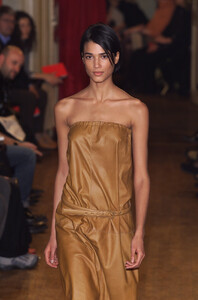
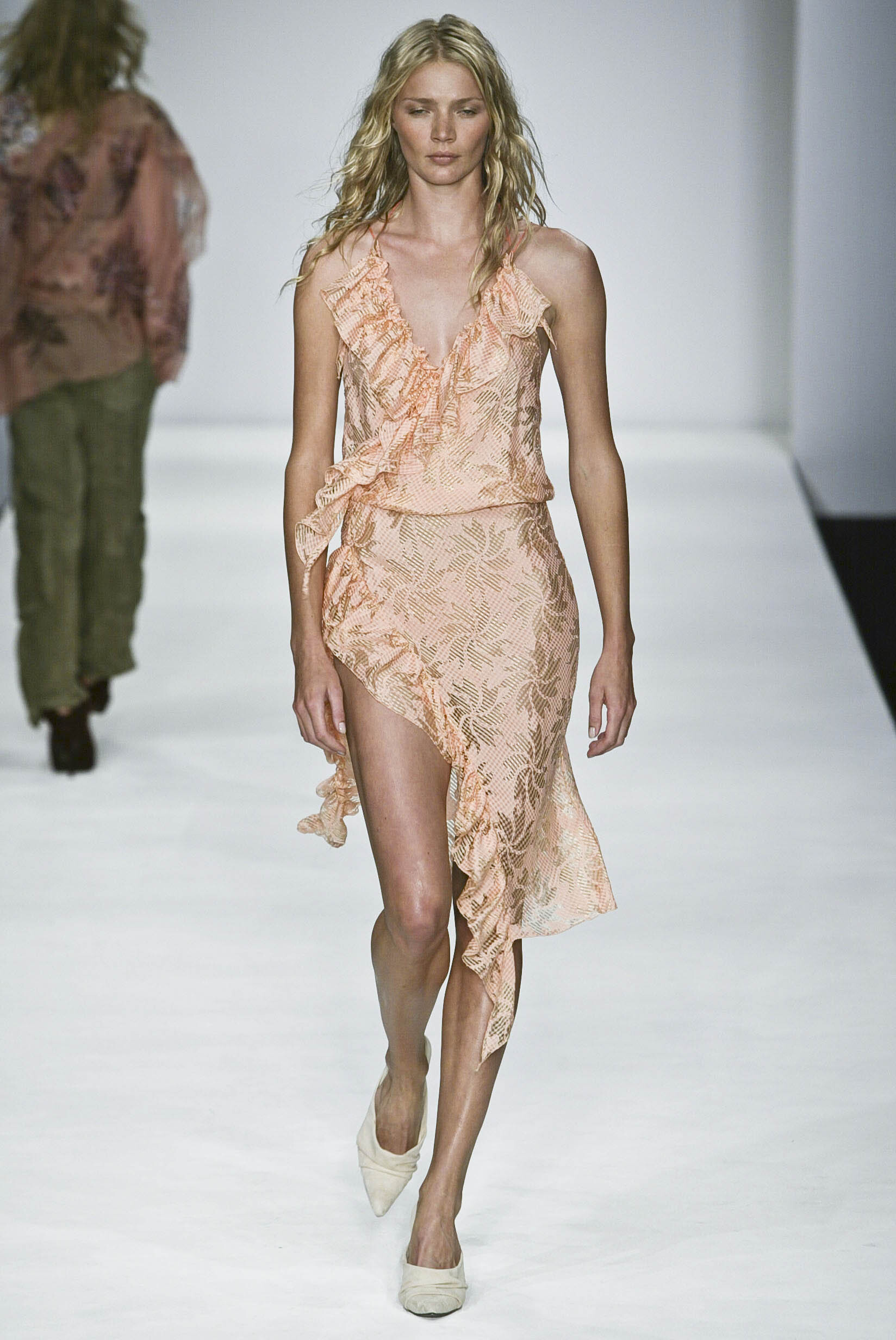
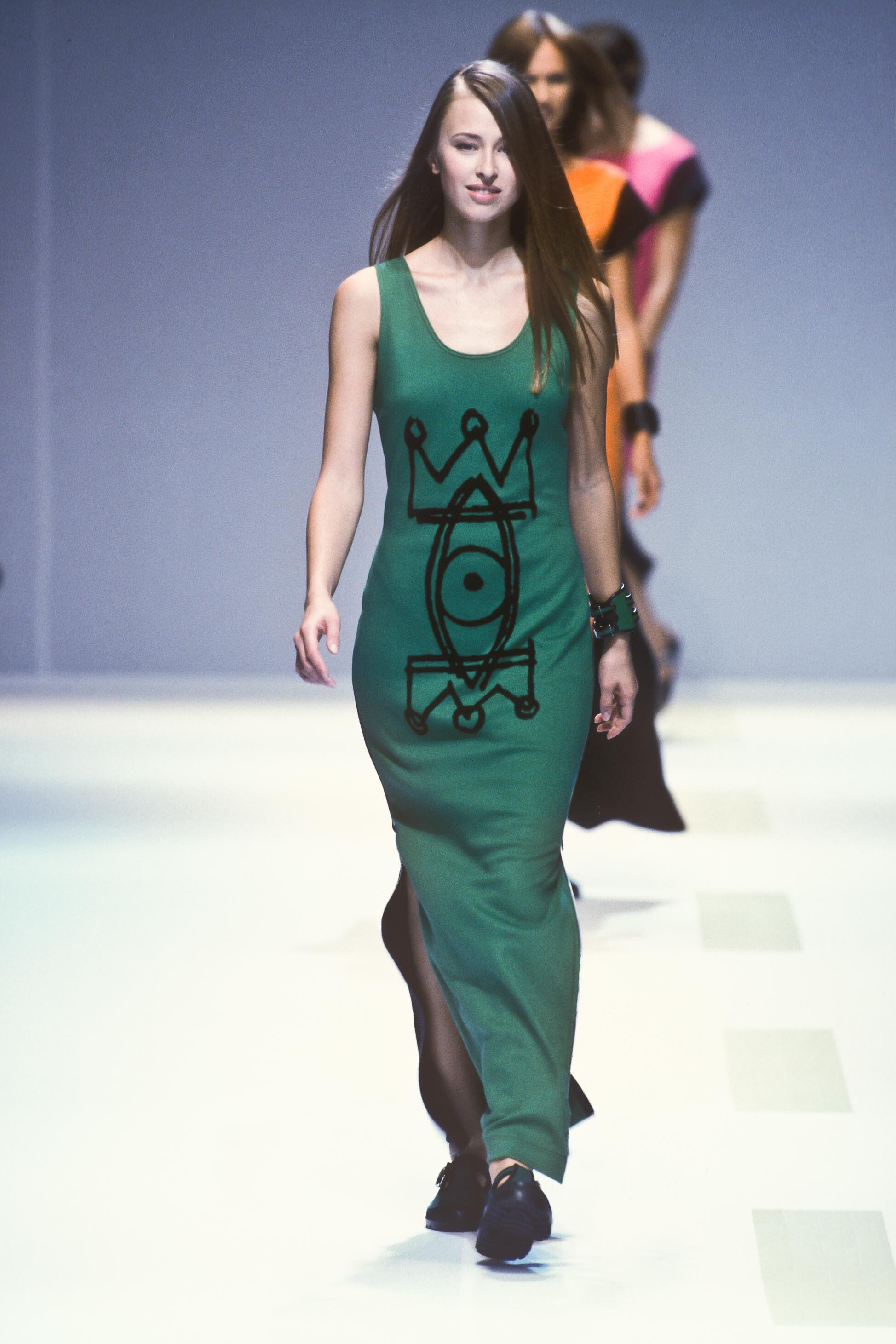
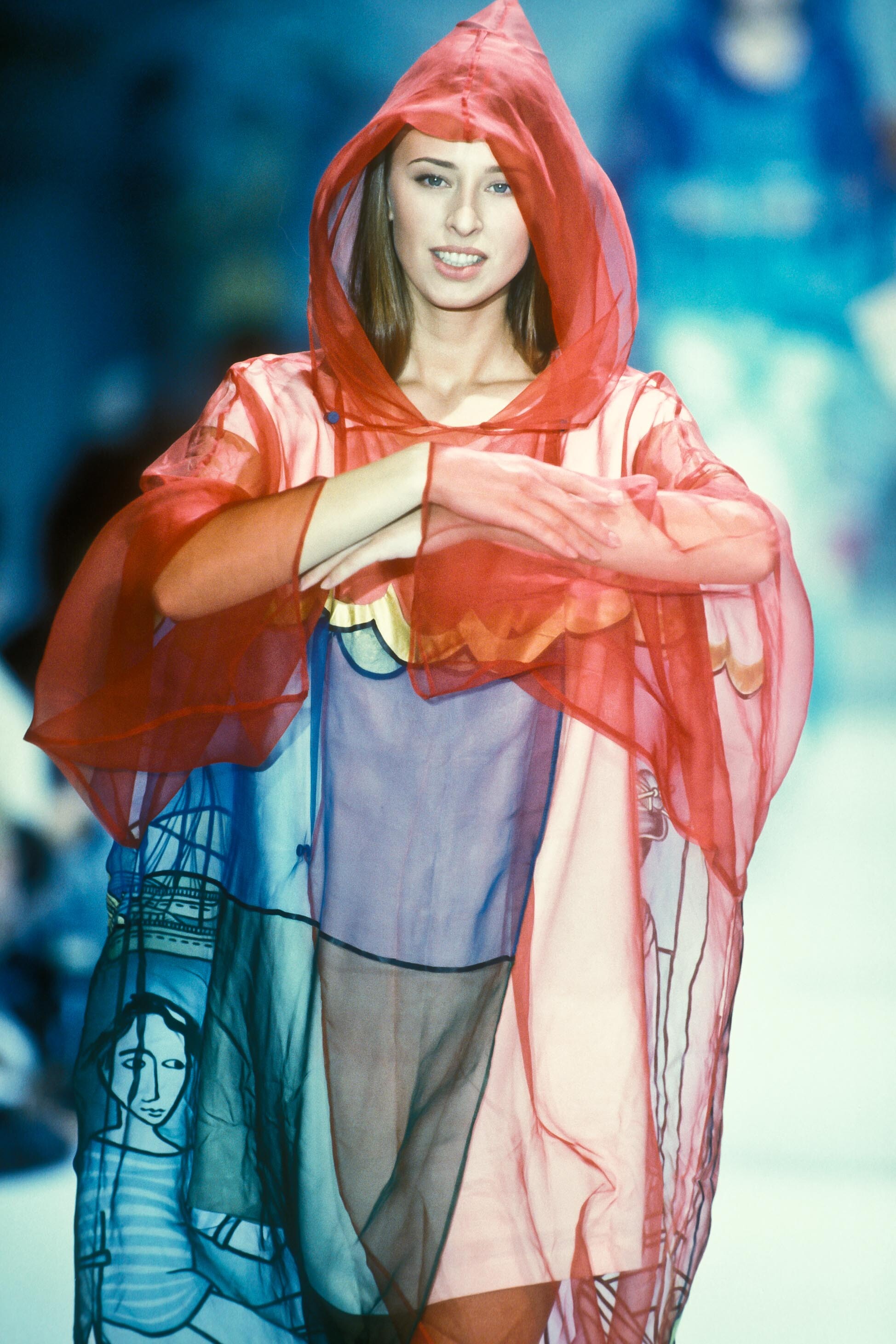
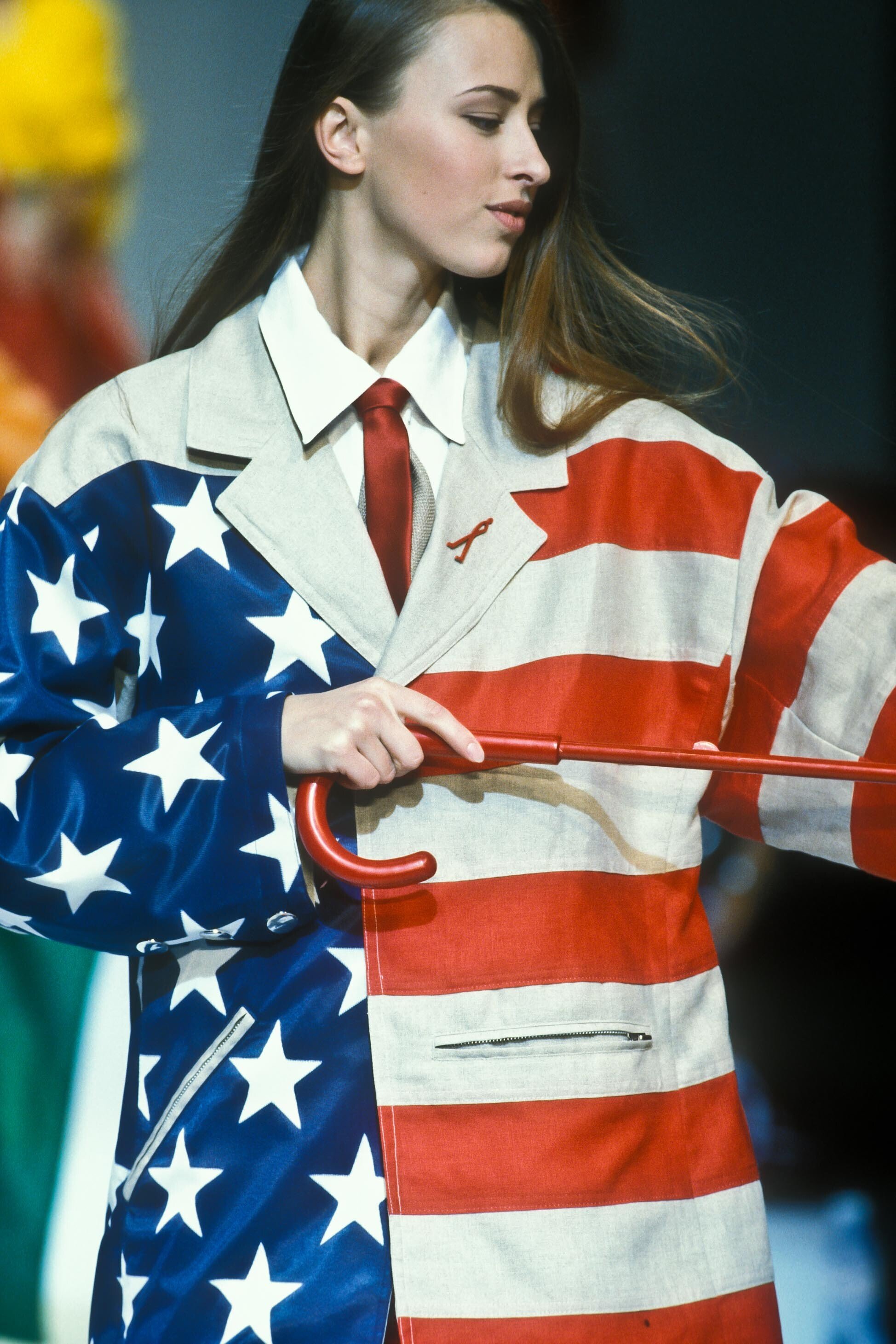
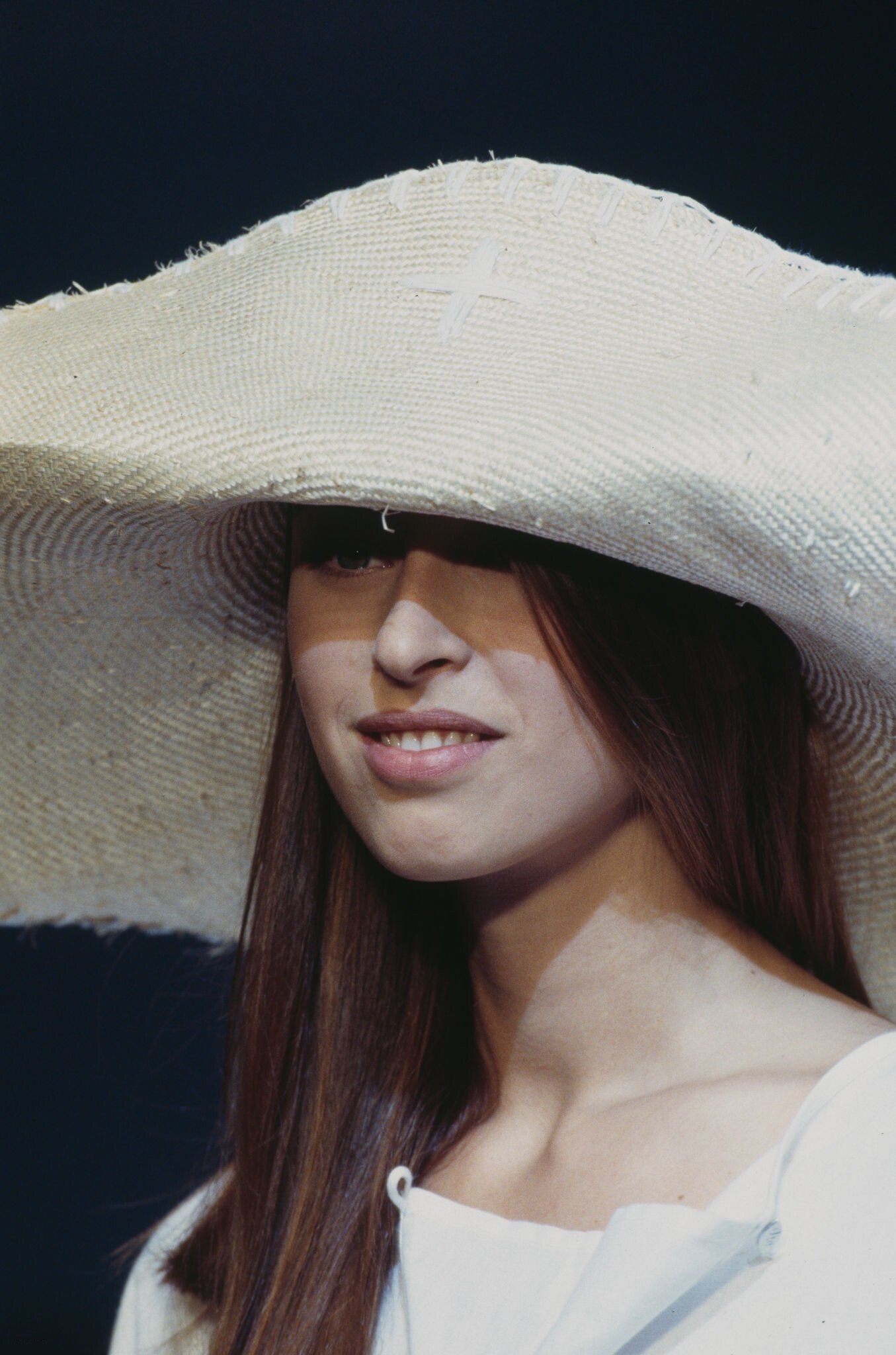
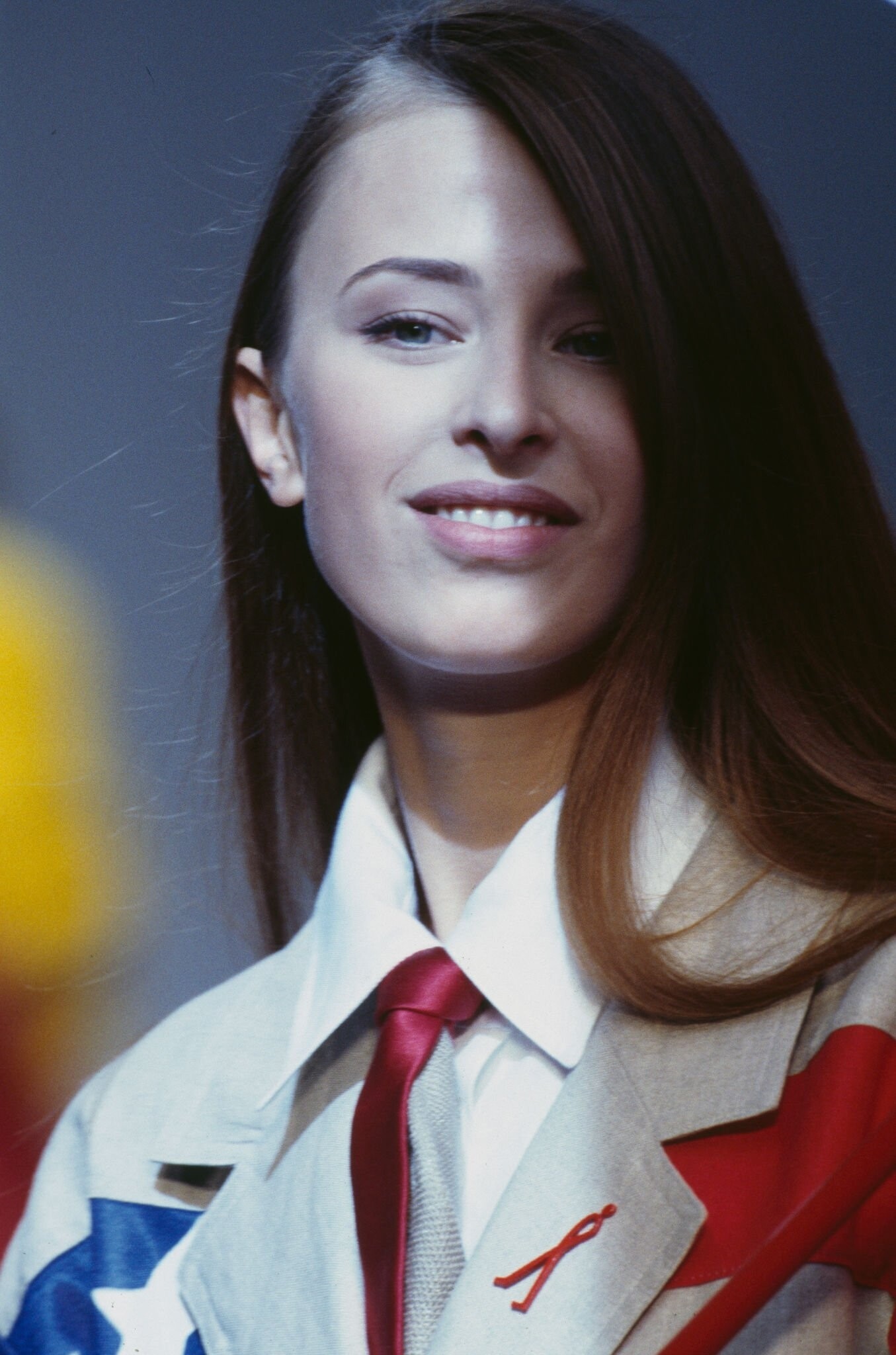
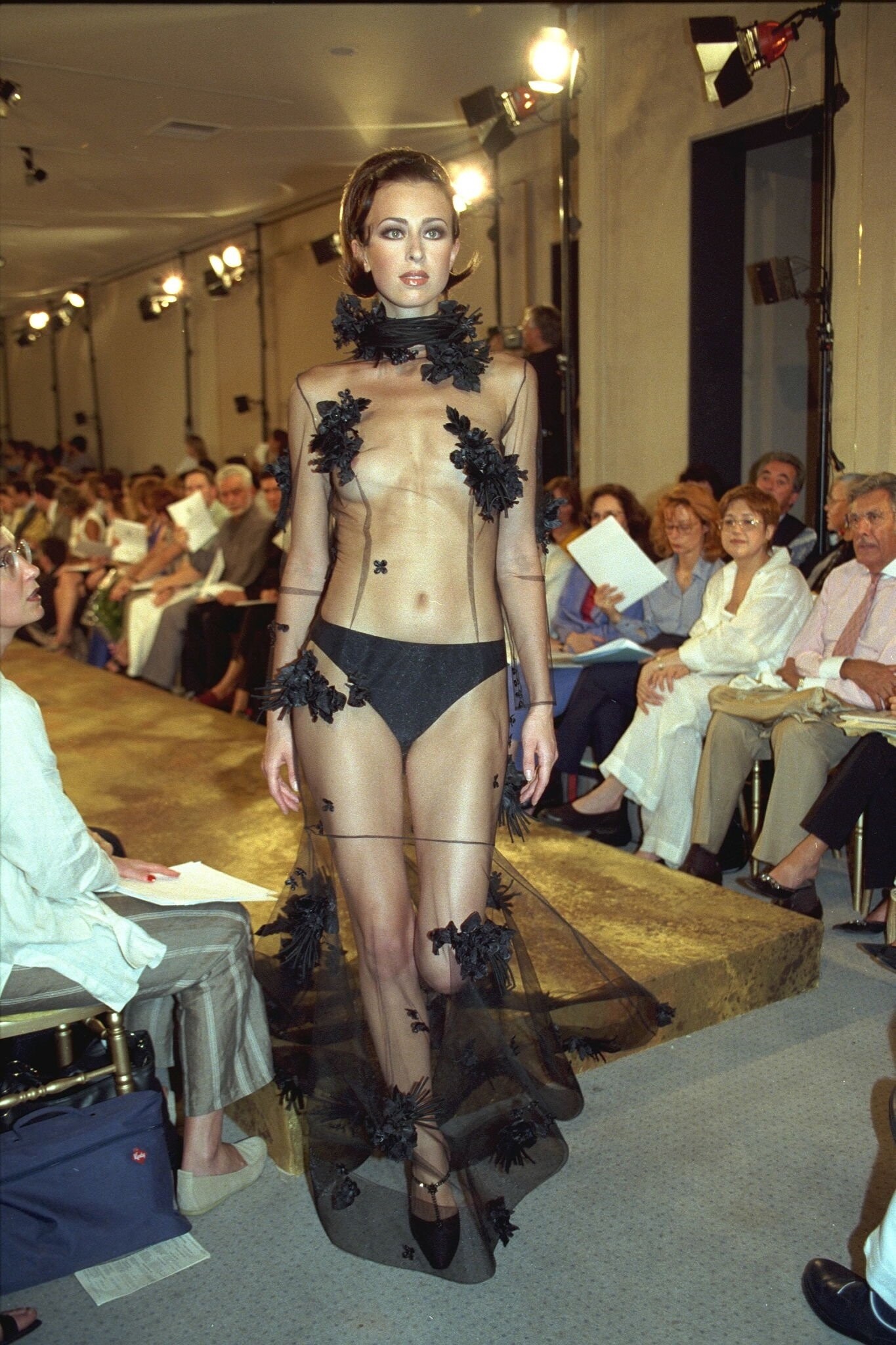
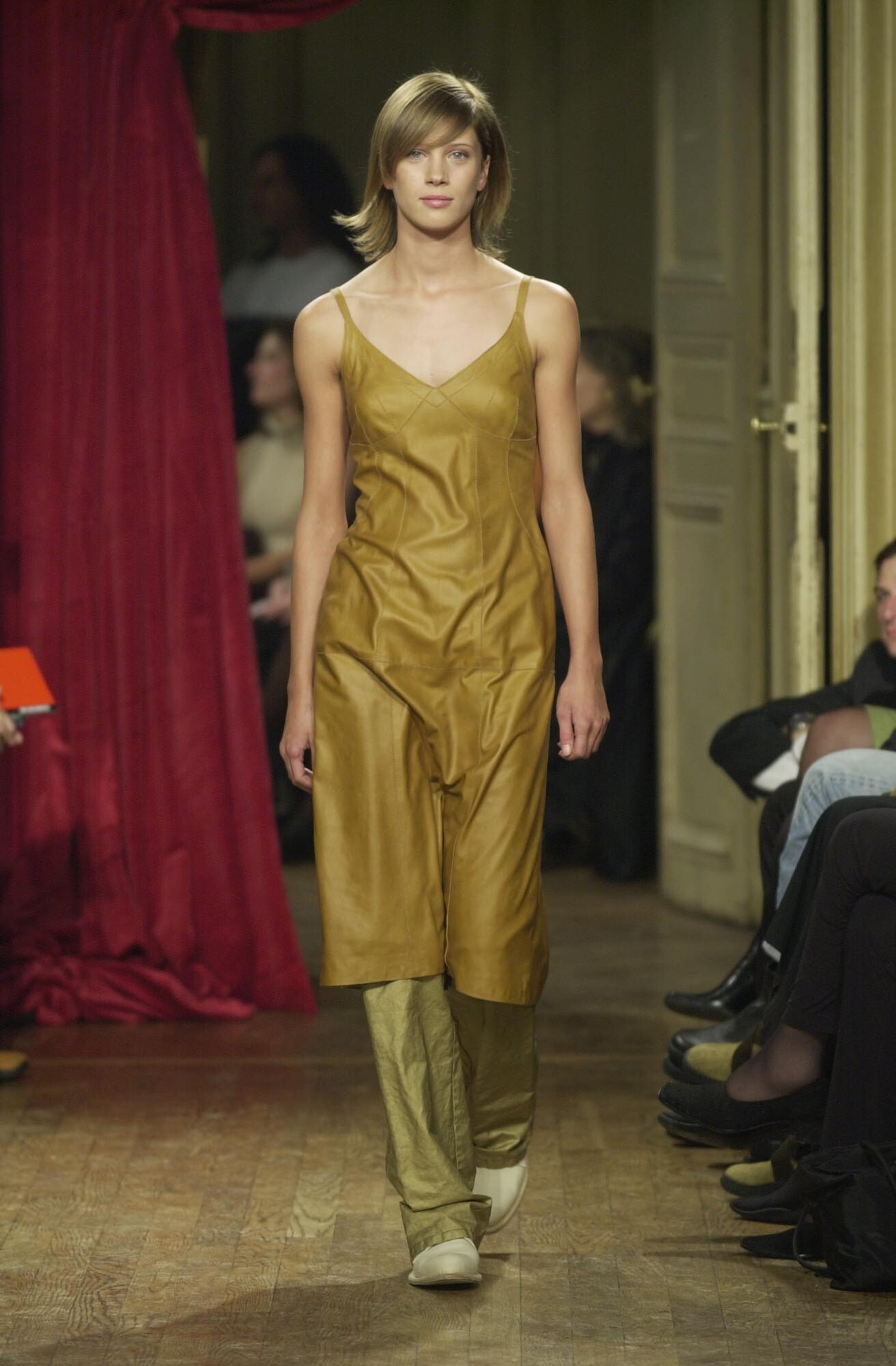
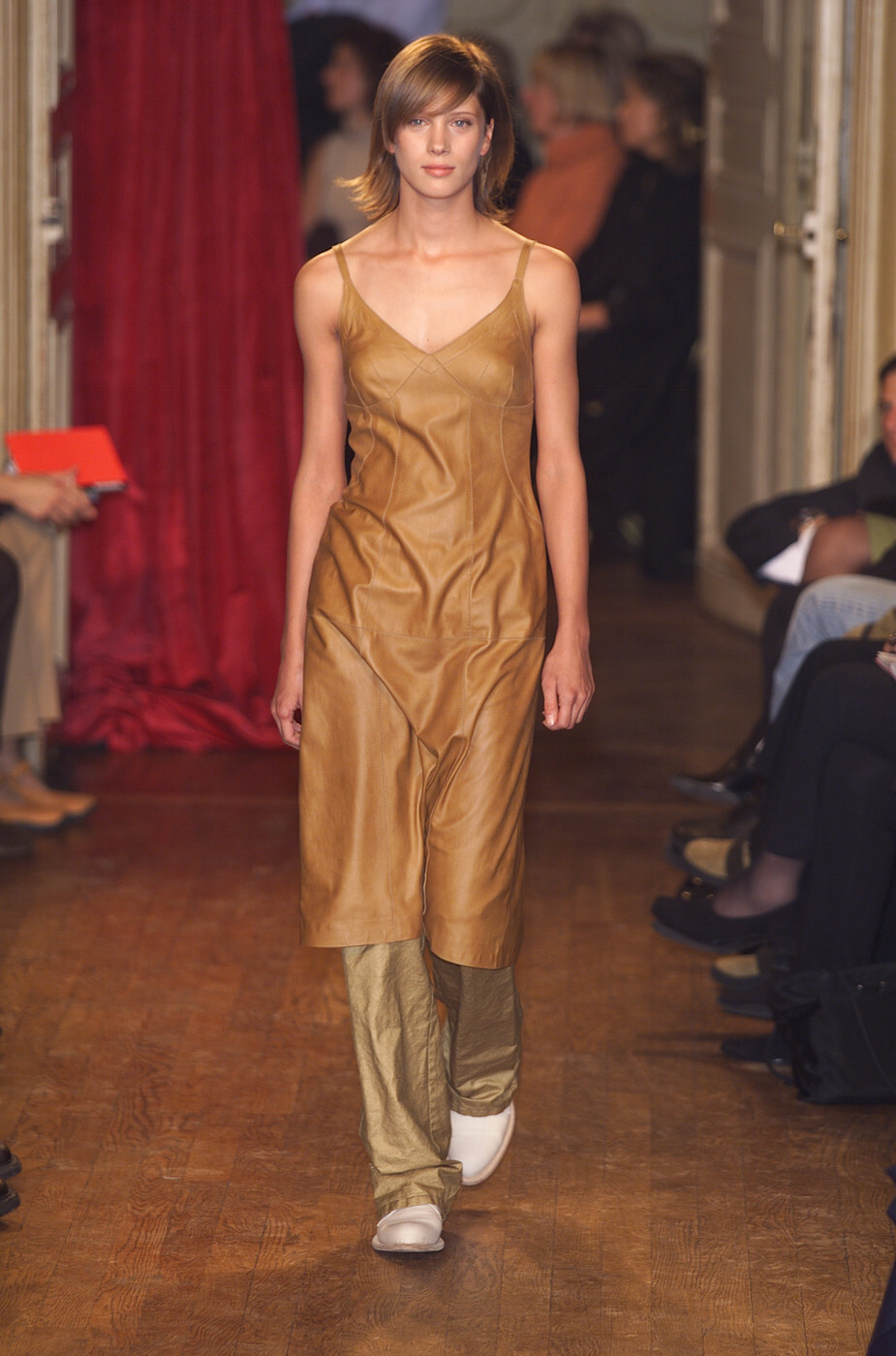
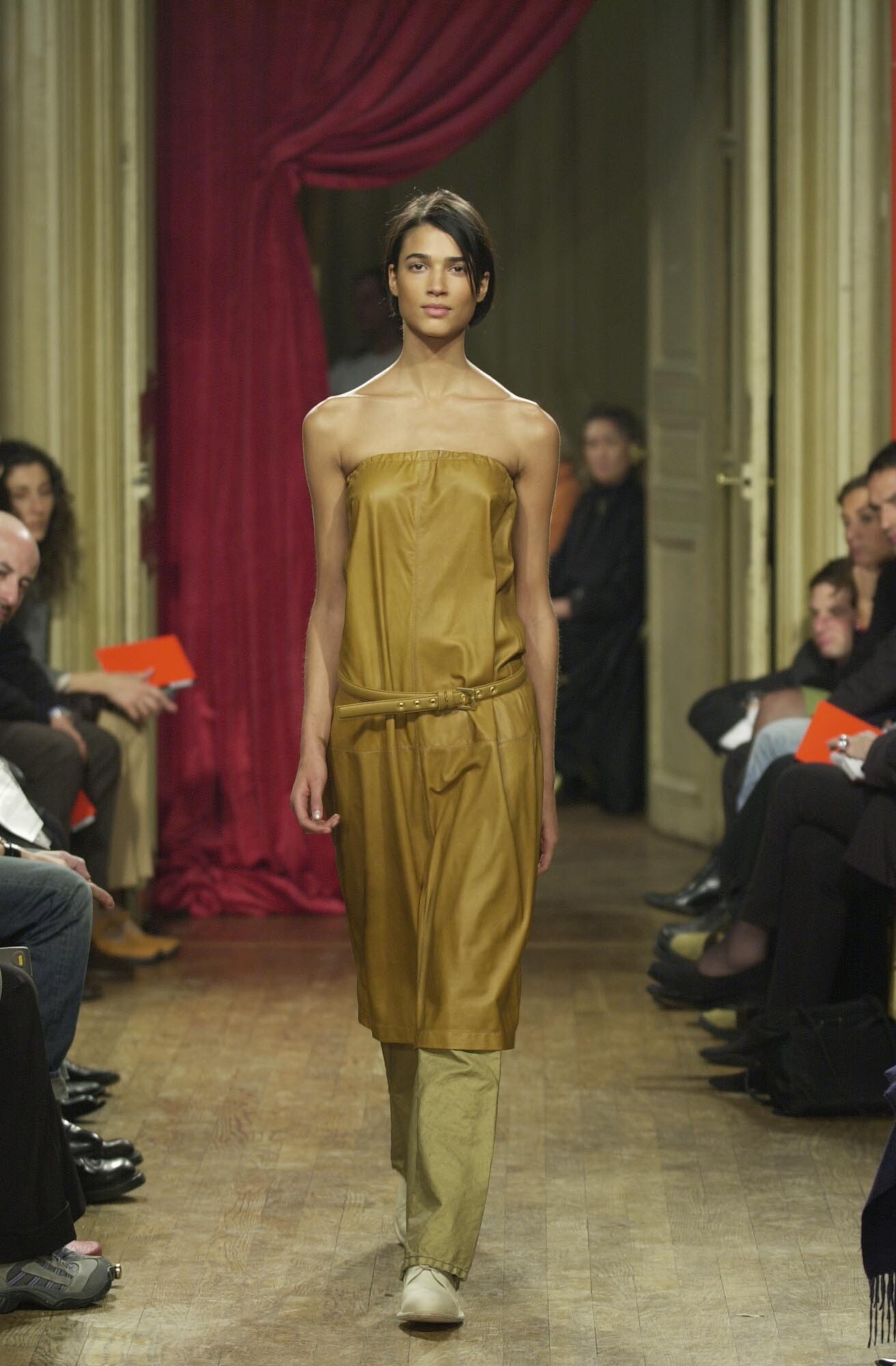
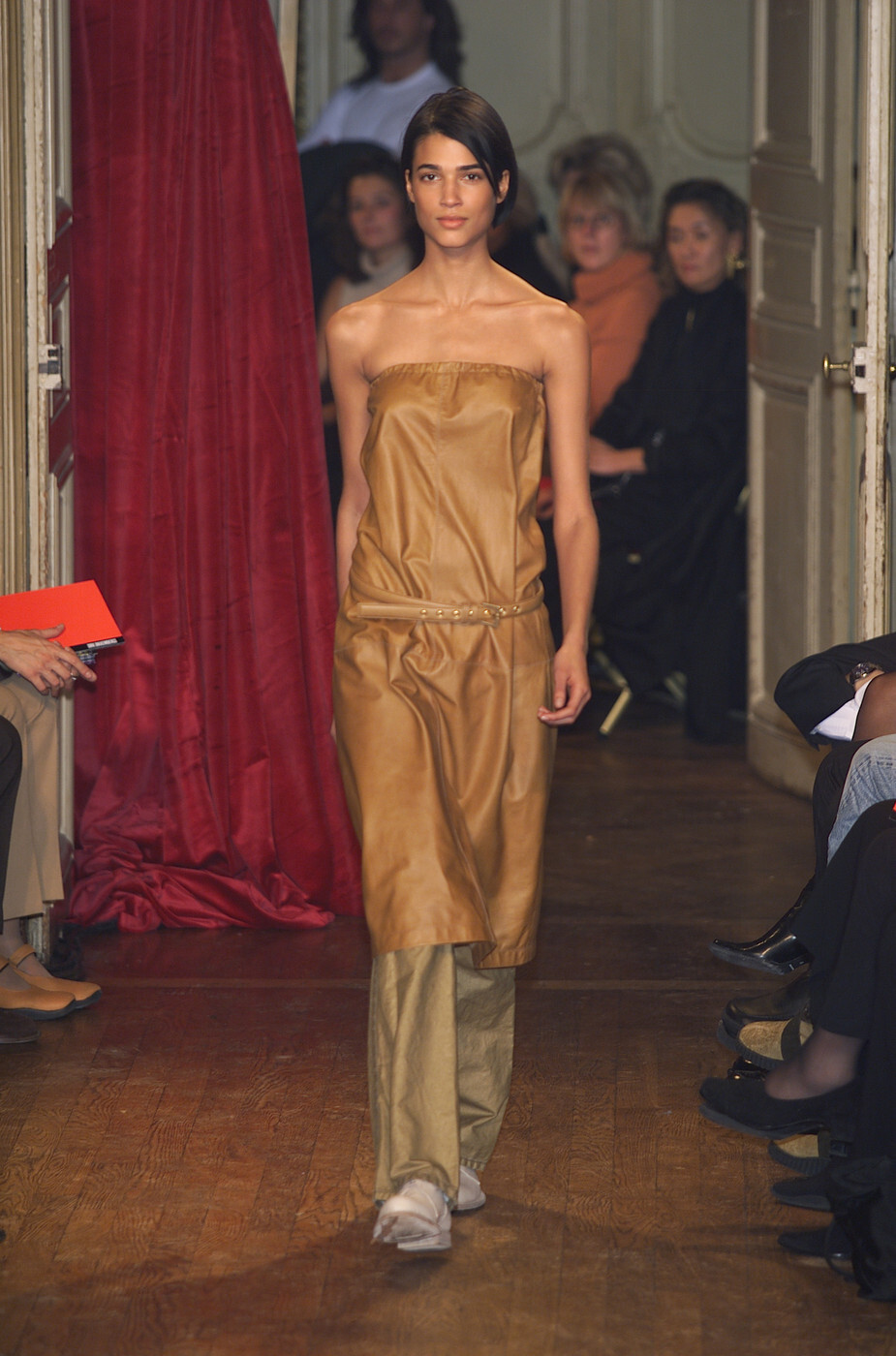
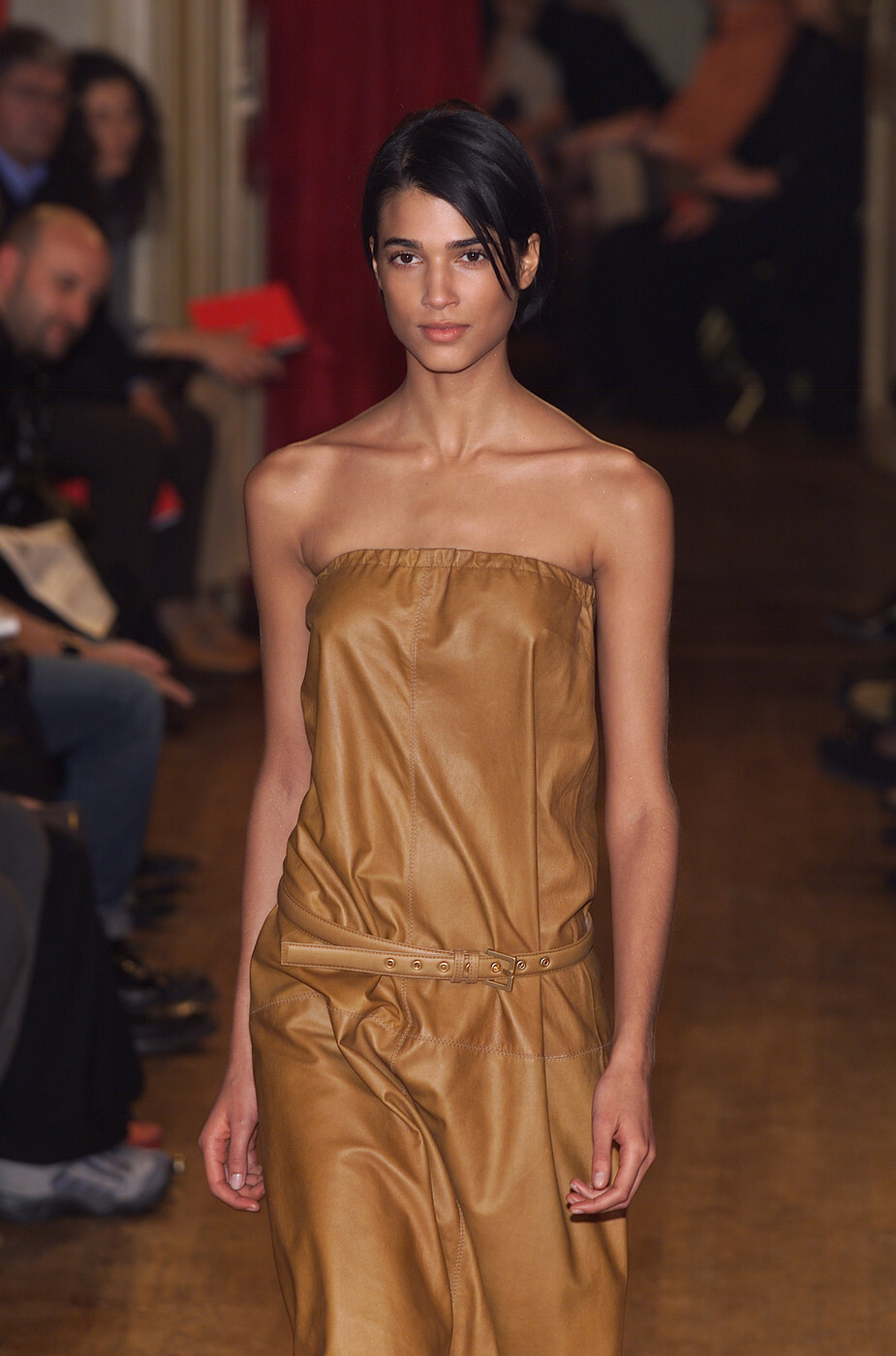
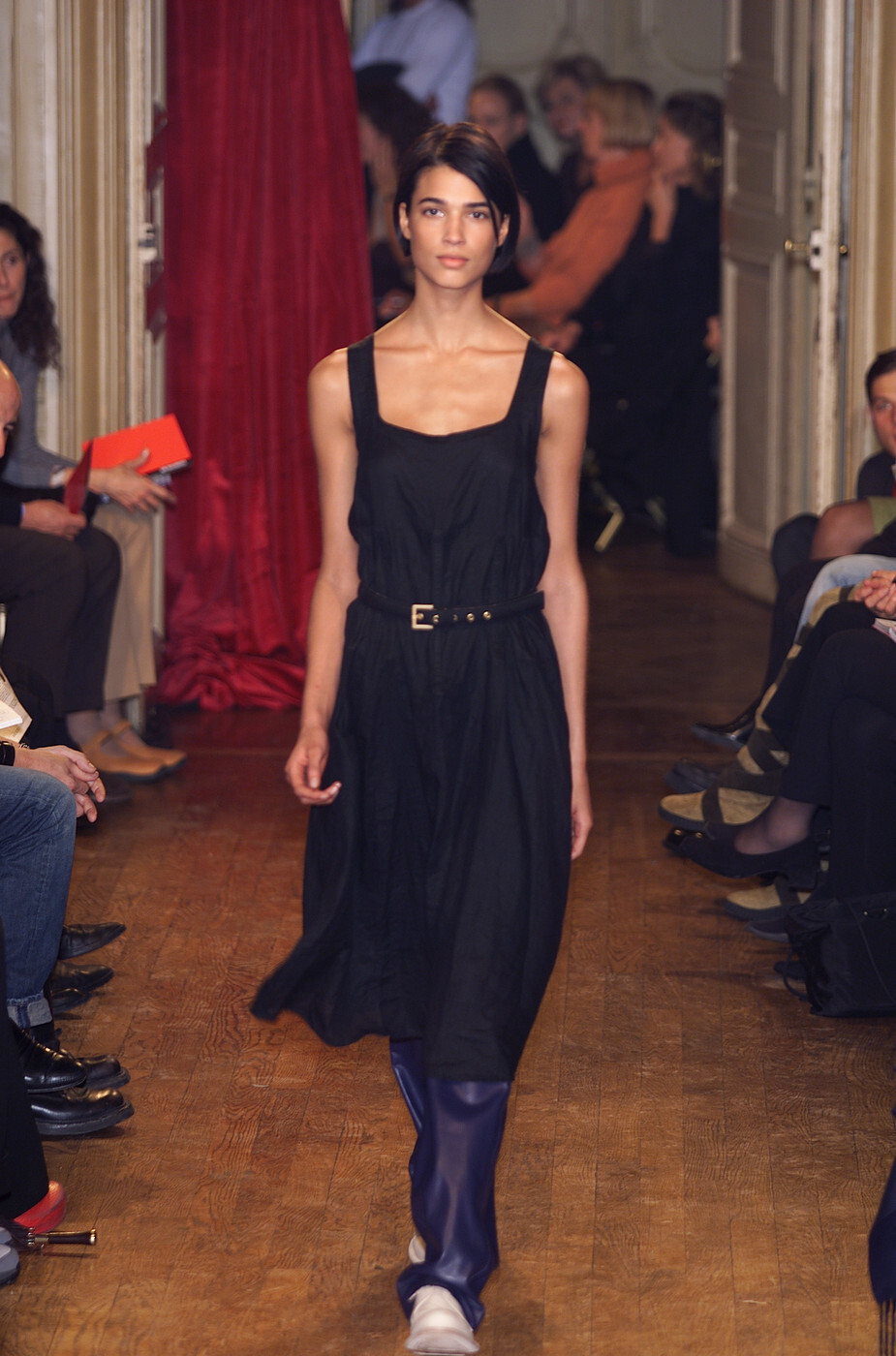
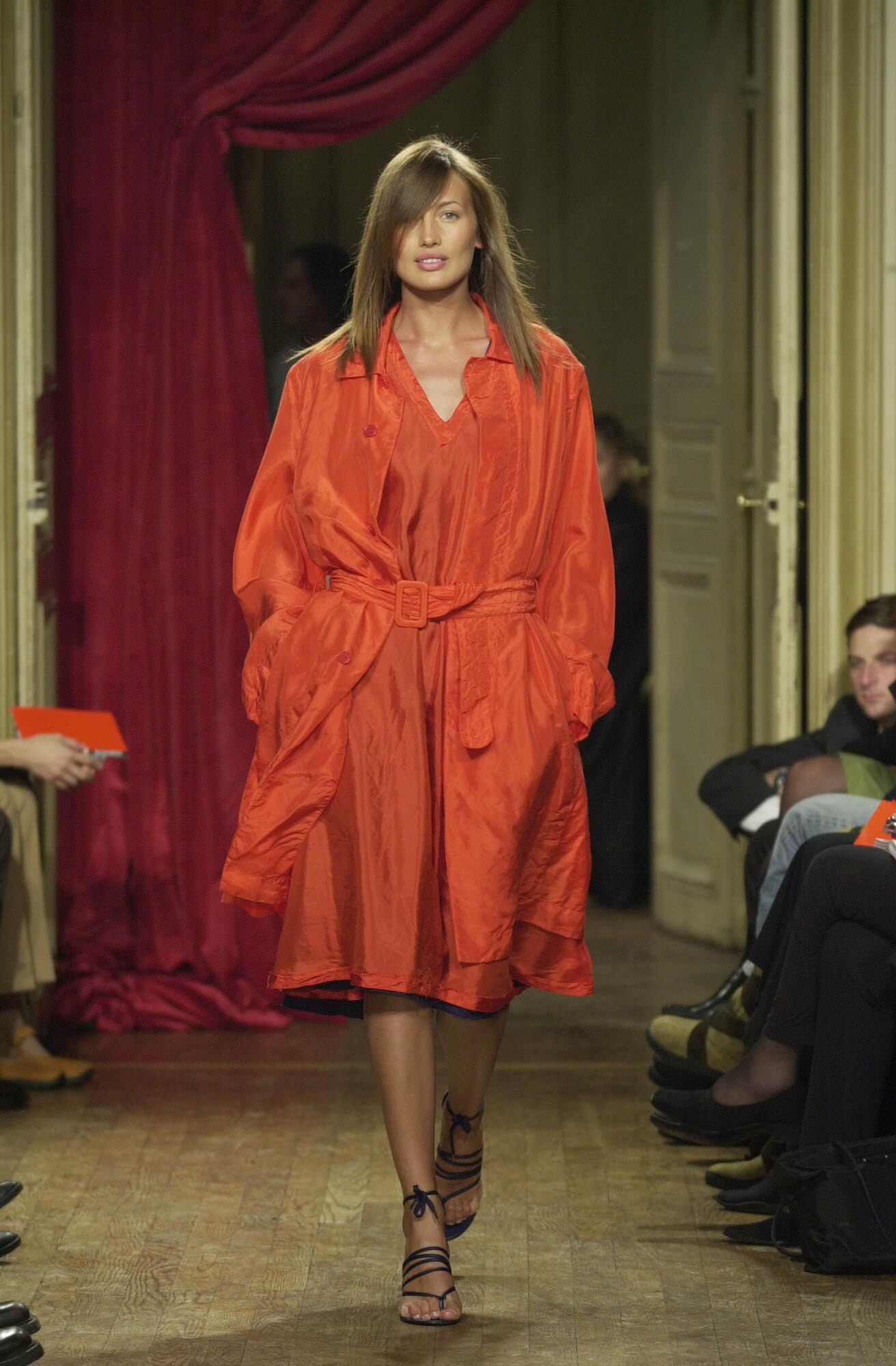
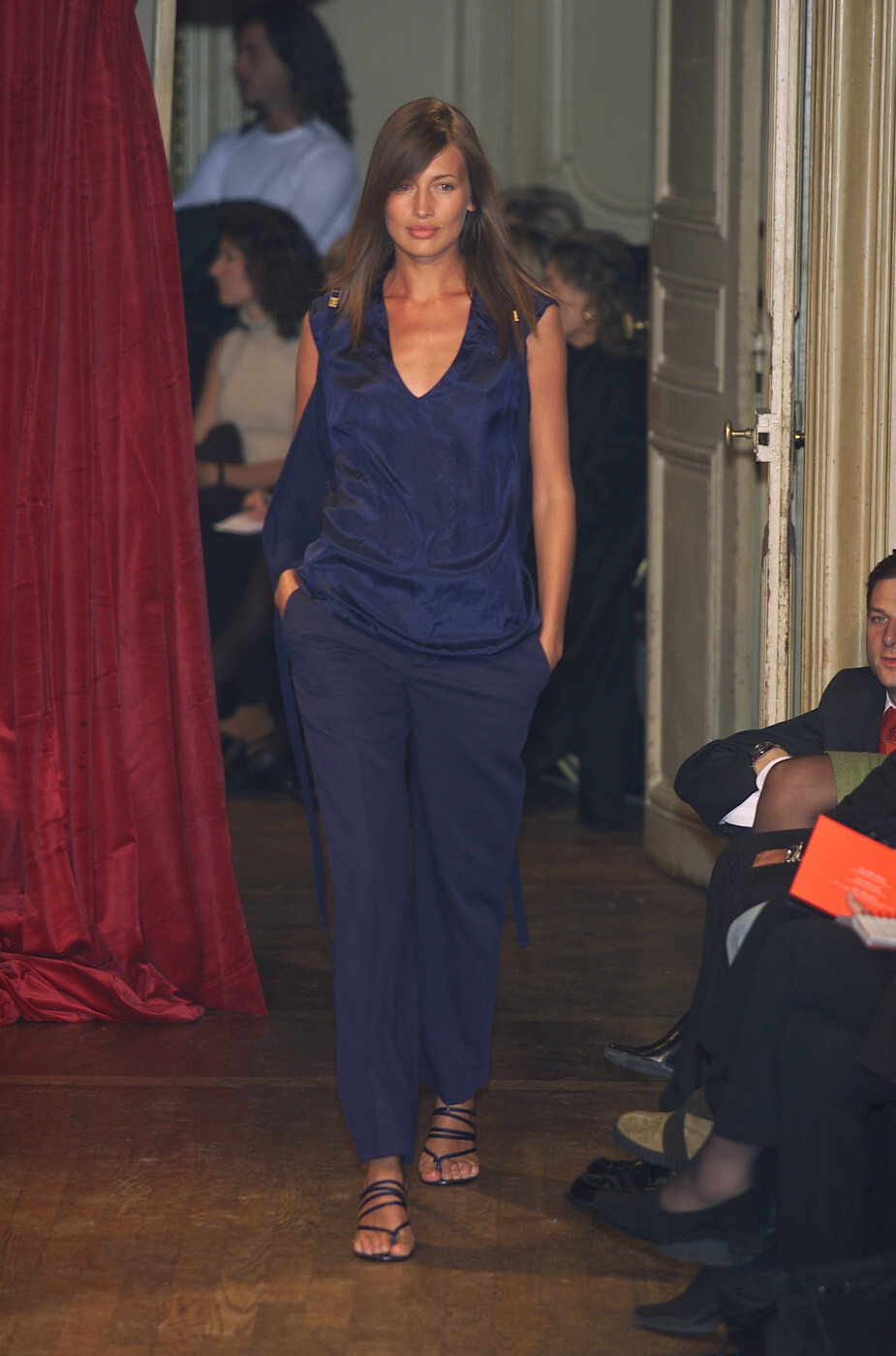
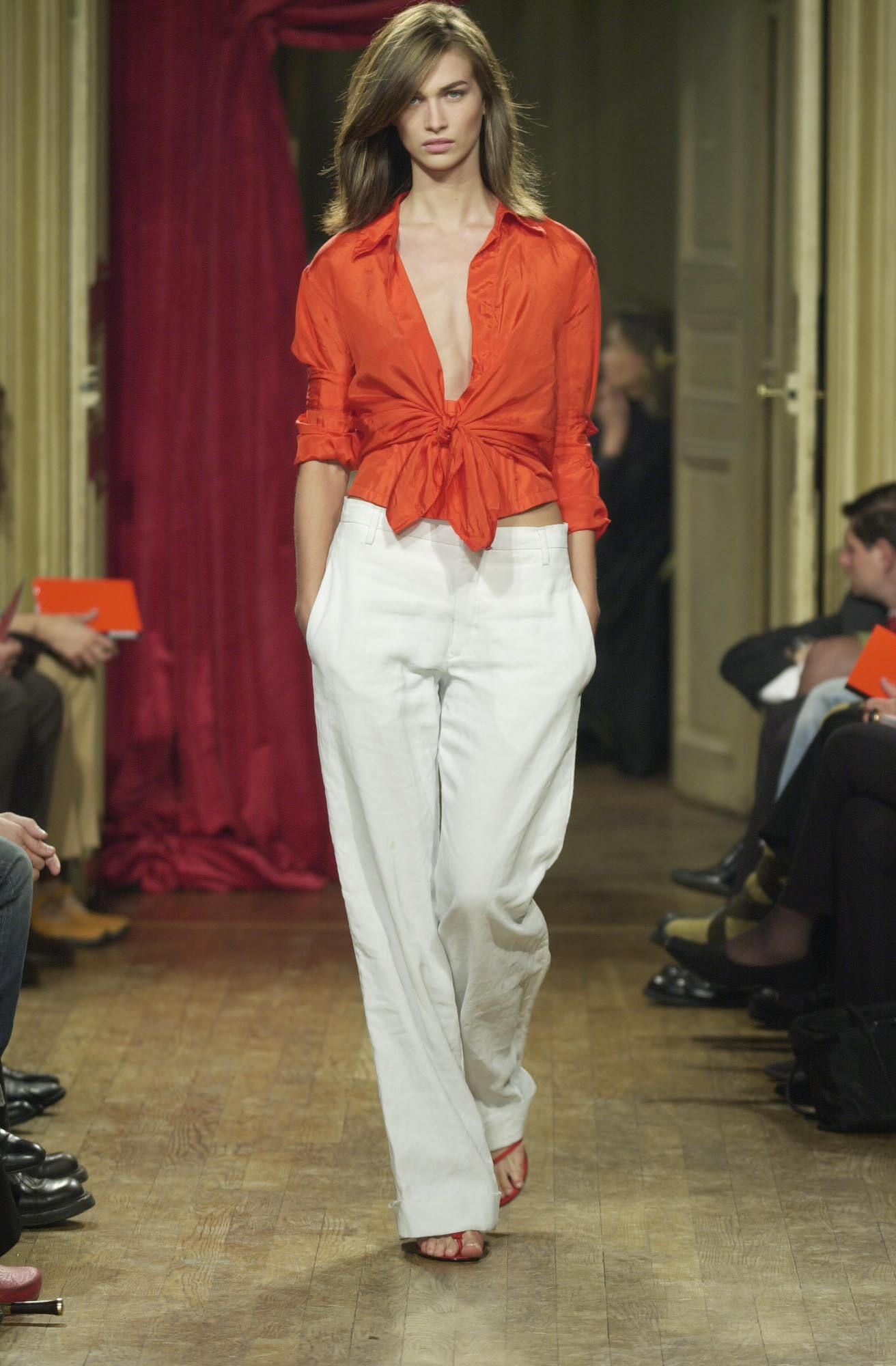
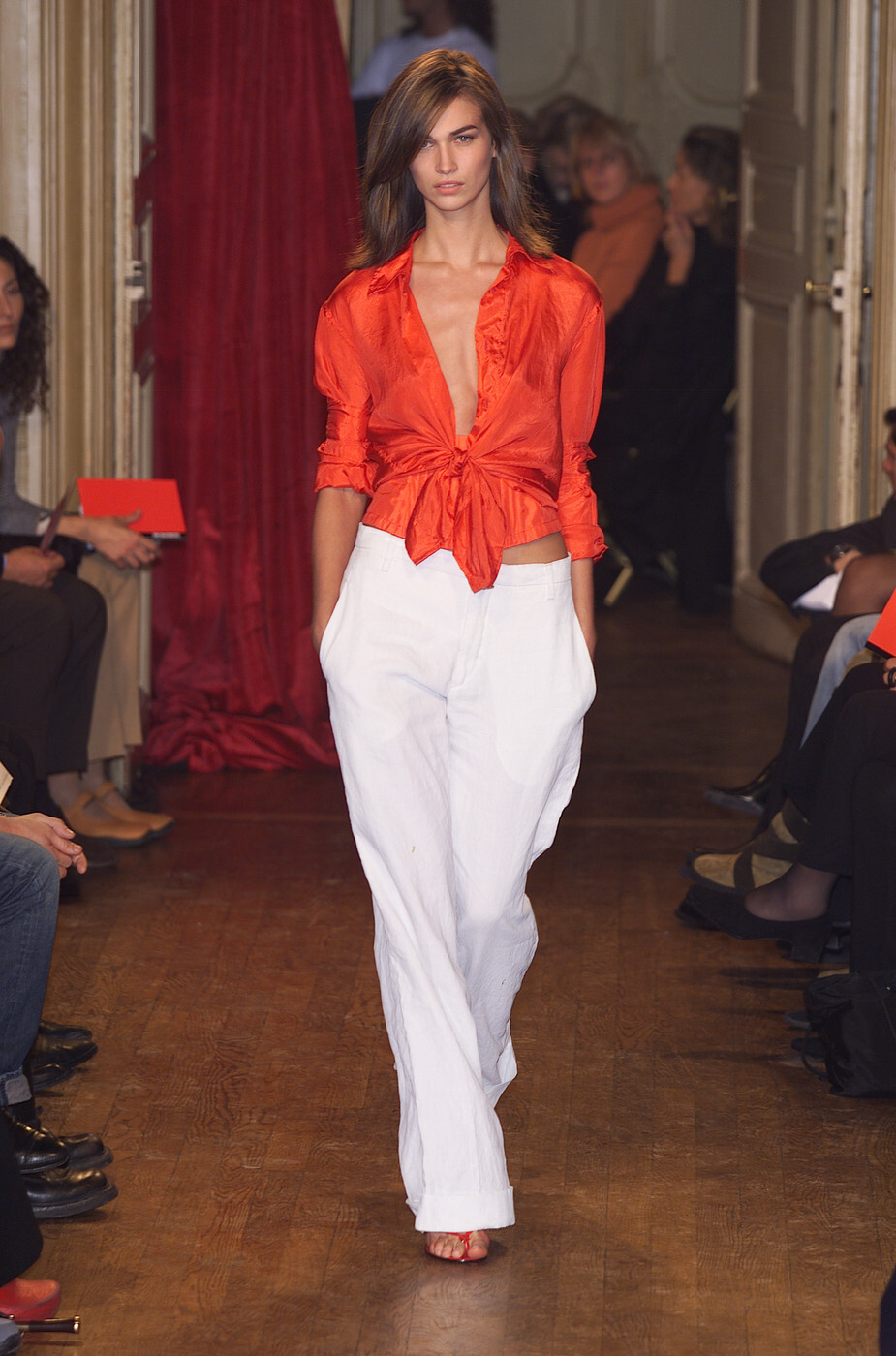
  1. marithe et francois girbaud s/s 2002 rtw
  2. marithe et francois girbaud s/s 2002 rtw
  3. marithe et francois girbaud s/s 2002 rtw
  4. marithe et francois girbaud s/s 2002 rtw
  5. marithe et francois girbaud s/s 2002 rtw
  6. marithe et francois girbaud s/s 2002 rtw
  7. marithe et francois girbaud s/s 2002 rtw
  8. marithe et francois girbaud s/s 2002 rtw
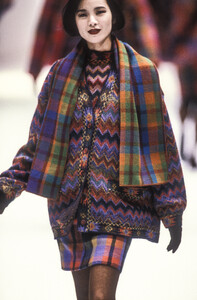
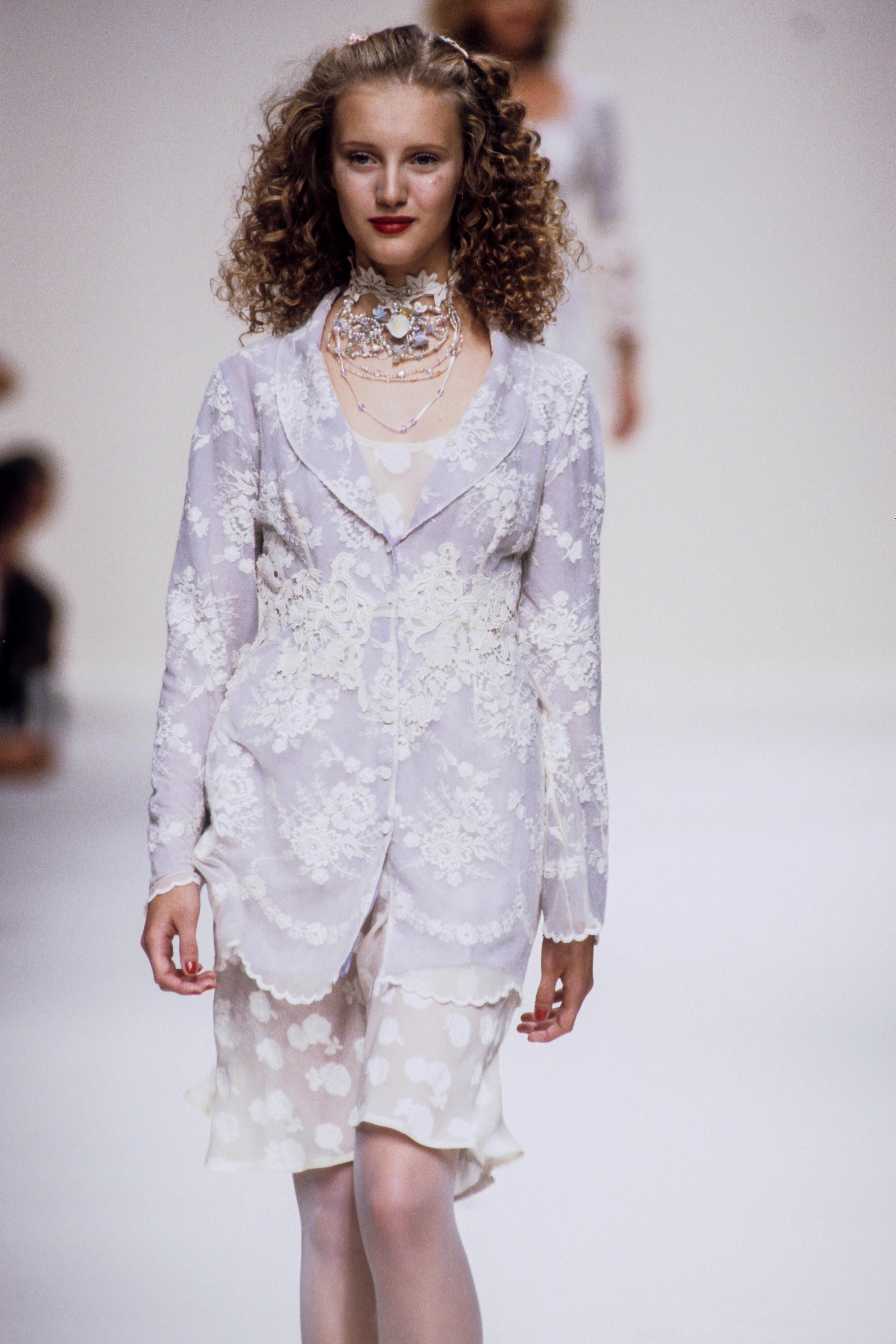
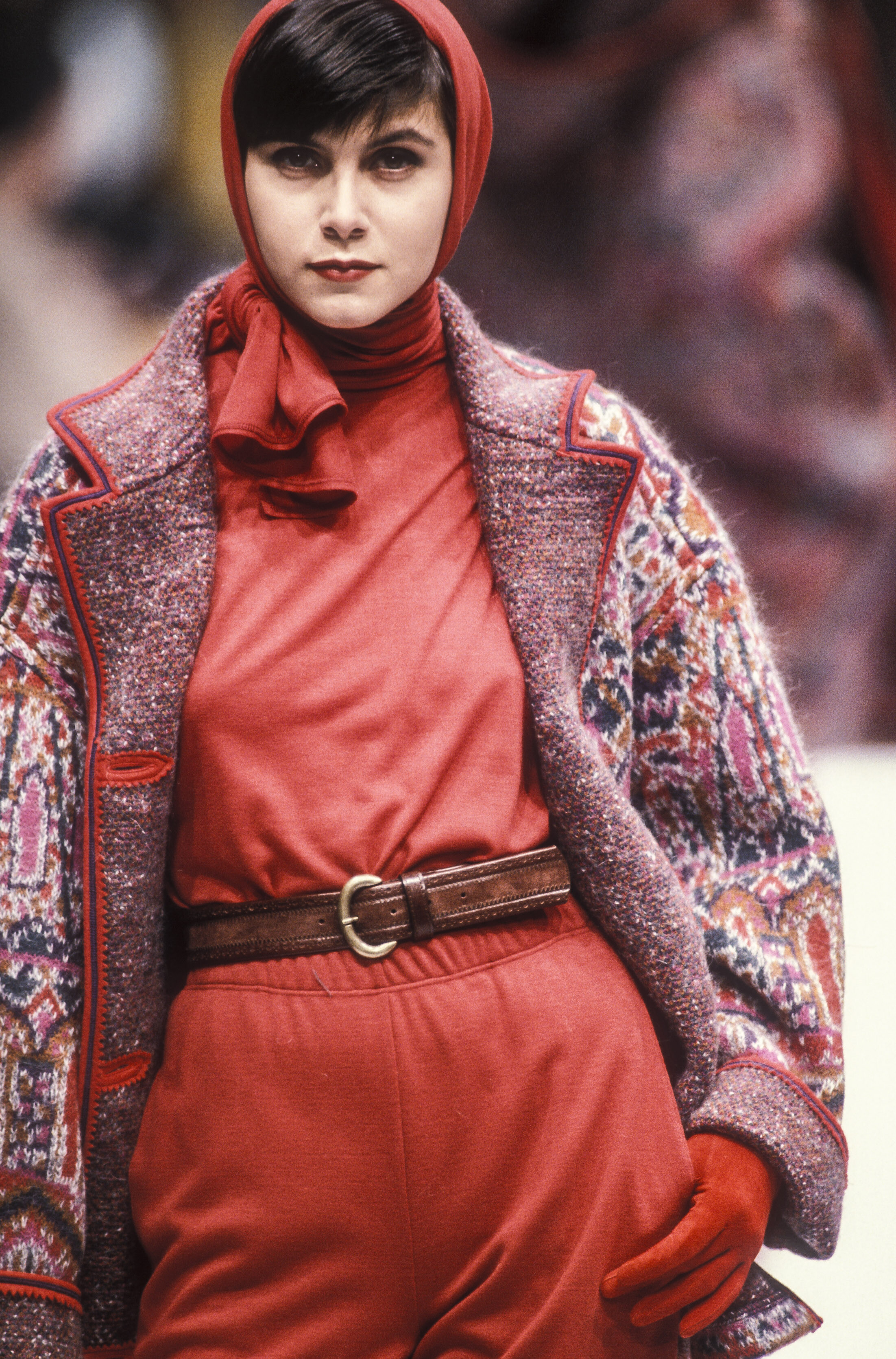
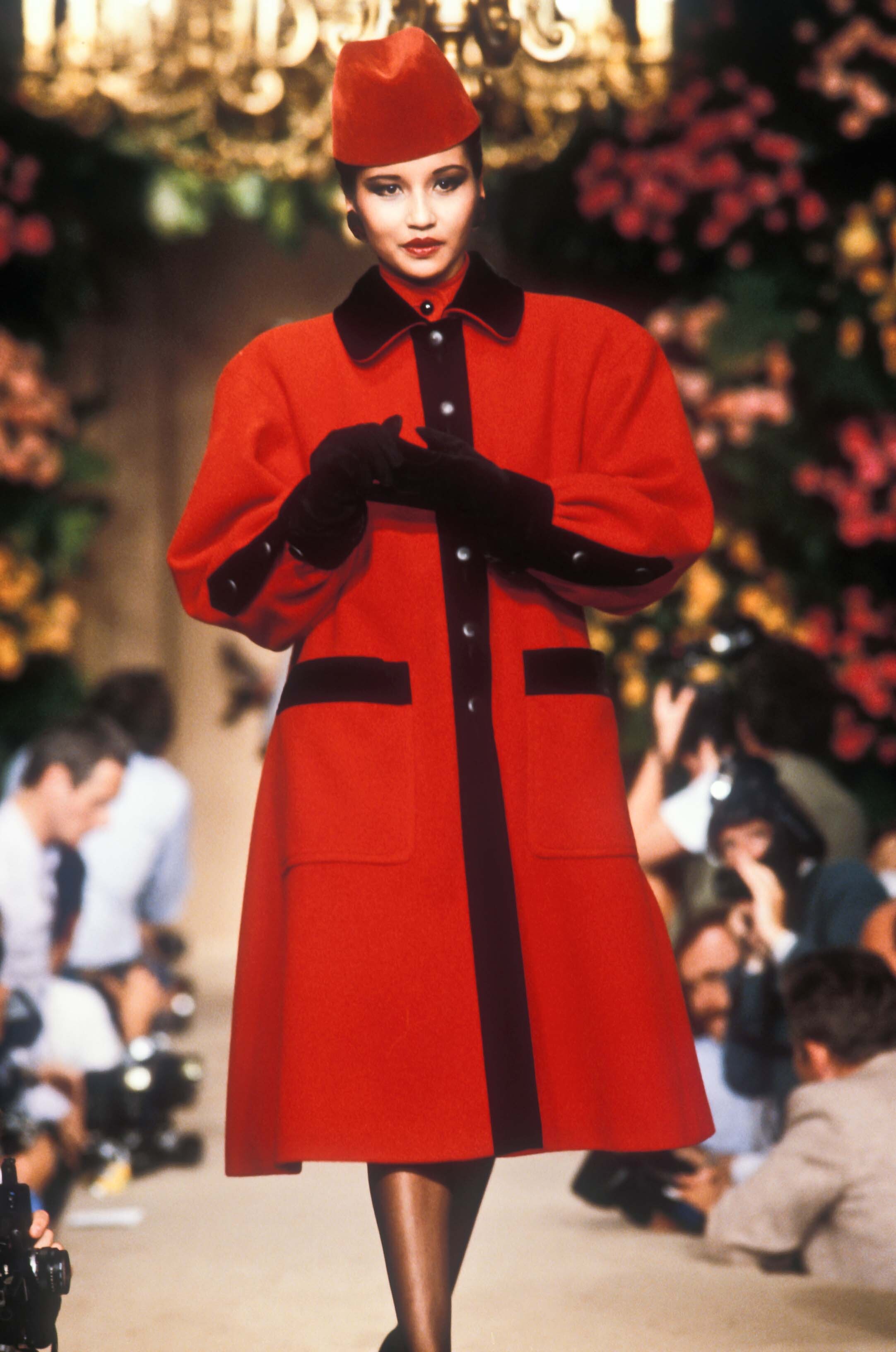
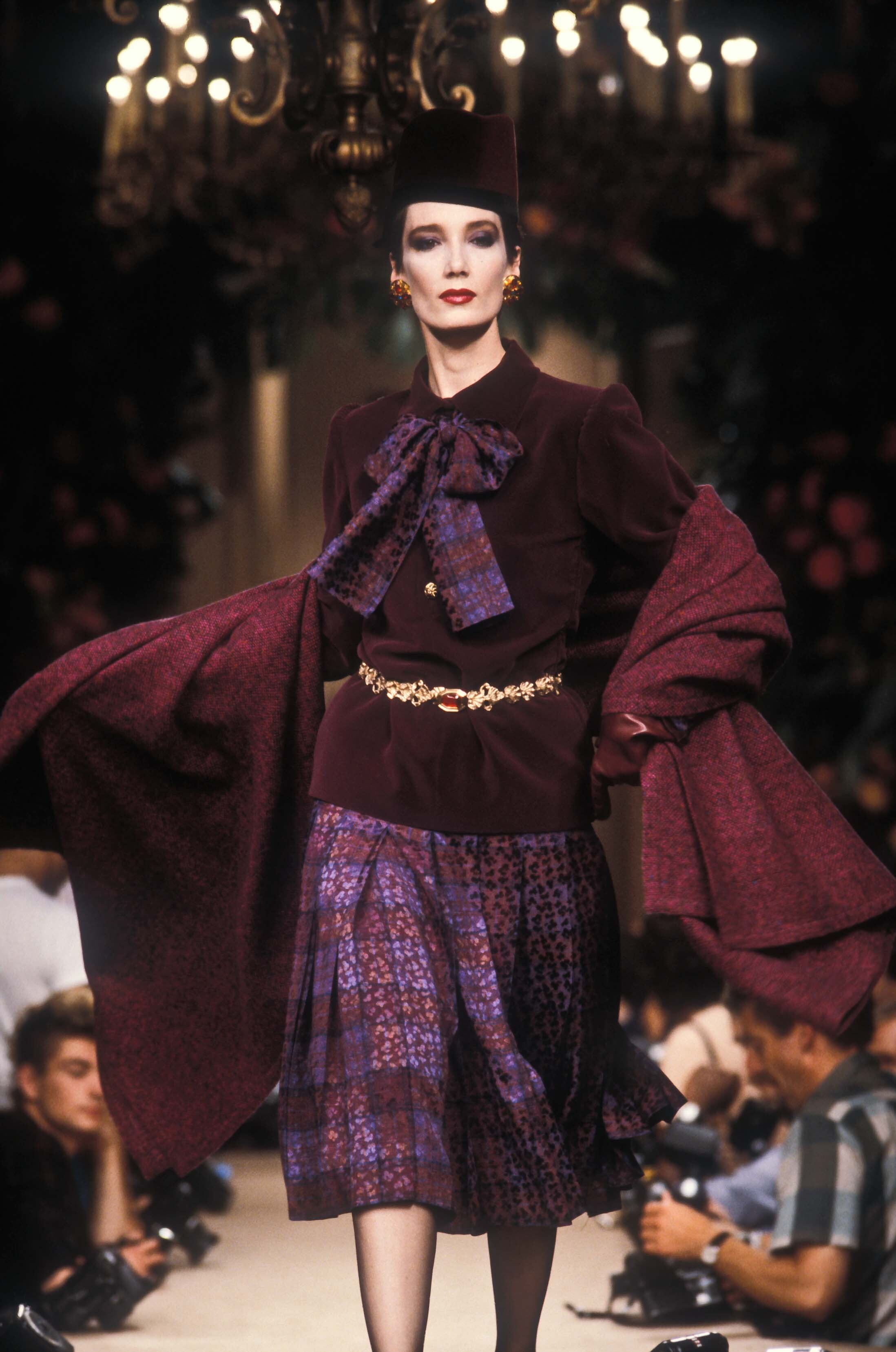
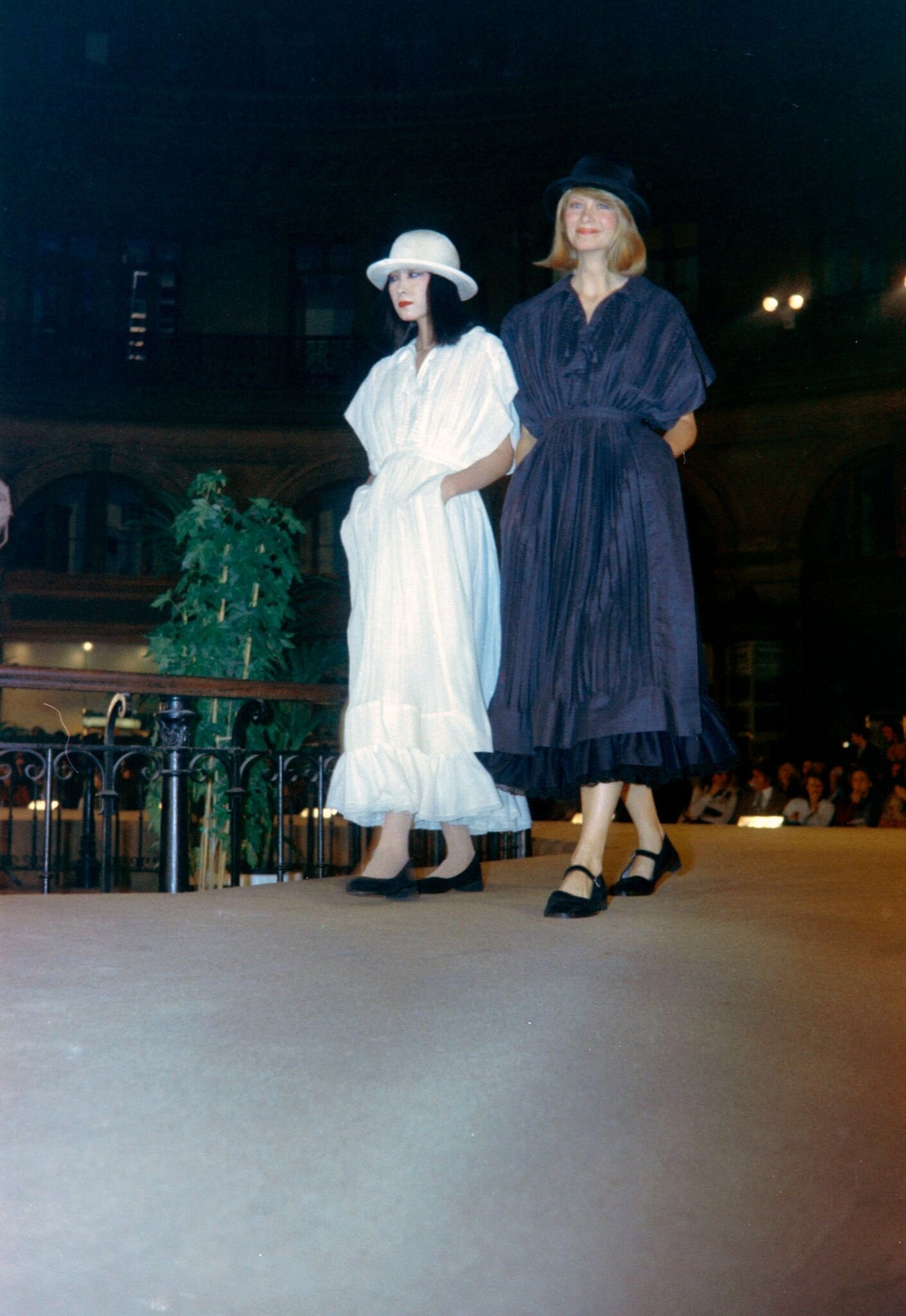
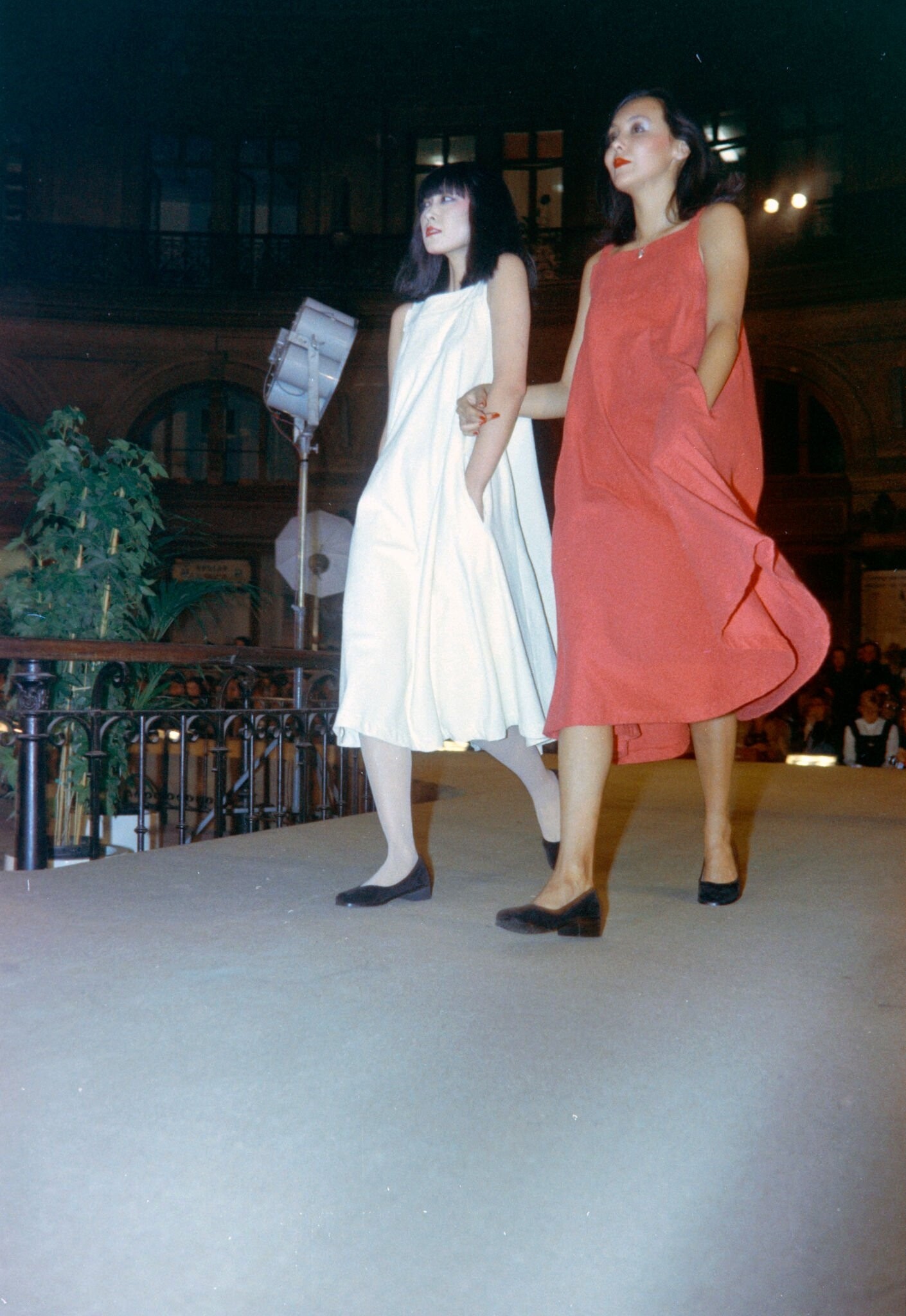
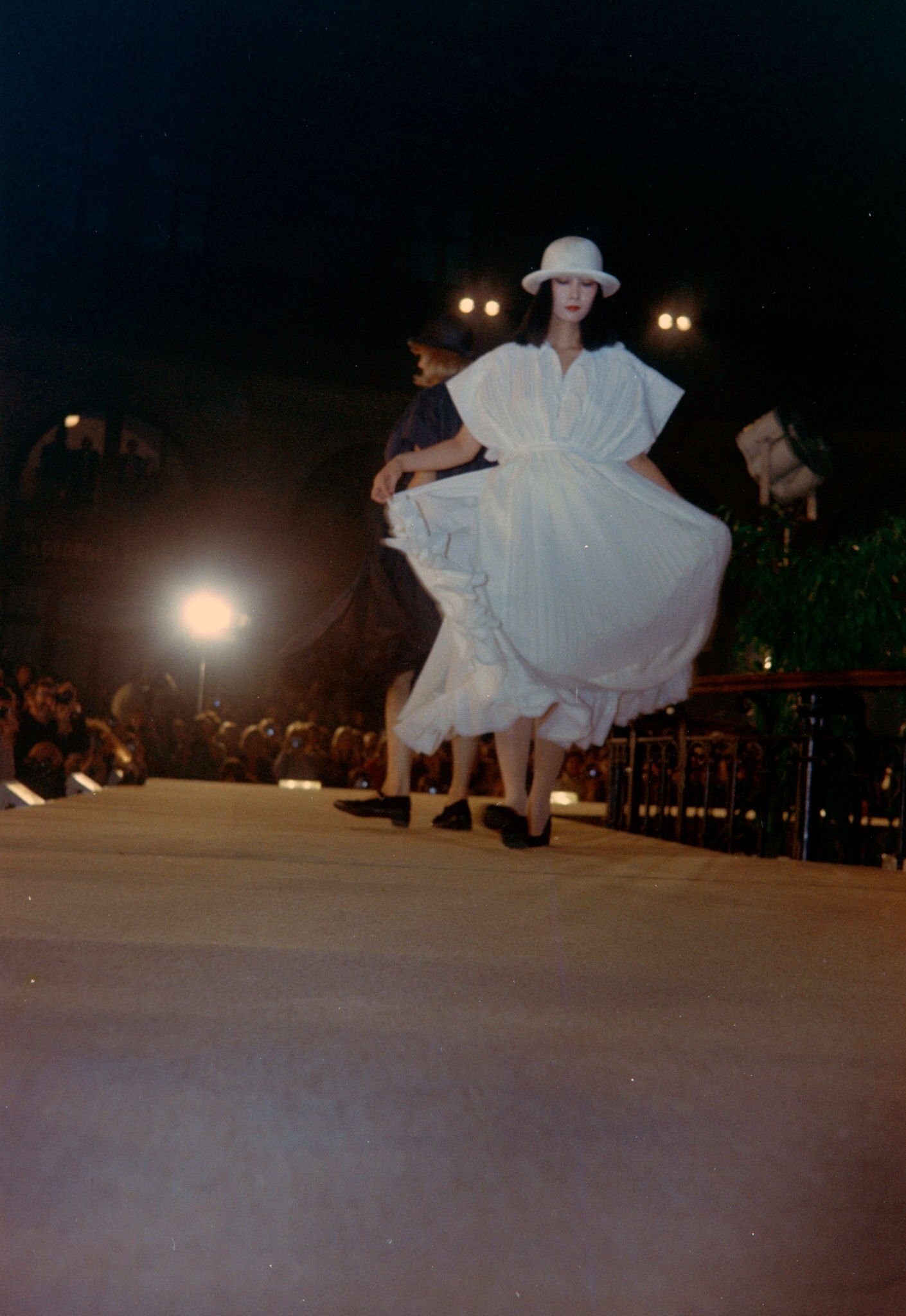
  9. yves saint laurent f/w 1990 rtw
  10. wow i cant believe i didnt recognize her😅i suppose im used to her with a certain blonde hairstyle, thank you!
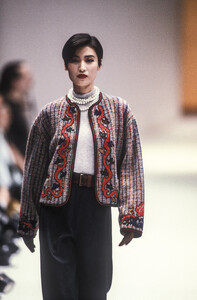
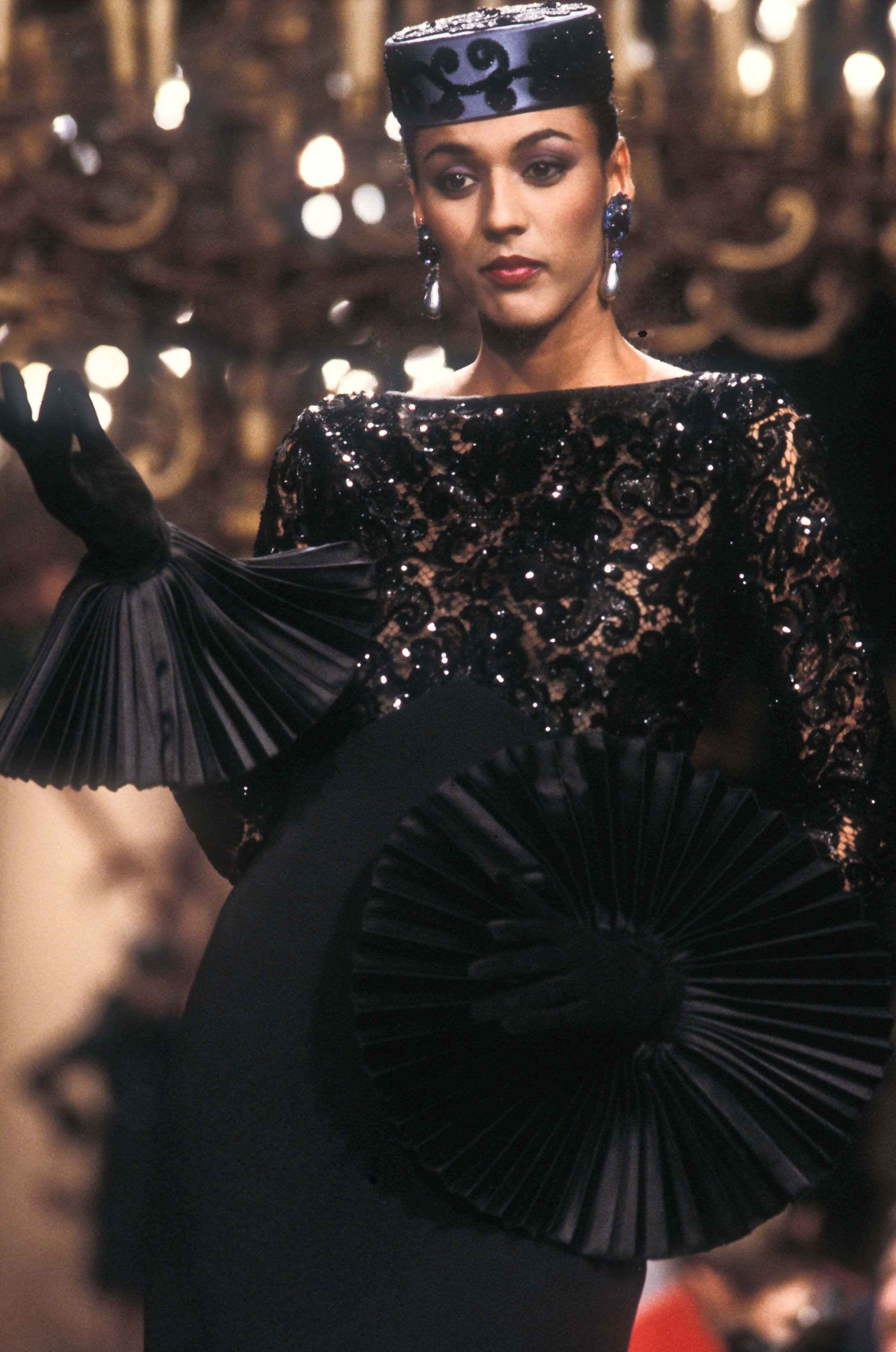
  11. 7 pierre cardin f/w 1991 couture models?
  12. marithe et francois girbaud s/s 2000 rtw w/ kae lee iwakawa
  13. marithe et francois girbaud s/s 2000 rtw
  14. marithe et francois girbaud s/s 2000 rtw (one HQ) w/ ulla van zeller
  15. marithe et francois girbaud s/s 2000 rtw (one HQ) w/ emily sandberg
  16. marithe et francois girbaud f/w 2000 rtw
  17. marithe et francois girbaud f/w 2000 rtw
  18. marithe et francois girbaud f/w 2000 rtw
  19. marithe et francois girbaud f/w 2000 rtw
  20. marithe et francois girbaud f/w 2000 rtw. also alongside one of the kepshire twins
  21. marithe et francois girbaud f/w 2000 rtw. also alongside malin persson
  22. marithe et francois girbaud f/w 2000 rtw. also alongside diana gartner
  23. marithe et francois girbaud f/w 2000 rtw. also alongside maja latinovic & utm

Configure browser push notifications

Chrome (Android)
  1. Tap the lock icon next to the address bar.
  2. Tap Permissions → Notifications.
  3. Adjust your preference.
Chrome (Desktop)
  1. Click the padlock icon in the address bar.
  2. Select Site settings.
  3. Find Notifications and adjust your preference.