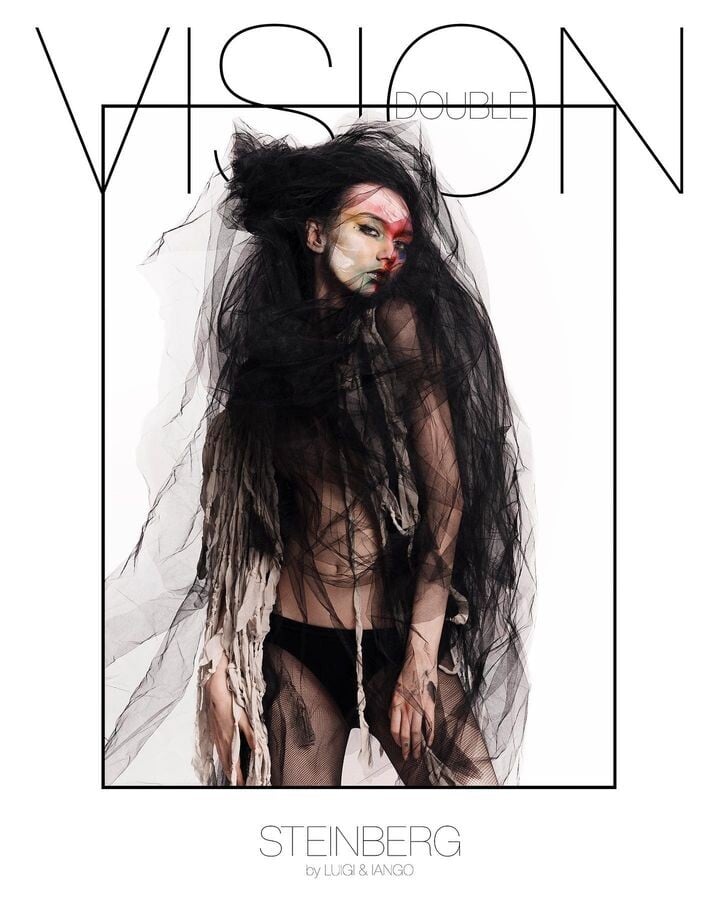
Everything posted by Dayrell
-
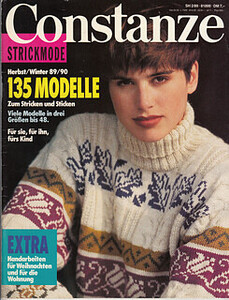
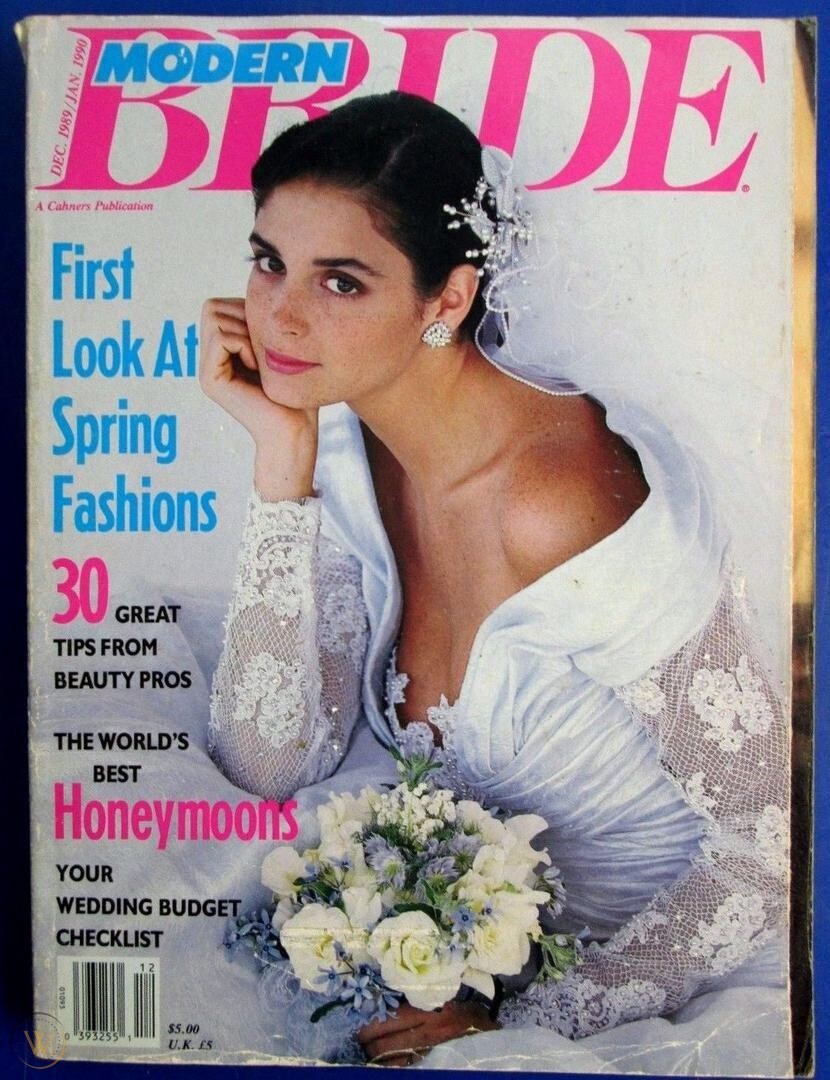
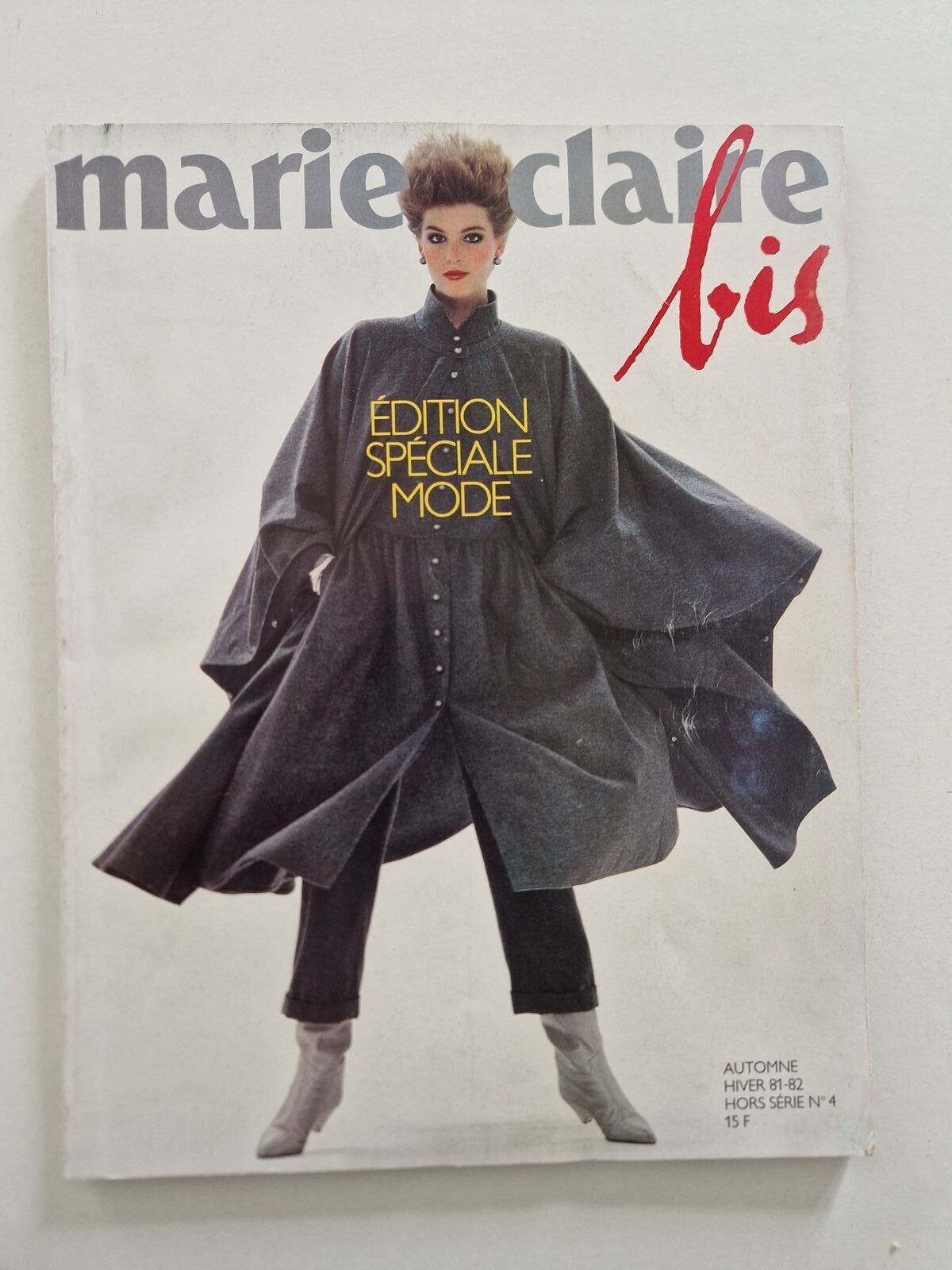
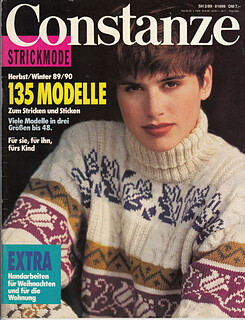
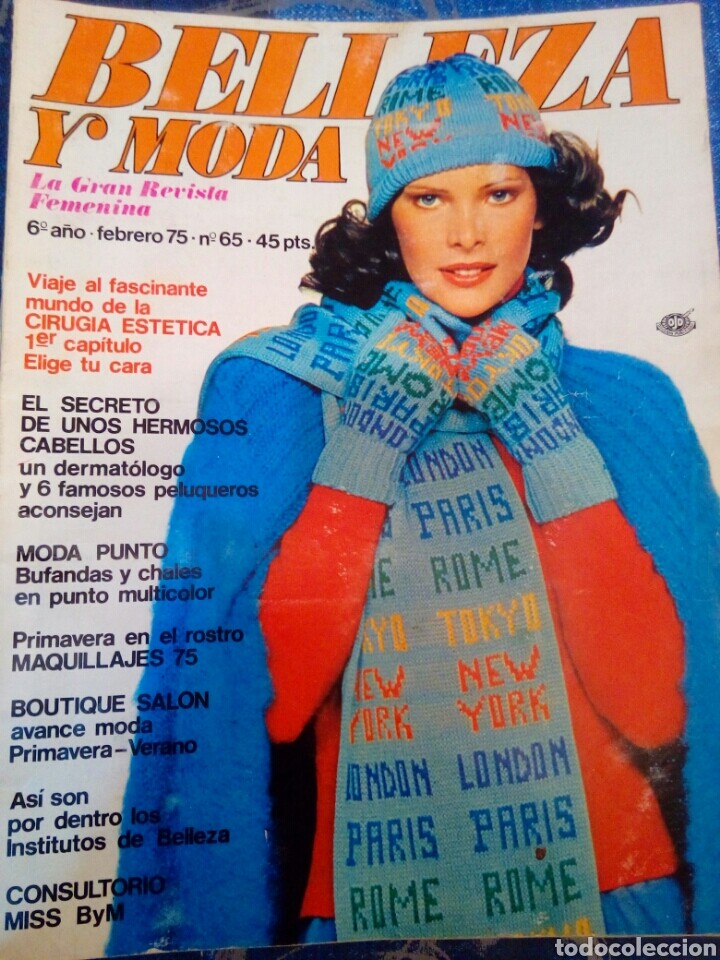
Vintage covers
-
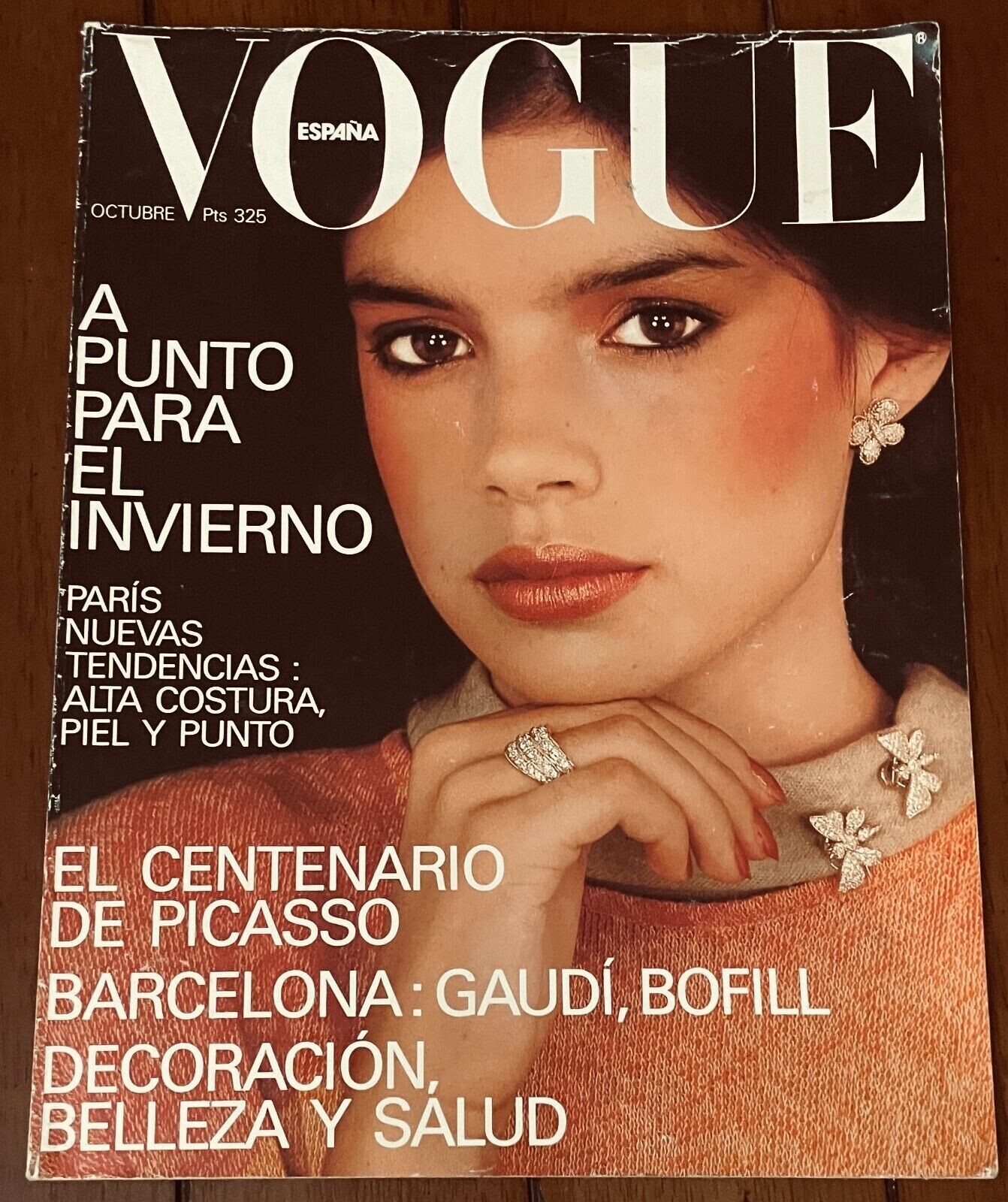
Vintage covers
-
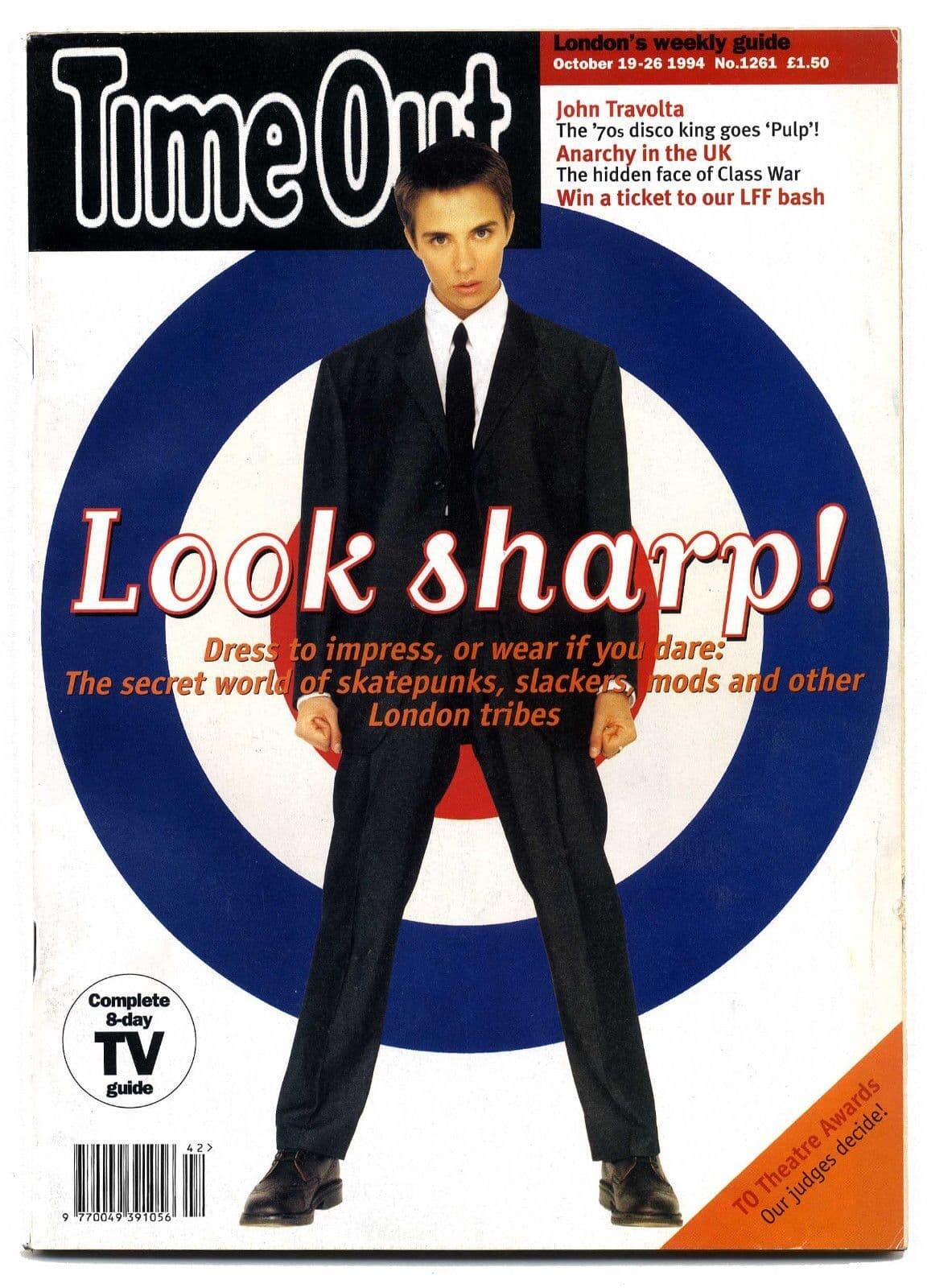
Vintage covers
-
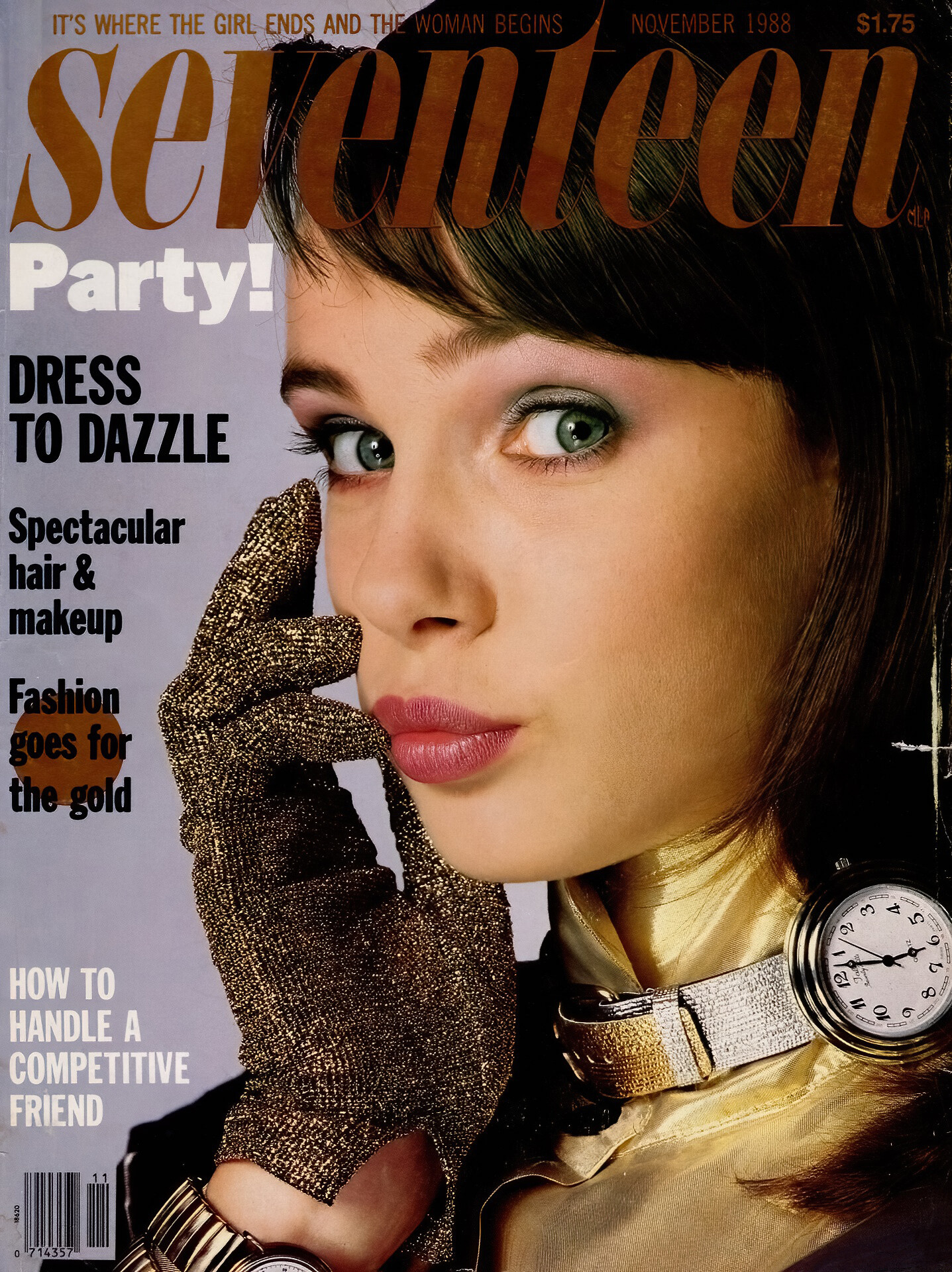
Vintage covers
-
Vintage covers
-
Vintage covers
Guys, I found a lot of french Cosmo covers, with the name of the cover girls, but no surname. Here are some of them. Any surname for these girls? Eva, Gunila, Karen, Sarah and Audrey
- Vintage covers
- Vintage covers
- Vintage covers
- Vintage covers
-
Carmen Kass
- Lulu Tenney
-
Vintage covers
Realy? the two Petra covers are the same girl?
-
Vintage covers
Deborah Bull (I don´t know if this girl is a model or not) and dancers of Royal Ballet
-
Vintage covers
Thanks my dear @BlueAcadia for new IDs
-
Vintage covers
Amazing work @Ingmari, thanks a lot

-
Diane Kruger
What a beautiful cover. Thanks John @jal718
-
Vintage covers
- Vintage covers
- Vintage covers
- Vintage covers
- Vintage covers
- Vintage covers
I think this girl was famous in the 80´s. I find her name in many places, but I don´t have another covers of her.- Vintage covers
Another new girl, thanks dear- Julia Evgenova
- Vintage covers
Account
Navigation
Search
Configure browser push notifications
Chrome (Android)
- Tap the lock icon next to the address bar.
- Tap Permissions → Notifications.
- Adjust your preference.
Chrome (Desktop)
- Click the padlock icon in the address bar.
- Select Site settings.
- Find Notifications and adjust your preference.
Safari (iOS 16.4+)
- Ensure the site is installed via Add to Home Screen.
- Open Settings App → Notifications.
- Find your app name and adjust your preference.
Safari (macOS)
- Go to Safari → Preferences.
- Click the Websites tab.
- Select Notifications in the sidebar.
- Find this website and adjust your preference.
Edge (Android)
- Tap the lock icon next to the address bar.
- Tap Permissions.
- Find Notifications and adjust your preference.
Edge (Desktop)
- Click the padlock icon in the address bar.
- Click Permissions for this site.
- Find Notifications and adjust your preference.
Firefox (Android)
- Go to Settings → Site permissions.
- Tap Notifications.
- Find this site in the list and adjust your preference.
Firefox (Desktop)
- Open Firefox Settings.
- Search for Notifications.
- Find this site in the list and adjust your preference.