Dayrell
Members
-
Joined
-
Last visited
Everything posted by Dayrell
-
 TV Media is beautiful!!
 -
I agree with you - I´m missing the old times... The Cosmo covers are amazing, the great portraits on Vogue are always beautiful, and Glamour and Mademoiselle have new models. What hapens with the american magazines?
-
Amazing cover Vogue Girl, thanks a lot! Jourdan and Chanel are so beauty!!!
-
I never saw this one, thanks Miss Parker!
-
not Audrey, dear! It´s Meghan Douglas!
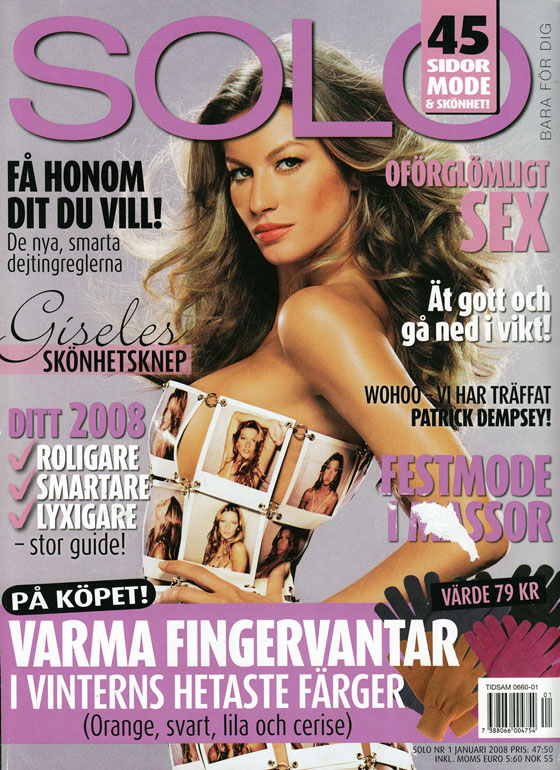
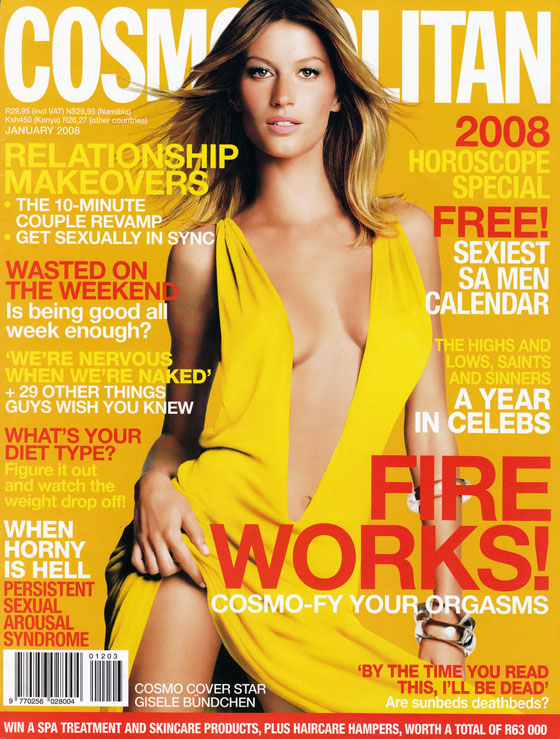
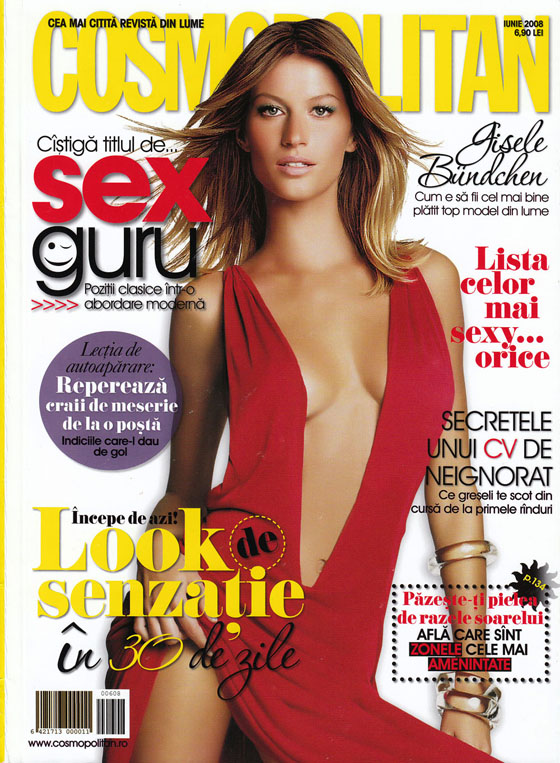
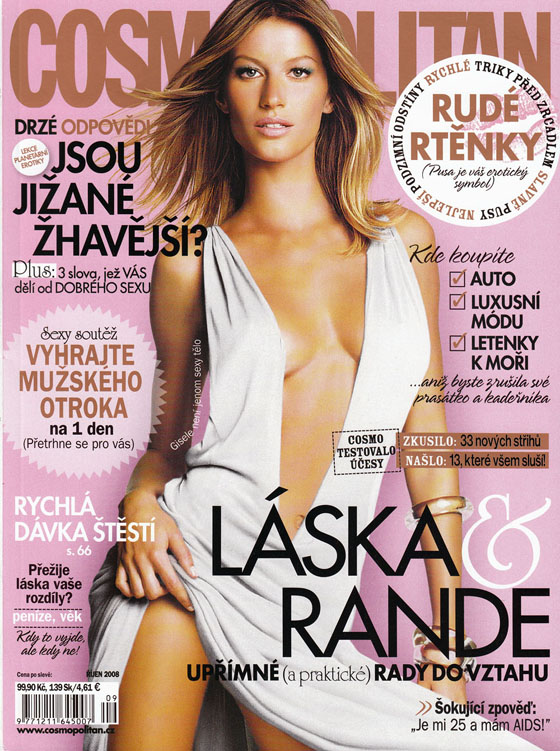
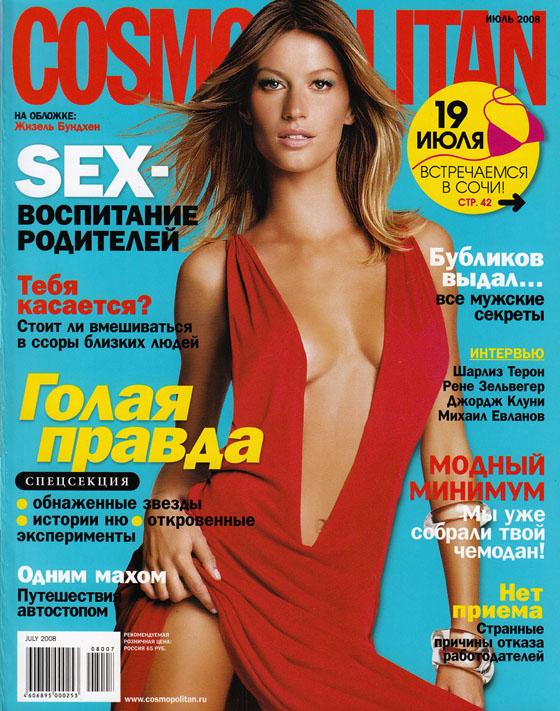
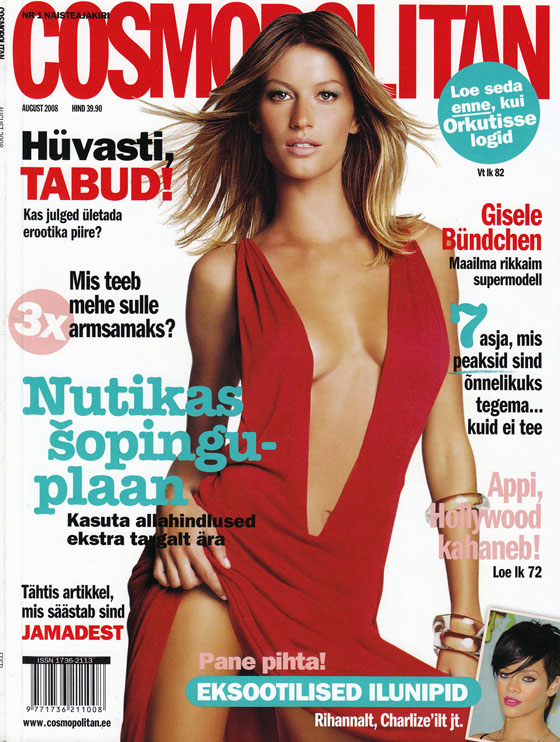
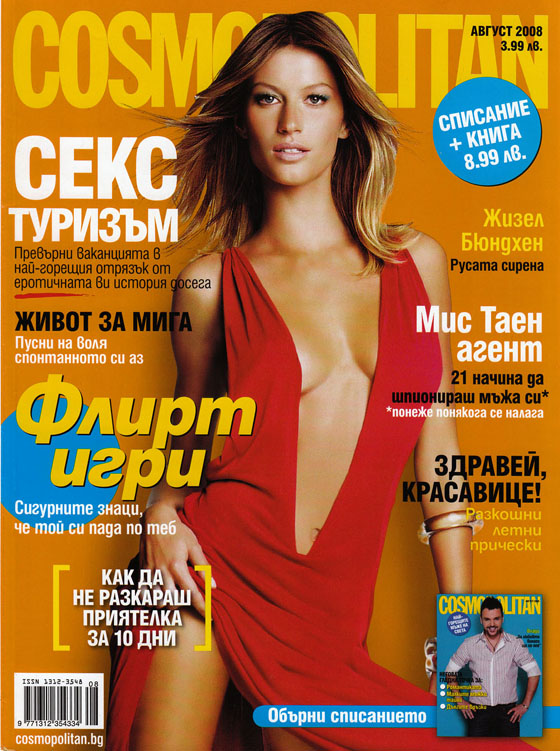
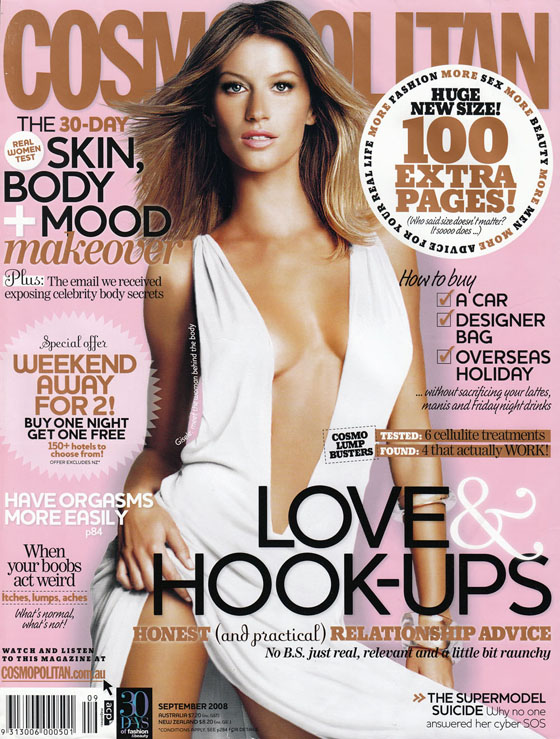
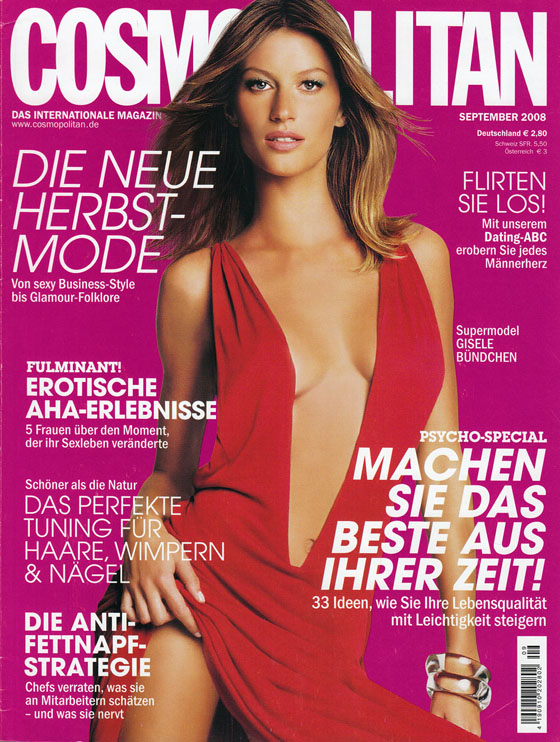
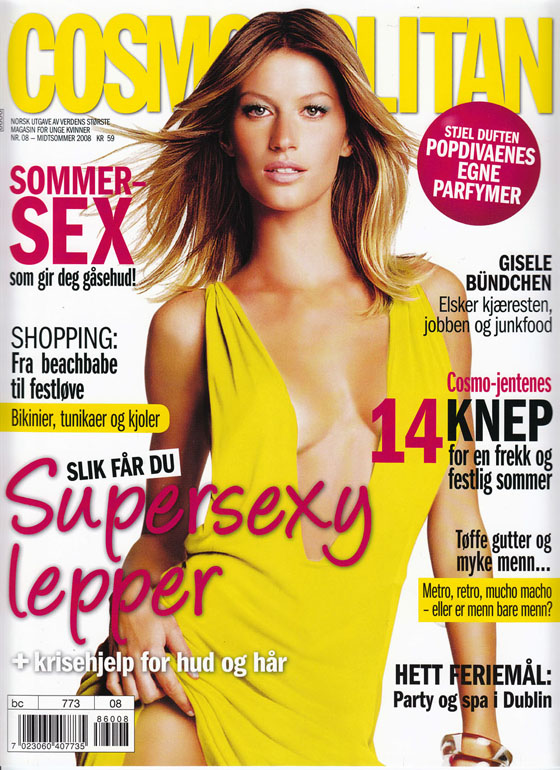
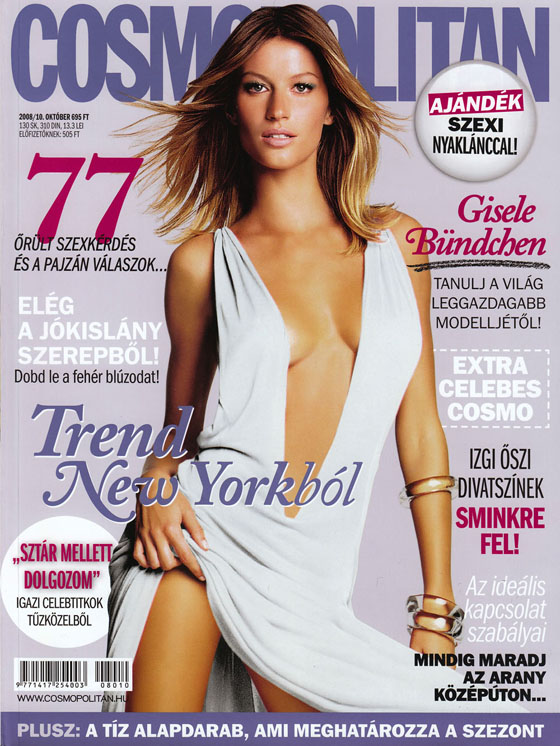
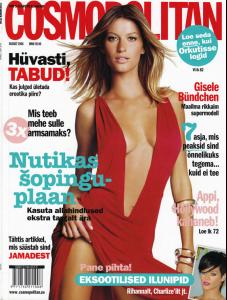
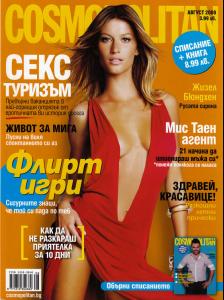
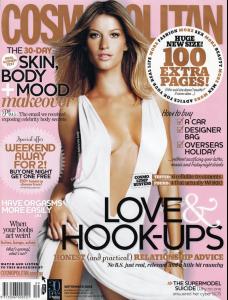
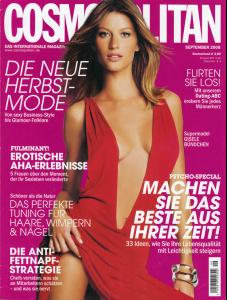
This is absolutely amazing! Thanks! I think is unbelievable that Gisele never made an american Cosmo cover!
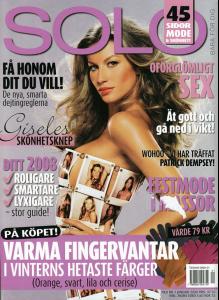
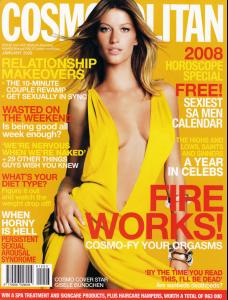
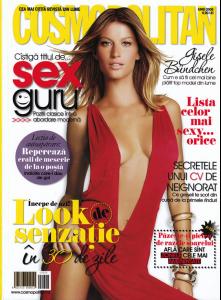
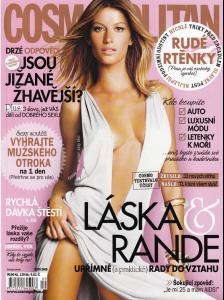

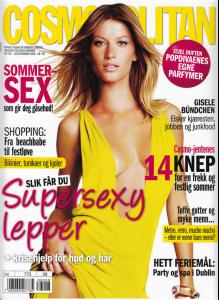
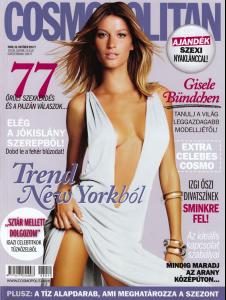
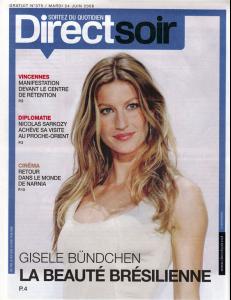
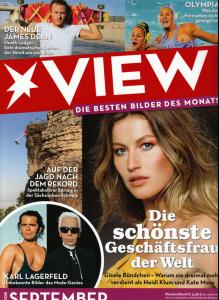
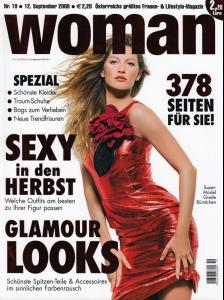
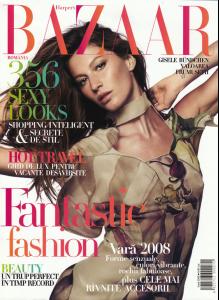

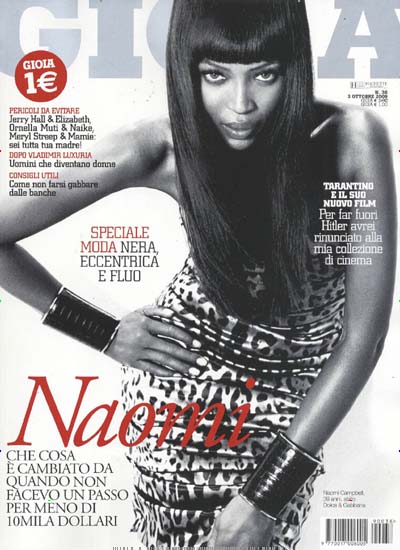
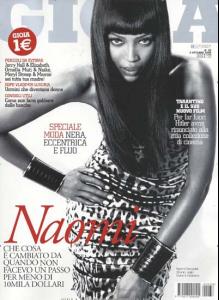
 italian Gioia
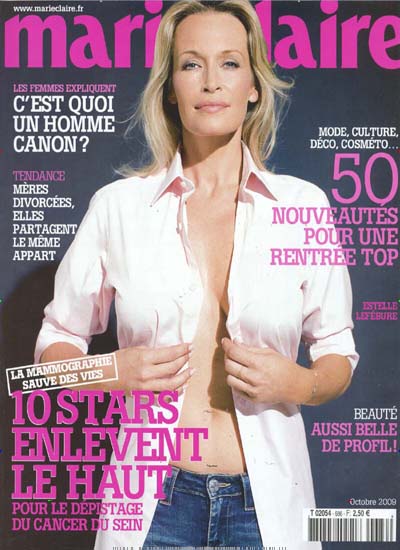
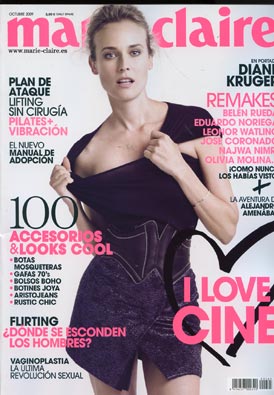
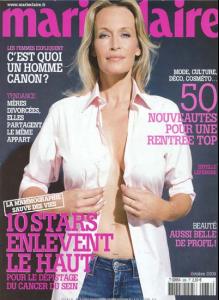
 new french Marie Claire
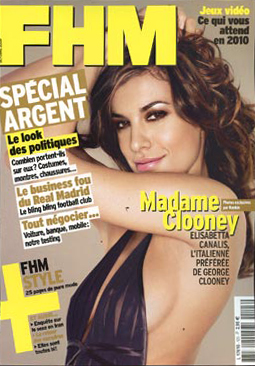
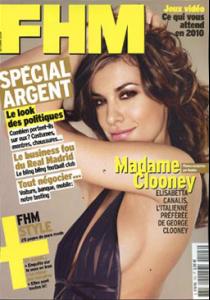
 french FHM
 You´re wellcome!
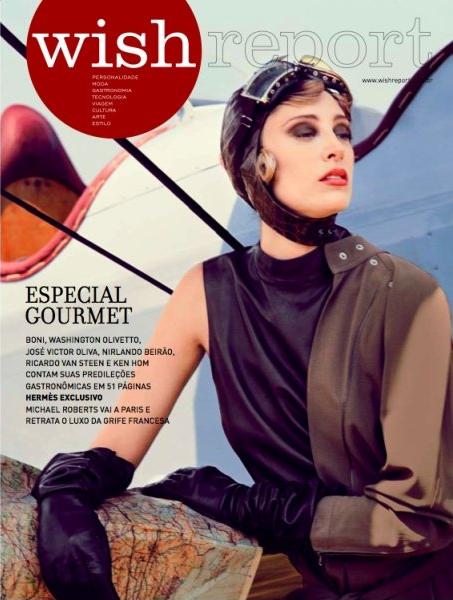
new Wish Report cover
You´re wellcome!
new Wish Report cover Amazing cover, thanks Silvana!
Thanks Birthe!
Amazing cover, thanks Silvana!
Thanks Birthe!