Jump to content
View in the app

A better way to browse. Learn more.

Bellazon

A full-screen app on your home screen with push notifications, badges and more.

To install this app on iOS and iPadOS
  1. Tap the Share icon in Safari
  2. Scroll the menu and tap Add to Home Screen.
  3. Tap Add in the top-right corner.
To install this app on Android
  1. Tap the 3-dot menu (⋮) in the top-right corner of the browser.
  2. Tap Add to Home screen or Install app.
  3. Confirm by tapping Install.

sanja

Members
  • Joined

  • Last visited

Everything posted by sanja

  1. sanja replied to a post in a topic in Female Fashion Models
    Tu style Italy 2 April 2019
  2. Grazia Italy 4 April 2019
  3. Grazia Italy 4 April 2019
  4. Thank you, great job I will keep scanning and you please keep recognizing the models, since you are very good at that
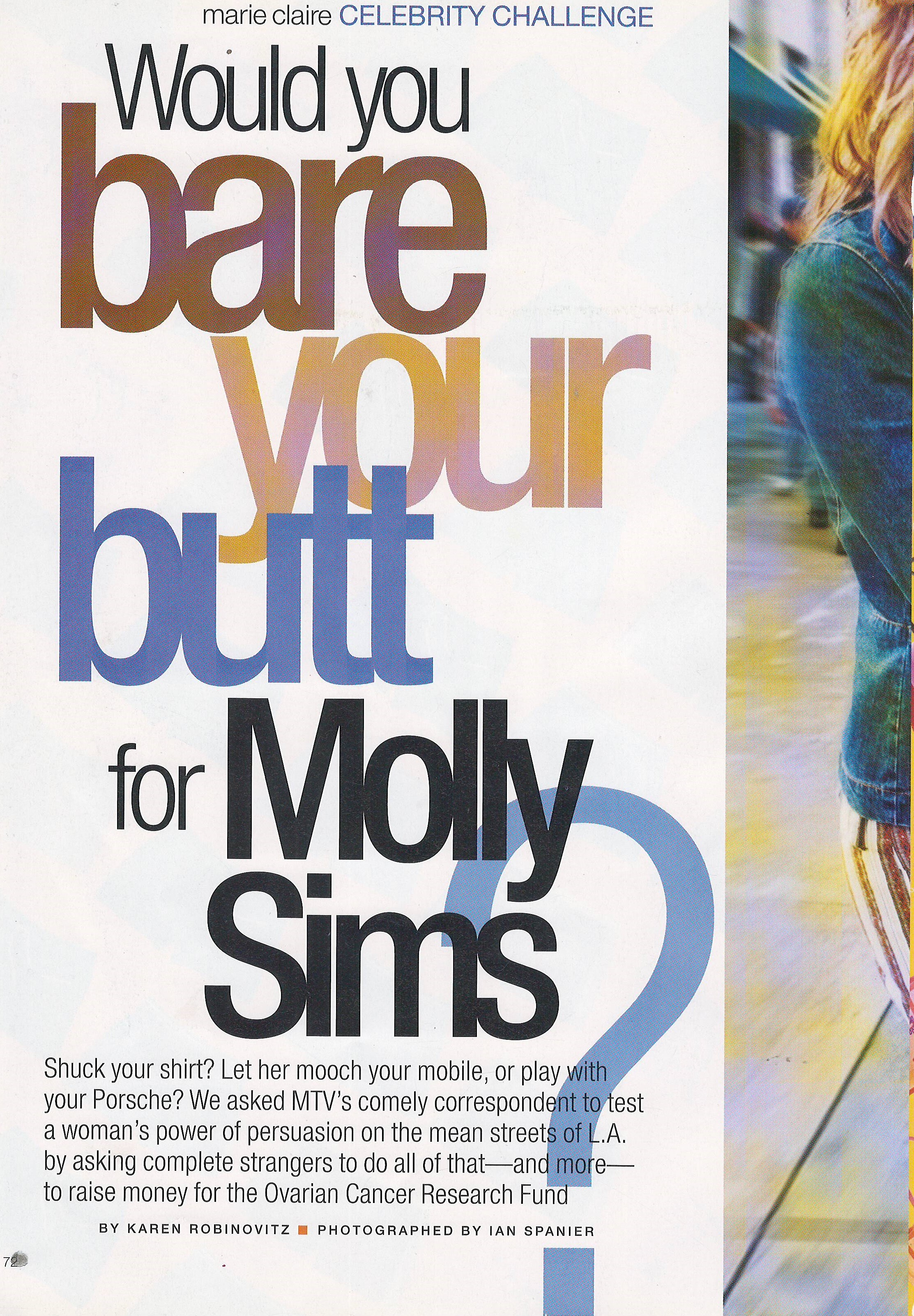
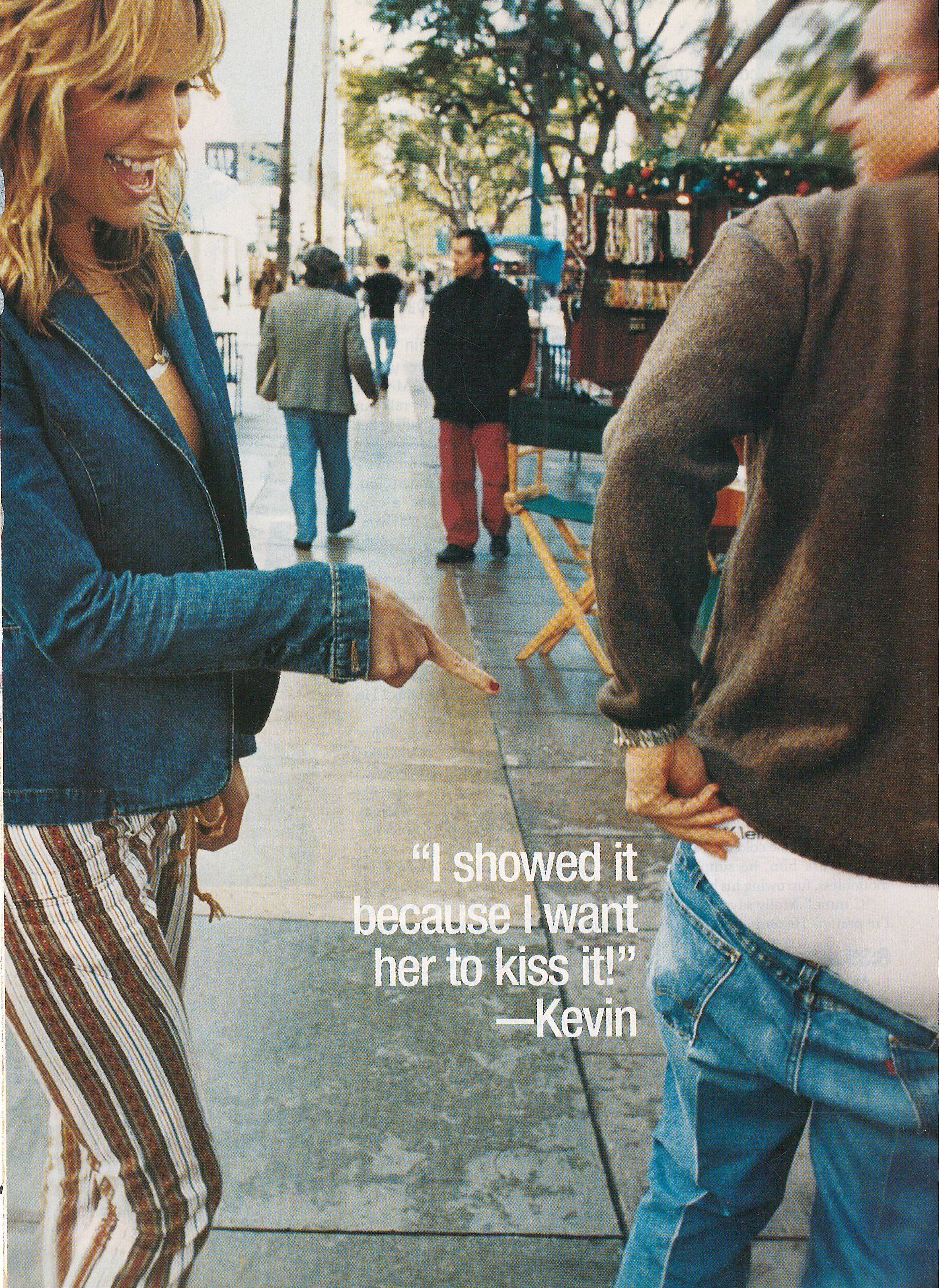
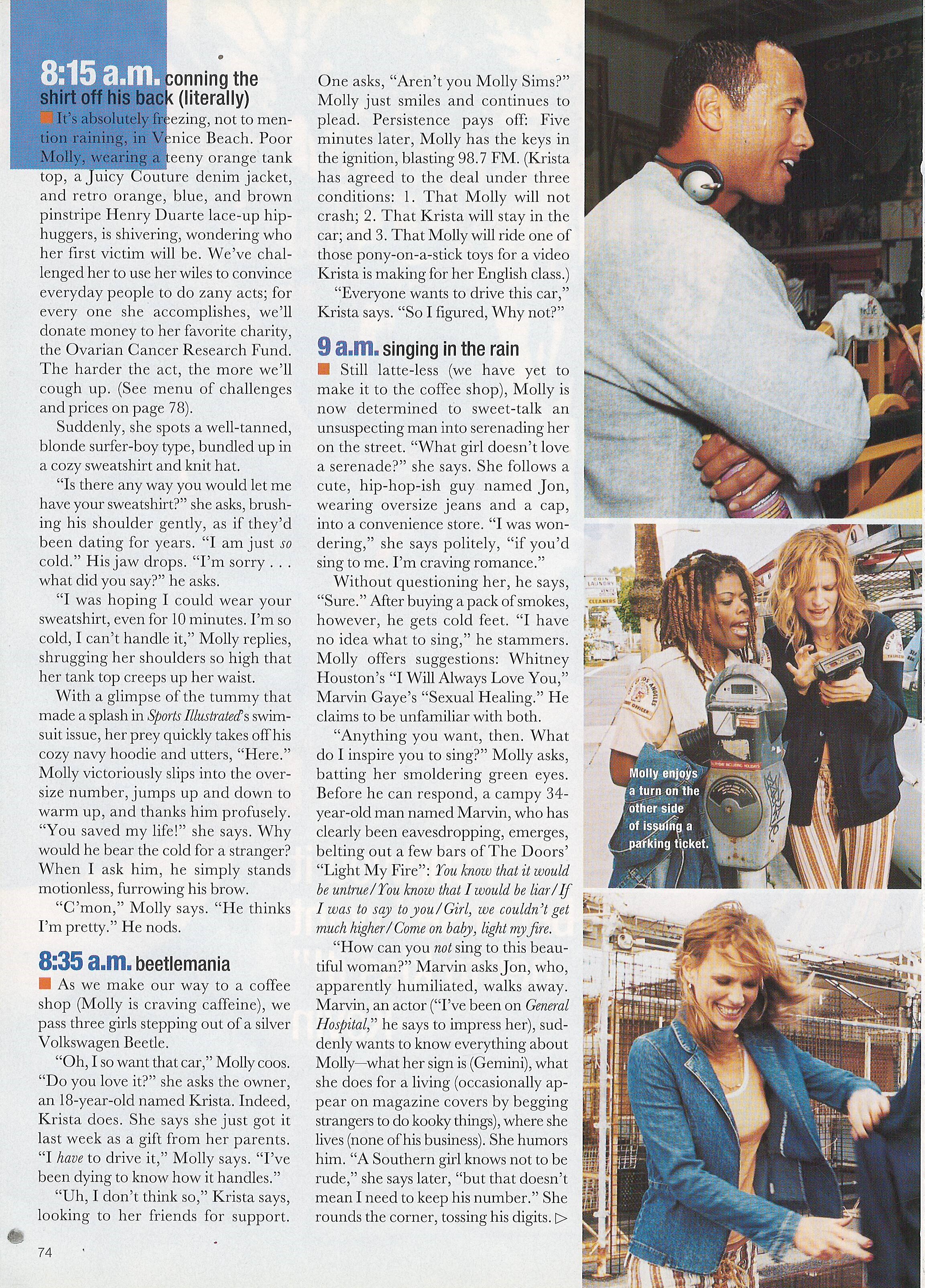
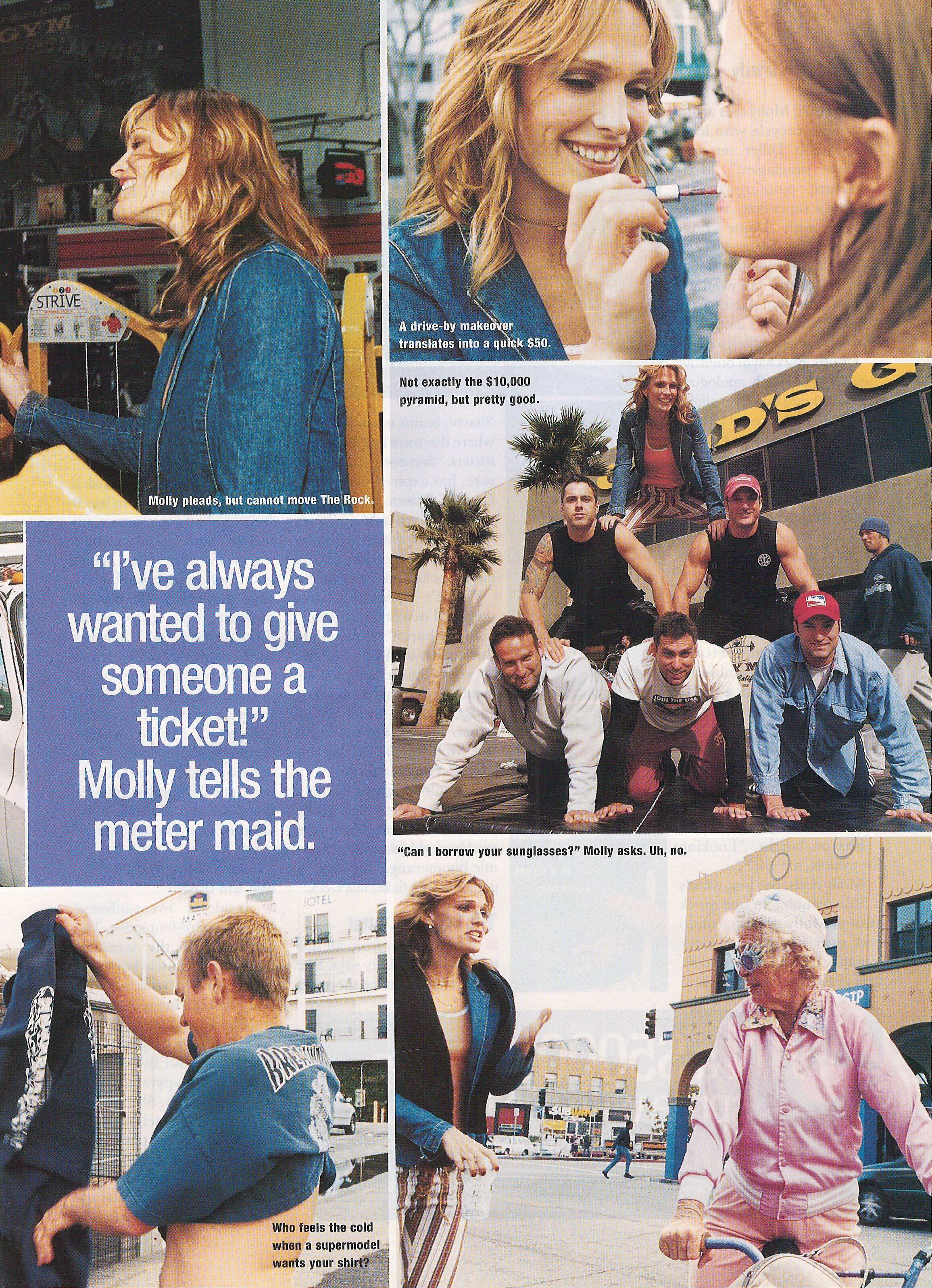
  5. This is Marie Claire health and beauty UK magazine, not regular Marie Claire
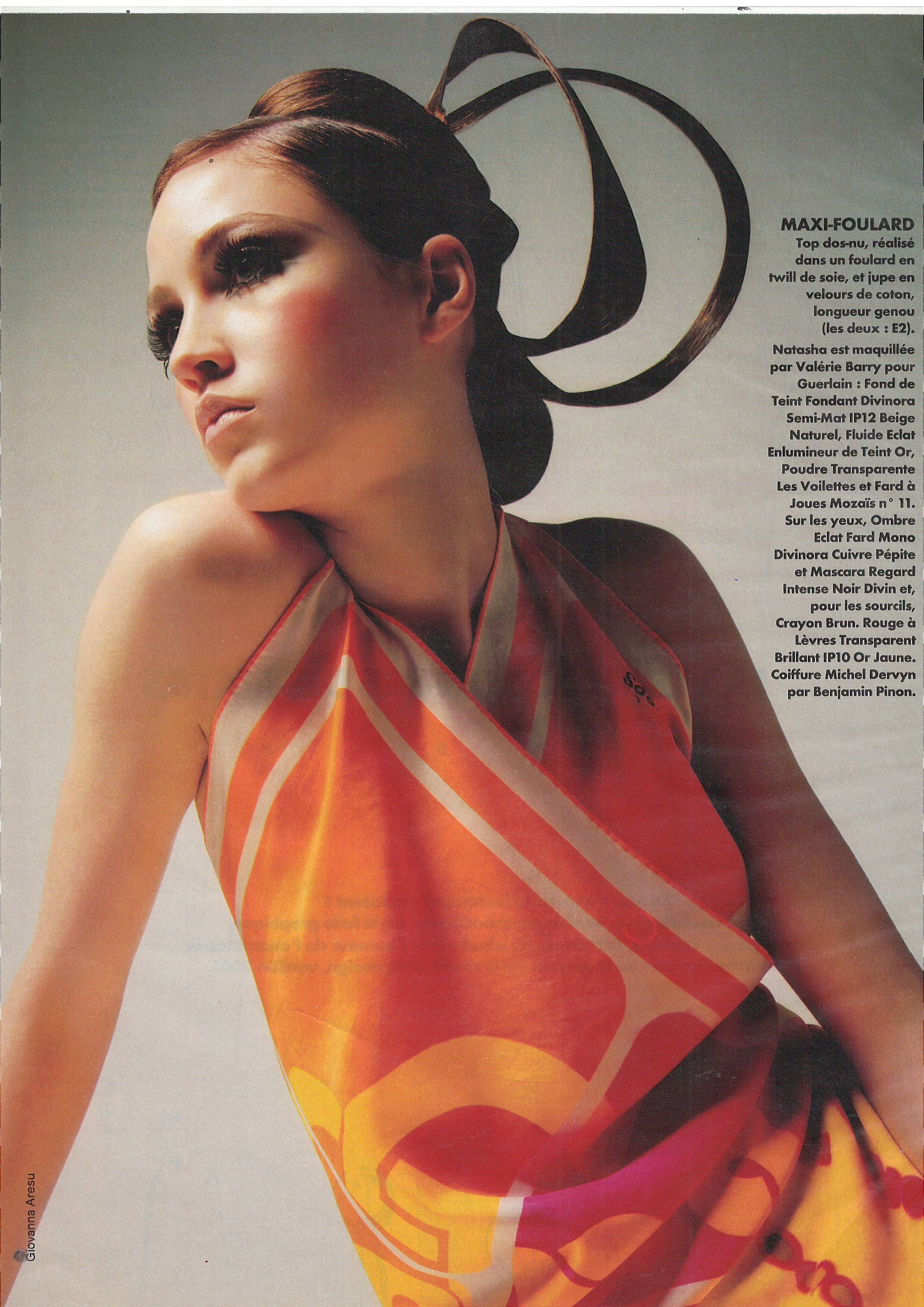
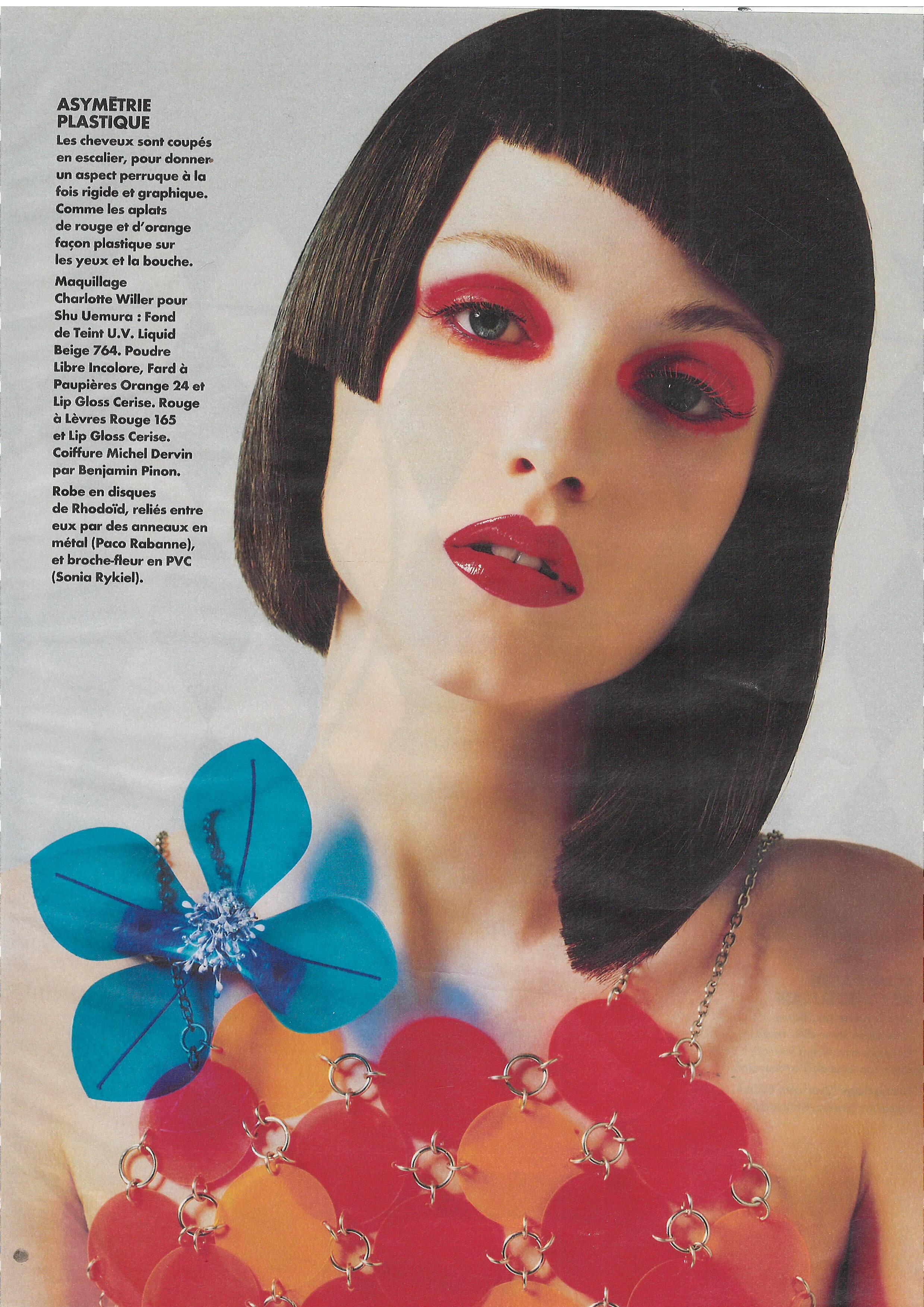
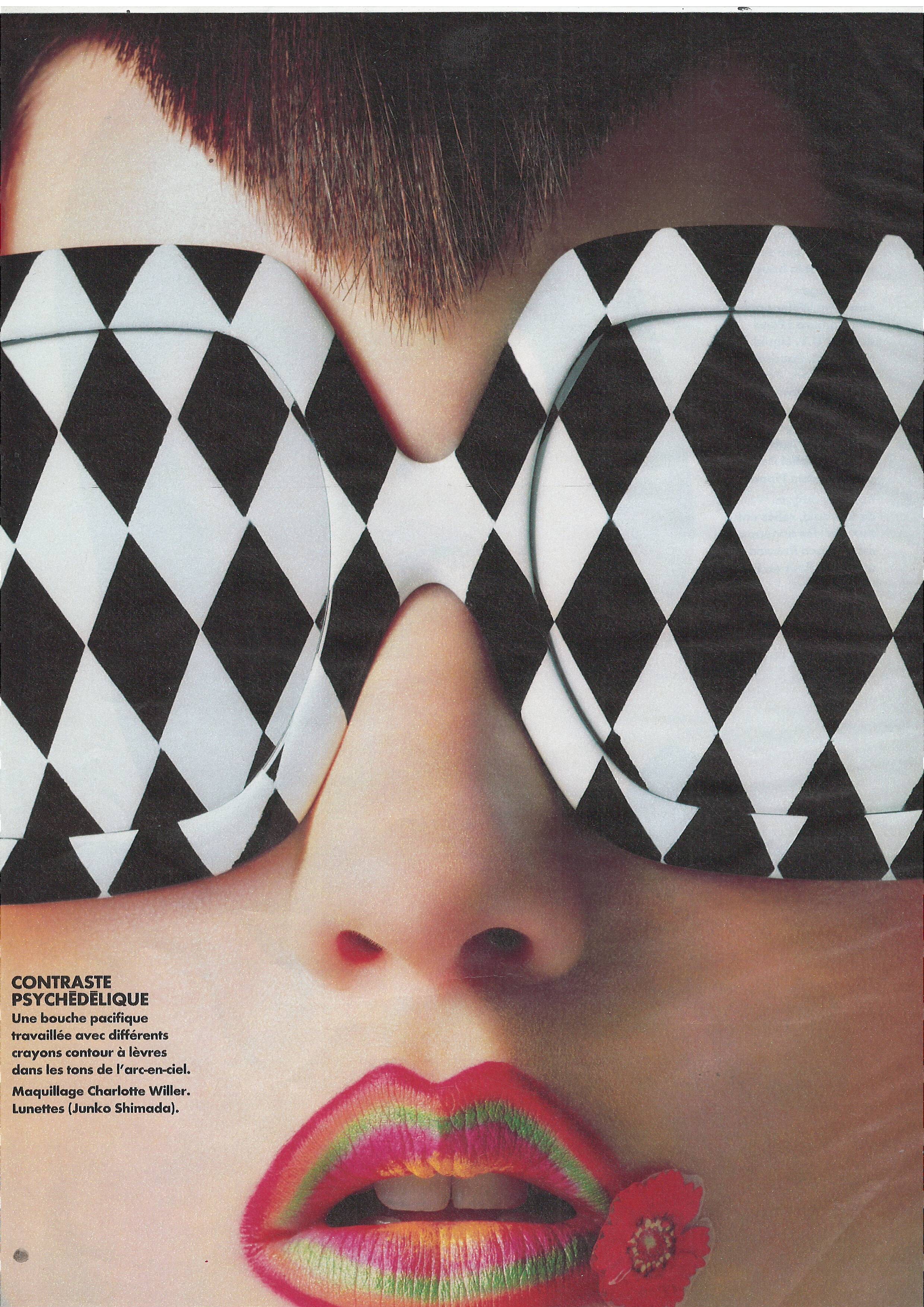
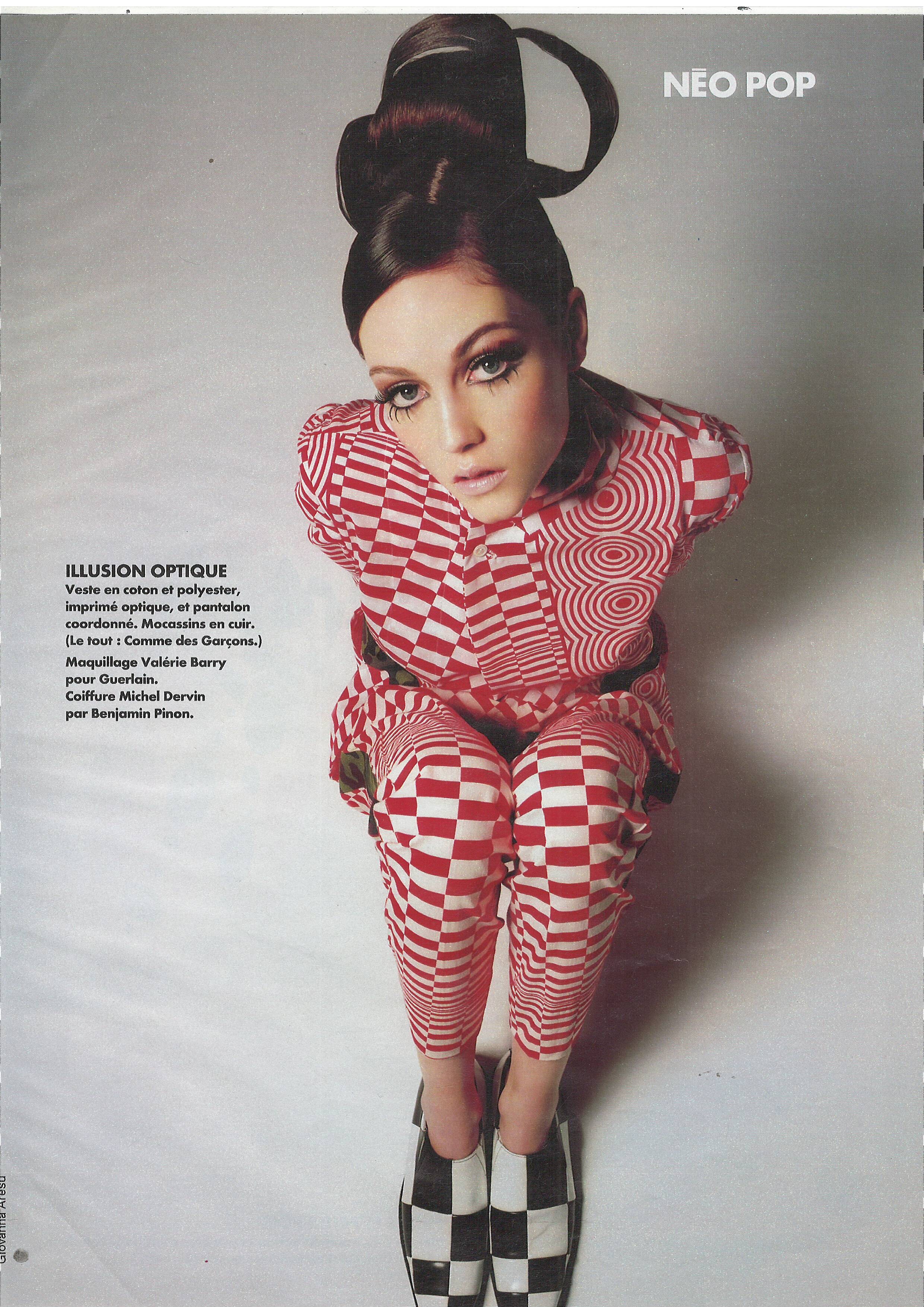
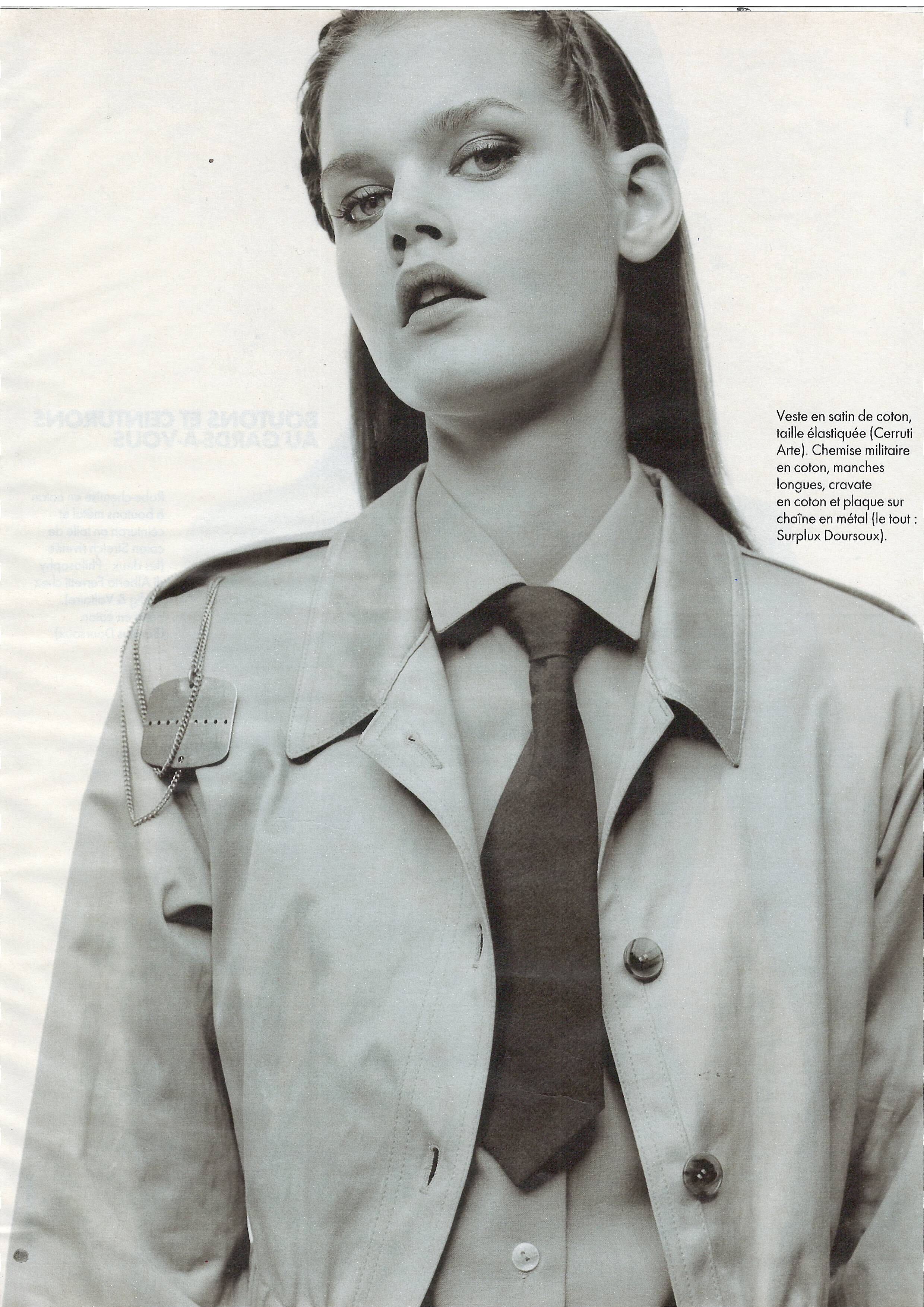
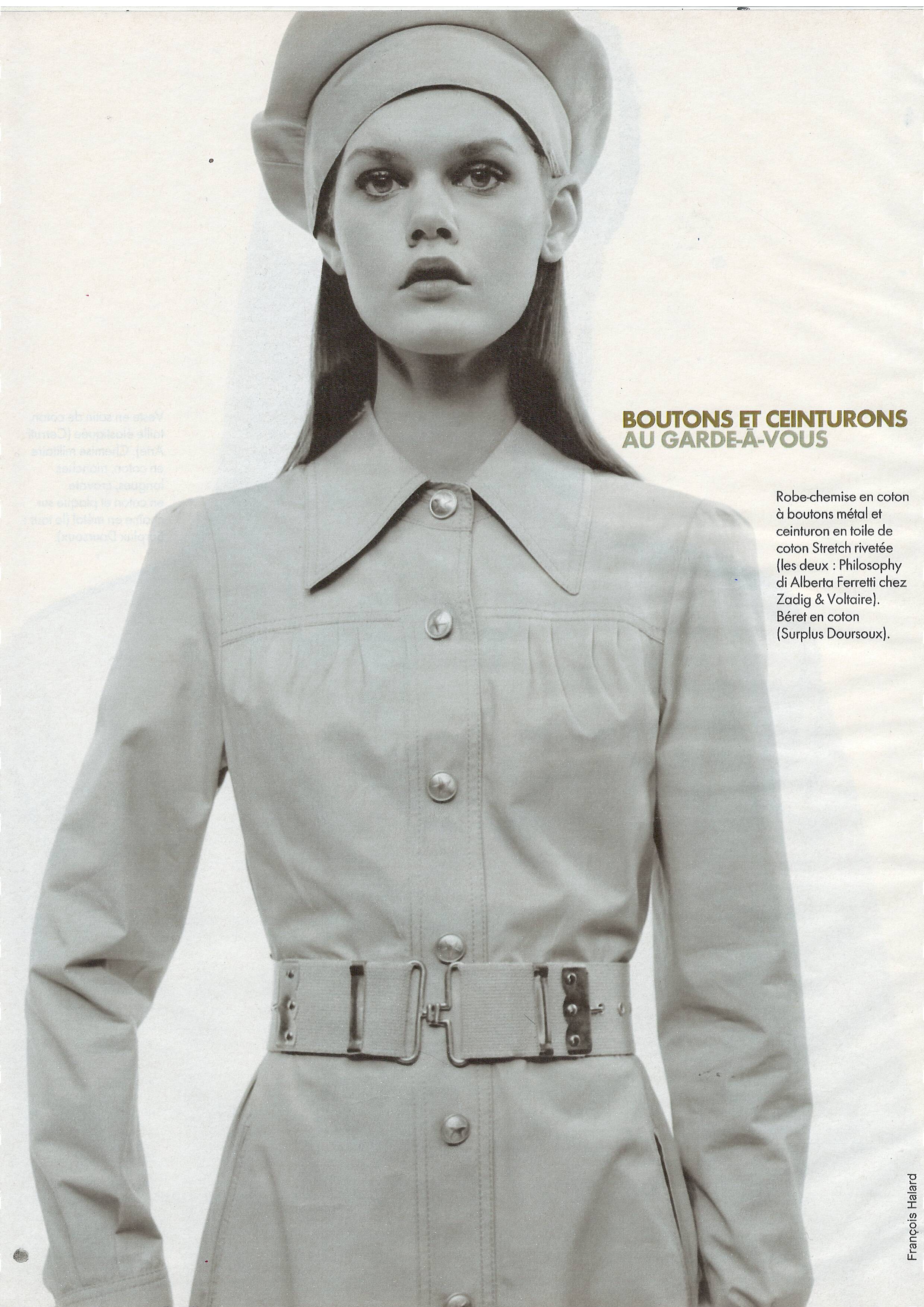
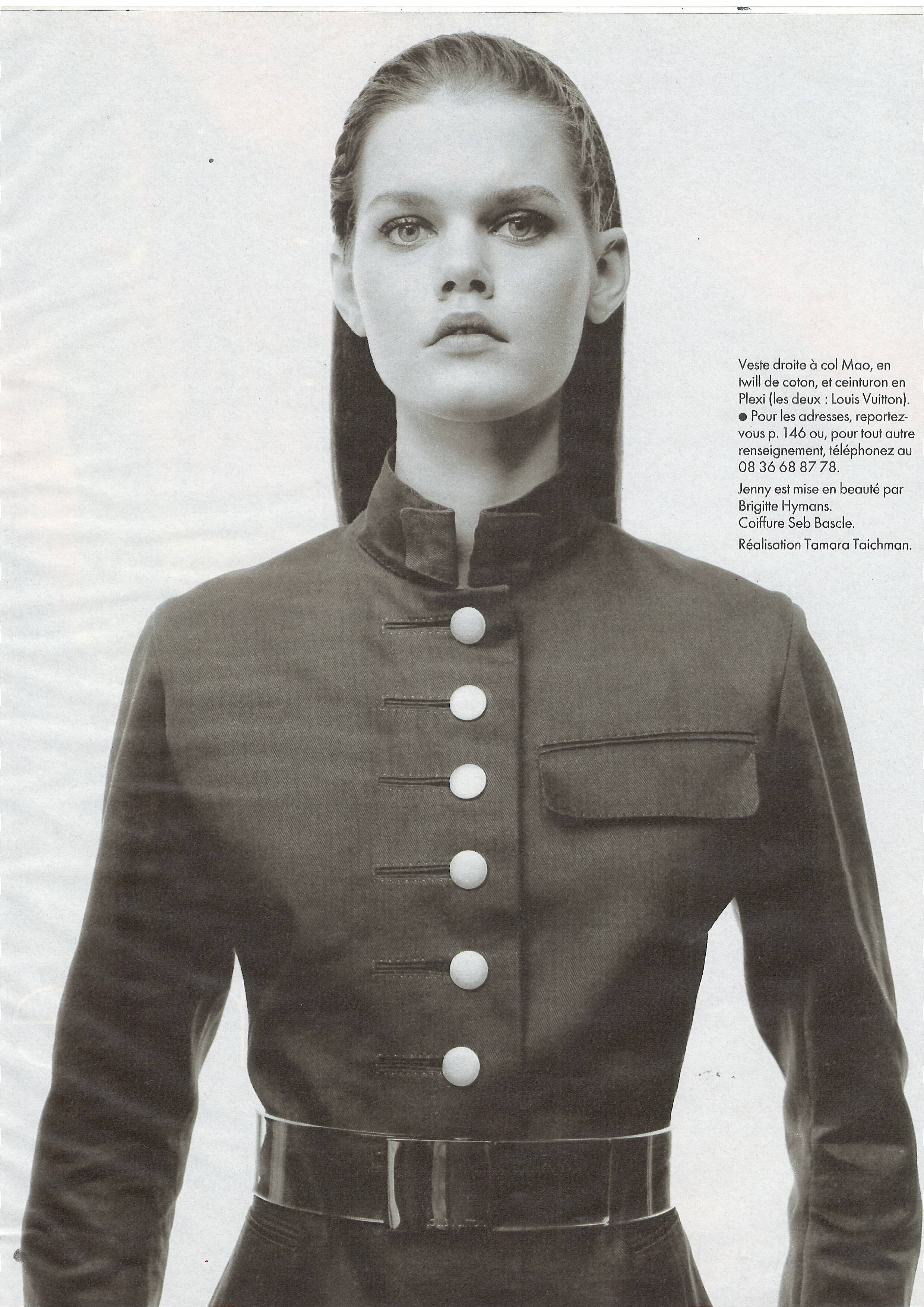
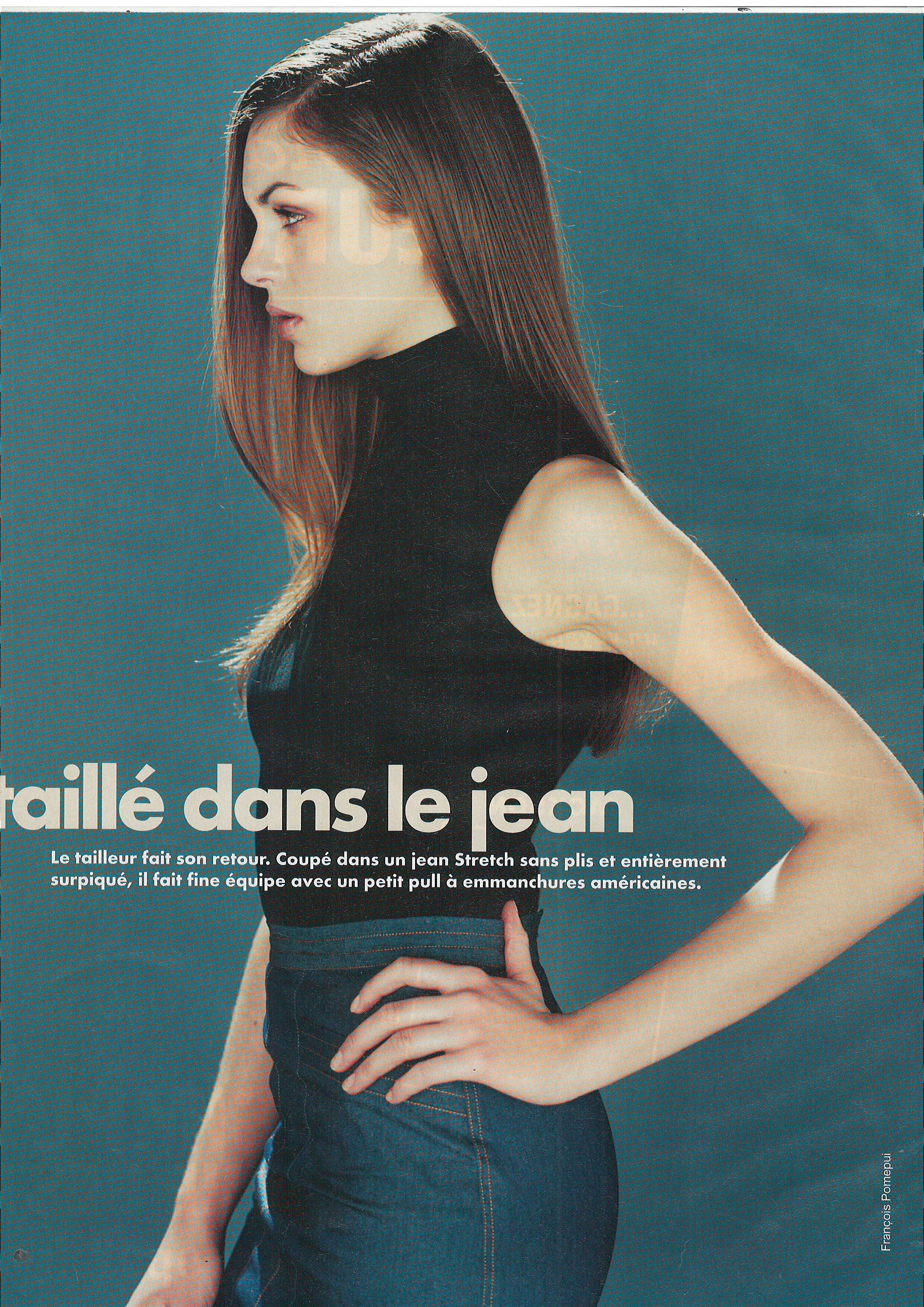
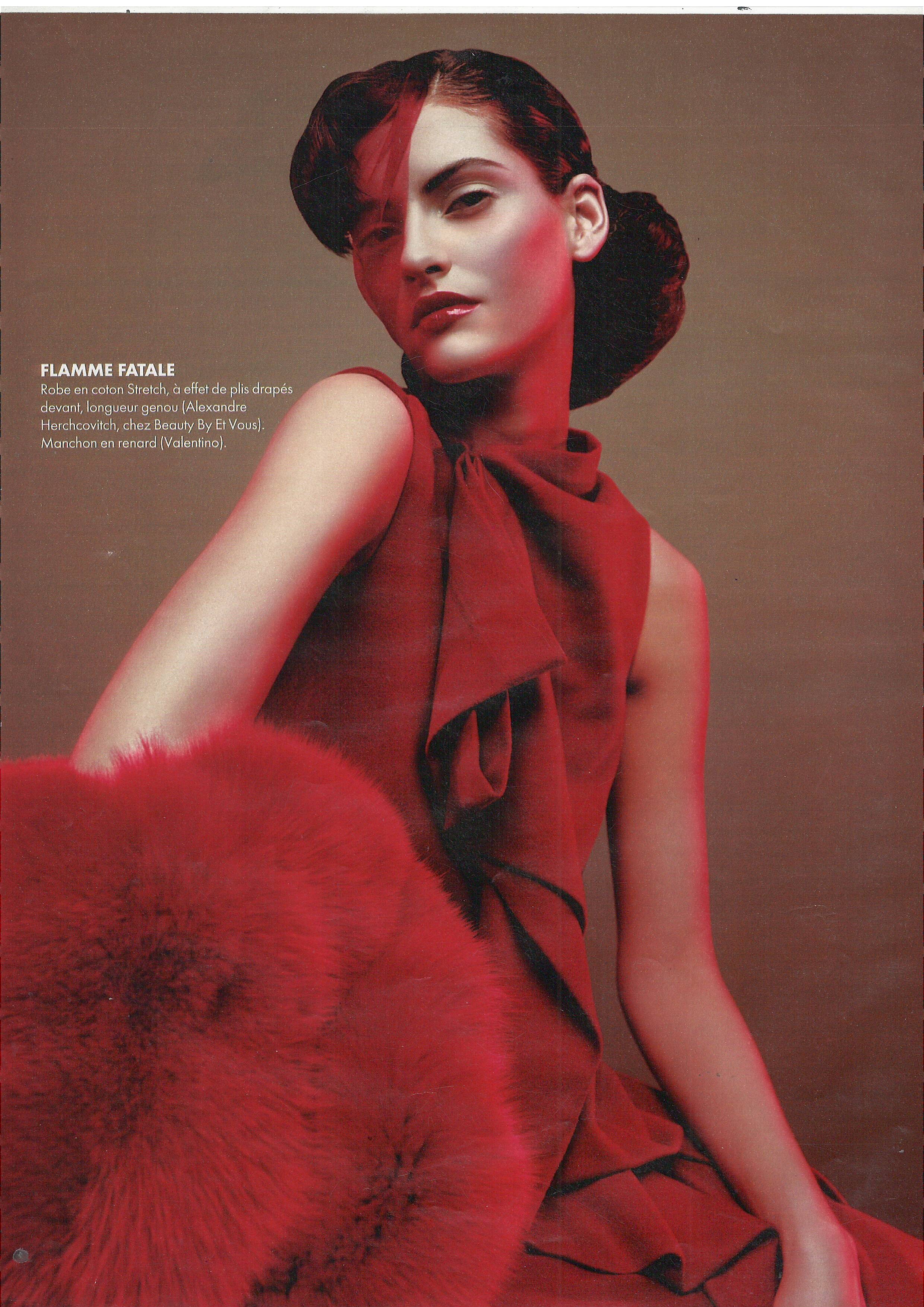
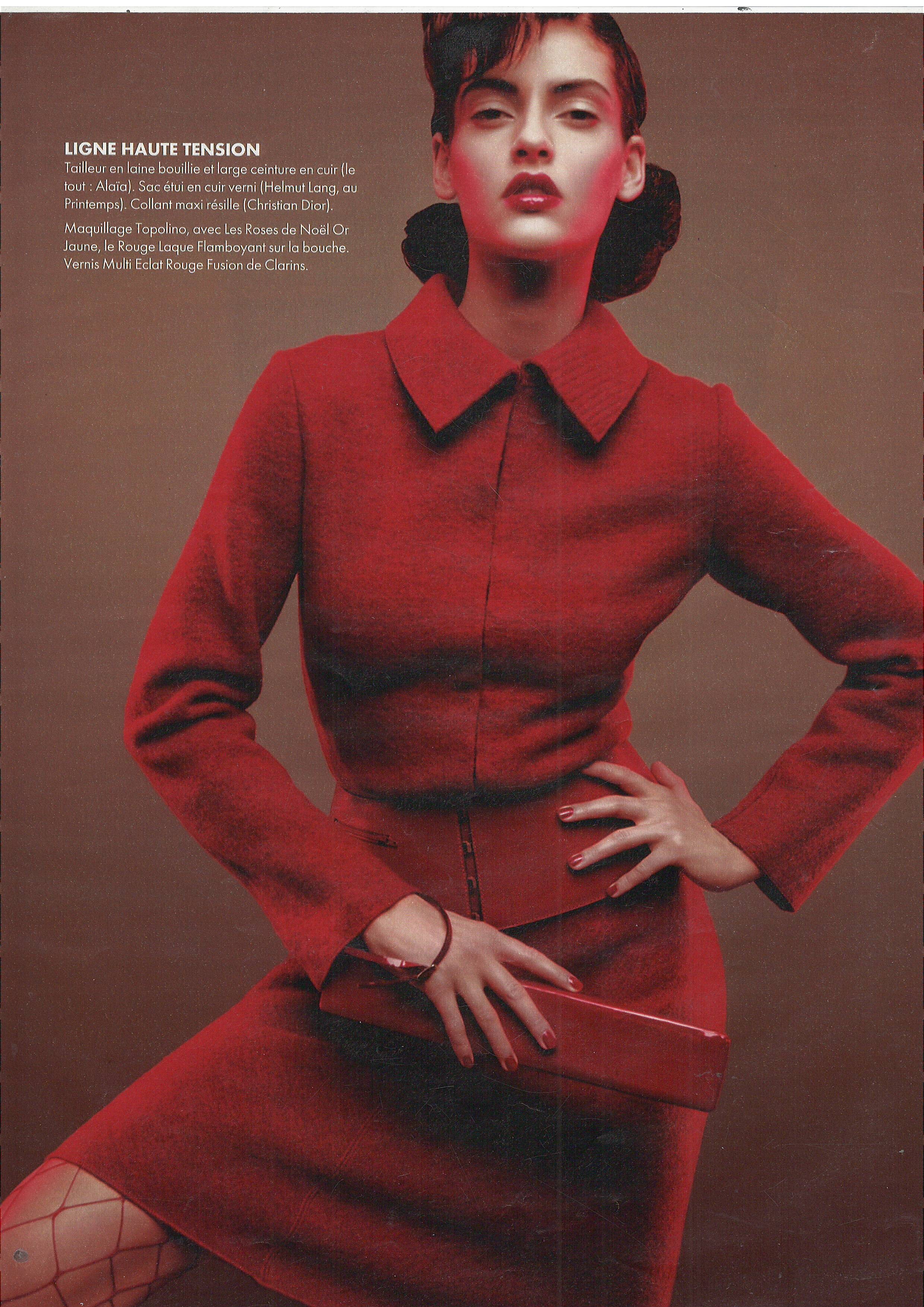
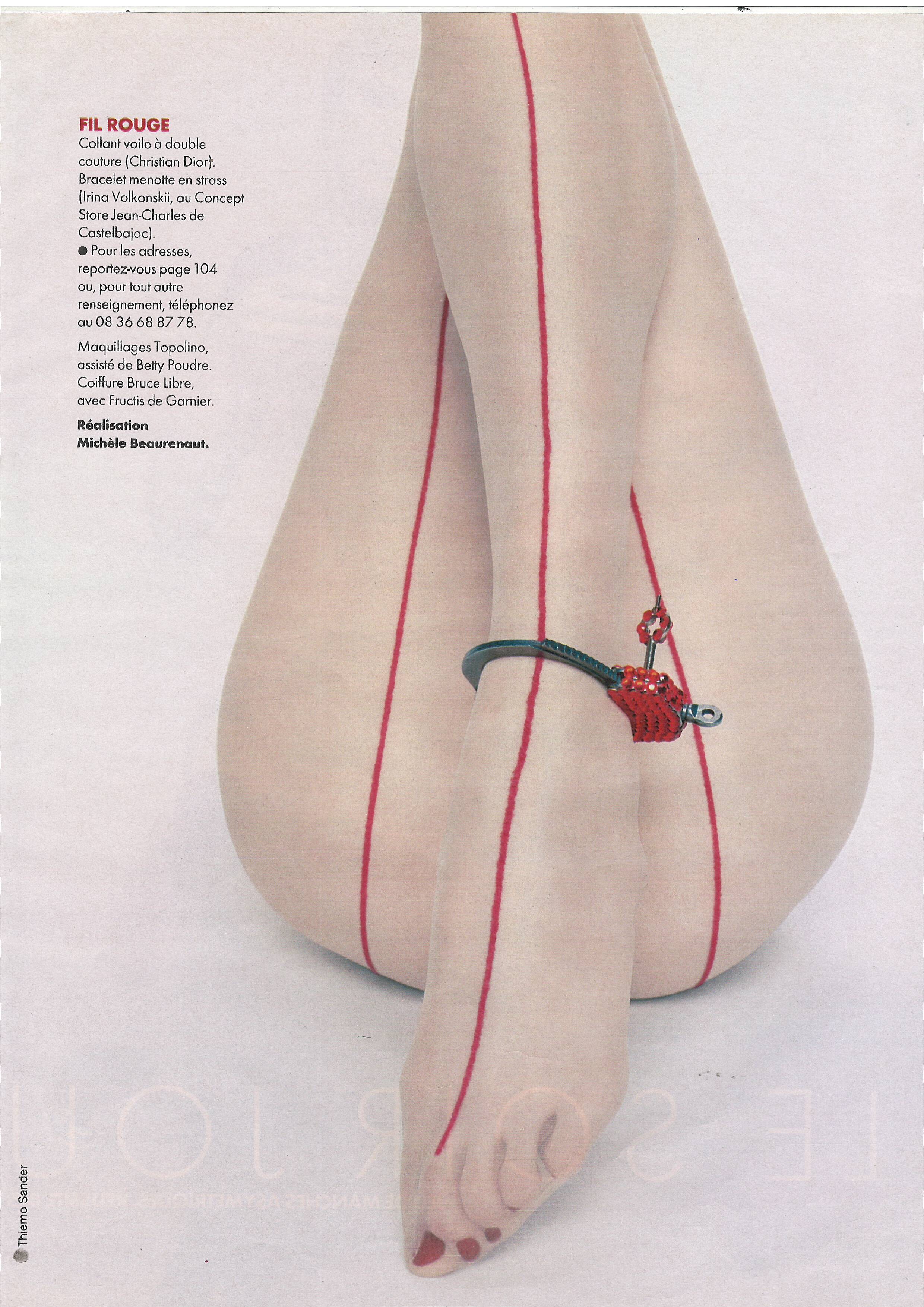
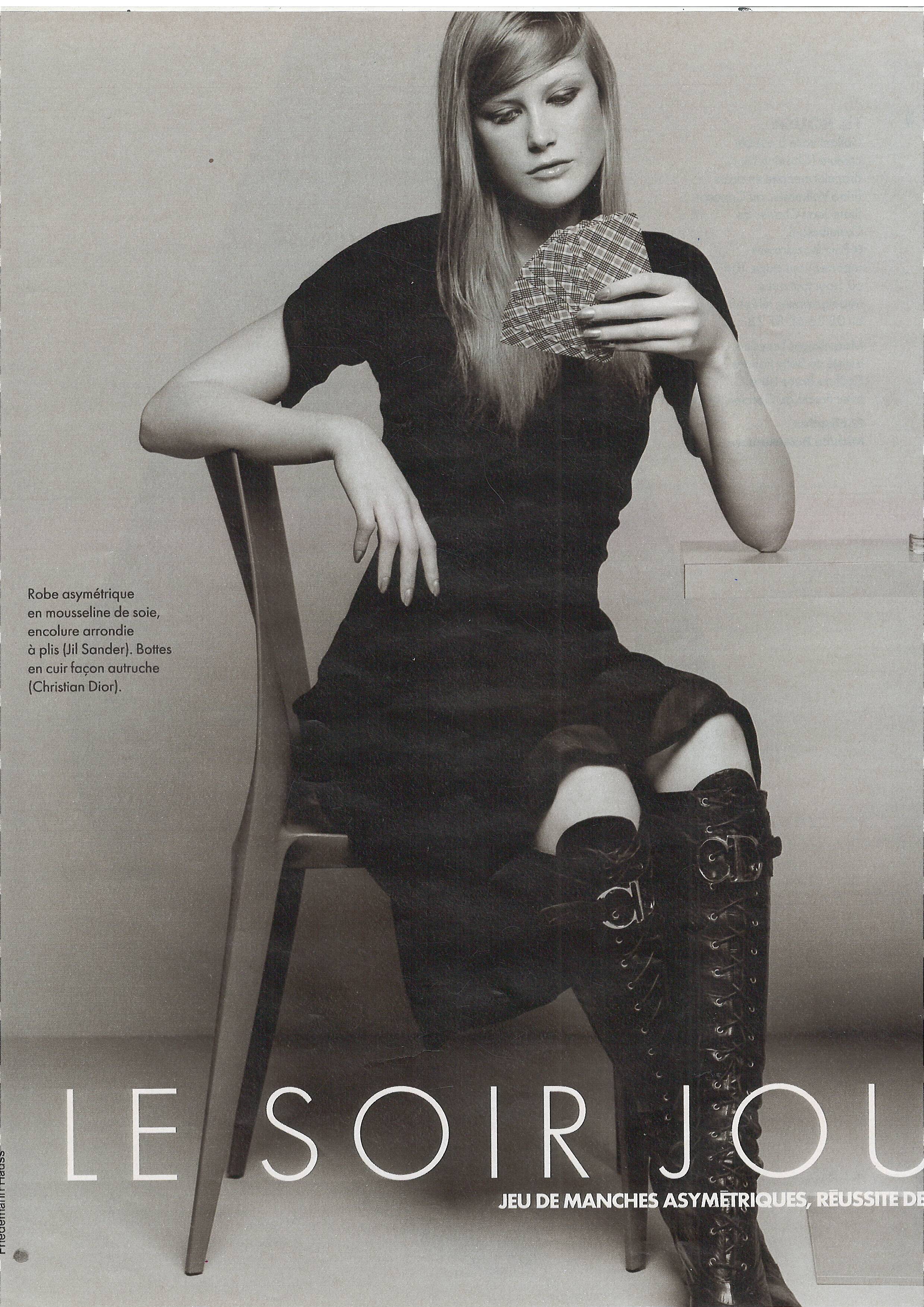
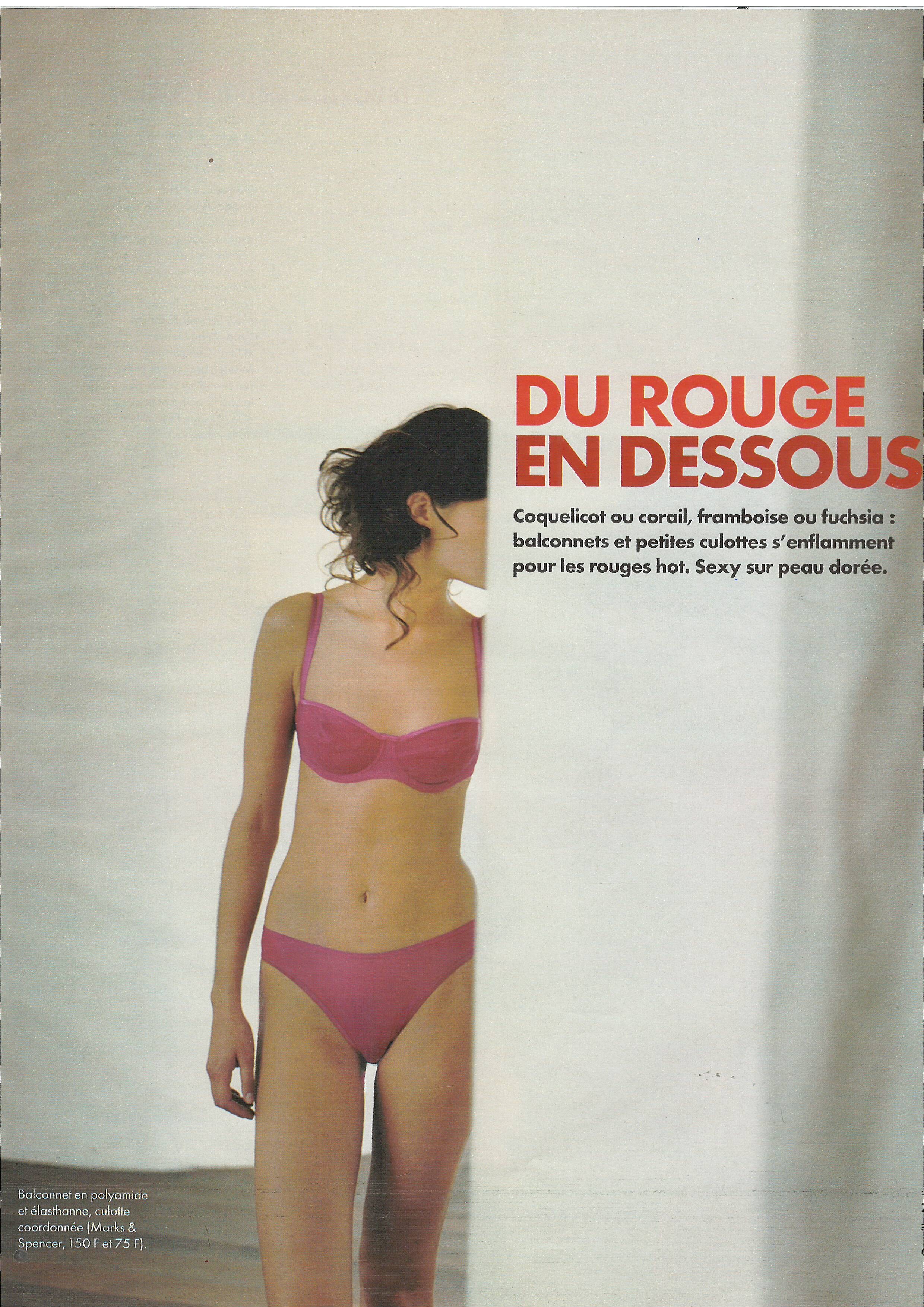
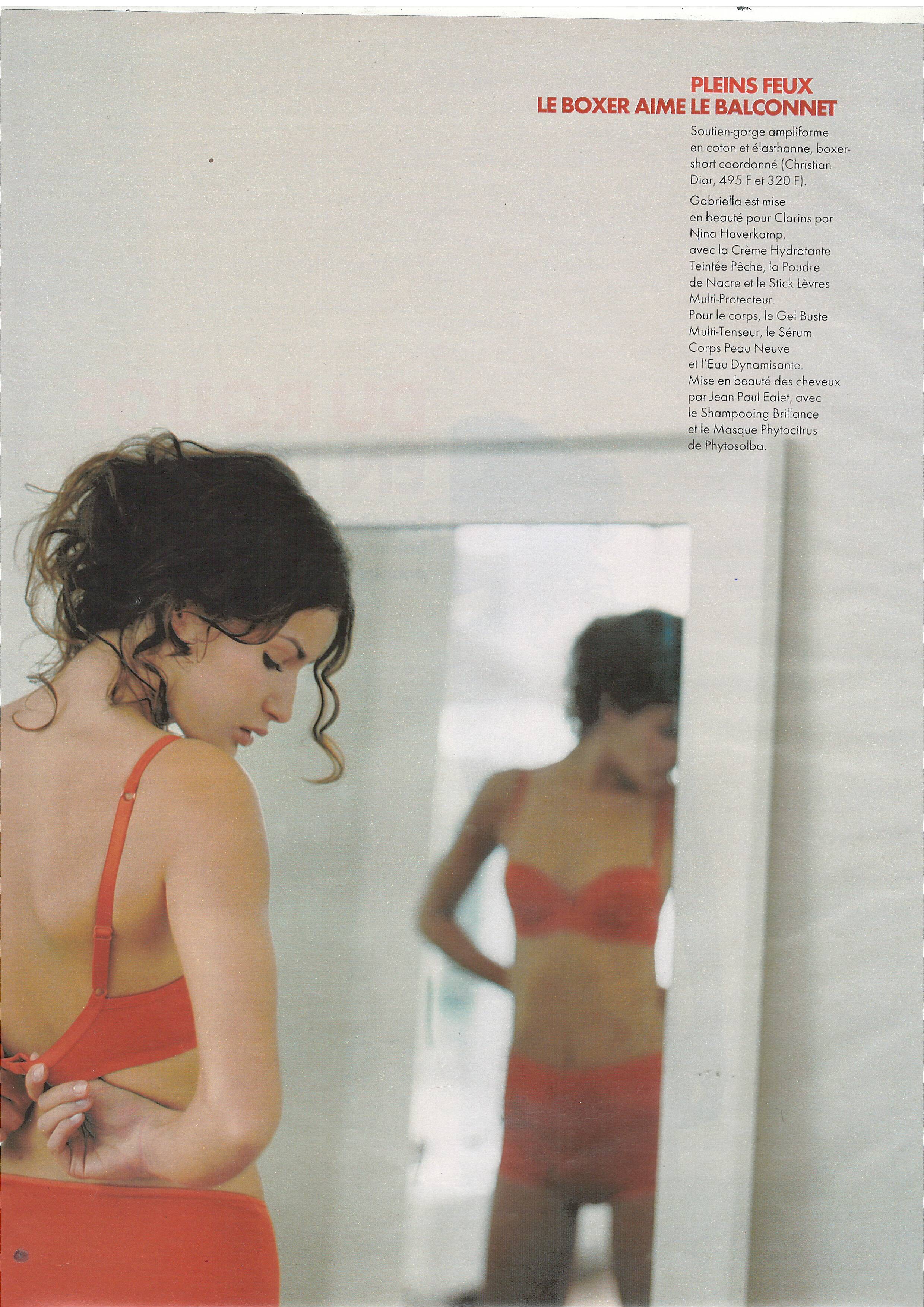
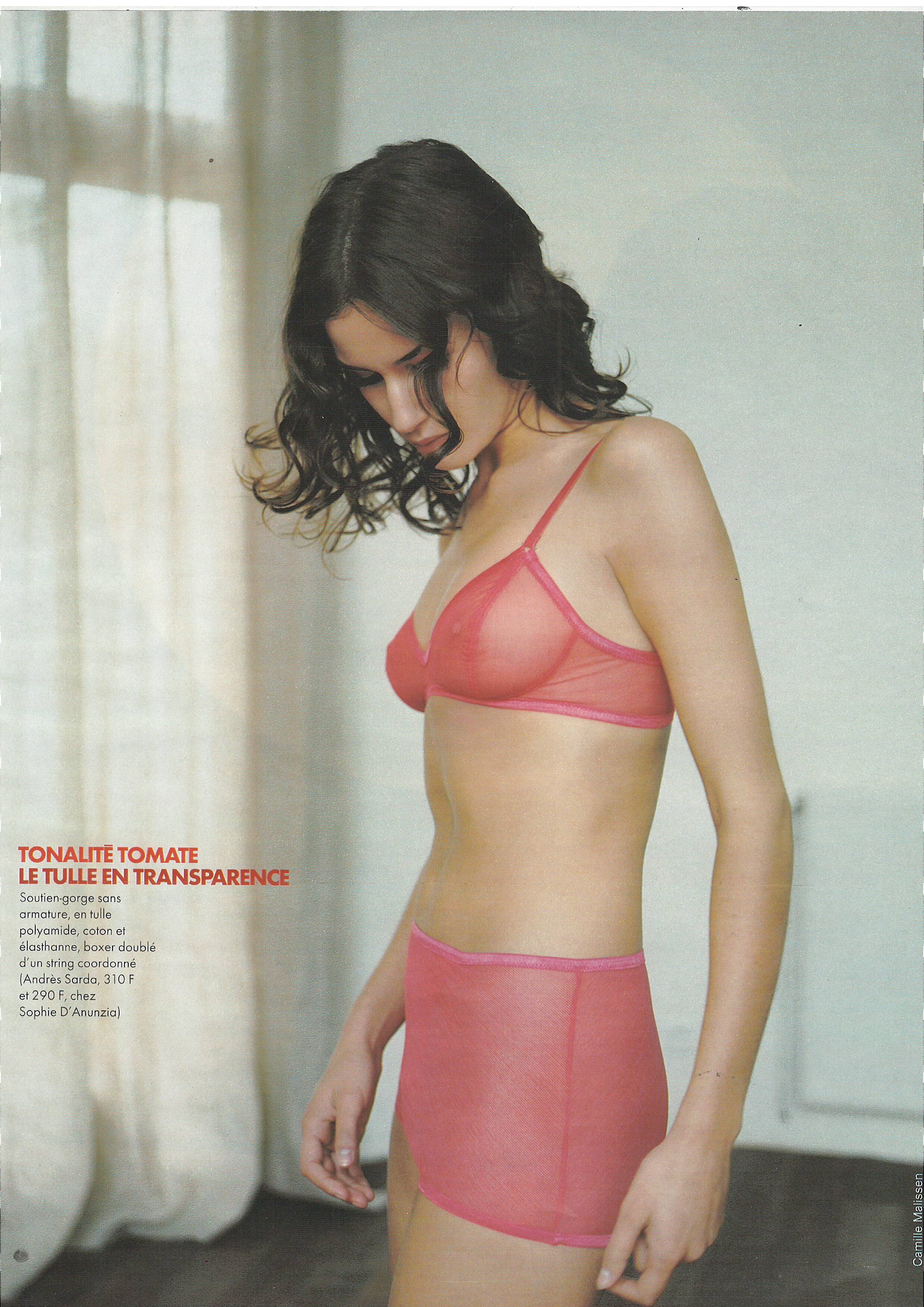
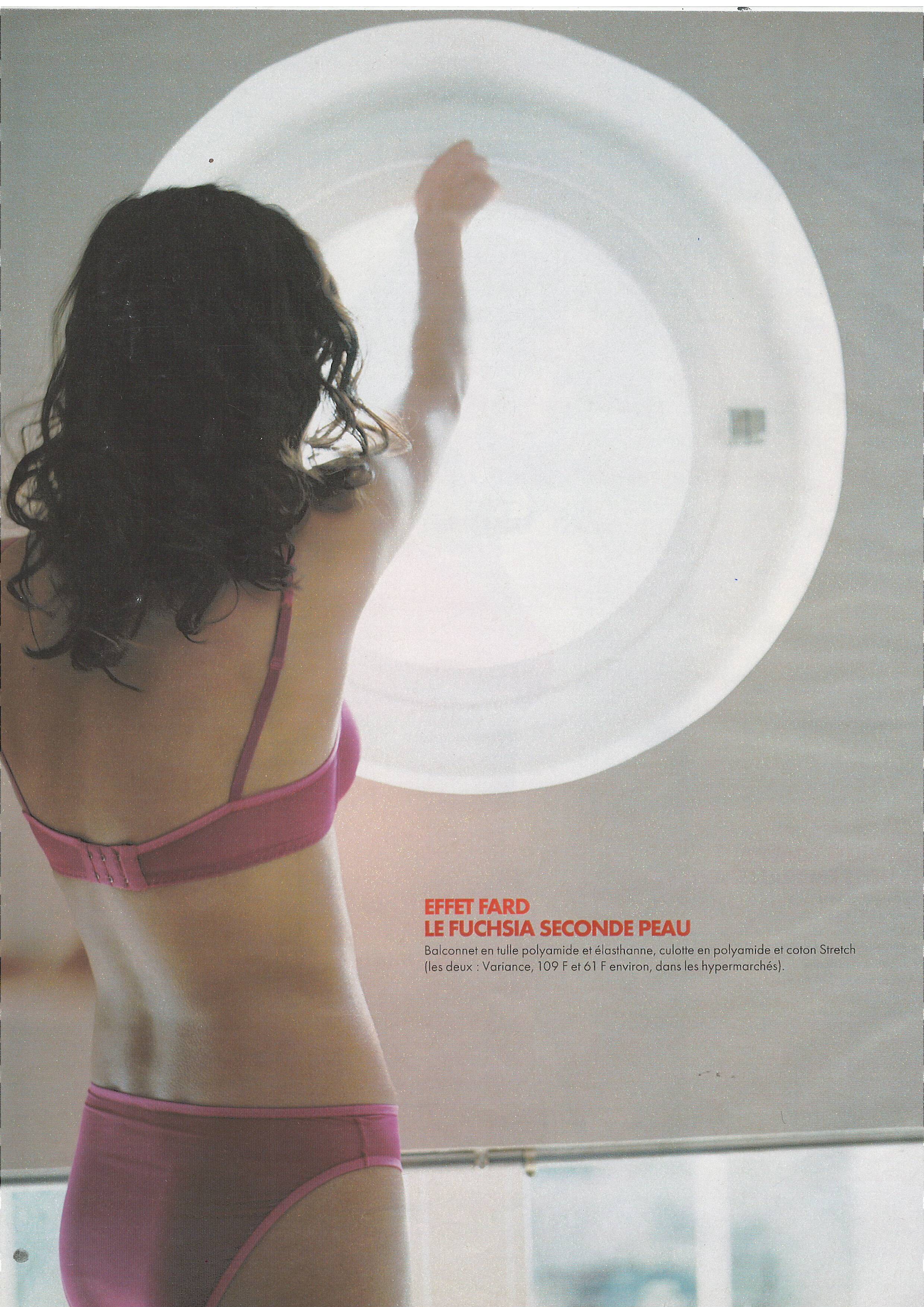
  6. Elle France 28 February 2005 Scanned by me cover model Ana Mihajlovic
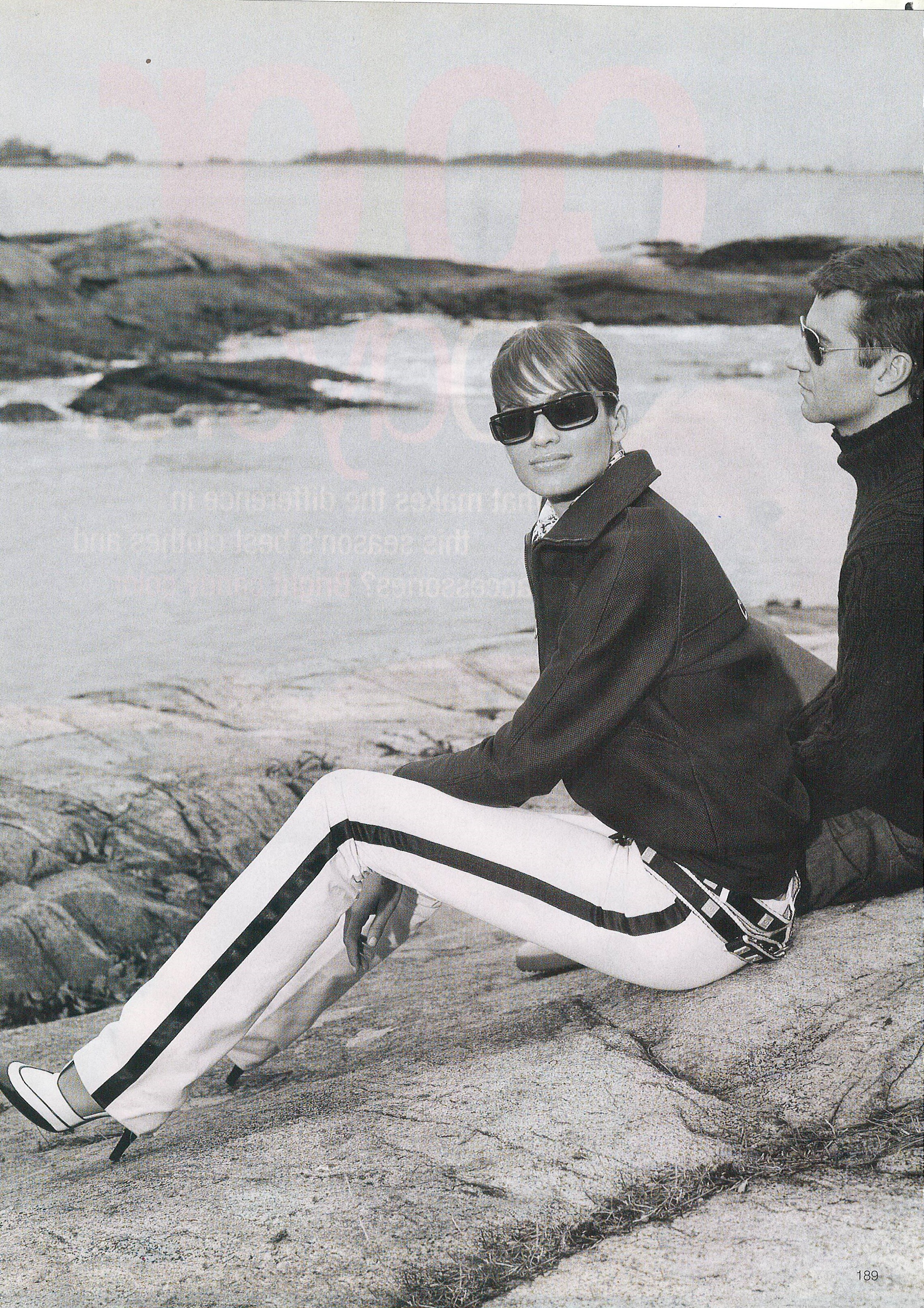
  7. Elle France 28 February 2005 Scanned by me
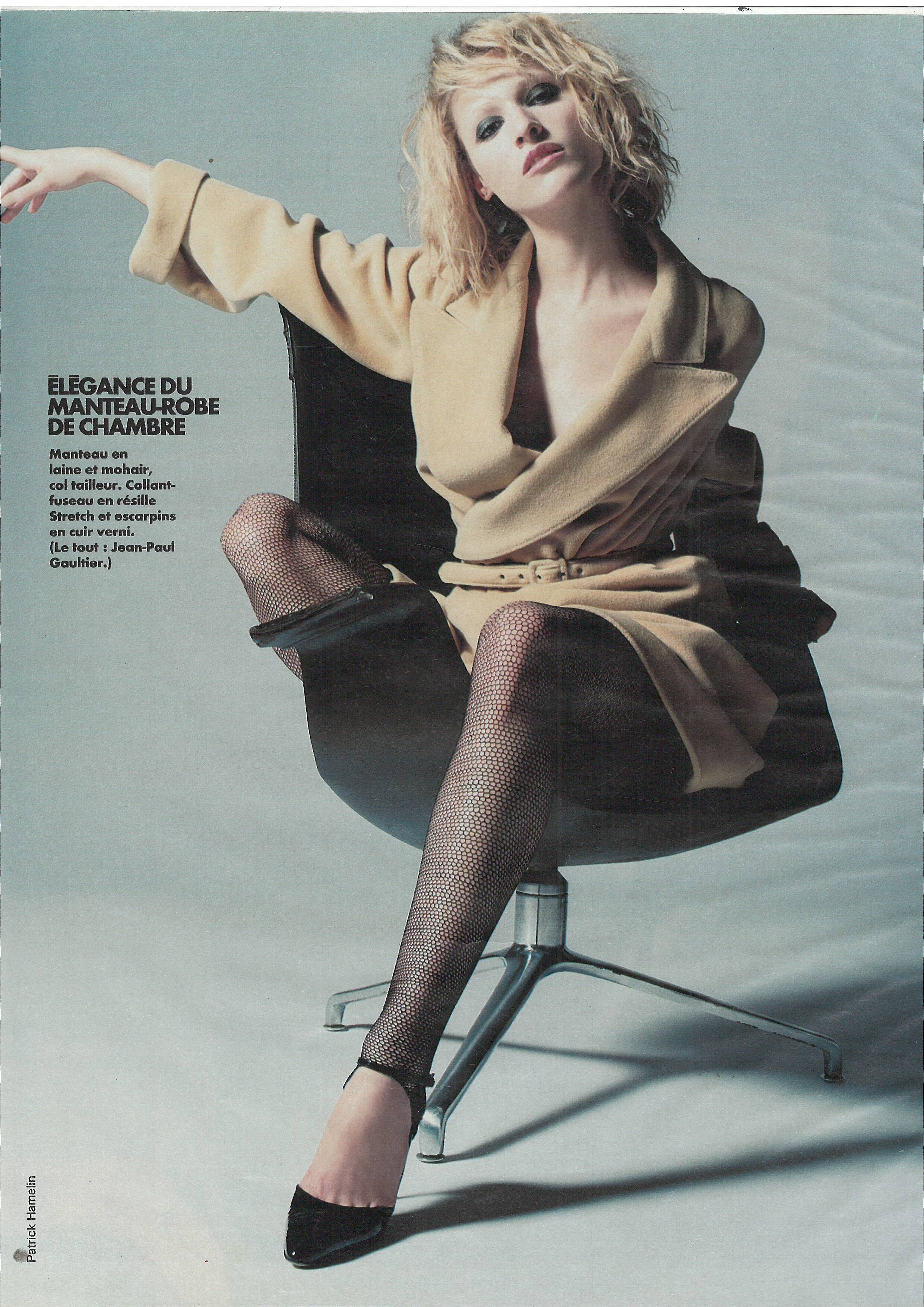
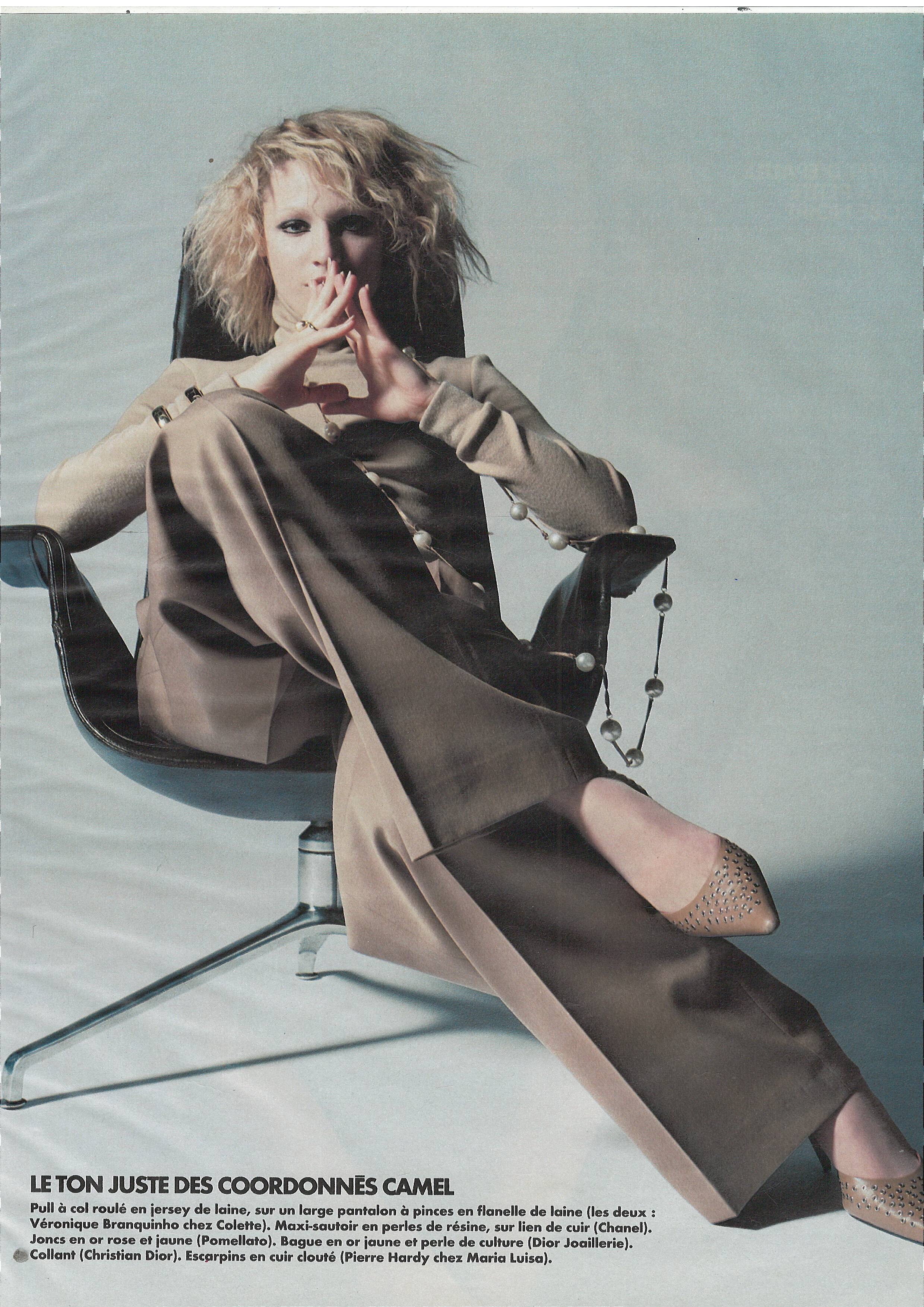
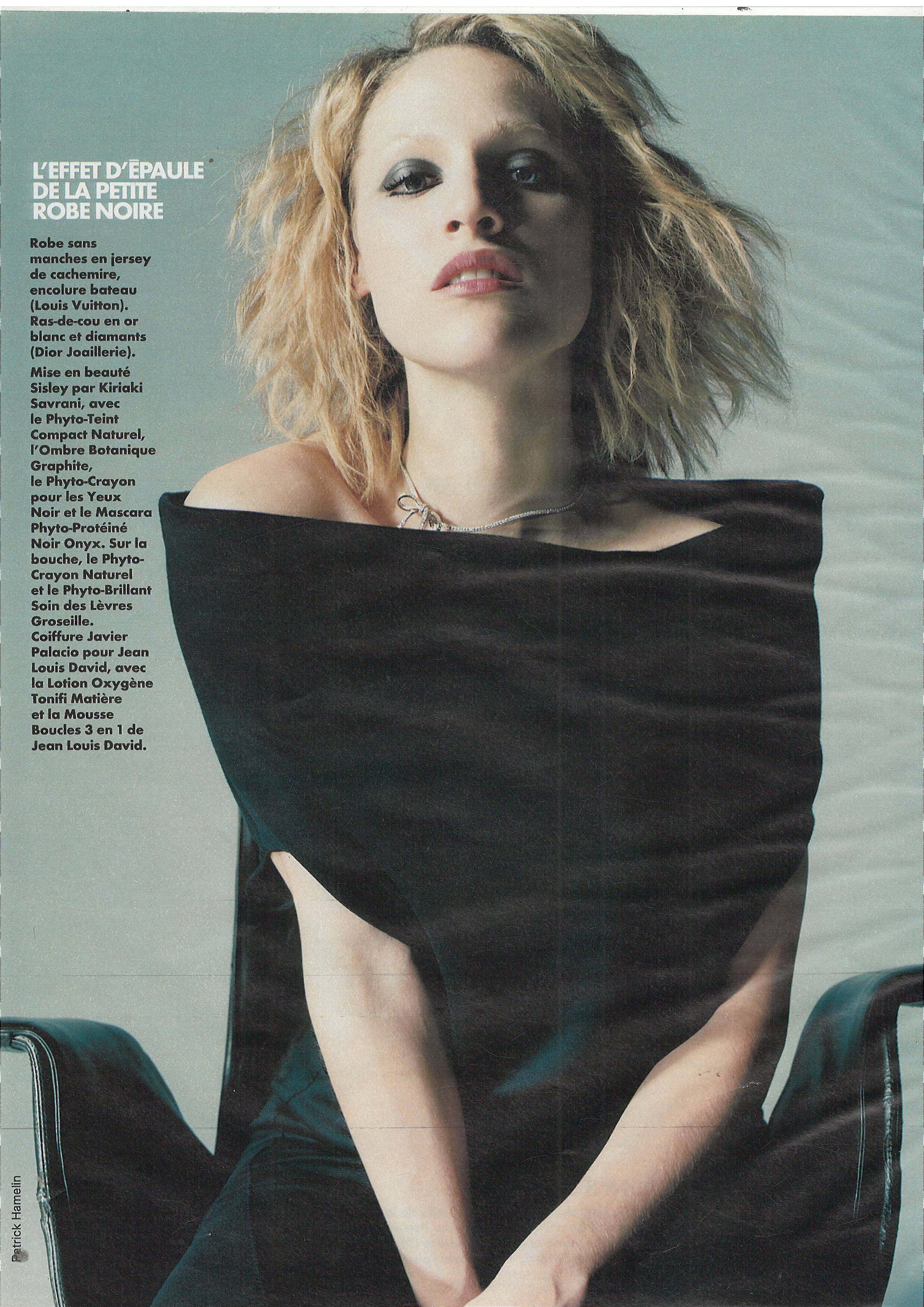
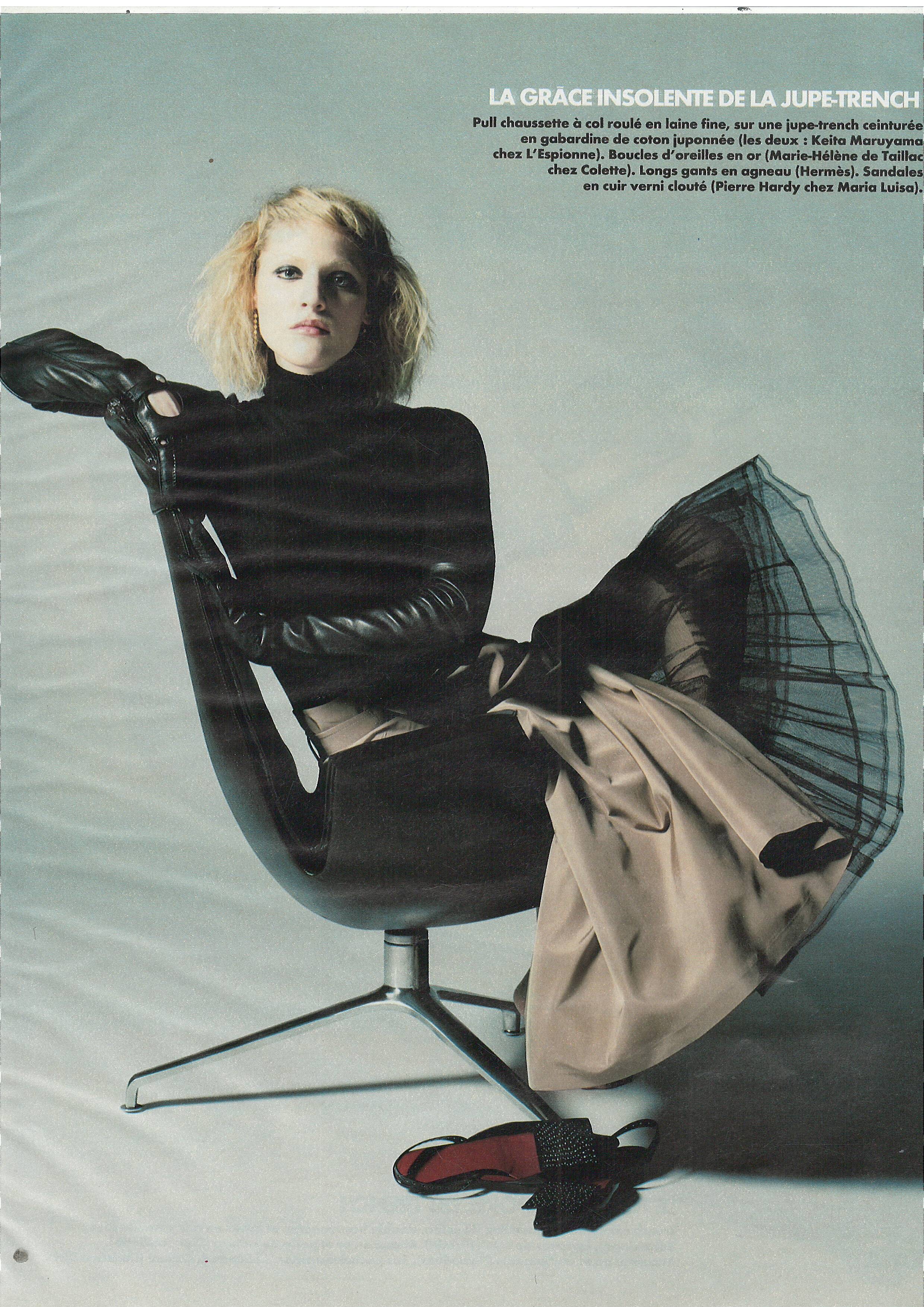
  8. Marie France May 2019
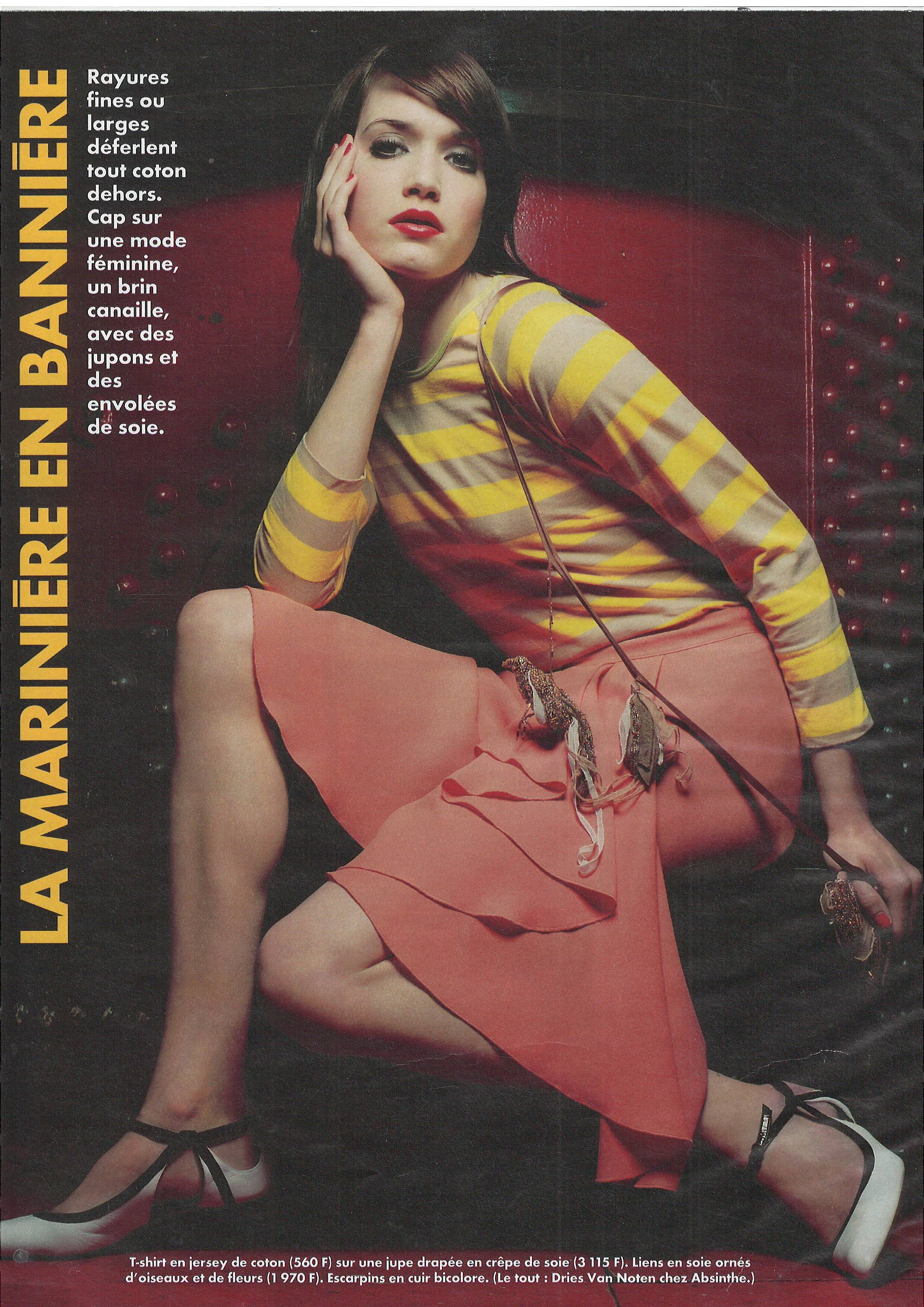
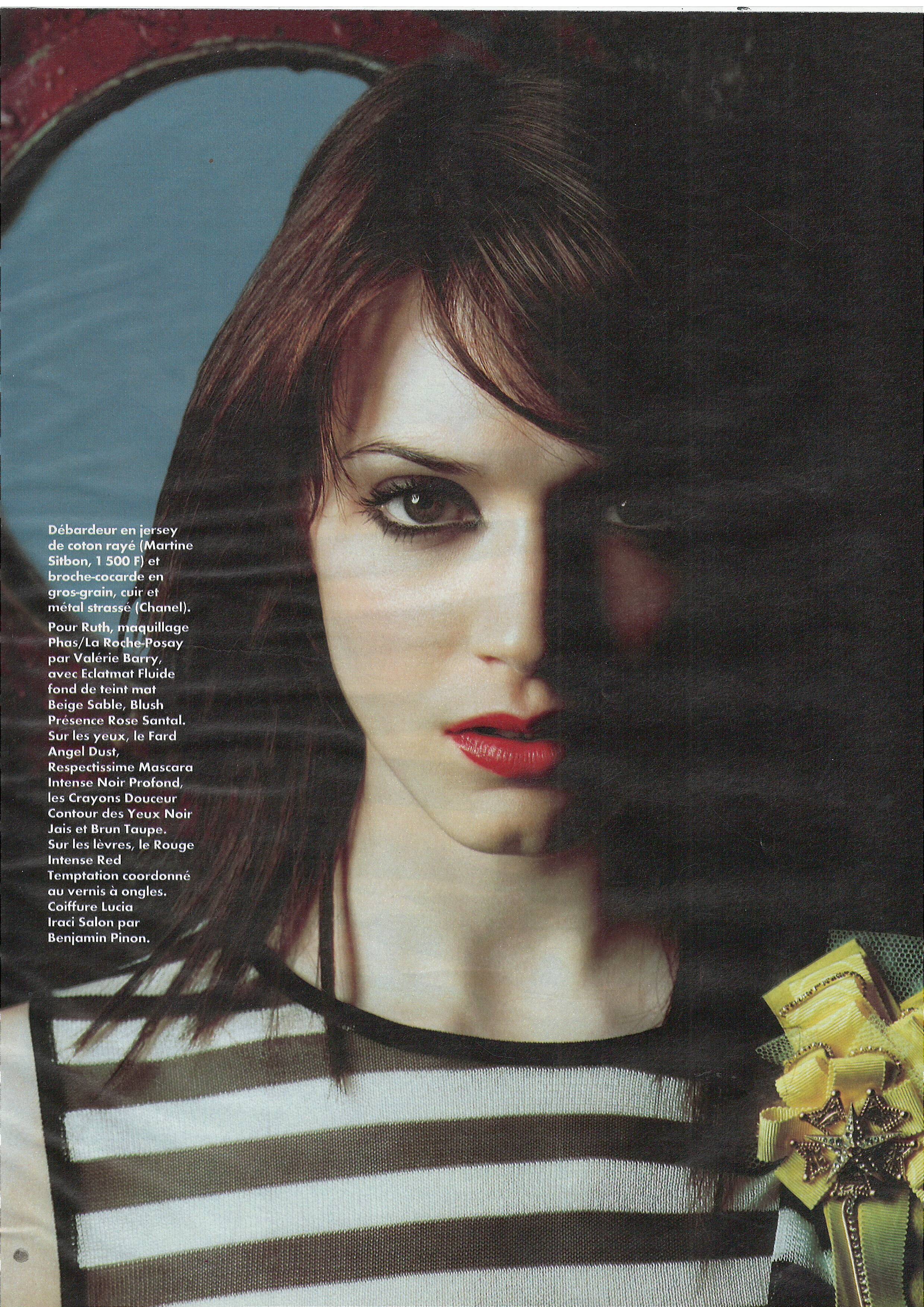
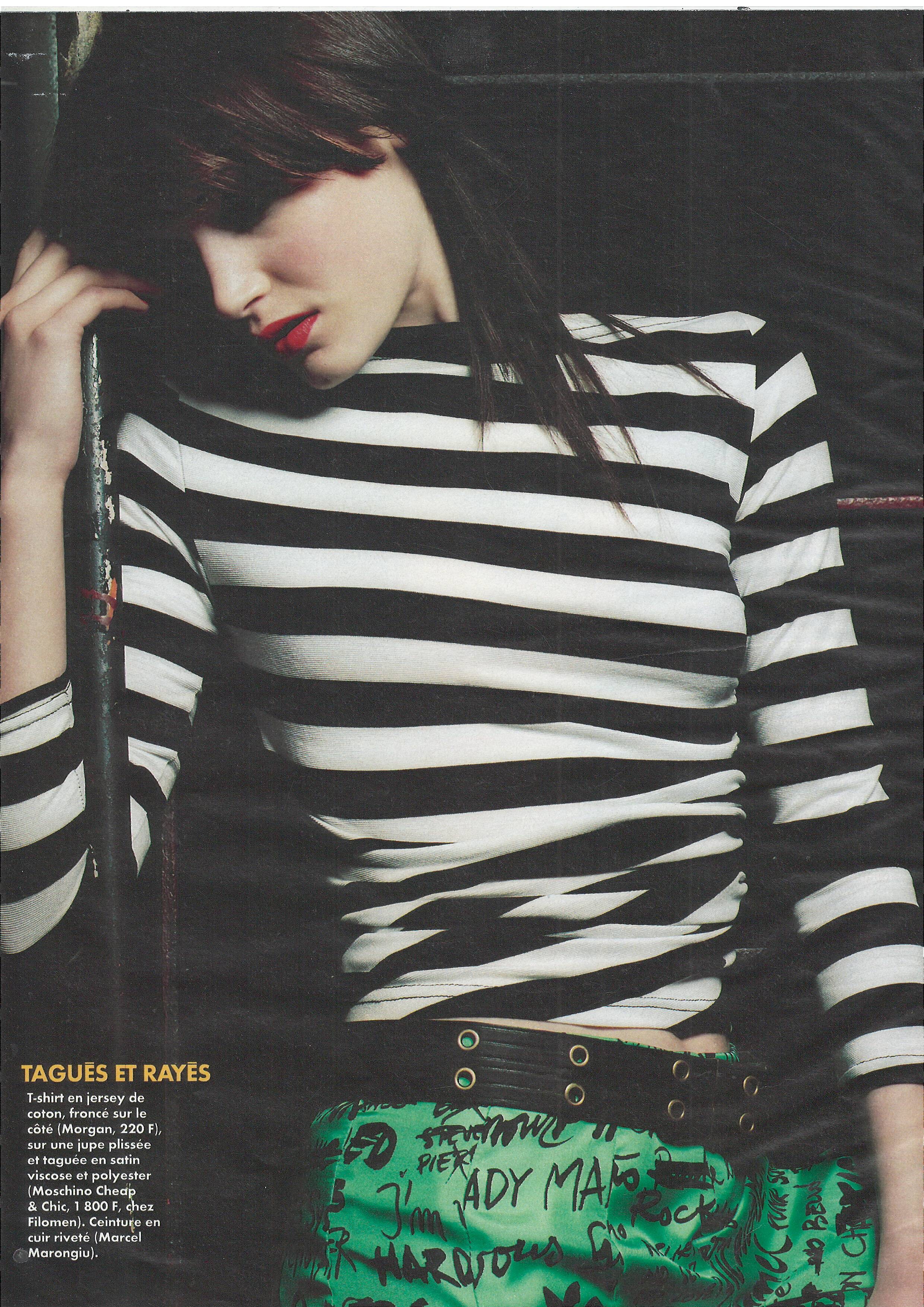
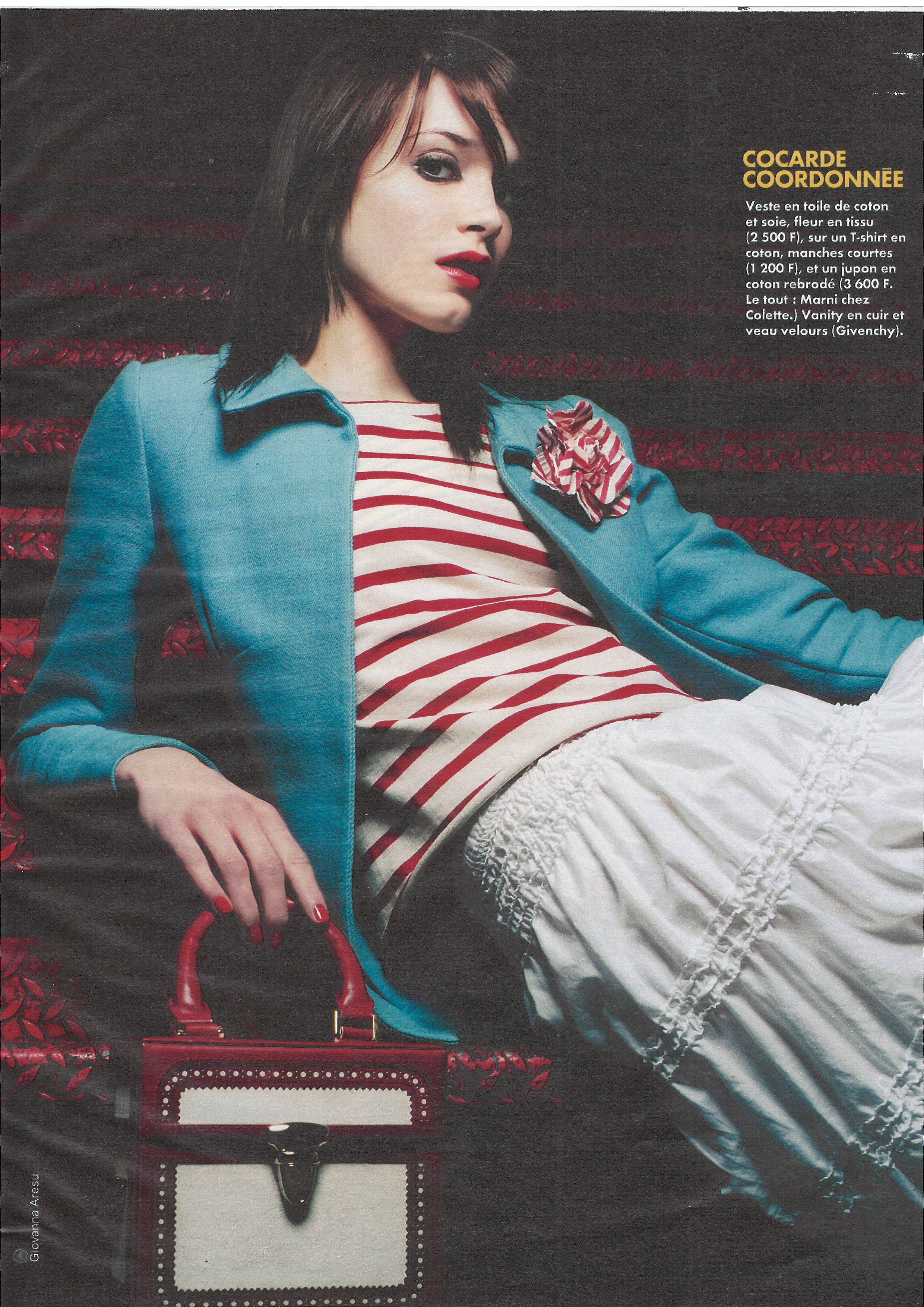
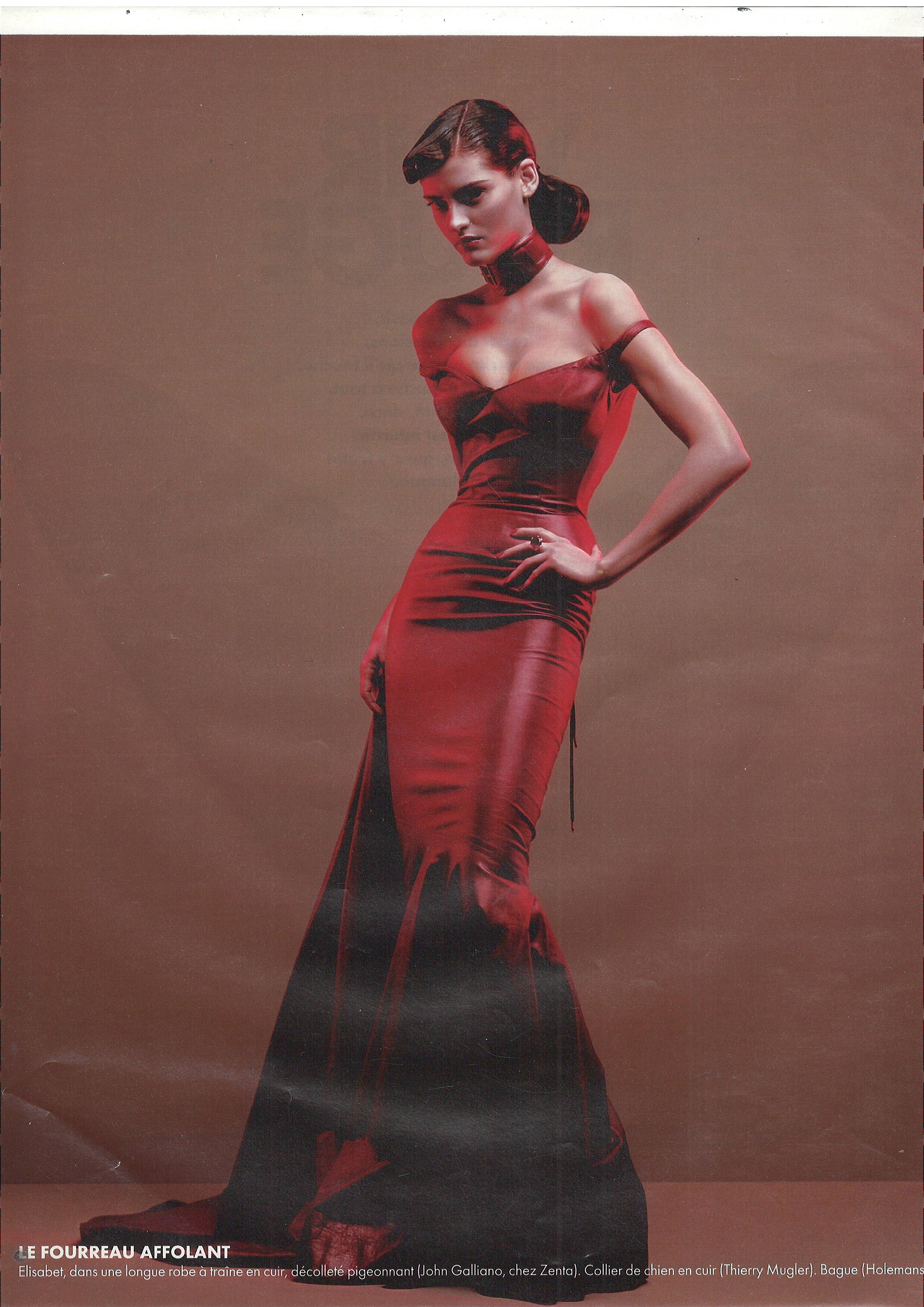
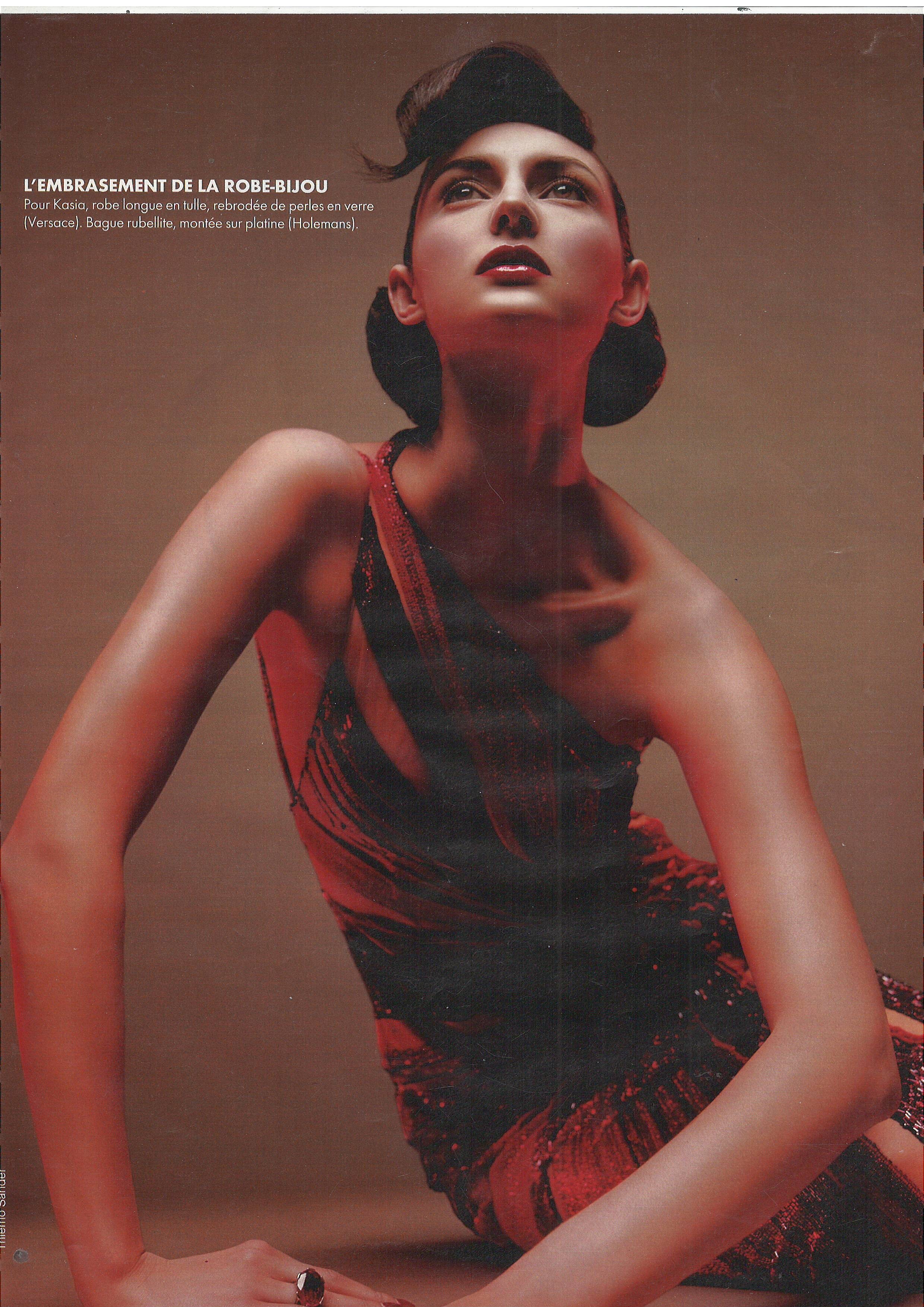
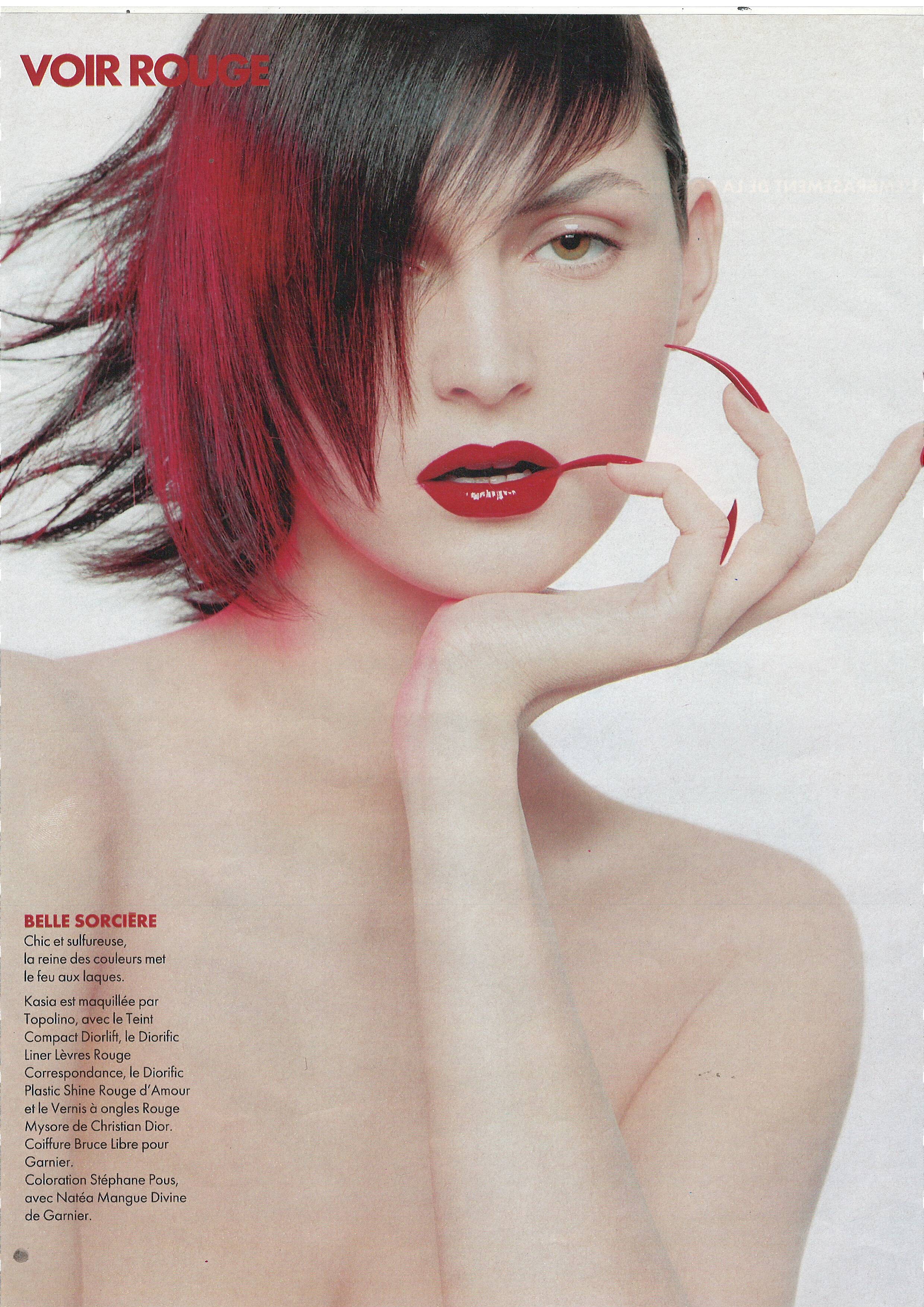
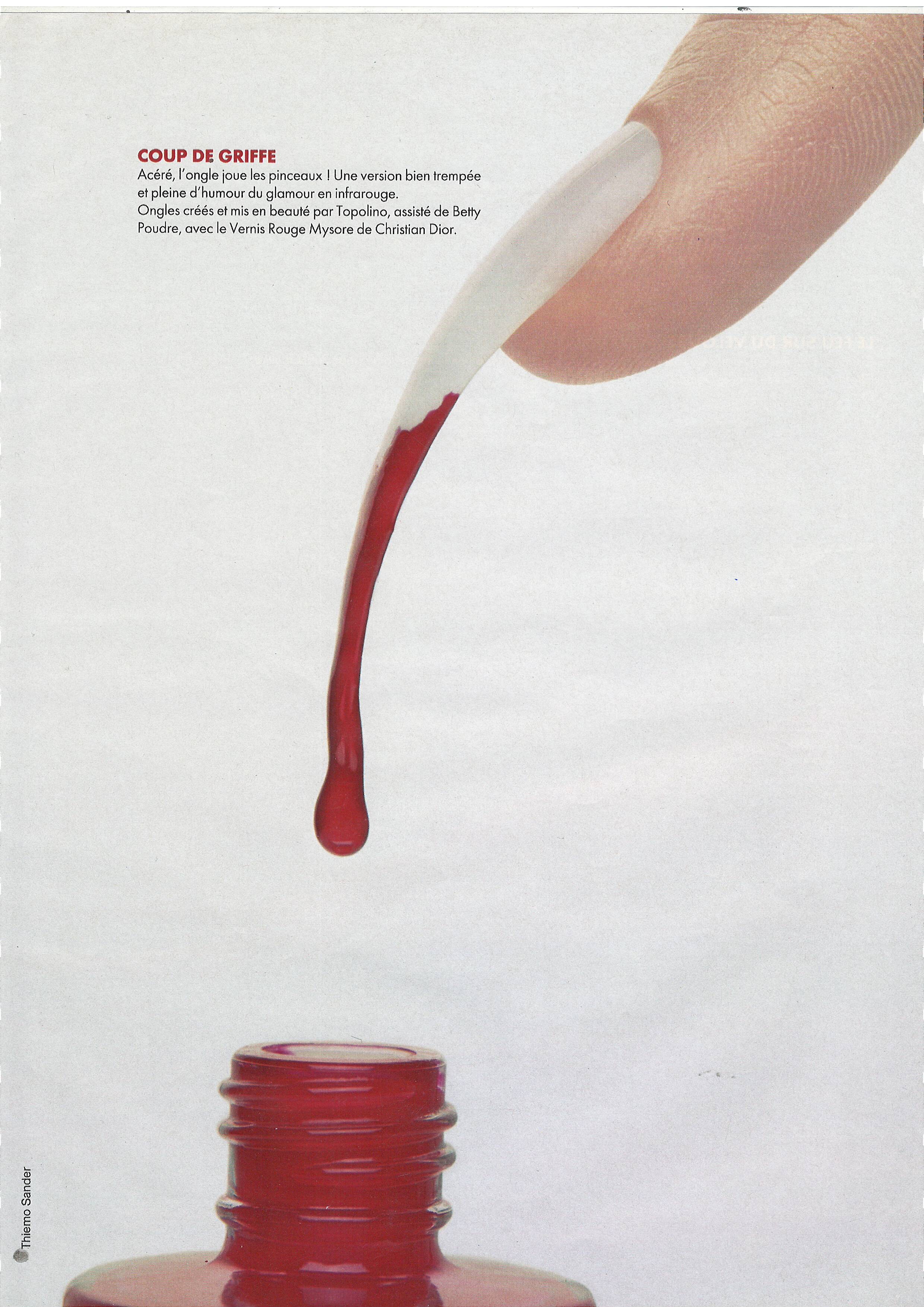
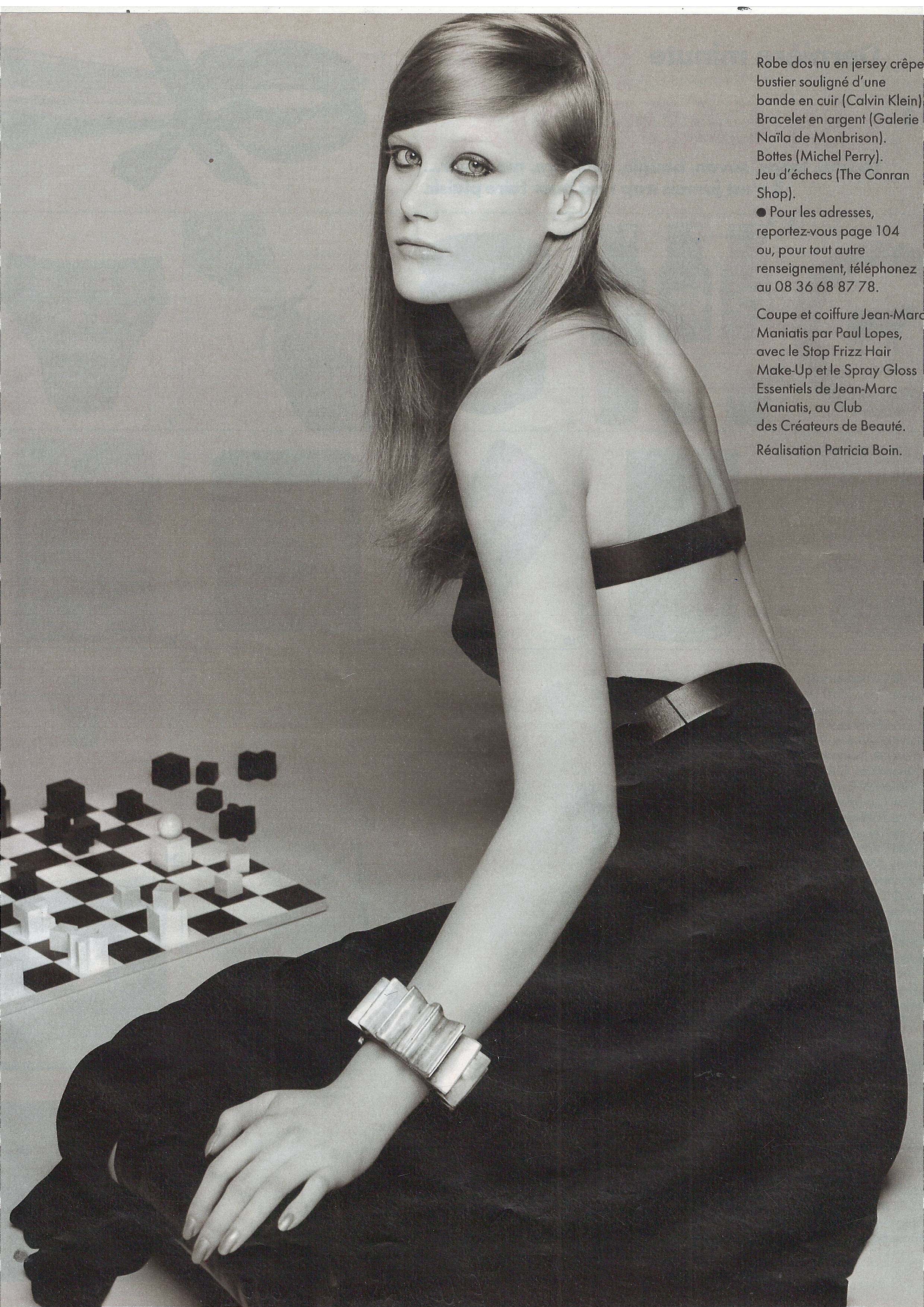
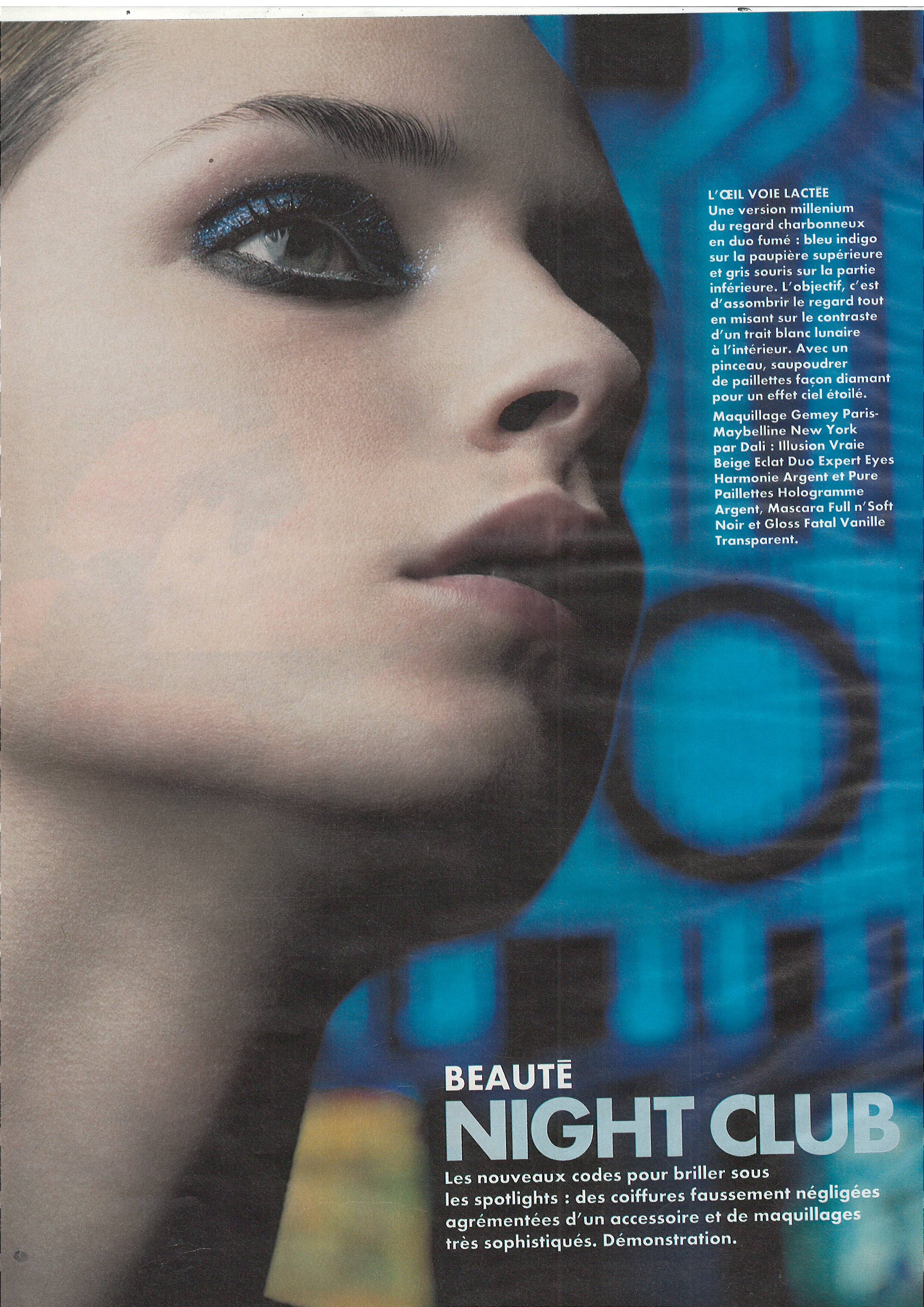
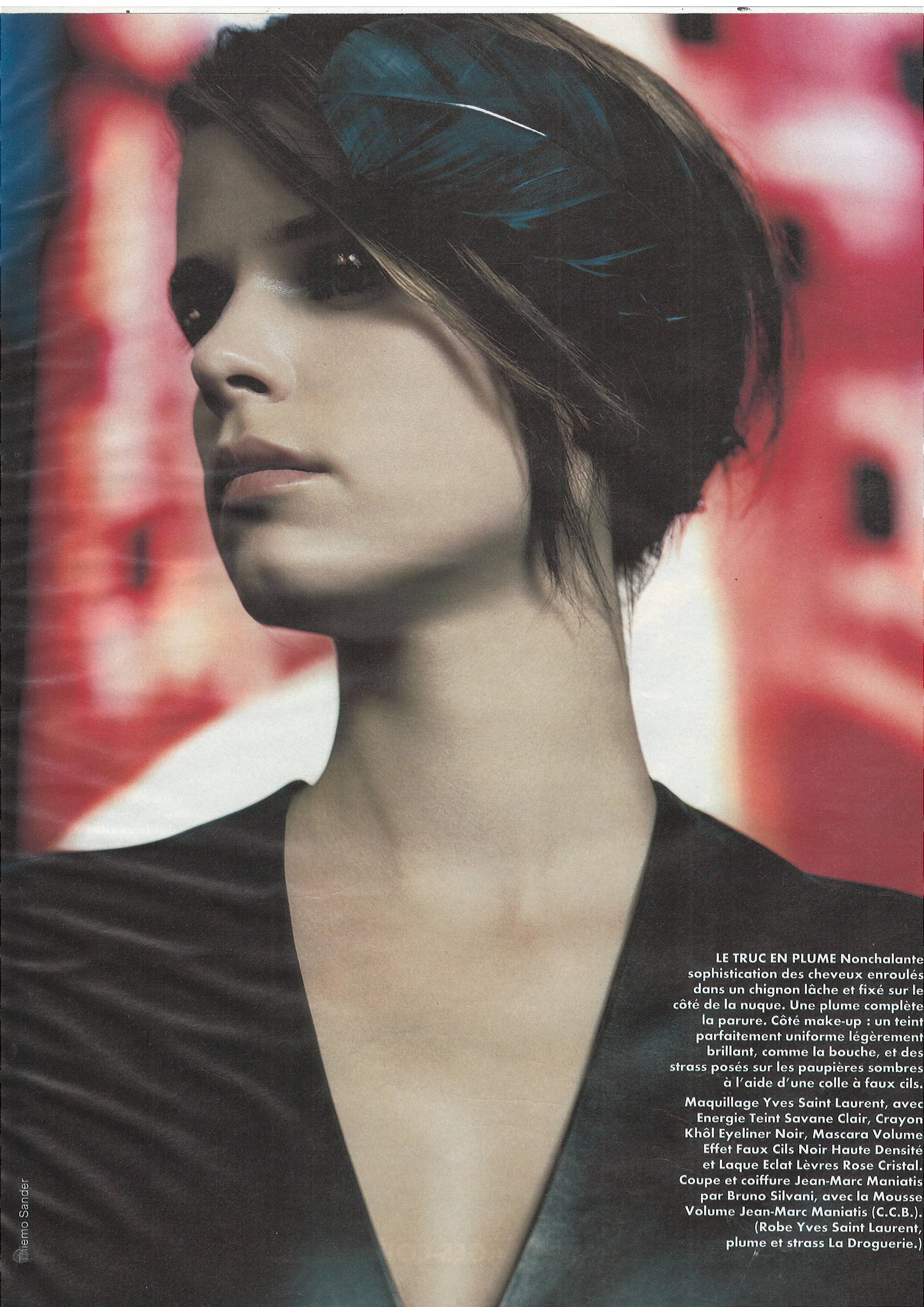
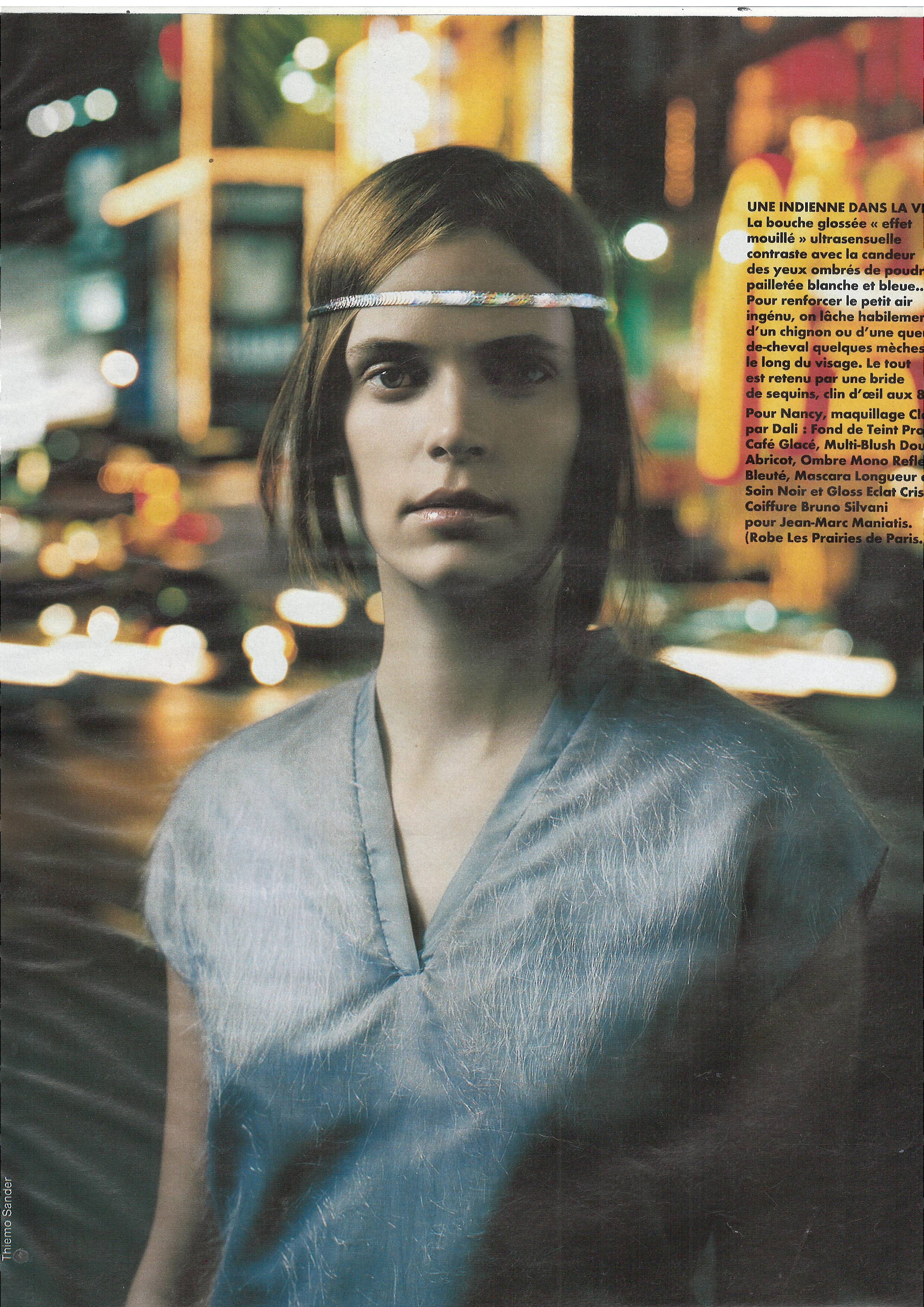
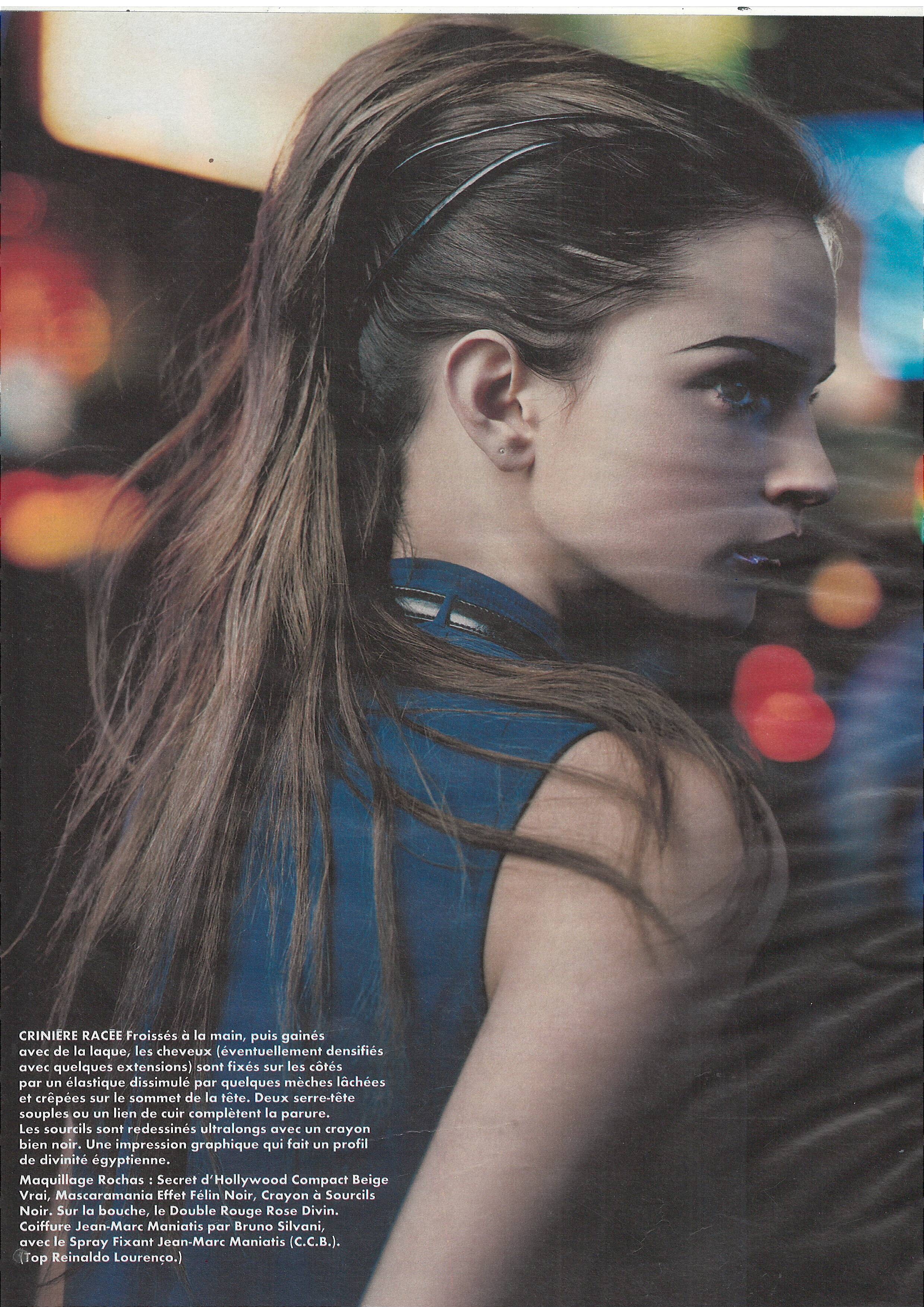
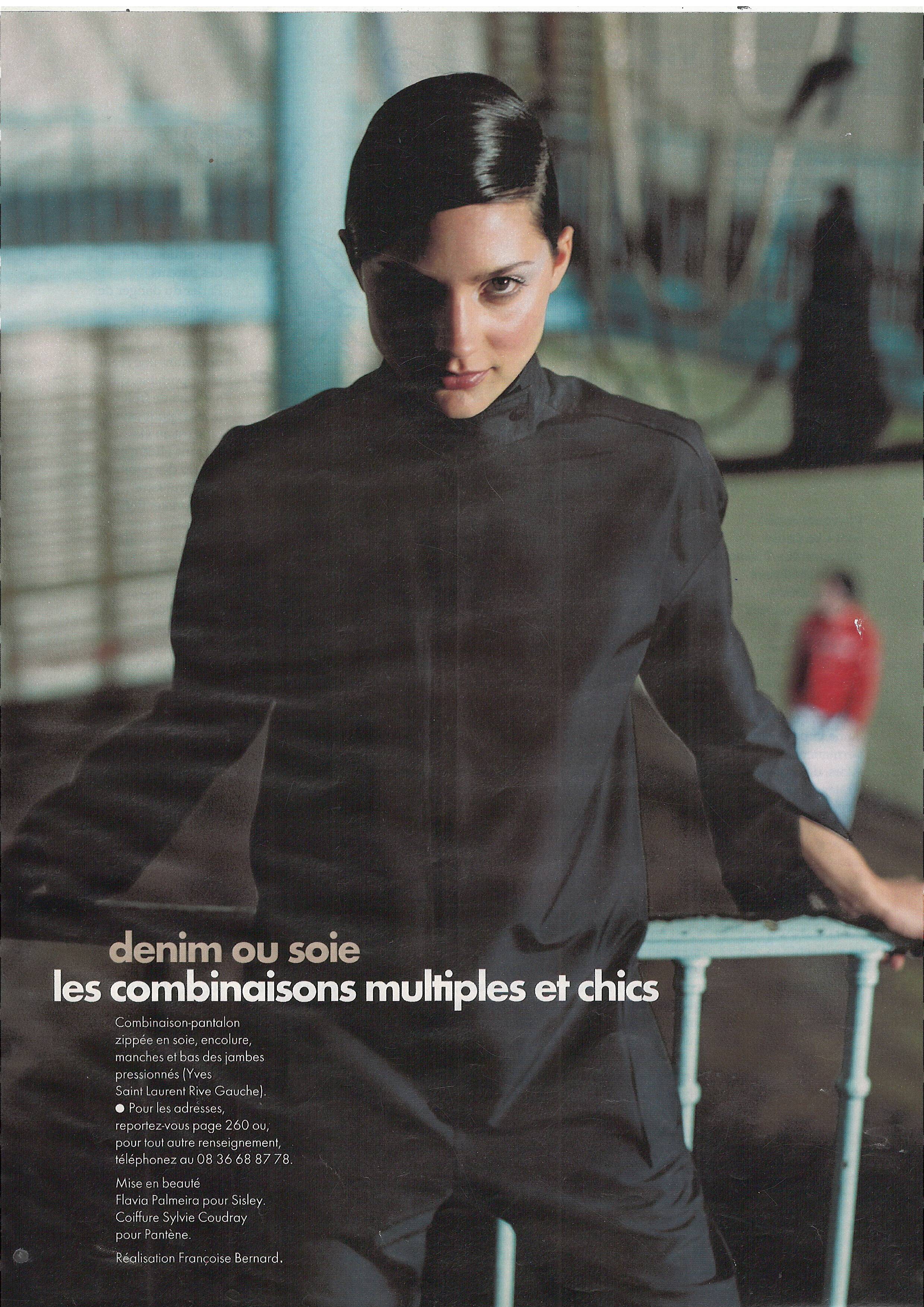
  9. Elle France 17 January 2000 Scanned by me model Caroline
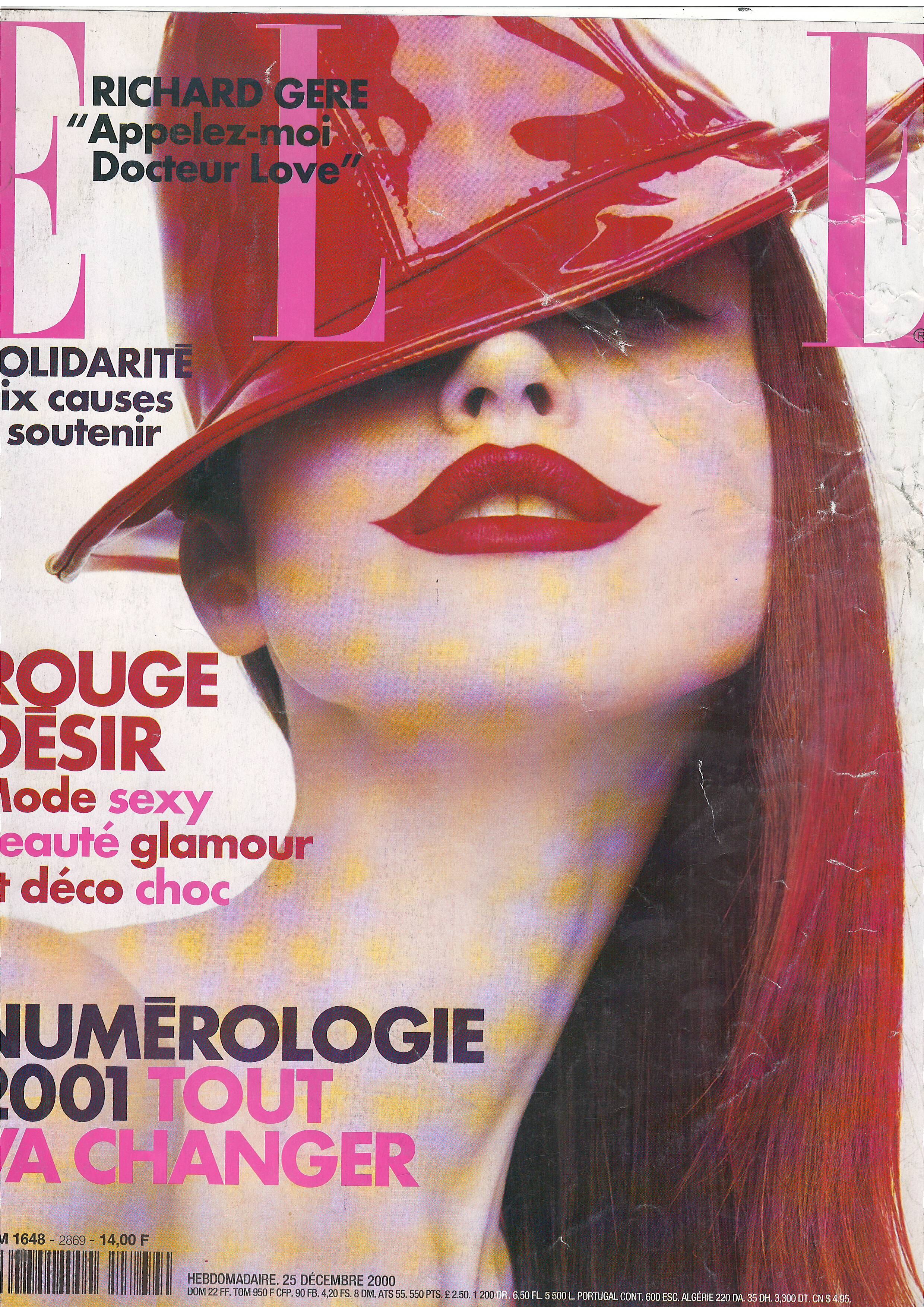
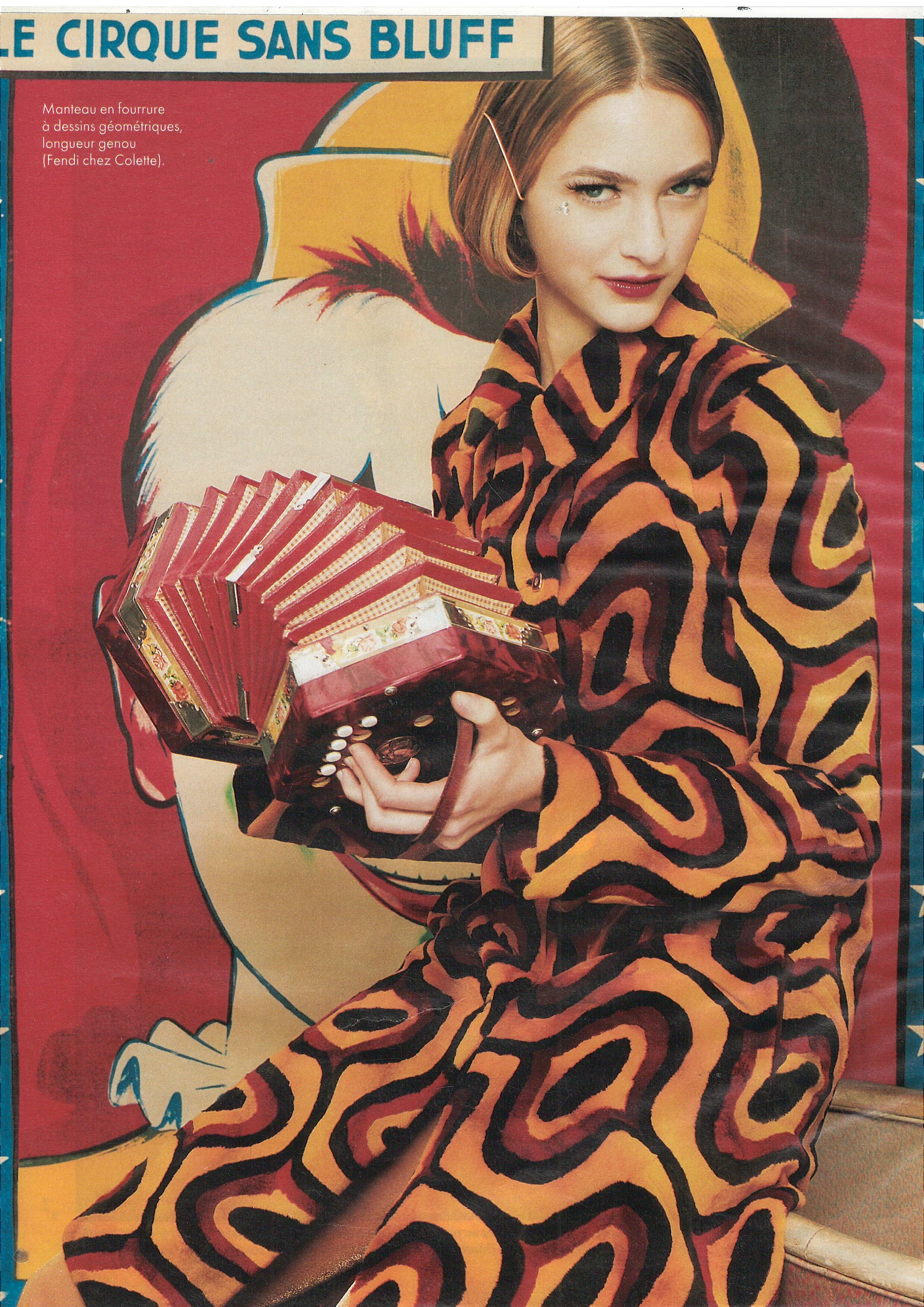
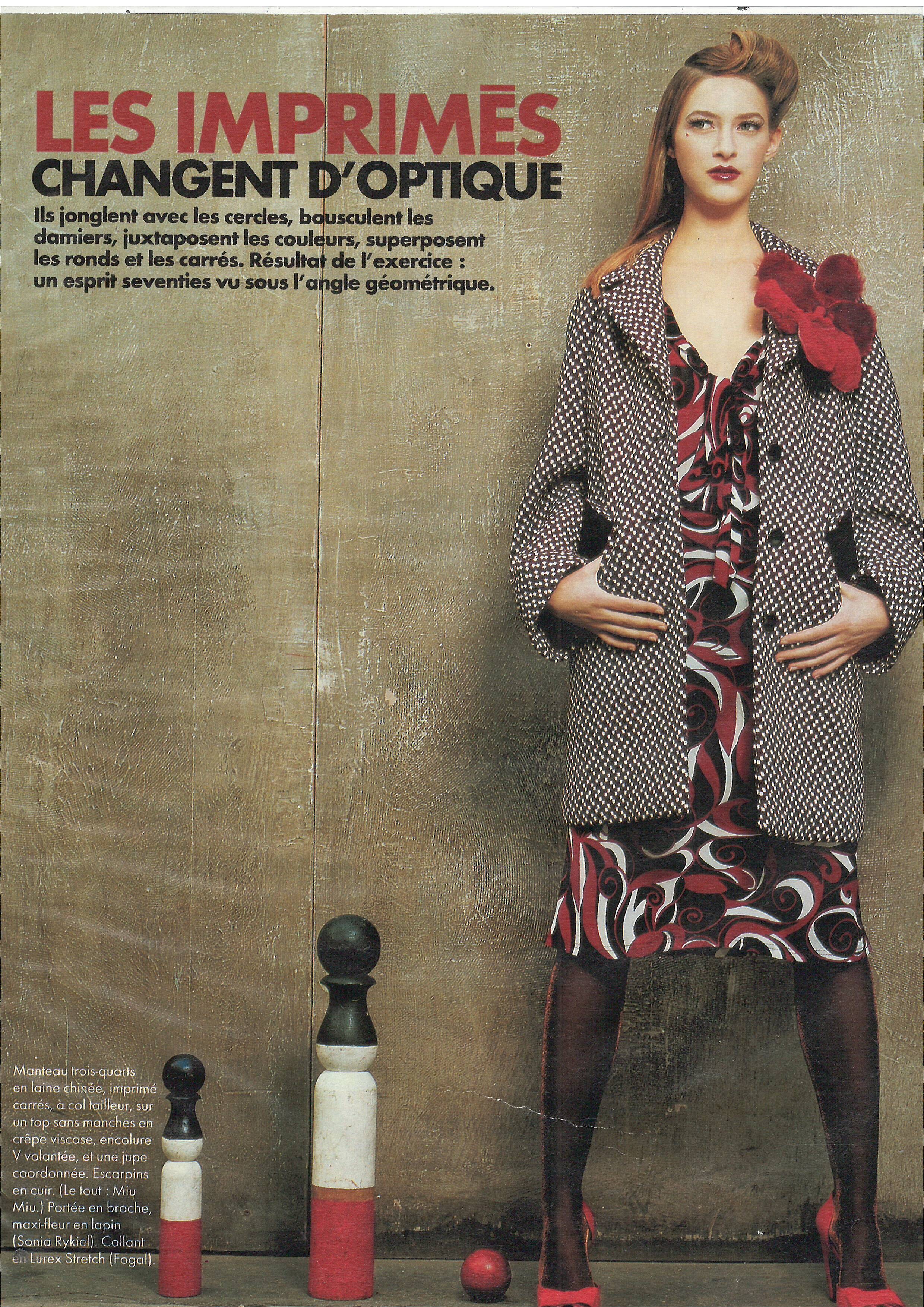
  10. Elle France 20 December 1999 Scanned by me models Amy and Emma
  11. Elle France 20 December 1999 Scanned by me cover model Kelly Scott model Alexandra model Nina
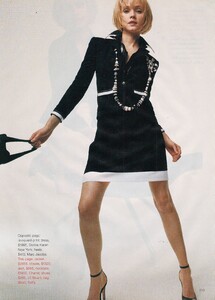
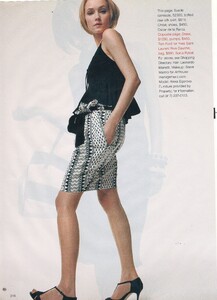
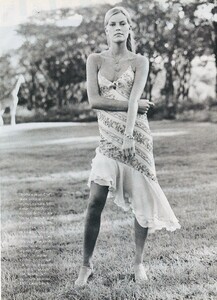
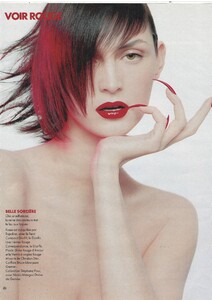
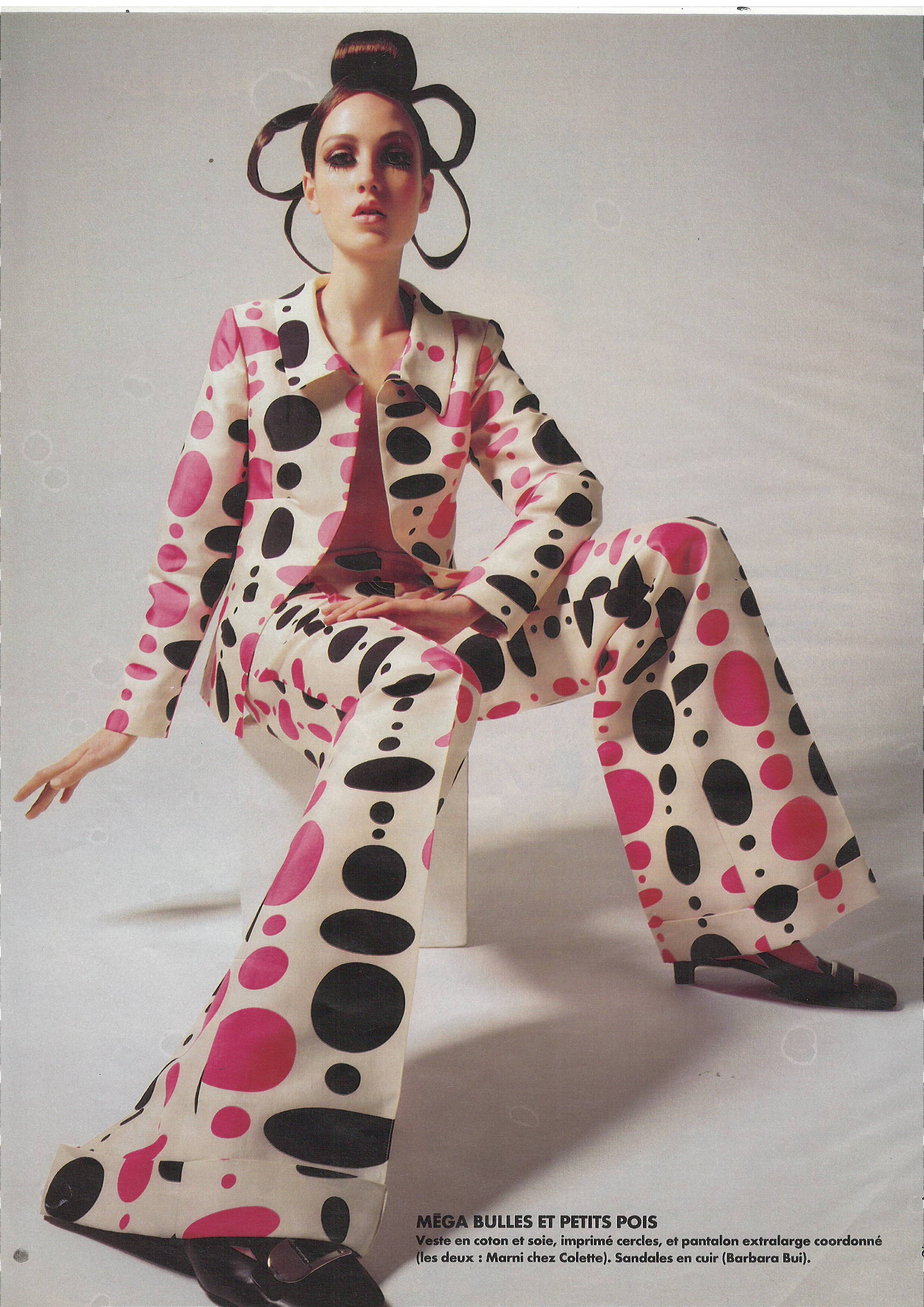
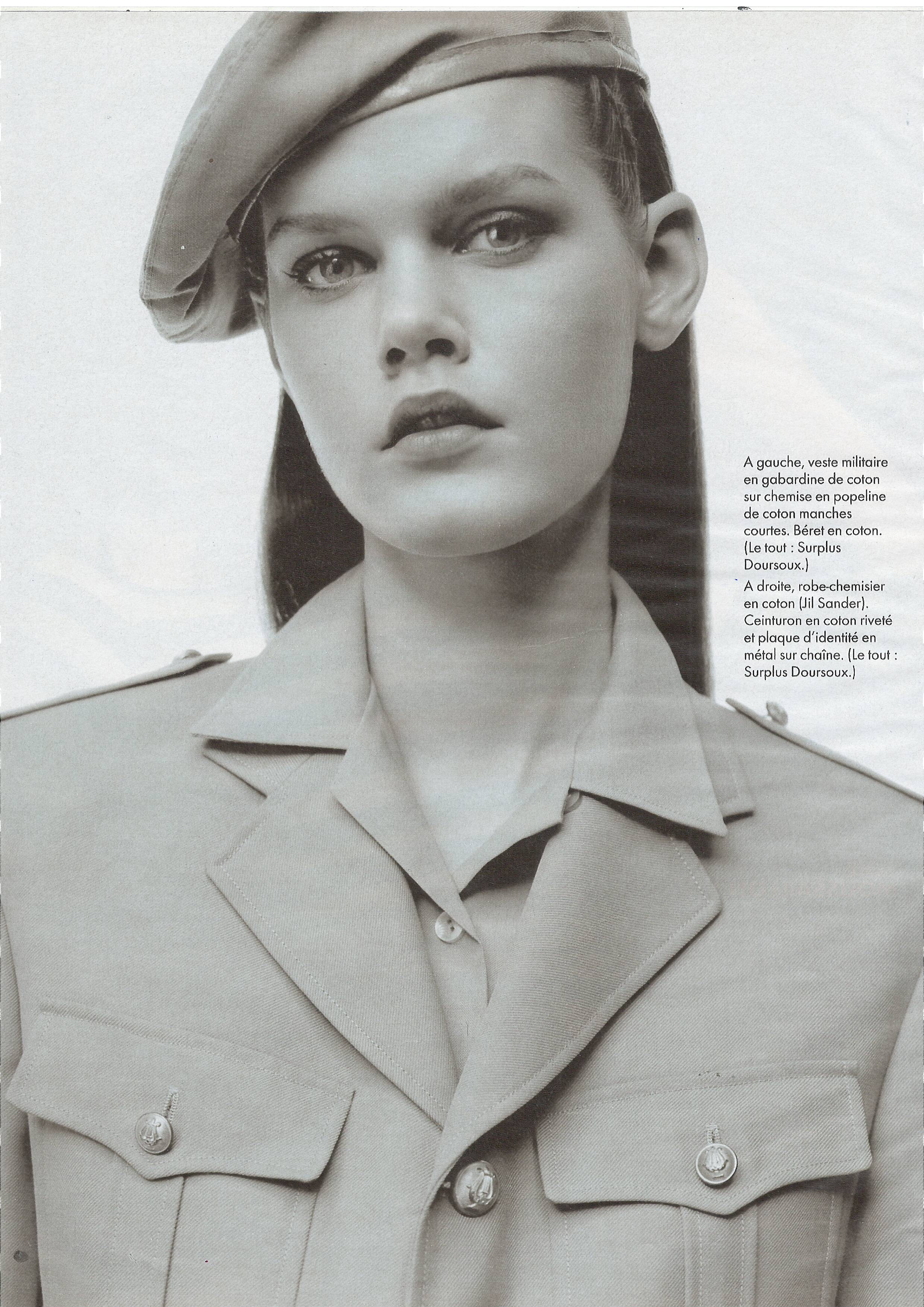
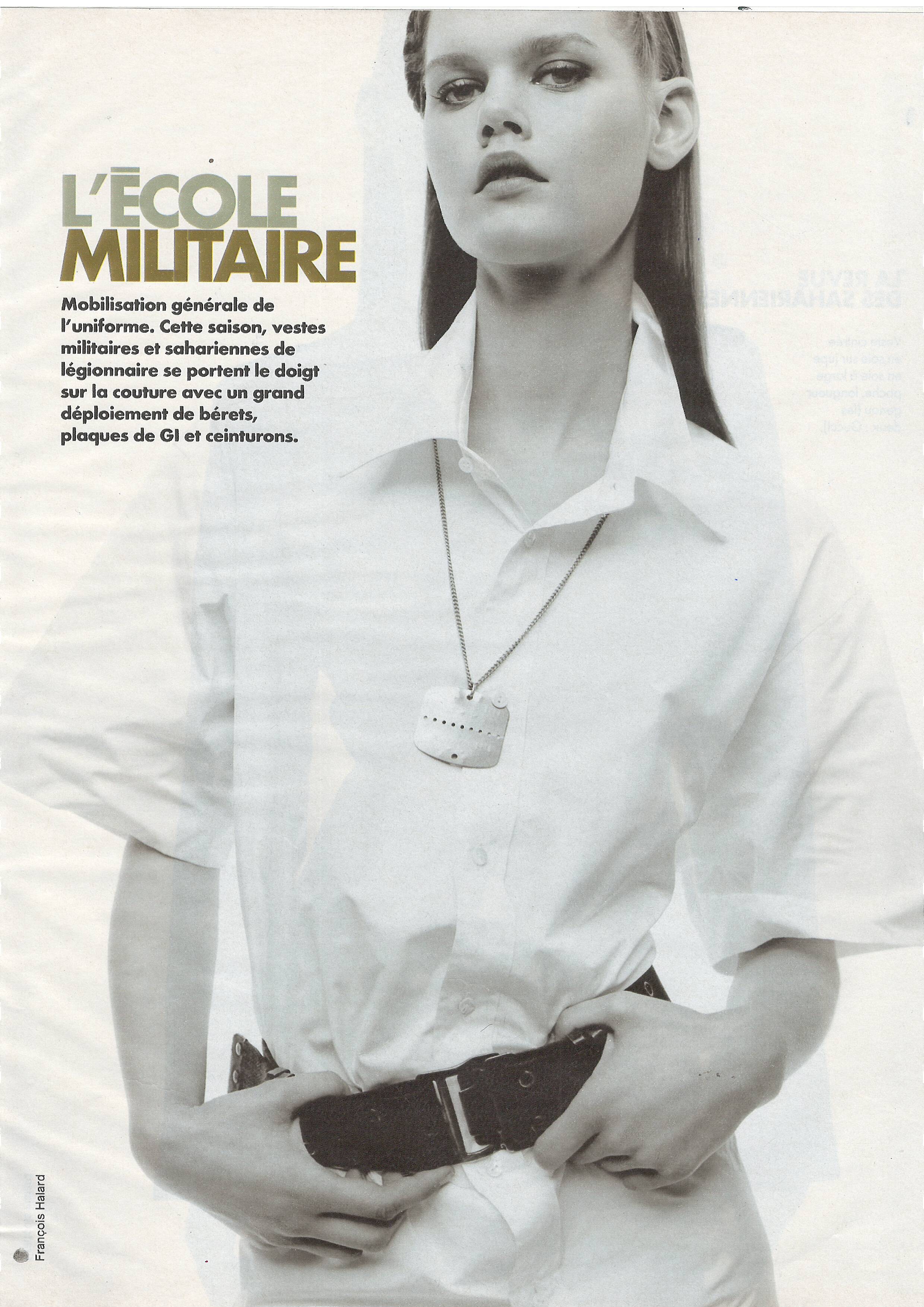
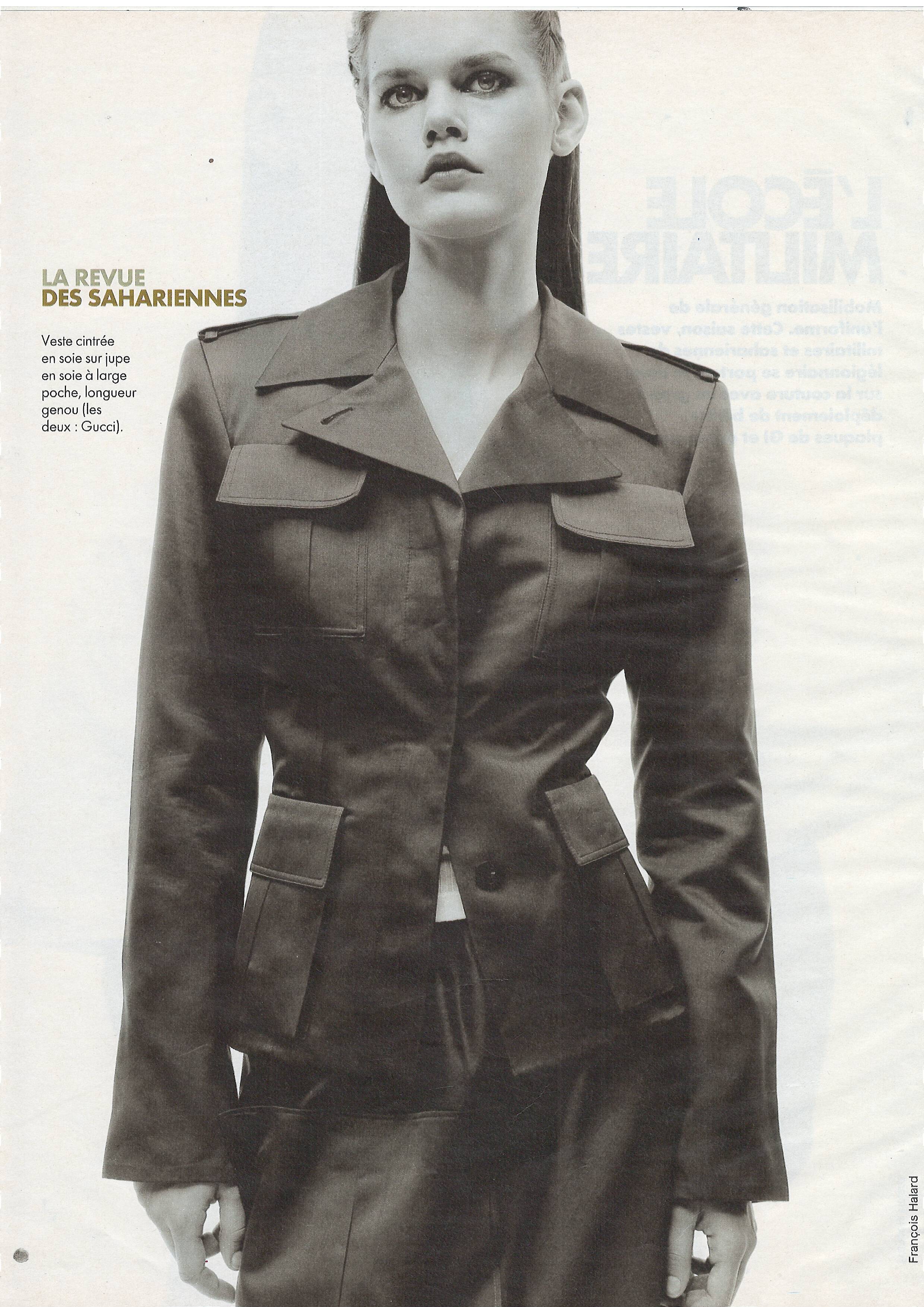
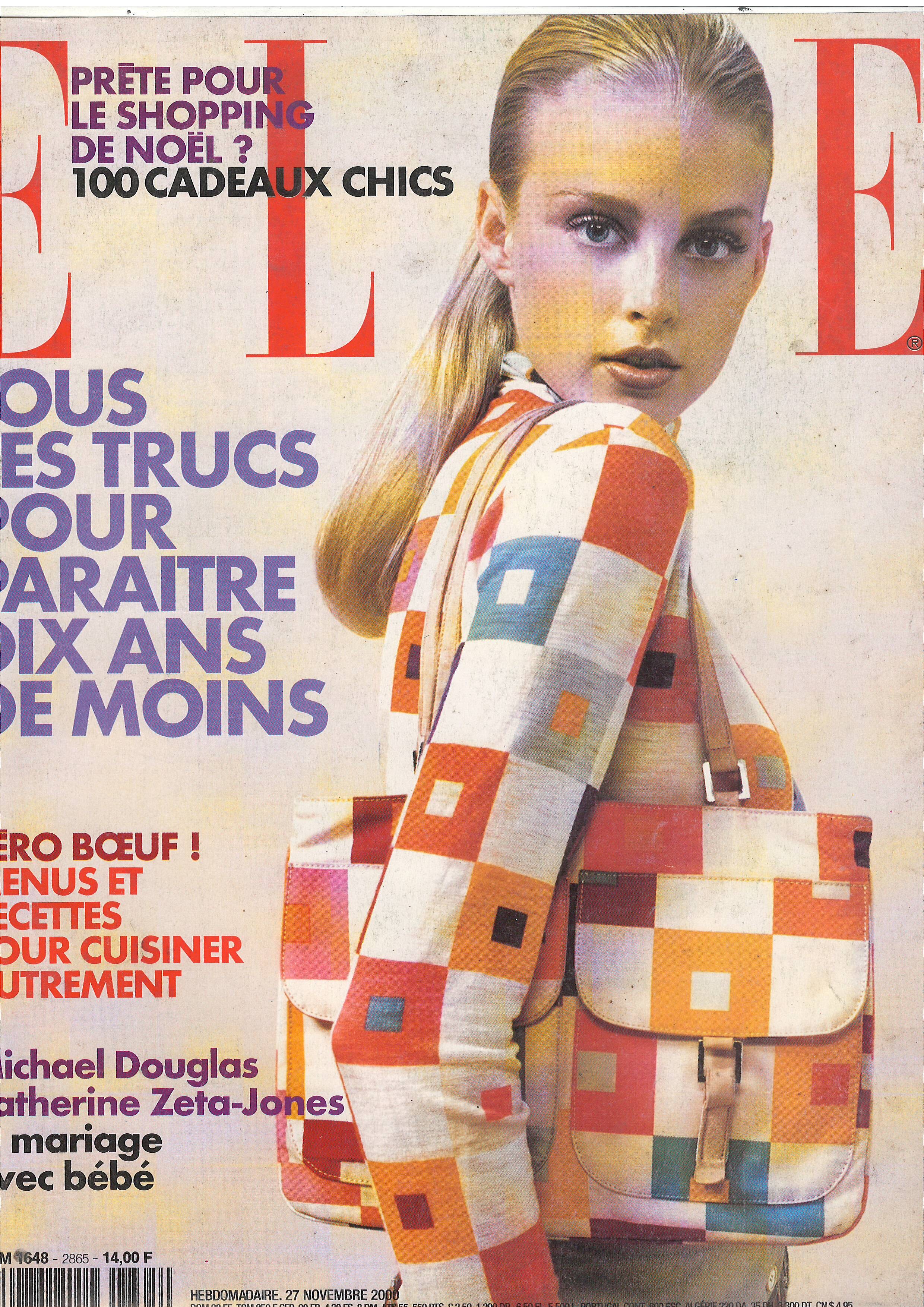
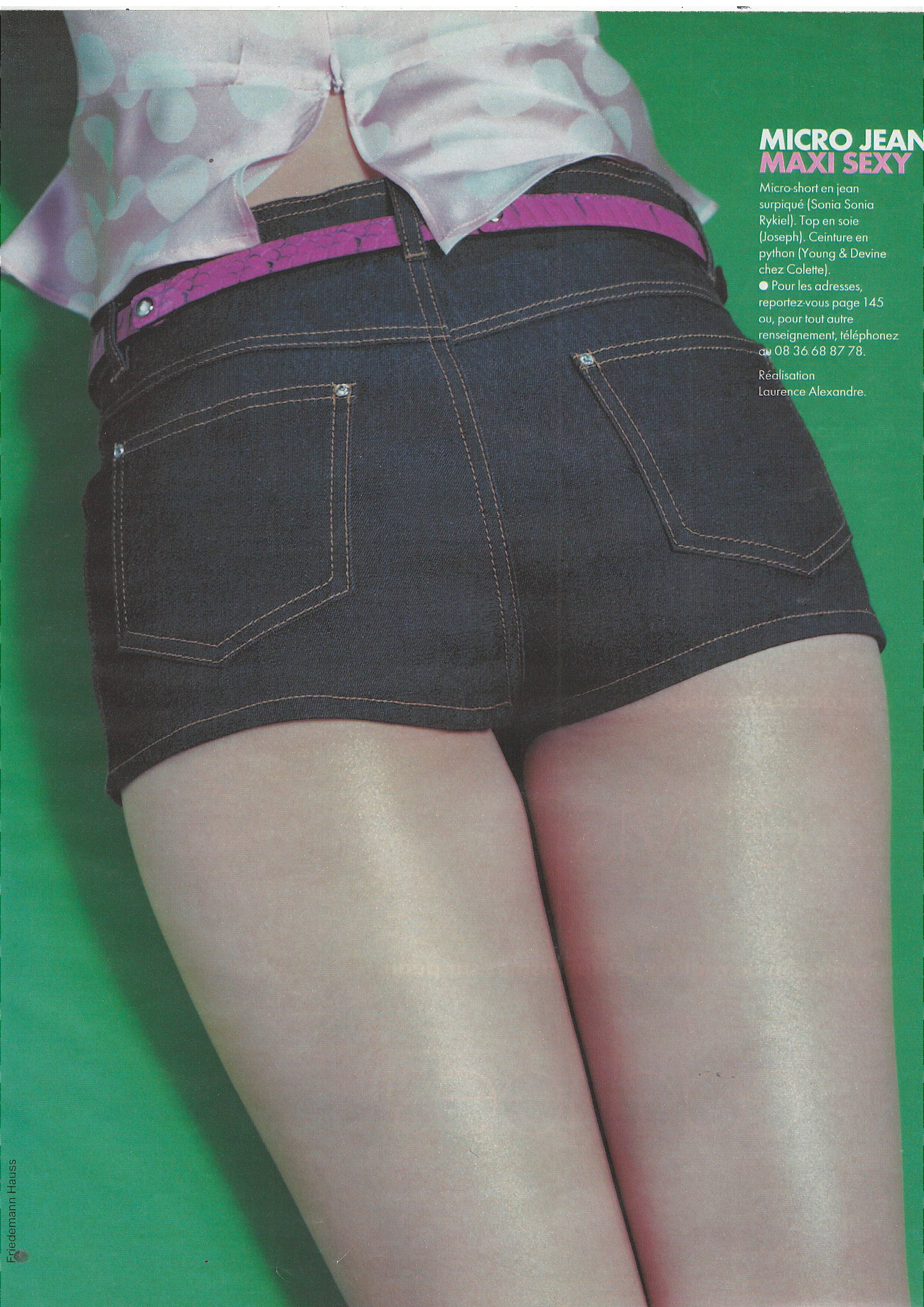
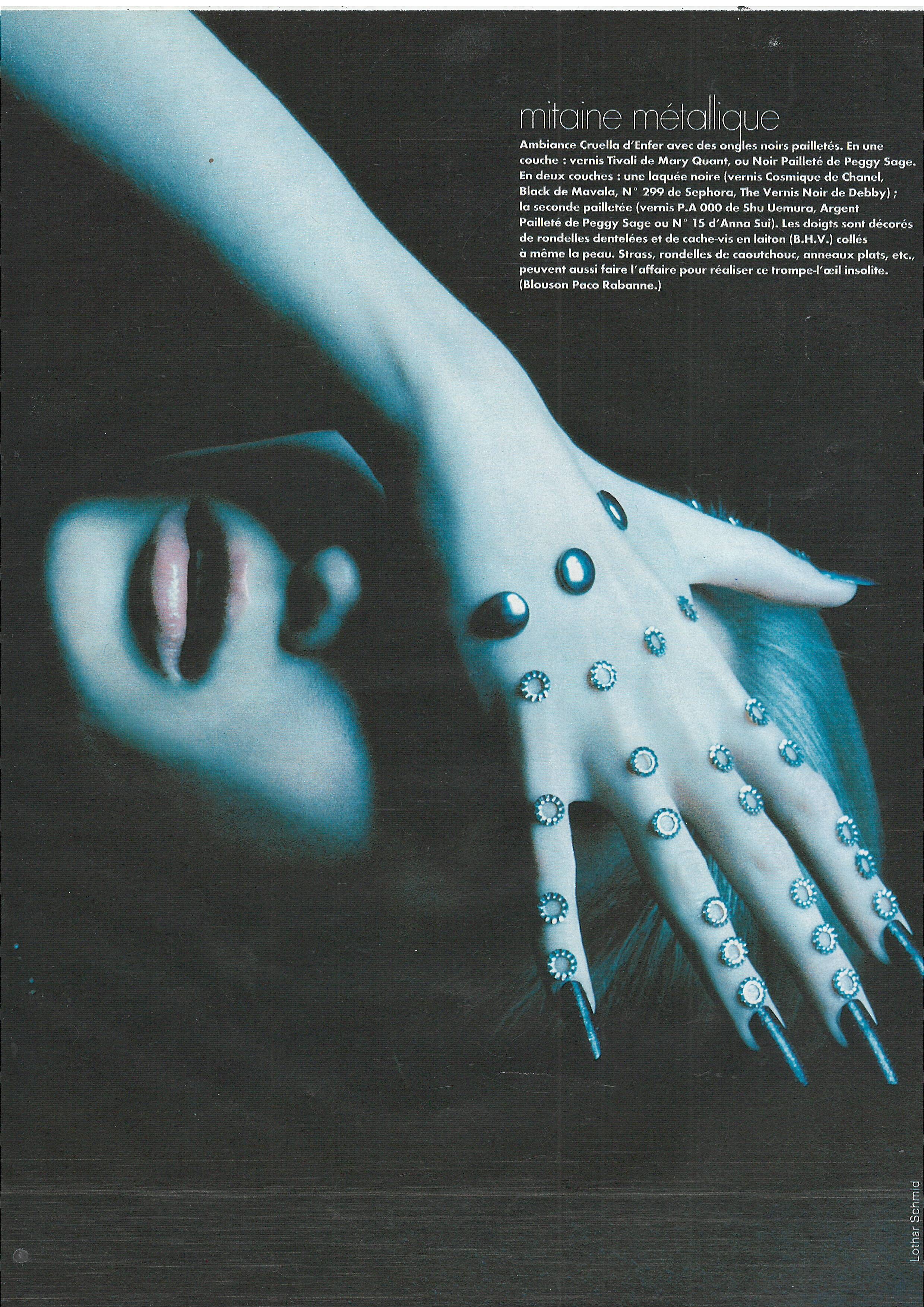
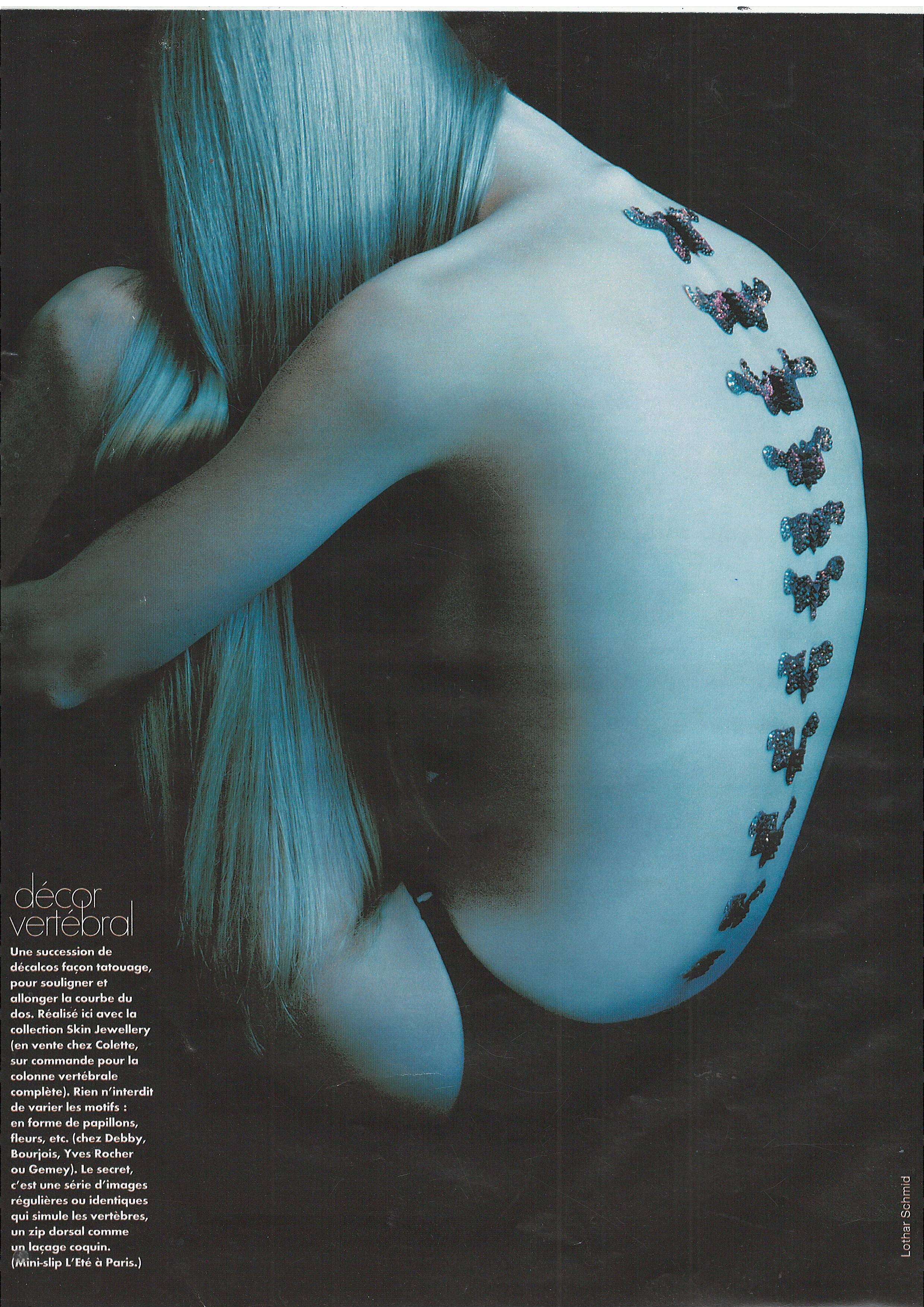
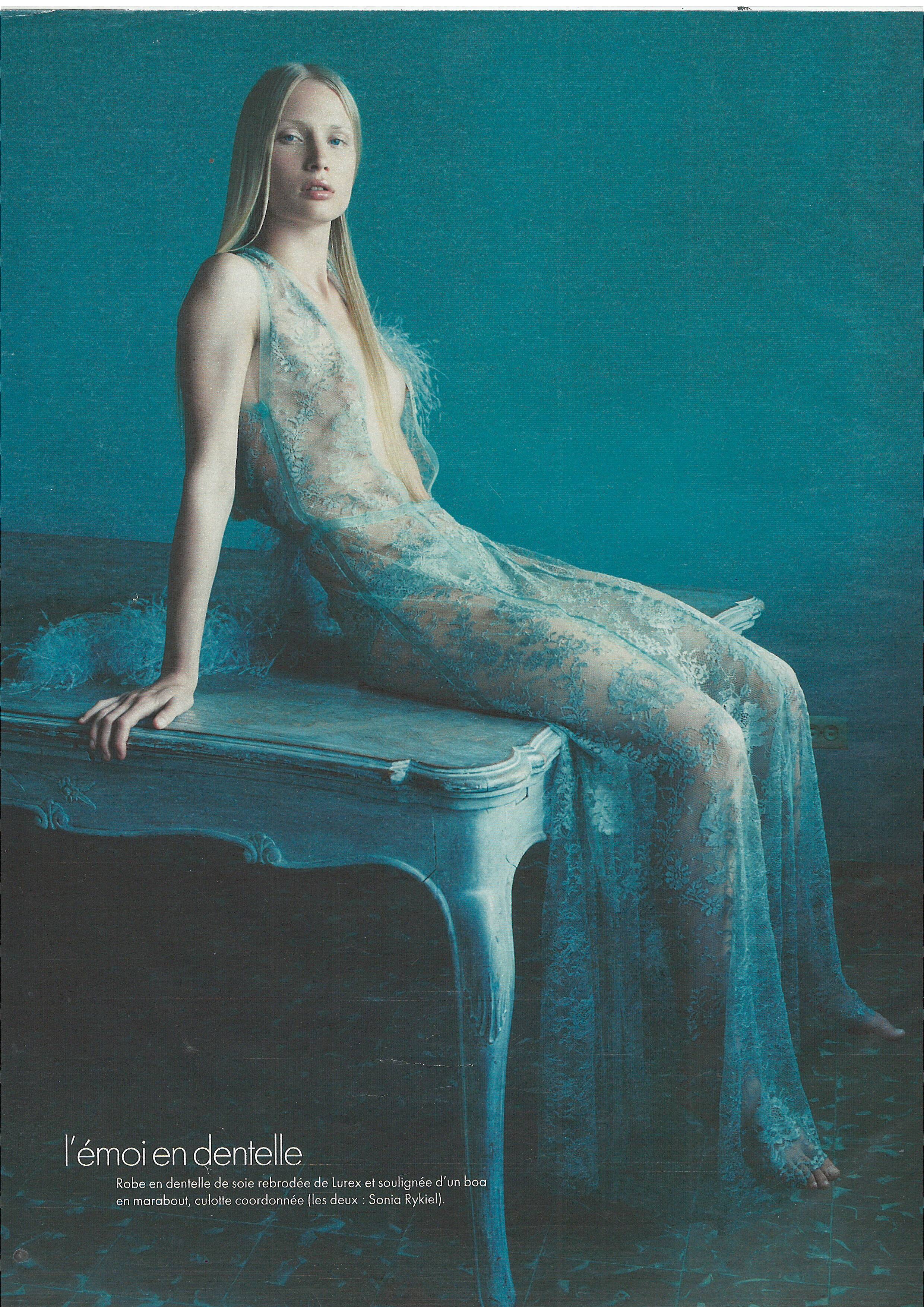
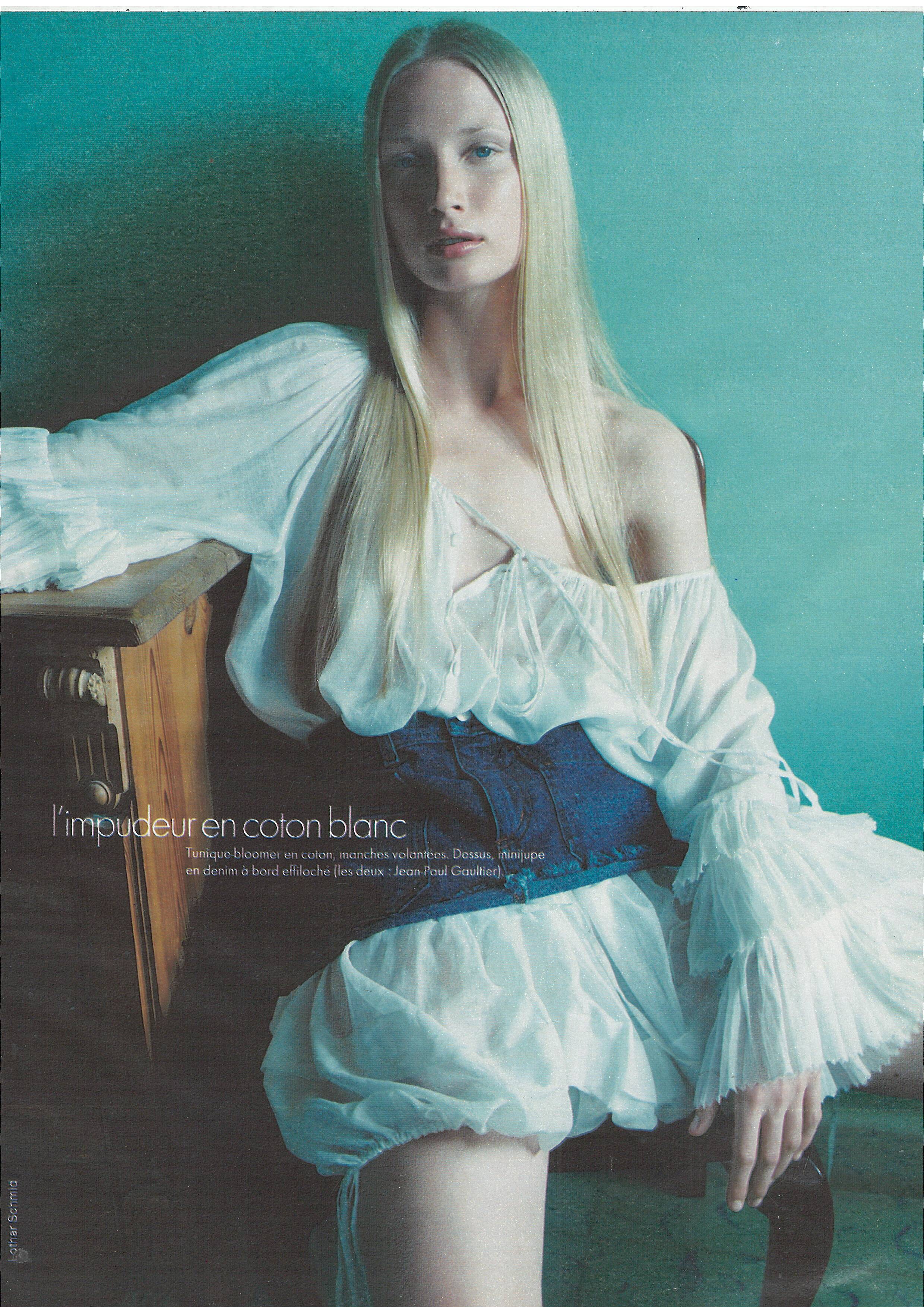
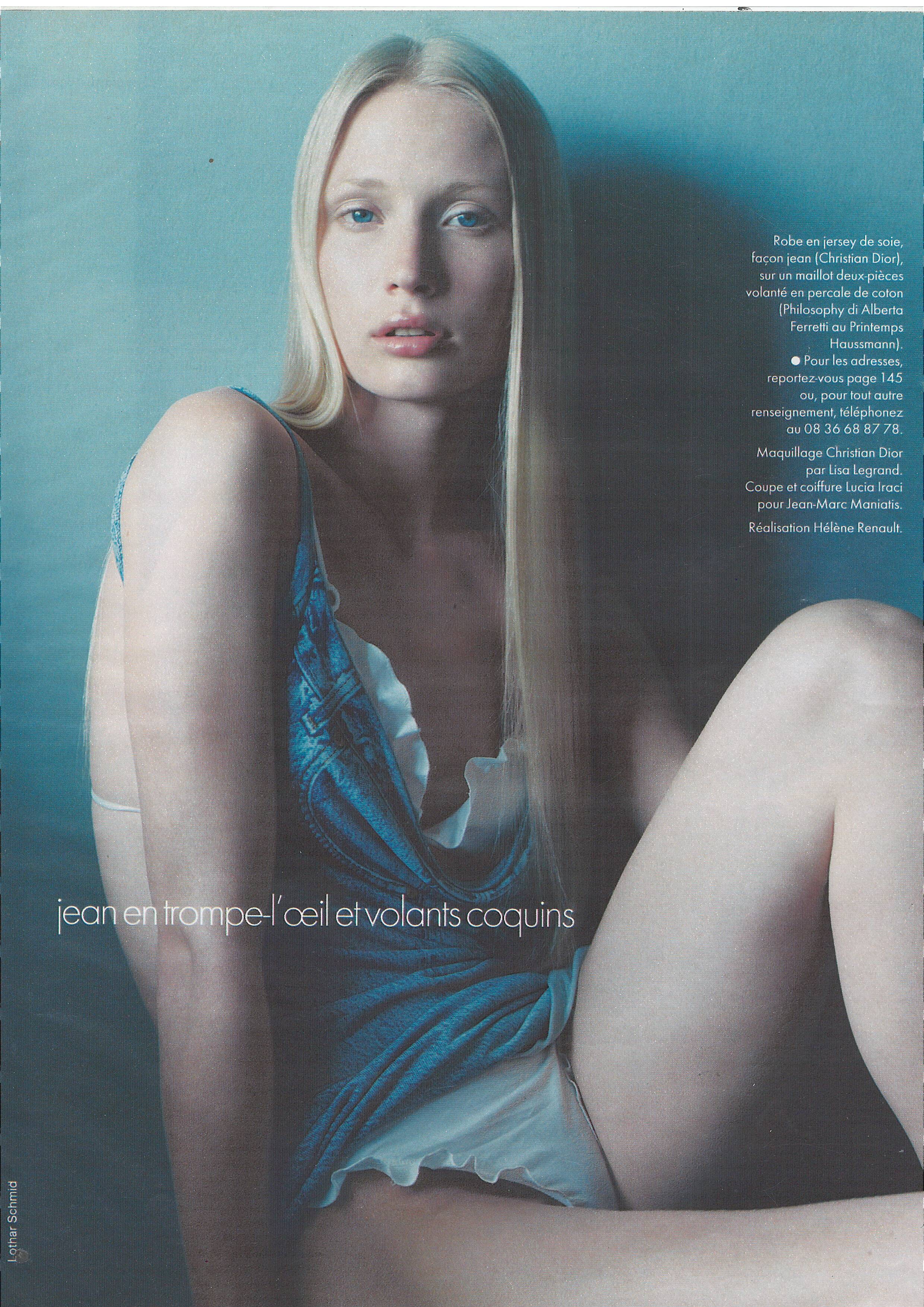
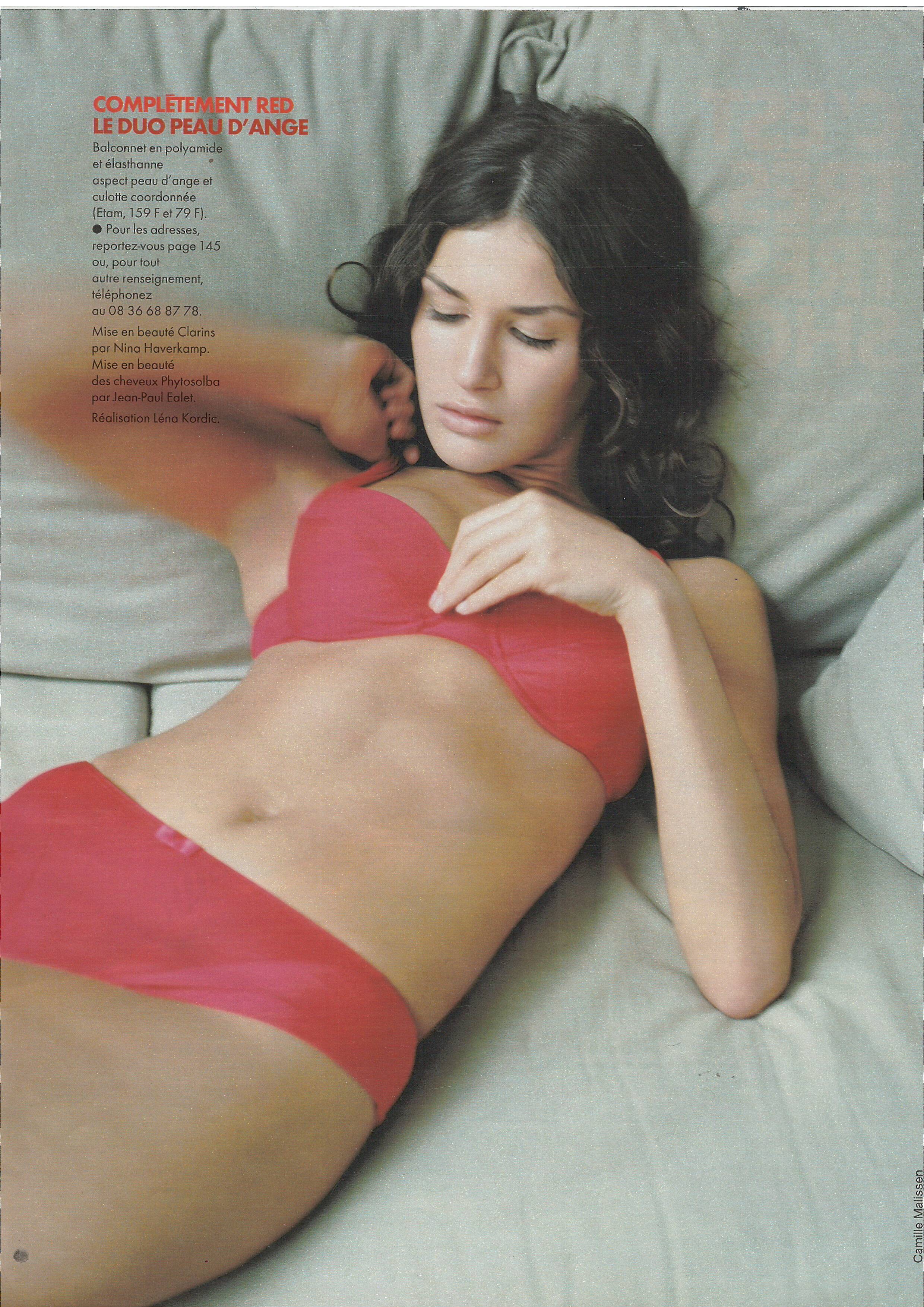
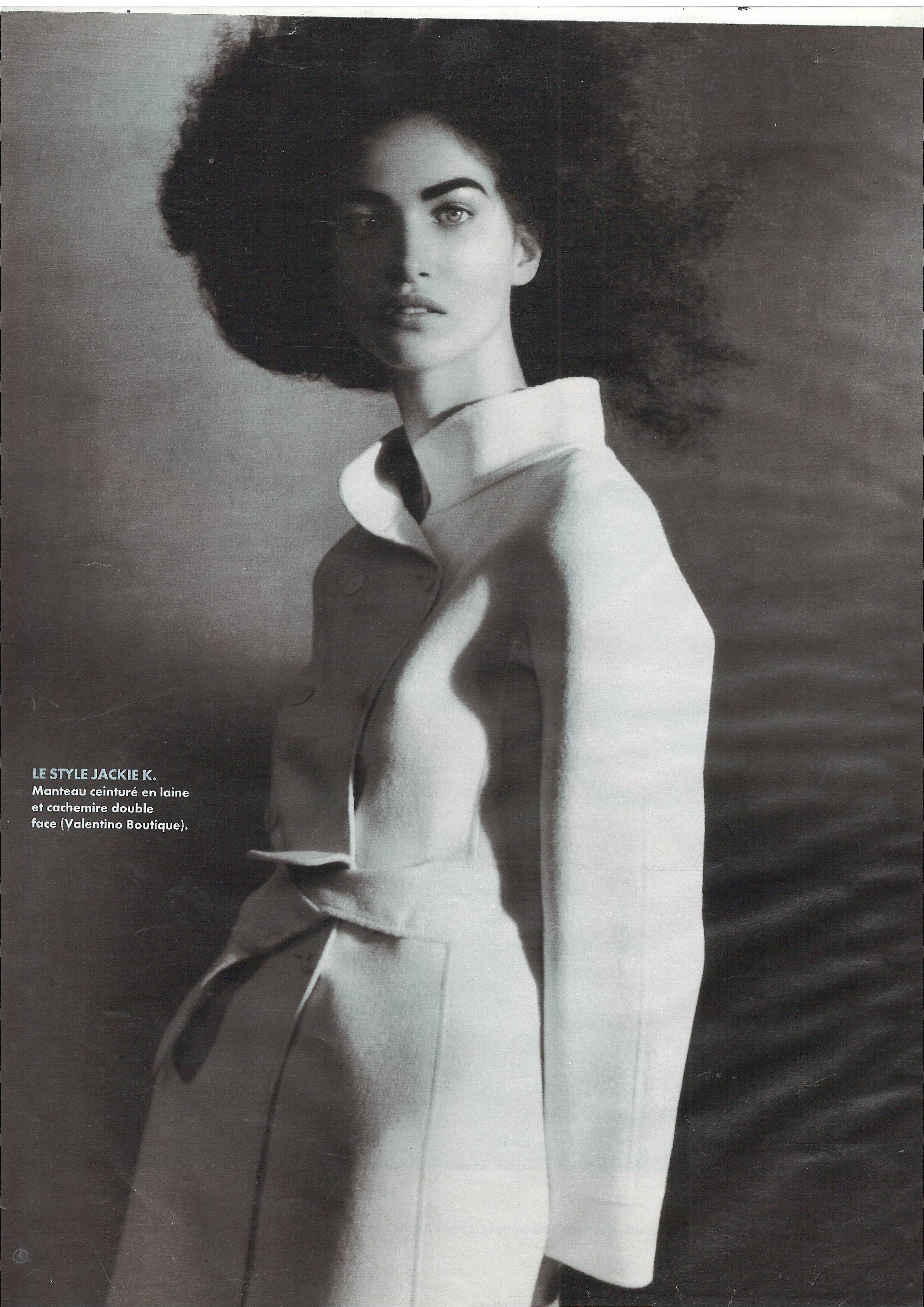
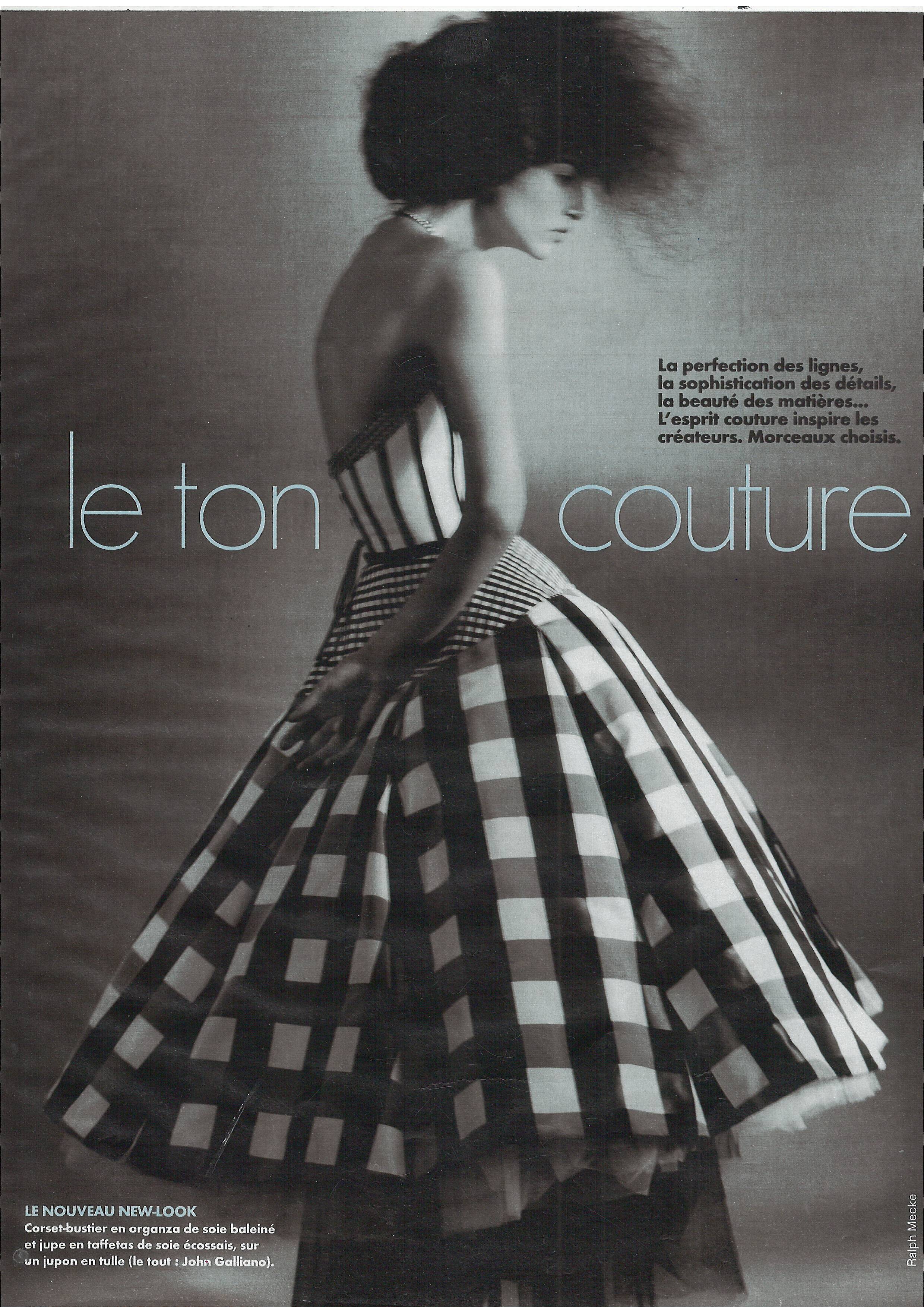
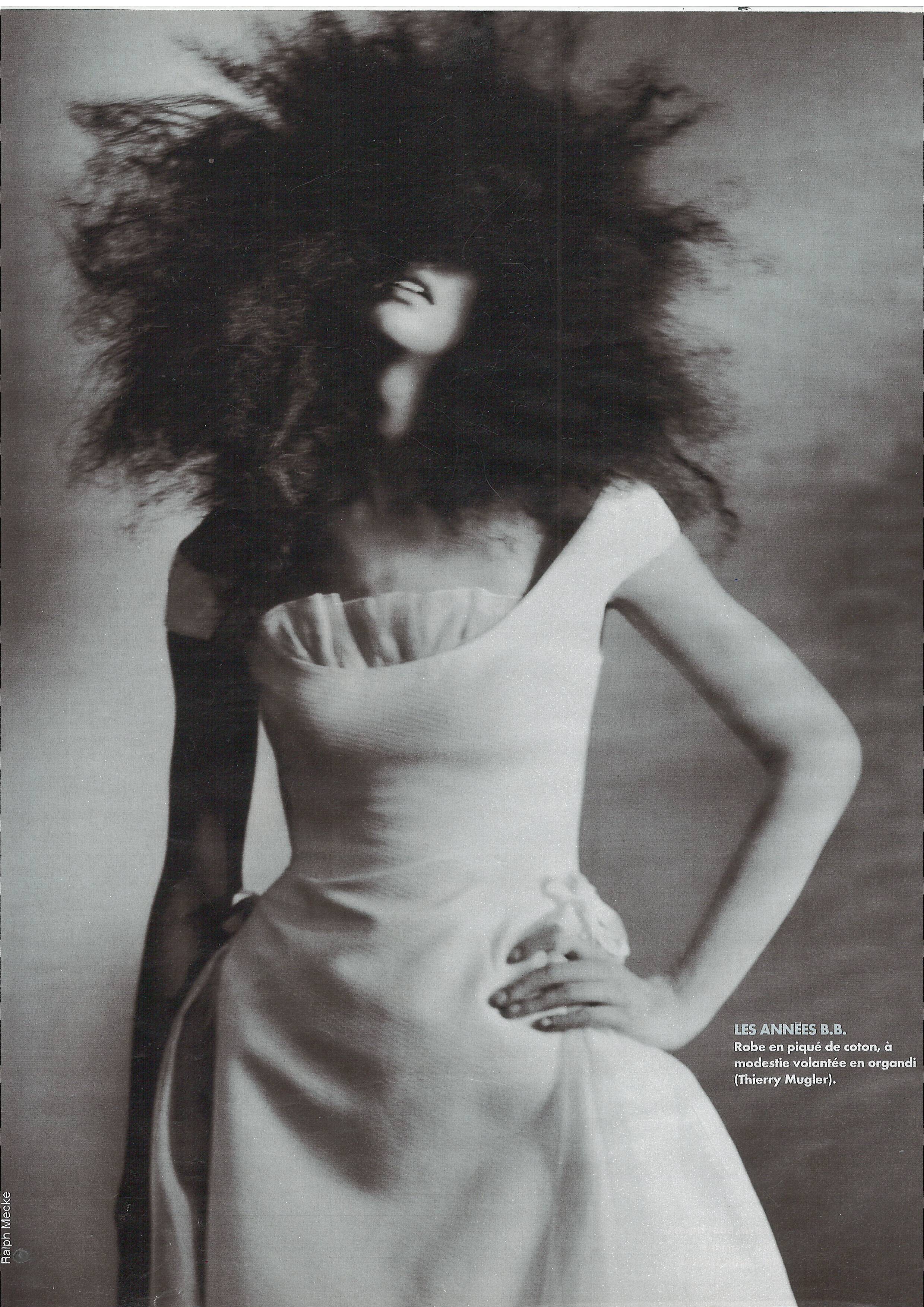
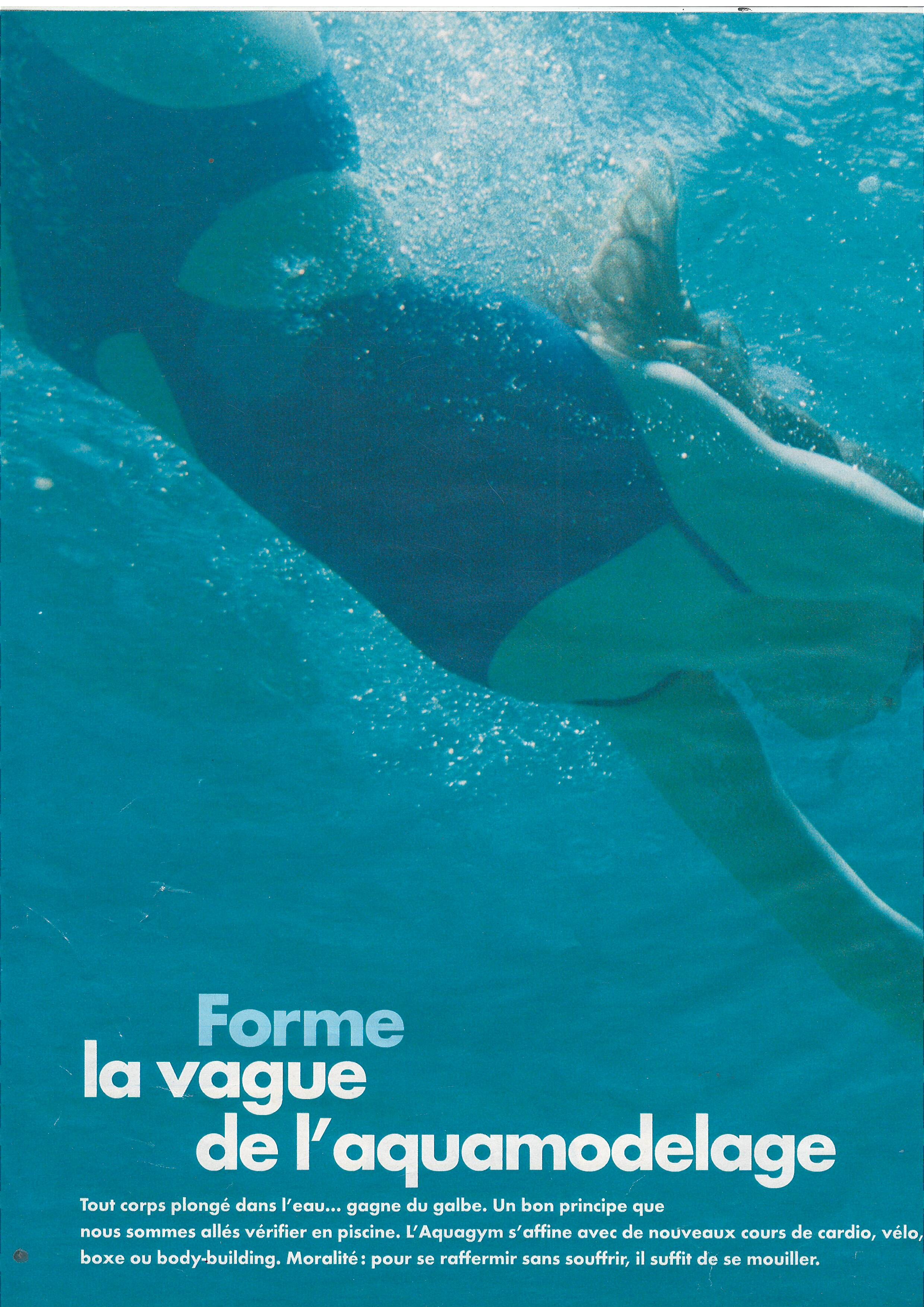
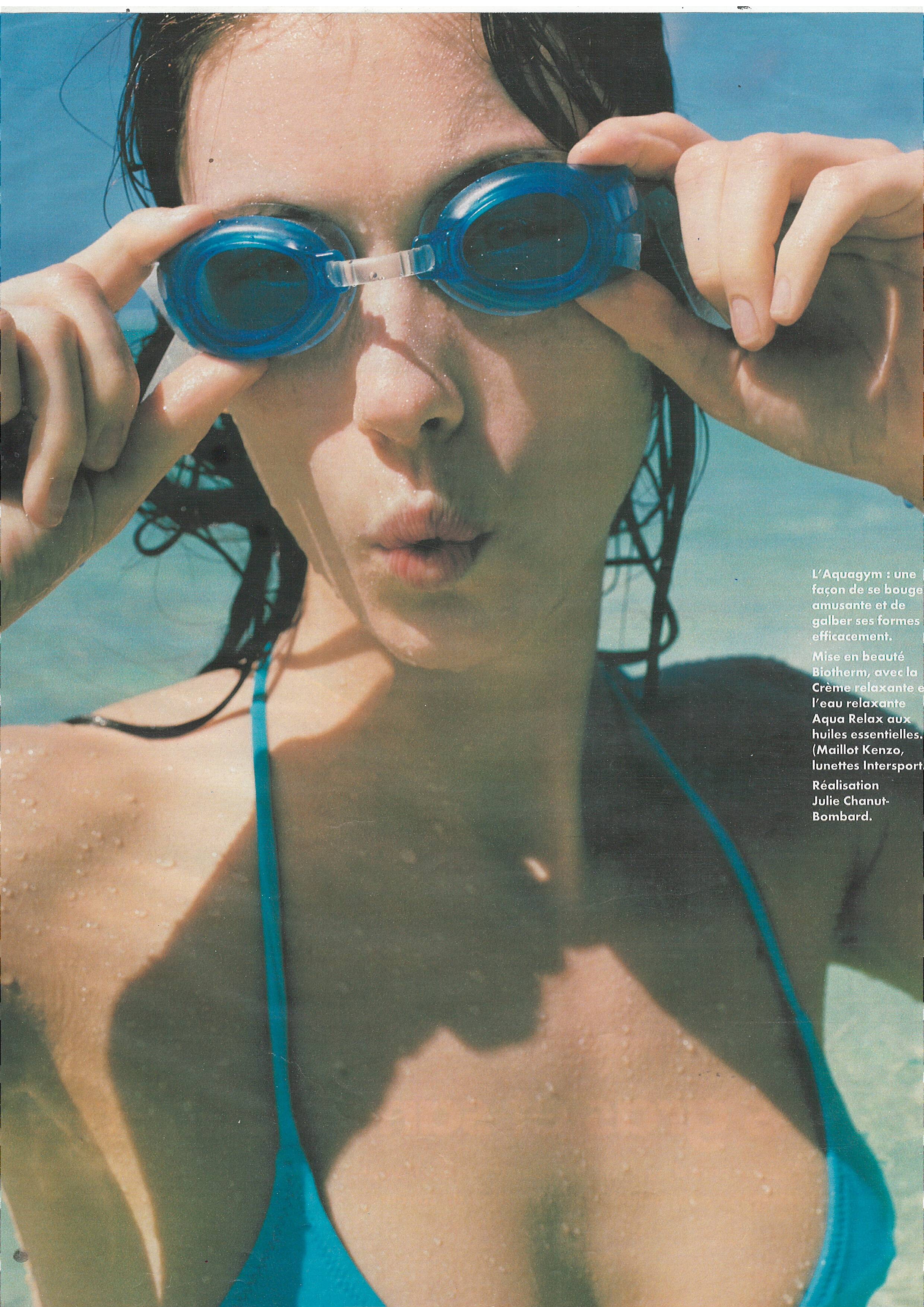
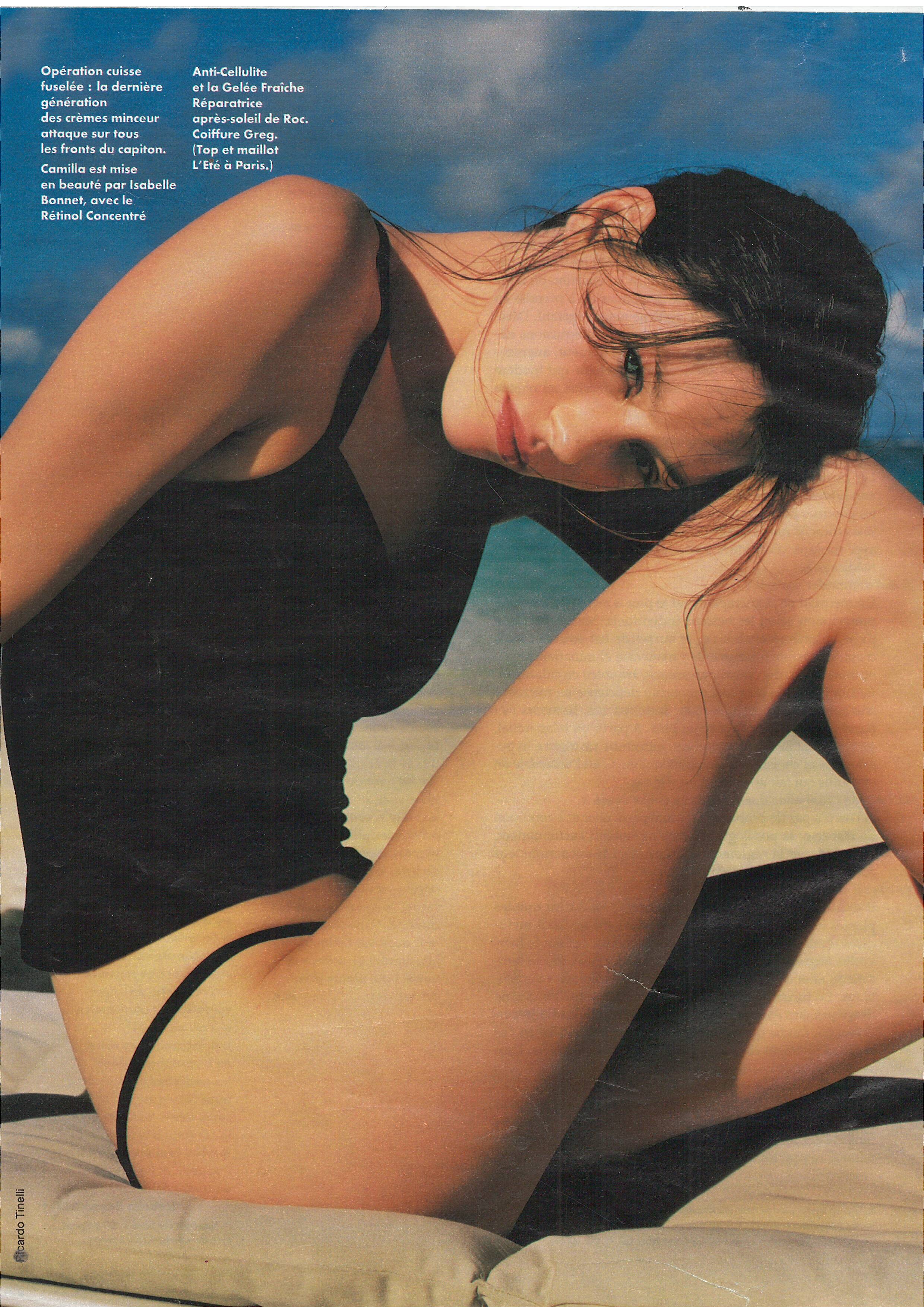
  12. Elle France 2 August 1999 Scanned by me
  13. Elle France 2 August 1999 Scanned by me model Courtney Herron WARNING NUDITY WARNING NUDITY
  14. Elle France 2 August 1999 Scanned by me
  15. Elle France 2 August 1999 Scanned by me models Noot Seear and utm model Natasa Livak
  16. sanja replied to OTTO's topic in Female Fashion Models
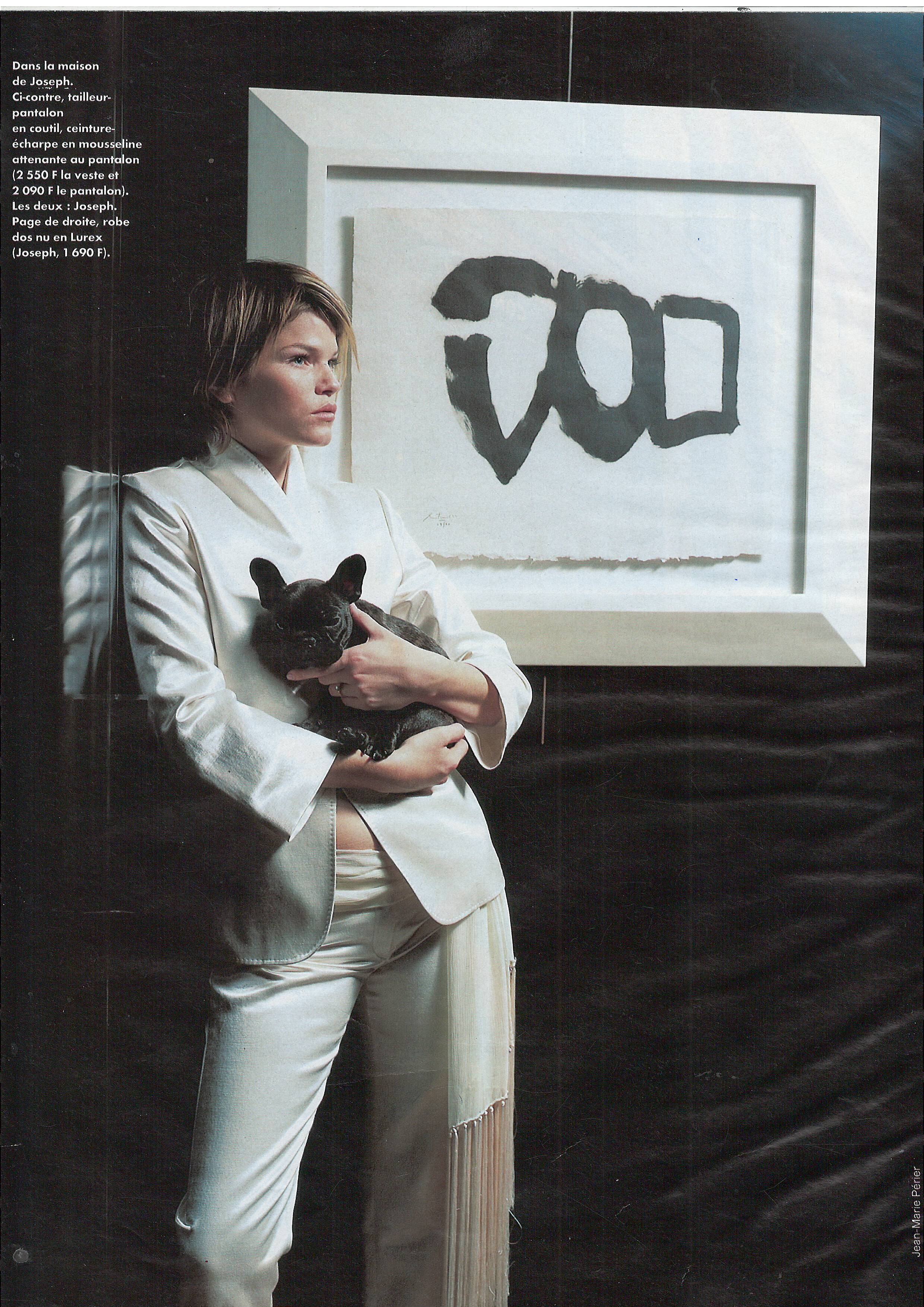
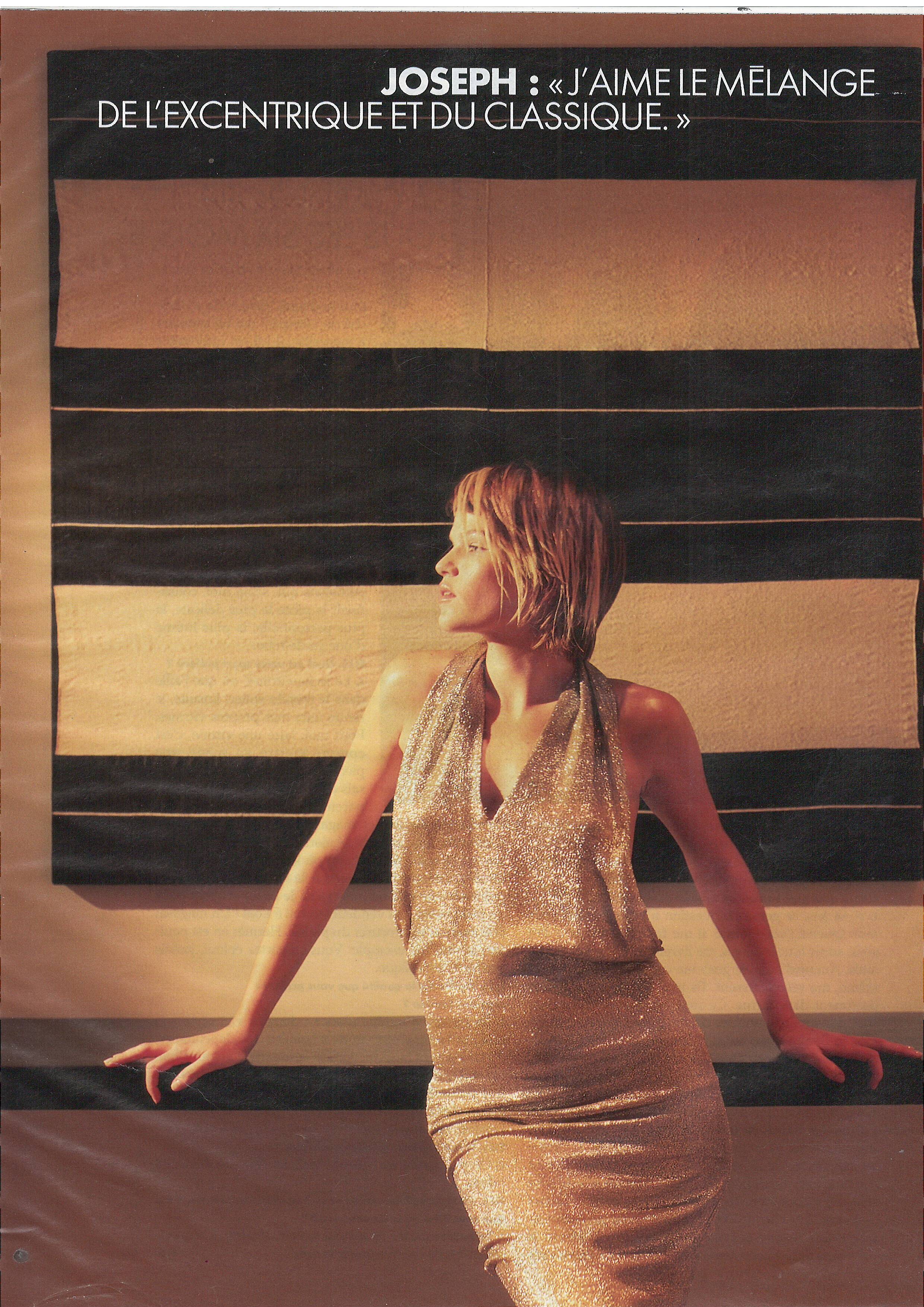
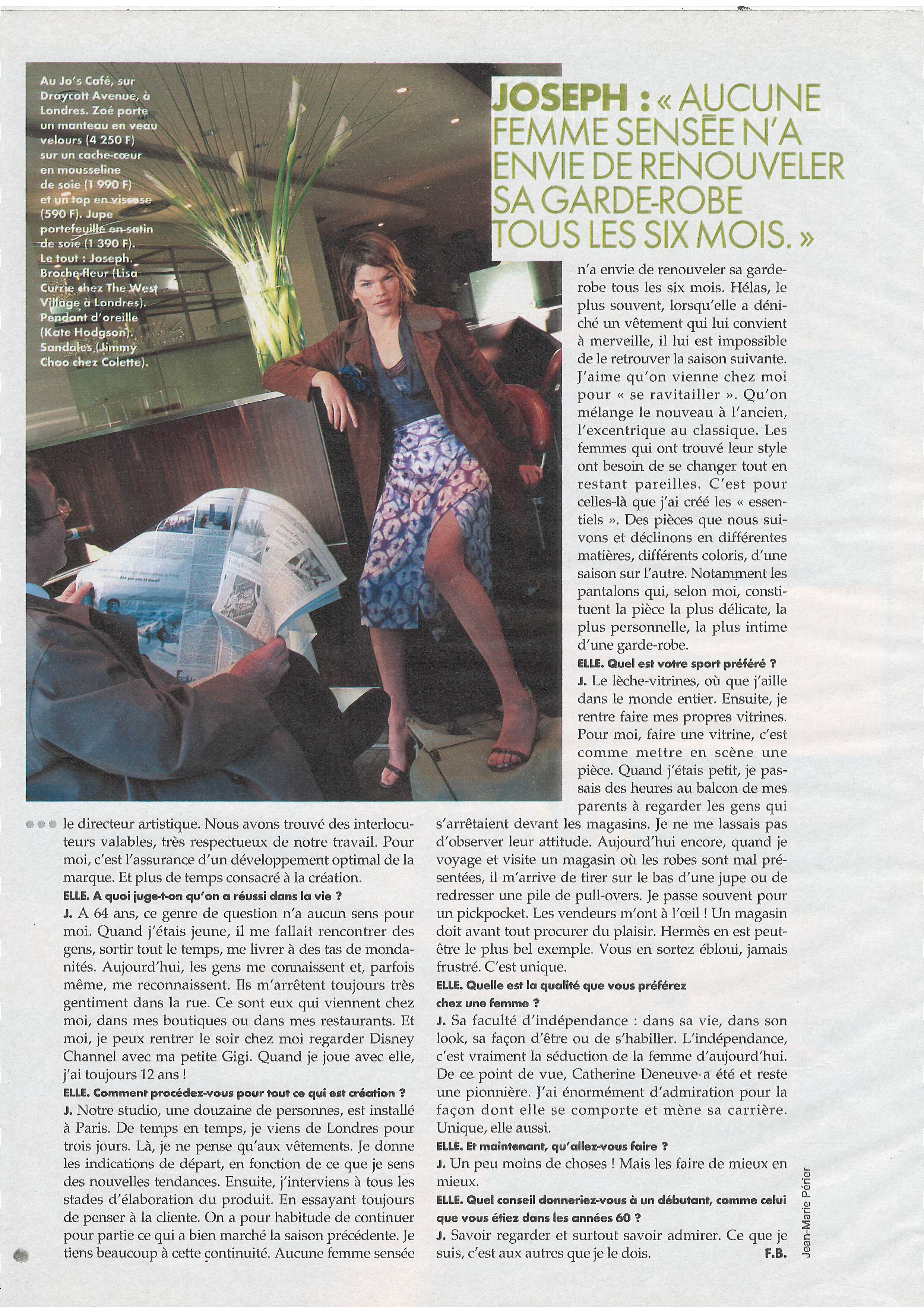
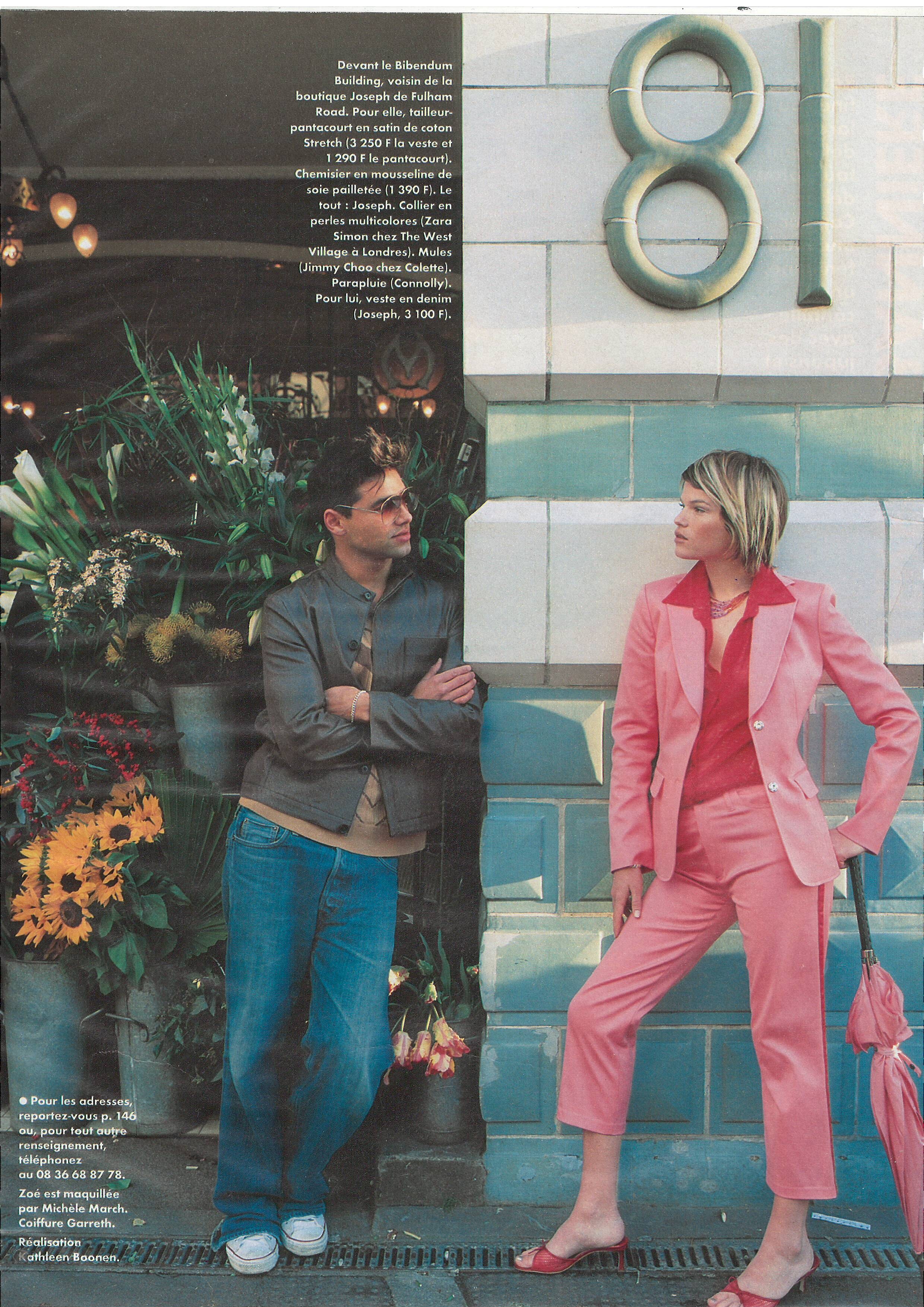
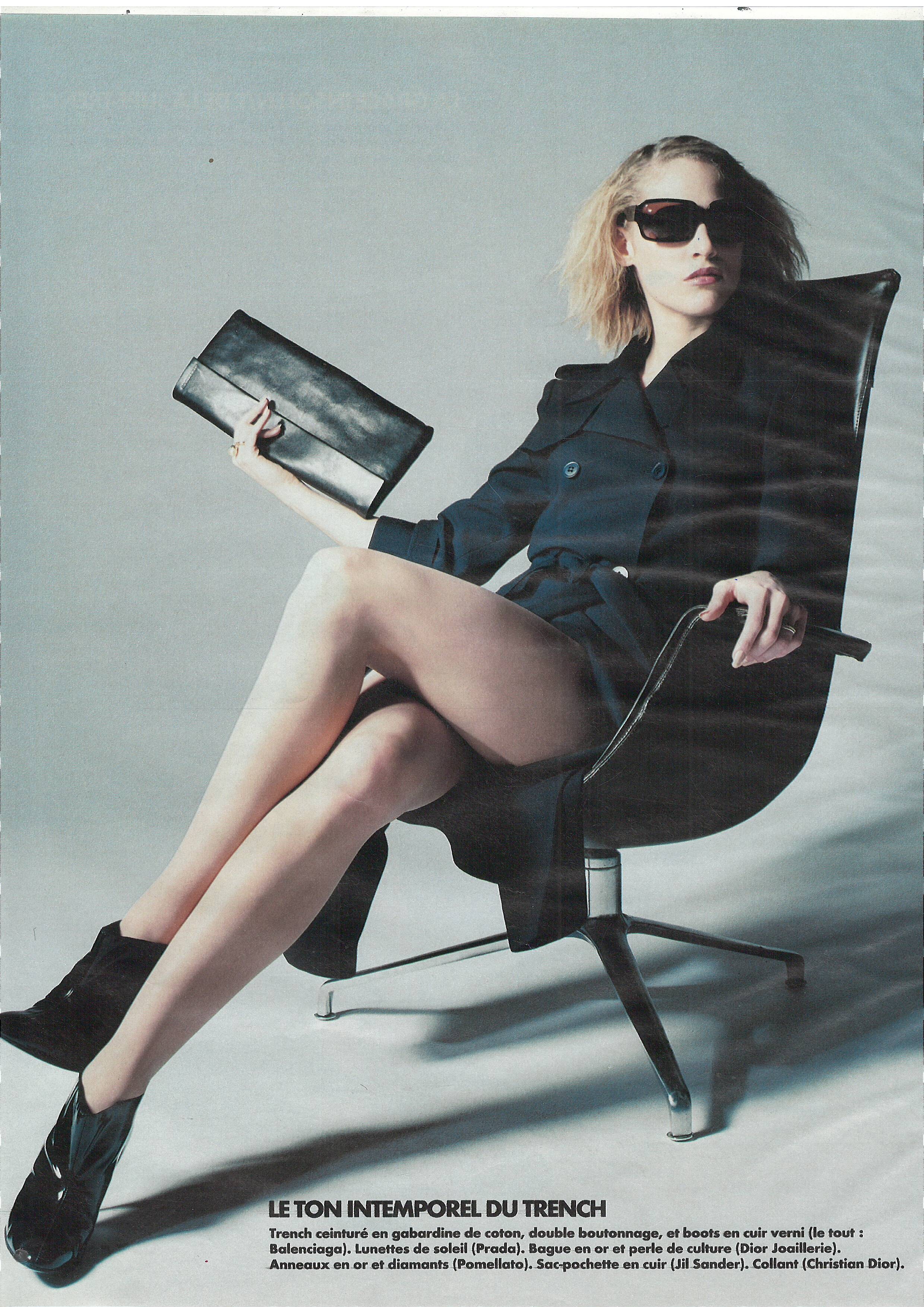
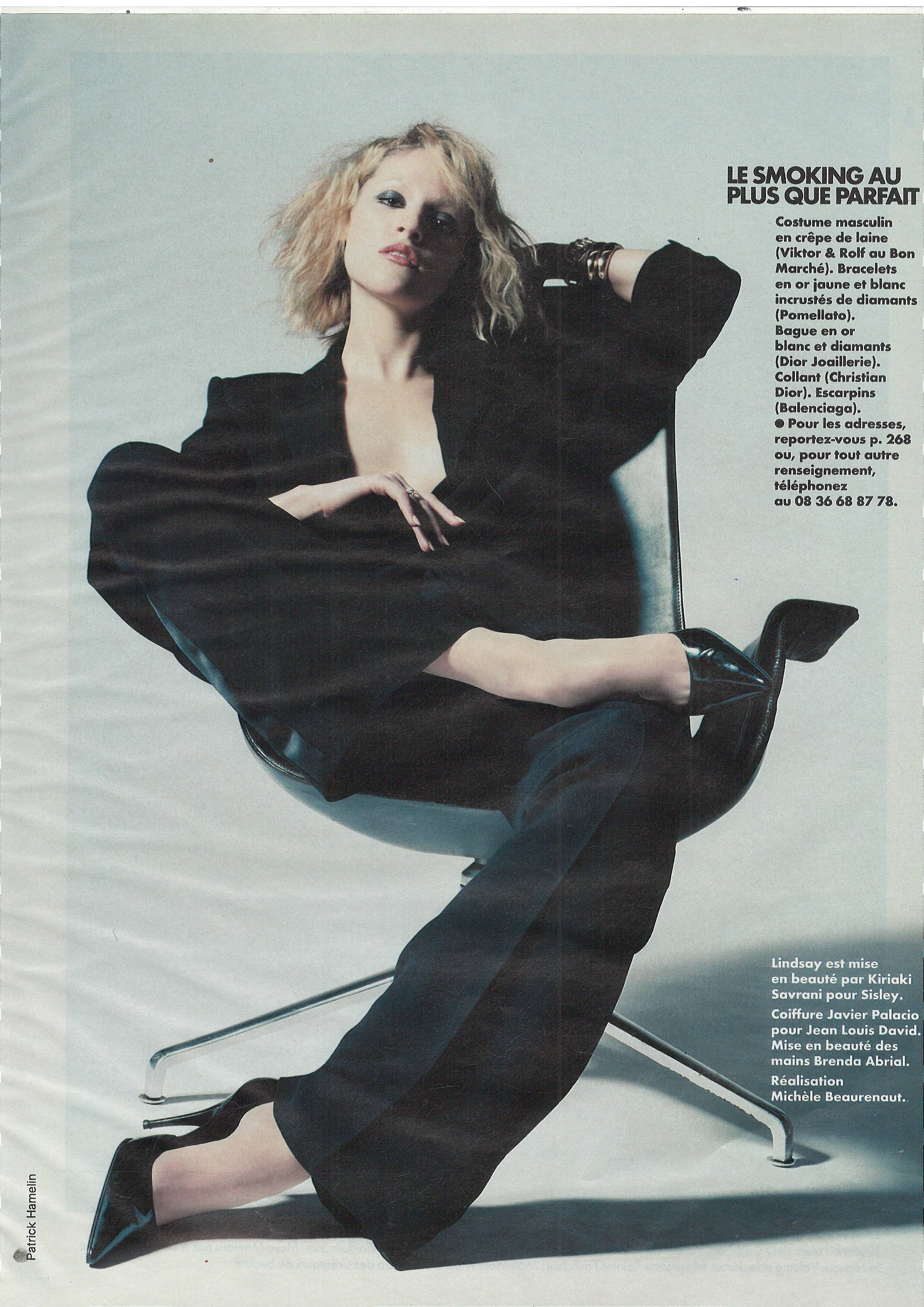
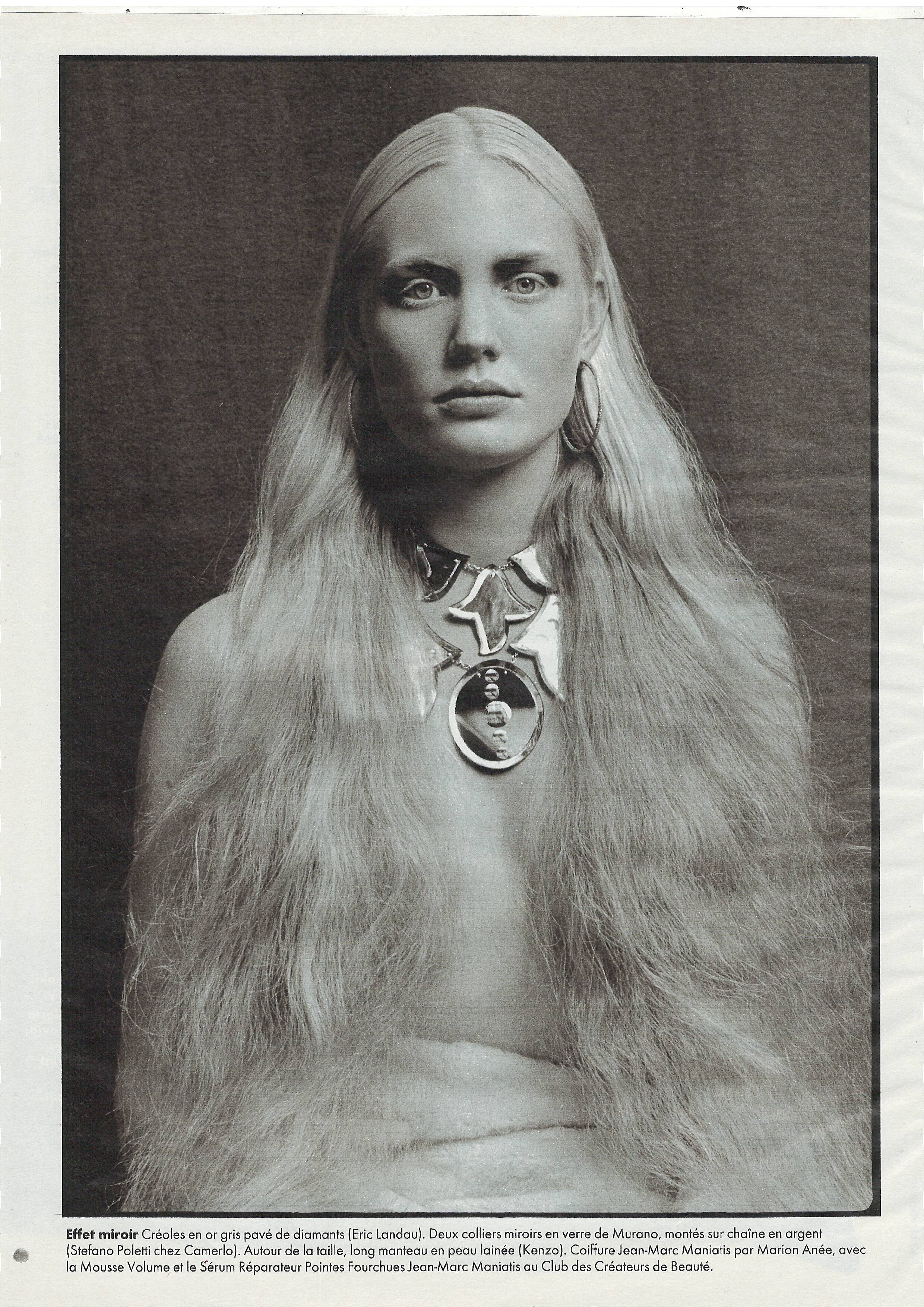
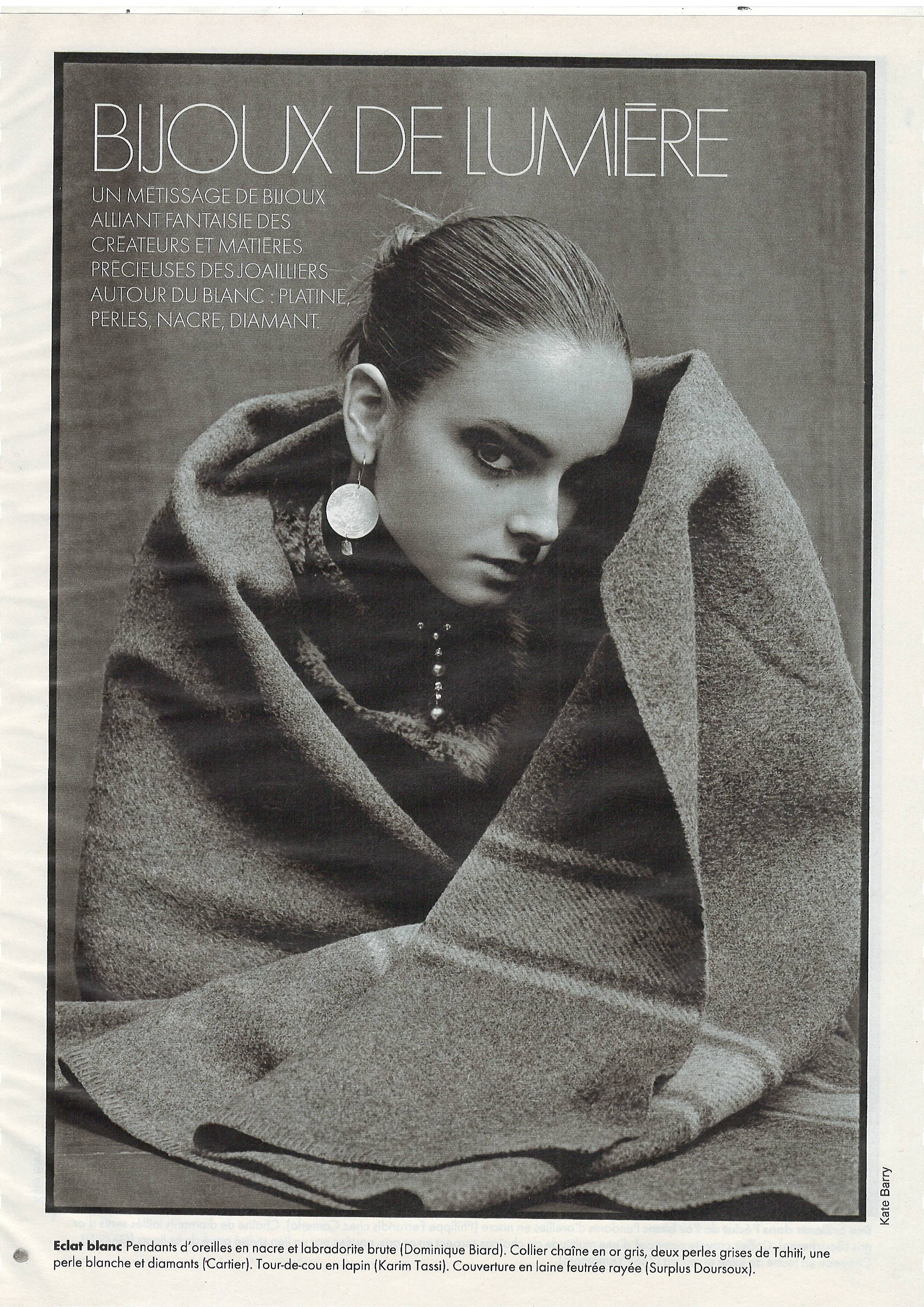
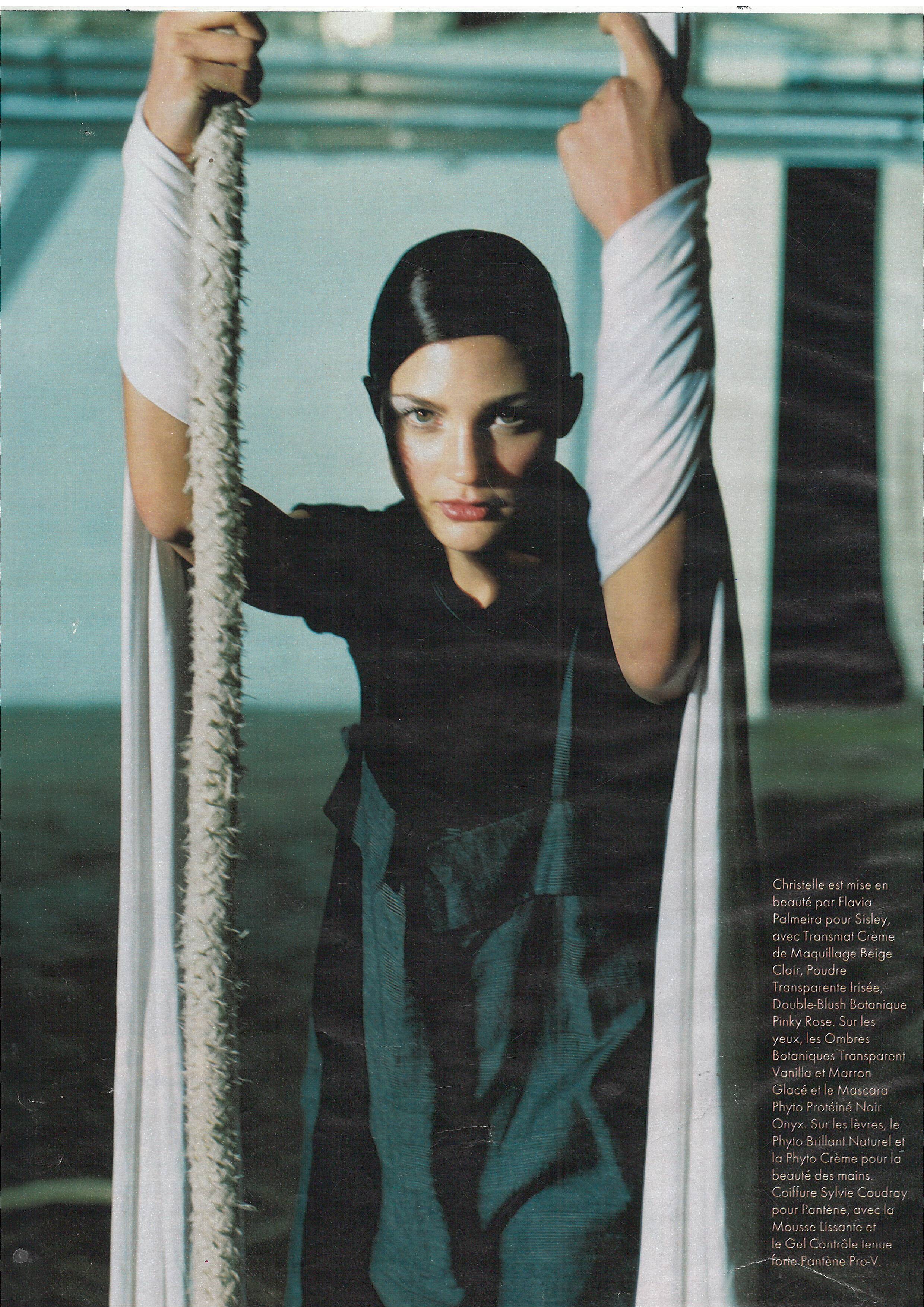
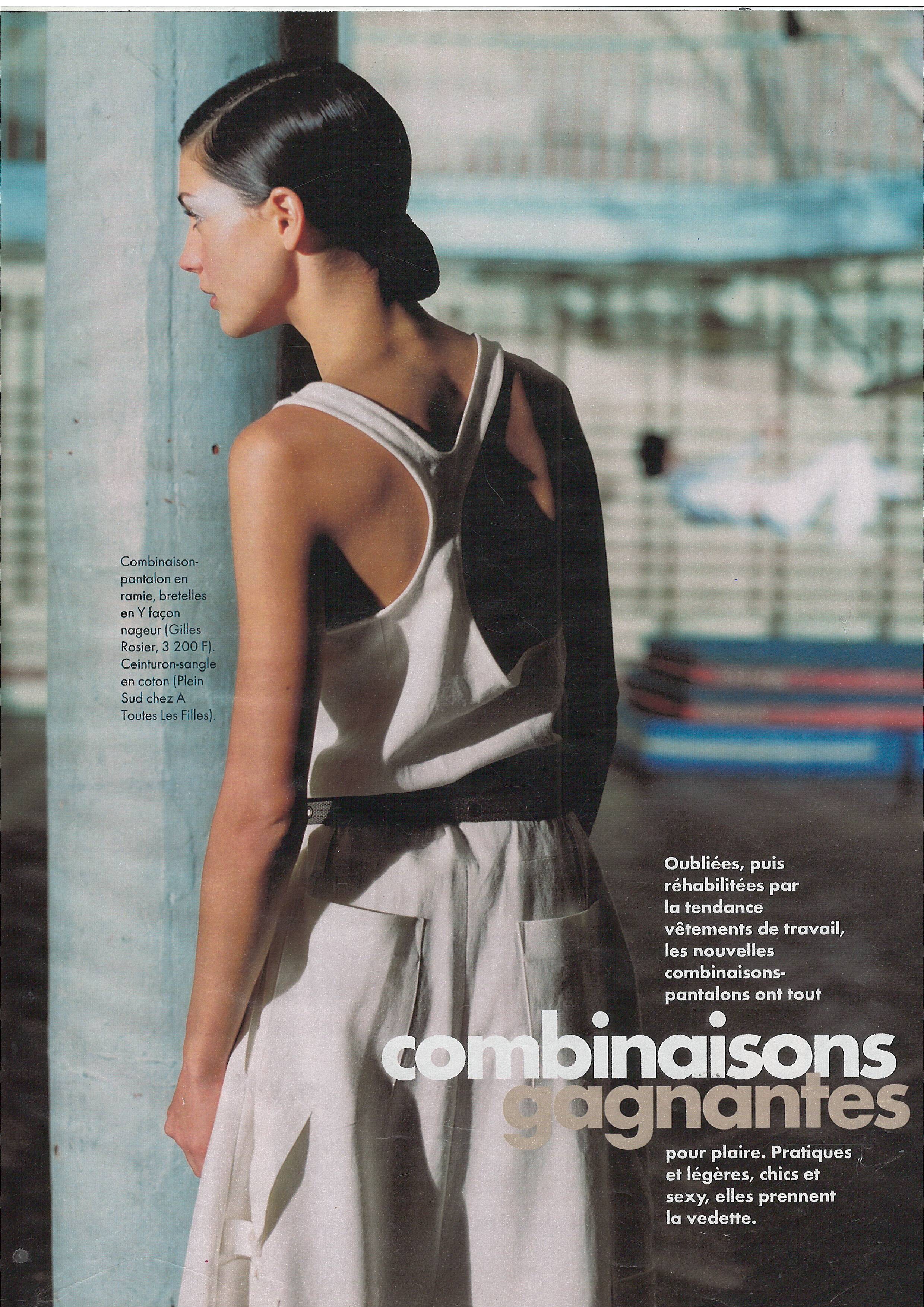
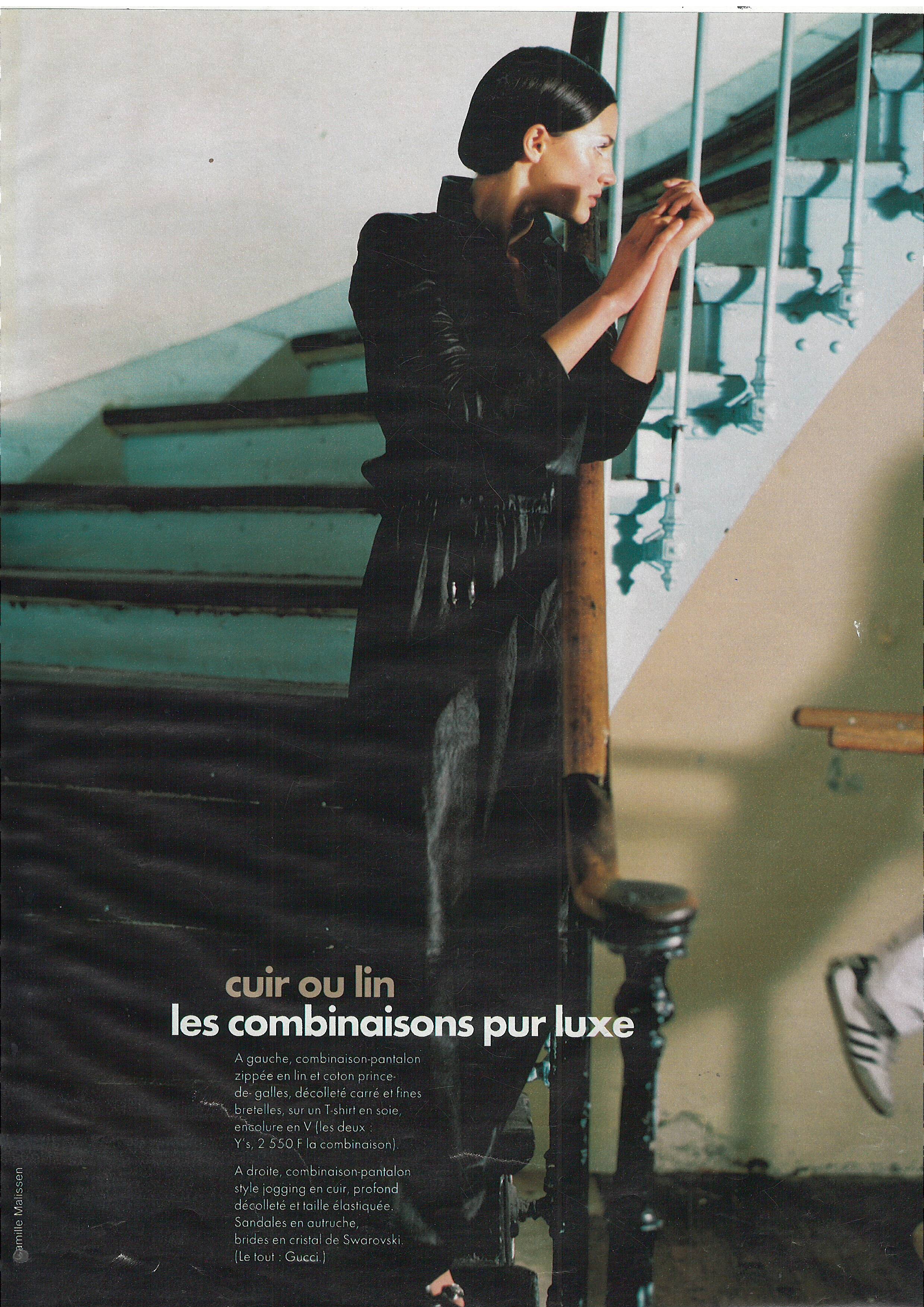
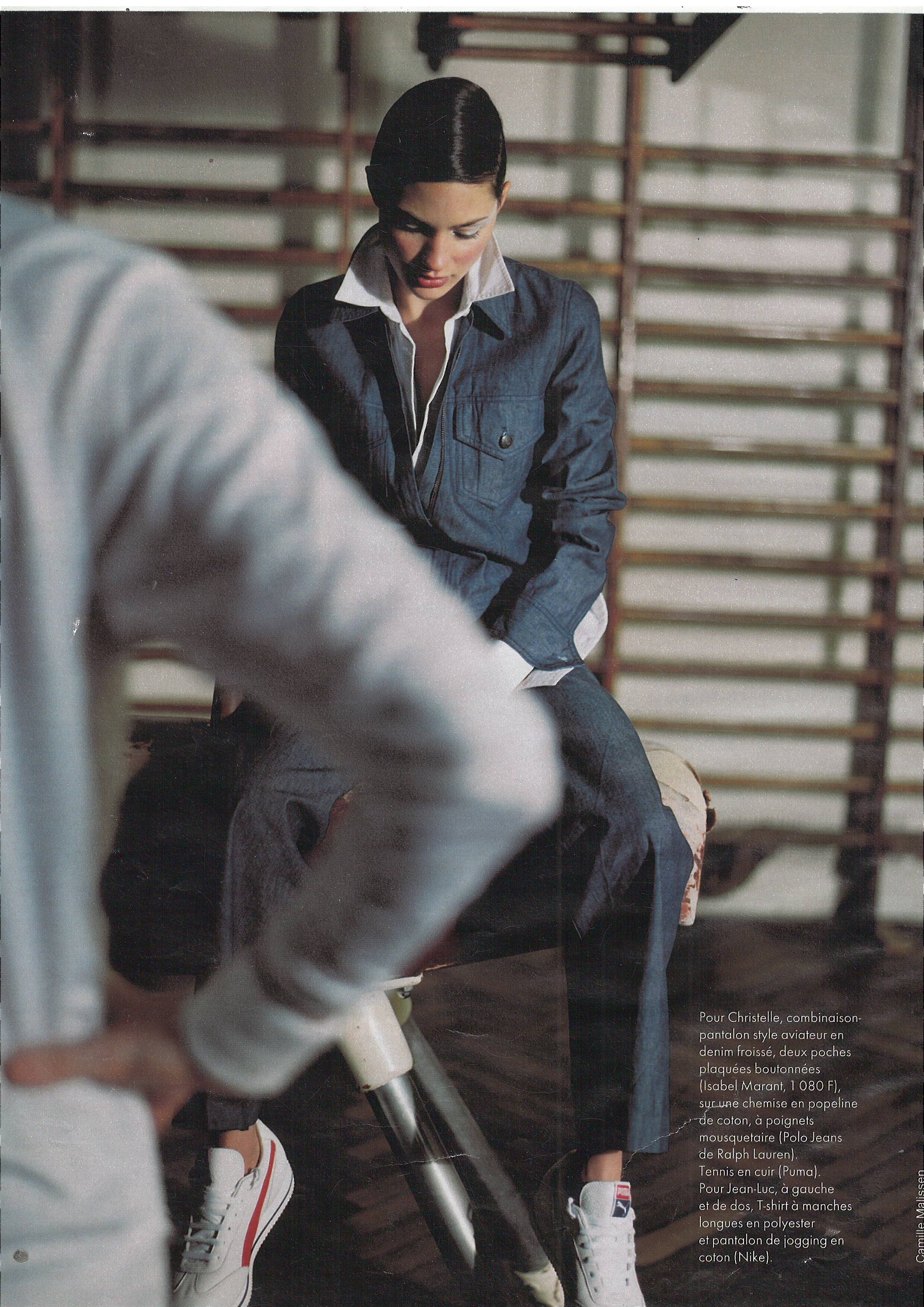
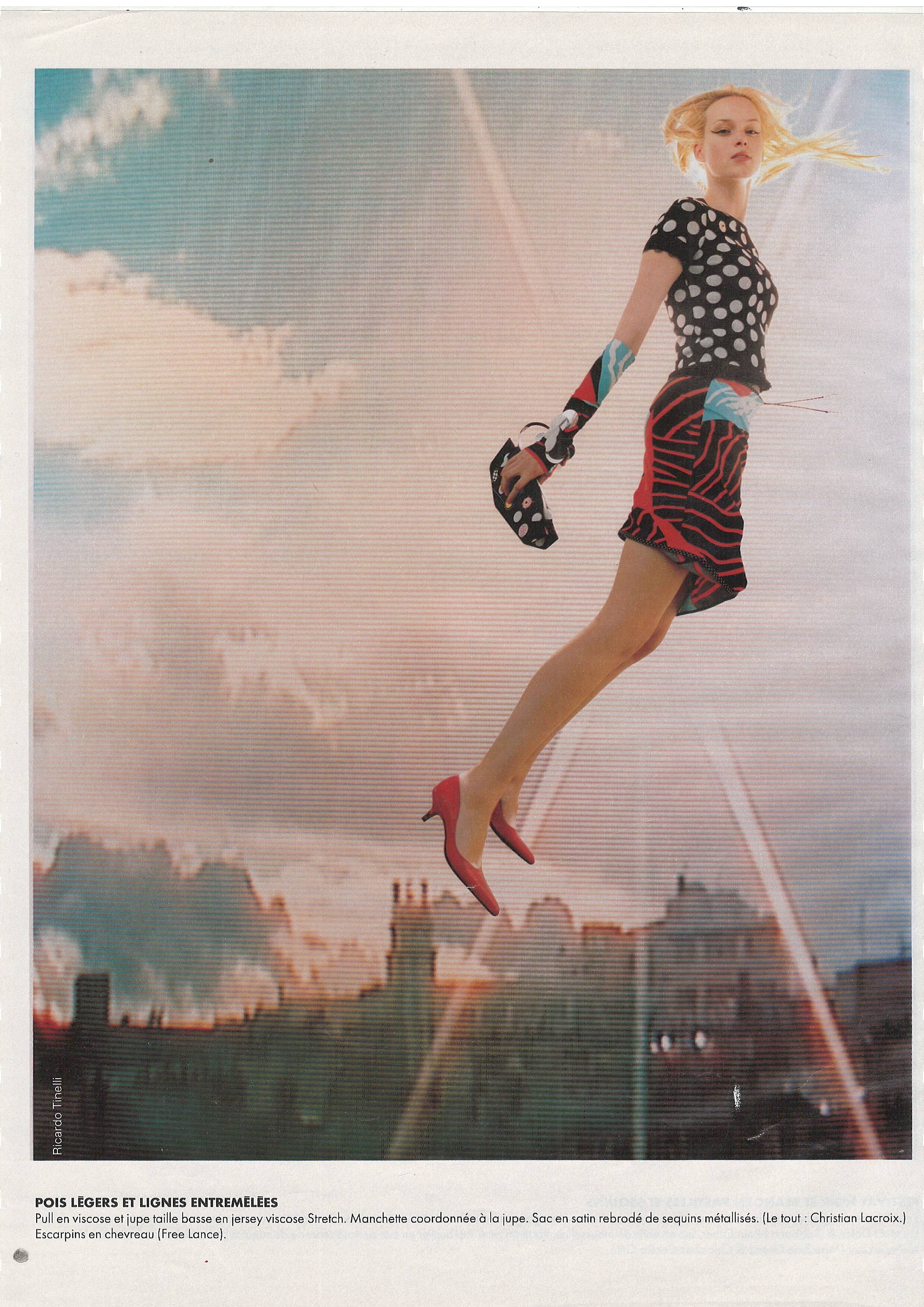
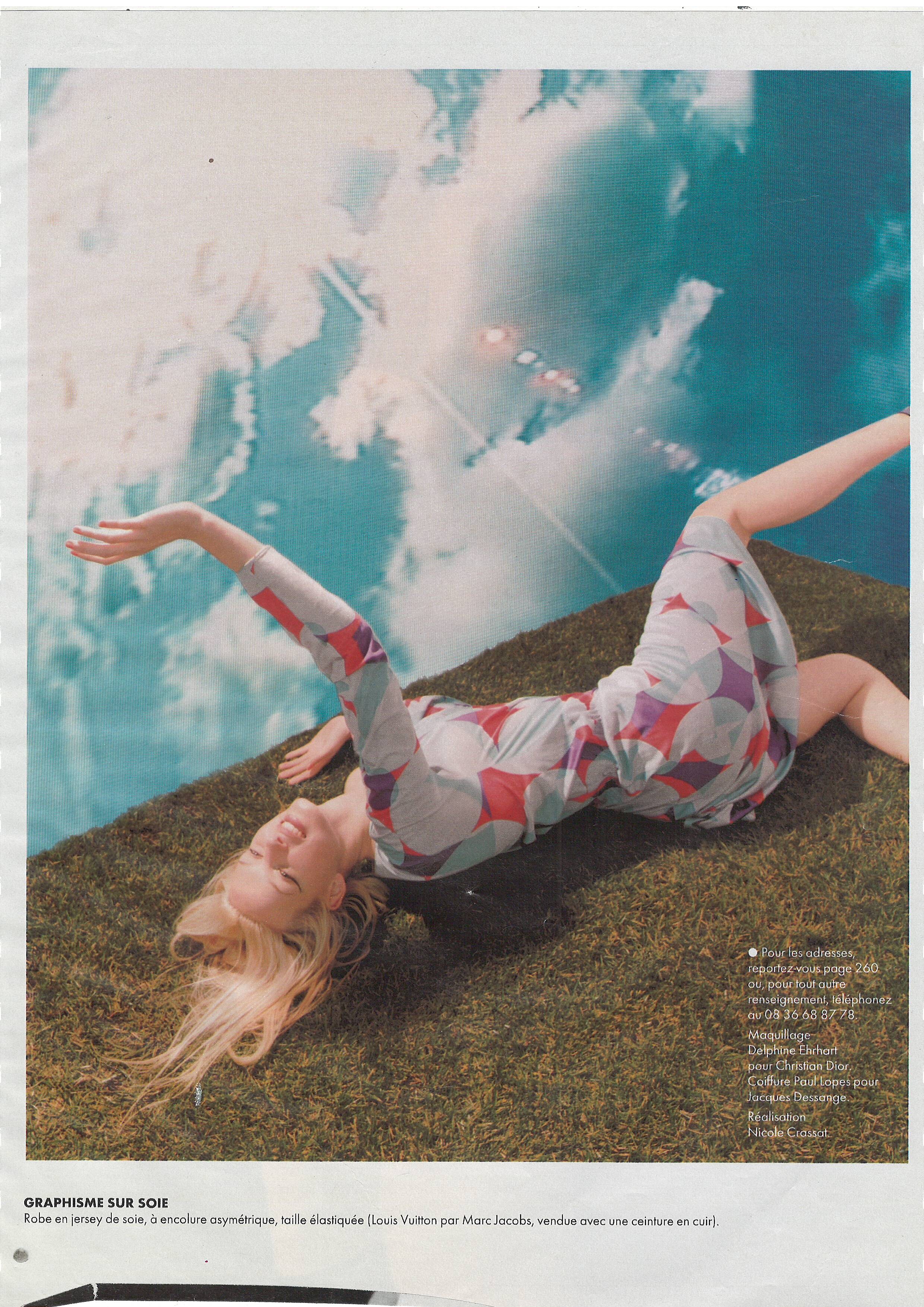
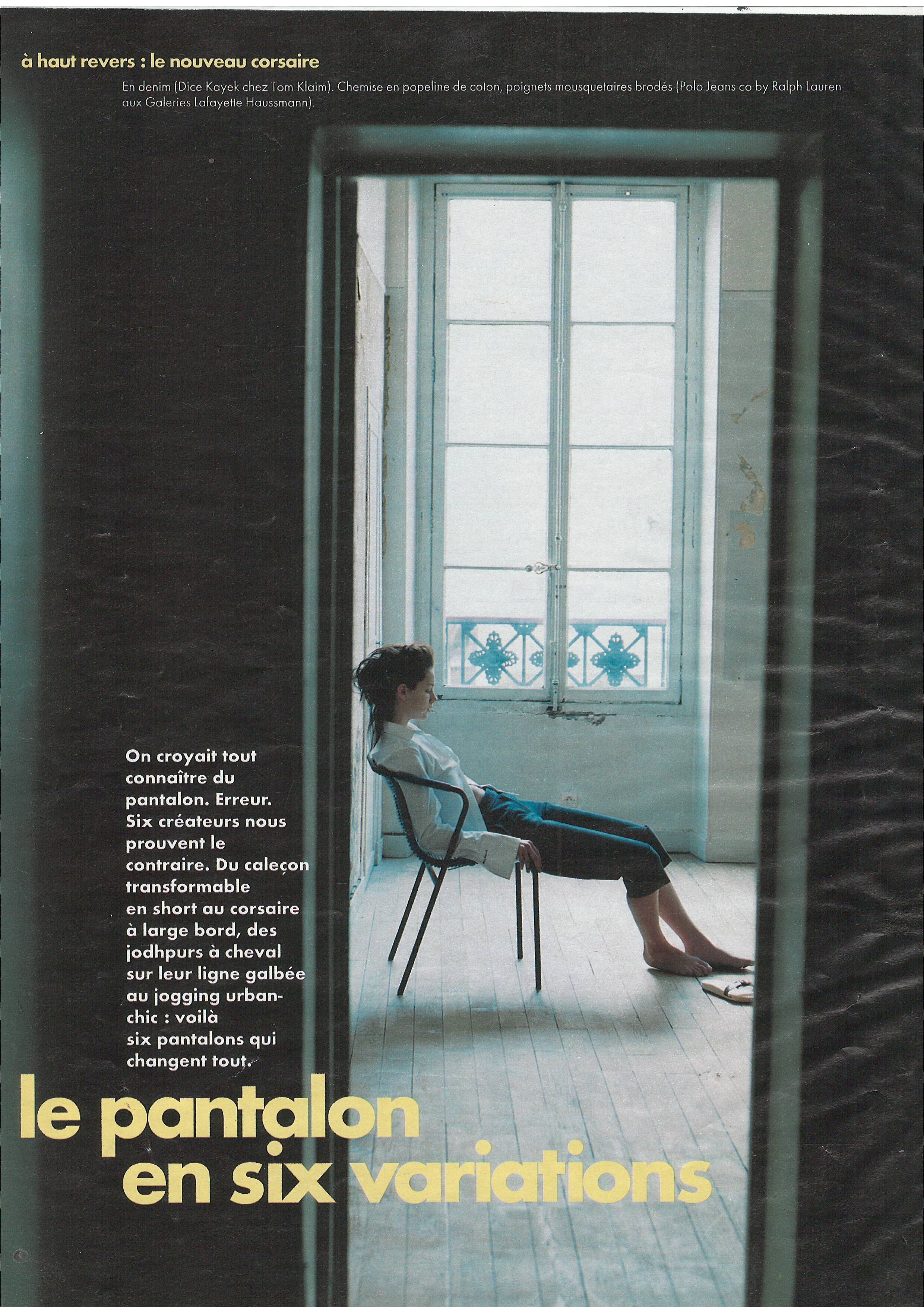
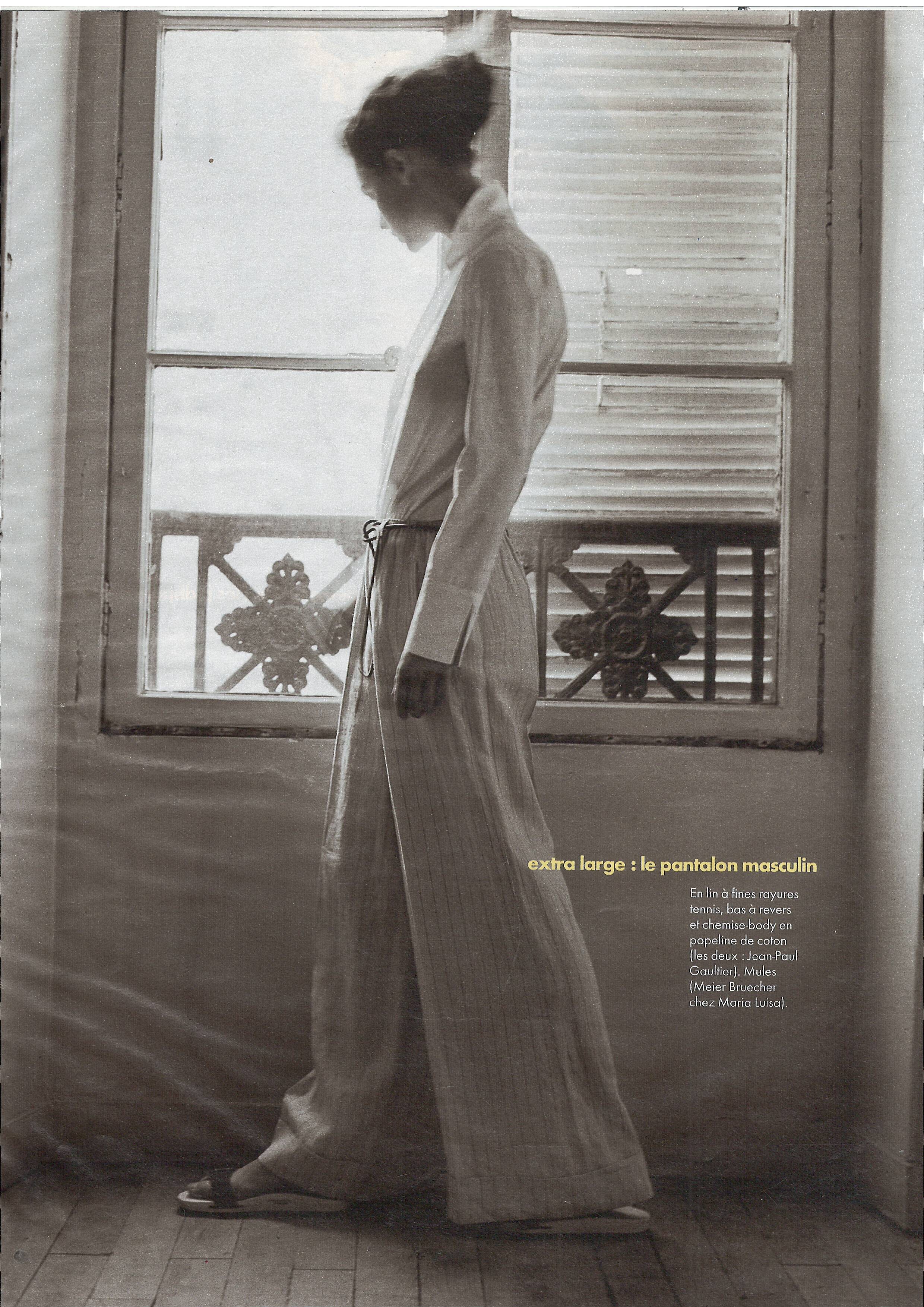
    Elle France 2 August 1999 Scanned by me
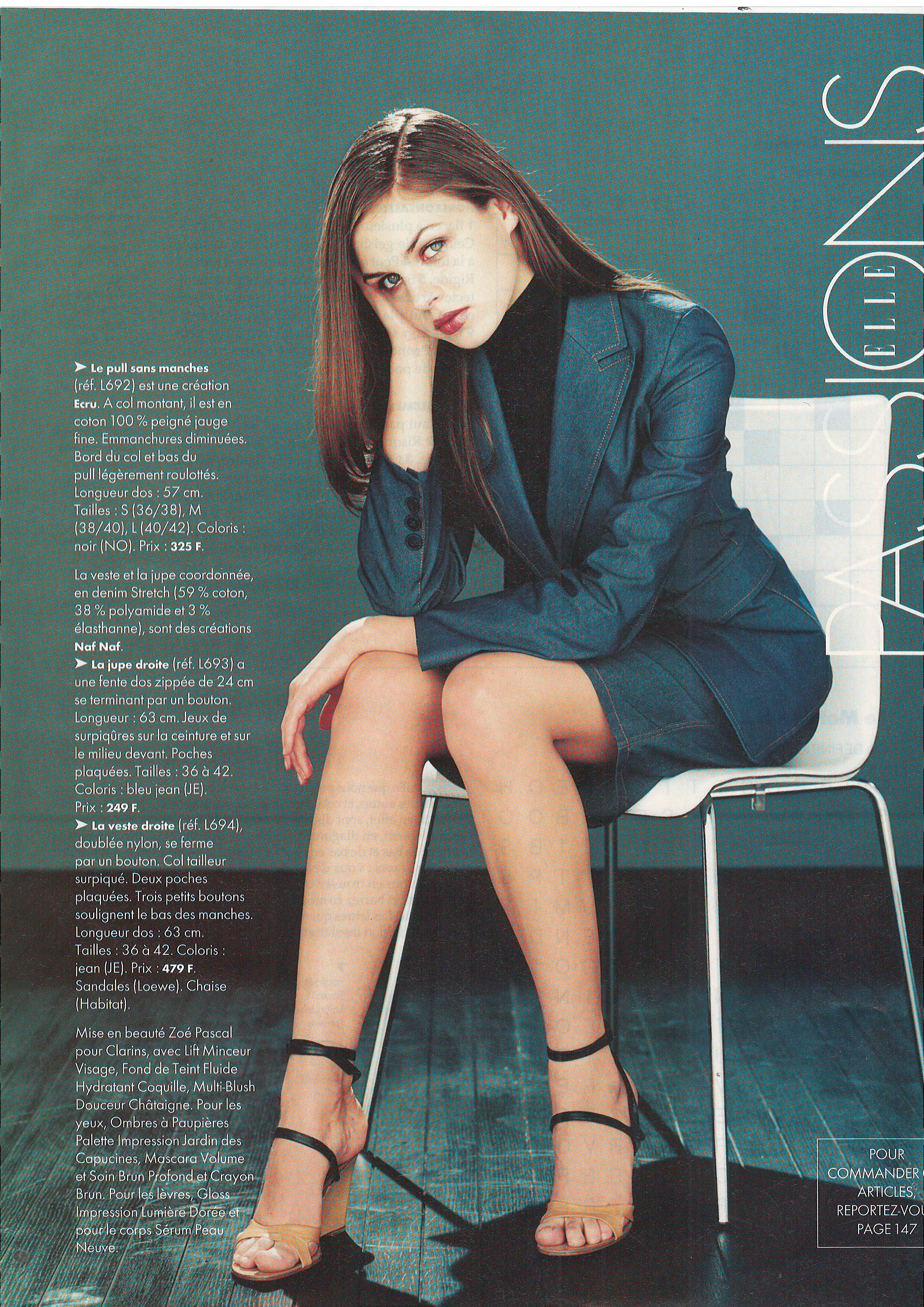
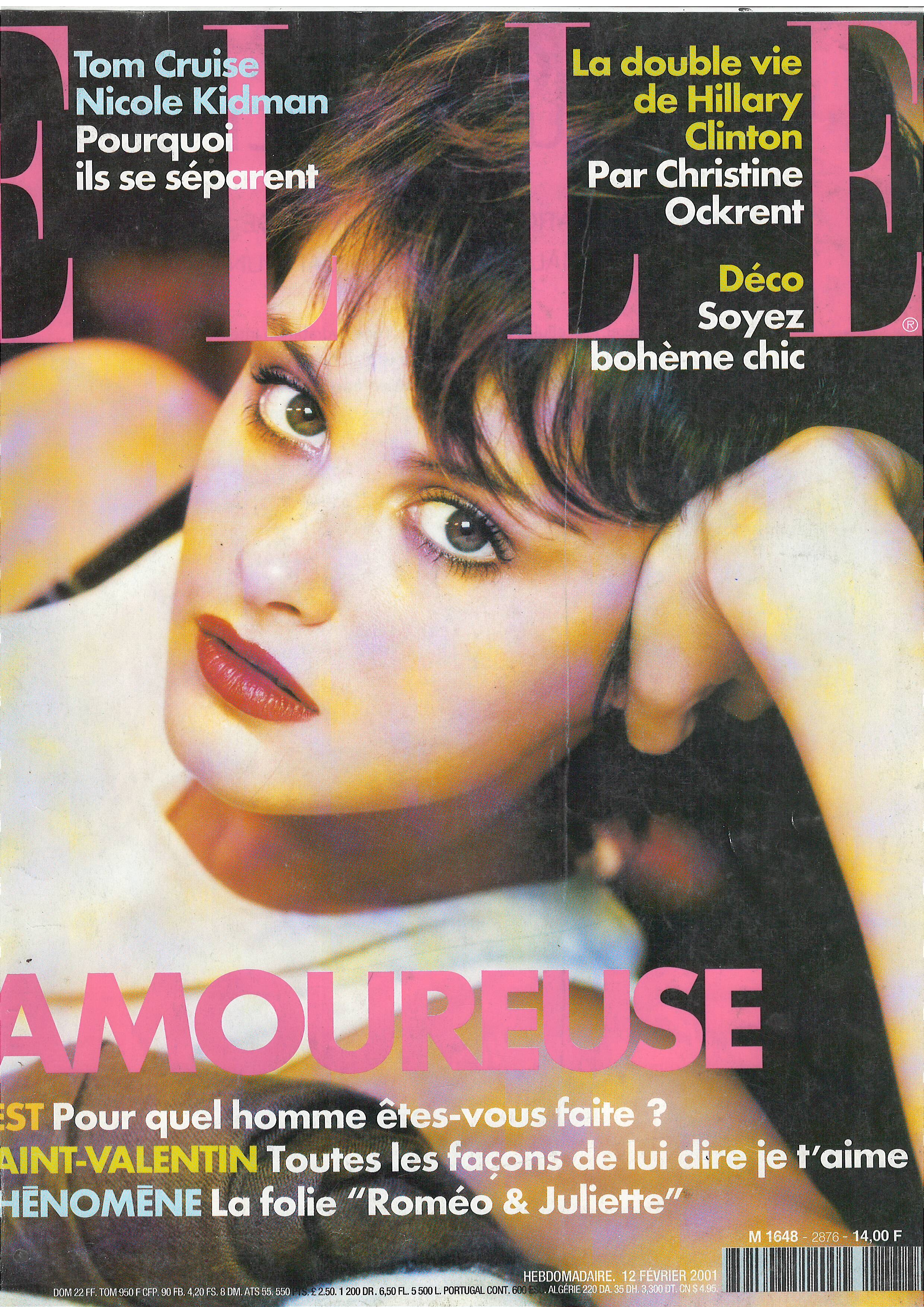
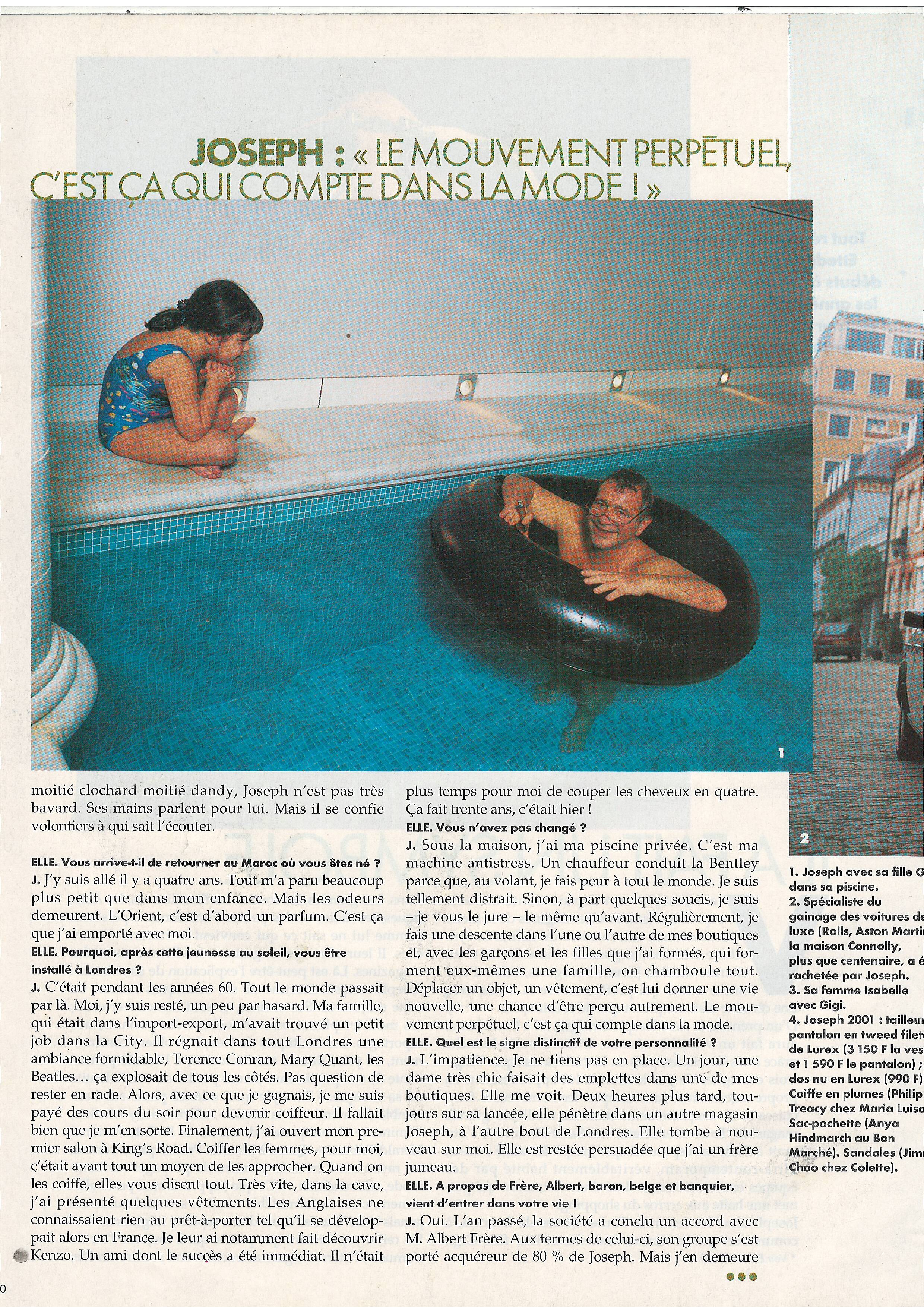
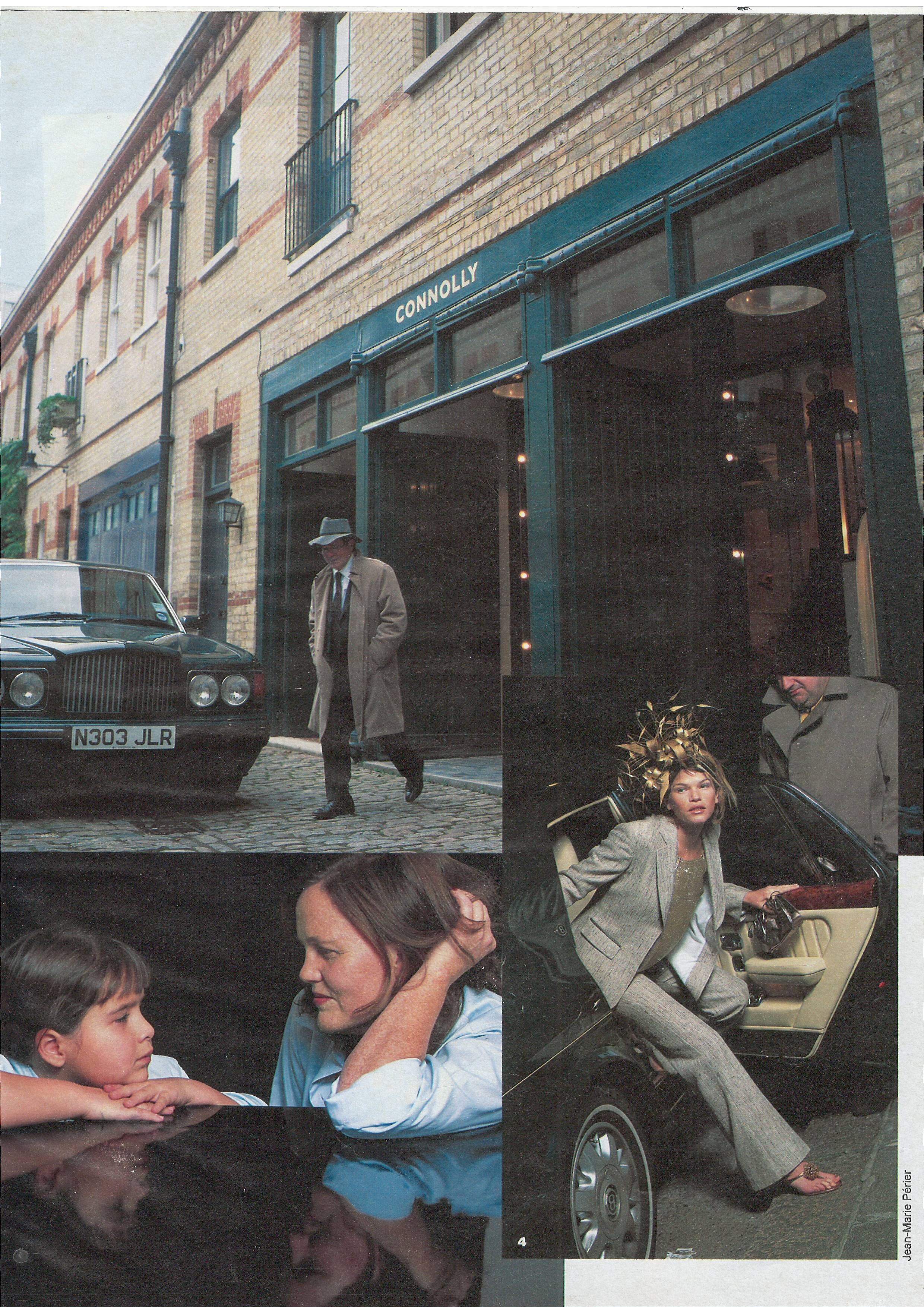
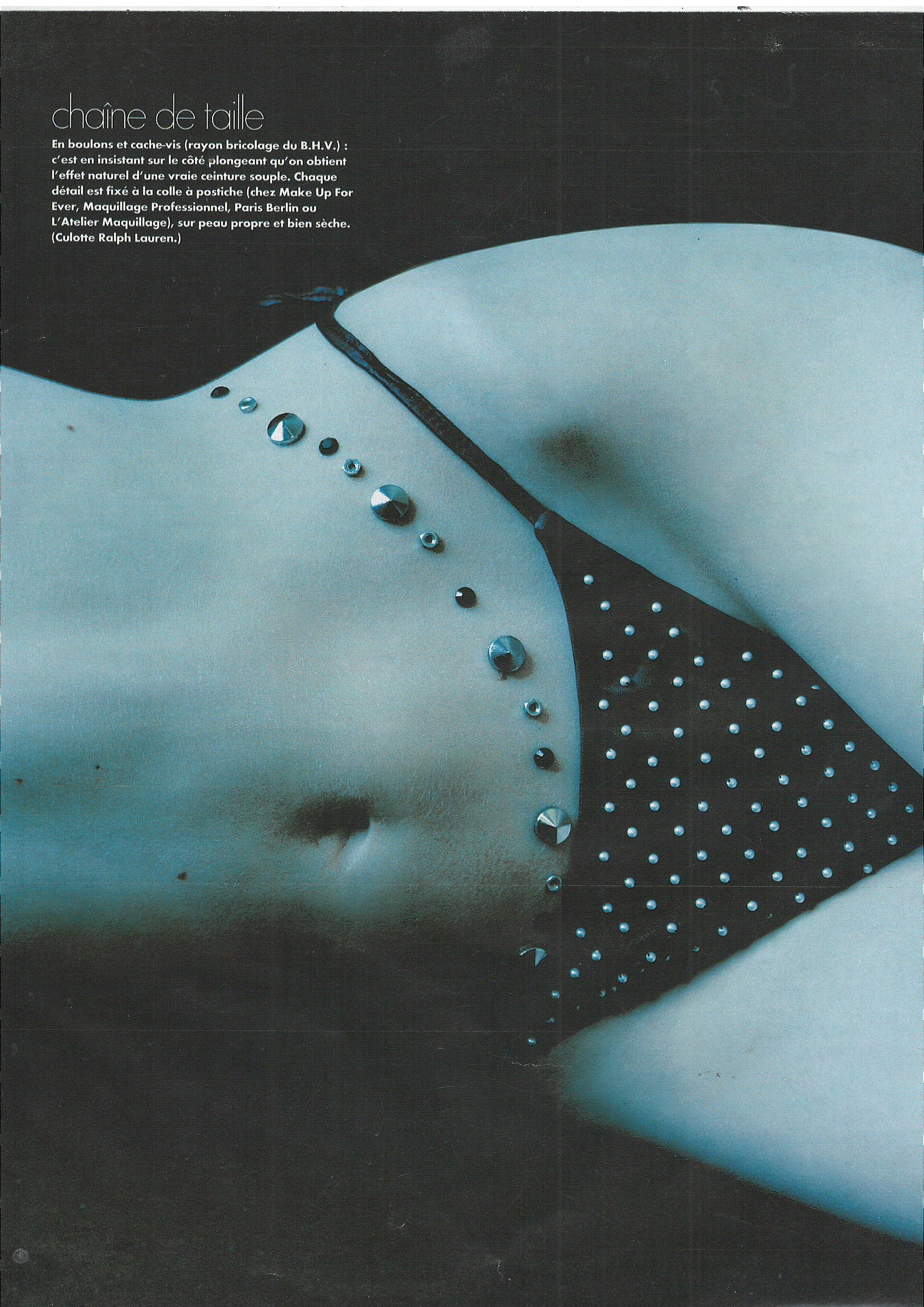
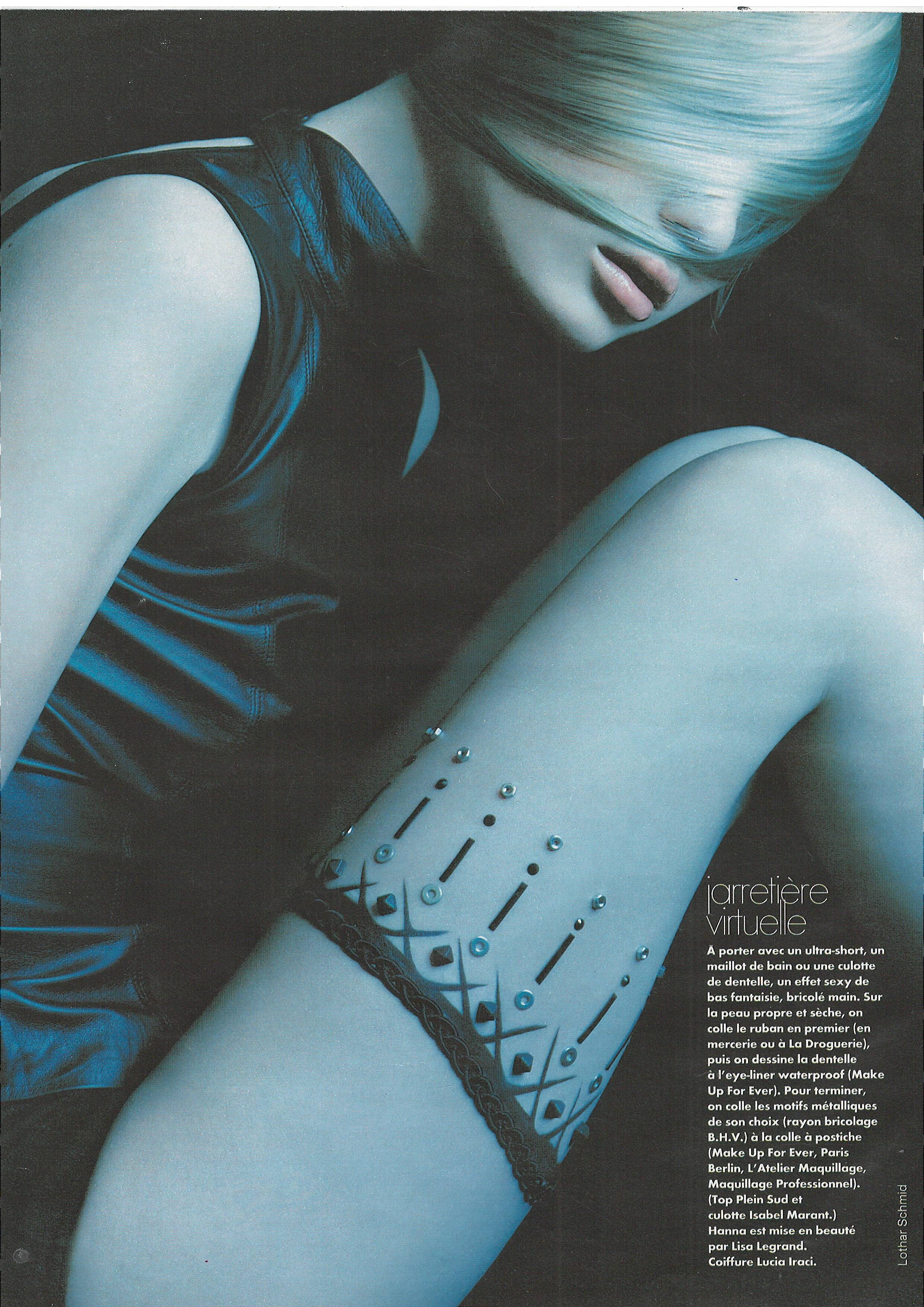
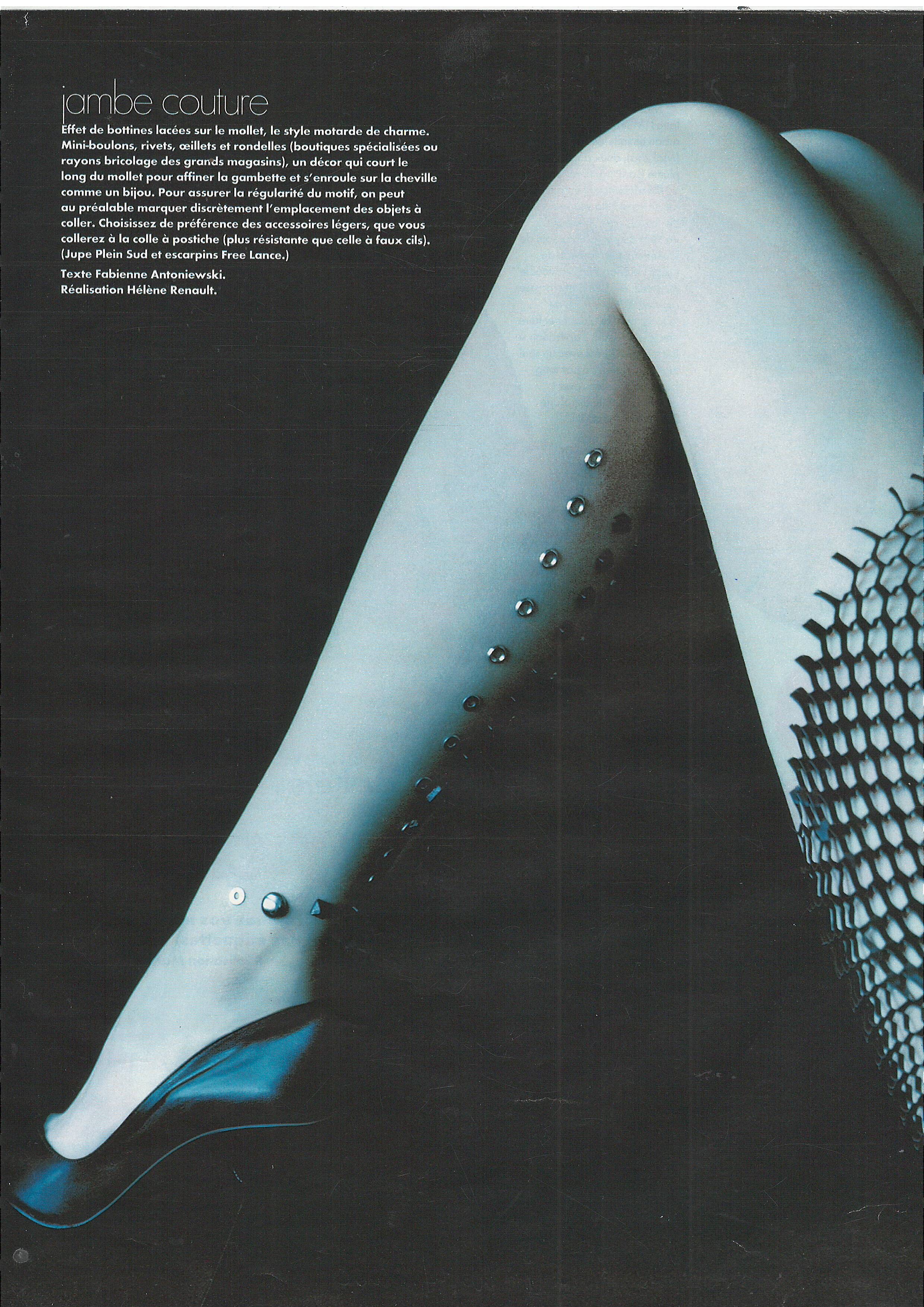
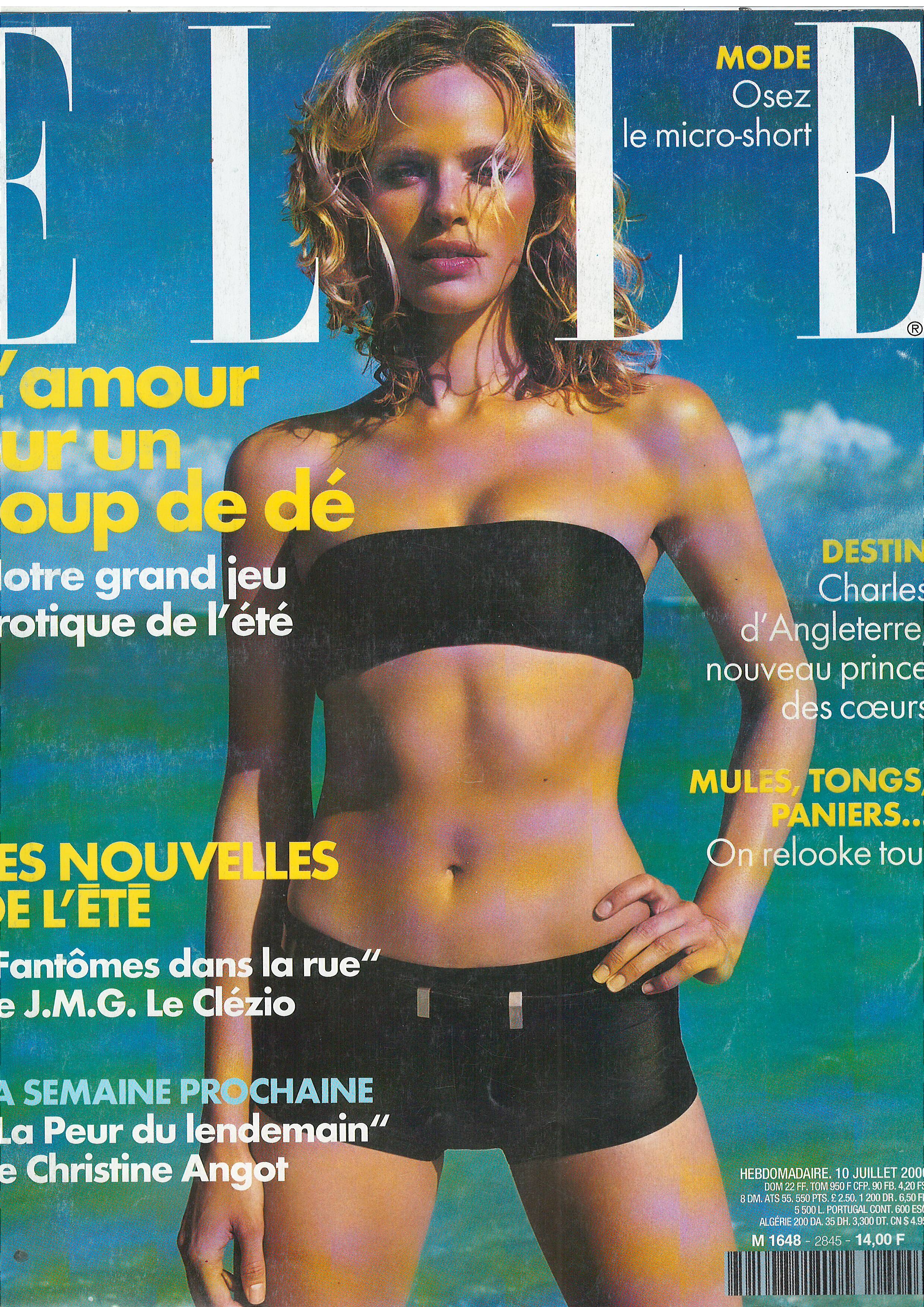
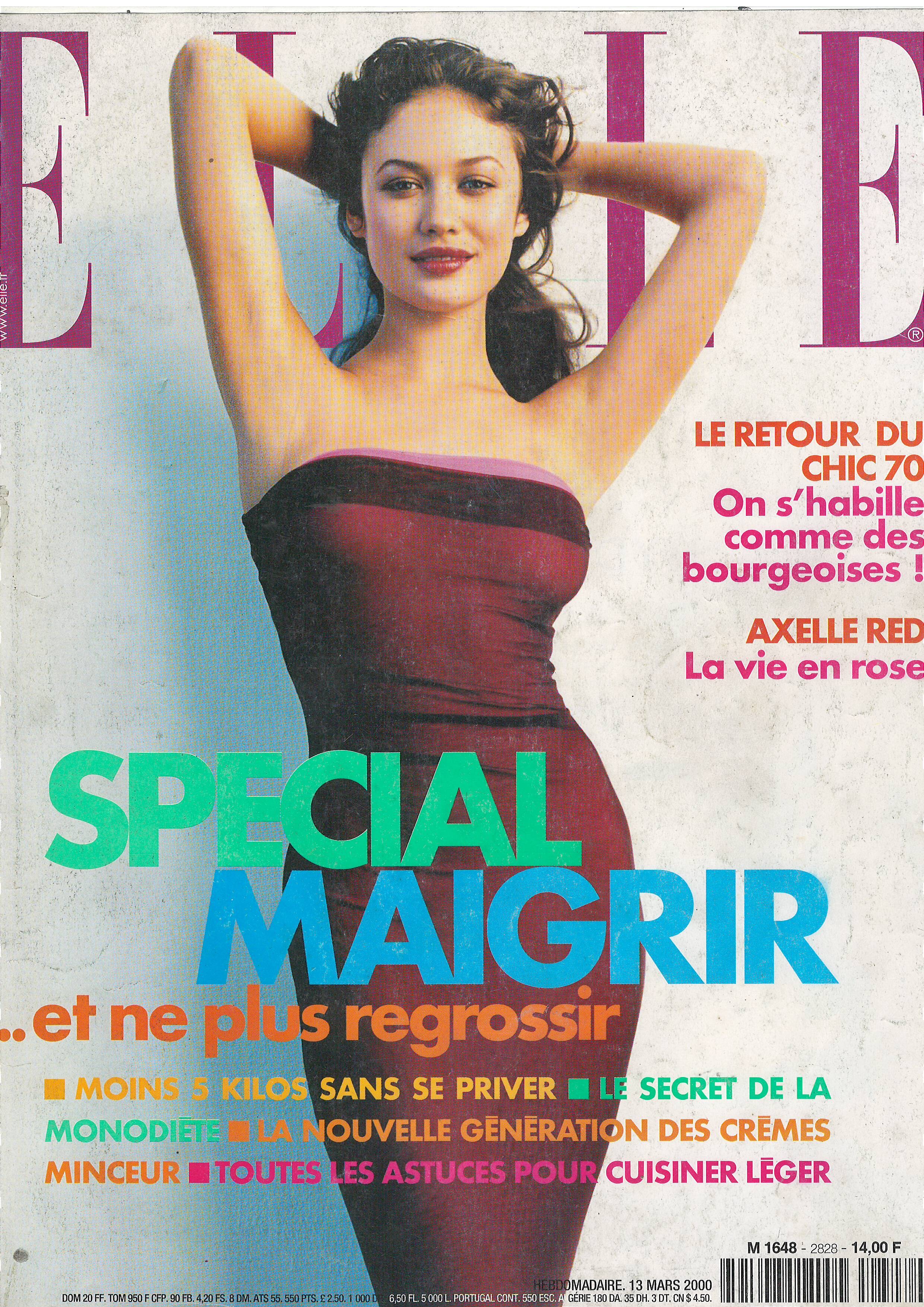
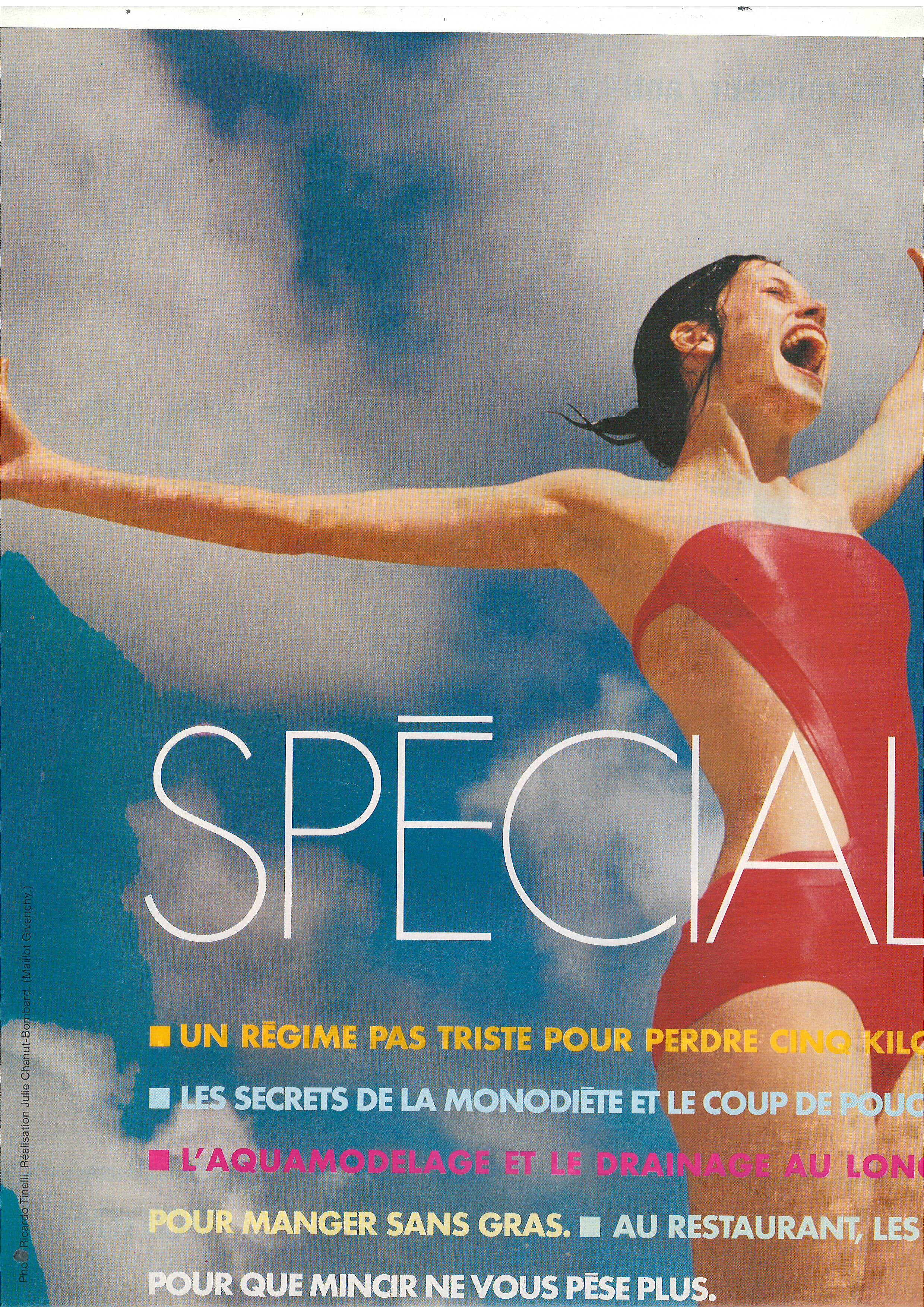
  17. Elle France 12 July 1999 Scanned by me WARNING NUDITY! model Olga Kurylenko
  18. sanja replied to goose's topic in Actresses
    Elle France 12 July 1999 Scanned by me
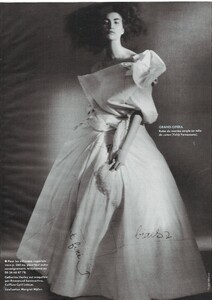
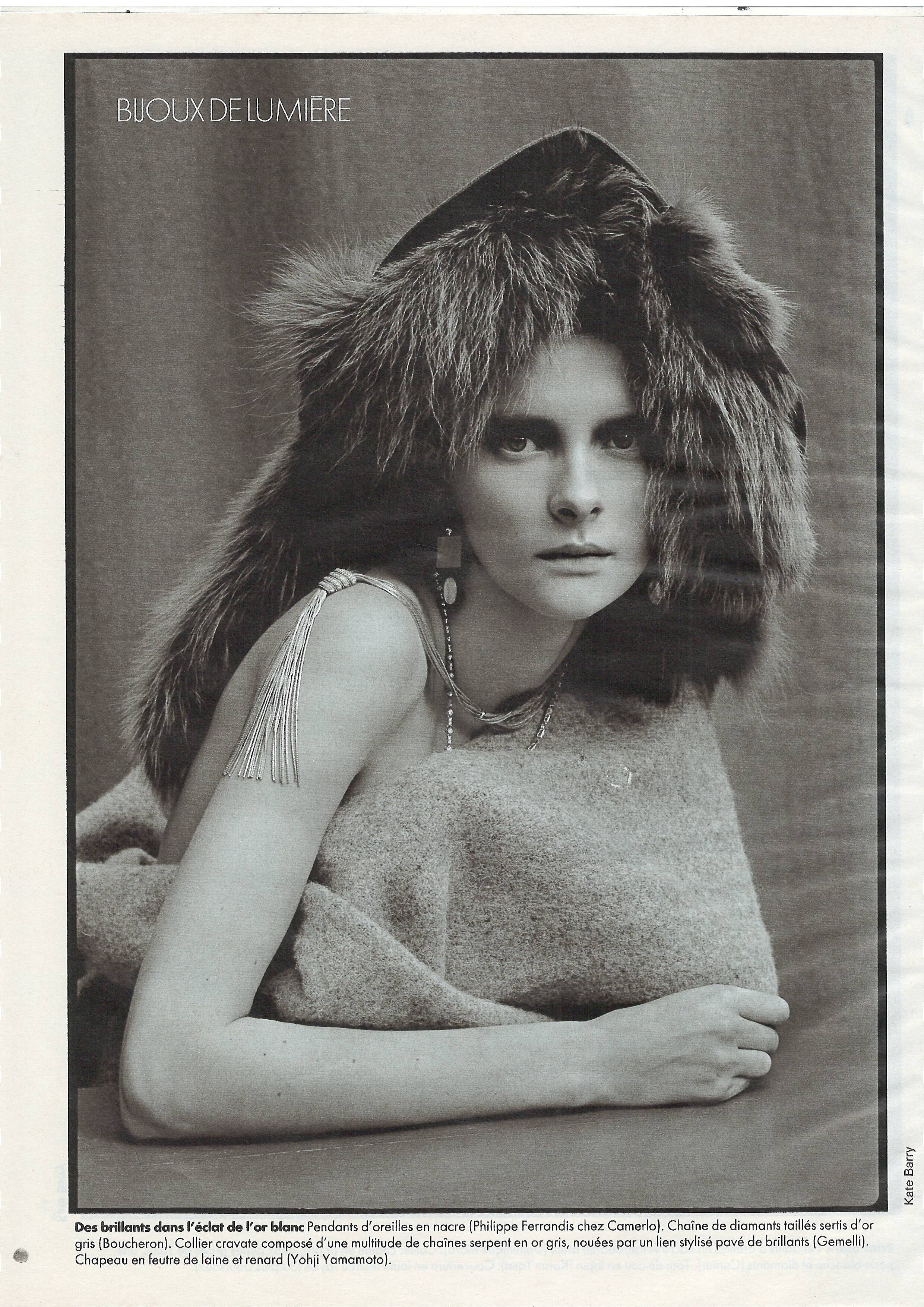
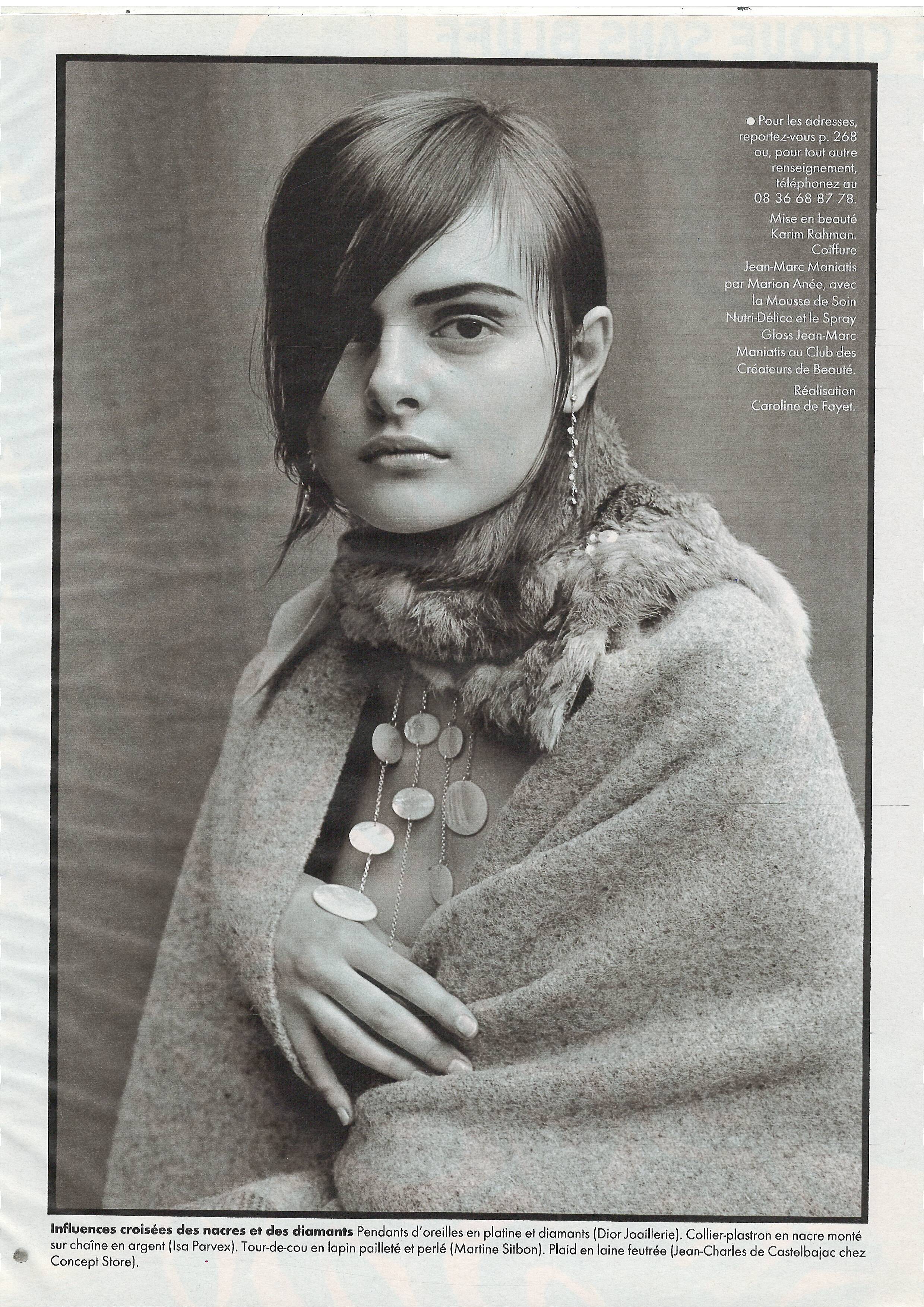
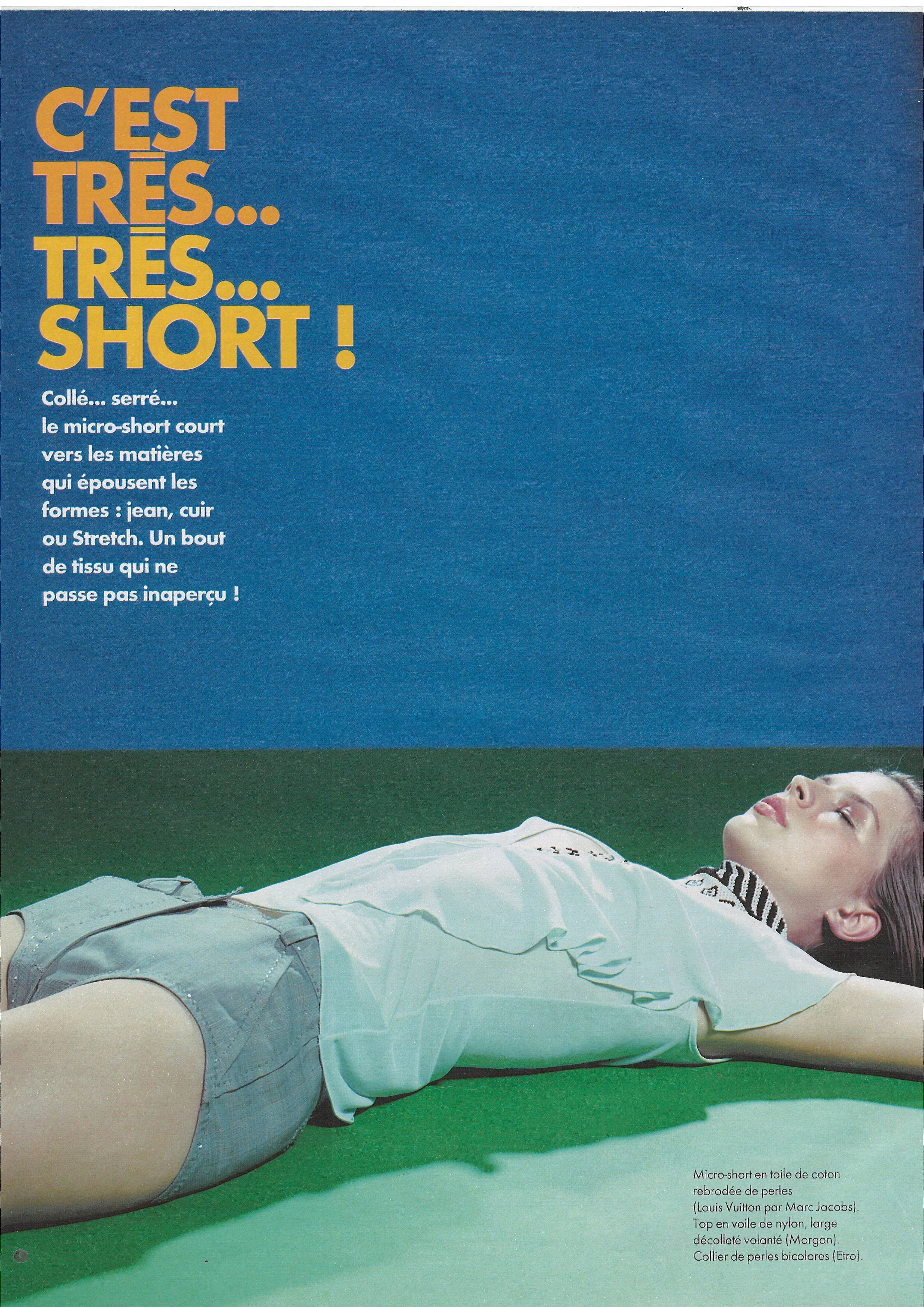
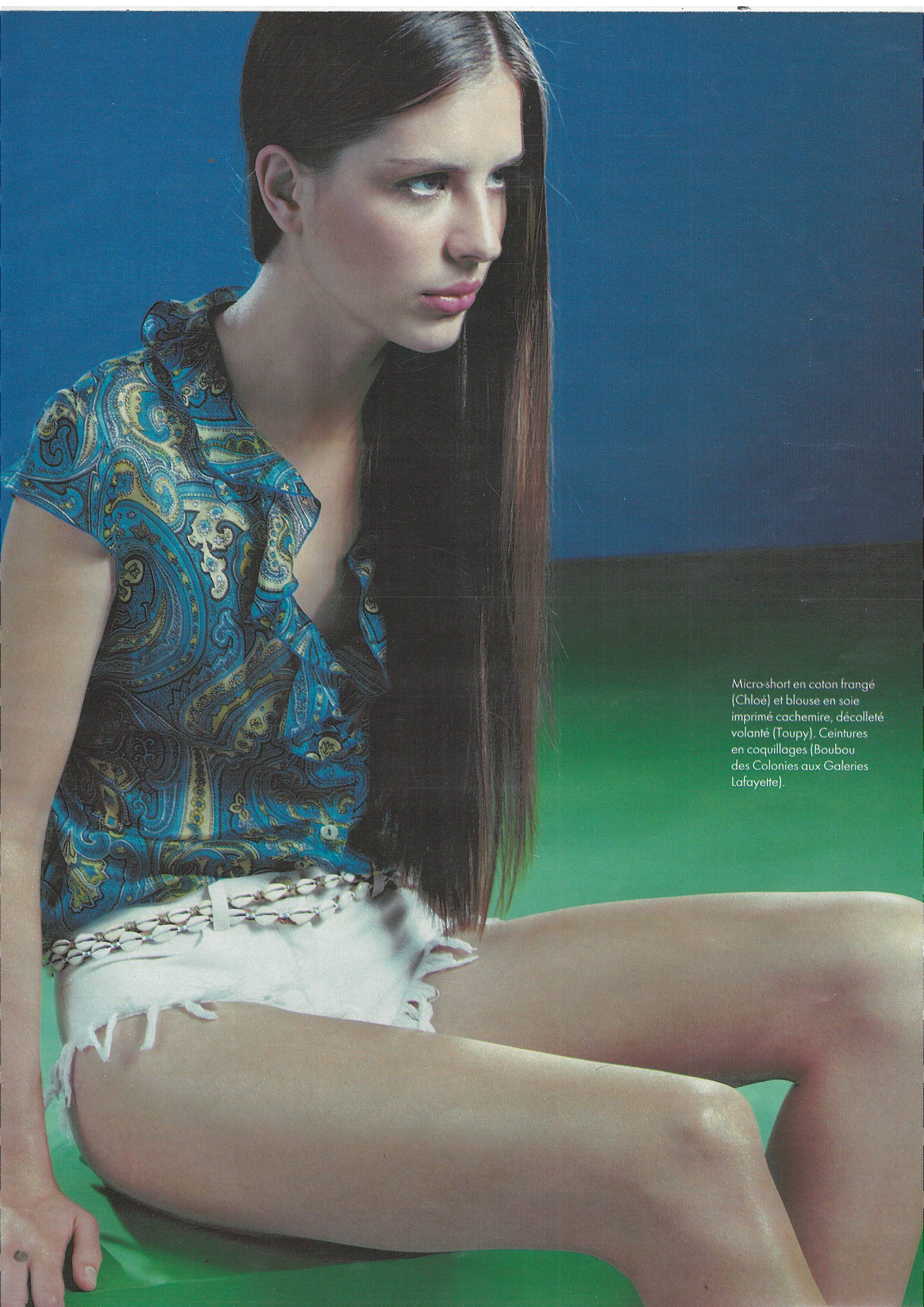
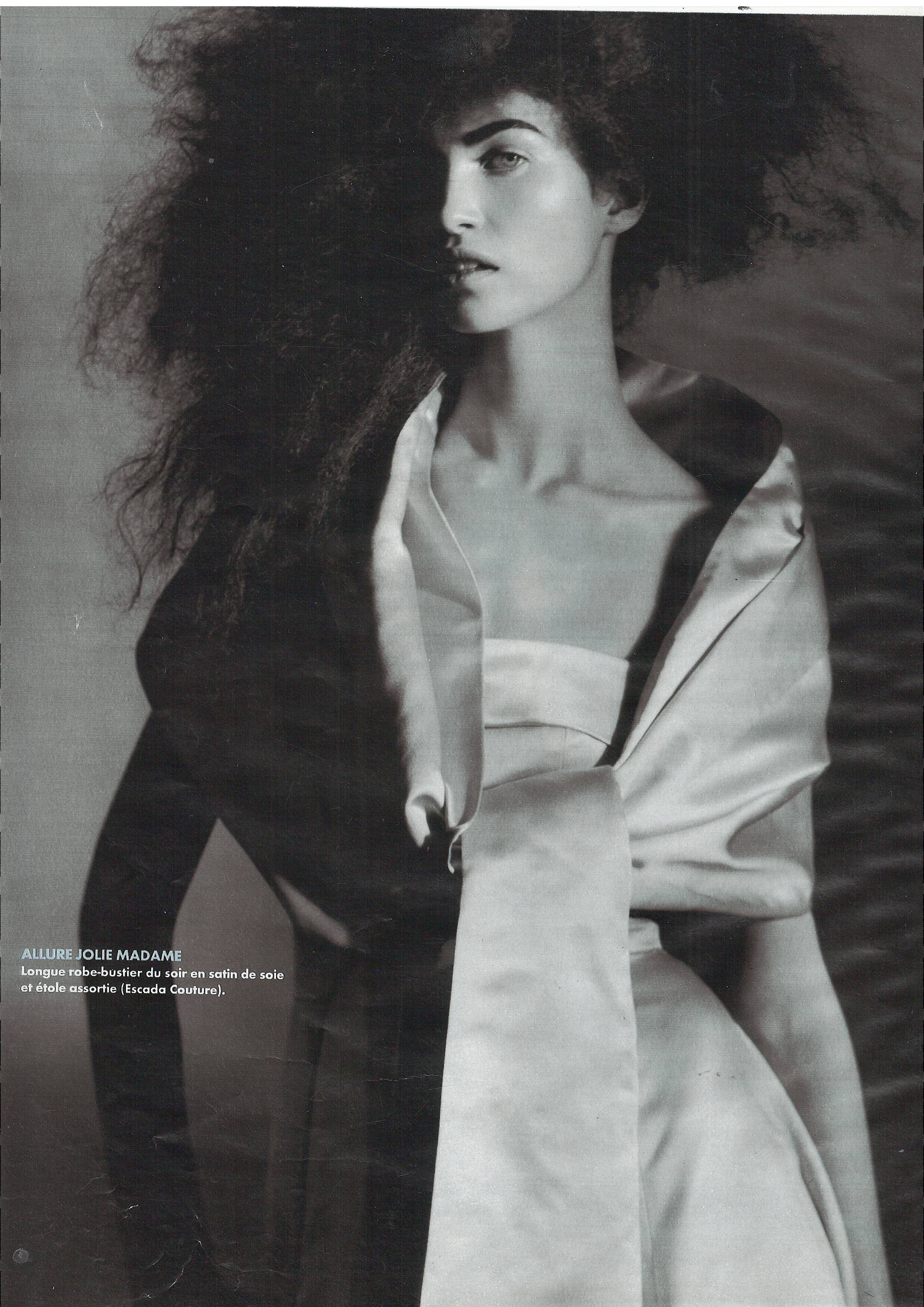
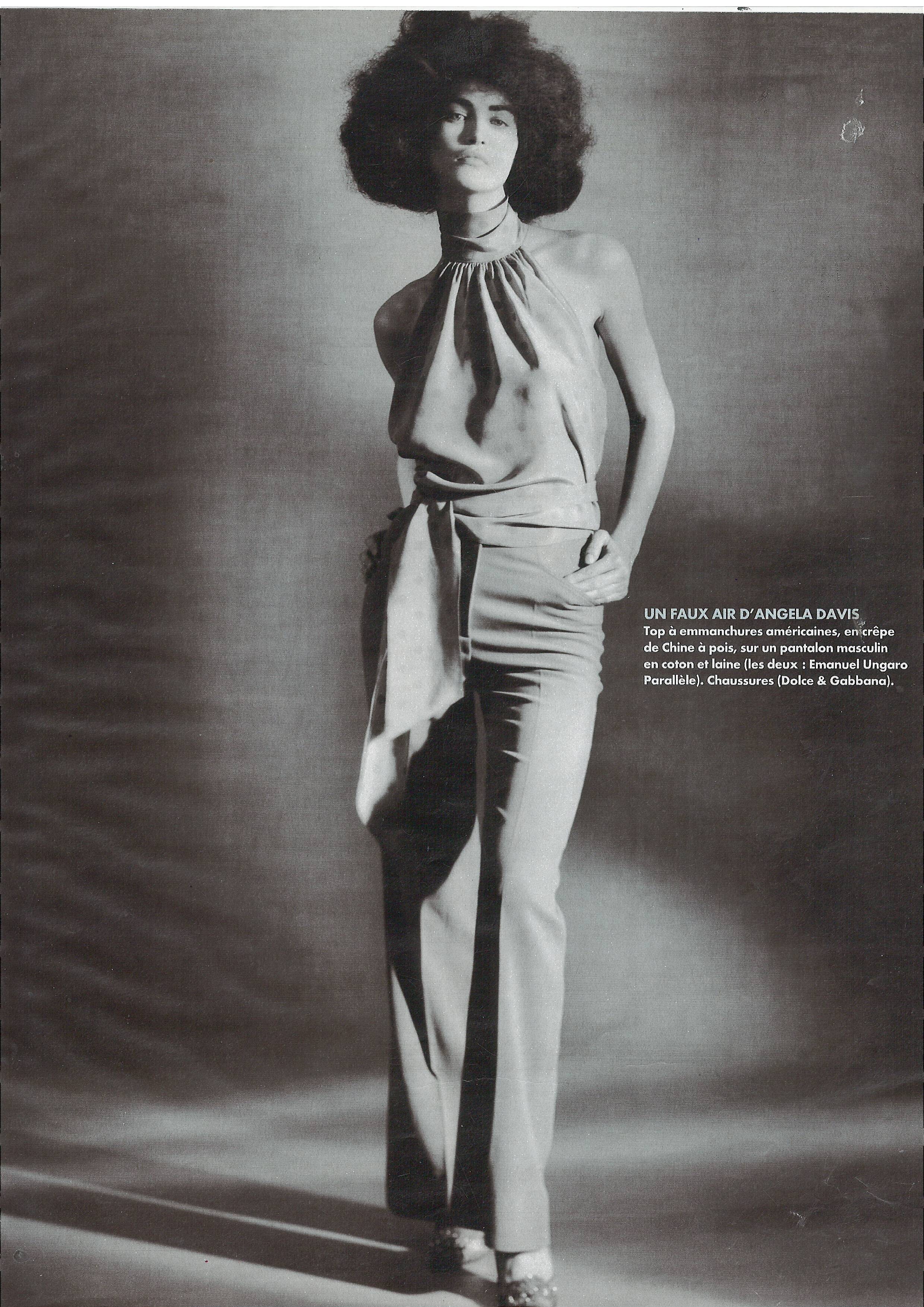
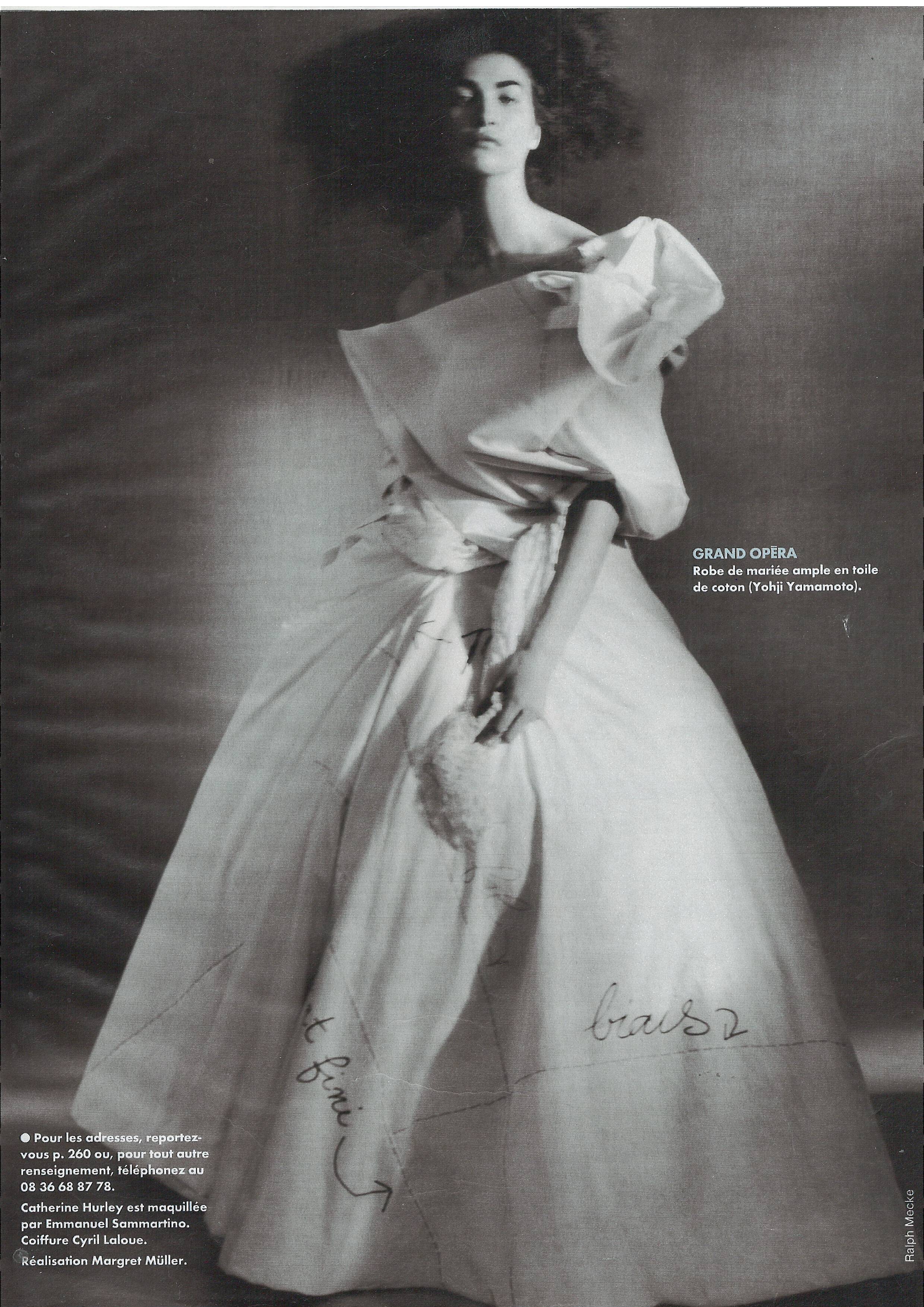
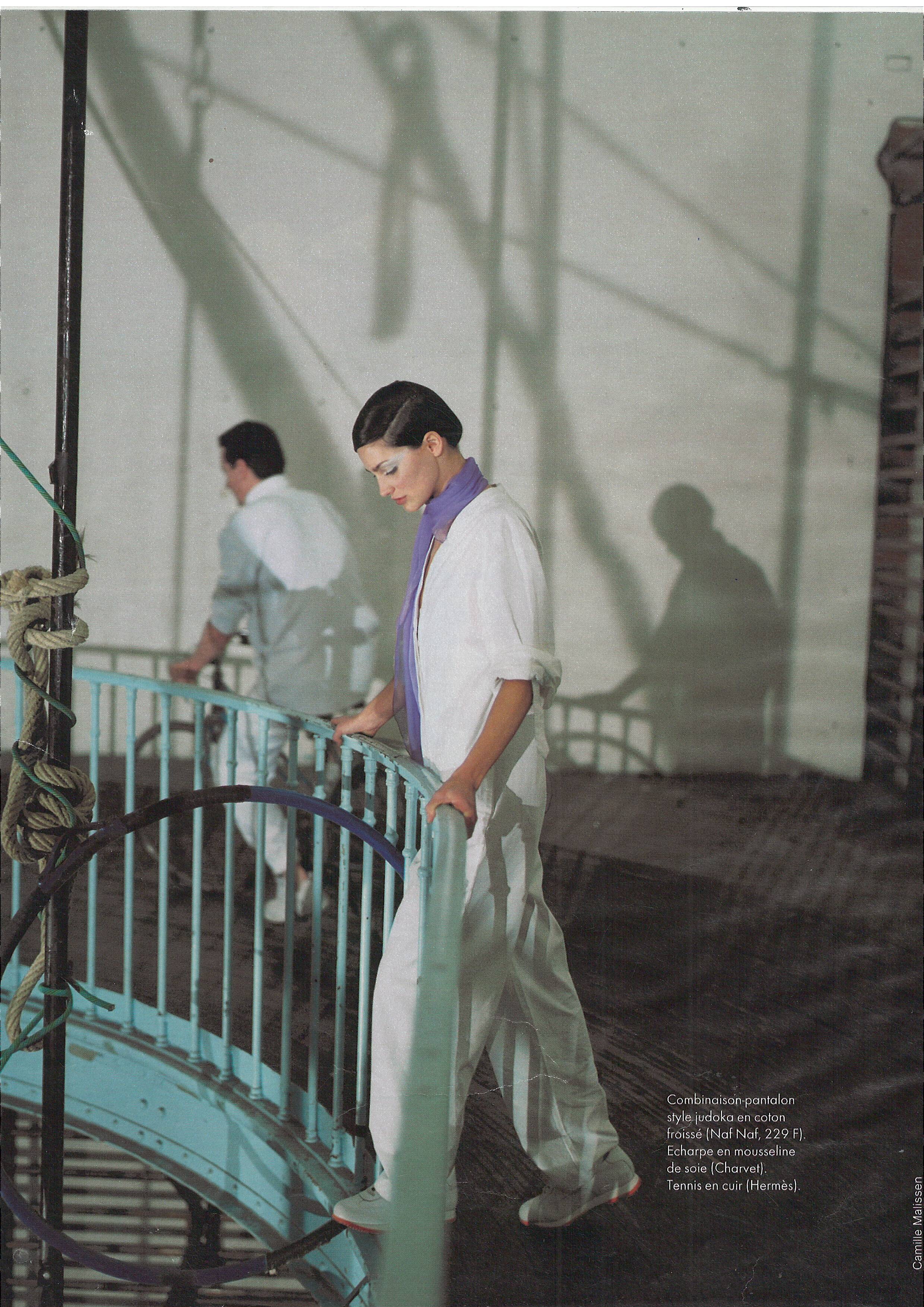
  19. Madame figaro France 20 February 1999 Scanned by me
  20. Appelrath Cupper Germany April 2019
  21. Paris match France April 2019

Configure browser push notifications

Chrome (Android)
  1. Tap the lock icon next to the address bar.
  2. Tap Permissions → Notifications.
  3. Adjust your preference.
Chrome (Desktop)
  1. Click the padlock icon in the address bar.
  2. Select Site settings.
  3. Find Notifications and adjust your preference.