
penny-dreaddfull
Members
-
Joined
-
Last visited
Everything posted by penny-dreaddfull
-
 omnifan @tfs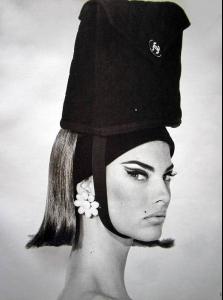
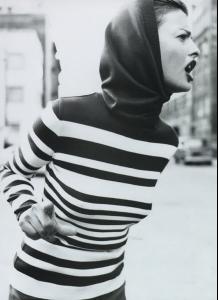
-
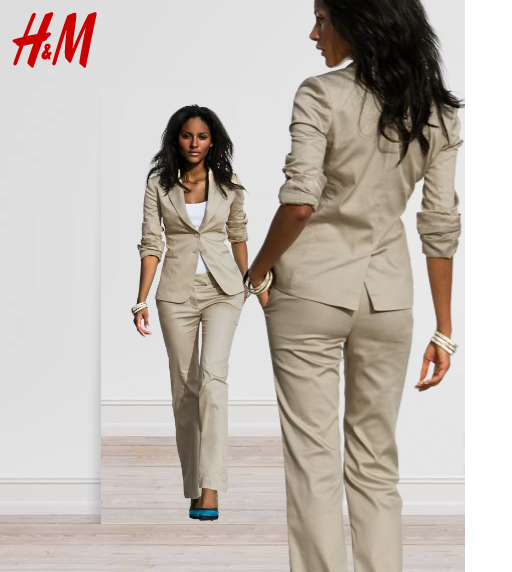
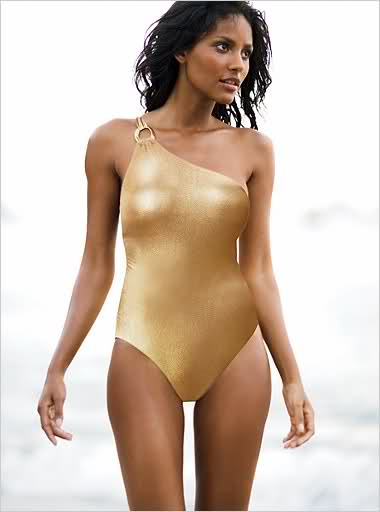
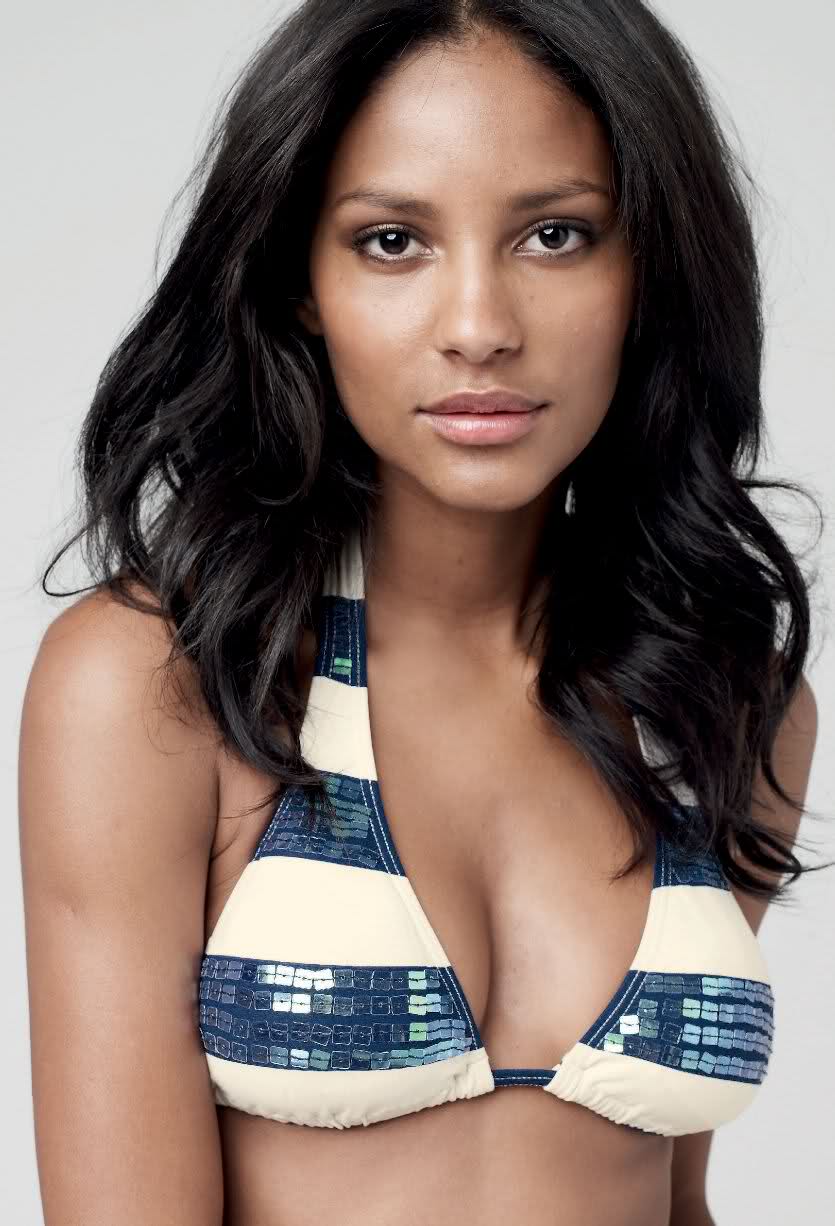
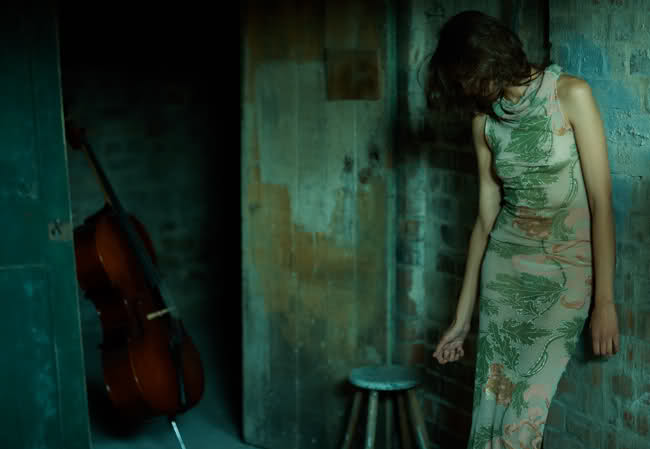
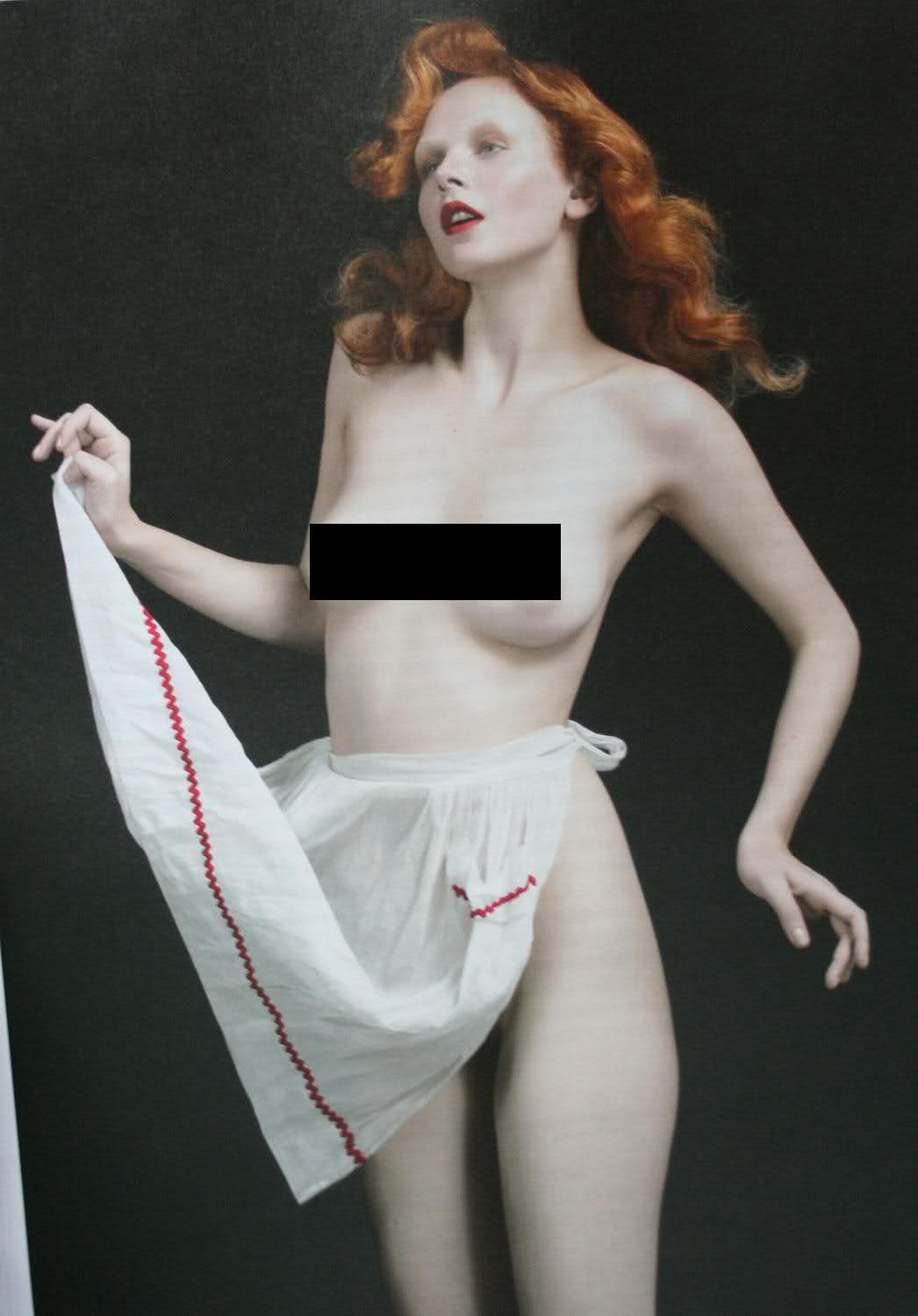
amazing stuff, everyone!!! tfs has a 90's model tribute thread i found 2 pics that i dont recall being posted and if they were, she looks so gorgeous, have another look omnifan posted all of these

-
all pics from tfs

-
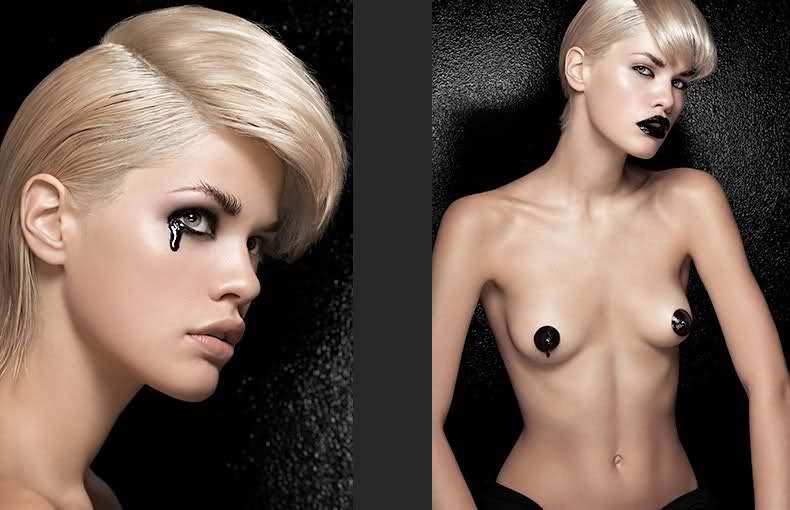
found these on tfs, [posted by leuzus/leonardo oh my word
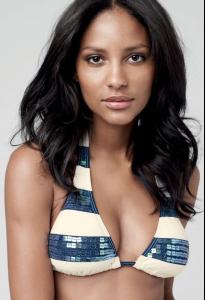 cintia
luv that D&G amazing color and texture and id DIE to have one of those belts i dont think they make in Xlarge, though ~pouts~ :rofl:
cintia
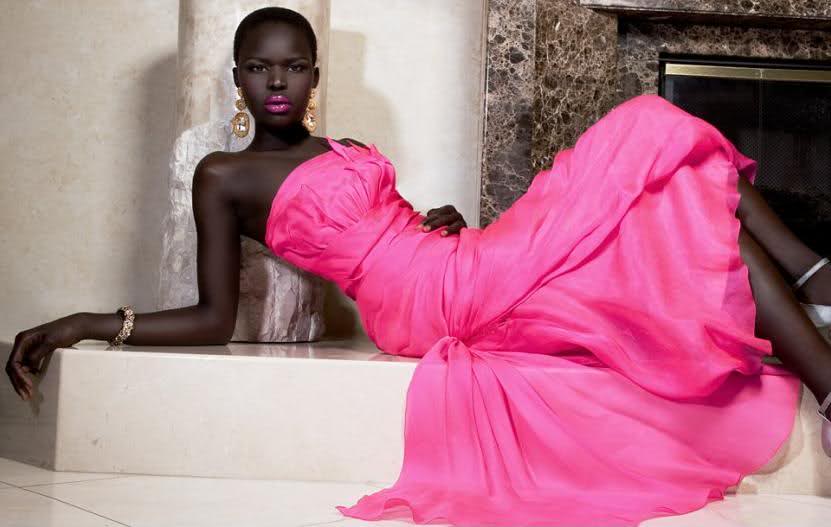
luv that D&G amazing color and texture and id DIE to have one of those belts i dont think they make in Xlarge, though ~pouts~ :rofl: this pic friggin RAWKS!!!!! this model is one of the girls who belongs to the janice dickinson agency ~rolls eyes~ she has a spectacular smile, and skin, and body..... and... and... lololol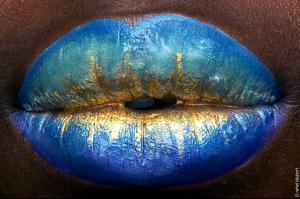
 reeyo!! youre back with a splash... those pics are gawgeous!!!! i like the fruit sharing pic someone did the boob bar for me
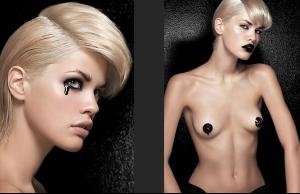 Honey,!!!! im home!!!!!
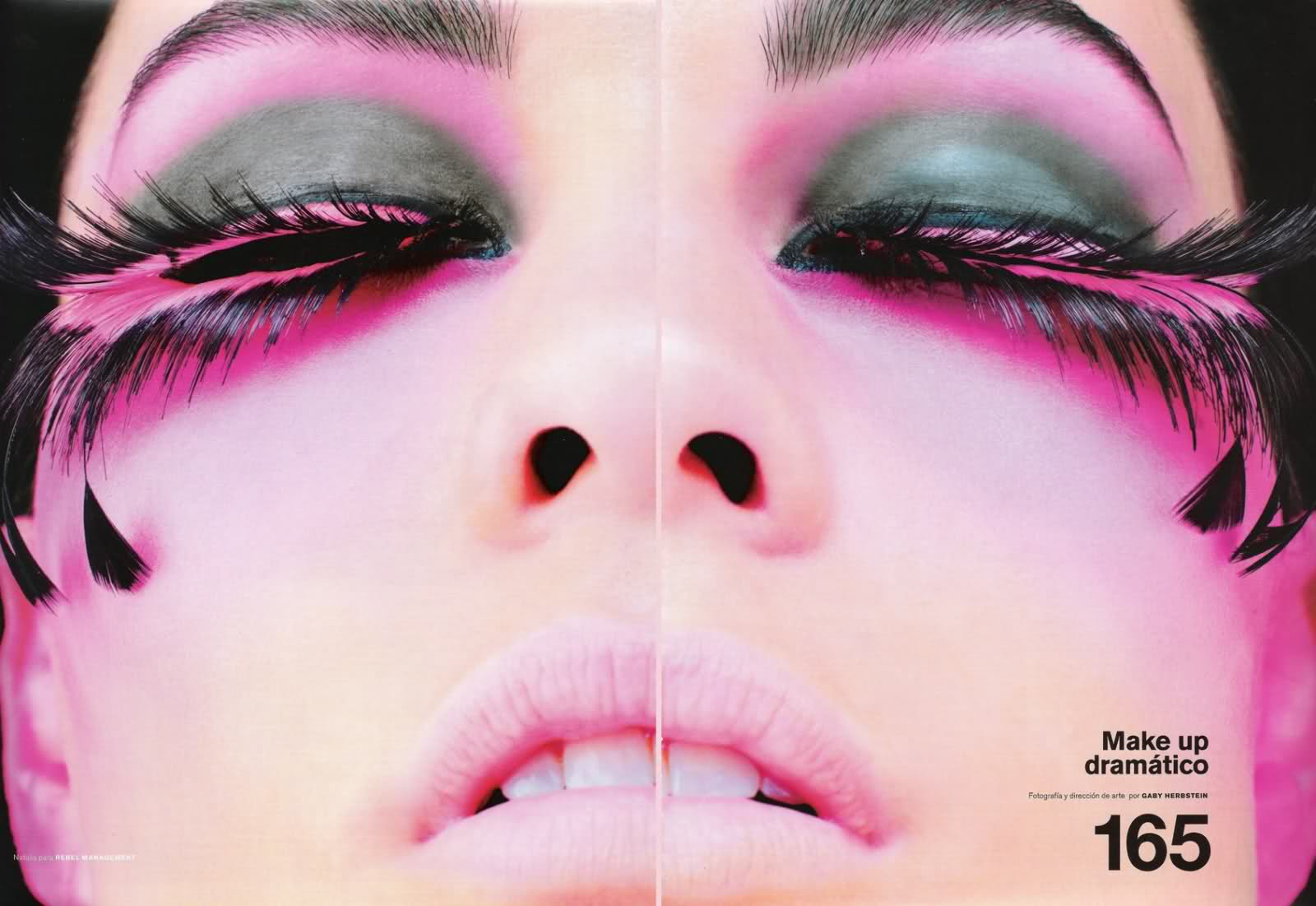
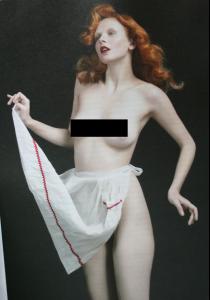 no wonder she seemed so familiar i like ai t. ALOT kokobonbon from bwgreyscale posted these amazing pics from dmode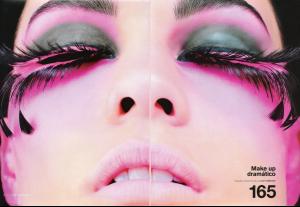
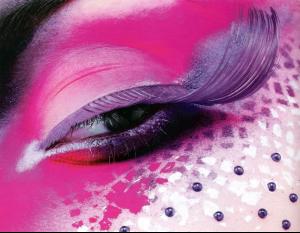
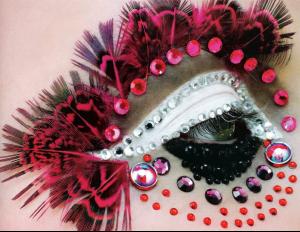 hey reeyo~ i love3 that post
stange is my girl her style id soo funky fresh stange x3
its cuz great minds are in sync i was thinking fo9r a min that it was larissa bodarenko i actually dont remember anna bayle, ill have to look her up peter always made the girls look divine
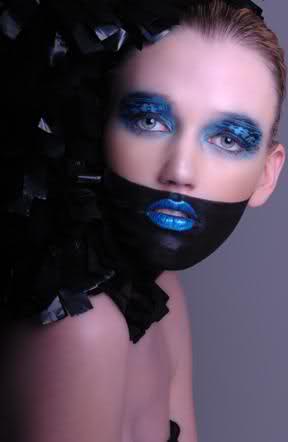
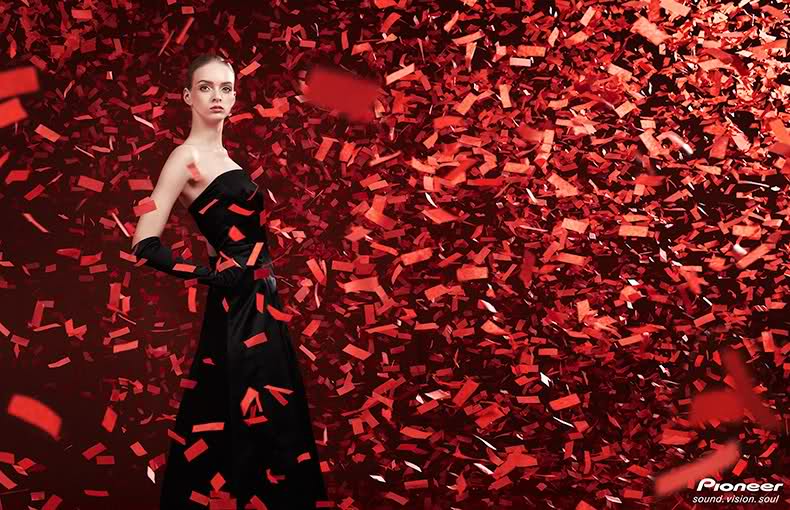
wow!! amazing stuff. the bazaar cover :hell yea!: all of the pics are gorgeous i have the pics with the colored stuff flying in her face, but i never knew it was her thanks for the good stuff!
az ........ wow is all i got im speechless we find out that god truly IS a dj :brows:
hey reeyo~ i love3 that post
stange is my girl her style id soo funky fresh stange x3
its cuz great minds are in sync i was thinking fo9r a min that it was larissa bodarenko i actually dont remember anna bayle, ill have to look her up peter always made the girls look divine
wow!! amazing stuff. the bazaar cover :hell yea!: all of the pics are gorgeous i have the pics with the colored stuff flying in her face, but i never knew it was her thanks for the good stuff!
az ........ wow is all i got im speechless we find out that god truly IS a dj :brows: sliver x5 that was THE only good scene in the whole flick




Account
Navigation
Search
Configure browser push notifications
Chrome (Android)
- Tap the lock icon next to the address bar.
- Tap Permissions → Notifications.
- Adjust your preference.
Chrome (Desktop)
- Click the padlock icon in the address bar.
- Select Site settings.
- Find Notifications and adjust your preference.
Safari (iOS 16.4+)
- Ensure the site is installed via Add to Home Screen.
- Open Settings App → Notifications.
- Find your app name and adjust your preference.
Safari (macOS)
- Go to Safari → Preferences.
- Click the Websites tab.
- Select Notifications in the sidebar.
- Find this website and adjust your preference.
Edge (Android)
- Tap the lock icon next to the address bar.
- Tap Permissions.
- Find Notifications and adjust your preference.
Edge (Desktop)
- Click the padlock icon in the address bar.
- Click Permissions for this site.
- Find Notifications and adjust your preference.
Firefox (Android)
- Go to Settings → Site permissions.
- Tap Notifications.
- Find this site in the list and adjust your preference.
Firefox (Desktop)
- Open Firefox Settings.
- Search for Notifications.
- Find this site in the list and adjust your preference.