

Matt!
Members
-
Joined
-
Last visited
Everything posted by Matt!
-

-
Tori Nicole Bass: Face: 4 Body: 3 Fandom: 4 Sindi Myftari: Face: 0 Body: 0 Fandom: 0 Audrey Thompson : Face: 6 Body: 4 Fandom: 5 Marcela Braga: Face: 0 Body: 3 Fandom: 1
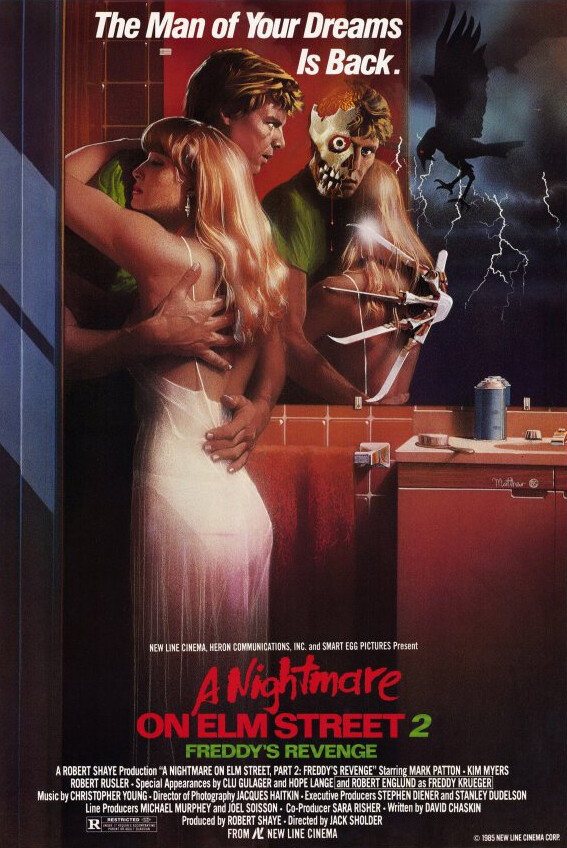
My God, this is one of the creepiest shows I've ever watched.
It's soo goooood. Two episodes in, can't wait to watch more!
This Dart guy is looking really solid.
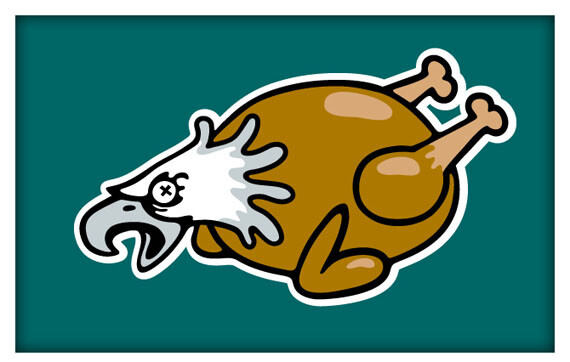
The Eagles just ran four straight tush pushes and finished with a tuddie 😭 😭
That’s a very Browns thing to do.
Madison Beer - Bittersweet (Official lyric video)
Where do I file for my 24 hours of emotional trauma compensation?
@PrettyDeadThings Looks like the information tab is missing from the front page. Are Hunkemöller posts still forbidden?
The first one was excellent; the rest were so bad that they nearly broke me.






 Jessica Felter: Face: 1 Body: 1 Fandom: 3 Mariia Arsentieva: Face: 0 Body: 2 Fandom: 0 Taylor Harvey: Face: 4 Body: 0 Fandom: 0 AJ McDonald: Face: 5 Body: 7 Fandom: 7
Kudos to the Jays, they’ve been fantastic in this series. Respect where it’s due.
Keep it one hundred, on the land, the sea, the sky, pledge allegiance to your hands, your team, your vibeees
Update: they're already showing up now
I Badrumsskåpet Med Kelly Gale | Eng sub
Jessica Felter: Face: 1 Body: 1 Fandom: 3 Mariia Arsentieva: Face: 0 Body: 2 Fandom: 0 Taylor Harvey: Face: 4 Body: 0 Fandom: 0 AJ McDonald: Face: 5 Body: 7 Fandom: 7
Kudos to the Jays, they’ve been fantastic in this series. Respect where it’s due.
Keep it one hundred, on the land, the sea, the sky, pledge allegiance to your hands, your team, your vibeees
Update: they're already showing up now
I Badrumsskåpet Med Kelly Gale | Eng sub
















Account
Search
Configure browser push notifications
Chrome (Android)
- Tap the lock icon next to the address bar.
- Tap Permissions → Notifications.
- Adjust your preference.
Chrome (Desktop)
- Click the padlock icon in the address bar.
- Select Site settings.
- Find Notifications and adjust your preference.
Safari (iOS 16.4+)
- Ensure the site is installed via Add to Home Screen.
- Open Settings App → Notifications.
- Find your app name and adjust your preference.
Safari (macOS)
- Go to Safari → Preferences.
- Click the Websites tab.
- Select Notifications in the sidebar.
- Find this website and adjust your preference.
Edge (Android)
- Tap the lock icon next to the address bar.
- Tap Permissions.
- Find Notifications and adjust your preference.
Edge (Desktop)
- Click the padlock icon in the address bar.
- Click Permissions for this site.
- Find Notifications and adjust your preference.
Firefox (Android)
- Go to Settings → Site permissions.
- Tap Notifications.
- Find this site in the list and adjust your preference.
Firefox (Desktop)
- Open Firefox Settings.
- Search for Notifications.
- Find this site in the list and adjust your preference.