Matt!
Members
-
Joined
-
Last visited
Everything posted by Matt!
-
 Ph. Pablo Bessa


 Not enough! I want another season...and a movie!
10/10 season and finale. *chef's kiss* EDIT: HBO if you're reading this, please give us season 2.
Not enough! I want another season...and a movie!
10/10 season and finale. *chef's kiss* EDIT: HBO if you're reading this, please give us season 2. Here we go again!
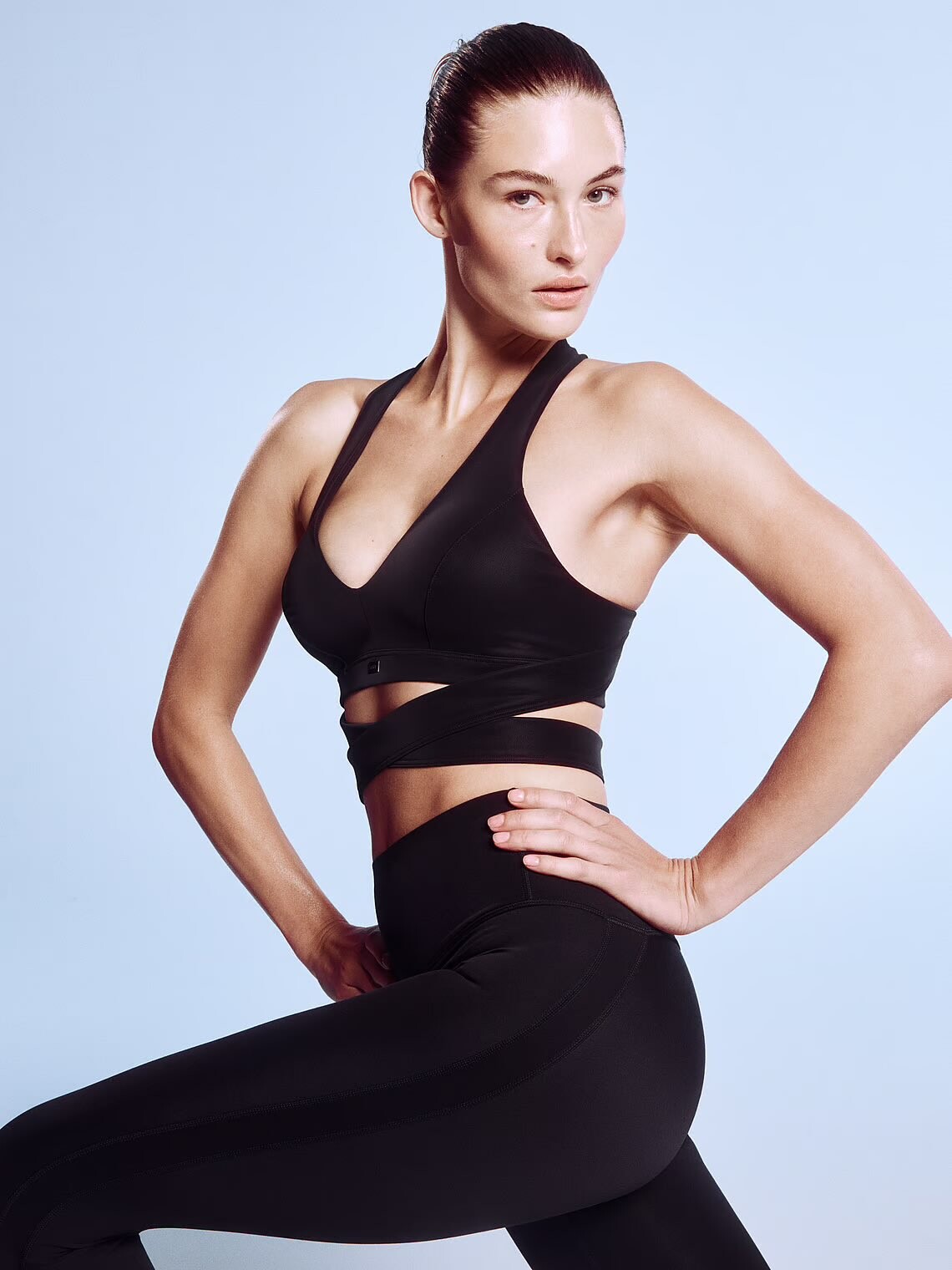
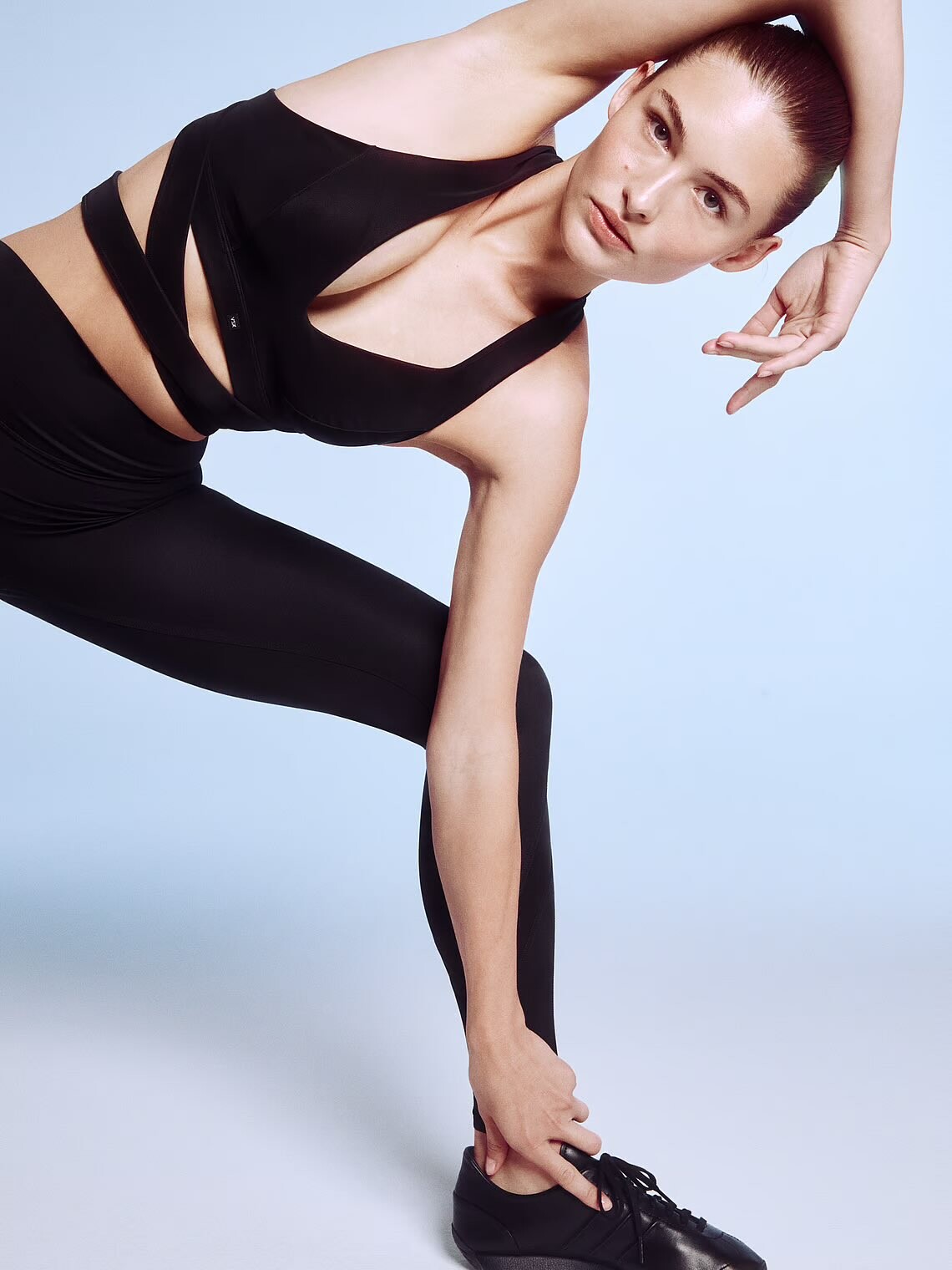
Victoria's Secret Sport
Here we go again!
Victoria's Secret Sport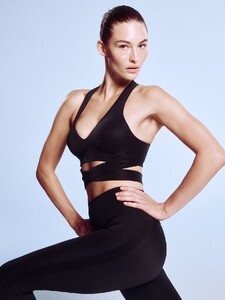
 If one party controls the oval office, senate and the house there will be very dark times ahead. The democracy is basically going to be dead. I understand that americans were looking for a change, but working and middle classes are not gonna love what happens next.
Account
Search
Configure browser push notifications
Chrome (Android)
- Tap the lock icon next to the address bar.
- Tap Permissions → Notifications.
- Adjust your preference.
Chrome (Desktop)
- Click the padlock icon in the address bar.
- Select Site settings.
- Find Notifications and adjust your preference.
Safari (iOS 16.4+)
- Ensure the site is installed via Add to Home Screen.
- Open Settings App → Notifications.
- Find your app name and adjust your preference.
Safari (macOS)
- Go to Safari → Preferences.
- Click the Websites tab.
- Select Notifications in the sidebar.
- Find this website and adjust your preference.
Edge (Android)
- Tap the lock icon next to the address bar.
- Tap Permissions.
- Find Notifications and adjust your preference.
Edge (Desktop)
- Click the padlock icon in the address bar.
- Click Permissions for this site.
- Find Notifications and adjust your preference.
Firefox (Android)
- Go to Settings → Site permissions.
- Tap Notifications.
- Find this site in the list and adjust your preference.
Firefox (Desktop)
- Open Firefox Settings.
- Search for Notifications.
- Find this site in the list and adjust your preference.