Matt!
Members
-
Joined
-
Last visited
Everything posted by Matt!
-

-
The movie was sooooo gooooooooooooood!
-
Ph. @justinvnyc






-
https://www.cnn.com/2024/12/20/media/elon-musk-afd-germany-politics-far-right/index.html In Germany The Alternative for Germany (AfD) is considered a neo-nazi party, so I wouldn't be so sure about it. Nevertheless its really f*** weird.
Ketamine-Elmo is at it again.
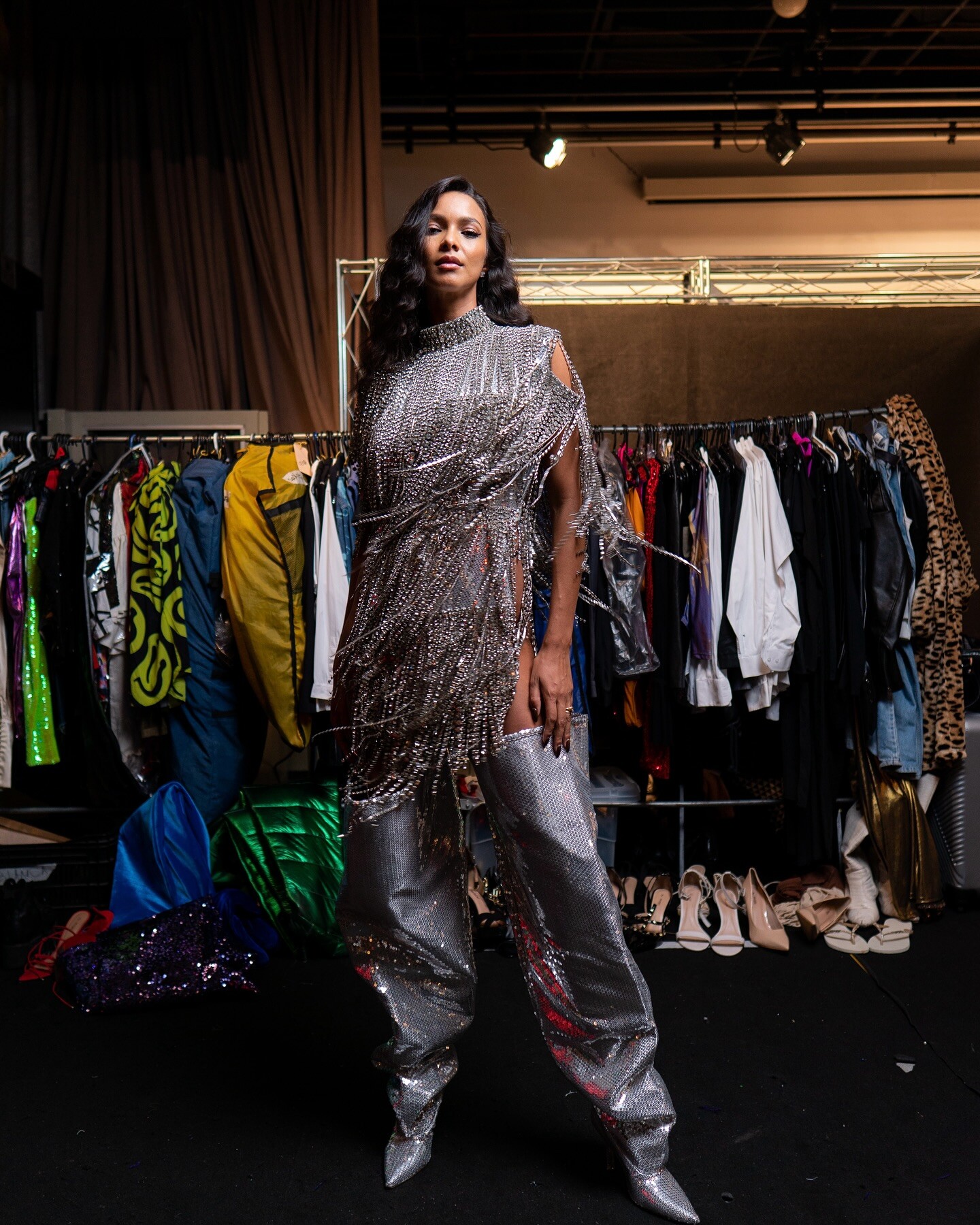
Born to Fashion













 No wonder the Luigi guy was pissed.
Also hired people to play games for him.
Closed Ph. Anna Daki
No wonder the Luigi guy was pissed.
Also hired people to play games for him.
Closed Ph. Anna Daki




 She started a YouTube channel? https://www.youtube.com/@raelorena
Bare Ones // Rose and Bare Ph. Megan Batson
She started a YouTube channel? https://www.youtube.com/@raelorena
Bare Ones // Rose and Bare Ph. Megan Batson



 Adore Me


Account
Search
Configure browser push notifications
Chrome (Android)
- Tap the lock icon next to the address bar.
- Tap Permissions → Notifications.
- Adjust your preference.
Chrome (Desktop)
- Click the padlock icon in the address bar.
- Select Site settings.
- Find Notifications and adjust your preference.
Safari (iOS 16.4+)
- Ensure the site is installed via Add to Home Screen.
- Open Settings App → Notifications.
- Find your app name and adjust your preference.
Safari (macOS)
- Go to Safari → Preferences.
- Click the Websites tab.
- Select Notifications in the sidebar.
- Find this website and adjust your preference.
Edge (Android)
- Tap the lock icon next to the address bar.
- Tap Permissions.
- Find Notifications and adjust your preference.
Edge (Desktop)
- Click the padlock icon in the address bar.
- Click Permissions for this site.
- Find Notifications and adjust your preference.
Firefox (Android)
- Go to Settings → Site permissions.
- Tap Notifications.
- Find this site in the list and adjust your preference.
Firefox (Desktop)
- Open Firefox Settings.
- Search for Notifications.
- Find this site in the list and adjust your preference.