

Calypso Angel
Members
-
Joined
-
Last visited
Everything posted by Calypso Angel
-
Chinese OVERSEAS TIDINGS 1993-01

-
Chinese OVERSEAS TIDINGS 1993-11

-
Chinese OVERSEAS DIGEST 1992/11

-
Chinese OVERSEAS DIGEST 1990, 1992, 1993



-
-
Chinese OVERSEAS DIGEST 1993/09

-
Chinese SHANGHAI FASHION, 1991

-
Chinese POPULAR TV magazine 1988

-
I dont remember posting this.. Chinese HEALTH 2002/08

-
Chinese TRENDS (COSMOPOLITAN) july-august 1996 with Svetlana Valuchko

-
Chinese TRENDS (COSMOPOLITAN) magazine july-august 1996
-
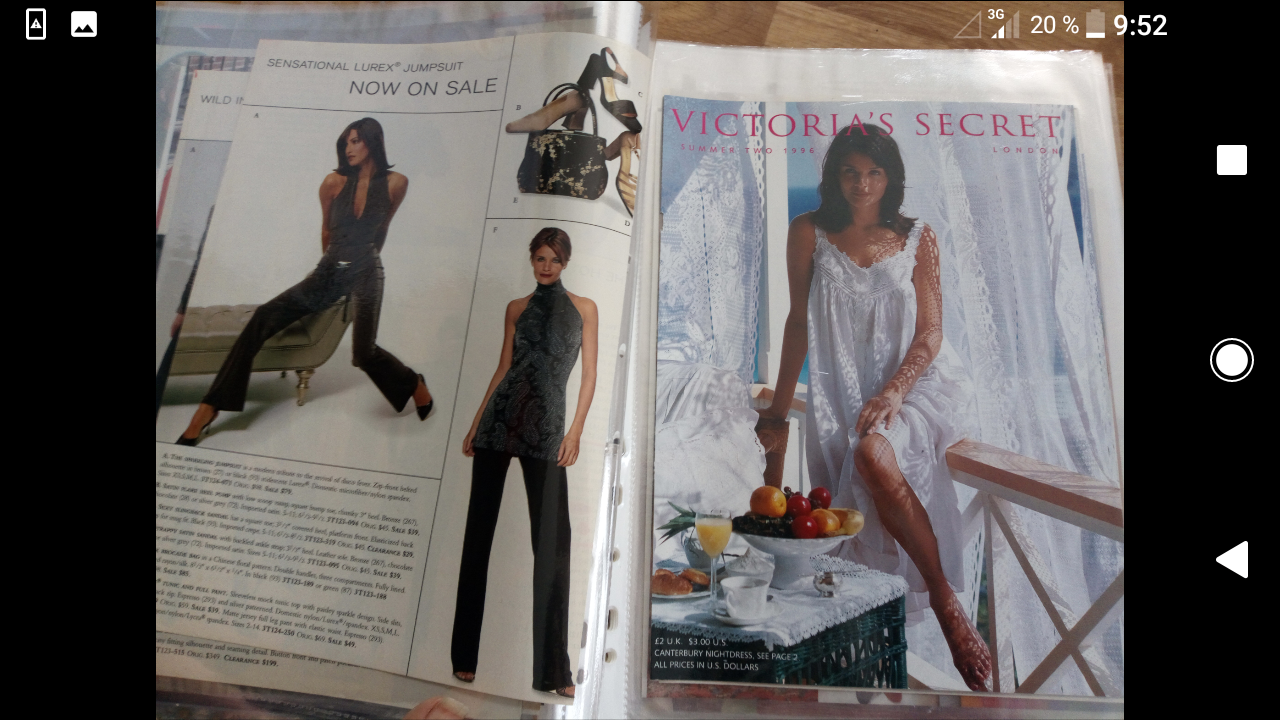
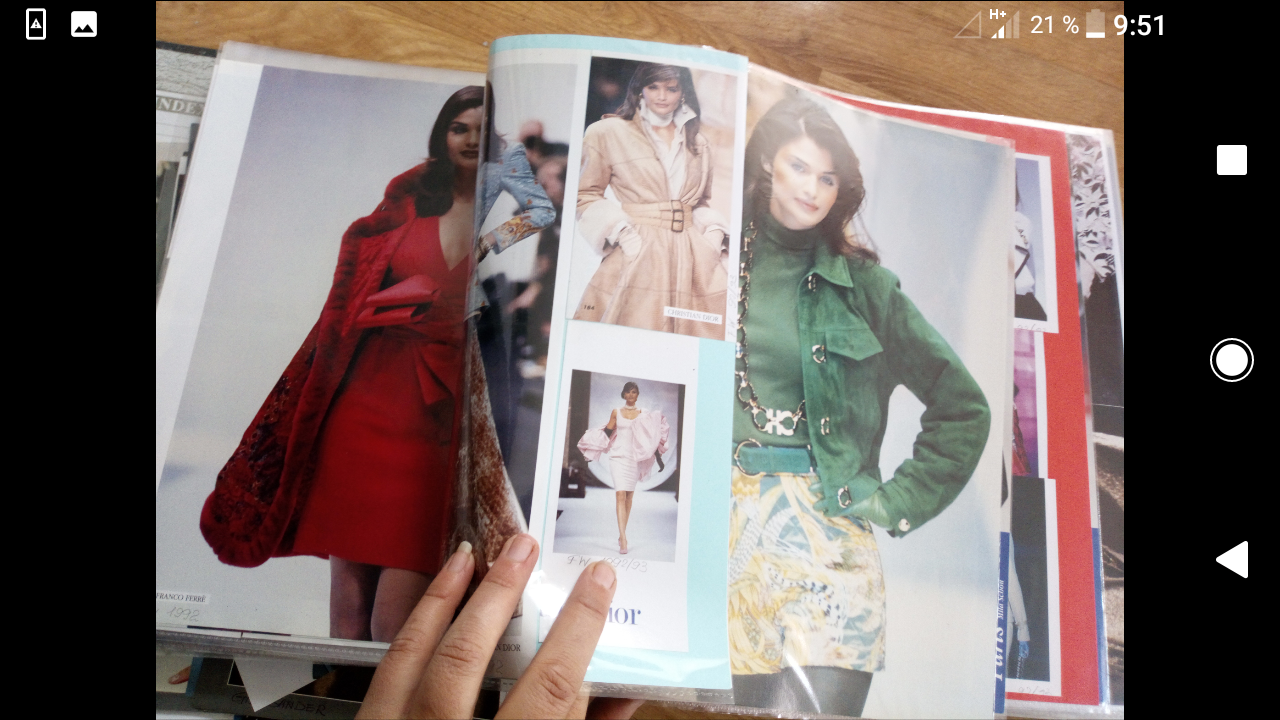
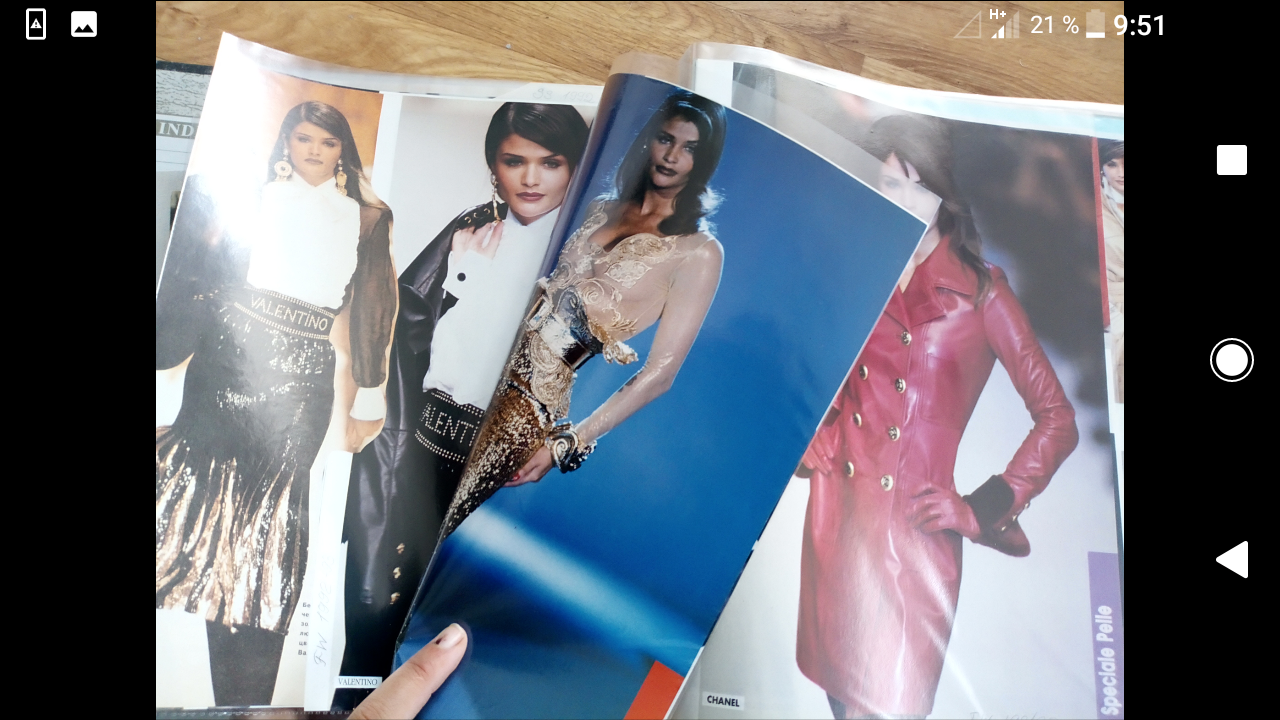
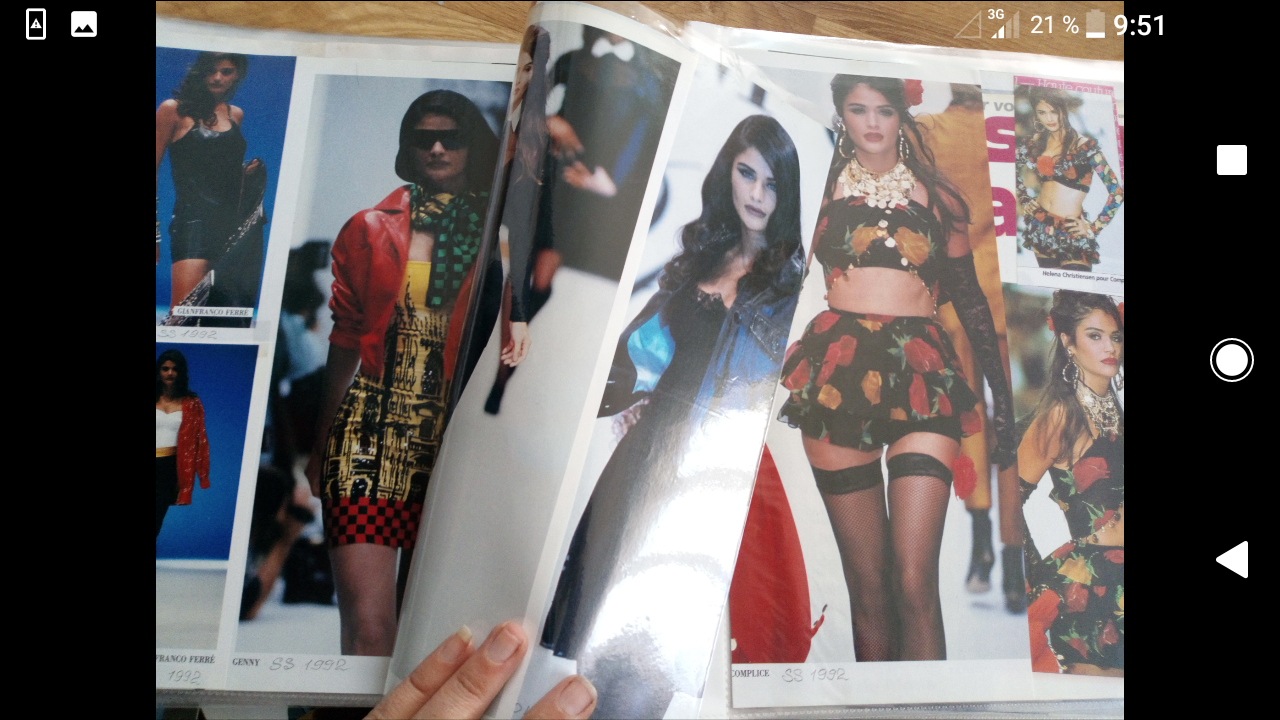
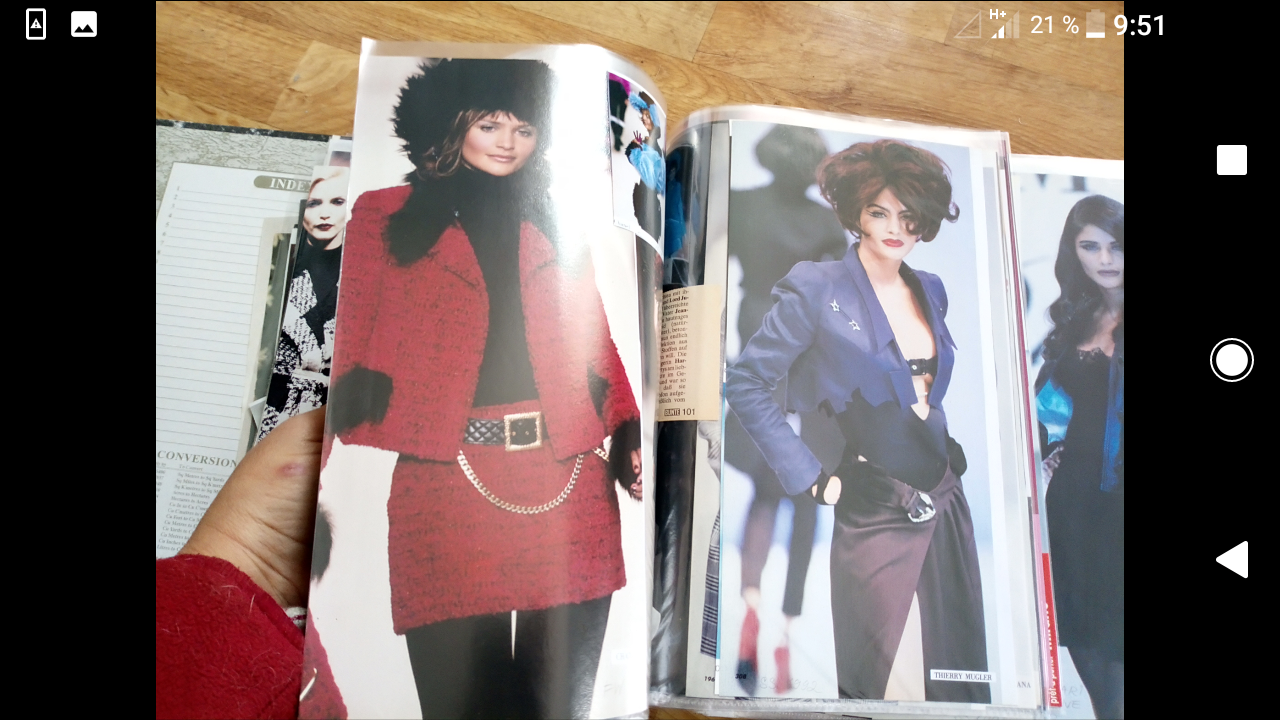
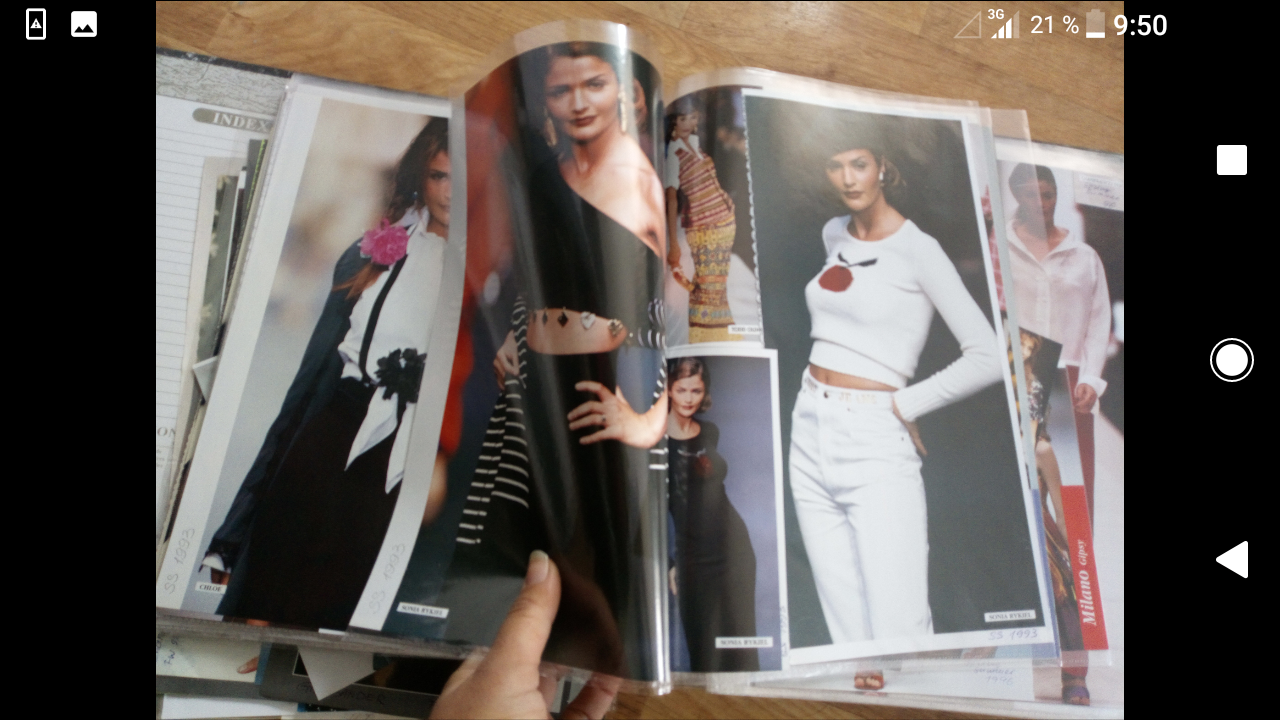
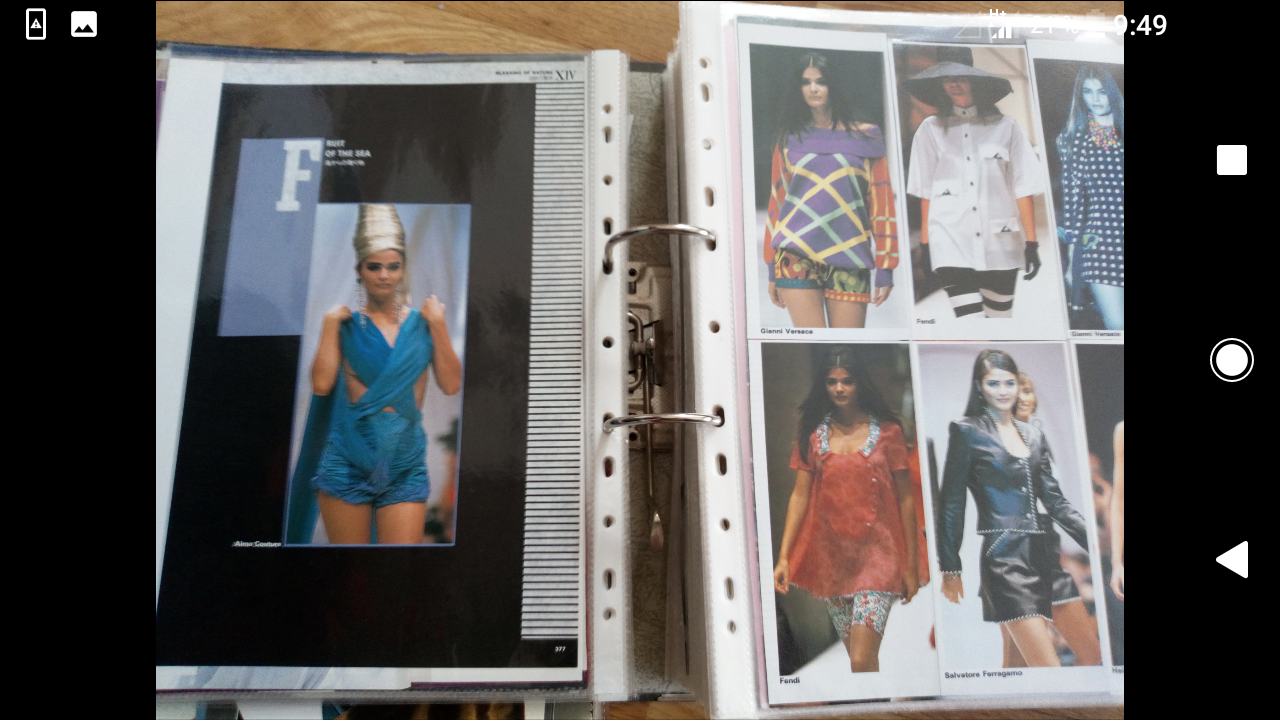
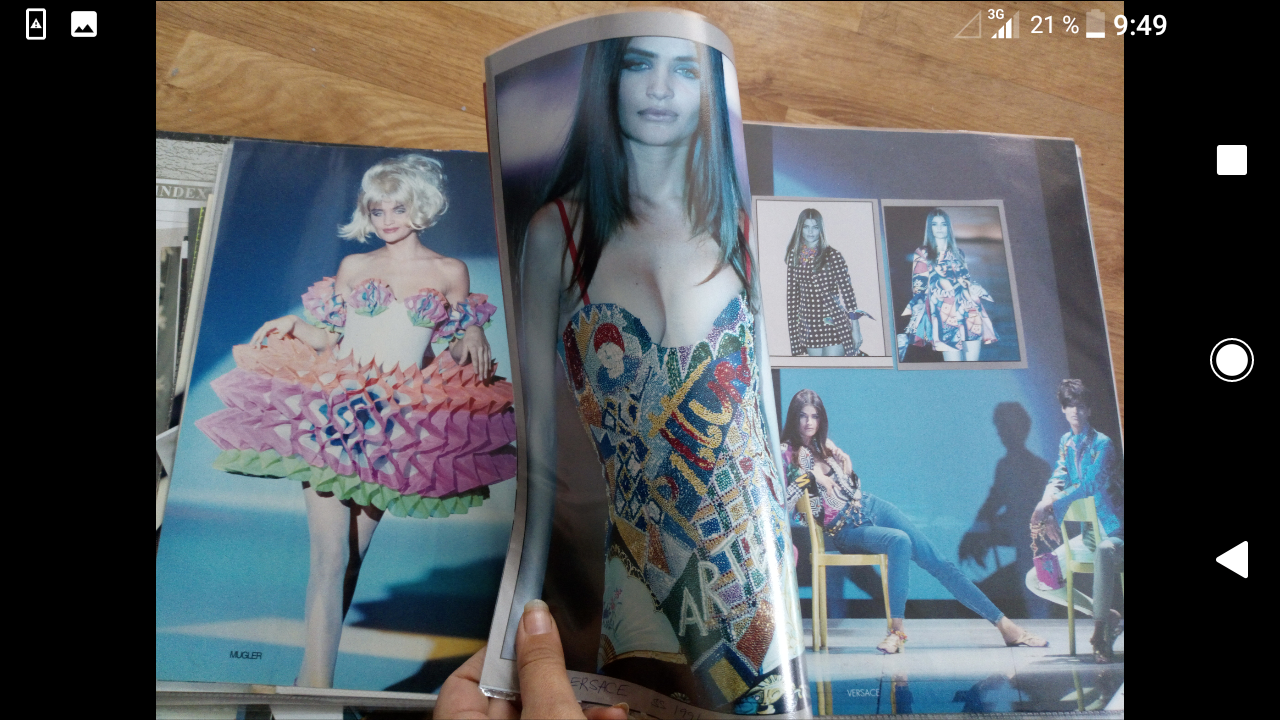
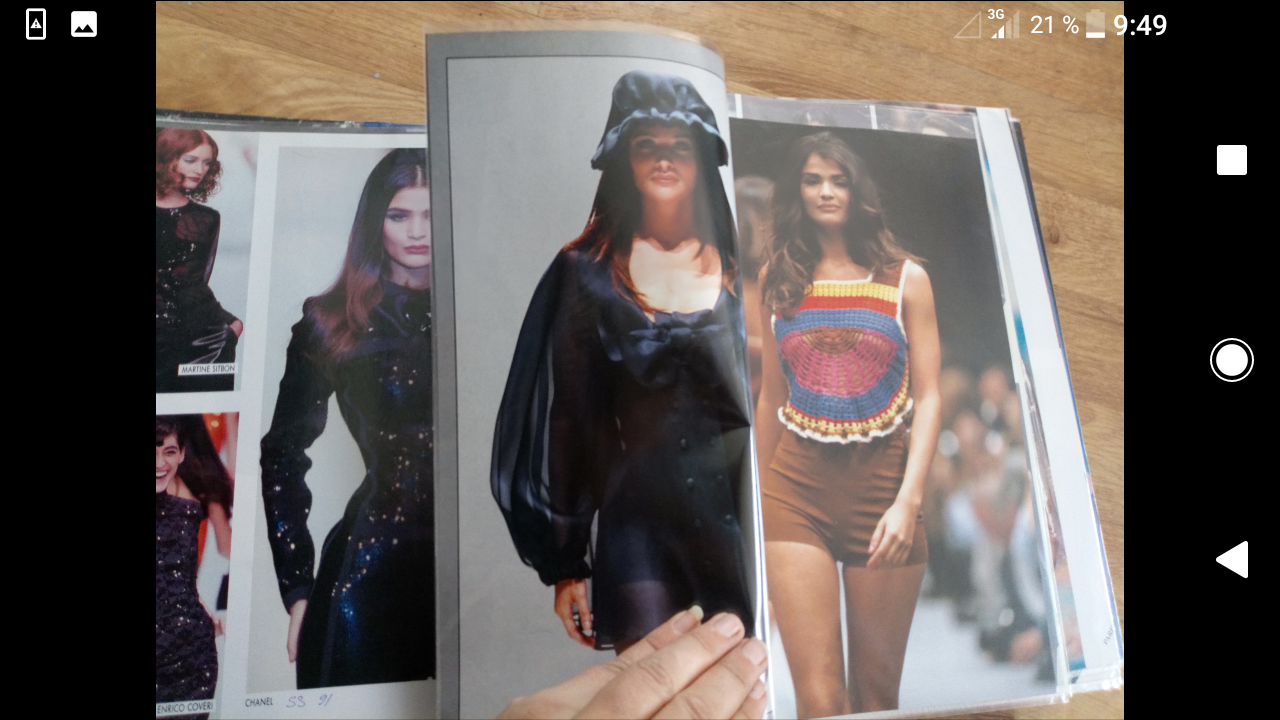
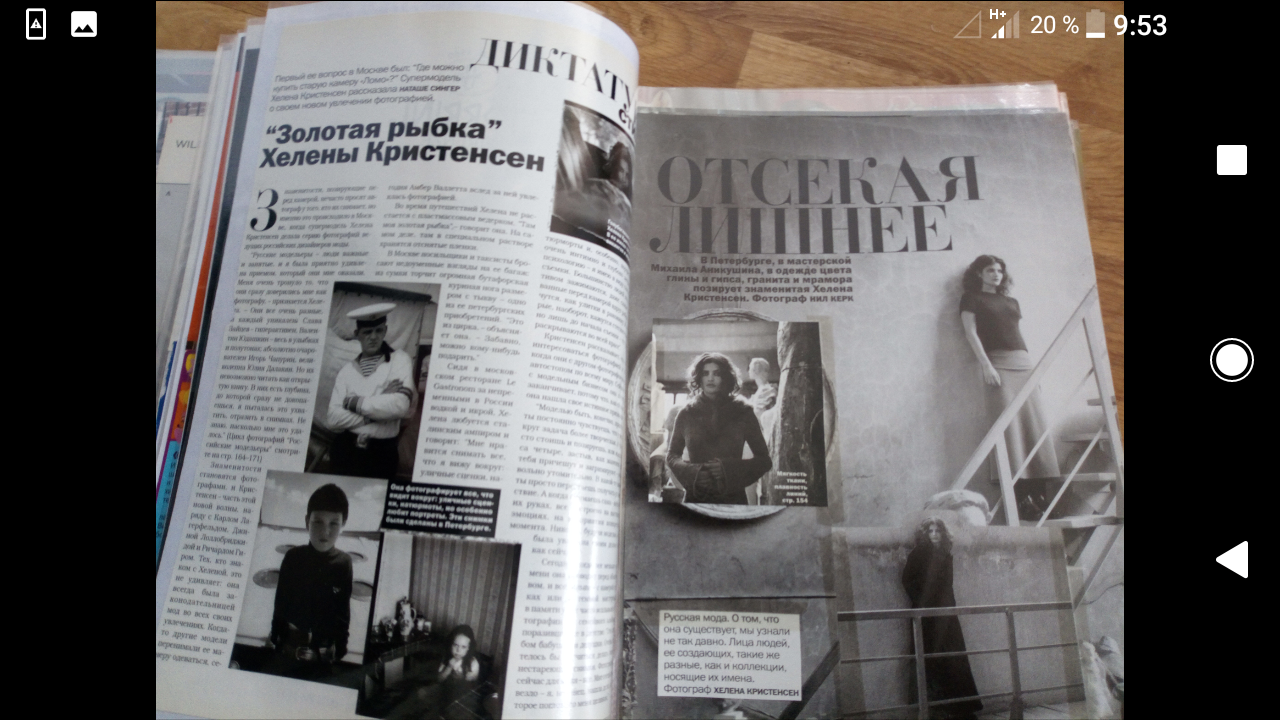
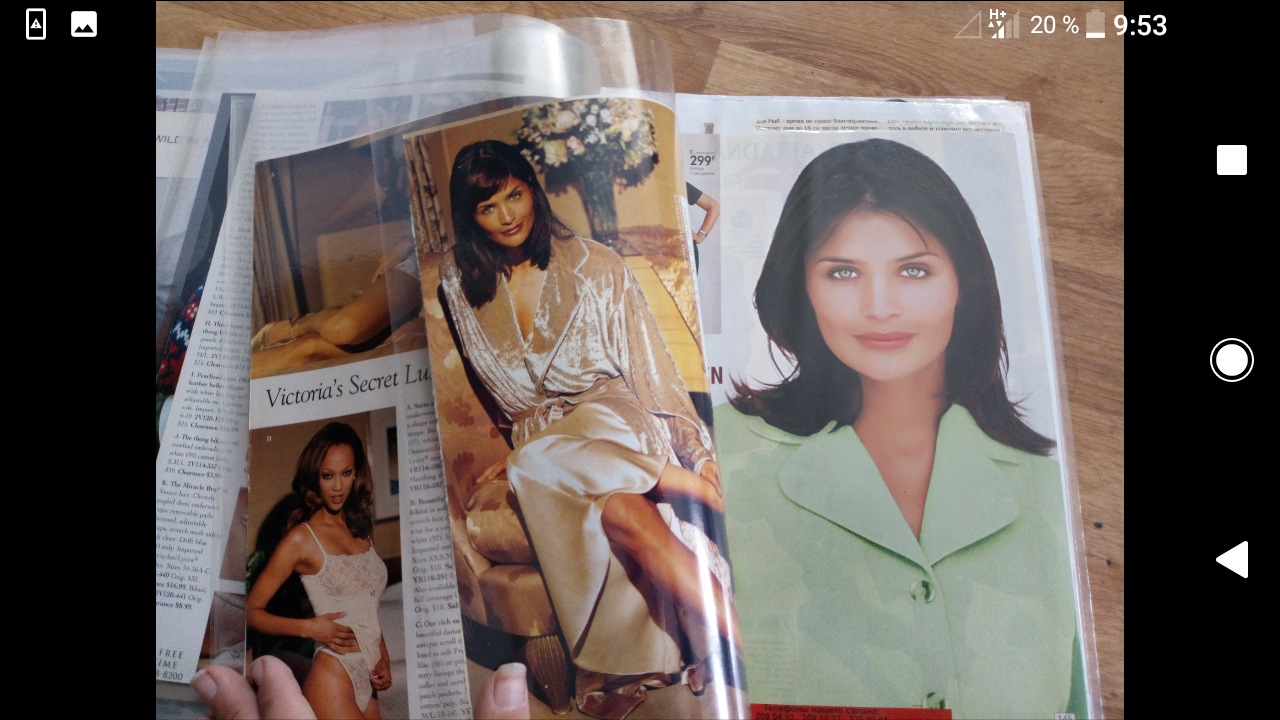
Selling my whole Helena collection. There's much more. For details message me.
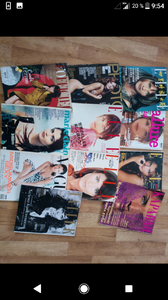
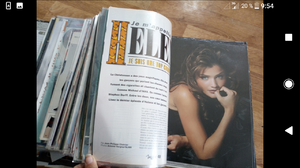
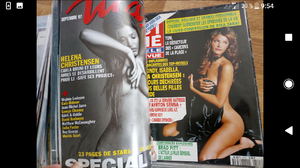

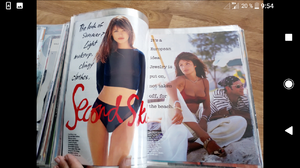
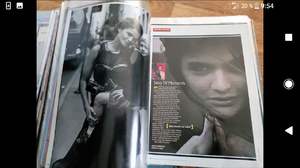
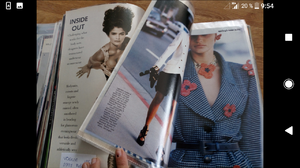
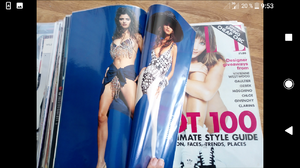

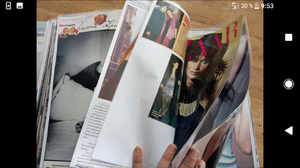
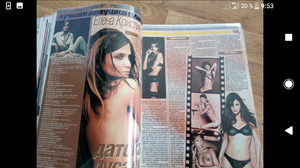
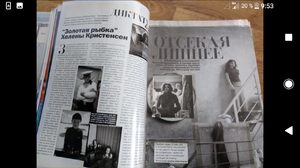




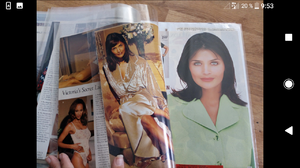 Brazilian NOVA COSMOPOLITAN special edition, 1990
 AIR FRANCE MADAME 1991
 HAS IT BEEN HERE ?
 German BUNTE
 German BUNTE 1995/05
 German BUNTE
 German BUNTE 1994, 1995
 German BUNTE 1994/09
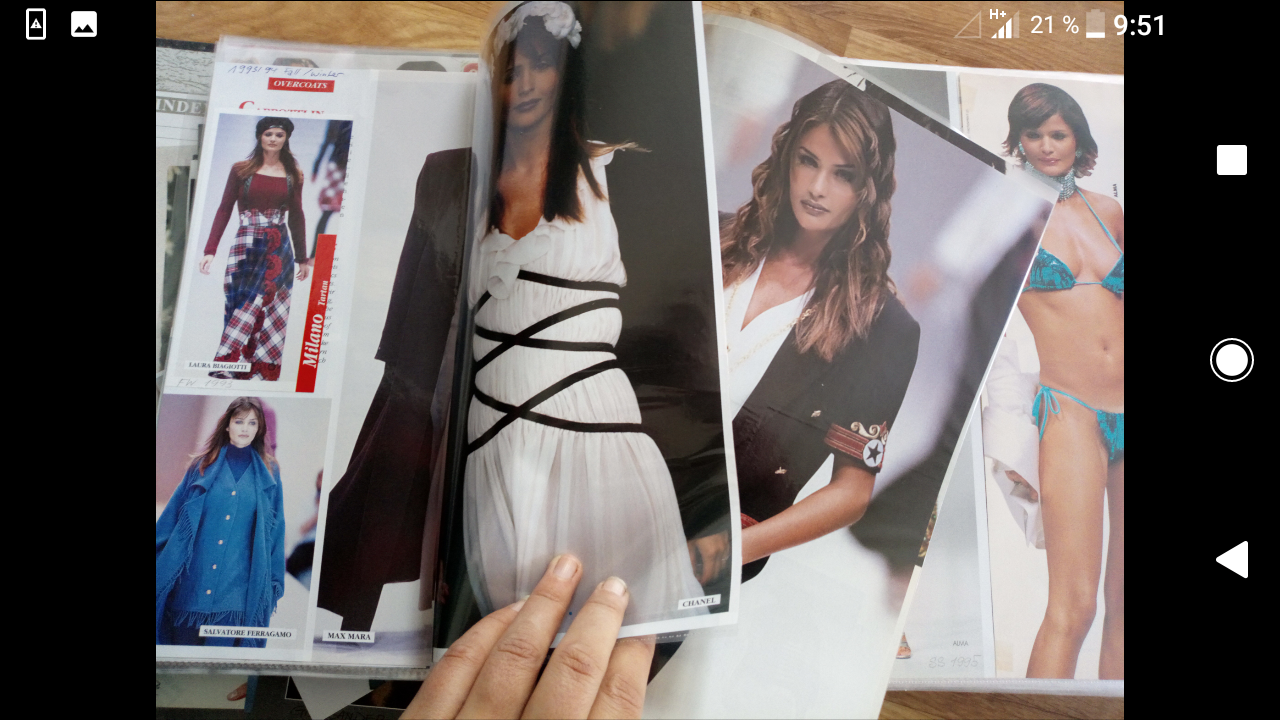
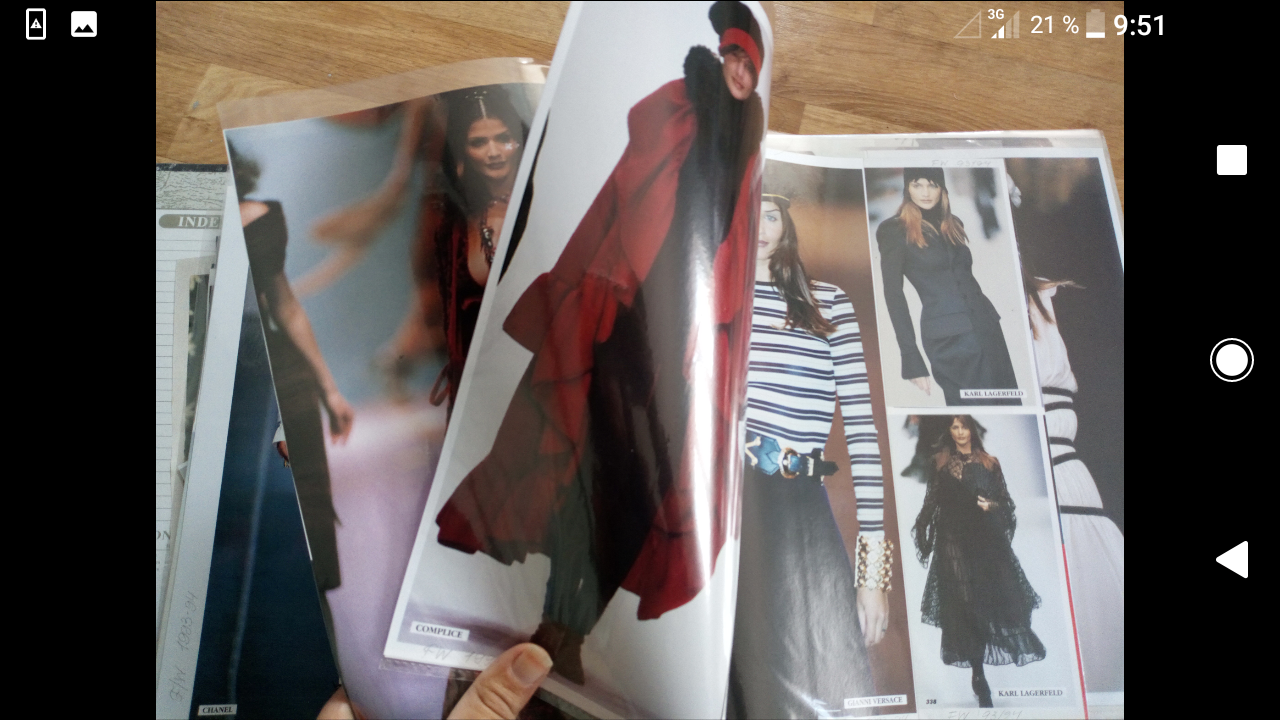
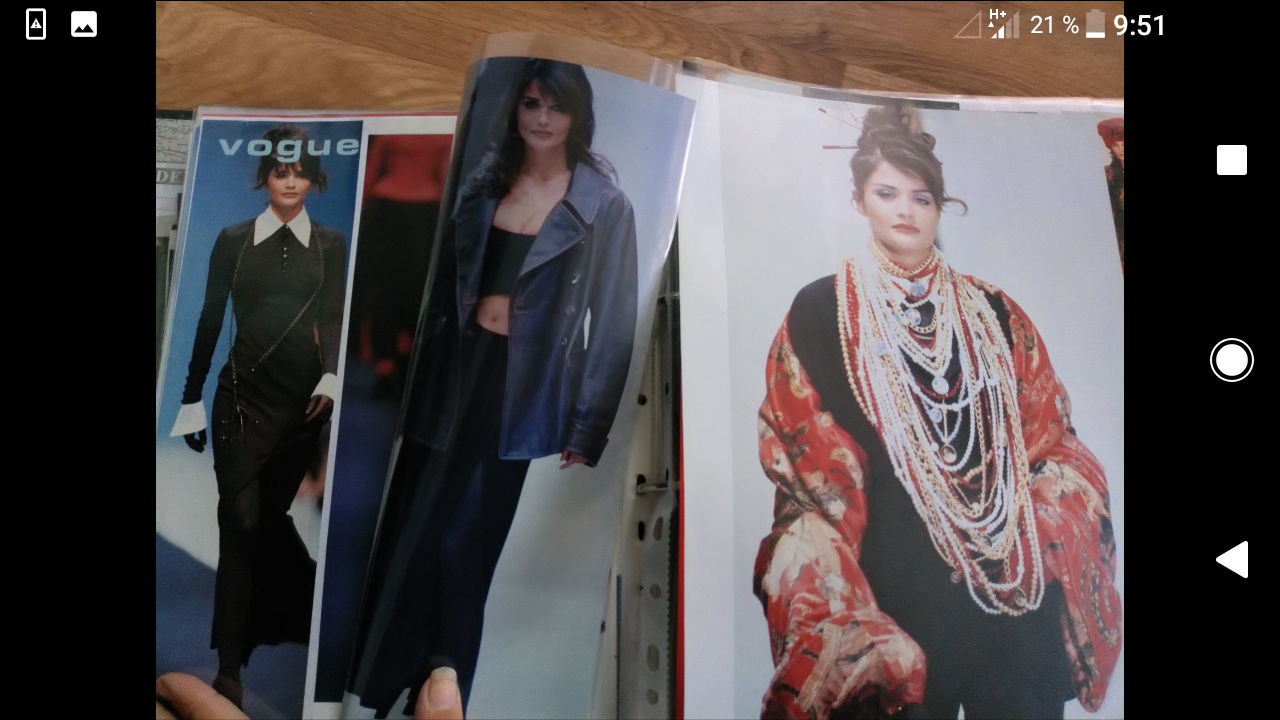
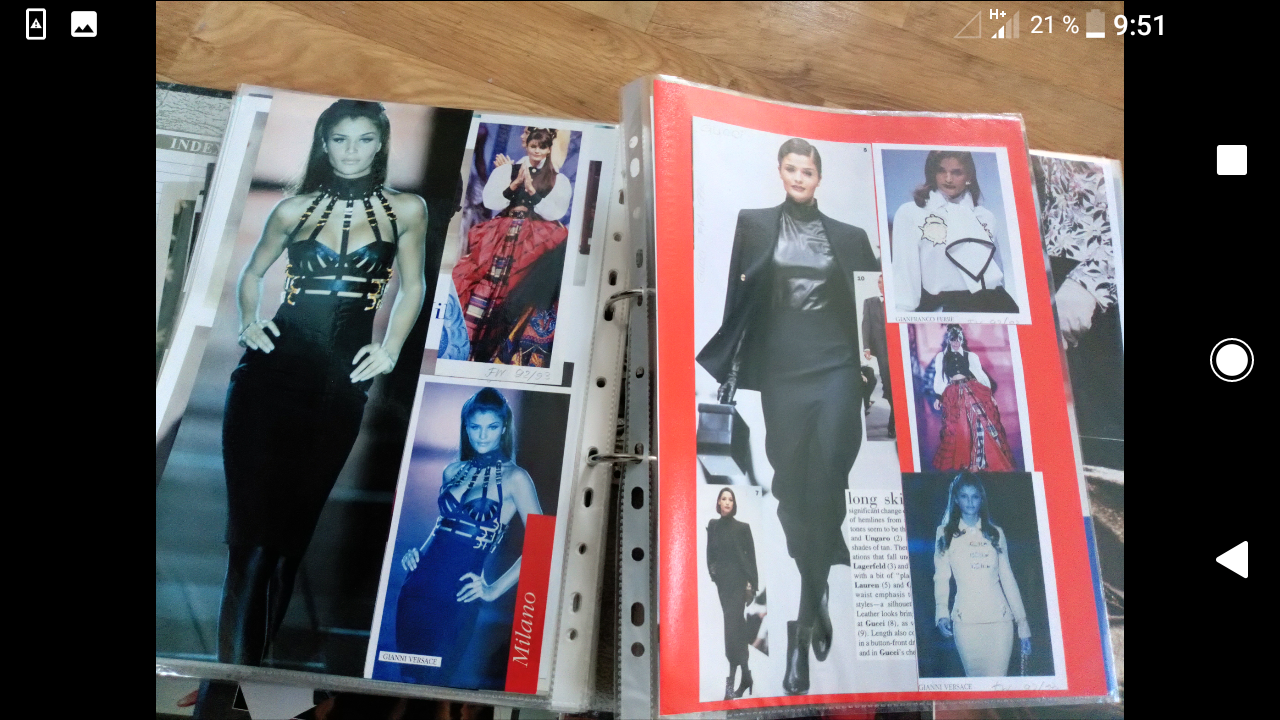
 dates are in the file name































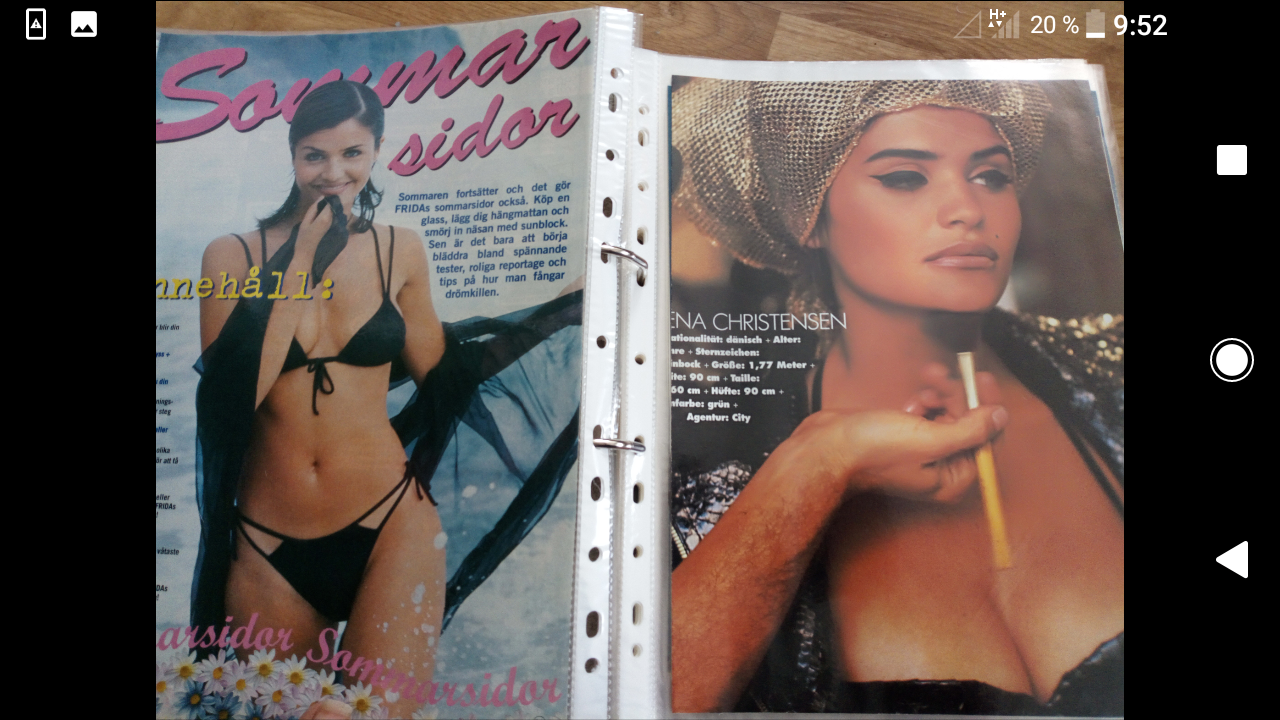
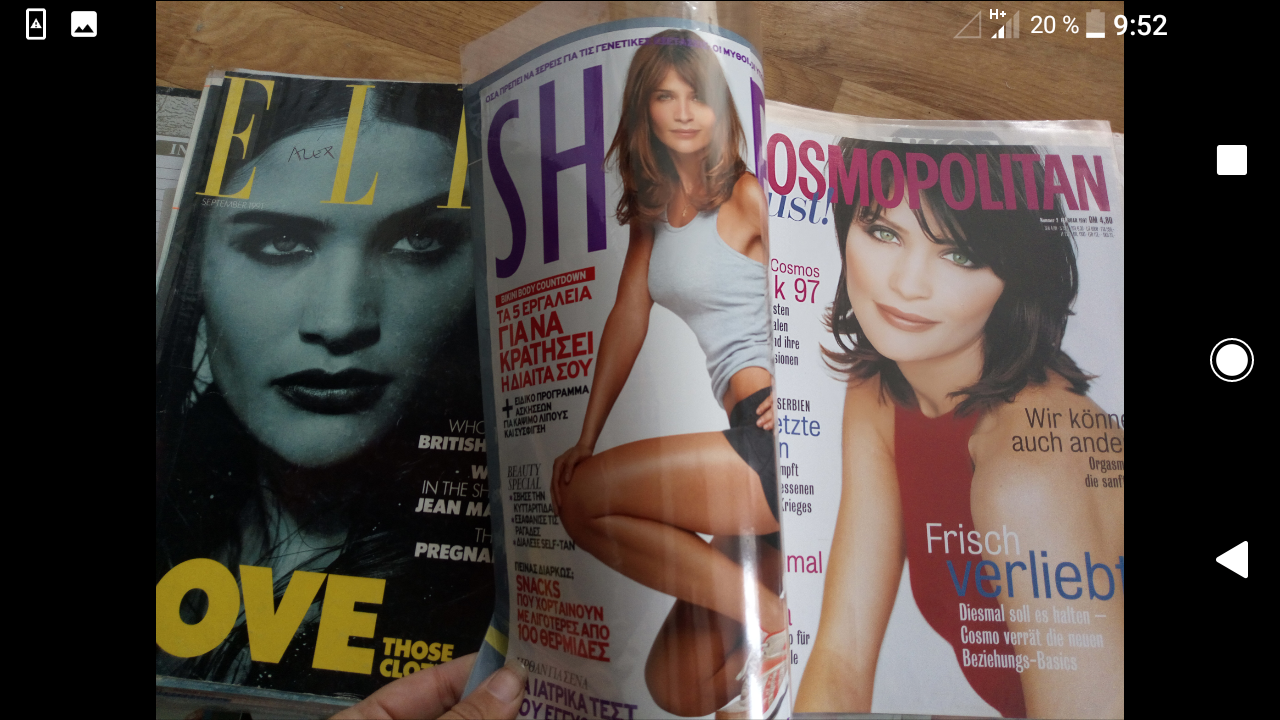


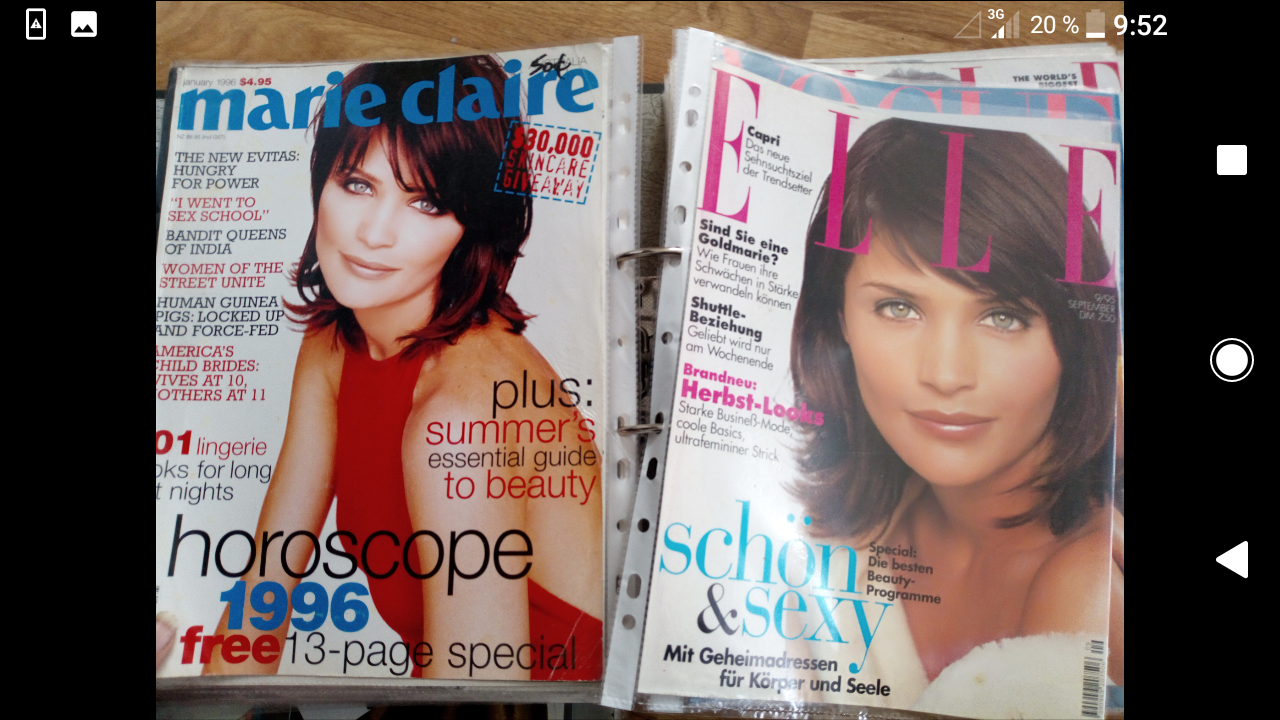

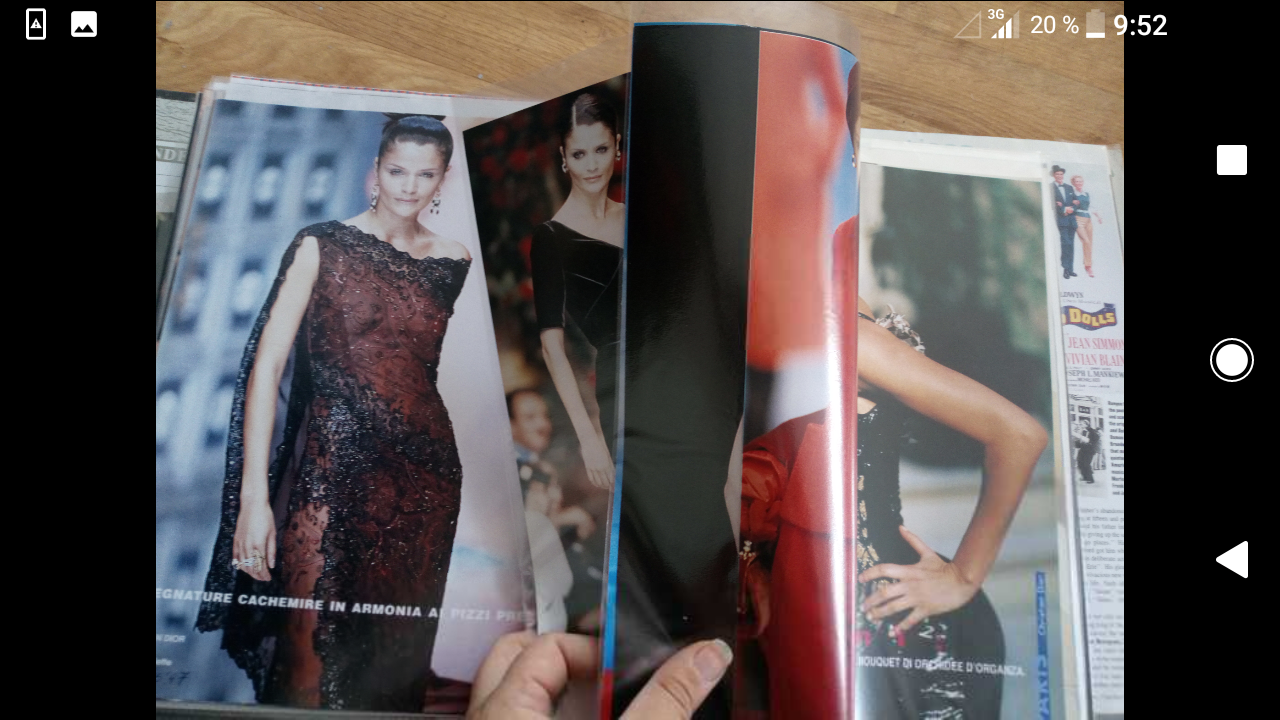











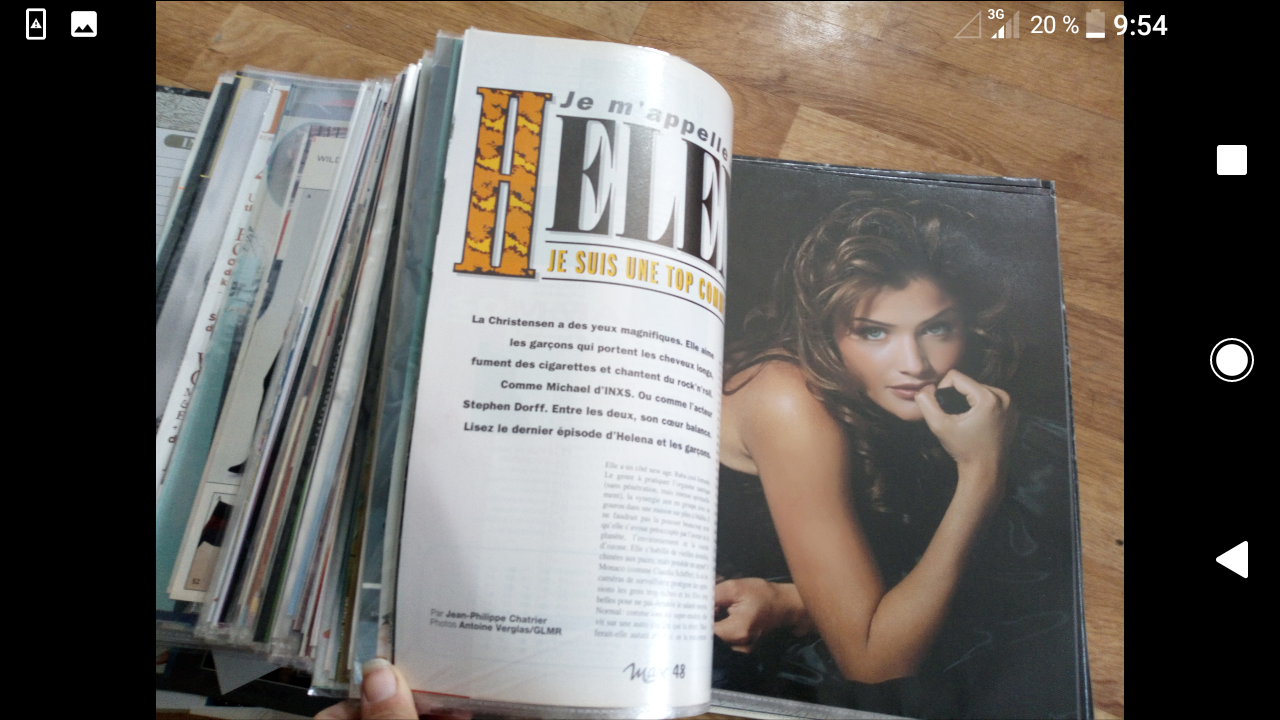



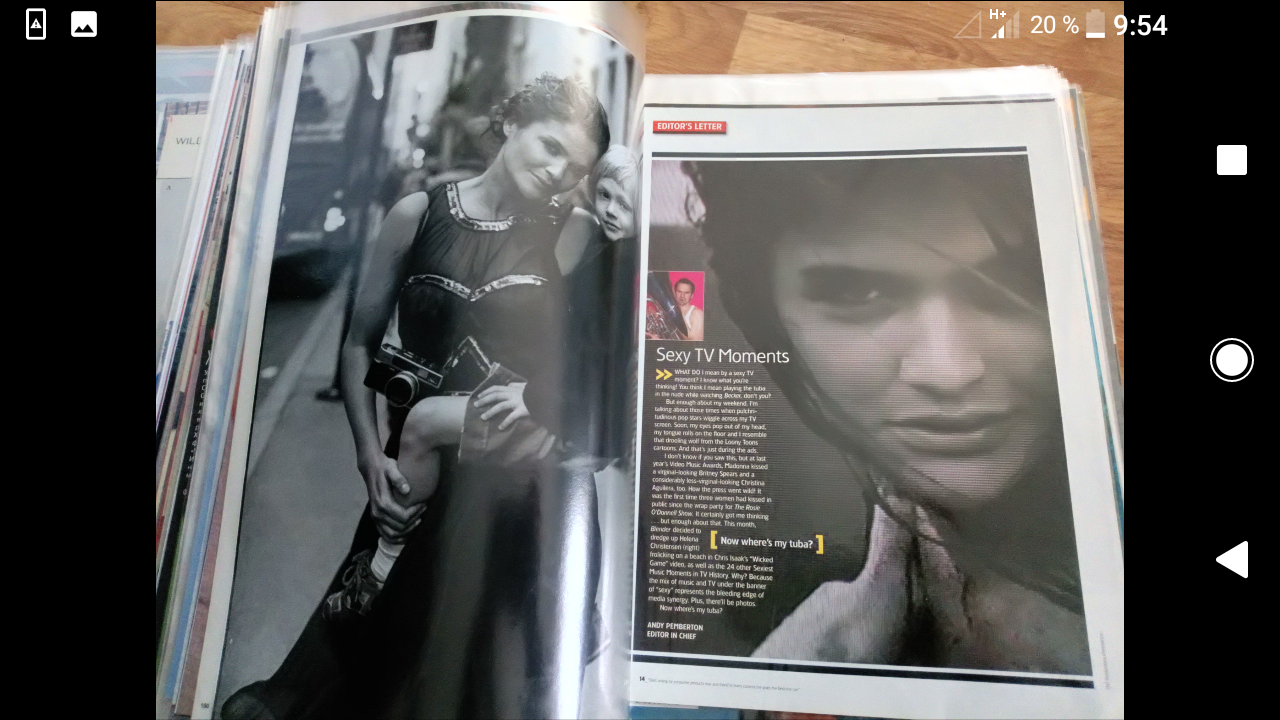
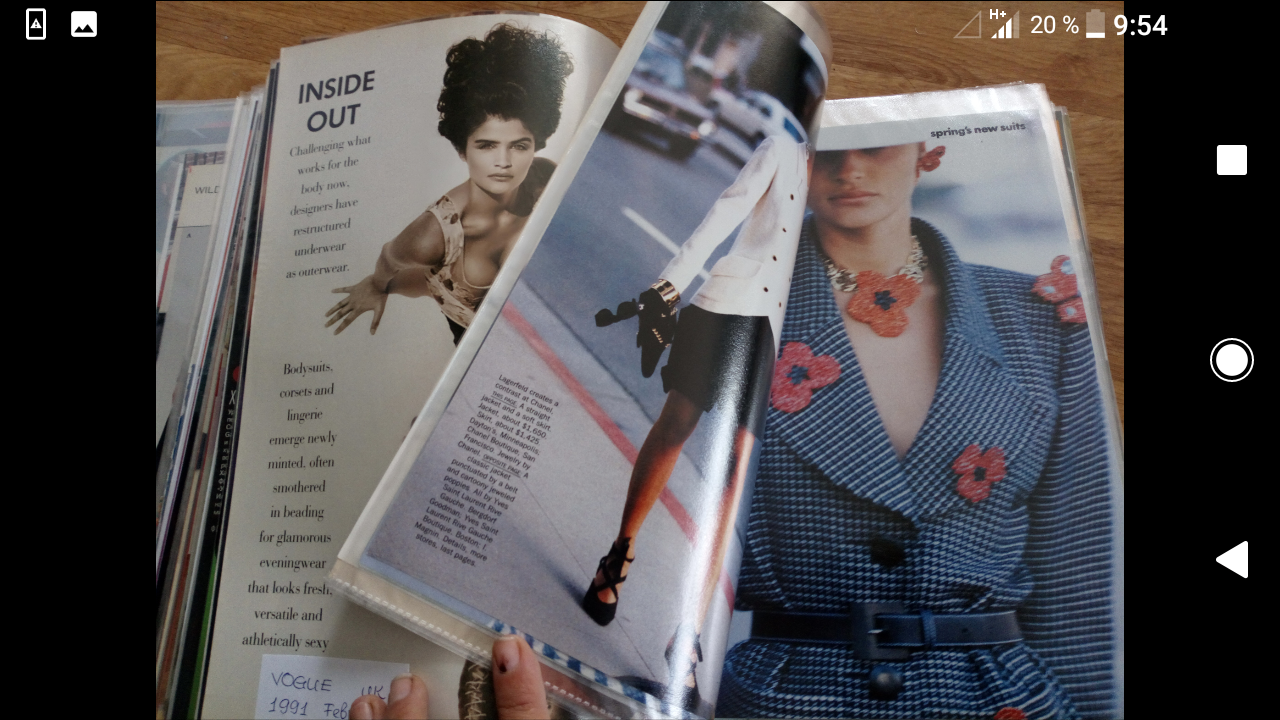


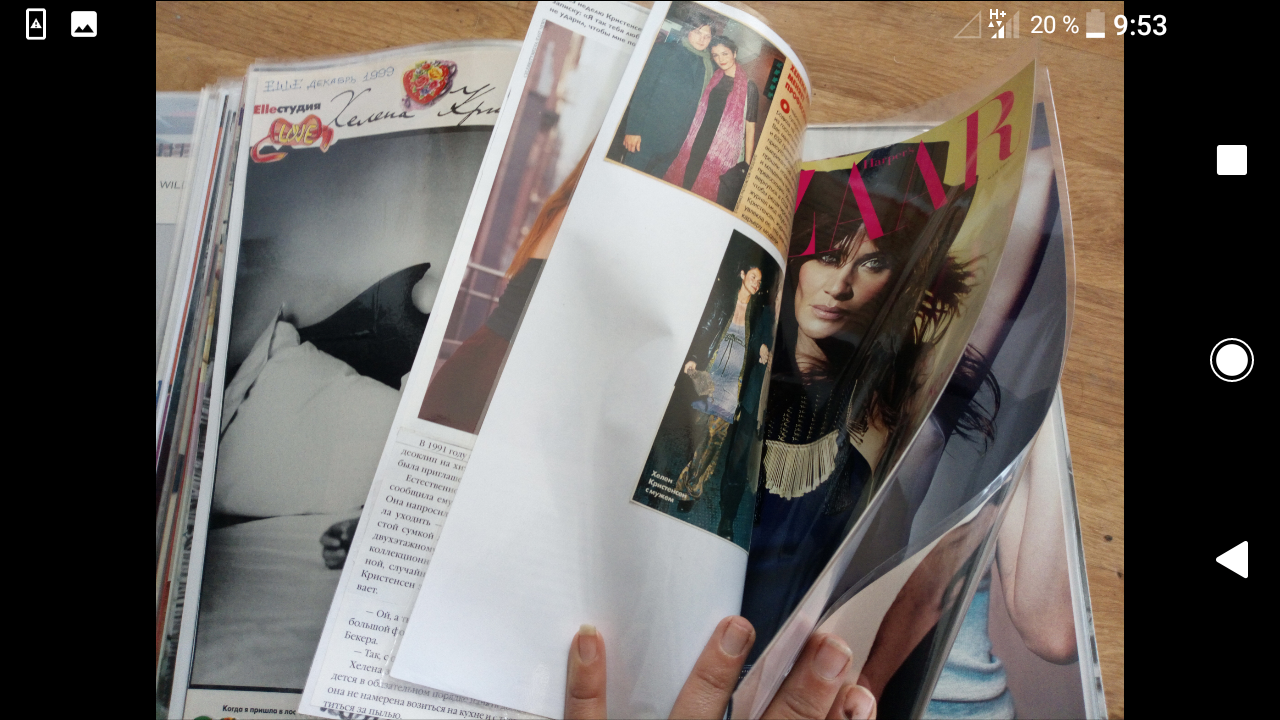



















































Account
Navigation
Search
Configure browser push notifications
Chrome (Android)
- Tap the lock icon next to the address bar.
- Tap Permissions → Notifications.
- Adjust your preference.
Chrome (Desktop)
- Click the padlock icon in the address bar.
- Select Site settings.
- Find Notifications and adjust your preference.
Safari (iOS 16.4+)
- Ensure the site is installed via Add to Home Screen.
- Open Settings App → Notifications.
- Find your app name and adjust your preference.
Safari (macOS)
- Go to Safari → Preferences.
- Click the Websites tab.
- Select Notifications in the sidebar.
- Find this website and adjust your preference.
Edge (Android)
- Tap the lock icon next to the address bar.
- Tap Permissions.
- Find Notifications and adjust your preference.
Edge (Desktop)
- Click the padlock icon in the address bar.
- Click Permissions for this site.
- Find Notifications and adjust your preference.
Firefox (Android)
- Go to Settings → Site permissions.
- Tap Notifications.
- Find this site in the list and adjust your preference.
Firefox (Desktop)
- Open Firefox Settings.
- Search for Notifications.
- Find this site in the list and adjust your preference.