
Doedel
Members
-
Joined
-
Last visited
Everything posted by Doedel
-
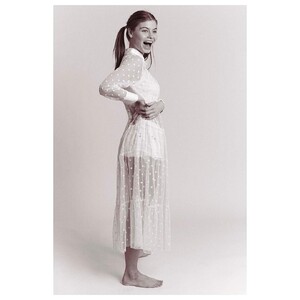
Ph: Keith Keith 2019 (or multiple shots)




-
18 years ago

-
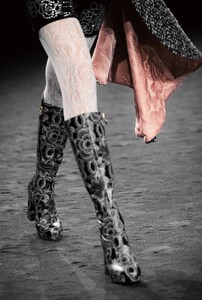
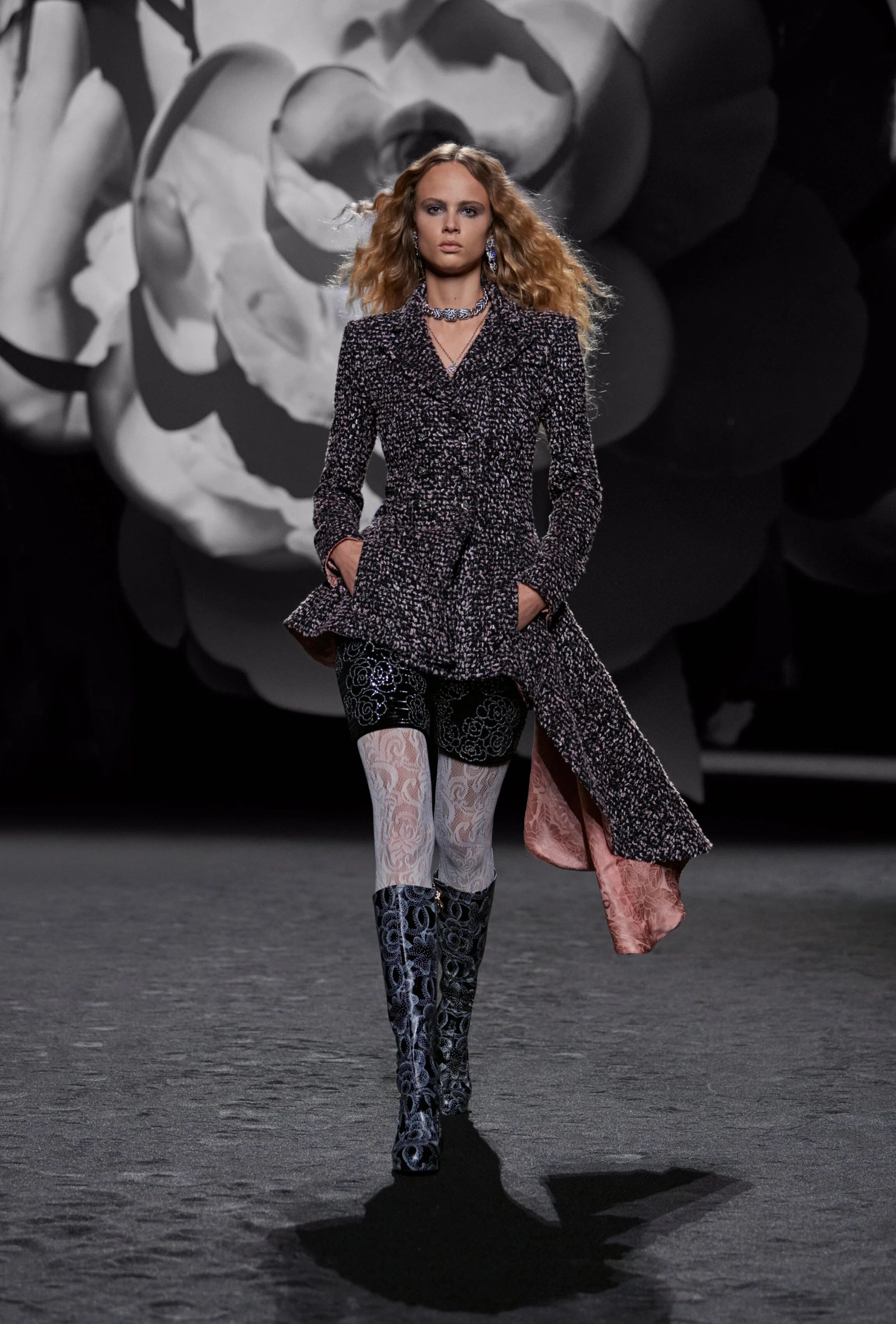
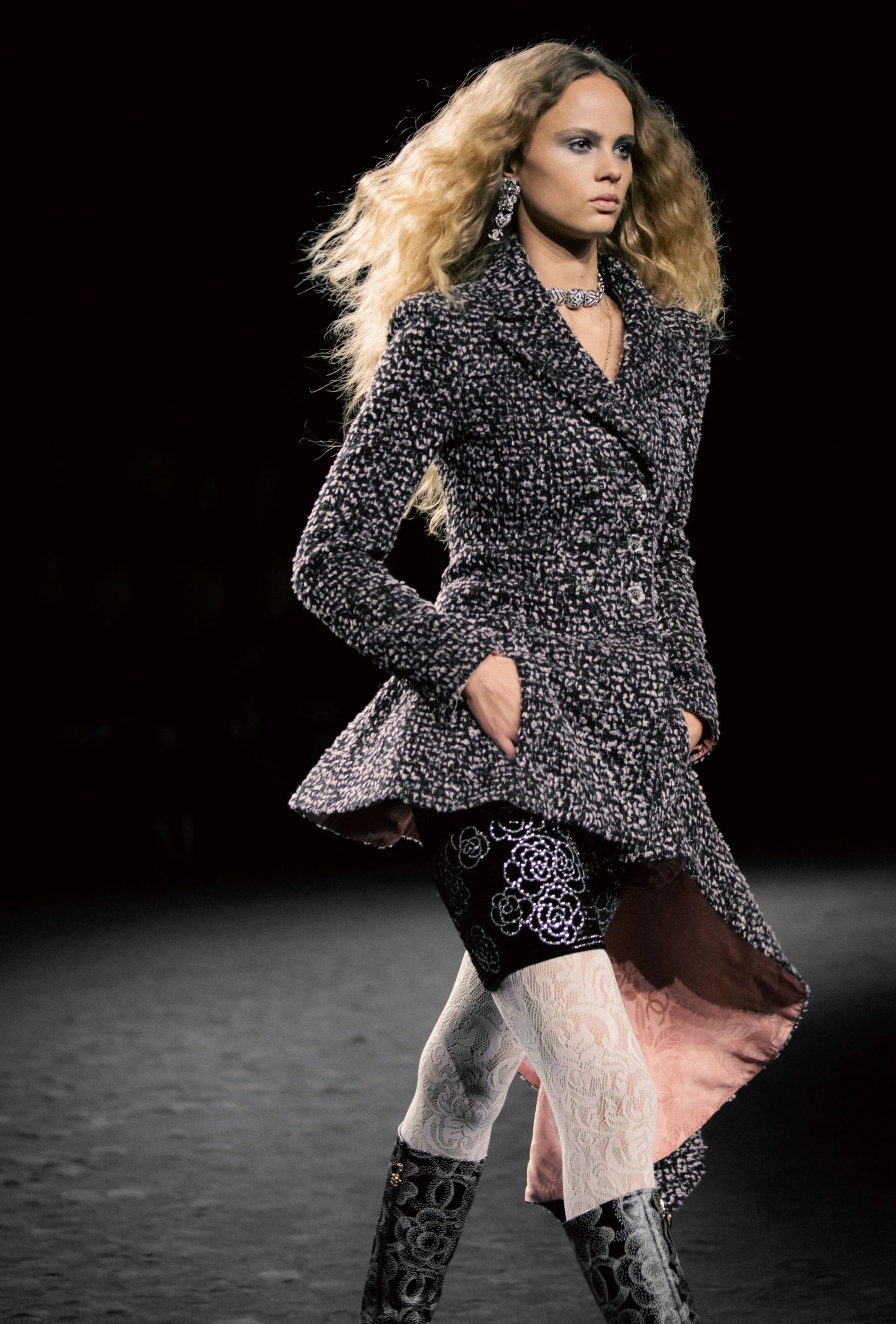
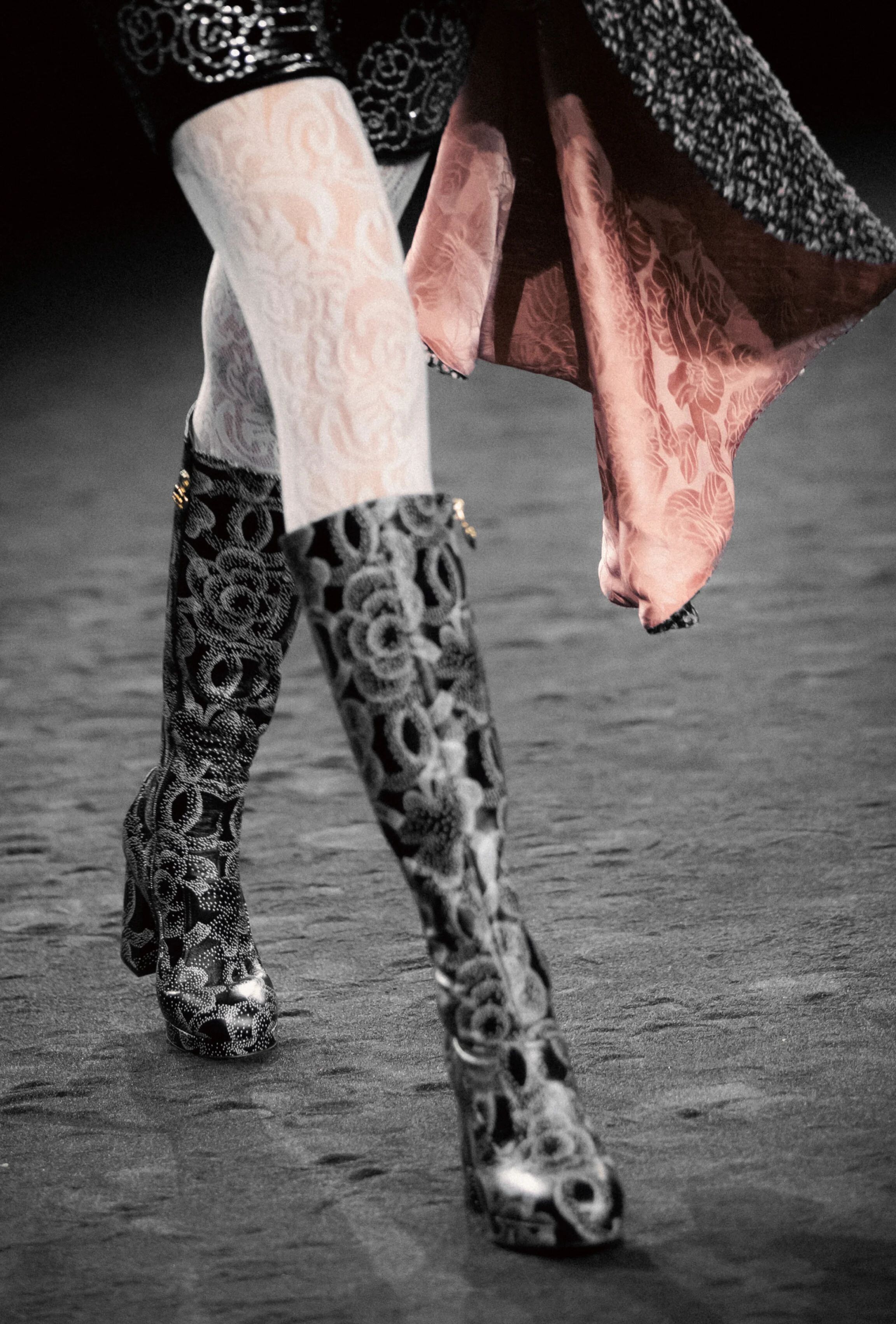
Chanel Fall 2023 Ready to wear 16x9 Model Olivia Vinten Street Style Video Outside Chanel FW 23 Show.mp4 334655833_775656967463805_7114859730268354112_n.mp4






-
-
Elite Spain She must have been with them a while back... nothing left online, but Bing has a few pictures stored



-
two more from Xavier Bergmann















-
Ph: Sams Arifin

-
-
Ph: Matthias Matthei






















-
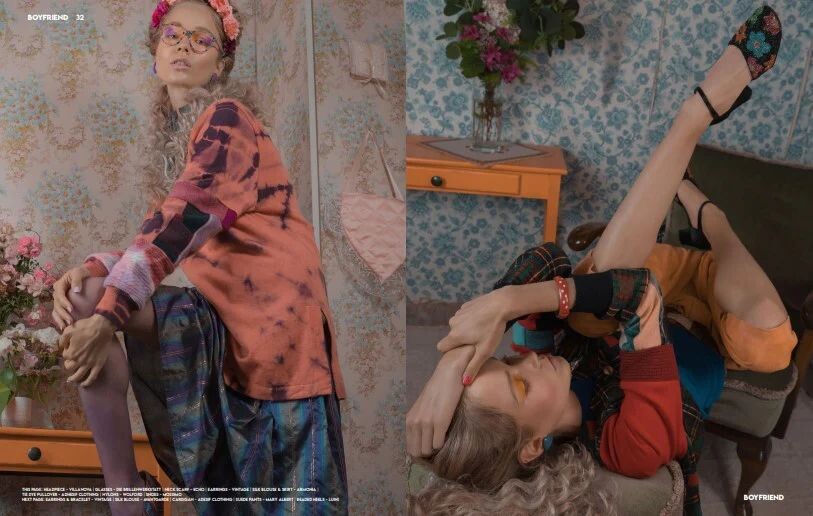
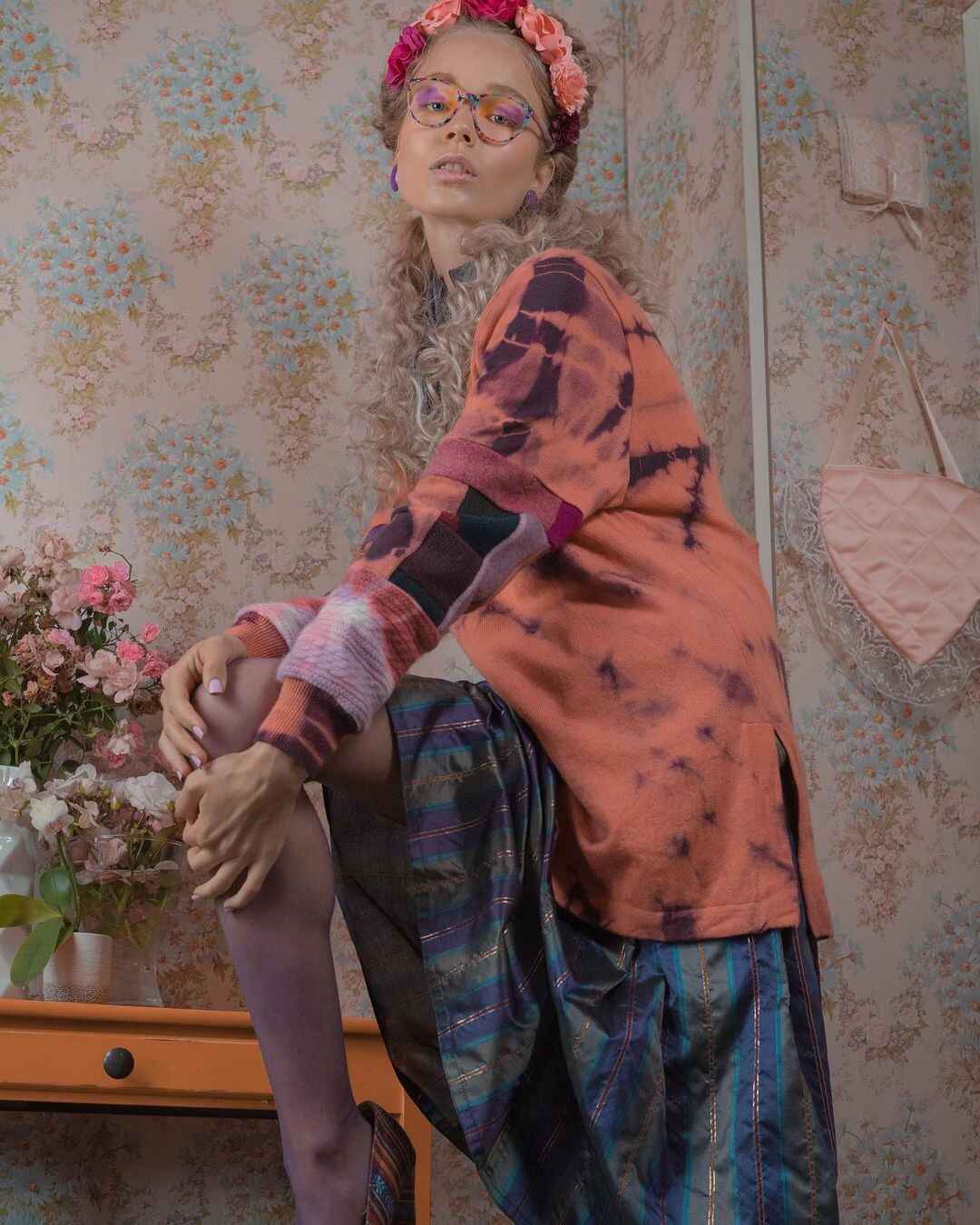
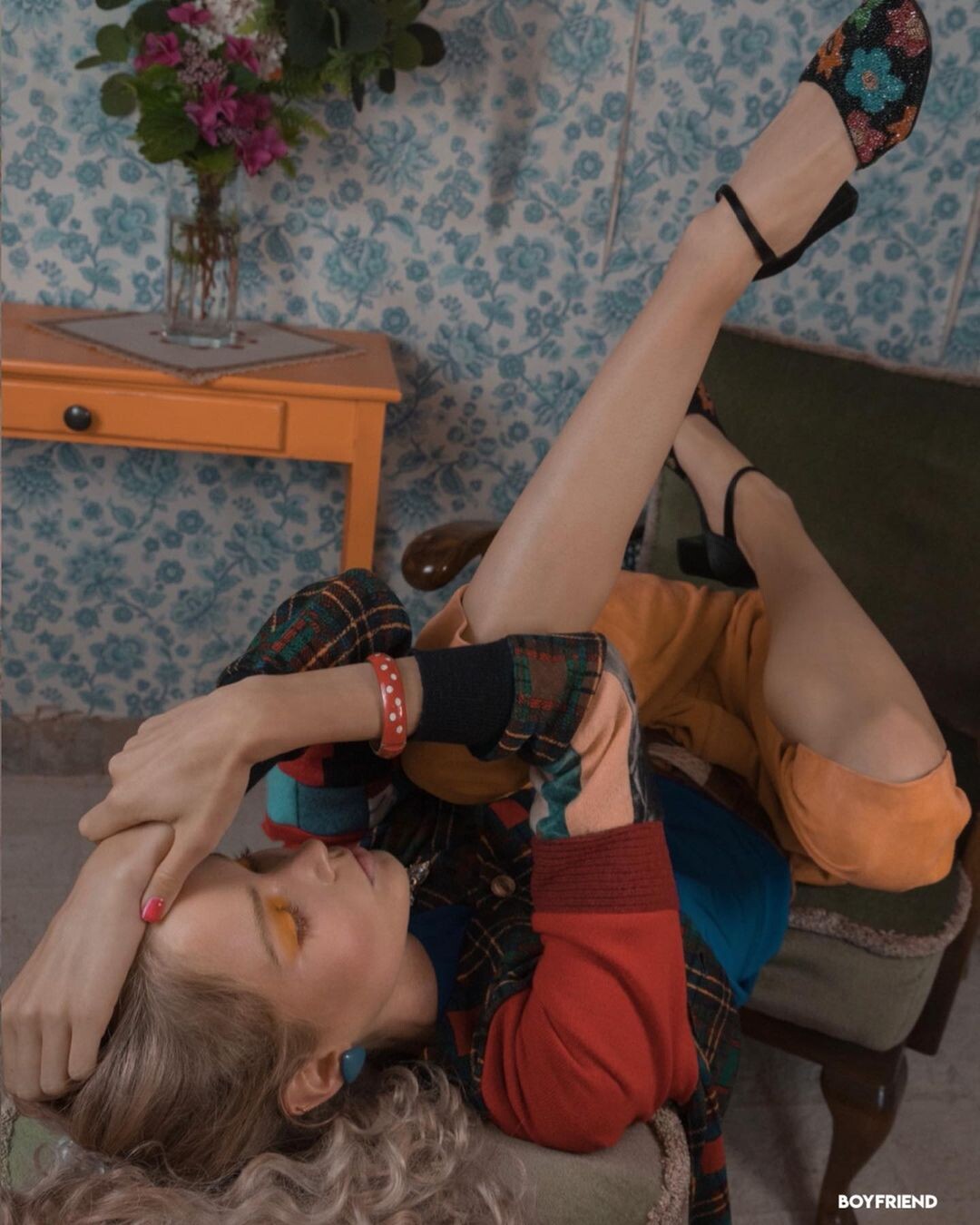
Ph: @purifichaos for Boyfriend Magazine 9/2021 243877552_453546862687059_7898412685709768140_n.mp4 244198416_1489546831432516_137960426161819380_n.mp4














-
Ph: Hendrik Siemens















 Ph: Thomas Berlin nudity

 Ph: Andreas Permadi

 GLASSIE Ph: Sam Dameshek
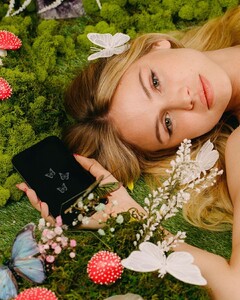 Ph: Eliot Danous






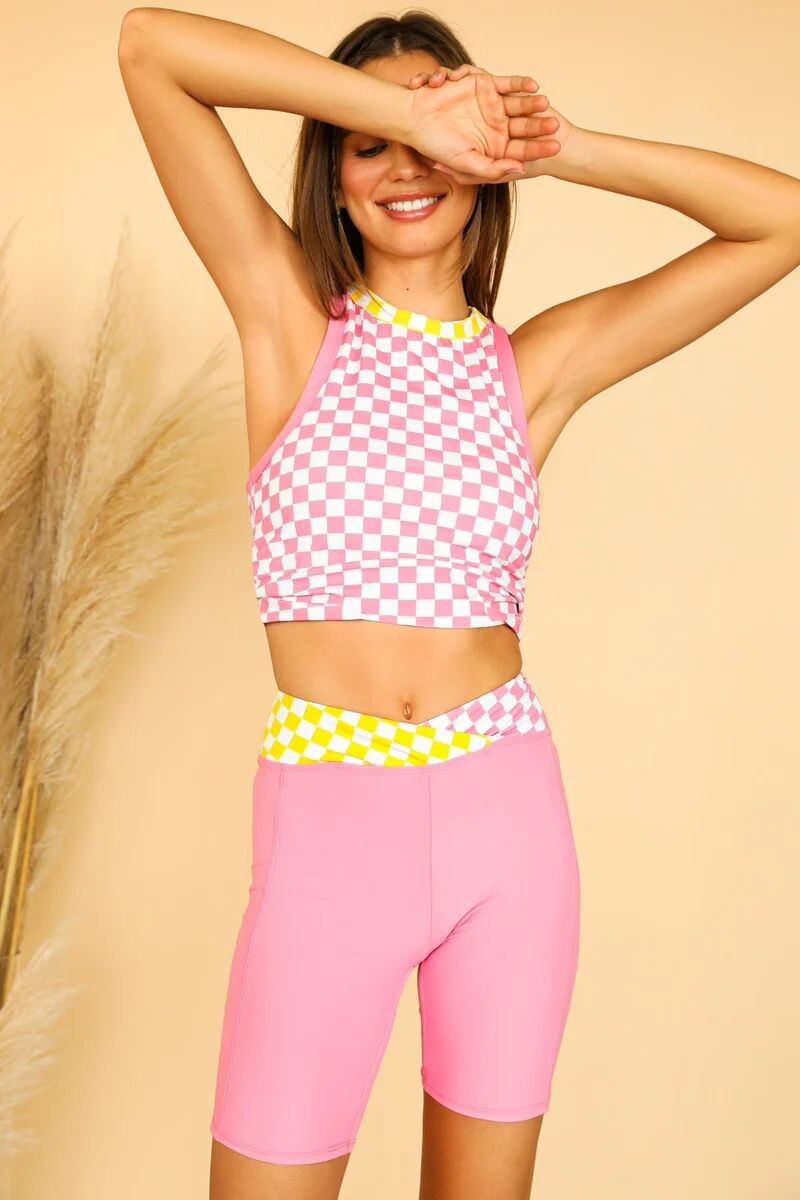
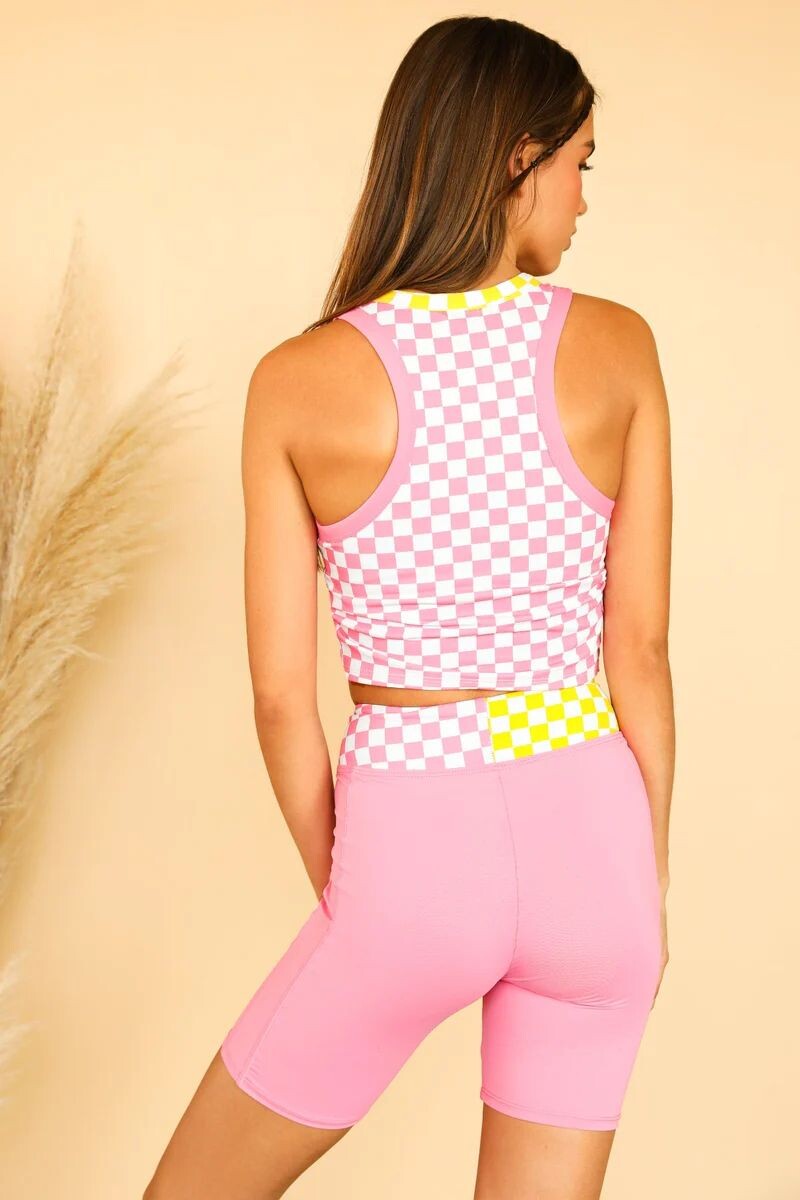
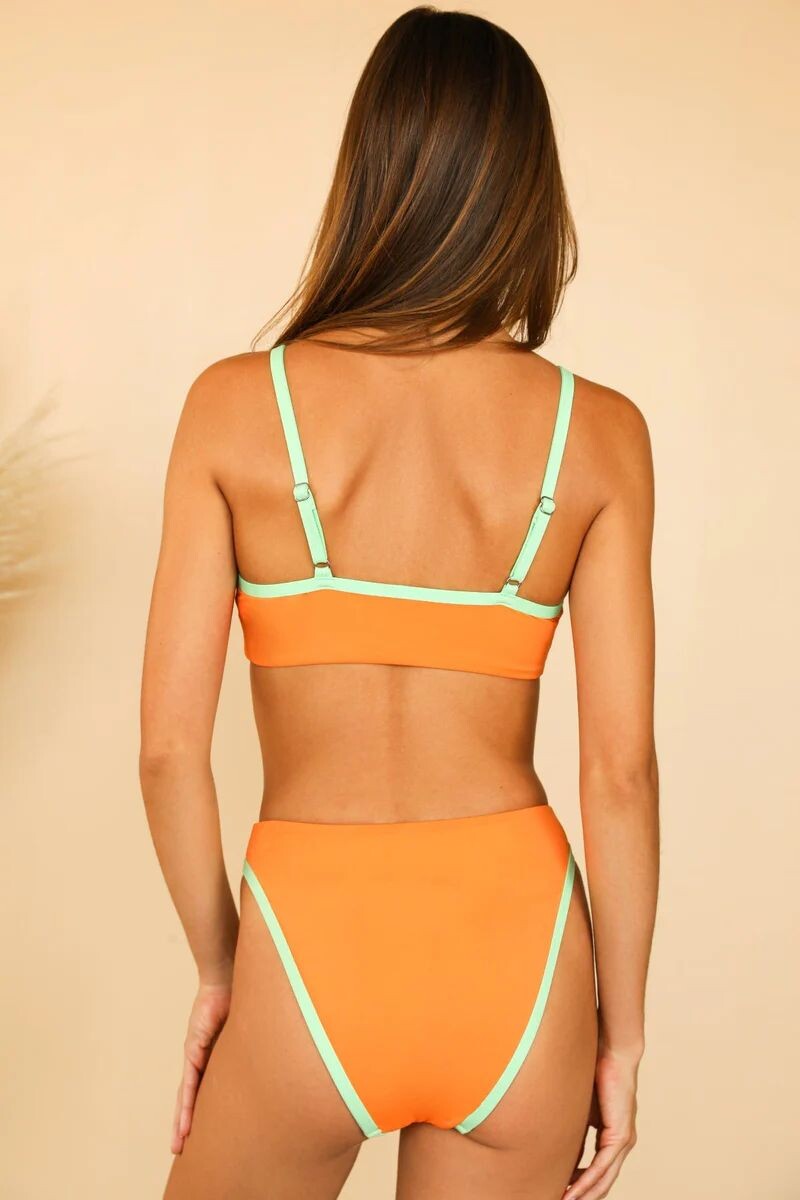
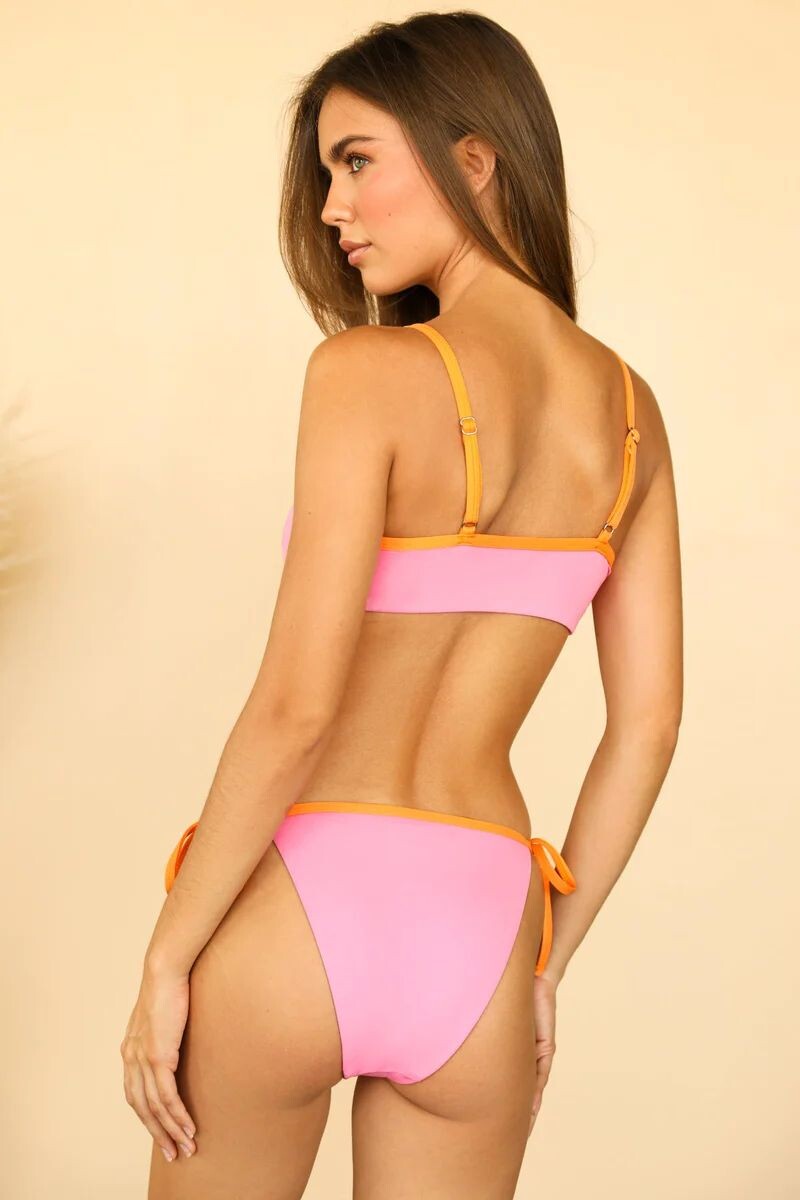
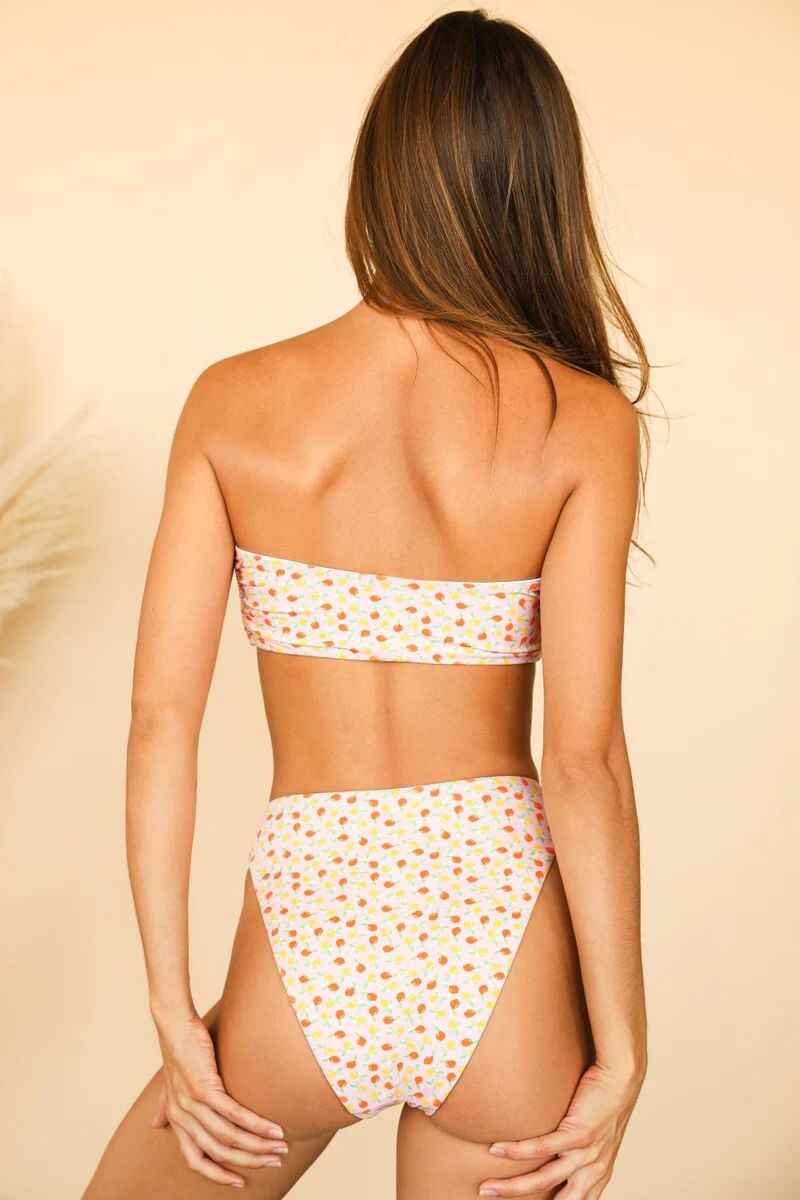
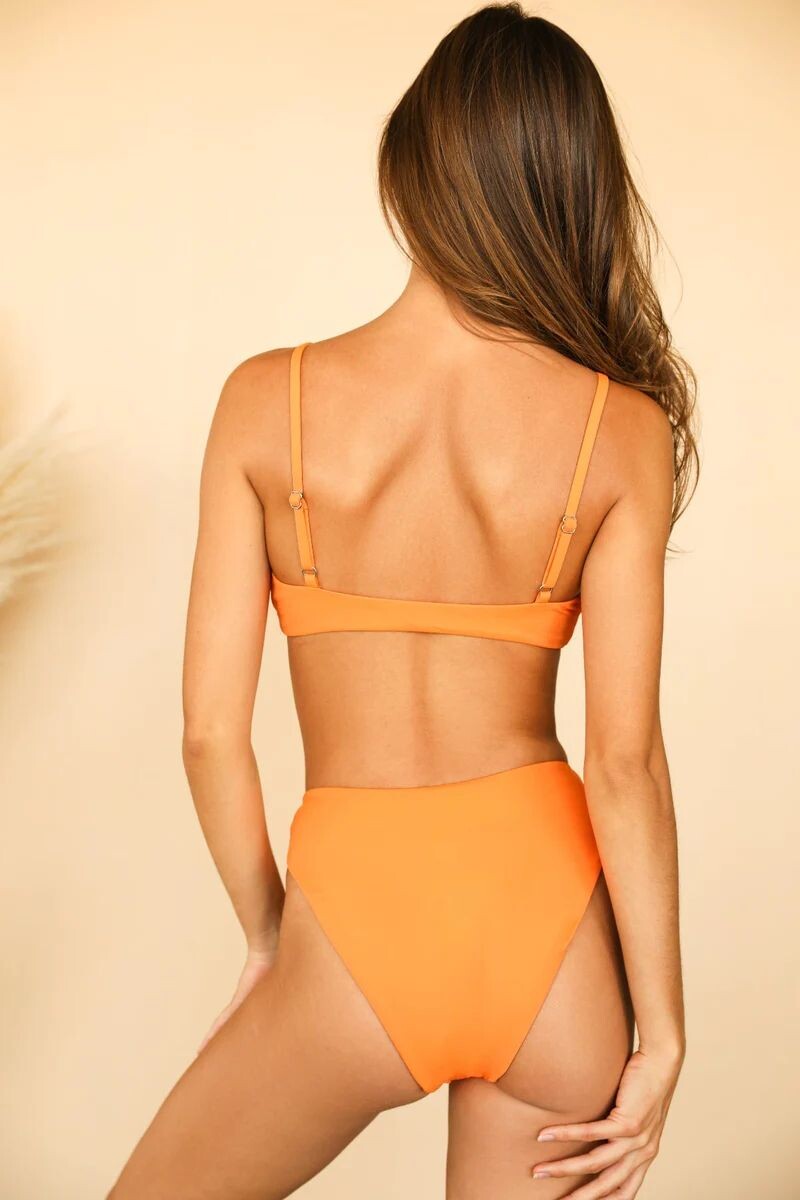
 Dippin' Daisy's Clothing













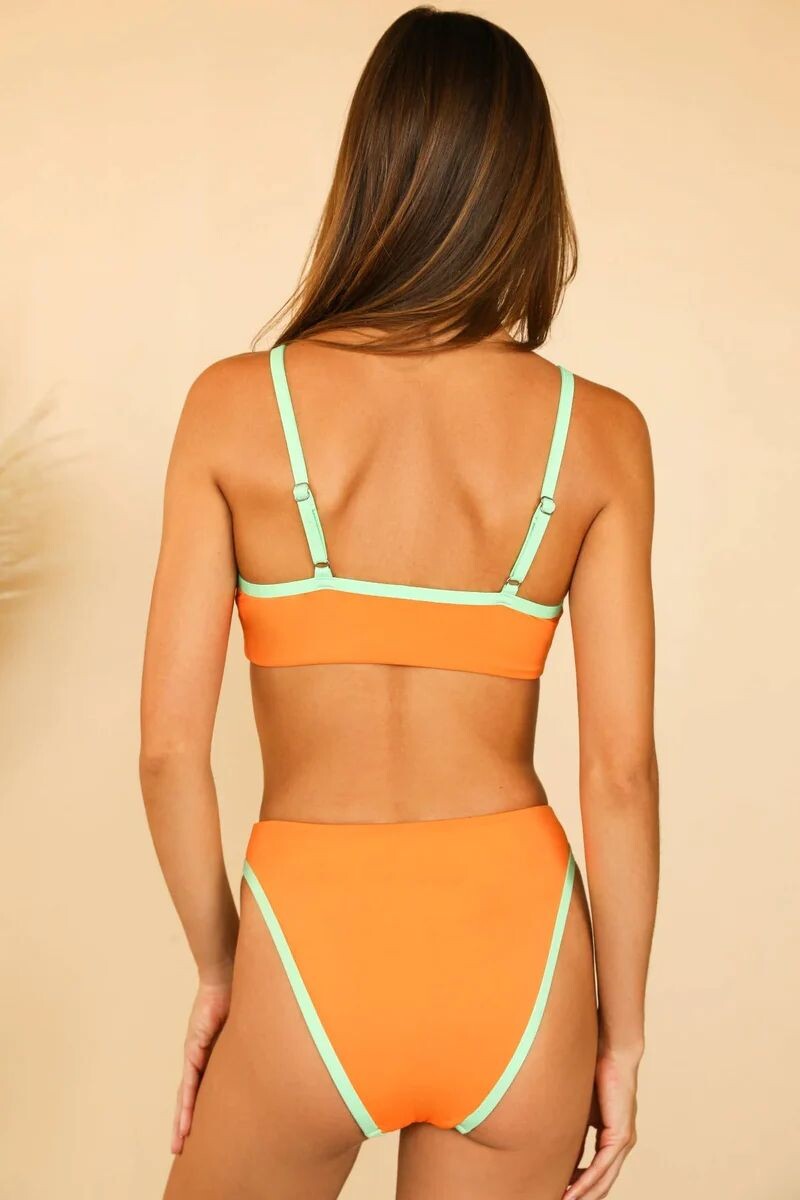
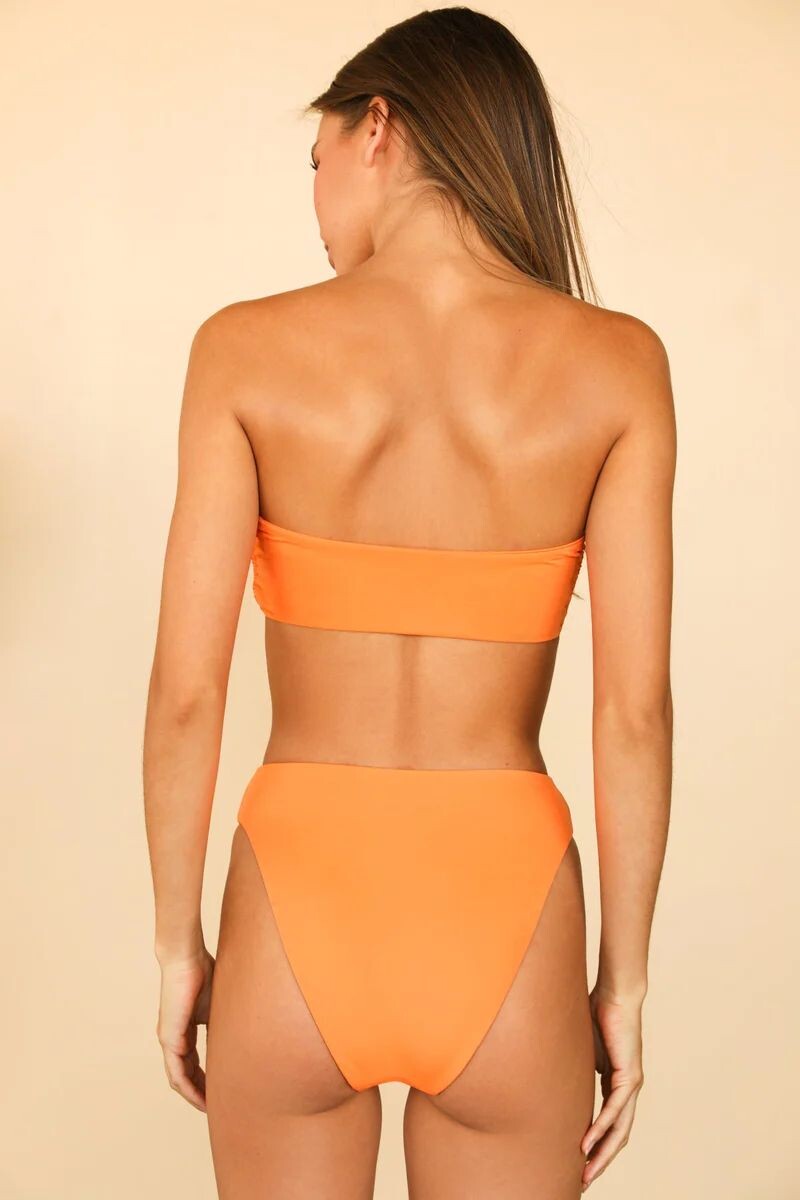
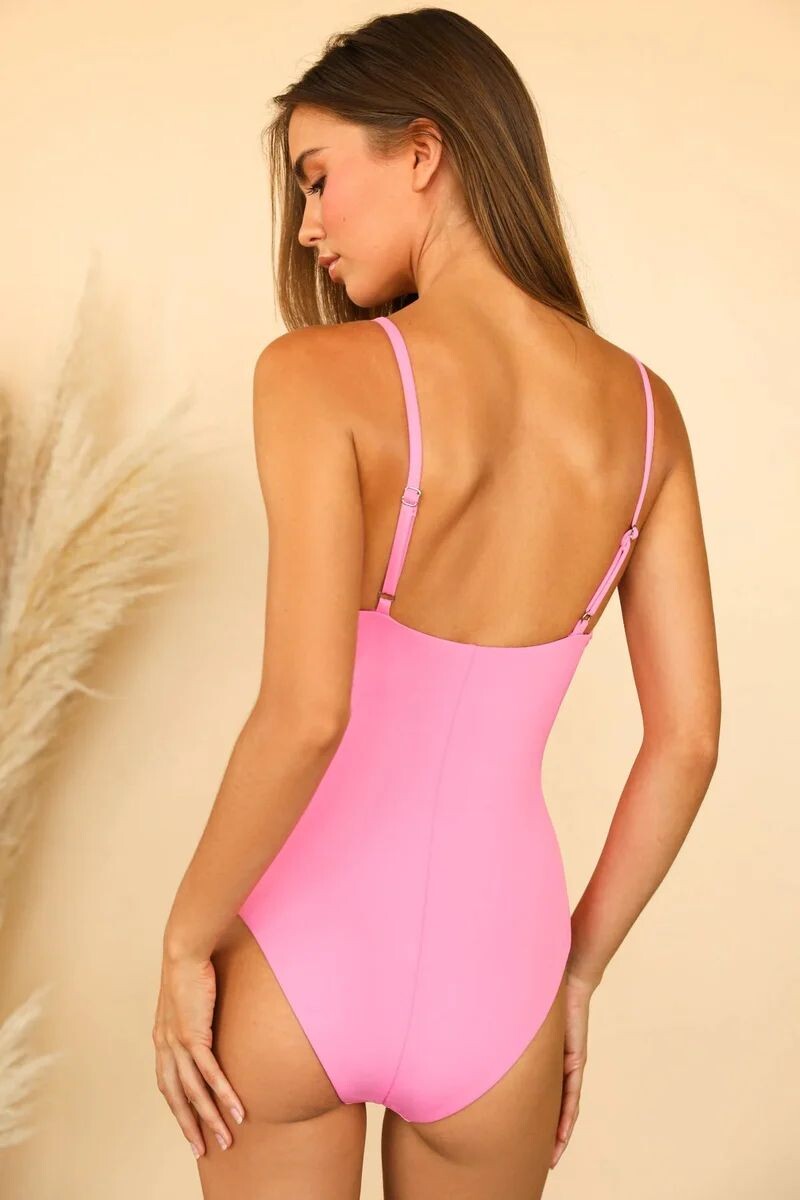
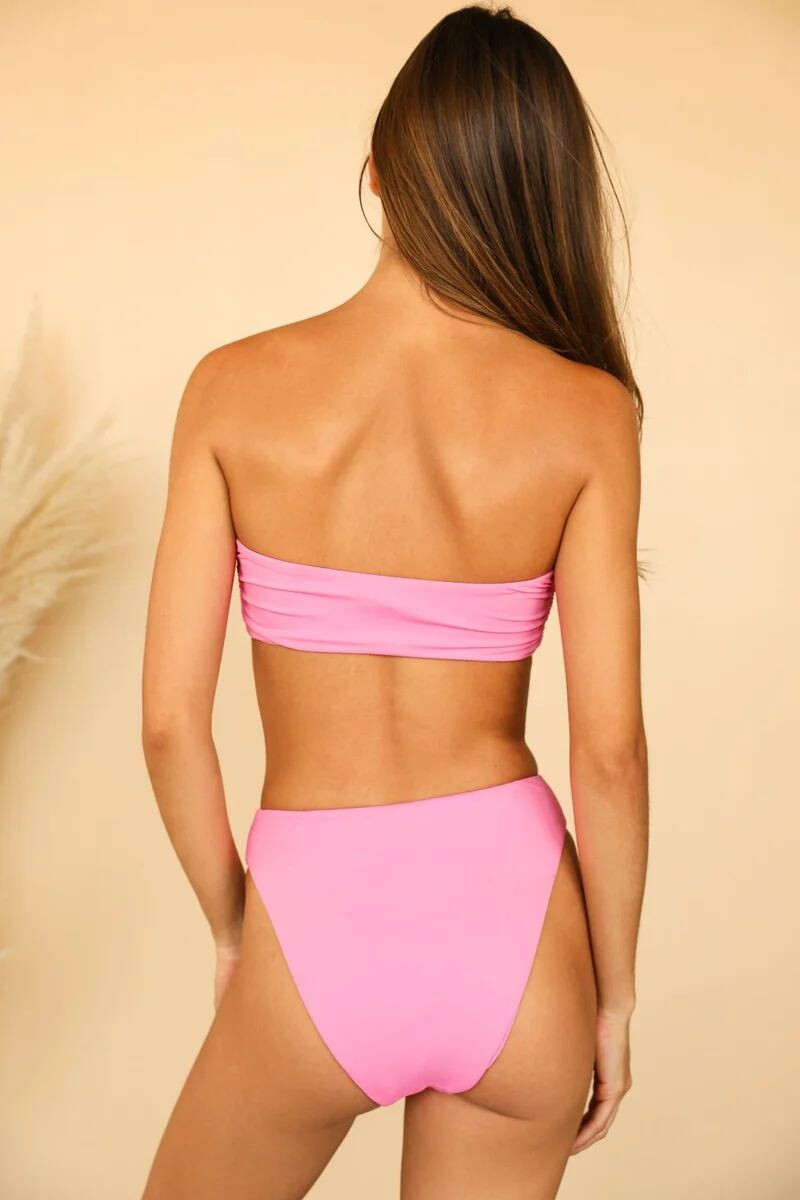
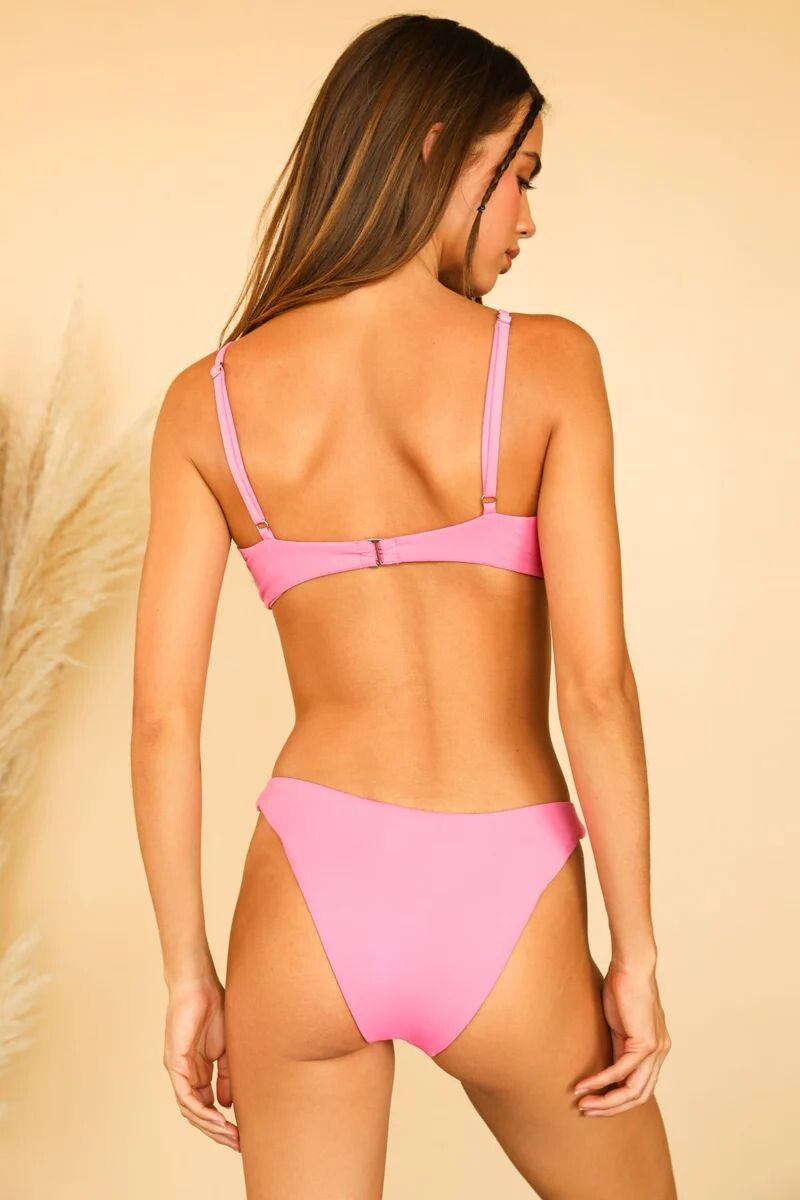
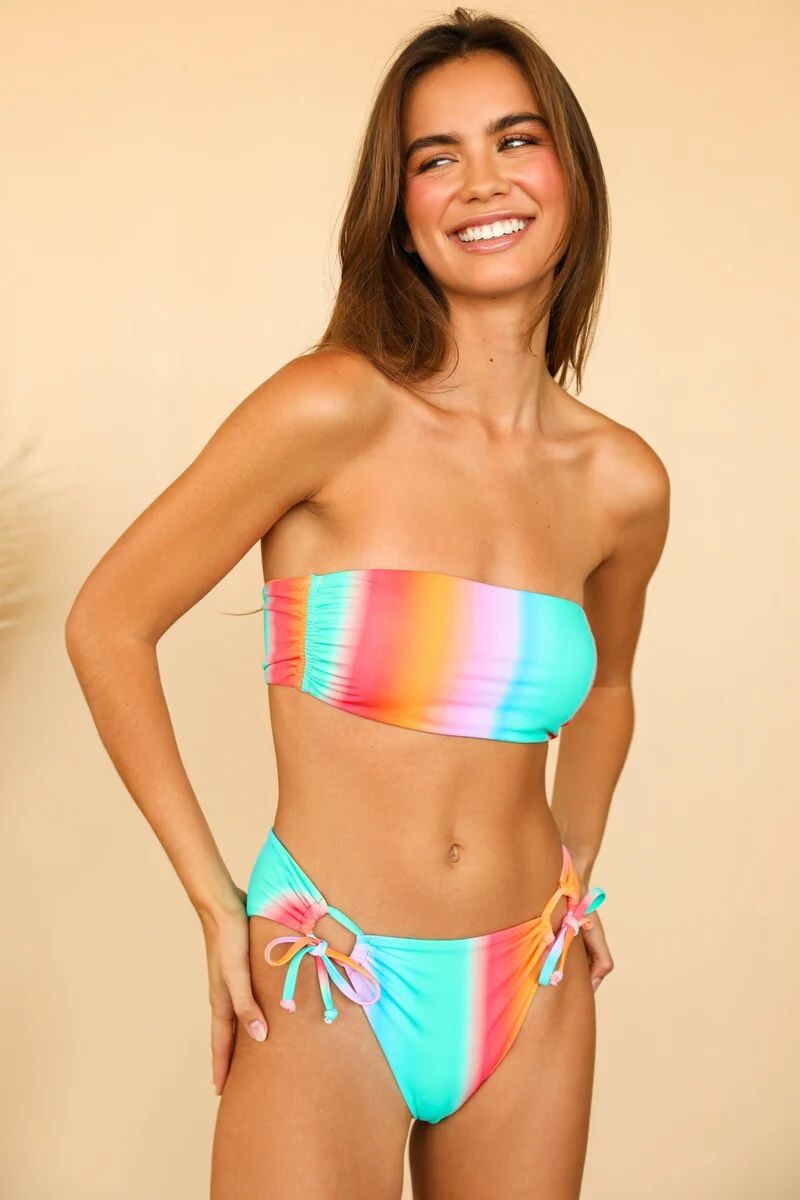
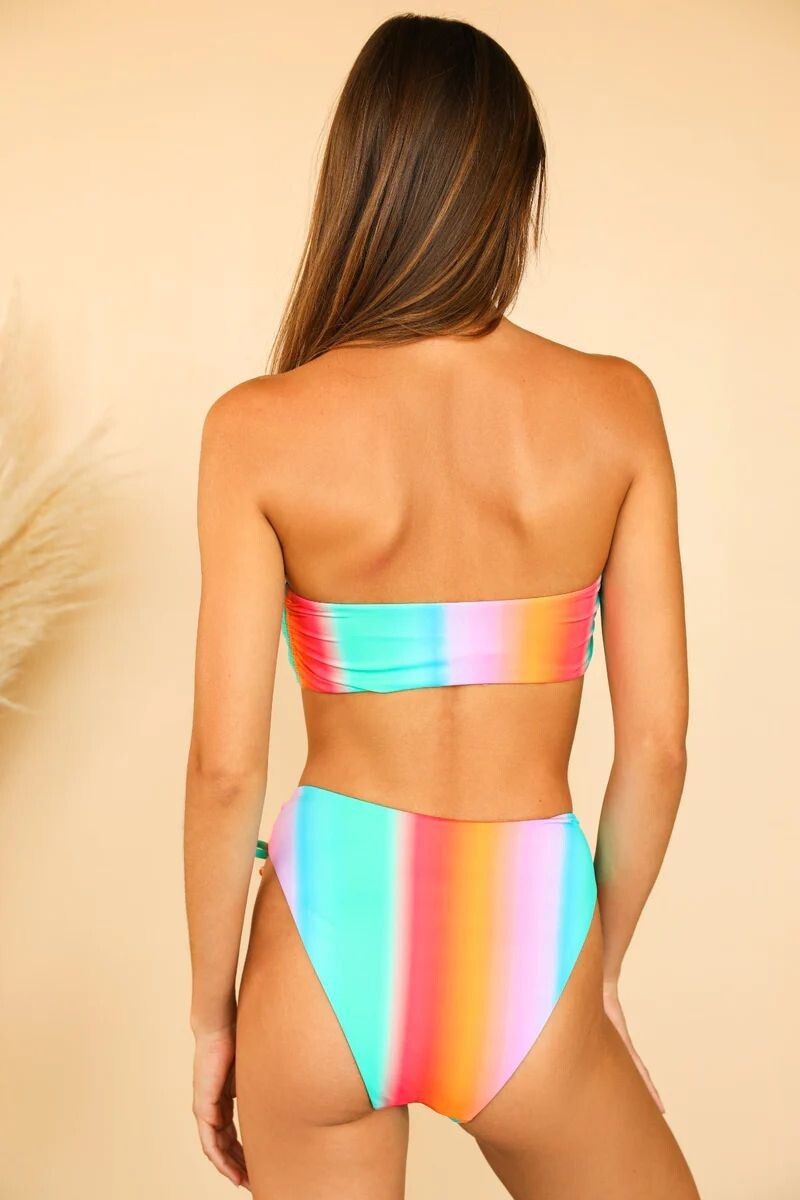
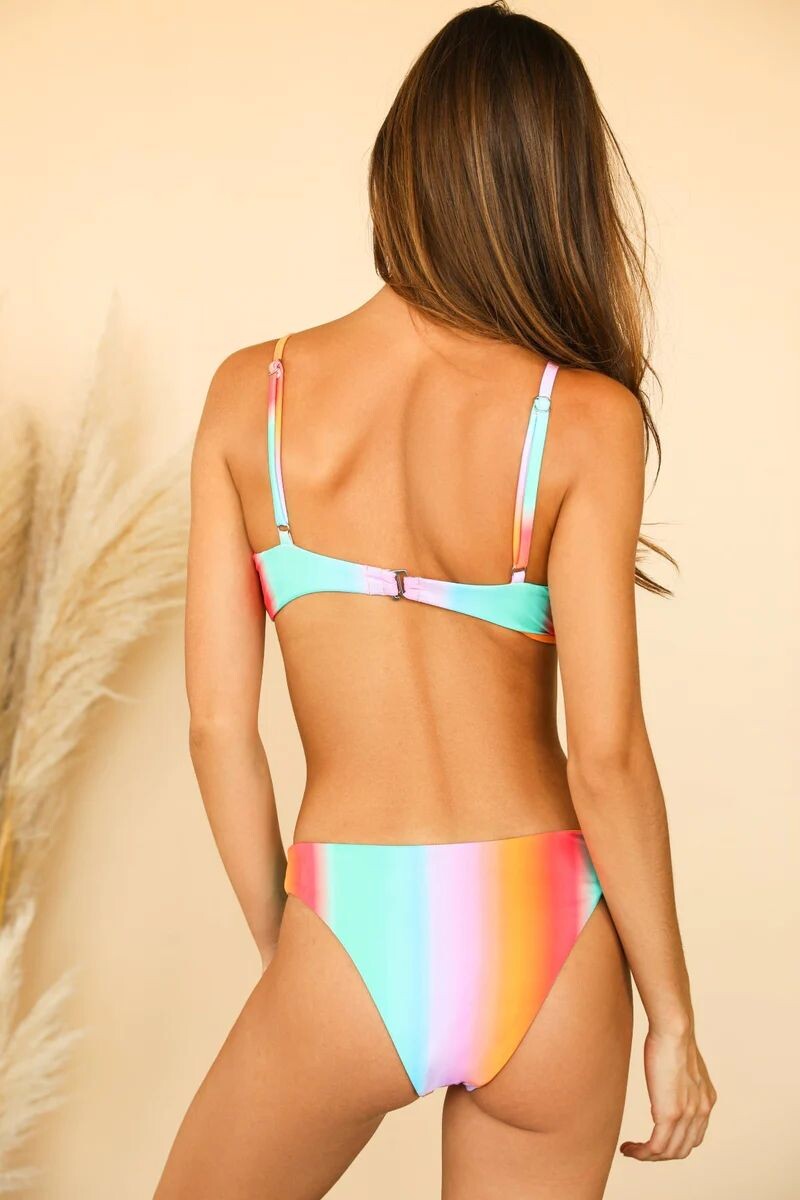
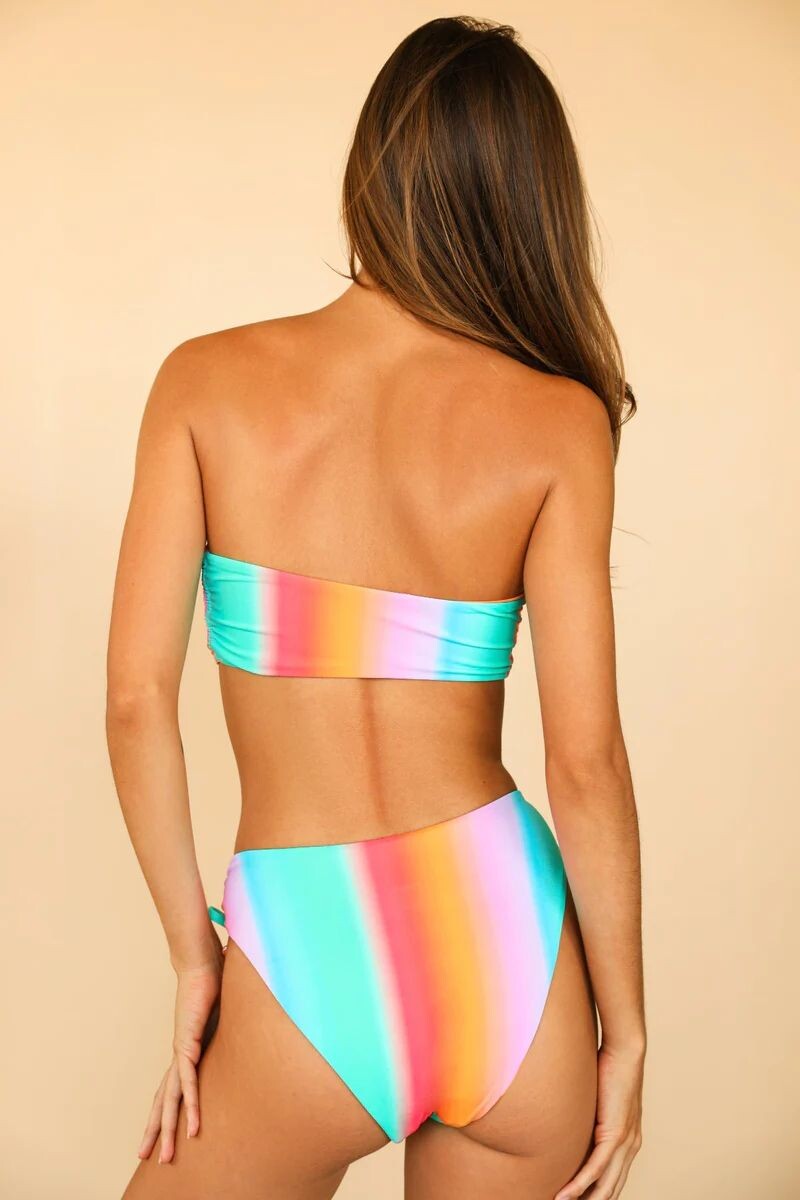
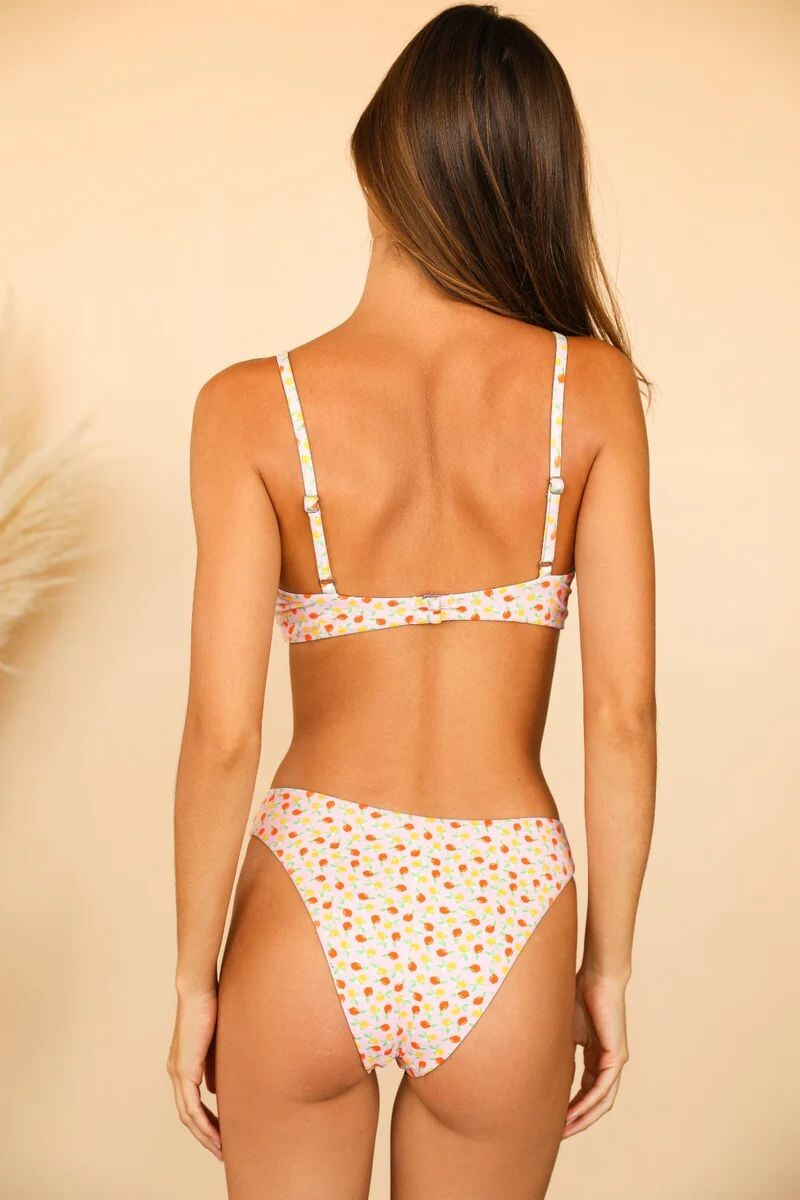
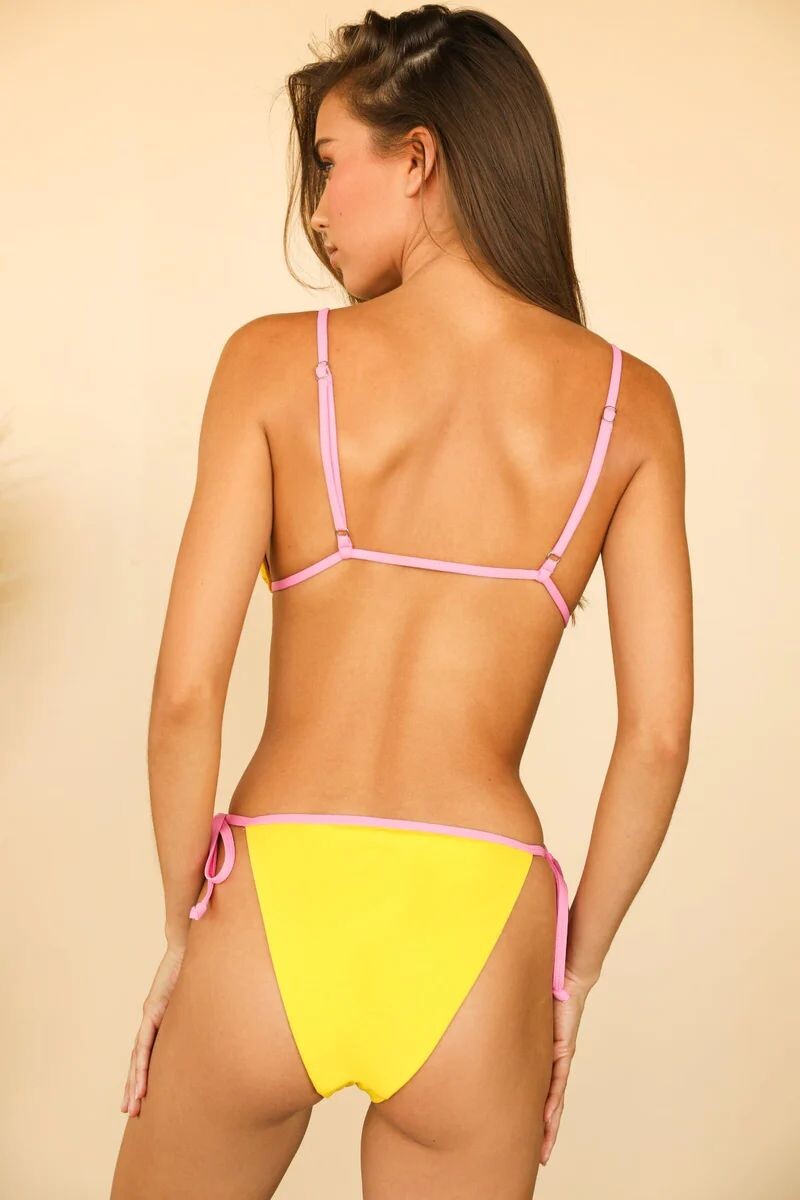
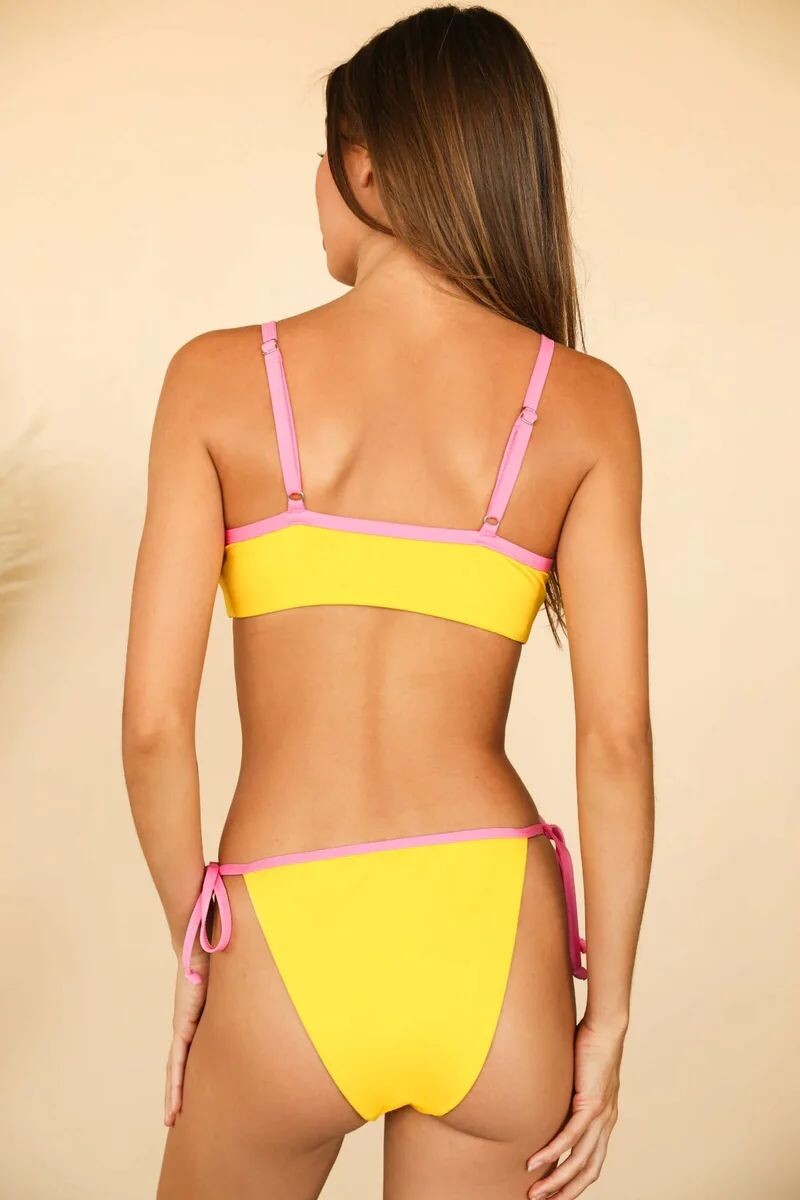
 Dippin' Daisy's Swimwear
























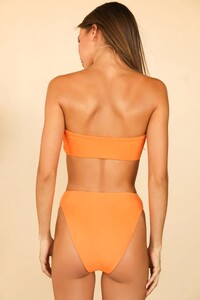

























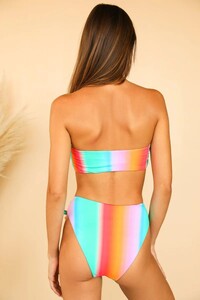





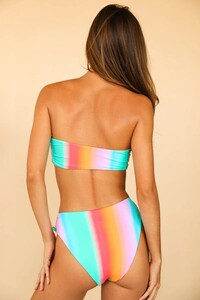












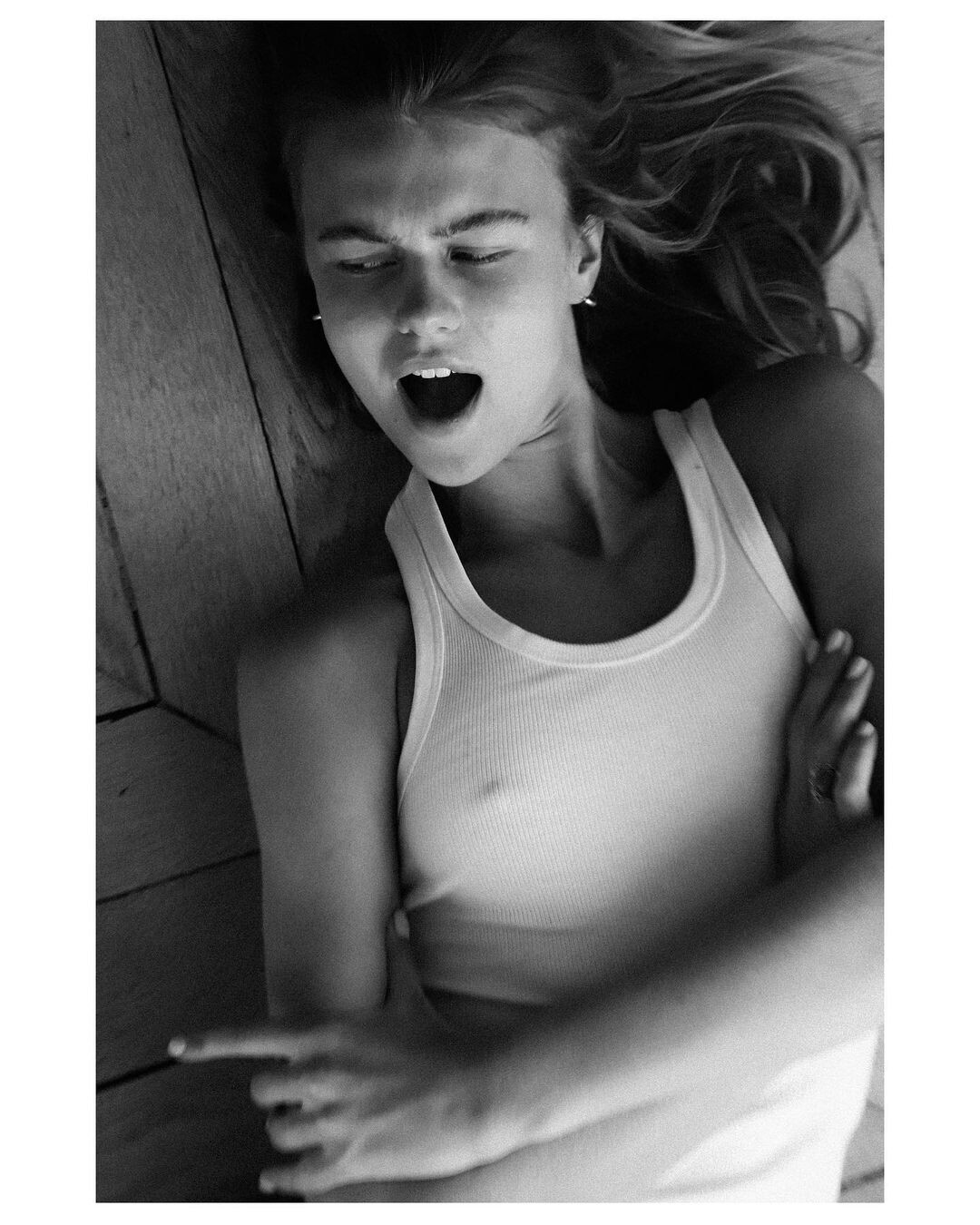
 L'Officiel Baltic Late 2020 Ph: Tyler Patrick Kenny


















 IG highlights videos















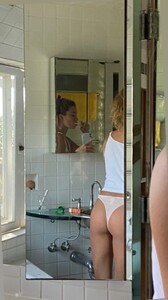





















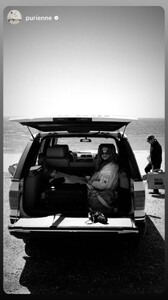








 https://stasiberezovskaya.com/


























































































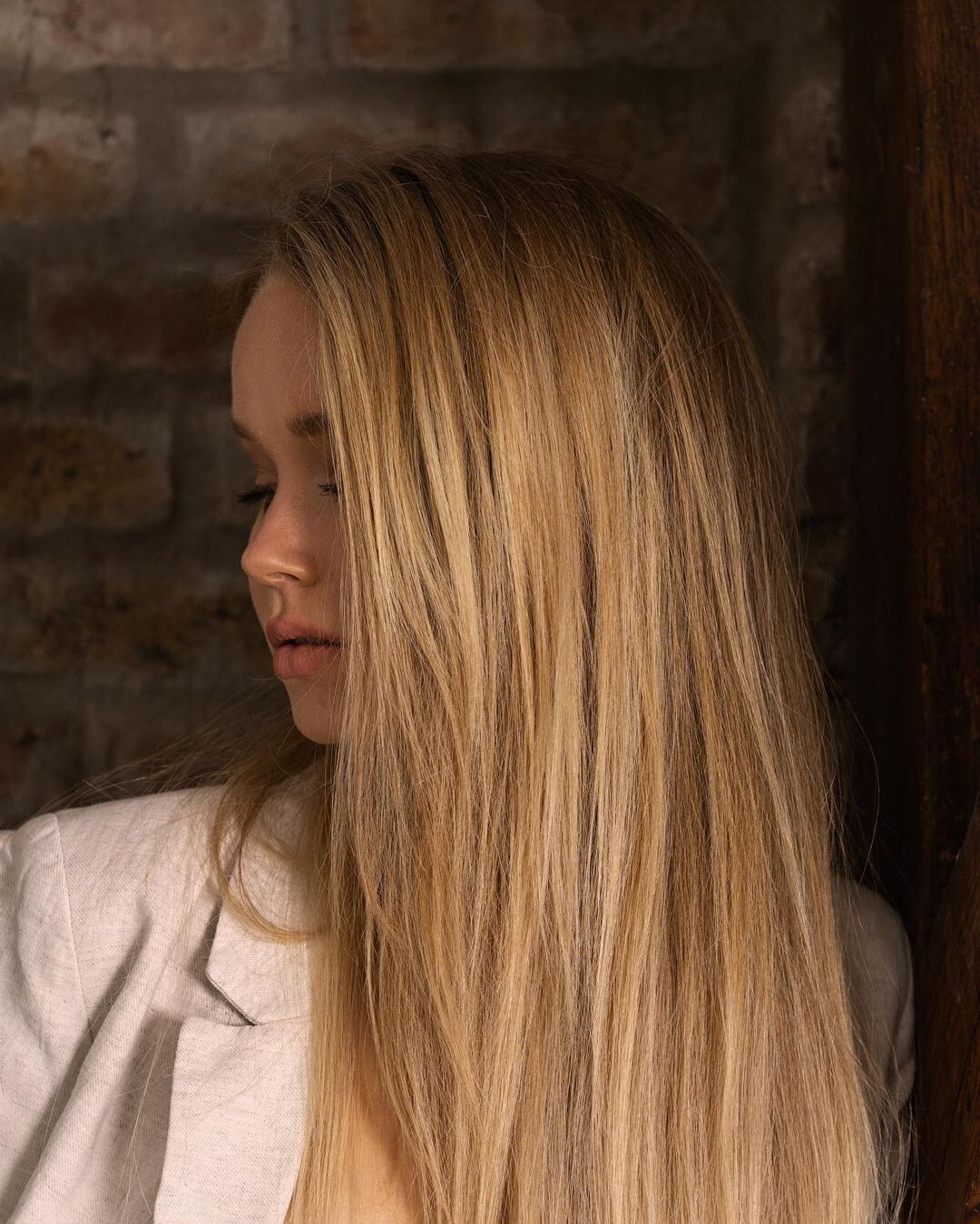









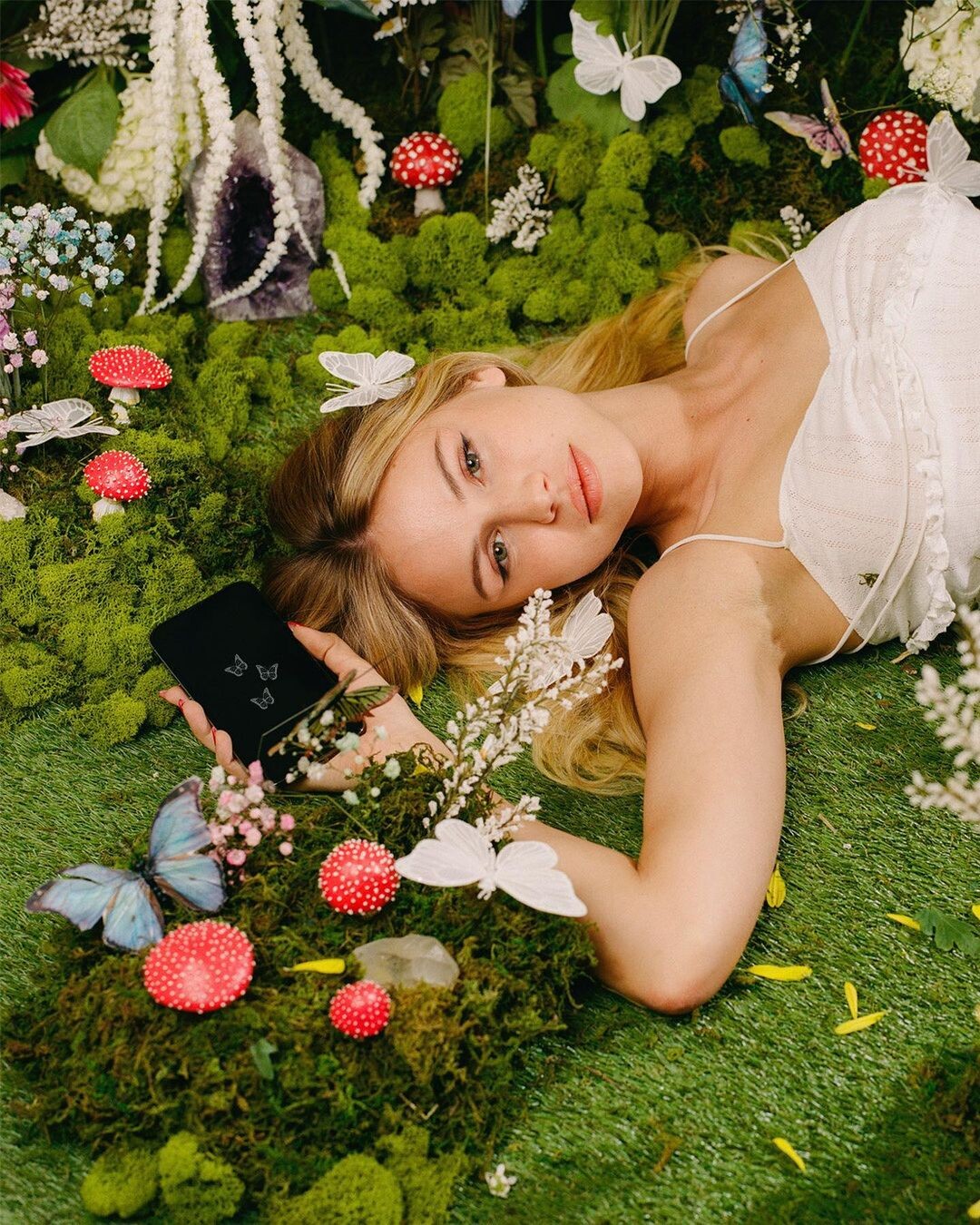
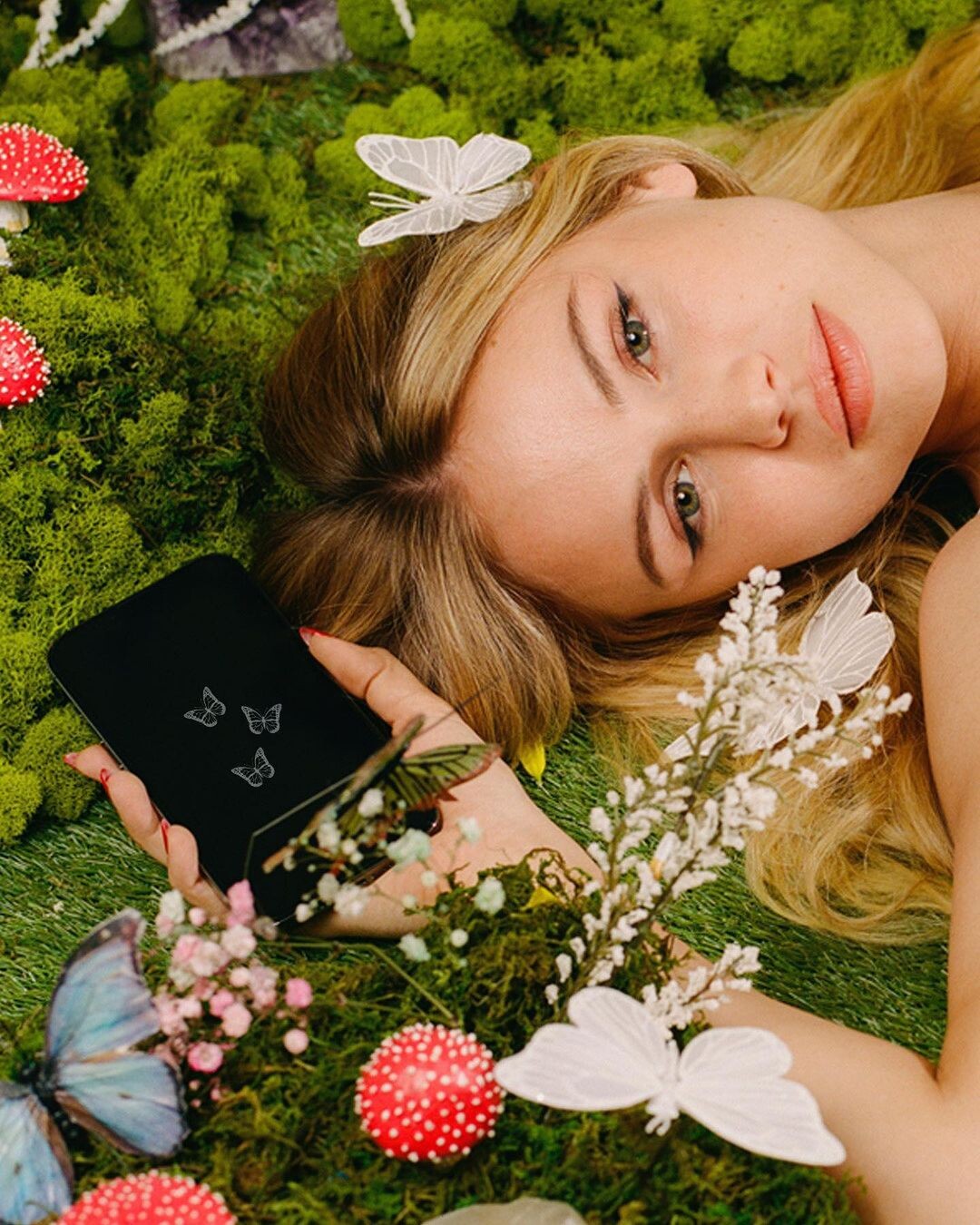

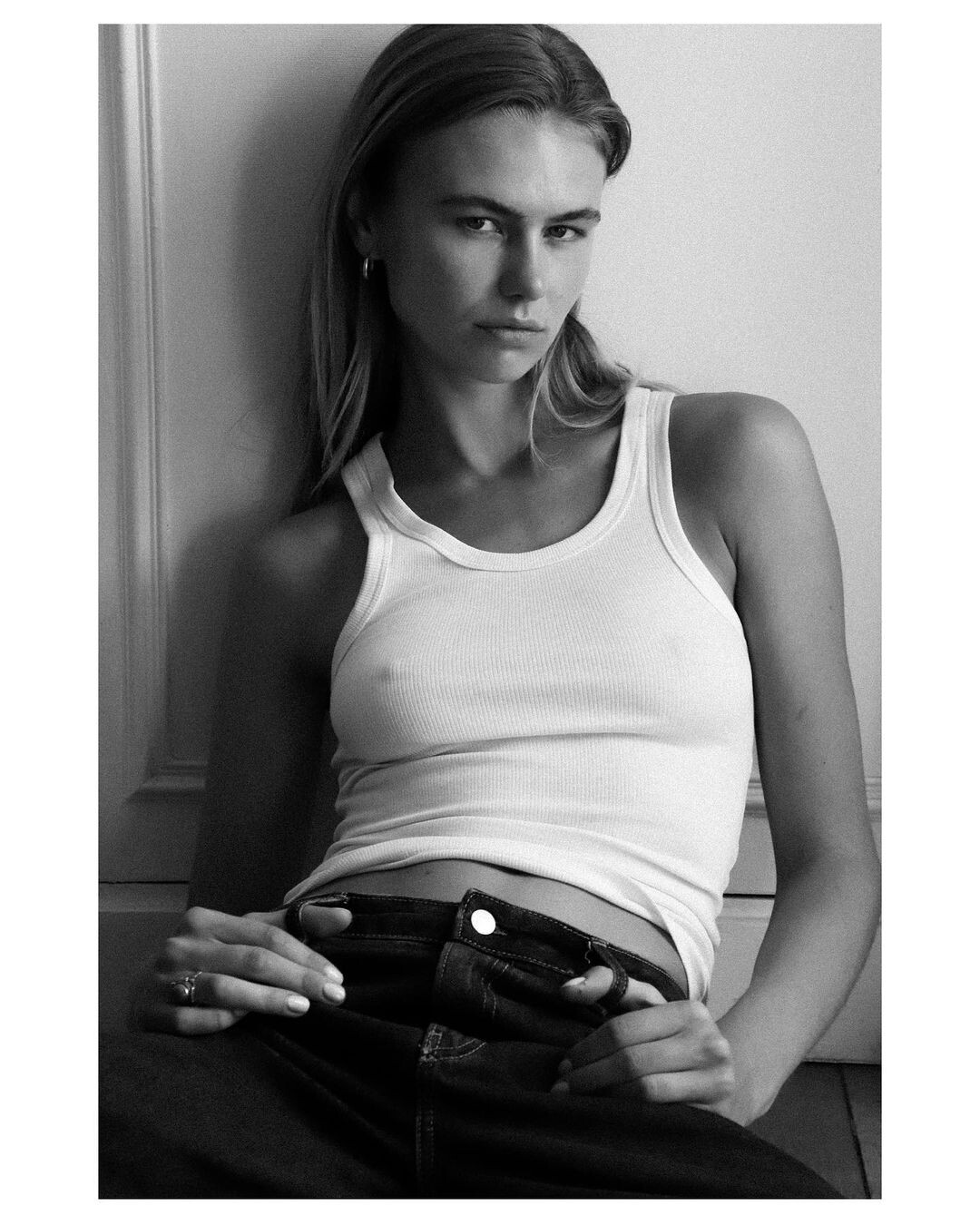














































































































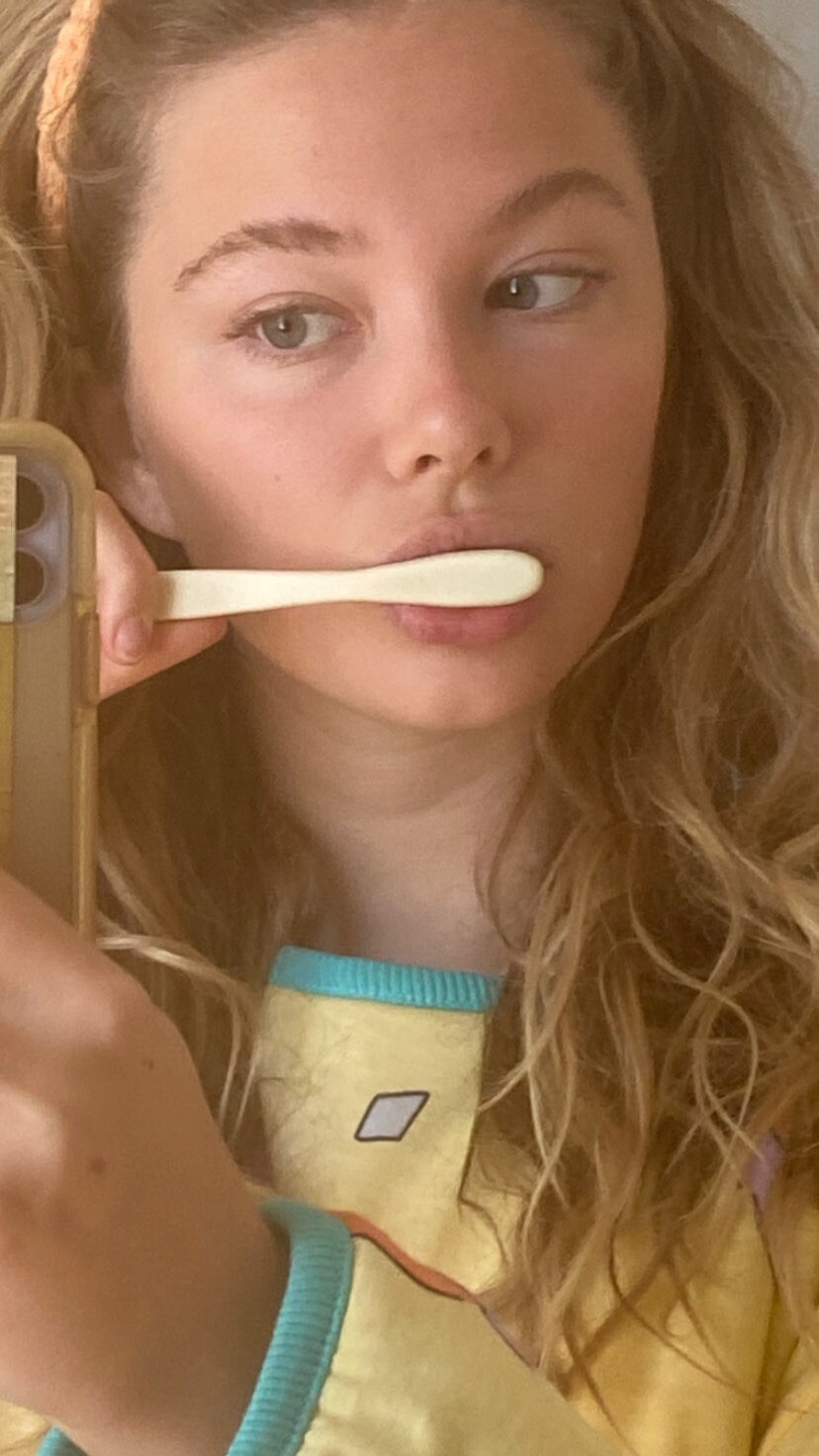
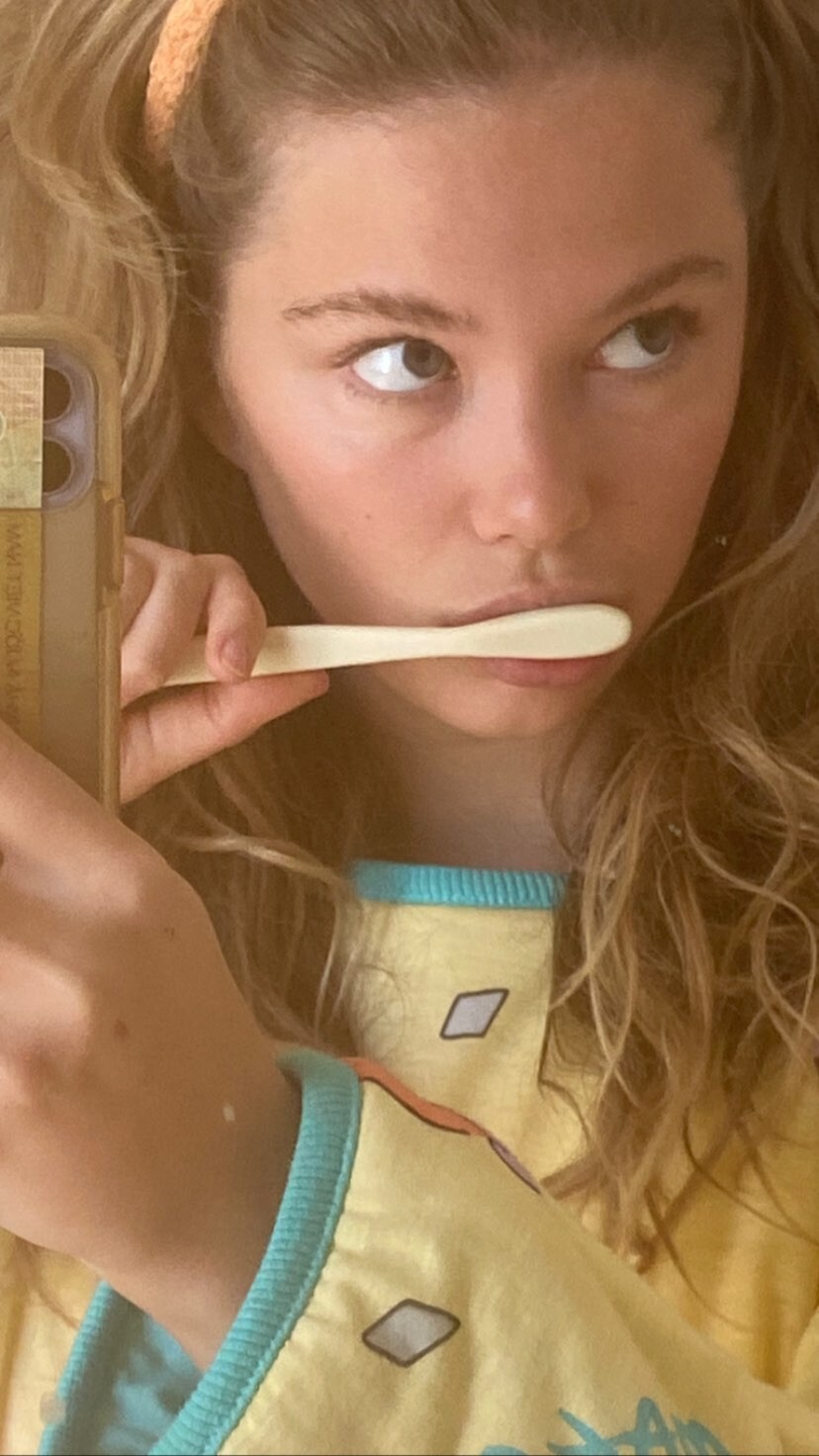

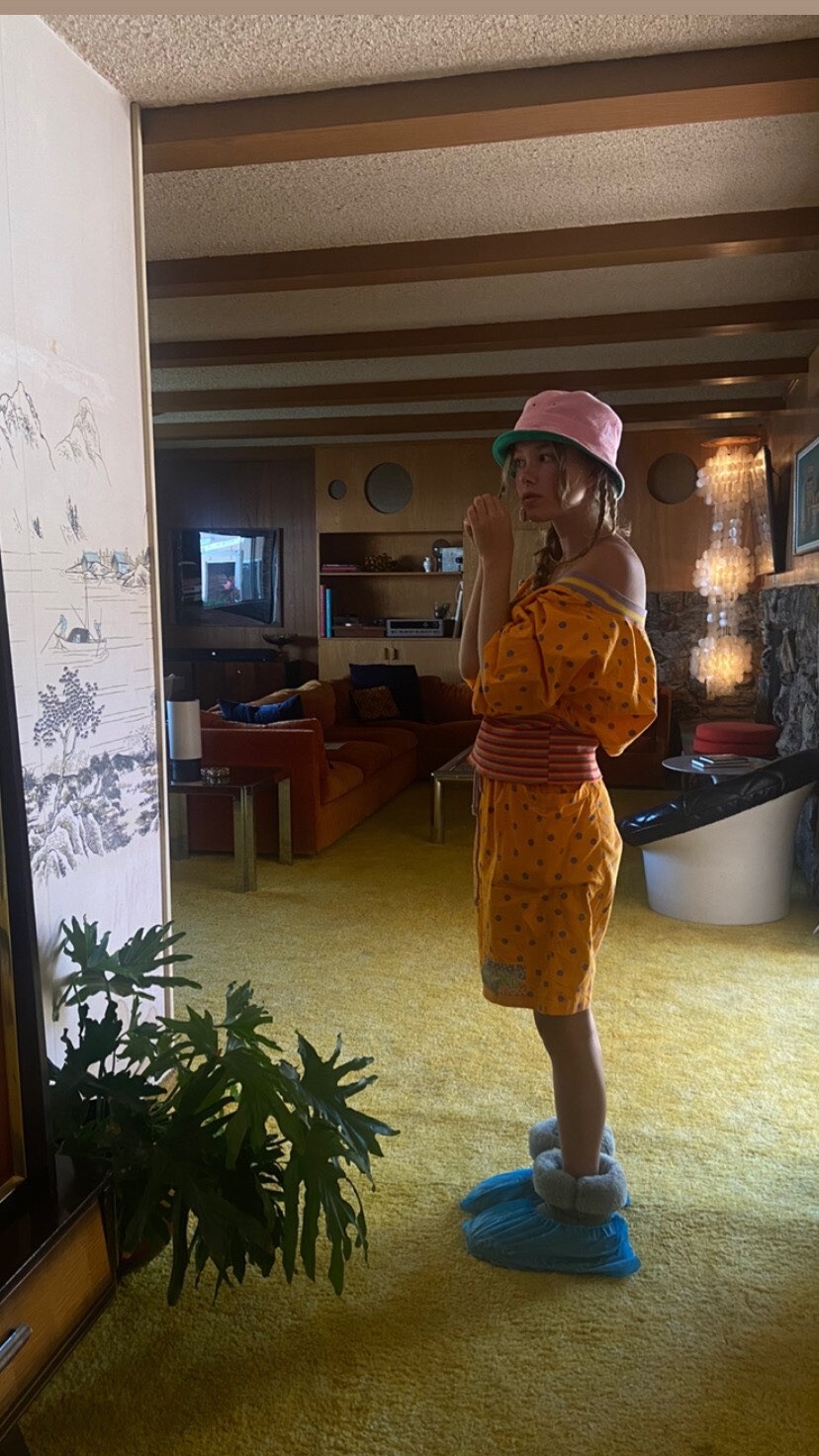

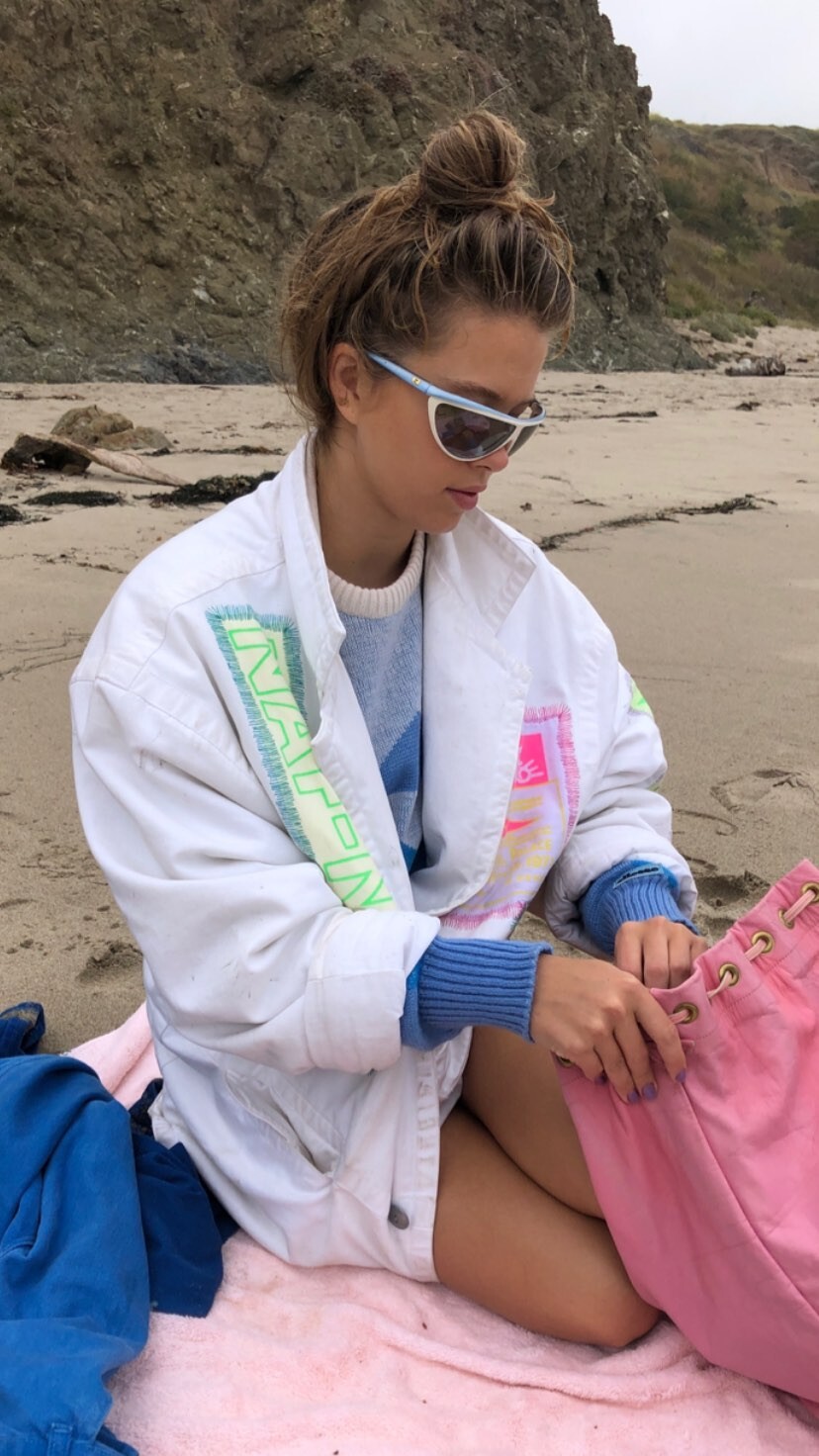























Account
Navigation
Search
Configure browser push notifications
Chrome (Android)
- Tap the lock icon next to the address bar.
- Tap Permissions → Notifications.
- Adjust your preference.
Chrome (Desktop)
- Click the padlock icon in the address bar.
- Select Site settings.
- Find Notifications and adjust your preference.
Safari (iOS 16.4+)
- Ensure the site is installed via Add to Home Screen.
- Open Settings App → Notifications.
- Find your app name and adjust your preference.
Safari (macOS)
- Go to Safari → Preferences.
- Click the Websites tab.
- Select Notifications in the sidebar.
- Find this website and adjust your preference.
Edge (Android)
- Tap the lock icon next to the address bar.
- Tap Permissions.
- Find Notifications and adjust your preference.
Edge (Desktop)
- Click the padlock icon in the address bar.
- Click Permissions for this site.
- Find Notifications and adjust your preference.
Firefox (Android)
- Go to Settings → Site permissions.
- Tap Notifications.
- Find this site in the list and adjust your preference.
Firefox (Desktop)
- Open Firefox Settings.
- Search for Notifications.
- Find this site in the list and adjust your preference.