Jump to content
View in the app

A better way to browse. Learn more.

Bellazon

A full-screen app on your home screen with push notifications, badges and more.

To install this app on iOS and iPadOS
  1. Tap the Share icon in Safari
  2. Scroll the menu and tap Add to Home Screen.
  3. Tap Add in the top-right corner.
To install this app on Android
  1. Tap the 3-dot menu (⋮) in the top-right corner of the browser.
  2. Tap Add to Home screen or Install app.
  3. Confirm by tapping Install.

Modelove

Members
  • Joined

Everything posted by Modelove

  1. Corey Wilson
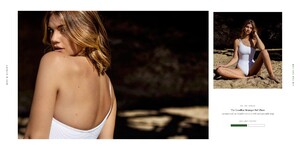
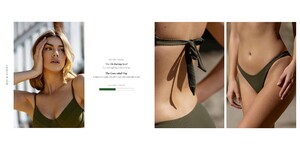
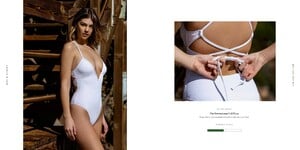
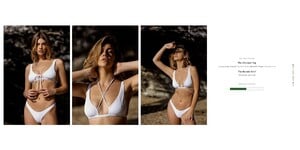
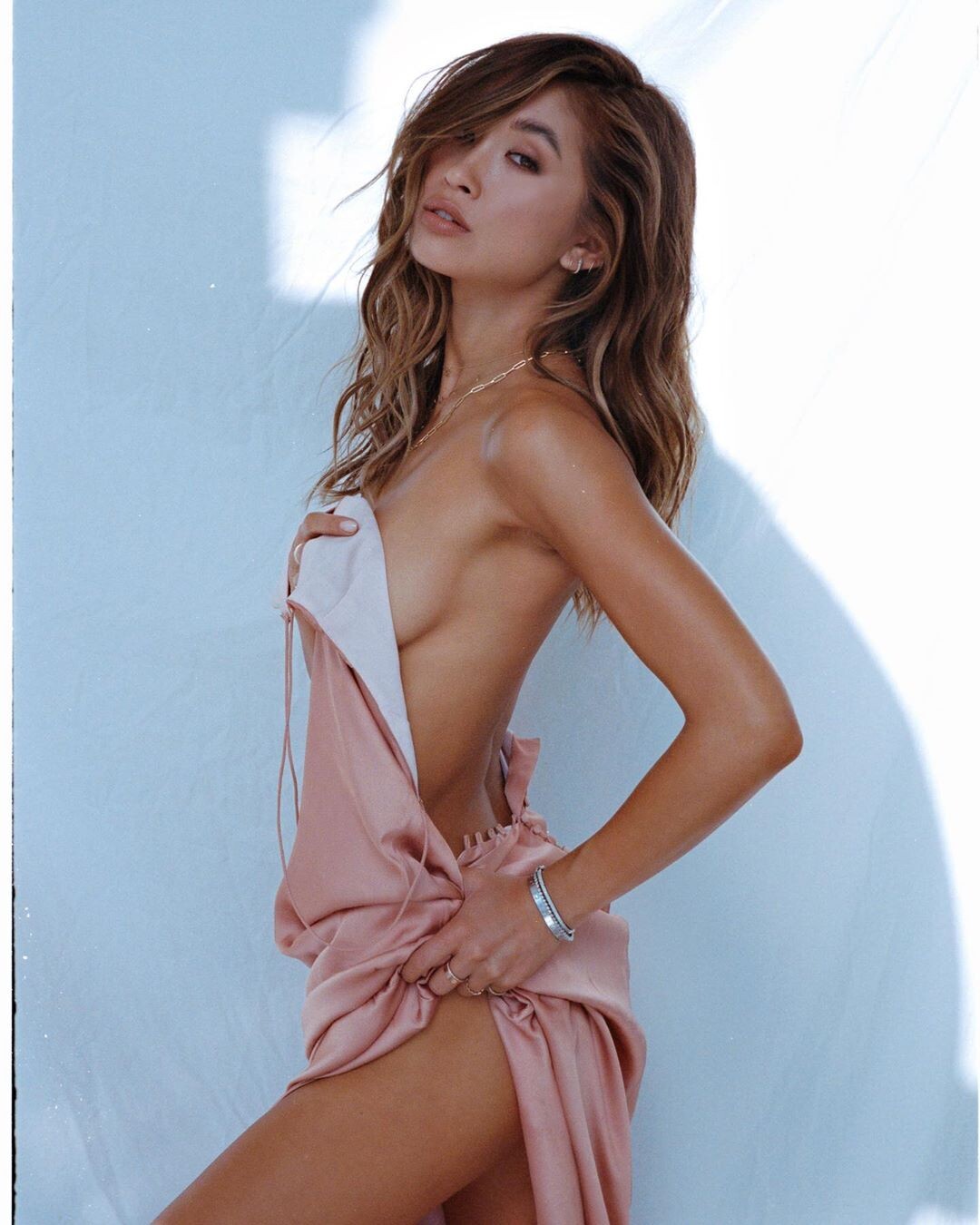
  2. Clint for Gooseberry Intimates
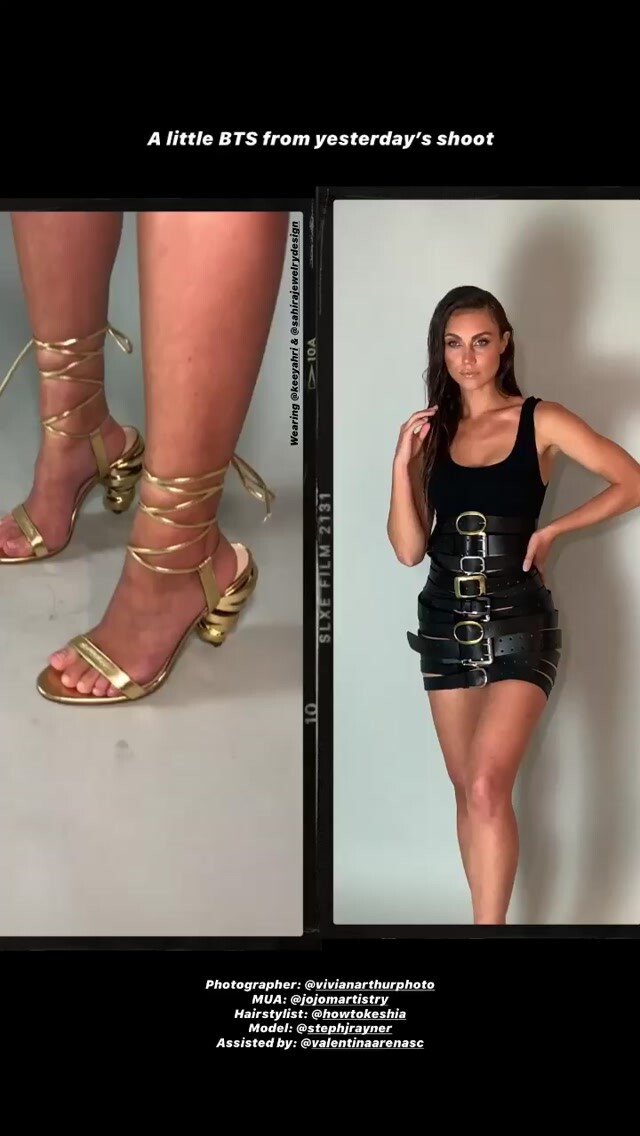
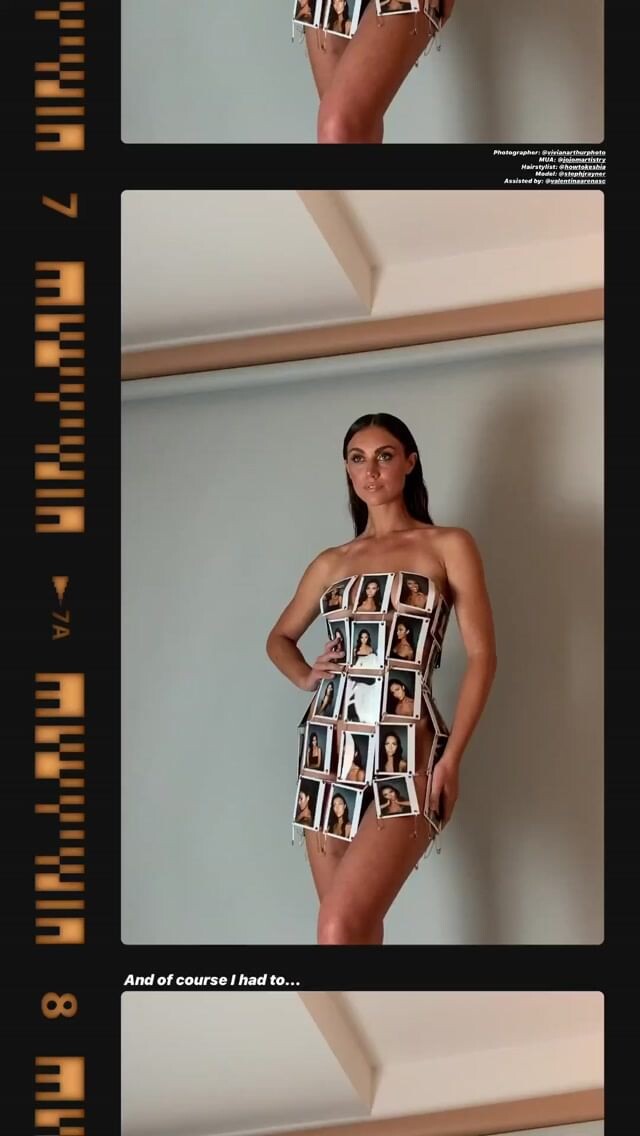
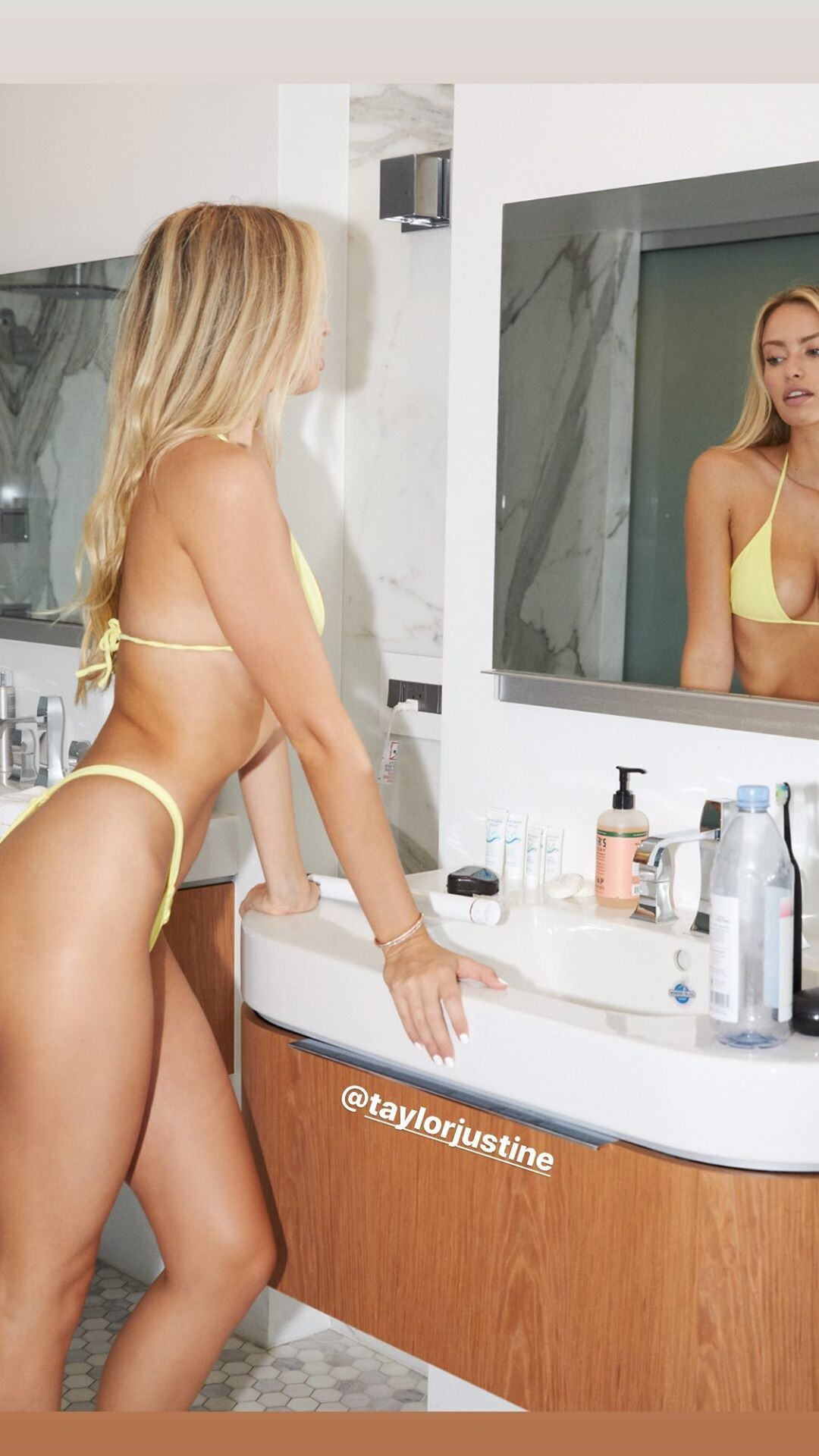
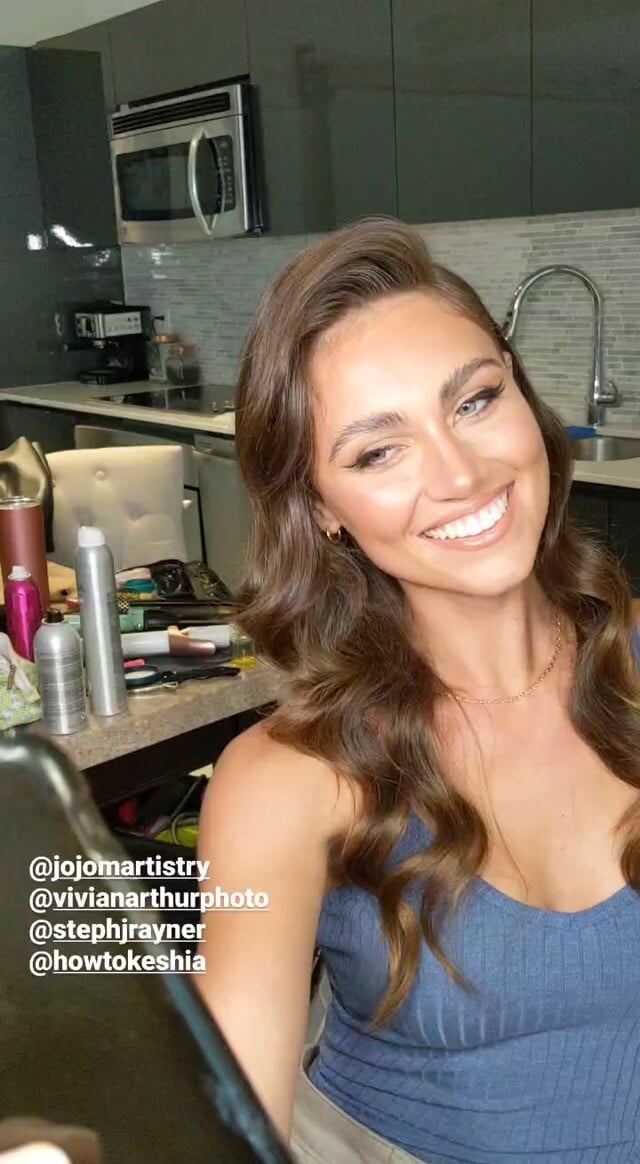
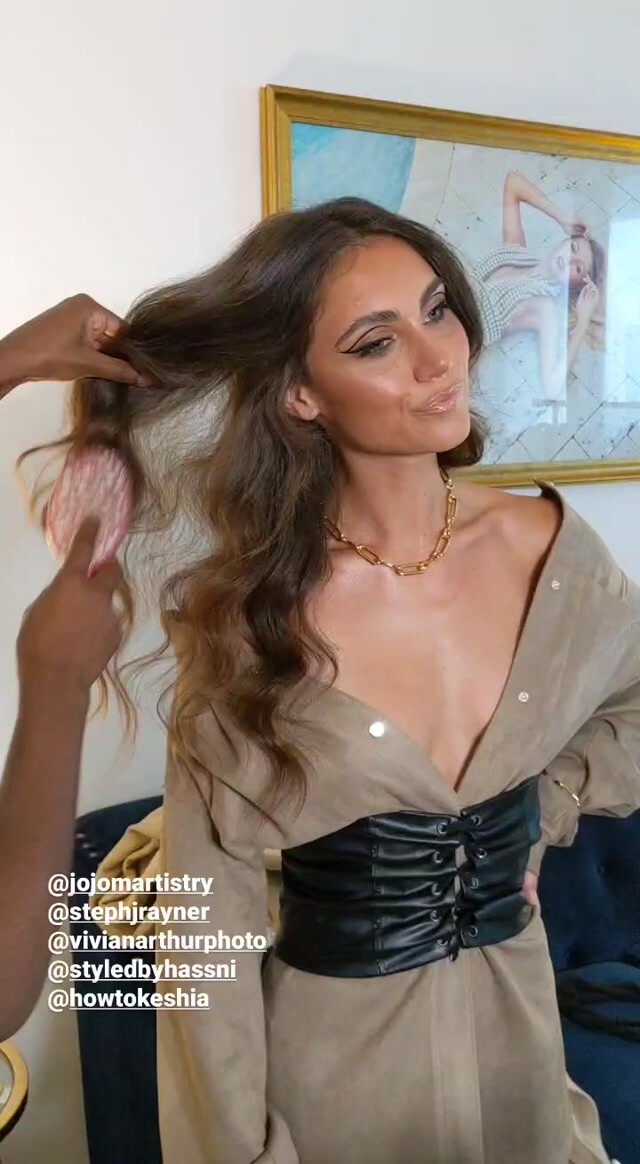
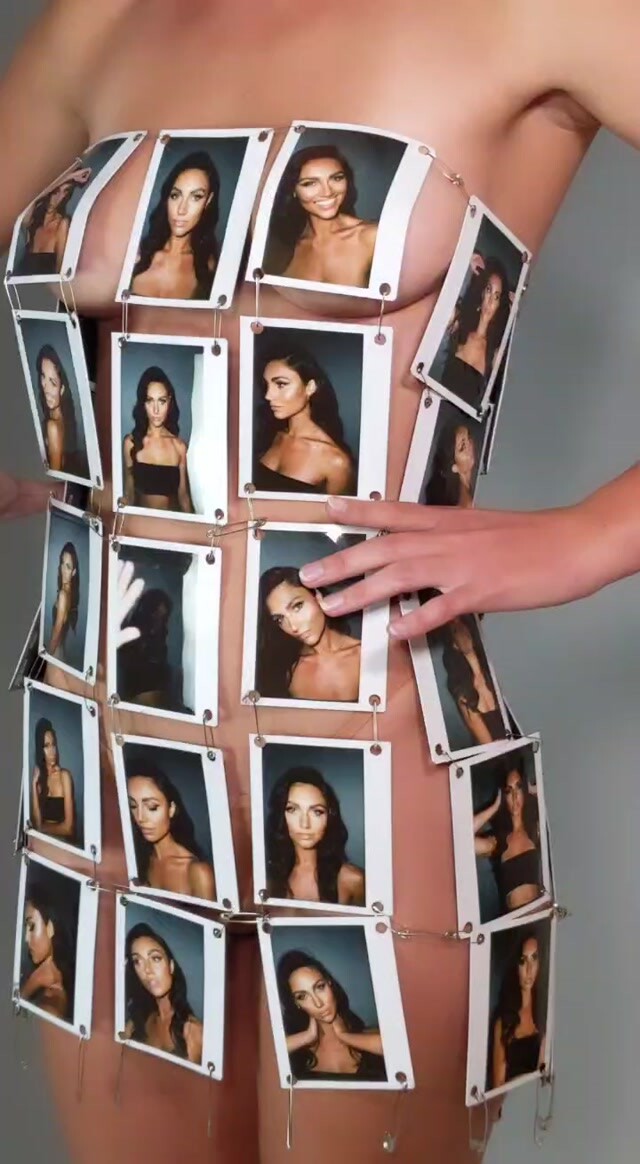
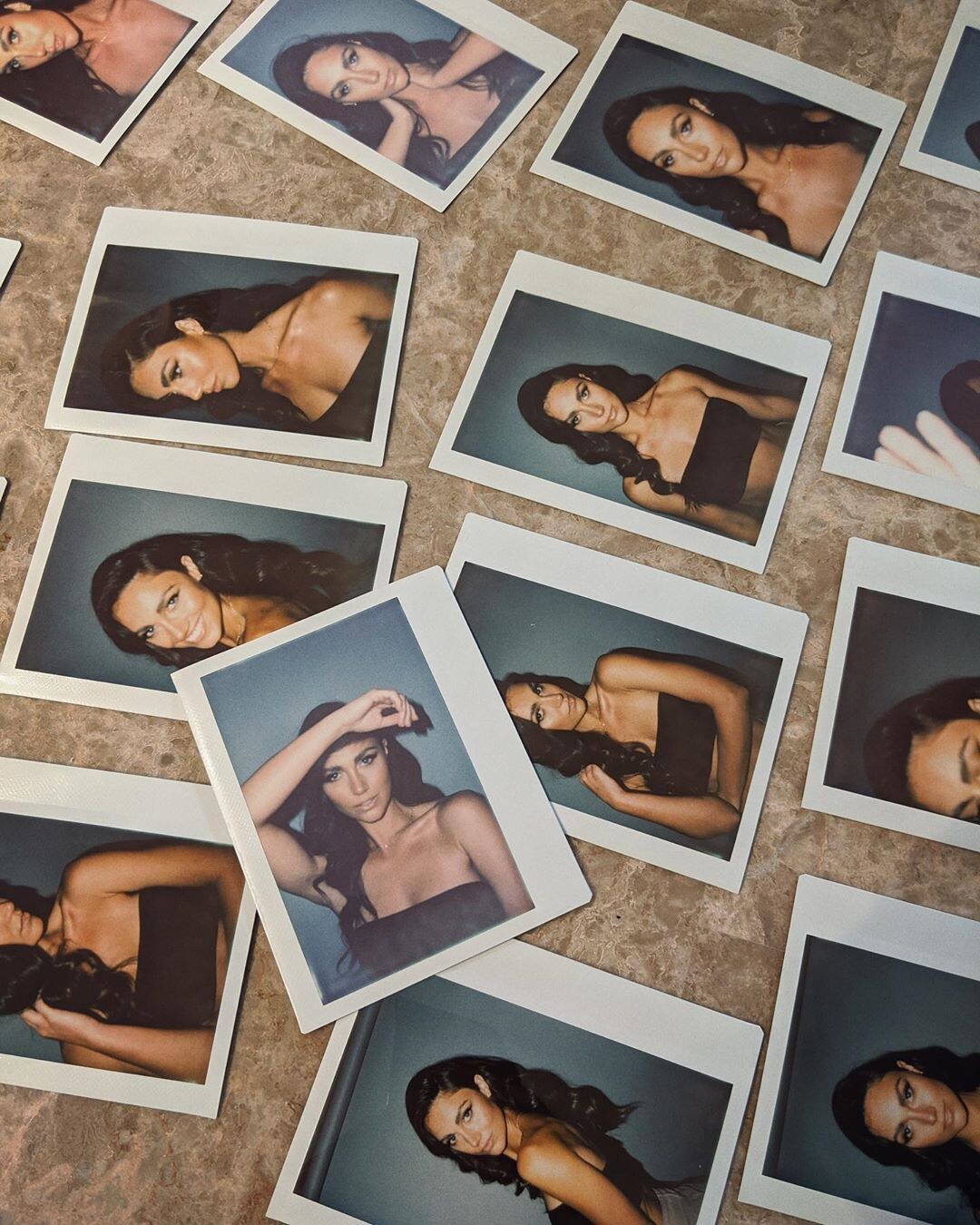
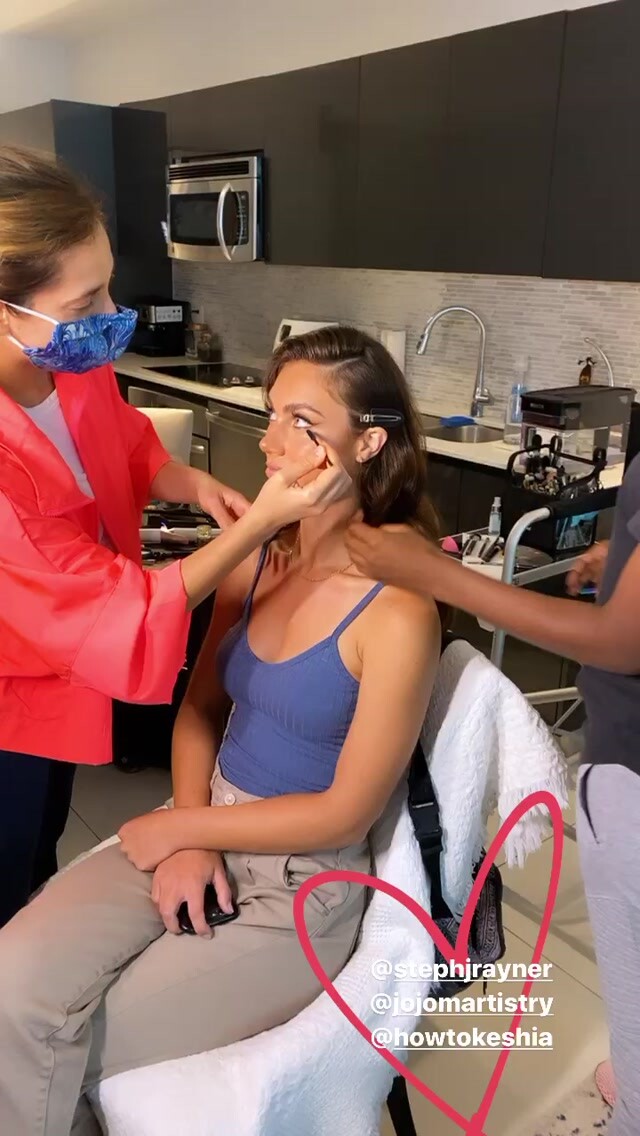
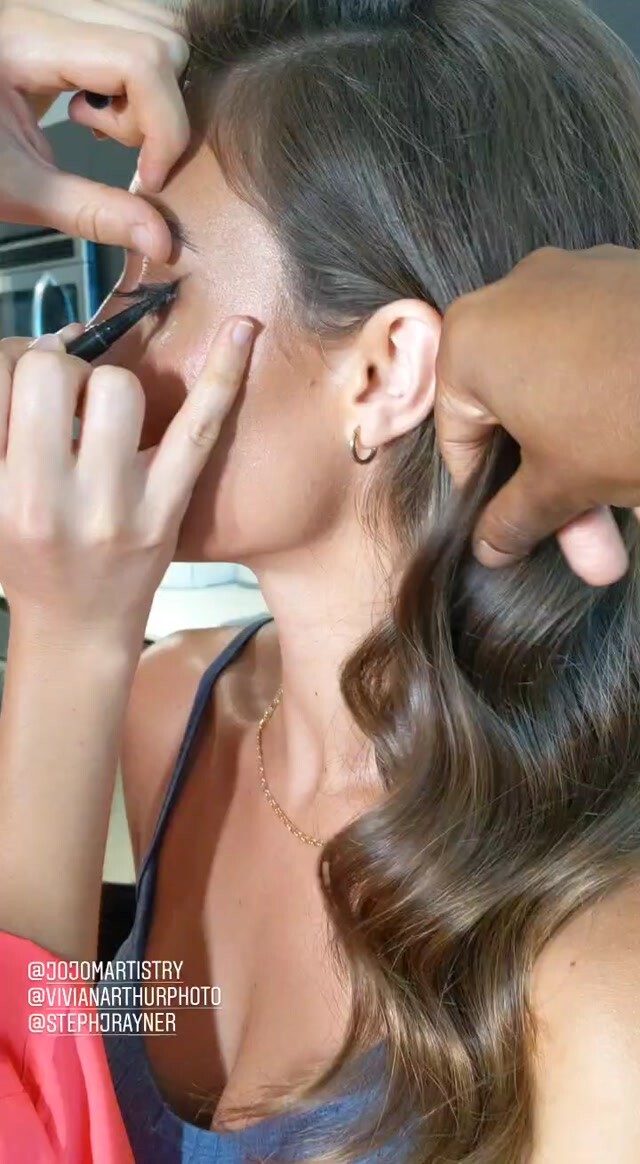
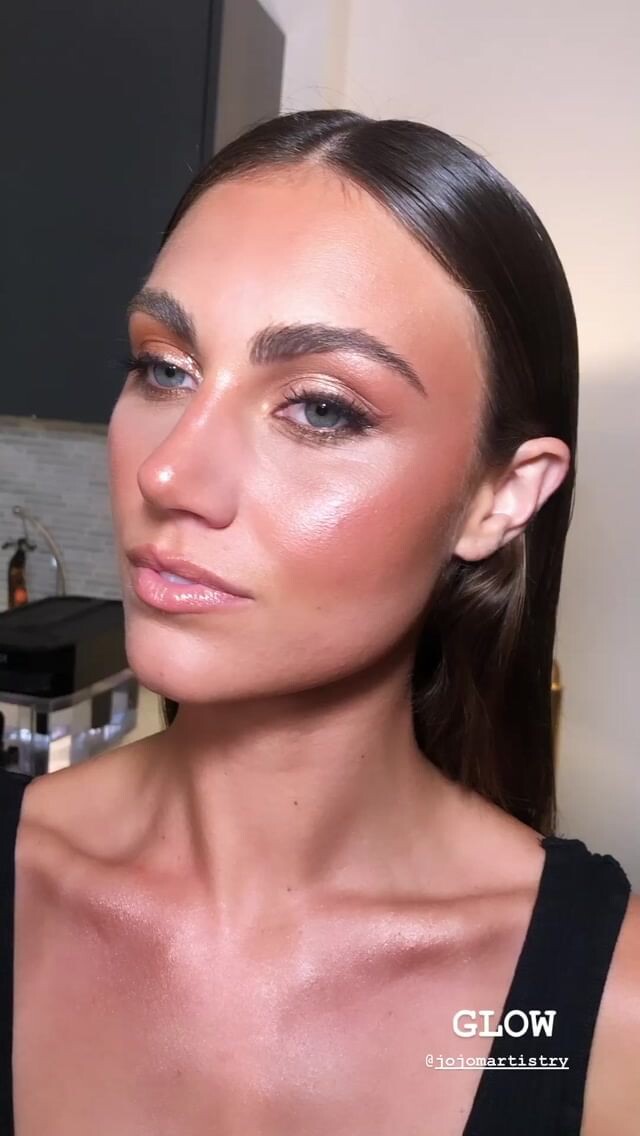
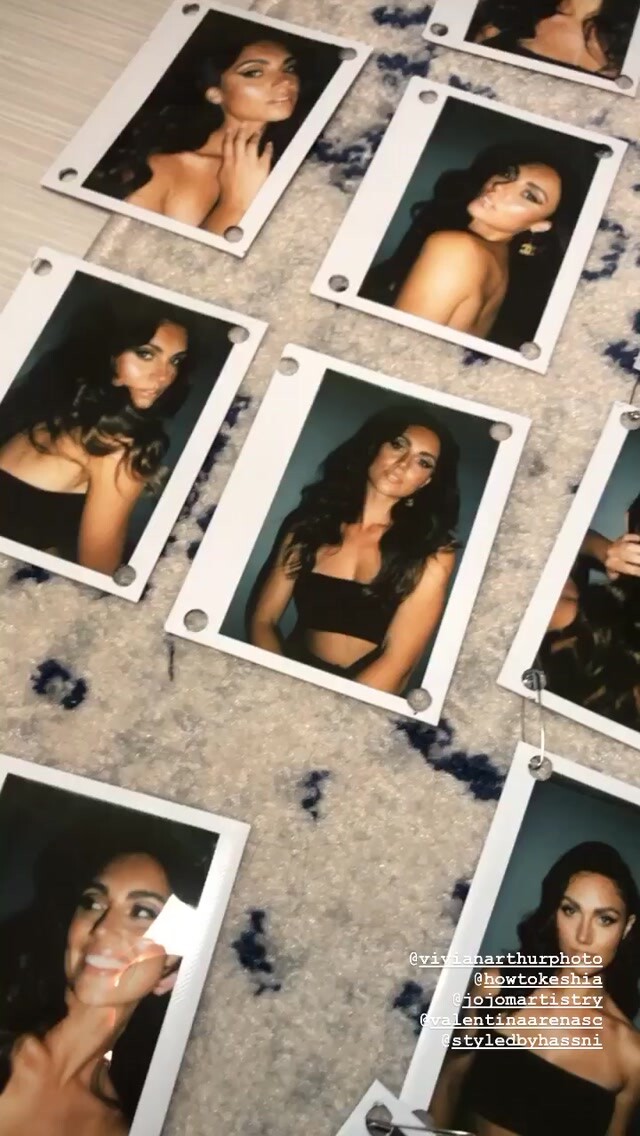
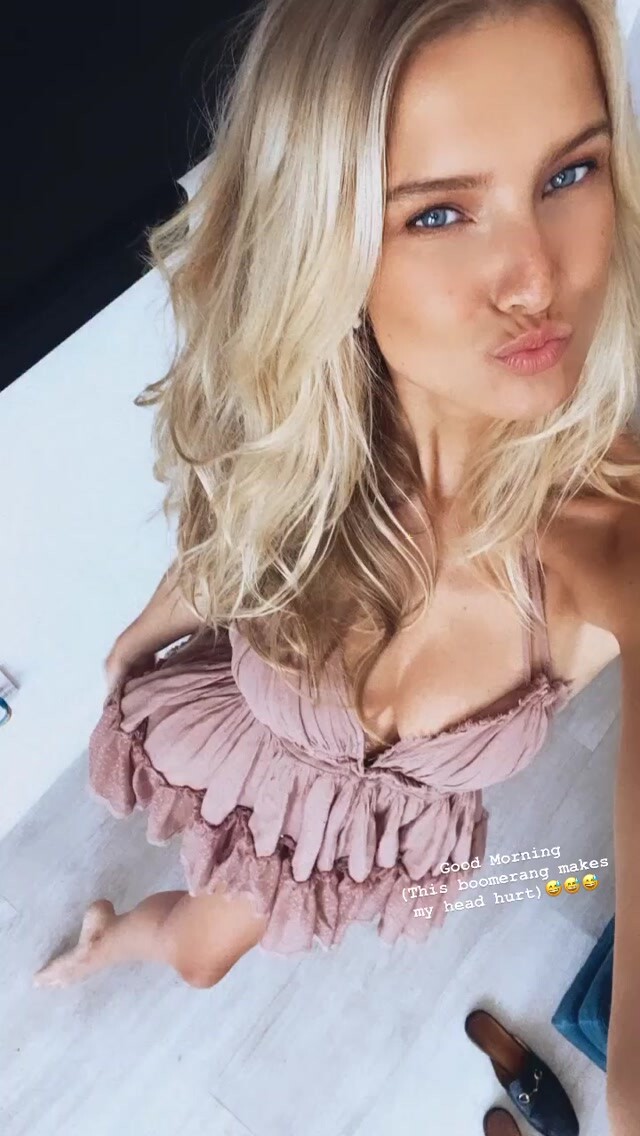
  3. Vivian Arthur IG Story
  4. IG Story More of BTS with Vivian Arthur Warning! Almost nudity if they zoom in on the video they might catch a glimpse of something!
  5. Clint for Gooseberry Intimates
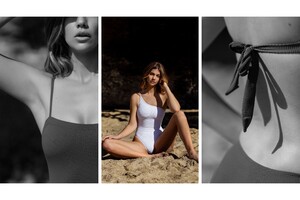
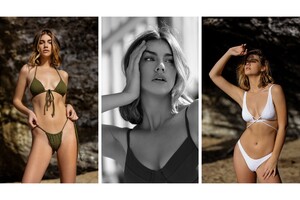
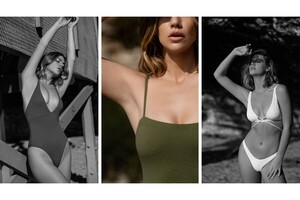
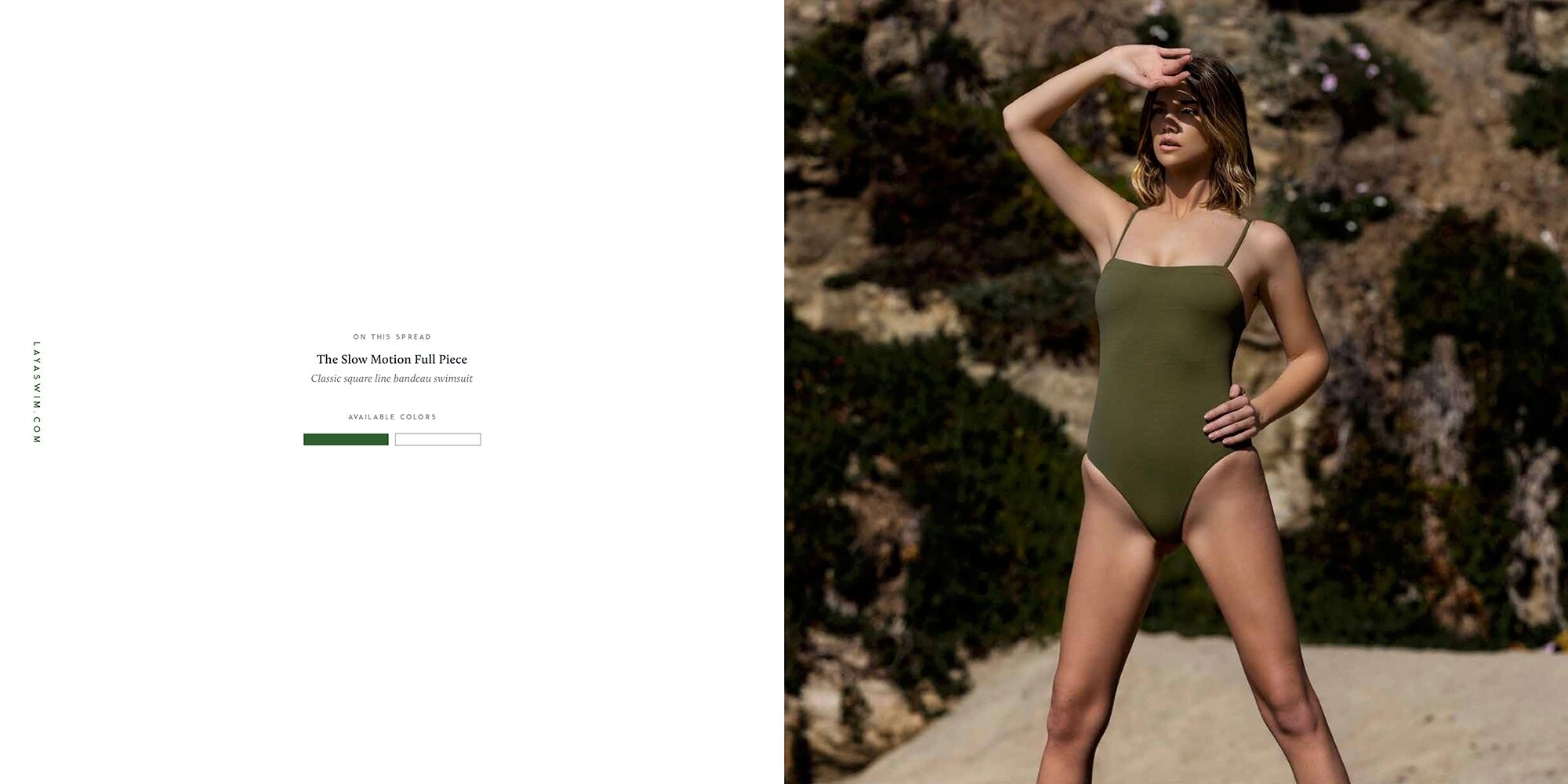
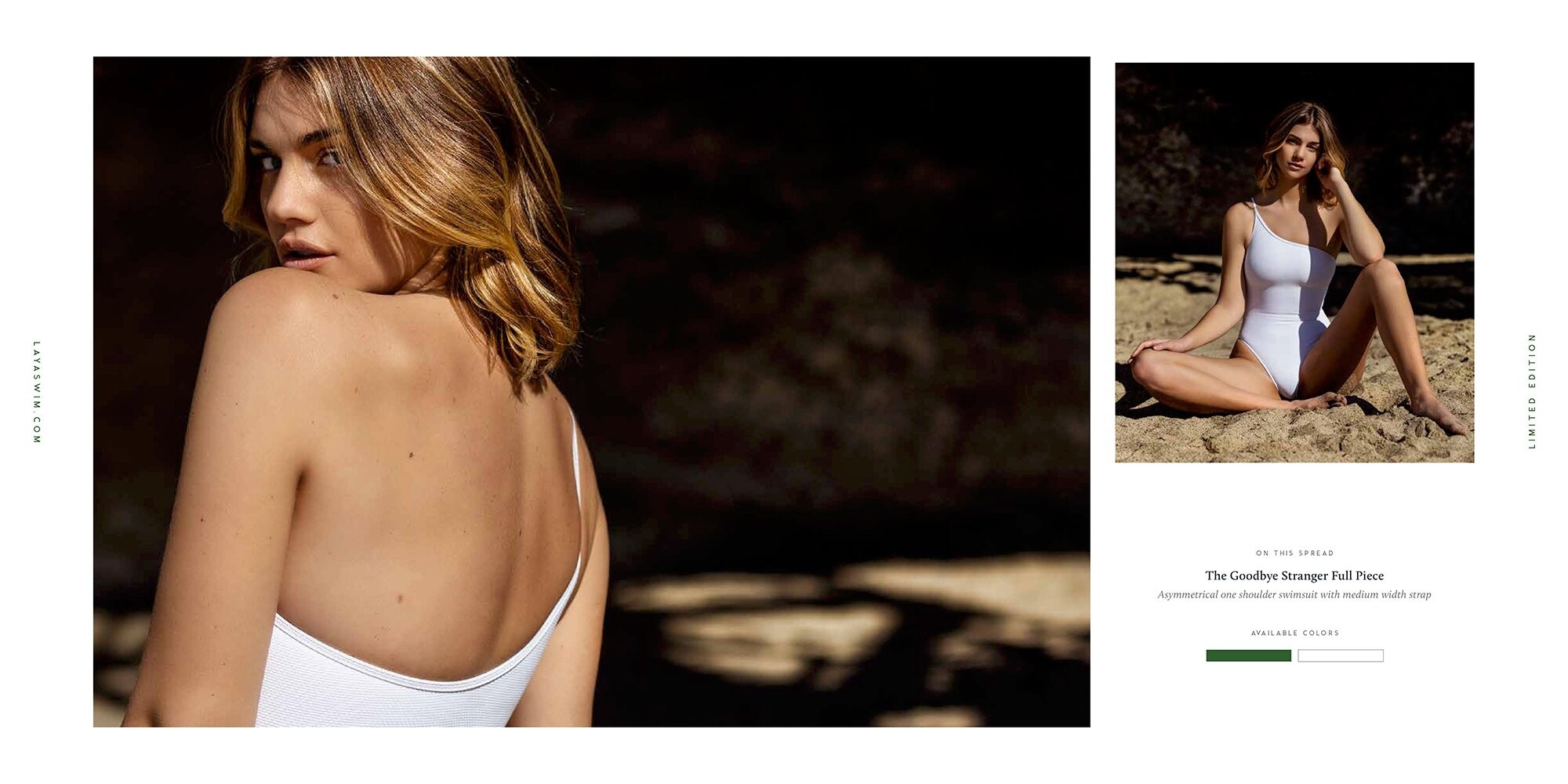
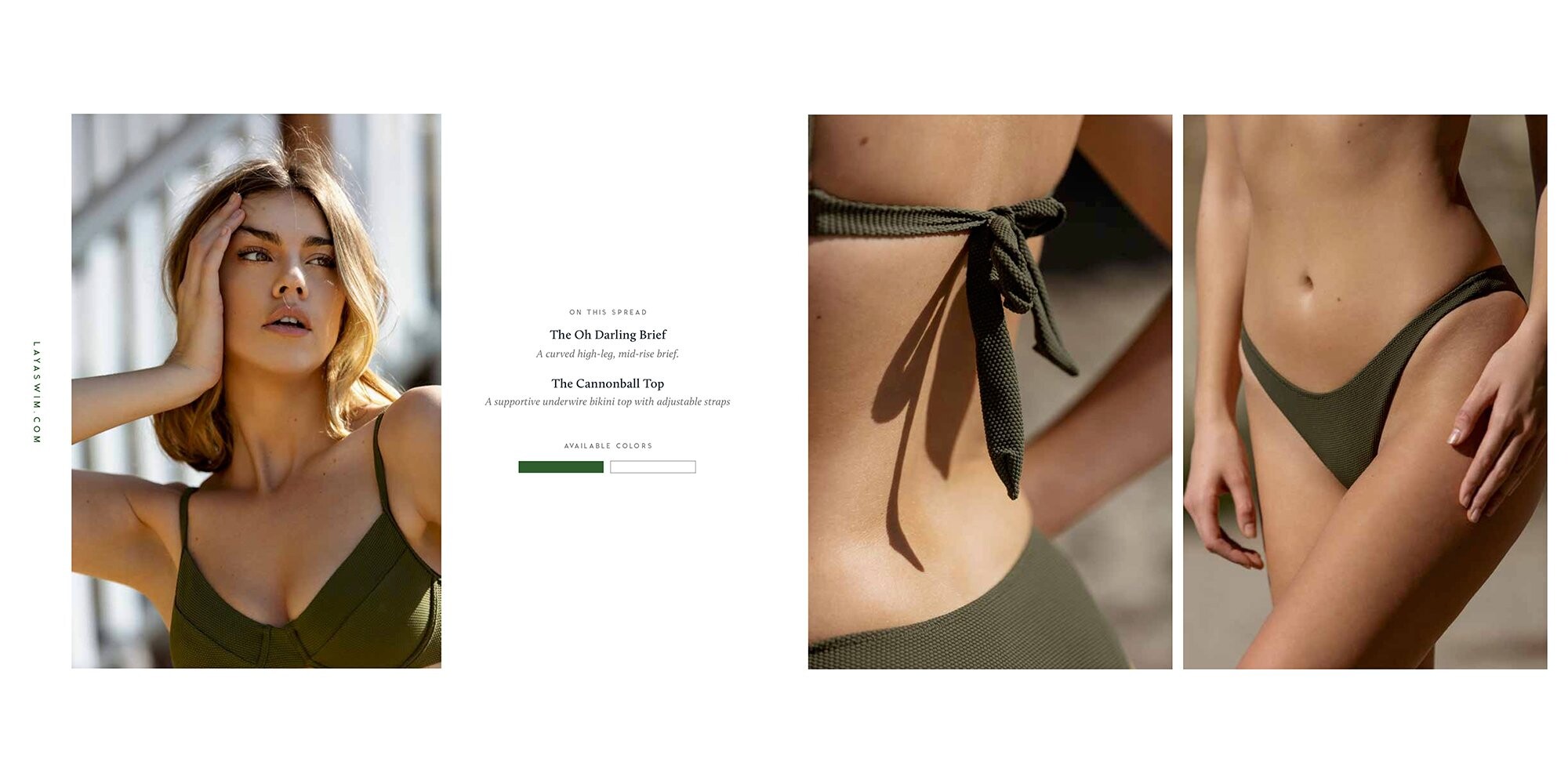
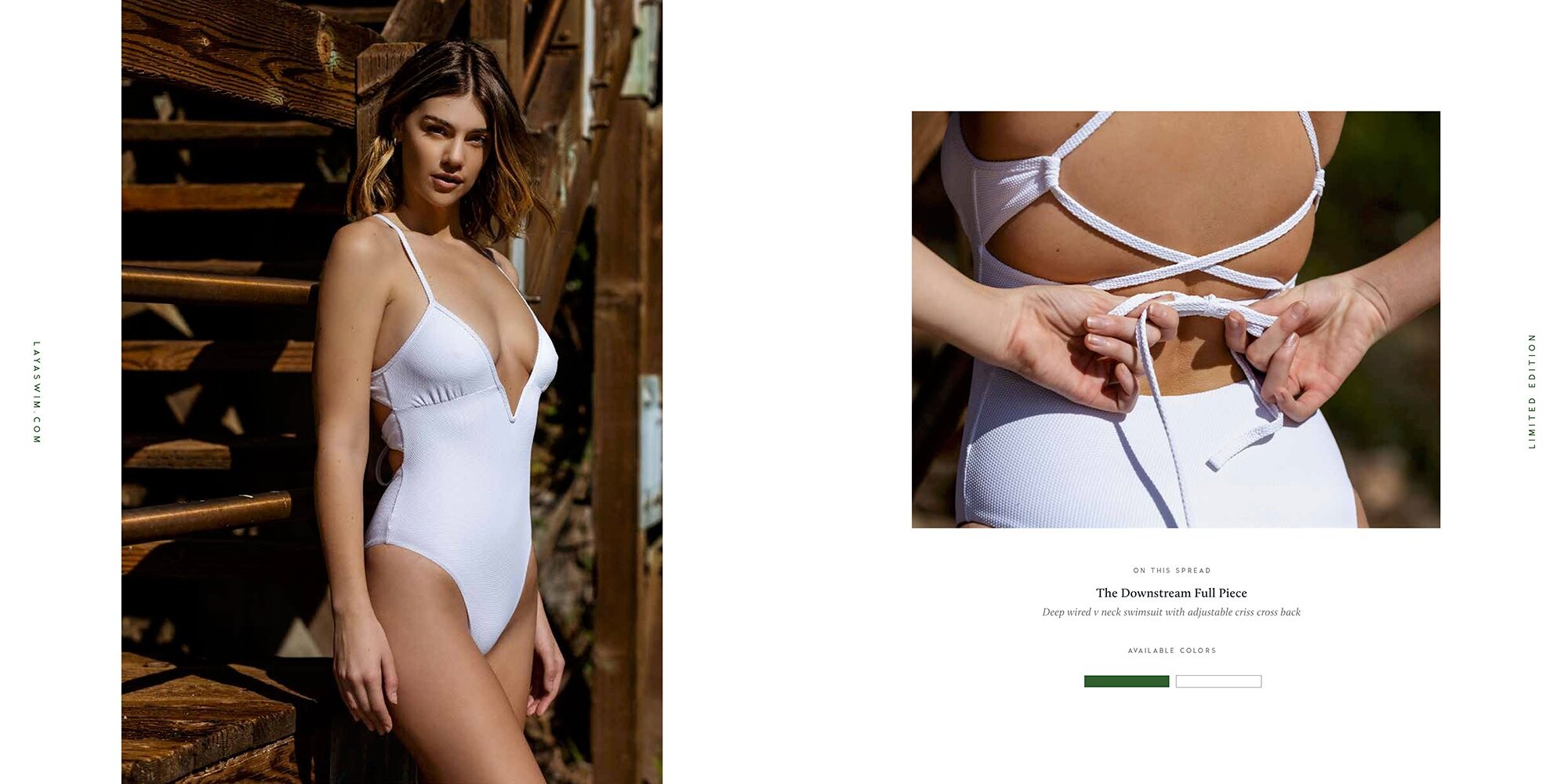
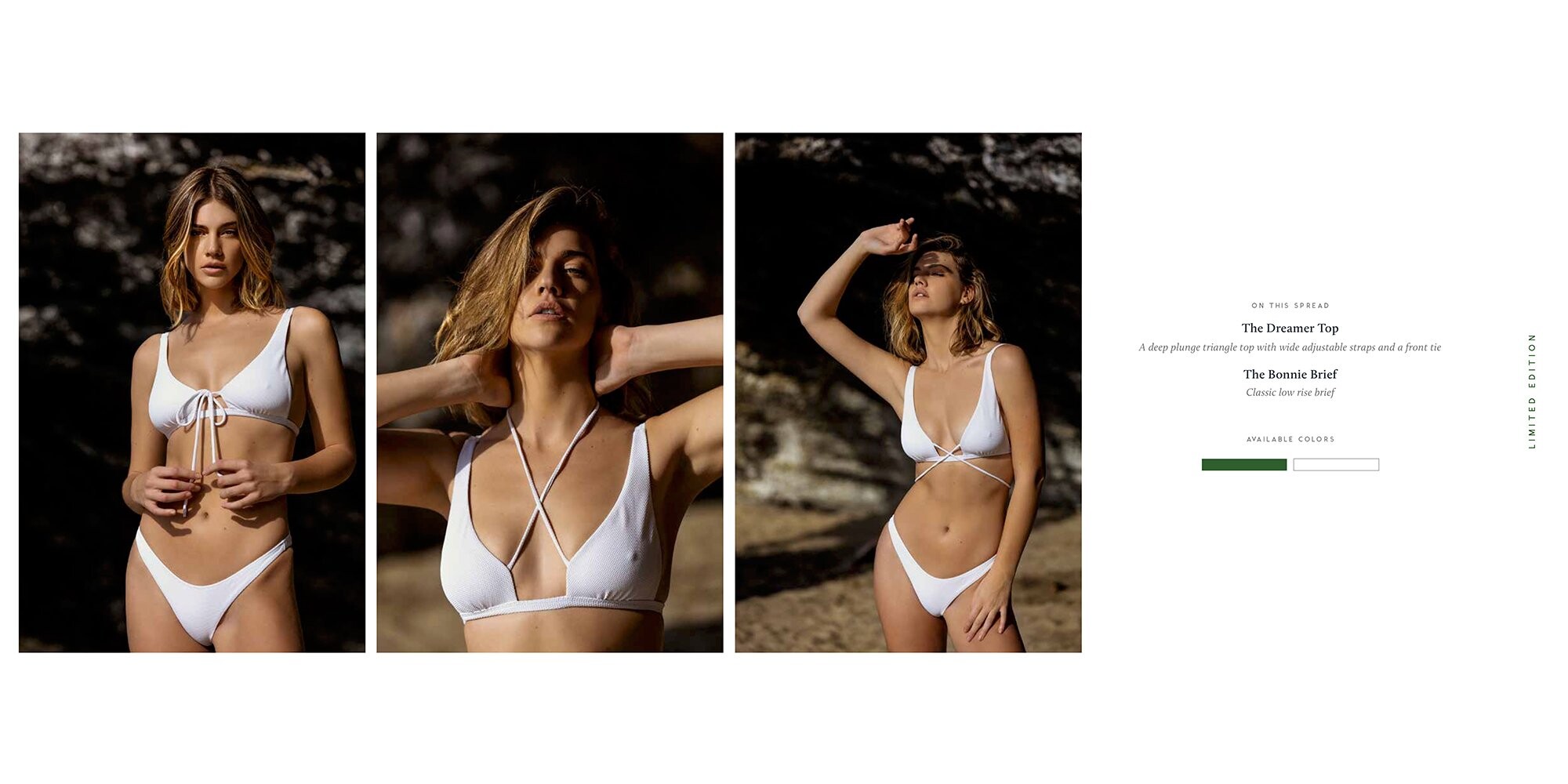
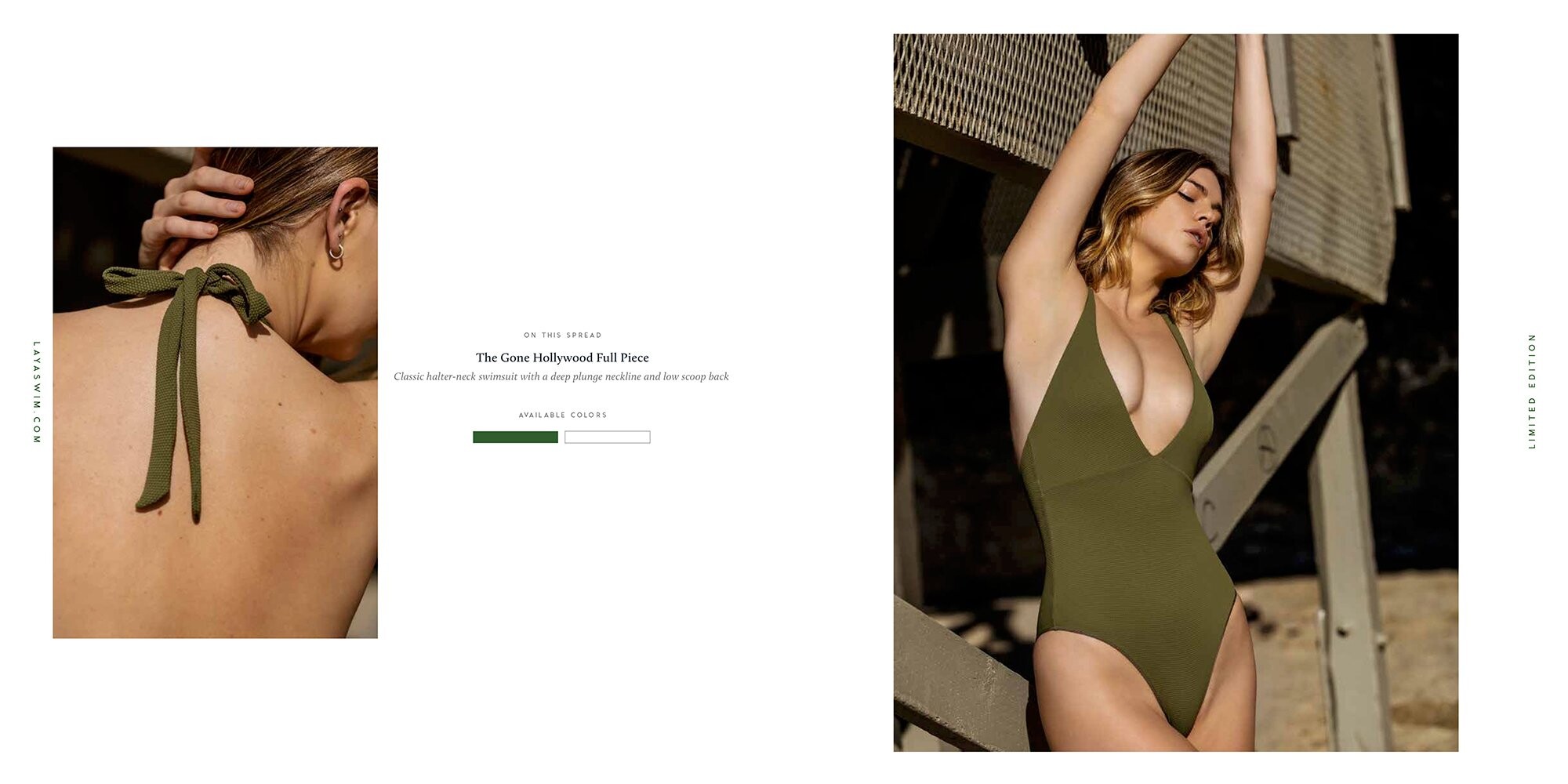
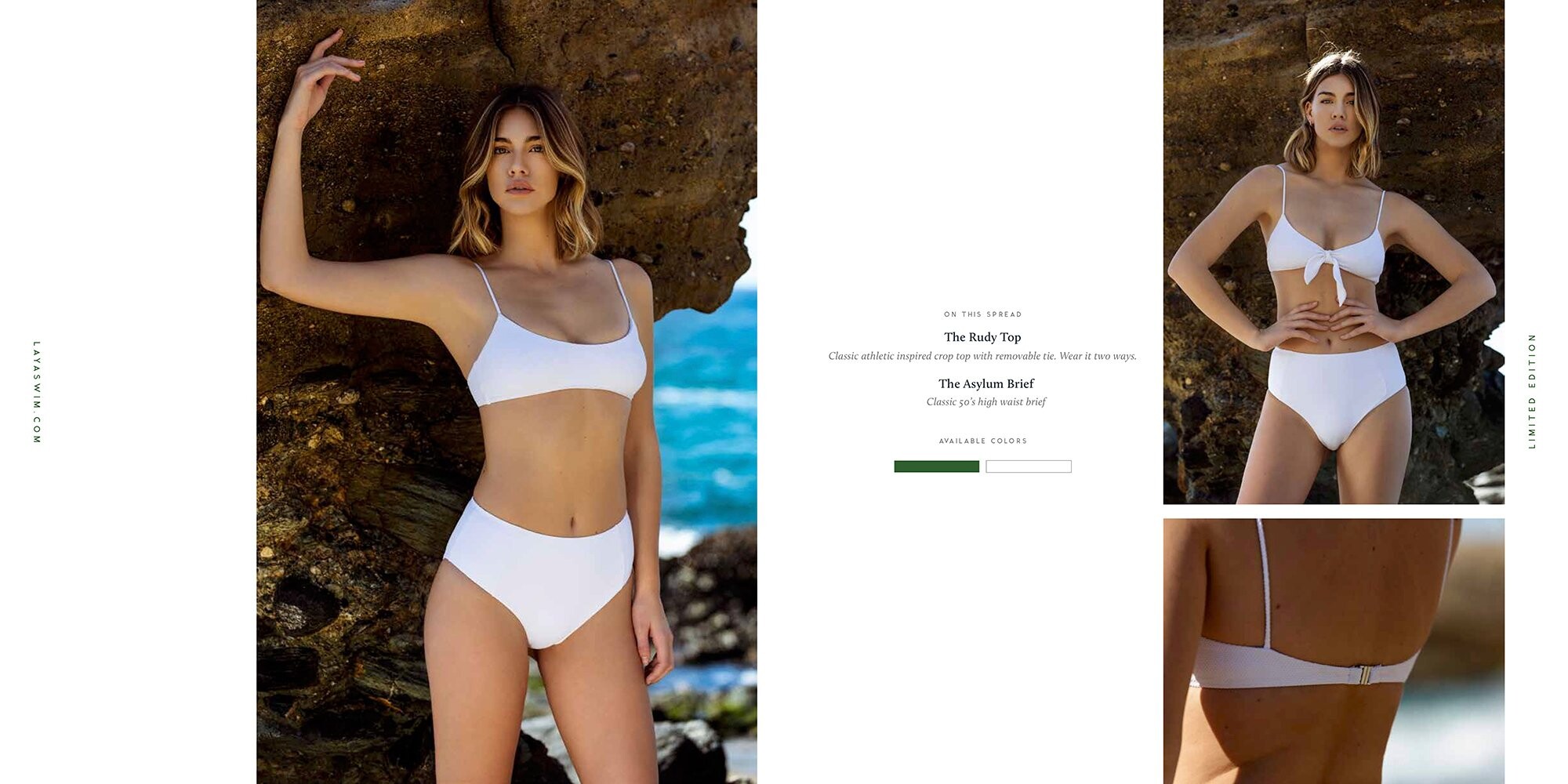
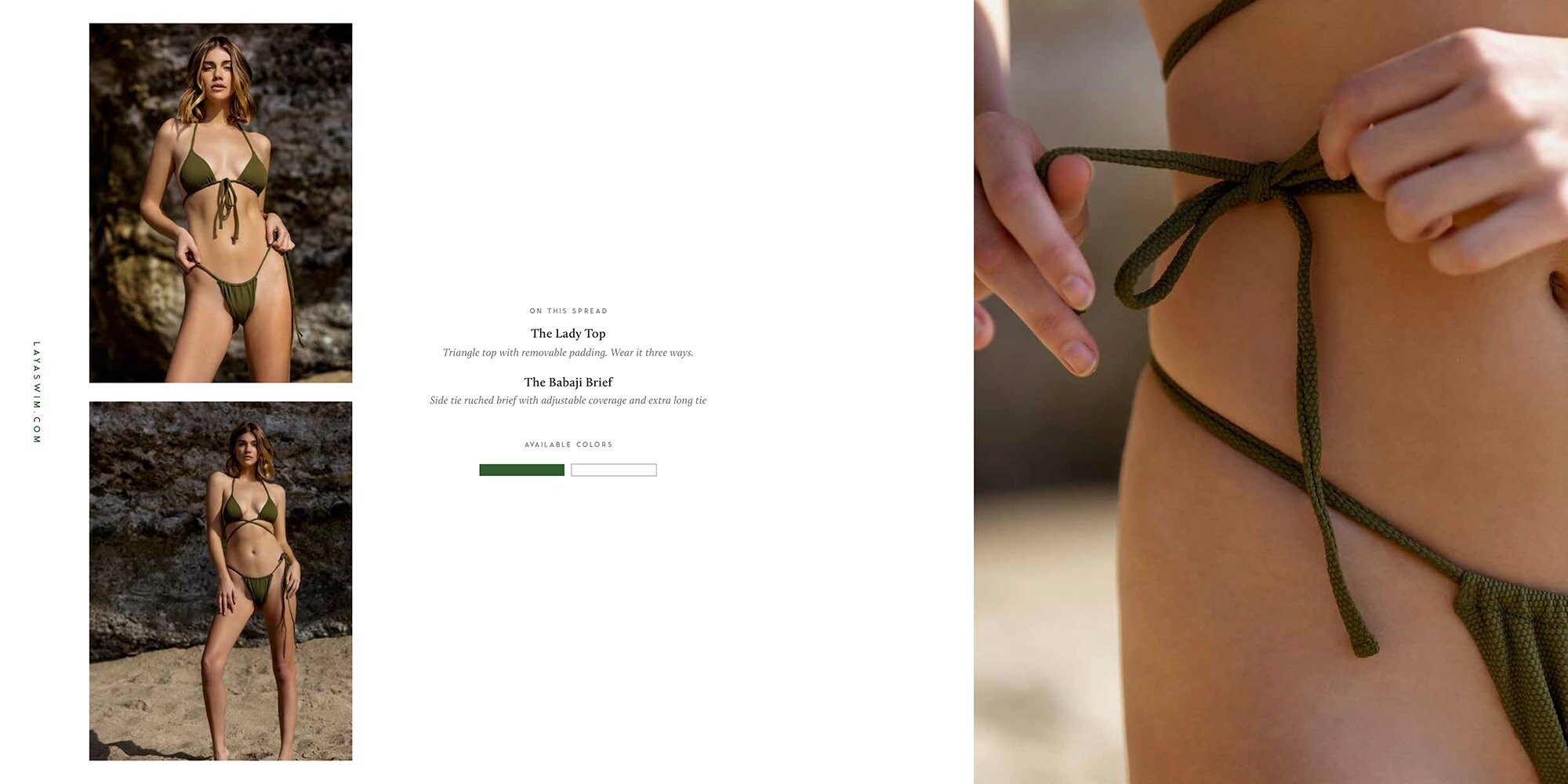
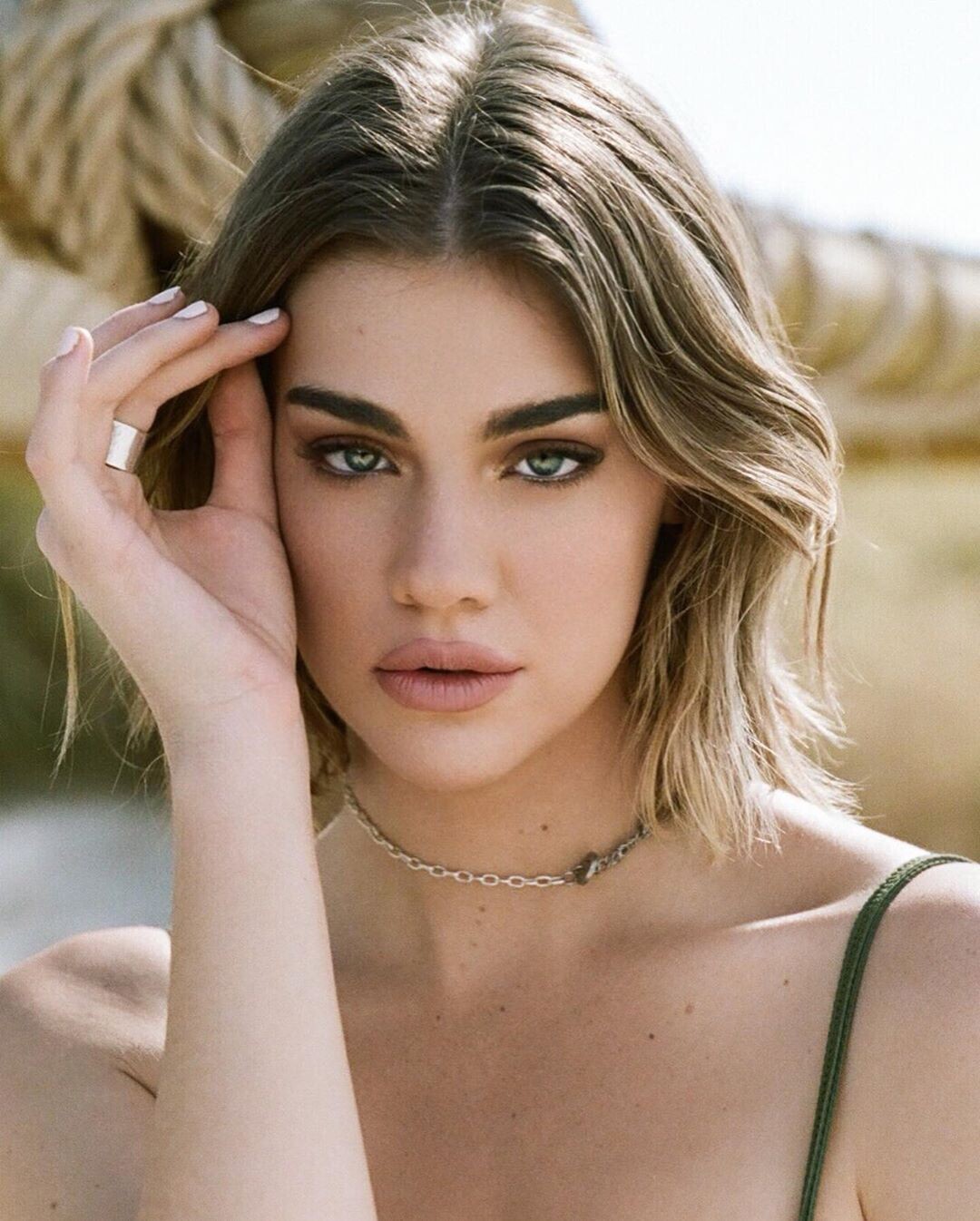
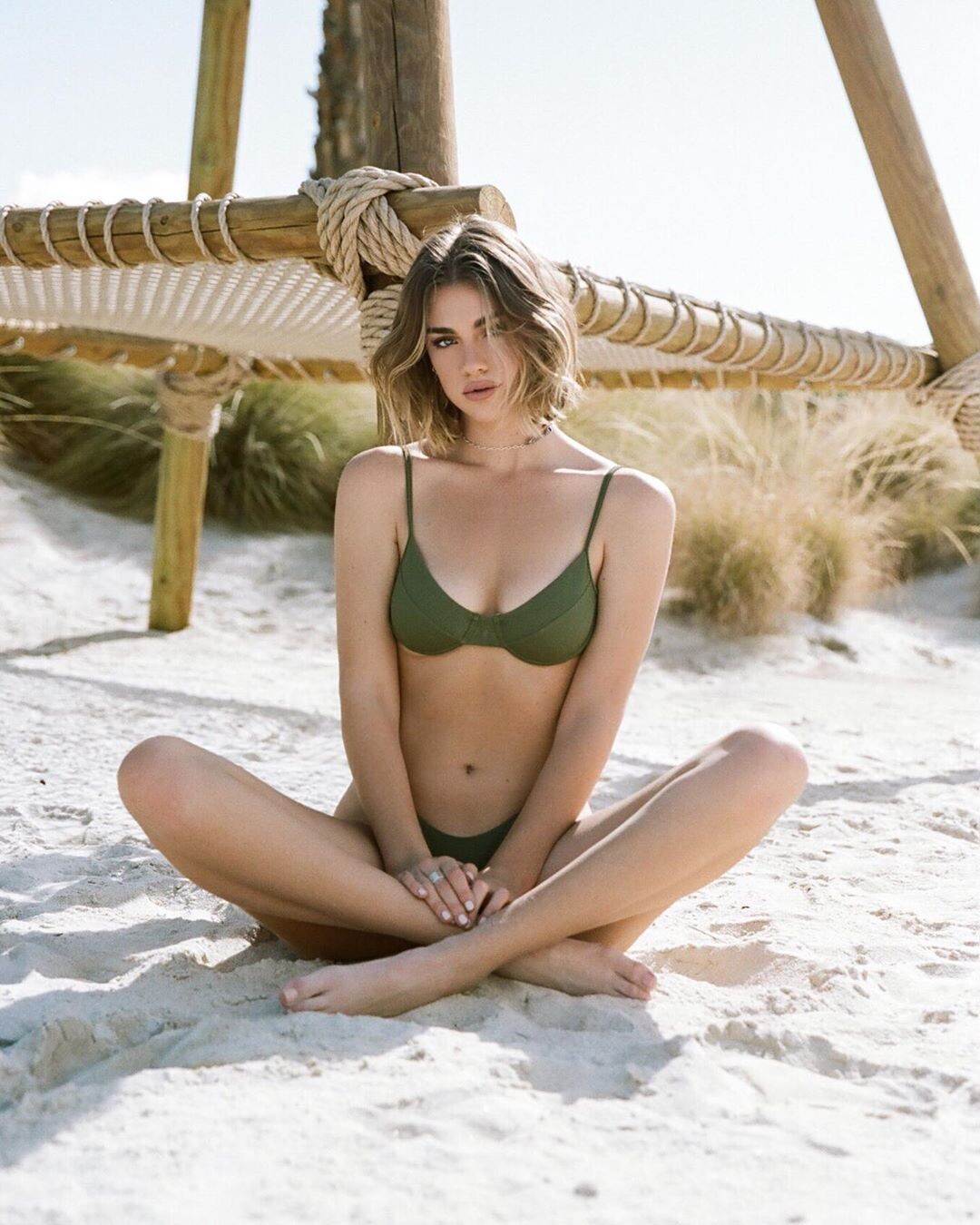
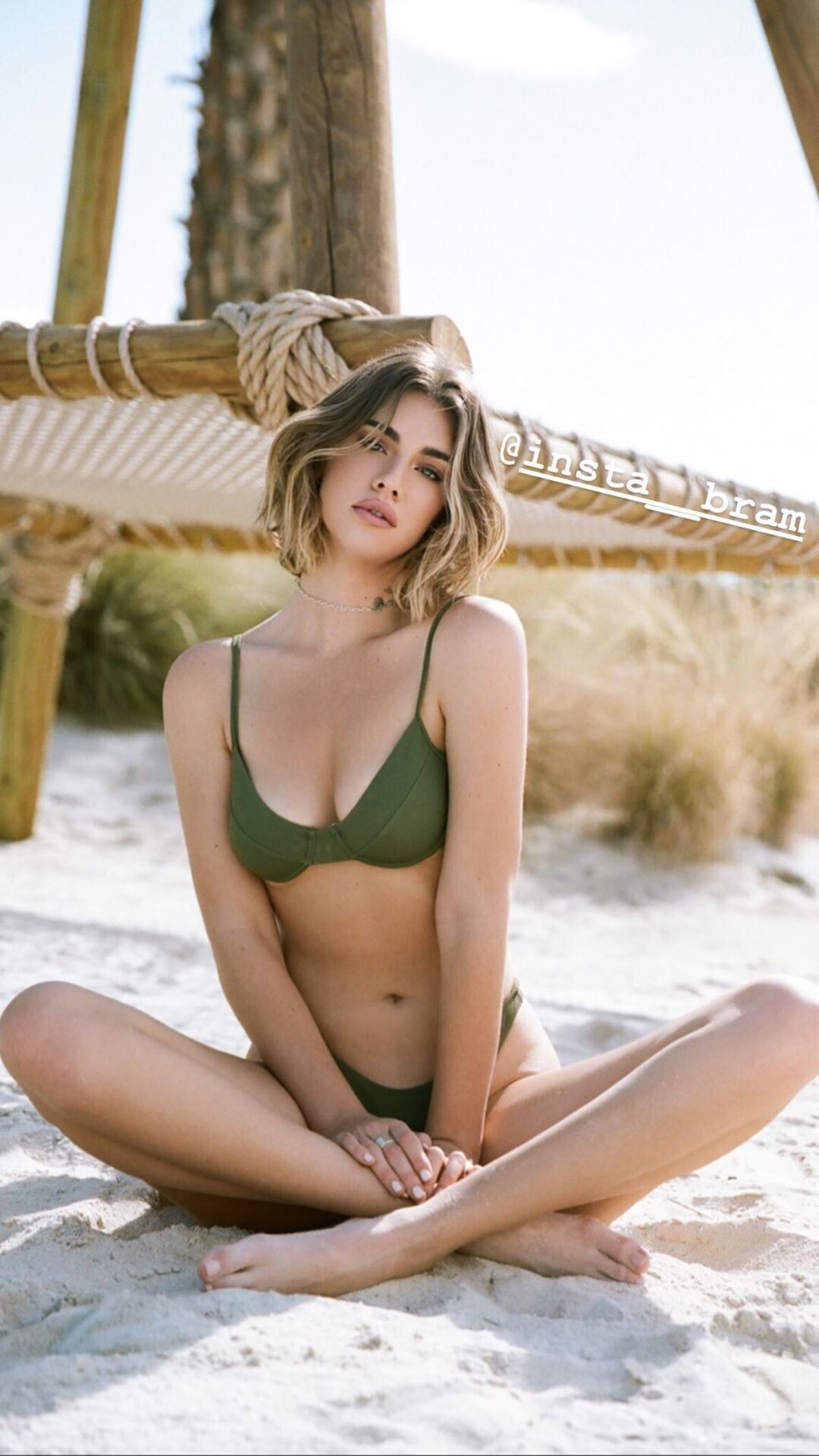
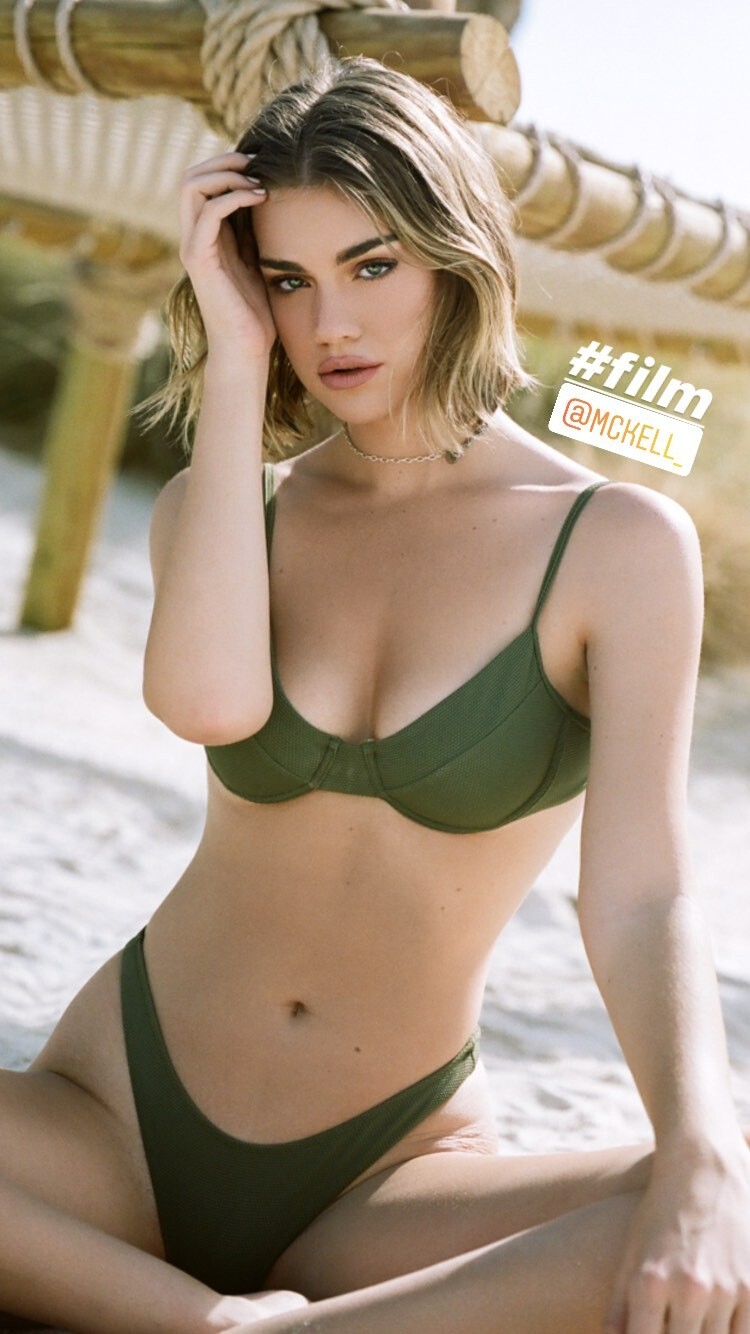
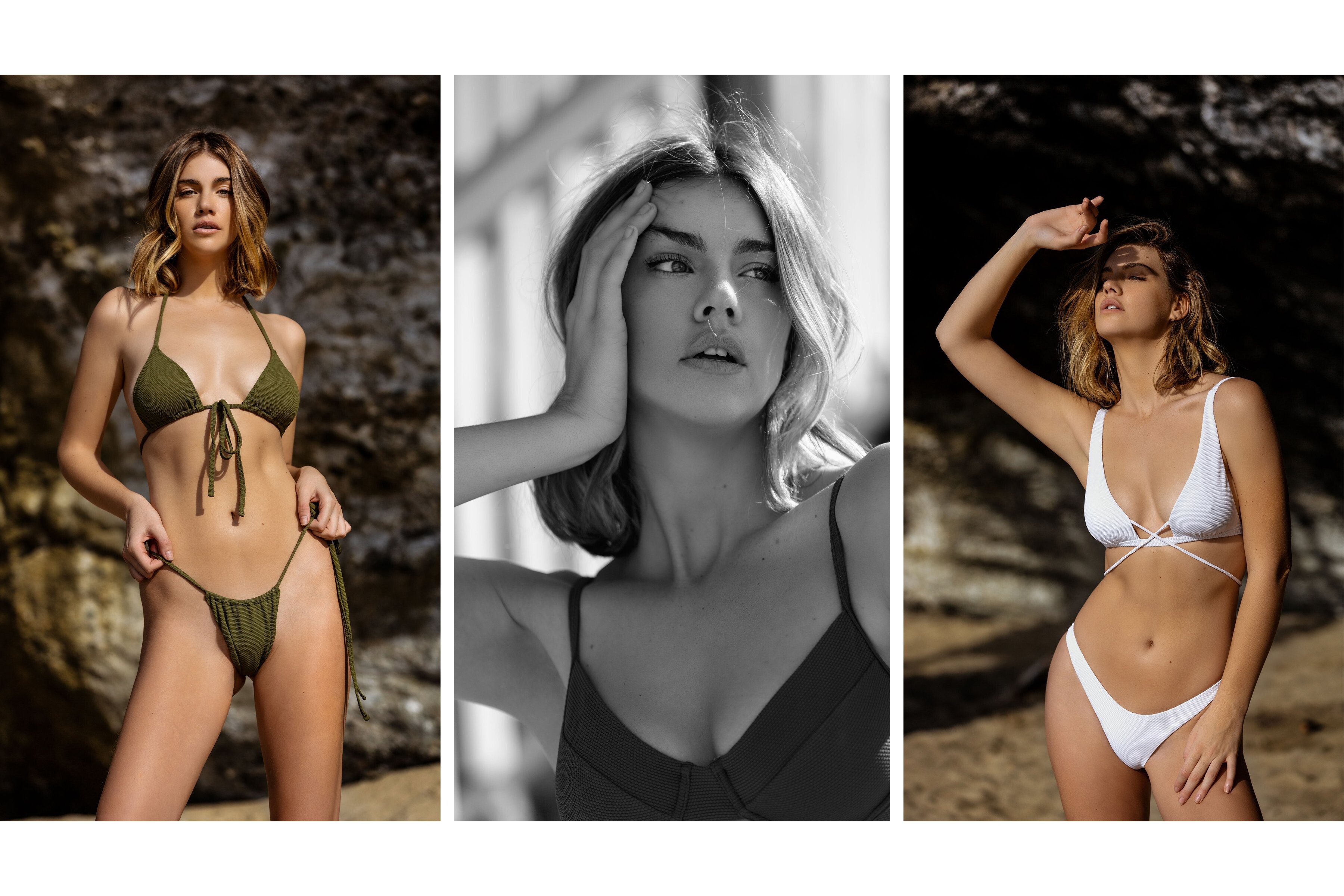
  6. Laya Swim Limited Edition | Lookbook Ph. Bram Norman Lay Swim IG IG Story BTS
  7. Bram Norman IG Story And the past photoshoot
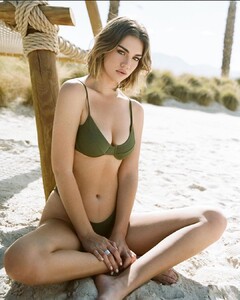
  8. The description! And the Herbert Twins???
  9. I think I will have to get used to it that this will be one of the threads that is based on being a copy of the model's instagram profile (which is very beautiful by the way). I might not follow her and come here to see everything she posts! She deserves more than that! I will try to the best of my ability to publish your editorials, campaigns, shoot backstage.
  10. Adam Mont IG Story
  11. IG Story More of Photoshooting with Vivian Arthur
  12. You forget to mention that photographer is photoshooting @Matt!
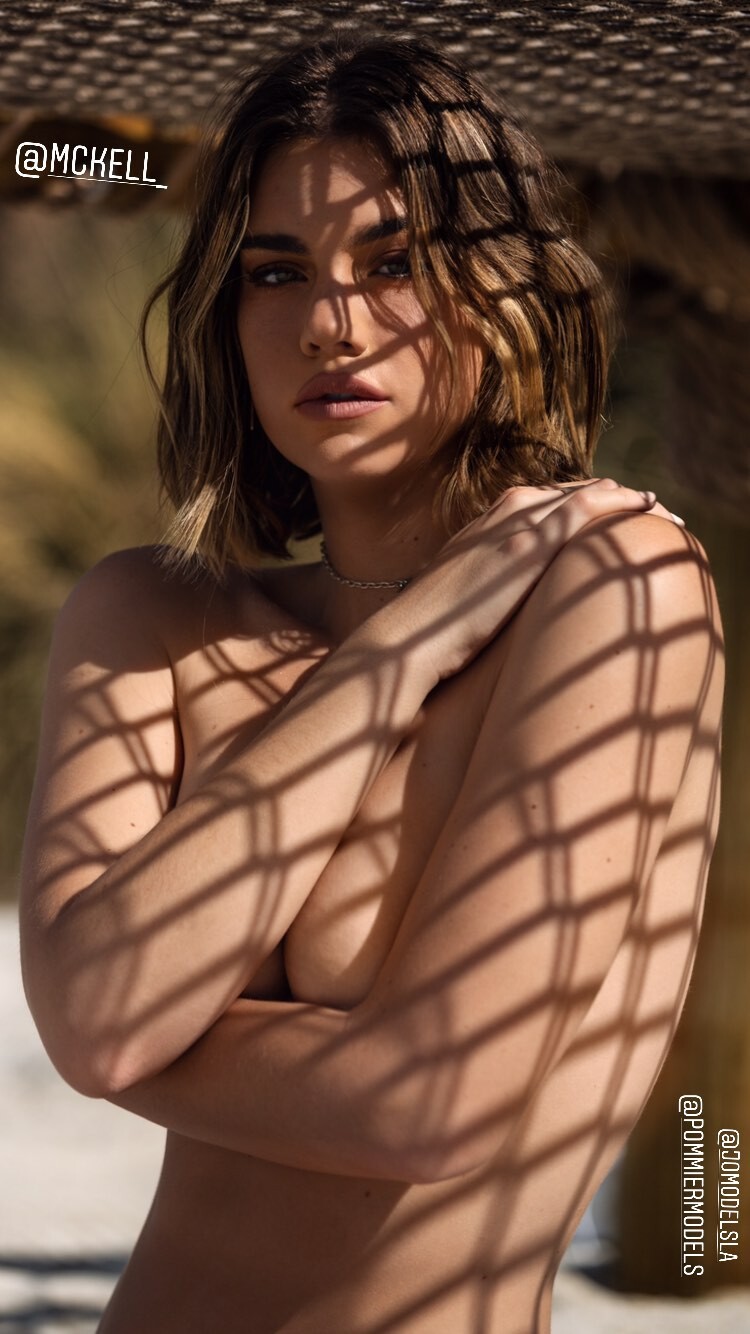
  13. IG Story Photoshooting with Vivian Arthur Warning! Nudity [aura] with credits
  14. IG Story
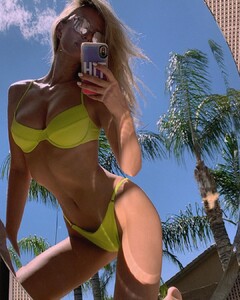
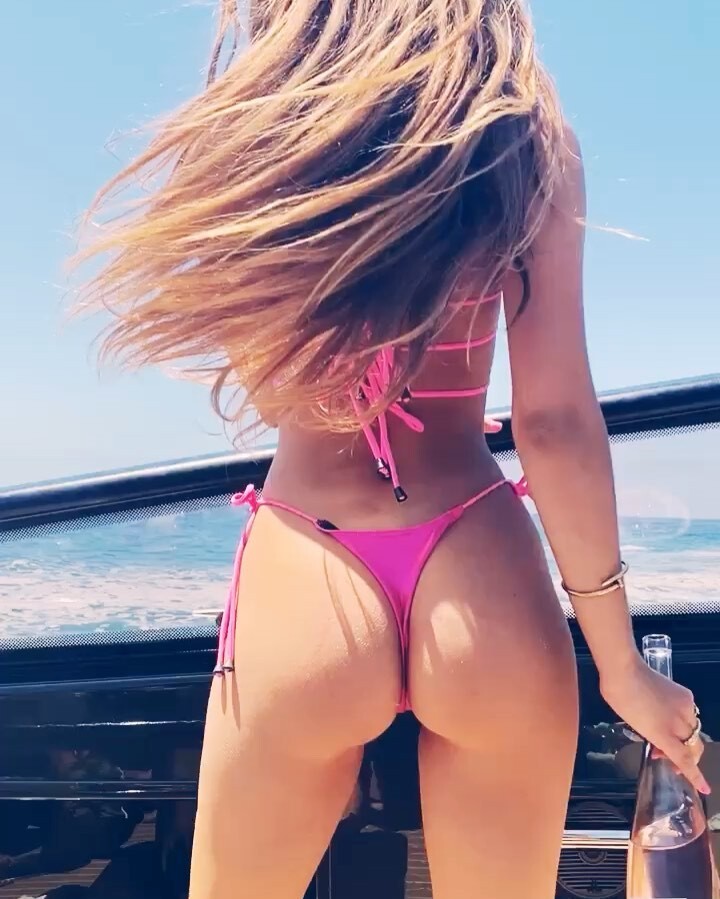
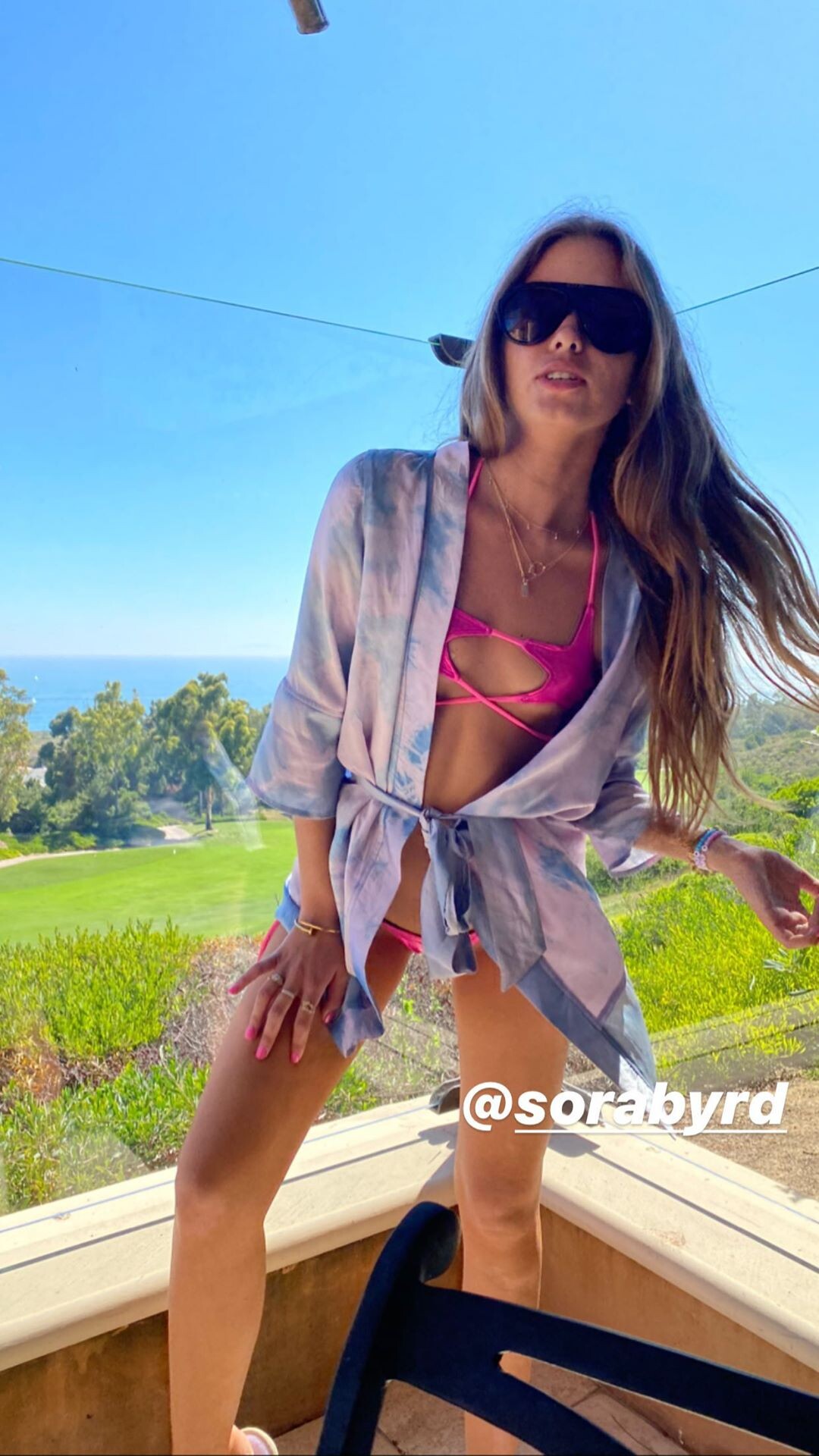
  15. Her IG wearing: Monday Swimwear
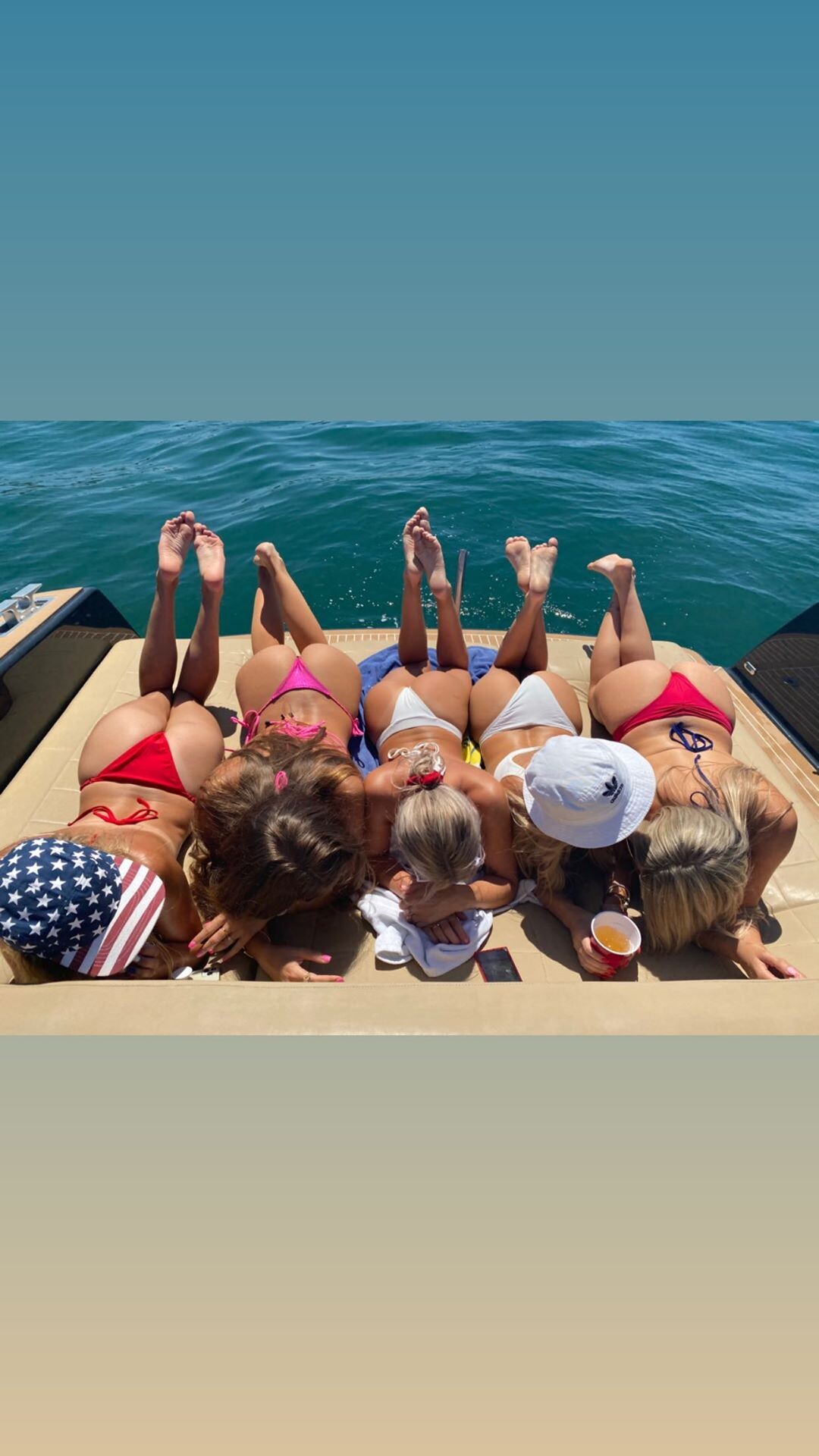
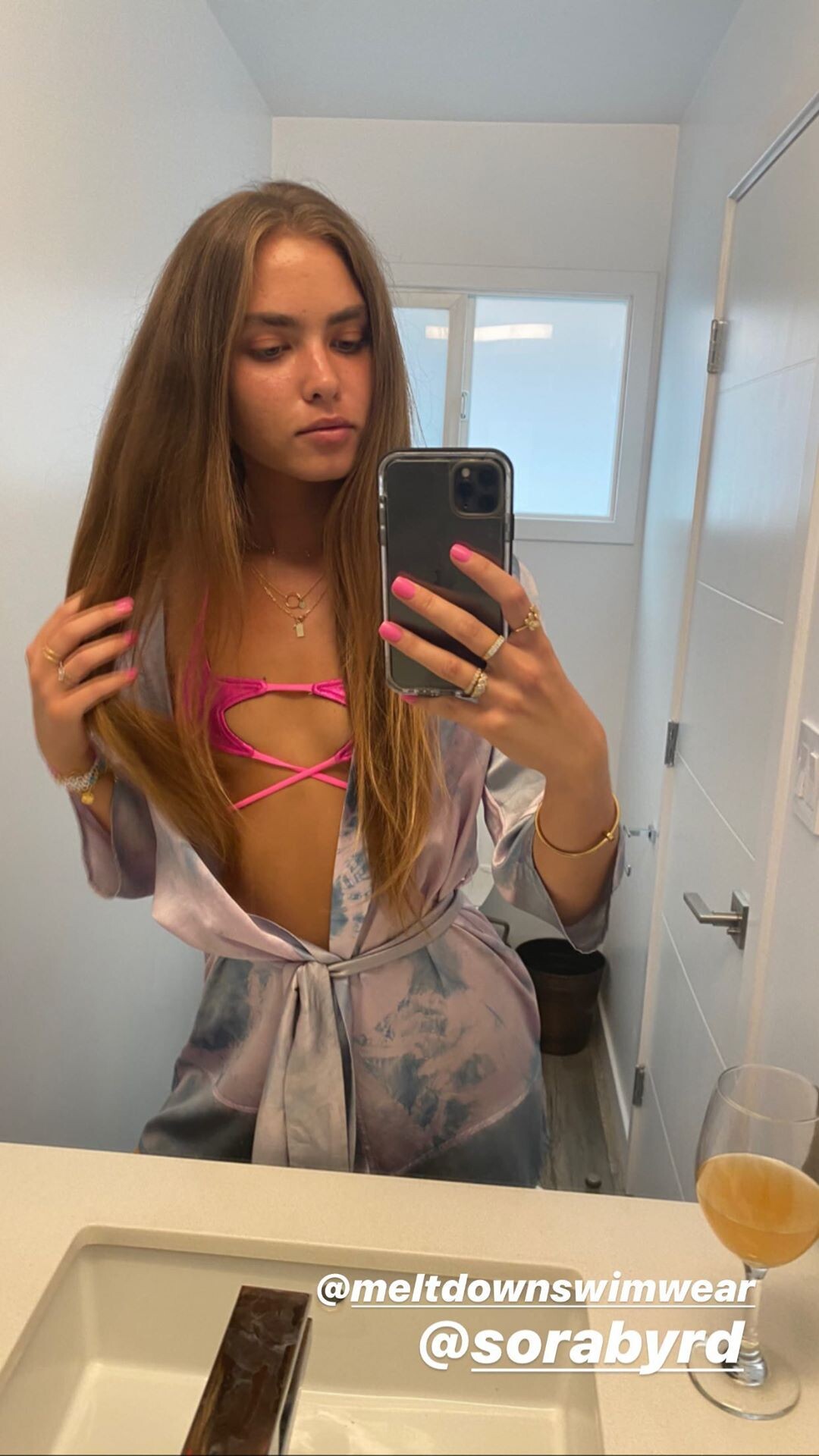
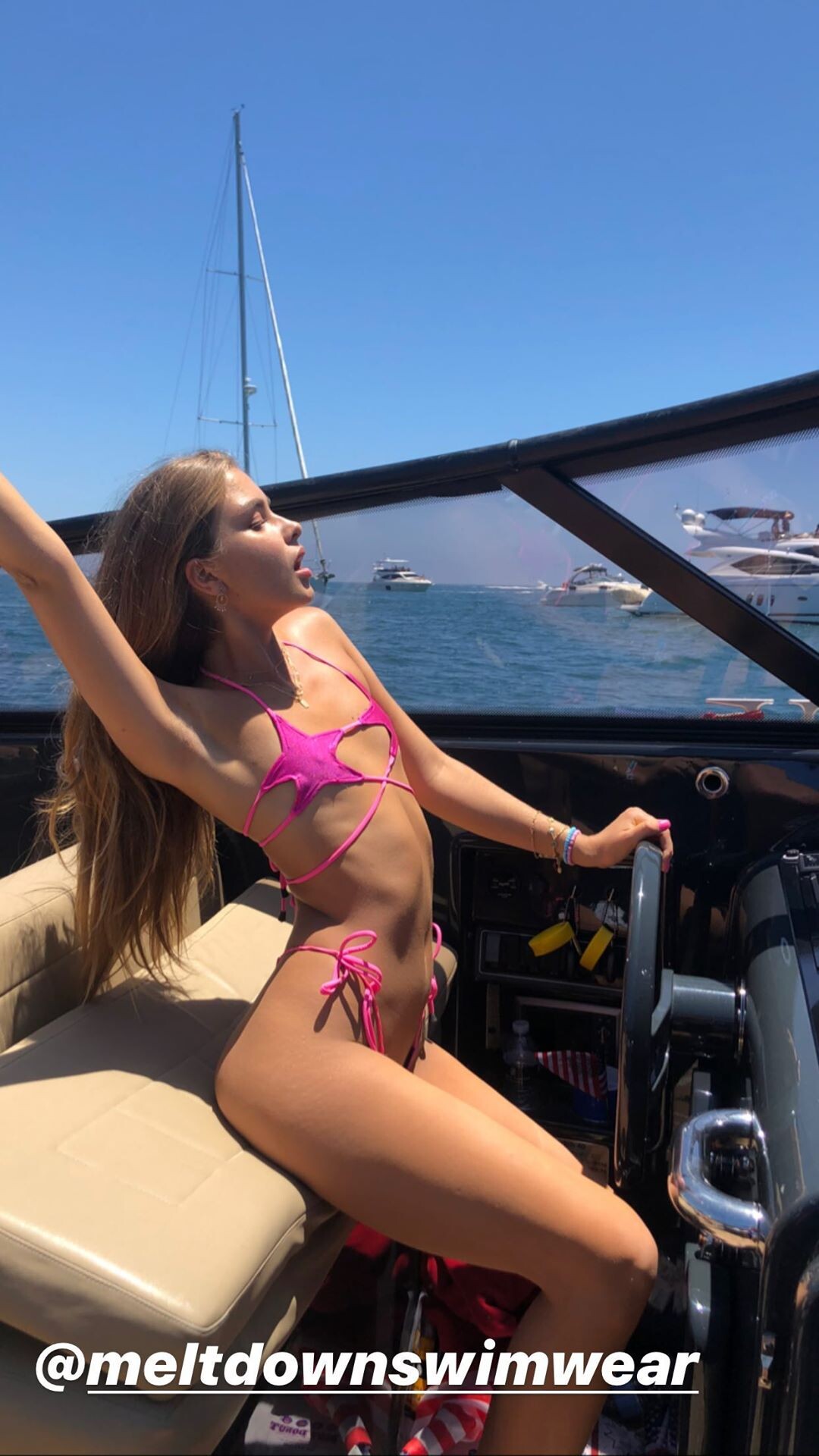
  16. Her IG [2020-07-05] IG Story
  17. Clint for Gooseberry Intimates
  18. IG Story
  19. @wildestvibe Does it cost you a lot to use spoilers?
  20. Brian Saculles IG Story
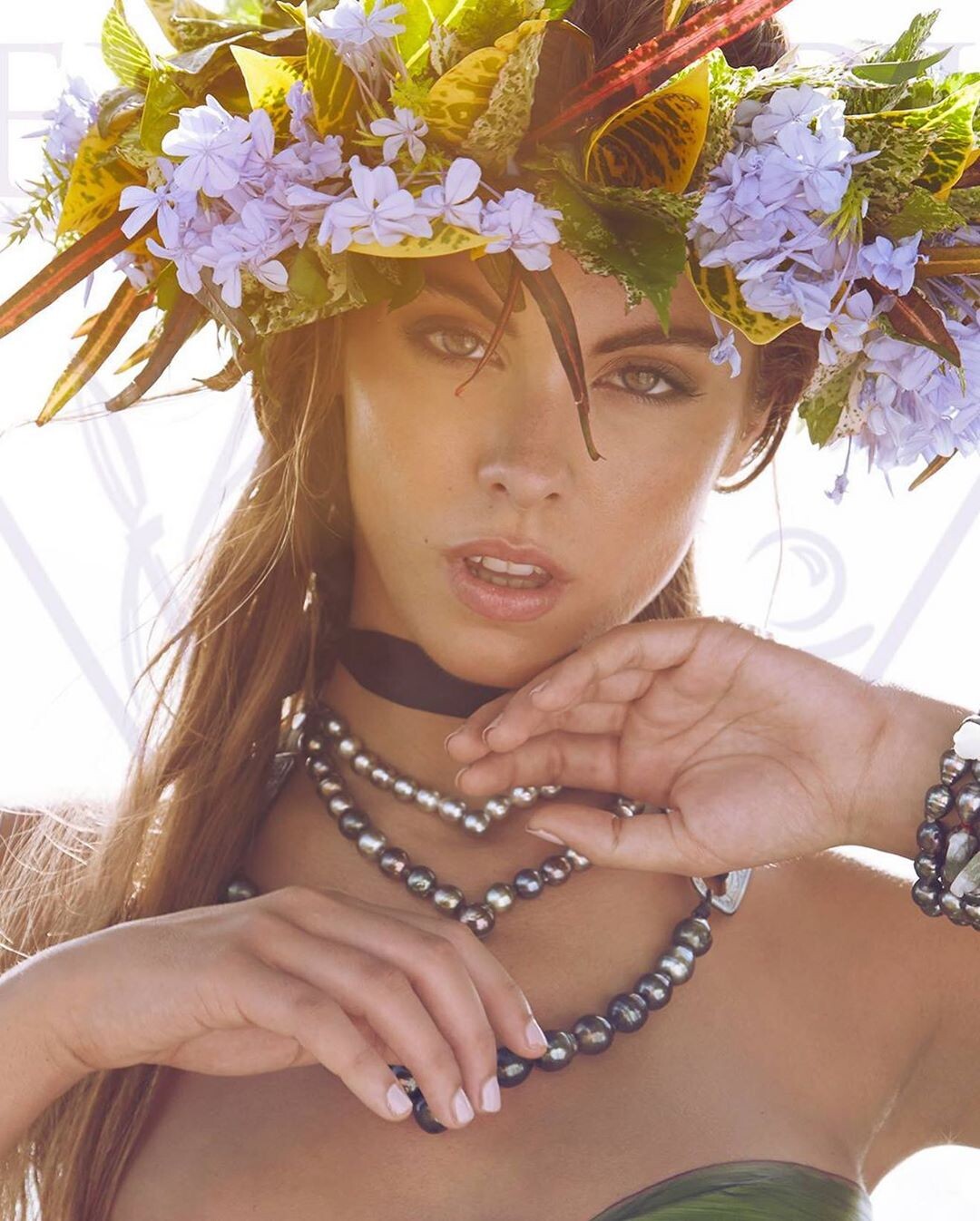
  21. Cory Osborne for Wild Vahine
  22. Wild and Pacific
Account

Navigation

Search

Configure browser push notifications

Chrome (Android)
  1. Tap the lock icon next to the address bar.
  2. Tap Permissions → Notifications.
  3. Adjust your preference.
Chrome (Desktop)
  1. Click the padlock icon in the address bar.
  2. Select Site settings.
  3. Find Notifications and adjust your preference.