
Modelove
Members
-
Joined
Everything posted by Modelove
-
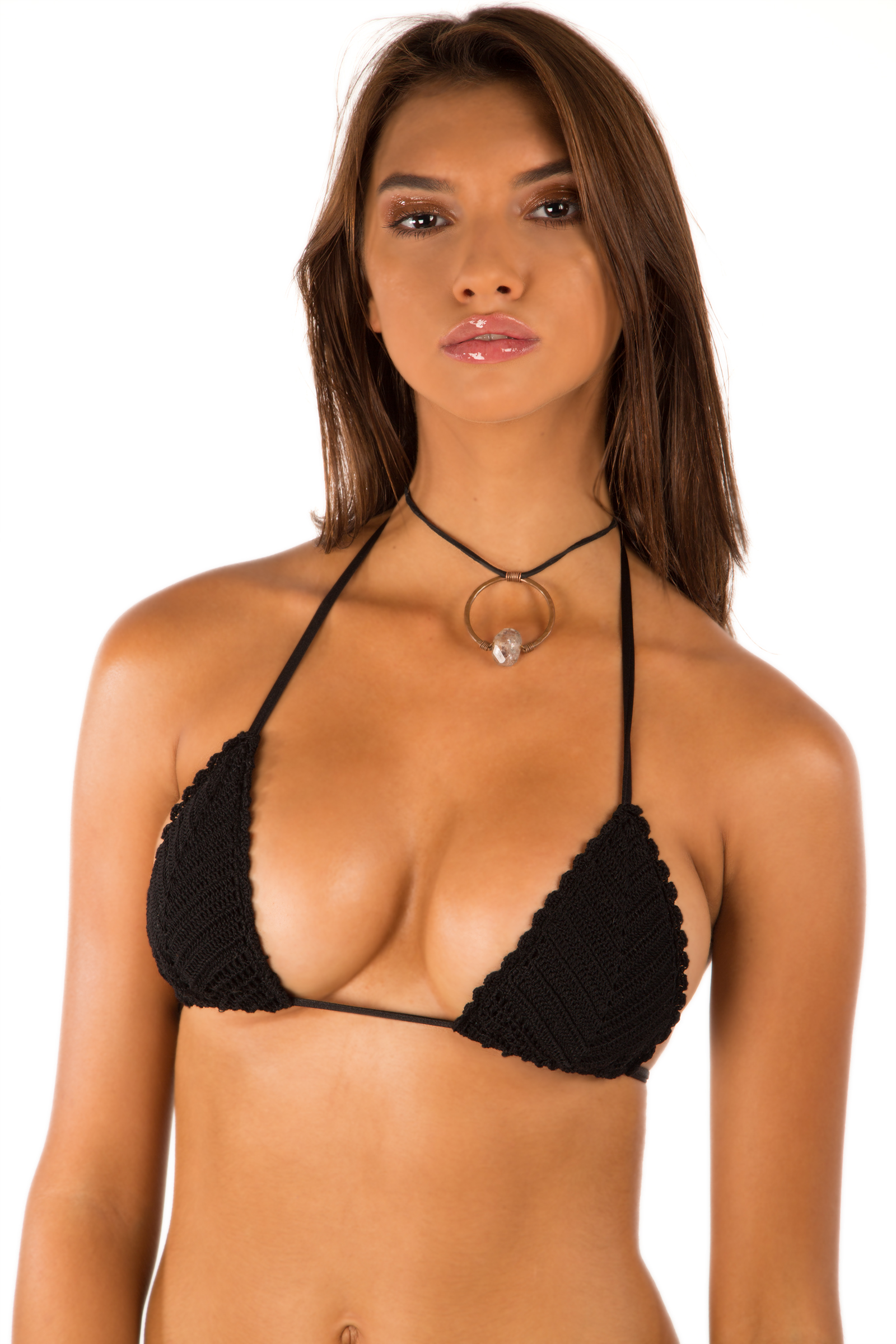
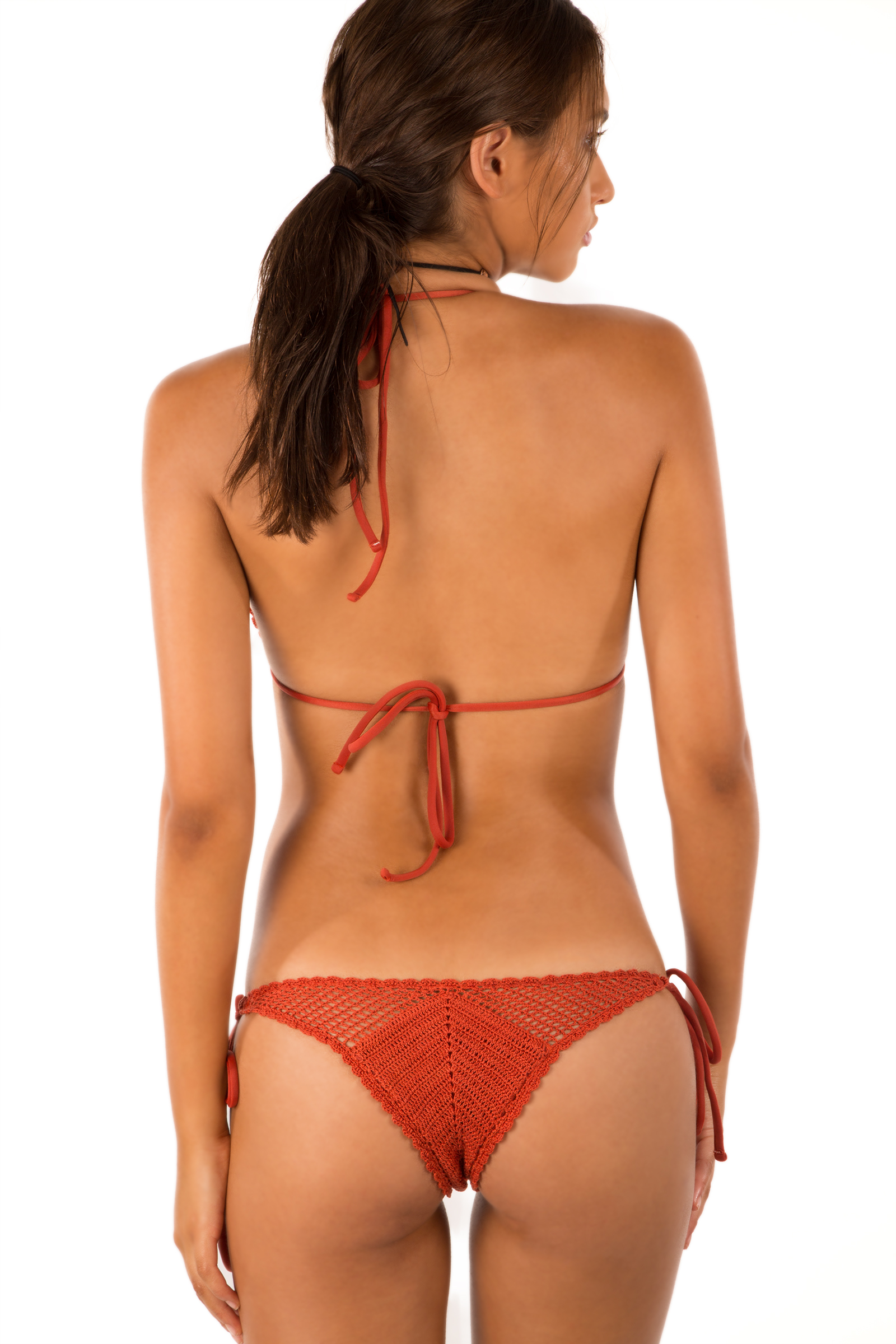
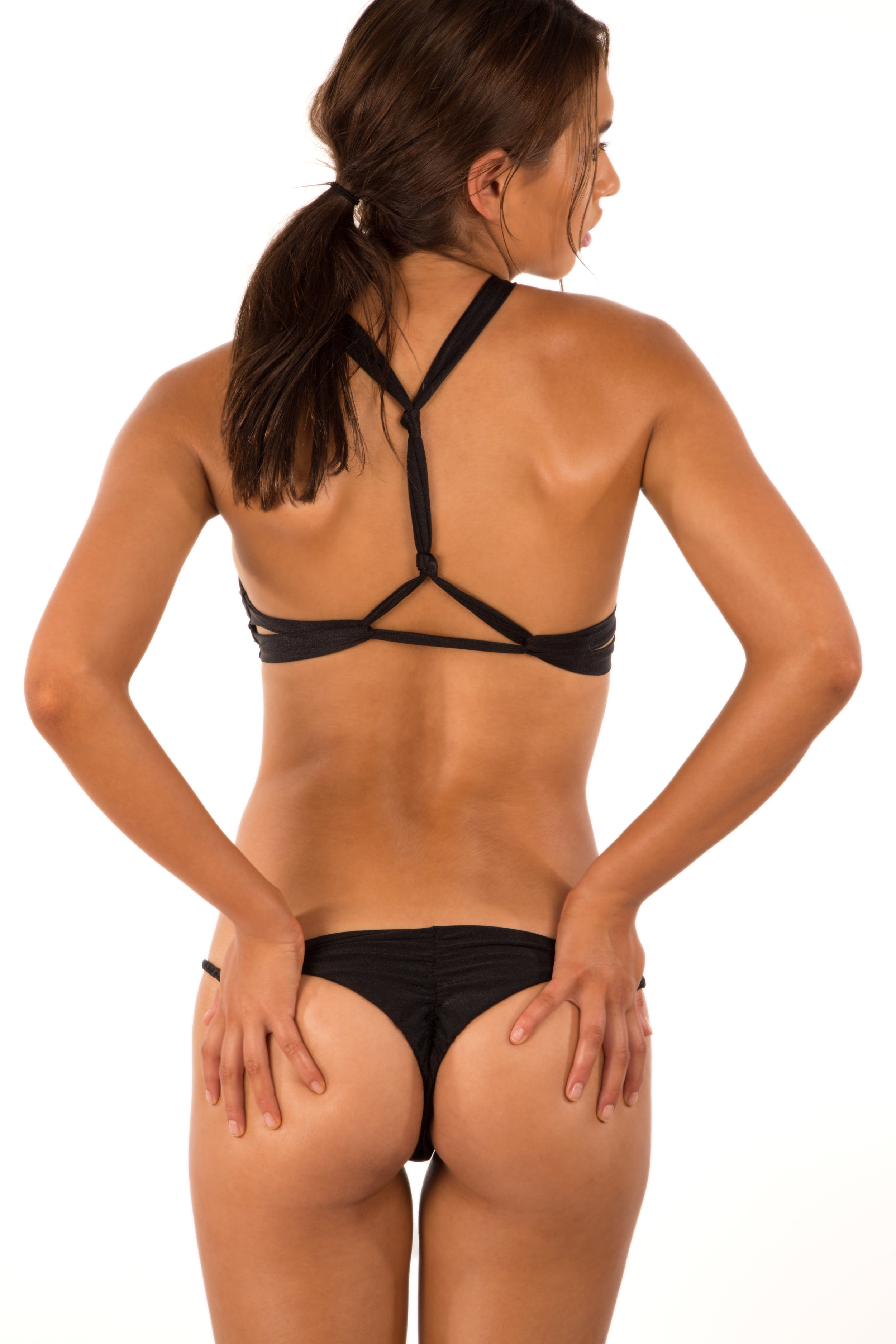
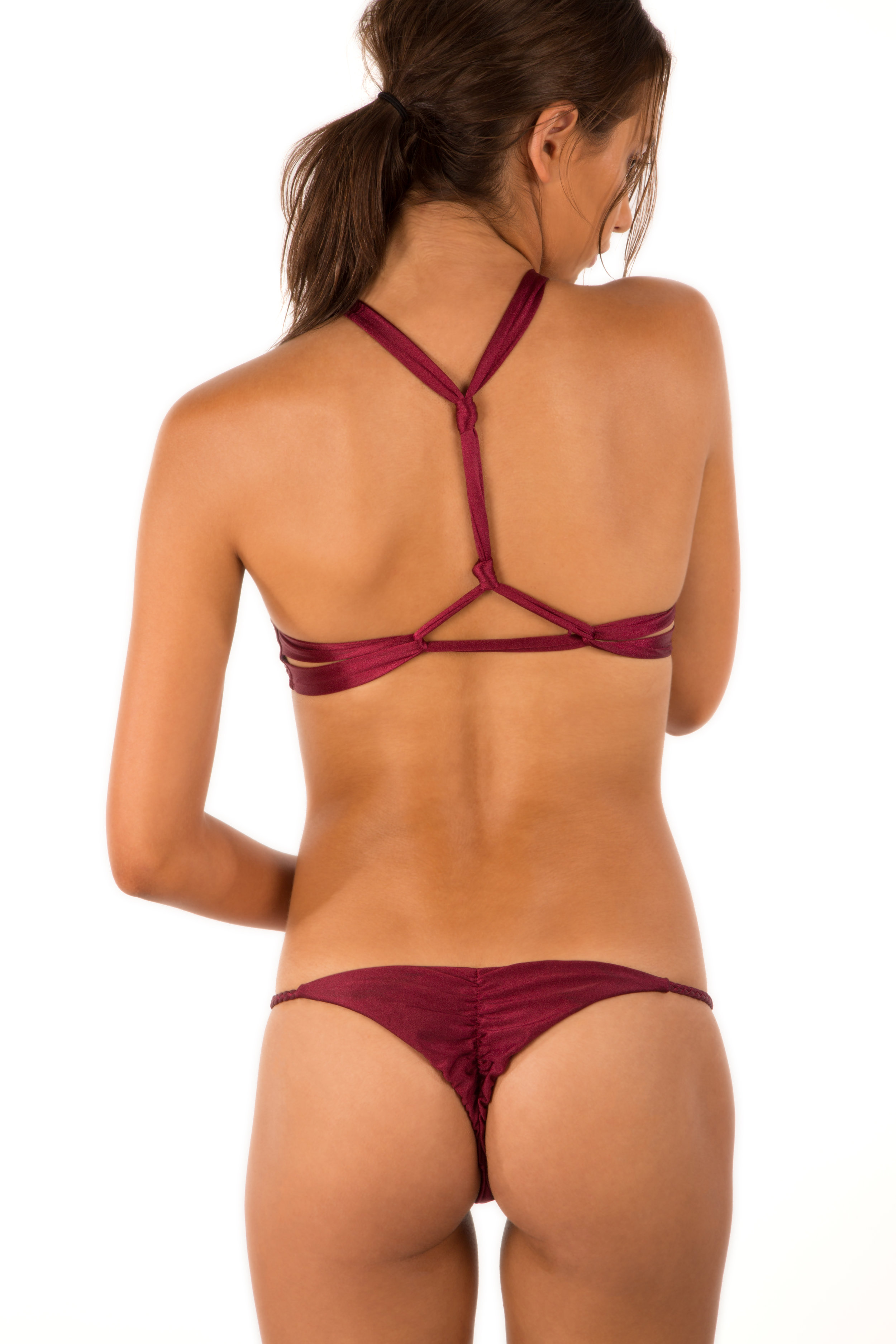
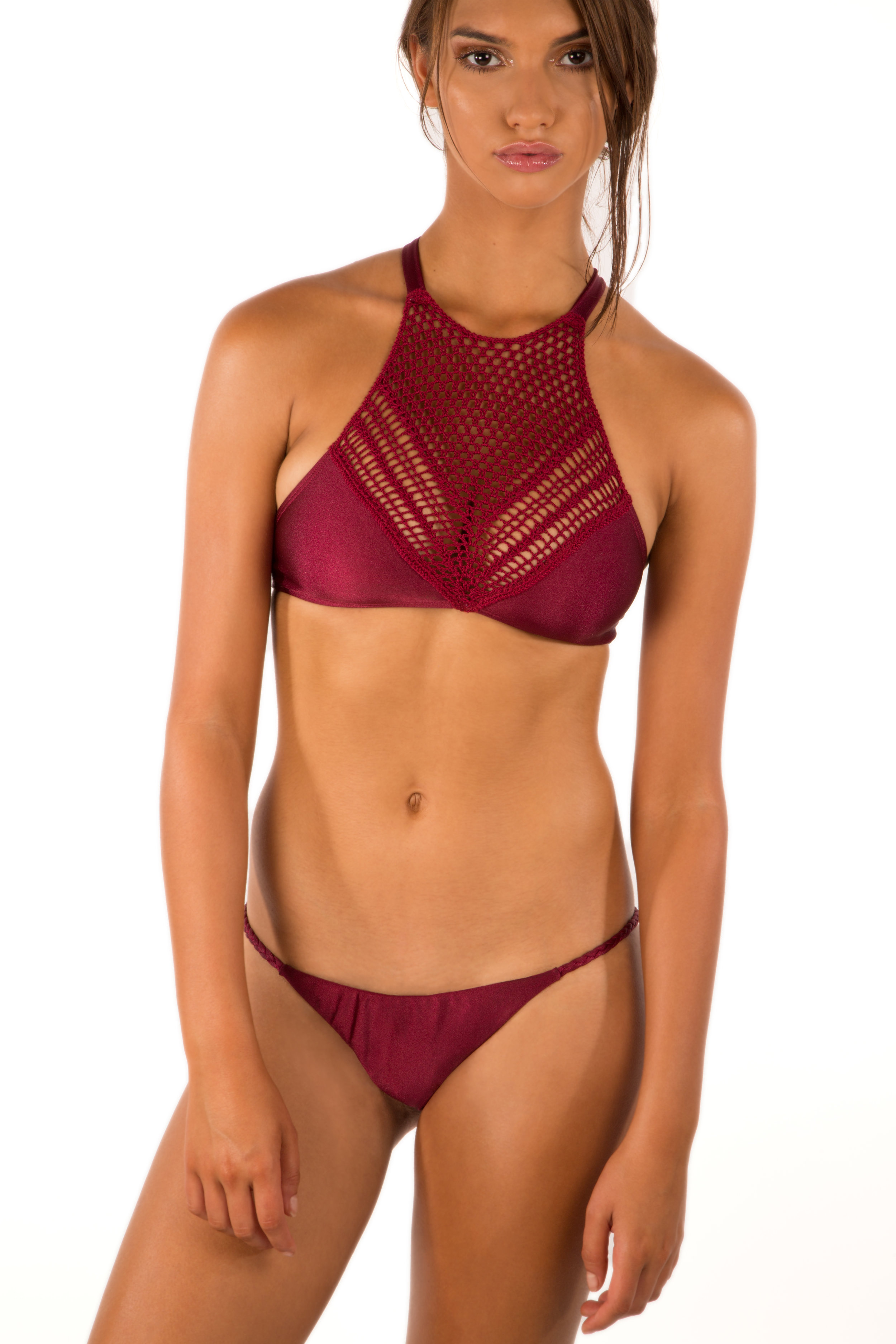
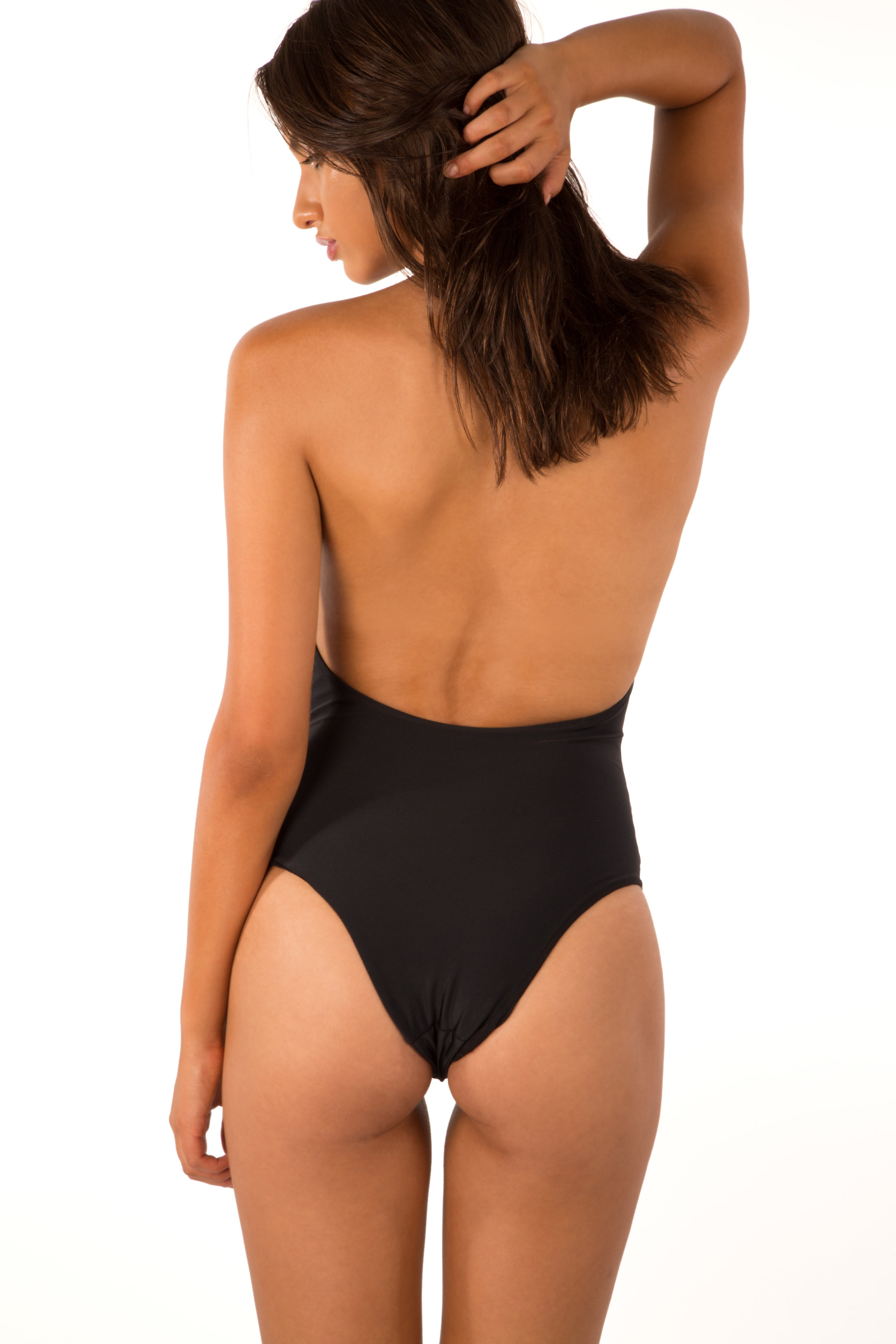
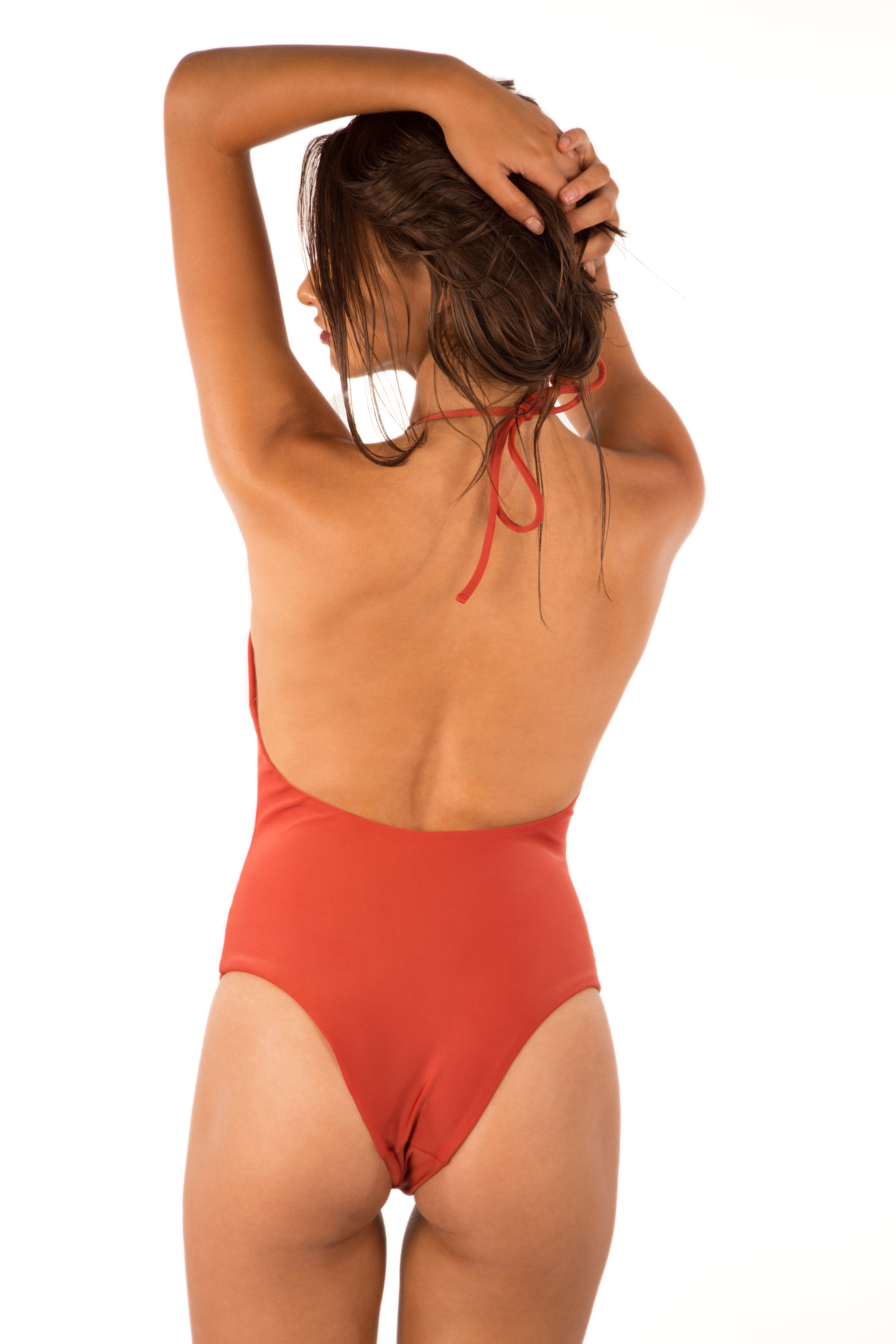
Peony Swimwear Lookbook PH. Tess Leopold









-
Next Models Portfolio (adds) Better resolution Salt Agency















 From different sources













 Jared Thomas Kocka Adds










 Jared Thomas Kocka





 Naunet Swim Primavera 17






 Cody McGibbon Too Hot











 Cody McGibbon Moments Nudity















 From Instagram
 23662194_1927279573954736_4211710364284354560_n.mp4

 Greg Swales @gregswalesart Kyleen James @kyleenjames


 Ig Story photoshoot with divinoseas 20448590_816274341879502_2307089945593905152_n.mp4 17165337_133558594015746_2862228684943654912_n.mp4 21395319_139817053407330_8399683814418284544_n.mp4



 https://instagram.fgdl2-1.fna.fbcdn.net/t50.2886-16/23536875_262133124311091_1599183995529068544_n.mp4
https://instagram.fgdl2-1.fna.fbcdn.net/t50.2886-16/23457194_159513124791828_7668015970673229824_n.mp4
https://instagram.fgdl2-1.fna.fbcdn.net/t50.2886-16/23536875_262133124311091_1599183995529068544_n.mp4
https://instagram.fgdl2-1.fna.fbcdn.net/t50.2886-16/23457194_159513124791828_7668015970673229824_n.mp4




































































































































































Account
Navigation
Search
Configure browser push notifications
Chrome (Android)
- Tap the lock icon next to the address bar.
- Tap Permissions → Notifications.
- Adjust your preference.
Chrome (Desktop)
- Click the padlock icon in the address bar.
- Select Site settings.
- Find Notifications and adjust your preference.
Safari (iOS 16.4+)
- Ensure the site is installed via Add to Home Screen.
- Open Settings App → Notifications.
- Find your app name and adjust your preference.
Safari (macOS)
- Go to Safari → Preferences.
- Click the Websites tab.
- Select Notifications in the sidebar.
- Find this website and adjust your preference.
Edge (Android)
- Tap the lock icon next to the address bar.
- Tap Permissions.
- Find Notifications and adjust your preference.
Edge (Desktop)
- Click the padlock icon in the address bar.
- Click Permissions for this site.
- Find Notifications and adjust your preference.
Firefox (Android)
- Go to Settings → Site permissions.
- Tap Notifications.
- Find this site in the list and adjust your preference.
Firefox (Desktop)
- Open Firefox Settings.
- Search for Notifications.
- Find this site in the list and adjust your preference.