
Modelove
Members
-
Joined
Everything posted by Modelove
-
15236809_288054095038853_5280638144125861888_n.mp4



 Alejandro Pereira
Morning Dew By Antoine Verglas Nudity
Alejandro Pereira
Morning Dew By Antoine Verglas Nudity










 Mikkel Kristensen Nudity


 https://instagram.fgdl2-1.fna.fbcdn.net/t50.2886-16/22793089_151028122169952_9123613930982211584_n.mp4
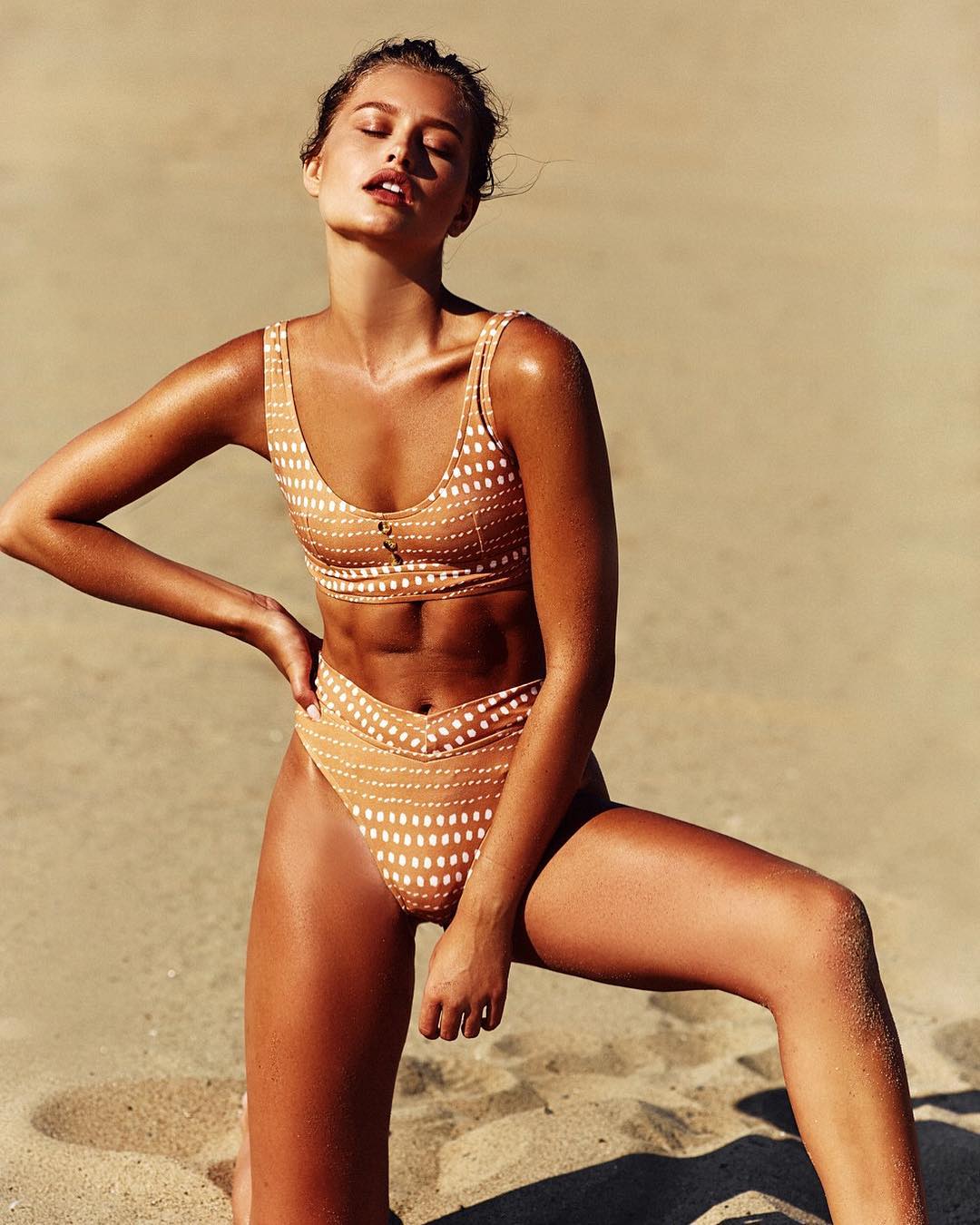
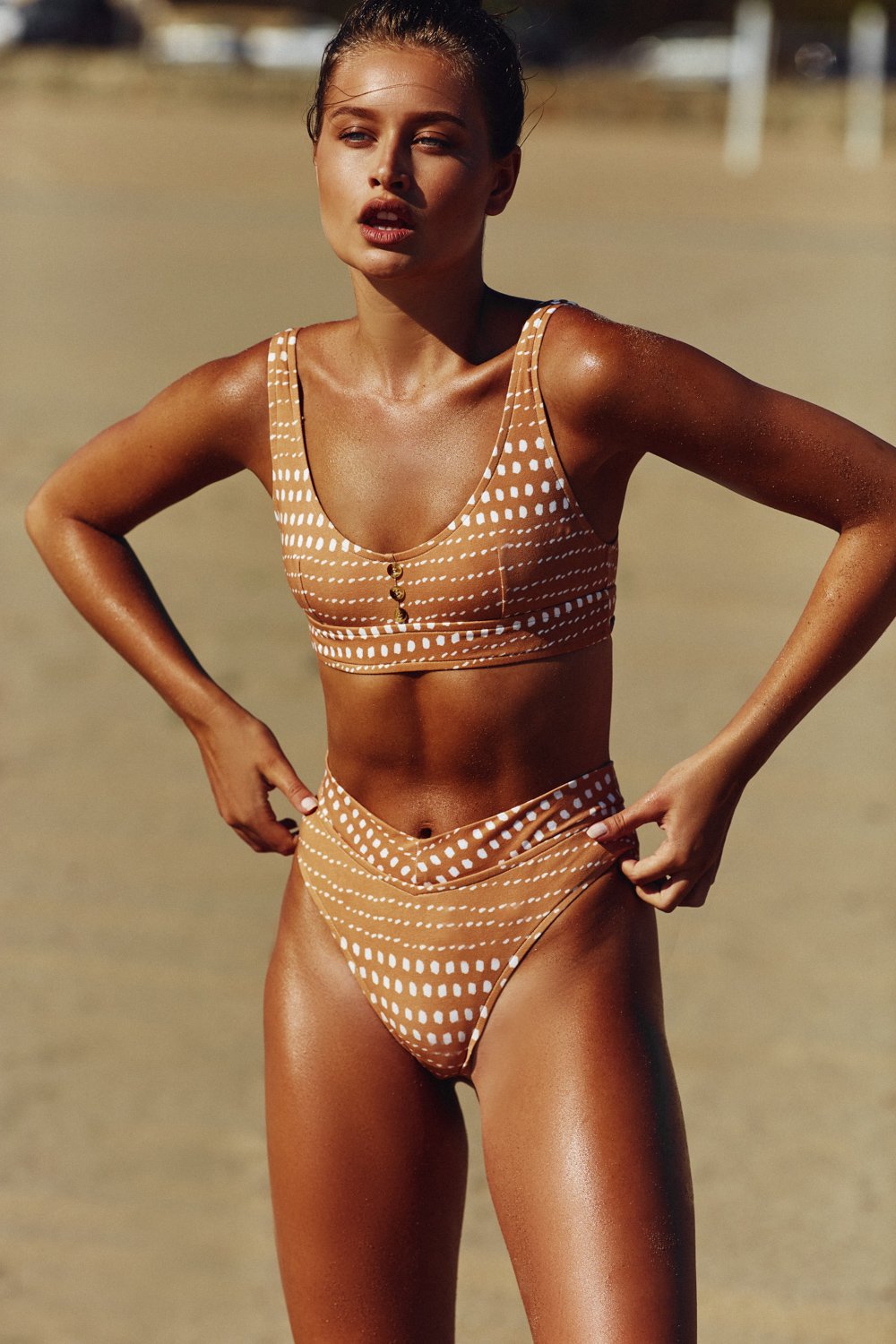
Skatie Swimwear
https://instagram.fgdl2-1.fna.fbcdn.net/t50.2886-16/22793089_151028122169952_9123613930982211584_n.mp4
Skatie Swimwear 2017-10-24 02.02.28 1632494646646946115_915522010.mp4
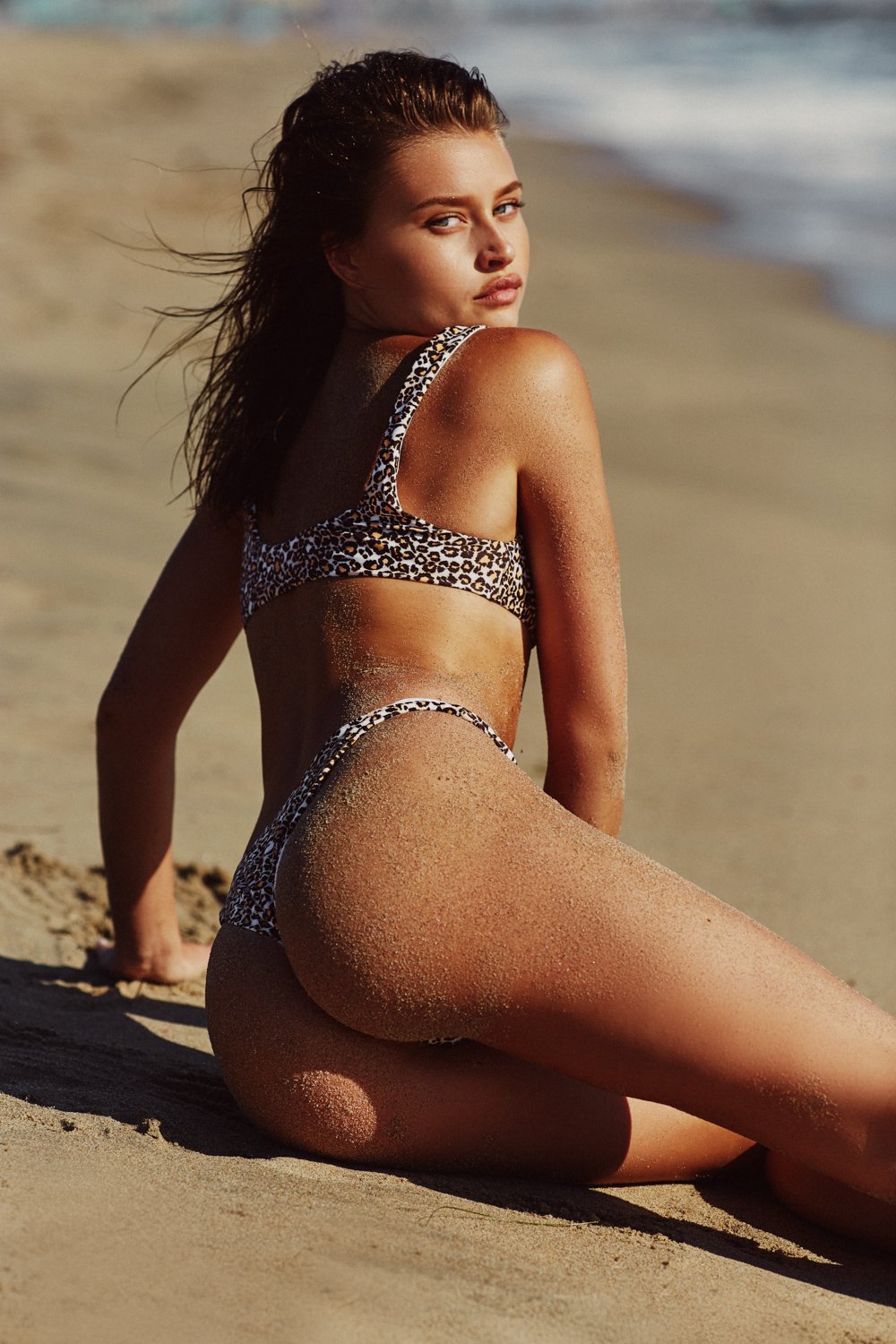
Swim by Lioness by Bjorn Johnston Continues
2017-10-24 02.02.28 1632494646646946115_915522010.mp4
Swim by Lioness by Bjorn Johnston Continues





















 Stay Gold For Style Feed by Per Norberg





 It's Now Cool Photographer: Josephine Clough






























 https://instagram.fgdl2-1.fna.fbcdn.net/t50.2886-16/22768619_616920695363689_3184264976315449344_n.mp4
Happy Birthday Gabrielle! 2017-10-20 06.40.53 1629735721363077316_915522010.mp4 12852338_796373347212346_3494070665412083712_n.mp4 2017-10-20 06.45.31 1629738005916683021_915522010.mp4
https://instagram.fgdl2-1.fna.fbcdn.net/t50.2886-16/22768619_616920695363689_3184264976315449344_n.mp4
Happy Birthday Gabrielle! 2017-10-20 06.40.53 1629735721363077316_915522010.mp4 12852338_796373347212346_3494070665412083712_n.mp4 2017-10-20 06.45.31 1629738005916683021_915522010.mp4








































































































































































Account
Navigation
Search
Configure browser push notifications
Chrome (Android)
- Tap the lock icon next to the address bar.
- Tap Permissions → Notifications.
- Adjust your preference.
Chrome (Desktop)
- Click the padlock icon in the address bar.
- Select Site settings.
- Find Notifications and adjust your preference.
Safari (iOS 16.4+)
- Ensure the site is installed via Add to Home Screen.
- Open Settings App → Notifications.
- Find your app name and adjust your preference.
Safari (macOS)
- Go to Safari → Preferences.
- Click the Websites tab.
- Select Notifications in the sidebar.
- Find this website and adjust your preference.
Edge (Android)
- Tap the lock icon next to the address bar.
- Tap Permissions.
- Find Notifications and adjust your preference.
Edge (Desktop)
- Click the padlock icon in the address bar.
- Click Permissions for this site.
- Find Notifications and adjust your preference.
Firefox (Android)
- Go to Settings → Site permissions.
- Tap Notifications.
- Find this site in the list and adjust your preference.
Firefox (Desktop)
- Open Firefox Settings.
- Search for Notifications.
- Find this site in the list and adjust your preference.