
Modelove
Members
-
Joined
Everything posted by Modelove
-
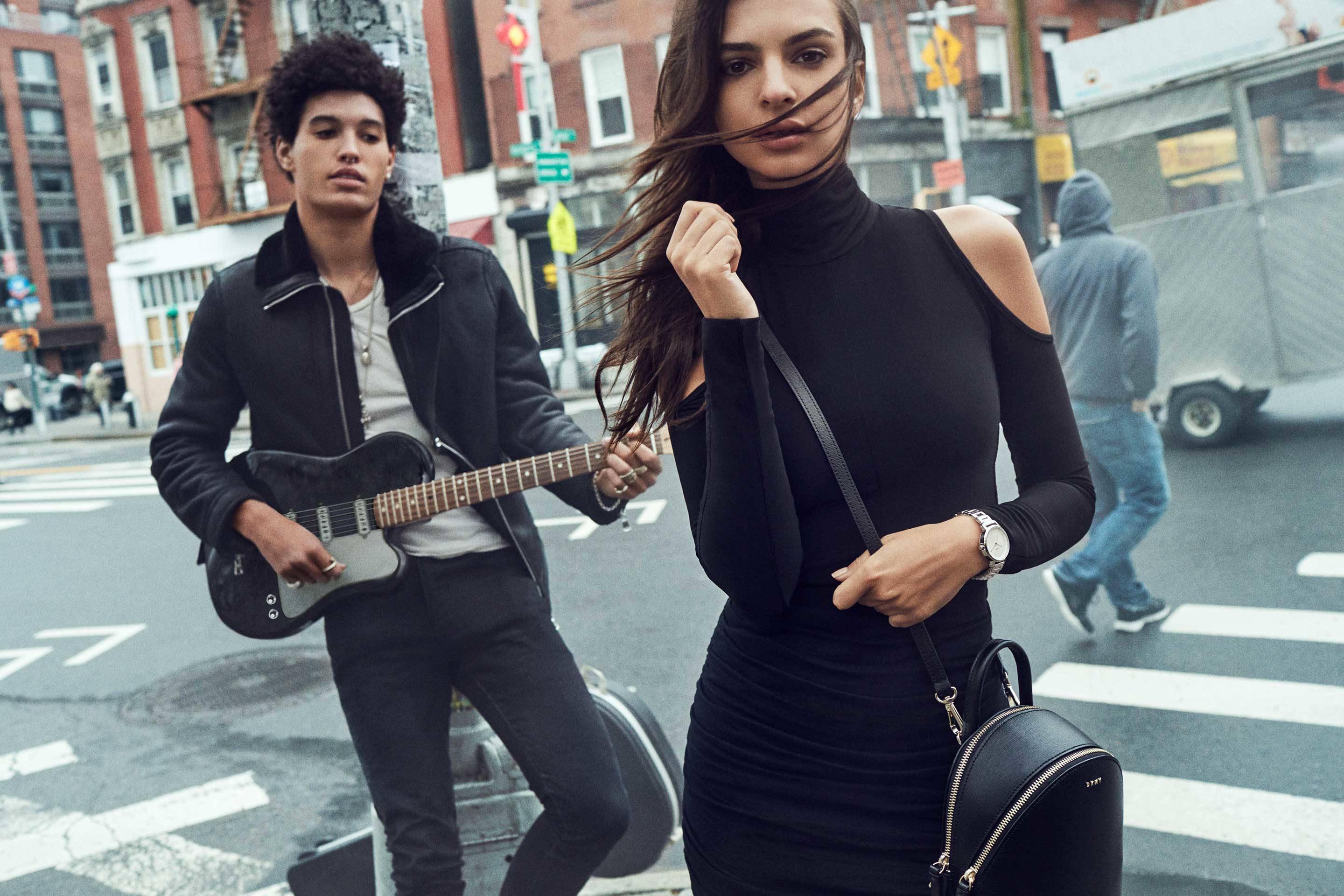
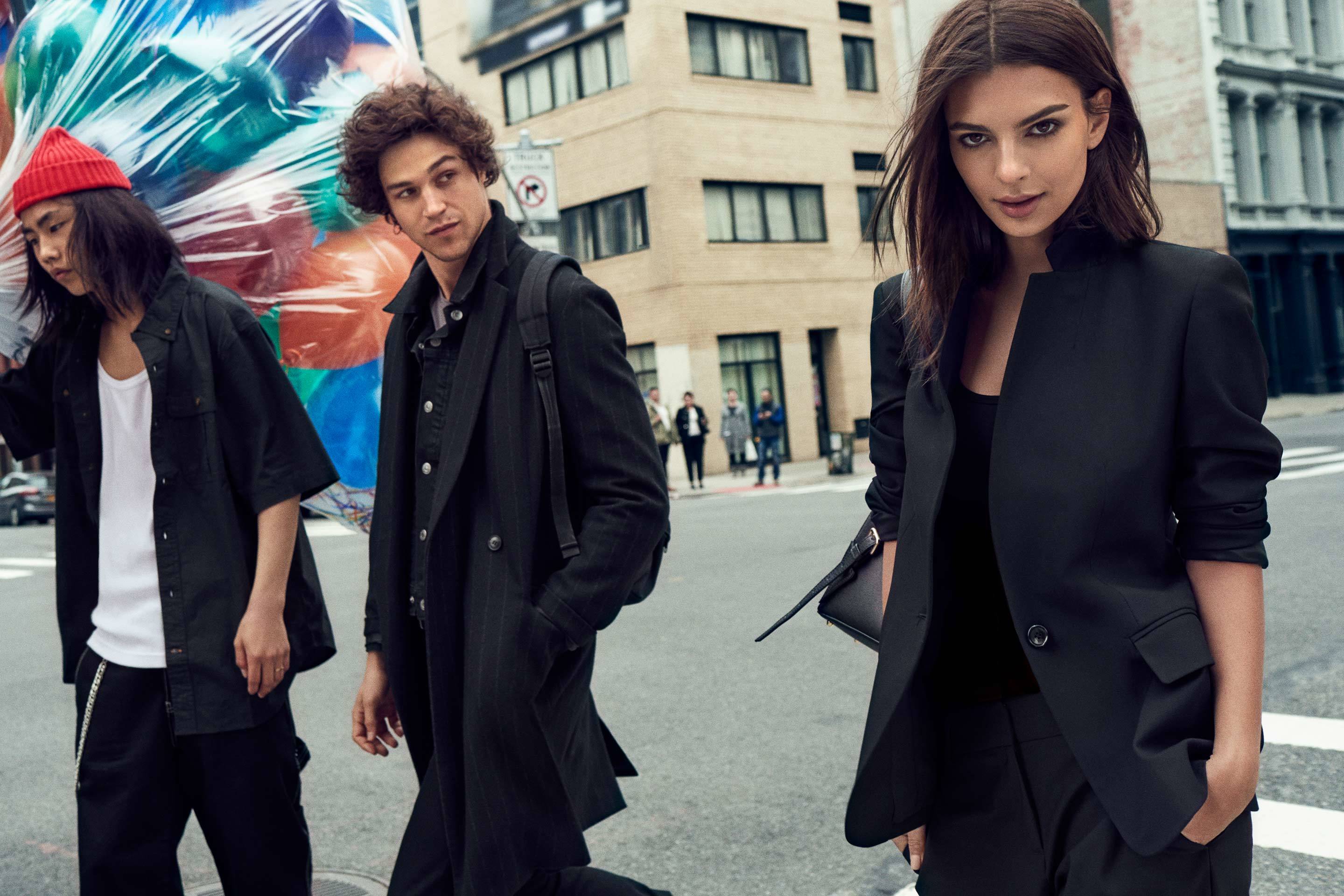
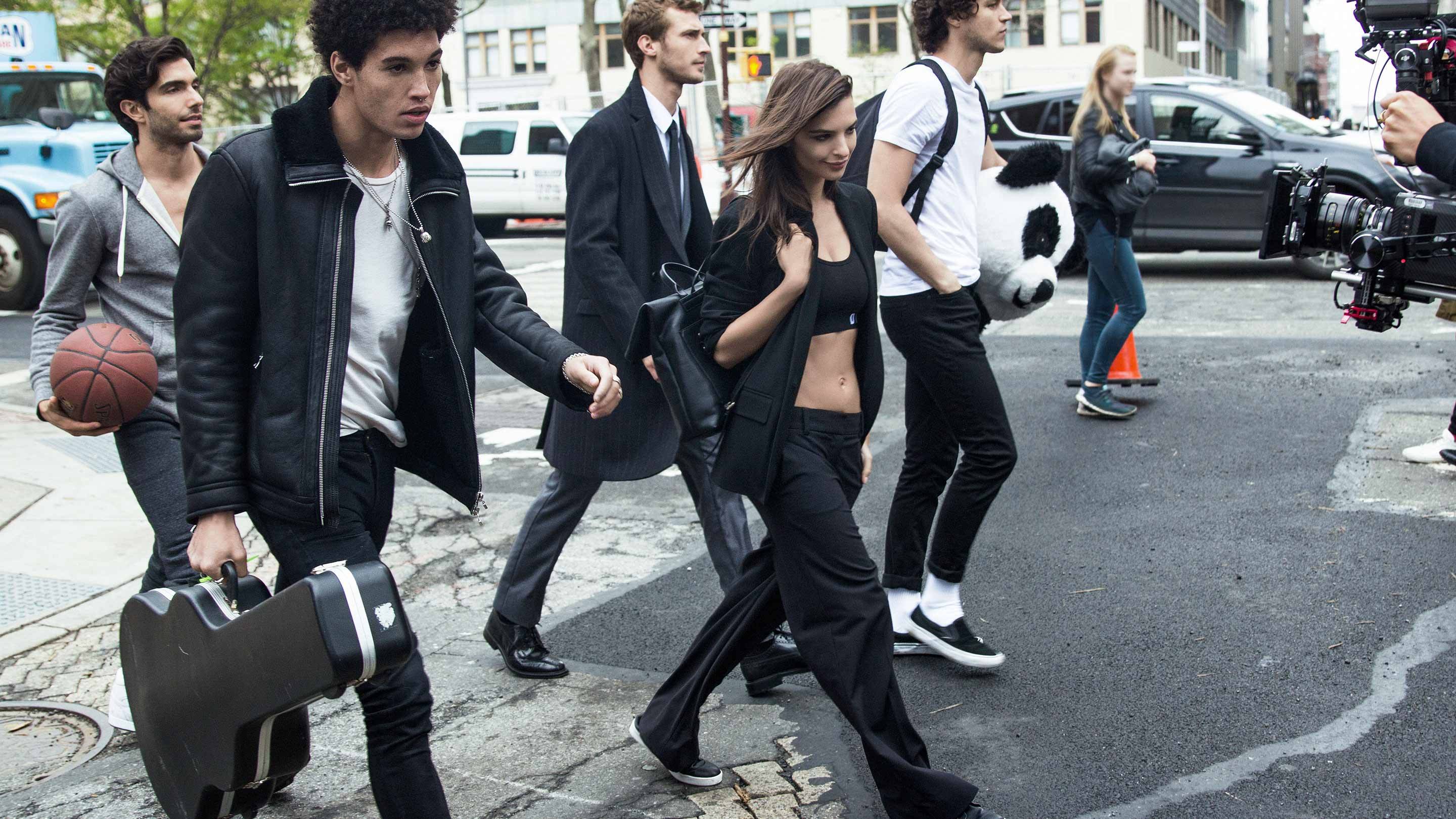
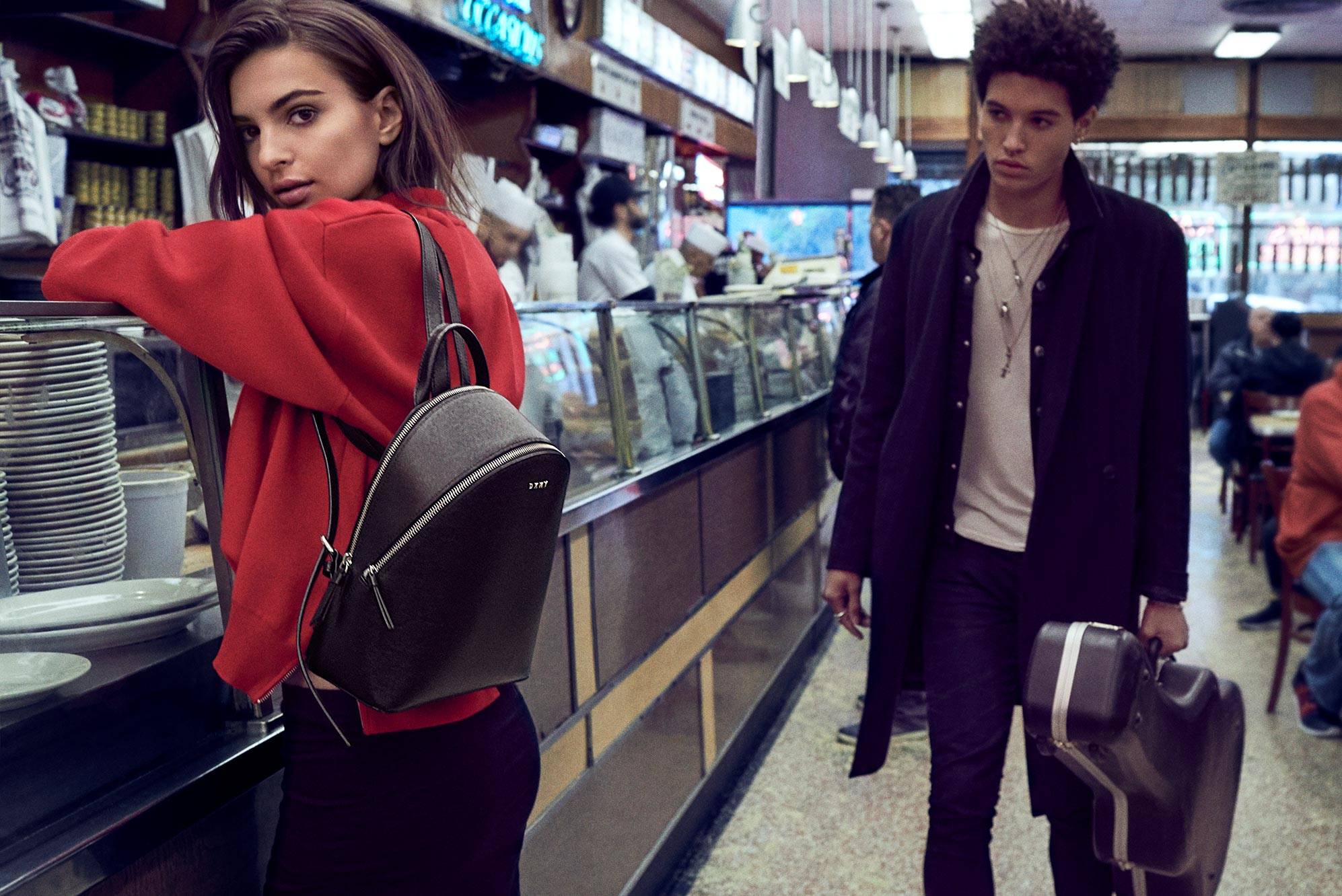
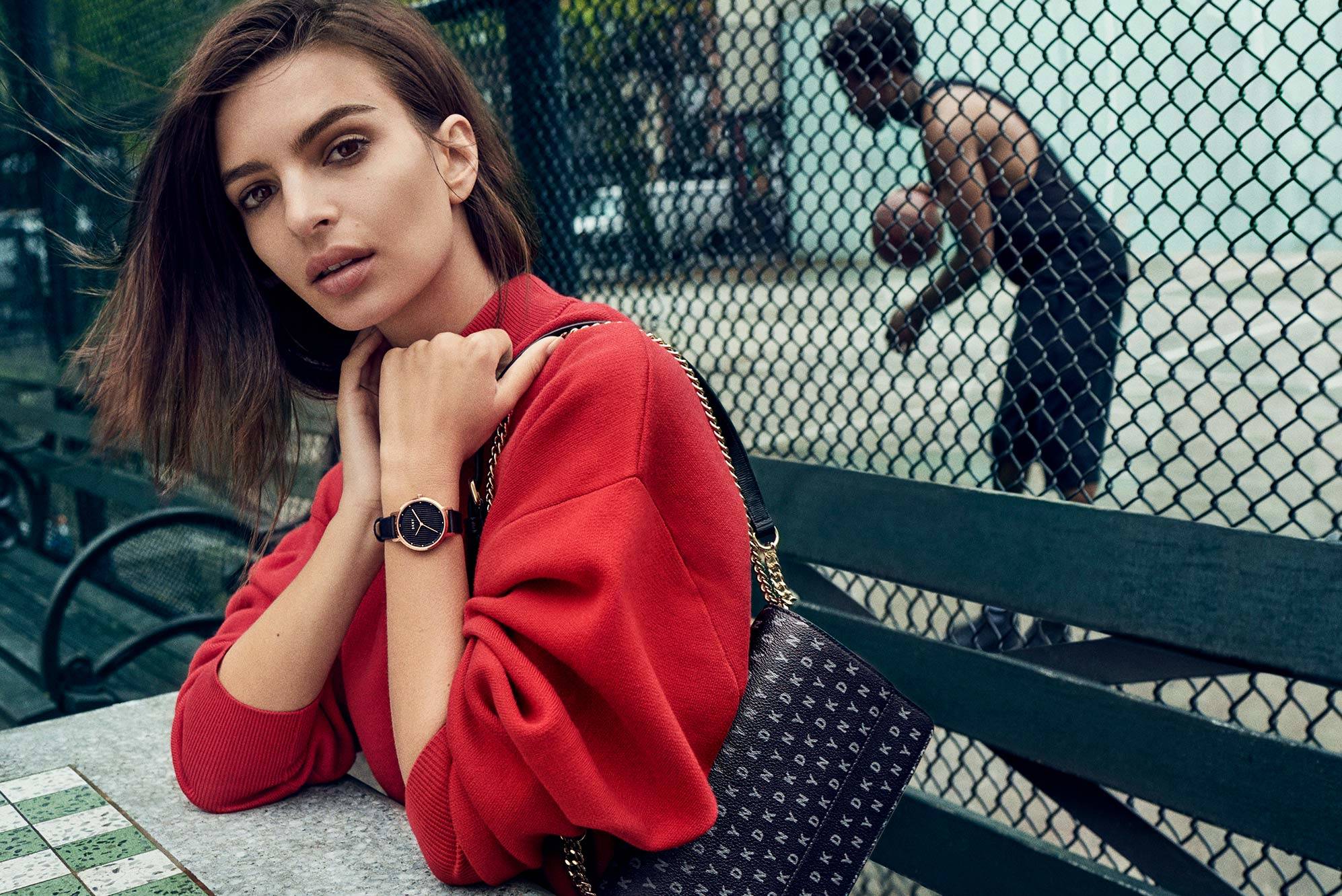
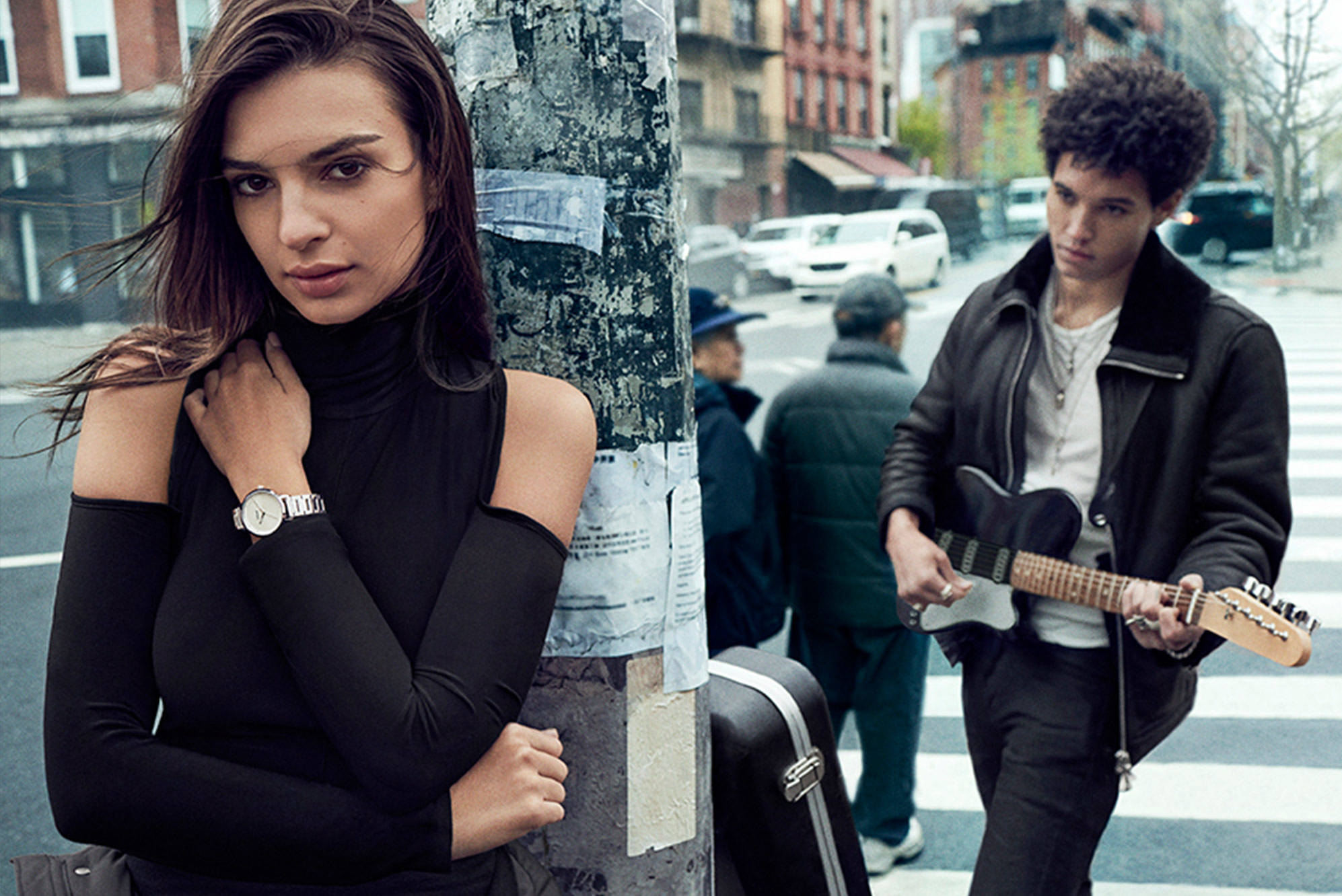
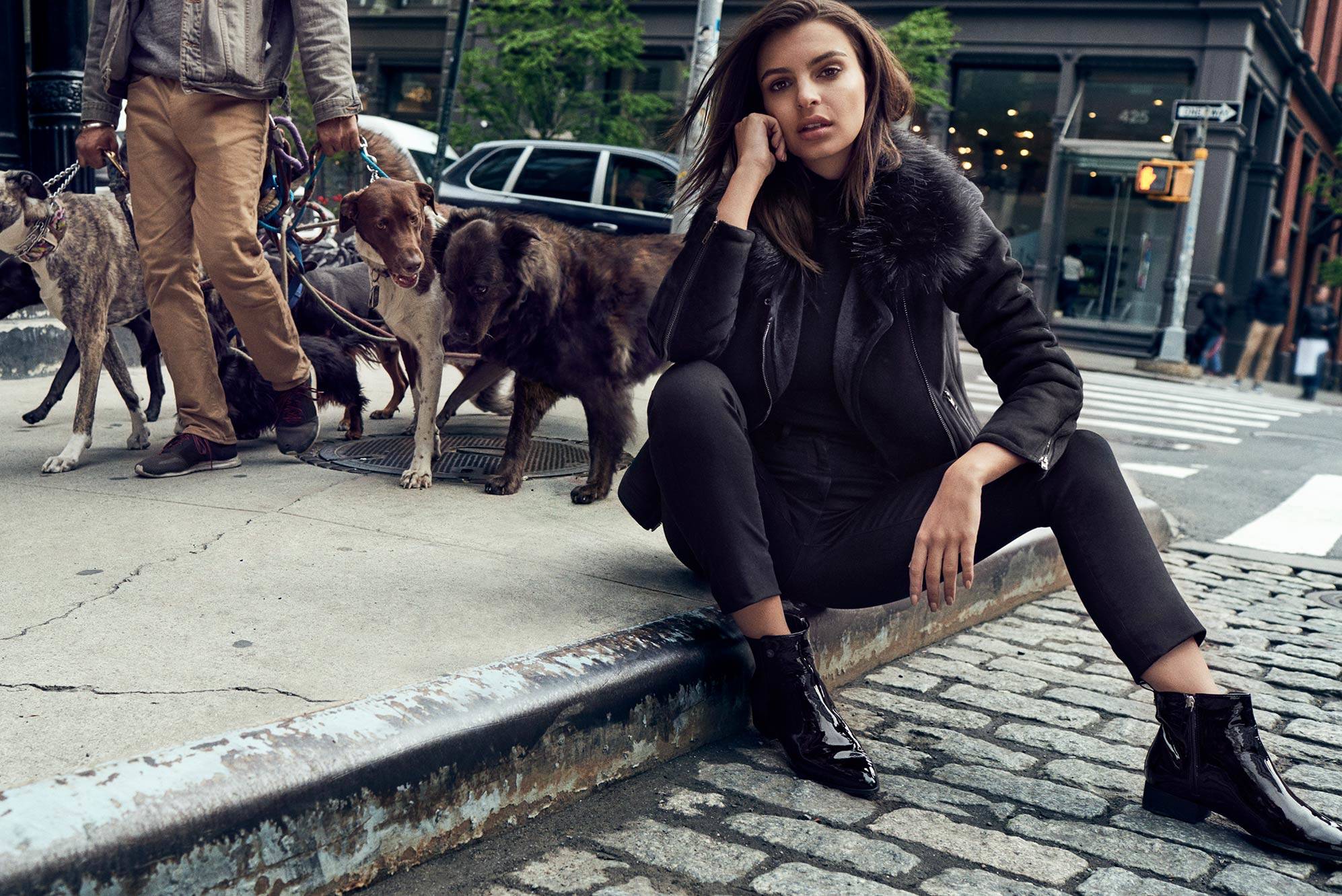
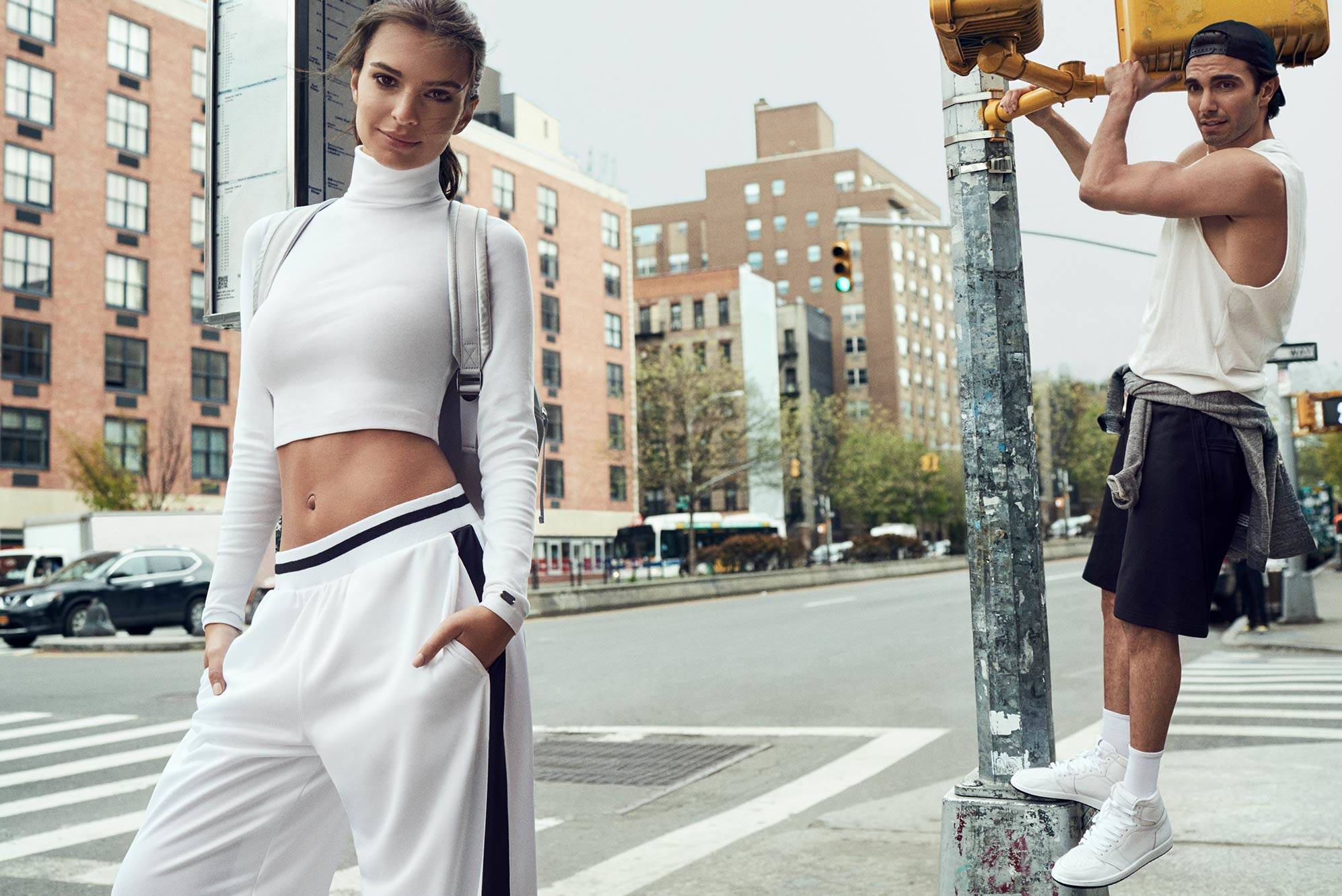
DKNY Fall 2017 Ad Campaign Without logo Source: DKNY













-
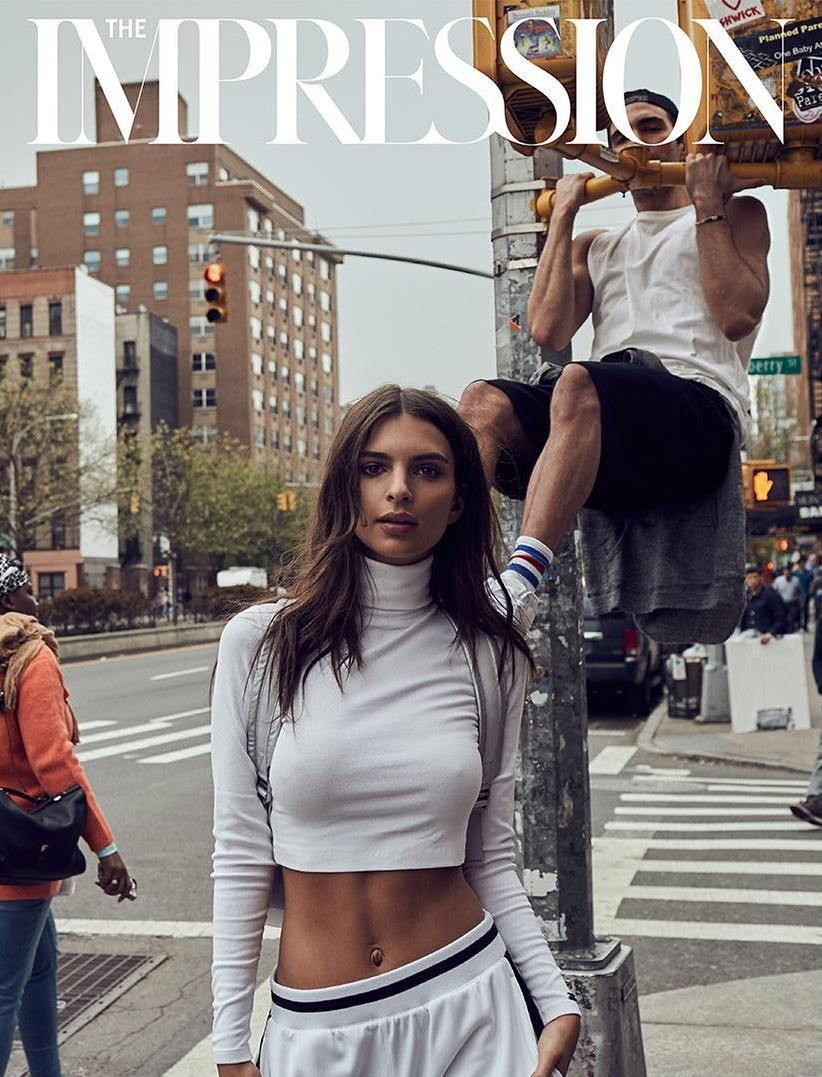
DKNY Fall 2017 Ad Campaign Source: http://theimpression.com/dkny-fall-2017-campaign-emily-ratajkowski/










-
The IMPRESSION Magazine Cover Fall 2017

-
Victor Robertof (UHQ)

-
Ig Story (09.06.17) 2017-09-06 13.10.50 1598042099420719772_20509713.mp4
RetkMag FURNACE
Adam Mont
 IG Story (09.03.17)














 You're welcome! @VS19 Yes she is fantastic more in this shoot!
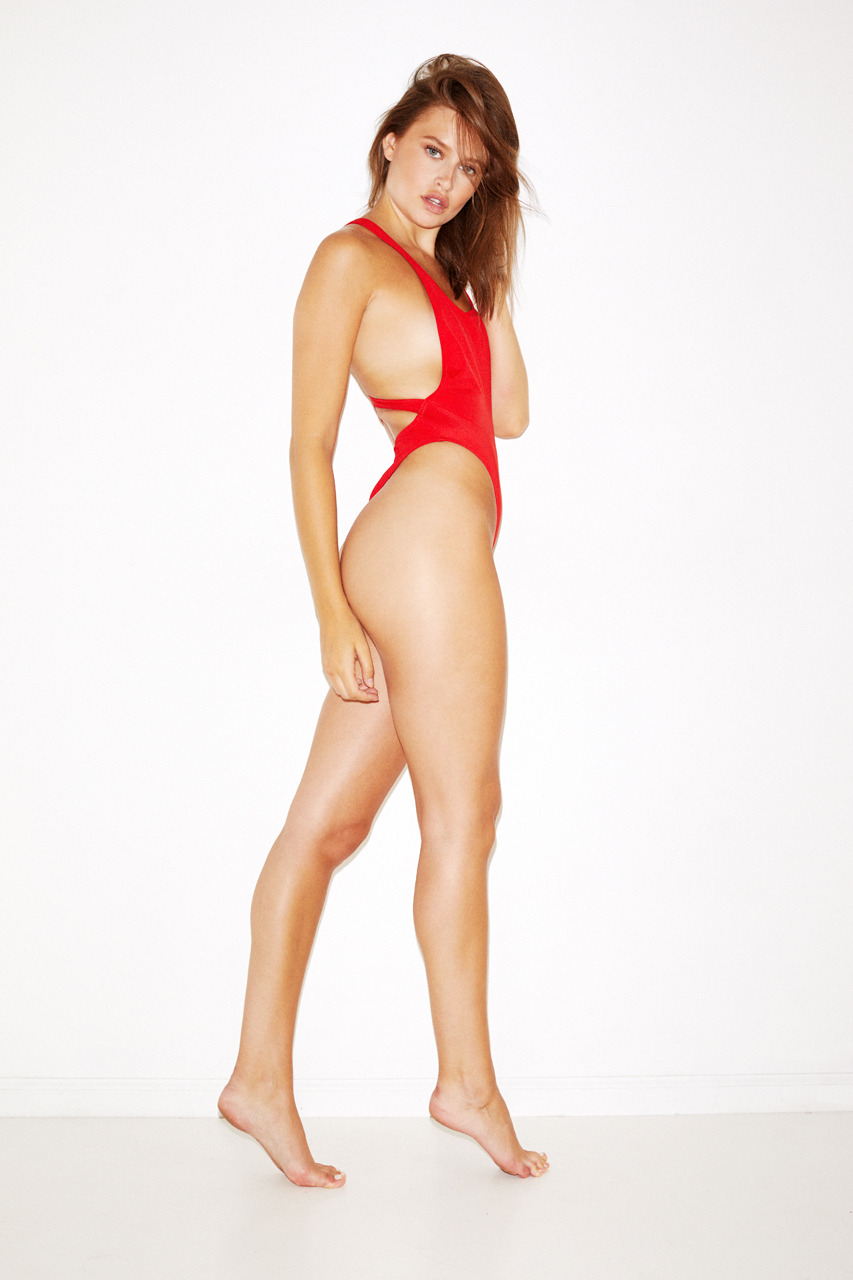
More Outtakes Of Pictorial Playboy Playmate September 2017 by Graham Dunn Nudity
You're welcome! @VS19 Yes she is fantastic more in this shoot!
More Outtakes Of Pictorial Playboy Playmate September 2017 by Graham Dunn Nudity
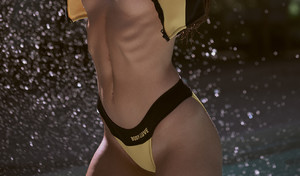





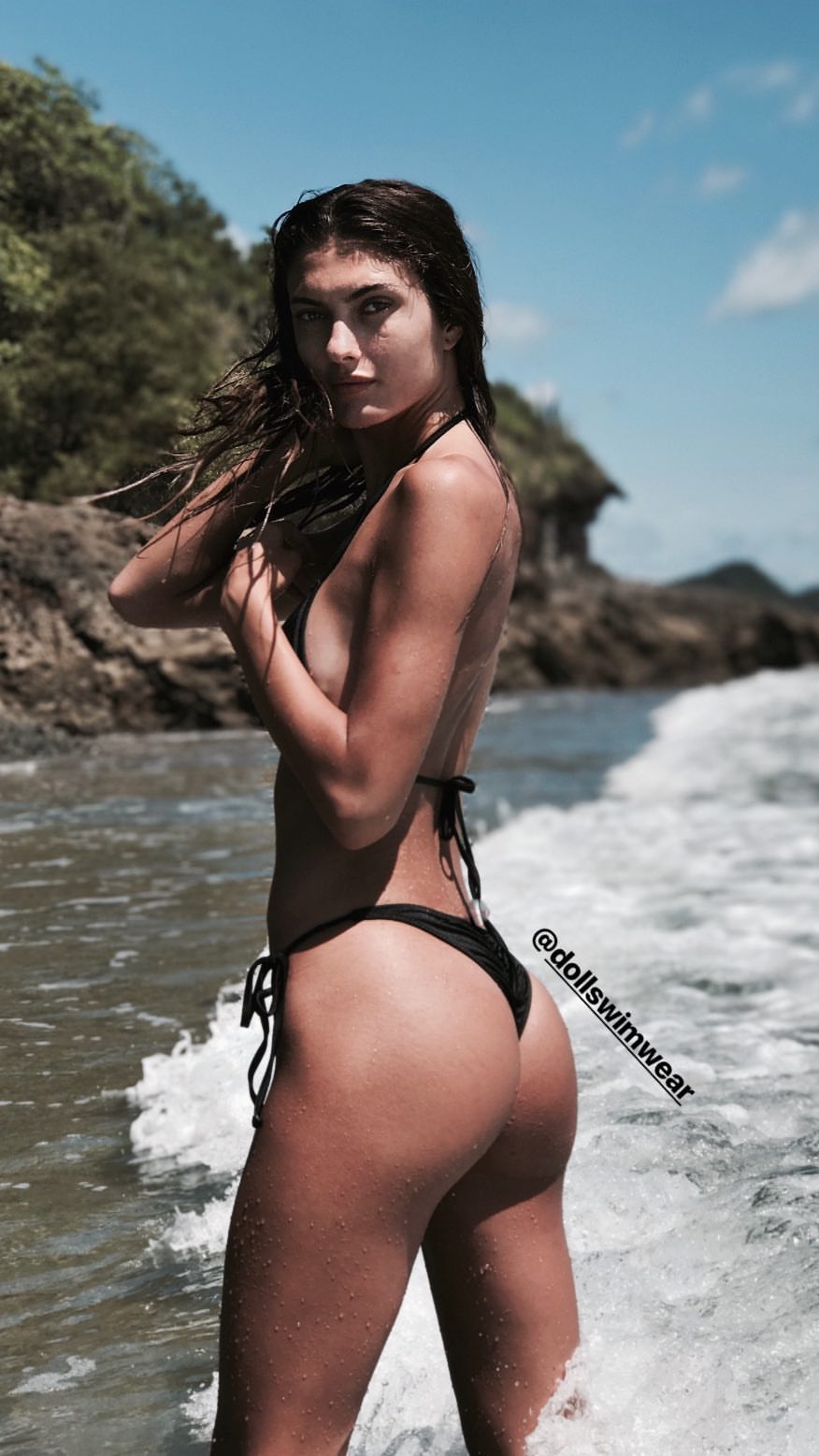
 IG story
 Outtakes Nudity

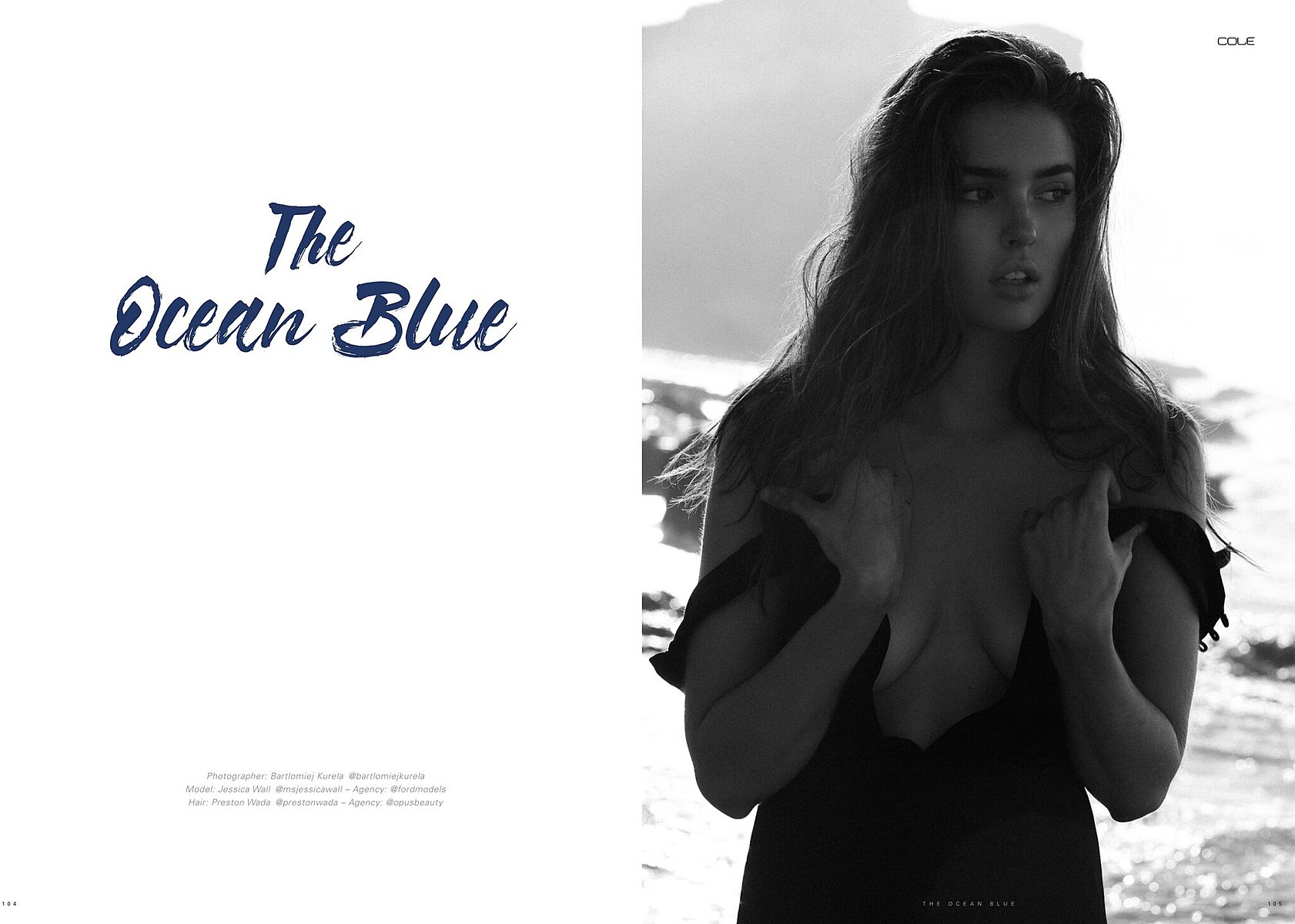
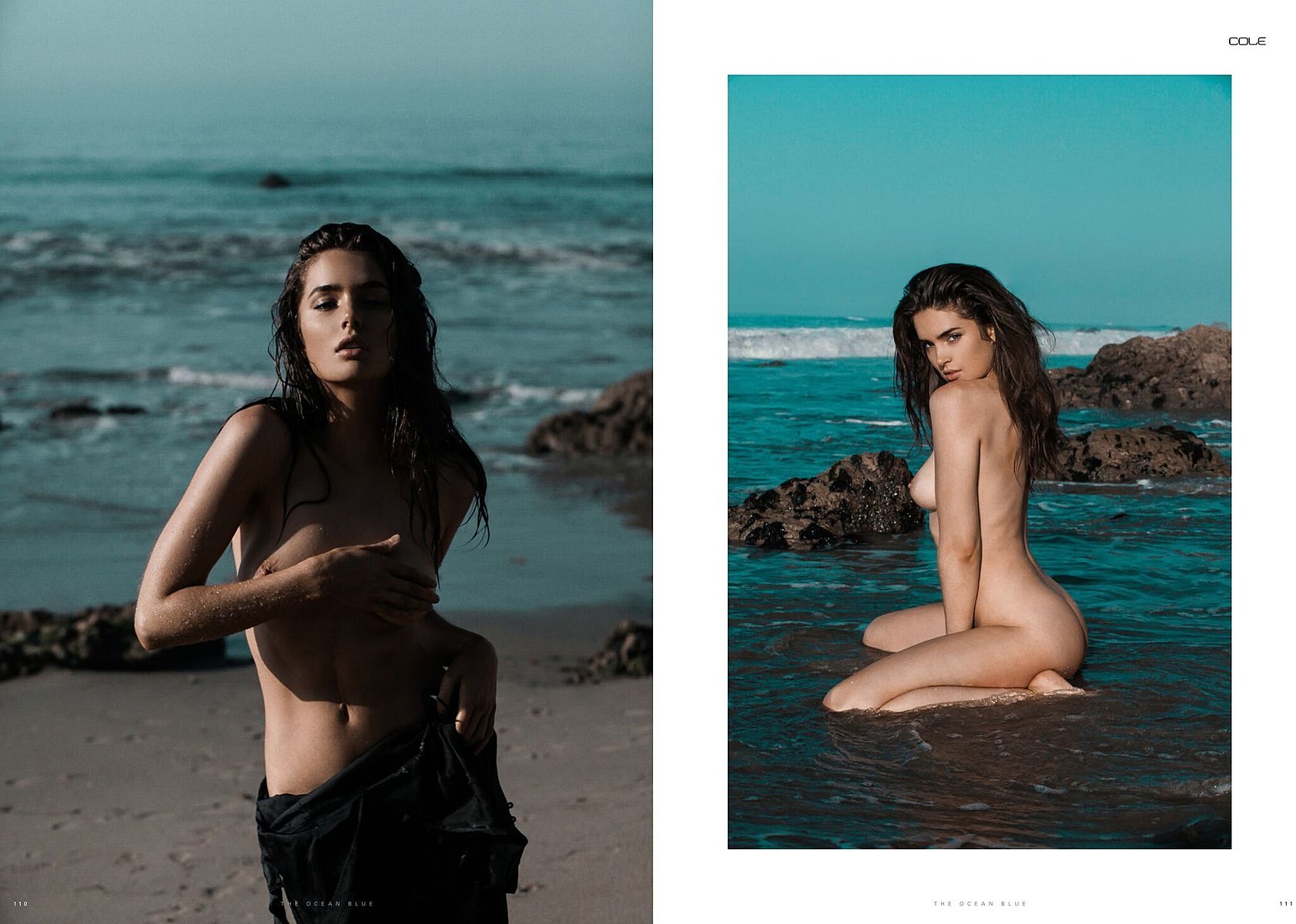
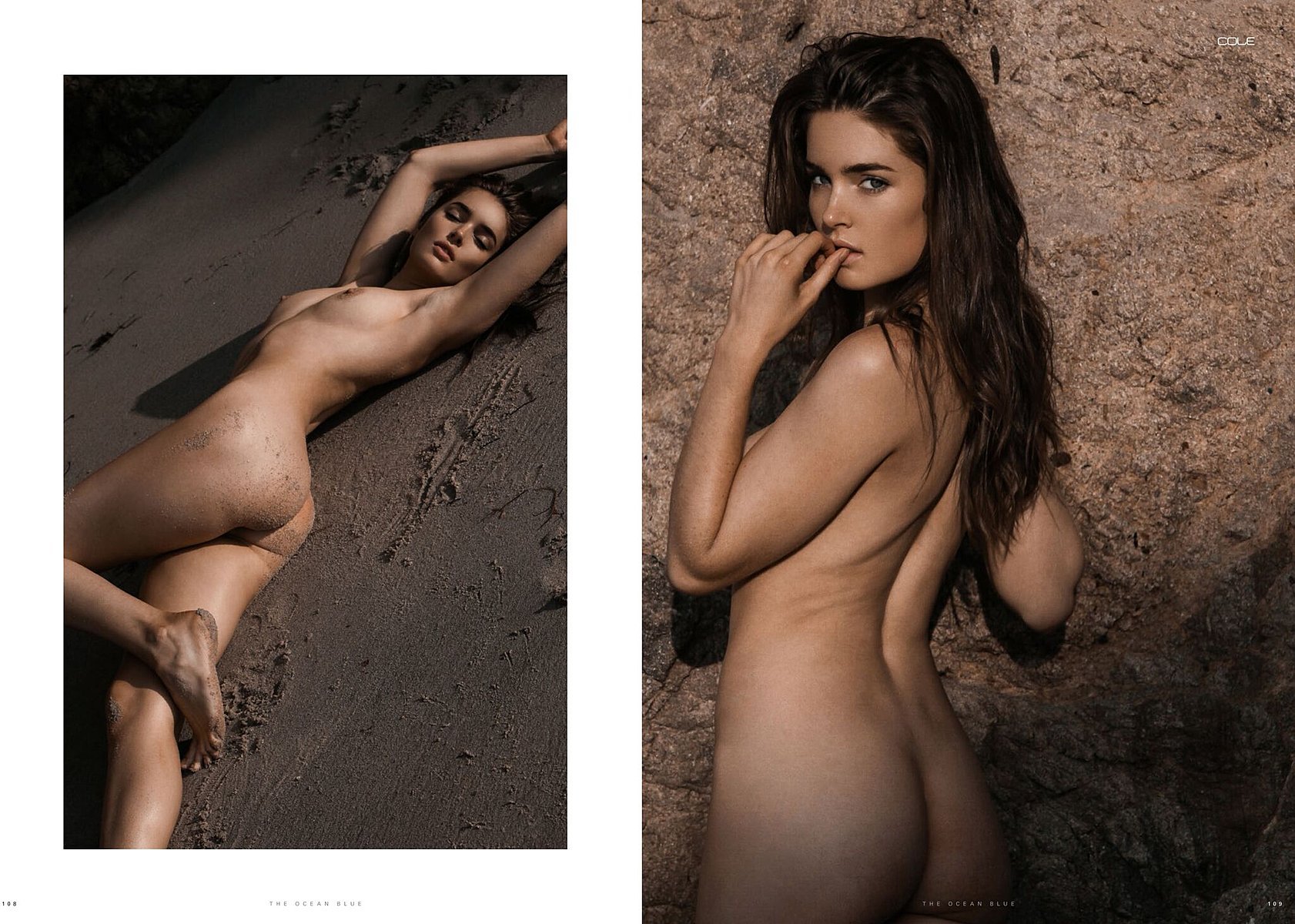
 Bartlomiej Kurela













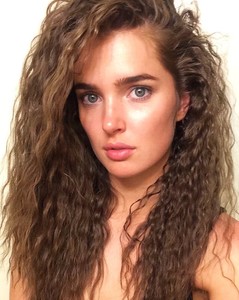





 The Ocean Blue Cole Magazine Issue #7 by Bartlomiej Kurela Nudity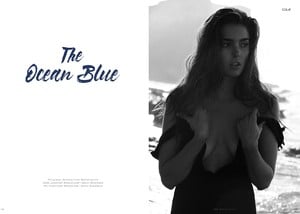

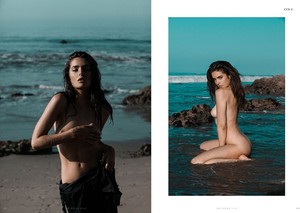
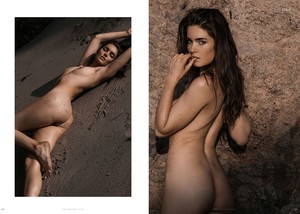
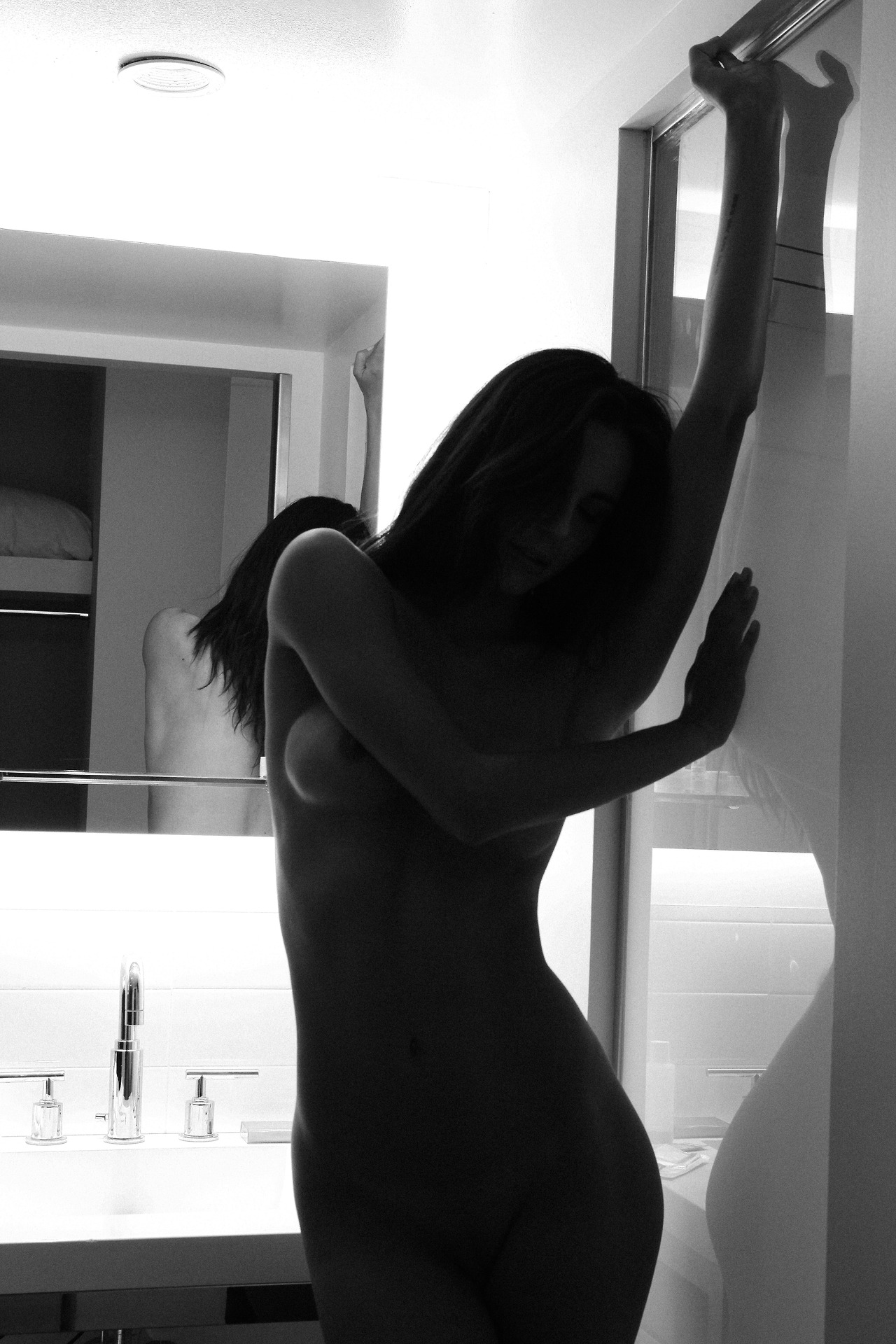
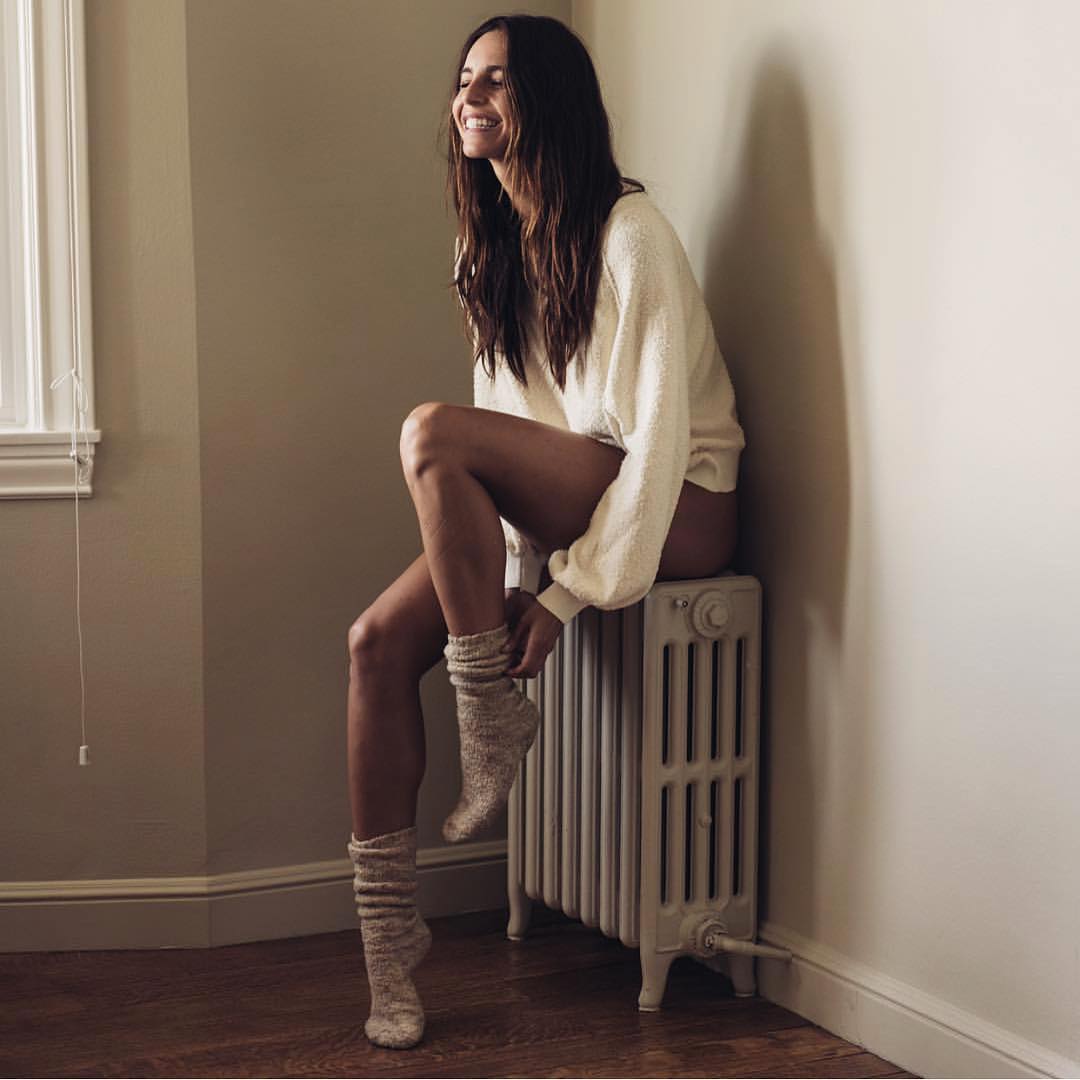
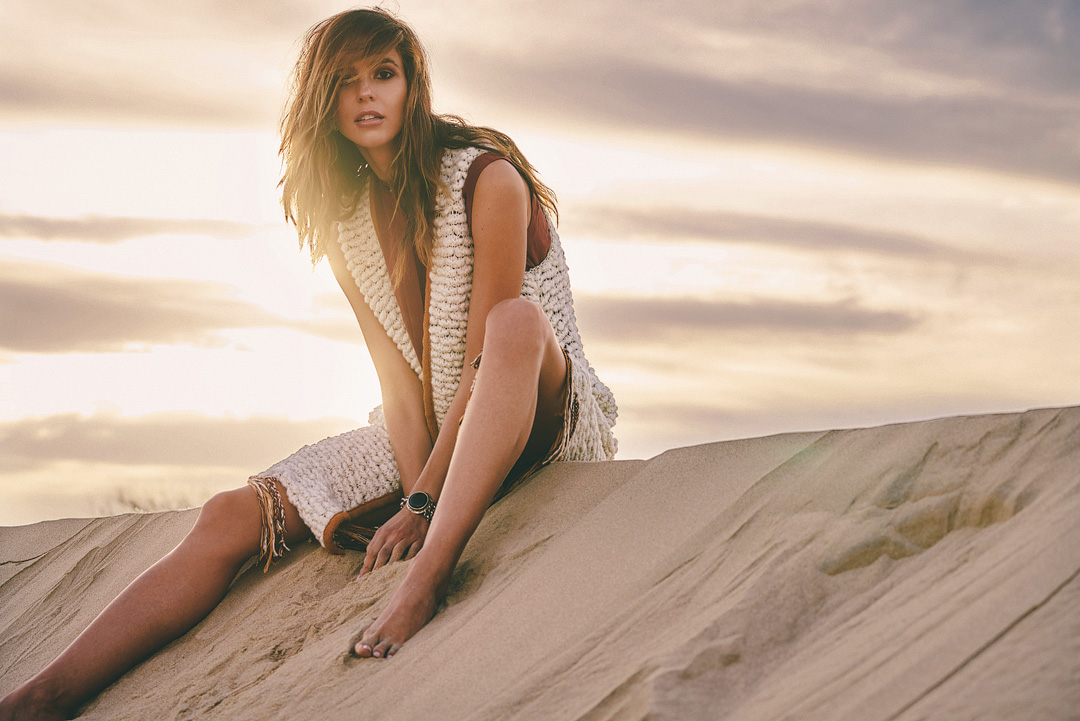
 One more of Bartlomiej Kurela




























































































Account
Navigation
Search
Configure browser push notifications
Chrome (Android)
- Tap the lock icon next to the address bar.
- Tap Permissions → Notifications.
- Adjust your preference.
Chrome (Desktop)
- Click the padlock icon in the address bar.
- Select Site settings.
- Find Notifications and adjust your preference.
Safari (iOS 16.4+)
- Ensure the site is installed via Add to Home Screen.
- Open Settings App → Notifications.
- Find your app name and adjust your preference.
Safari (macOS)
- Go to Safari → Preferences.
- Click the Websites tab.
- Select Notifications in the sidebar.
- Find this website and adjust your preference.
Edge (Android)
- Tap the lock icon next to the address bar.
- Tap Permissions.
- Find Notifications and adjust your preference.
Edge (Desktop)
- Click the padlock icon in the address bar.
- Click Permissions for this site.
- Find Notifications and adjust your preference.
Firefox (Android)
- Go to Settings → Site permissions.
- Tap Notifications.
- Find this site in the list and adjust your preference.
Firefox (Desktop)
- Open Firefox Settings.
- Search for Notifications.
- Find this site in the list and adjust your preference.