
Modelove
Members
-
Joined
Everything posted by Modelove
-
IG Story of venus 25468996_478642122535859_3931162336005455872_n.mp4
 IG Story photoshooting with tigermist 25513235_1925852214346847_3340437915707637760_n.mp4 25351152_155598575211039_5516672319600197632_n.mp4 25469895_141347379903667_3905884220085501952_n.mp4 2017-12-18 05.42.41 1672498411074724455_21999232.mp4 2017-12-18 05.37.55 1672495962960098177_21999232.mp4








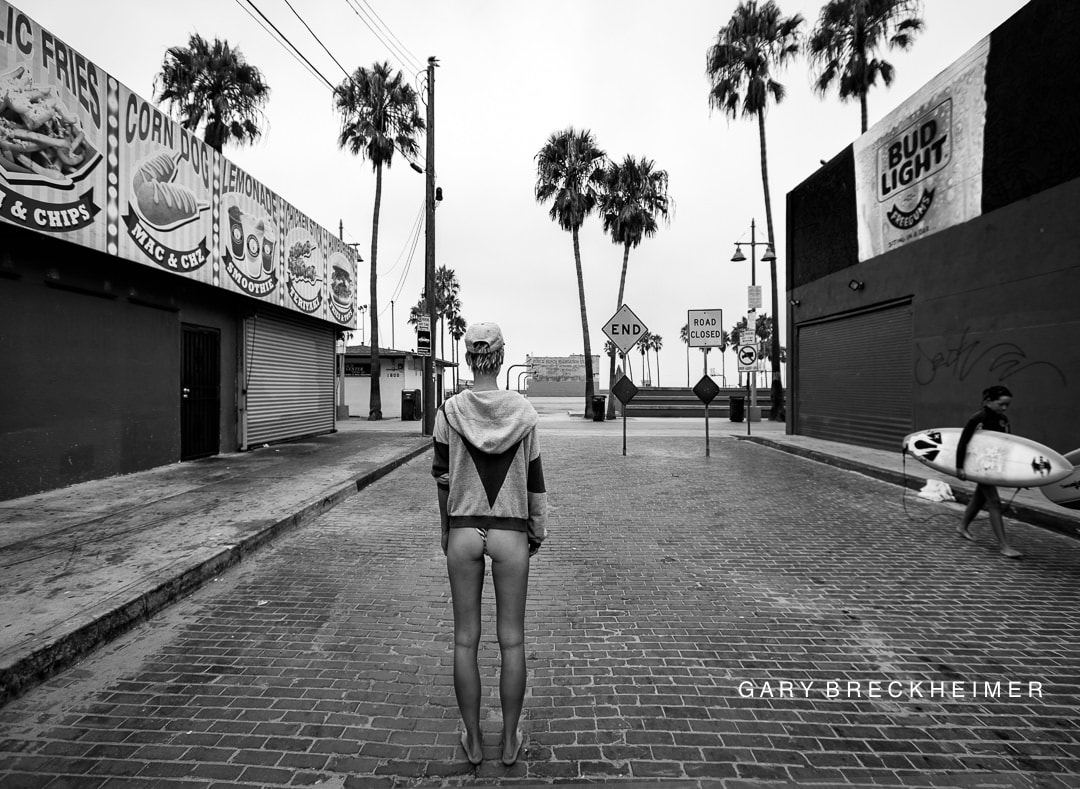
 Venice Vacant Hour by Gary Breckheimer Nudity








 Jessee Bojorquez aka reallysortofamazing 19549874_149116602304466_415383381165998080_n.mp4




















 i posted before folk this ones nope
Larsen Sotelo 19600904_257774908041555_5175786658011807744_n.mp4 Nudity
i posted before folk this ones nope
Larsen Sotelo 19600904_257774908041555_5175786658011807744_n.mp4 Nudity









 Jean-Claude Vorgeack






 The cover of the set And high resolution
 more with Dana Pennington







 Completing the set with Antoine Verglas for MAXIM Nudity




 IG Story of france.and.jesse 25028751_144189469690054_8767620258073673728_n.mp4
 Nudity MP4 | 1920 x 1080p | 00:00:51 | 24.65 MB https://k2s.cc/file/f9f3b18f64e12 https://filejoker.net/nfsulgolwbpr http://depositfiles.com/files/hy2wmowrv




 Nudity MP4 | 1920 x 1080p | 00:02:08 | 245.79 MB https://k2s.cc/file/91ff180964560 https://filejoker.net/5k6zgb1kfkpl http://depositfiles.com/files/kvtww7bs7







 MP4 | 1080 x 720p | 00:02:08 | 15.7 MB Die schönsten Playmates des Jahres - jetzt im neuen Playboy.mp4







 Insomnia Magazine by Dmitry chapala Nudity









 MP4 | 1080 x 720p | 00:00:37 | 4.9 MB Playmate des Jahres-Wahl - Marisa Papen.mp4









 Playmate des Jahres 2017 Nudity



















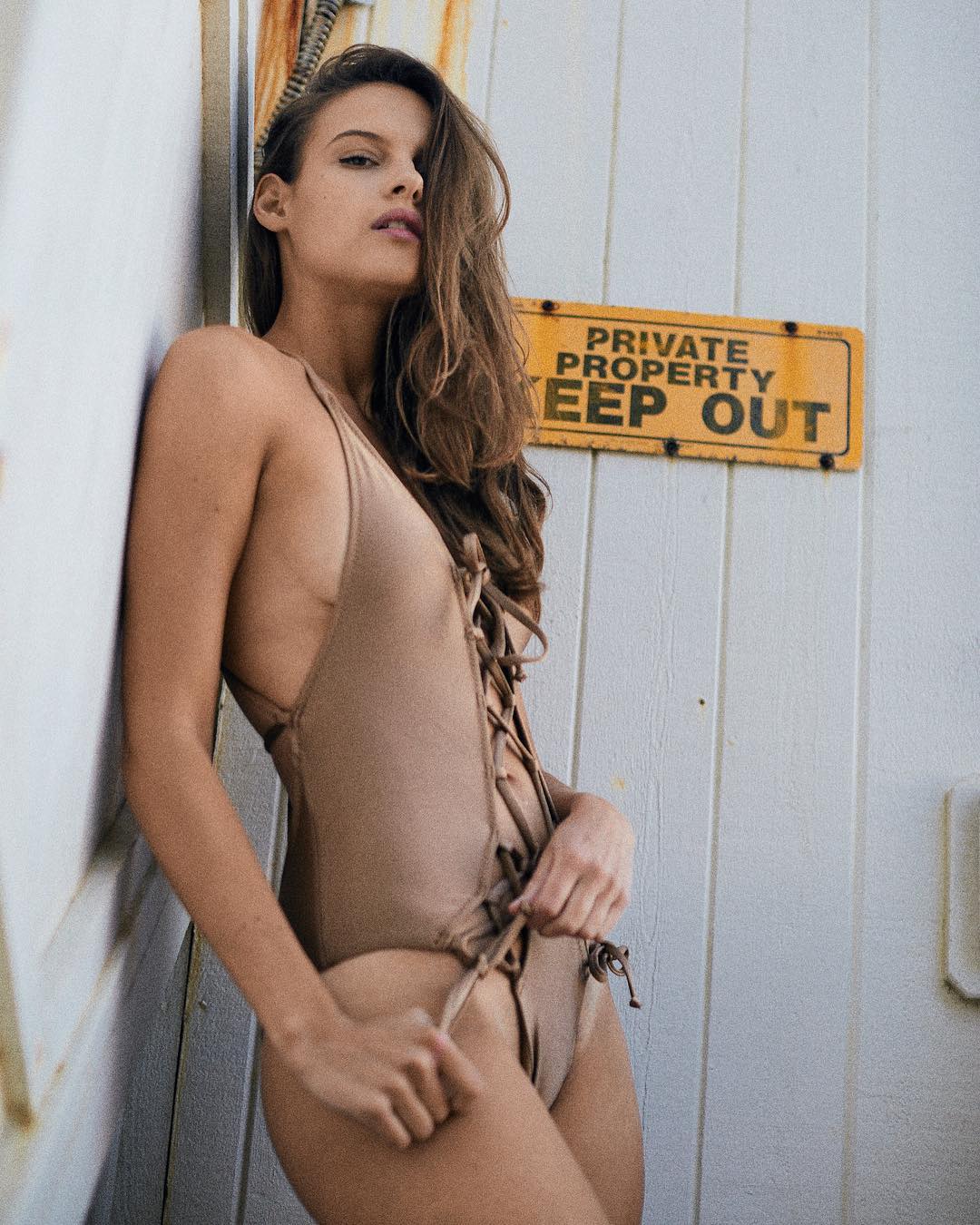
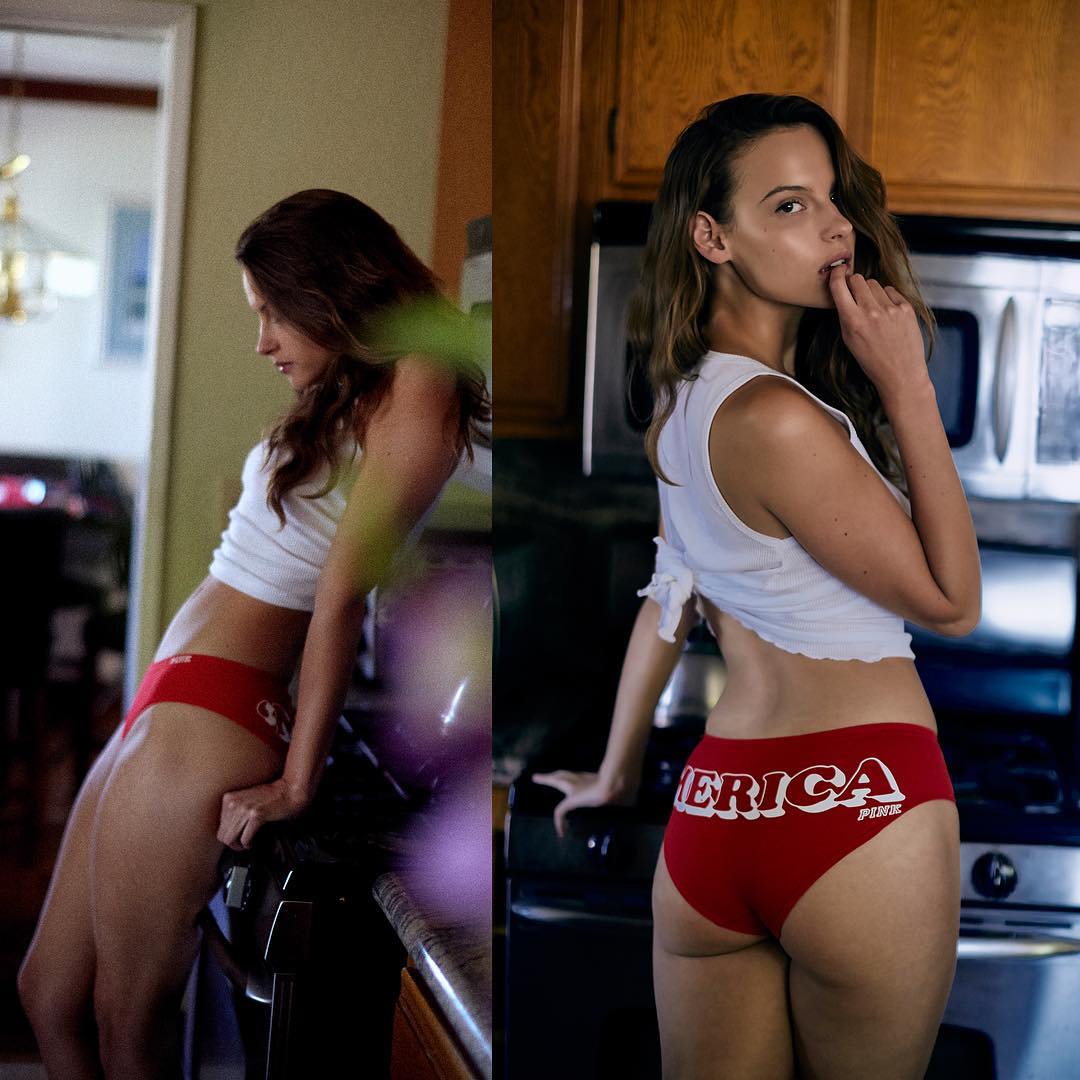
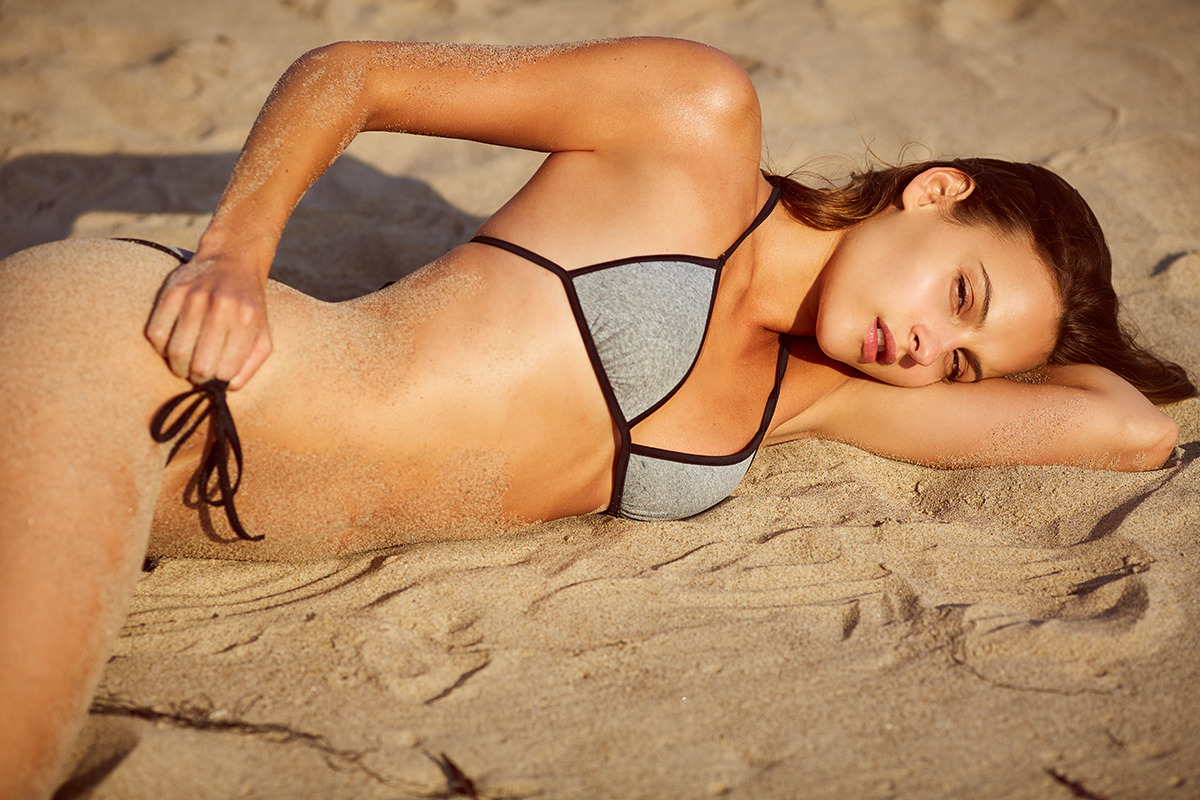
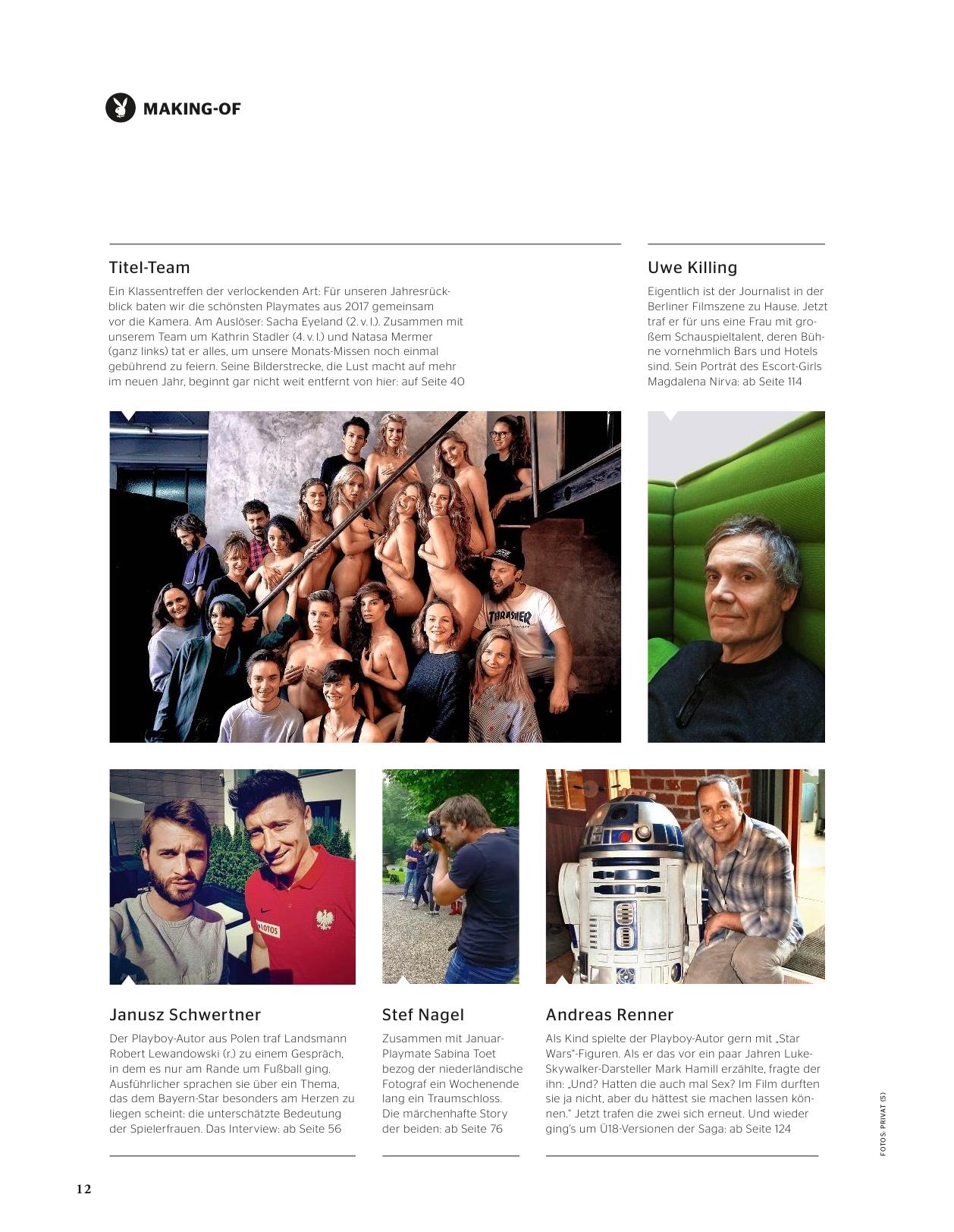
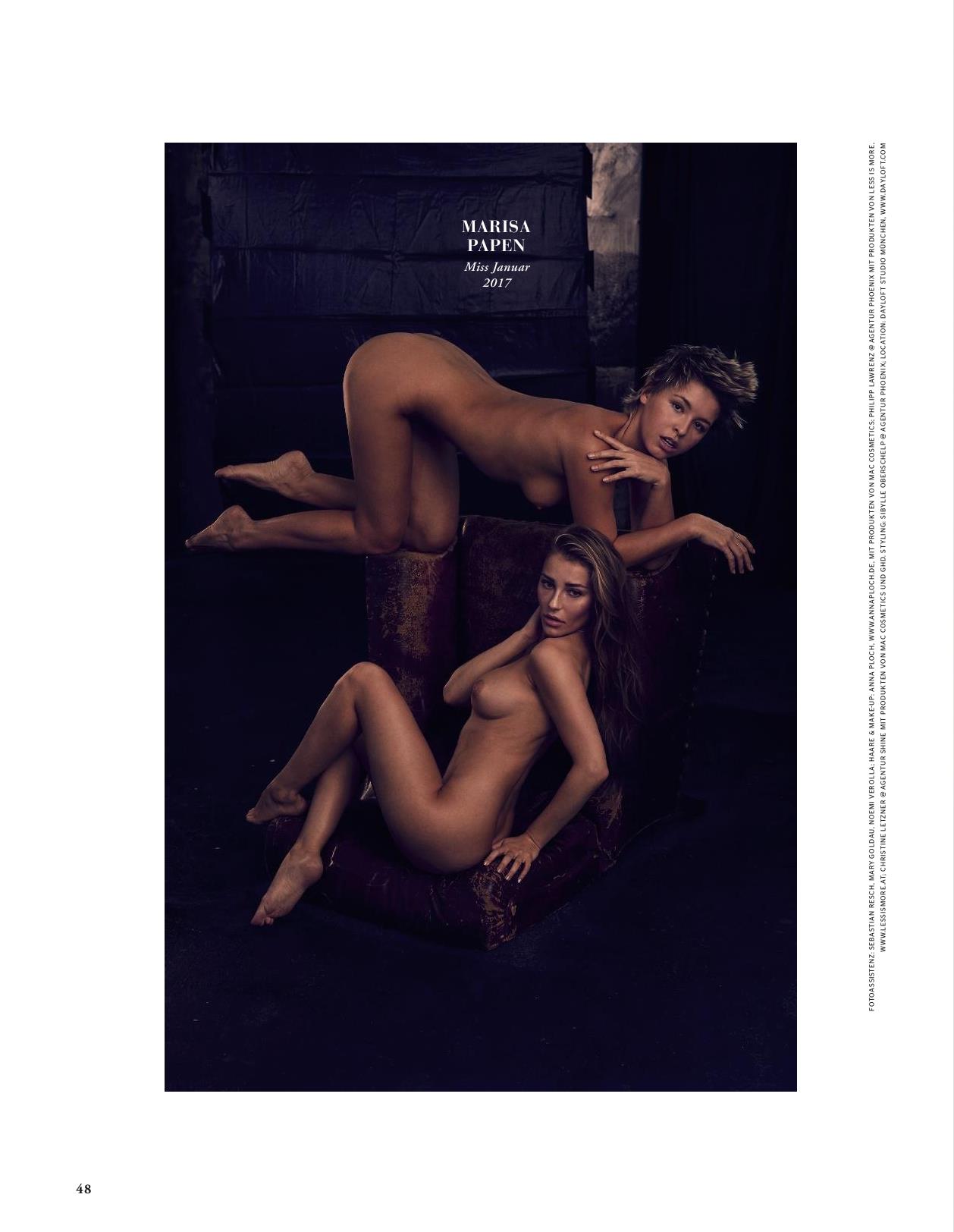
 Playboy Deutschland January 2018 Nudity






















































































































































Account
Navigation
Search
Configure browser push notifications
Chrome (Android)
- Tap the lock icon next to the address bar.
- Tap Permissions → Notifications.
- Adjust your preference.
Chrome (Desktop)
- Click the padlock icon in the address bar.
- Select Site settings.
- Find Notifications and adjust your preference.
Safari (iOS 16.4+)
- Ensure the site is installed via Add to Home Screen.
- Open Settings App → Notifications.
- Find your app name and adjust your preference.
Safari (macOS)
- Go to Safari → Preferences.
- Click the Websites tab.
- Select Notifications in the sidebar.
- Find this website and adjust your preference.
Edge (Android)
- Tap the lock icon next to the address bar.
- Tap Permissions.
- Find Notifications and adjust your preference.
Edge (Desktop)
- Click the padlock icon in the address bar.
- Click Permissions for this site.
- Find Notifications and adjust your preference.
Firefox (Android)
- Go to Settings → Site permissions.
- Tap Notifications.
- Find this site in the list and adjust your preference.
Firefox (Desktop)
- Open Firefox Settings.
- Search for Notifications.
- Find this site in the list and adjust your preference.