Modelove
Members
-
Joined
Everything posted by Modelove
-
26679234_517820045283794_6929893766039863296_n.mp4

-
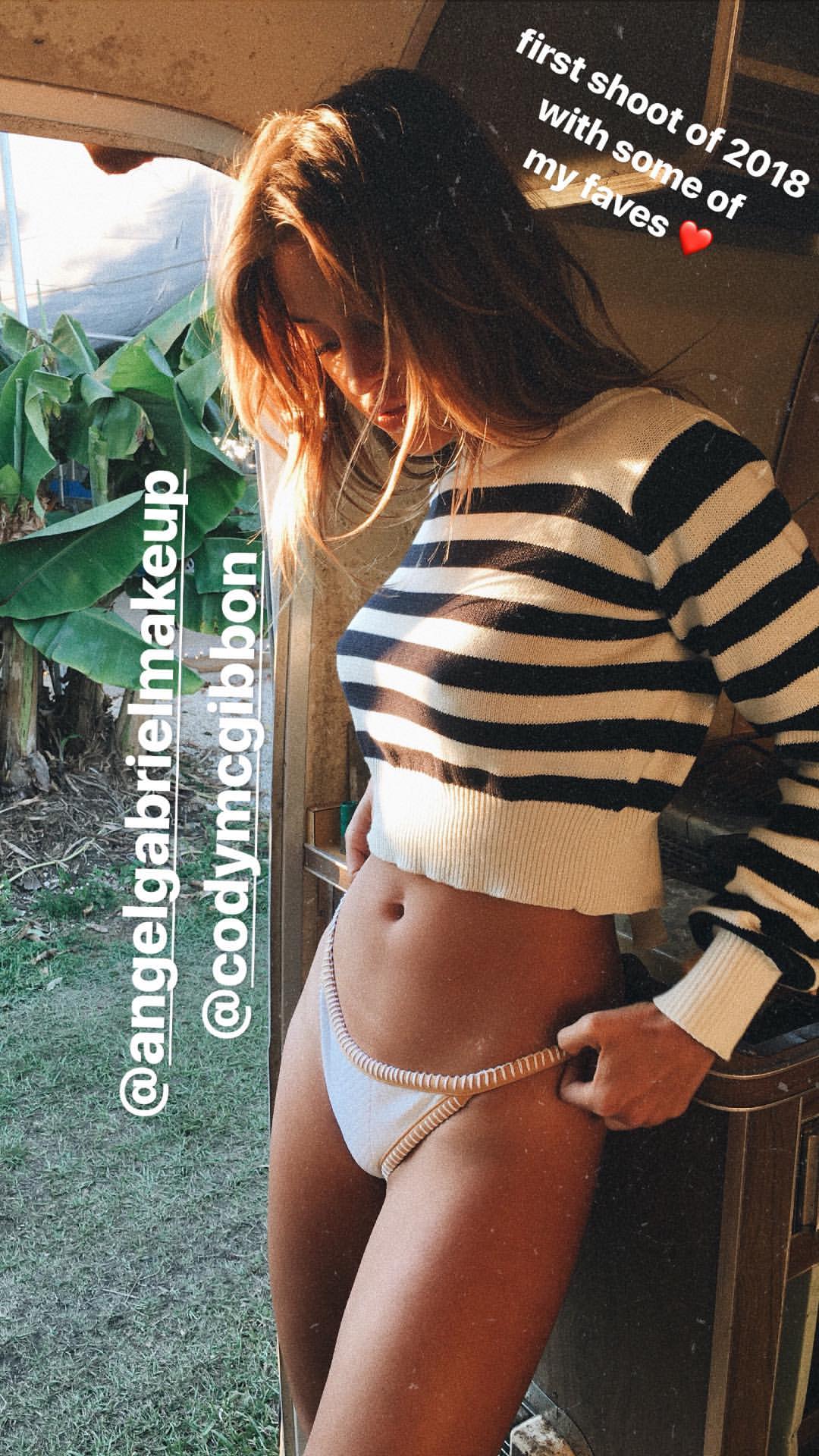
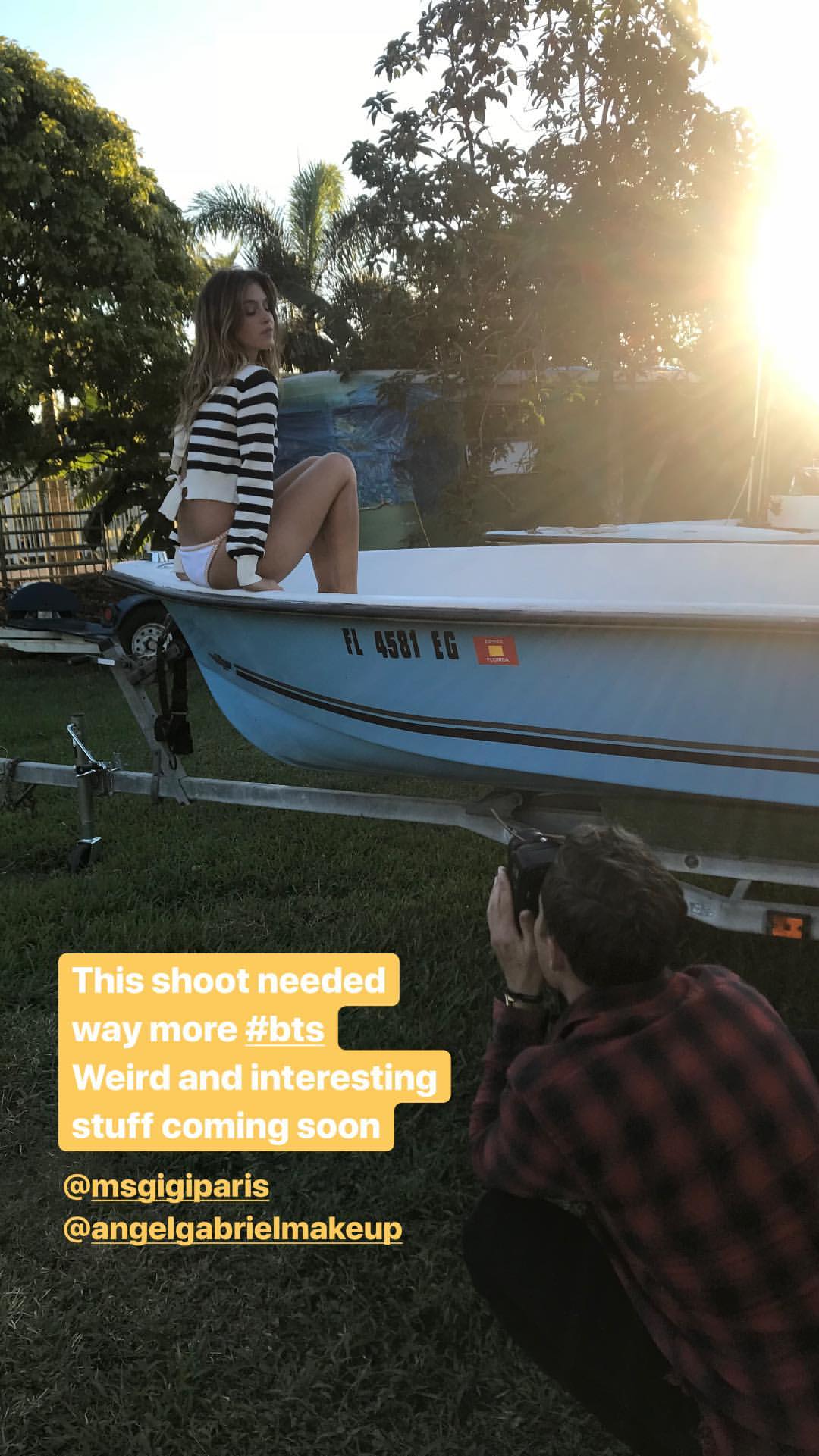
IG Story angelgabrielmakeup 26191022_142831773101590_1395092505447366656_n.mp4
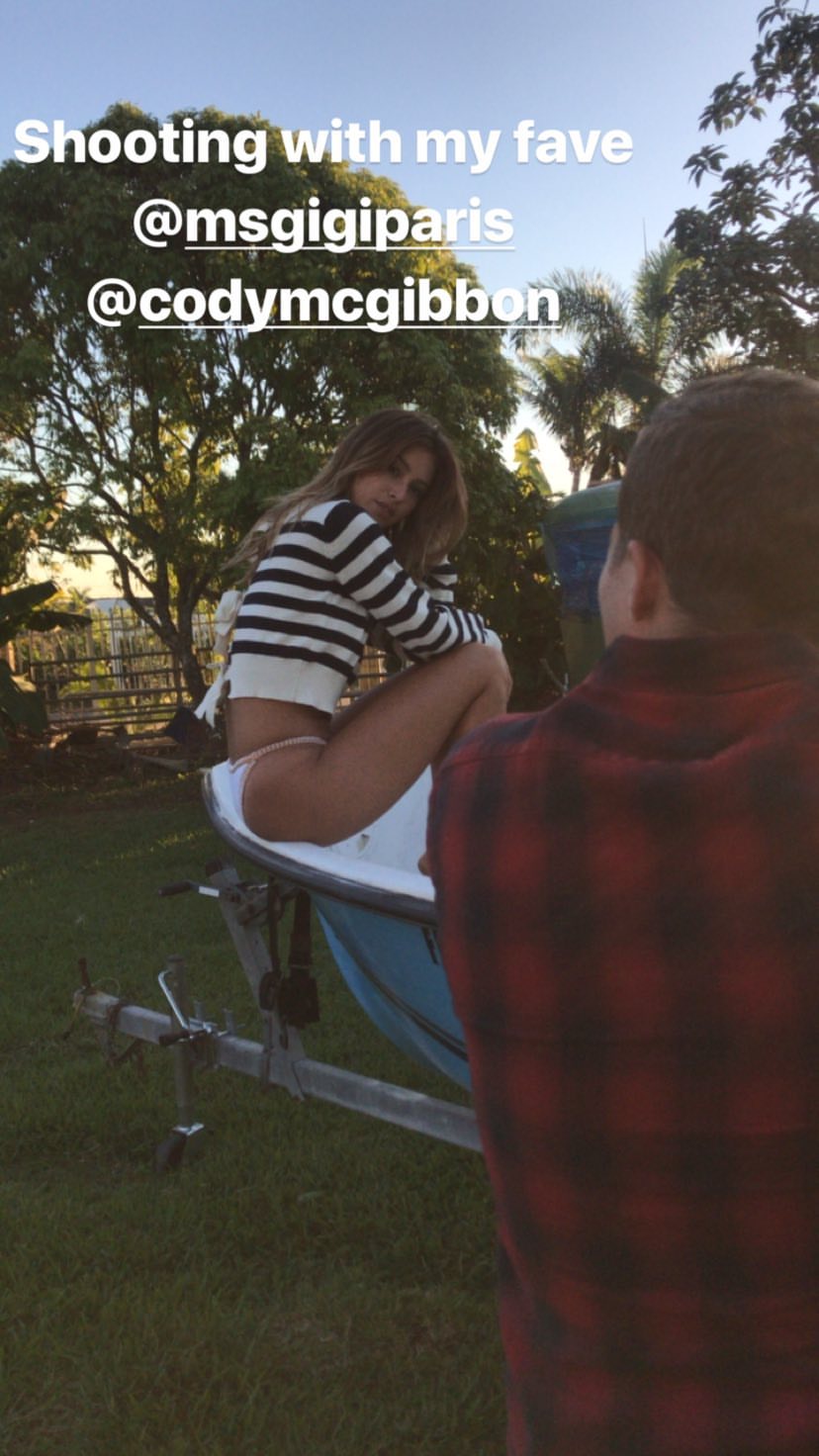
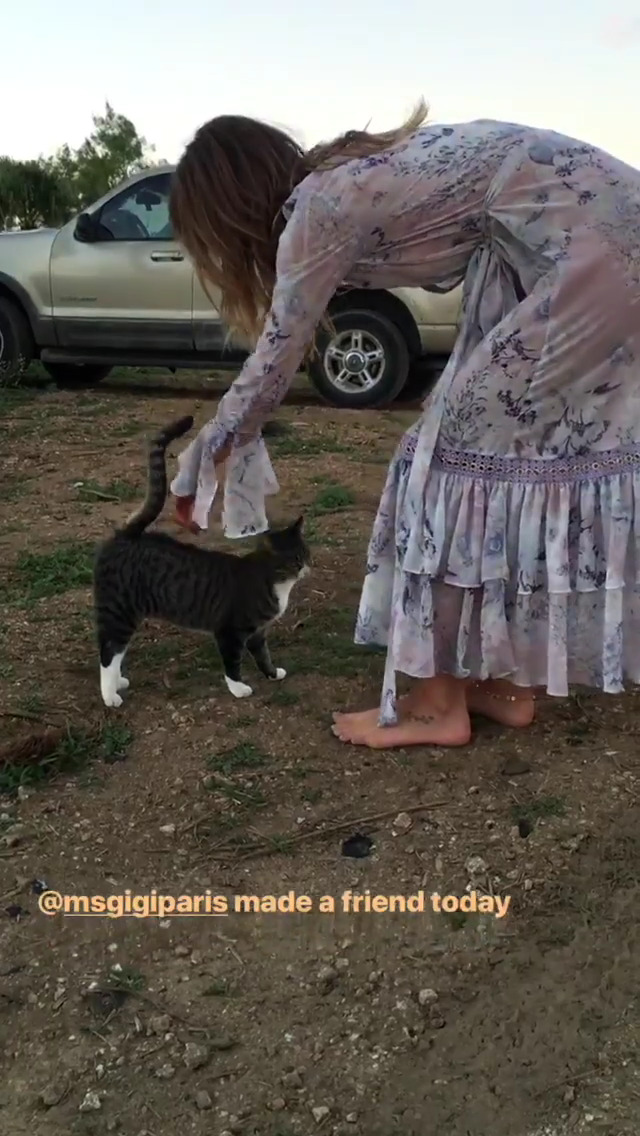
 IG Story of GIGI
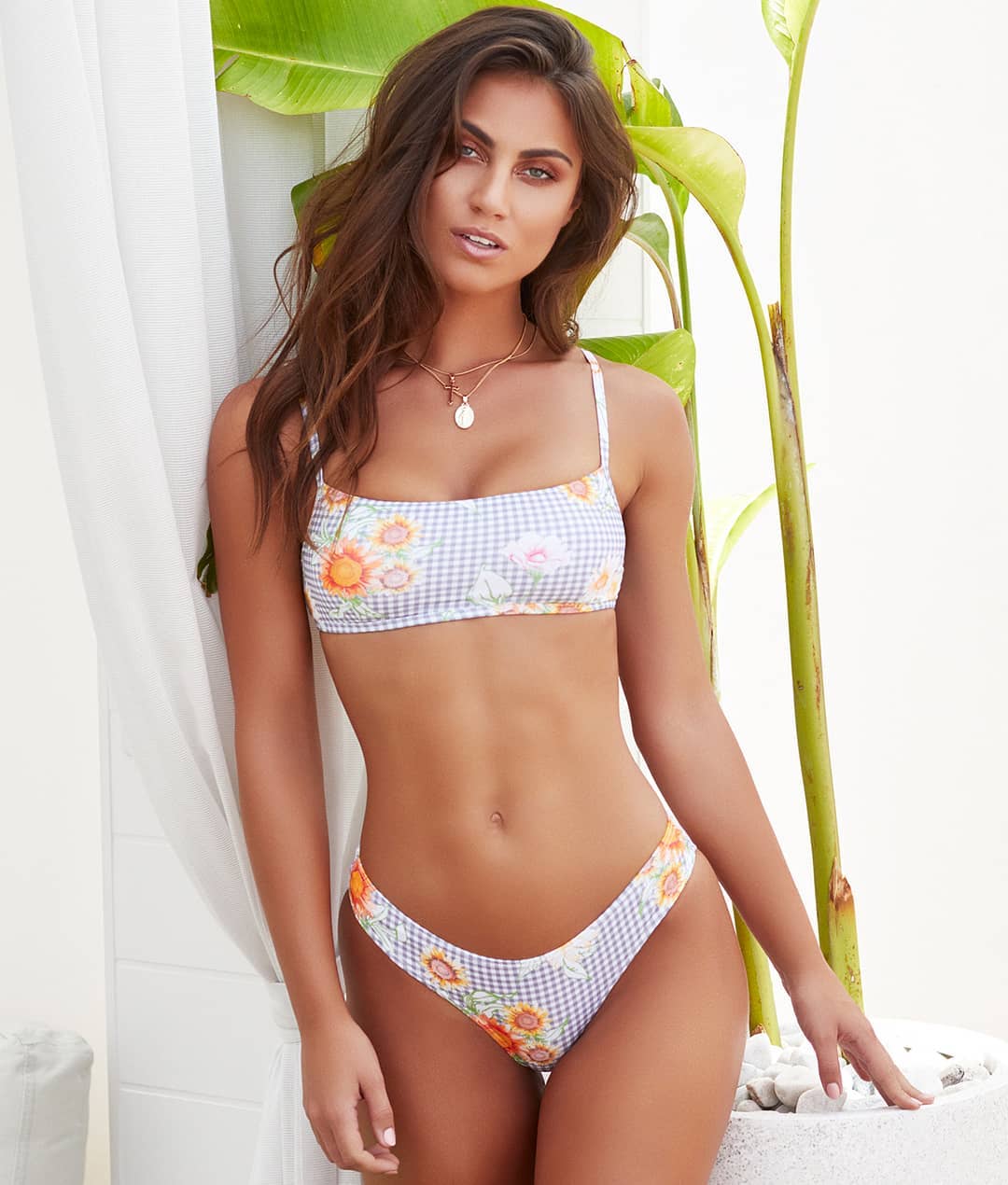
 Flynn Skye
 IG Story codymcgibbon 26200228_158870558089697_6552589165488242688_n.mp4
 Without text Nudity






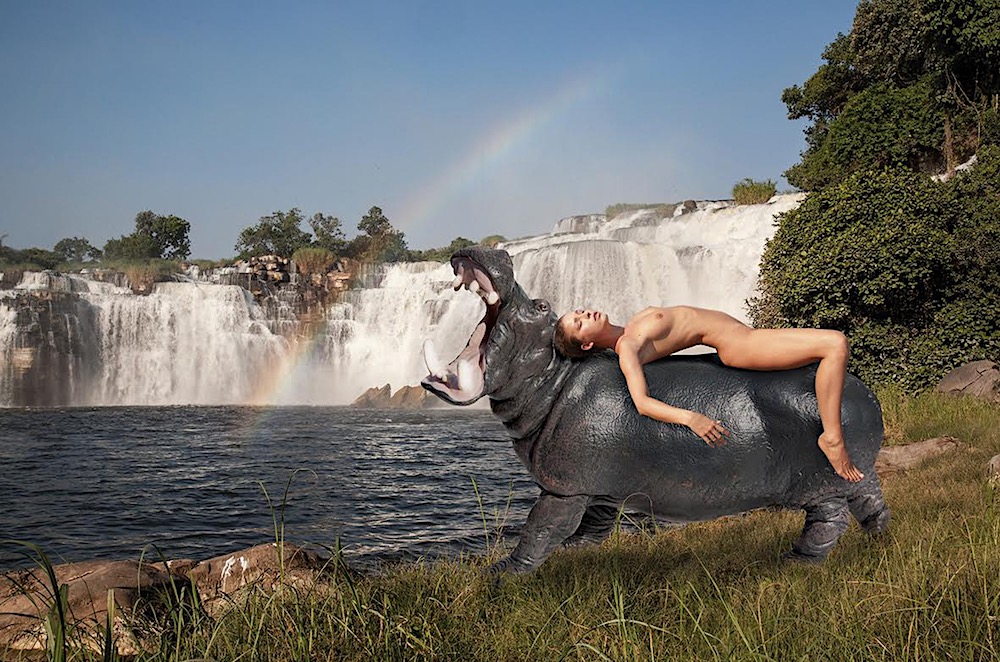
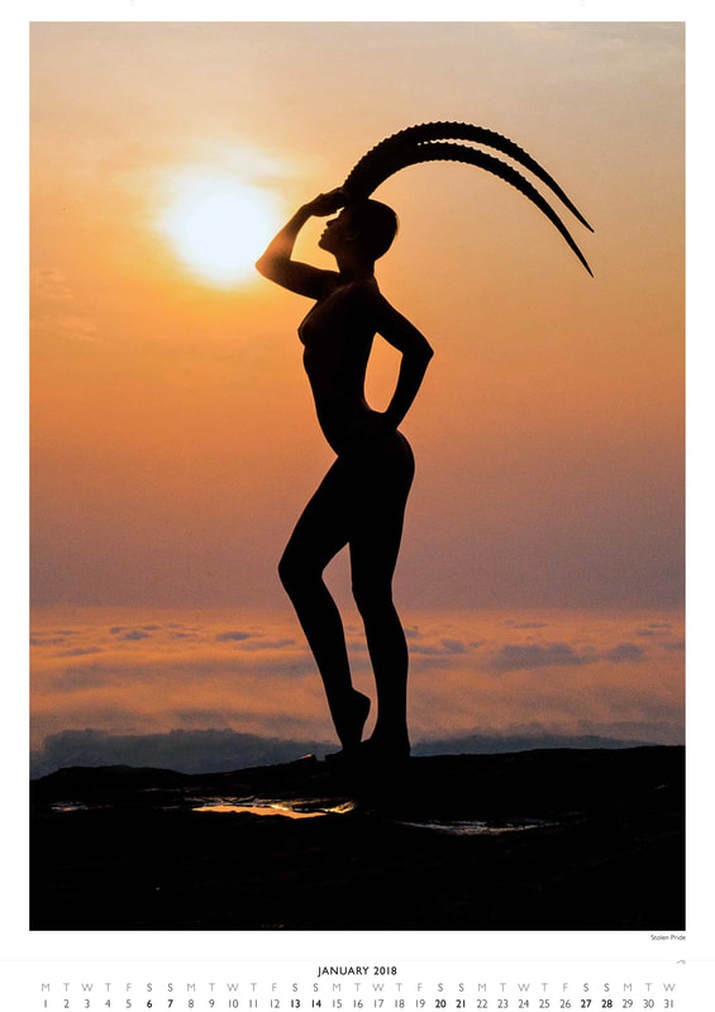
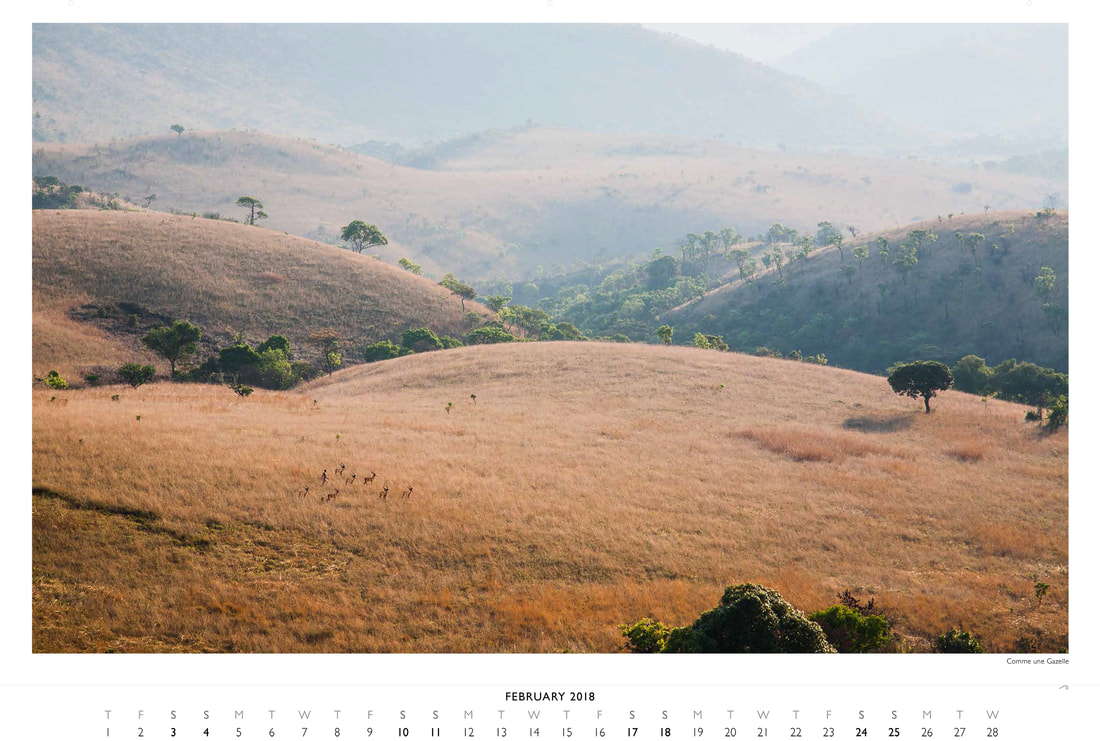
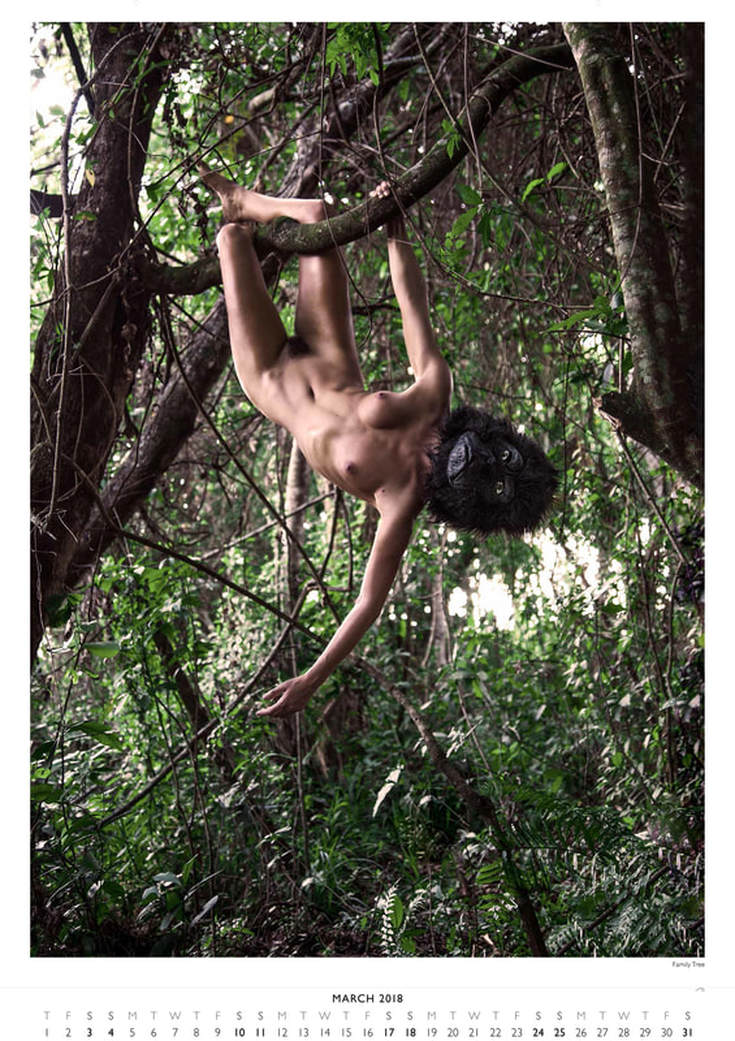
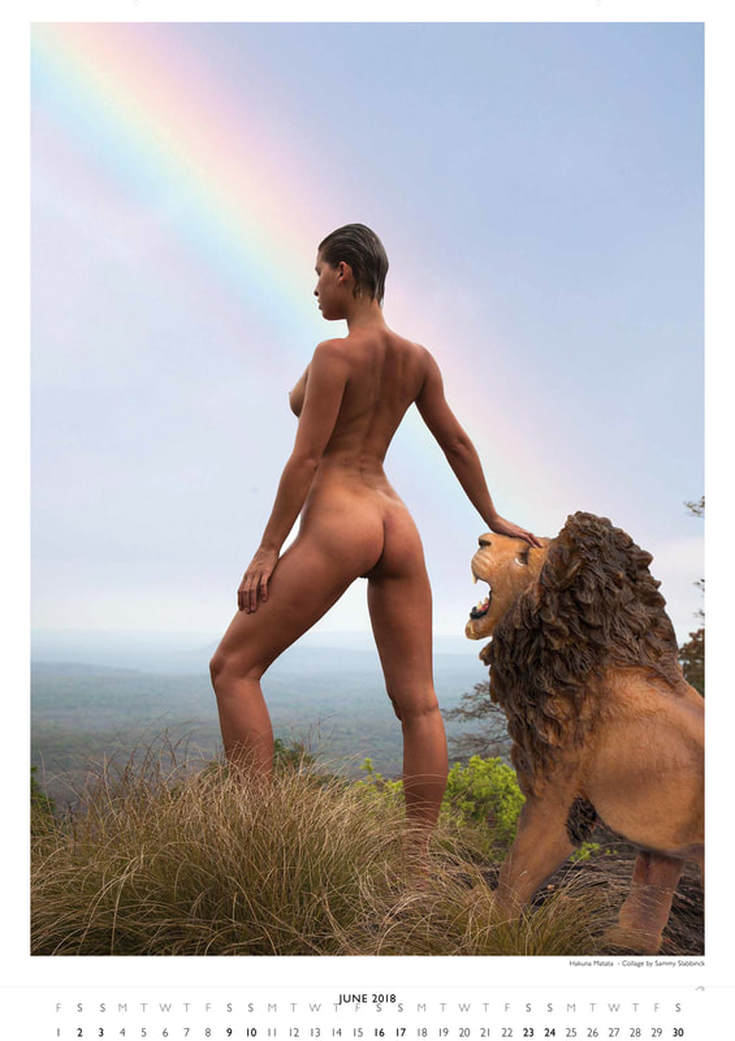
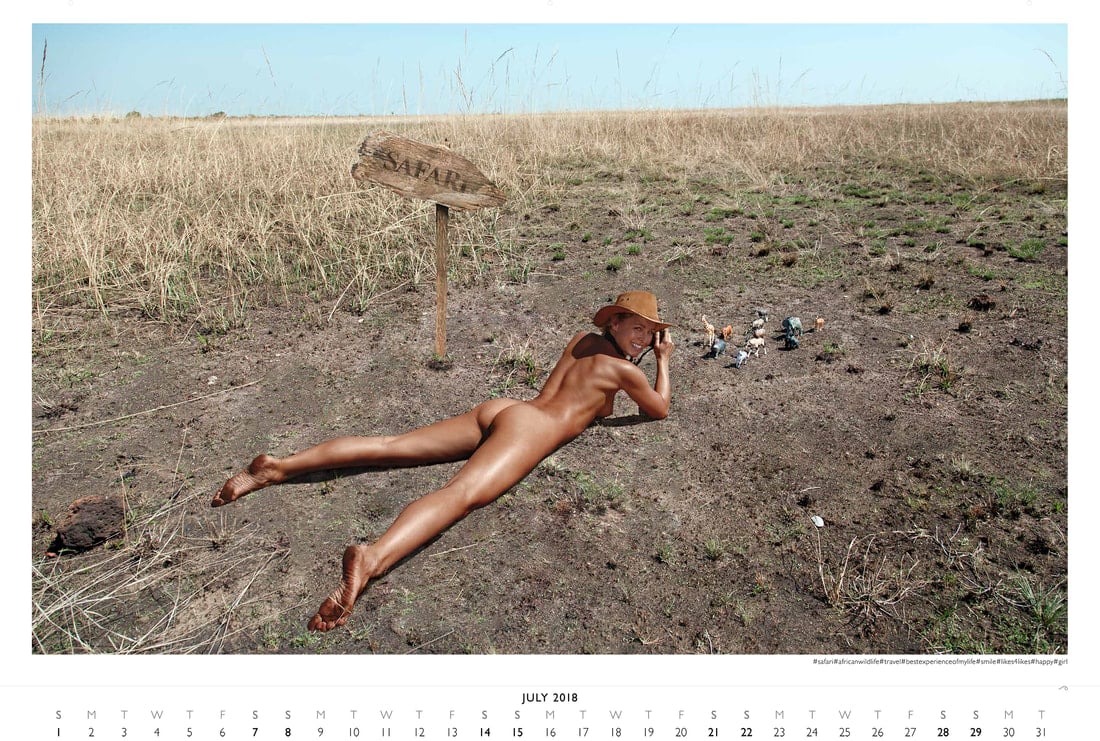
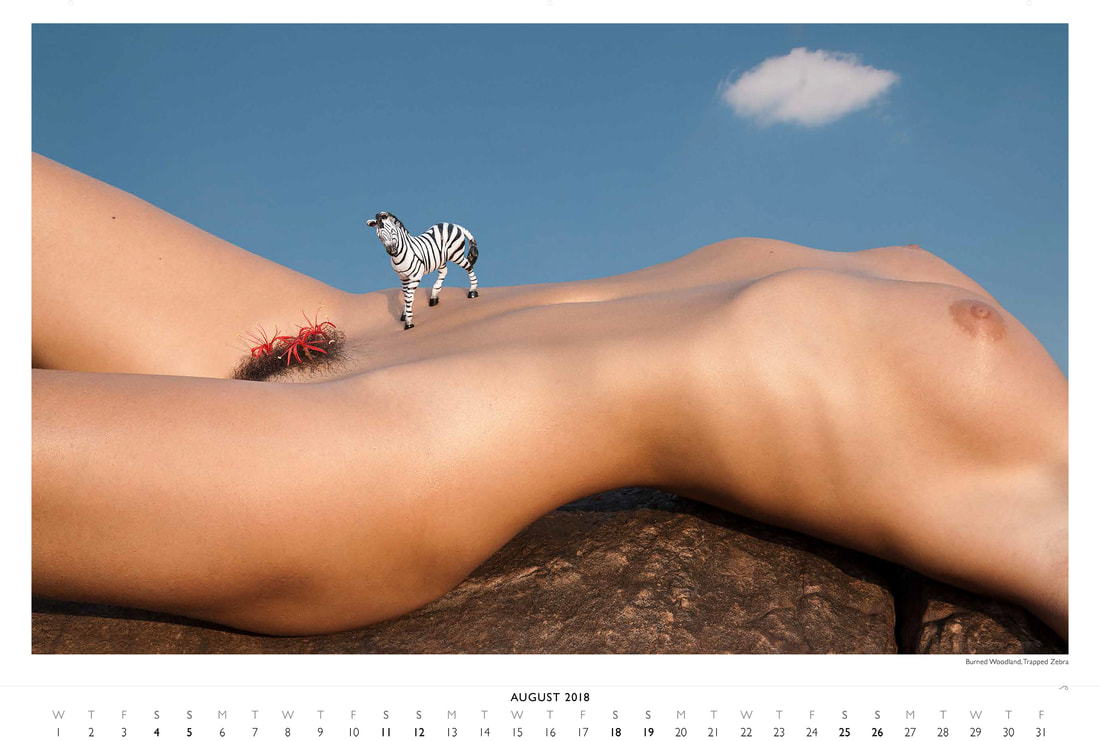
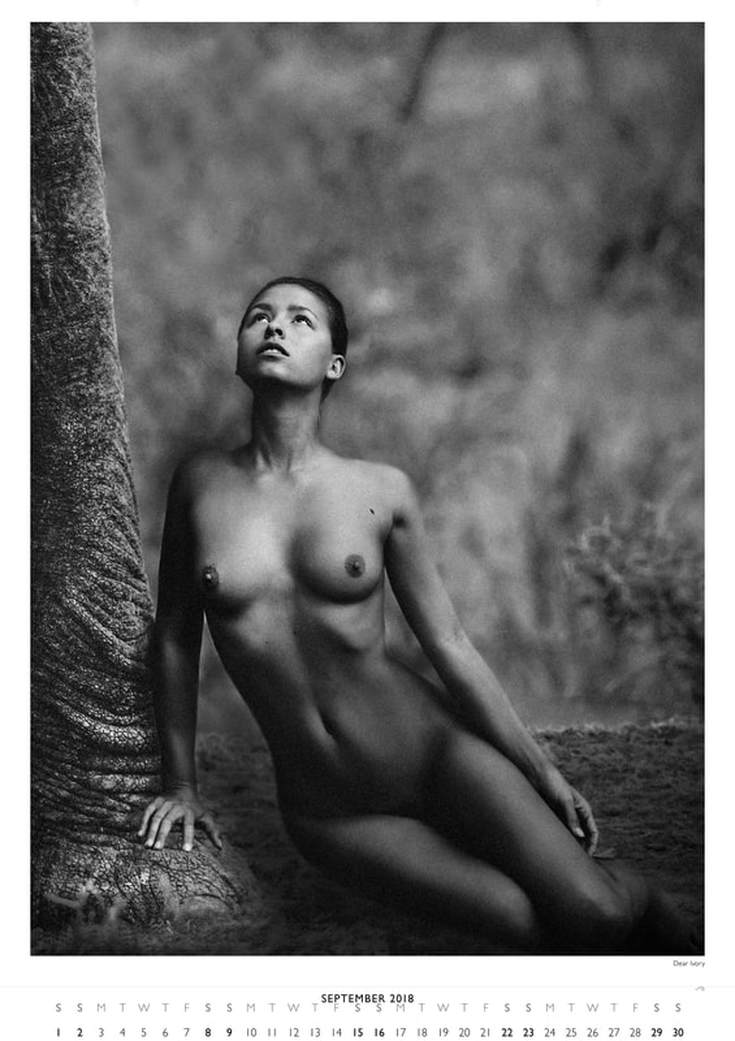
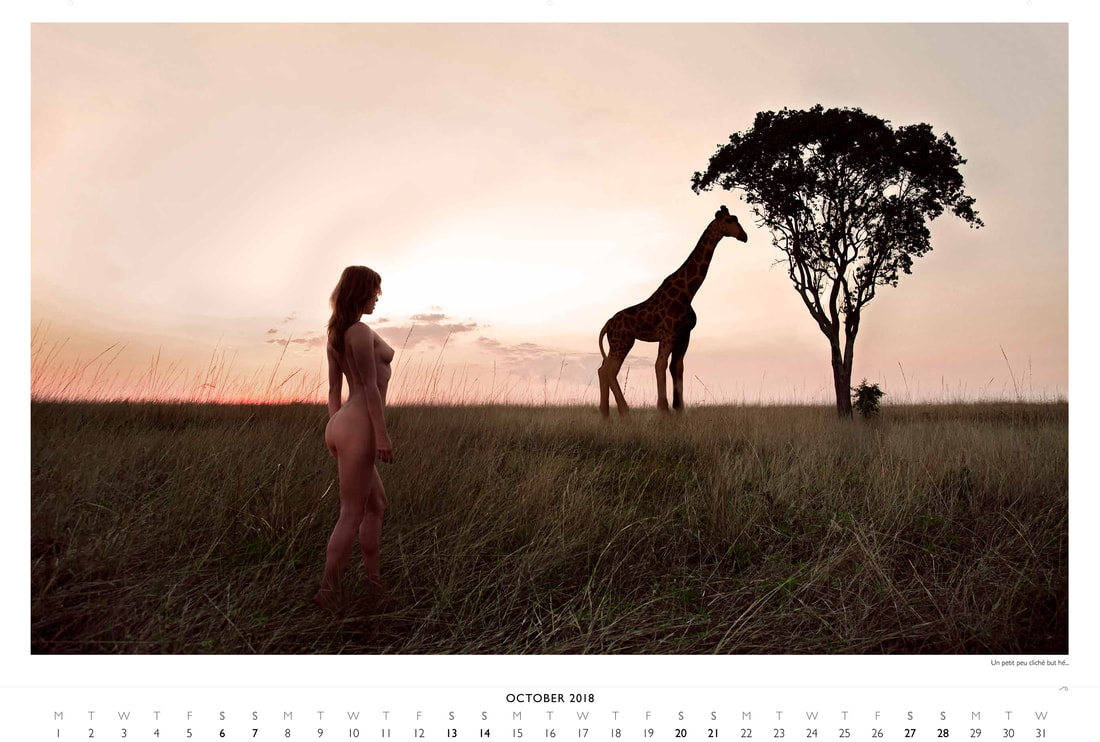
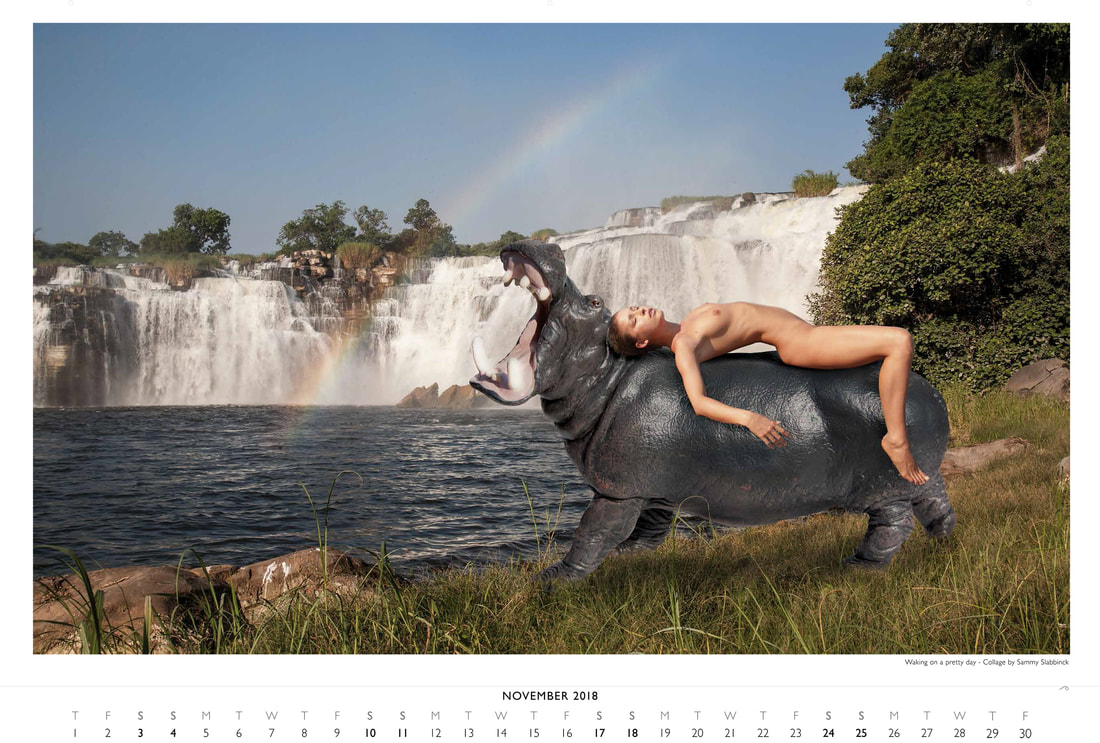
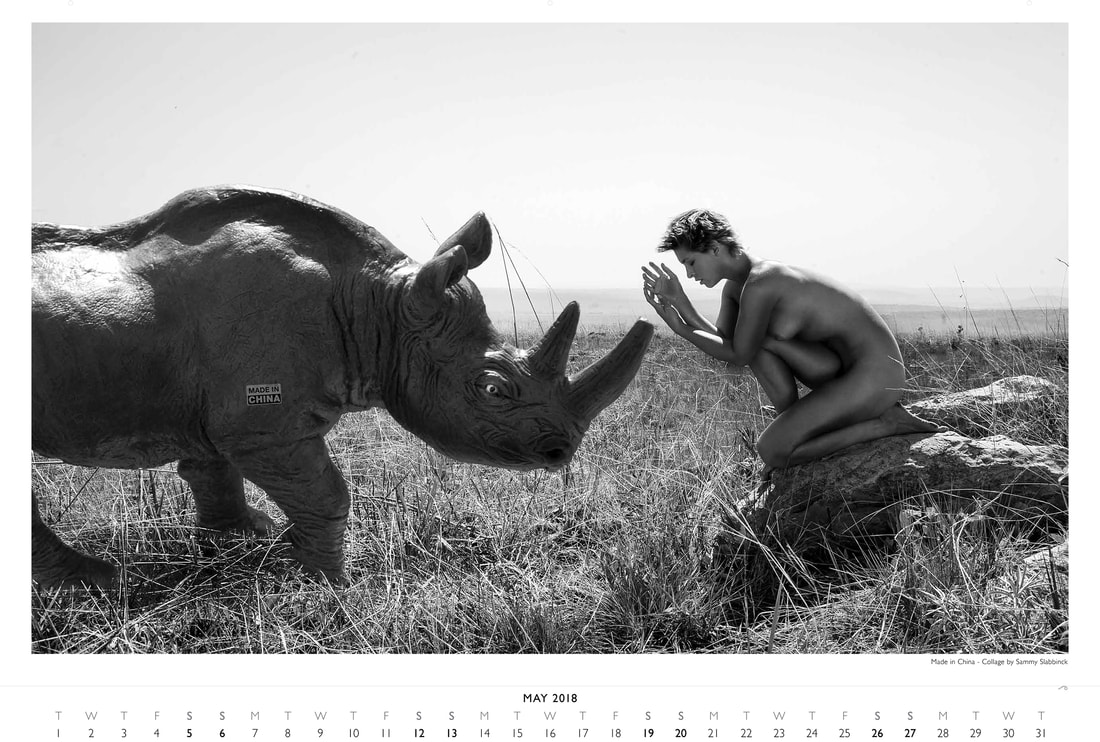
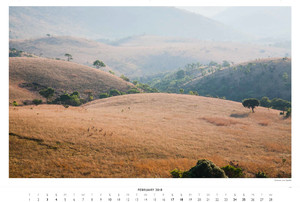
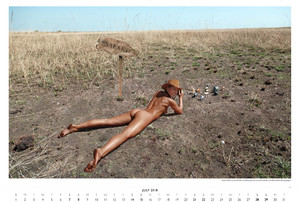
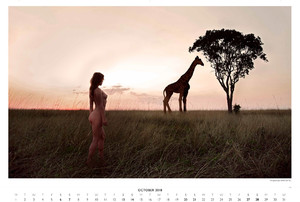
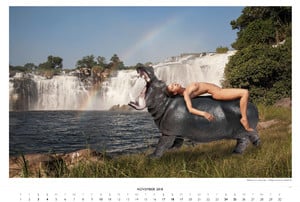
 PLANETPLASTIC The Calendar 2018 Ph. Uwe Ommer Nudity






 IG Storys's Adam Mont

Account
Navigation
Search
Configure browser push notifications
Chrome (Android)
- Tap the lock icon next to the address bar.
- Tap Permissions → Notifications.
- Adjust your preference.
Chrome (Desktop)
- Click the padlock icon in the address bar.
- Select Site settings.
- Find Notifications and adjust your preference.
Safari (iOS 16.4+)
- Ensure the site is installed via Add to Home Screen.
- Open Settings App → Notifications.
- Find your app name and adjust your preference.
Safari (macOS)
- Go to Safari → Preferences.
- Click the Websites tab.
- Select Notifications in the sidebar.
- Find this website and adjust your preference.
Edge (Android)
- Tap the lock icon next to the address bar.
- Tap Permissions.
- Find Notifications and adjust your preference.
Edge (Desktop)
- Click the padlock icon in the address bar.
- Click Permissions for this site.
- Find Notifications and adjust your preference.
Firefox (Android)
- Go to Settings → Site permissions.
- Tap Notifications.
- Find this site in the list and adjust your preference.
Firefox (Desktop)
- Open Firefox Settings.
- Search for Notifications.
- Find this site in the list and adjust your preference.