
Modelove
Members
-
Joined
Everything posted by Modelove
-
Rendezvous Mag | Relax and Rejuvenate by Neal Troester Nudity












-
Clint Robert Nudity





-
The Secret Place - C-Heads Magazine By JP Slupik Nudity


















-
28689622_222690408304133_1496646010728873984_n.mp4 IG Story













-
-
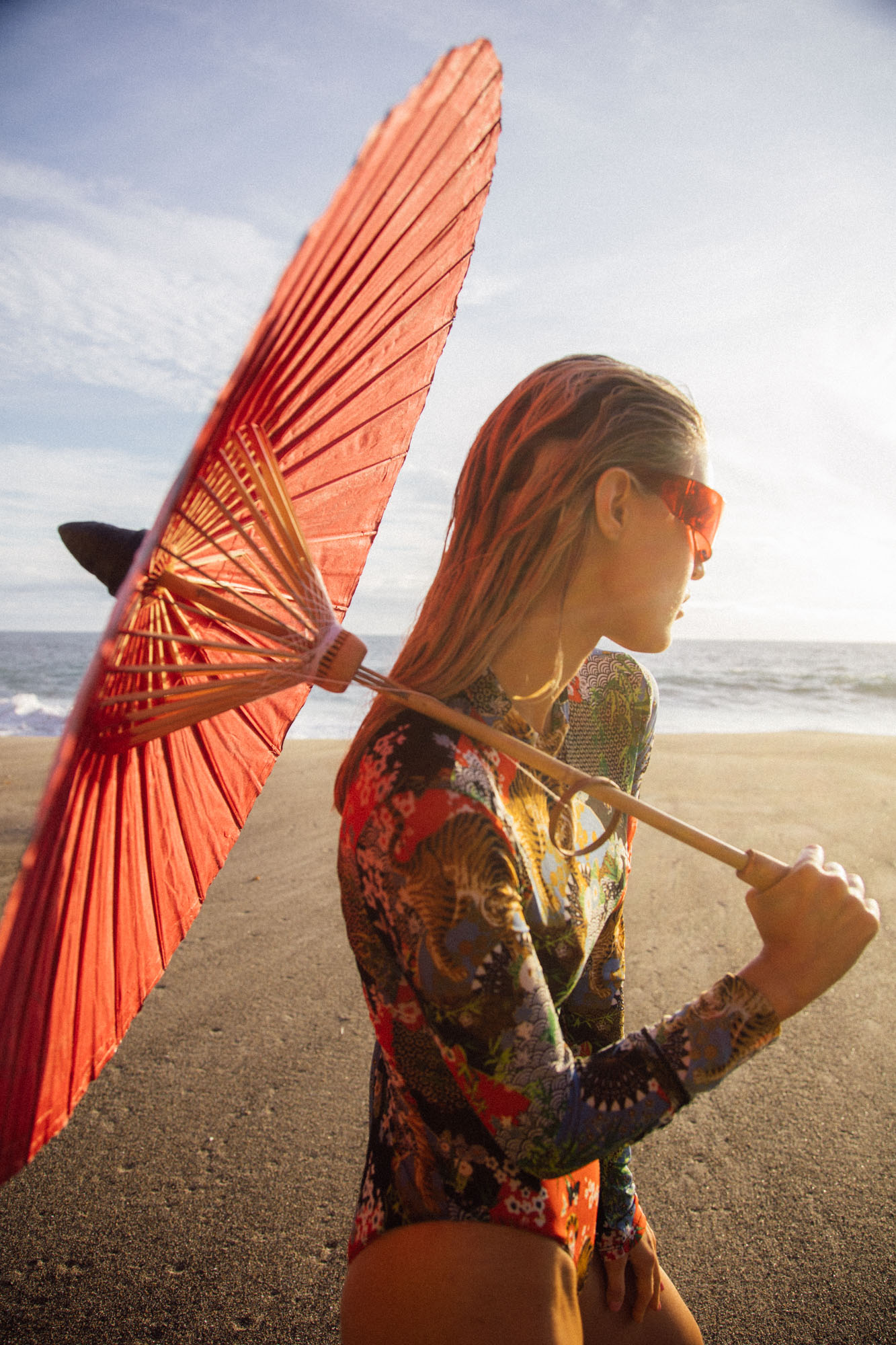
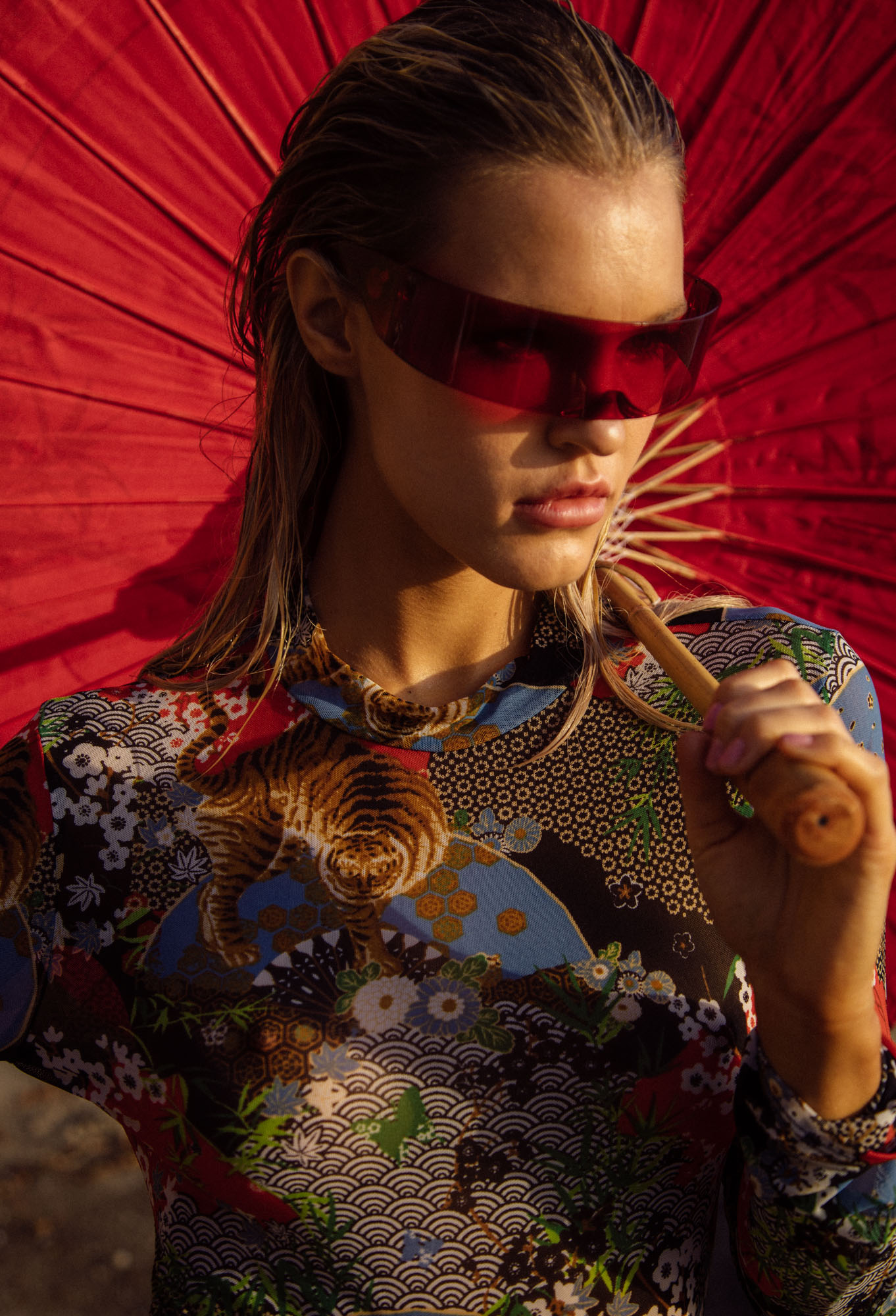
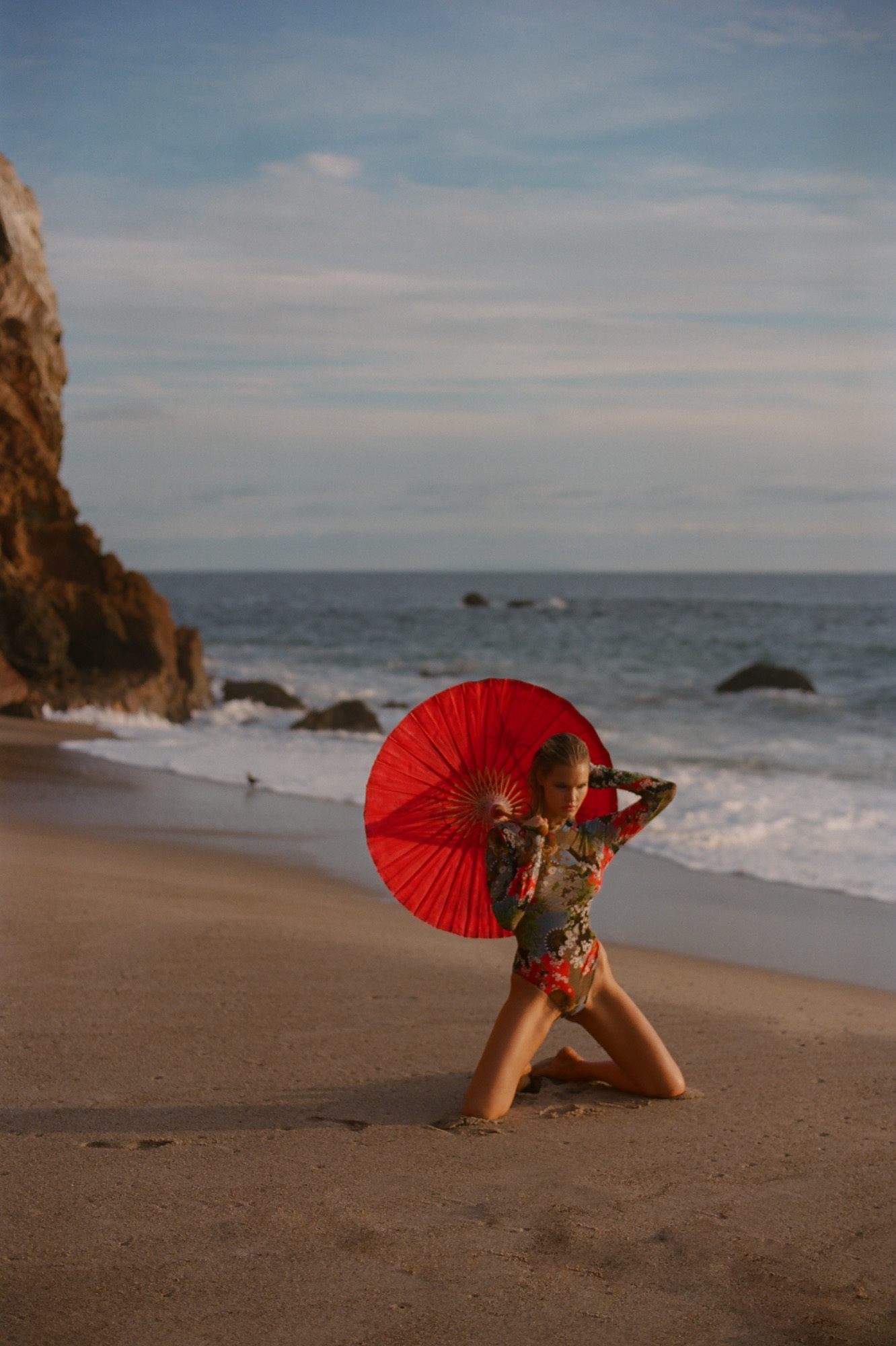
San Lorenzo Bikinis
-
-
Asher Moss for Playboy From IG and IG story Playboy.com















-
IG Story of 27984837_331172844061900_5765008633162685973_n.mp4 27821867_398096203984161_8968618287049560854_n.mp4 27676611_1631243813653380_1057642486950918808_n.mp4 28121591_207385396483575_2794788517770375041_n.mp4 28113457_586455655022867_1453039547872859055_n.mp4 27981767_164832750963683_49172172581156439_n.mp4 28118123_394430697685497_8695990304378935939_n.mp4
 Asher Moss

















 Asher Moss Nudity
27522727_159152394879162_6943808710218494557_n.mp4 27817965_745451612315414_7532529658353802811_n.mp4 28113417_729655030565348_7089385022934745088_n.mp4
Spring 2018 Intimates - Campaign - DKNY - Donna Karan
Asher Moss Nudity
27522727_159152394879162_6943808710218494557_n.mp4 27817965_745451612315414_7532529658353802811_n.mp4 28113417_729655030565348_7089385022934745088_n.mp4
Spring 2018 Intimates - Campaign - DKNY - Donna Karan




 Gregorio Campos 26875632_169424153675654_7361579484419691131_n.mp4 26247821_147076852661733_4899420621778563336_n.mp4 27306746_1608699615894787_4001088822770986905_n.mp4
titotrueba
Gregorio Campos 26875632_169424153675654_7361579484419691131_n.mp4 26247821_147076852661733_4899420621778563336_n.mp4 27306746_1608699615894787_4001088822770986905_n.mp4
titotrueba













































































































































































































Account
Navigation
Search
Configure browser push notifications
Chrome (Android)
- Tap the lock icon next to the address bar.
- Tap Permissions → Notifications.
- Adjust your preference.
Chrome (Desktop)
- Click the padlock icon in the address bar.
- Select Site settings.
- Find Notifications and adjust your preference.
Safari (iOS 16.4+)
- Ensure the site is installed via Add to Home Screen.
- Open Settings App → Notifications.
- Find your app name and adjust your preference.
Safari (macOS)
- Go to Safari → Preferences.
- Click the Websites tab.
- Select Notifications in the sidebar.
- Find this website and adjust your preference.
Edge (Android)
- Tap the lock icon next to the address bar.
- Tap Permissions.
- Find Notifications and adjust your preference.
Edge (Desktop)
- Click the padlock icon in the address bar.
- Click Permissions for this site.
- Find Notifications and adjust your preference.
Firefox (Android)
- Go to Settings → Site permissions.
- Tap Notifications.
- Find this site in the list and adjust your preference.
Firefox (Desktop)
- Open Firefox Settings.
- Search for Notifications.
- Find this site in the list and adjust your preference.