
Modelove
Members
-
Joined
Everything posted by Modelove
-
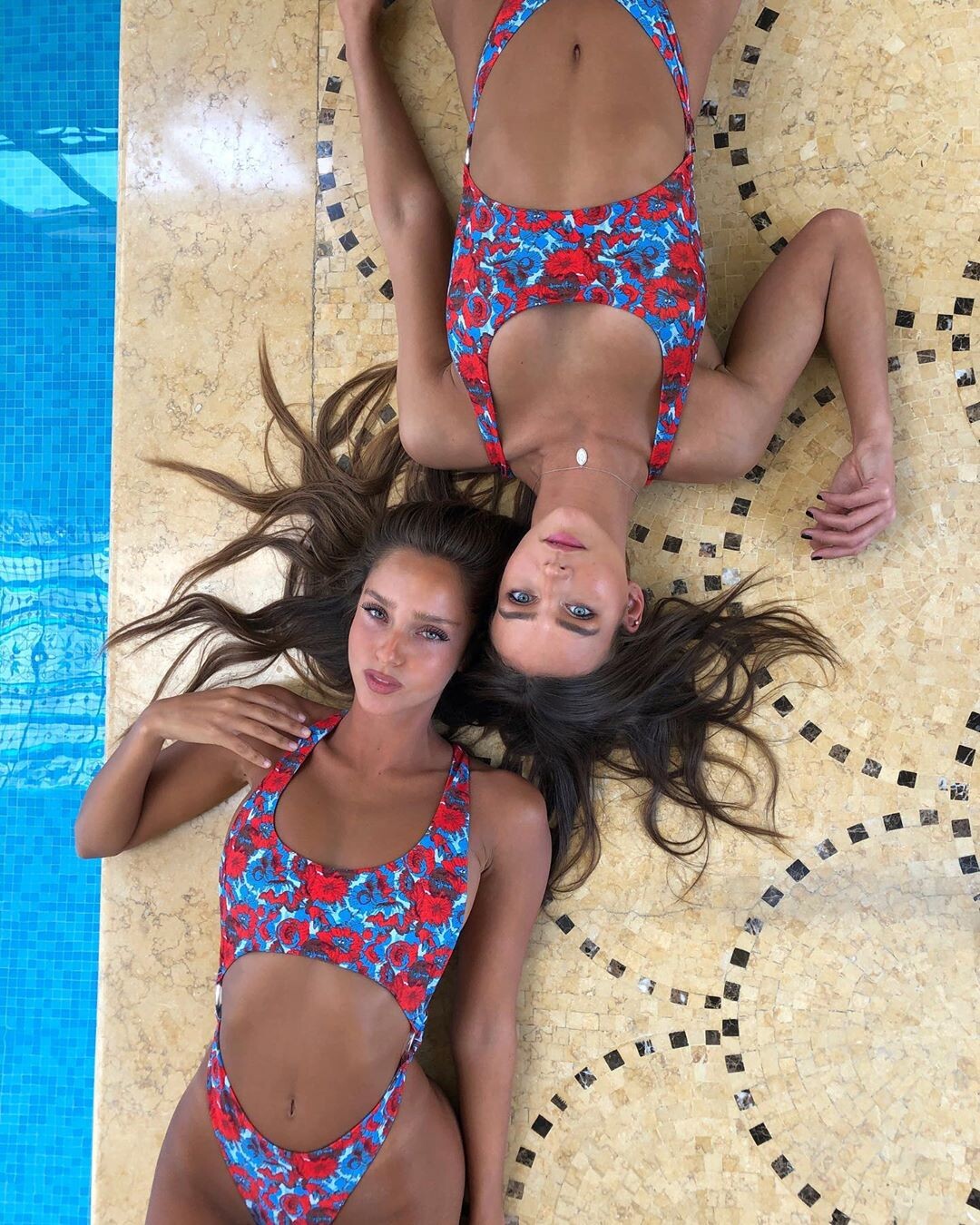
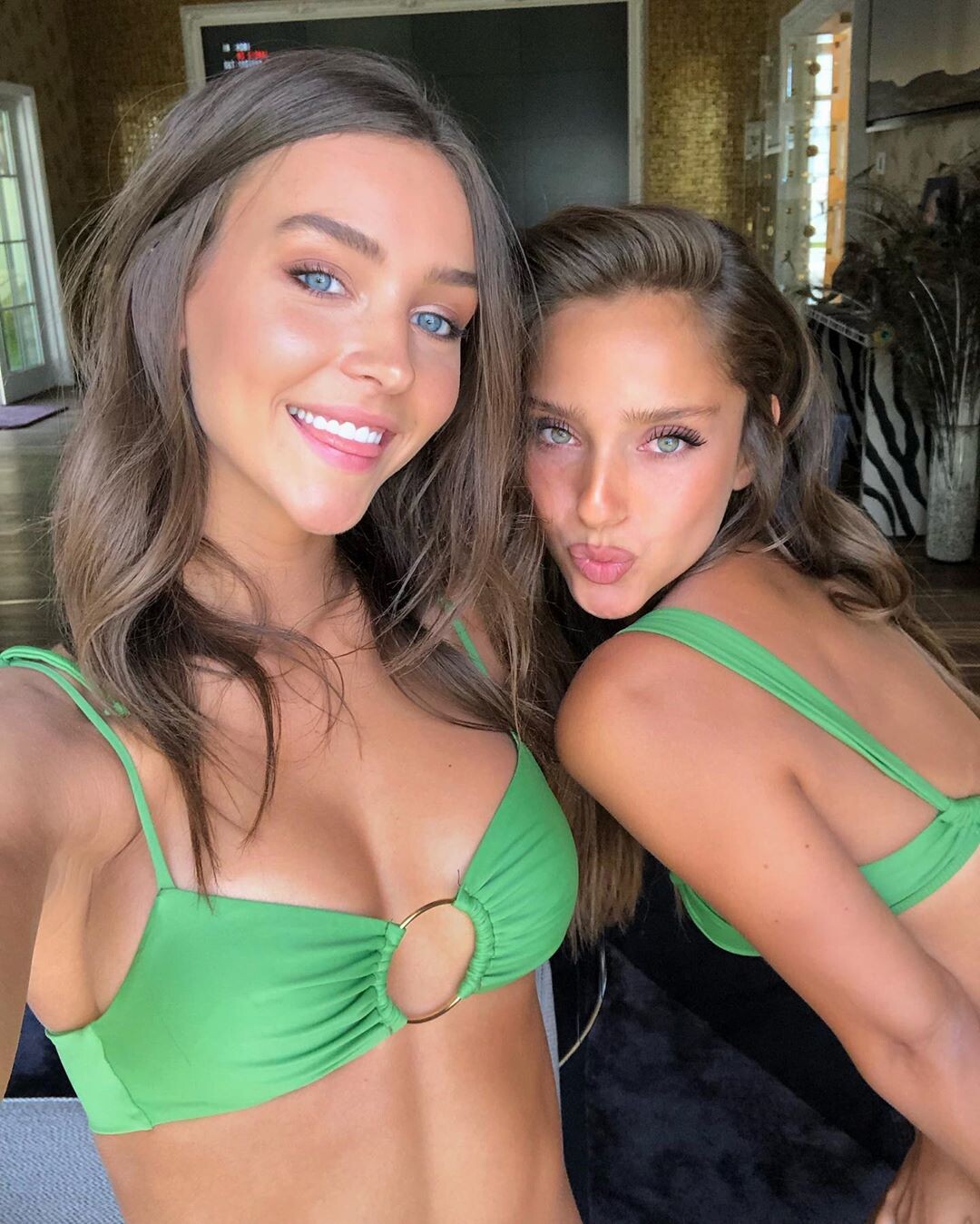
Pixie Bella & Jesse Allen UHQ


















-
IGTV 10000000_359786844743535_6092138954478321664_n.mp4

-
-
-
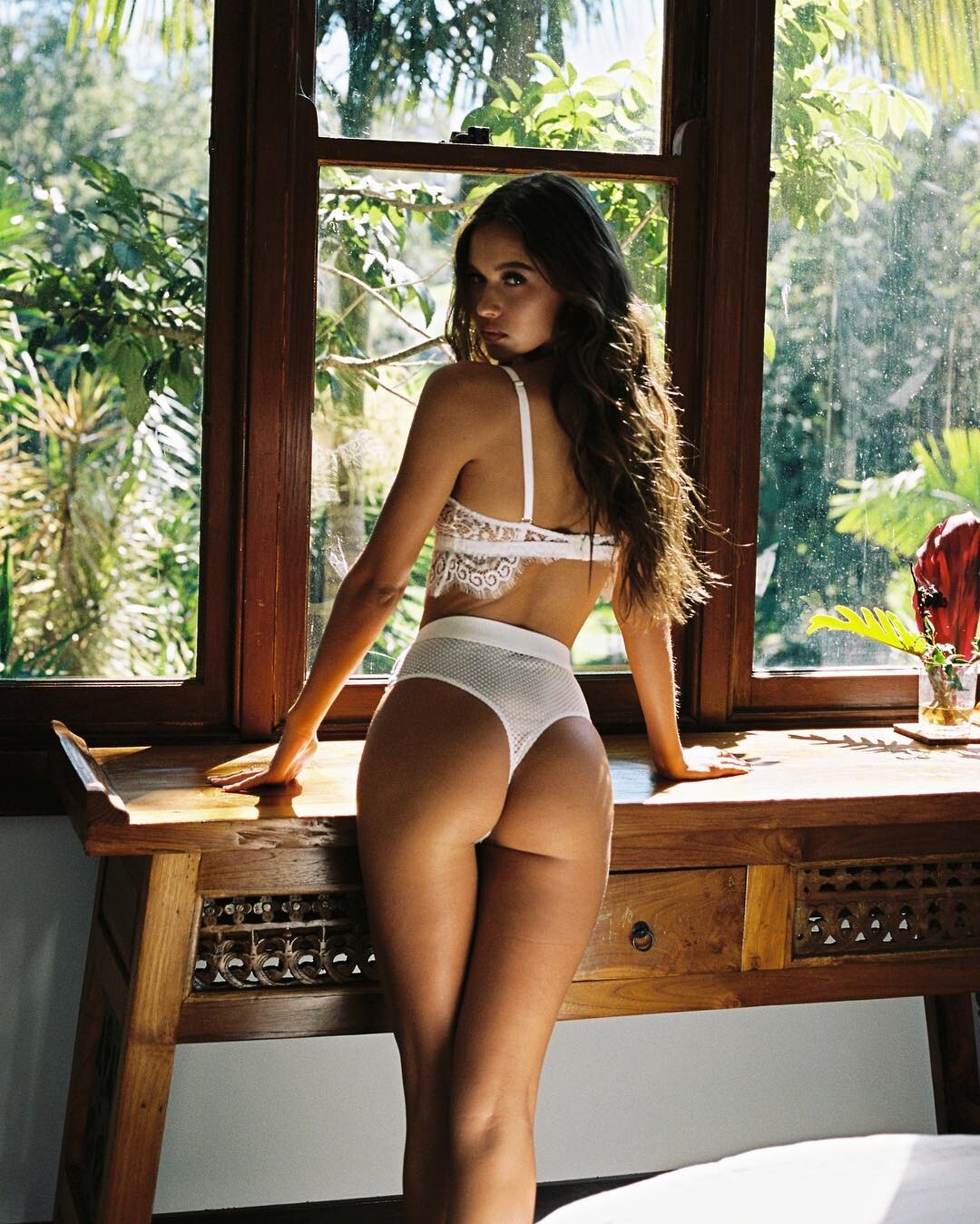
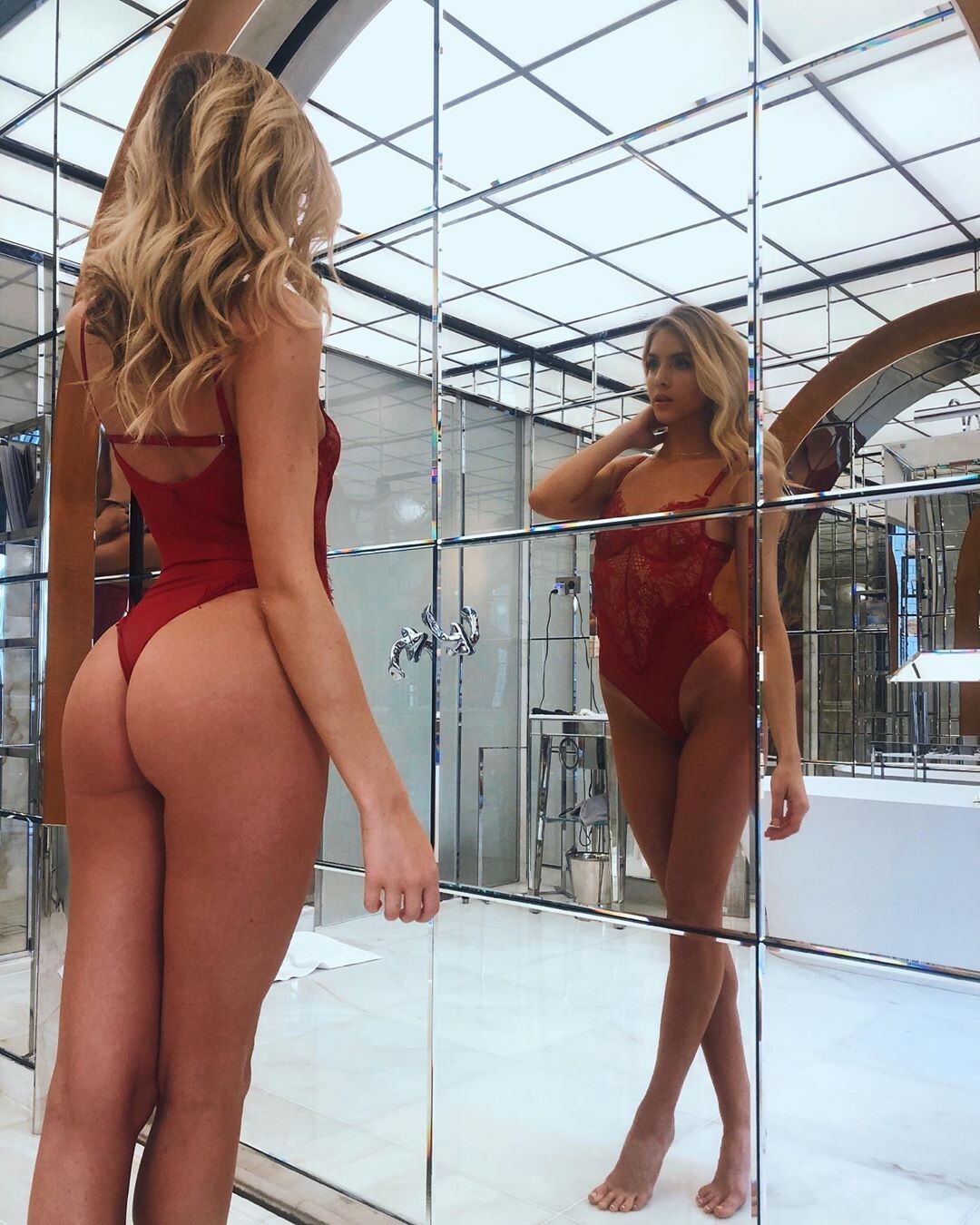
@pixpop and @burnt_breakfast for @gooseberryintimates Nudity





-
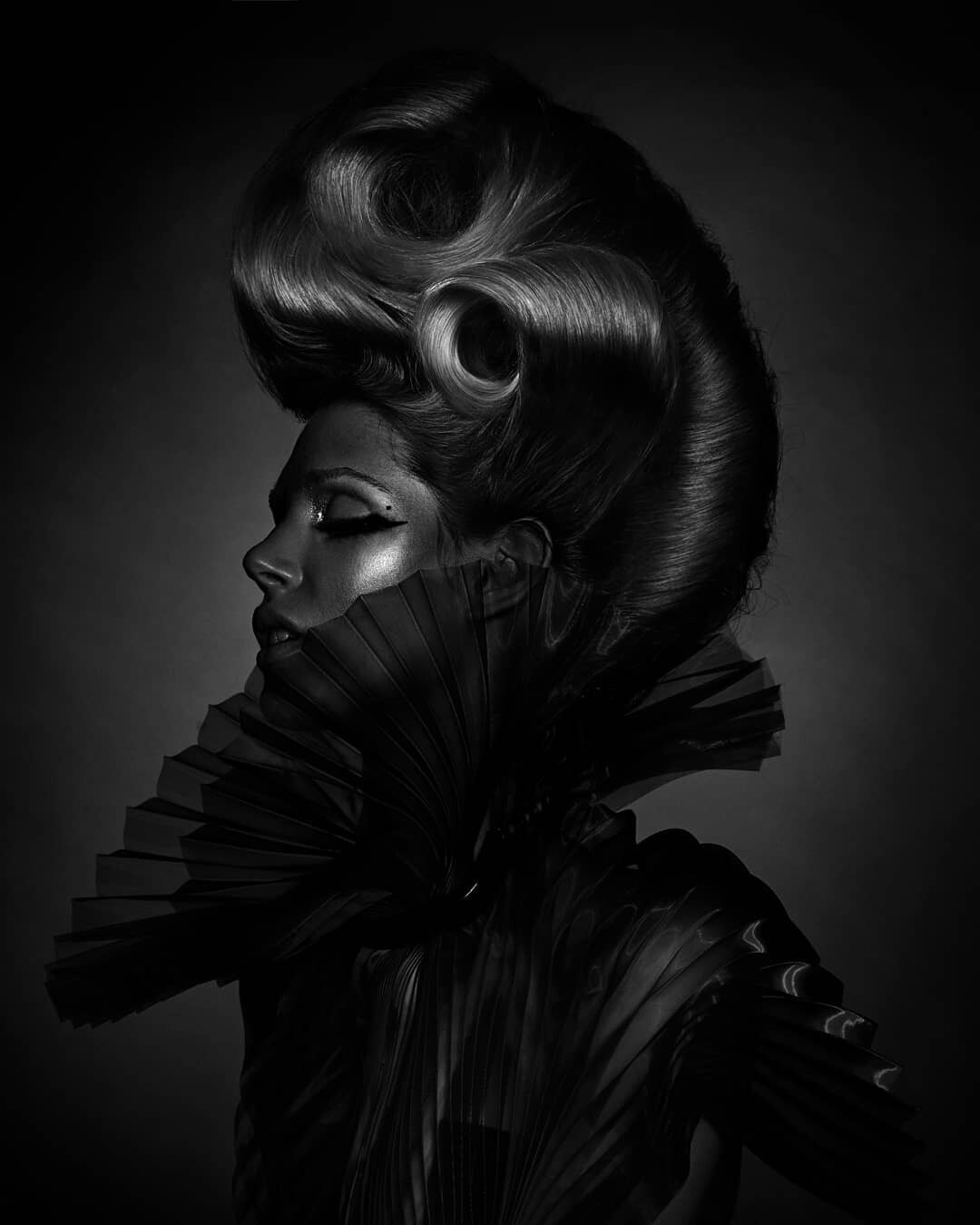
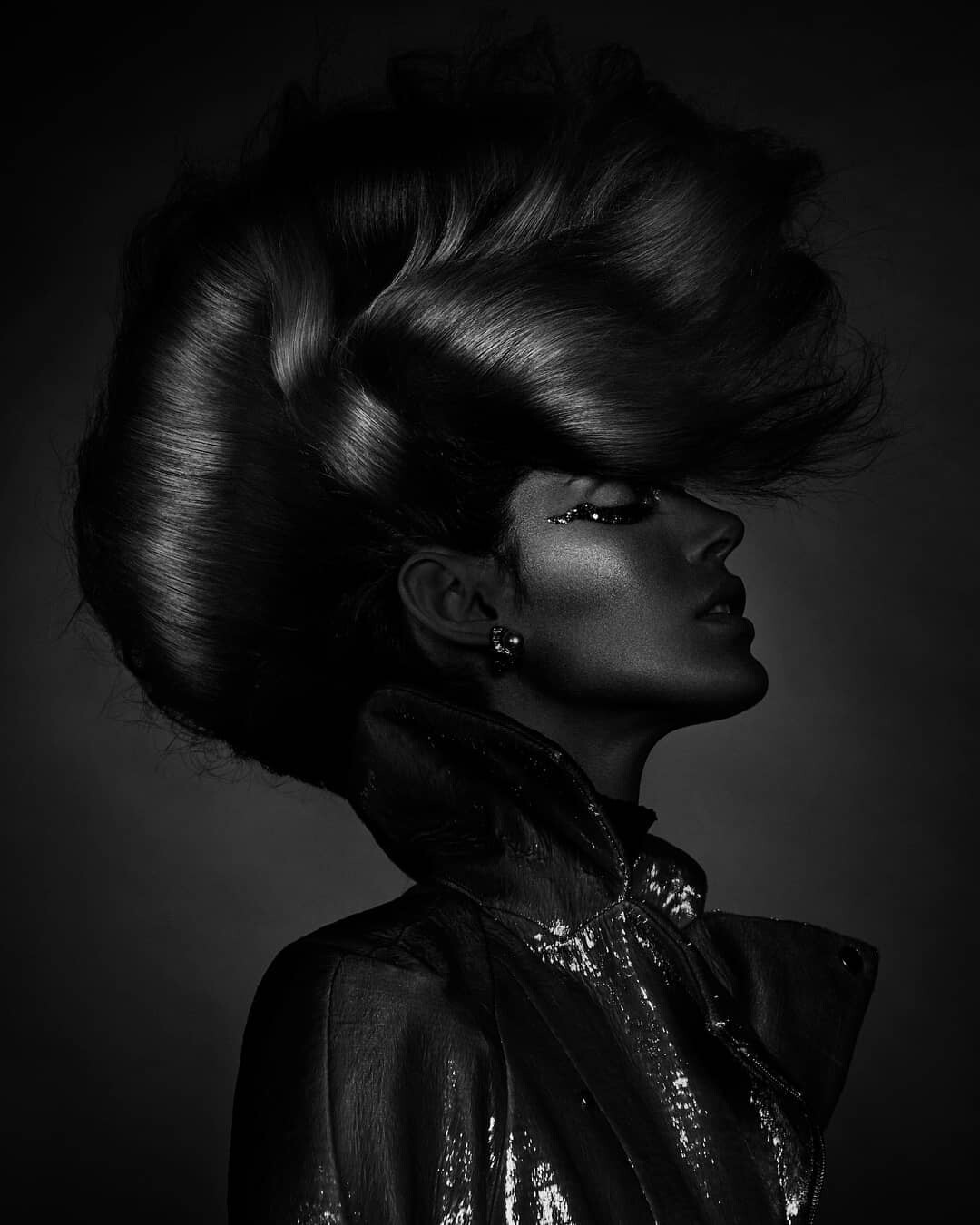
Clint Robert HQ

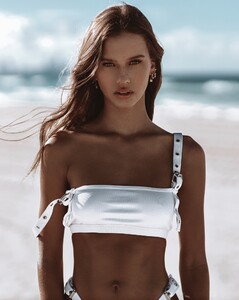


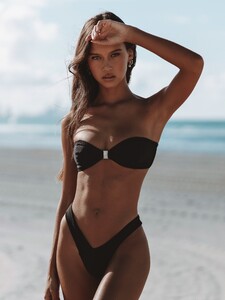



-
-
IG Story (05.14.19) @iblowurmind
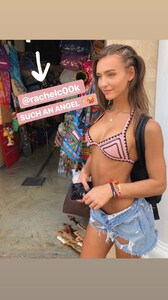



-
@bananhot IG Story



-
-
@cristiaaandiaz





 IG Story @cristiaaandiaz







 Rex Yu Different versions and better than IG


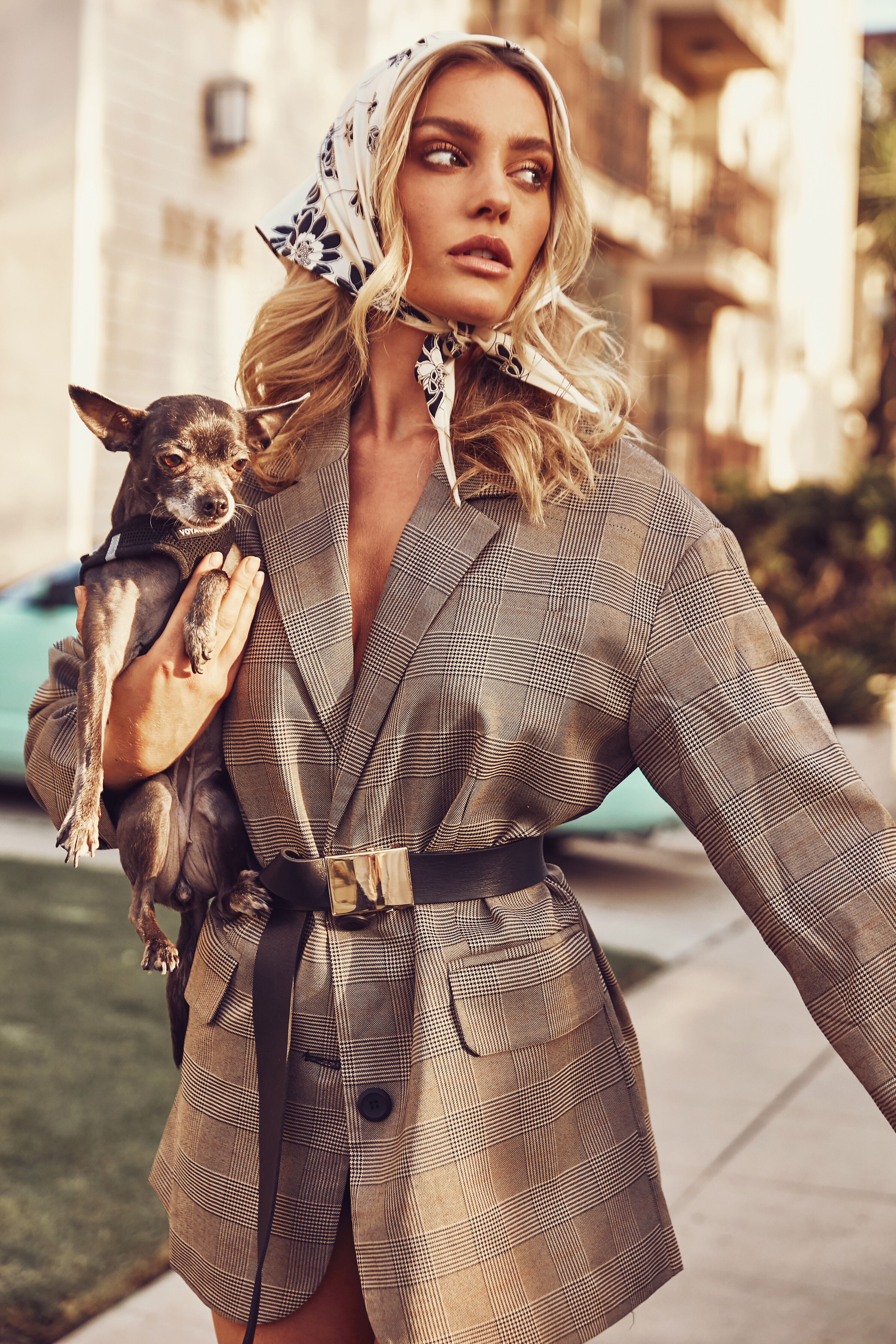
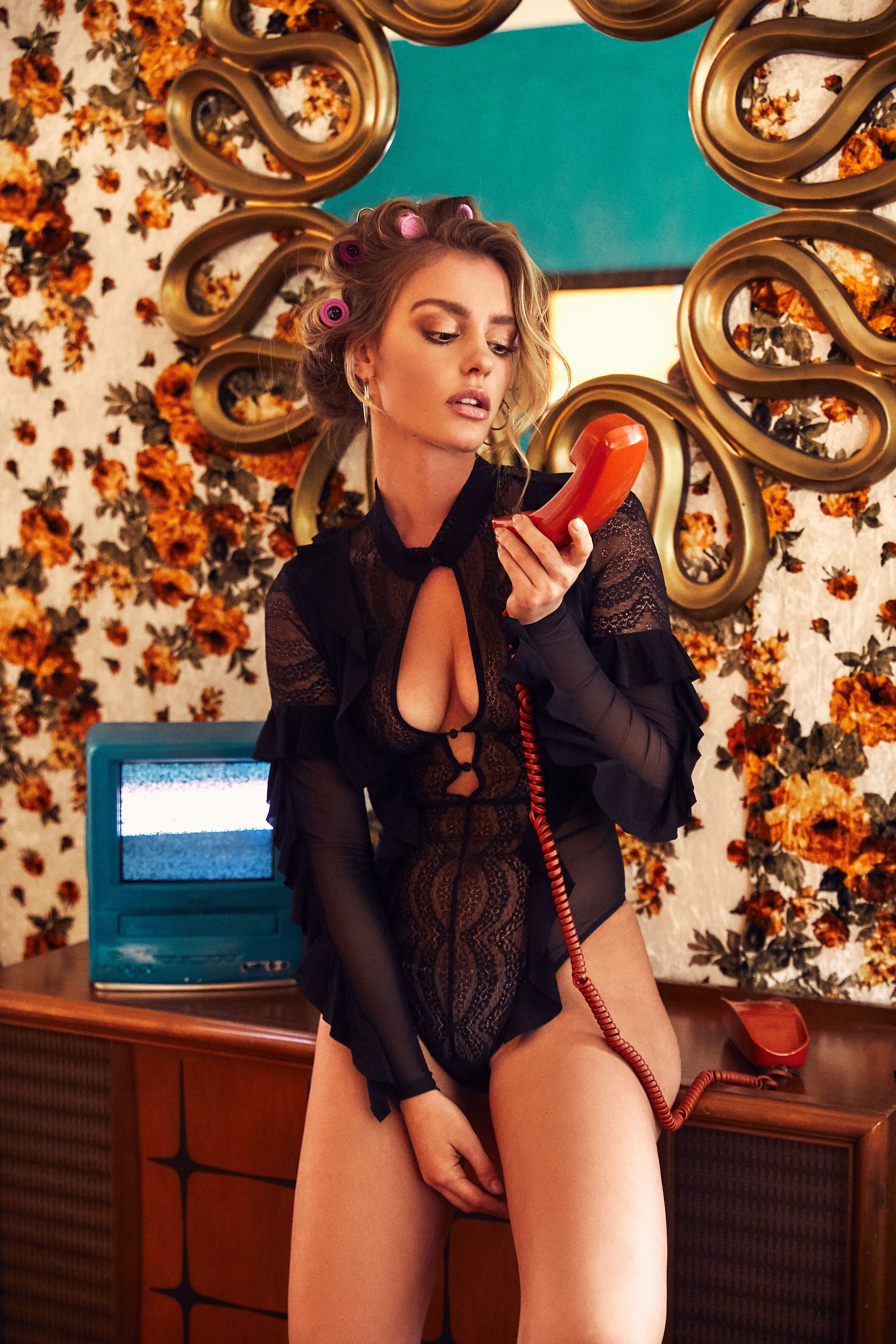
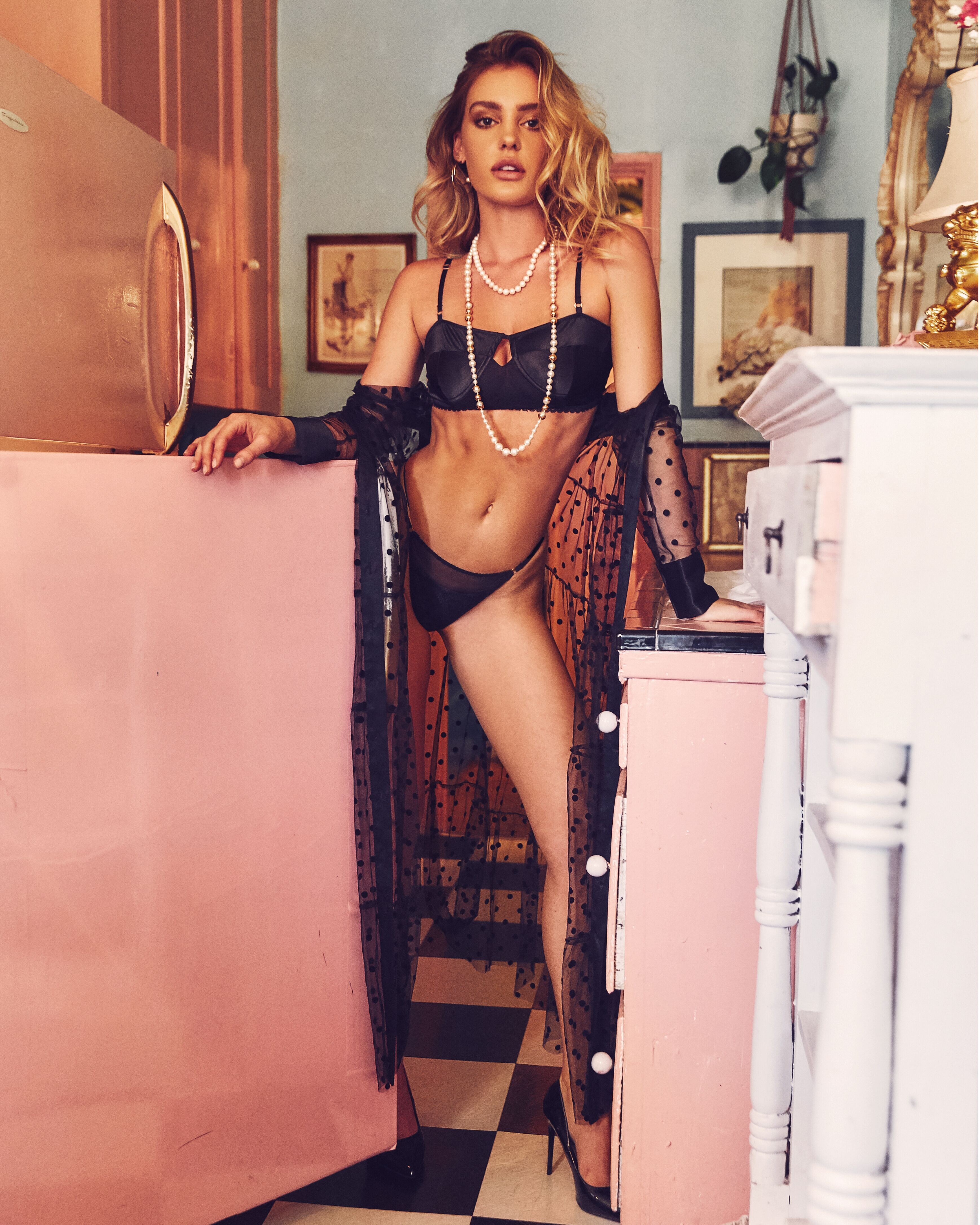
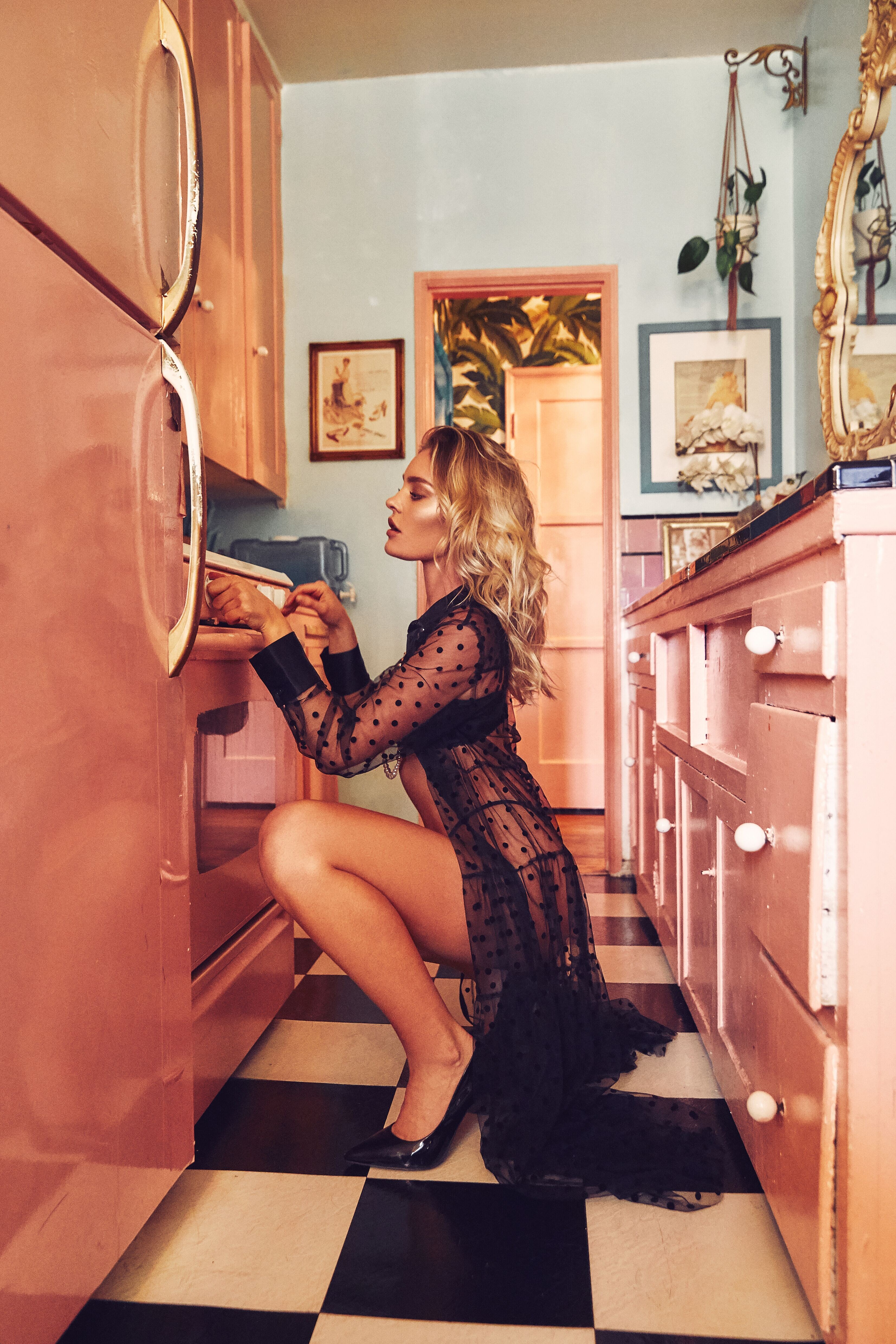
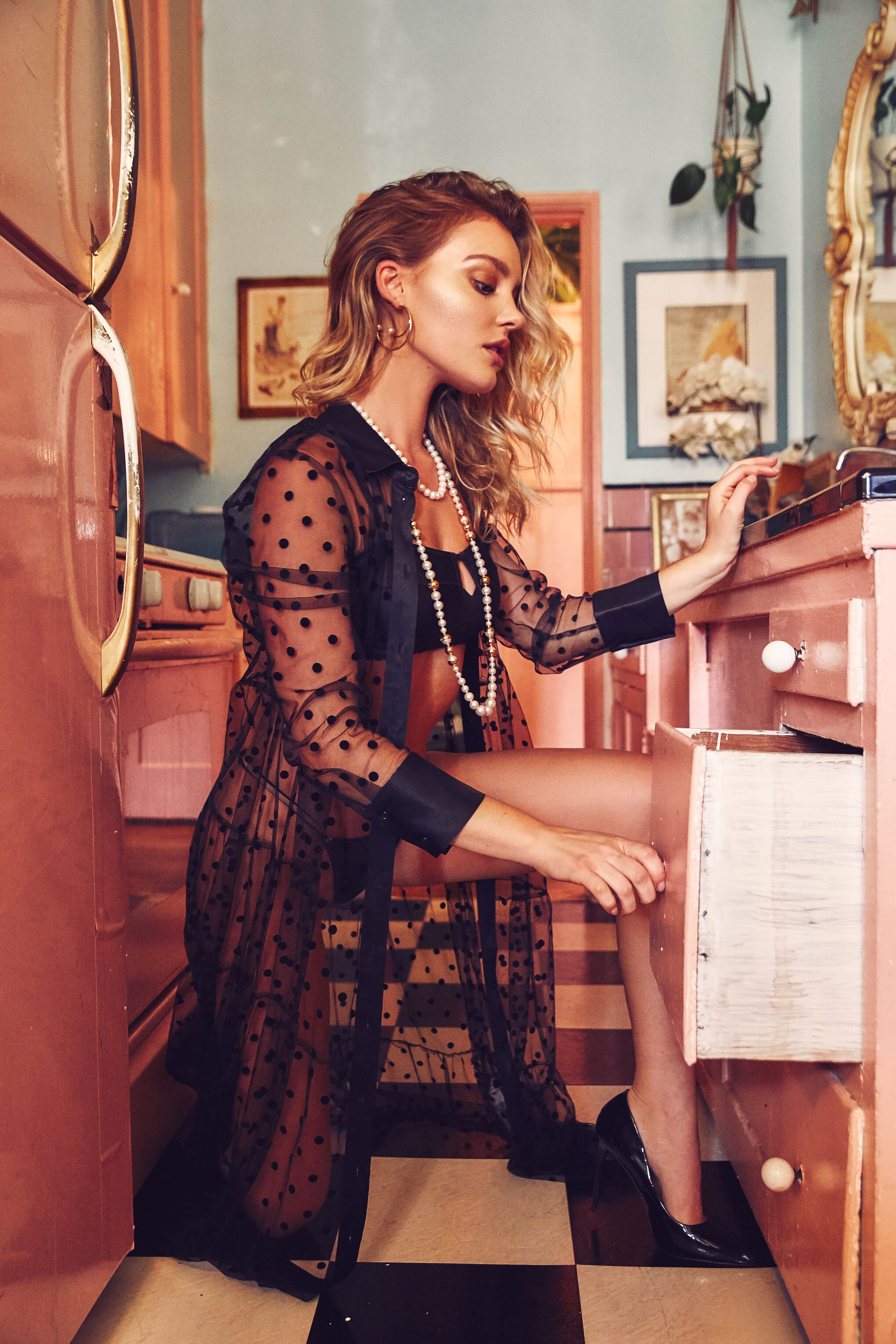
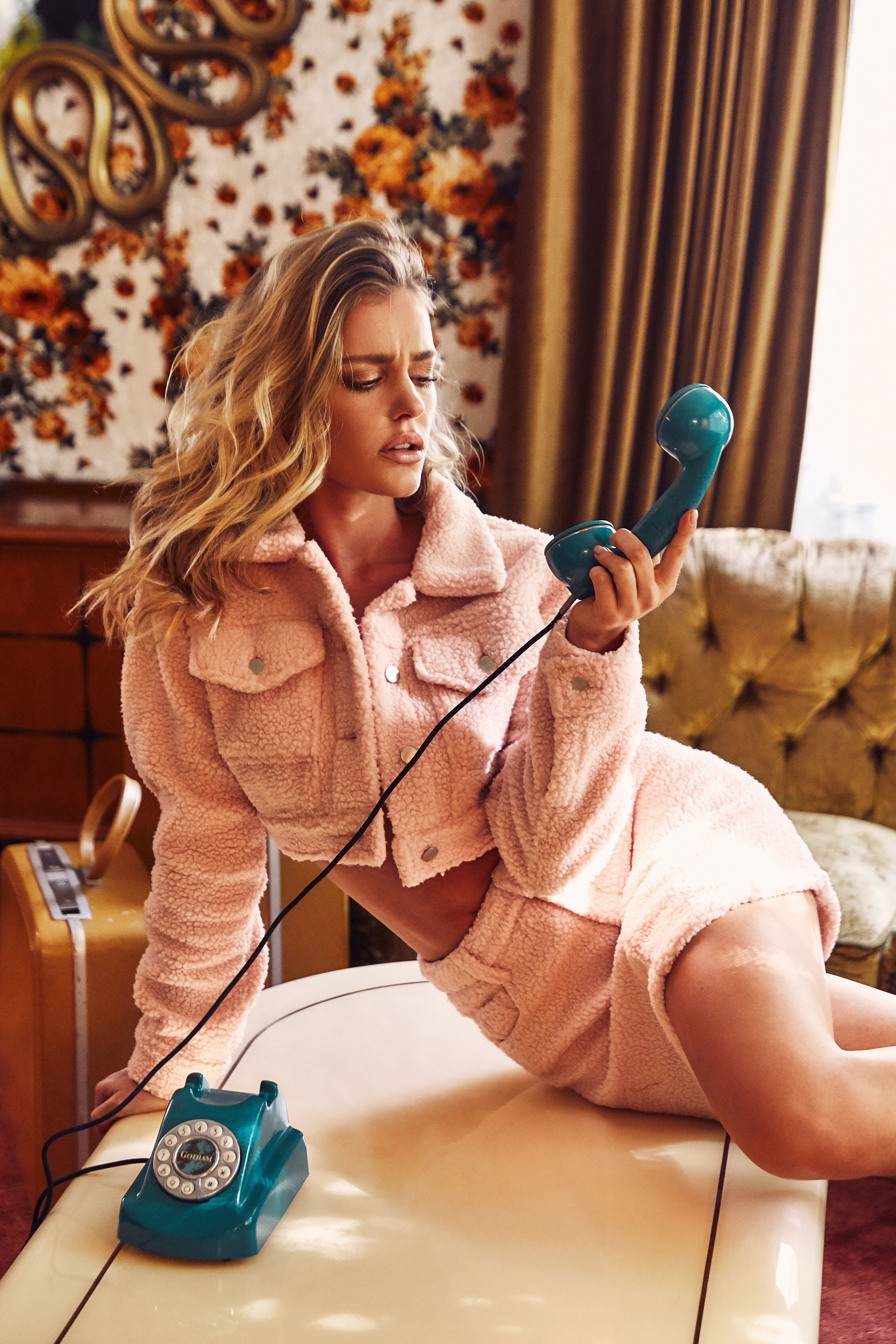
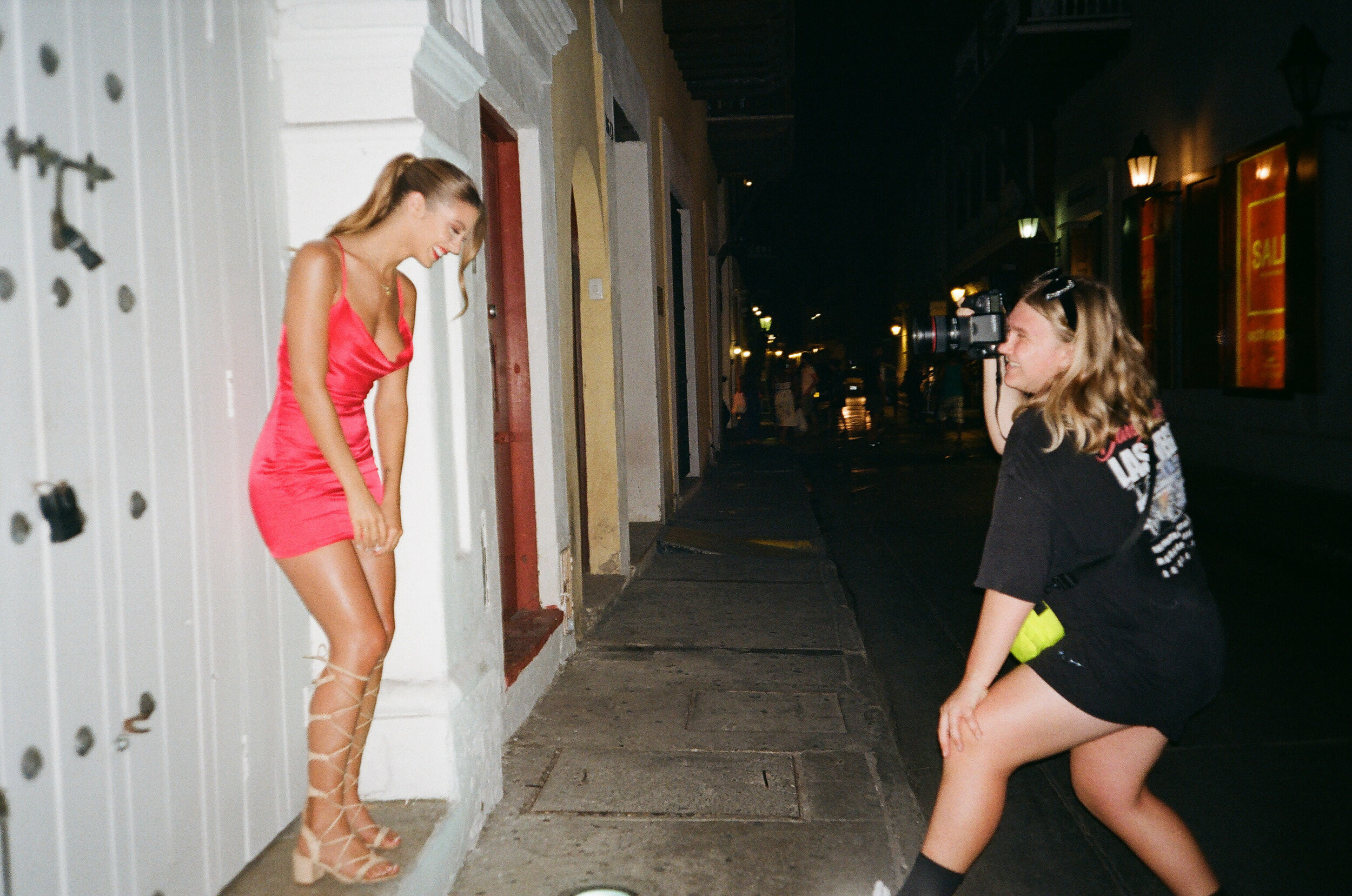
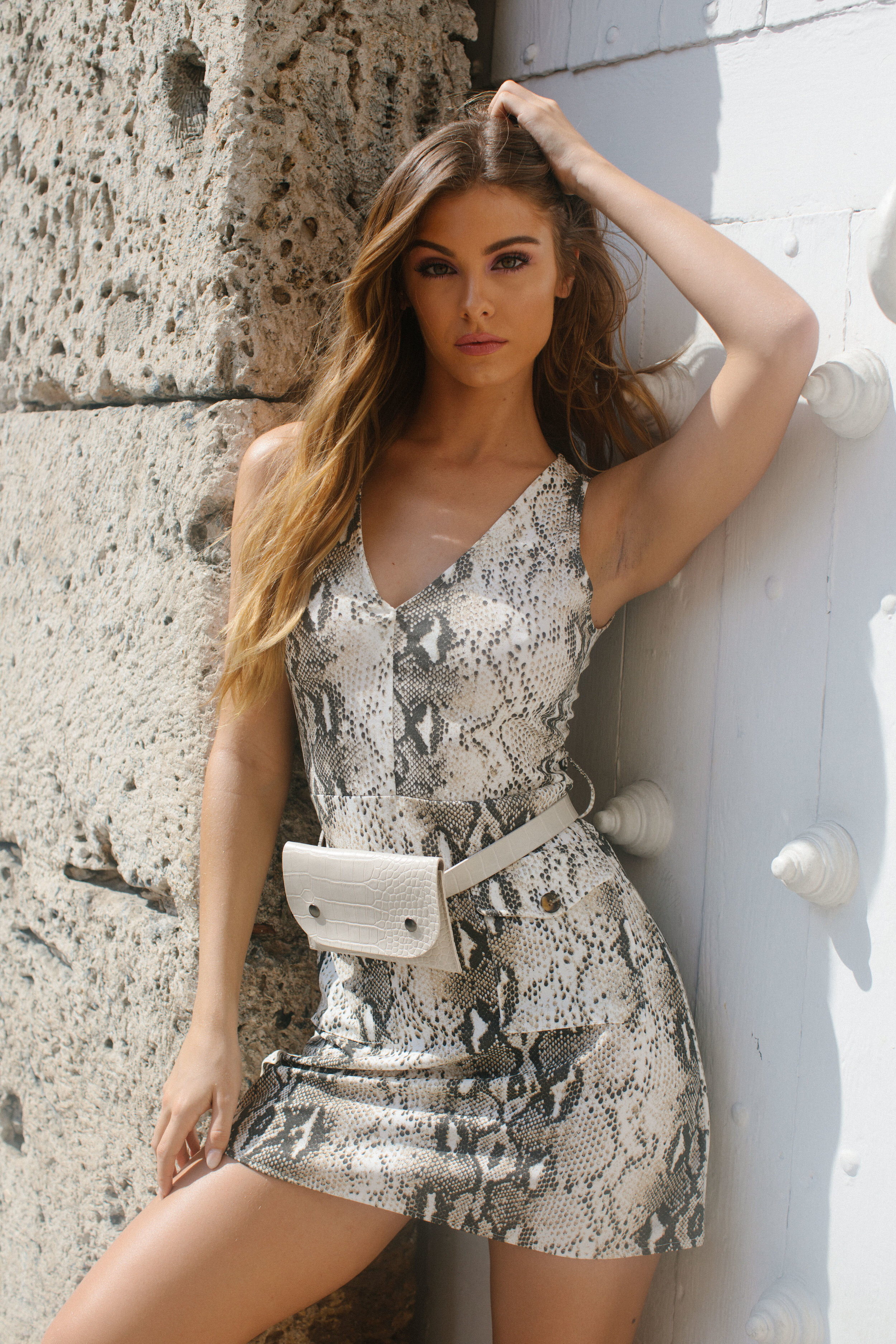
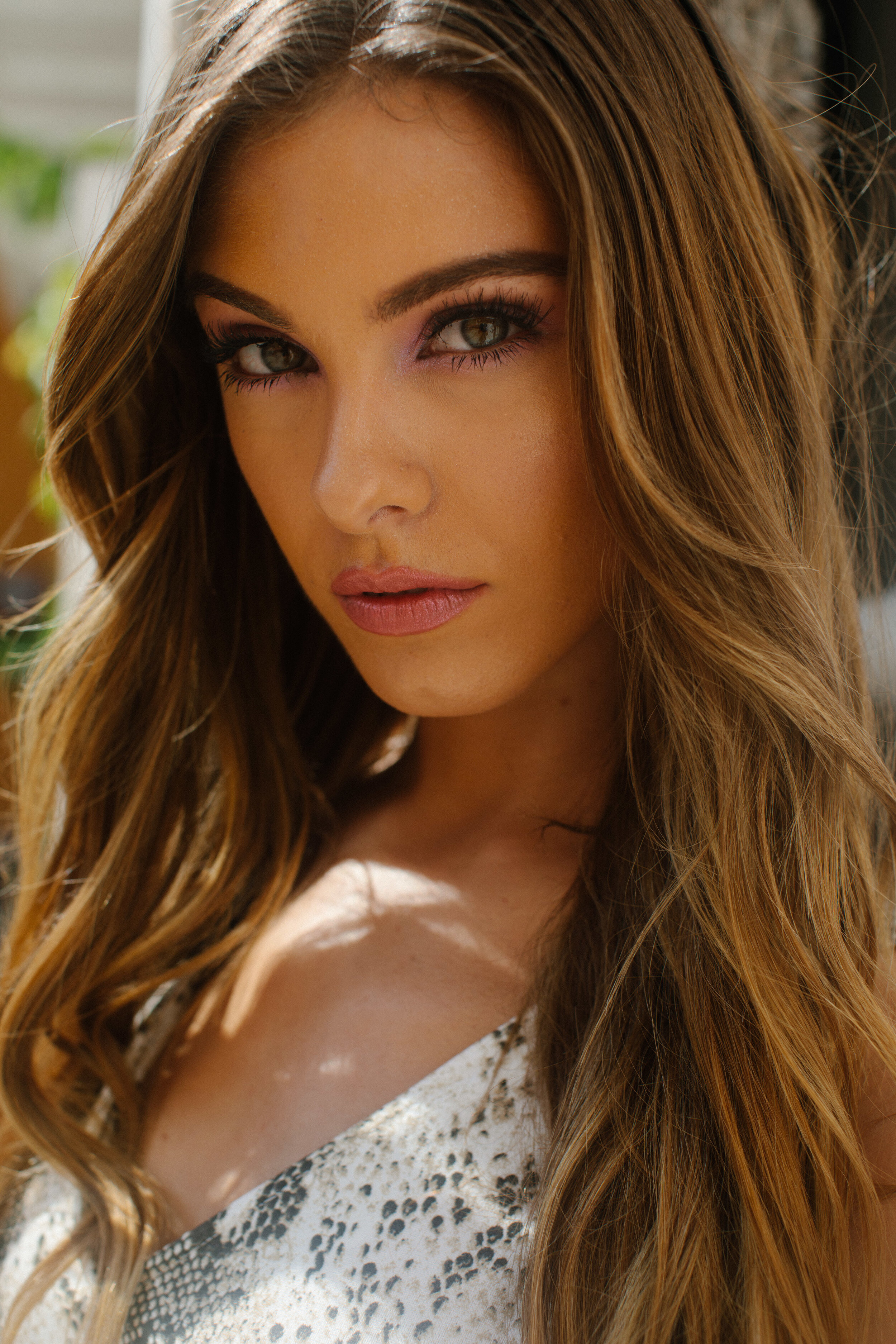
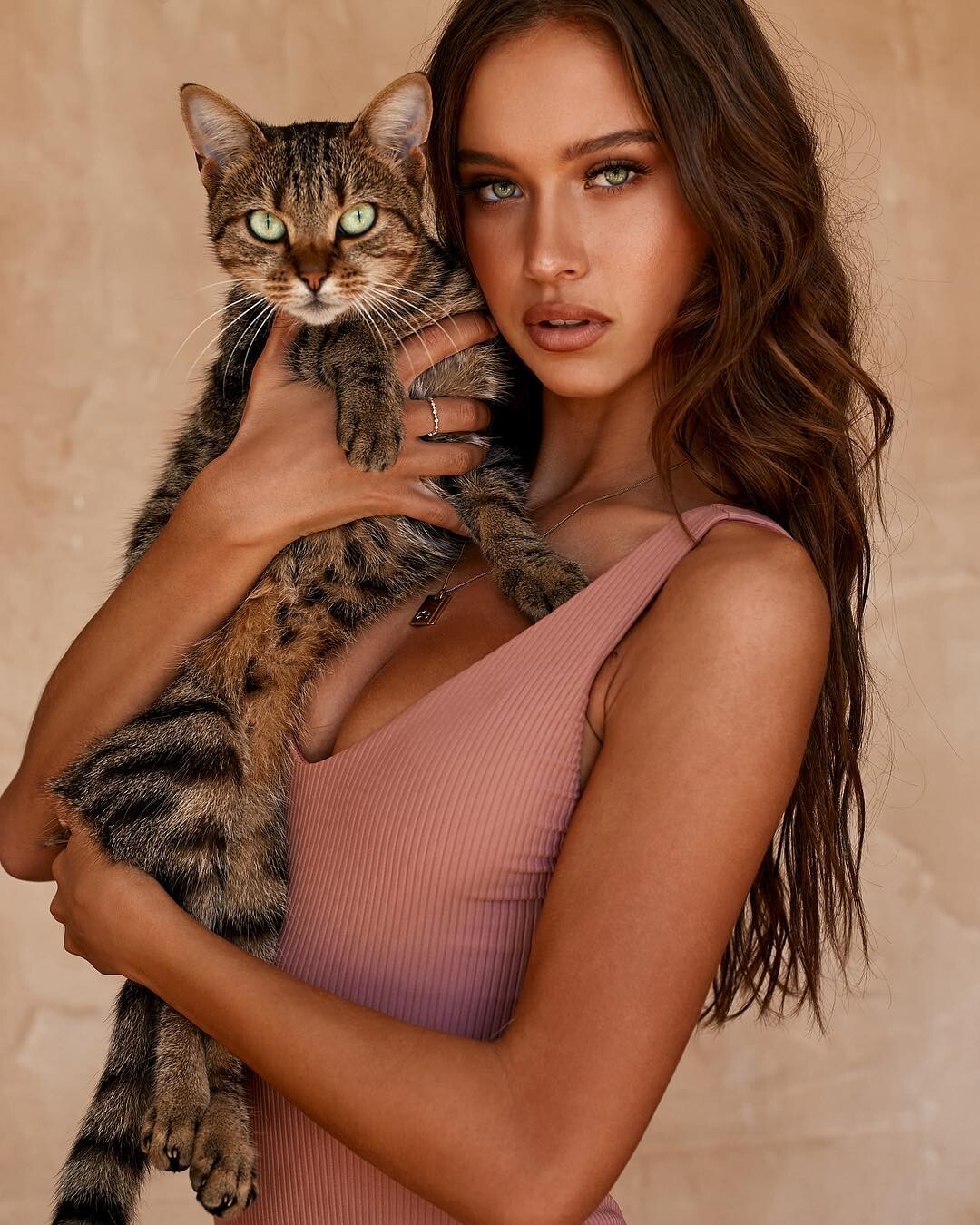
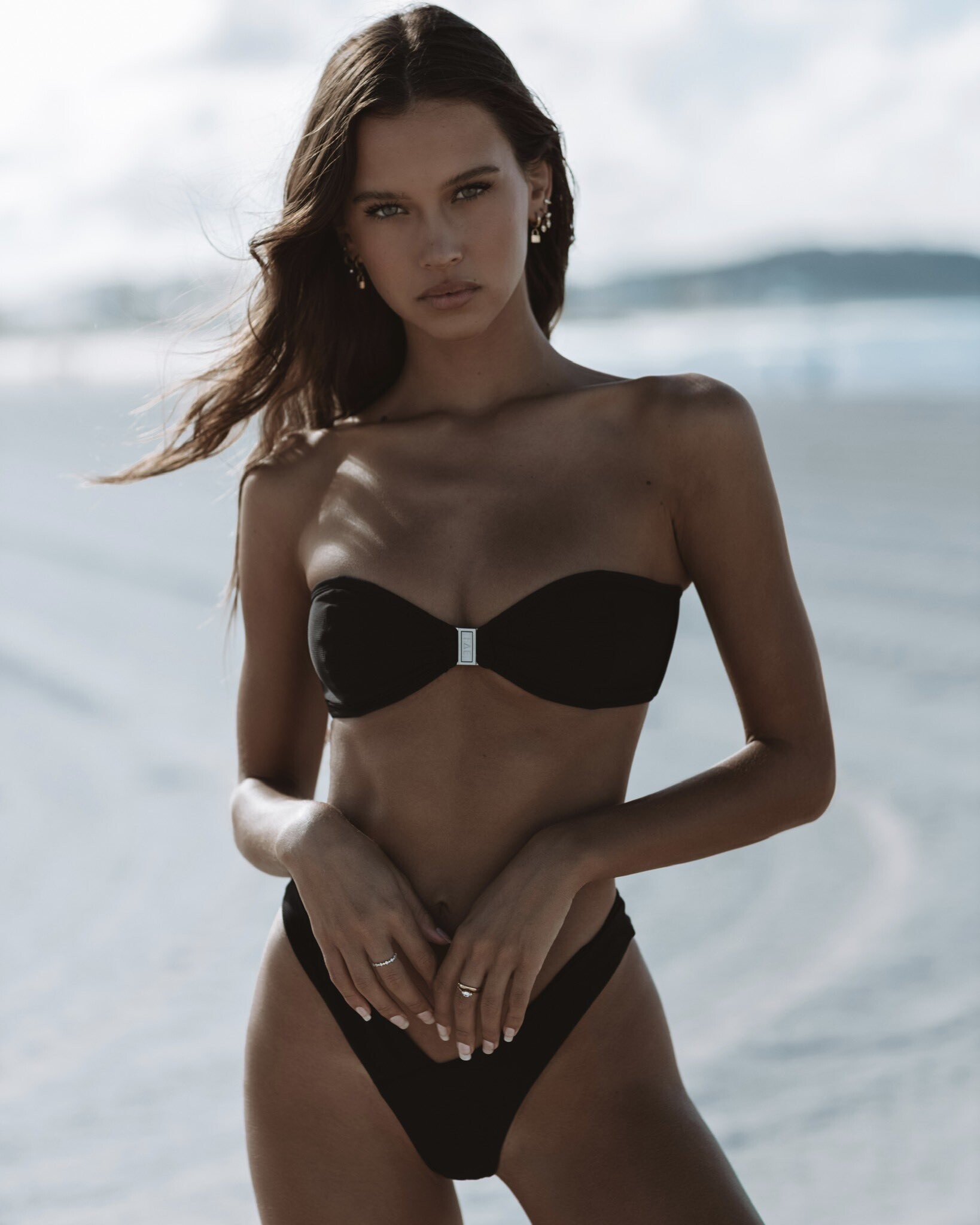
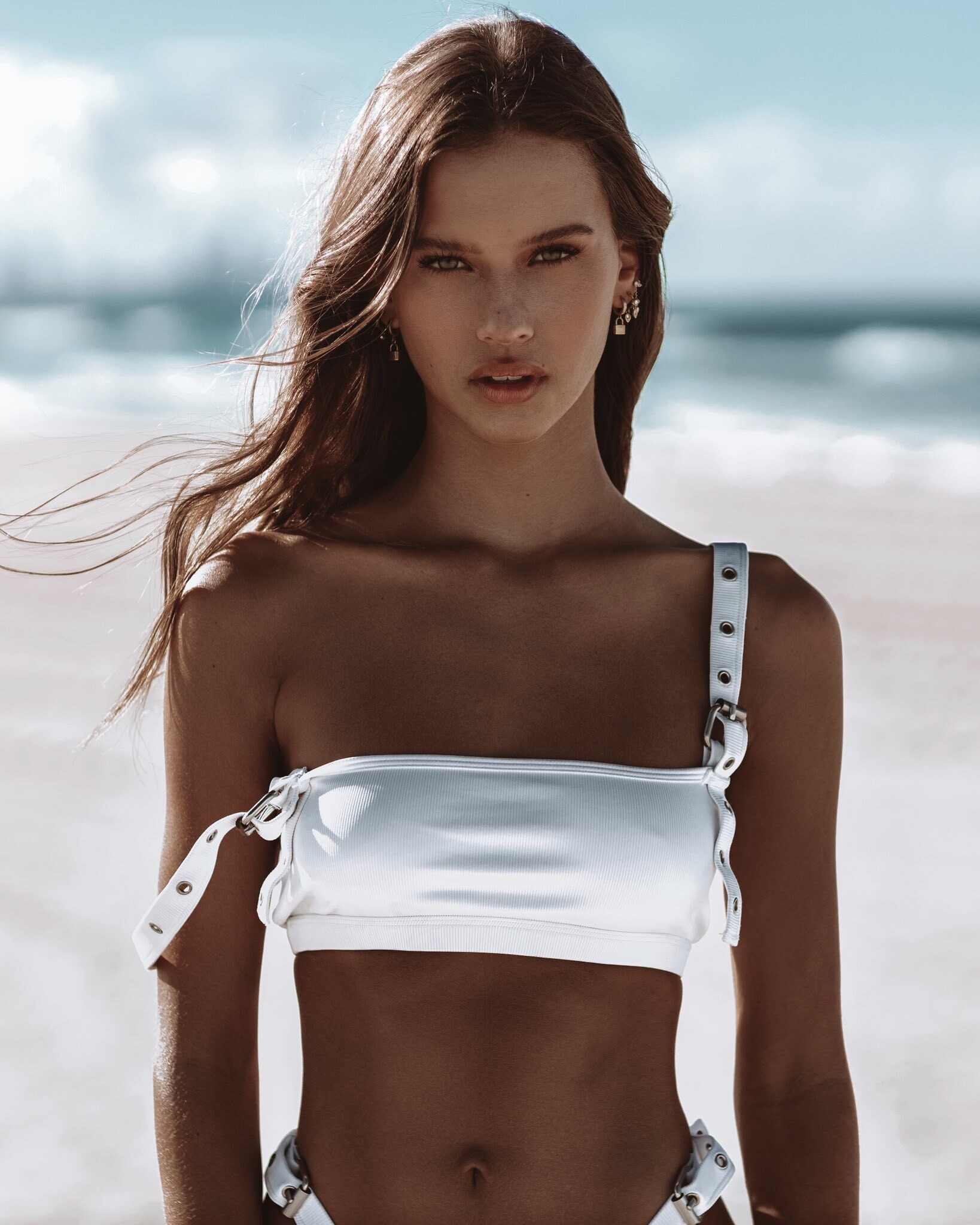
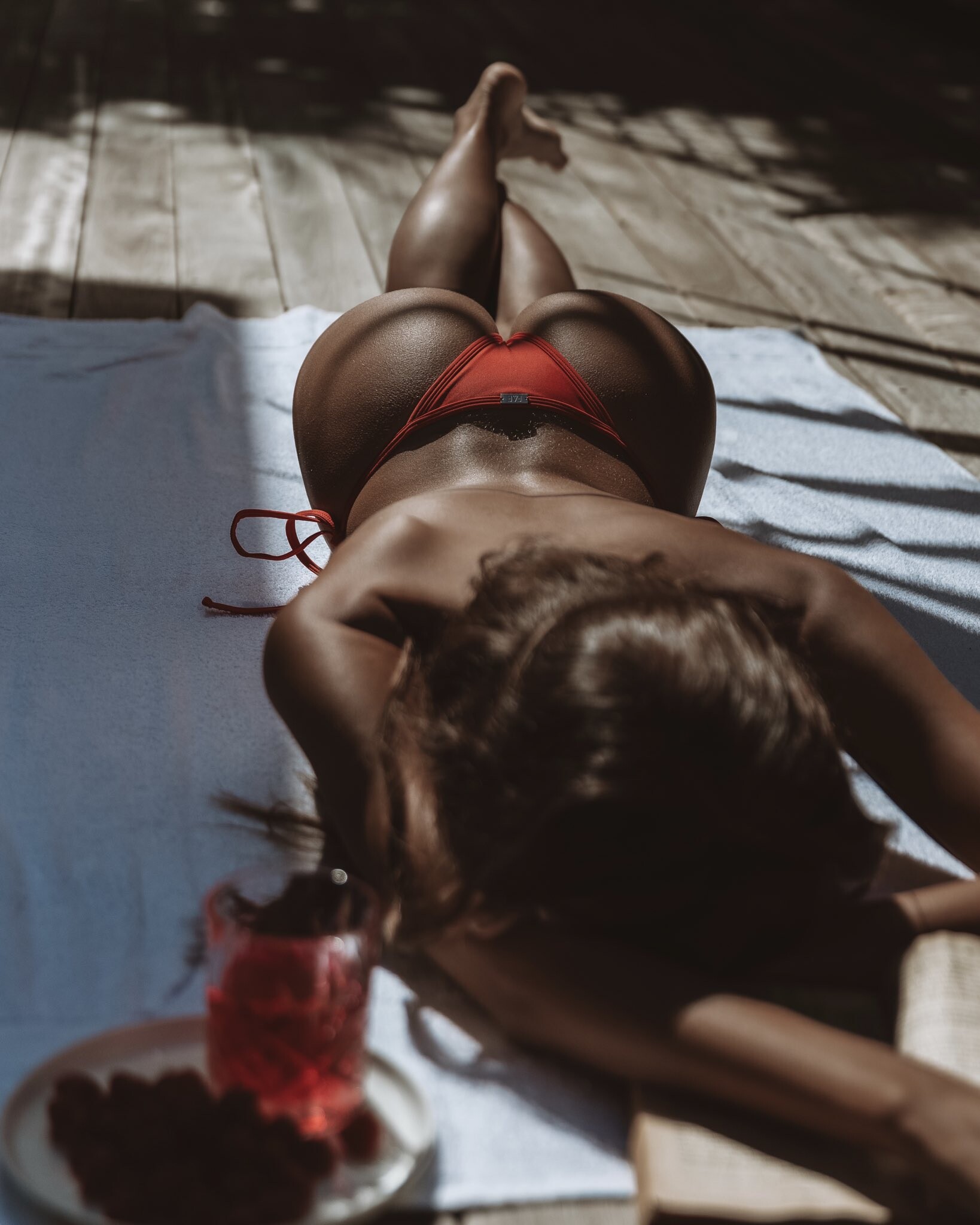
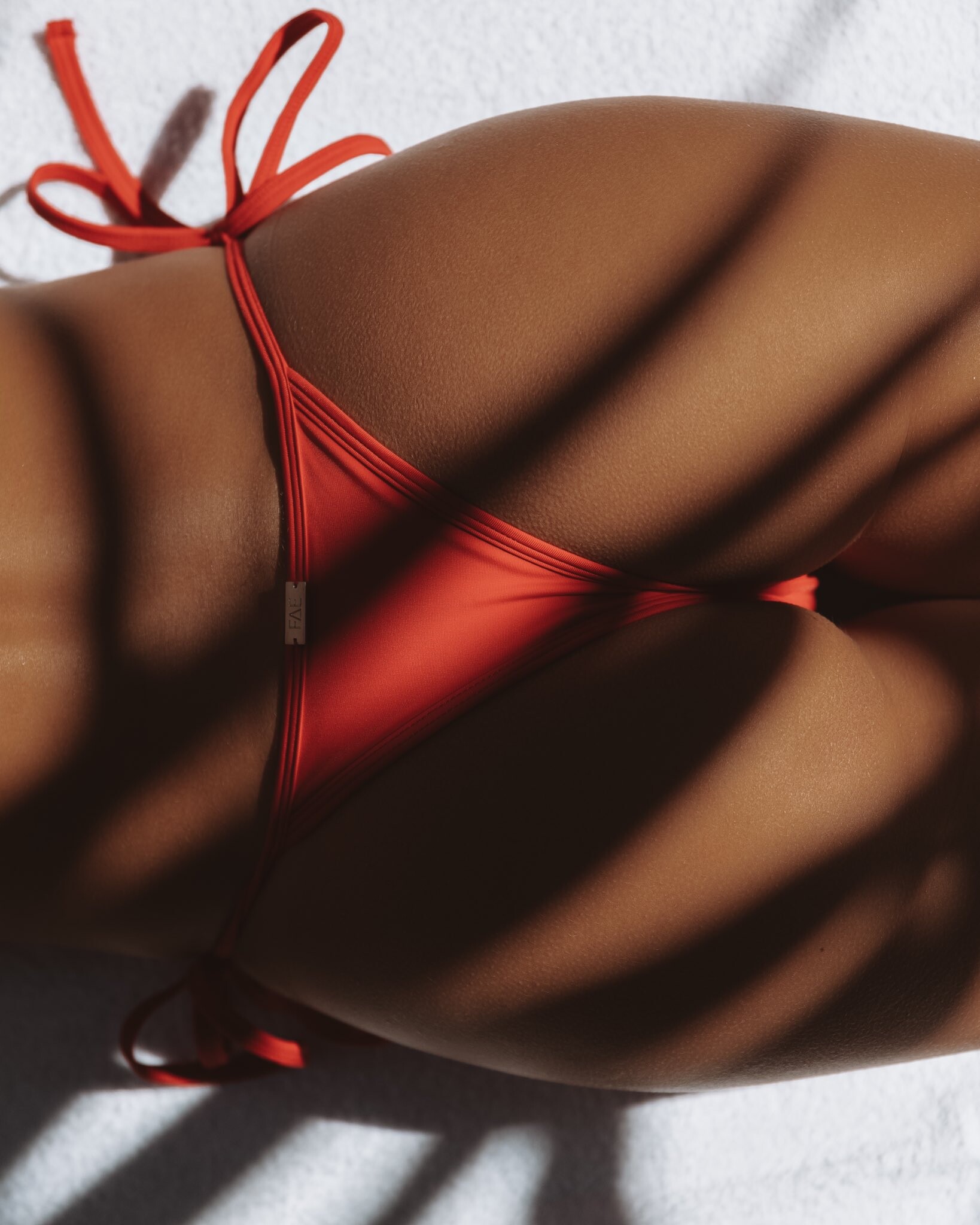
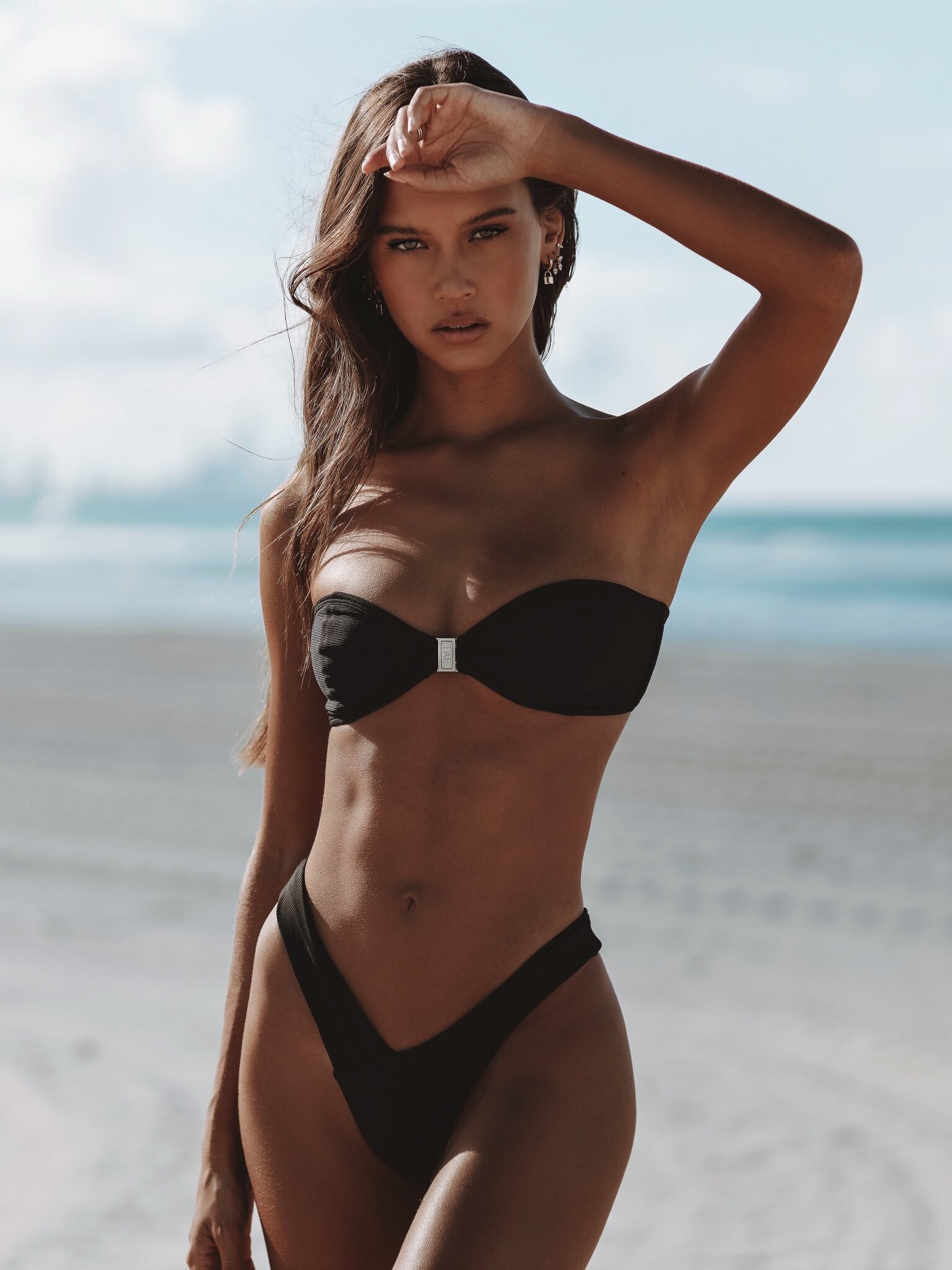
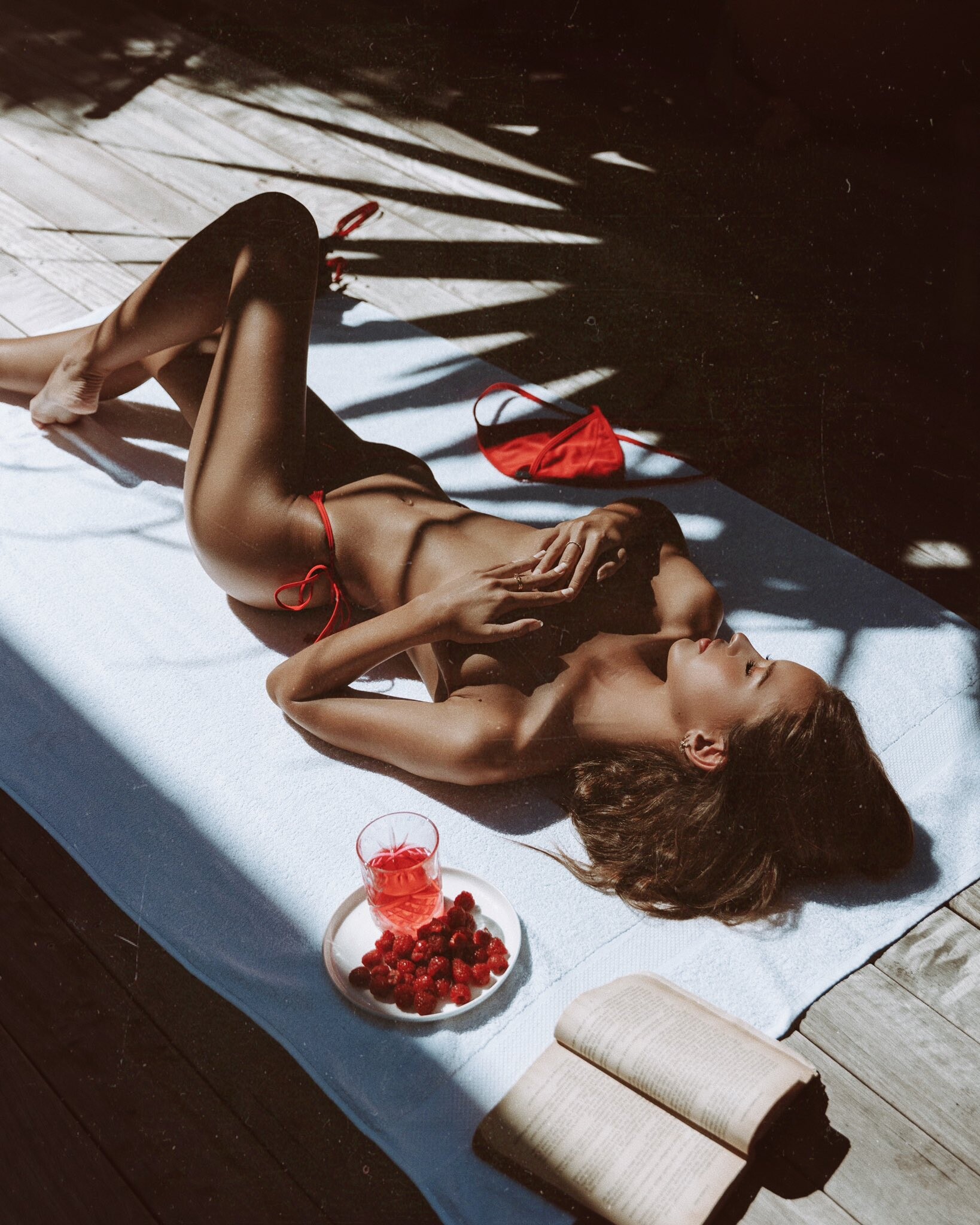
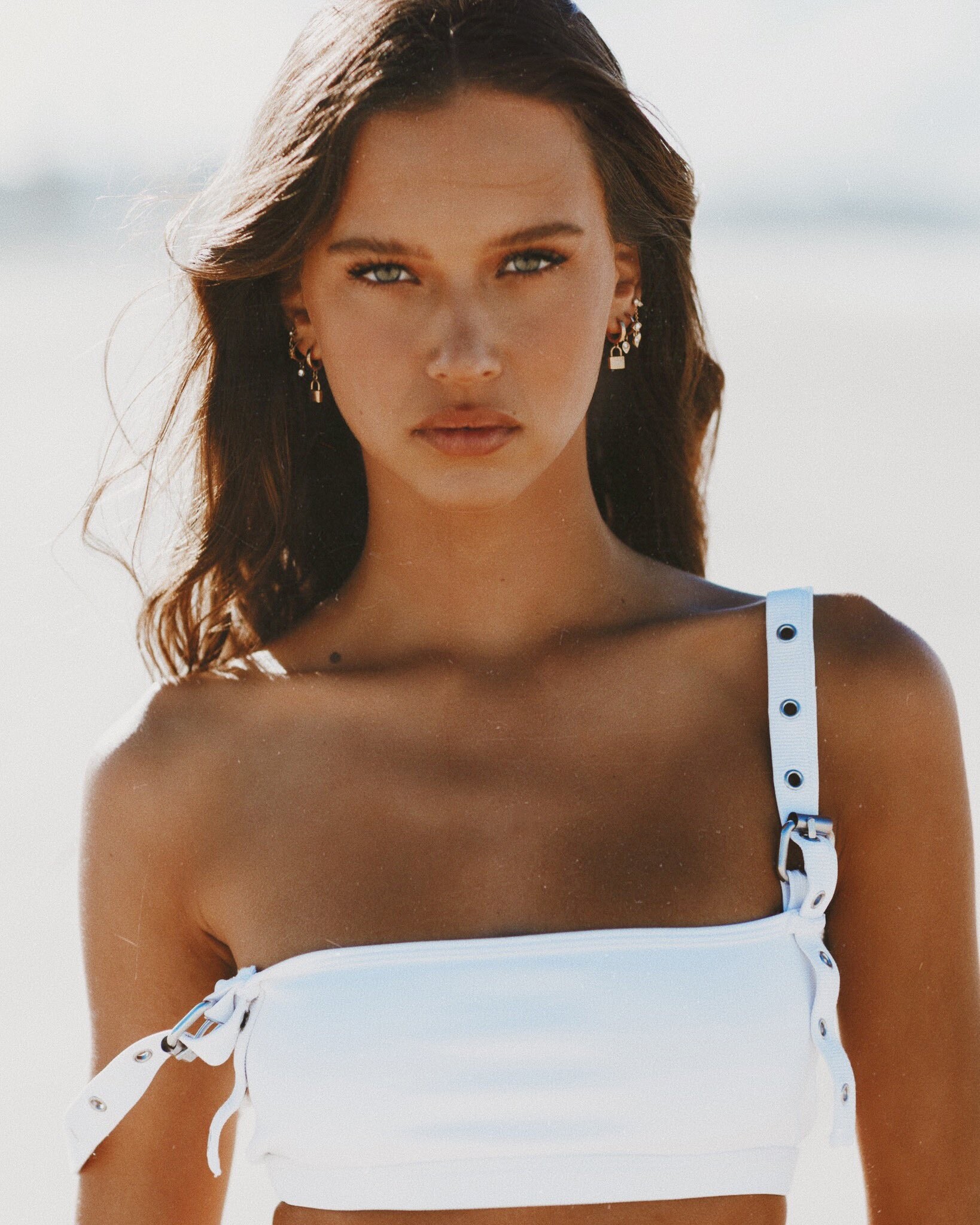
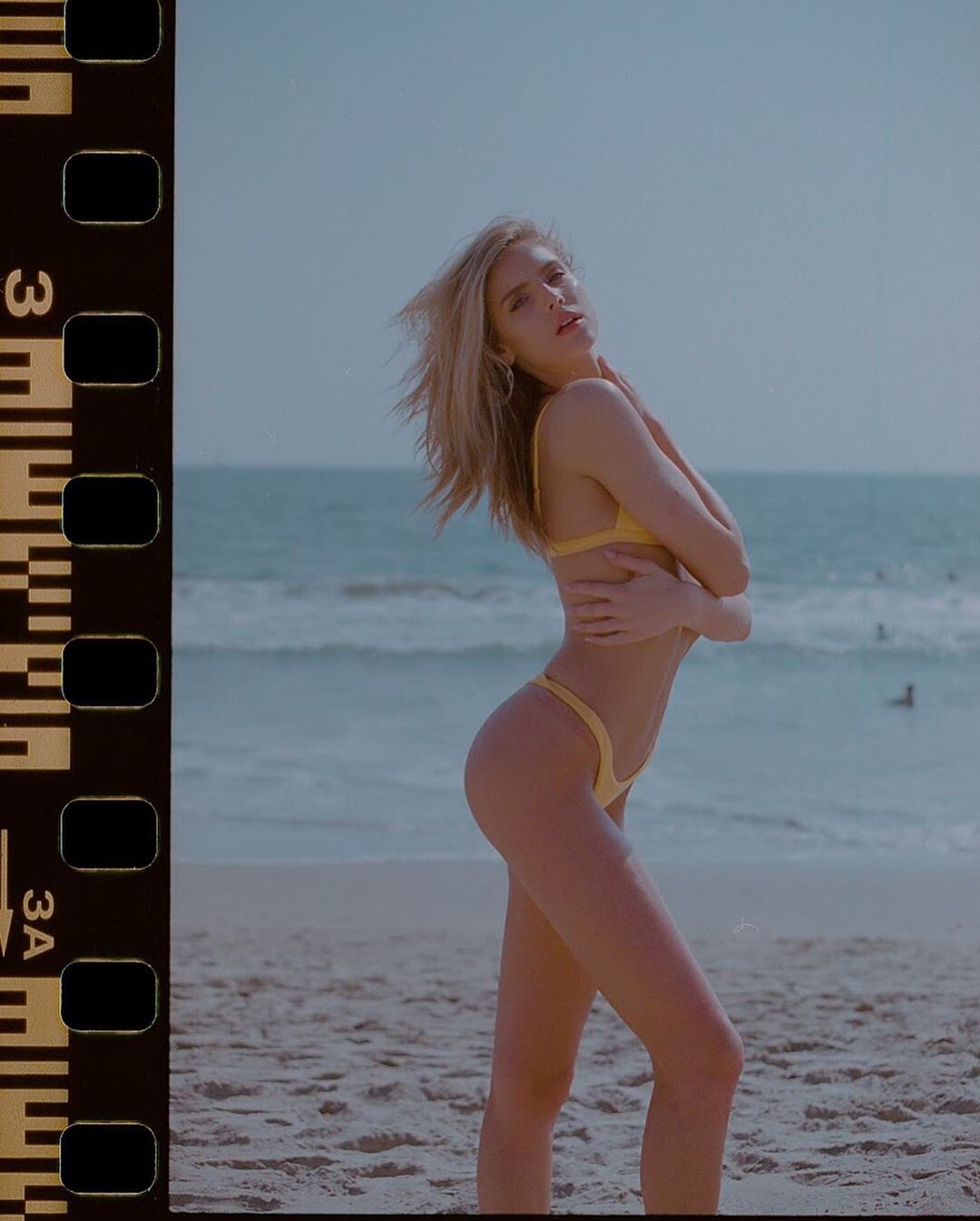
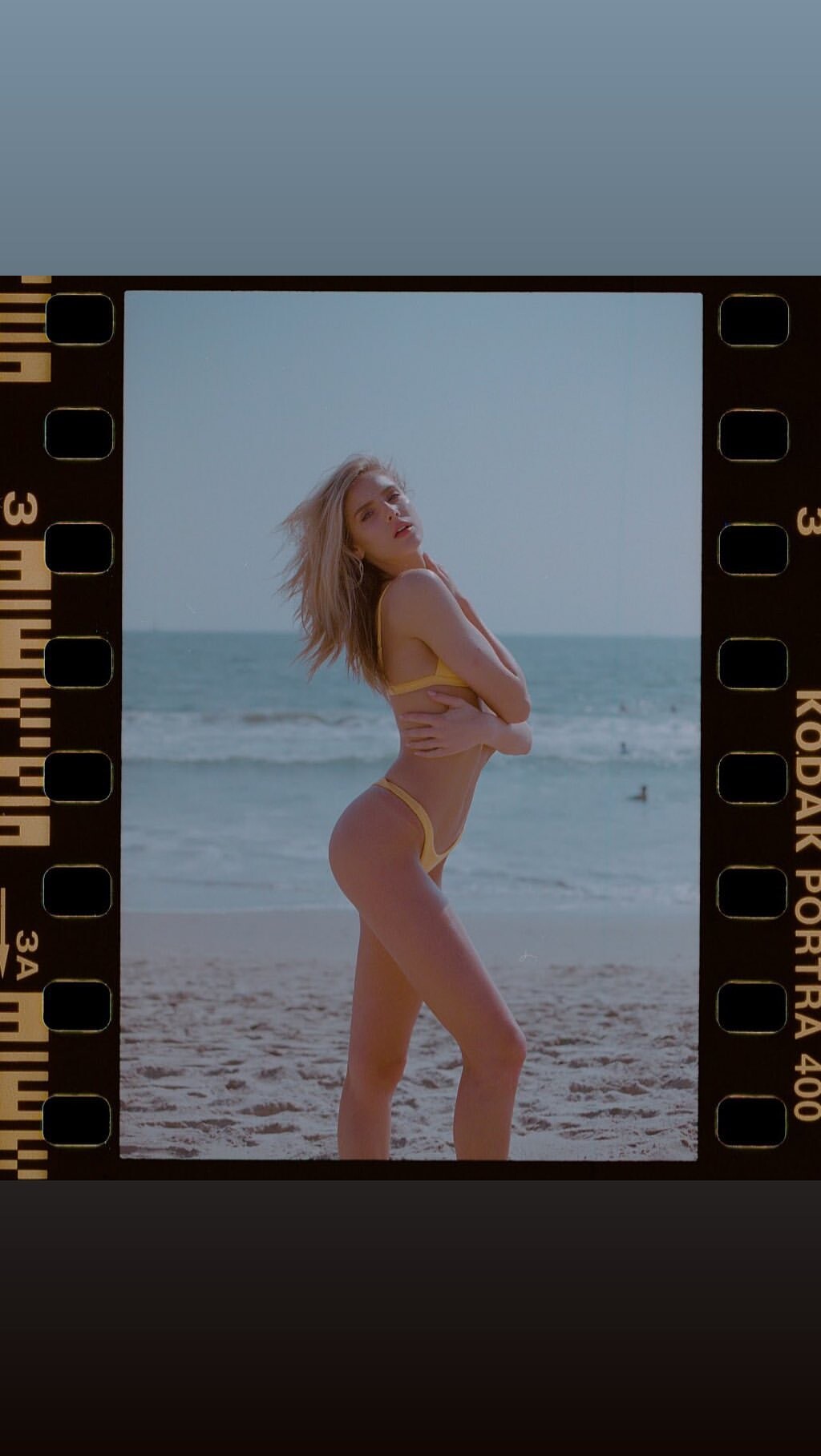
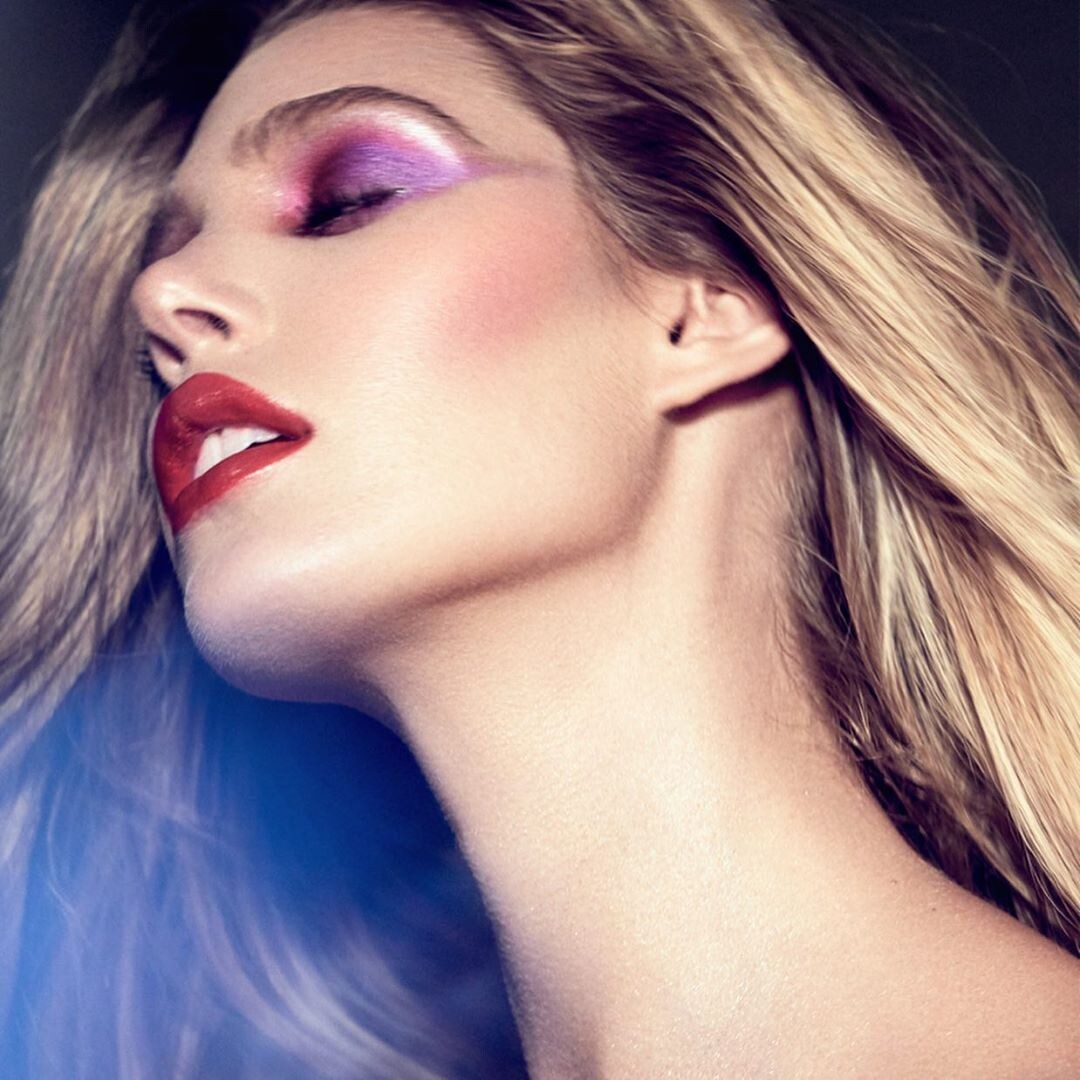
 @clint for @fae


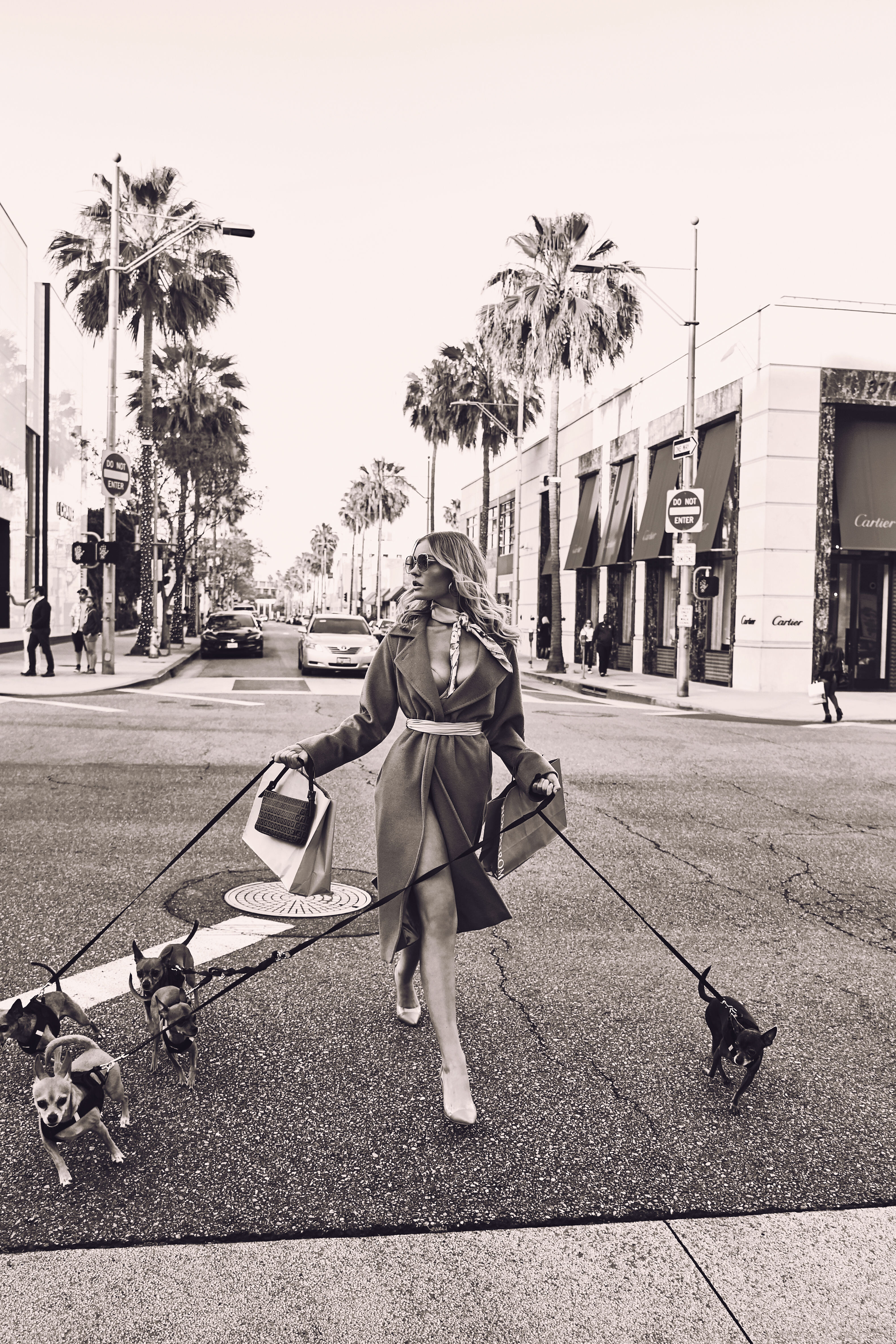

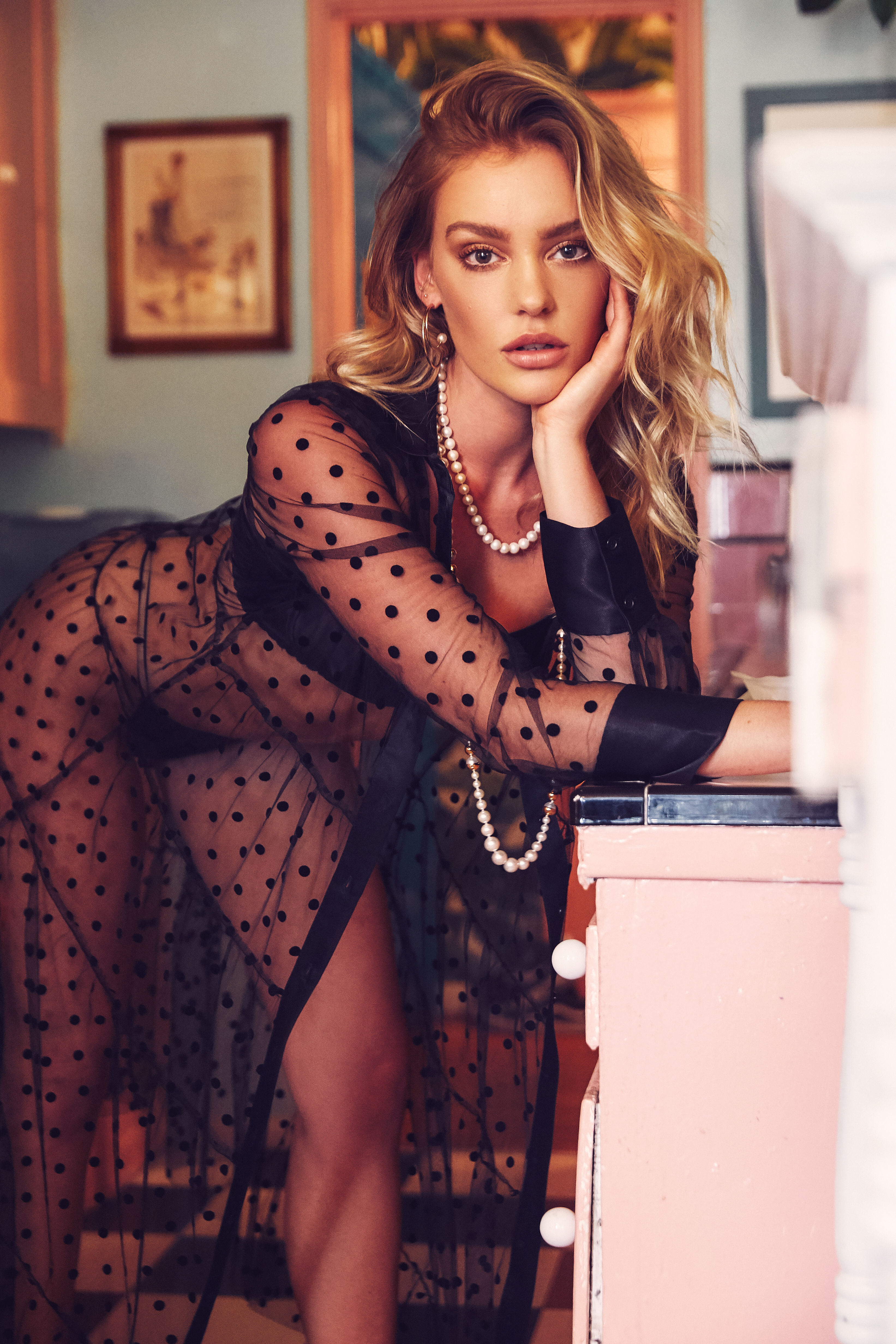
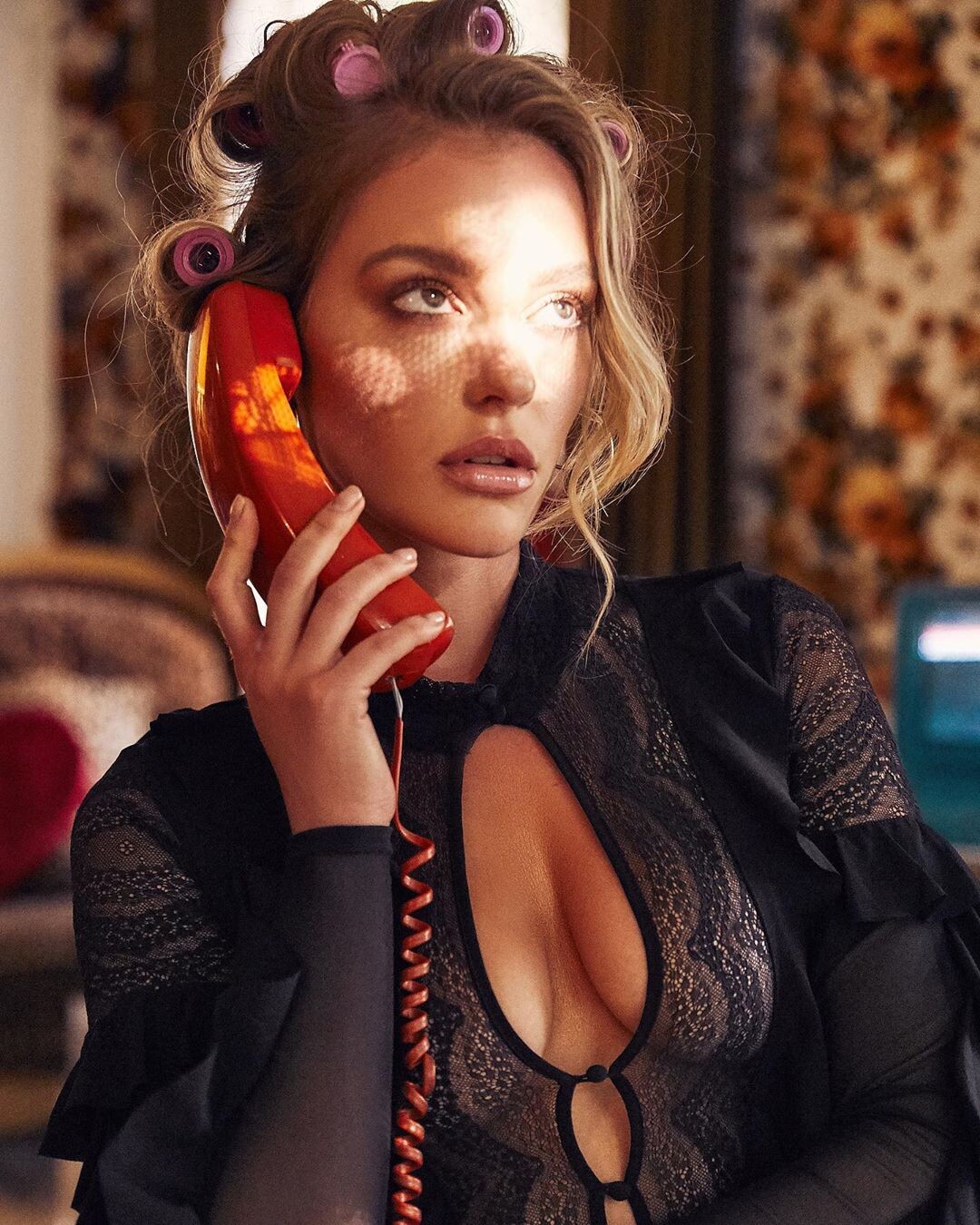
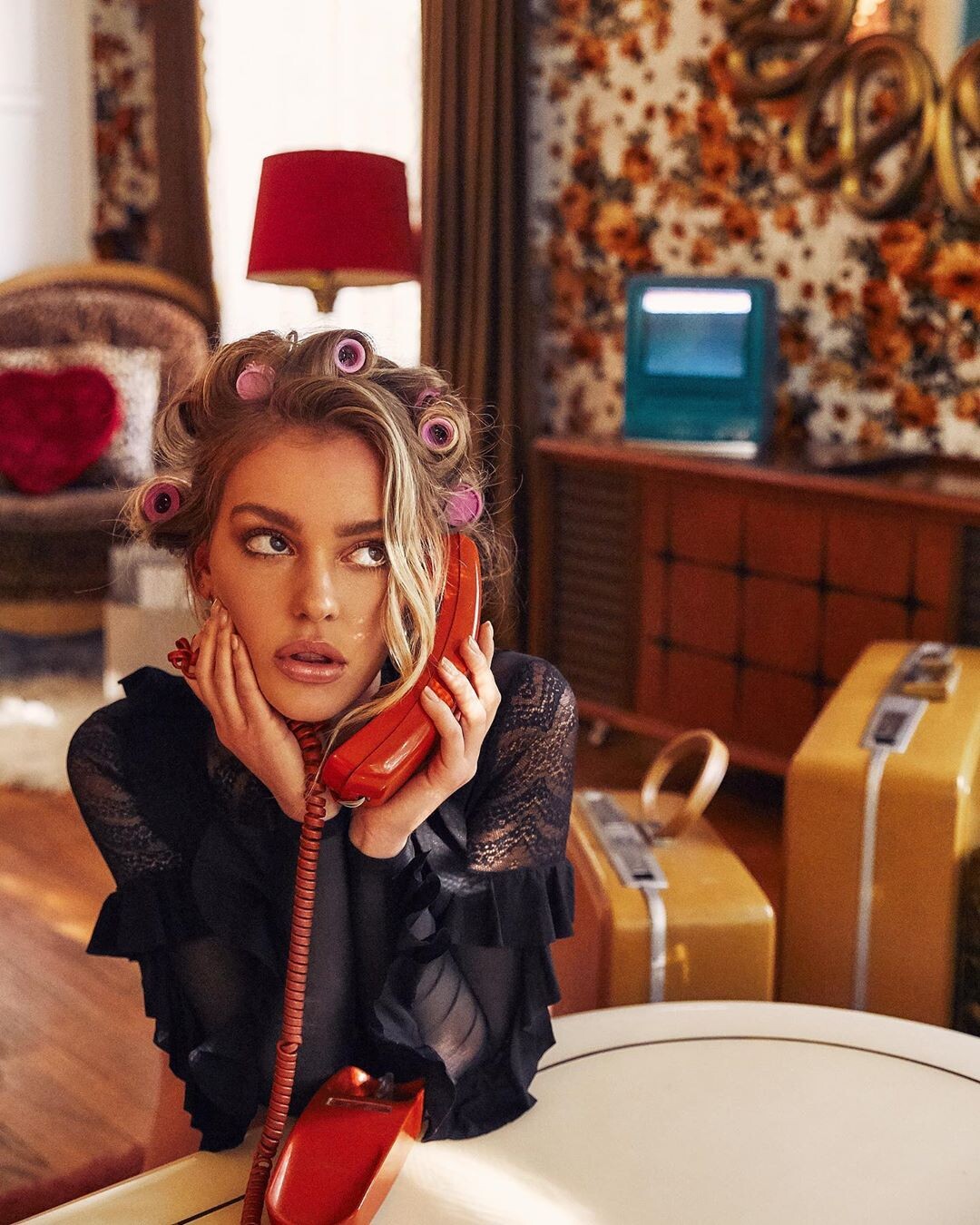












































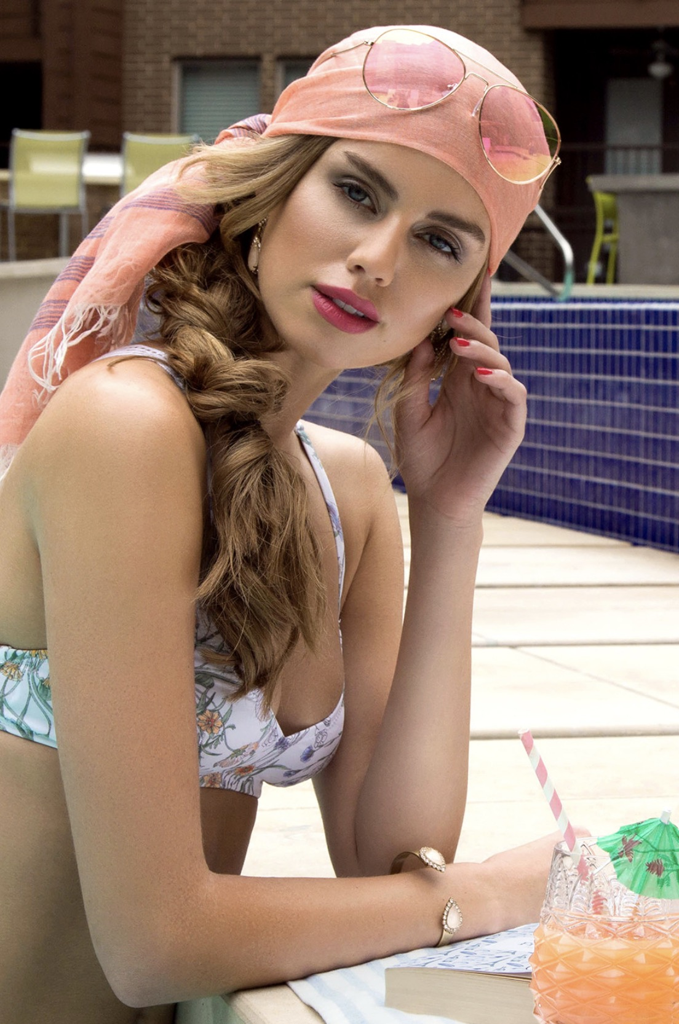



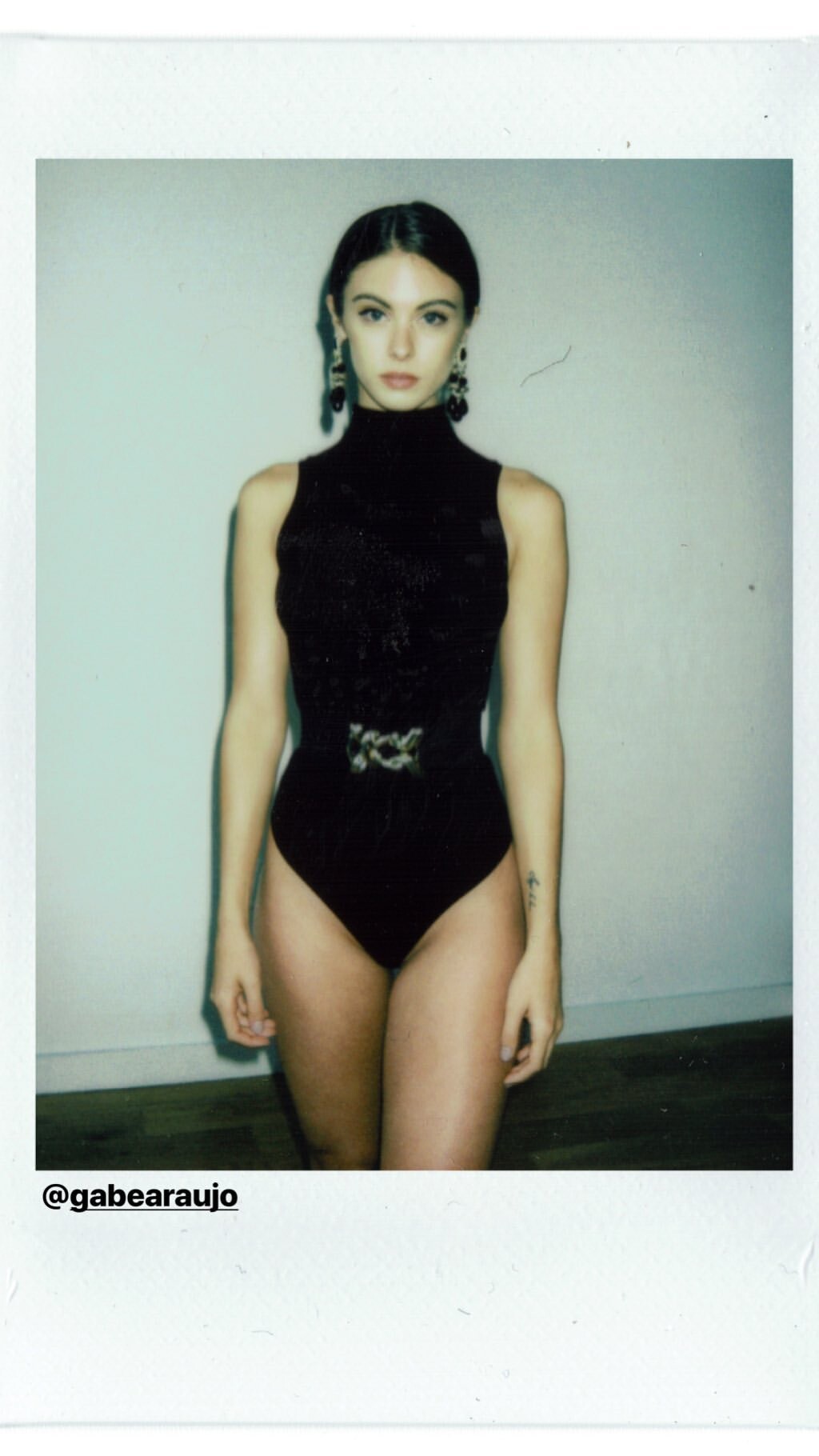
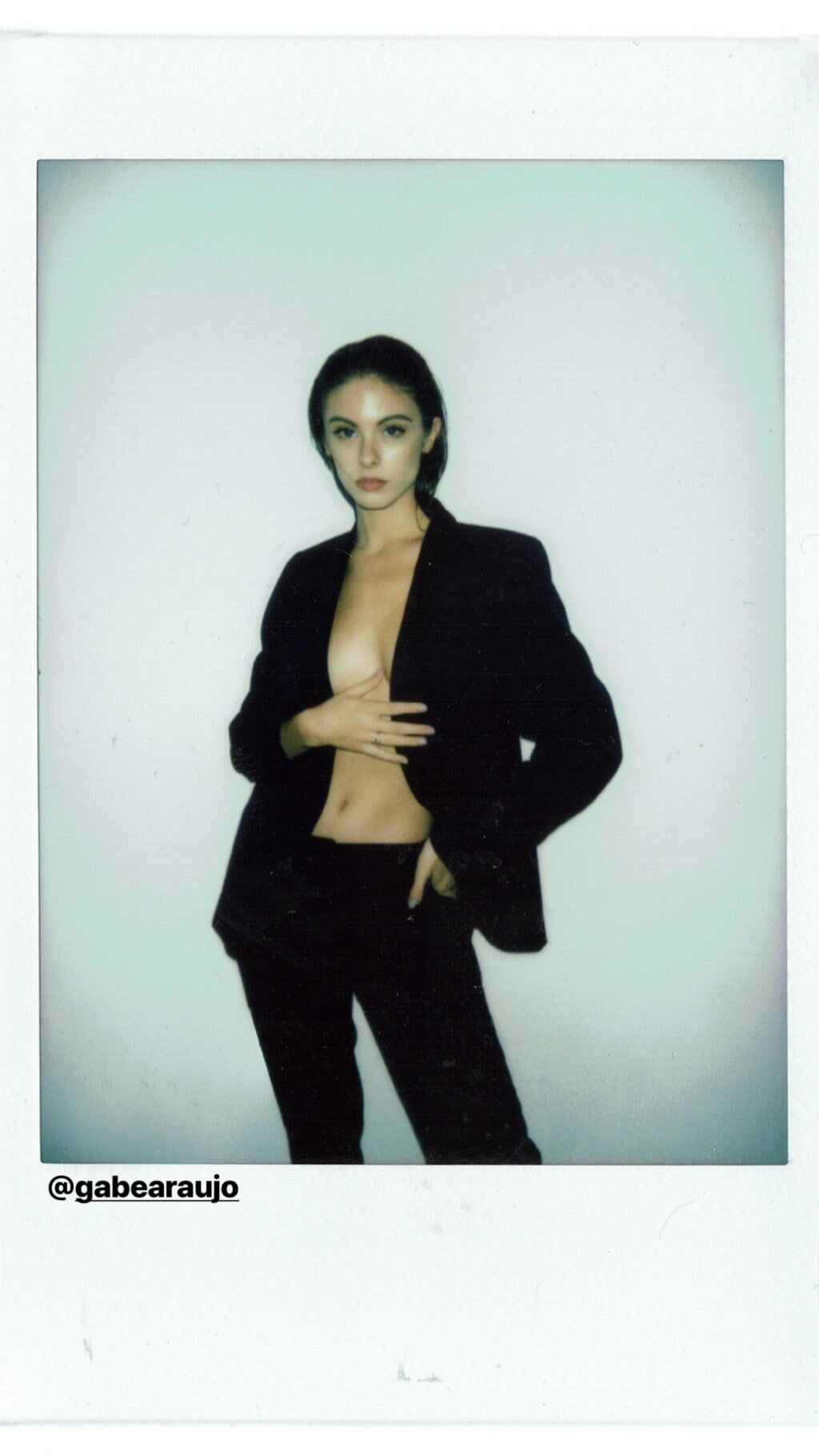
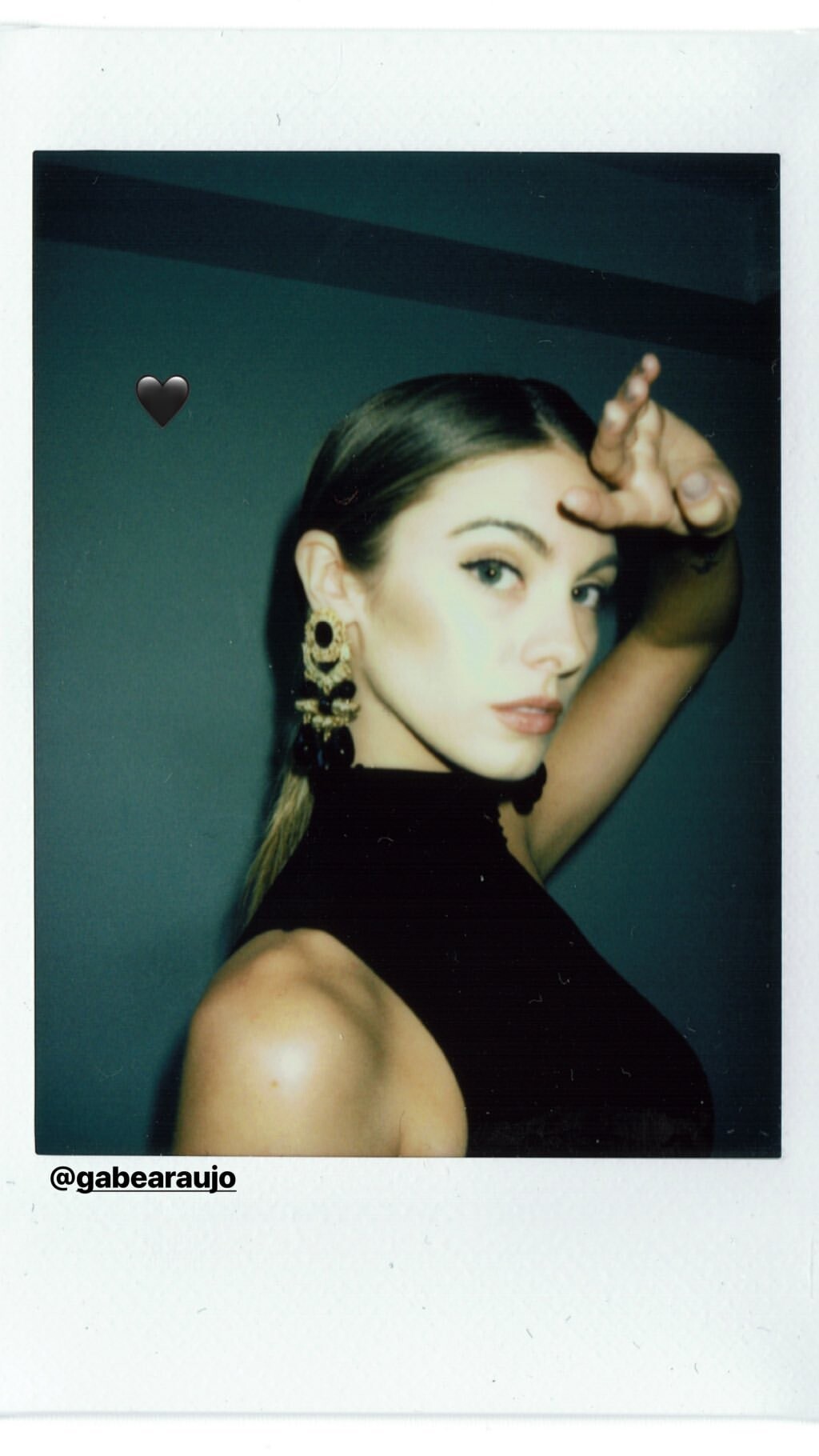
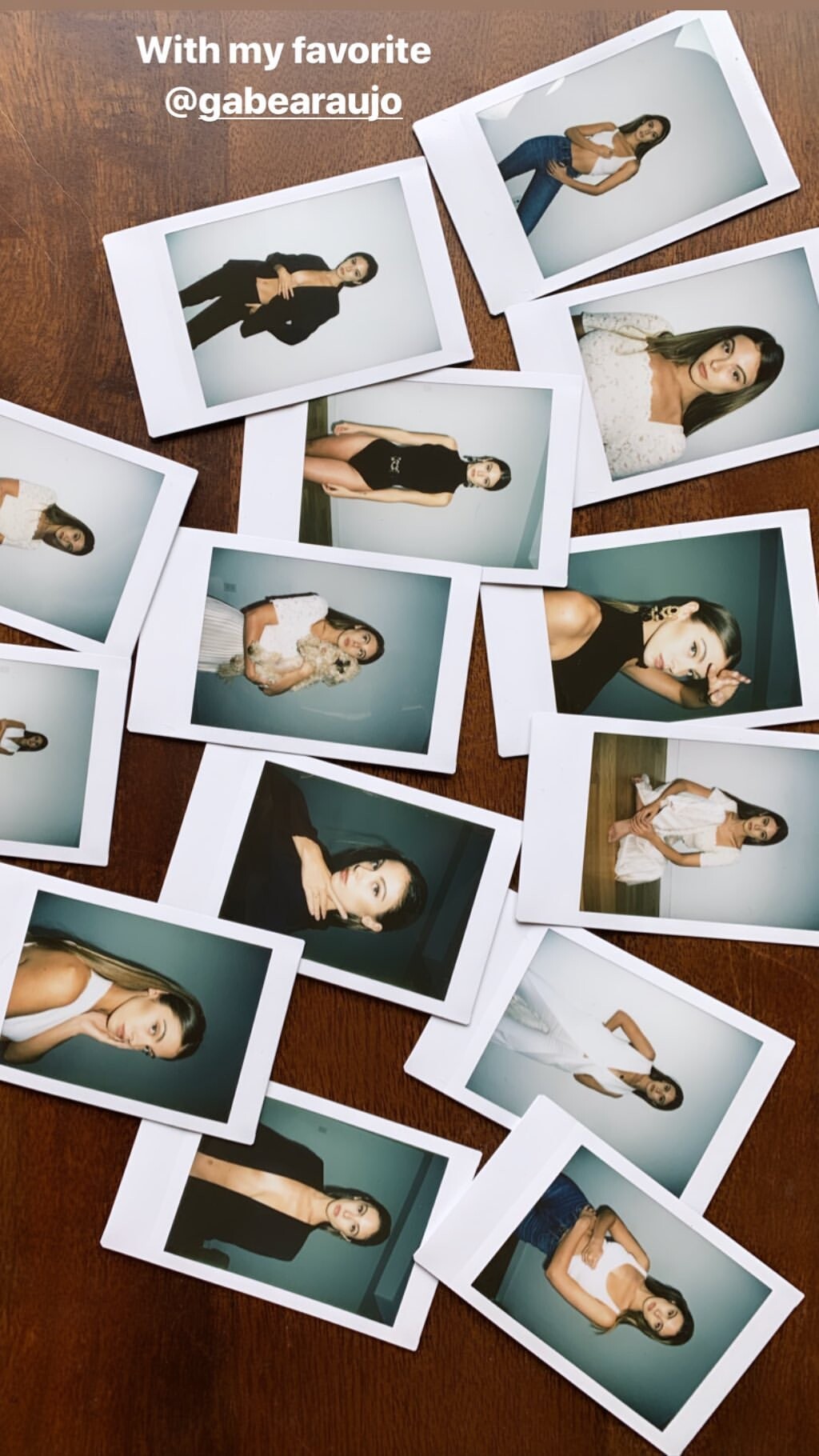
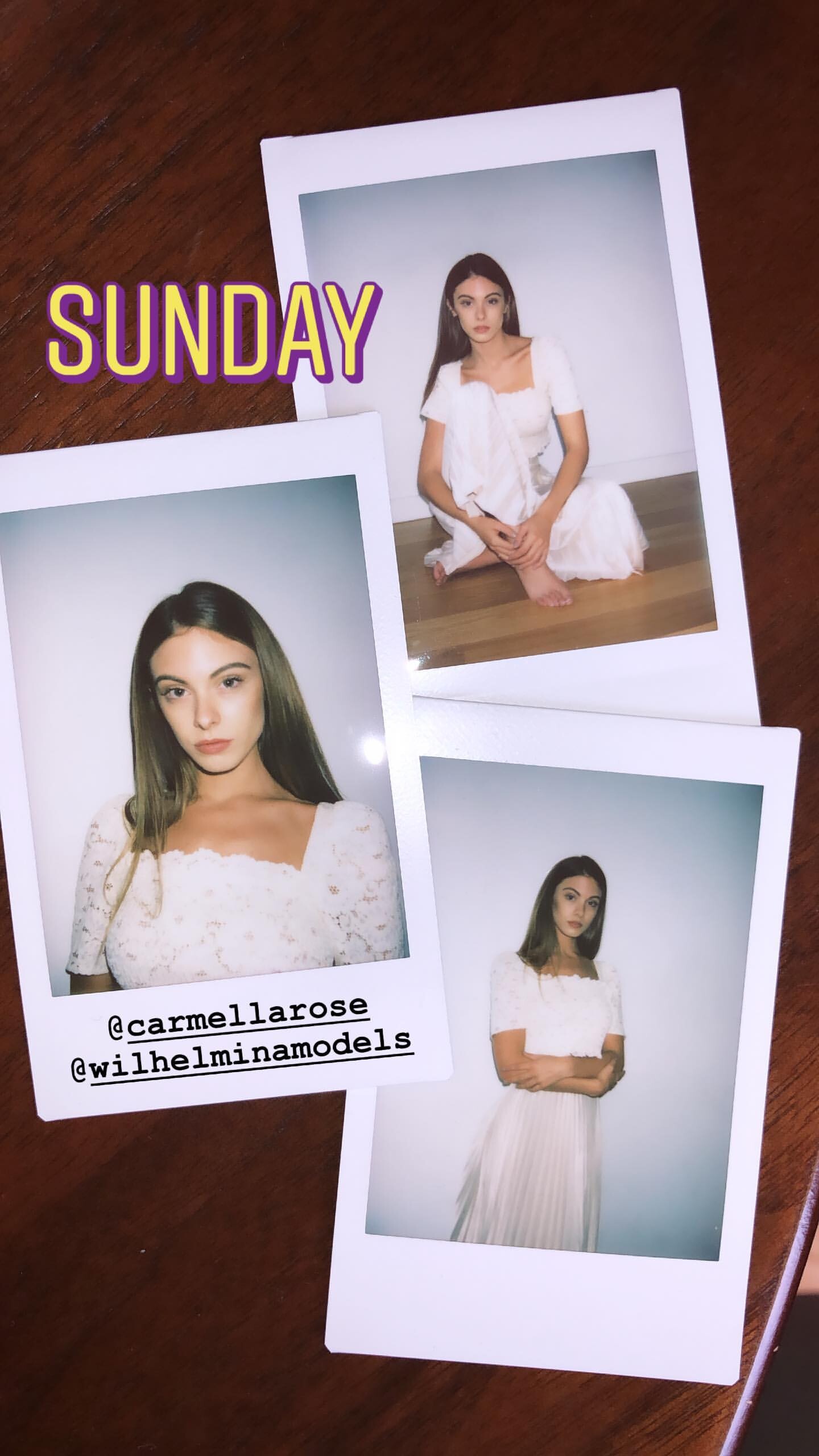
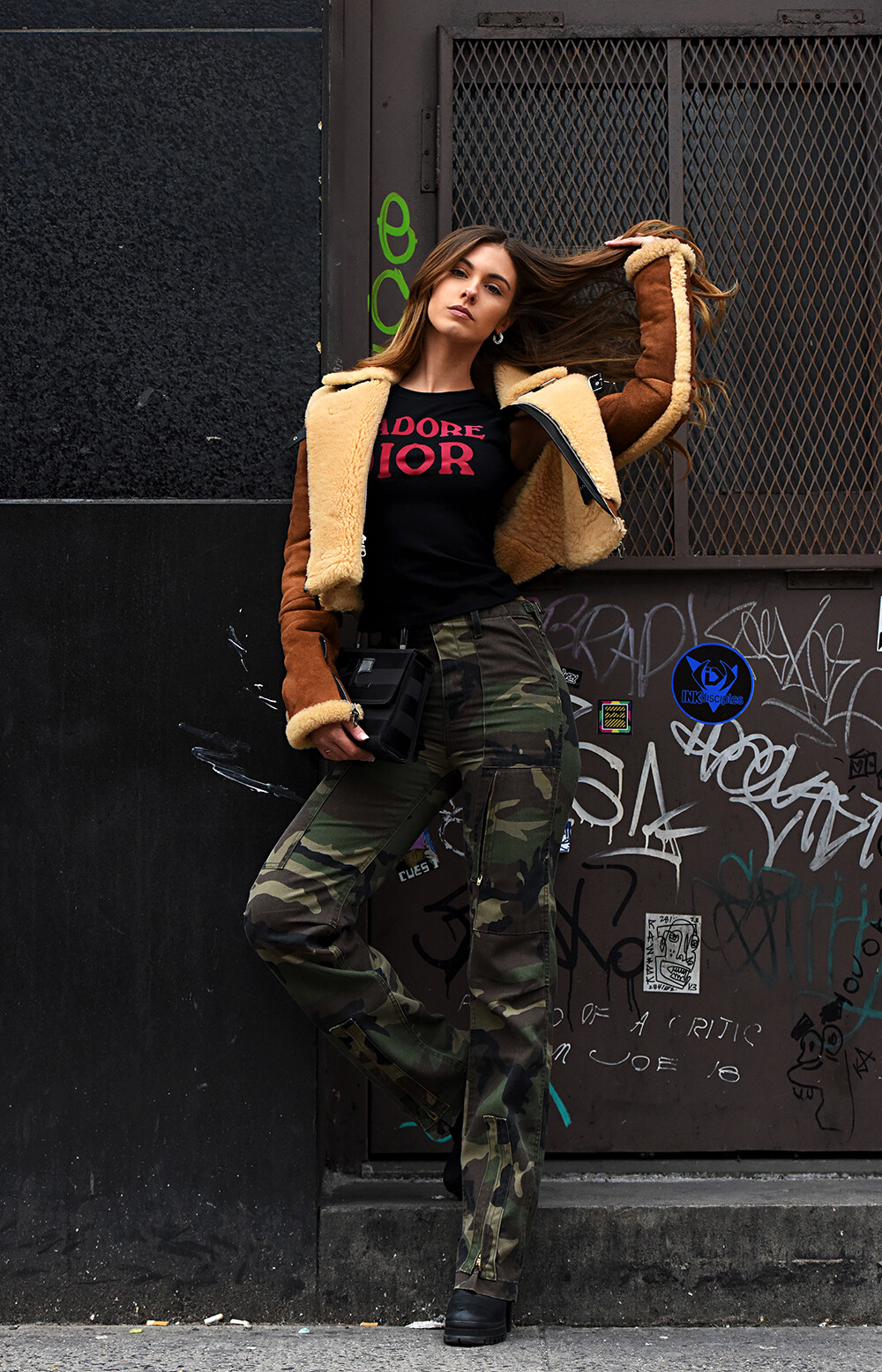

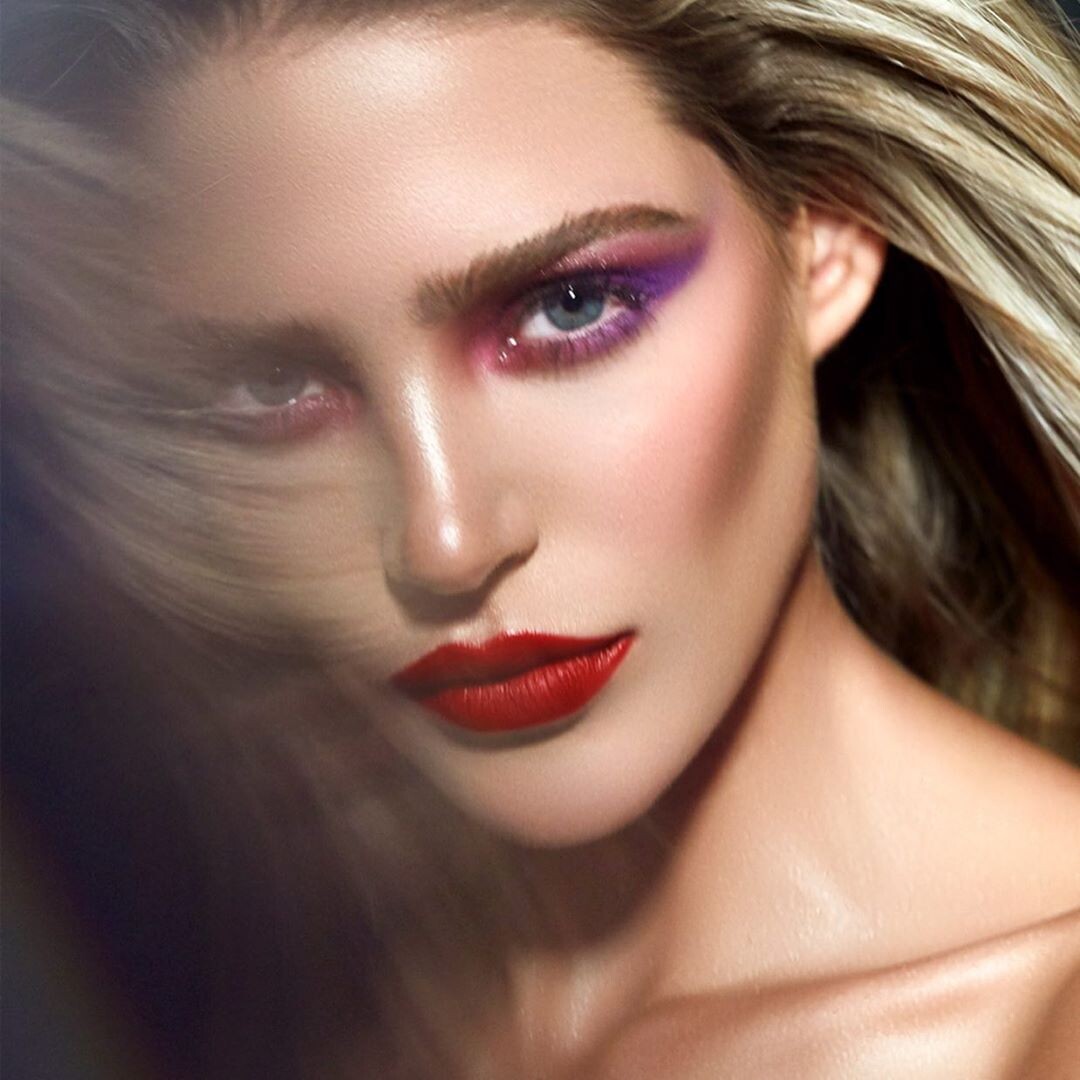

Account
Navigation
Search
Configure browser push notifications
Chrome (Android)
- Tap the lock icon next to the address bar.
- Tap Permissions → Notifications.
- Adjust your preference.
Chrome (Desktop)
- Click the padlock icon in the address bar.
- Select Site settings.
- Find Notifications and adjust your preference.
Safari (iOS 16.4+)
- Ensure the site is installed via Add to Home Screen.
- Open Settings App → Notifications.
- Find your app name and adjust your preference.
Safari (macOS)
- Go to Safari → Preferences.
- Click the Websites tab.
- Select Notifications in the sidebar.
- Find this website and adjust your preference.
Edge (Android)
- Tap the lock icon next to the address bar.
- Tap Permissions.
- Find Notifications and adjust your preference.
Edge (Desktop)
- Click the padlock icon in the address bar.
- Click Permissions for this site.
- Find Notifications and adjust your preference.
Firefox (Android)
- Go to Settings → Site permissions.
- Tap Notifications.
- Find this site in the list and adjust your preference.
Firefox (Desktop)
- Open Firefox Settings.
- Search for Notifications.
- Find this site in the list and adjust your preference.