Jump to content
View in the app

A better way to browse. Learn more.

Bellazon

A full-screen app on your home screen with push notifications, badges and more.

To install this app on iOS and iPadOS
  1. Tap the Share icon in Safari
  2. Scroll the menu and tap Add to Home Screen.
  3. Tap Add in the top-right corner.
To install this app on Android
  1. Tap the 3-dot menu (⋮) in the top-right corner of the browser.
  2. Tap Add to Home screen or Install app.
  3. Confirm by tapping Install.

Modelove

Members
  • Joined

Everything posted by Modelove

  1. Cameron Mackie
  2. Thomas Kulbicki
  3. Same but different
  4. Her IG [She deleted]
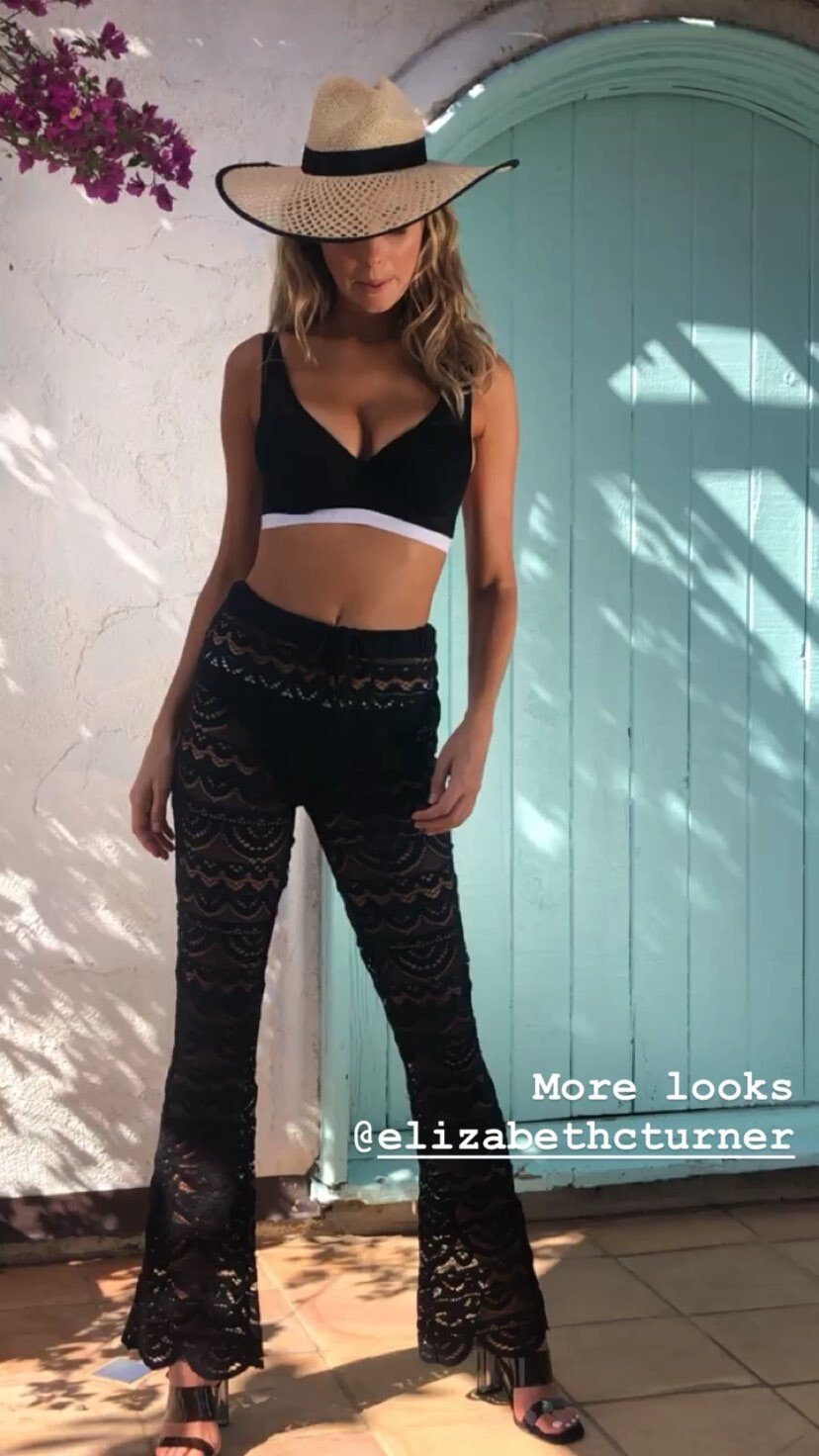
  5. IG Story (06.17.19) Photohooting for @brigitte.oficial
  6. Lounge Swim - Join The Wave [1080p]
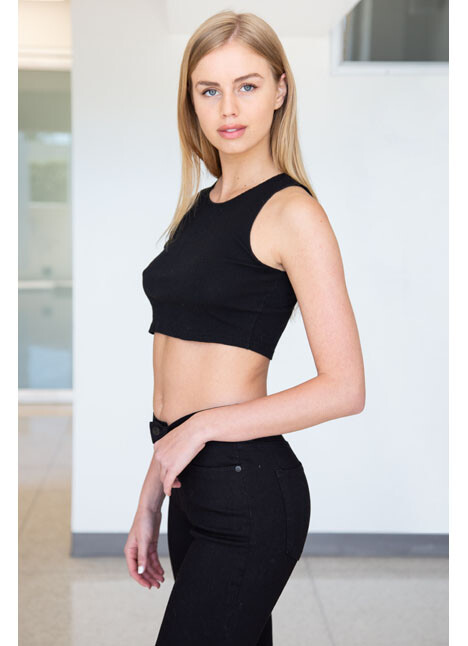
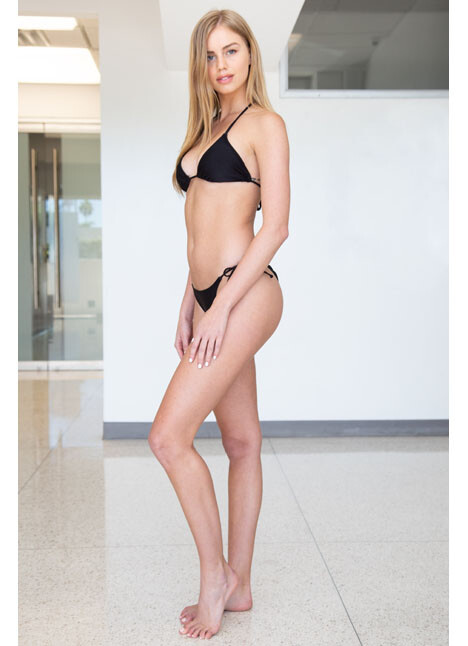
  7. The Industry Model Management | LA Portfolio
  8. Michael Woloszynowicz
  9. Tim Swallow UHQ Nudity [Transparency]

  10. @jessicastark_
  11. Robert Voltaire
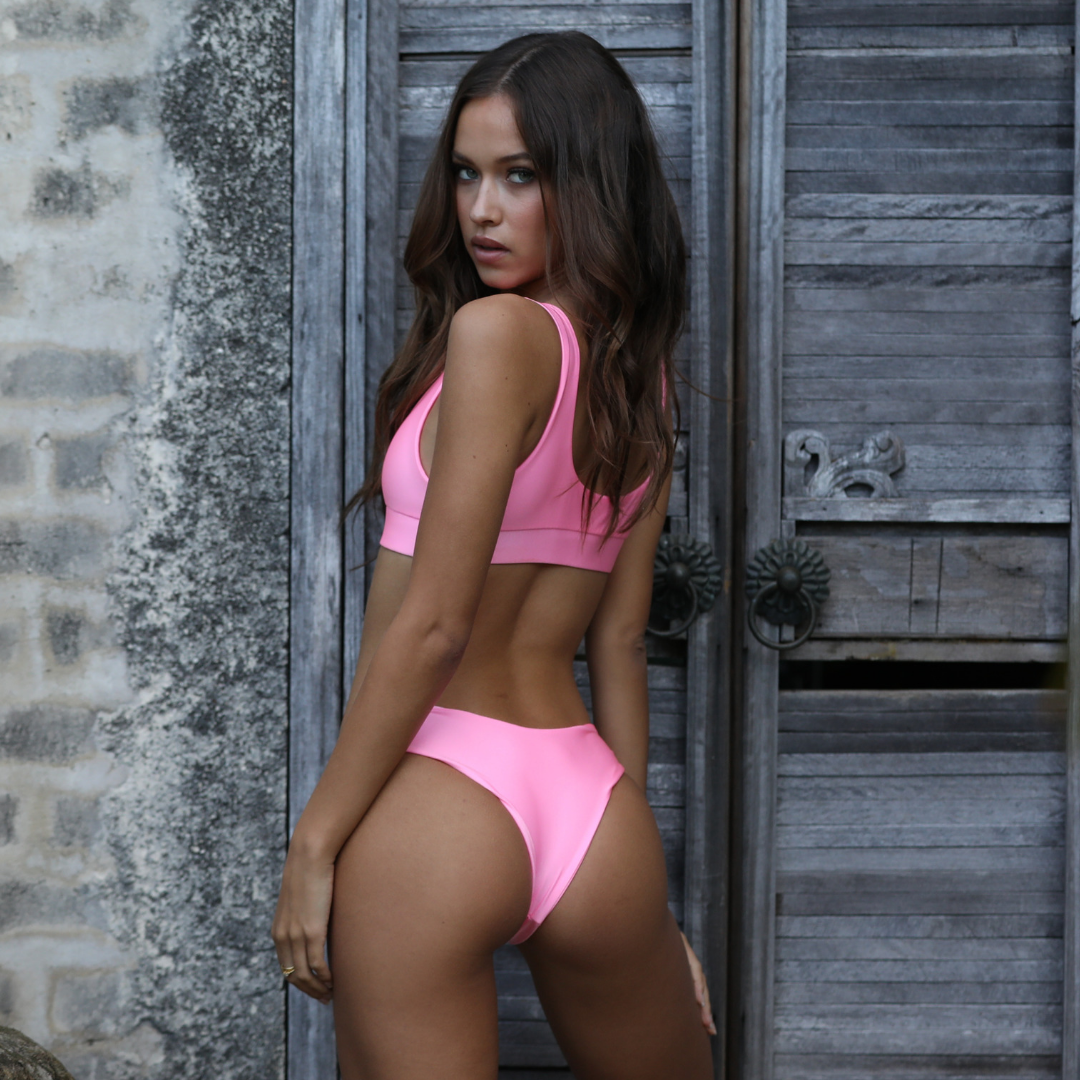
  12. IG Story (06.12.19) Look at that booty 🤒 Now I understand why he keeps it that way!
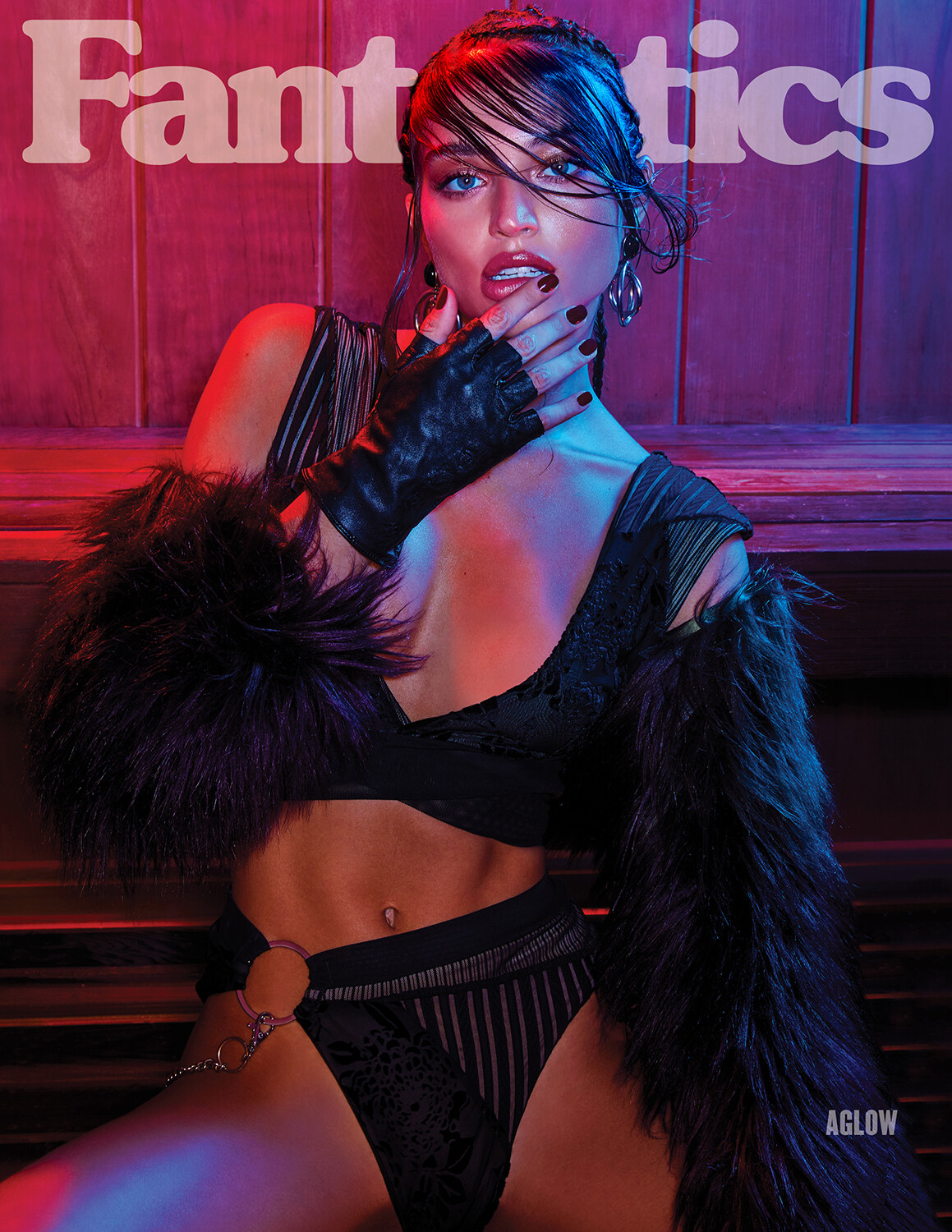
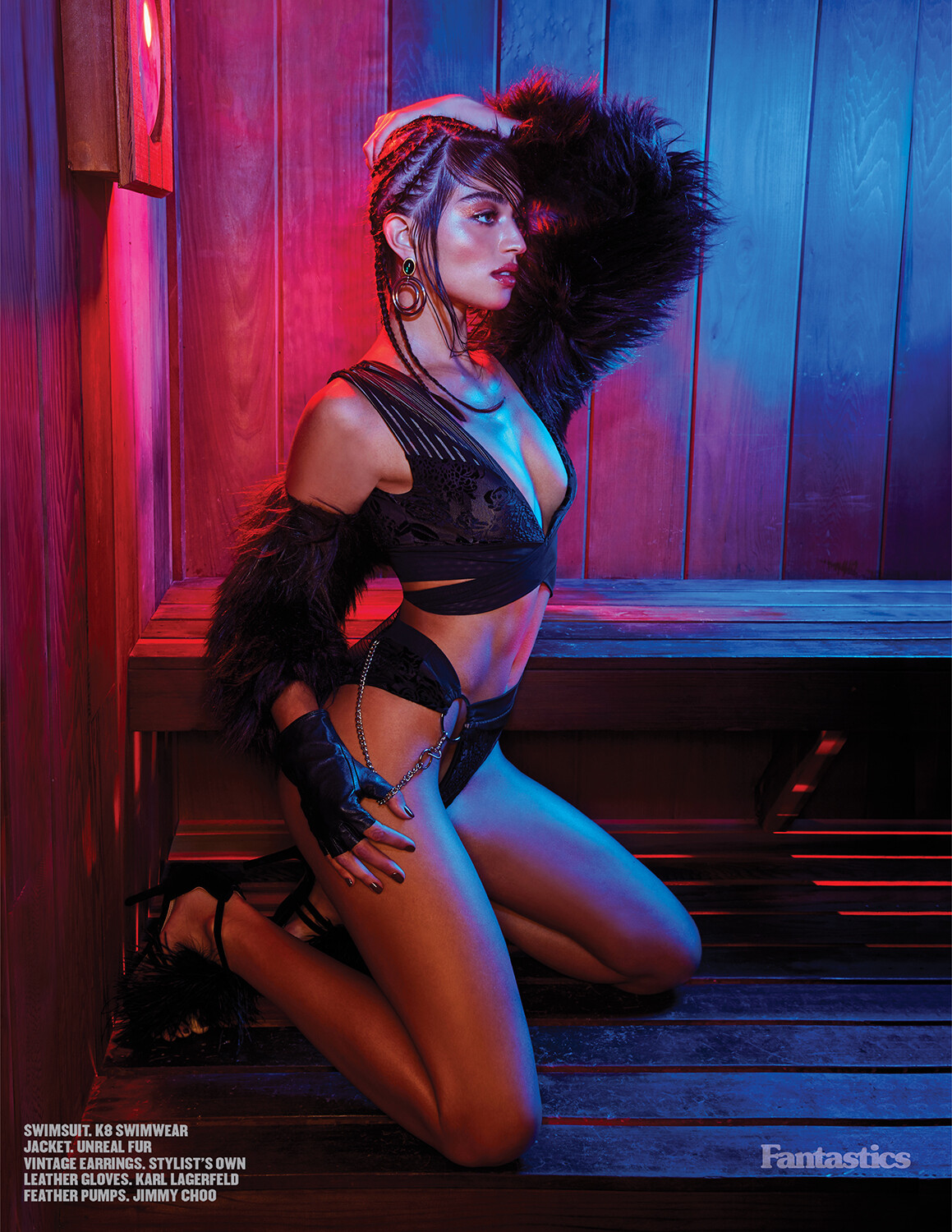
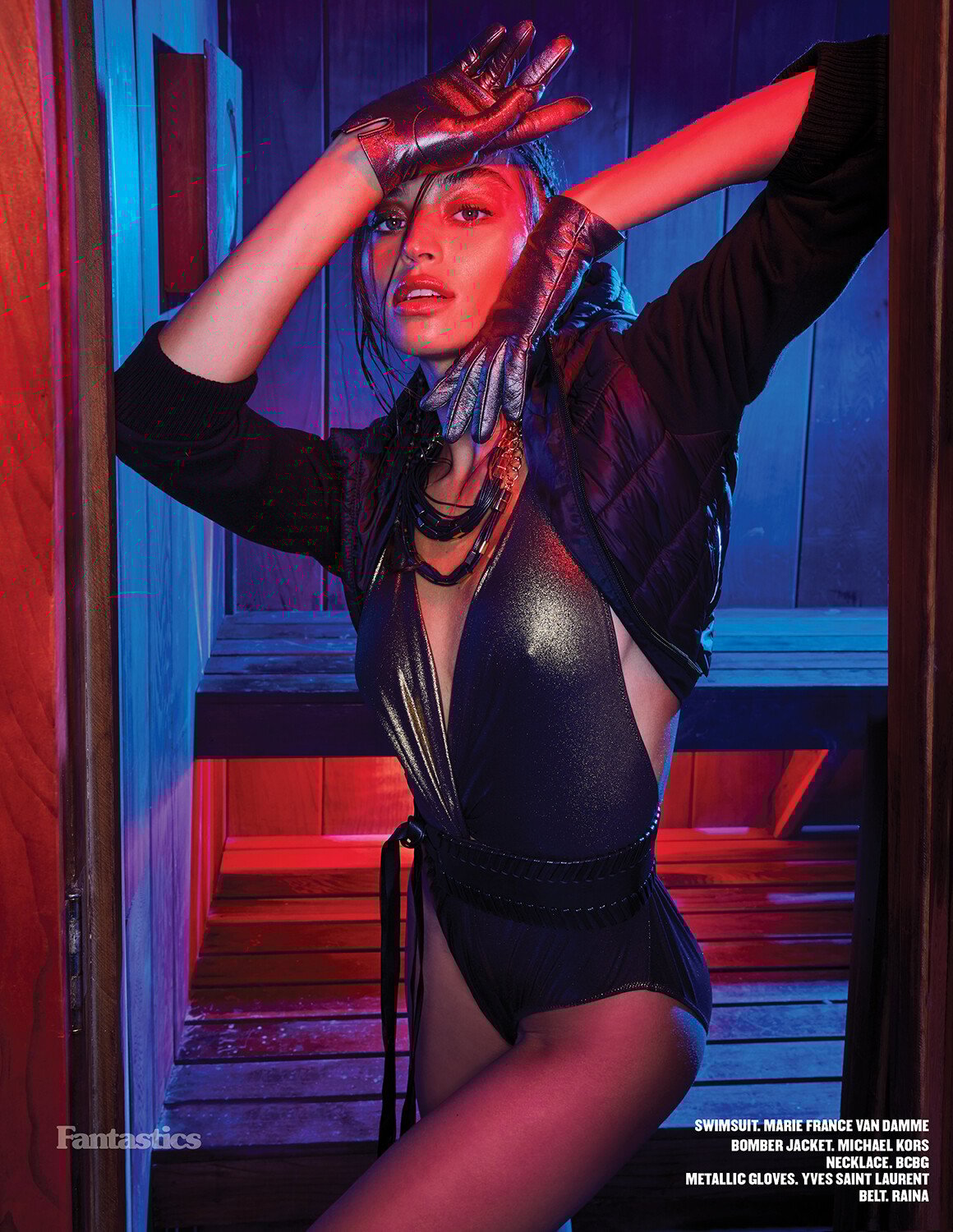
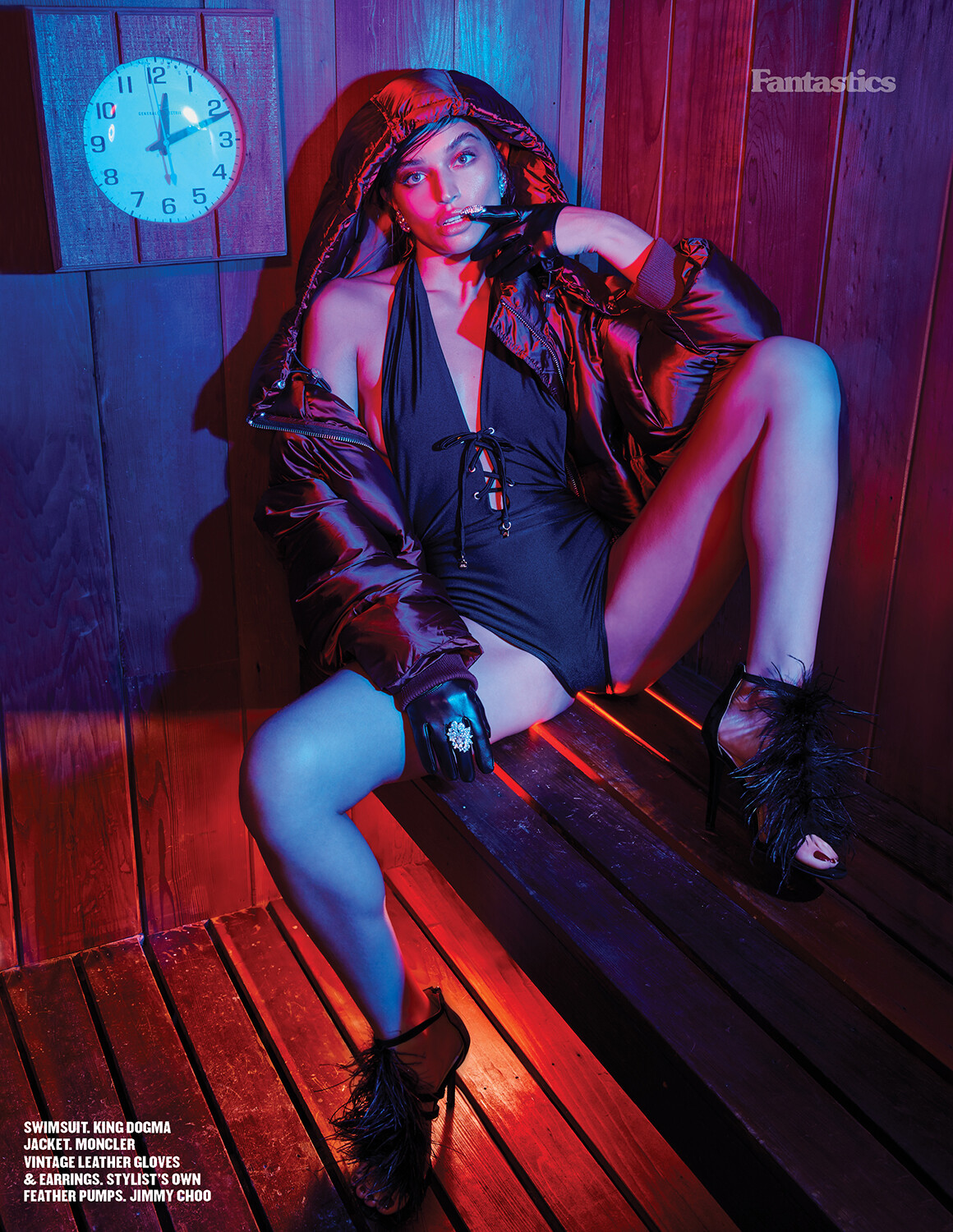
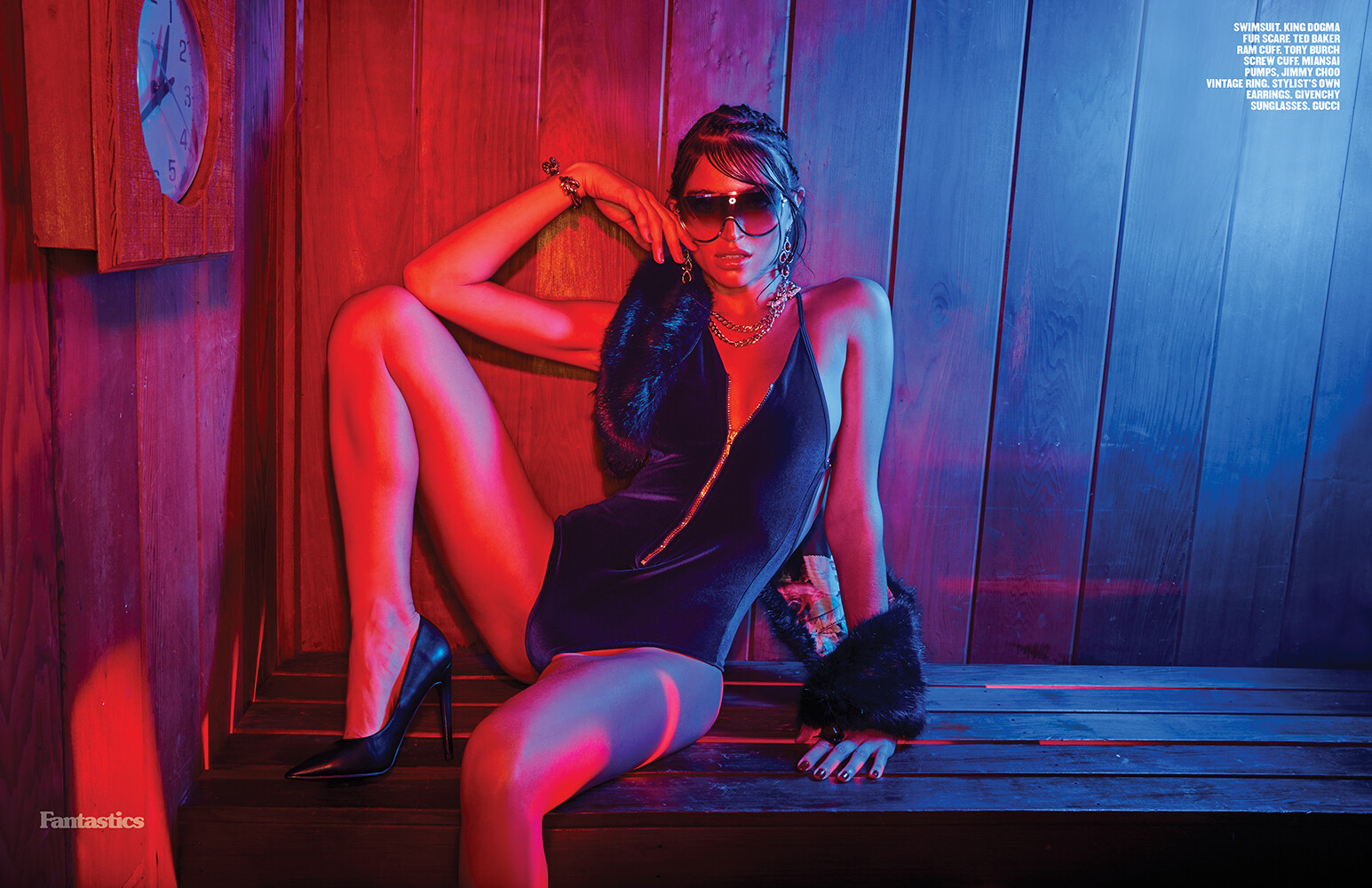
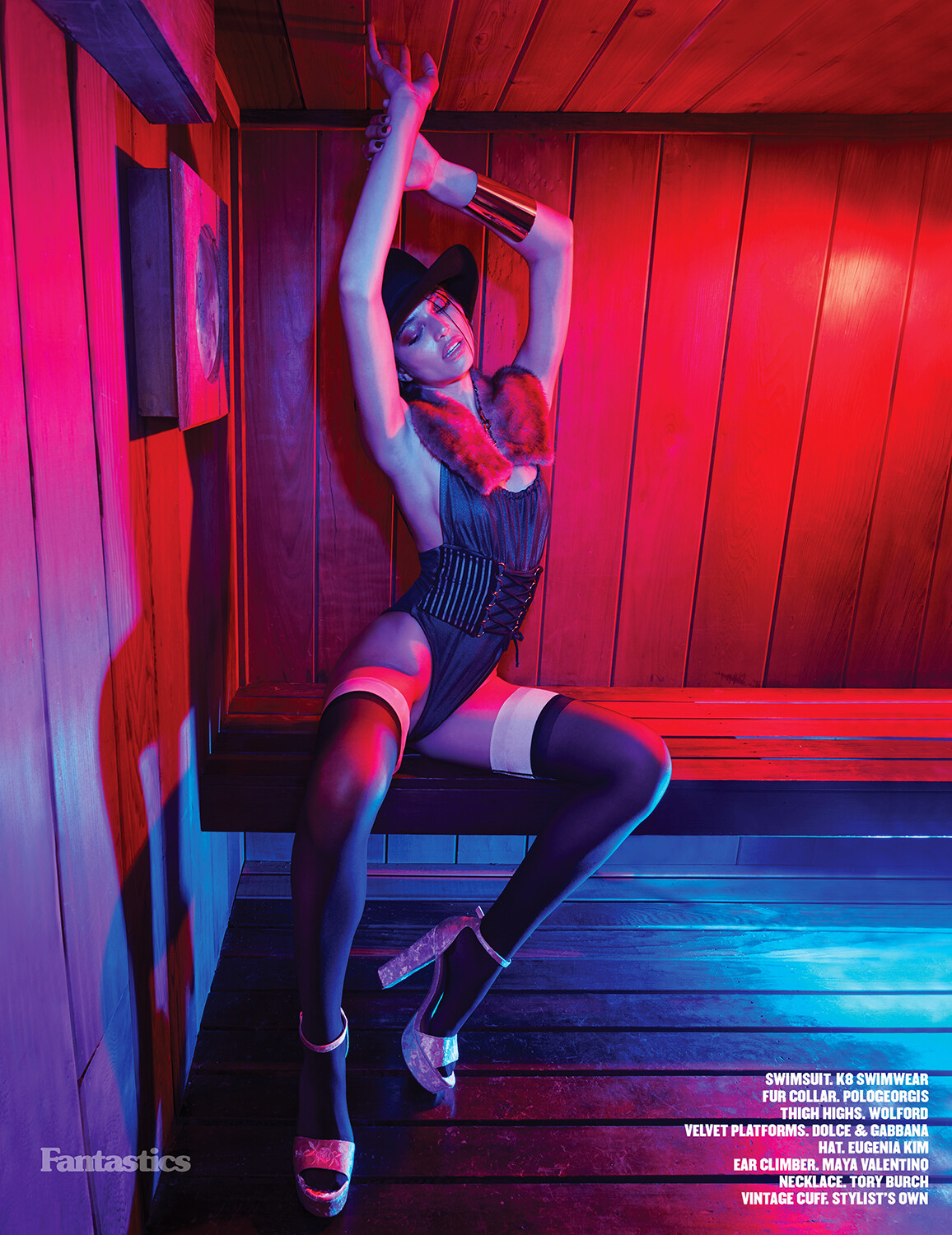
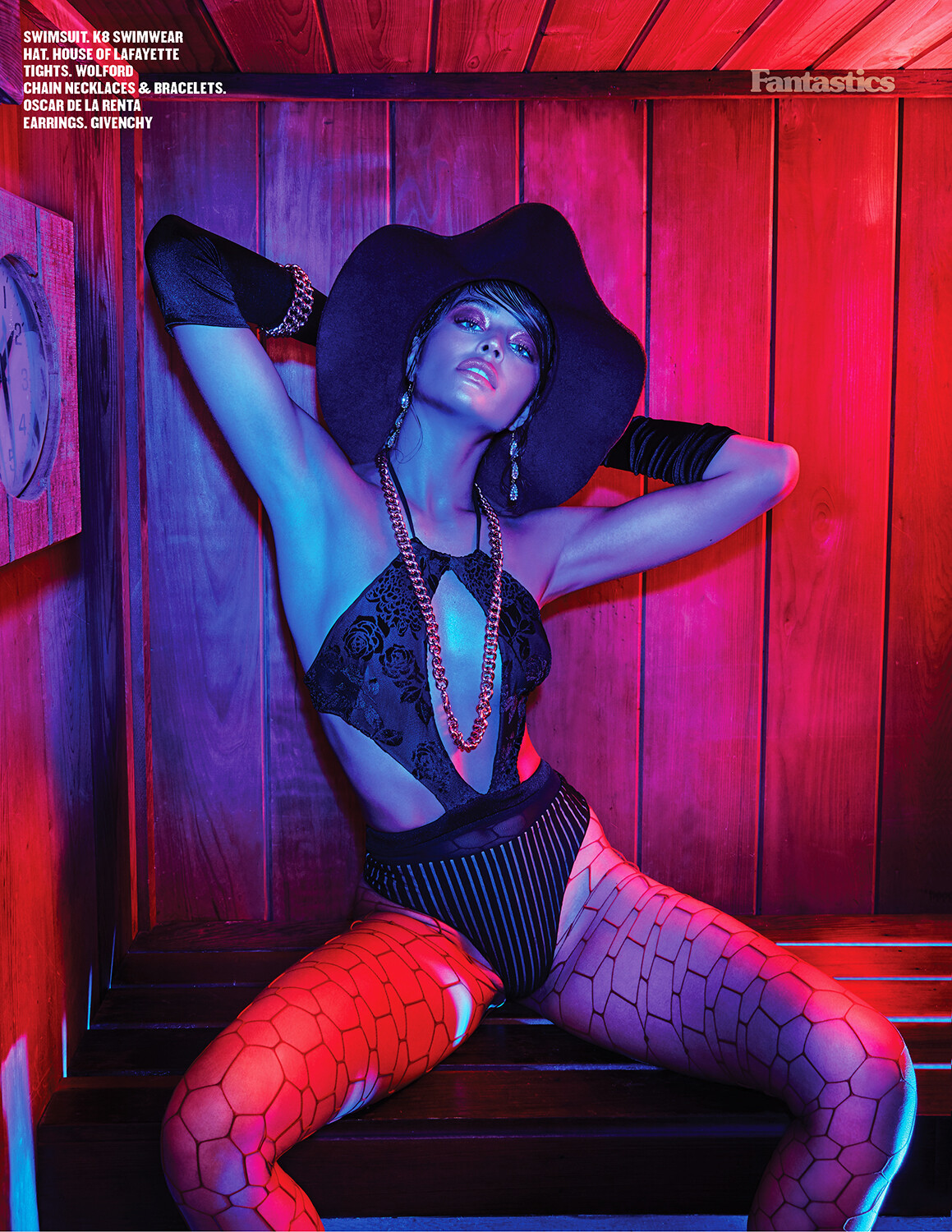
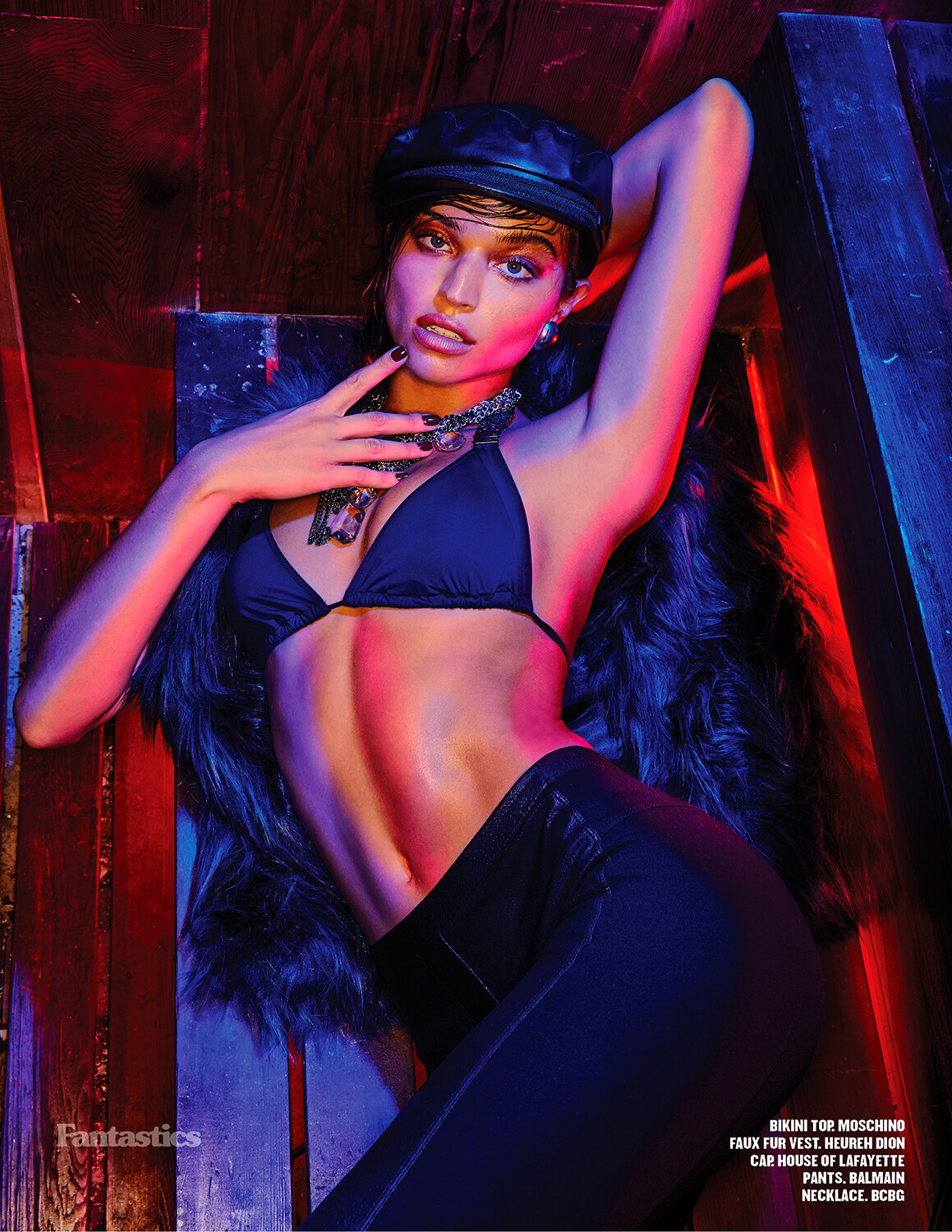
  13. Fantastics Magazine Ph. Lyall Aston Better resolution and merged

Account

Navigation

Search

Configure browser push notifications

Chrome (Android)
  1. Tap the lock icon next to the address bar.
  2. Tap Permissions → Notifications.
  3. Adjust your preference.
Chrome (Desktop)
  1. Click the padlock icon in the address bar.
  2. Select Site settings.
  3. Find Notifications and adjust your preference.