Jump to content
View in the app

A better way to browse. Learn more.

Bellazon

A full-screen app on your home screen with push notifications, badges and more.

To install this app on iOS and iPadOS
  1. Tap the Share icon in Safari
  2. Scroll the menu and tap Add to Home Screen.
  3. Tap Add in the top-right corner.
To install this app on Android
  1. Tap the 3-dot menu (⋮) in the top-right corner of the browser.
  2. Tap Add to Home screen or Install app.
  3. Confirm by tapping Install.

Modelove

Members
  • Joined

Everything posted by Modelove

  1. I appreciate the contribution this excellent video! Only on my part I would ask you to upload it as an attachment, I had problems to visualize it (from my mobile) I could not find the icon on the right to put it in full screen! I would also appreciate very much that you will add the source or the details of who made the video or the brand if that is the case. Thank you! @Charlie's Alter Ego
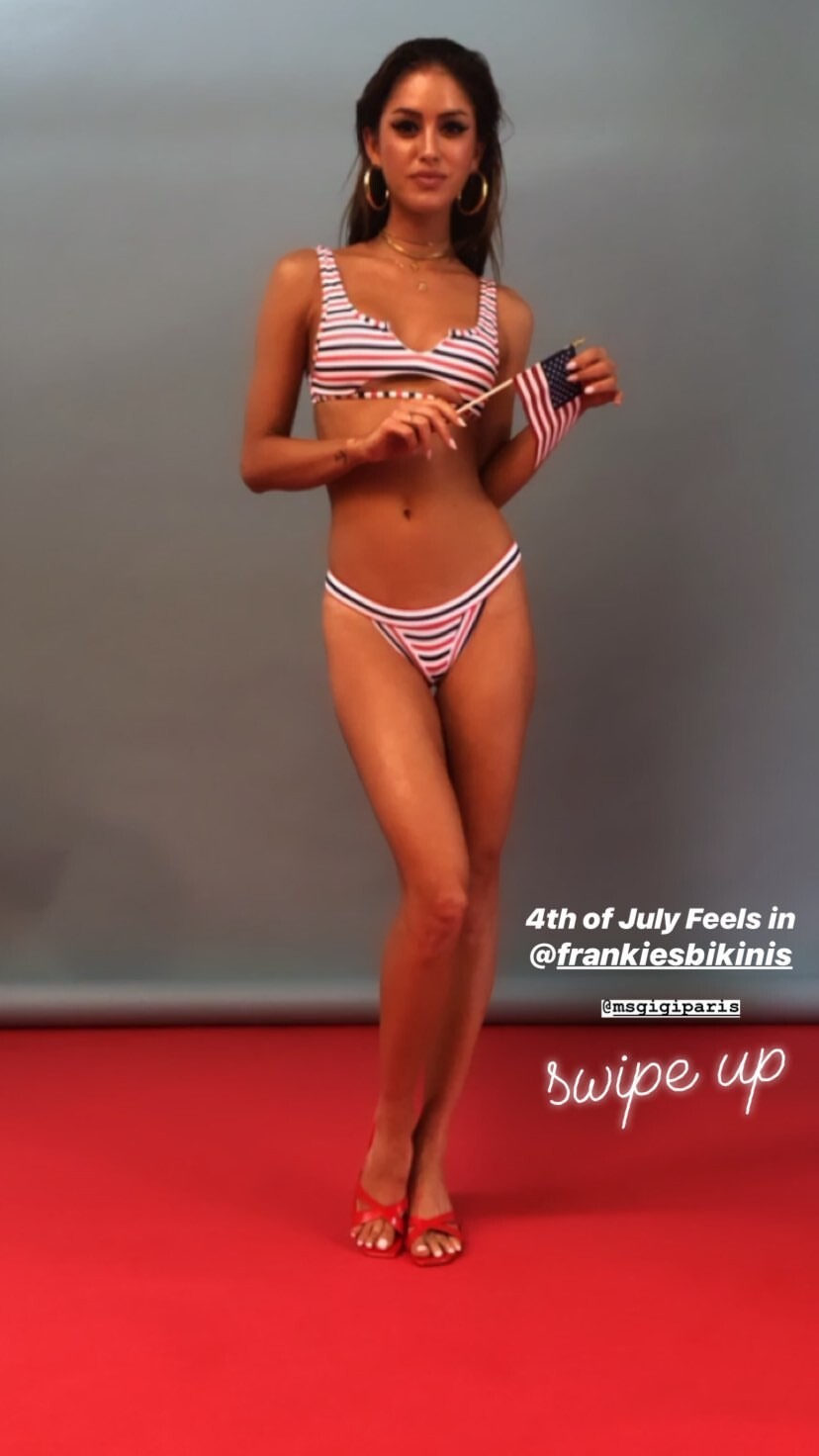
  2. IG Story (06.27.19) Photoshooting with Jethro Alaba Mua: @mua.susie Nudity (see through)
  3. @sivan_miller
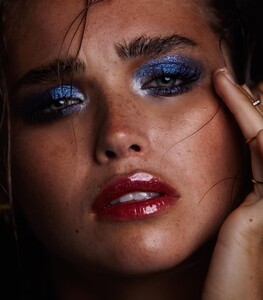
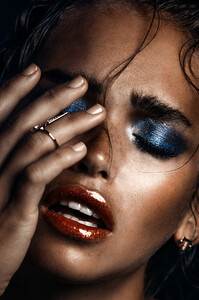
  4. Grazia Australia Valley Girl #04 October 2018 Ph. Steven Chee
  5. Dan Cristian Filimon
  6. Bella Eco Australia Adds form IG
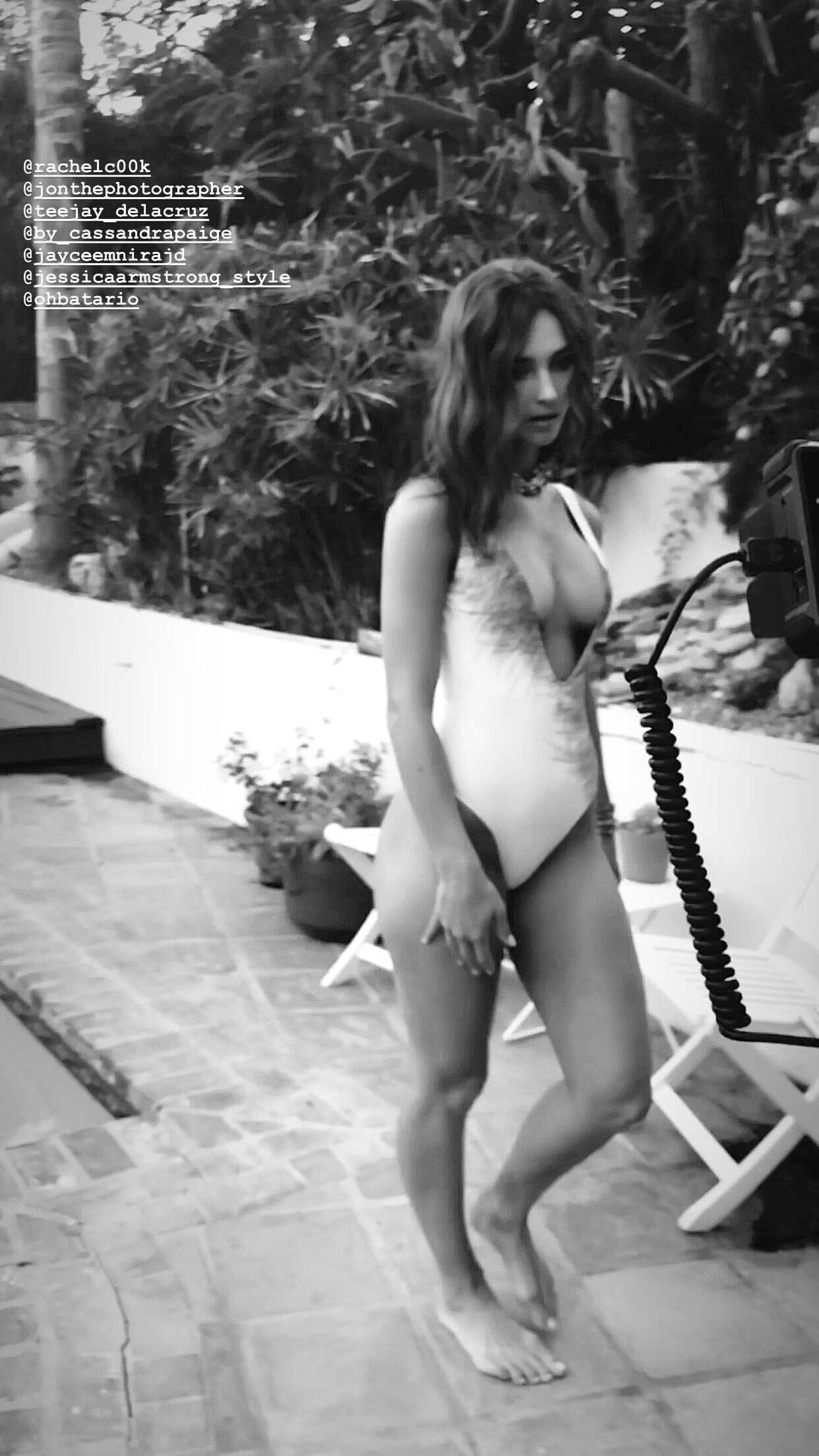
  7. Her IG From Jon Batario Shooting
  8. Oh yes yes! 😛 Add one more pic And video
  9. Timur Emek 😎
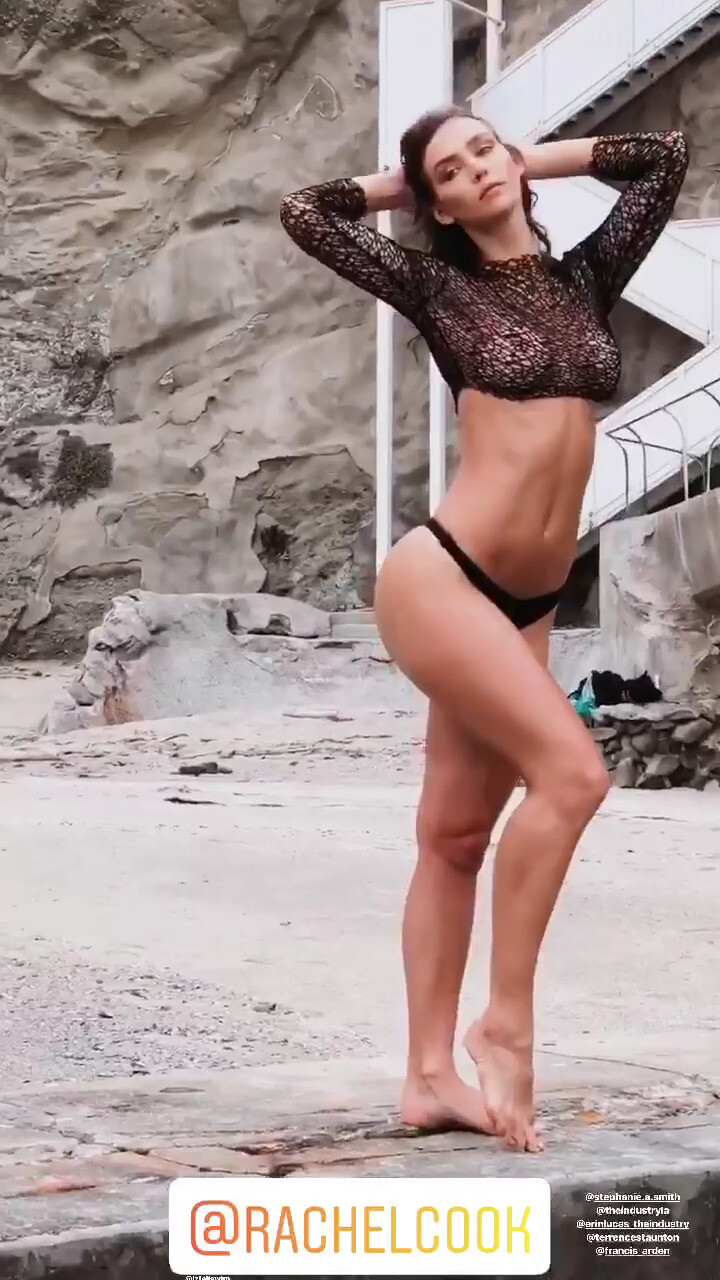
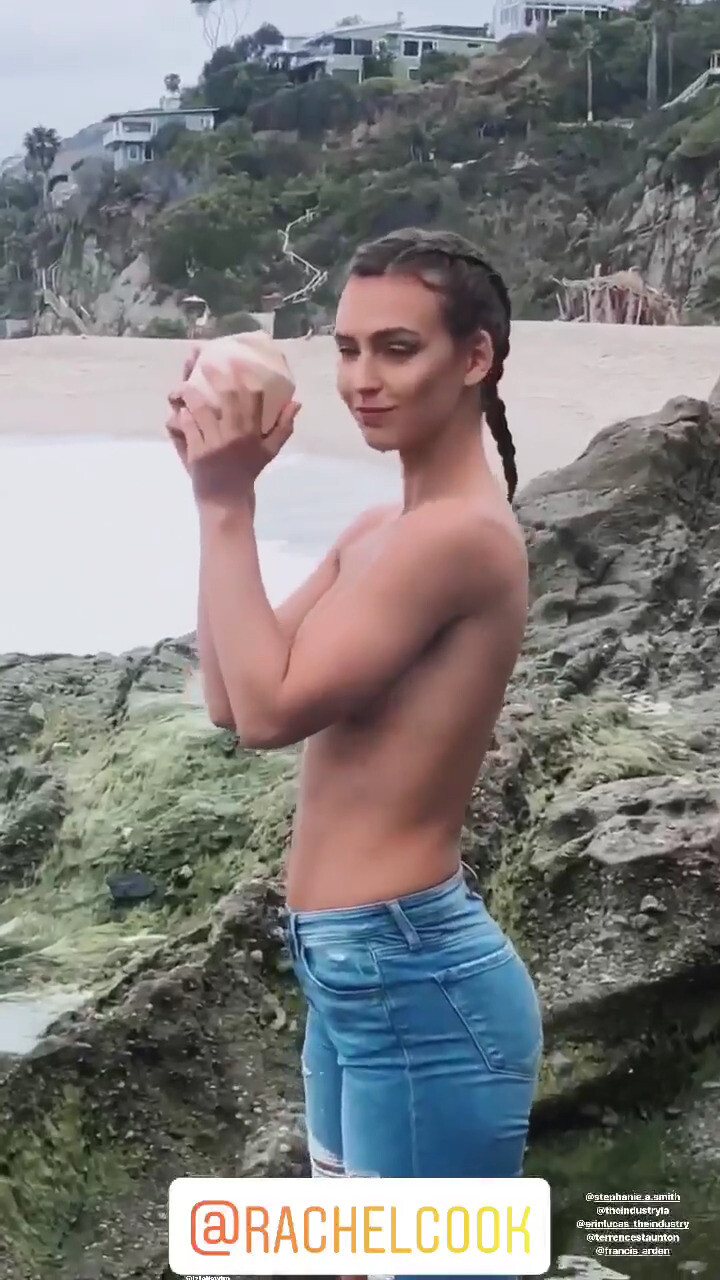
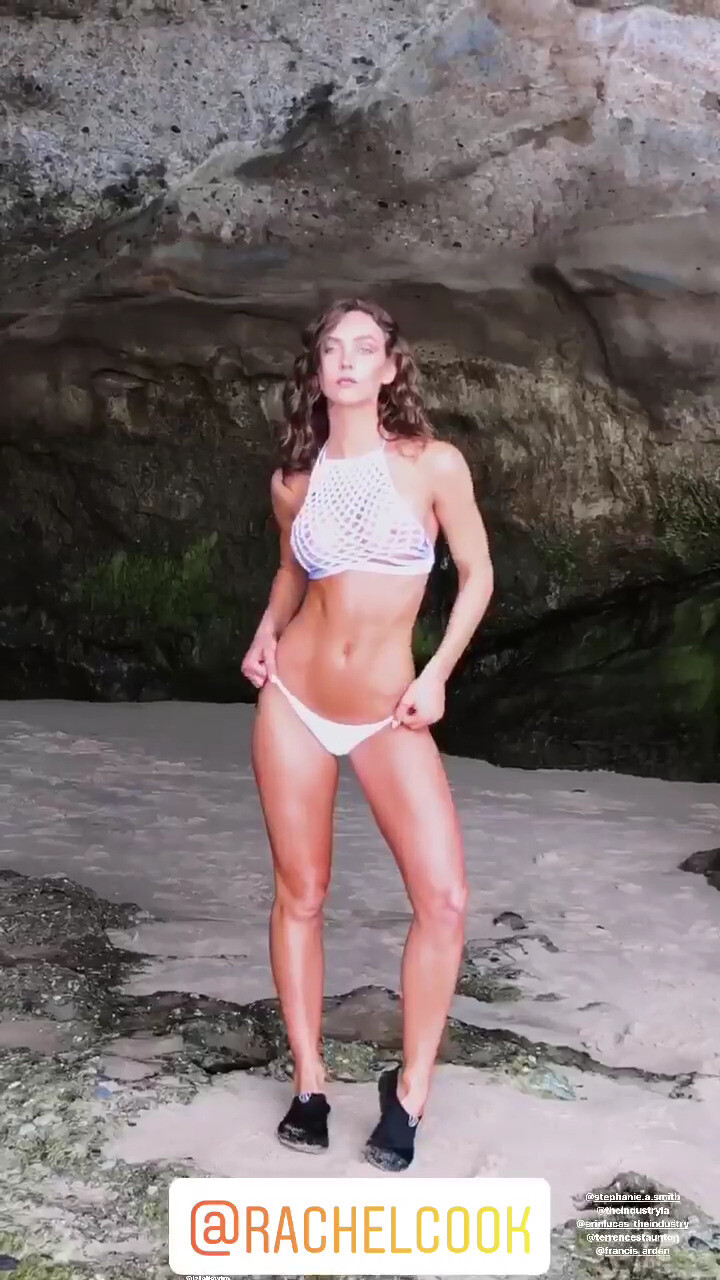
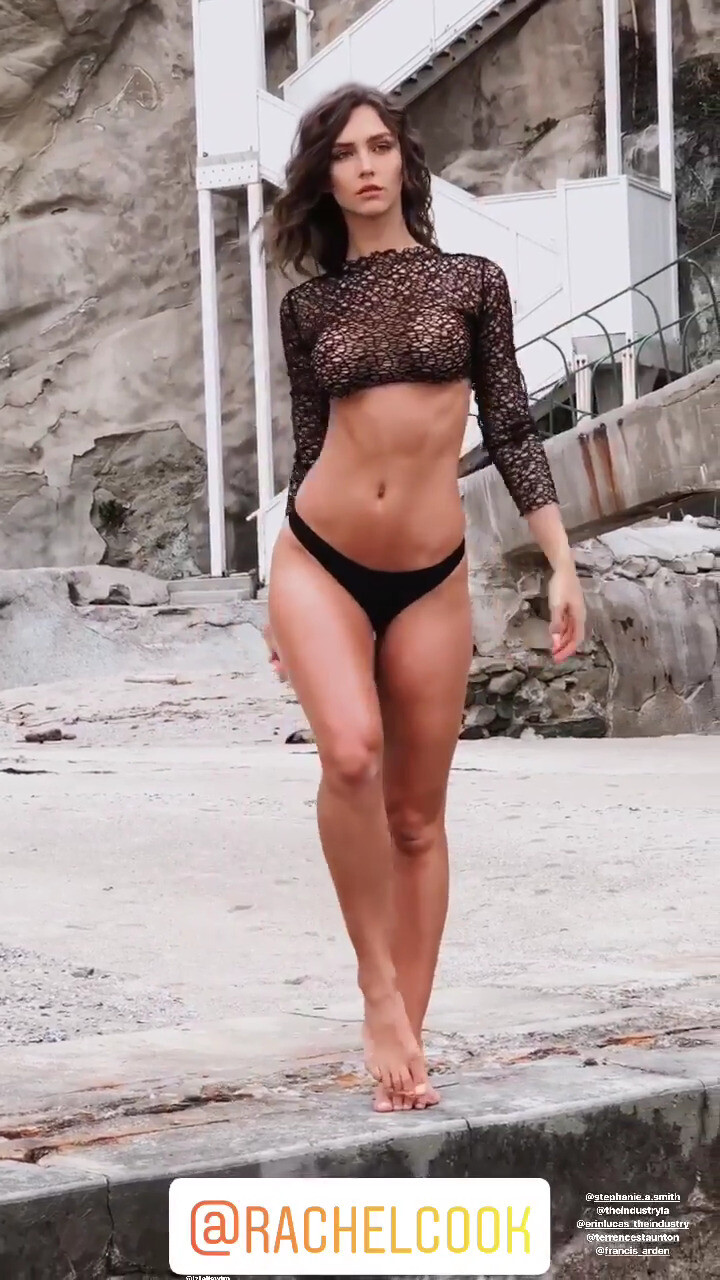
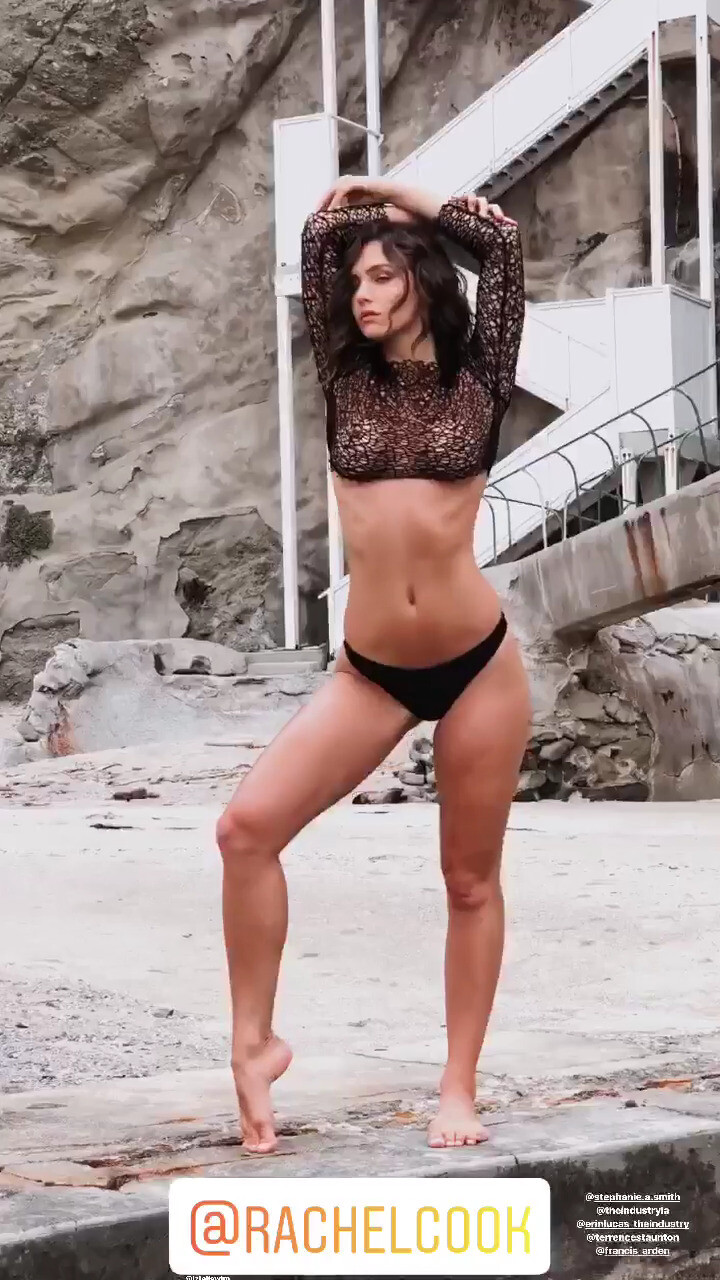
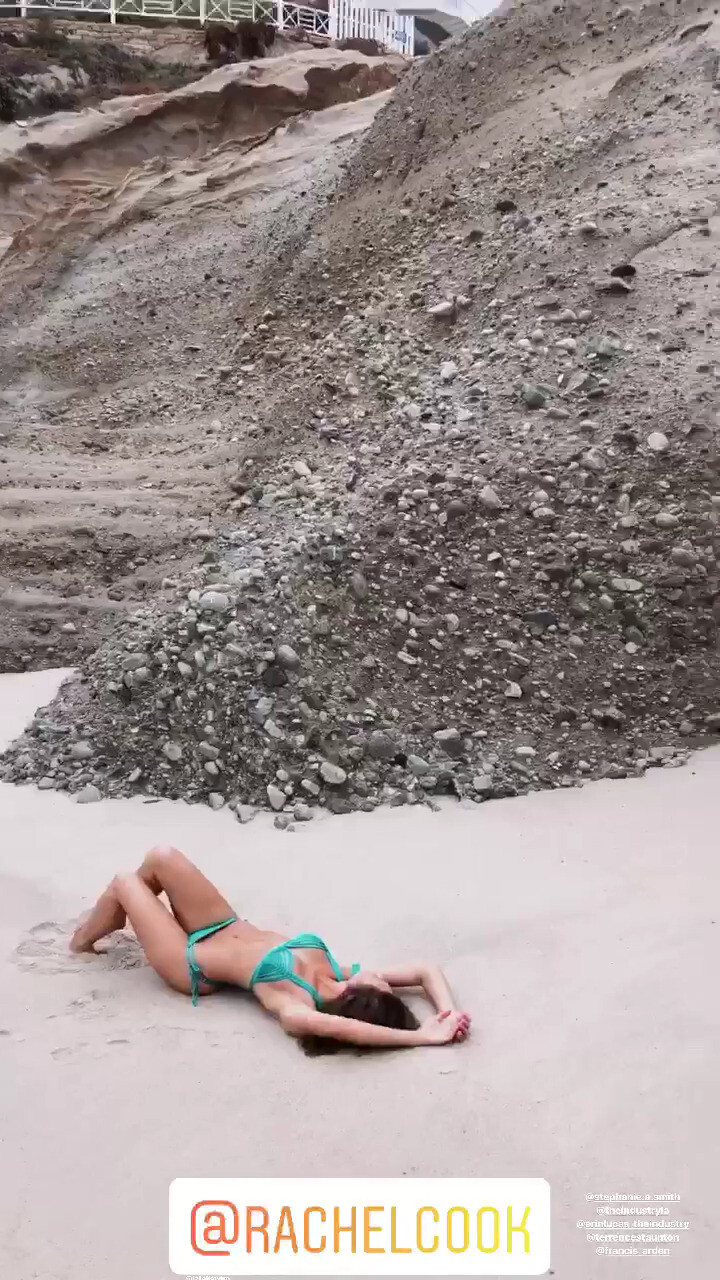
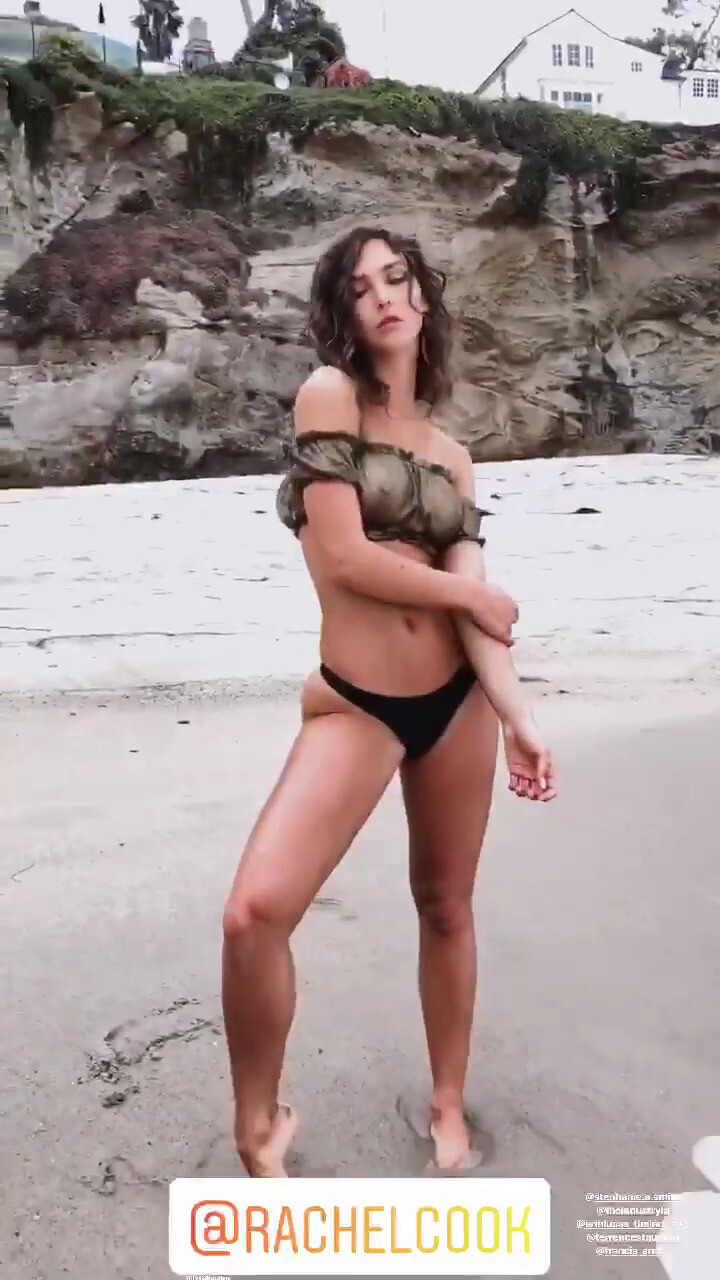
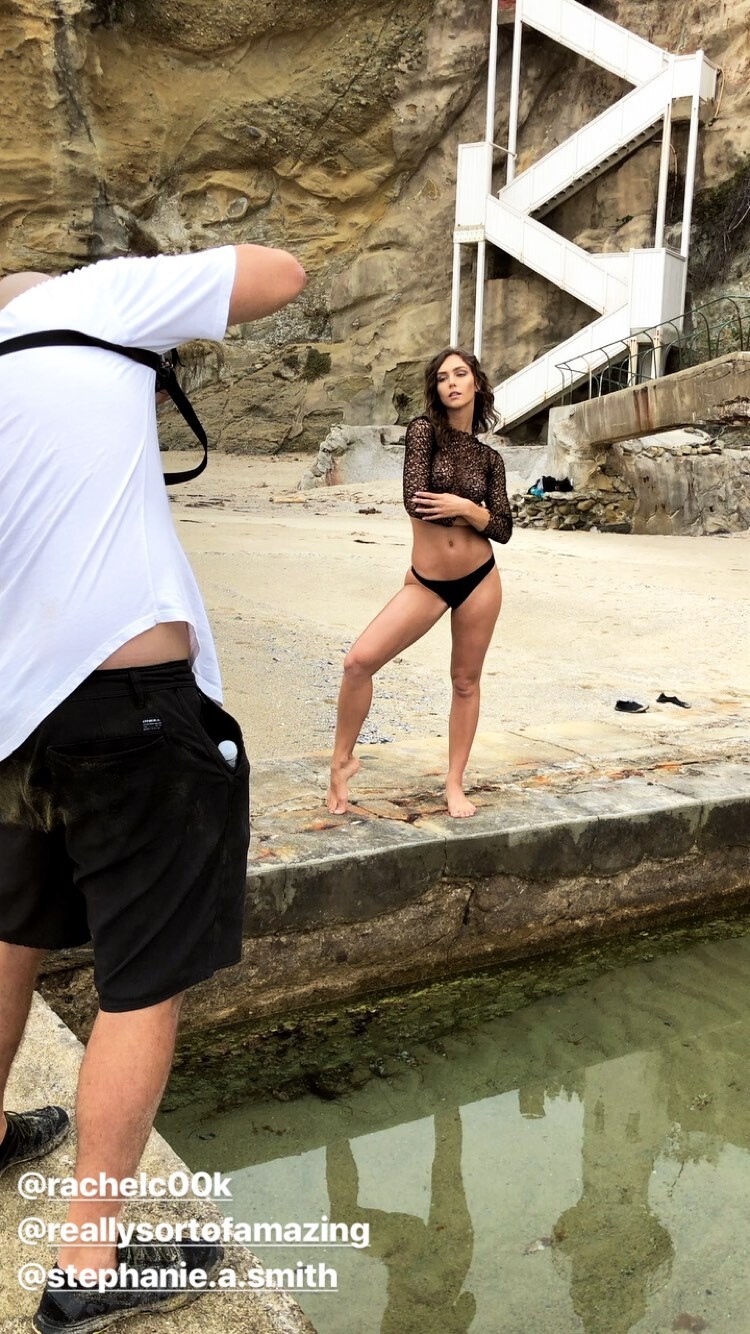
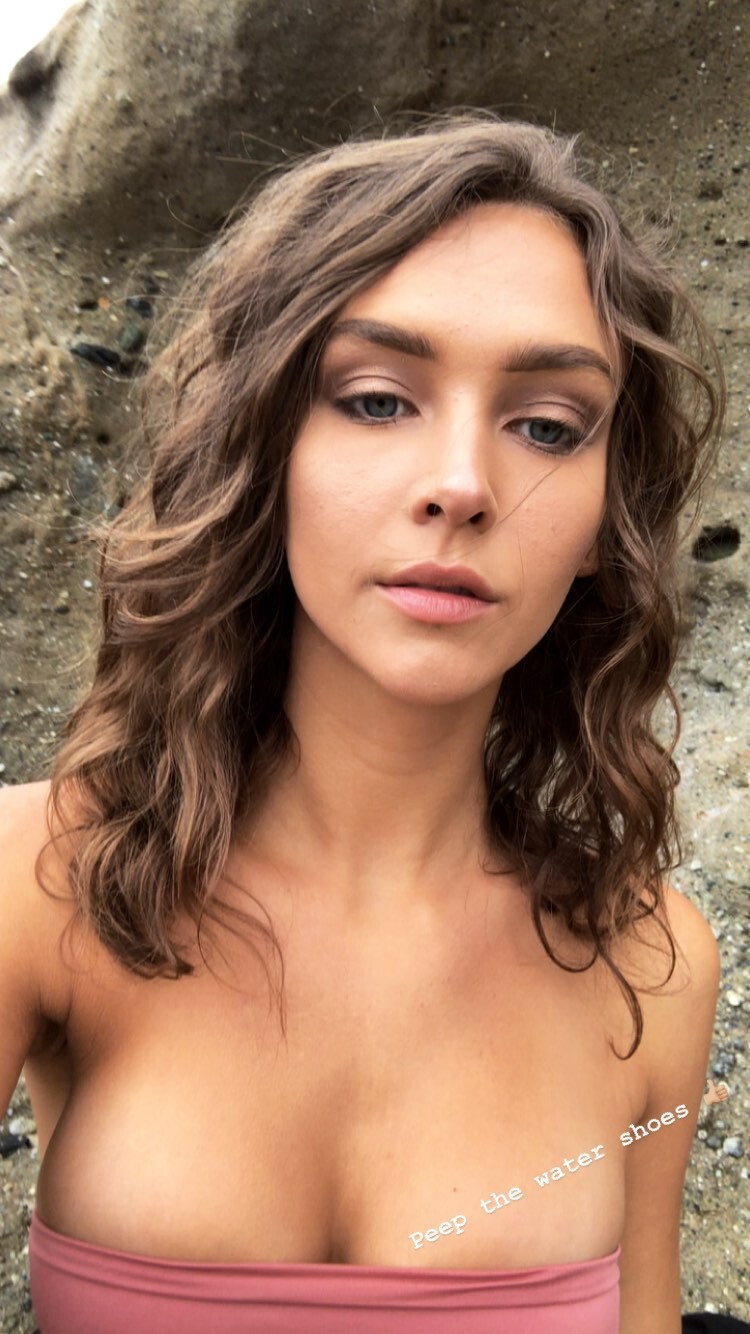
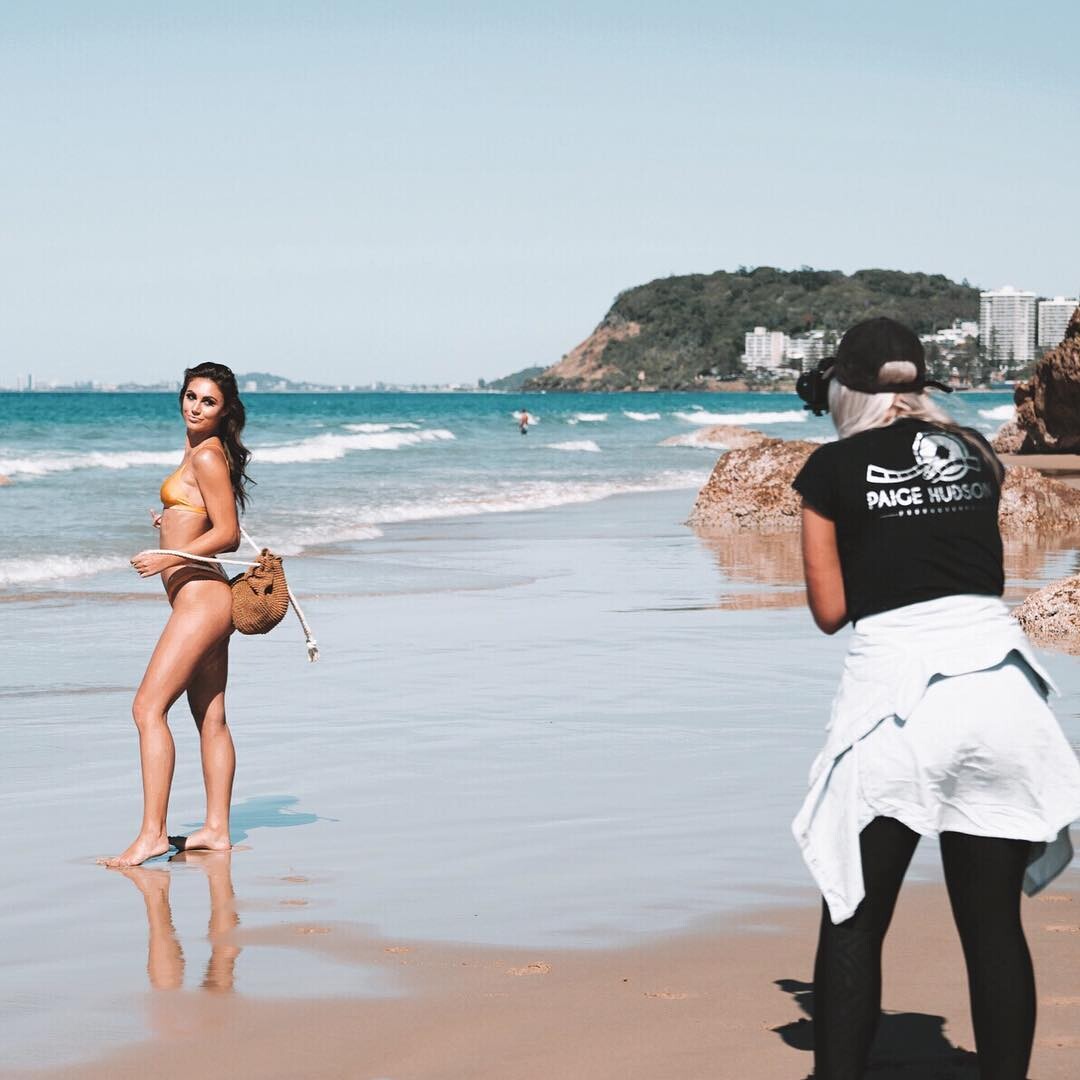
  10. BTS Photoshooting with Jessee Bojorquez Mua: Stephanie A. Smith Nudity (see through) Version IG story (short) better resolutionVer Nudity (see through) Version IG (large video) Low resolution Nudity (see through)
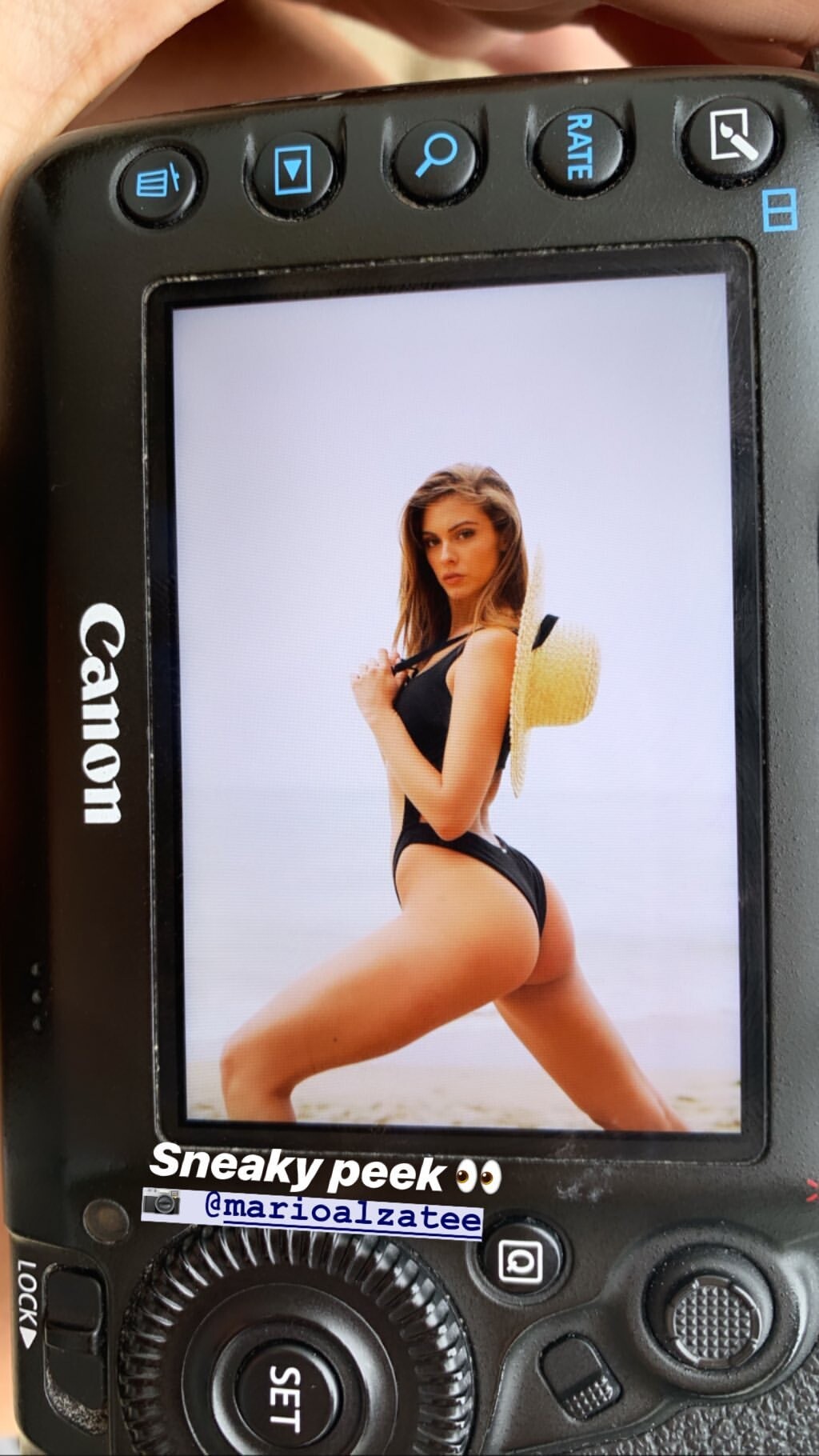
  11. IG Story (06.26.19) @luke.raymond
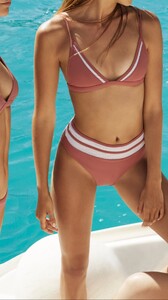
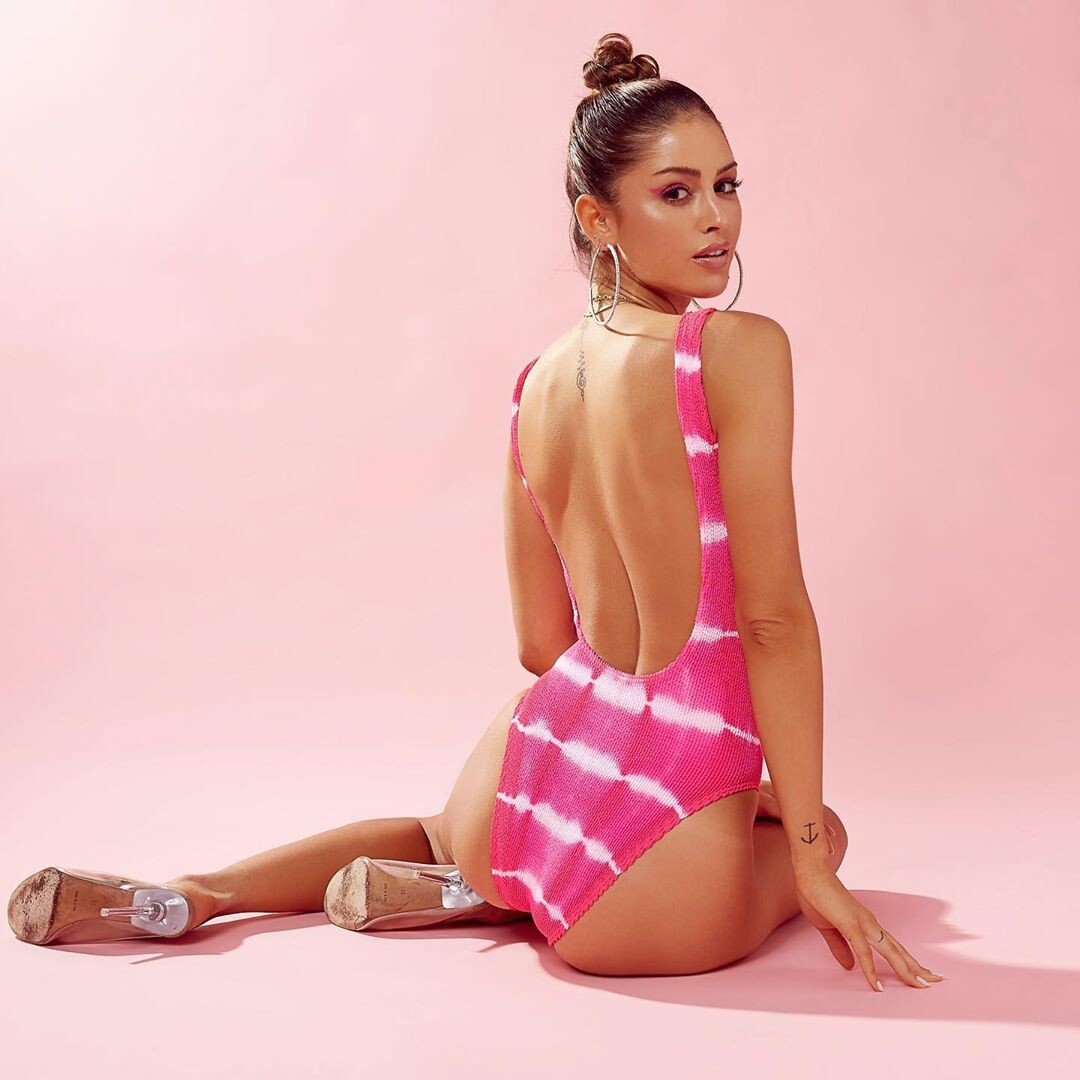
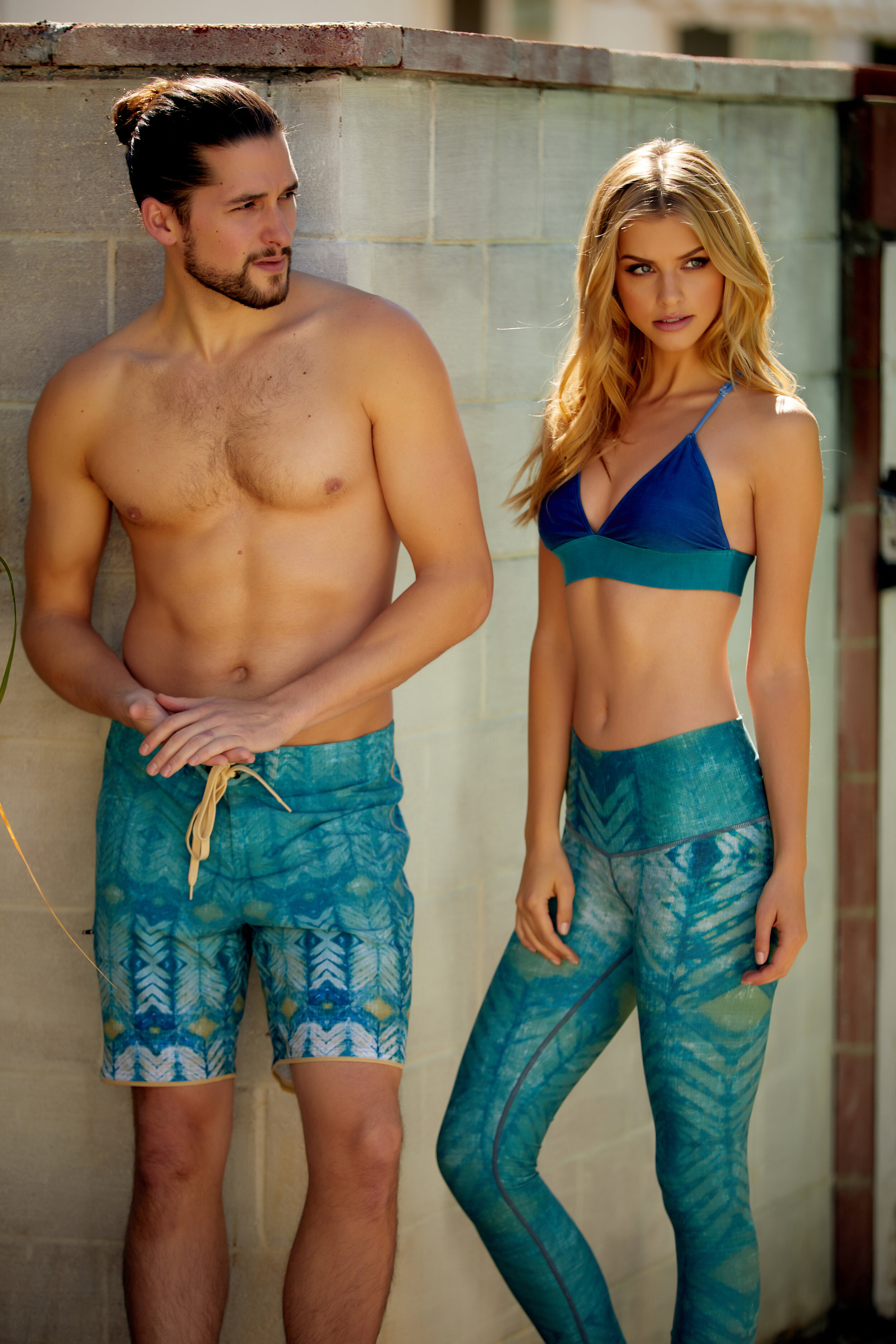
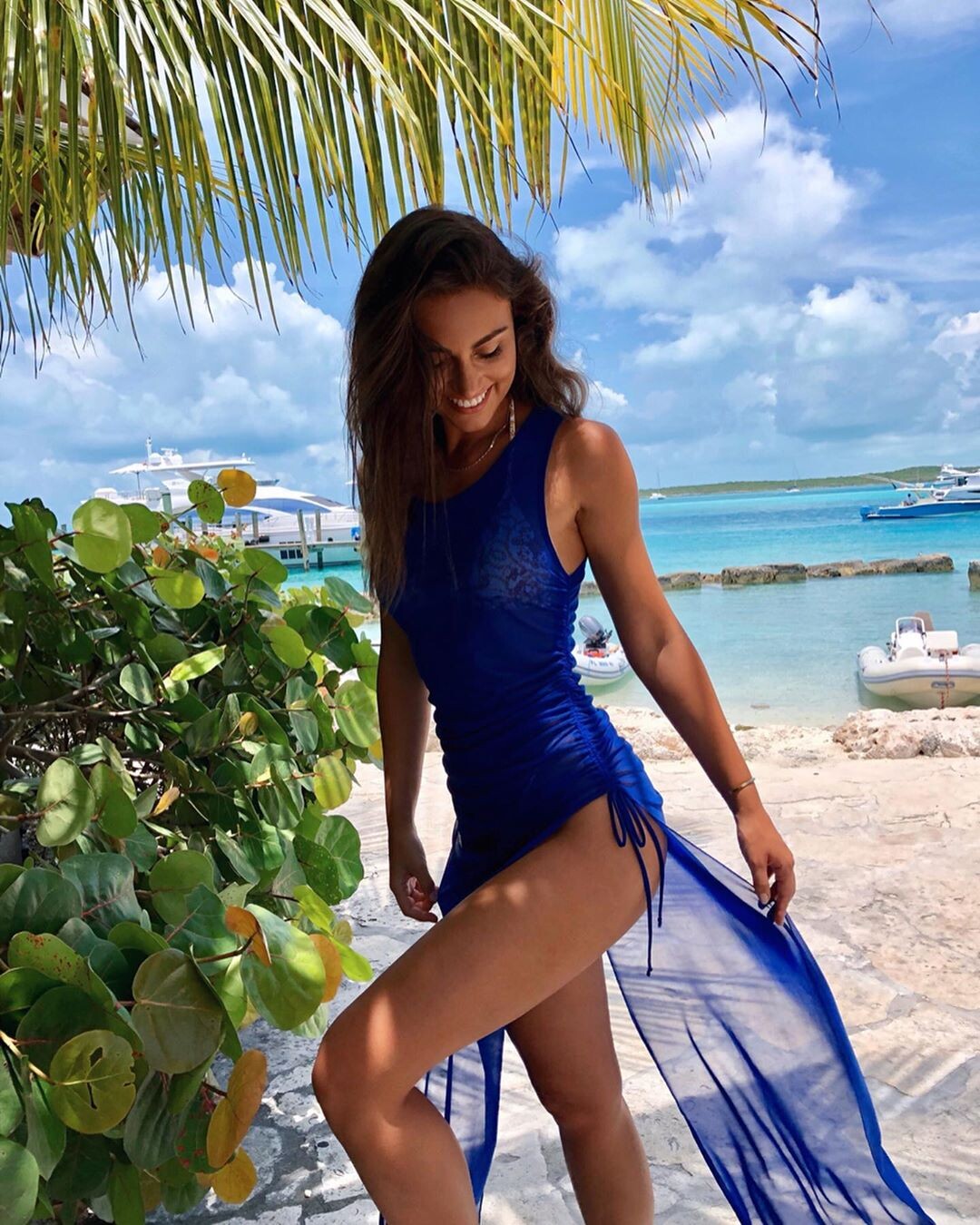
  12. her IG for @rhythmswimwear
  13. Derek Kettela HQ
  14. Lindsay Adler LQ (IG)
  15. Gabriel Fraser IG HQ UHQ
  16. Robby Mueller
  17. IG Story (06.22.19) @laurennlayne

  18. IG Story (06.24-25.19) Photoshooting with Devin Del Santo Preview Videos
  19. IG Story (06.26.19) Photoshooting with Jessee Bojorquez Mua: Stephanie A. Smith Videos & Pics
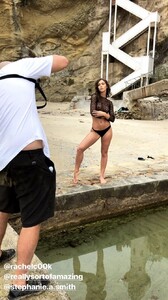
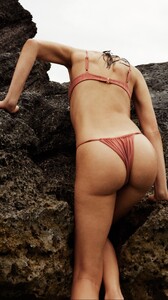
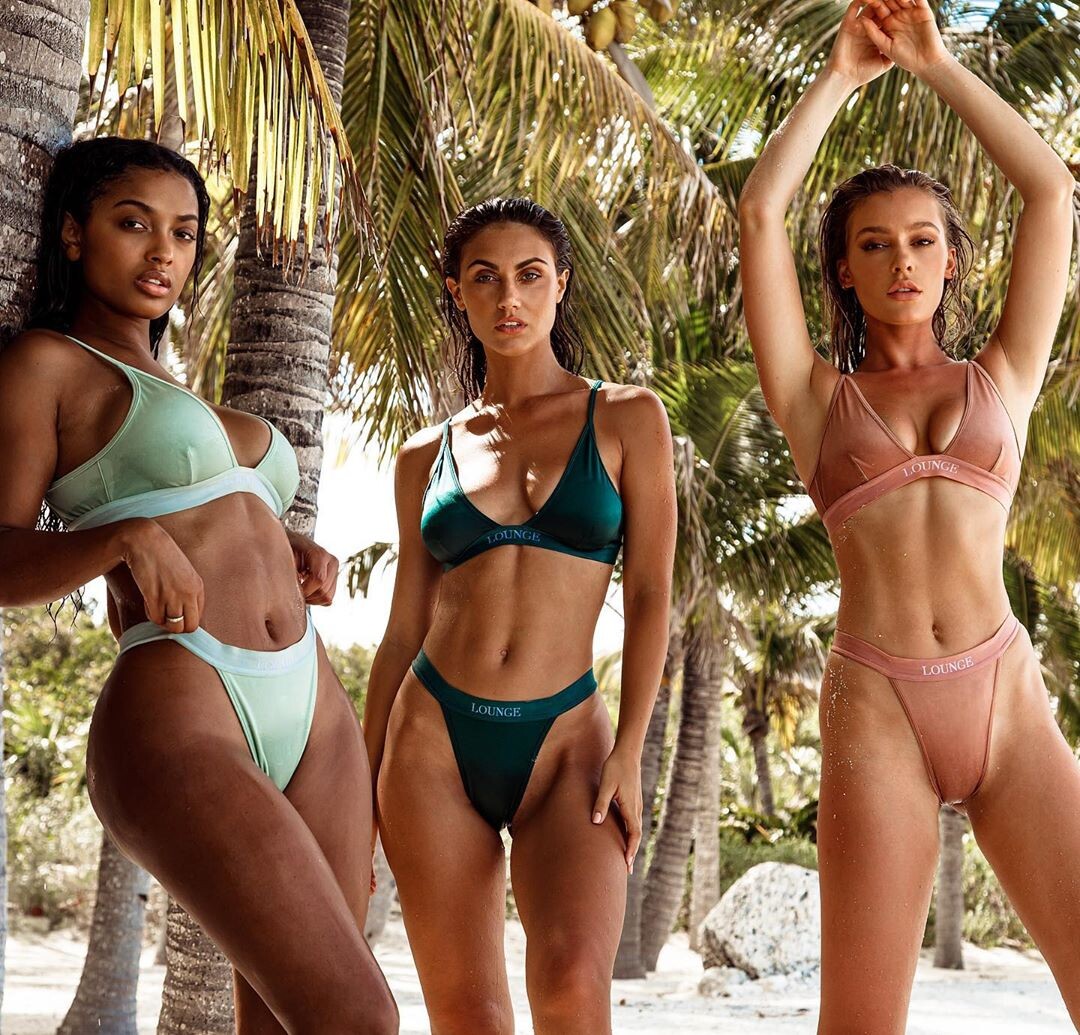
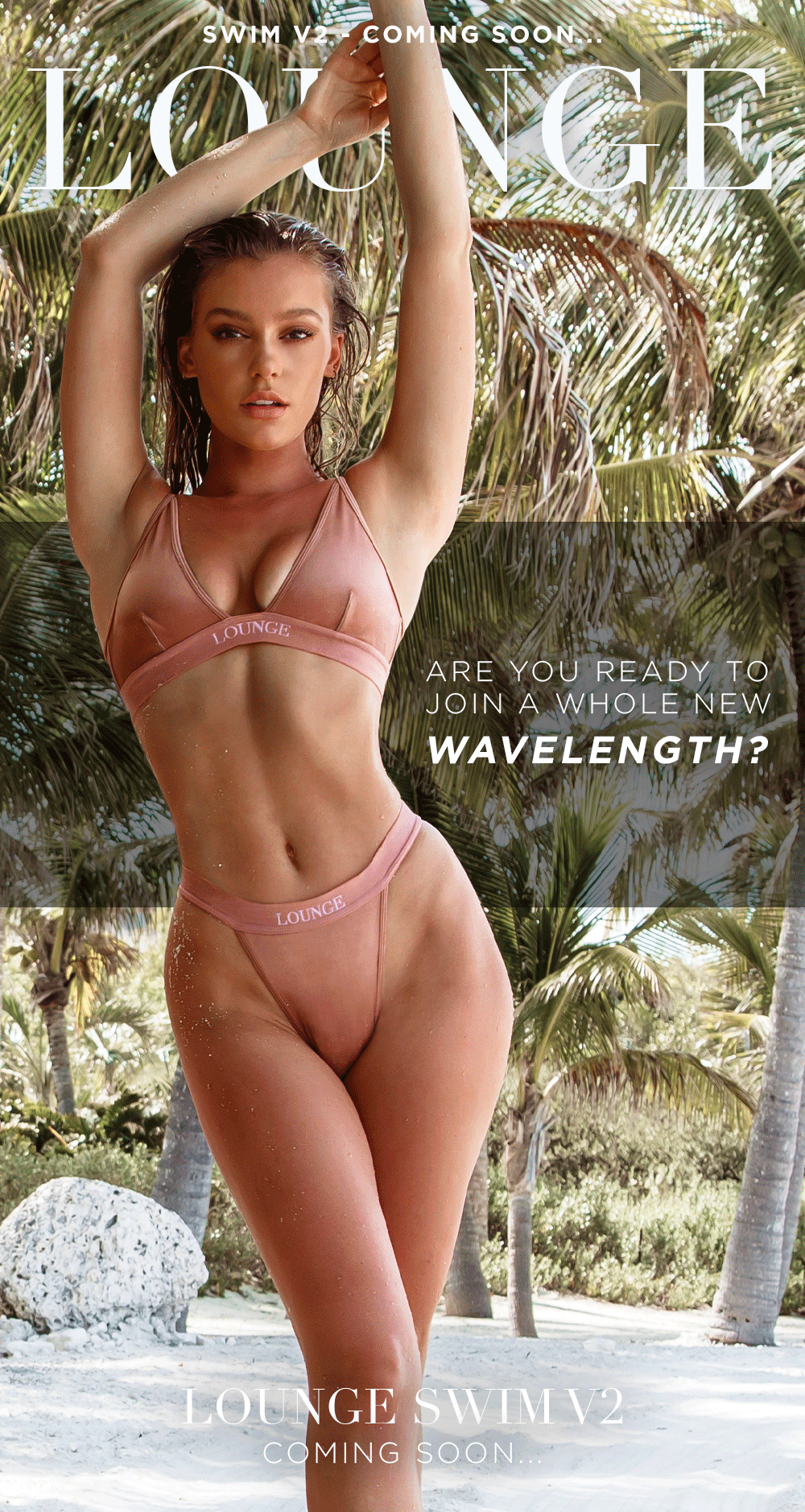
  20. @loungeswim

Configure browser push notifications

Chrome (Android)
  1. Tap the lock icon next to the address bar.
  2. Tap Permissions → Notifications.
  3. Adjust your preference.
Chrome (Desktop)
  1. Click the padlock icon in the address bar.
  2. Select Site settings.
  3. Find Notifications and adjust your preference.