Jump to content
View in the app

A better way to browse. Learn more.

Bellazon

A full-screen app on your home screen with push notifications, badges and more.

To install this app on iOS and iPadOS
  1. Tap the Share icon in Safari
  2. Scroll the menu and tap Add to Home Screen.
  3. Tap Add in the top-right corner.
To install this app on Android
  1. Tap the 3-dot menu (⋮) in the top-right corner of the browser.
  2. Tap Add to Home screen or Install app.
  3. Confirm by tapping Install.

Modelove

Members
  • Joined

Everything posted by Modelove

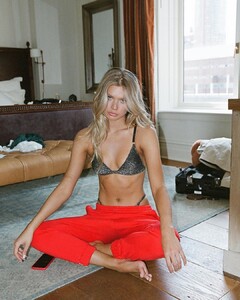
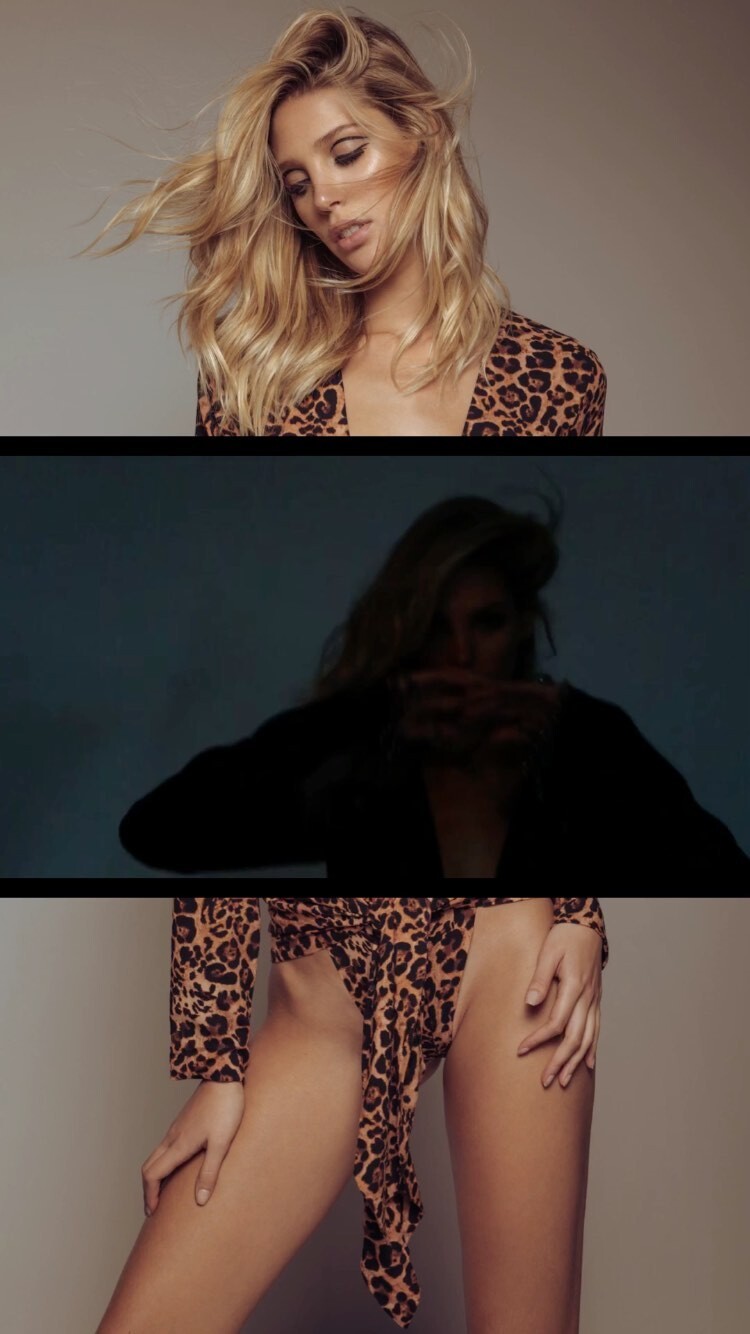
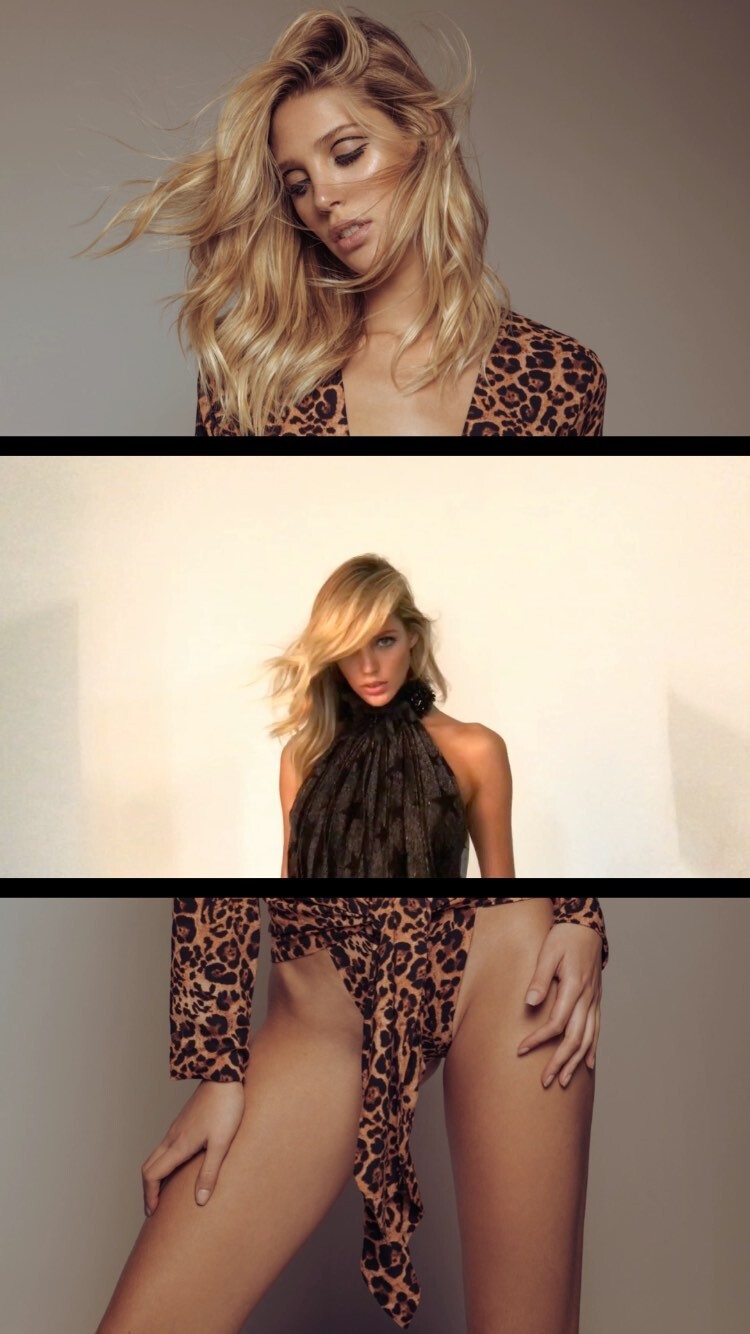
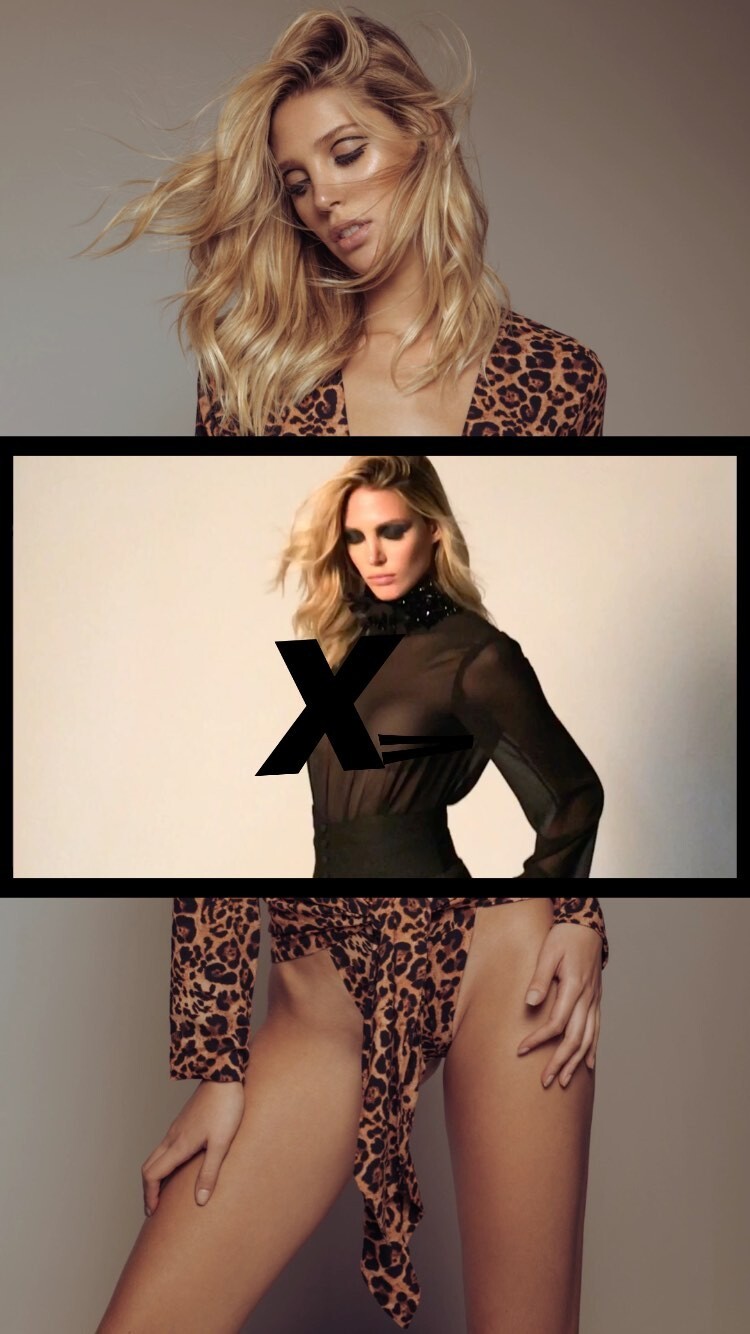
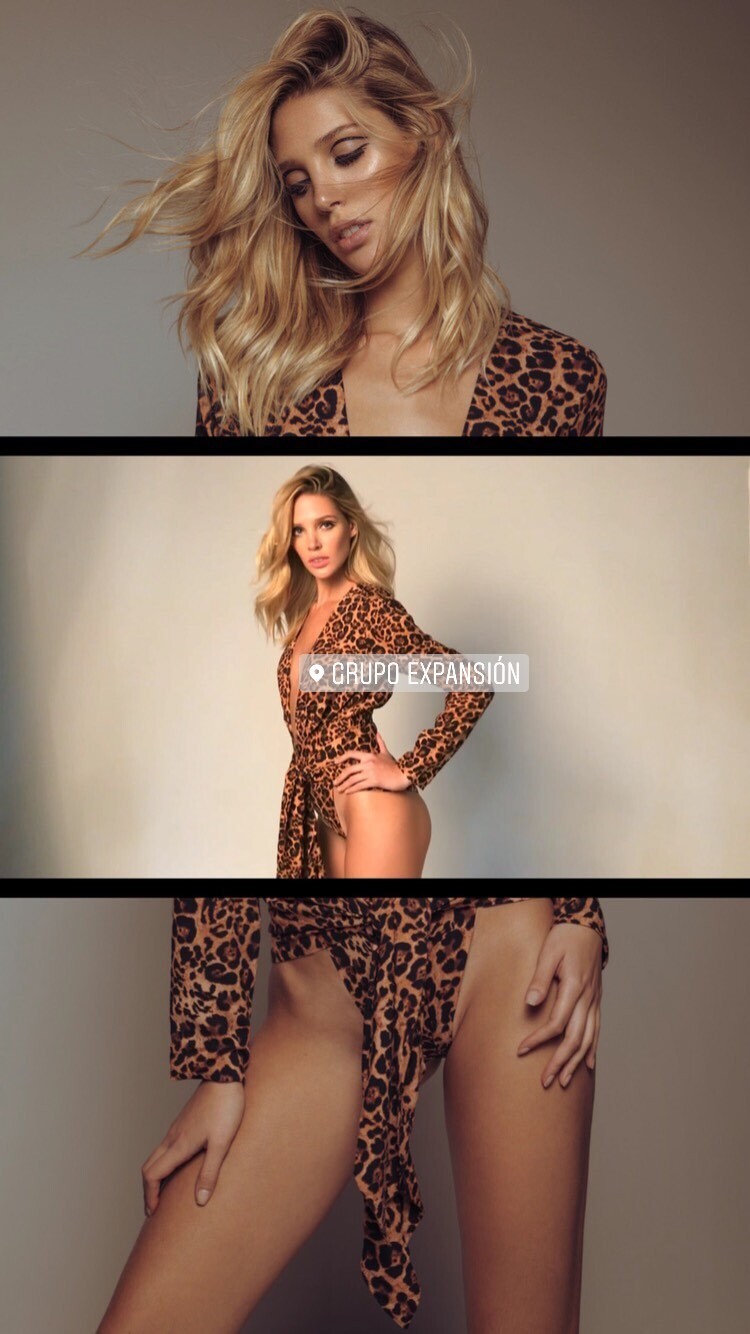
  1. IG Story (08.31.19)
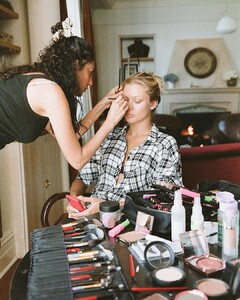
  2. Her IG BTS for Leonisa
  3. Kevin Roldan
  4. Wilhelmina Digitals [Updated August-19]
  5. Ocean Drive Magazine Sep '19 Ph. Camilo Rios
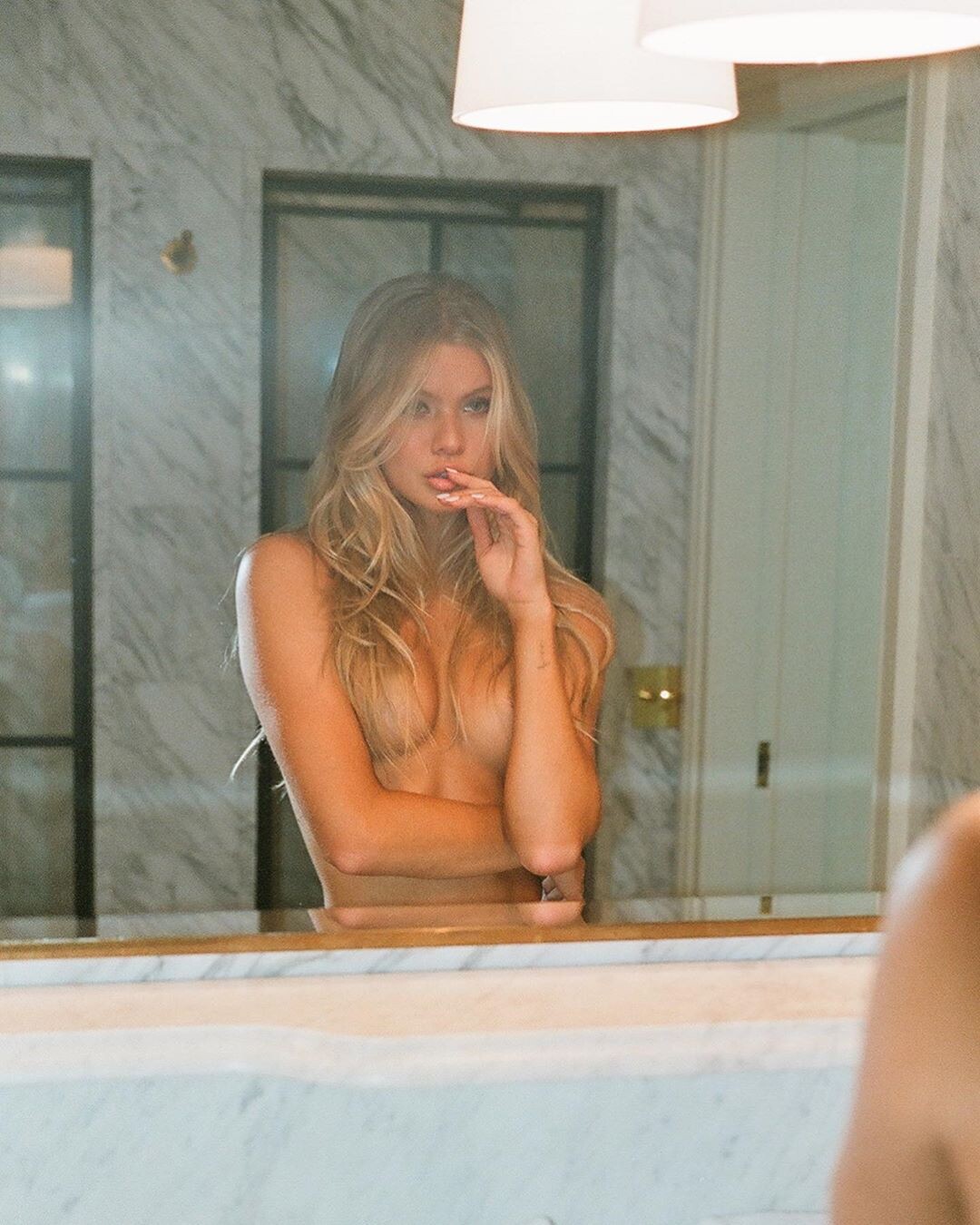
  6. Her IG Ph. Josie Clough
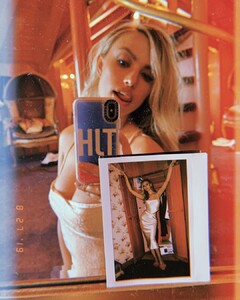
  7. Her IG IG Story (08.30.19)
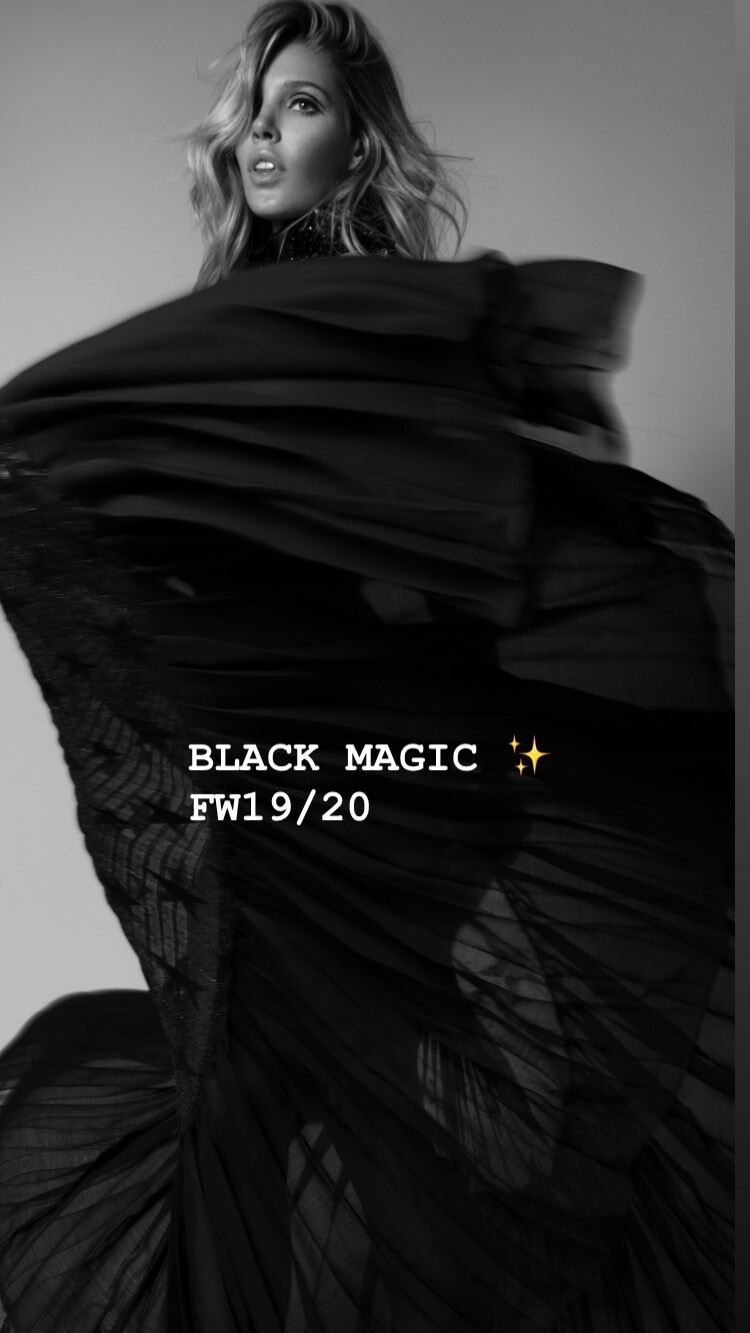
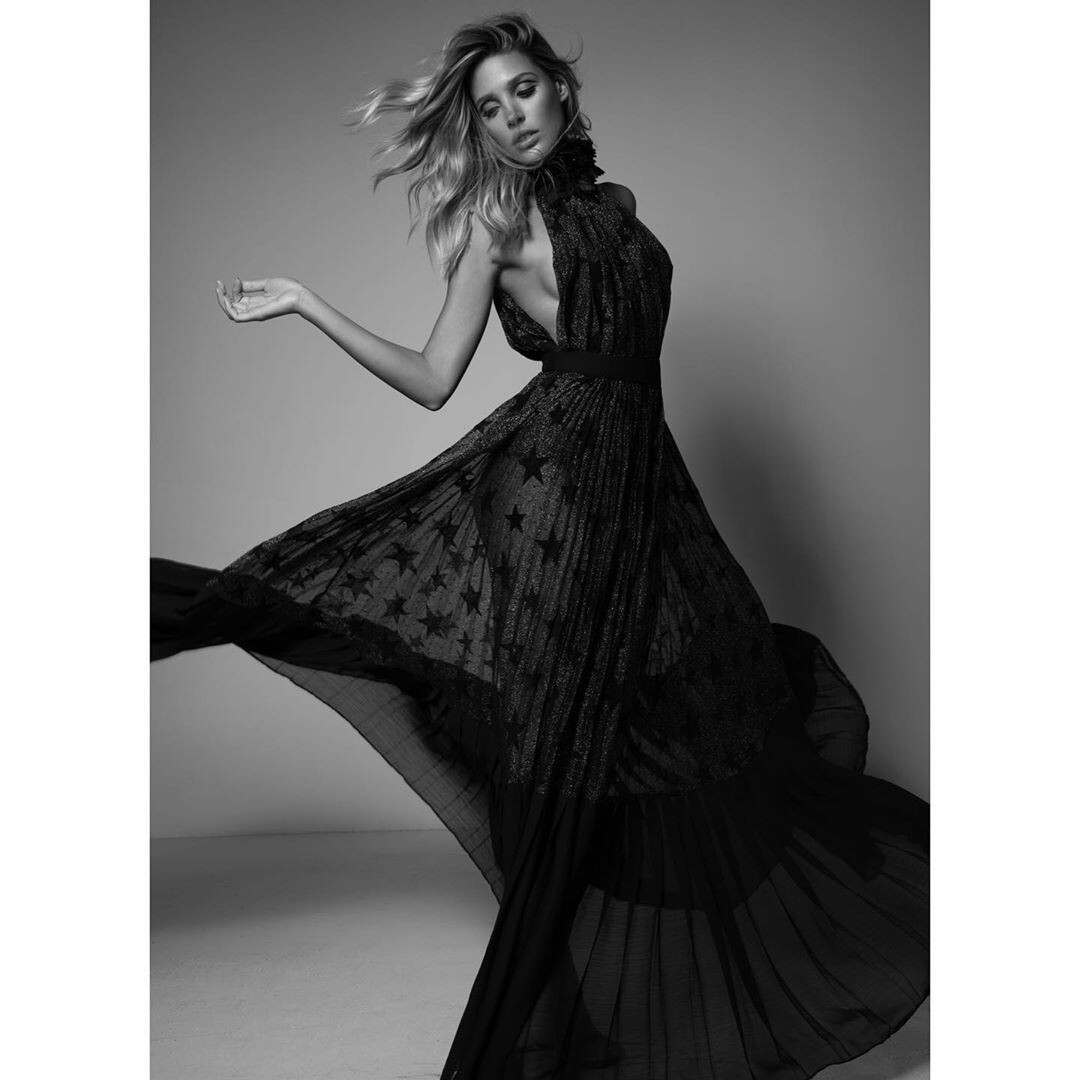
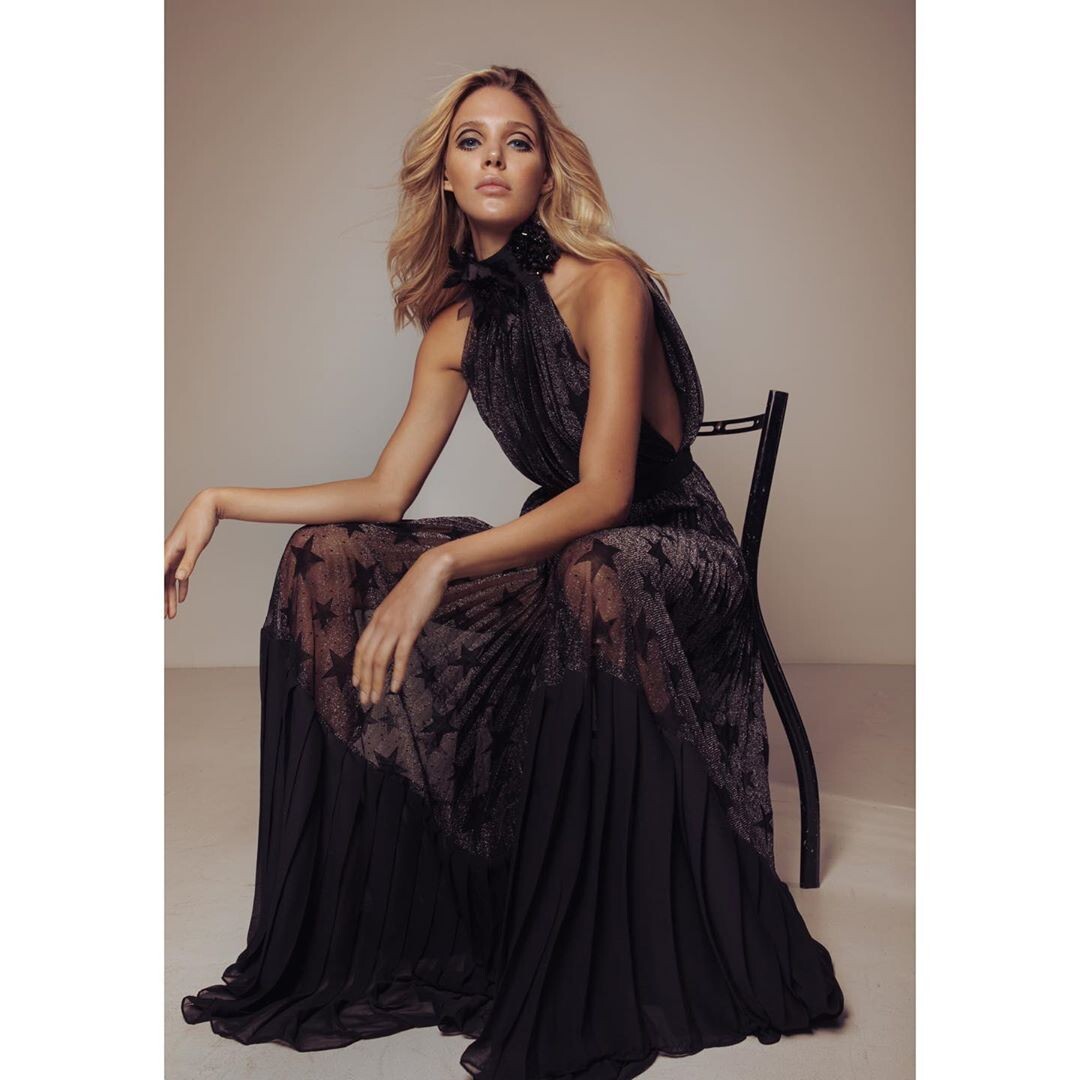
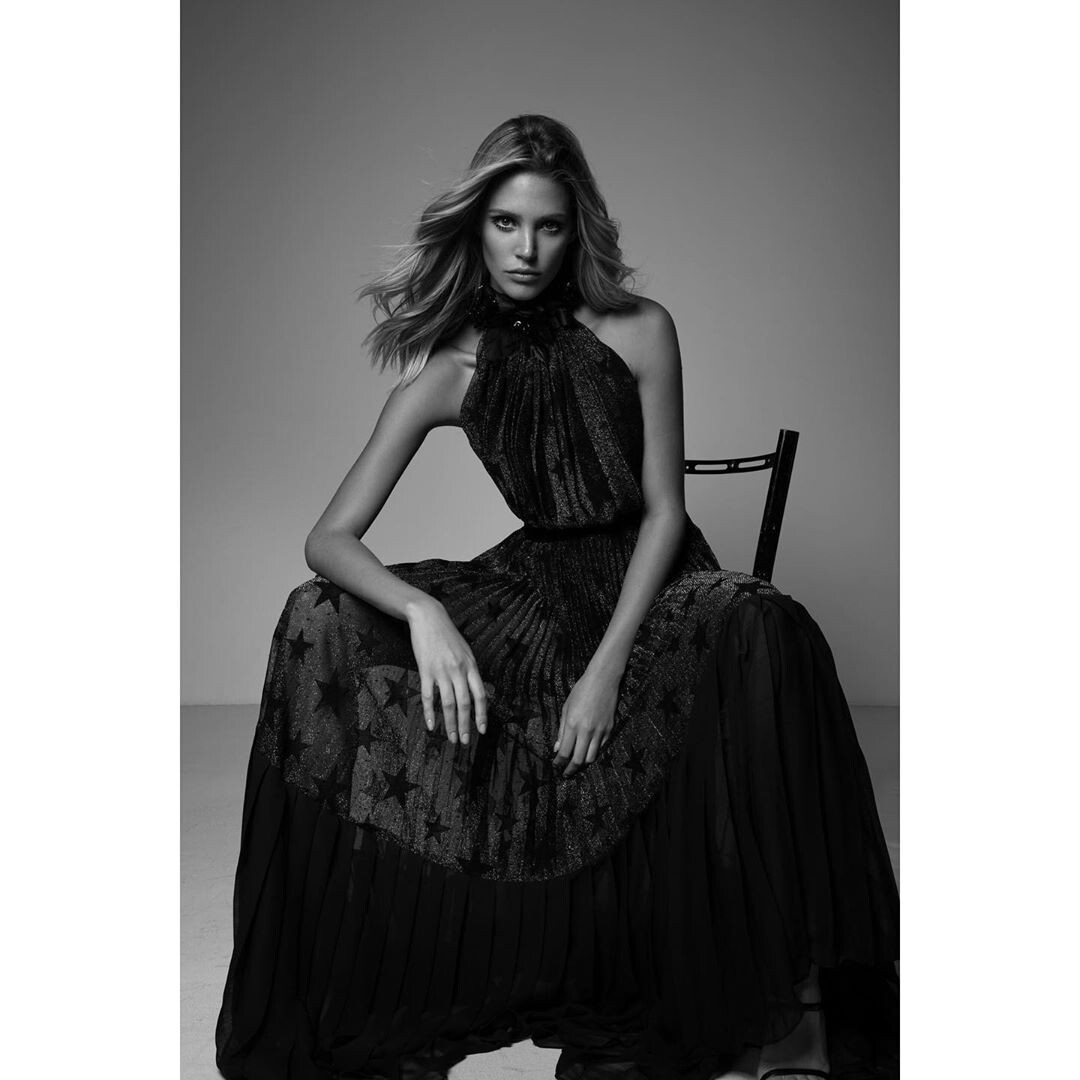
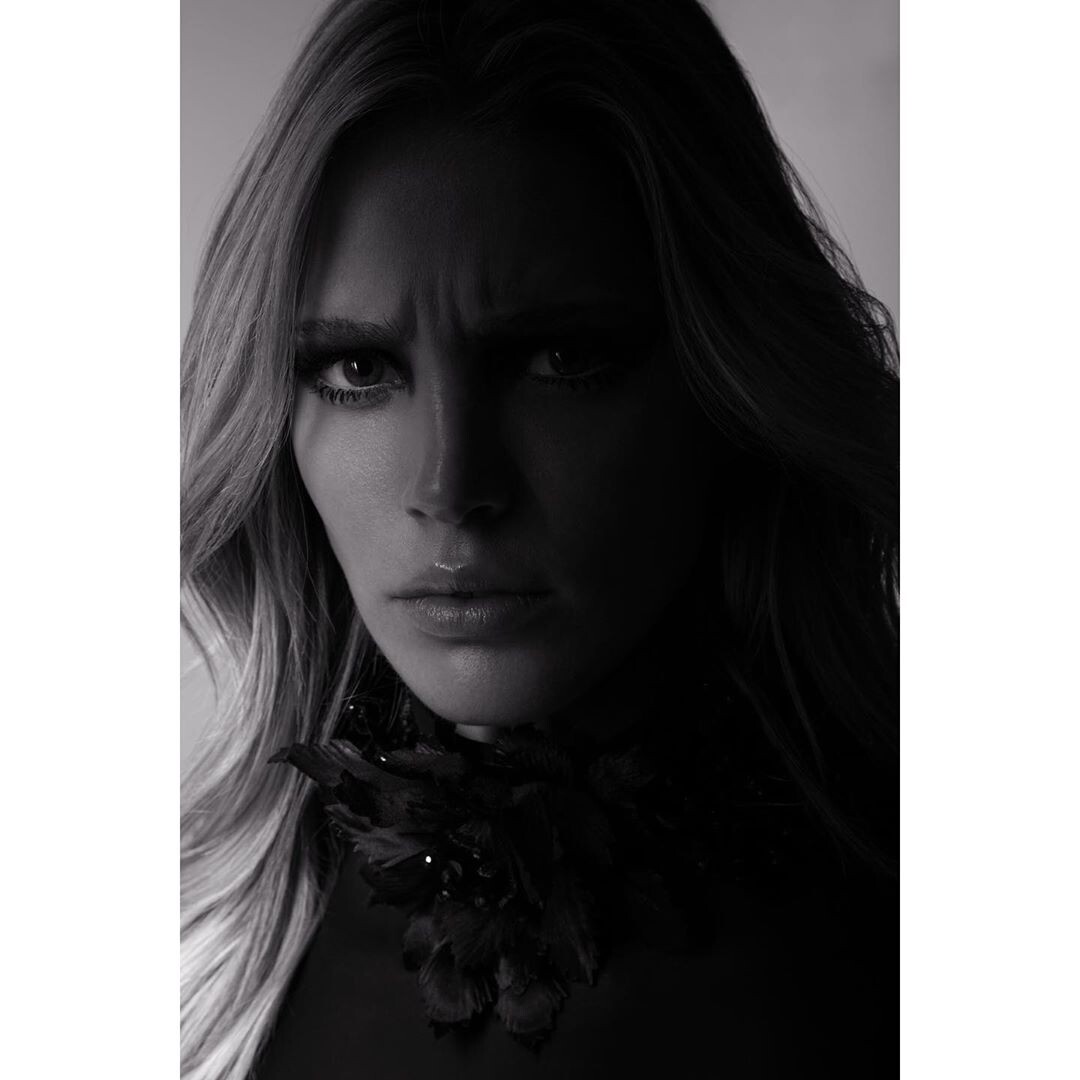
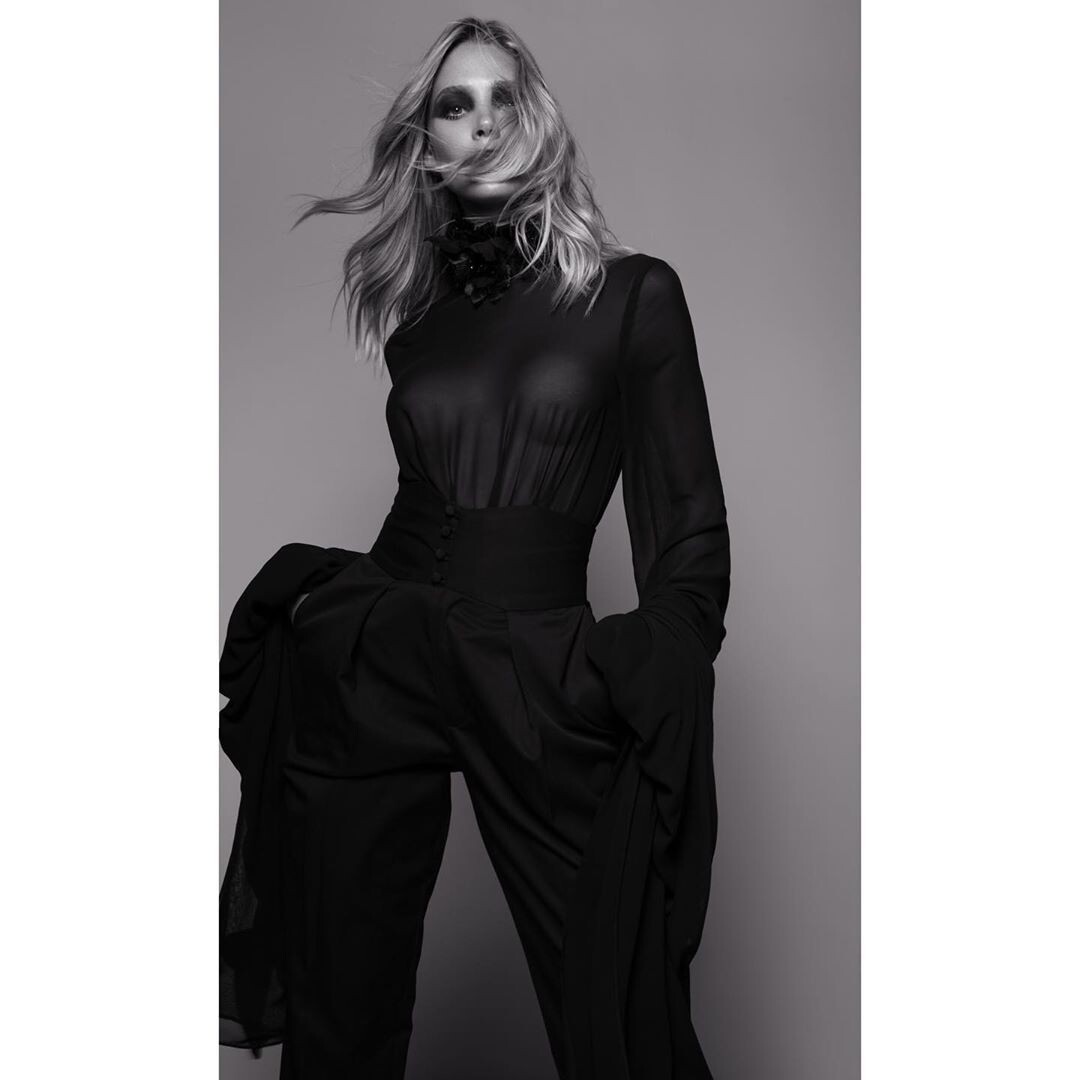
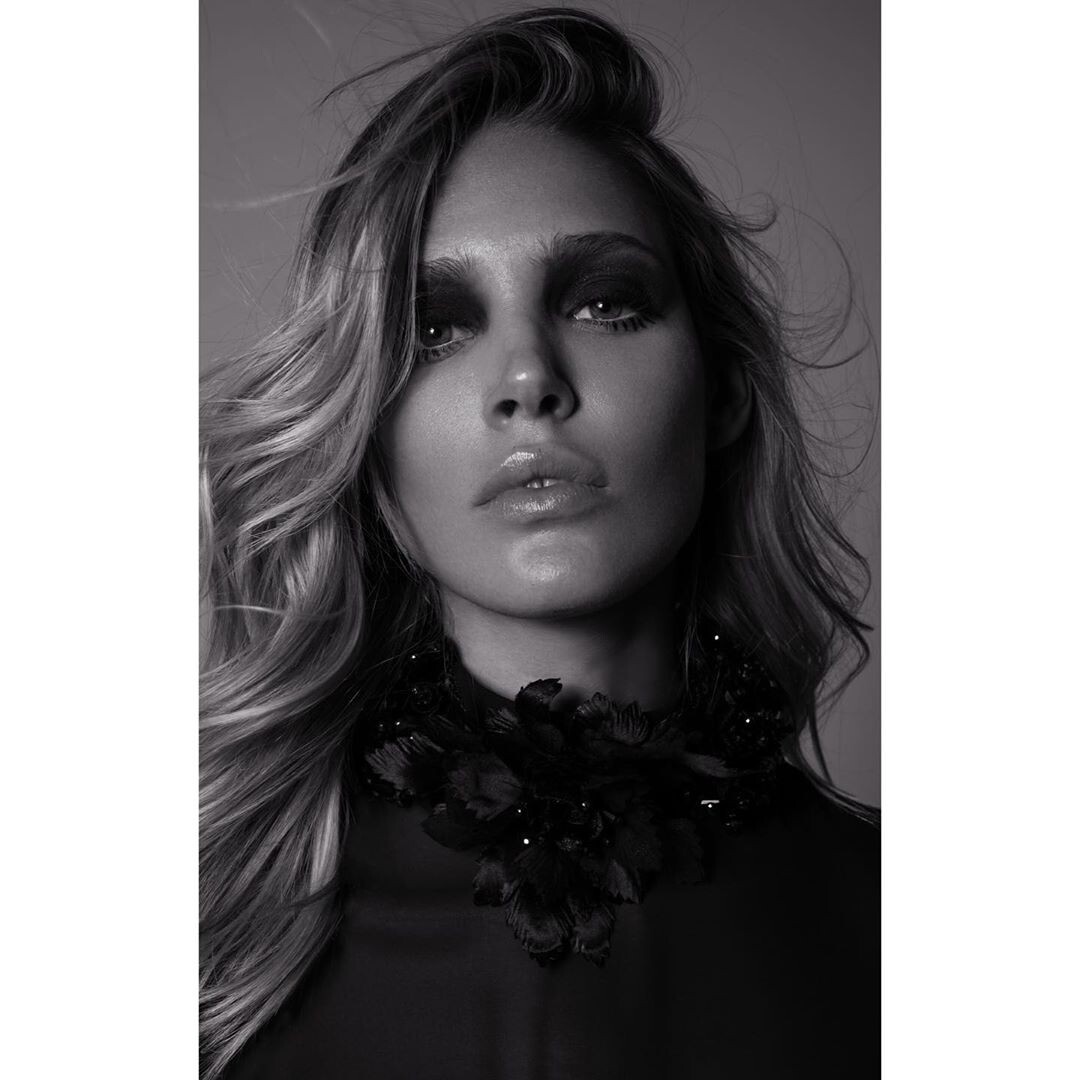
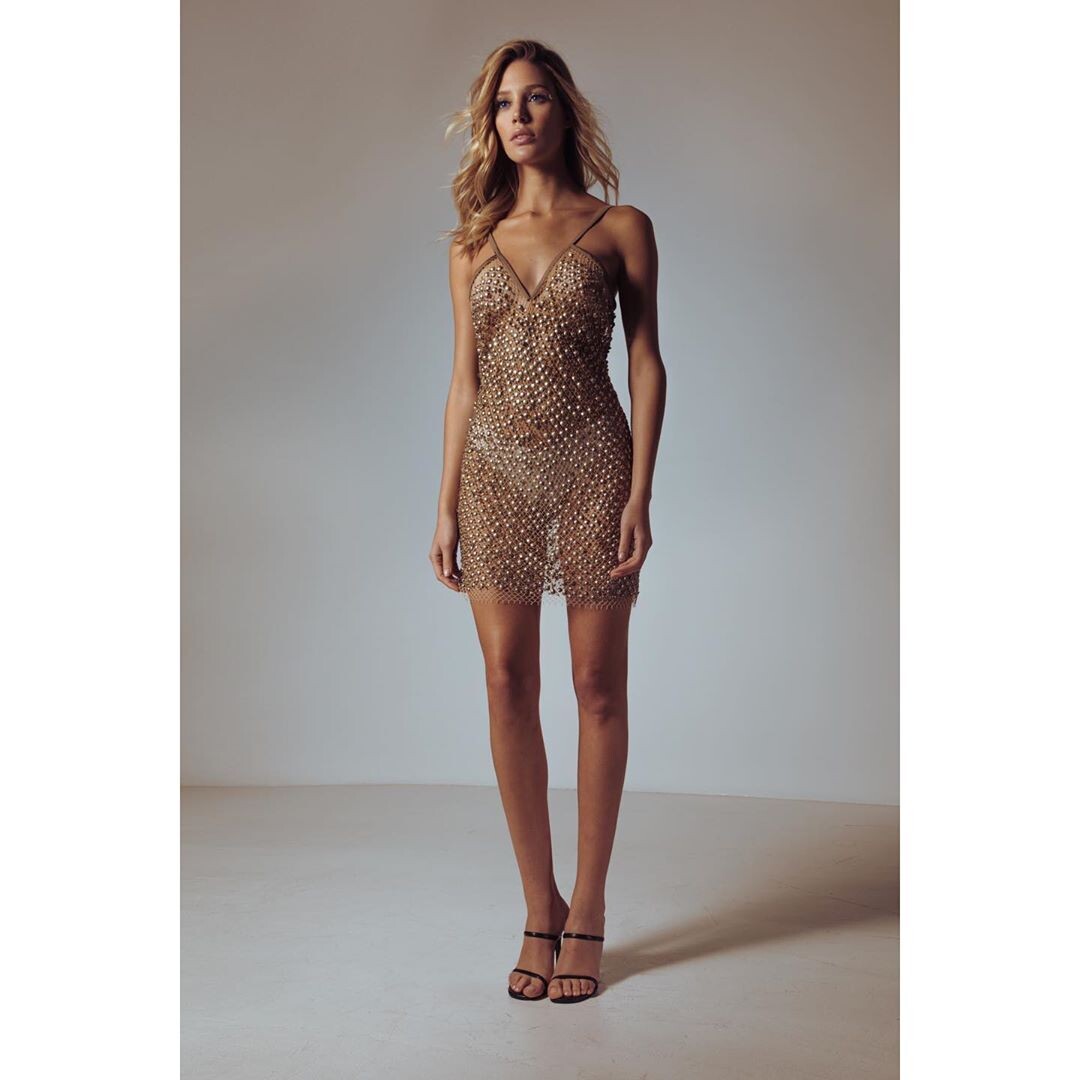
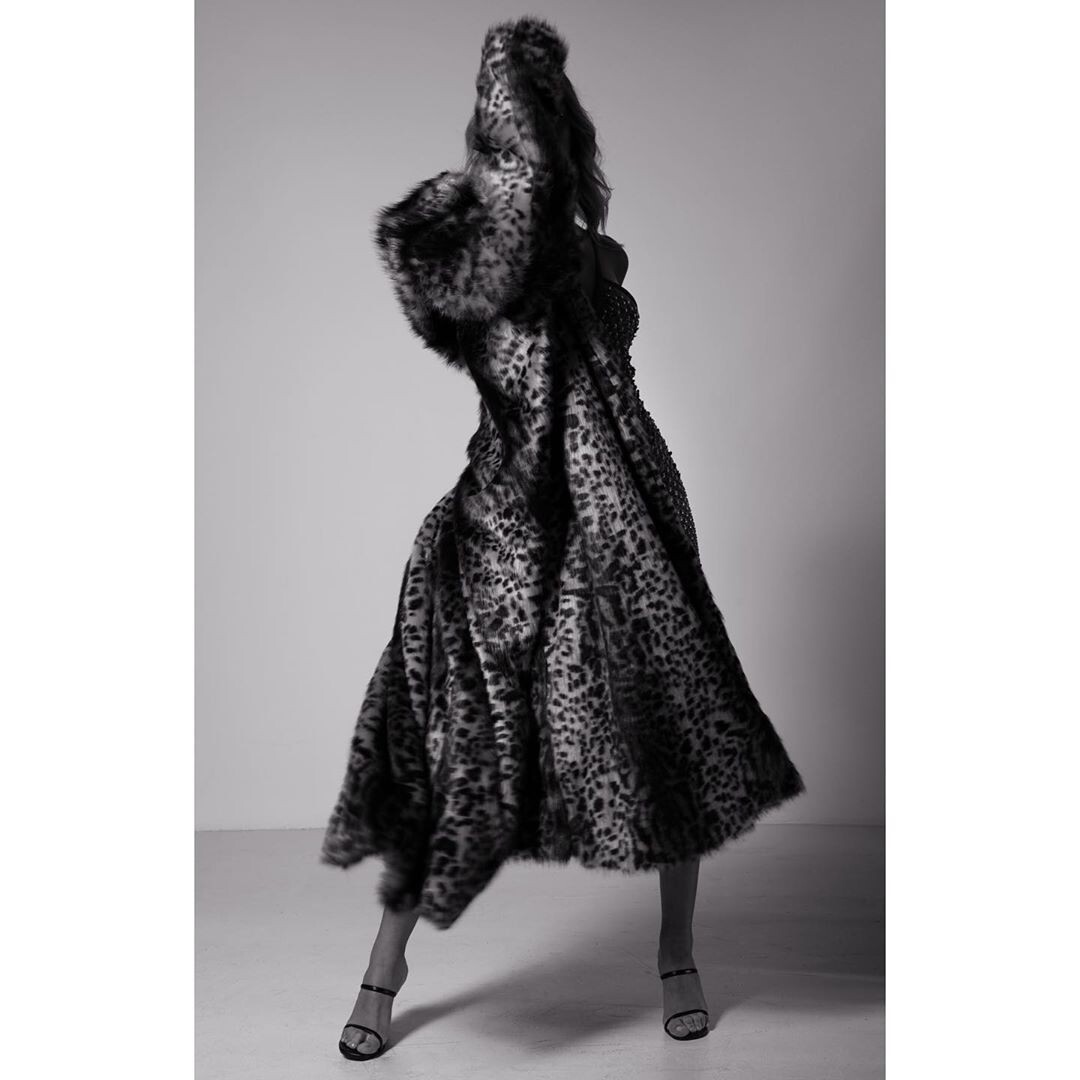
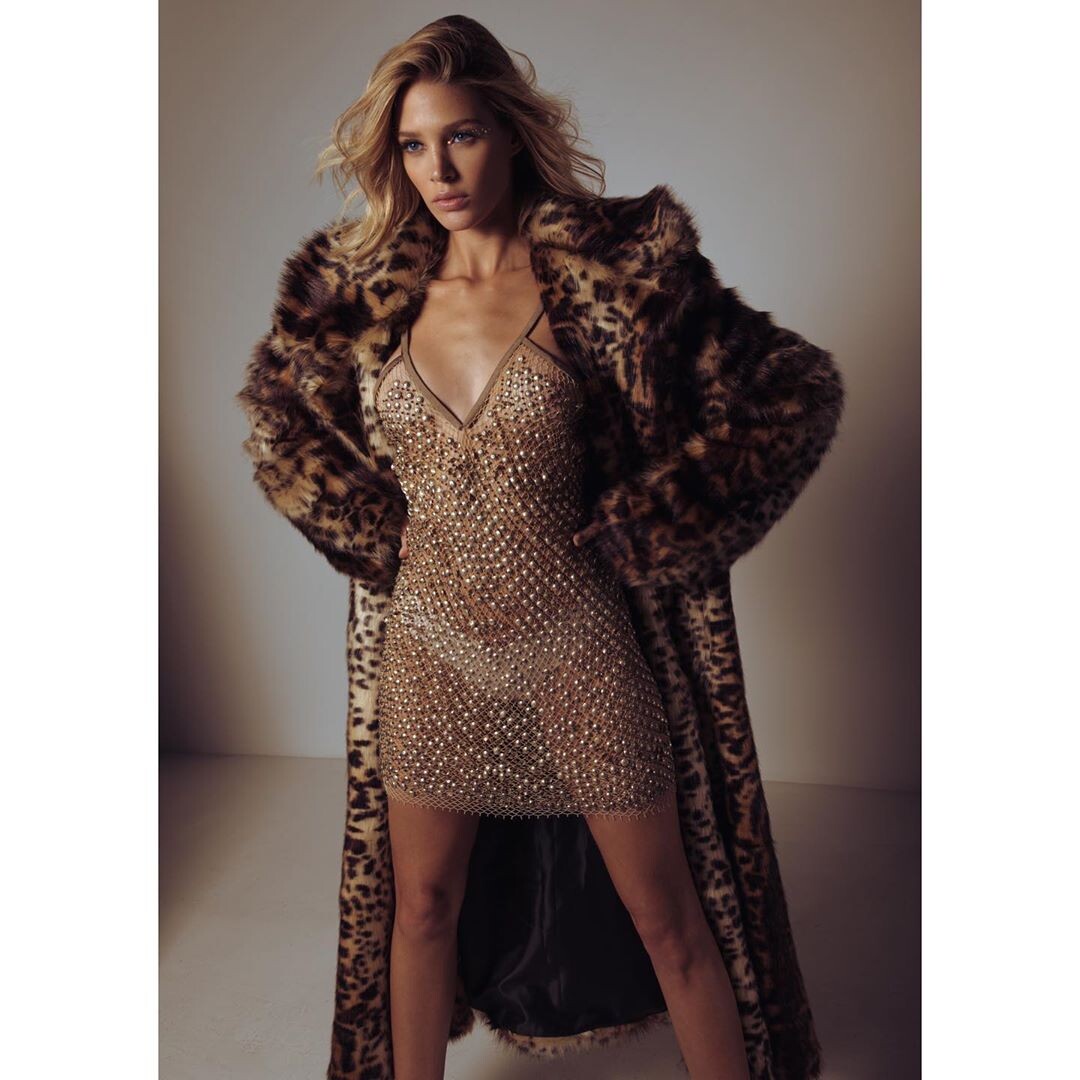
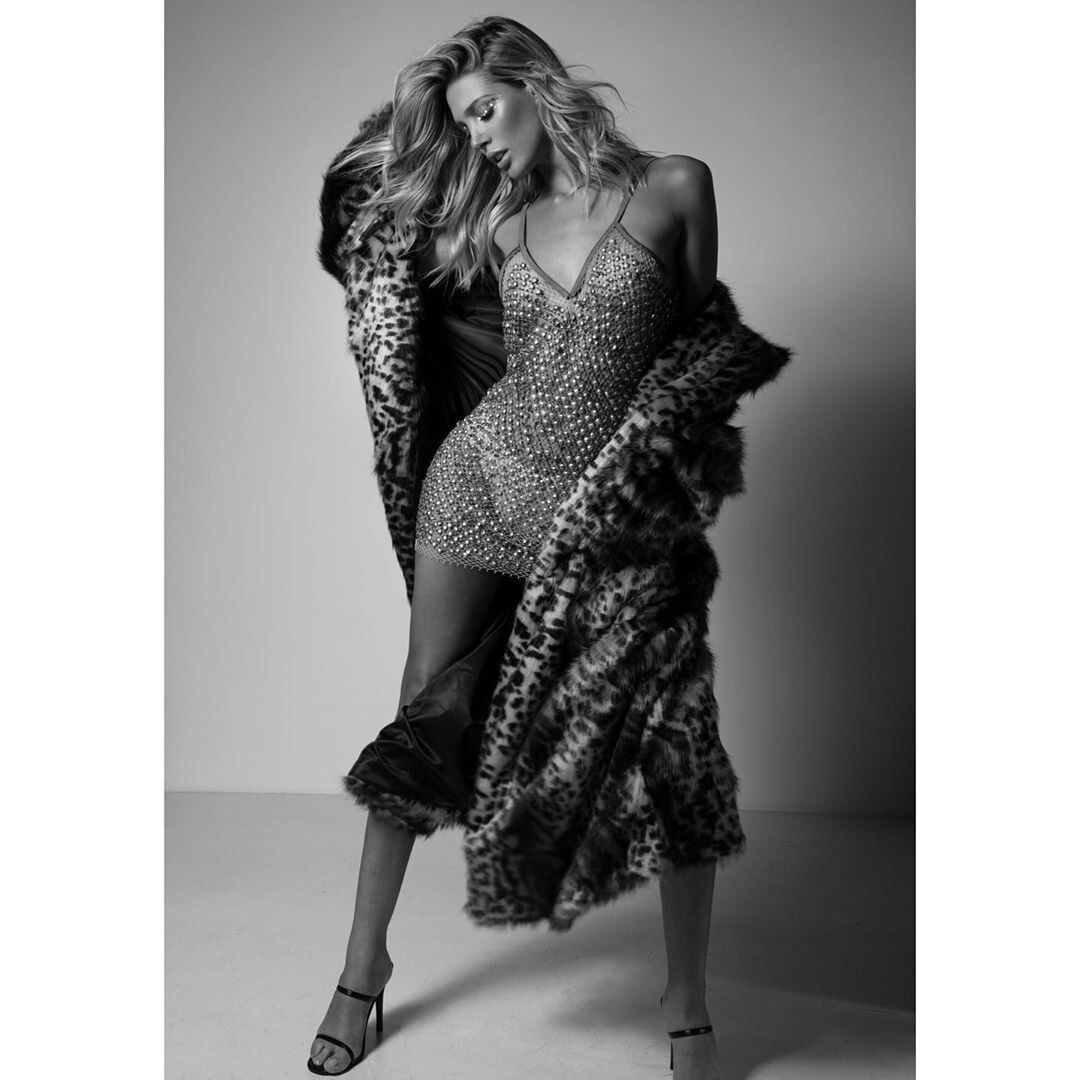
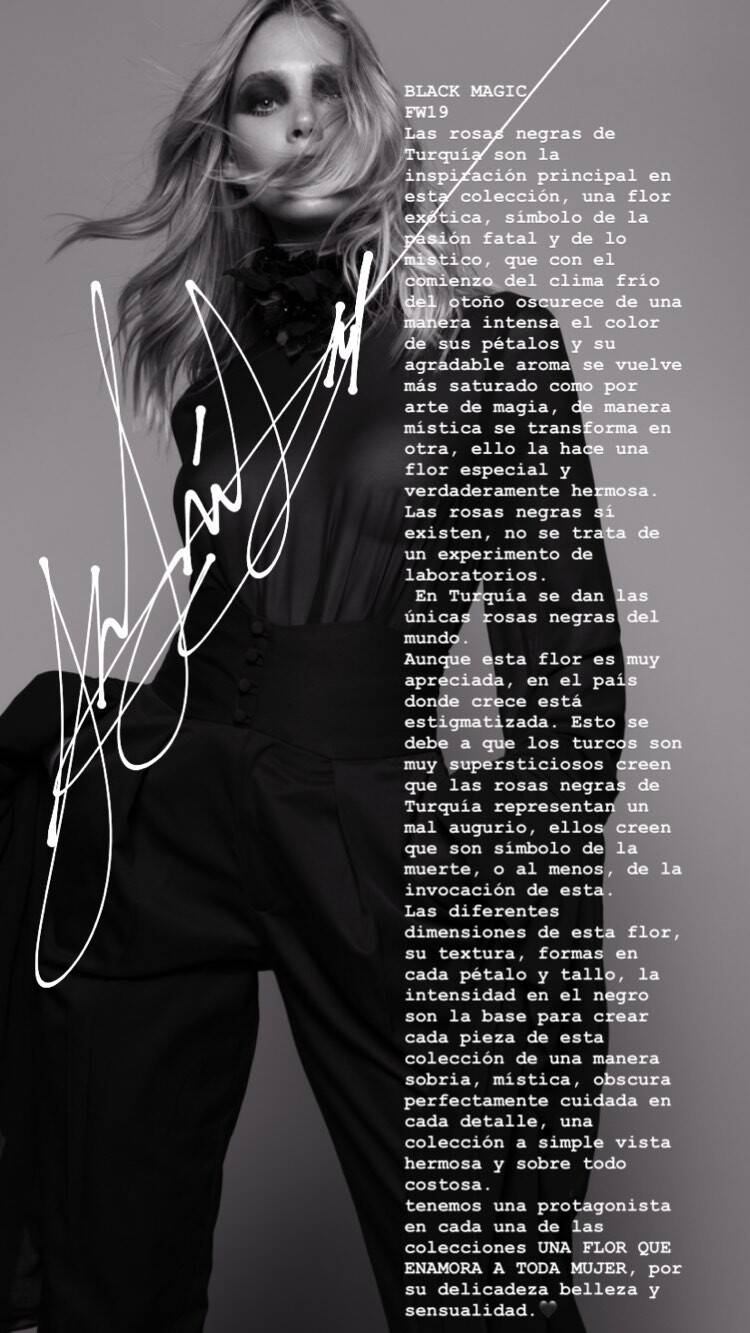
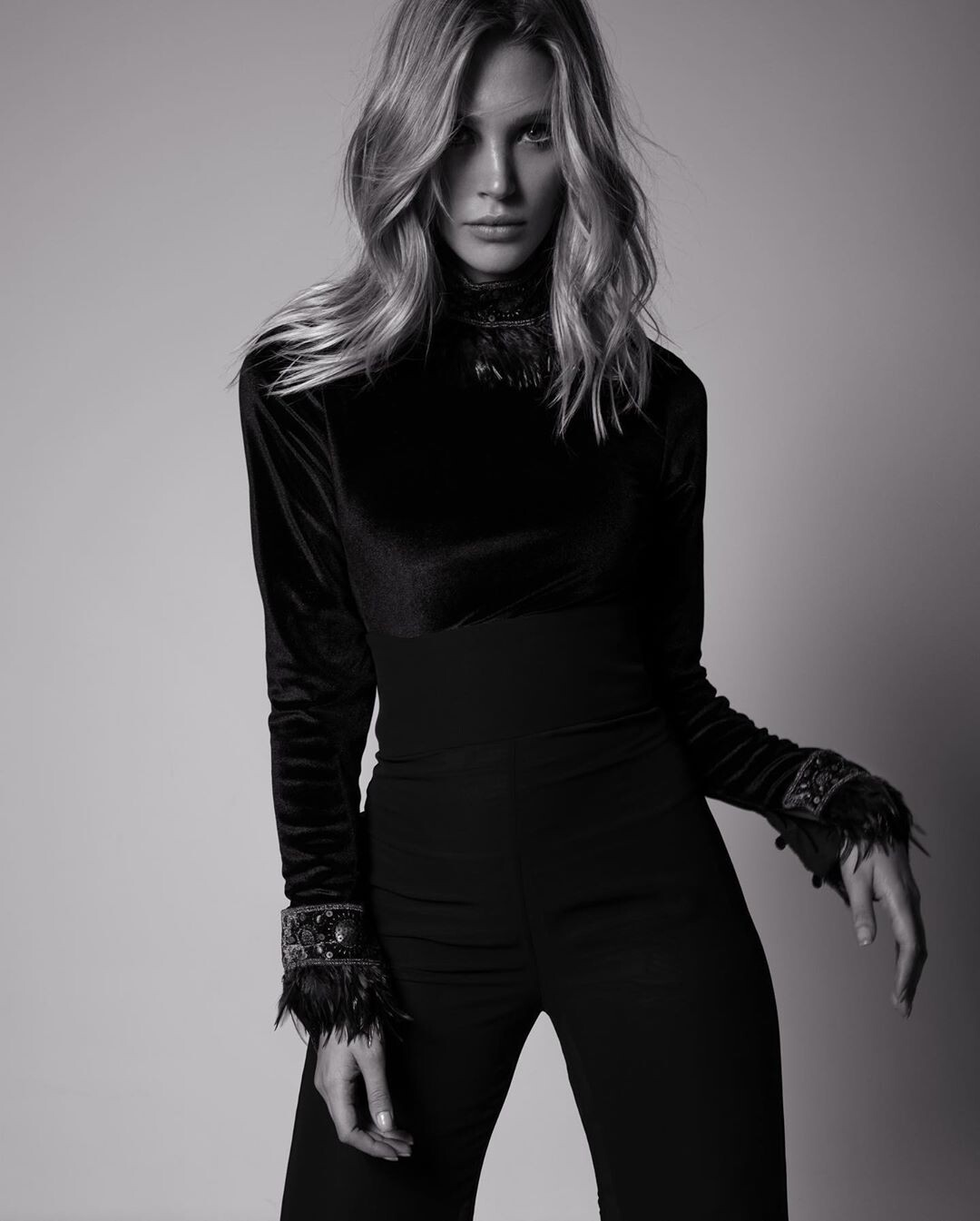
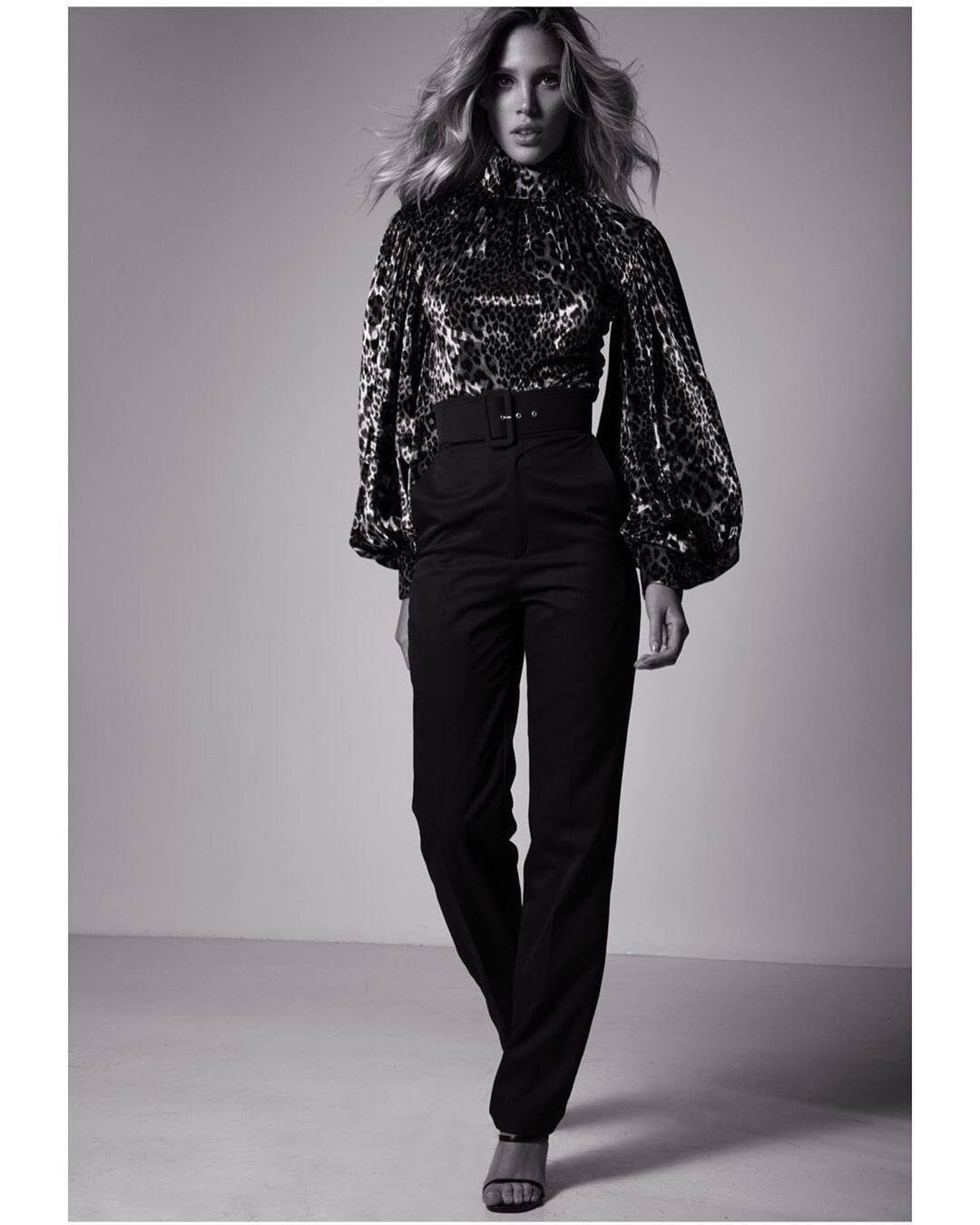
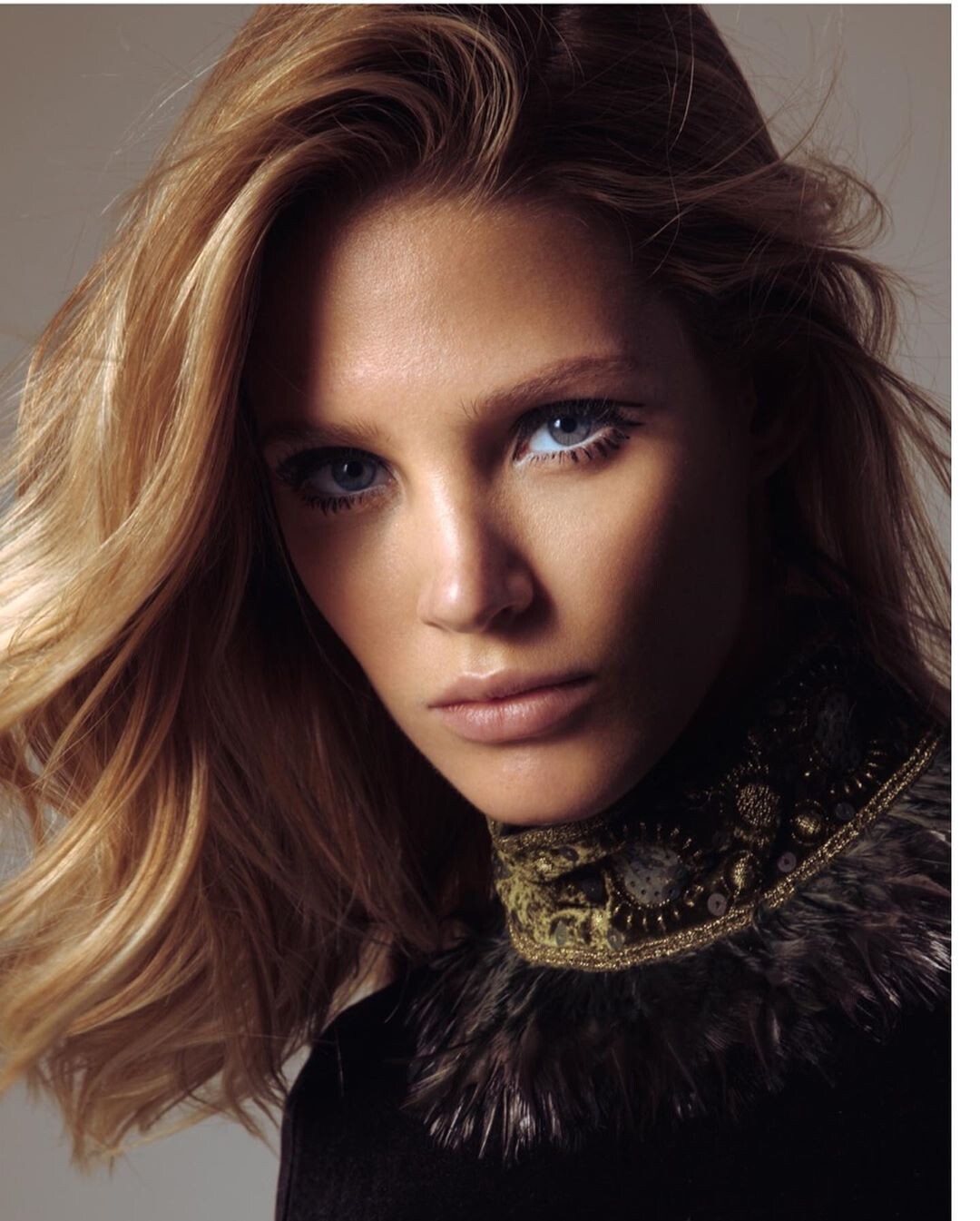
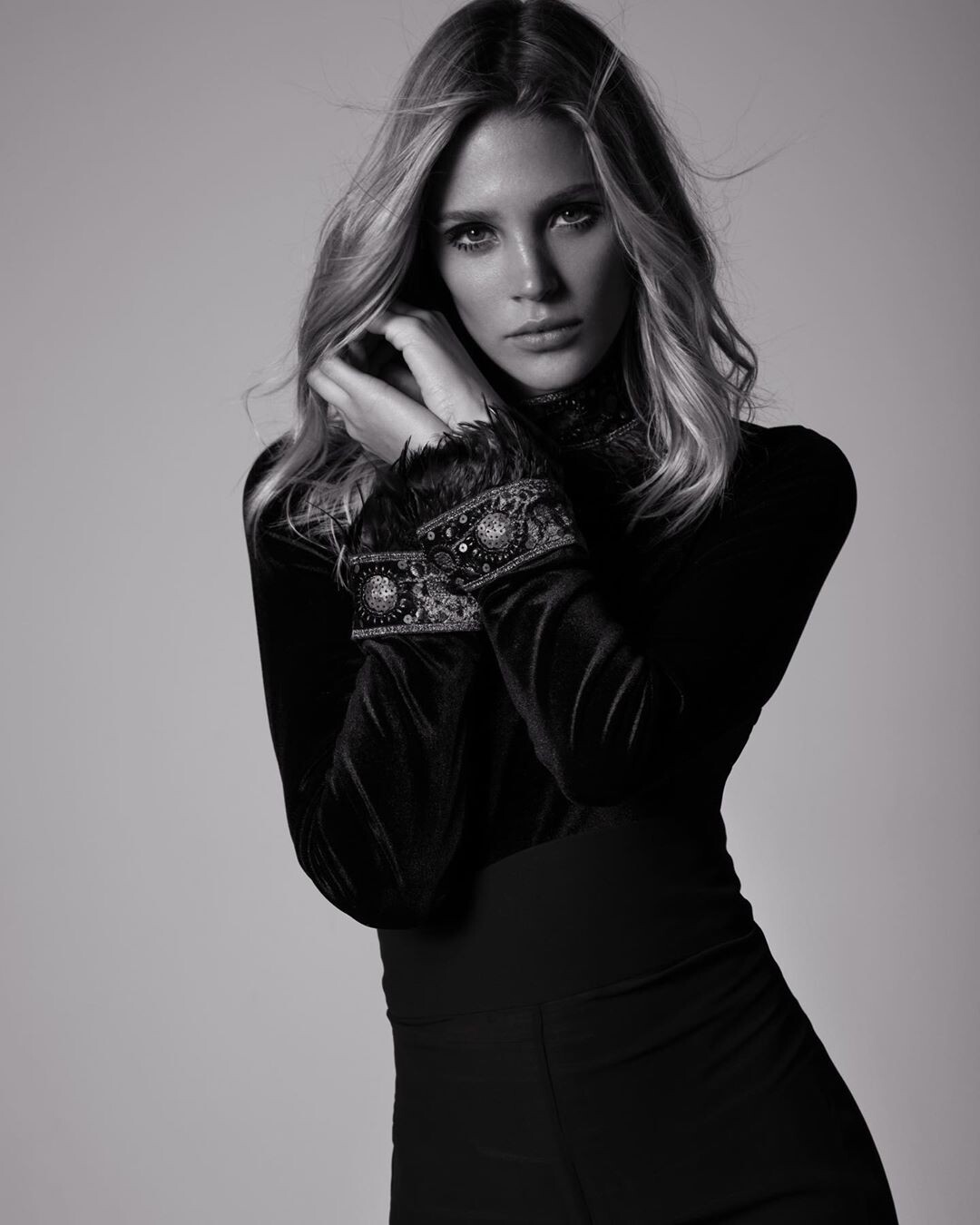
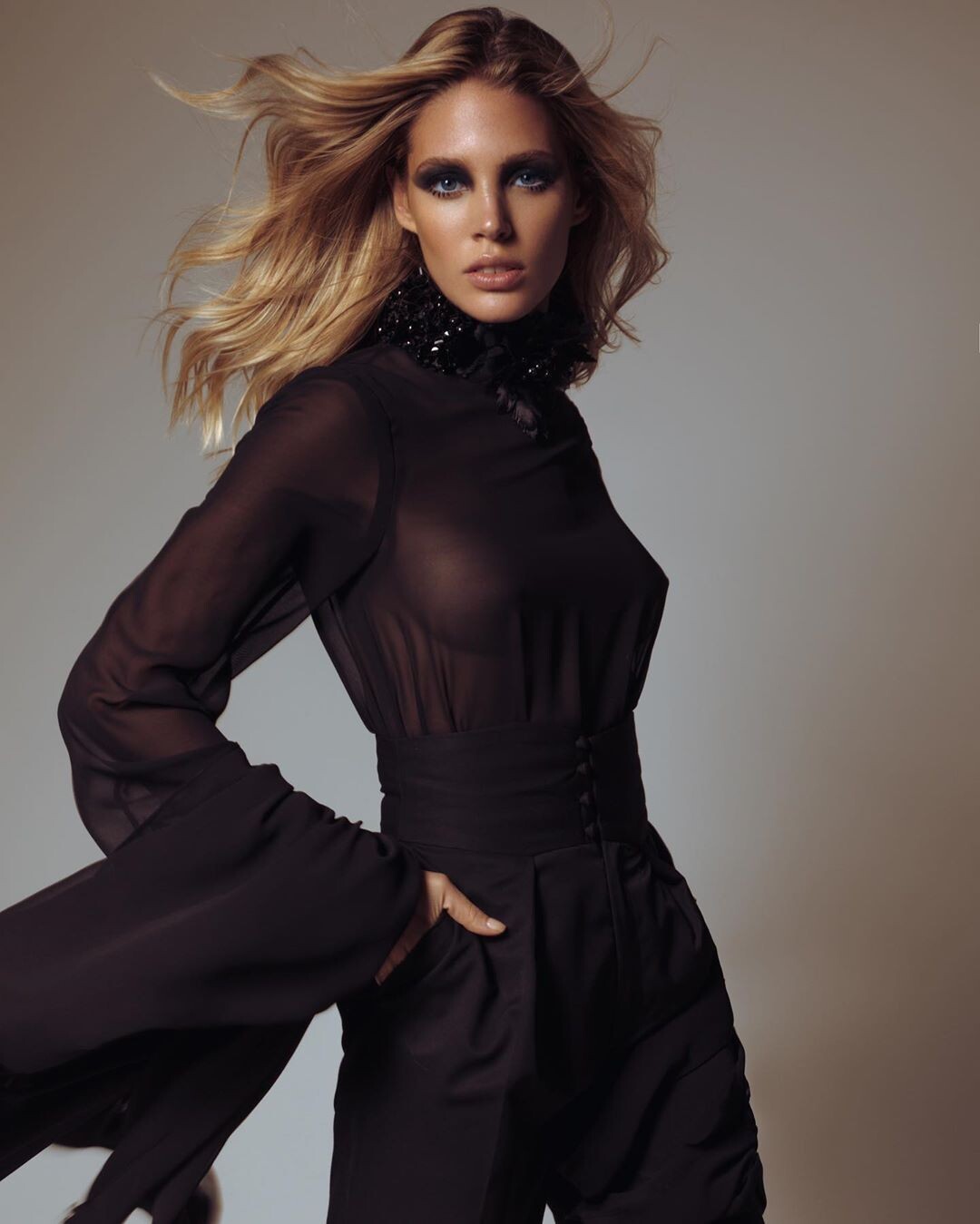
  8. More x6 of Jesus de la Garsa Black Magic | FW 19/20 by Omar Coria Source IG
  9. Her IG She is on COLOmbia
  10. Sam Dameshek With Scarlett Leithold IG Story
  11. Sam Dameshek With Carmella Rose IG Story

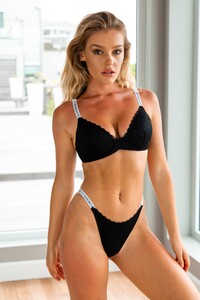
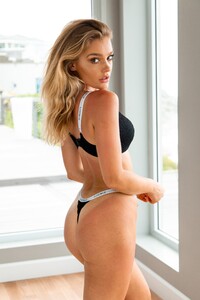
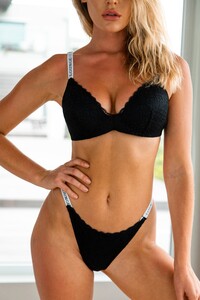
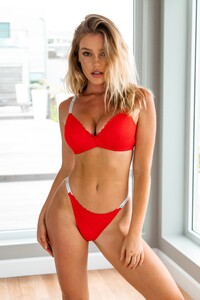
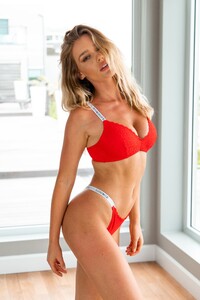
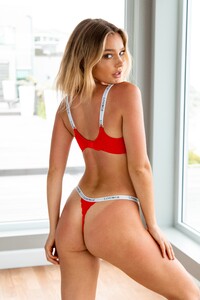
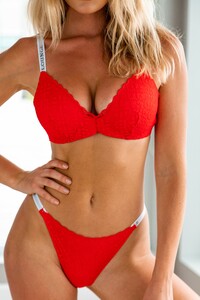
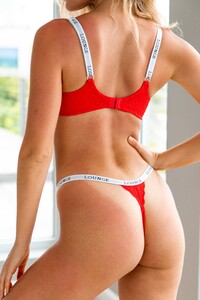
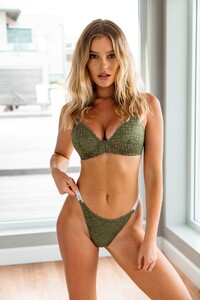
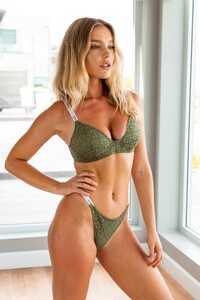
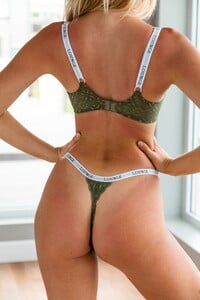
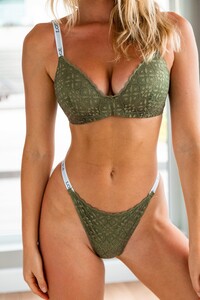
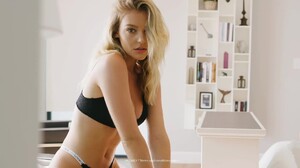
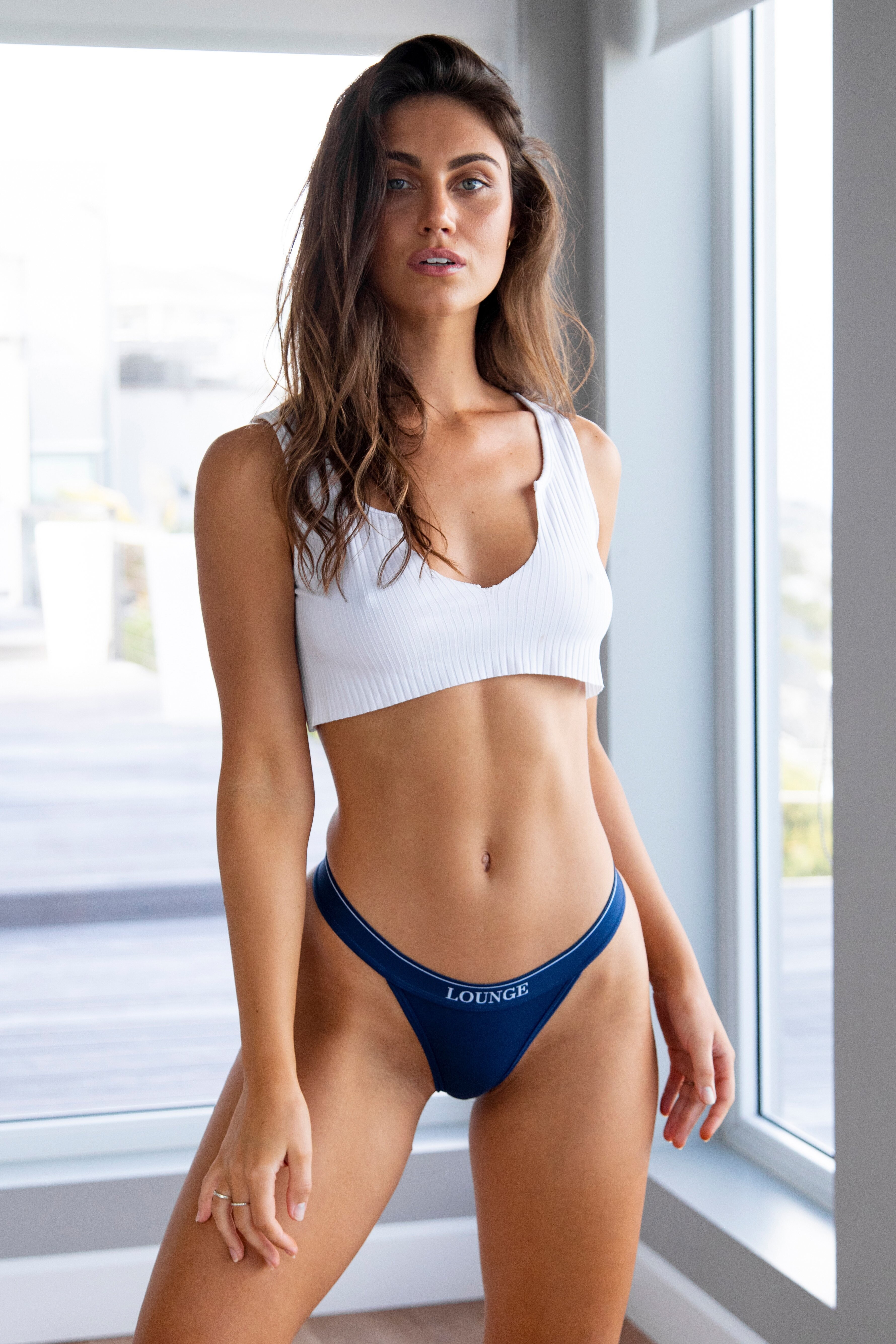
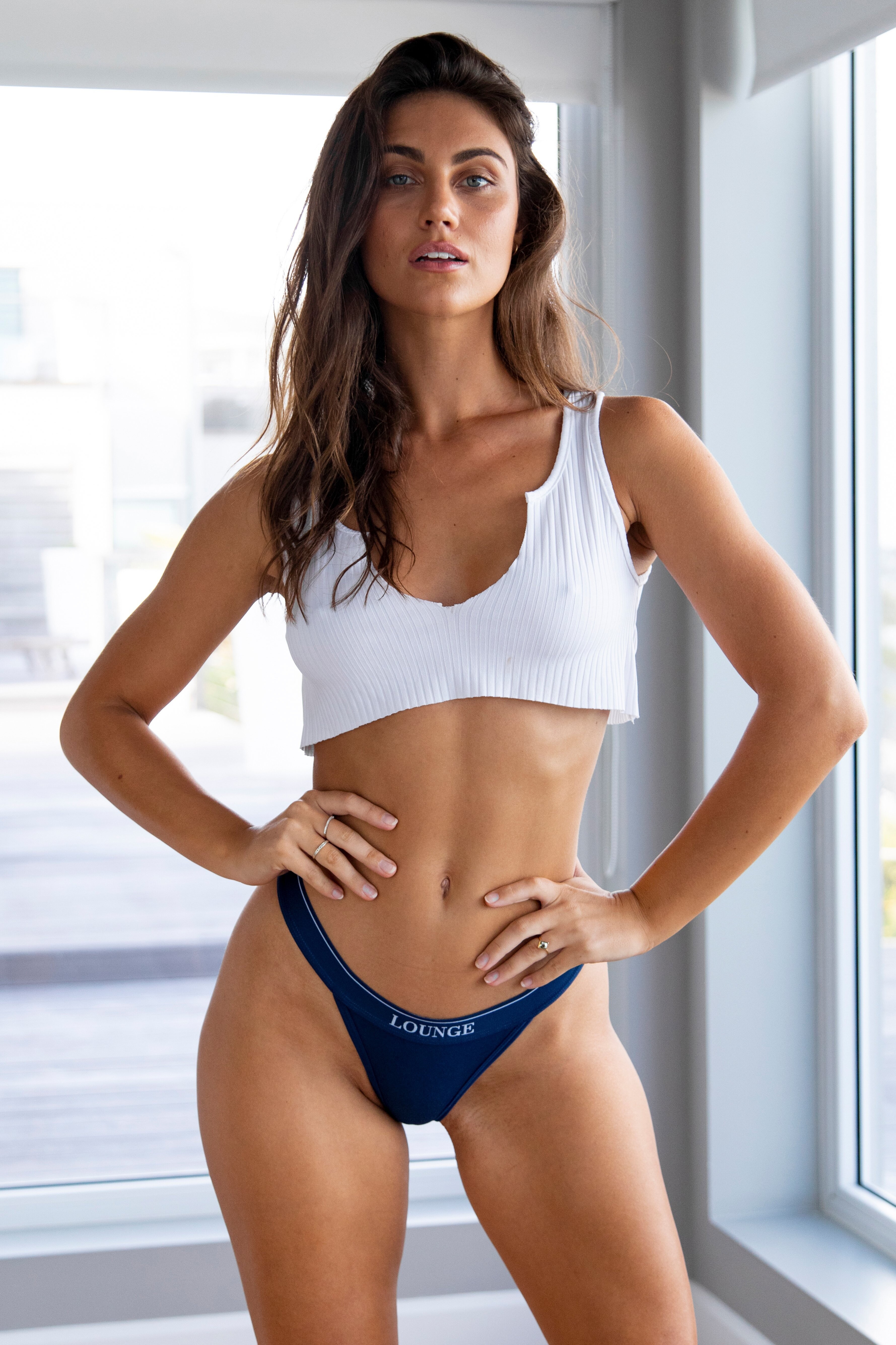
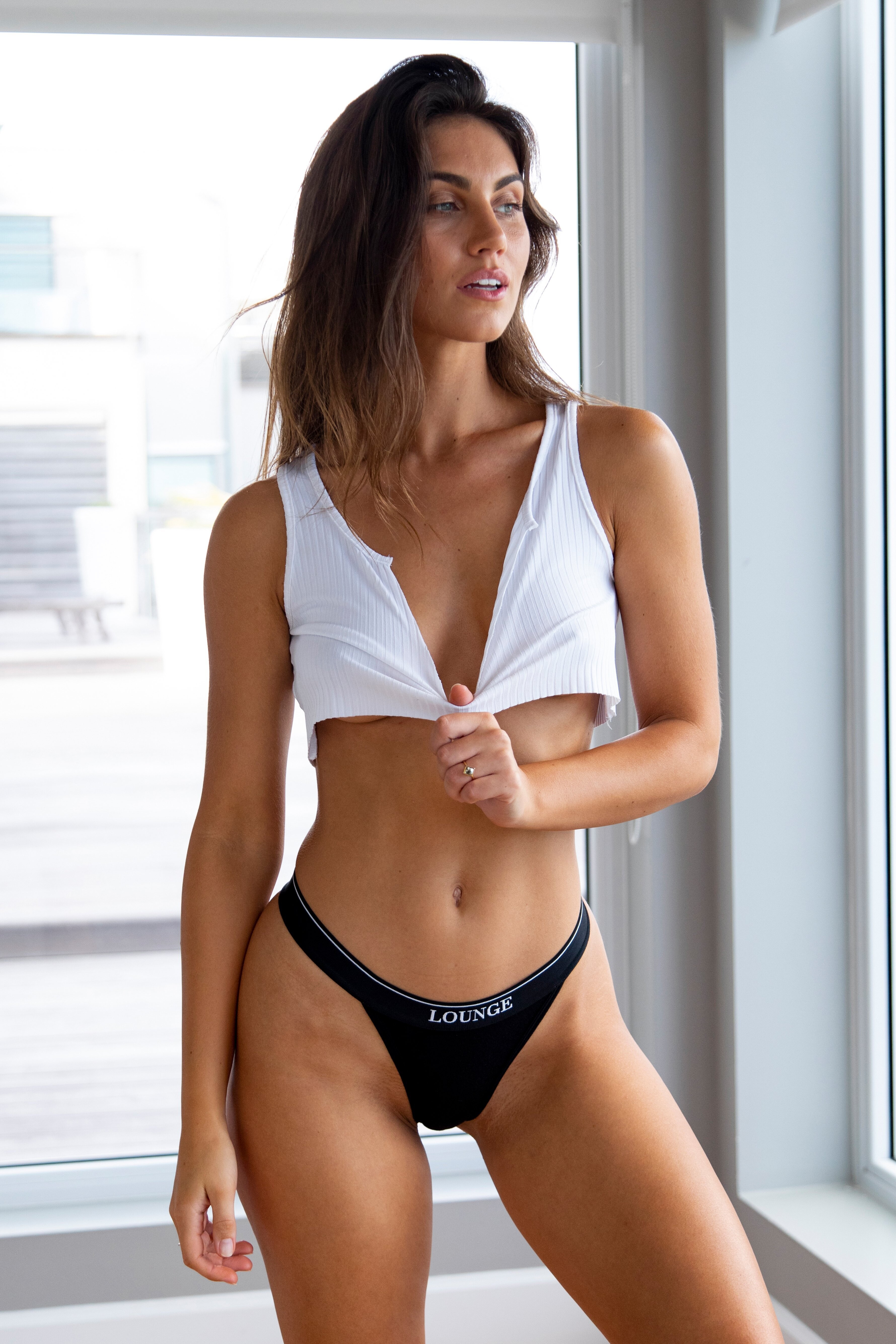
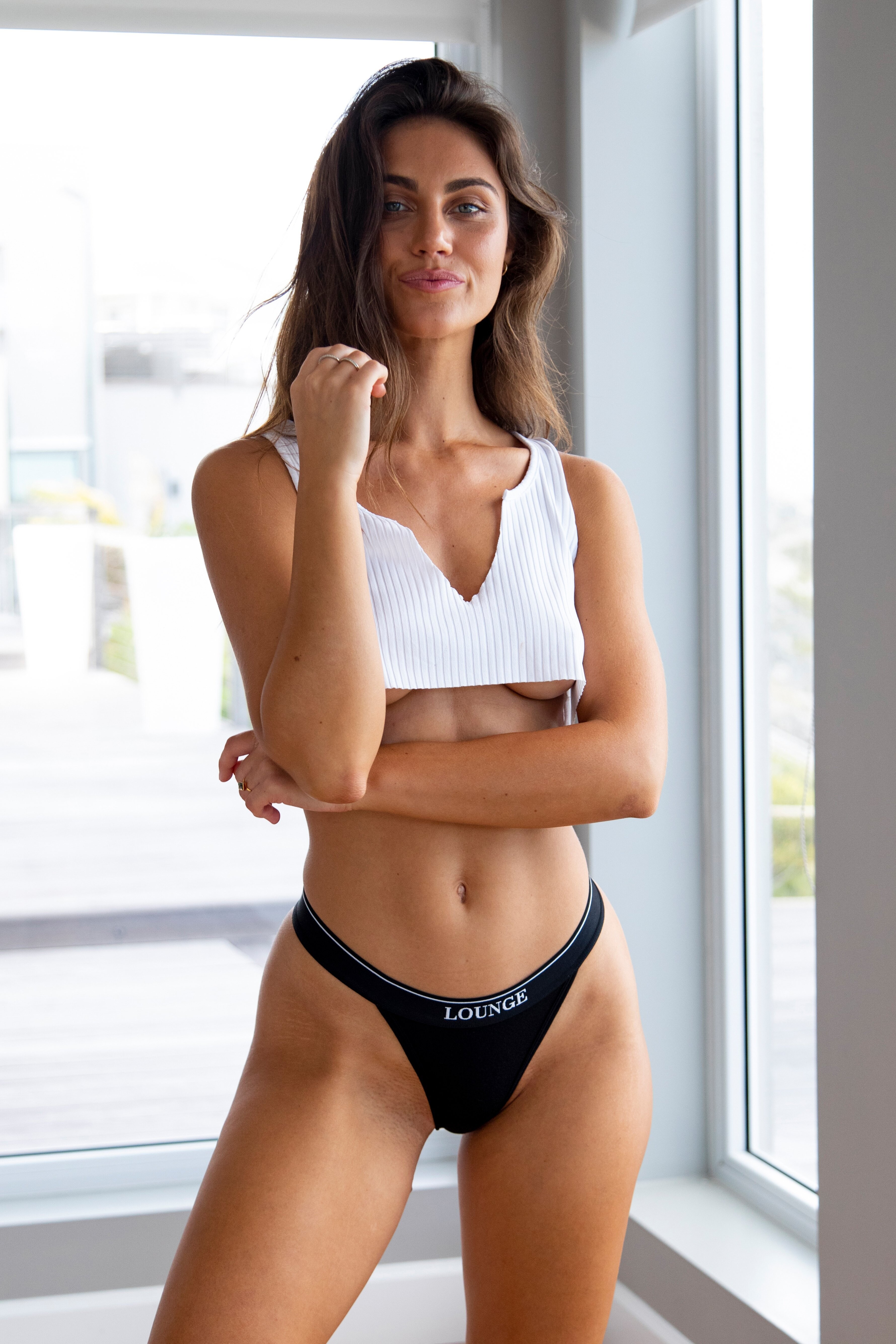
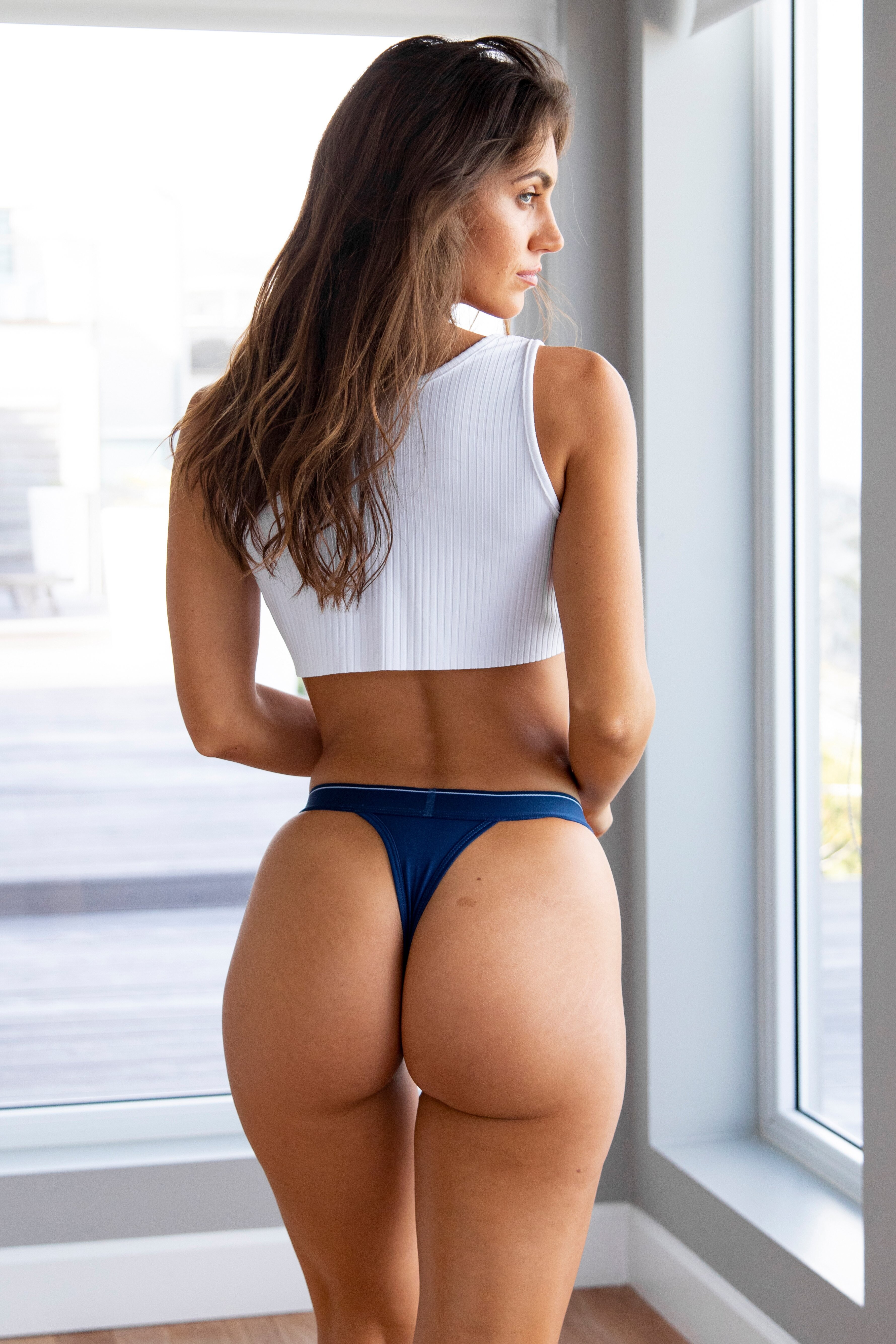
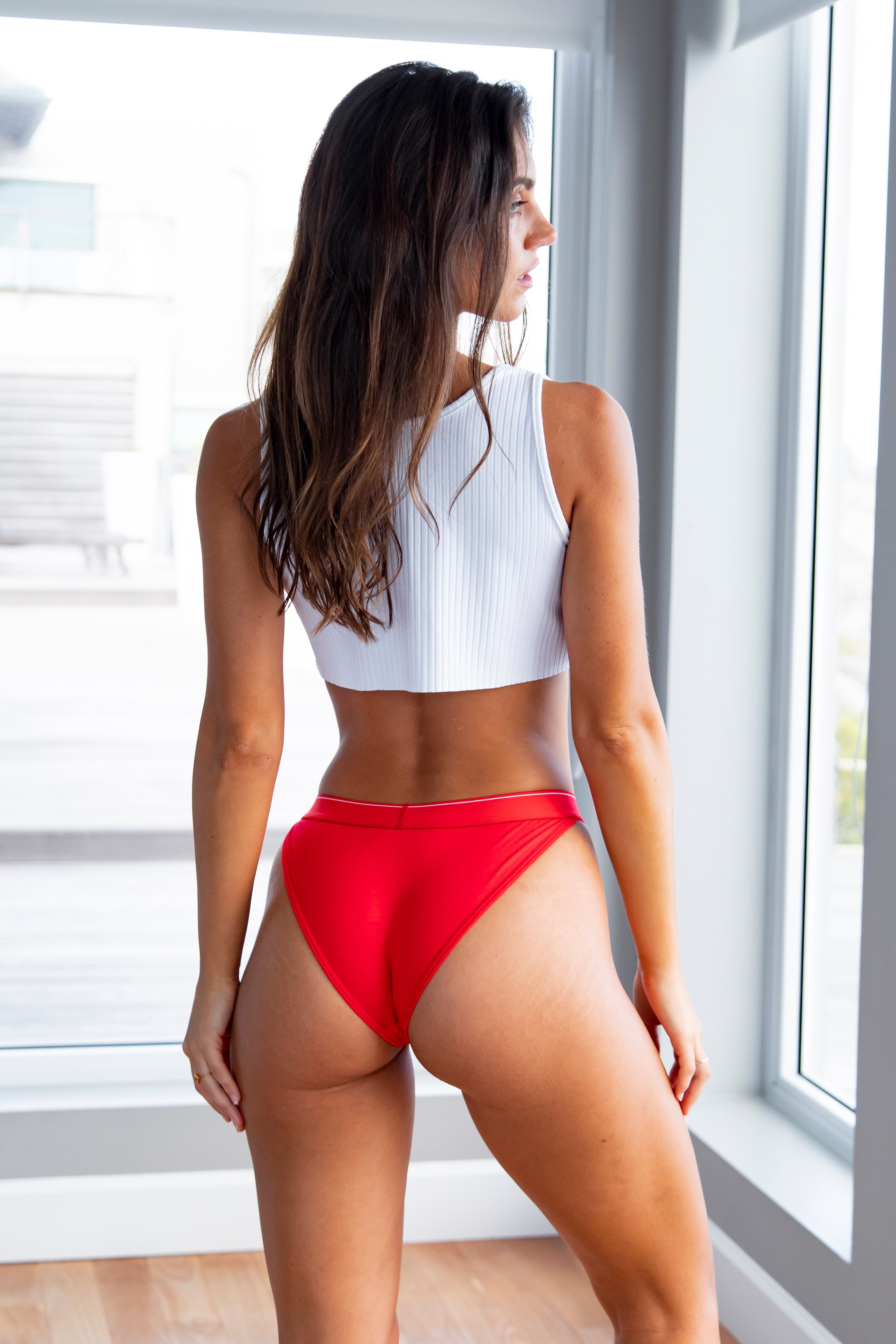
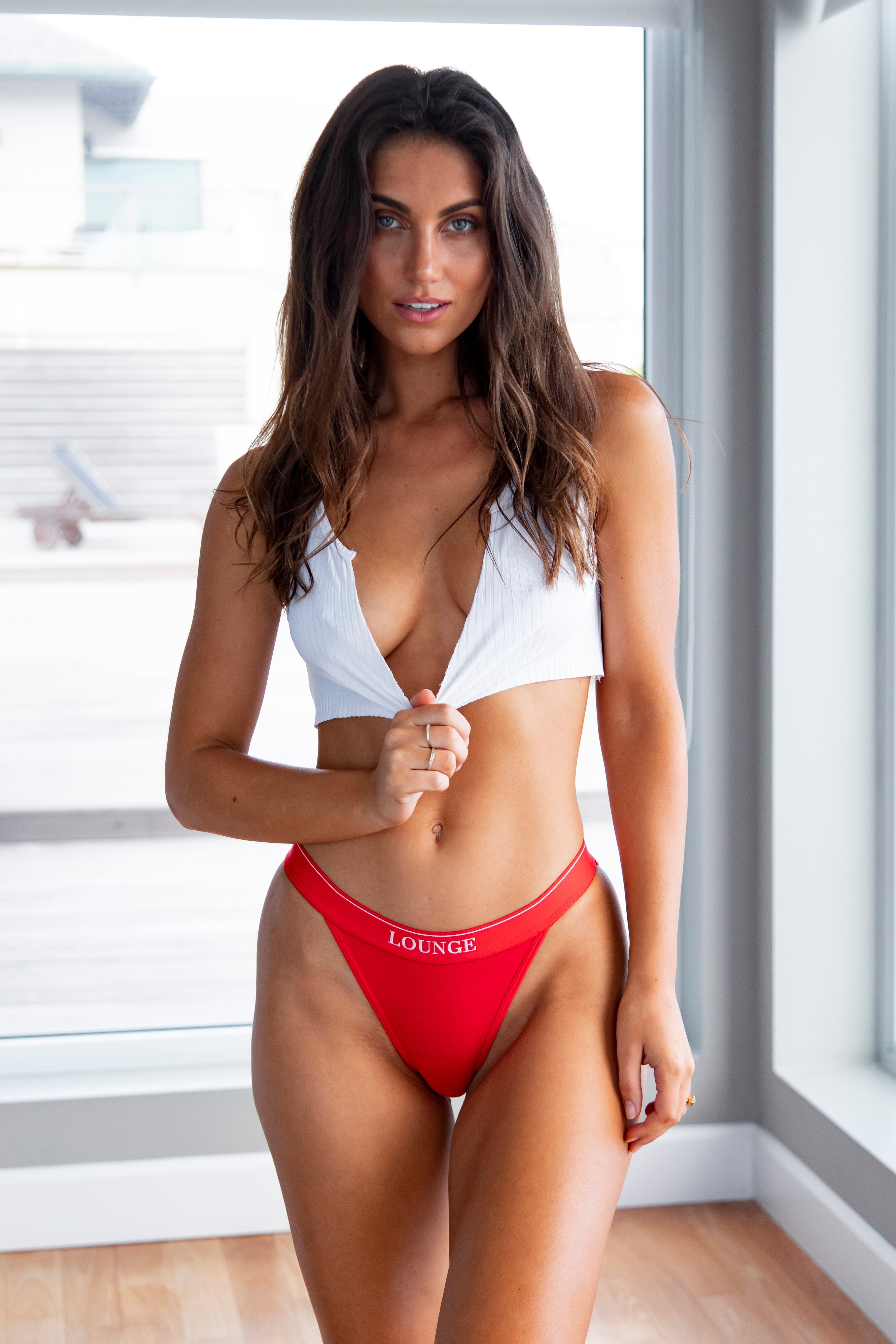
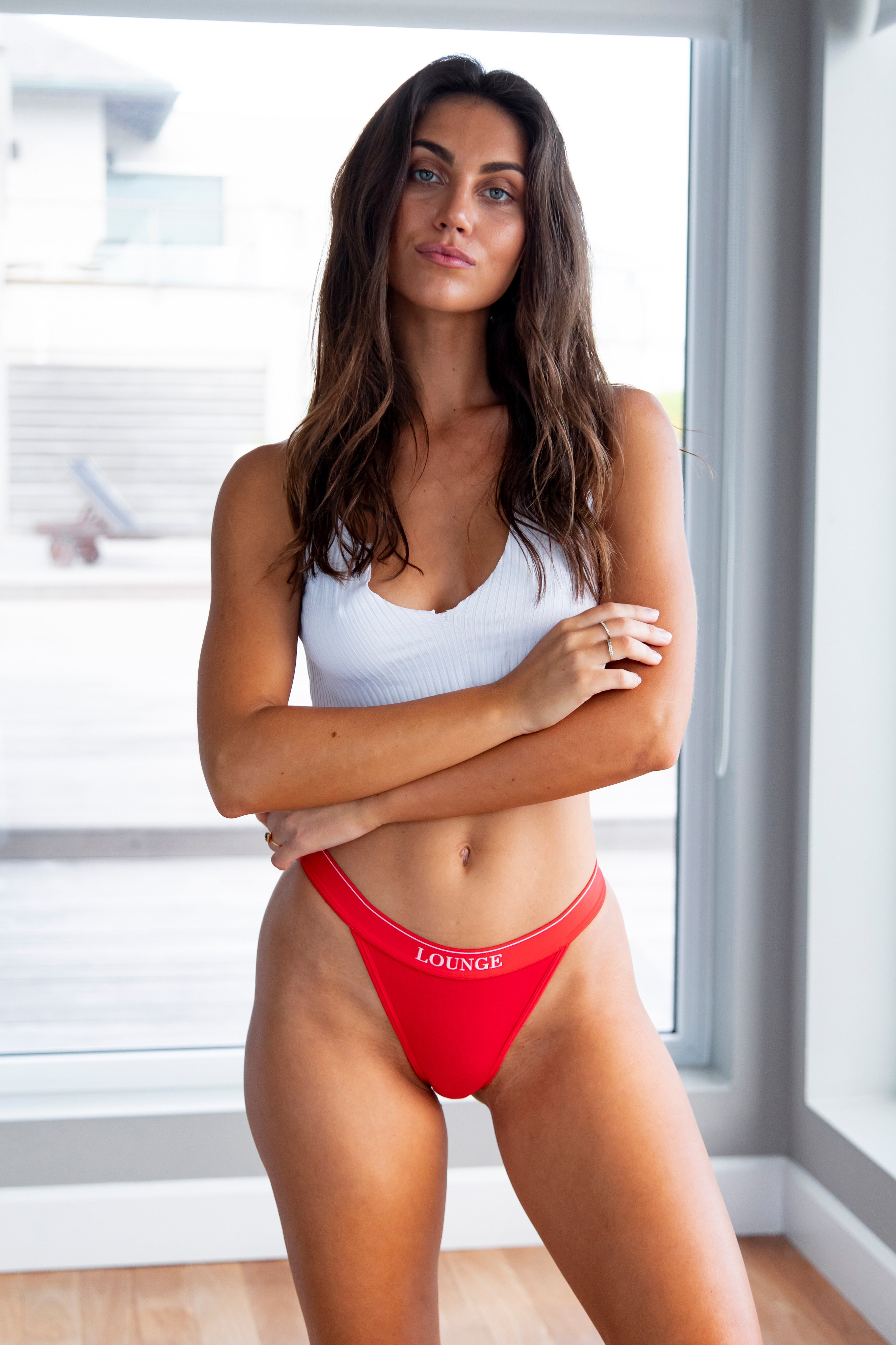
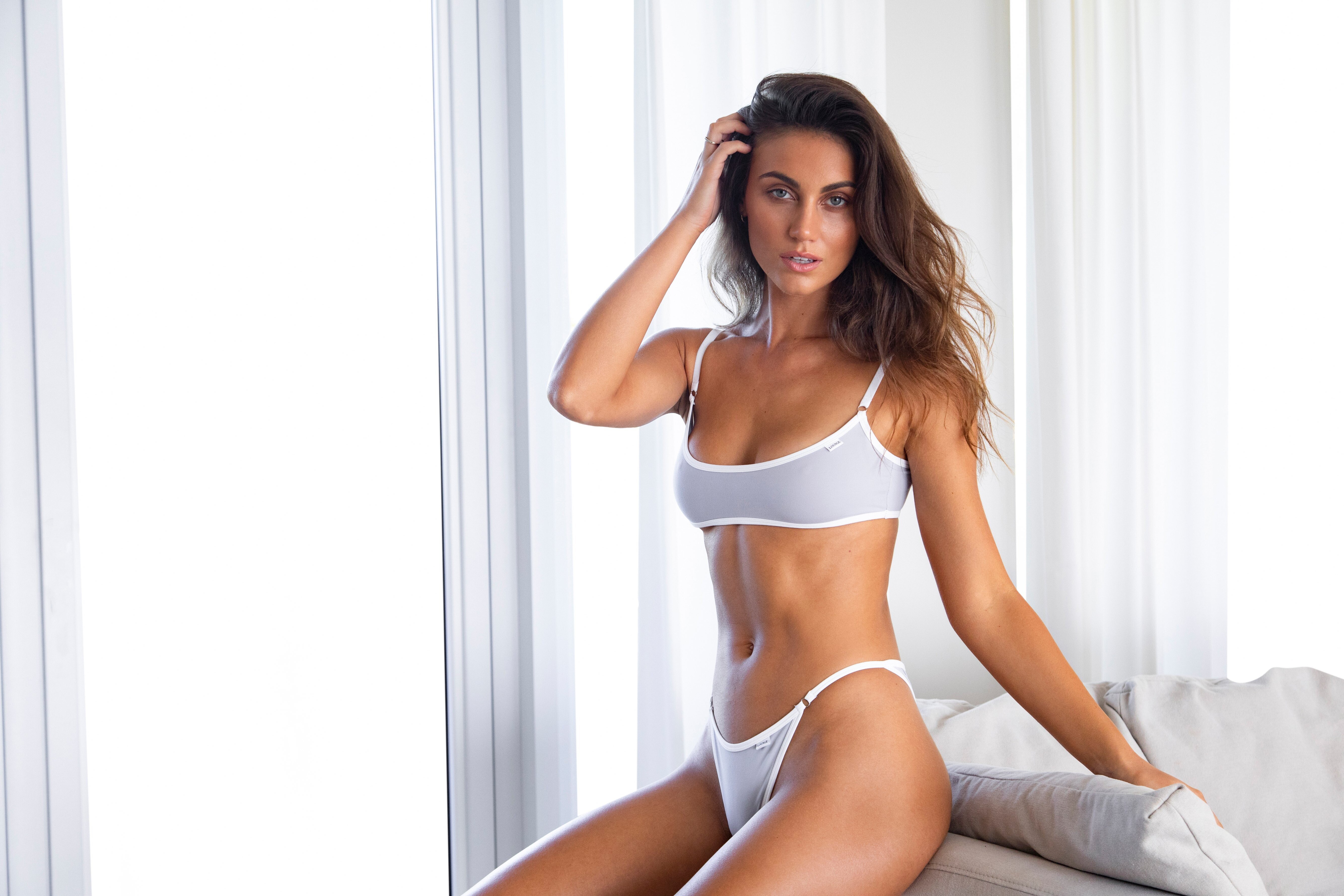
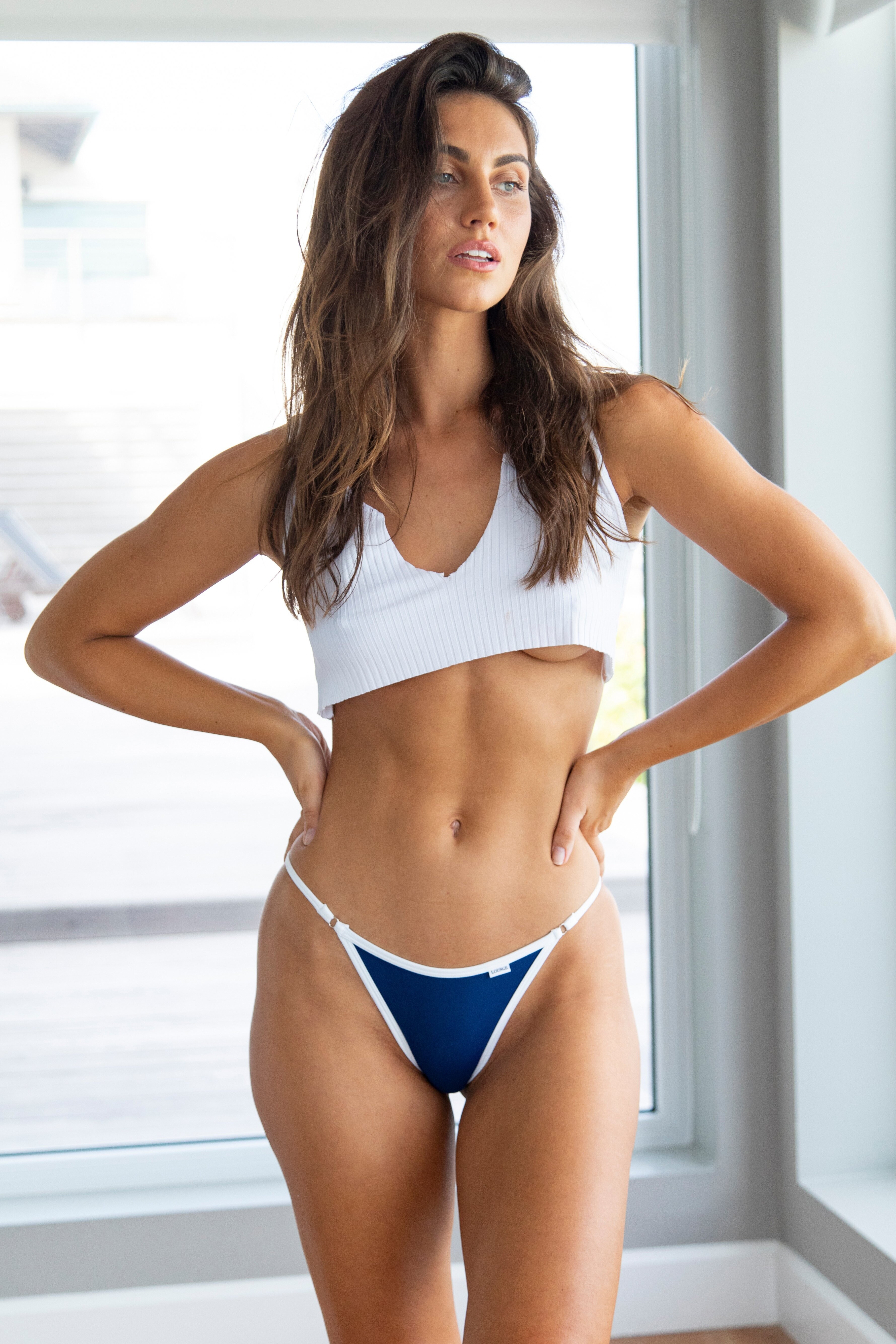
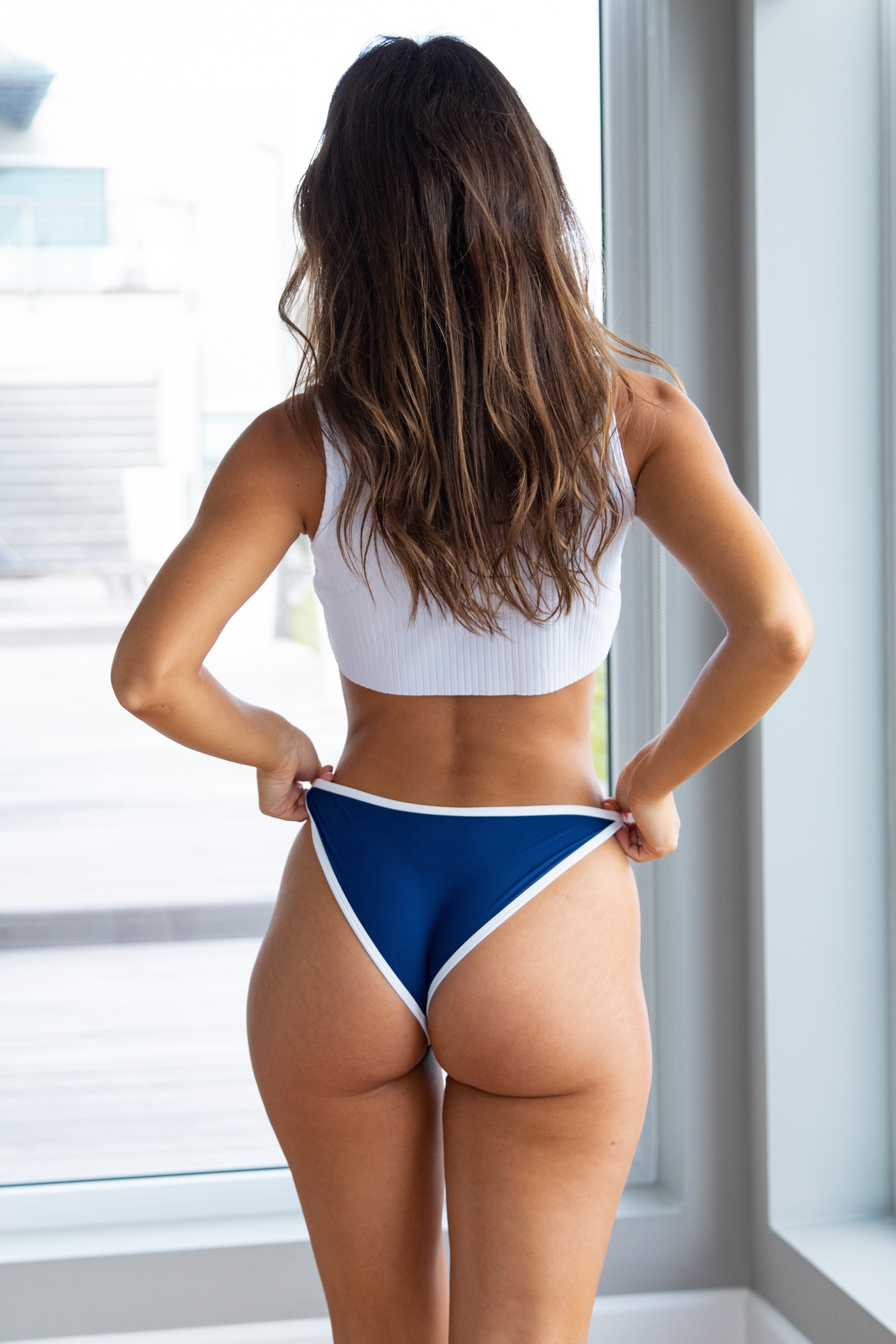
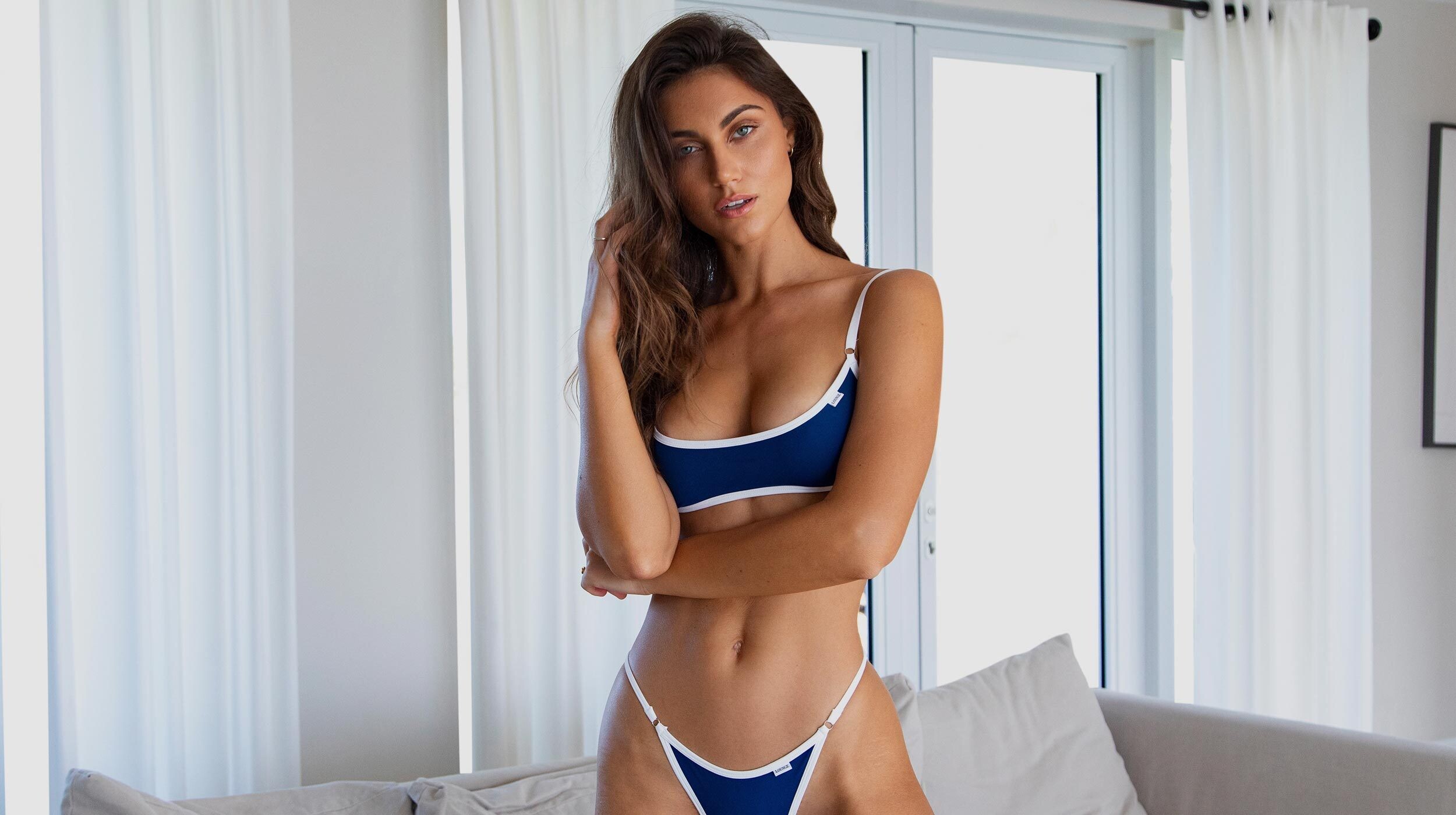
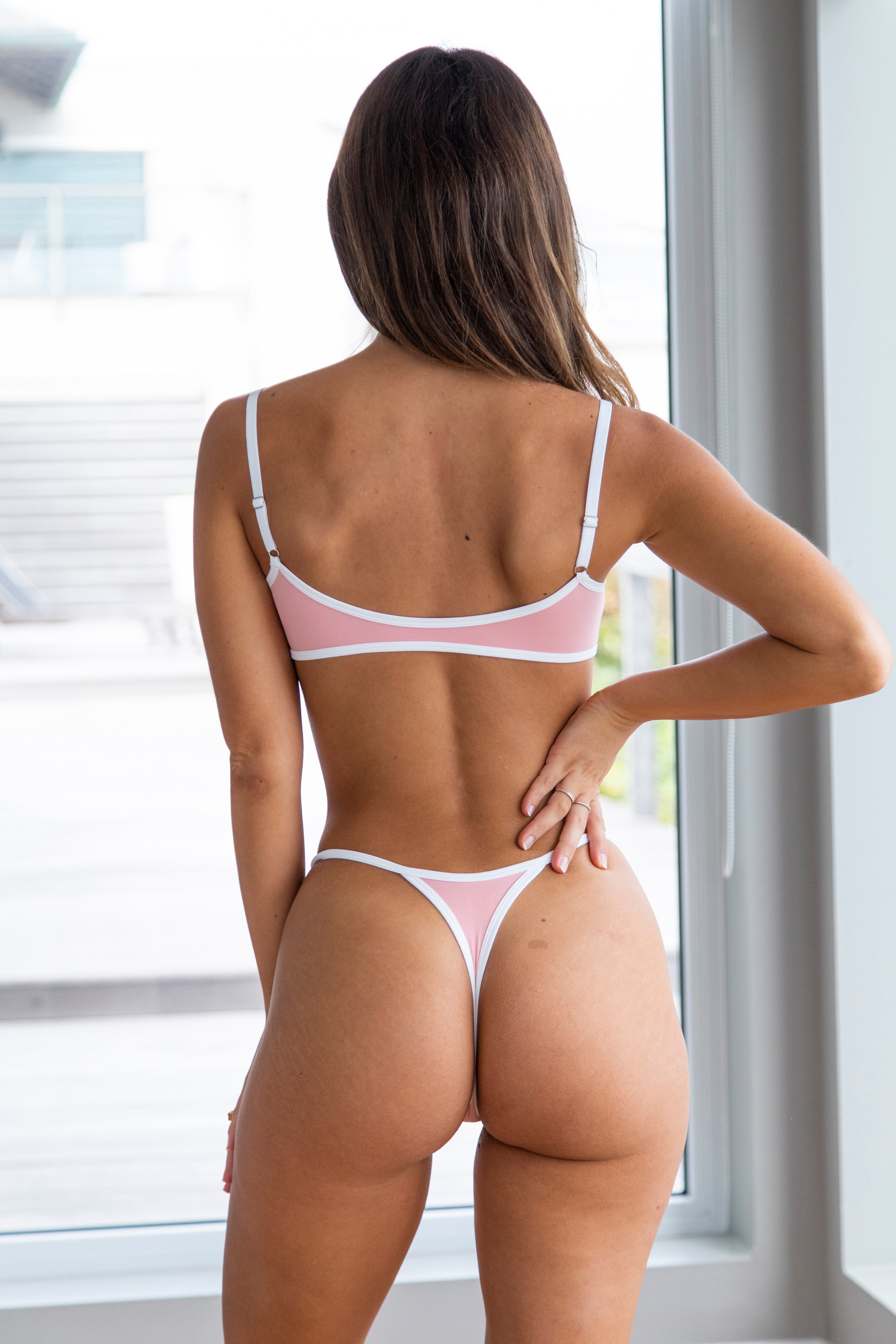
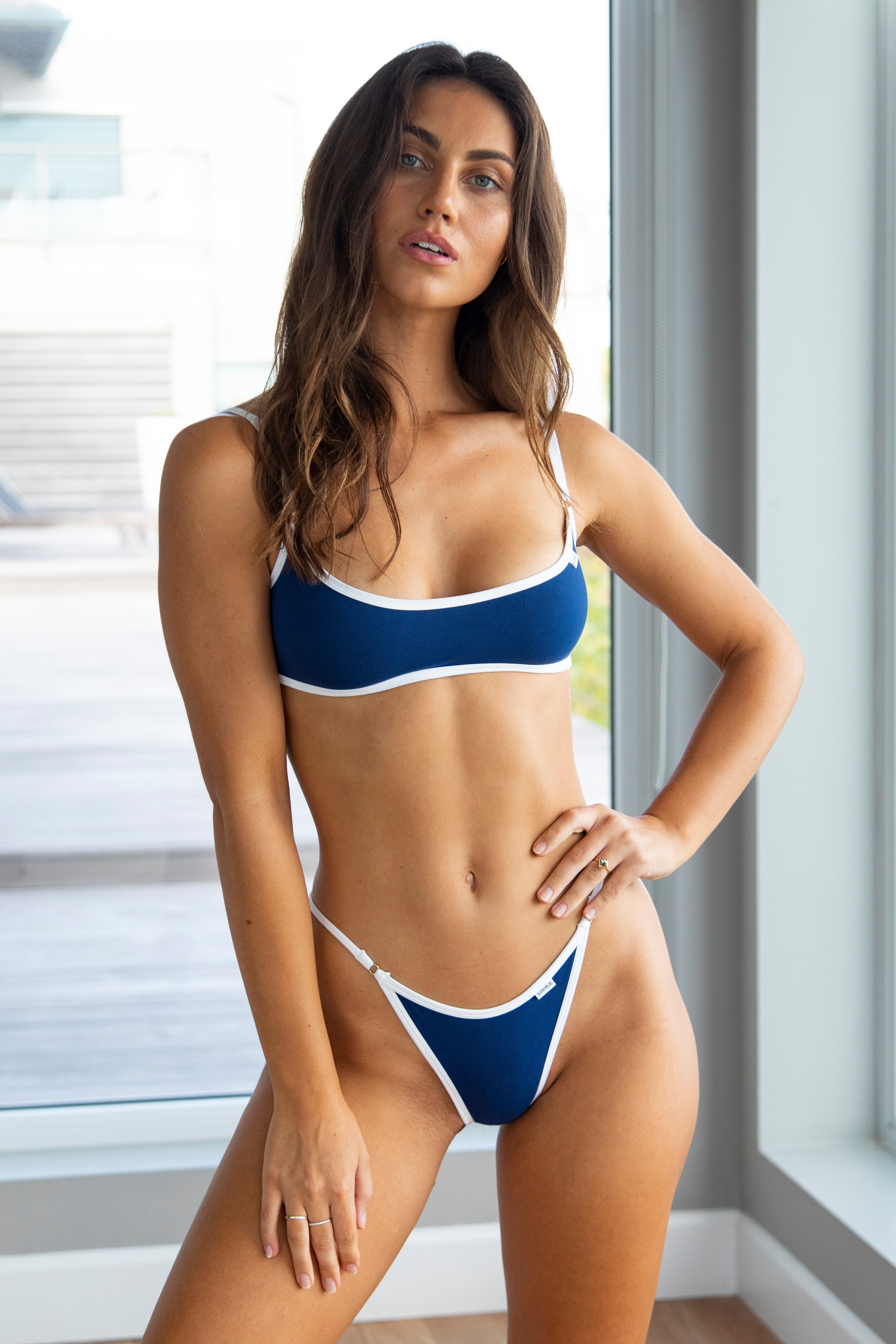
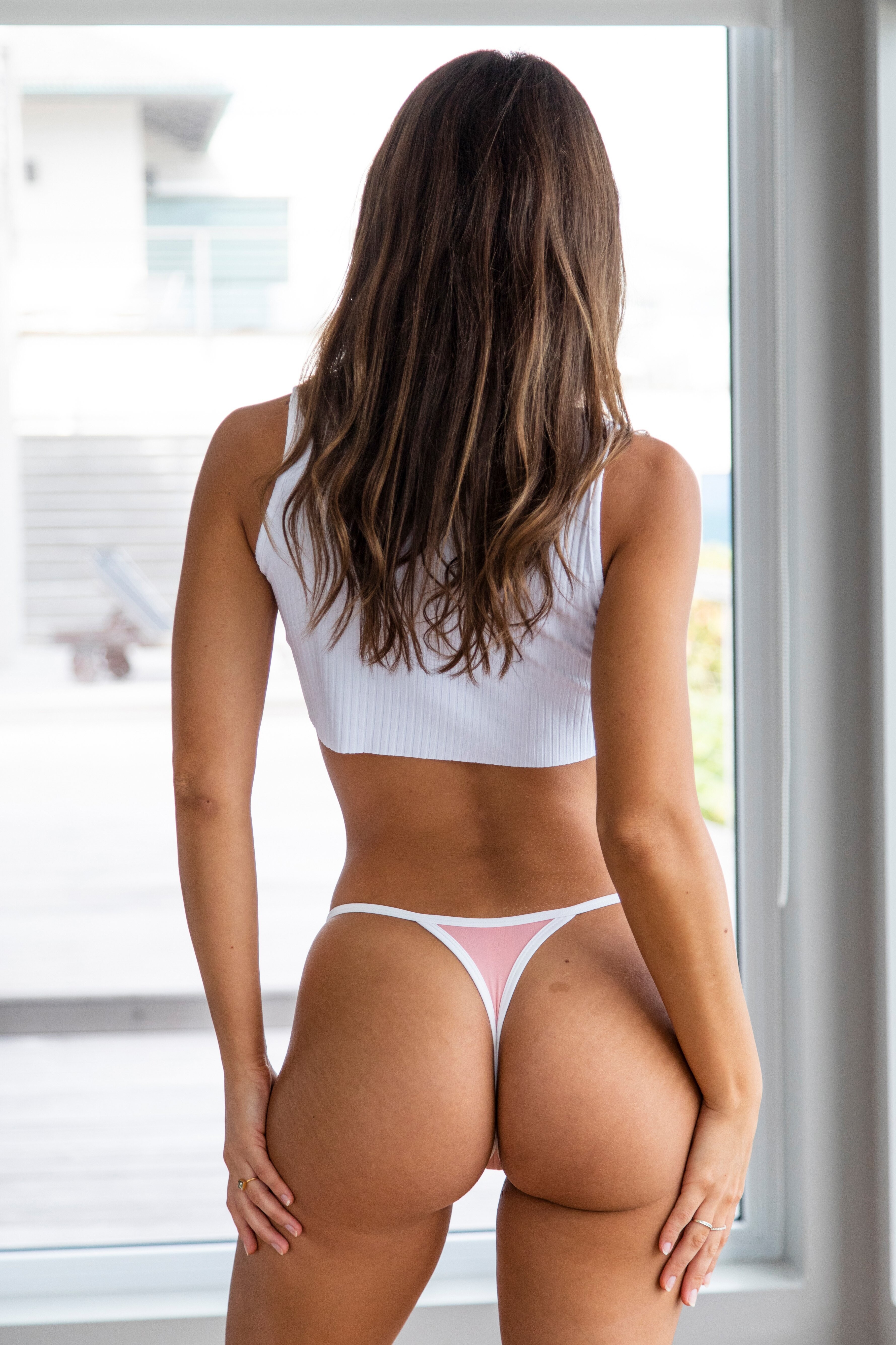
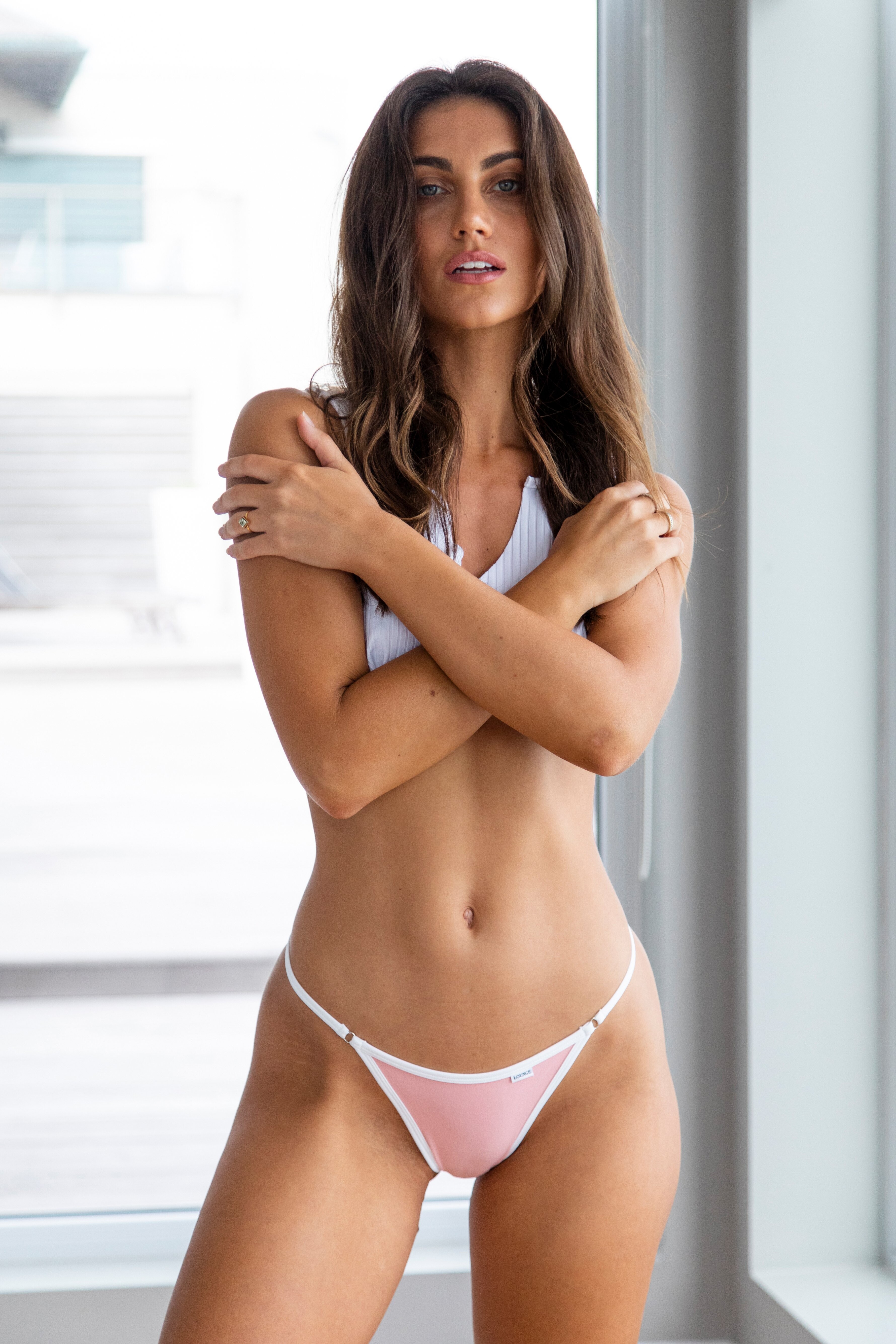
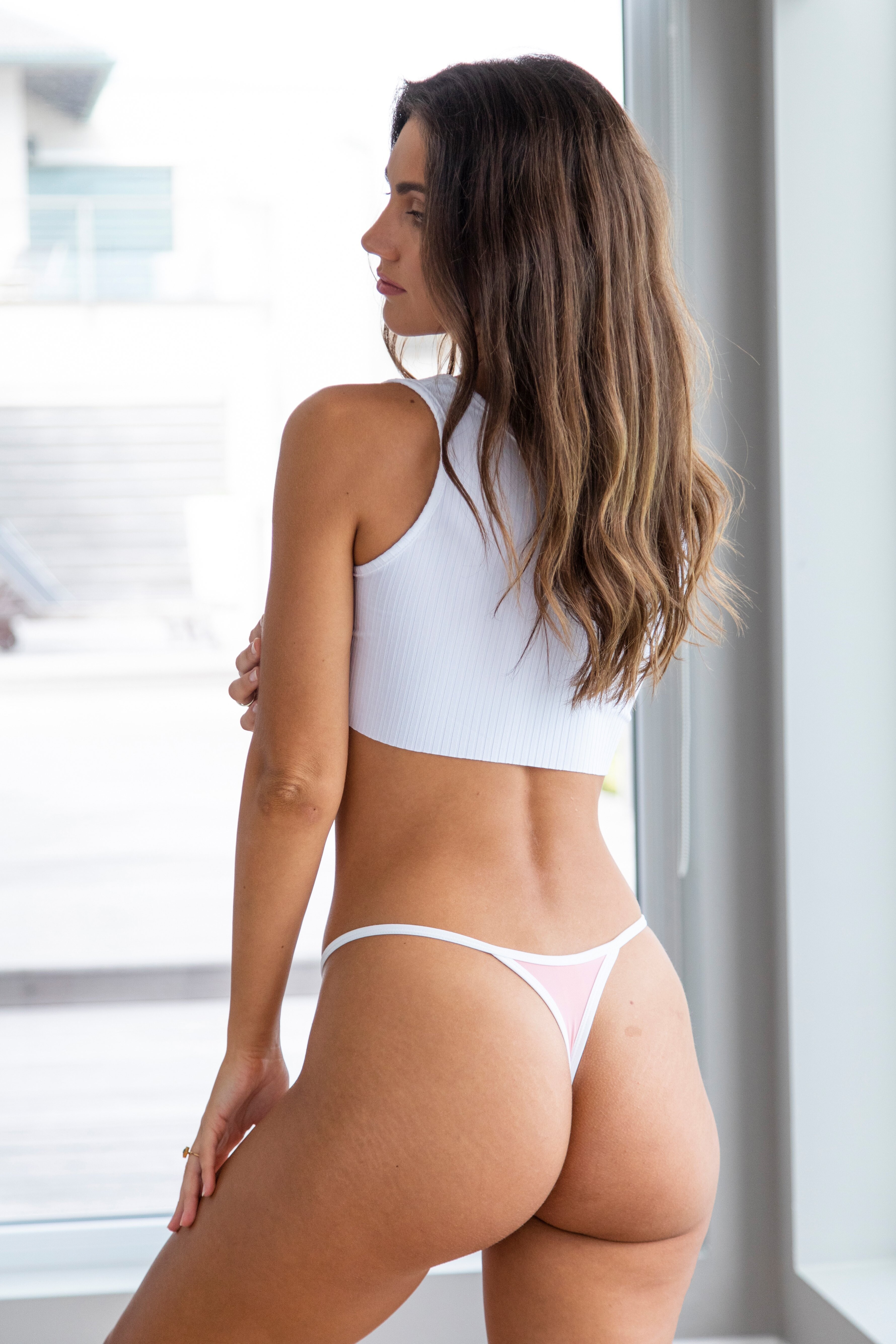
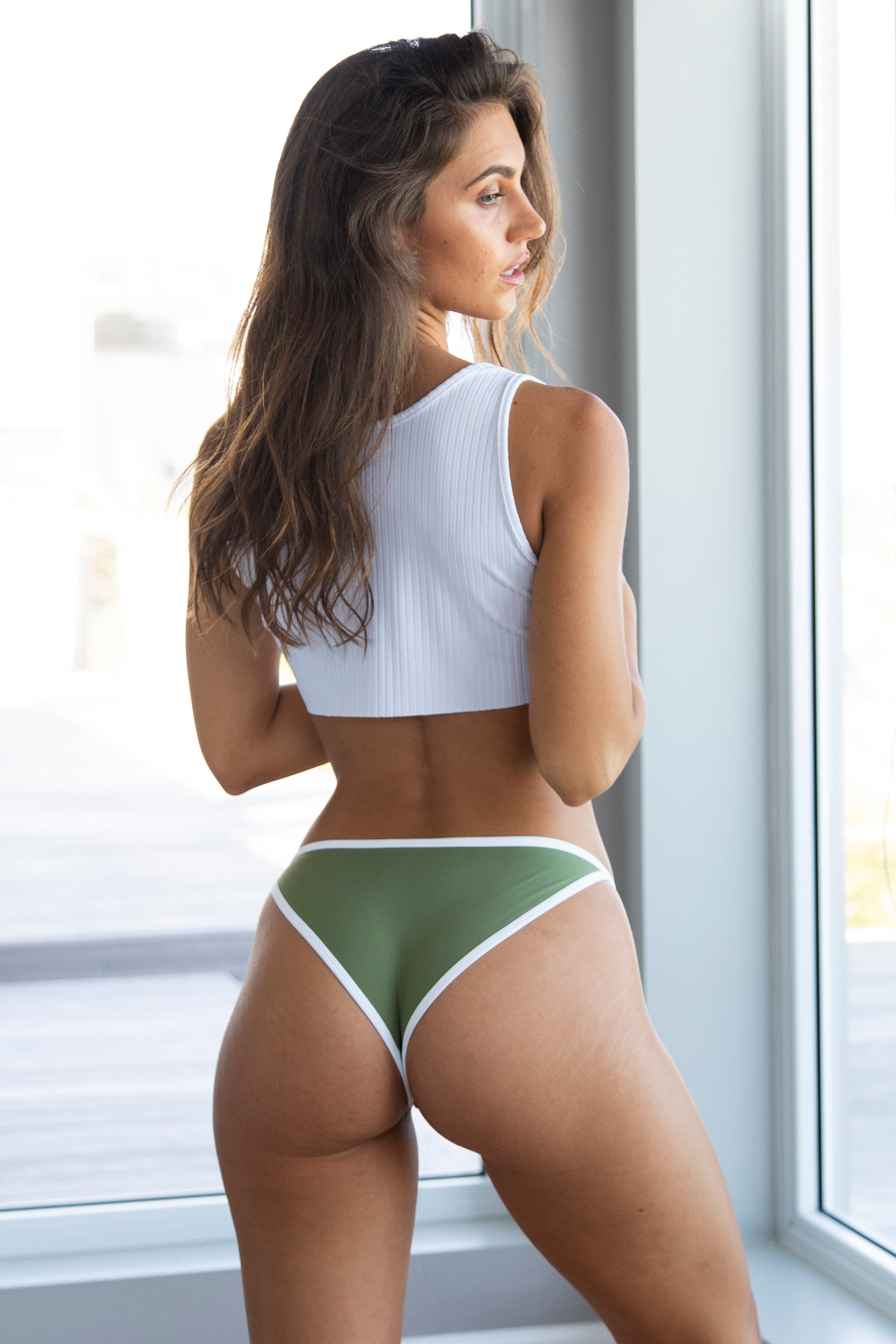
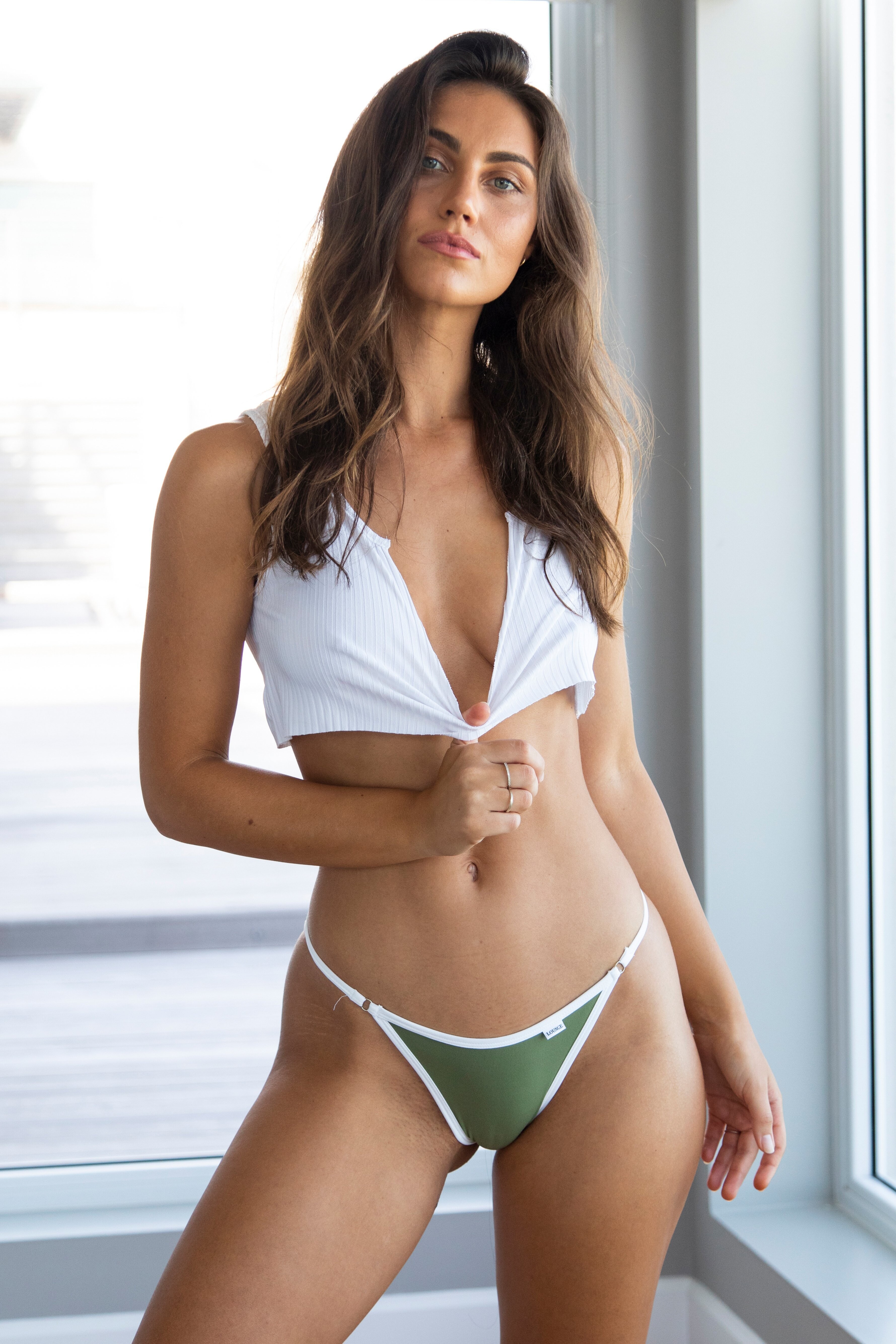
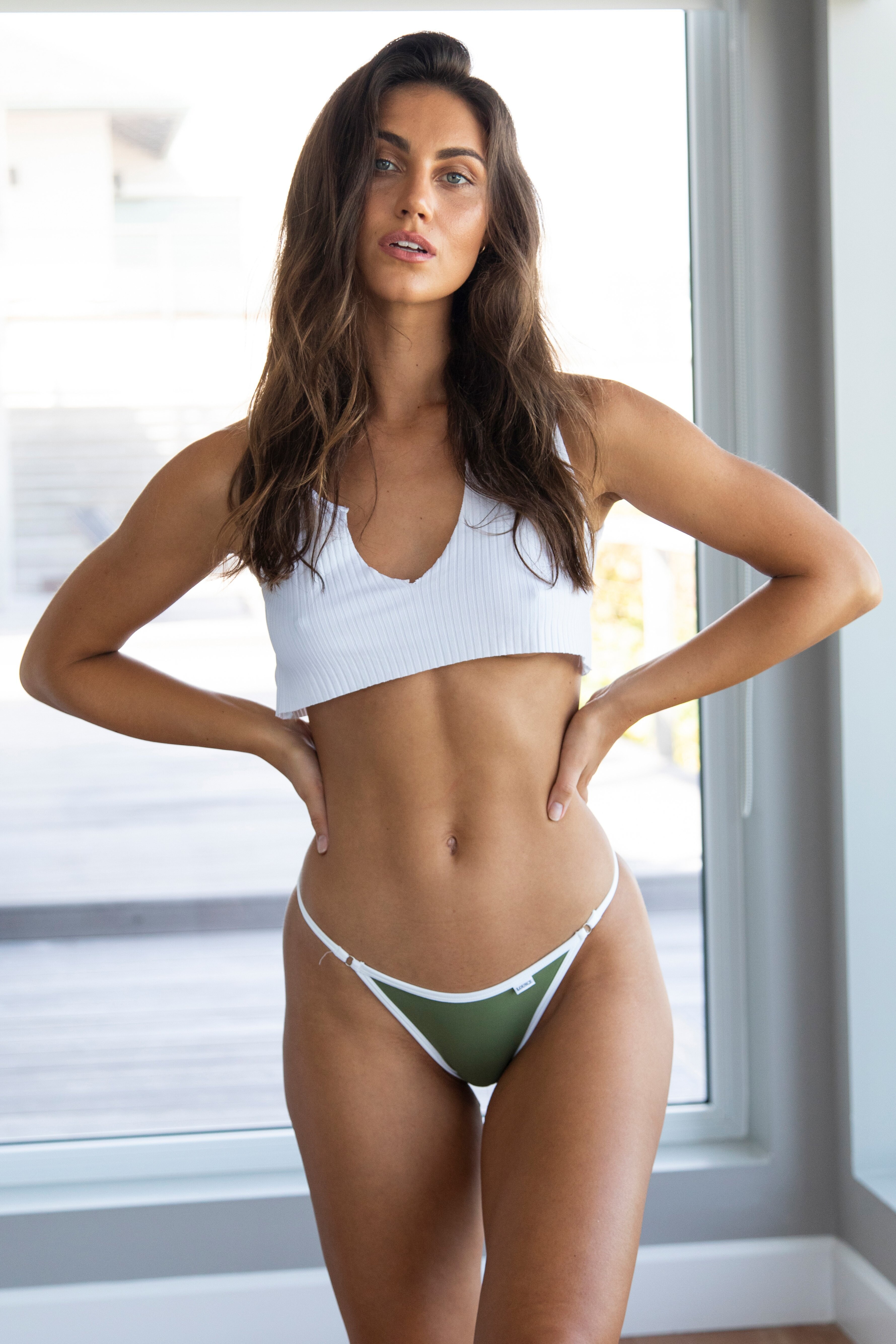
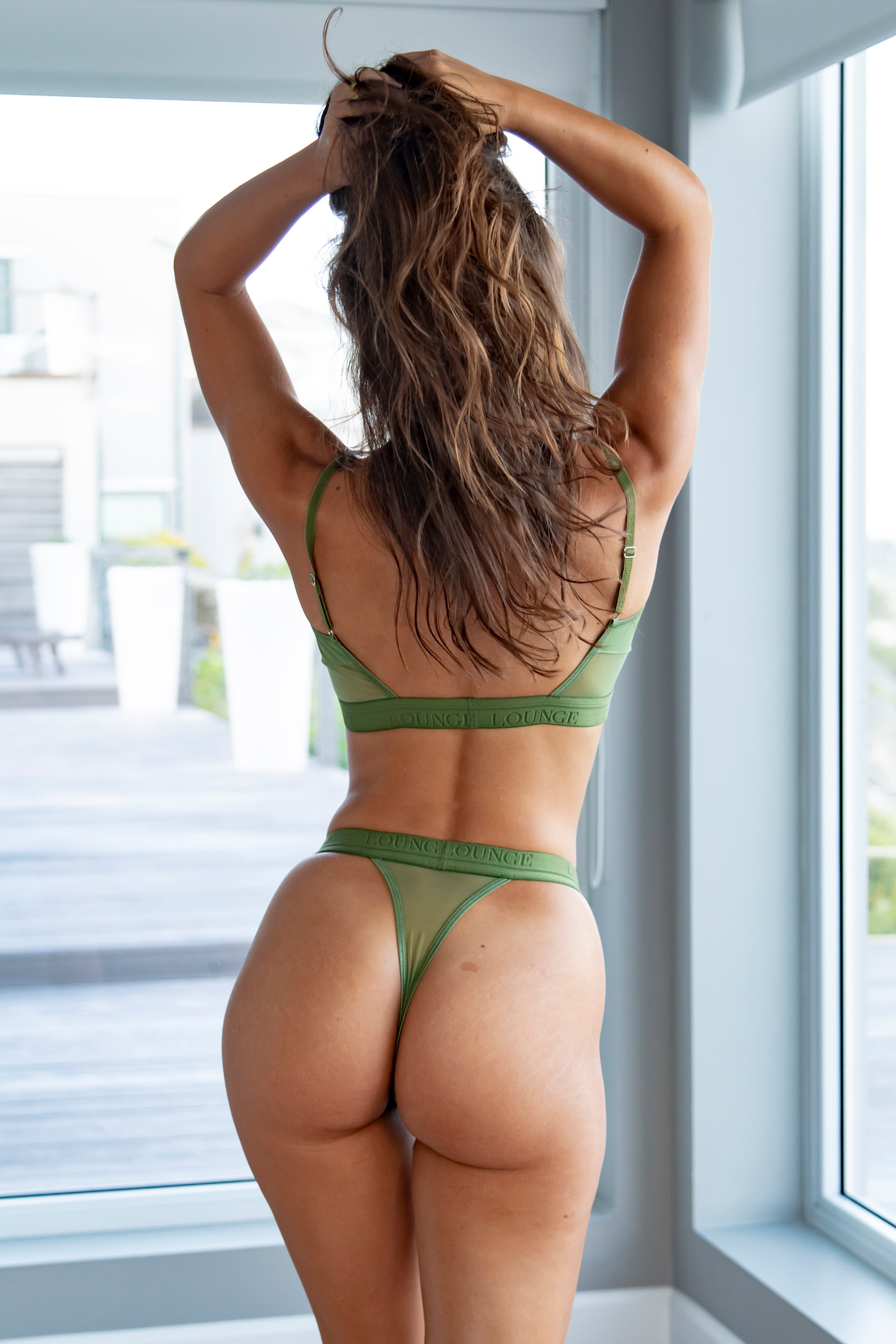
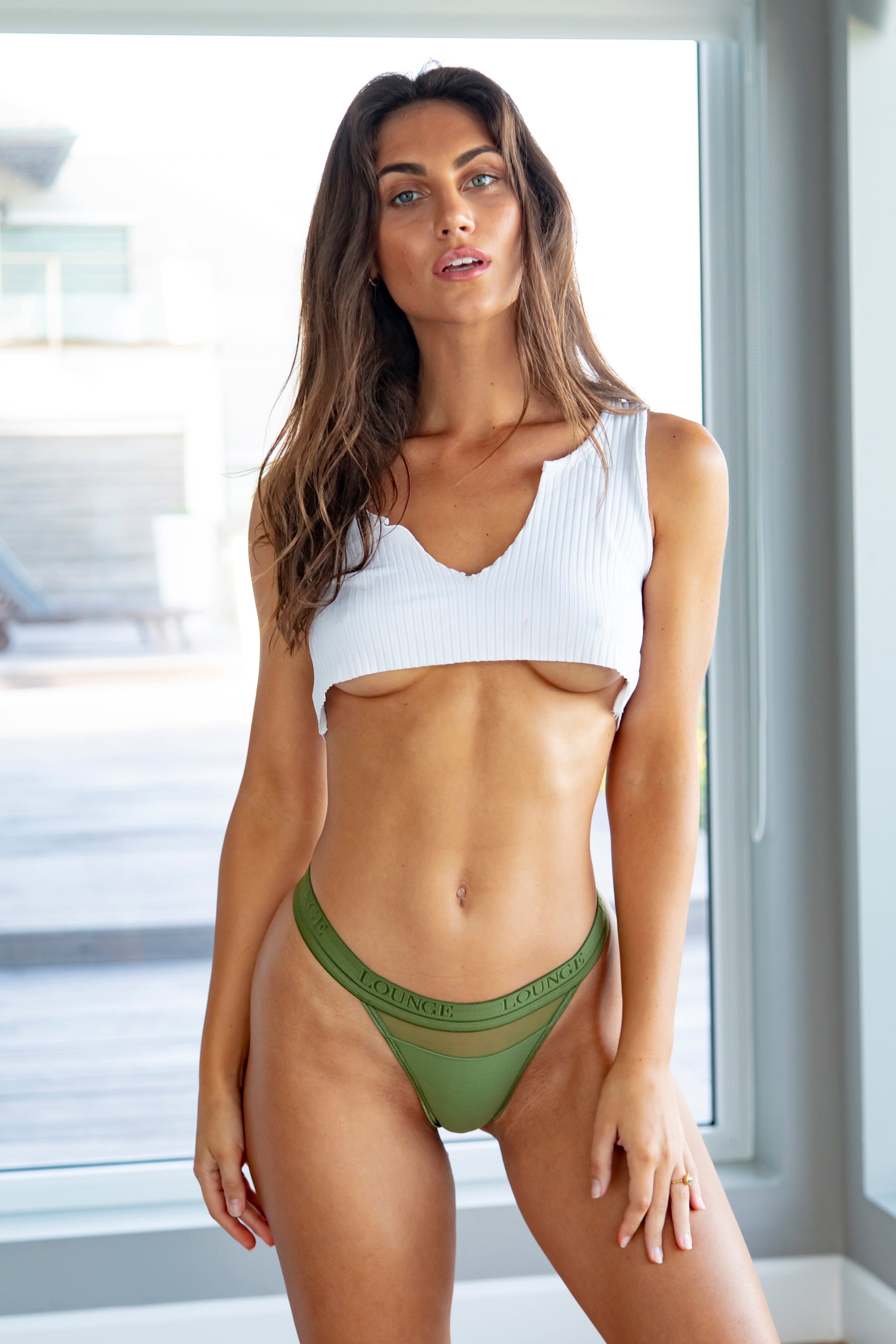
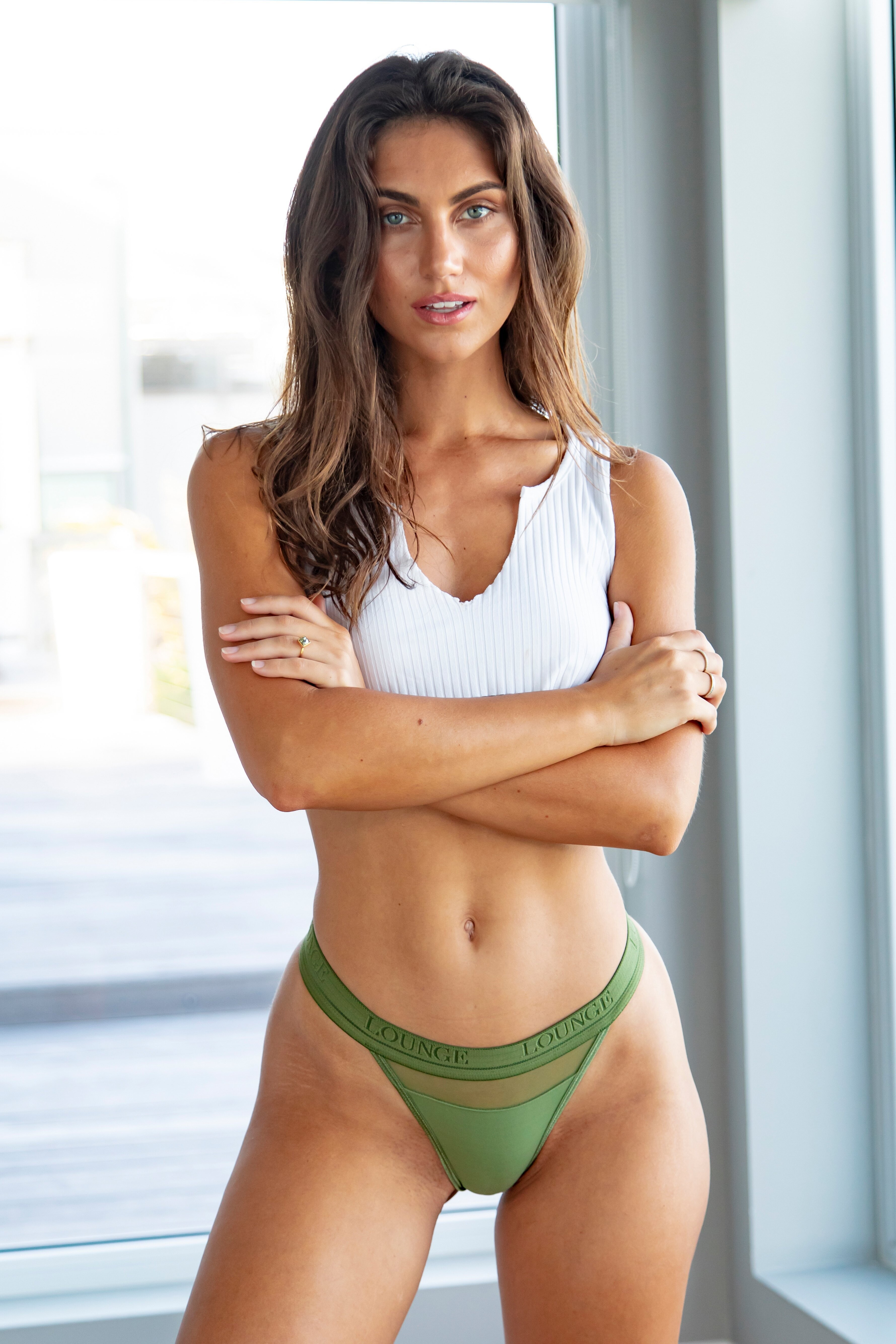
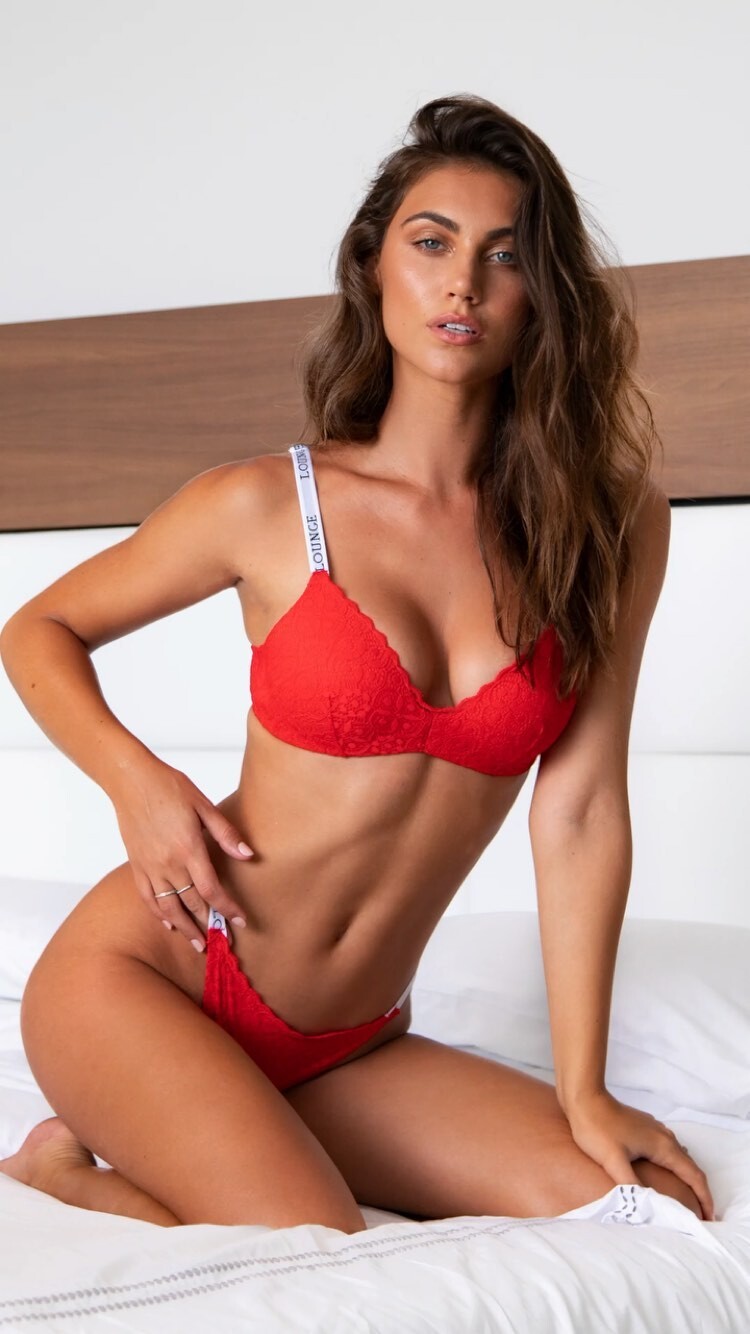
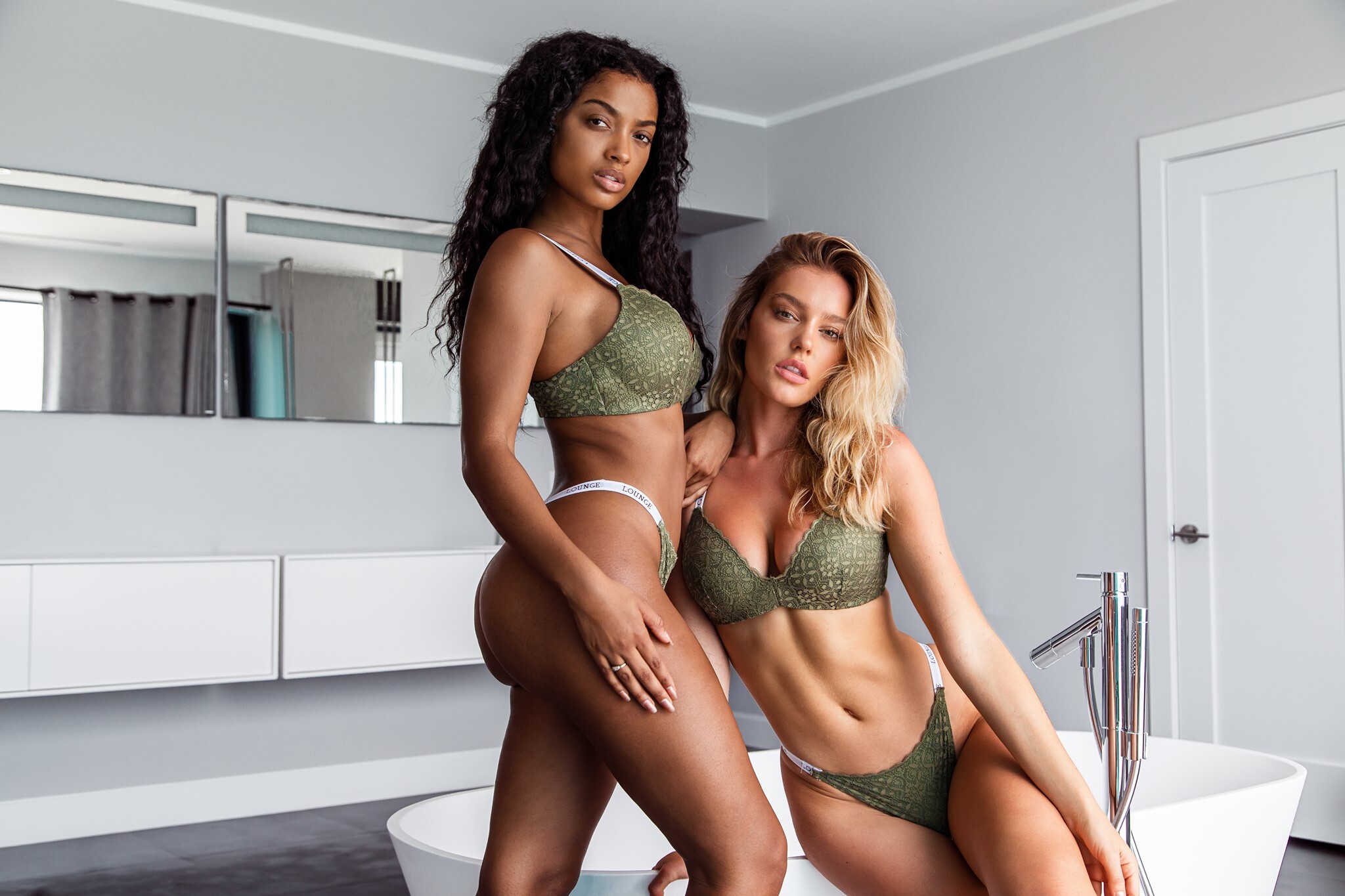
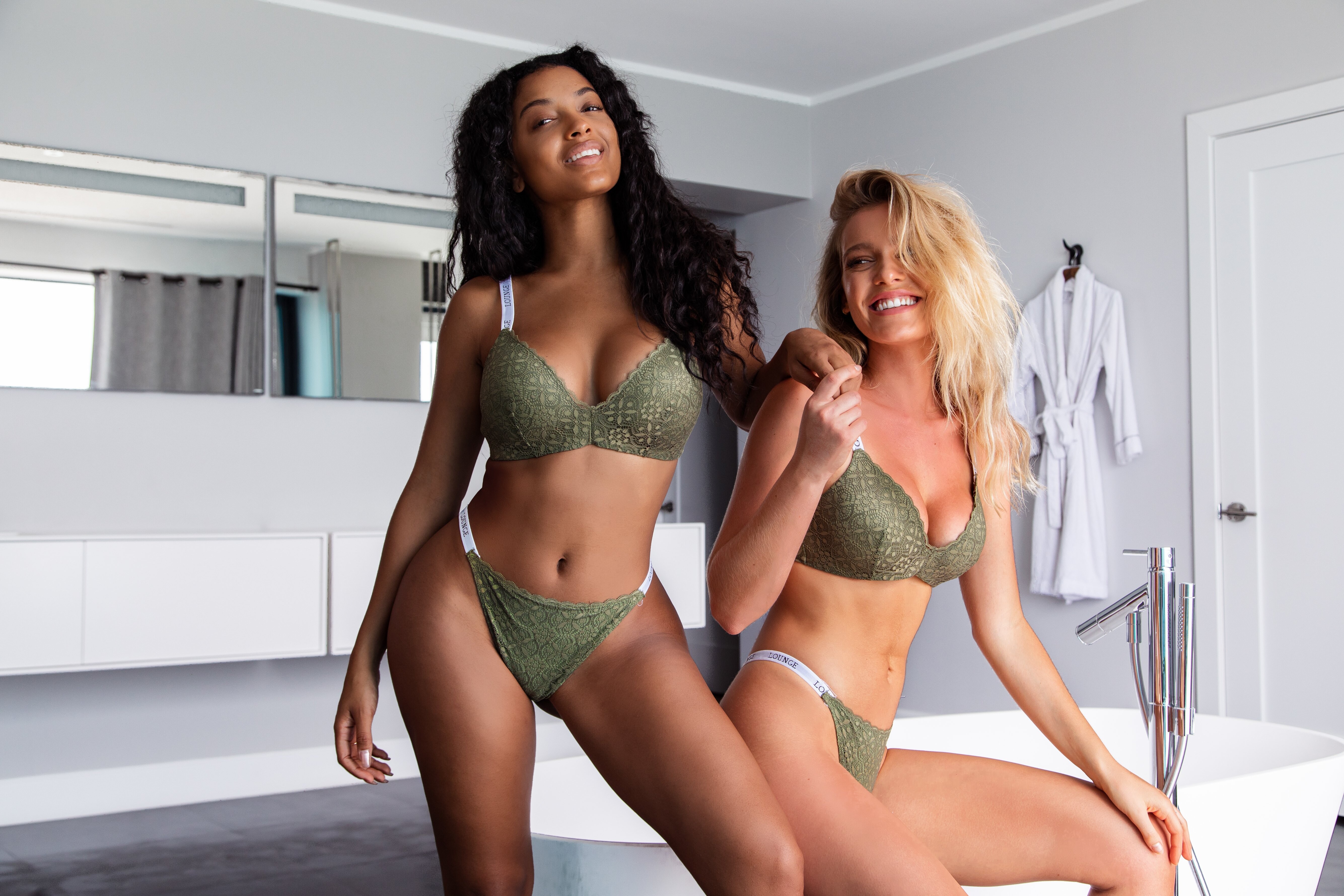
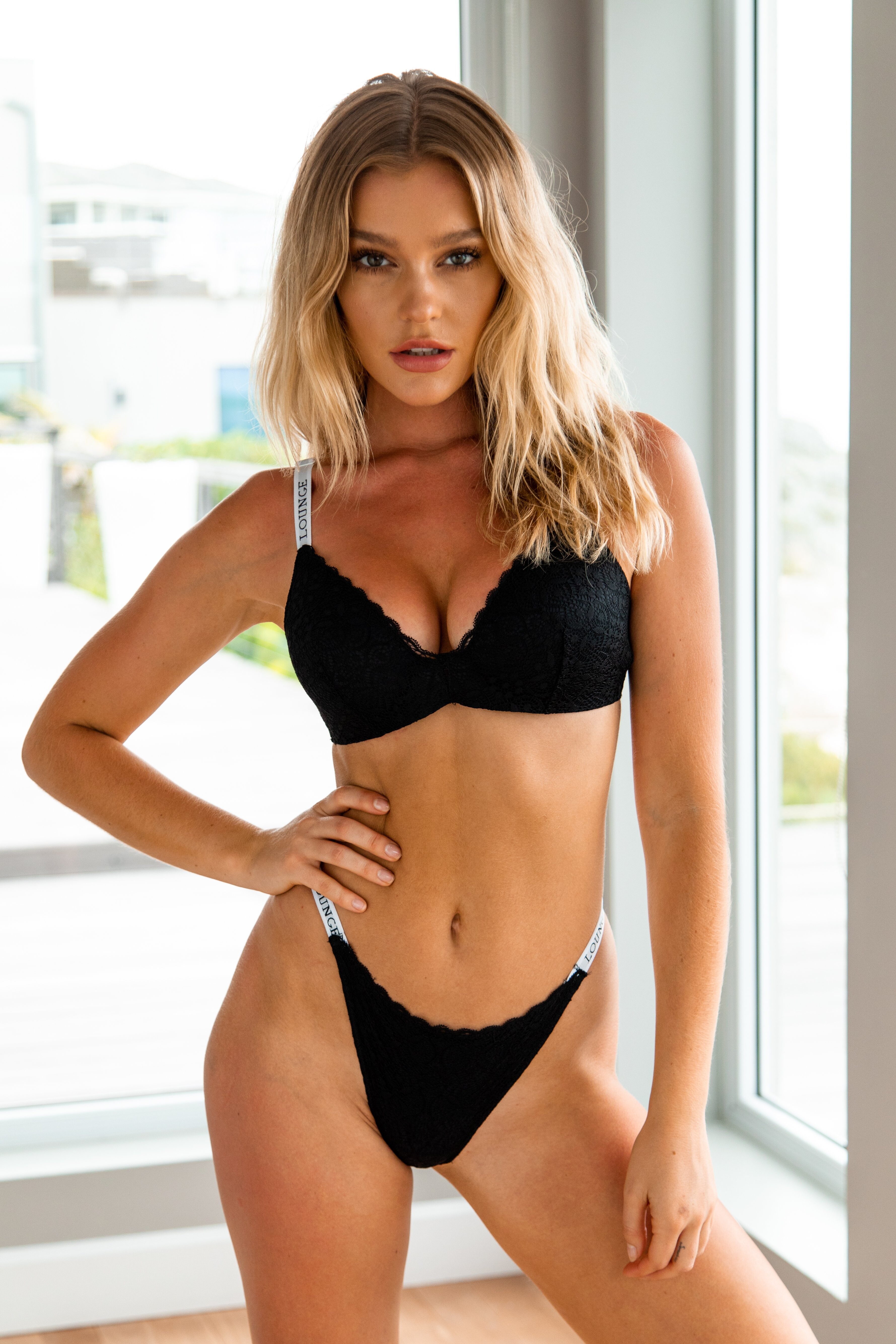
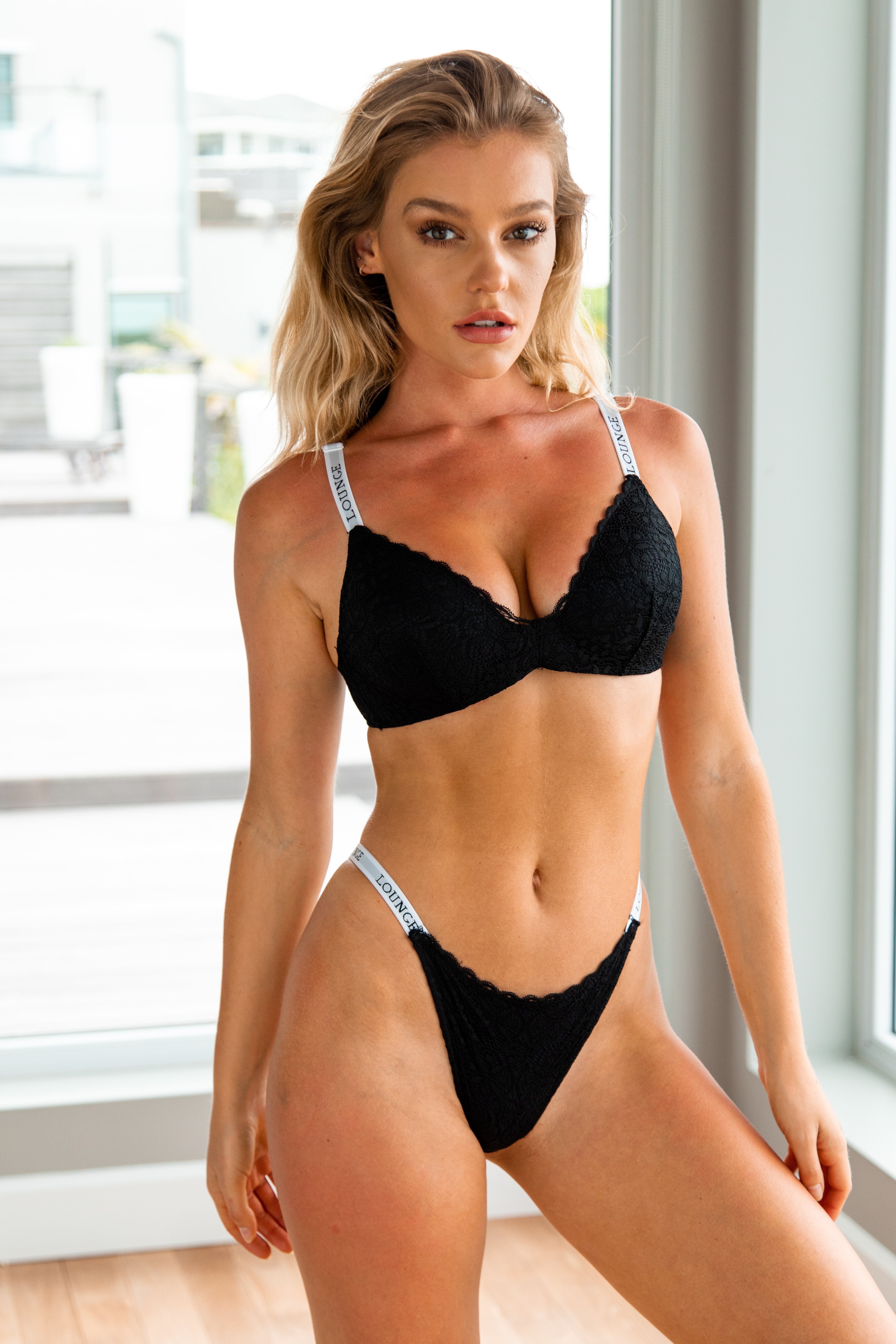
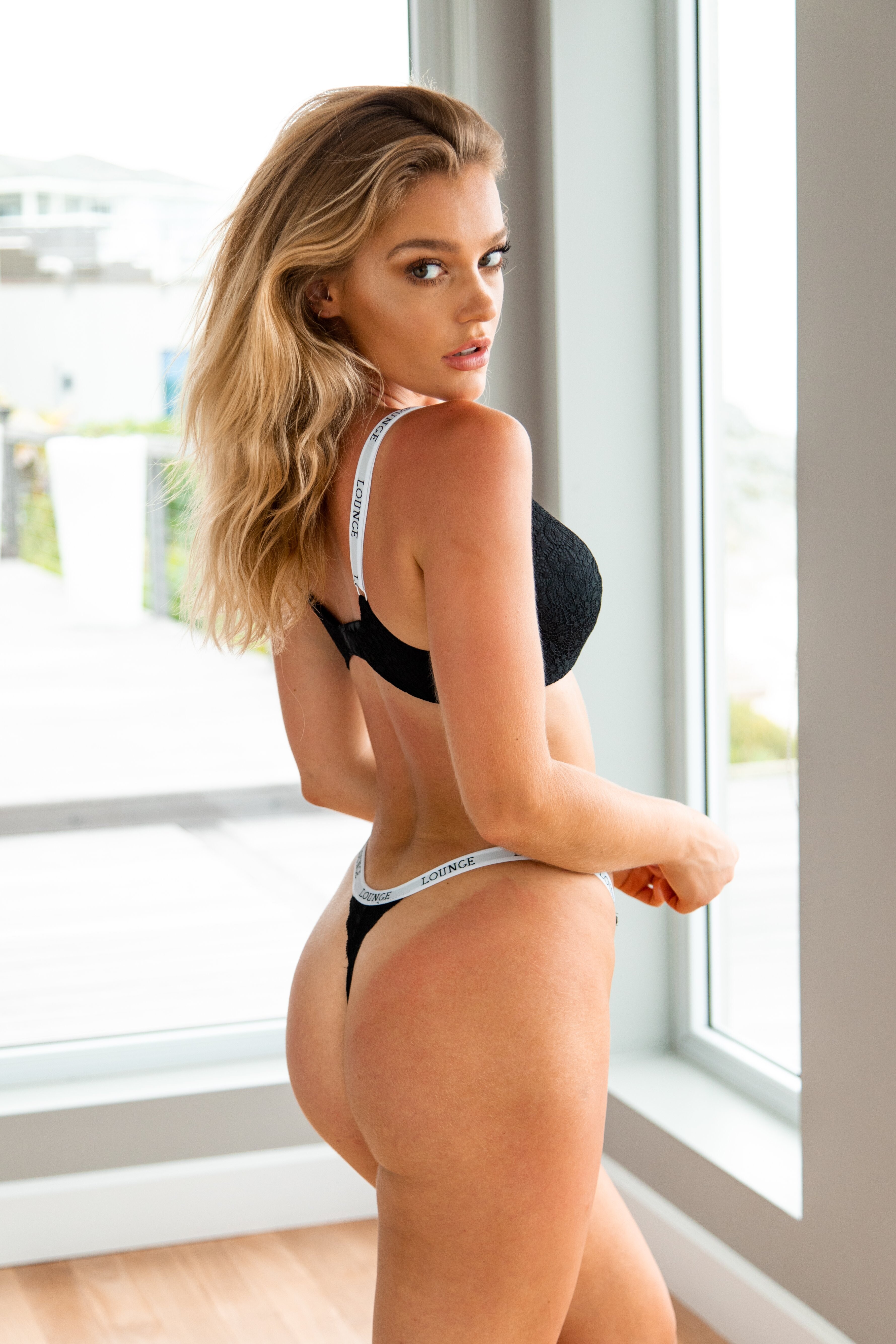
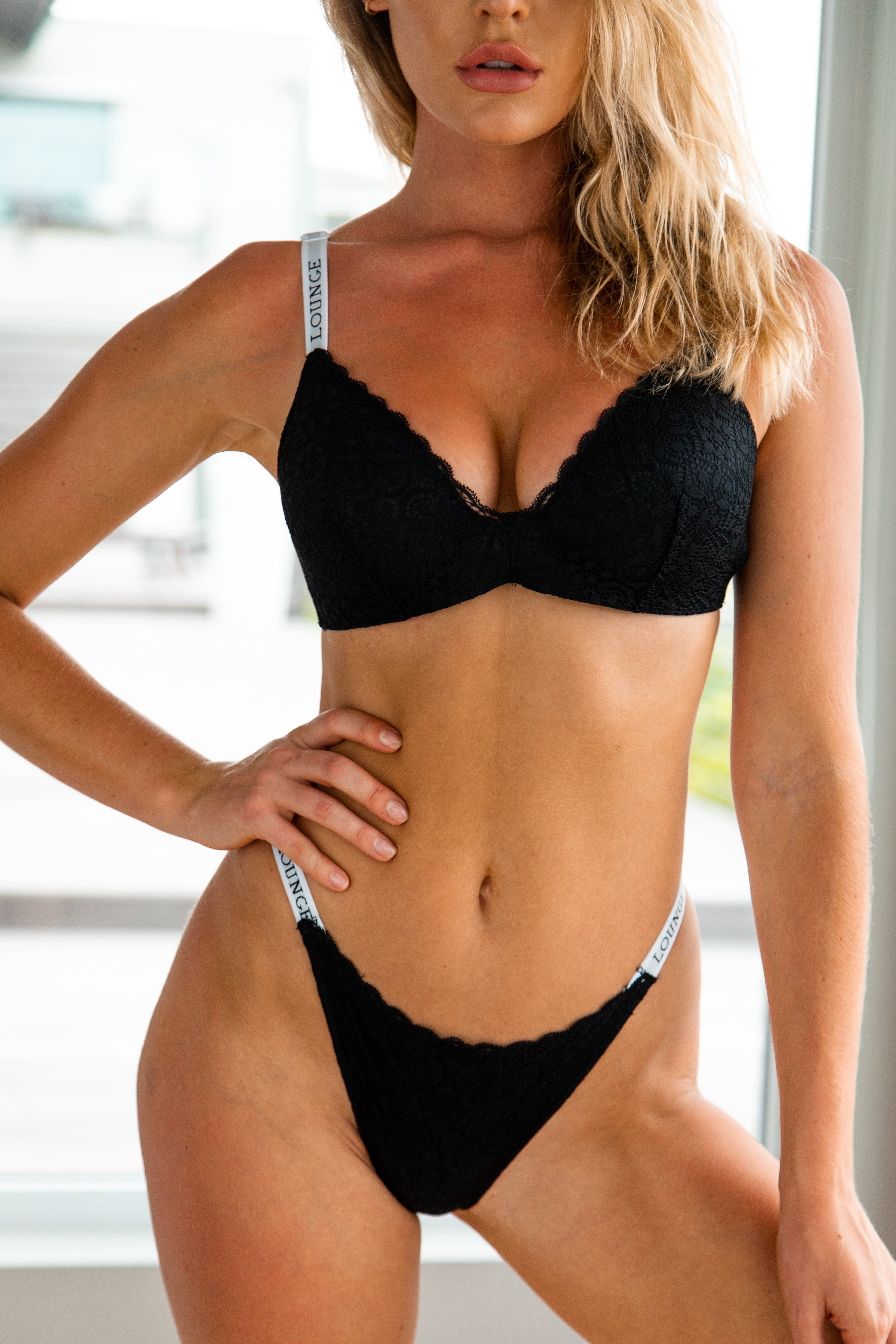
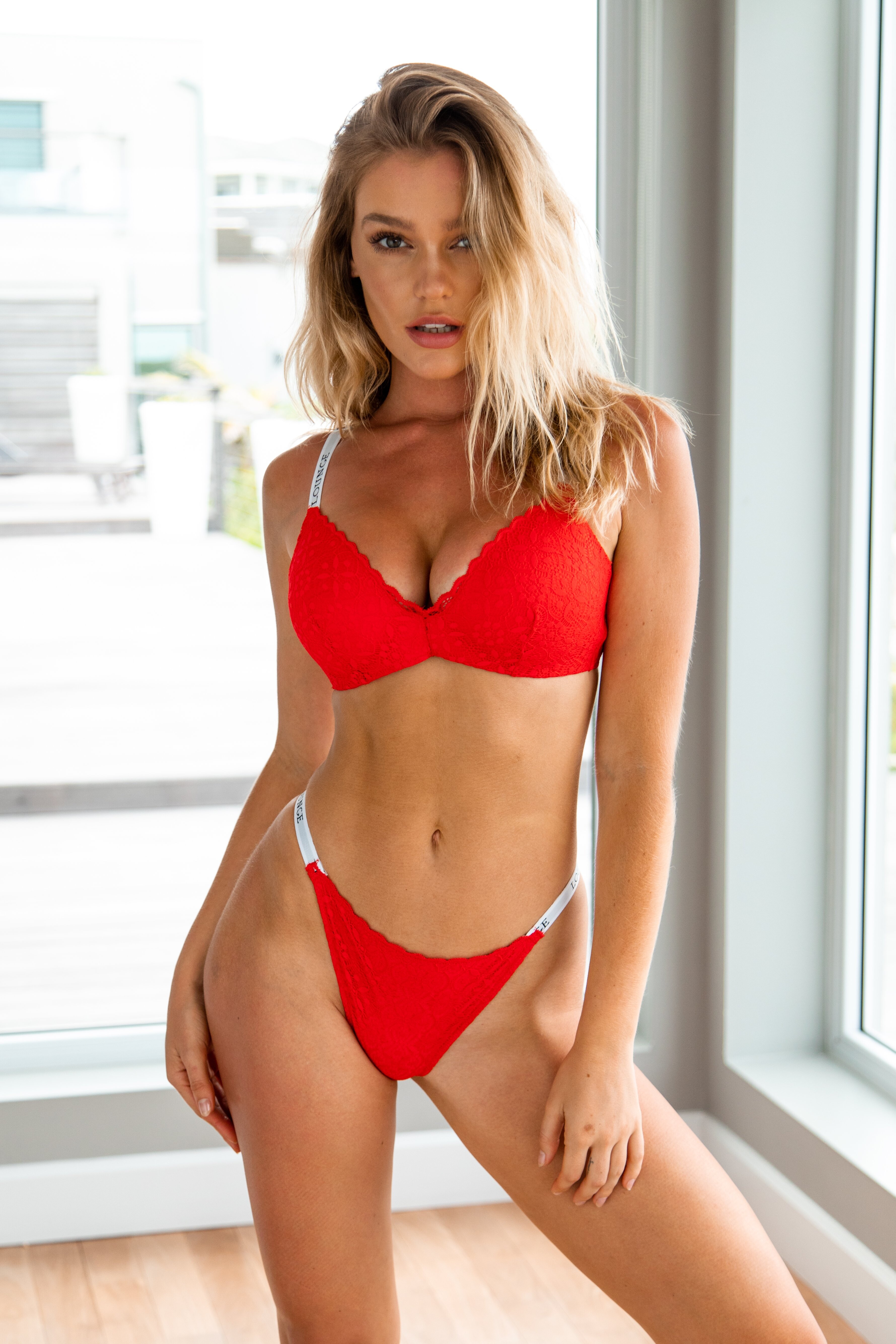
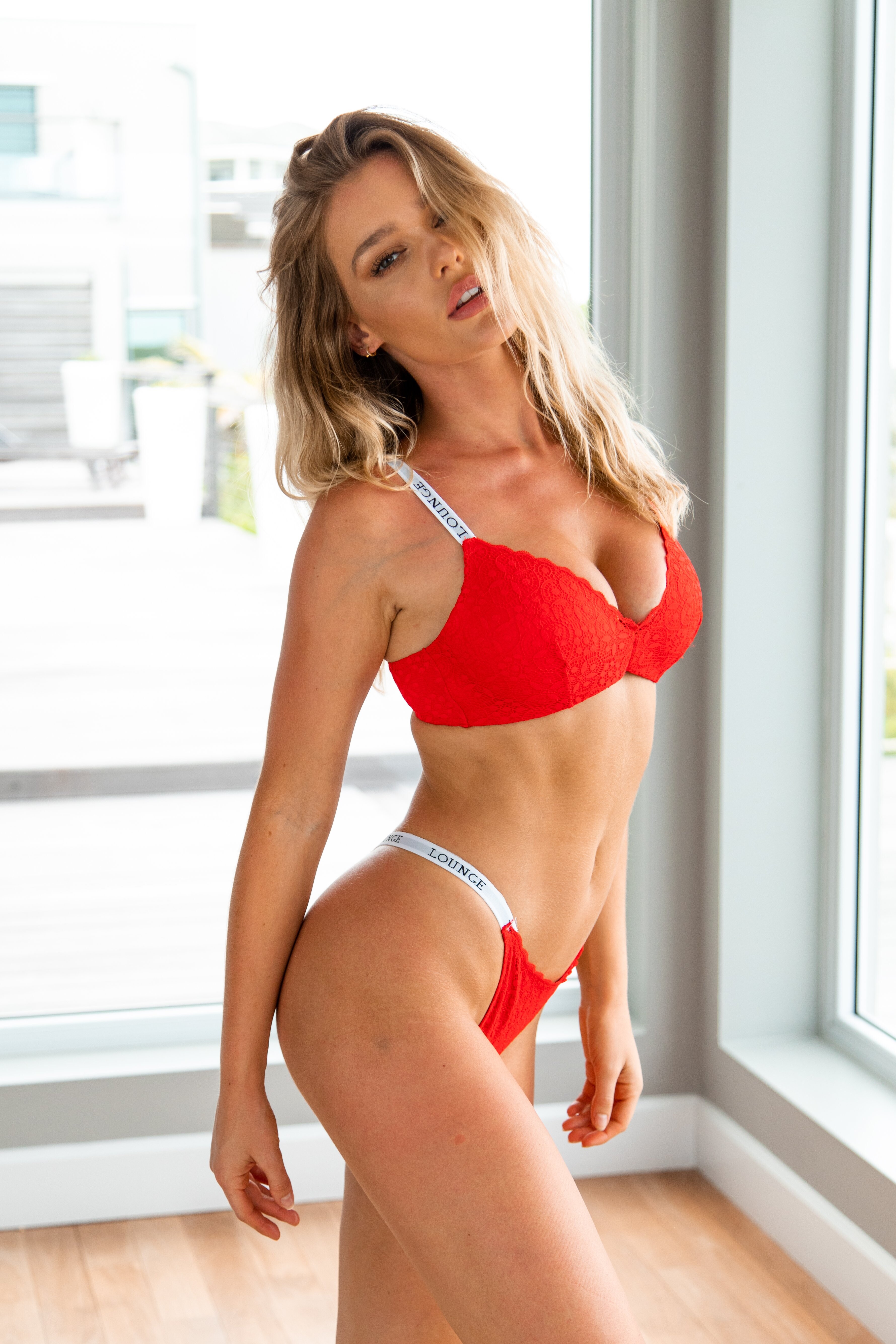
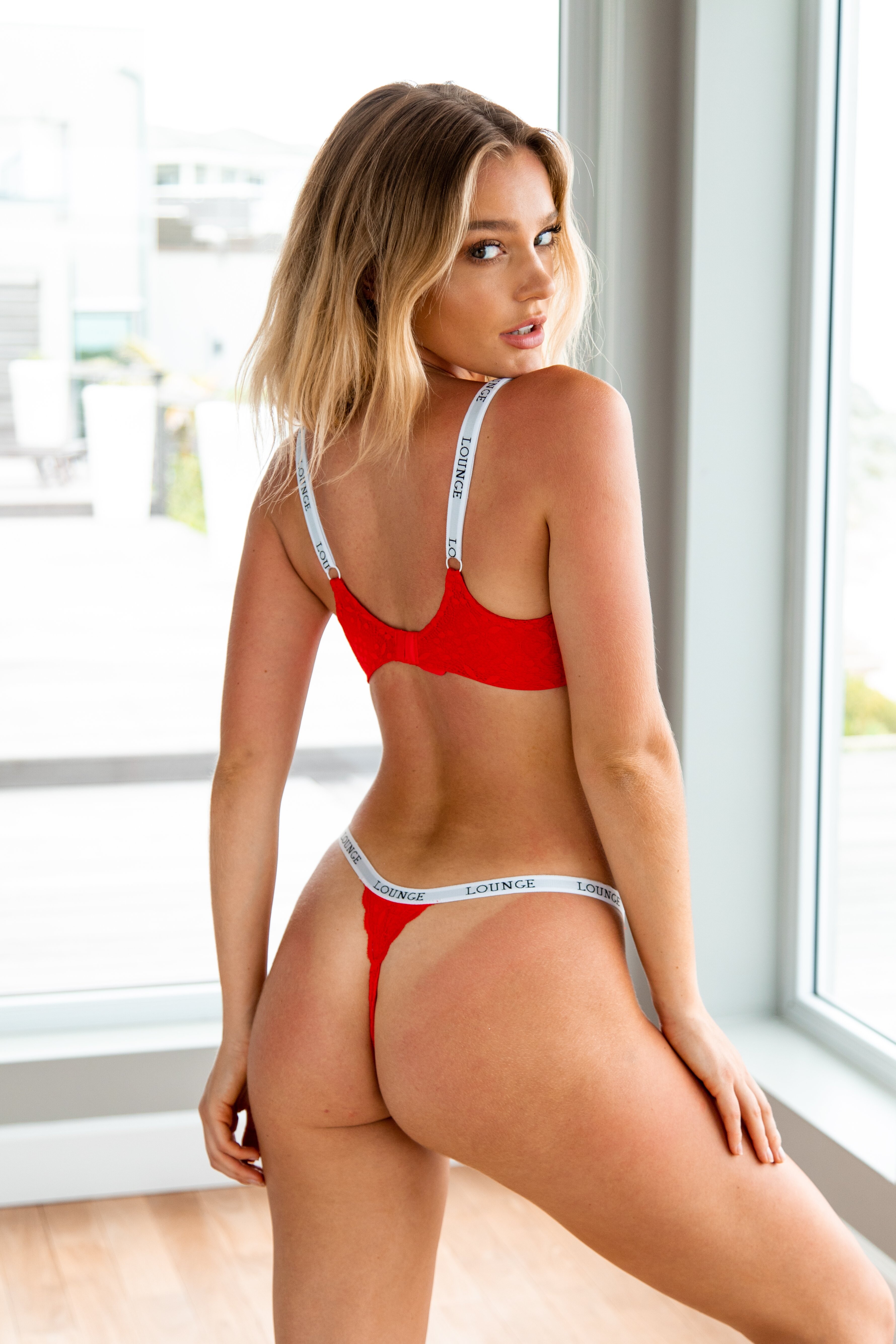
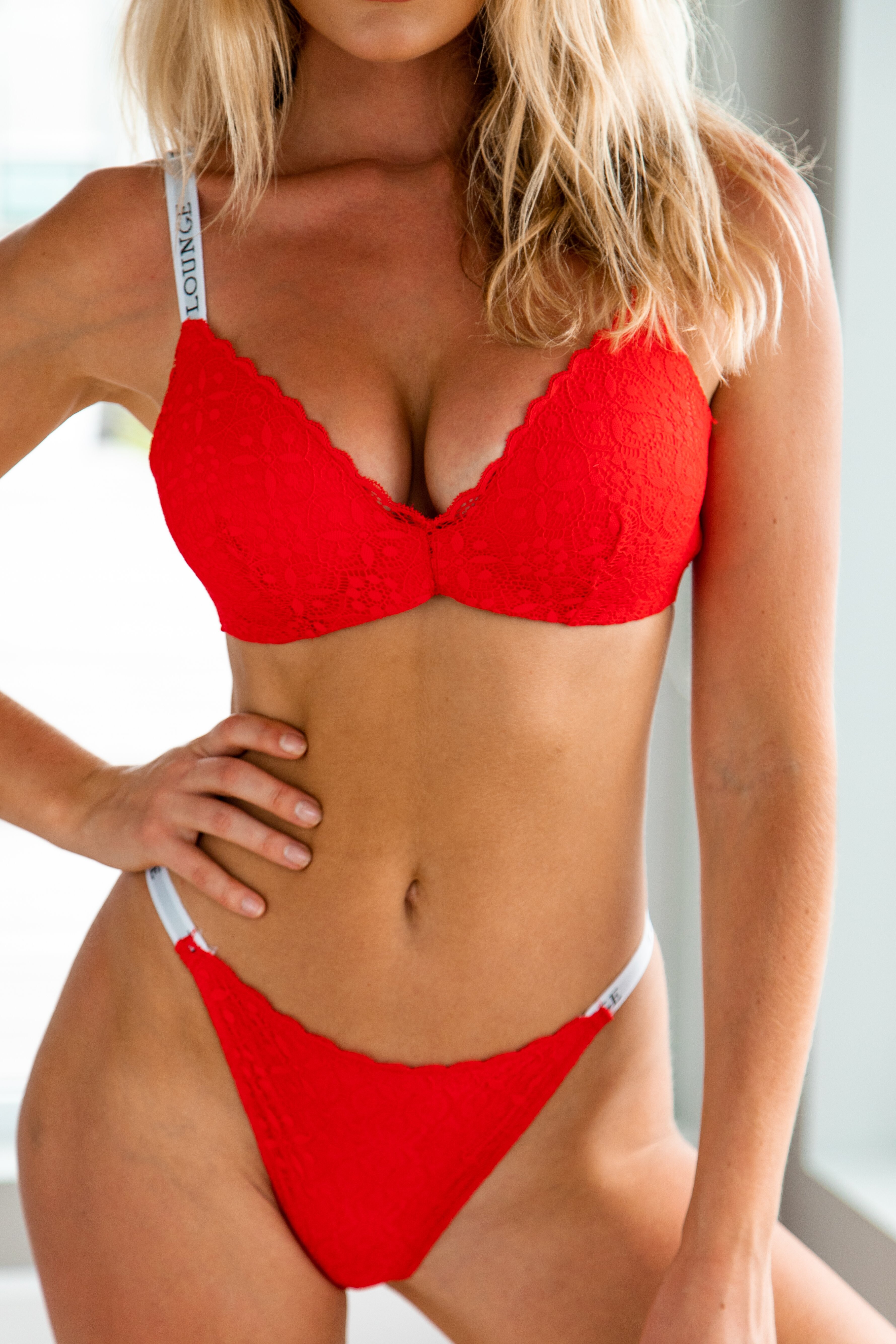
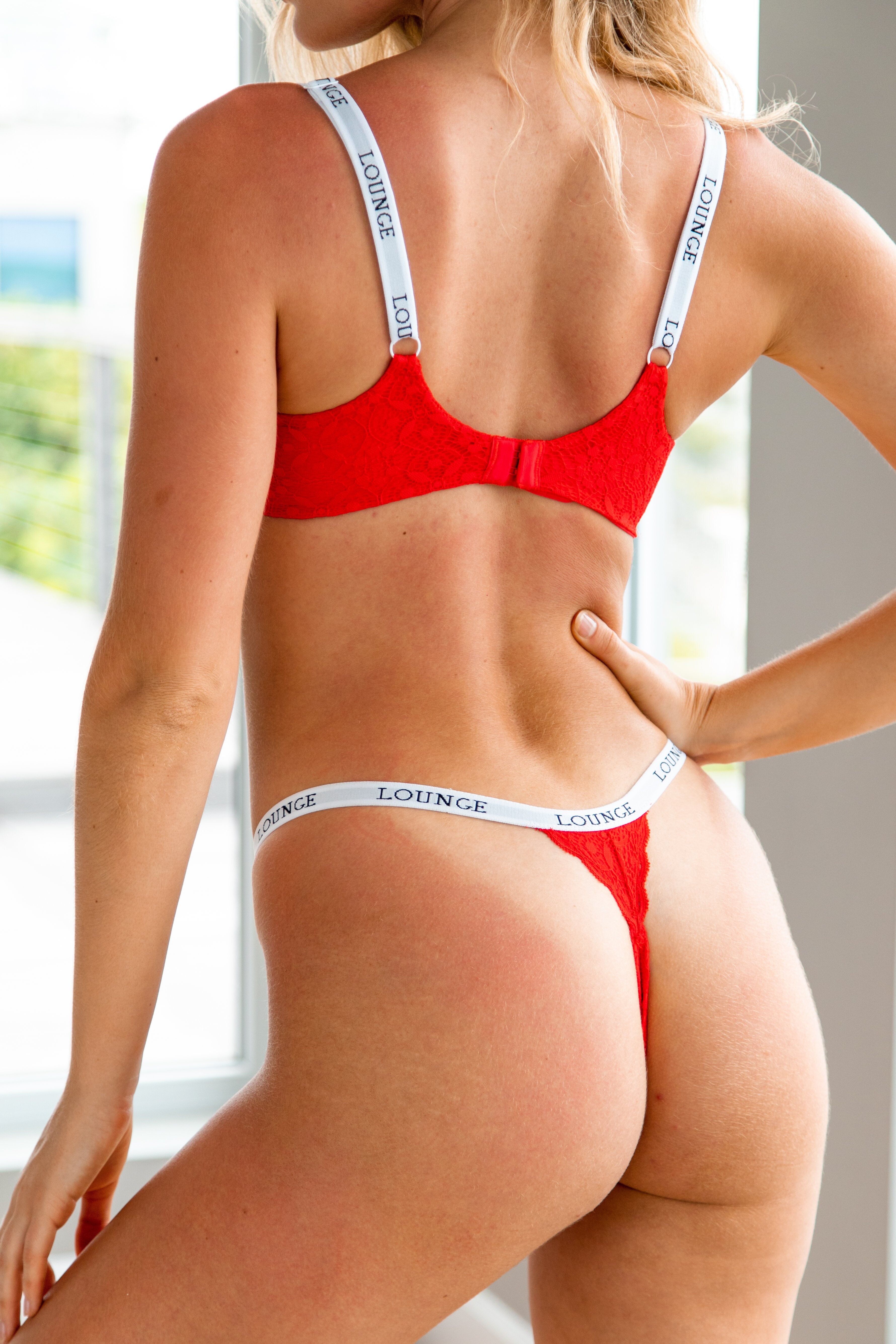
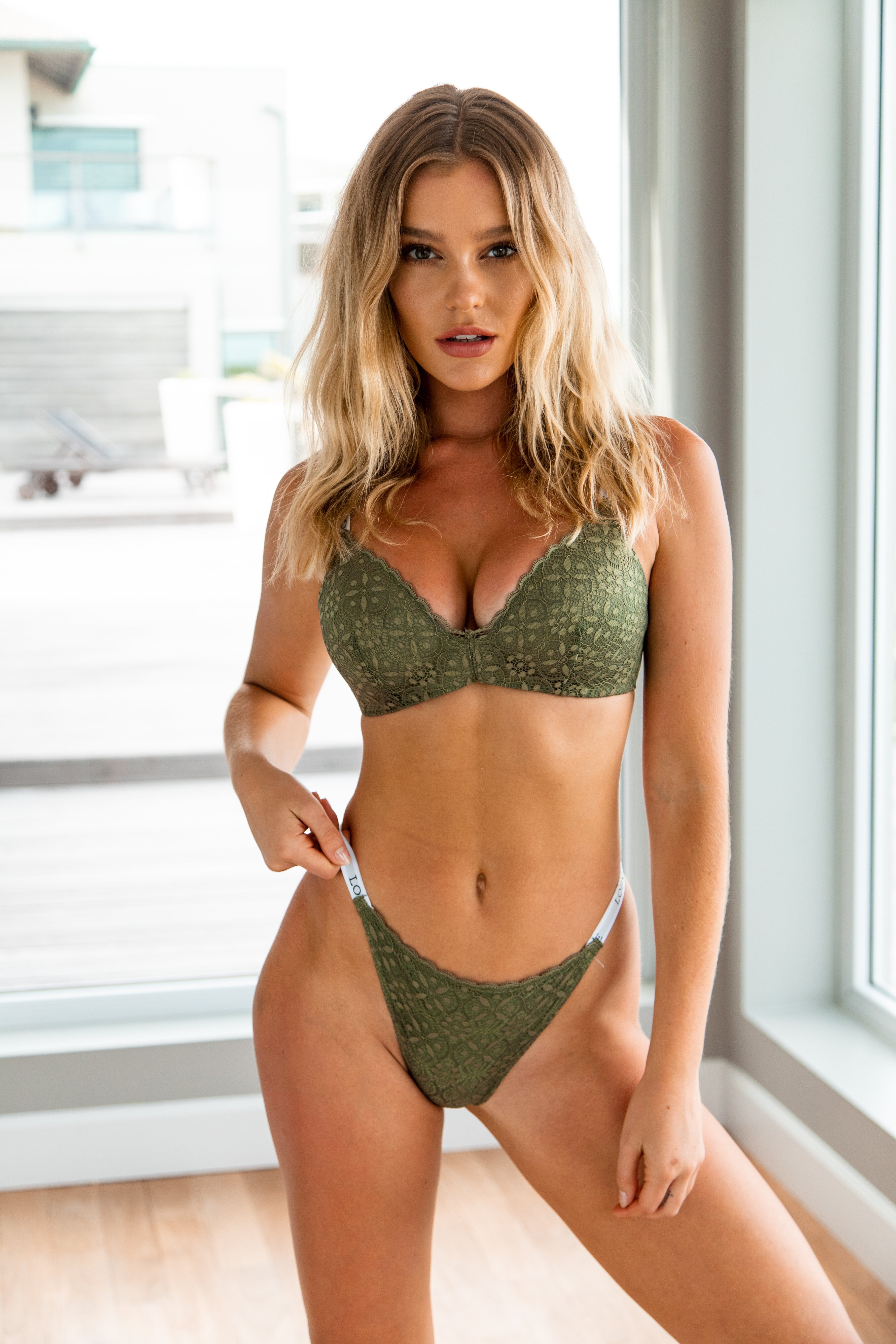
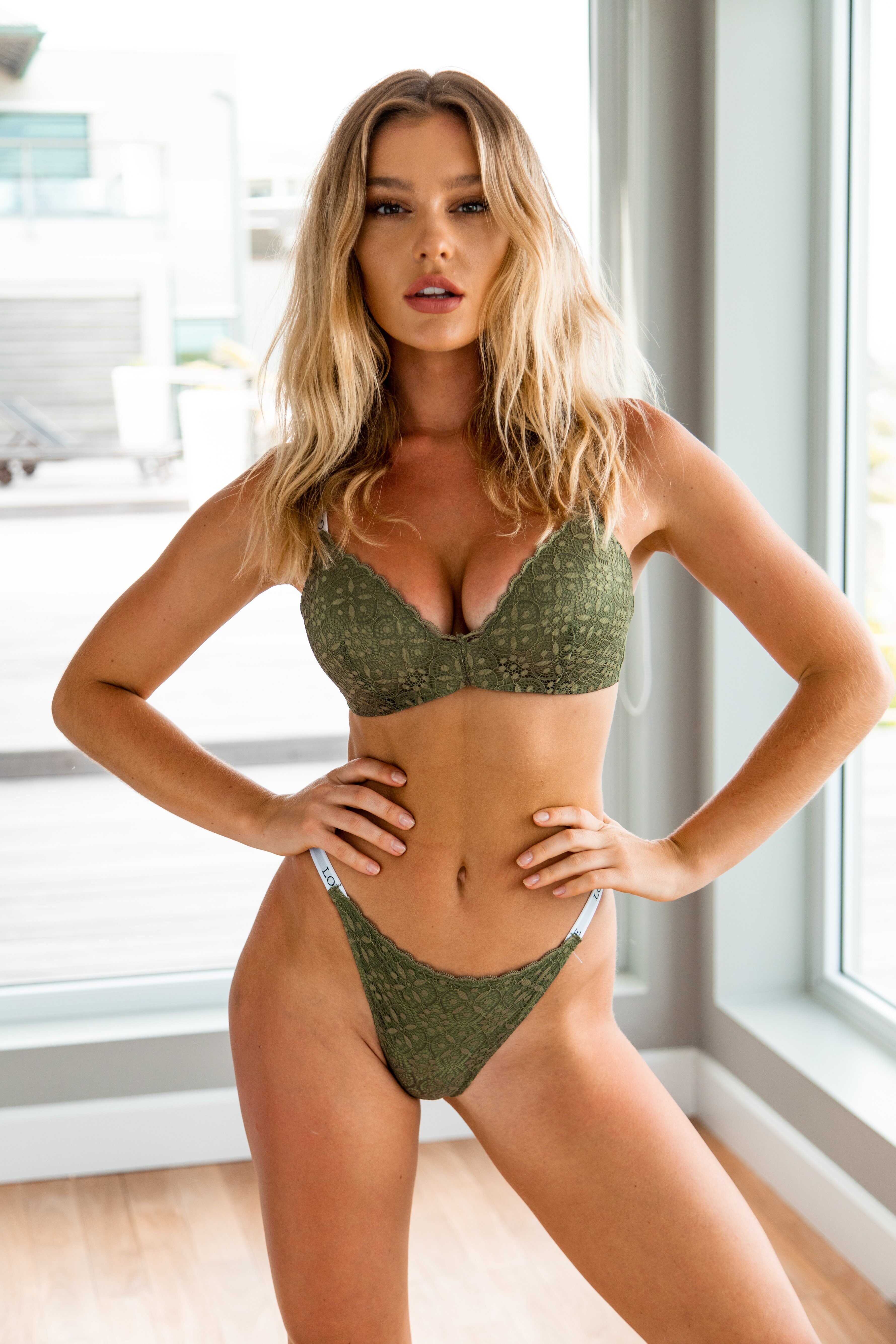
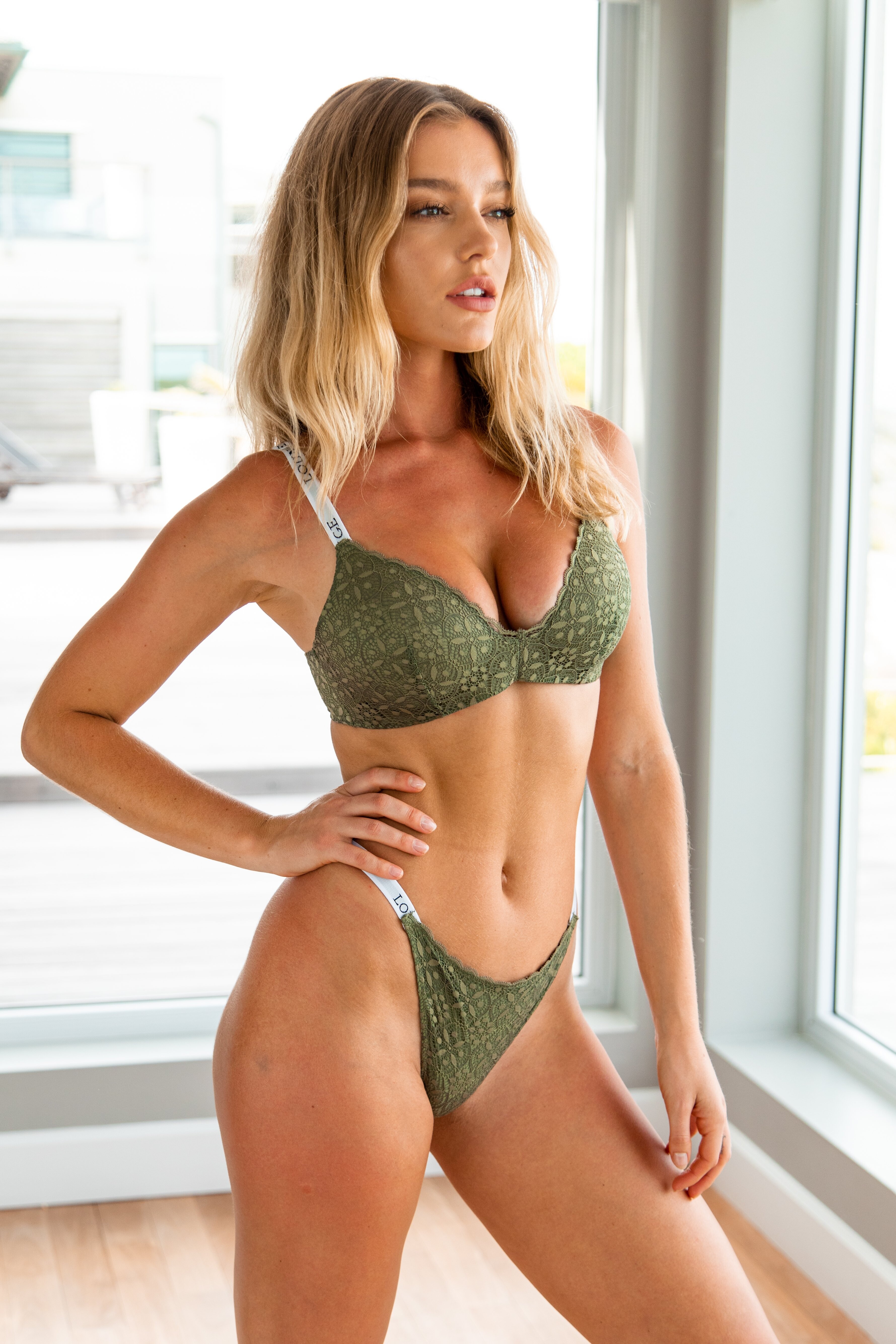
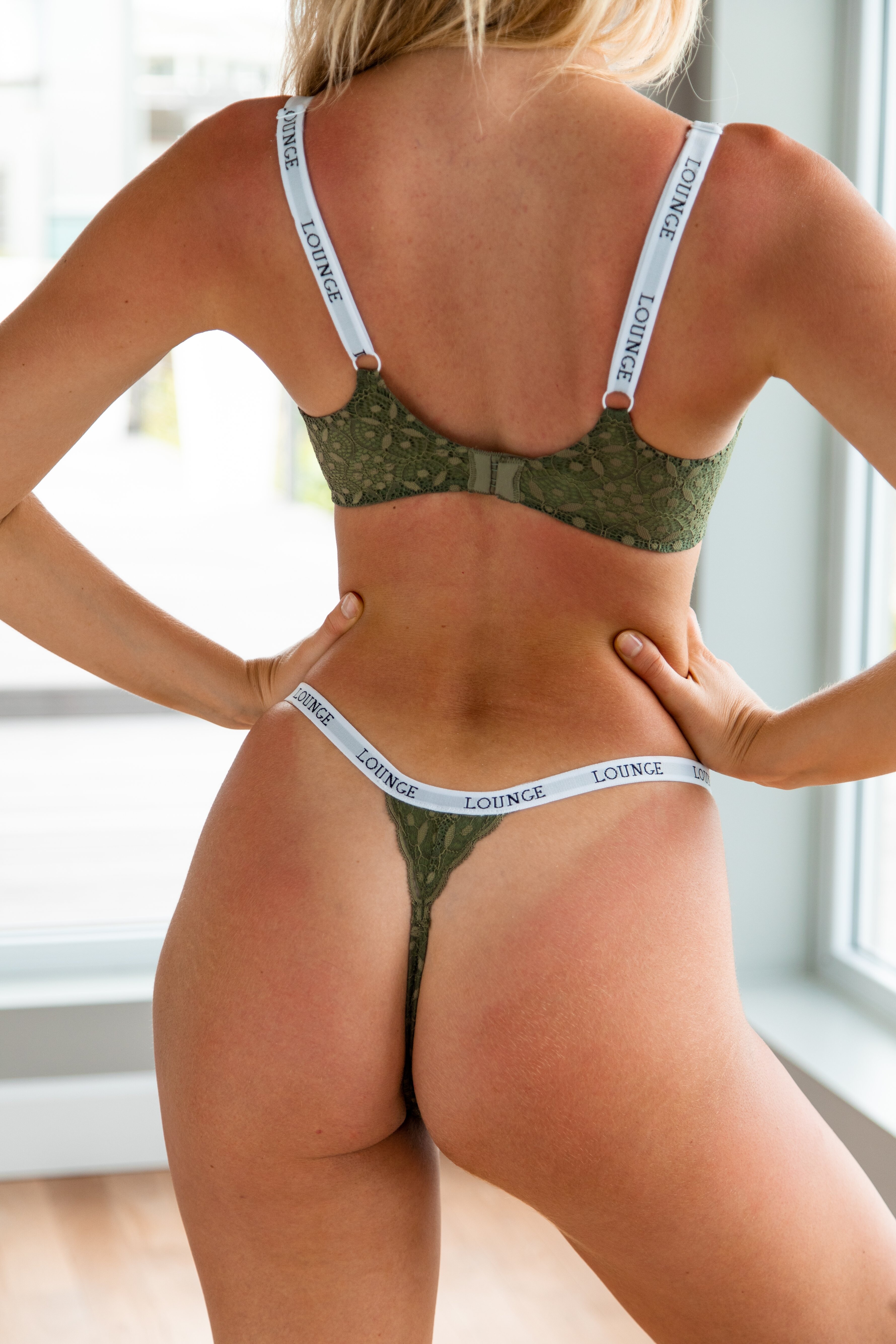
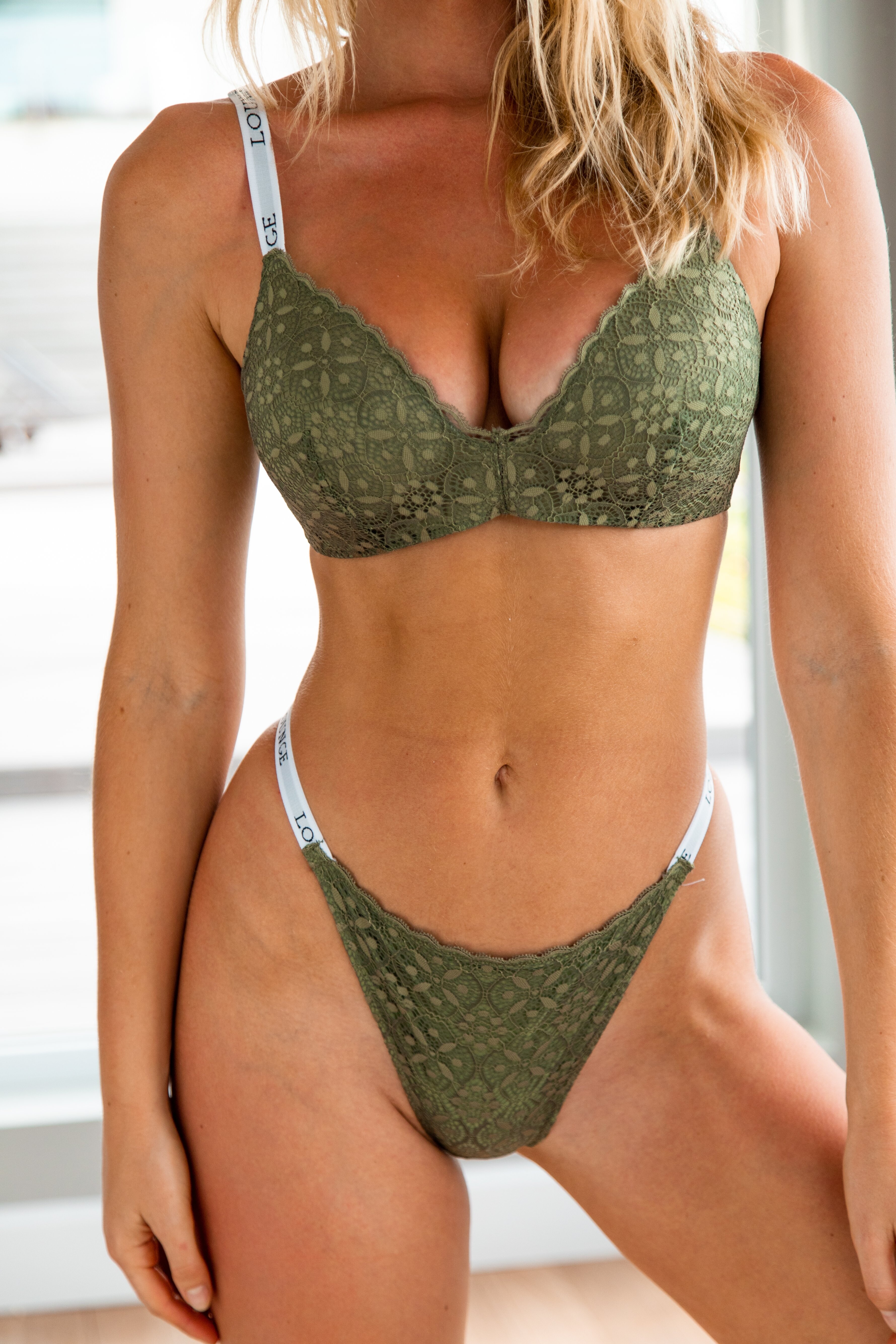
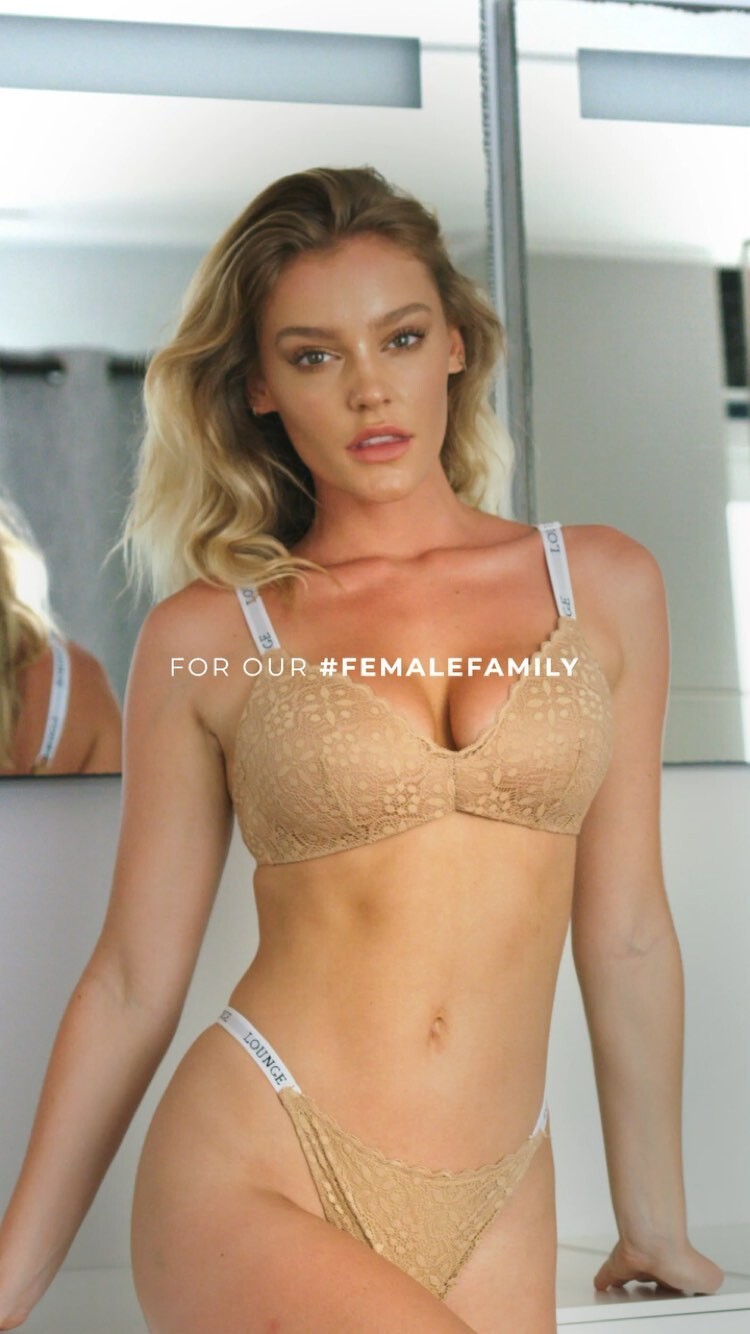
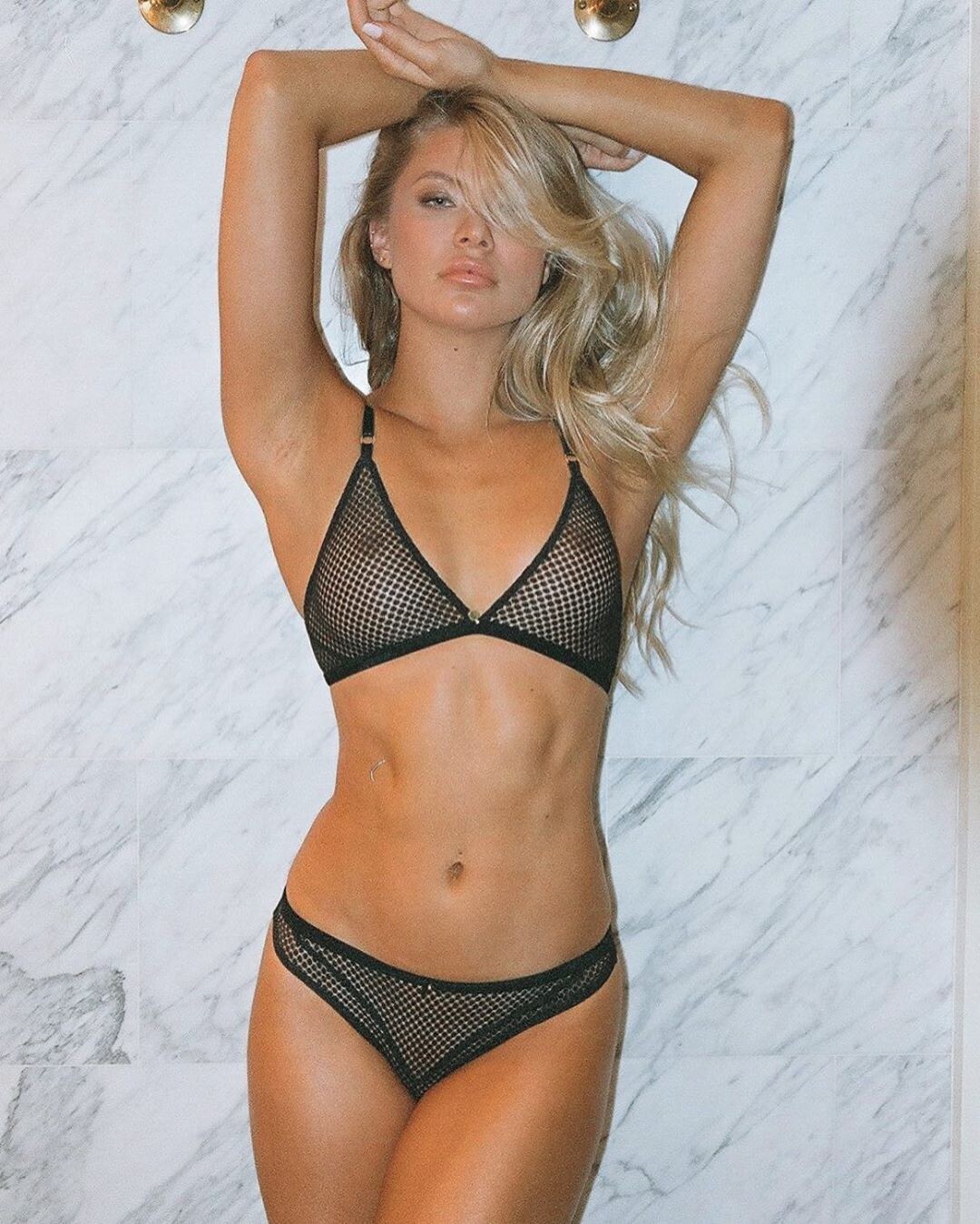
  12. Lounge Underwear Triangle [Adds]
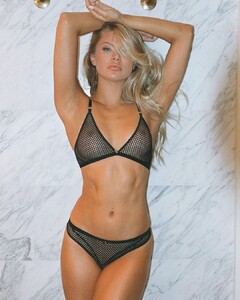
  13. Lounge Underwear Essential [Adds] Mesh
  14. Lounge Underwear Bottoms [Adds]
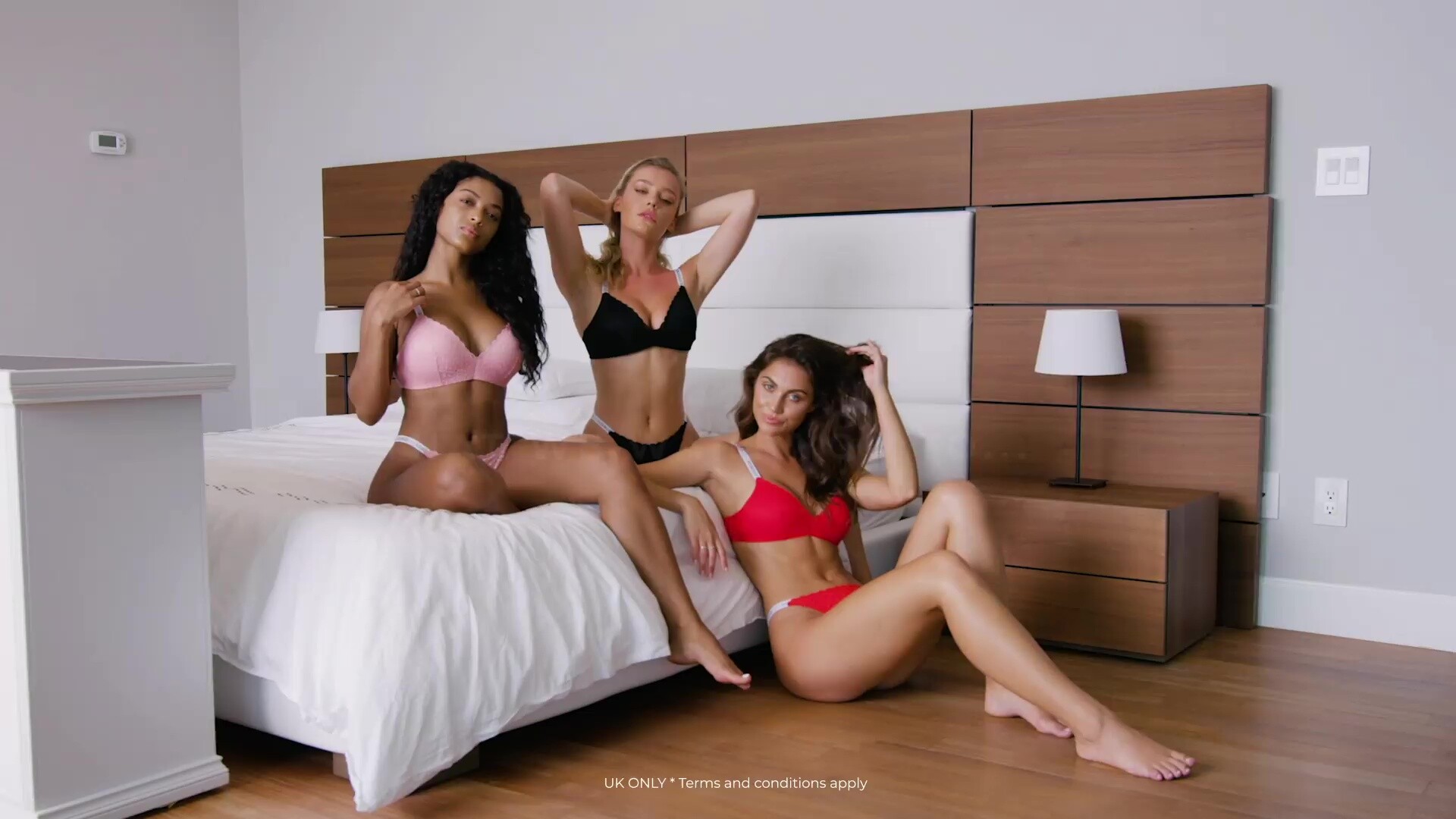
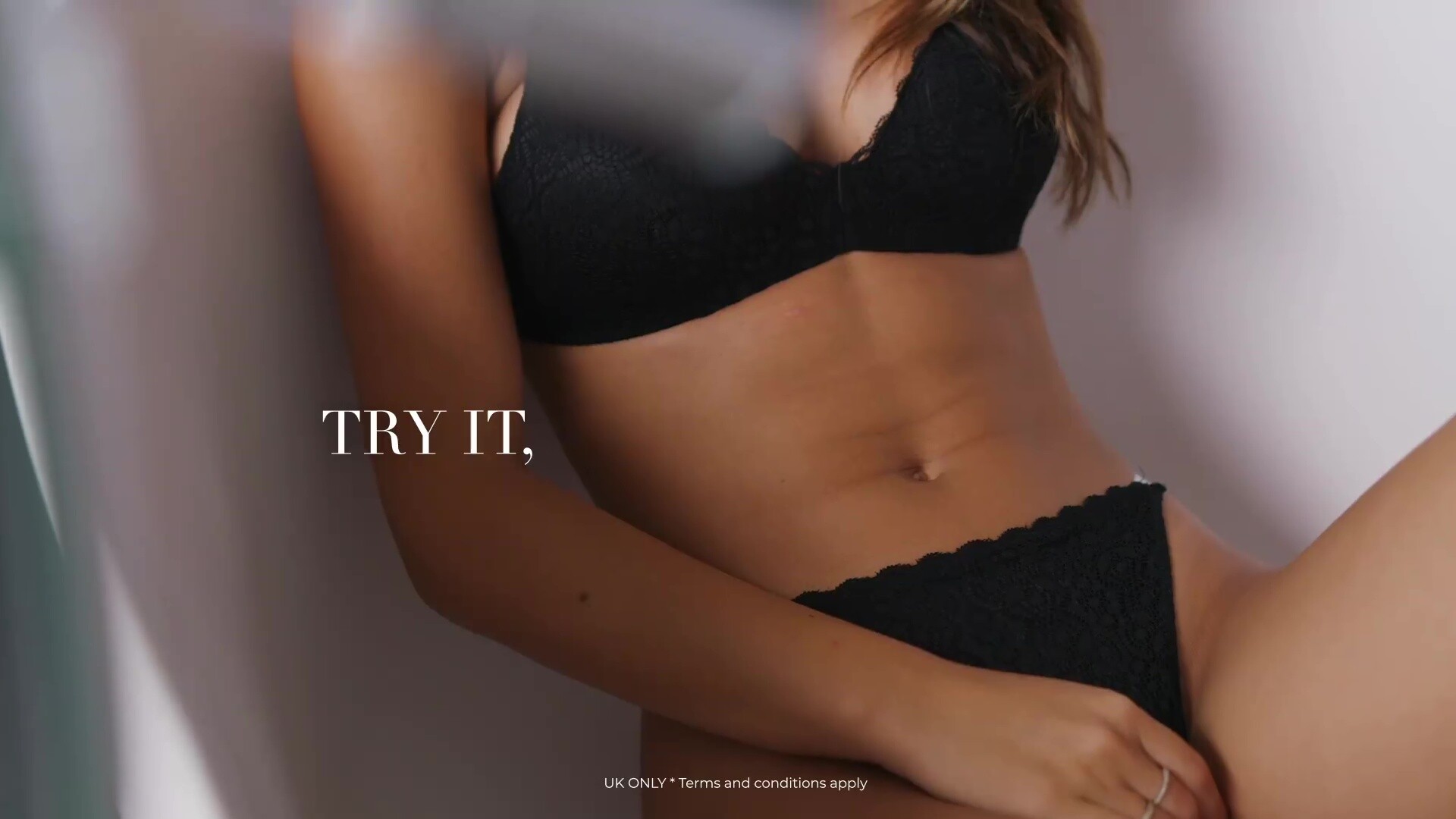
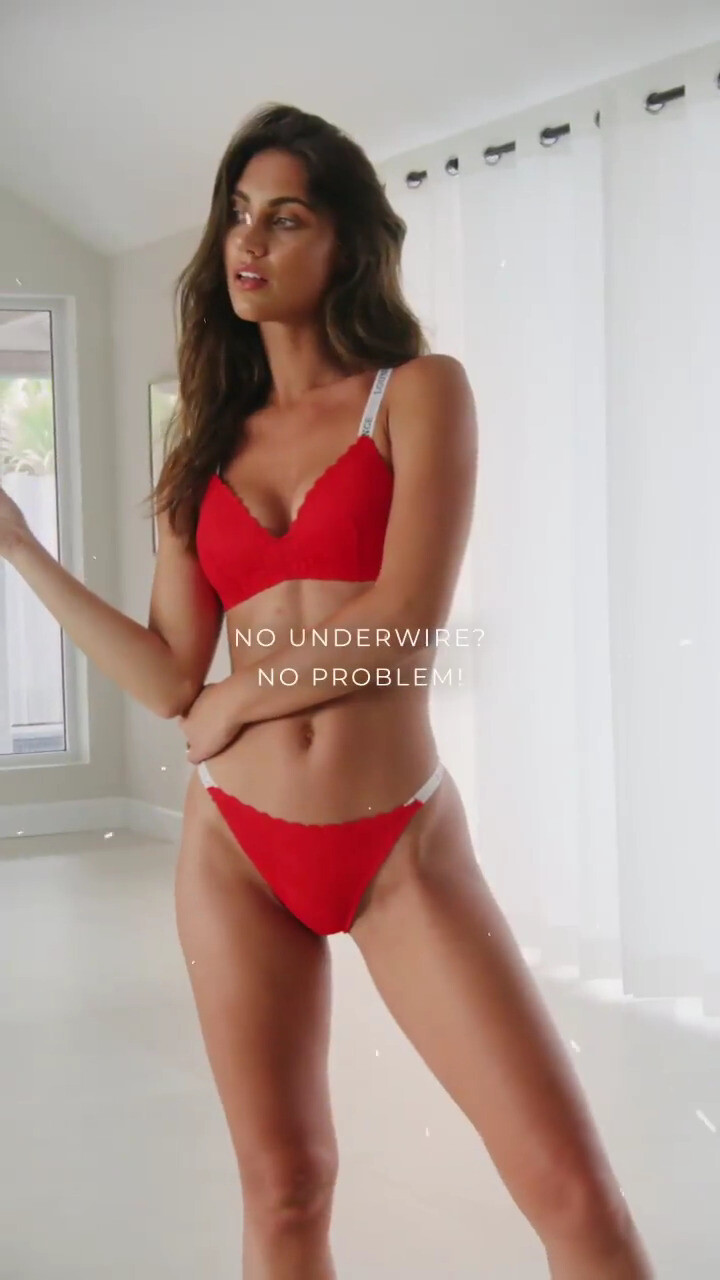
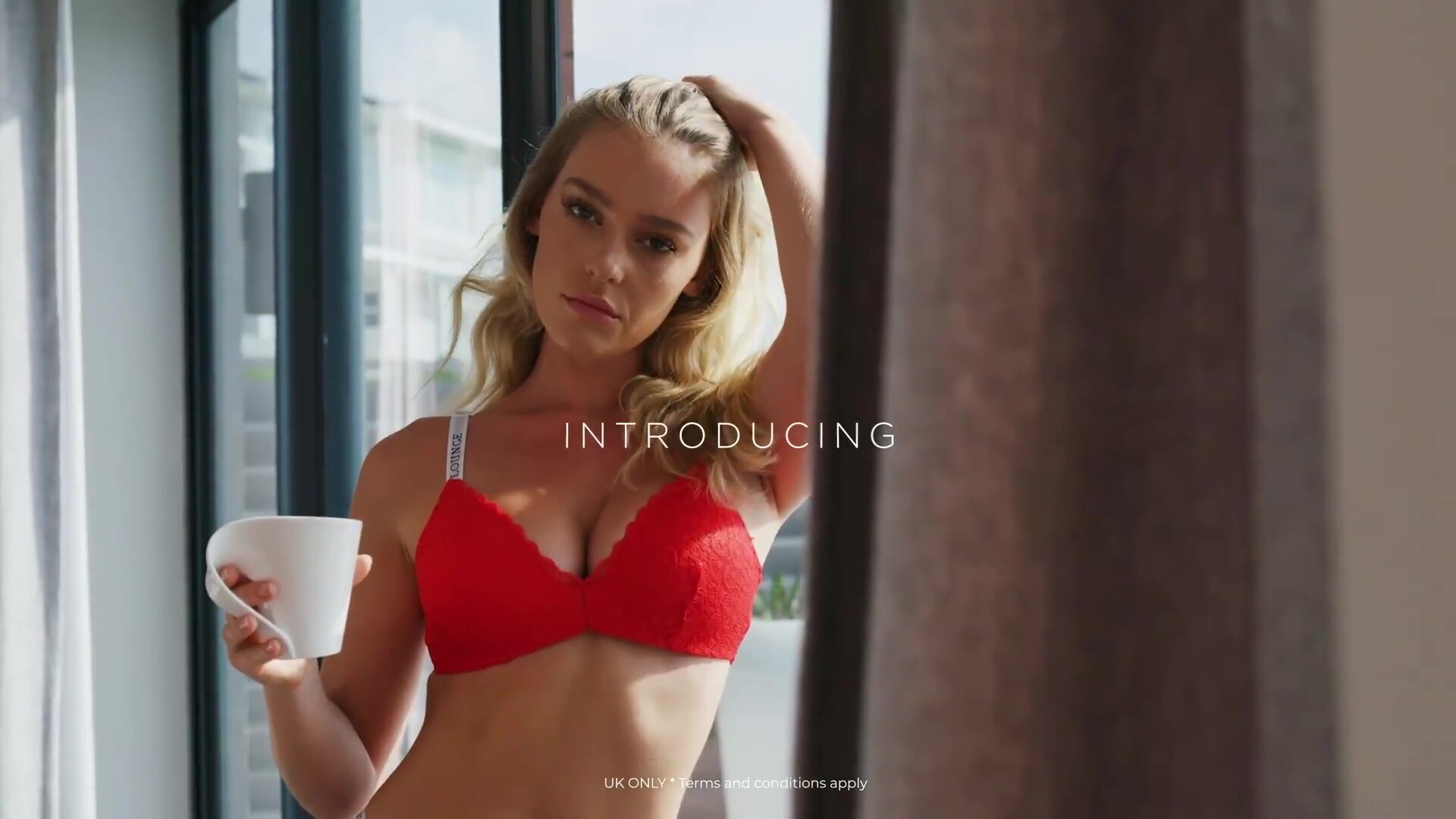
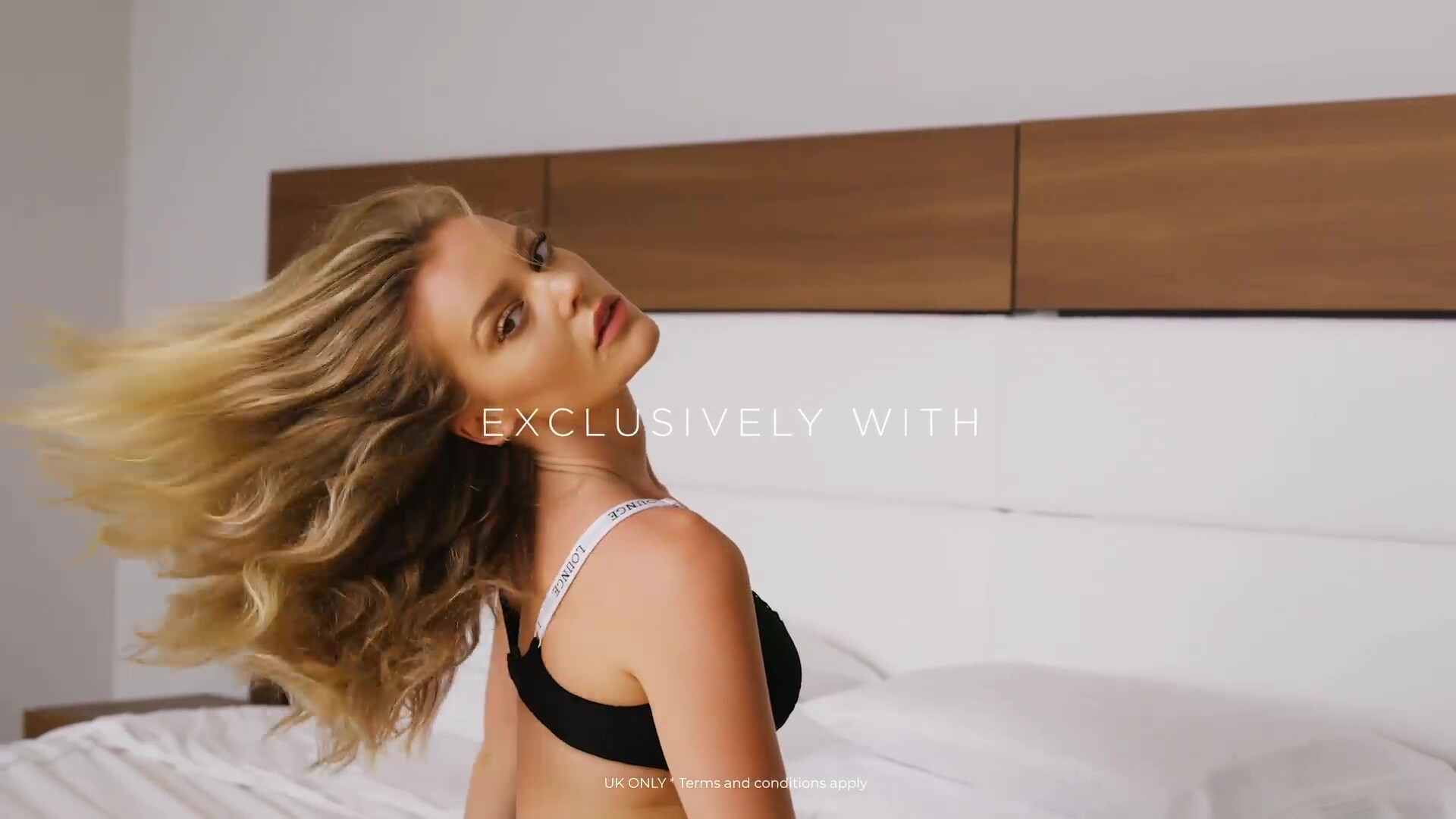
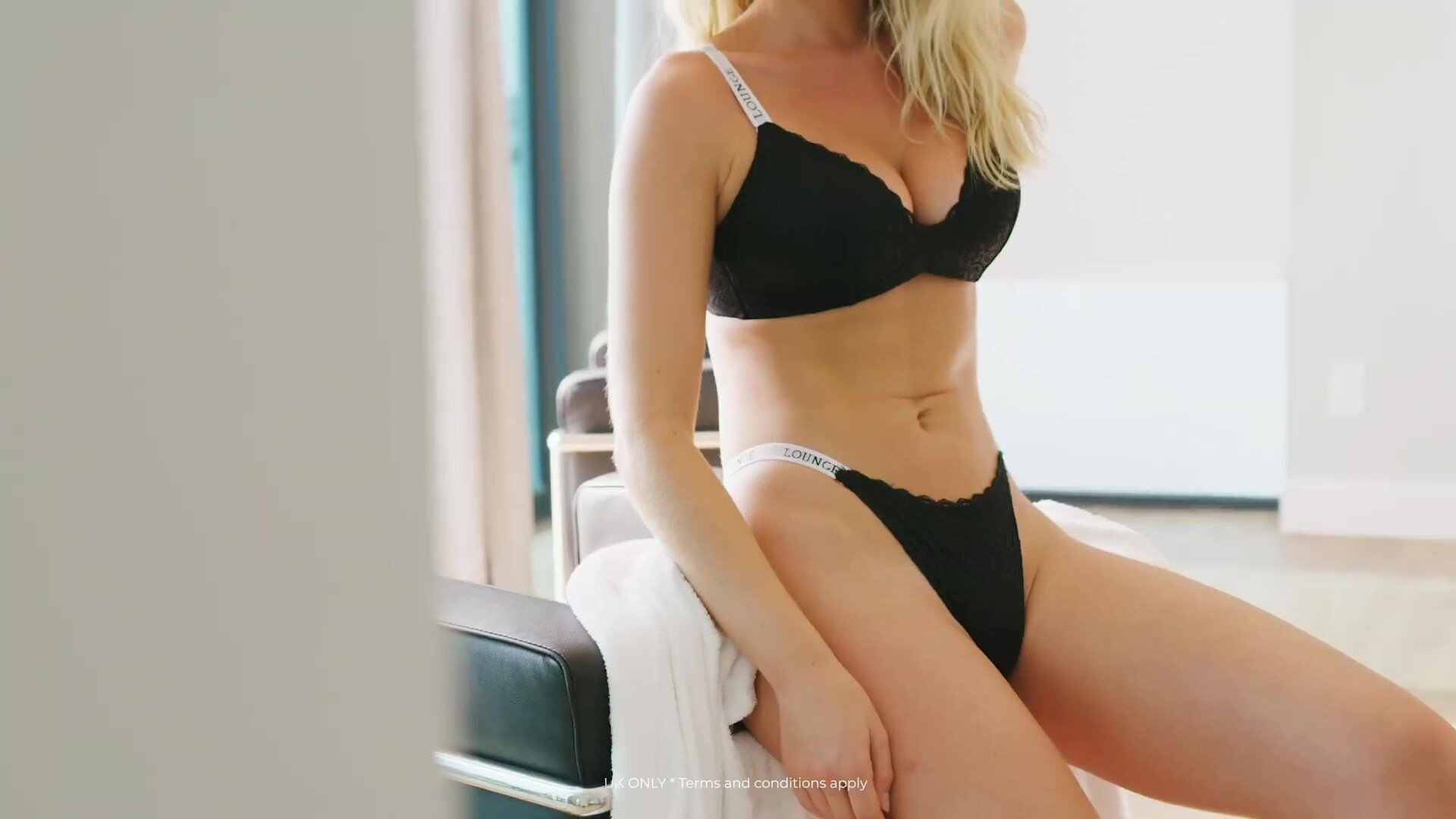
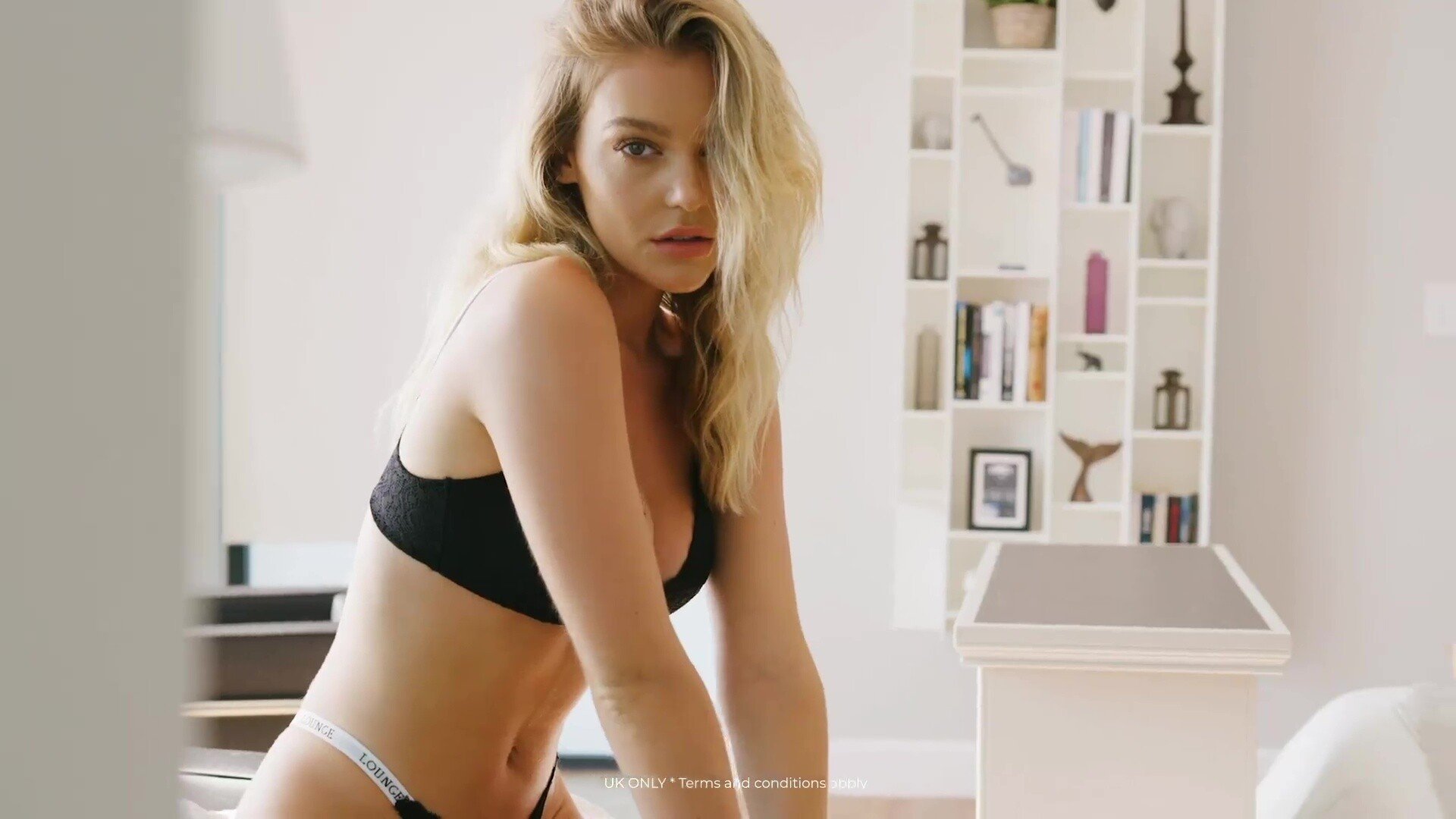
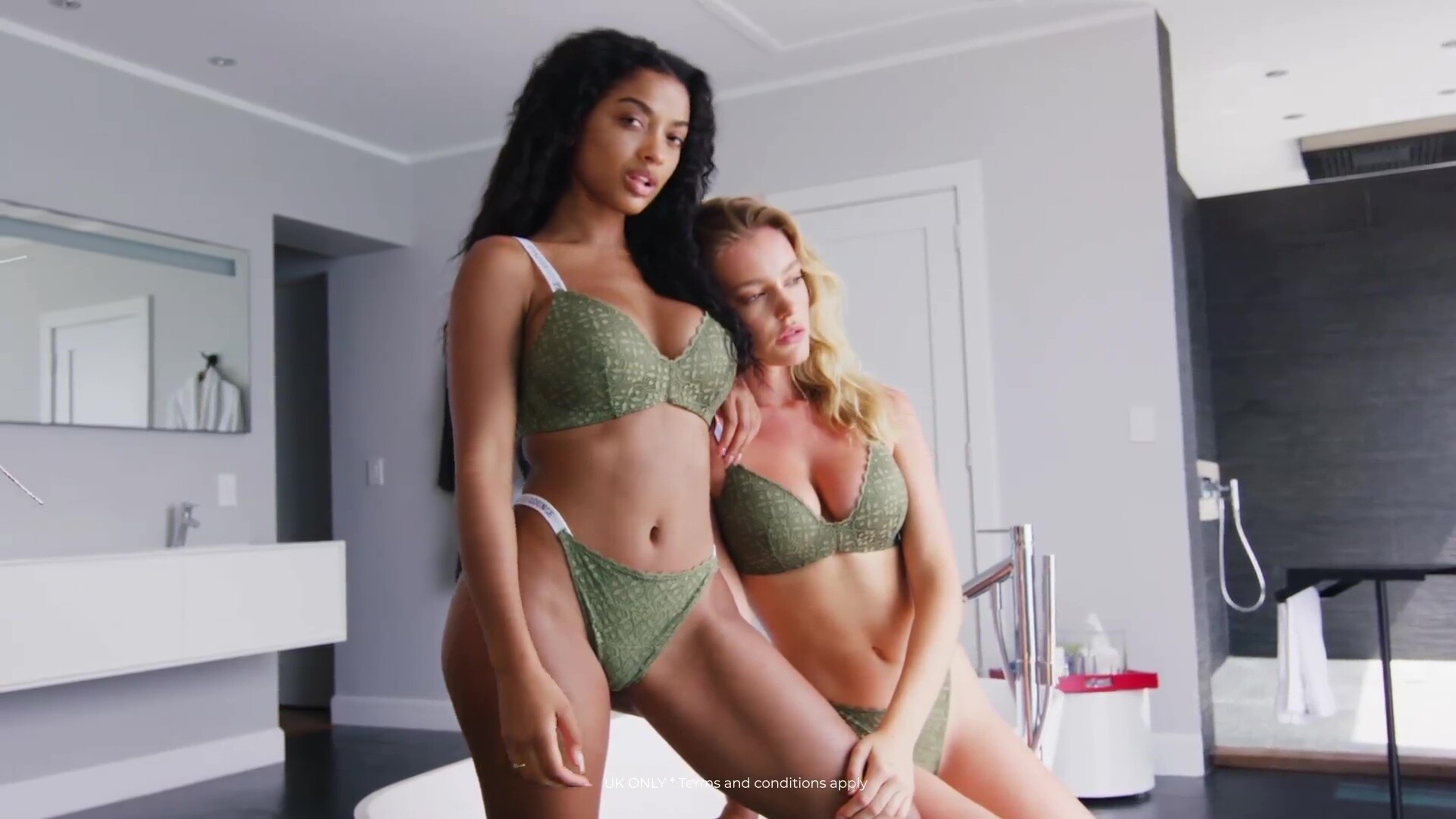
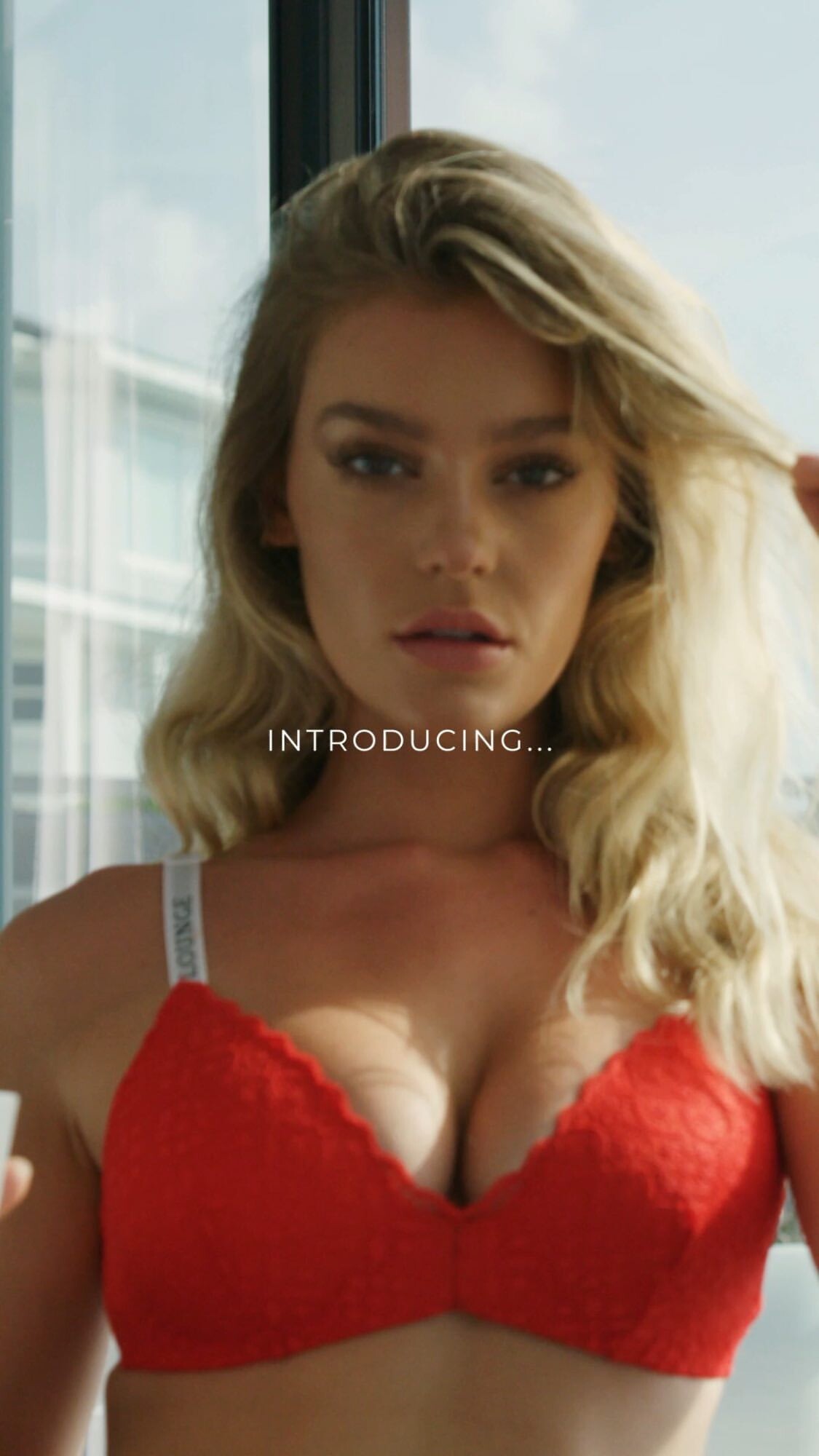
  15. Lounge Underwear It's Magic! Video Campaign Screenshoots 1080p | MP4 | 00:37 | 3.9 MB IG Story

  16. Lounge Underwear It's Magic! Video Campaign Screenshoots 1080p | MP4 | 00:37 | 3.9 MB IG Story

  17. Sam Dameshek IG Story Video
  18. Making New Digitals Video Video
  19. Clint Robert Warning! See through

  20. Tezenis 2019-08-28 17.18.54 2120729980481314199_27975332.mp4
  21. More x5 of Jesus de la Garsa Black Magic | FW 19/20 by Omar Coria Source IG

Configure browser push notifications

Chrome (Android)
  1. Tap the lock icon next to the address bar.
  2. Tap Permissions → Notifications.
  3. Adjust your preference.
Chrome (Desktop)
  1. Click the padlock icon in the address bar.
  2. Select Site settings.
  3. Find Notifications and adjust your preference.