Jump to content
View in the app

A better way to browse. Learn more.

Bellazon

A full-screen app on your home screen with push notifications, badges and more.

To install this app on iOS and iPadOS
  1. Tap the Share icon in Safari
  2. Scroll the menu and tap Add to Home Screen.
  3. Tap Add in the top-right corner.
To install this app on Android
  1. Tap the 3-dot menu (⋮) in the top-right corner of the browser.
  2. Tap Add to Home screen or Install app.
  3. Confirm by tapping Install.

Modelove

Members
  • Joined

Everything posted by Modelove

  1. @pourlessrebellessAll had already been published by Kane check this link I recommend you before publishing something using the search engine
  2. All these are found here before published by me click here
  3. I had already published these photos before check here!
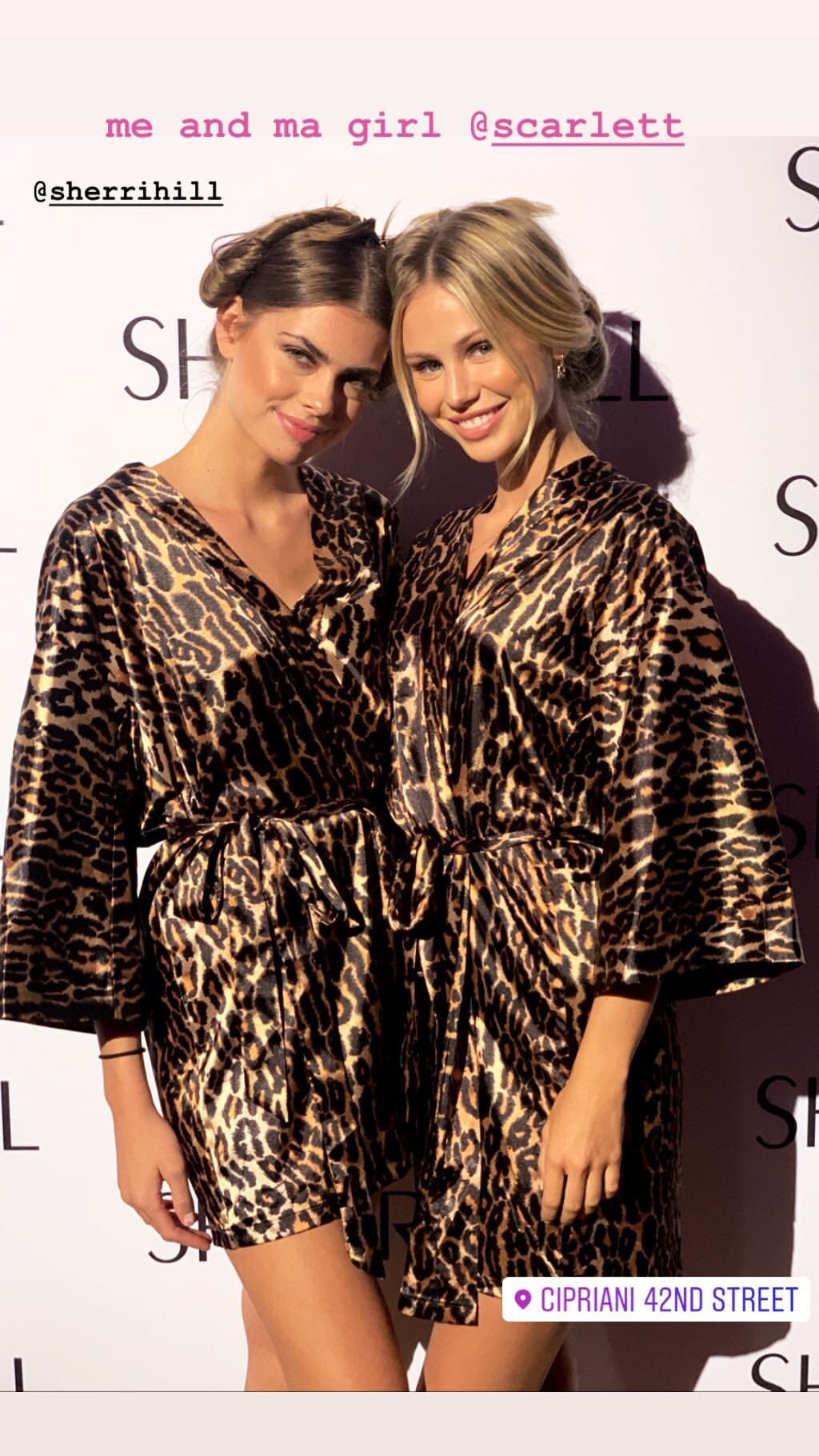
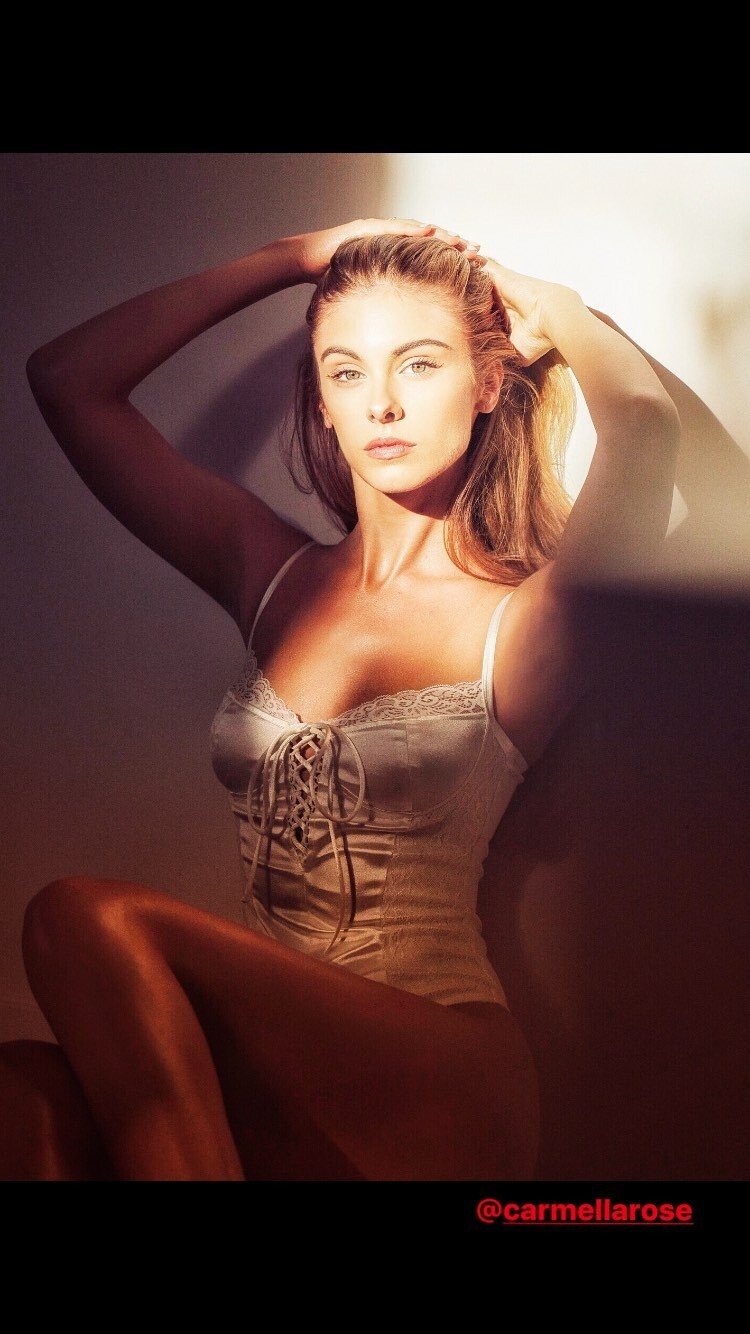
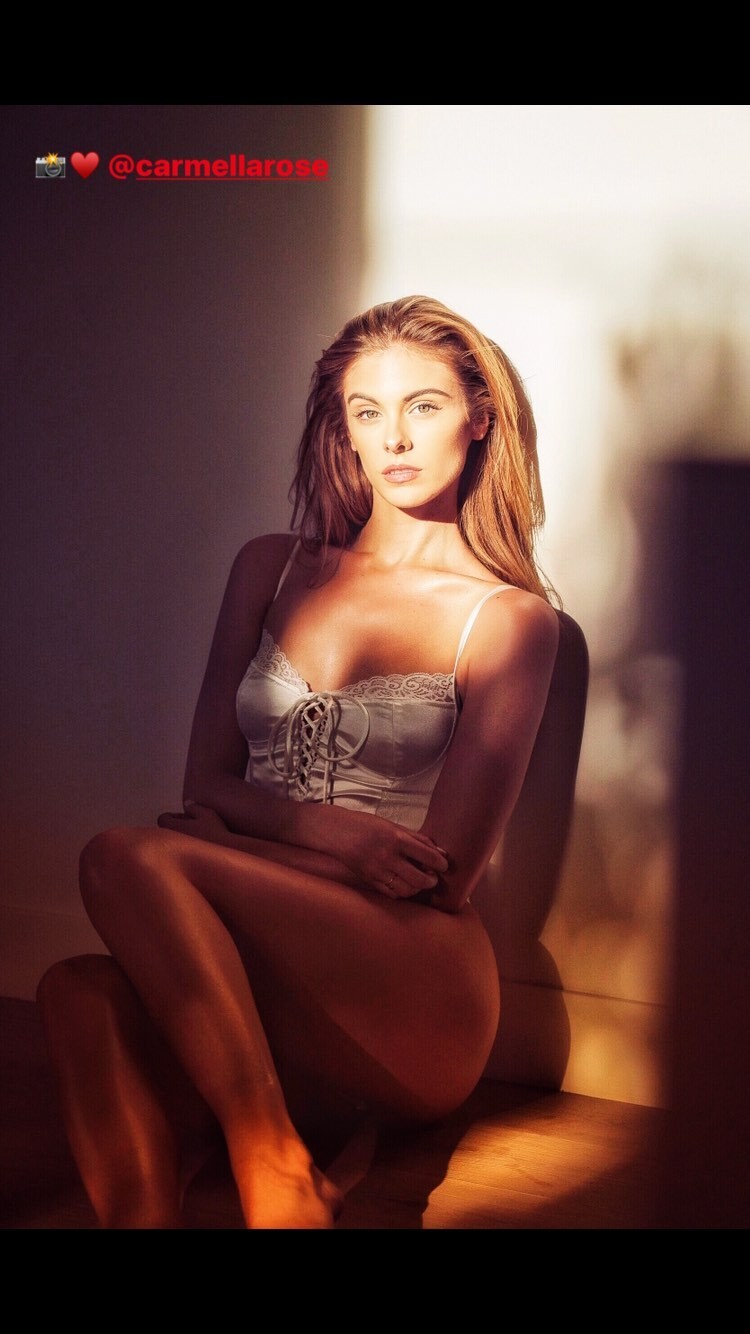
  4. IG Story (09.12.19)
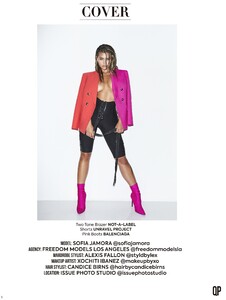
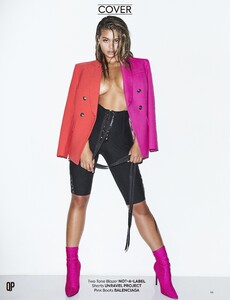
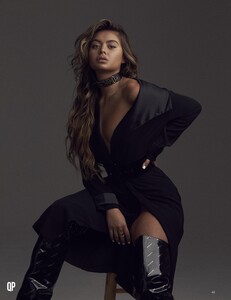
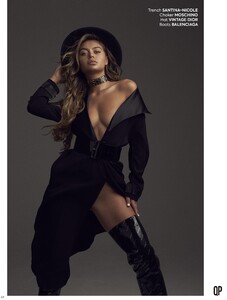
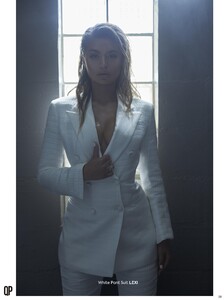
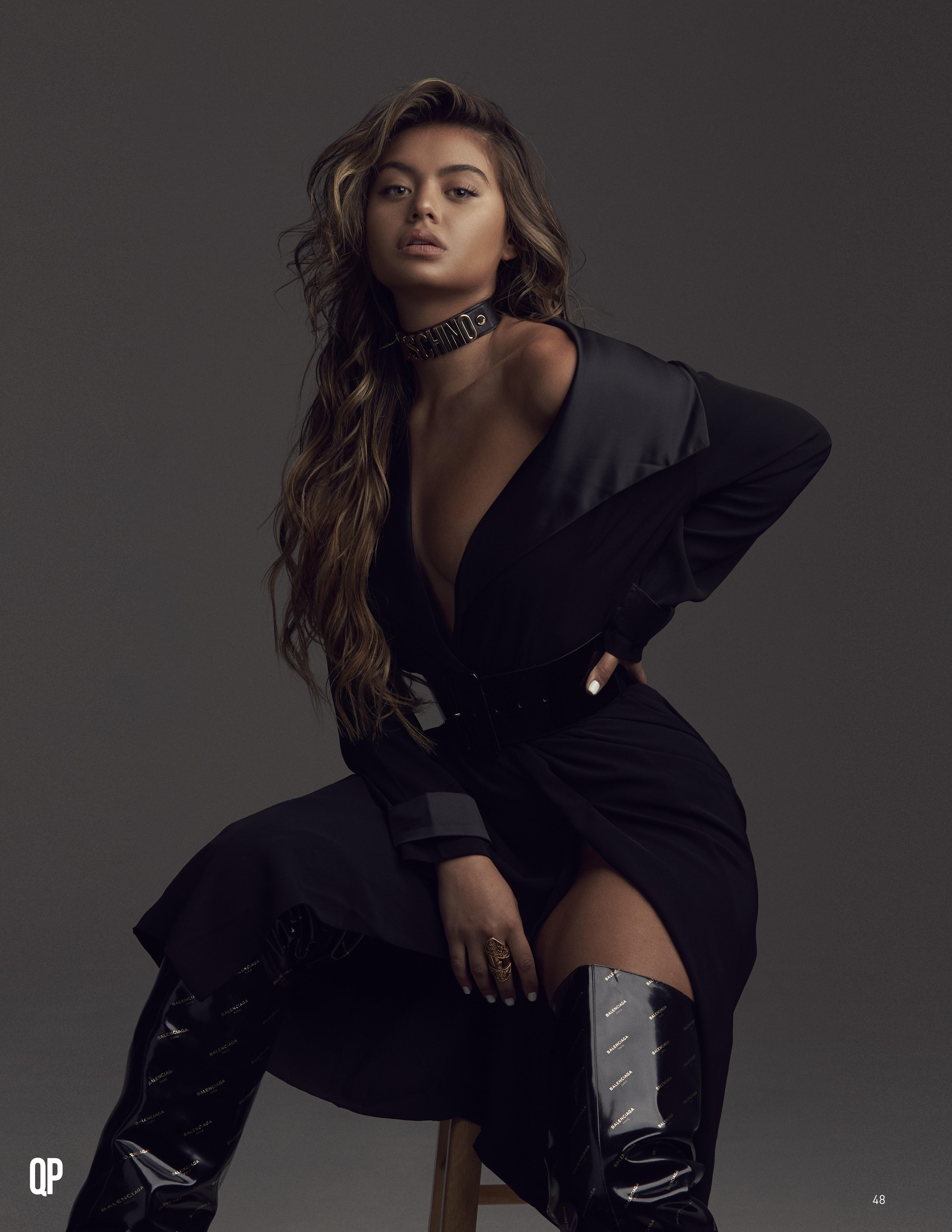
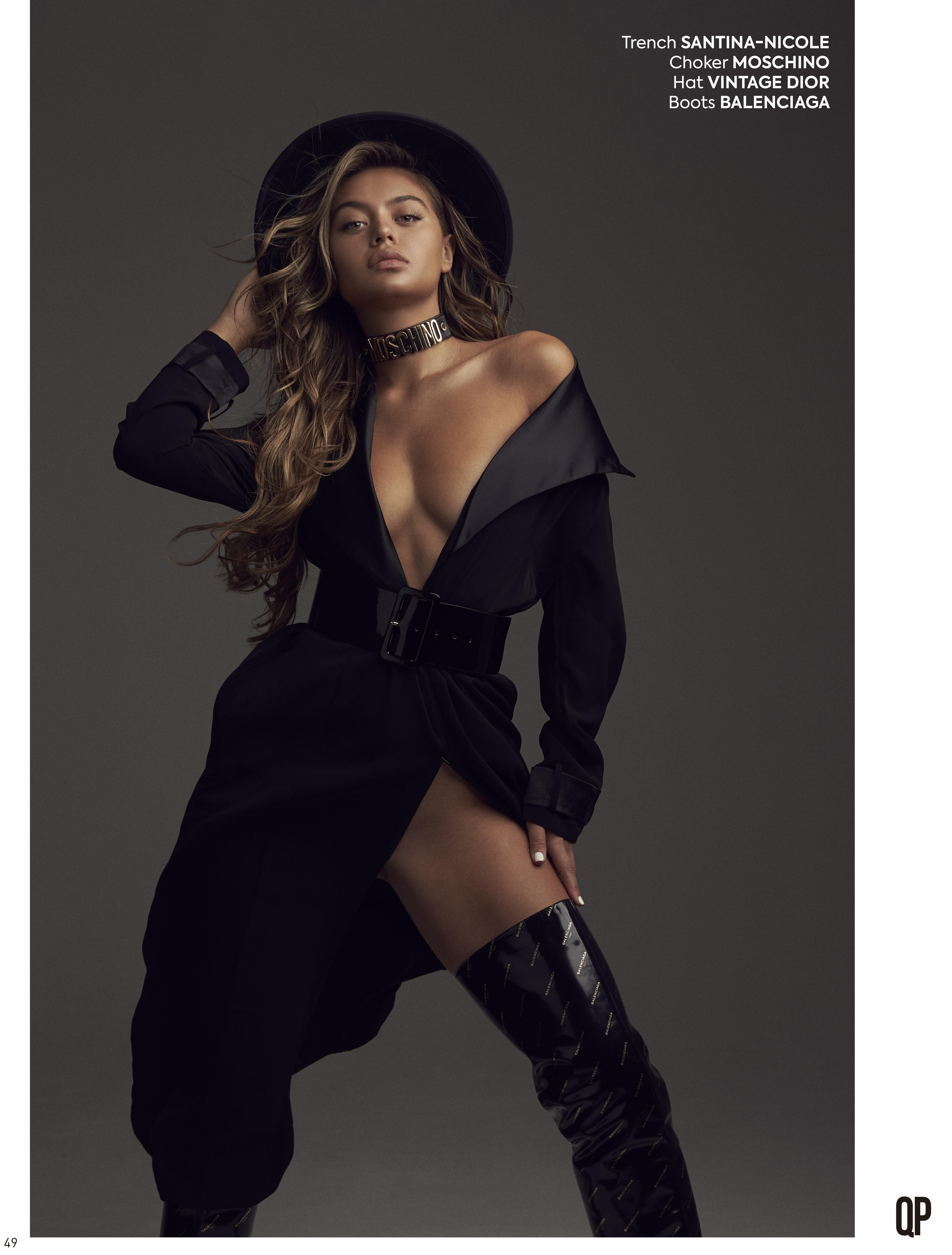
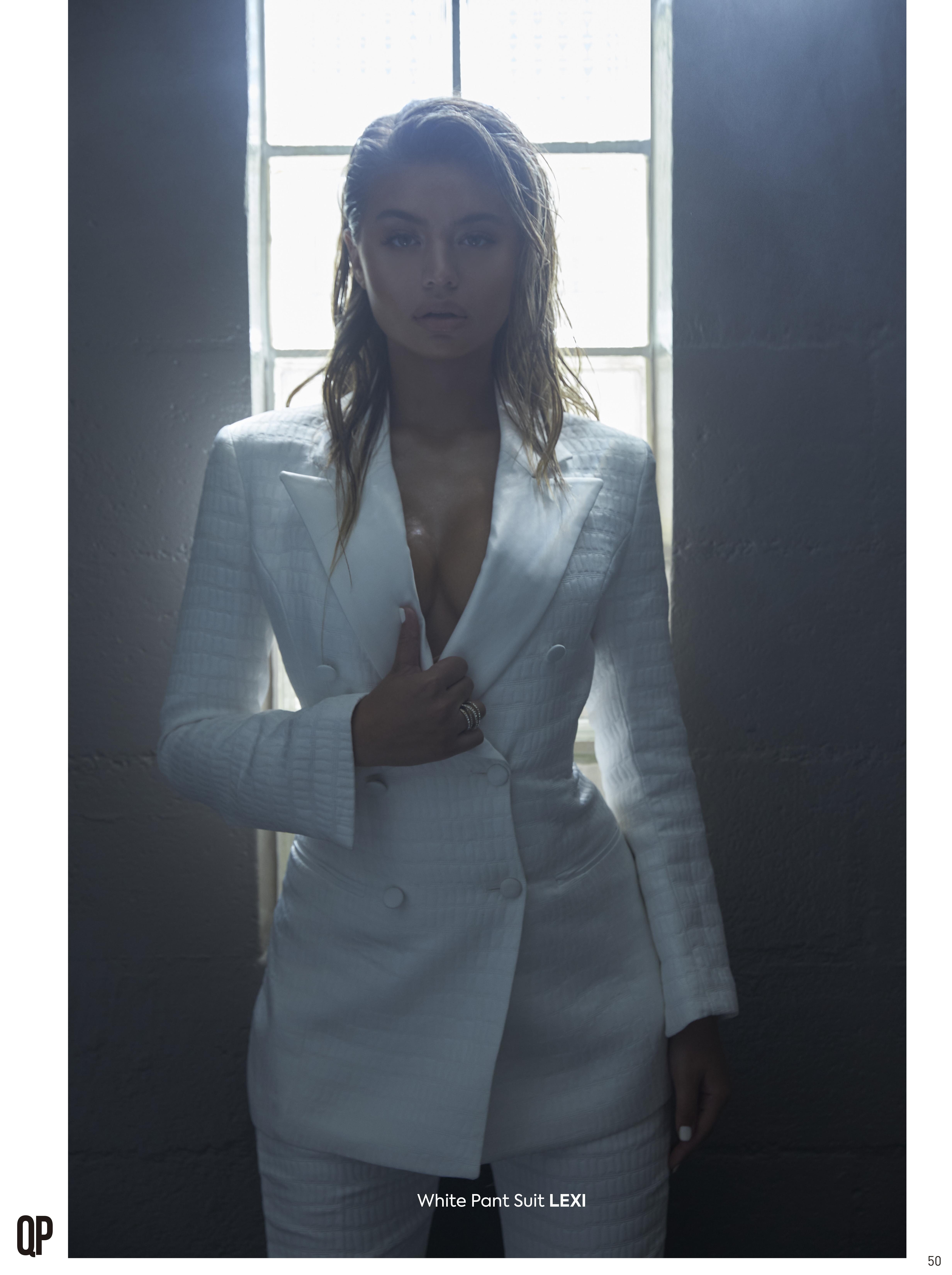
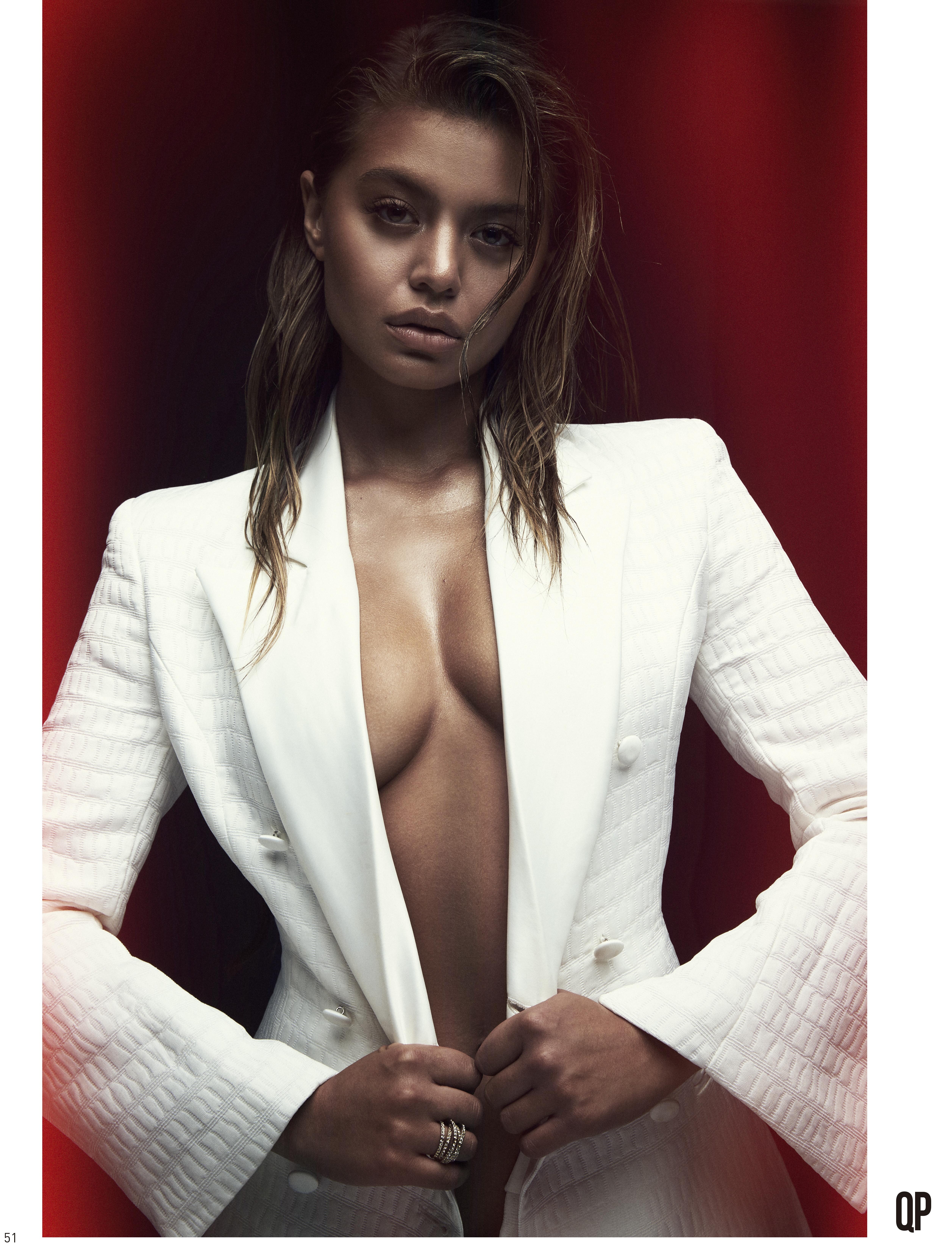
  5. QP Fashion Magazine August 2019 Ph. Nicholas Borsodi
  6. QP Fashion Magazine Aguust 2019 Adversite Ocean Zen
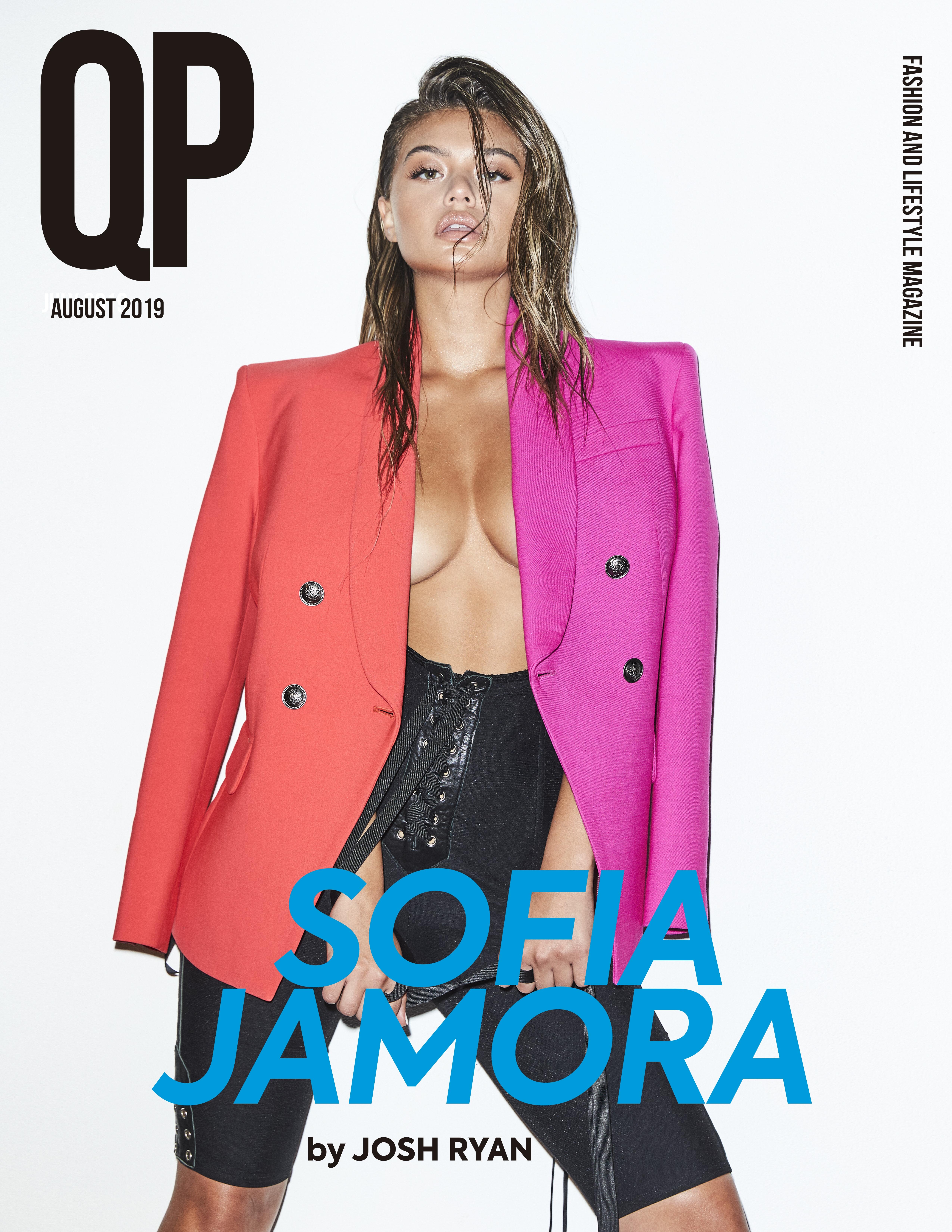
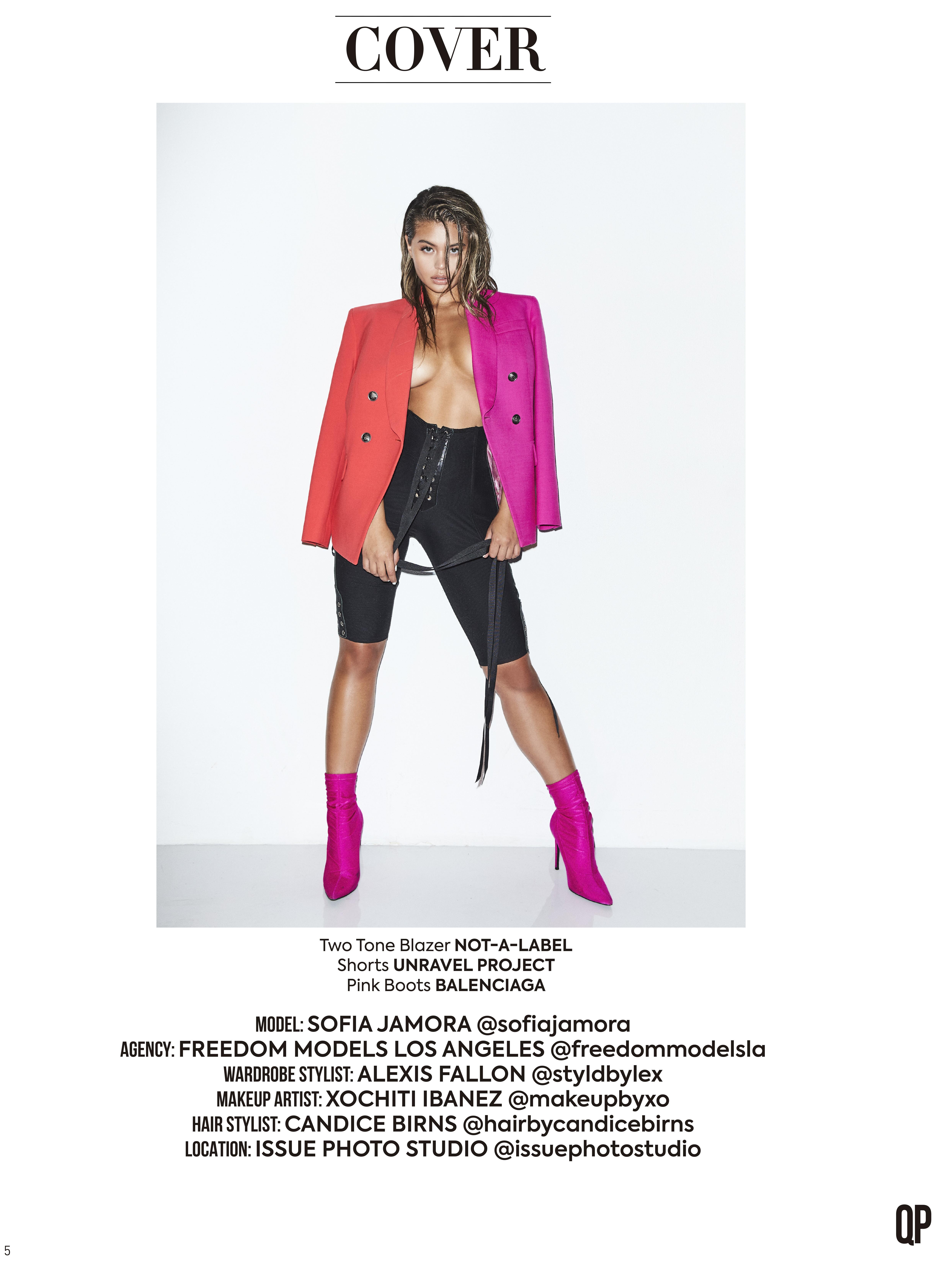
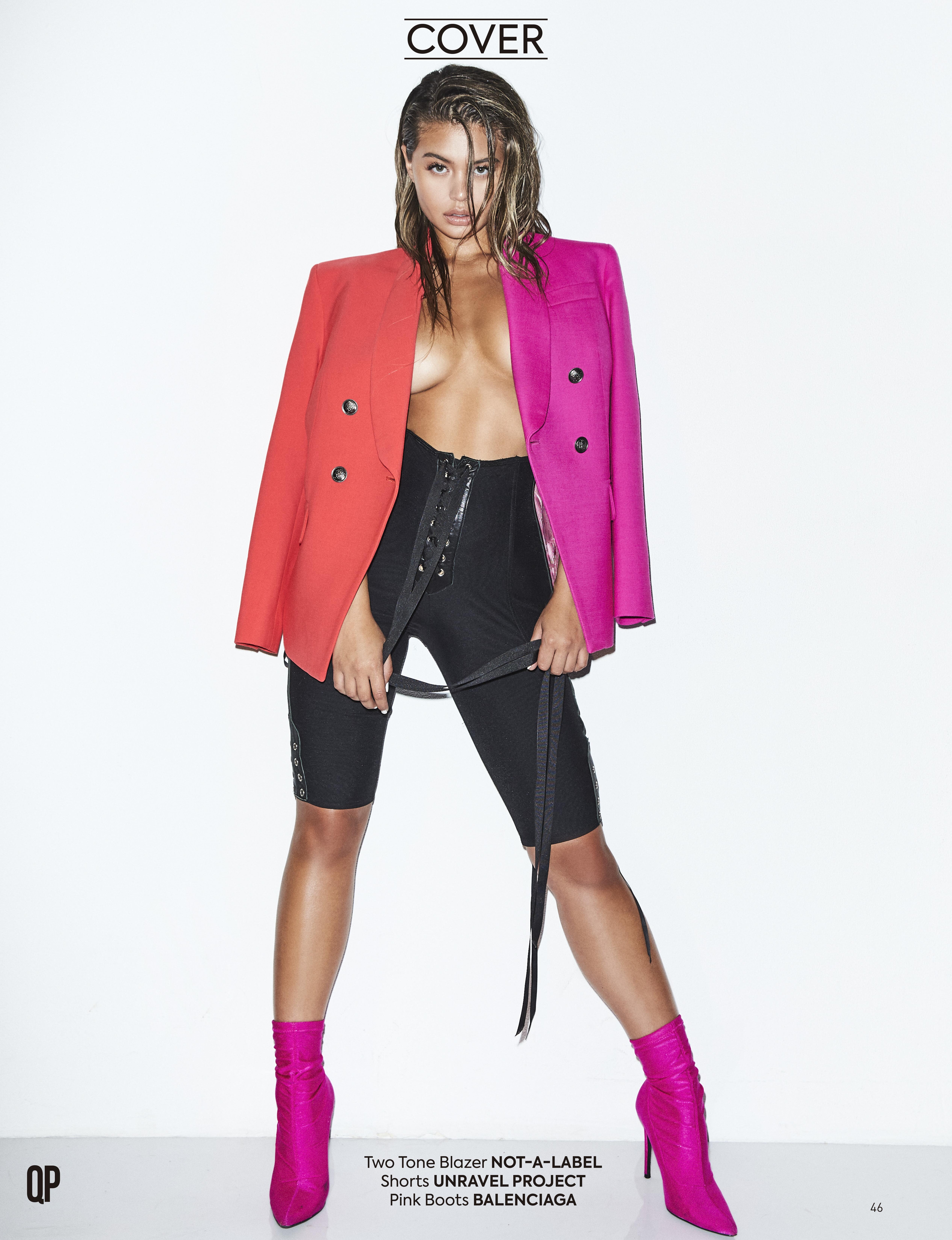
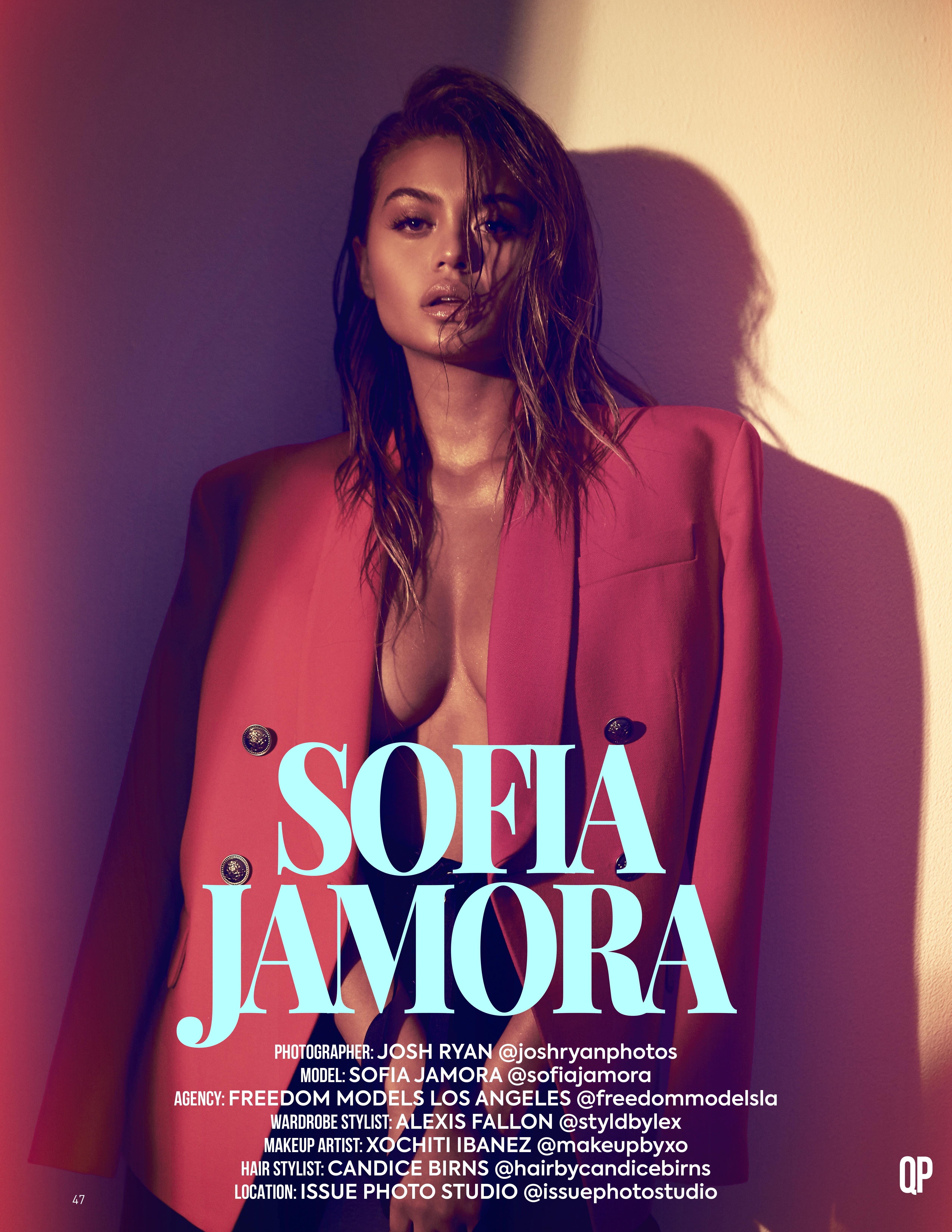
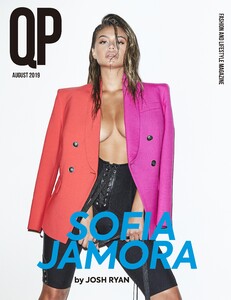
  7. QP Fashion Magazine August 2019 P. Josh Ryan
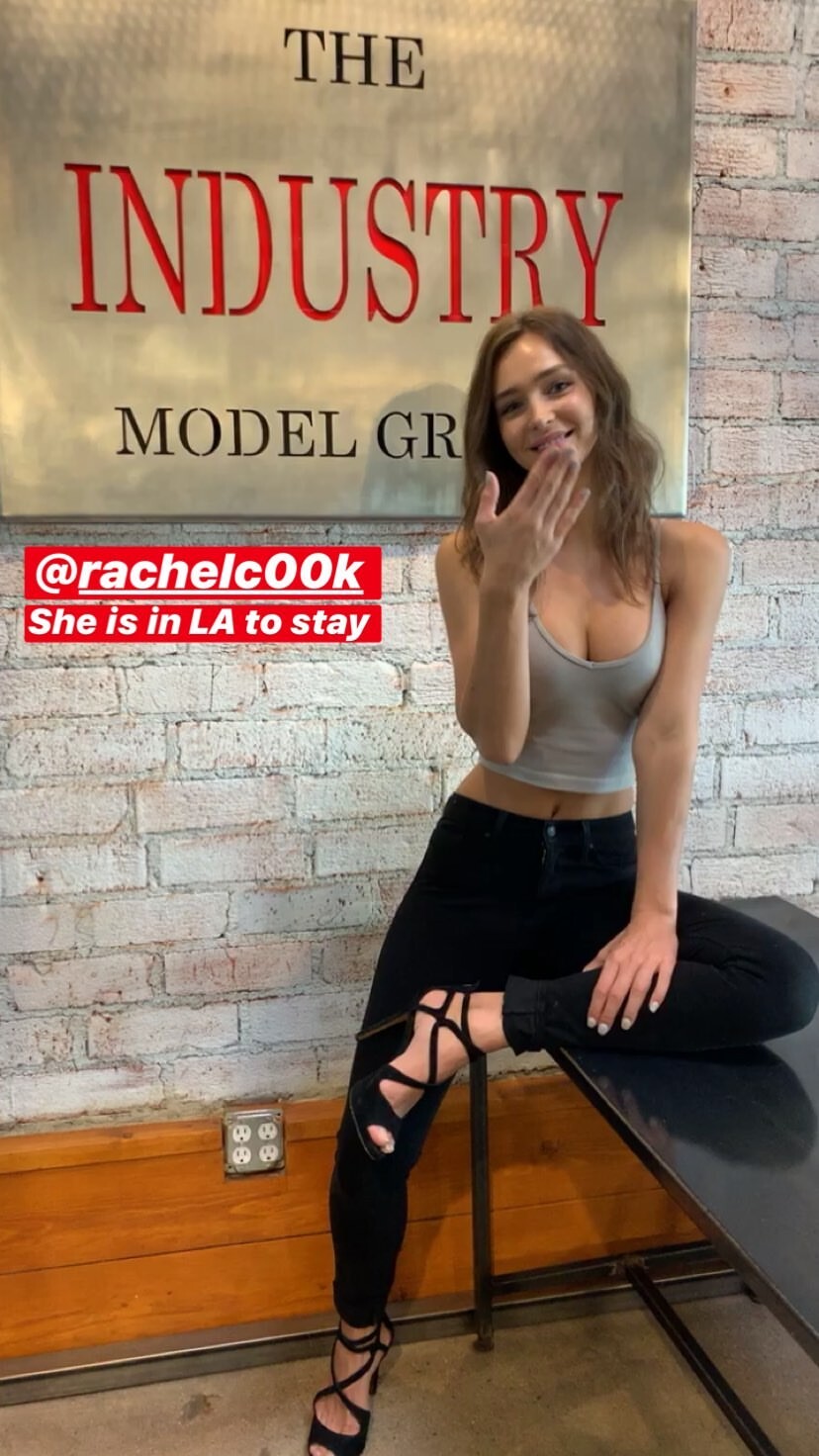
  8. IG Story (09.10.19) The Industry LA
  9. Megan Batson With Riley Rasmussen

  10. Megan Batson With Natalie Jayne Roser

  11. Thx for the info! @stepperupdates
  12. Broken links and fragments of a video that was already published in high resolution. It only helps that it takes a long time to load this page and becomes SPAM
  13. IG Story 😍😍😍 short video
  14. Kyle Deleu for Luna Mae London
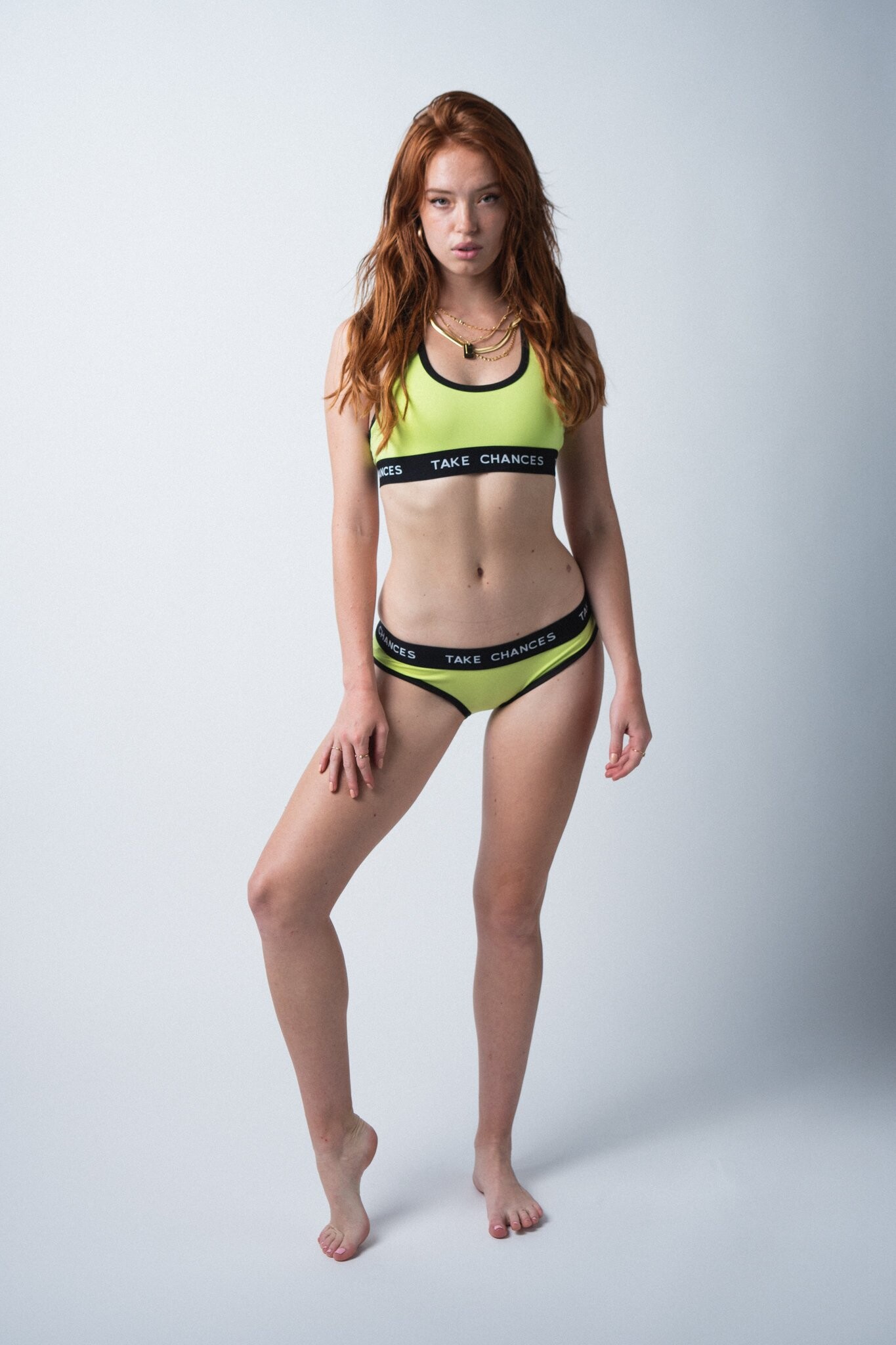
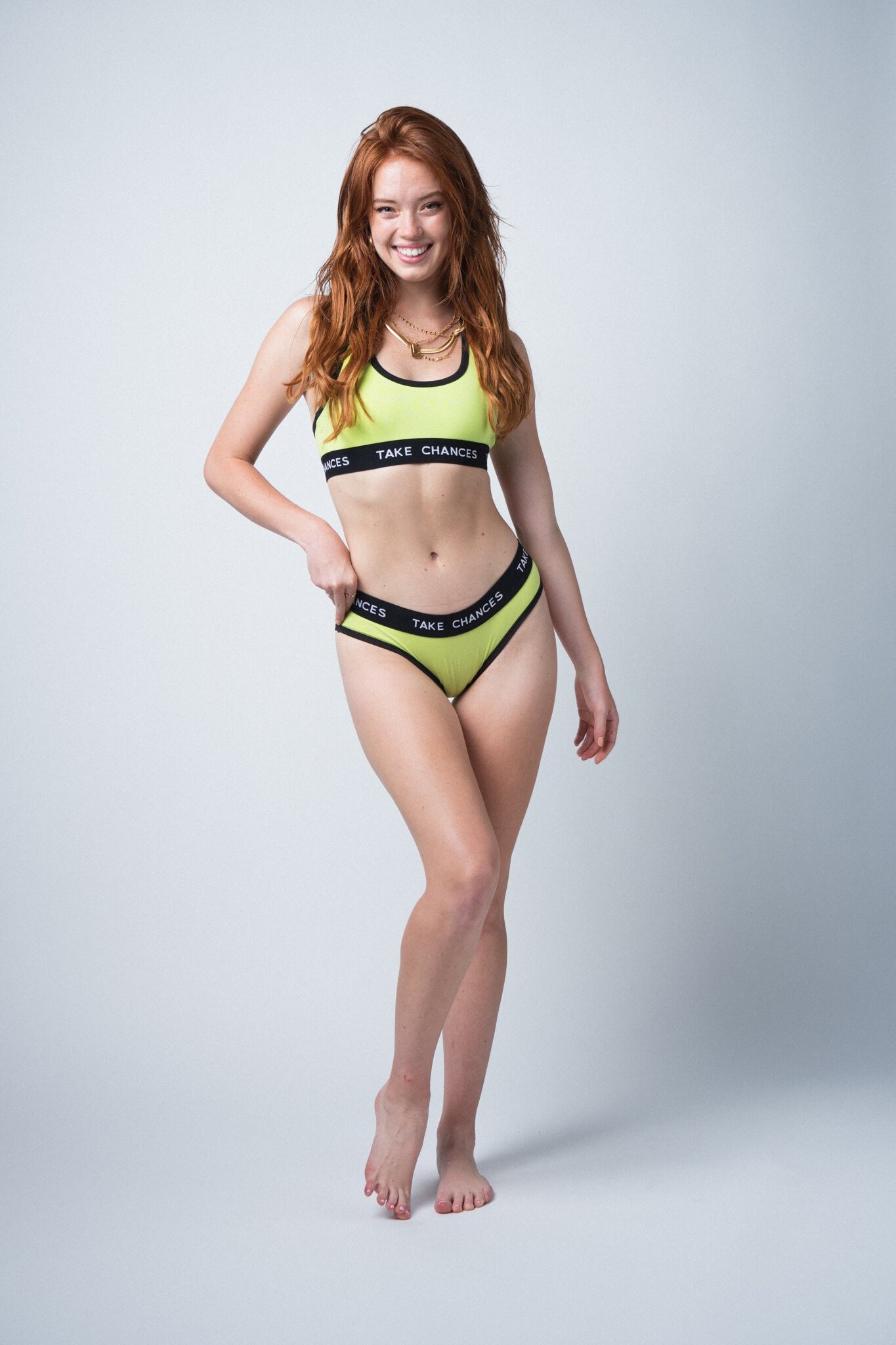
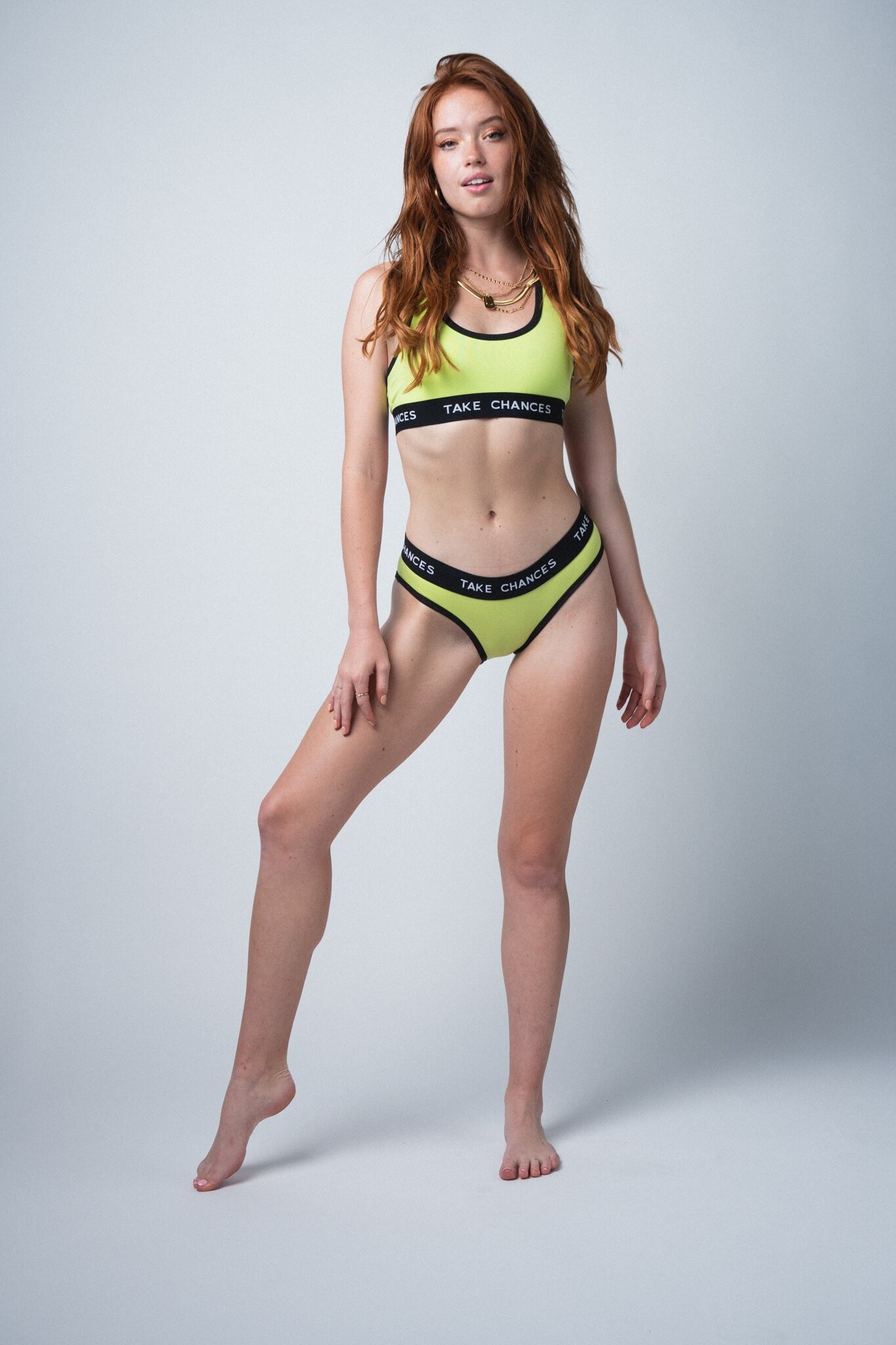
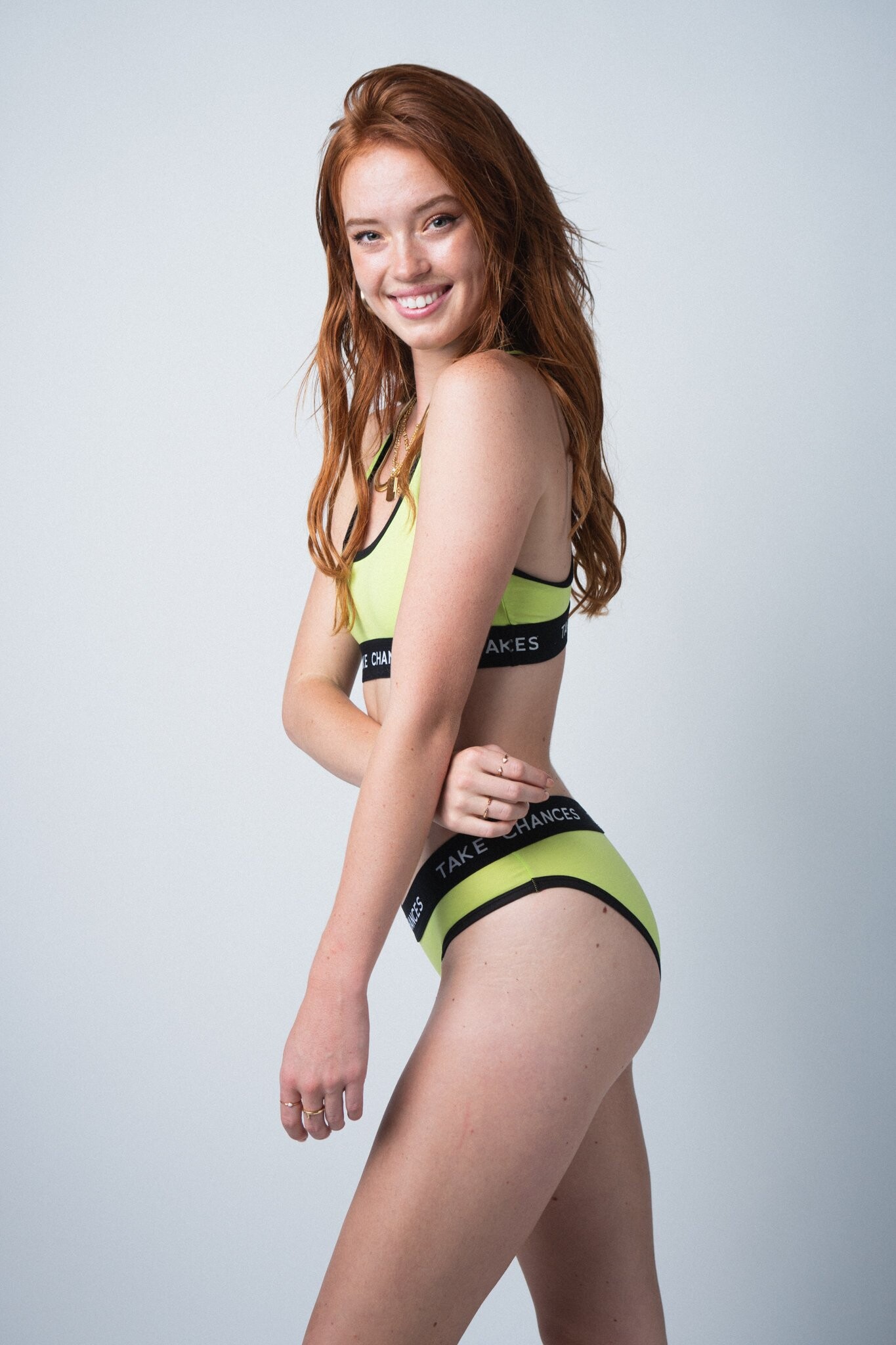
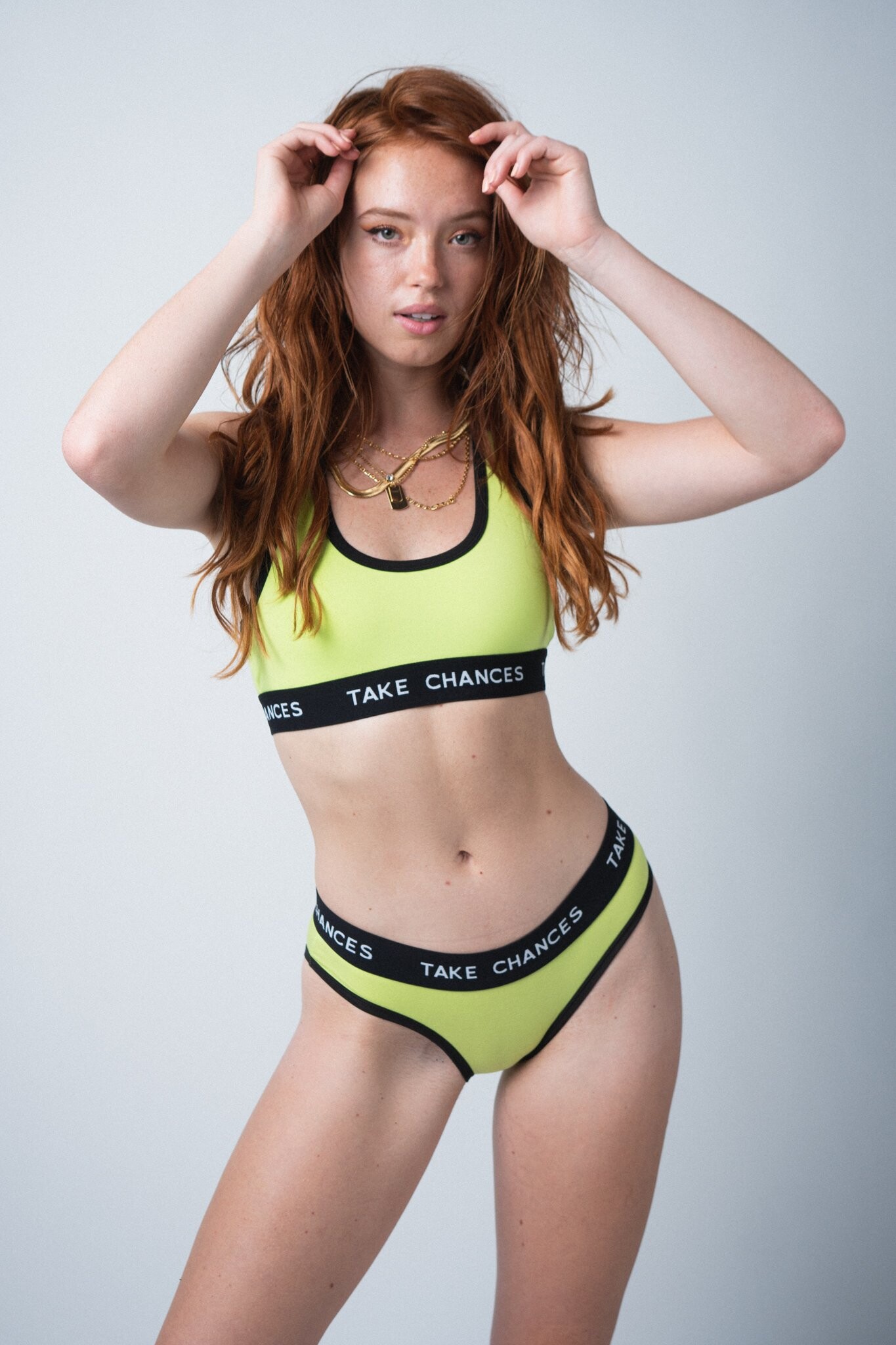
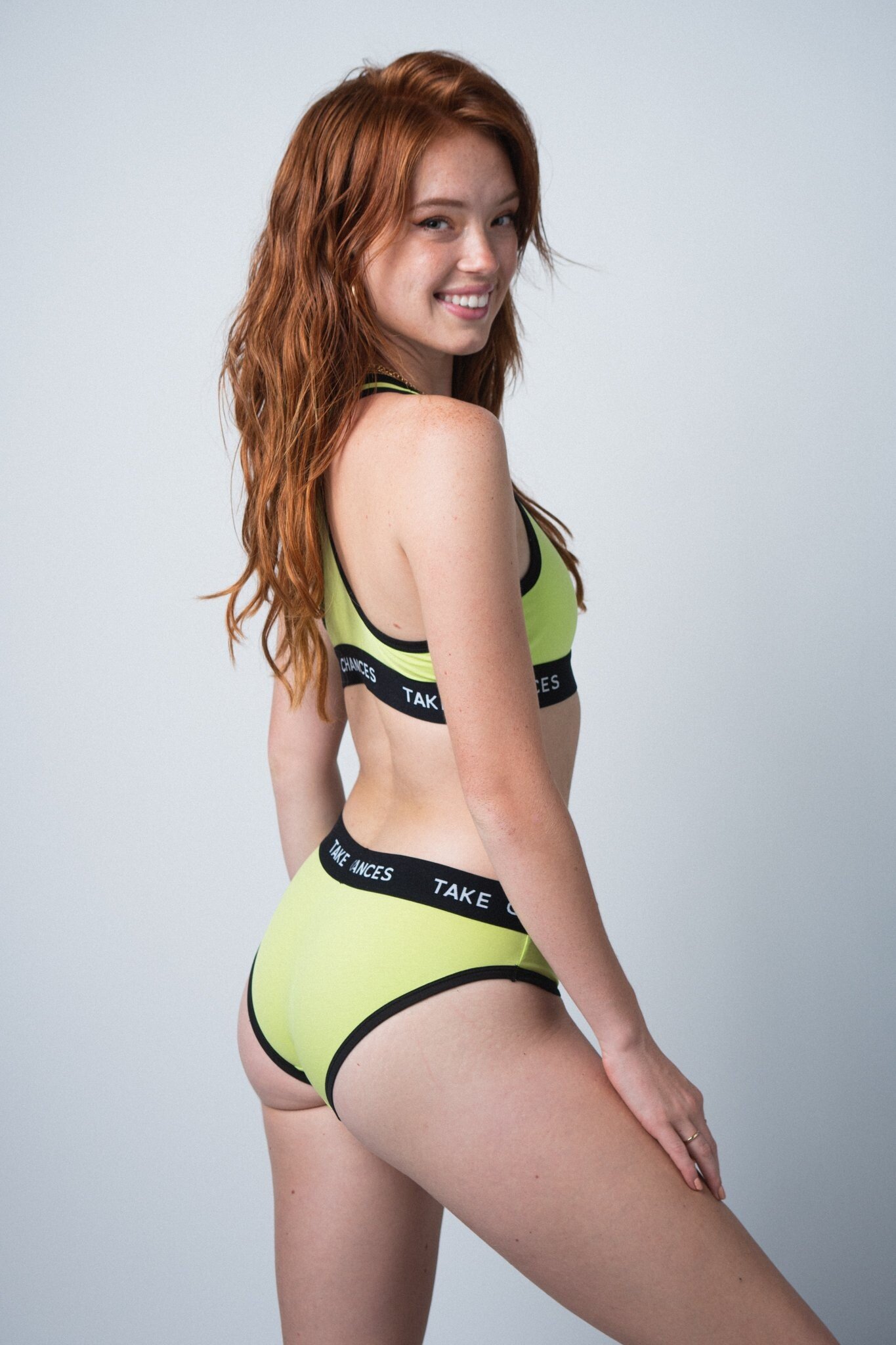
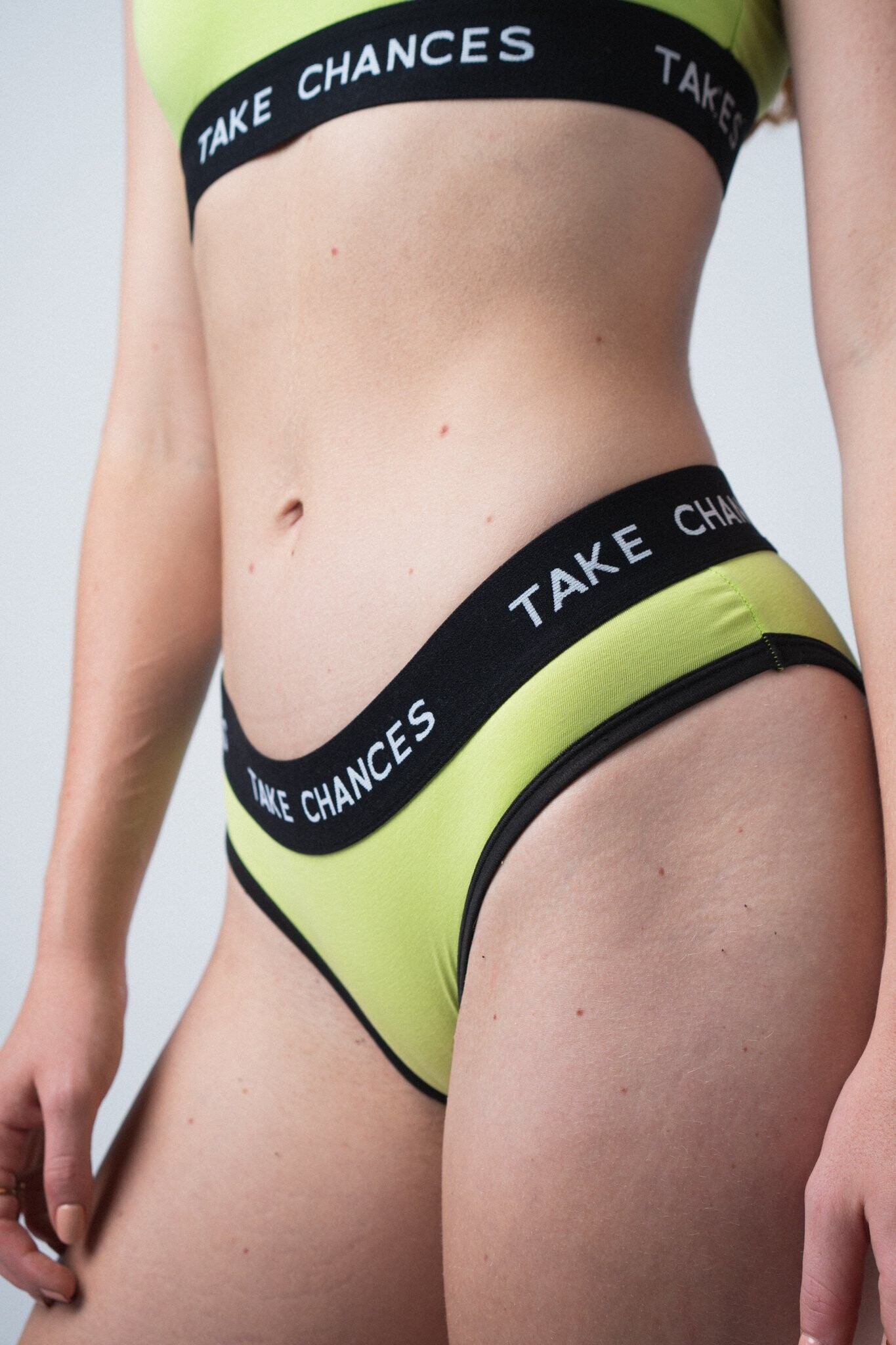
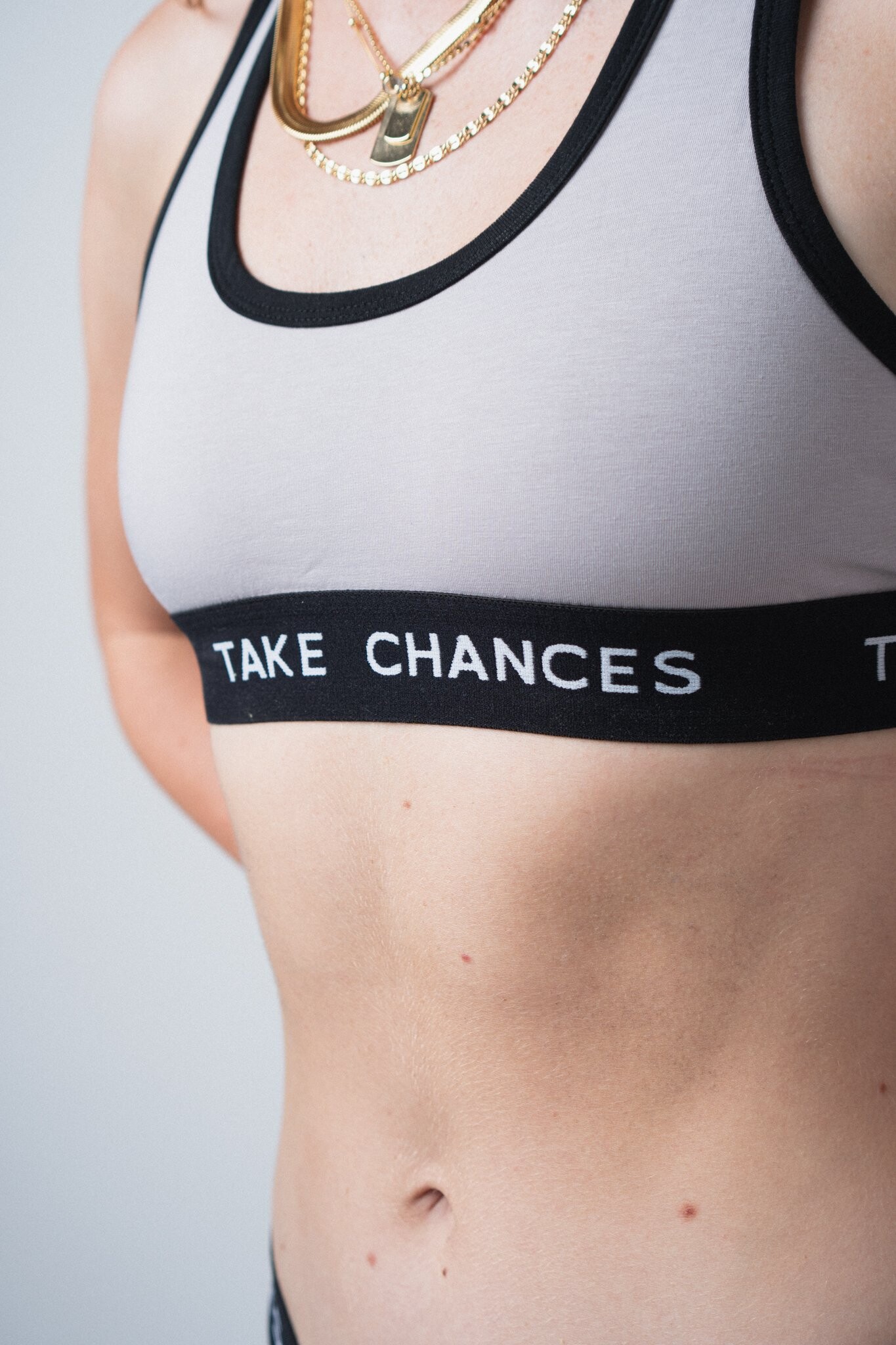
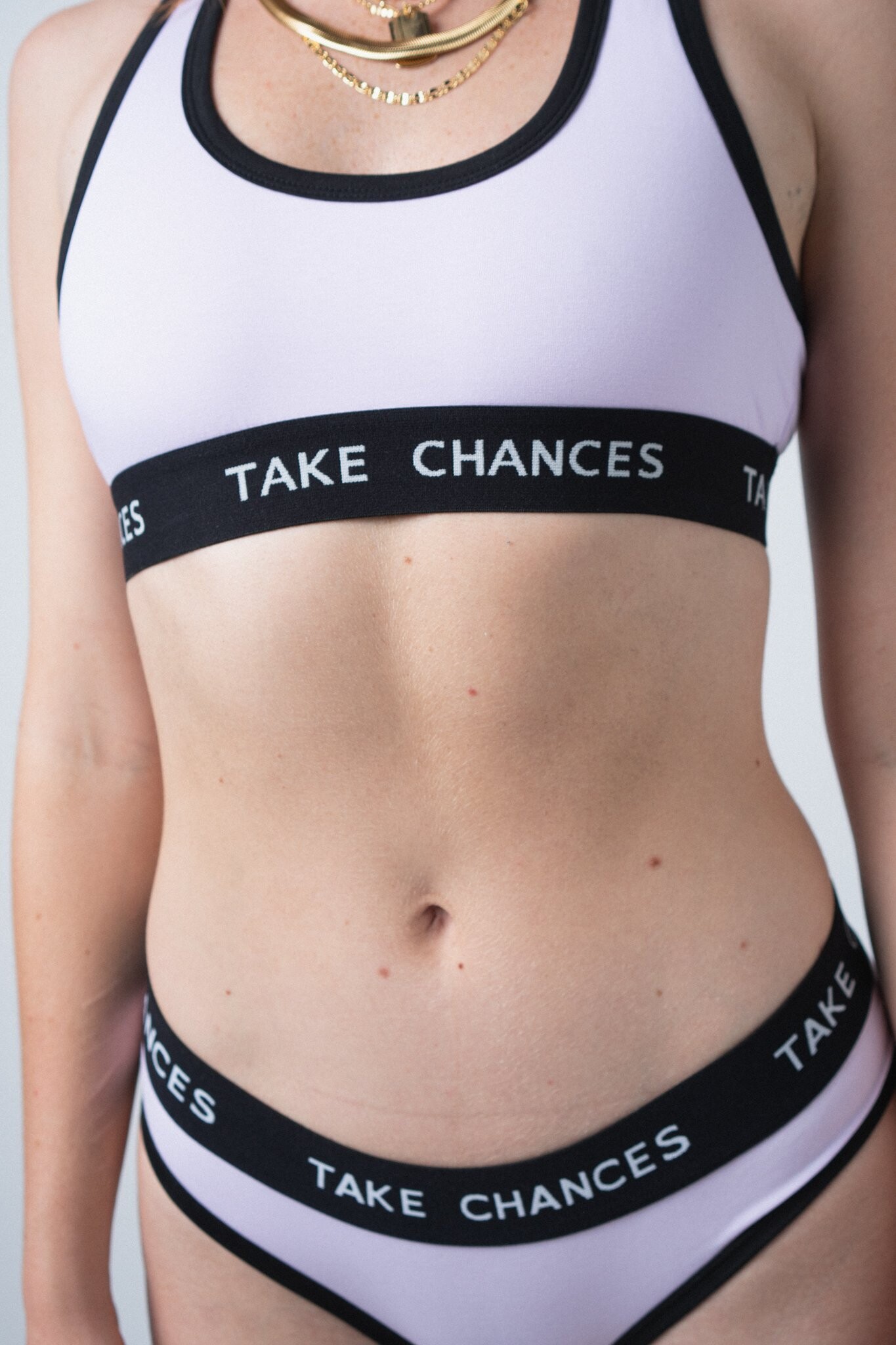
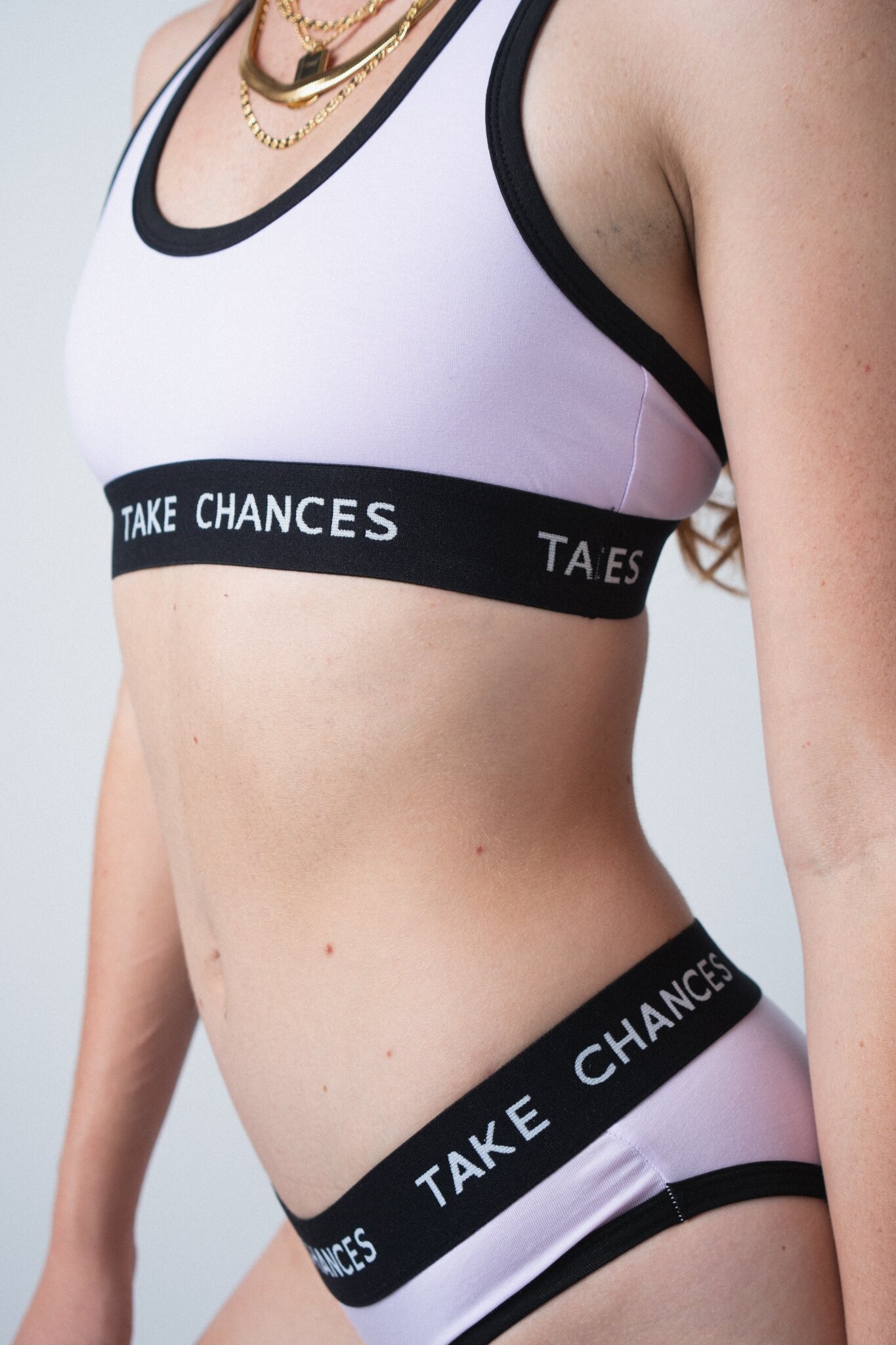
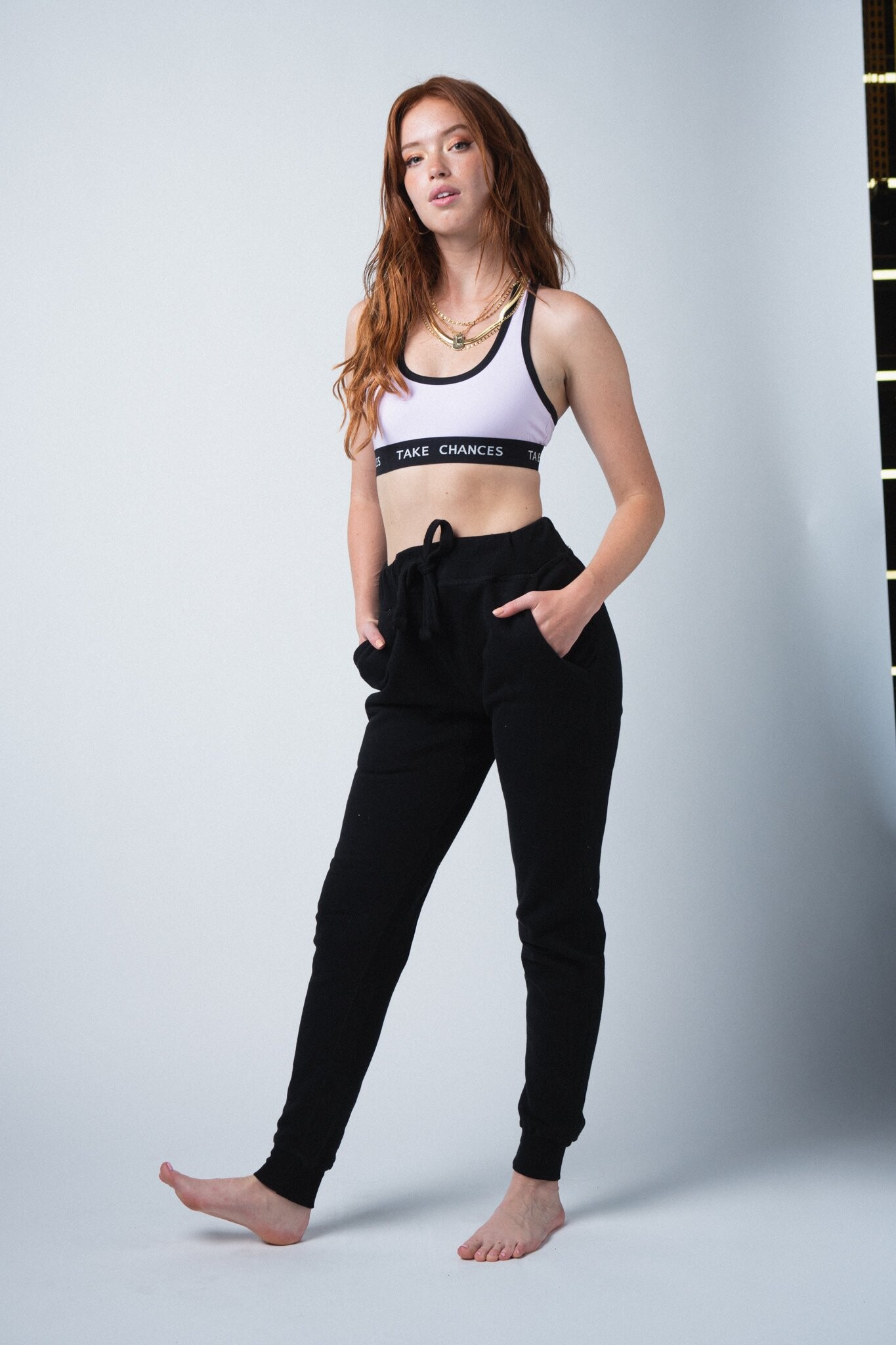
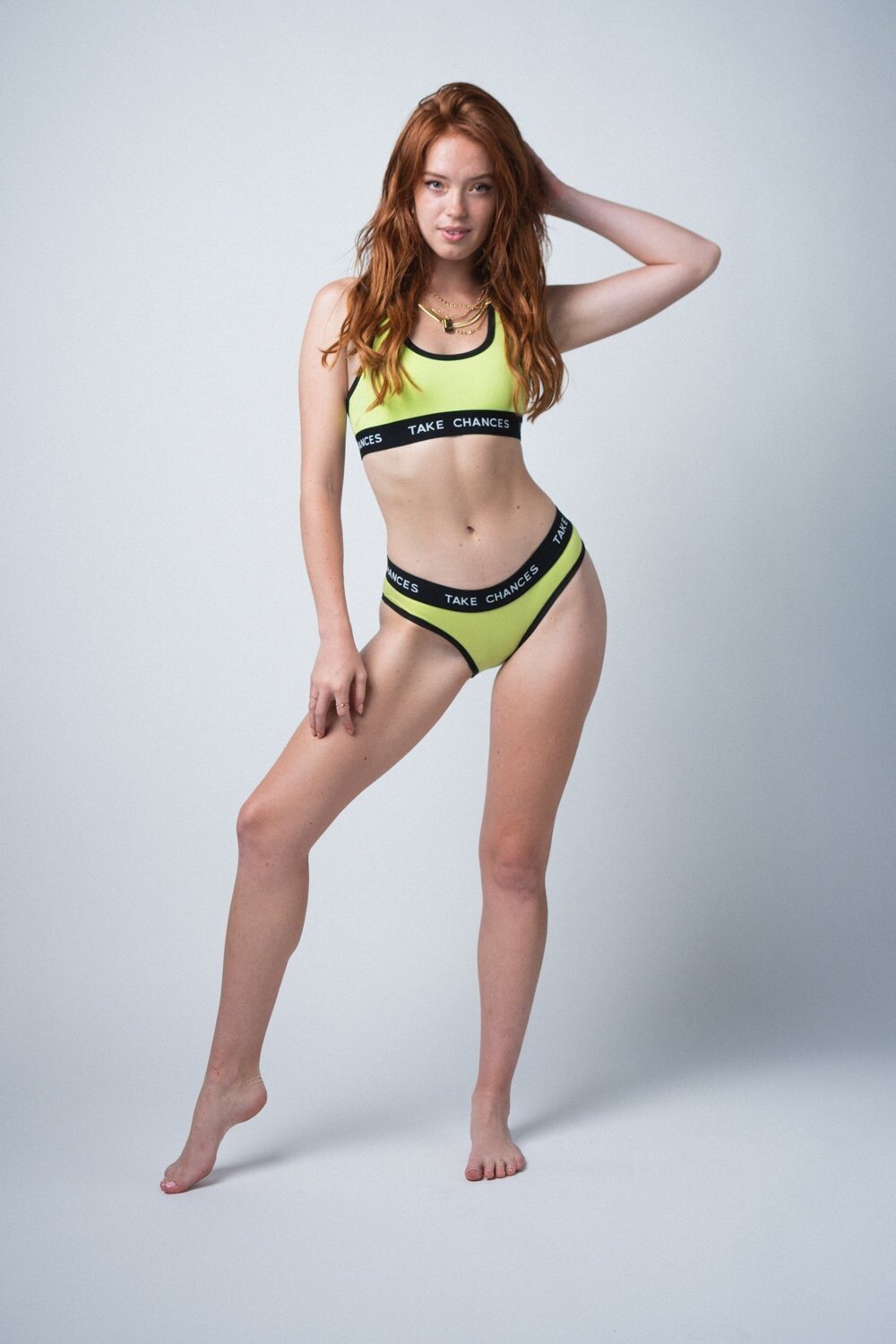
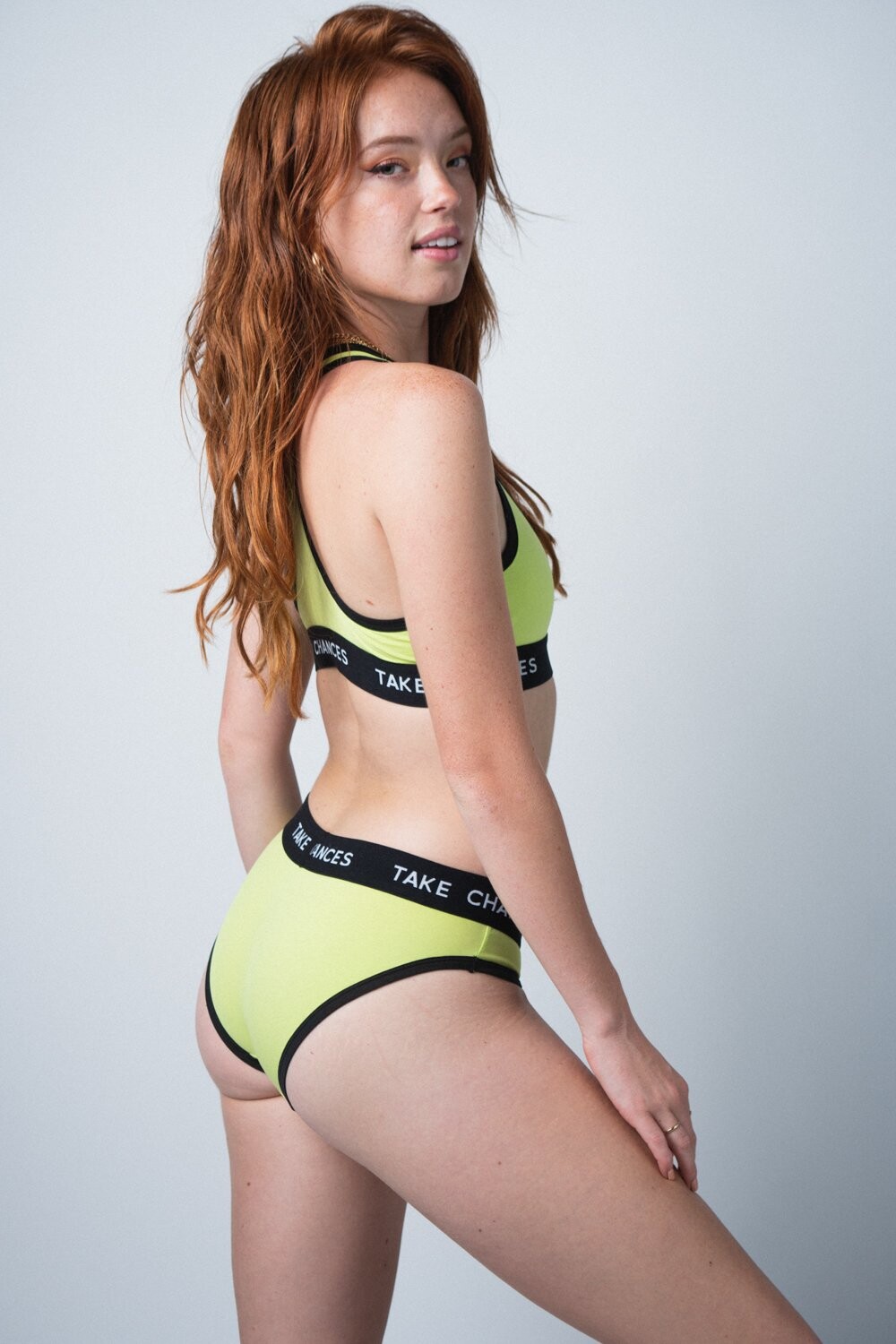
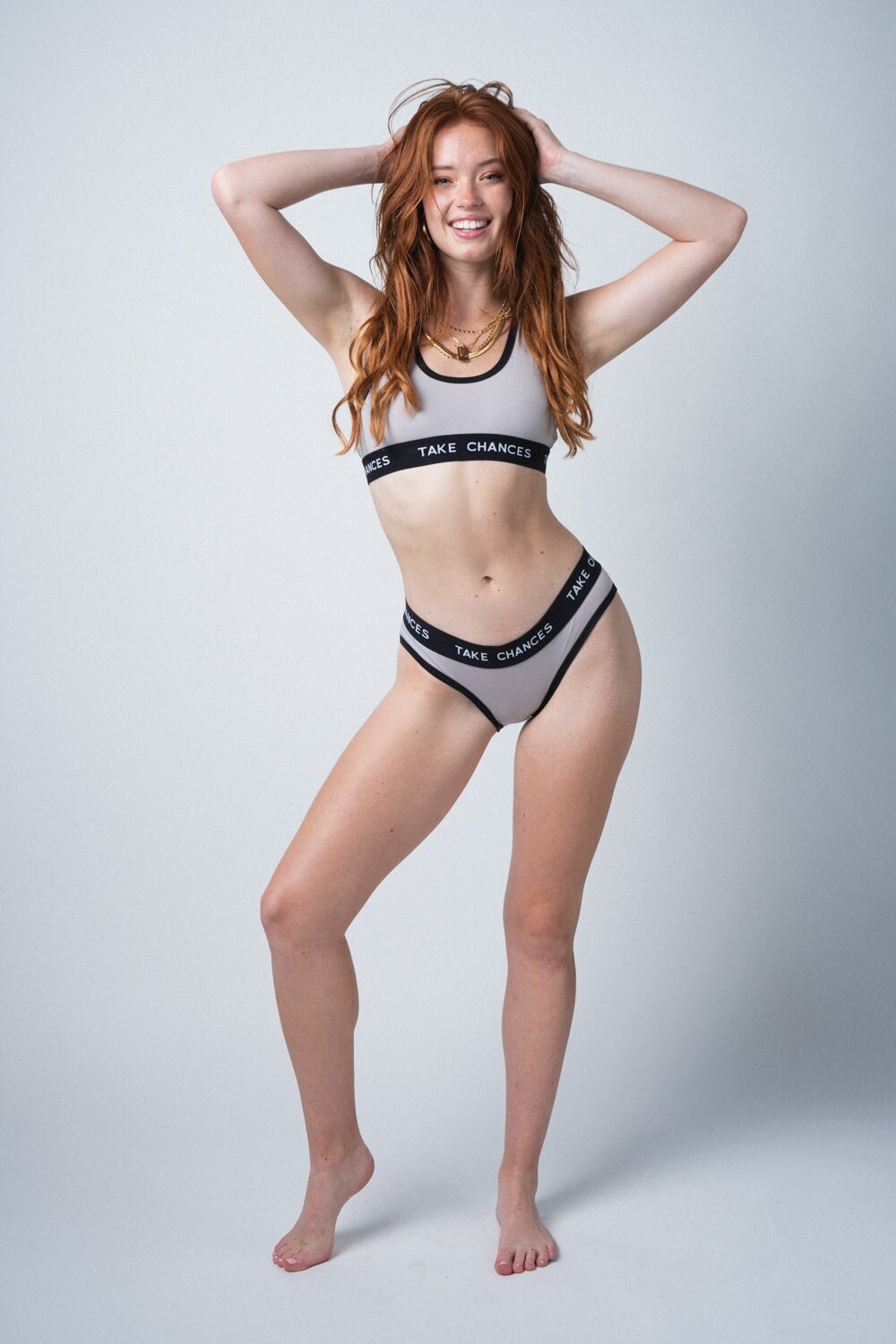
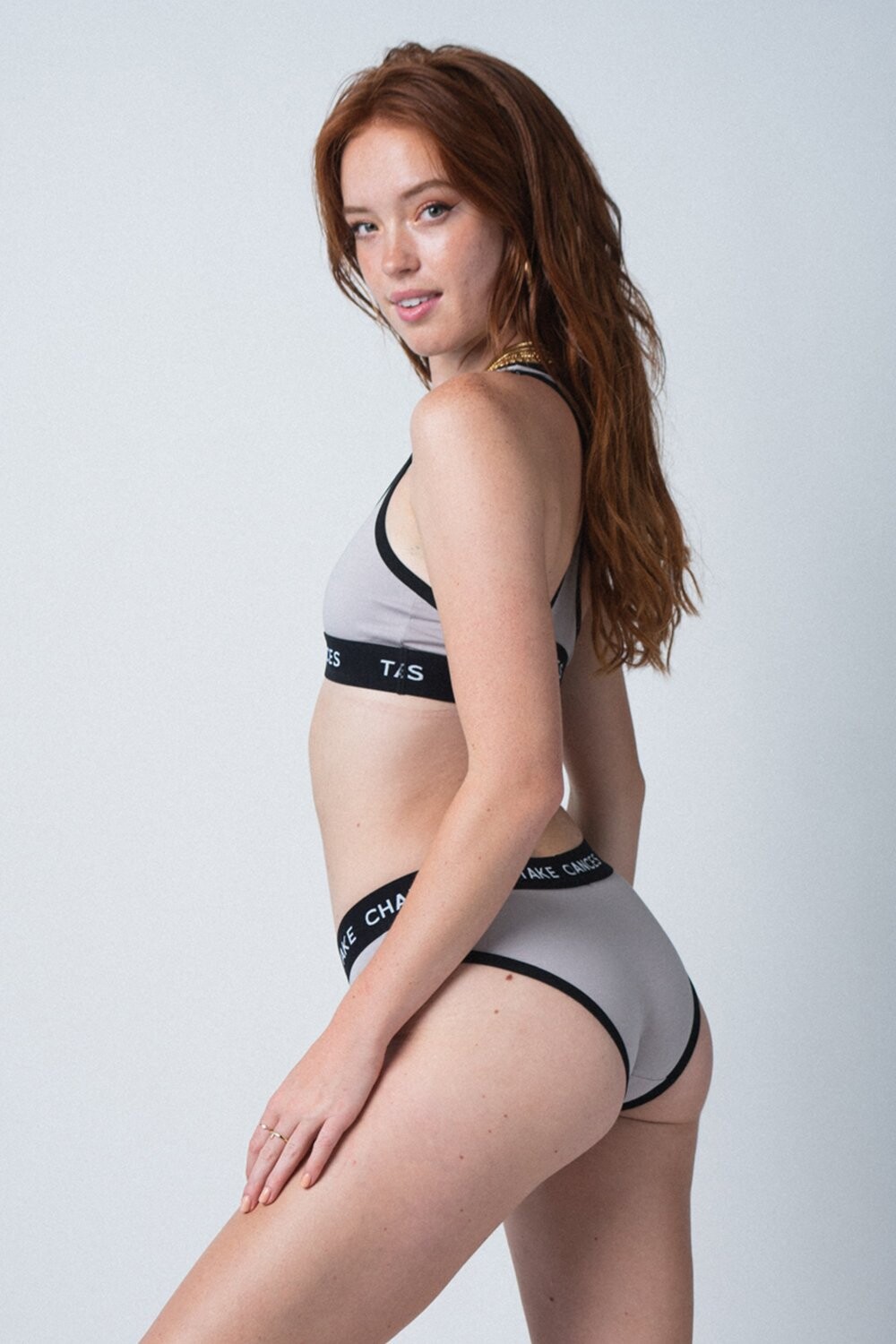
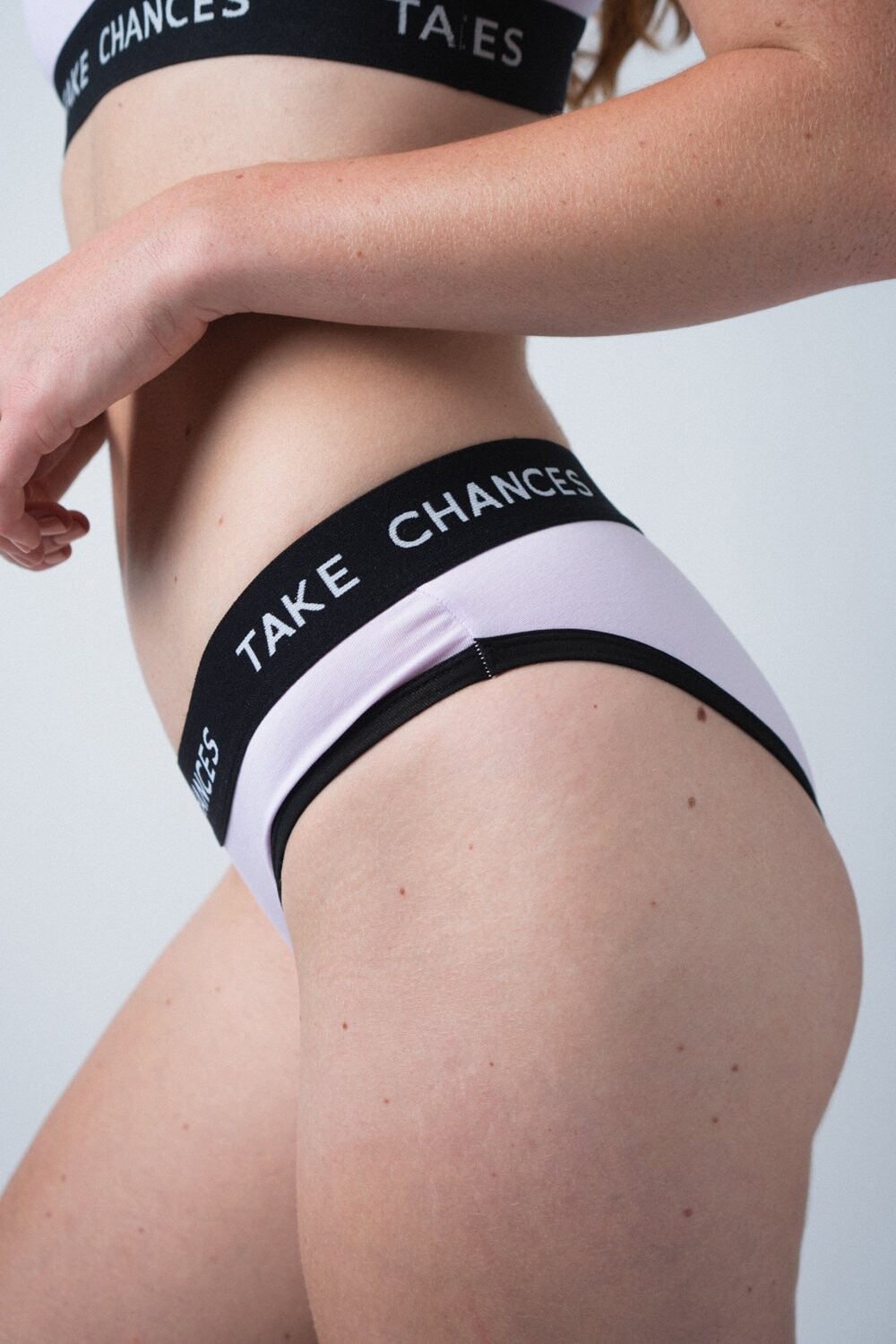
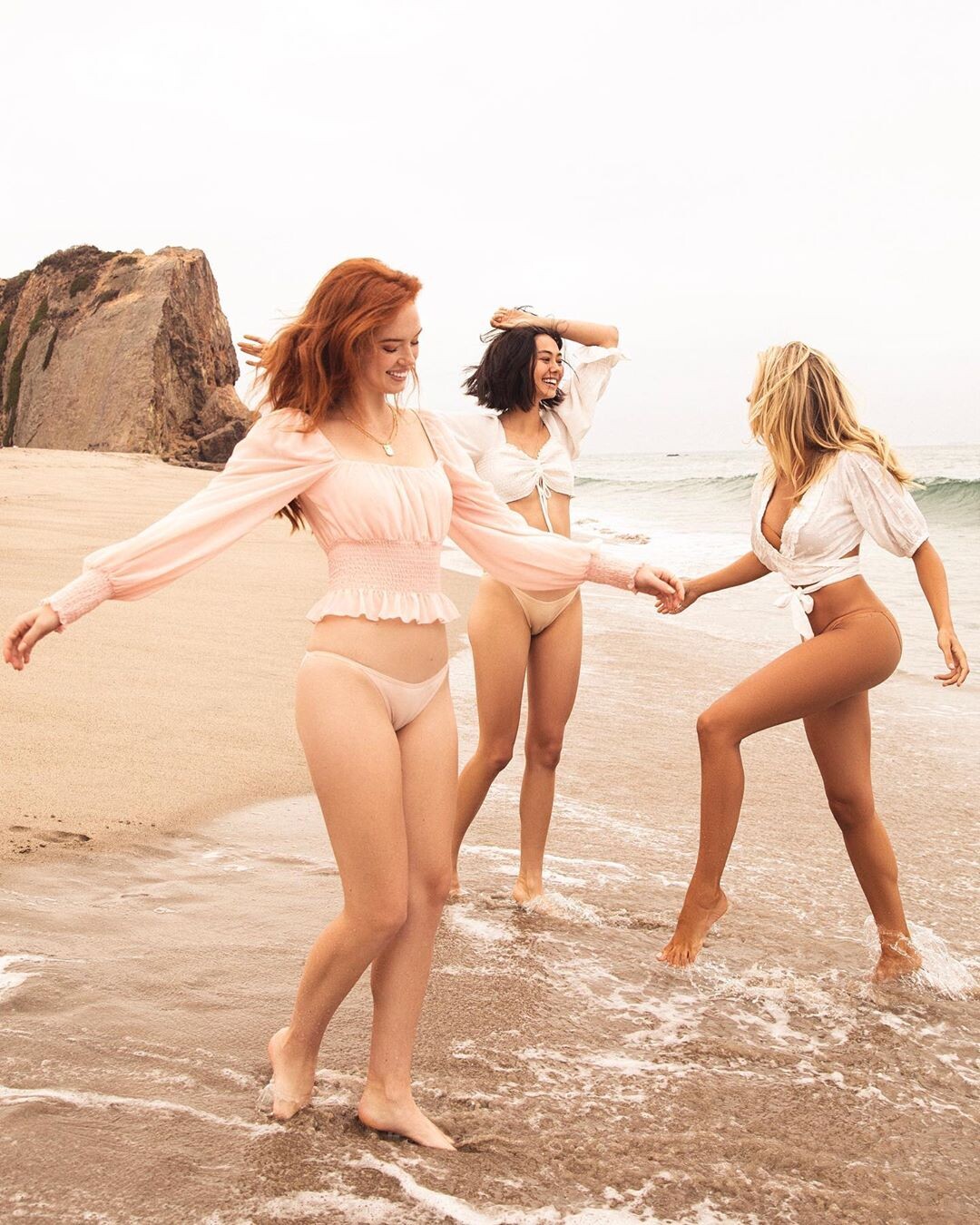
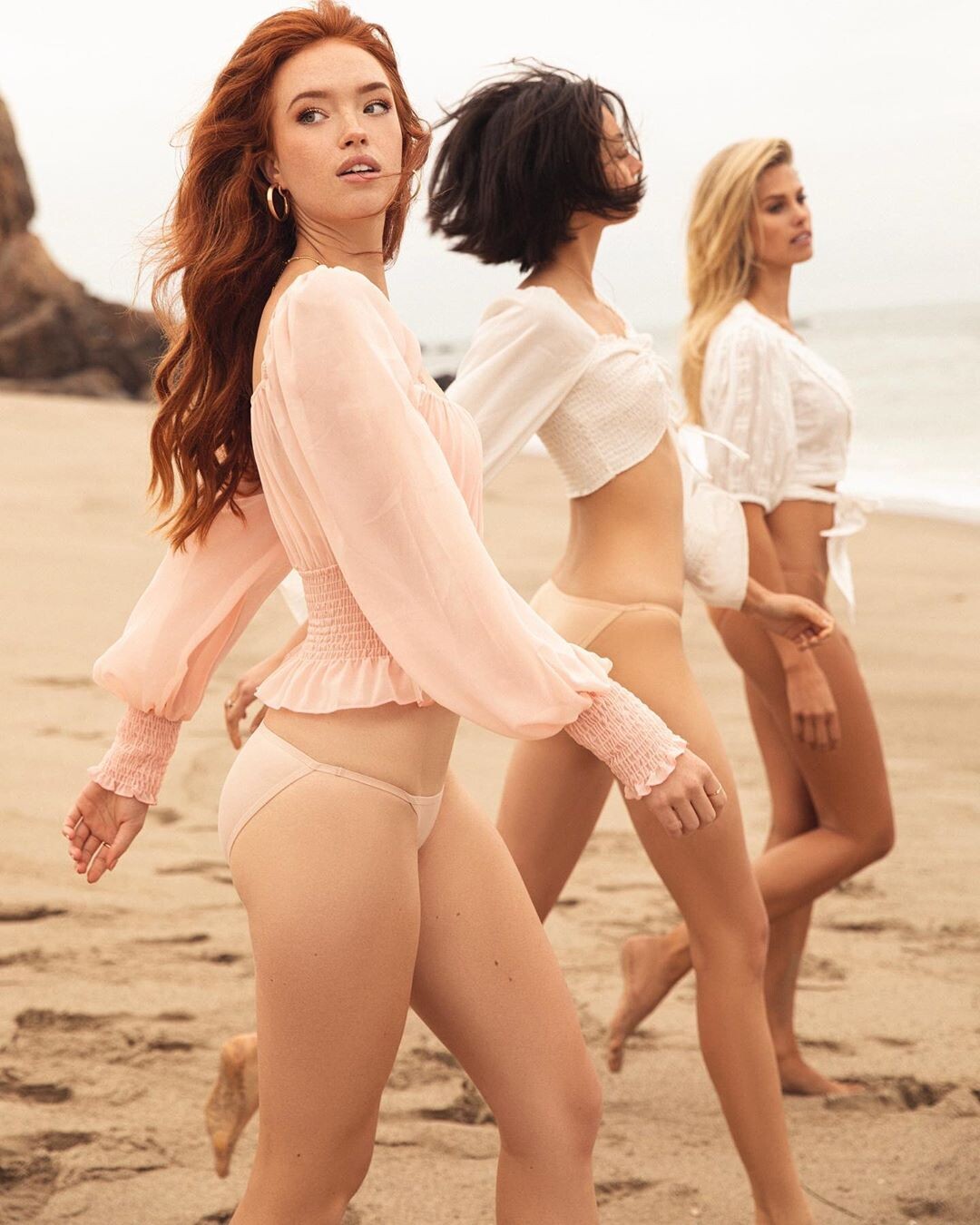
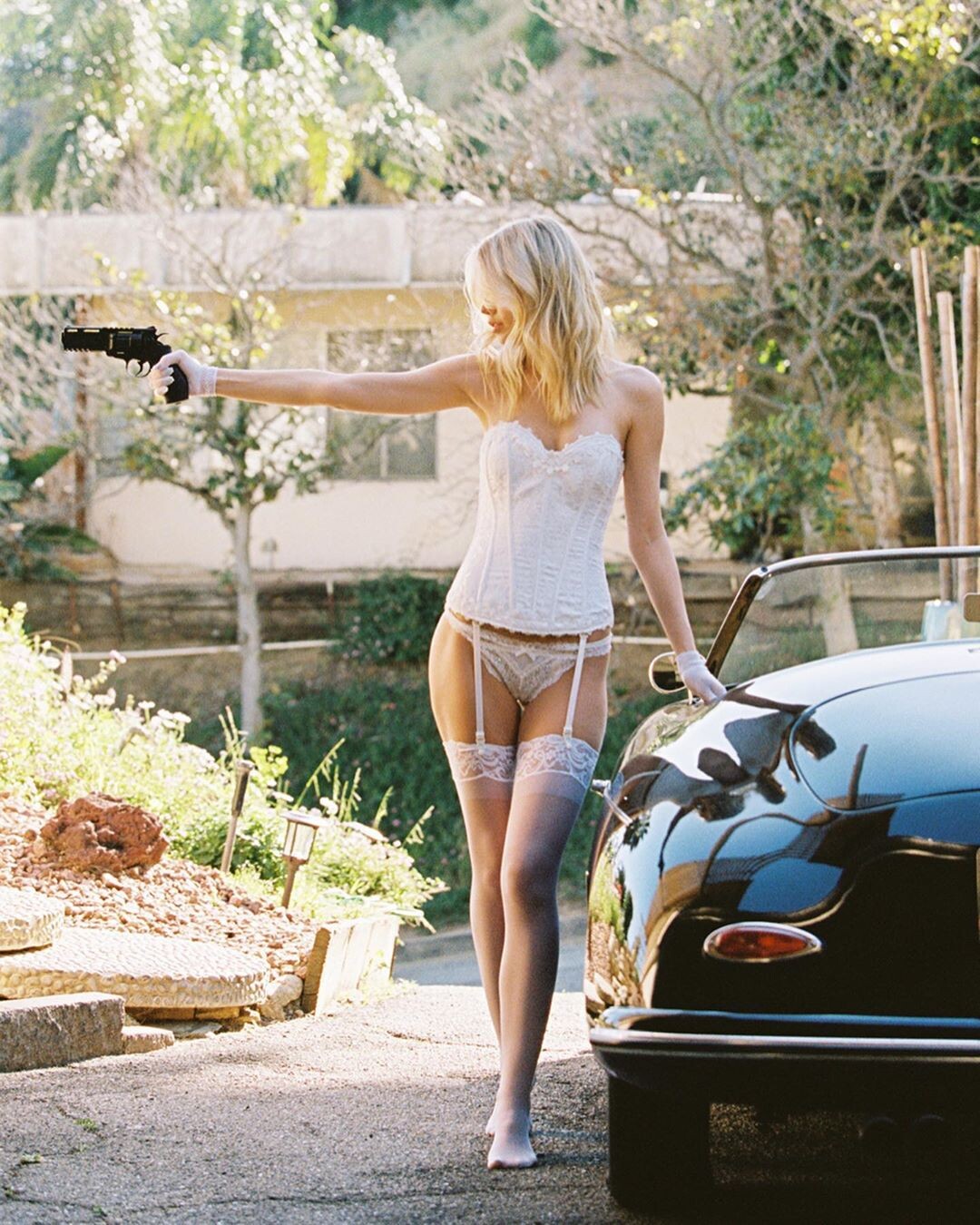
  15. Please mention what is the source of these photos? These do not belong to the new campaign of Cotton Body 😦

Configure browser push notifications

Chrome (Android)
  1. Tap the lock icon next to the address bar.
  2. Tap Permissions → Notifications.
  3. Adjust your preference.
Chrome (Desktop)
  1. Click the padlock icon in the address bar.
  2. Select Site settings.
  3. Find Notifications and adjust your preference.