Modelove
Members
-
Joined
Everything posted by Modelove
-
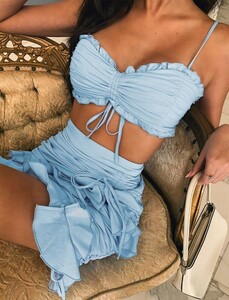
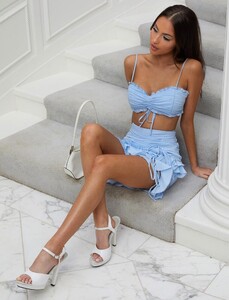
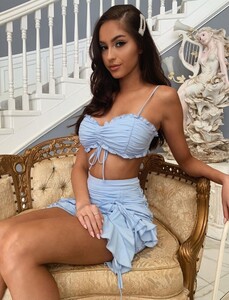
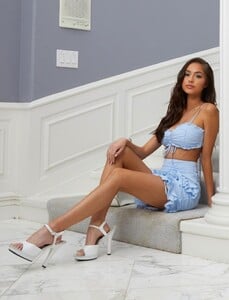
Tiger Mist Ph. Katie Bull Banners Video Video Video

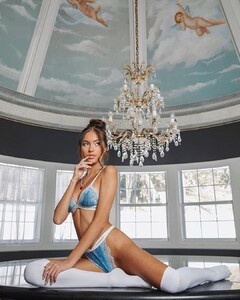
-
-
-
-
-
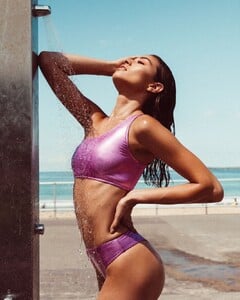
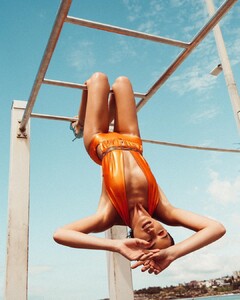
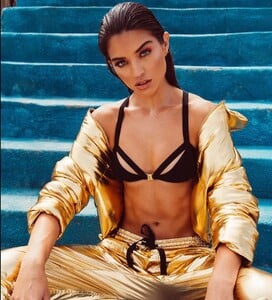
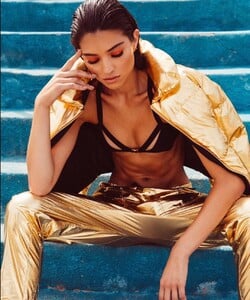
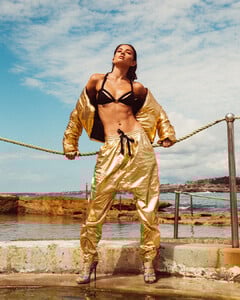
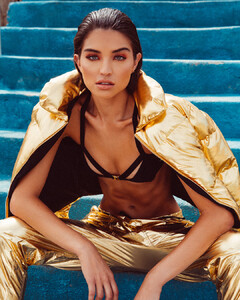
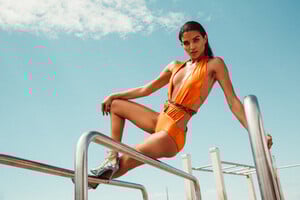
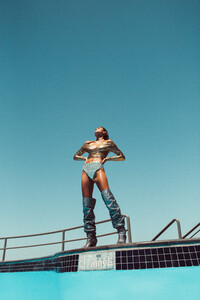
Carlene Raschke @studioflamingo HQ BTS Short videos from IG
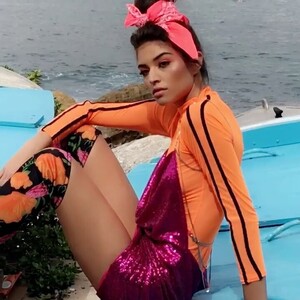
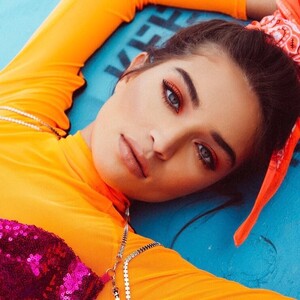
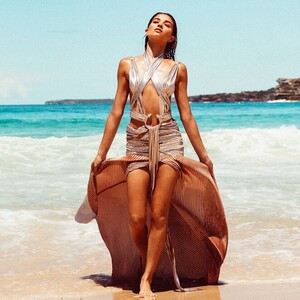

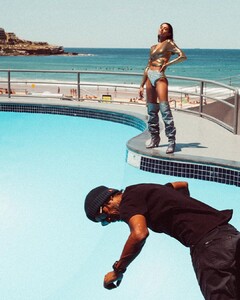
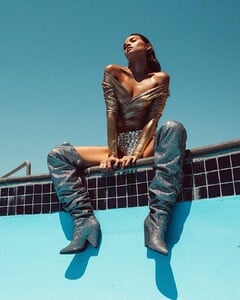
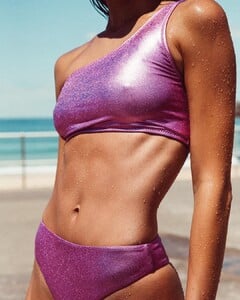
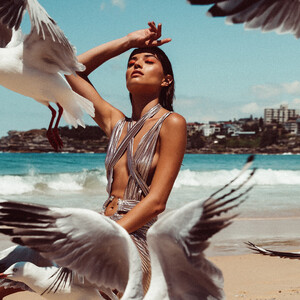
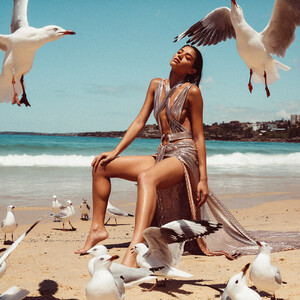
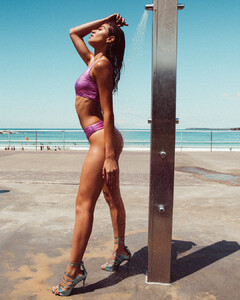
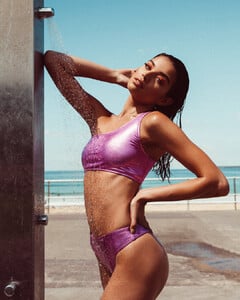
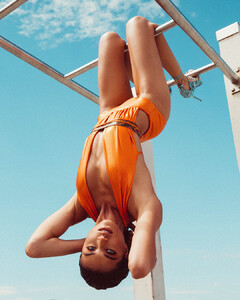
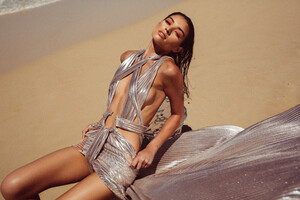
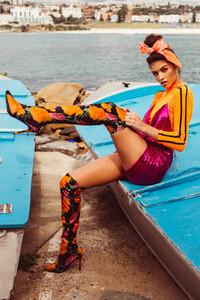
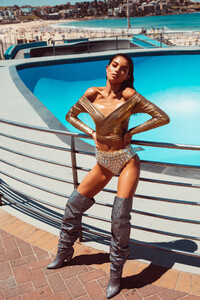
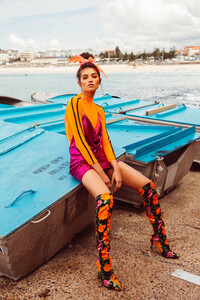
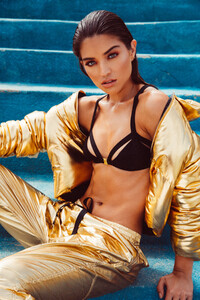
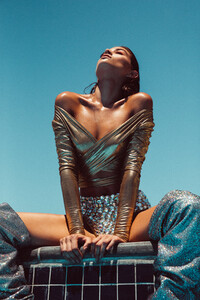
-
Mario Vivanco Warning! Nudity

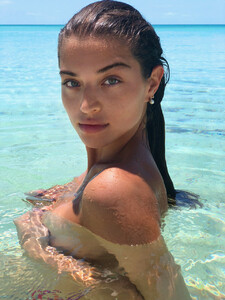

-
UHQ
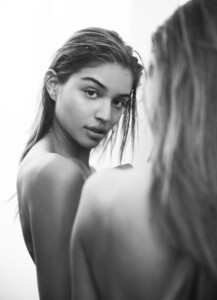
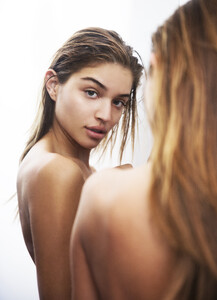
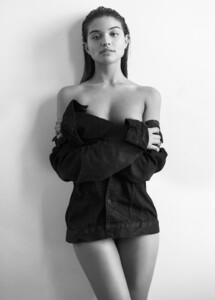 IG Story (10.06.19) Photoshoot with Kris Lou
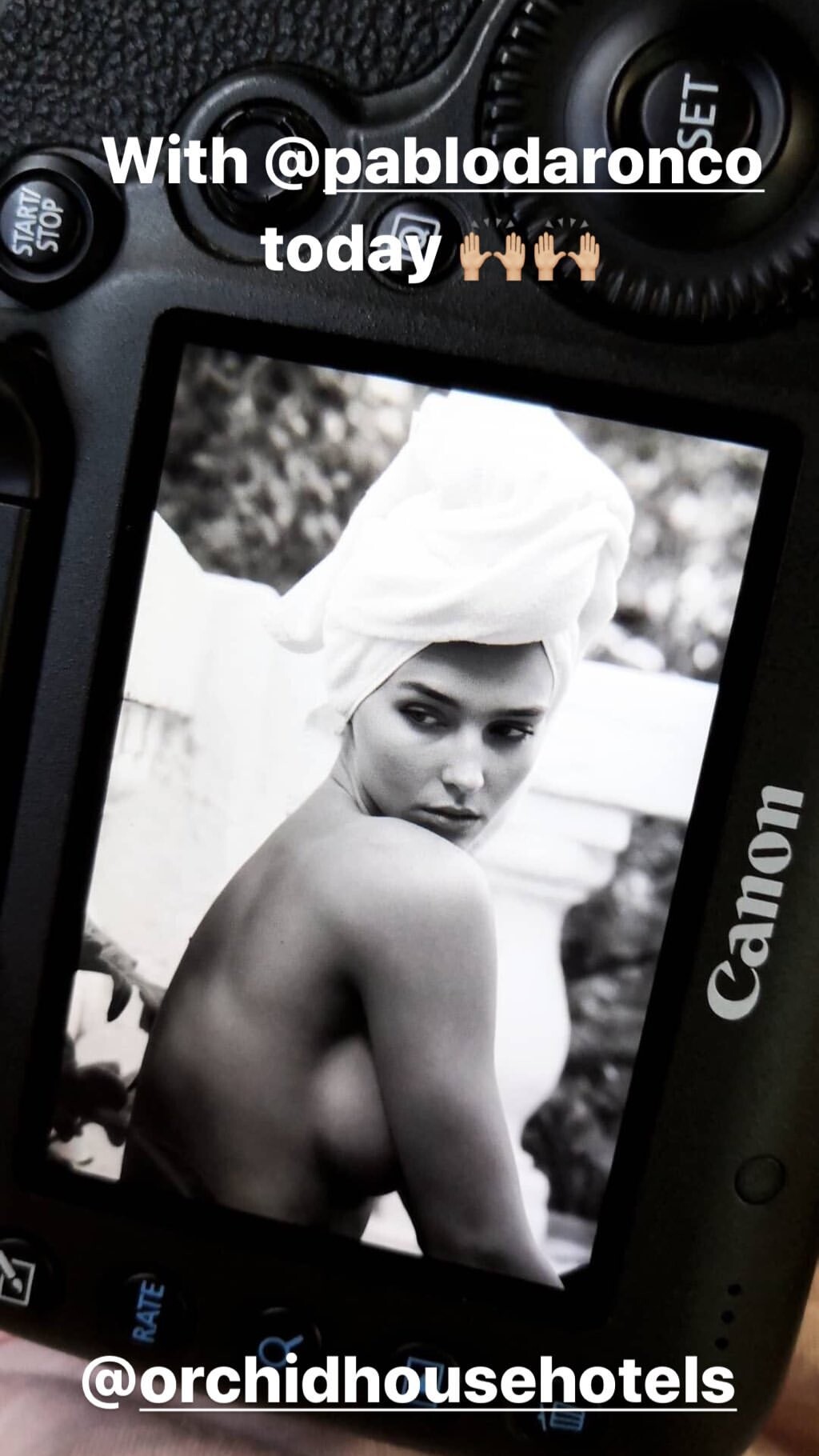
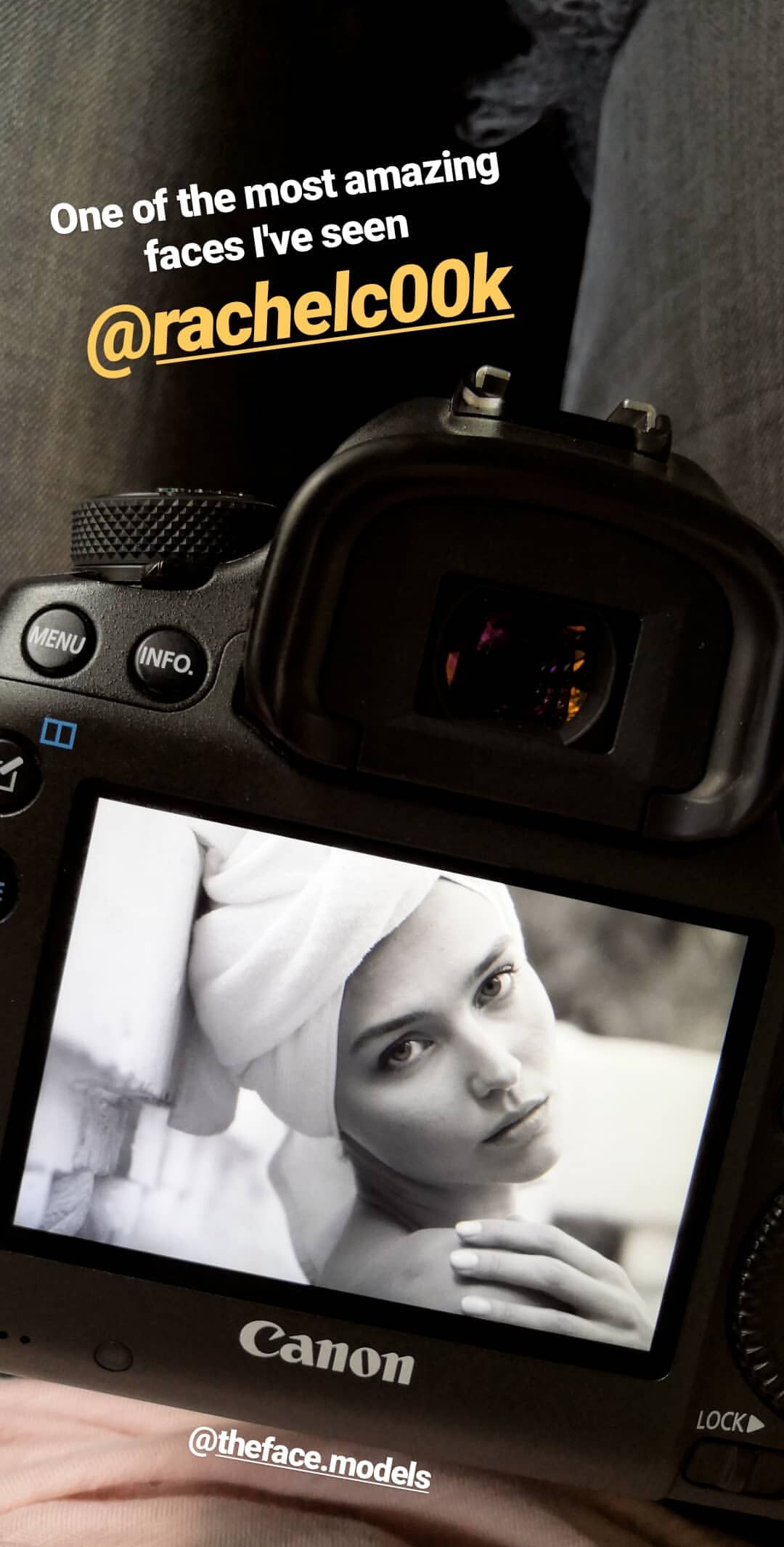
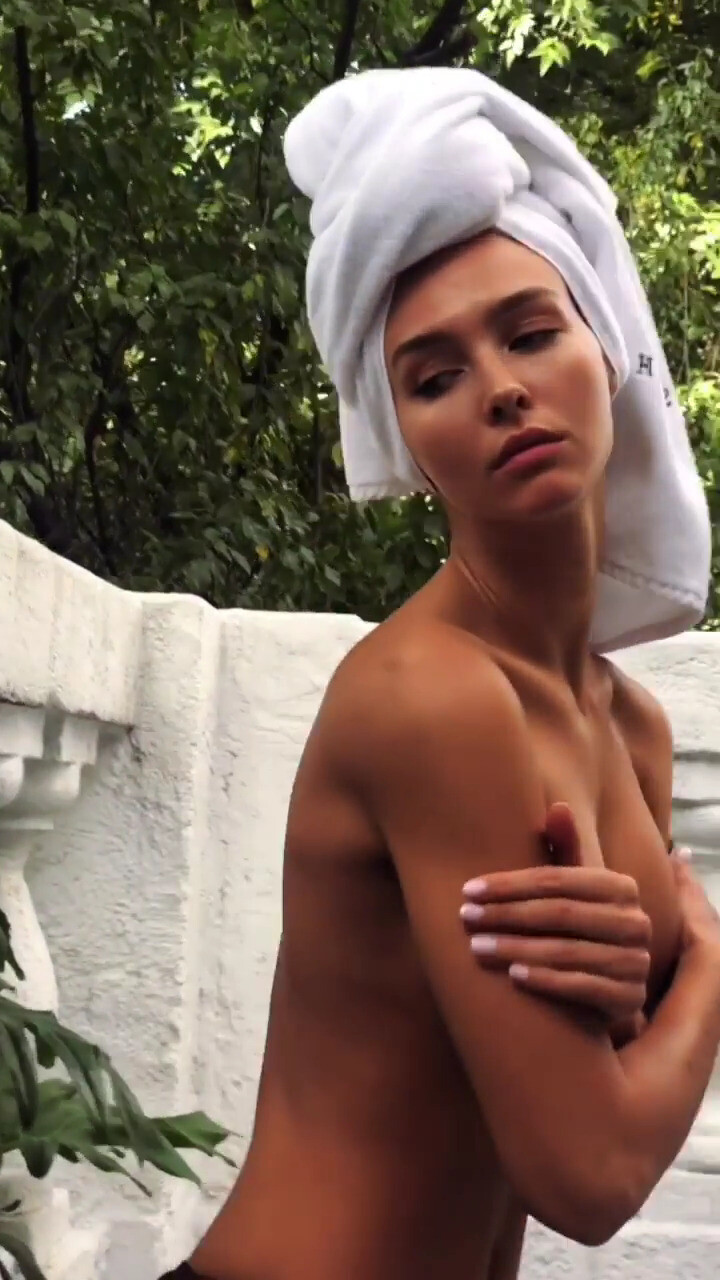
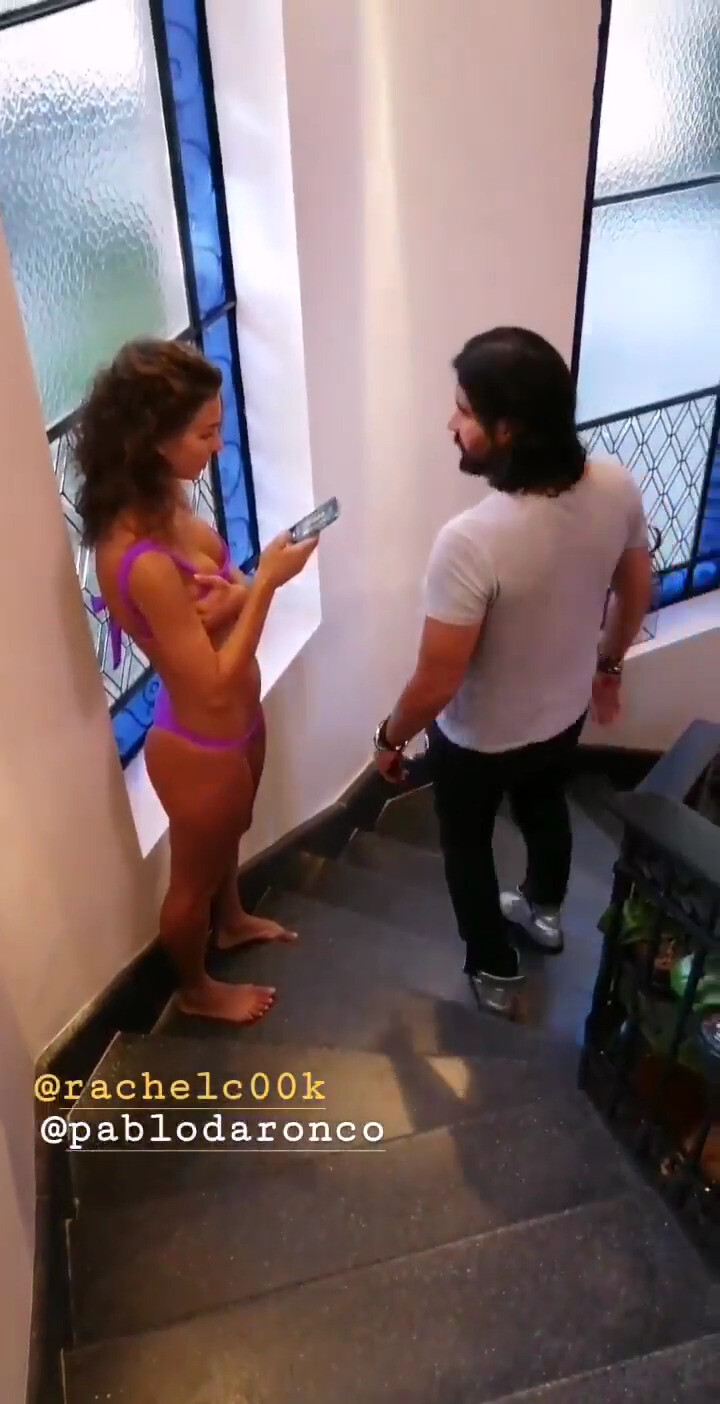
 IG Story (10.05.19) Photoshoot with Pablo Da Ronco 🔥🔥🔥HOT VIDEO! 🔥🔥🔥 Warning! Allmost nipple slip! All files (videos and images) on a ZIP File Previews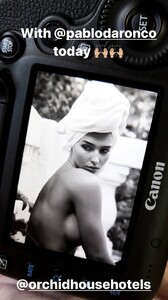
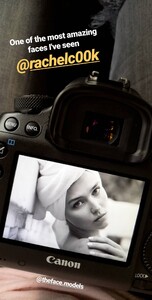
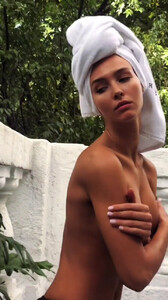
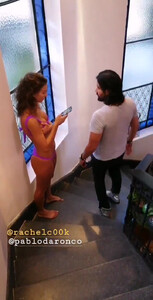
 IG Story (10.05.19)
 Ryan Hattaway
 Clint for Gooseberry Intimates Not posted this video because i have already posted before on this page with BTS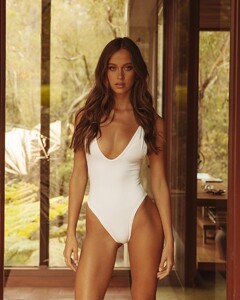
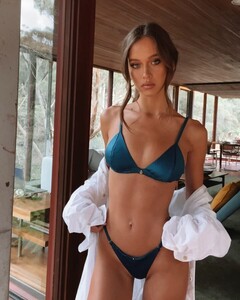 Her IG Ph. kdukesfilm Trung Nguyen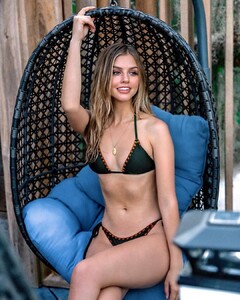
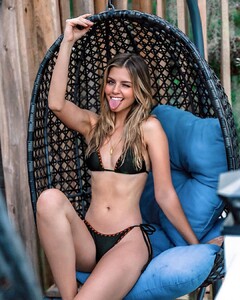
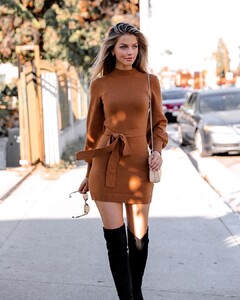
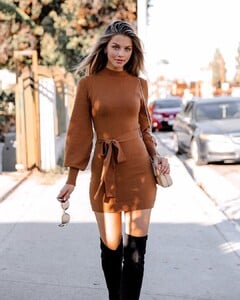
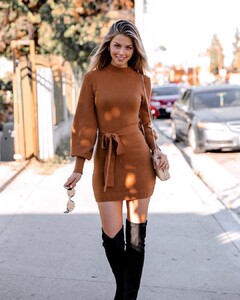
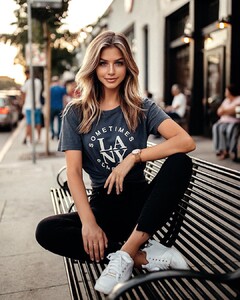
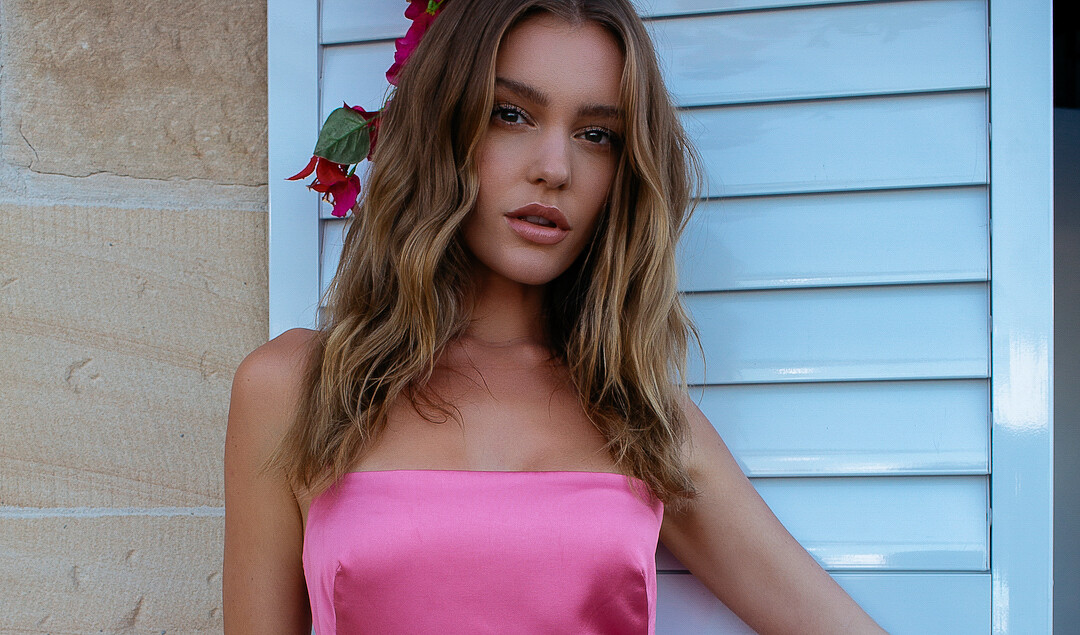
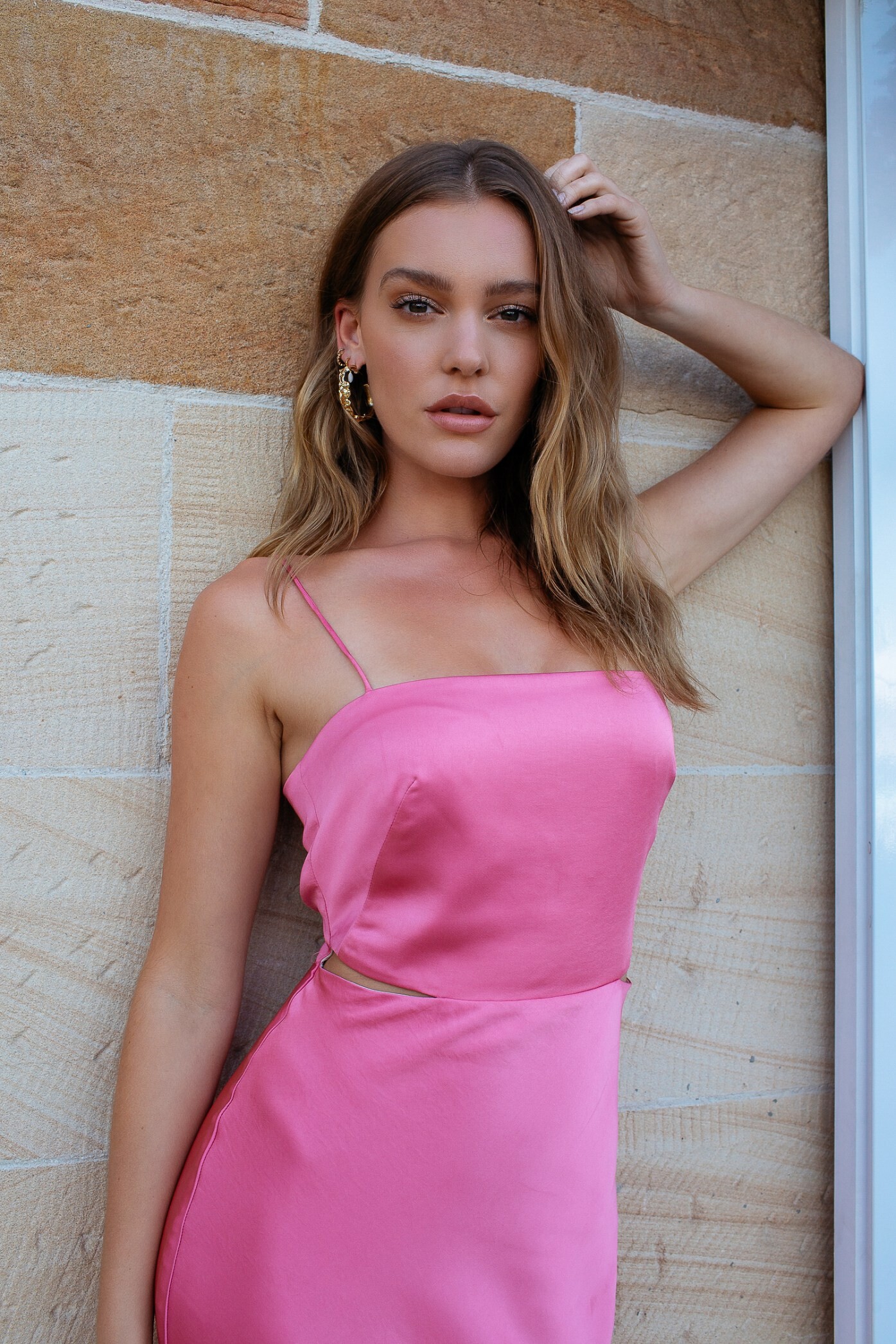
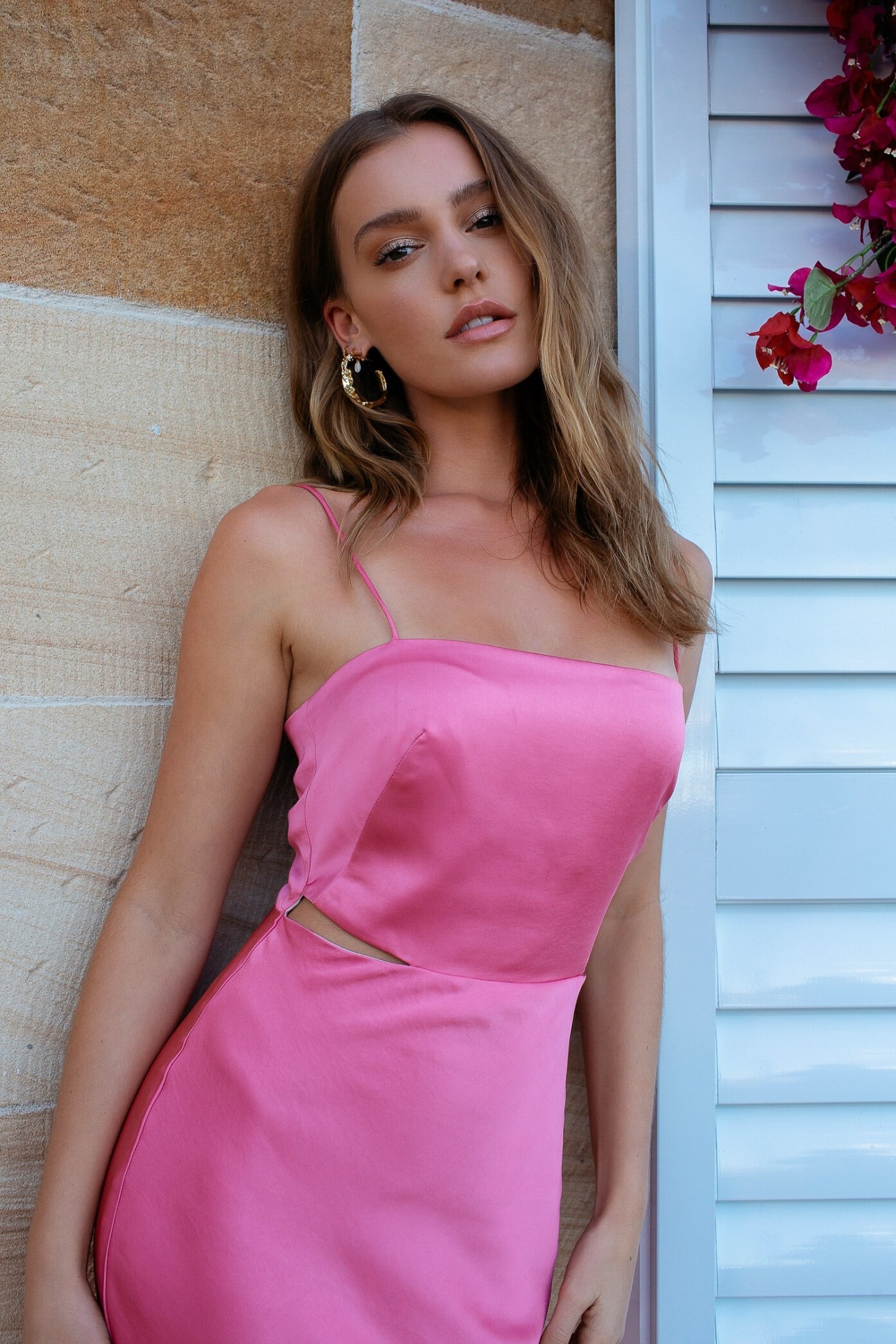
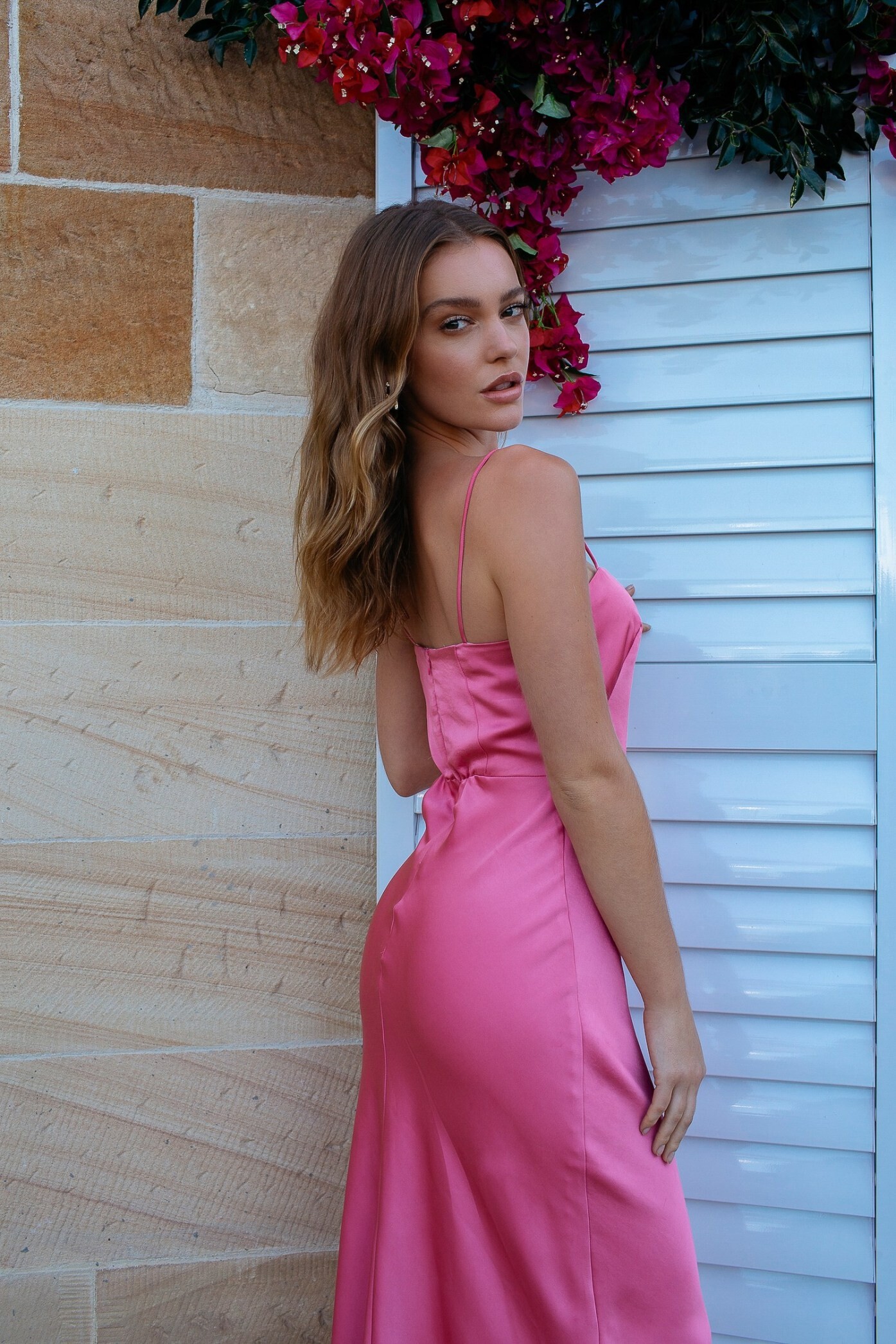
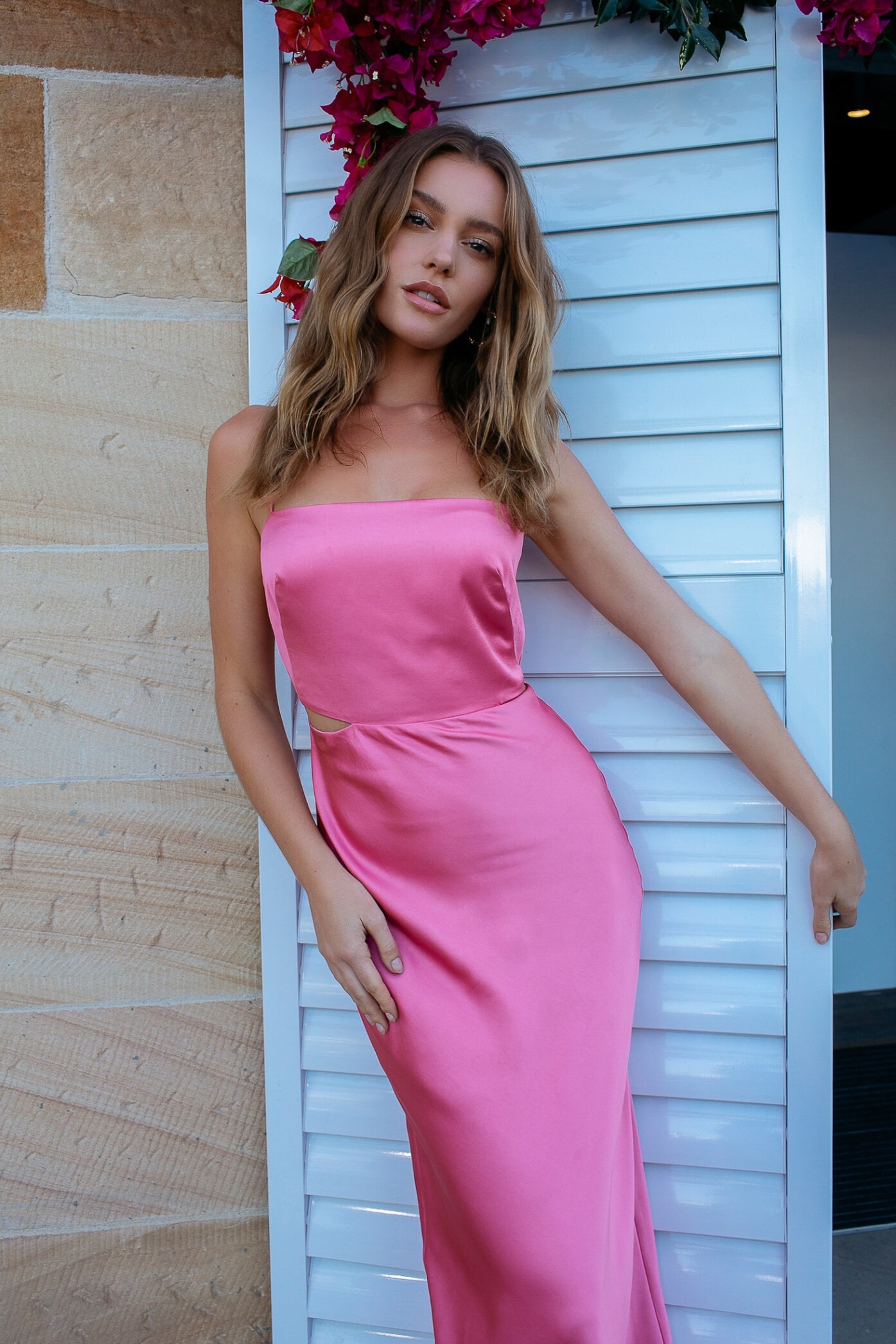
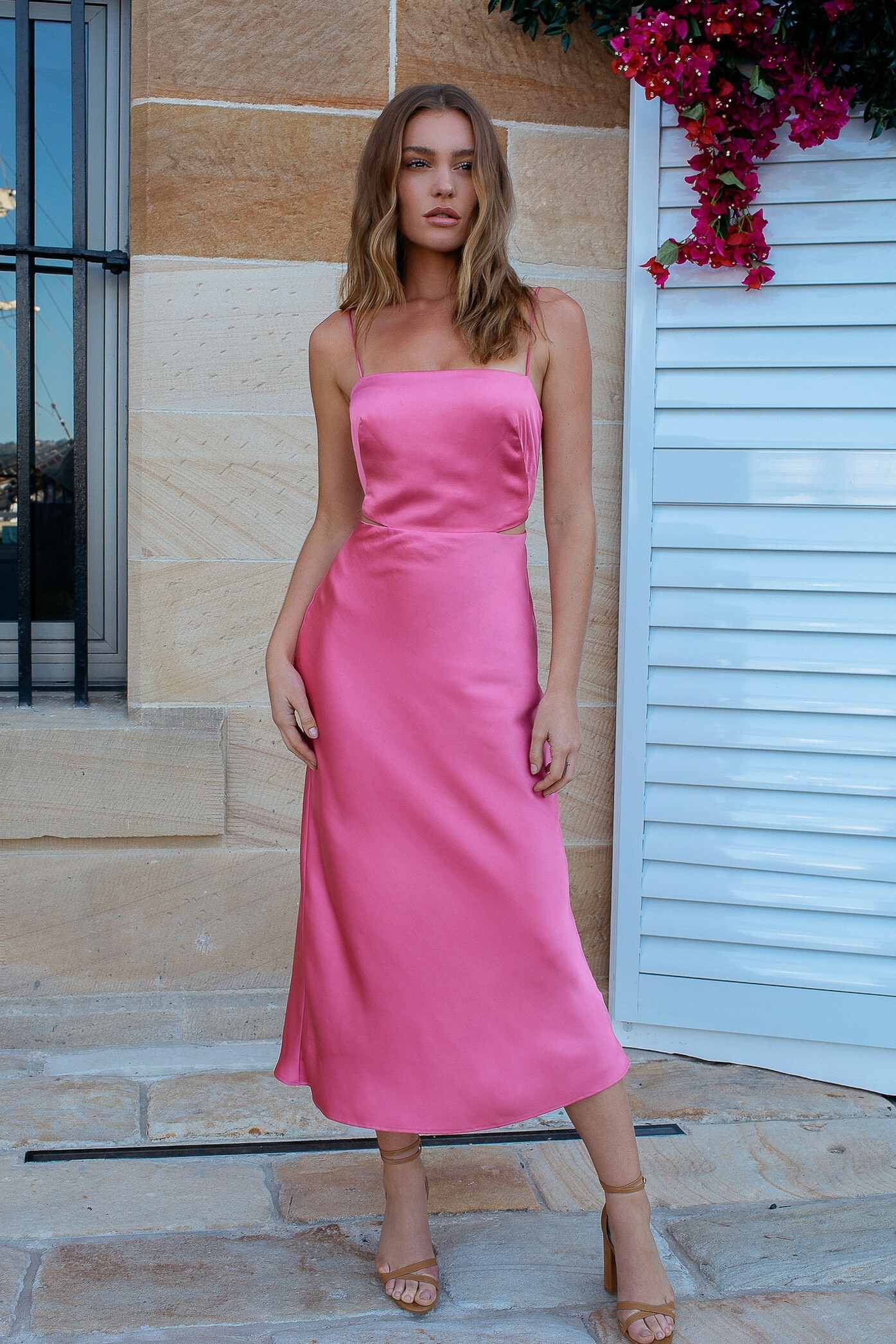
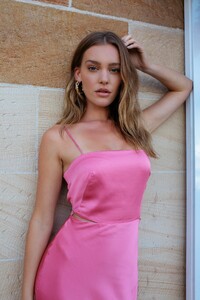
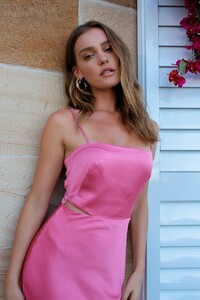
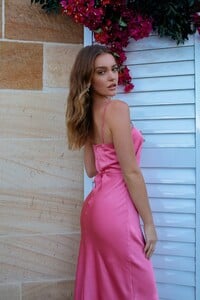
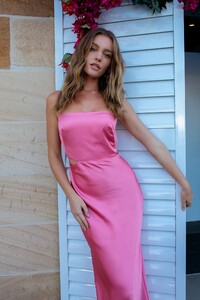
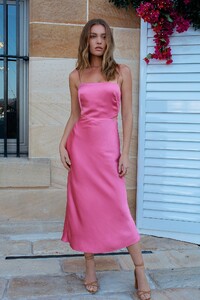
 A one-on-one with Georgia Gibbs: The inside story Talk to me about life in LA… I’ve got a house in Laurel Canyon in LA, which is pretty central – just near West Hollywood. I’m working a lot over there [in LA]. I’m managed by Management 360, so I’m doing a lot of modelling, I’ve been doing a few acting things here and there – which has been really fun, and just shot a music video which comes out on Friday, so I’m excited for that. I’ve also been travelling a lot: I was in London a week ago, I’m still between London, New York and LA, but I’m actually looking at getting a house in Australia next year. Coming back to Sydney more, which will be nice. Do you think you’ll stay based in LA or will you be mostly working in Sydney? My heart says to come back to Sydney but my head loves being international, loves being busy. I think I’ll always flicker between the two. Do you feel like you are more attached to the Australian modelling scene? I’m always trying to wear Australian designers, support Australian designers where I can. I really love coming home and being so crazy busy but being surrounded by a lot of clients that I love and have worked with for a really long time. I do miss that, so my goal for next year is to spend a lot more time here [in Australia]. Coming back to Australia and doing a show like Kookai, I guess you also get to reconnect with some of your old modelling friends? There were so many girls that I hadn’t seen in so long. For example, Brooke (Hogan) and I have known each other for 6 years, we met on Australia’s Next Top Model and haven’t really seen each other for a long time. I’ve been working internationally for the last four years so I’ve just been travelling so much and working on my own company as well. So coming home today – I got to see some of the girls I’ve been friends with for ages, it’s been so lovely. Kookai was also one of my favourite brands growing up. I remember being 13 or 14 and going into the Karrinyup Shopping Centre and there was a Kookai there. I was always like: “When I earn my own money, I’m going to buy myself some Kookai!” I would always buy one thing a season and be super excited – so it’s pretty funny how it’s come full circle. Do you feel like you get to do so many things now where you go: ‘I can’t believe this is my life’? I constantly feel like that. I remember when I first moved from Perth to Melbourne and I was nannying, I was working full-time, I was working for an activewear label… I was working four jobs and going to uni – trying to make it work in Melbourne. Even the music video I shot the other day, it was just with people that you never thought you’d meet and now they’re my nearest and dearest friends. It’s pretty amazing how it’s come full circle and I do thank my little guardians every now and then. As well as being a successful model, you’re very much an advocate for body image and mental health. Is it important for you to use your platform to draw attention to these issues? My dad’s a peer support officer in the police and so he works directly with anyone in the police force having a hard time with trauma, my mum is a counsellor, and we’ve always had a lot of mental health issues in my family – and [so these issues are] always just something that I’ve carried forward. I just thought that if I ever have a platform or if I ever have the chance to have a voice that people really listen to, I would want to share about mental health awareness. I’ve got two sisters, so growing up body image was also a huge thing in my household – so I’ve always promised myself, one day if I have a platform or a voice that people would listen to, those would be the two things that I would share. I still hold that very close to my heart. I think it’s so important to talk about it. I feel like mental health is a huge issue in today’s society… It really is. It affects everyone, it really, really does. People are starting to share about it and normalise it more, but even myself – I got really sick last year and I struggled so much. Especially in LA, I was by myself with no friends and family and I was really sick for 9 months, and that had such a toll on my own mental health. It was just a little reminder about what a big issue mental health is – which is why I recently did a video on R U OKAY?. I find it very impressive that you do talk about these things. It would be so easy for you to just be like ‘my life is amazing’… I say to my Mum everyday, ‘Mum, my life would be so much easier if I just put out the modelling shoots I did and me doing this and that’ – but it just doesn’t resonate with me. My family are still doing normal jobs and normal things and have normal problems – and I also have normal problems like everybody else. I never wanted to give people that false reality. Modelling is so good, but people don’t see the 6am call times and the 15 hour flights to get to the show. It does look so glamorous, but I think it’s really important to remind people that it’s not just the glitz and glamour. Talking about mental health, I know you’ve suffered from self esteem in the past. Is this something you still suffer from? I’ve grown so much. I definitely still have my days, I think every woman has their days where they just wake up and are like ‘Not today, Satan’. But I’ve definitely grown so much and grown into myself. Encouraging other women and other people to embrace themselves, who they are and where they come from and to not shy away from their differences, has really helped me as a woman to grow up and embrace myself too. It’s kind of that thing where you fake it until you make it. If you share that message enough and want other people to believe it – you eventually start walking the walk and believing it yourself. Moving onto a bit of a lighter topic, we’re loving the Kookai slip you’re currently wearing. Can you tell me a bit about what to expect from the show? It’s such a fun collection – it’s really Spring/Summer. It’s Bonita, so it’s been inspired by Spain – which I love, I was just in Europe. There’s a lot of fuchsias, pinks, reds, lilacs – just such fun colours. I love the clash between pink and red and the lilac and the bold colours, I think it’s really beautiful. There’s a lot of silks, some flowy pants, some suits… it’s all very cool. What’s your favourite piece from the collection? I’m opening the show in a pink silk dress (pictured) – and that’s probably one of my favourite looks, just because I love silk. I’m also a sucker for a suit, I just love a woman’s suit and there’s a couple of really good ones. When you’re not working, what is your go-to uniform? I’m terrible! If I’m not working, most of the time I’m in sweats and a crop top, activewear, or just what I turned up in today which was some blue vintage jeans, t-shirt, adidas sneakers – very casual. I don’t really wear makeup, I don’t do my hair. I feel like when you have to get dressed up all the time, it’s really nice to just keep it chill. What about for a night out on the town in LA? Can you talk me through your fashion and beauty look? A night out in LA… I’m really big on skincare. In the last couple of years I’ve had quite a lot of skin problems, so I’m super big on skincare. I love to layer my skincare and take my time to get ready – I hate rushing! I’ll do my skincare, have a wine, and then my favourite foundation right now is the Charlotte Tilbury Wonder Glow. It’s really, really good – it’s sheer but dewy. Then I’m big on mascara, I love mascara, and I’ll do a soft lip. I don’t really like heavy makeup, just fluffy brows and glossy skin. I don’t actually own a hair straightener or a curler – I literally wash my hair and leave it, just scrunch it a little bit. I just scrunch it and leave it. Very Aussie! So Aussie. Very low maintenance. But I feel more beautiful and more myself like that than when I feel overdone. I have tried before. I’ve gone and got my hair done and the whole thing – and then I’m like ‘No. I feel so weird right now’. And fashion? I’m really into ear piercings right now, I’ve got quite a few – four on one side and three on the other. A lot of gold. And then my go-to going out outfit, I’m not really a huge dresses girl, so if I’m going out – I’ll do a leather pant or a fun flair or an oversized jean. Then a cute crop top/blazer situation, that’s usually my go-to. It’s almost time for you to go into dress rehearsal, but just before you go – can you quickly talk me through a normal day in your life? A normal day in the life of G… A normal day in my life, I’ll wake up and meditate. I just launched my app ‘Joy’, so I wake up and meditate with Joy, I make my breakfast – which is usually a smoothie bowl with a hundred toppings and a lot of almond butter. I then usually go and work out in the back garden because I’ve got a little yard in LA – I’ll do a quick 30 minute workout. I’ll then get dressed to go to either meetings, castings, I might be shooting or flying – that will fill up most of my days. Afterwards, I try and unwind with meditation, I meditate a lot. I like to take my time. I also try to limit myself to an hour on social media a day. I really try – don’t always complete, but I always try. A for effort. I like to go to bed around 10pm. I’m a full believer in beauty sleep – 100 per cent. I can see such a difference in my mental health, in my skin, my body, and just in the way that I feel from sleep. More than anything else: food, hydration – it’s all really important, but sleep is my thing. All images: Shot by Yelena Fairfax/Husskie featuring Georgia Gibbs wearing Kookai Australia.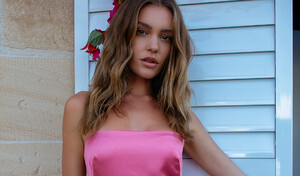
 Duncan Cheng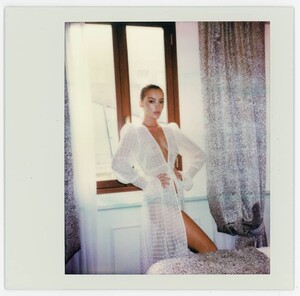
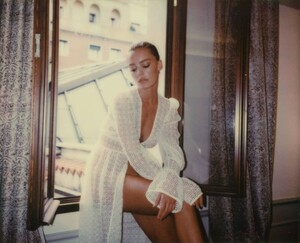
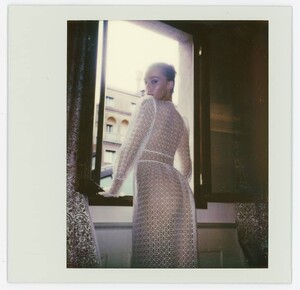
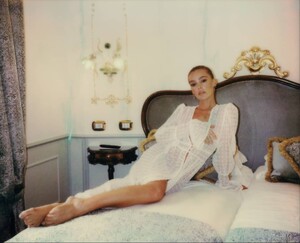
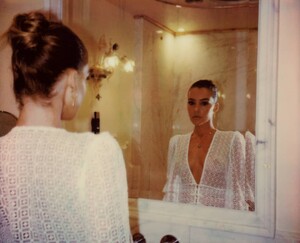 Monica Baddar Adds Better resolution than ever posted before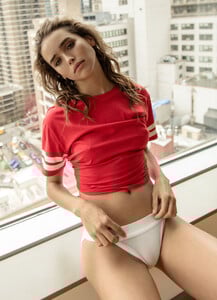
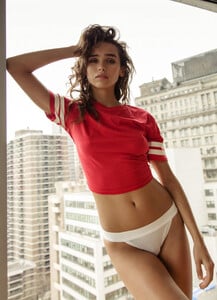
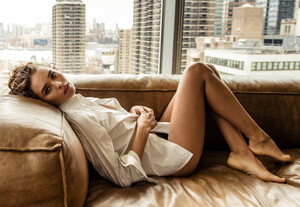 Except 2 check. Already see before posted my friend
Michael Woloszynowicz Adds Warning! Transparency
Except 2 check. Already see before posted my friend
Michael Woloszynowicz Adds Warning! Transparency