
anon14
Members
-
Joined
-
Last visited
Everything posted by anon14
-
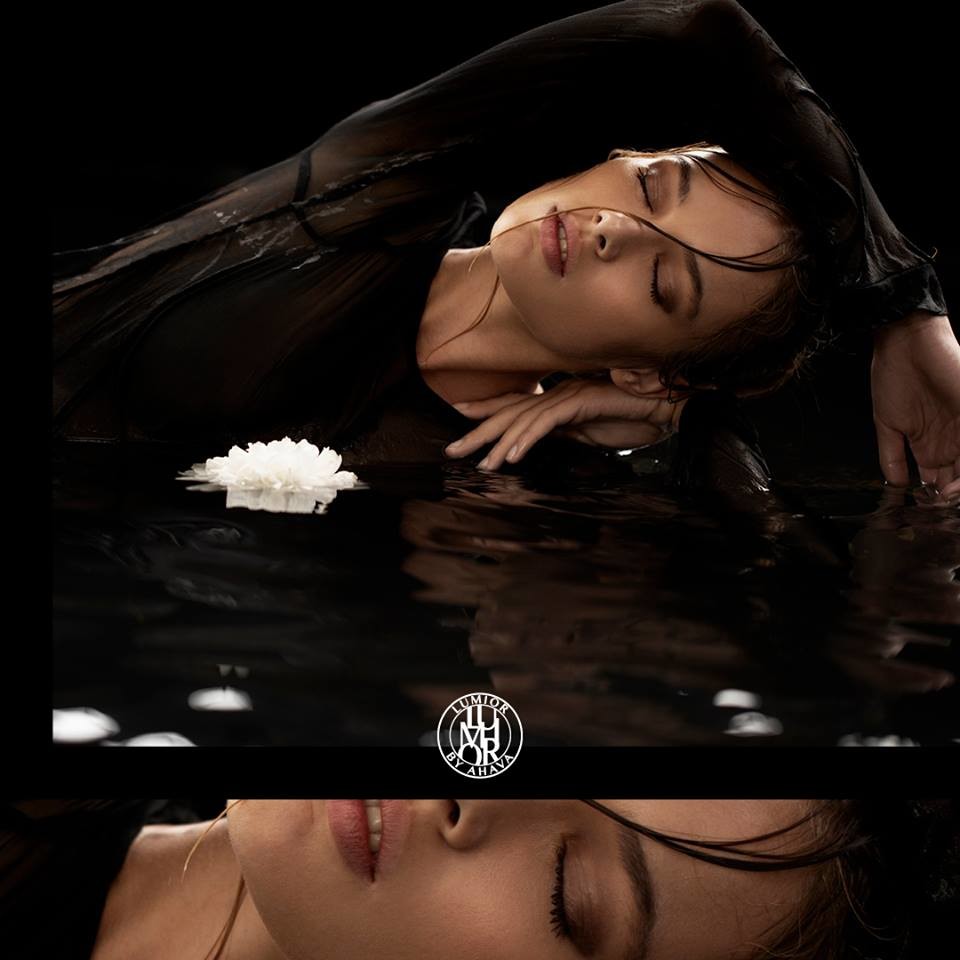
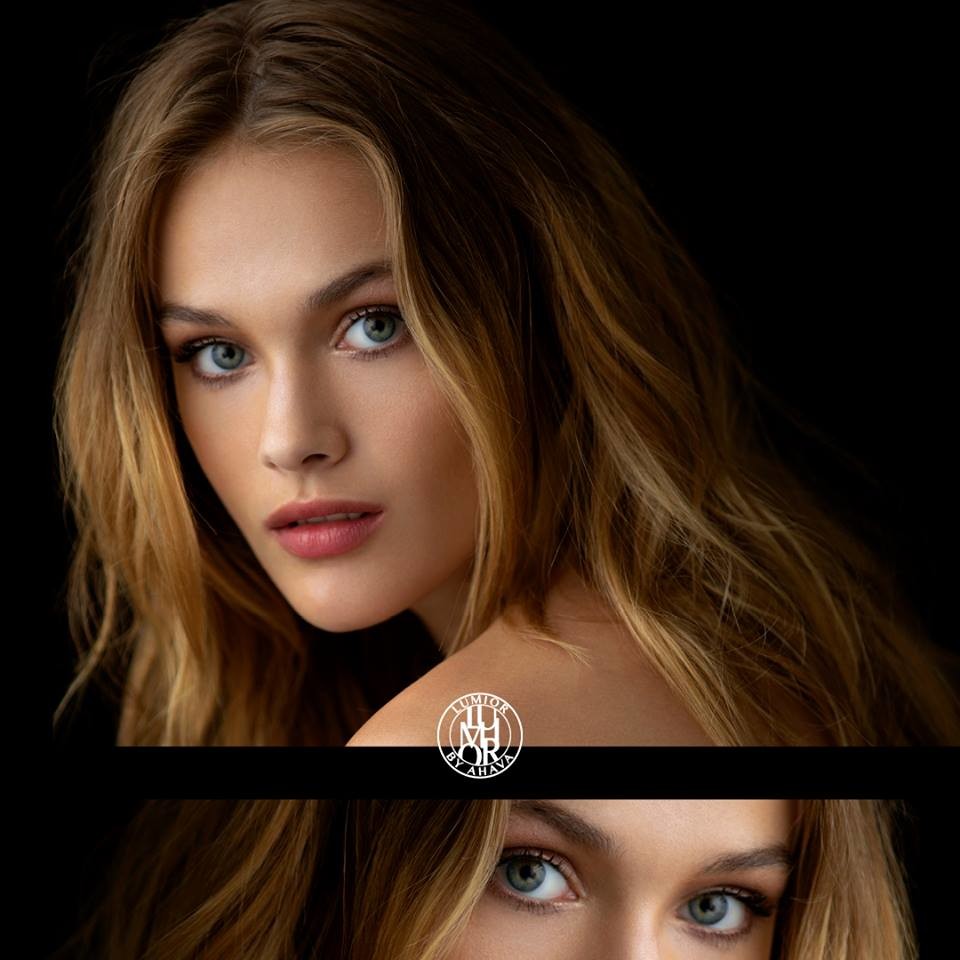
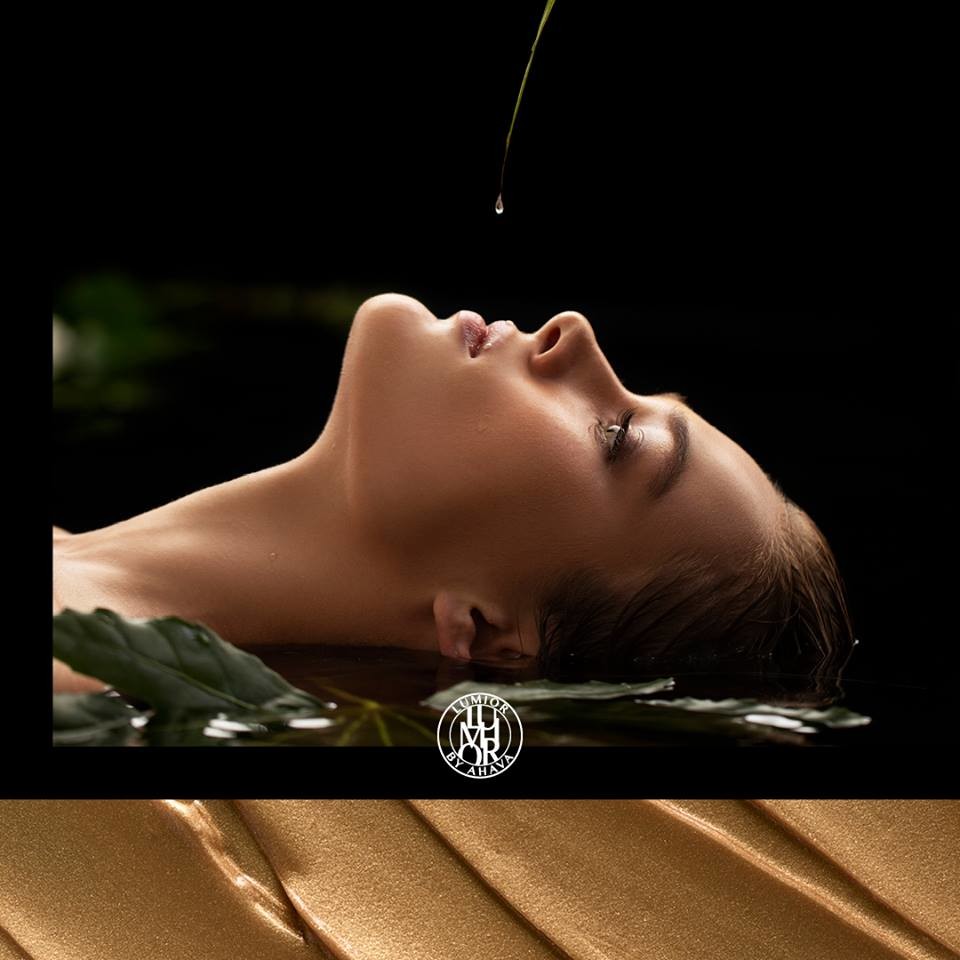
 Lumior by Ahava https://www.youtube.com/watch?v=WRipSMgmxZ4
 -
She appeared on the October 4th edition of Dutch talk show RTL Late Night with Twan Huys
Thanks for the great adds. What are your sources for the images? Would like to see if there are any of other models @pinguoin
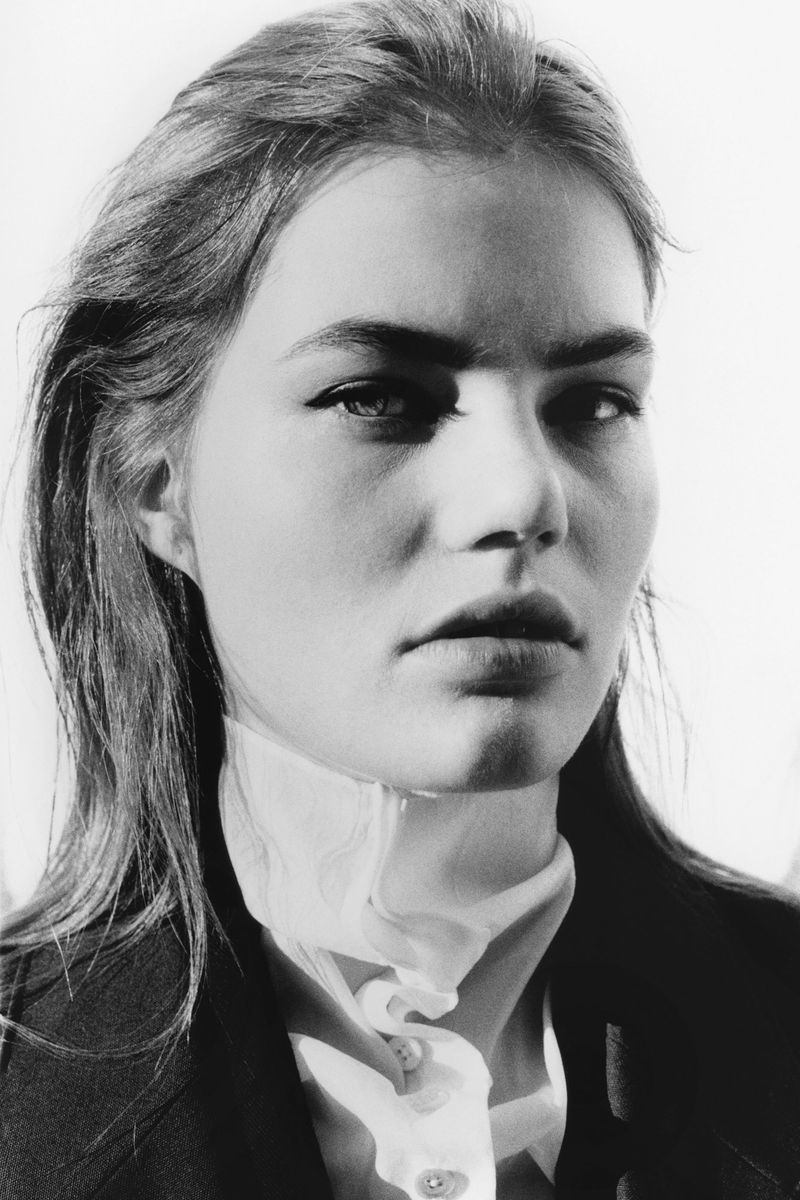
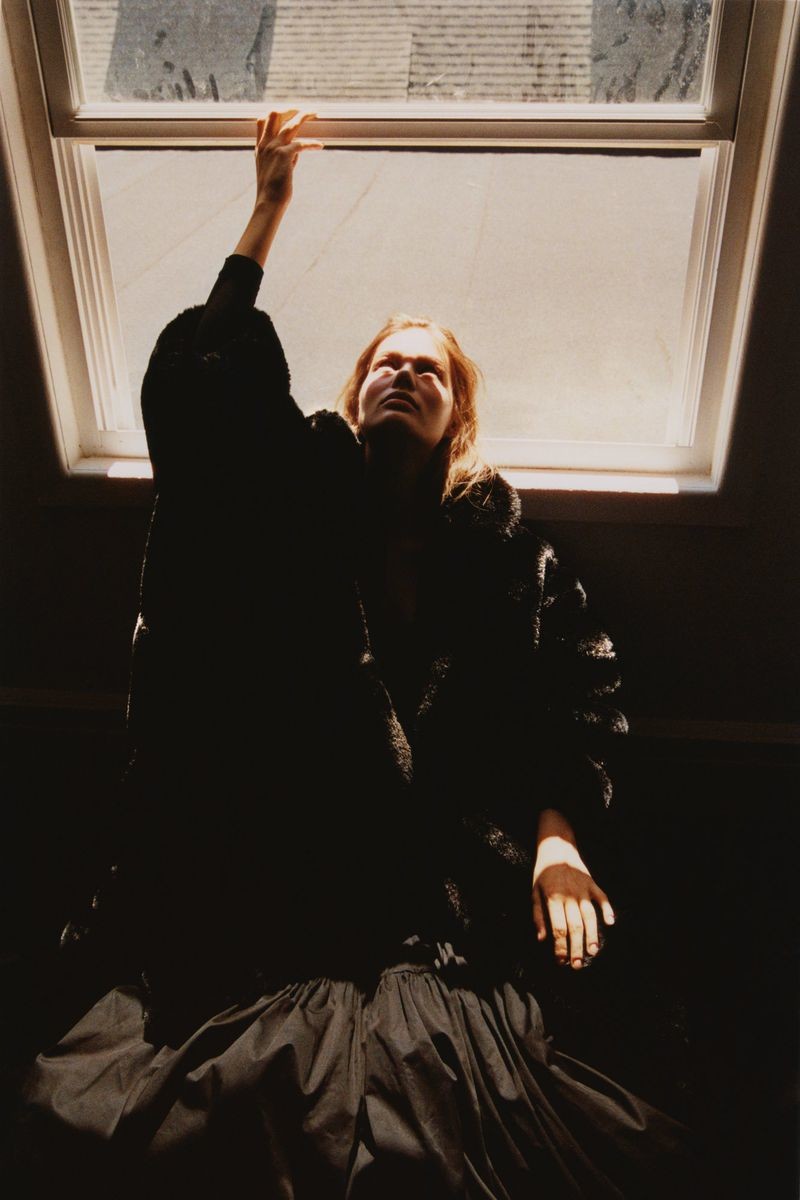
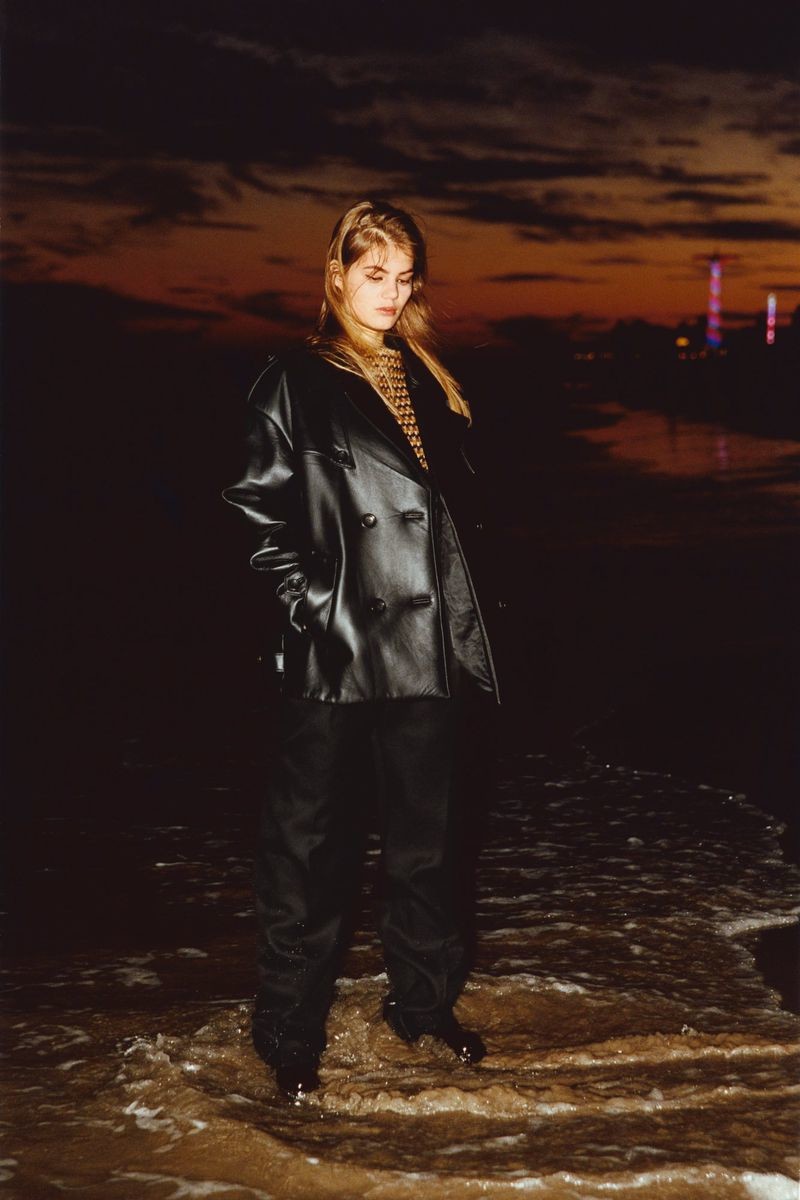
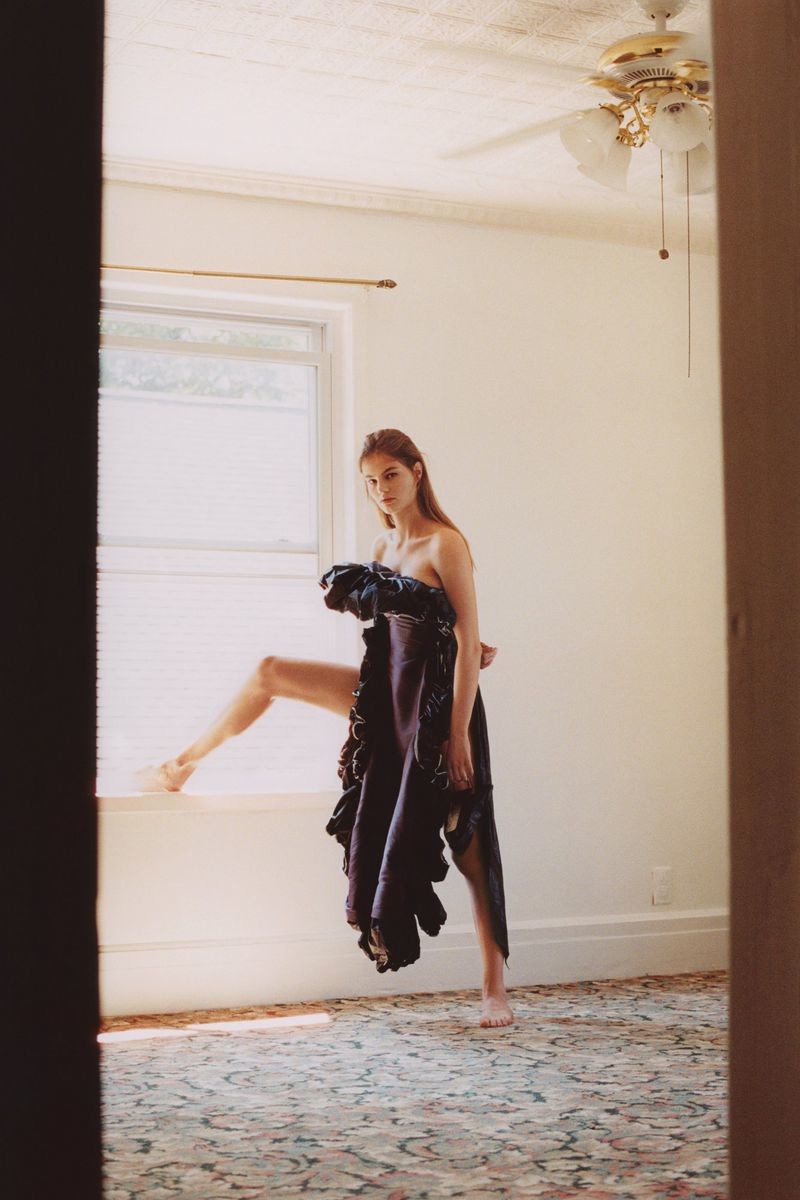
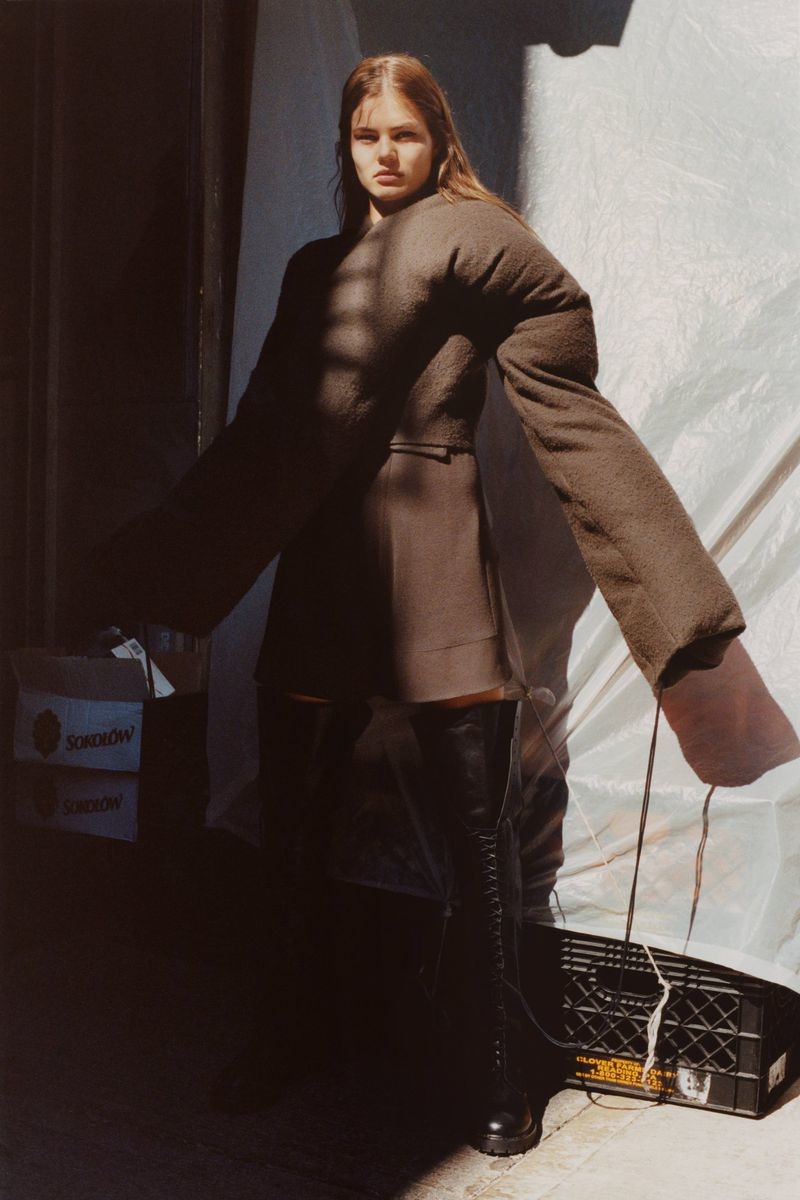
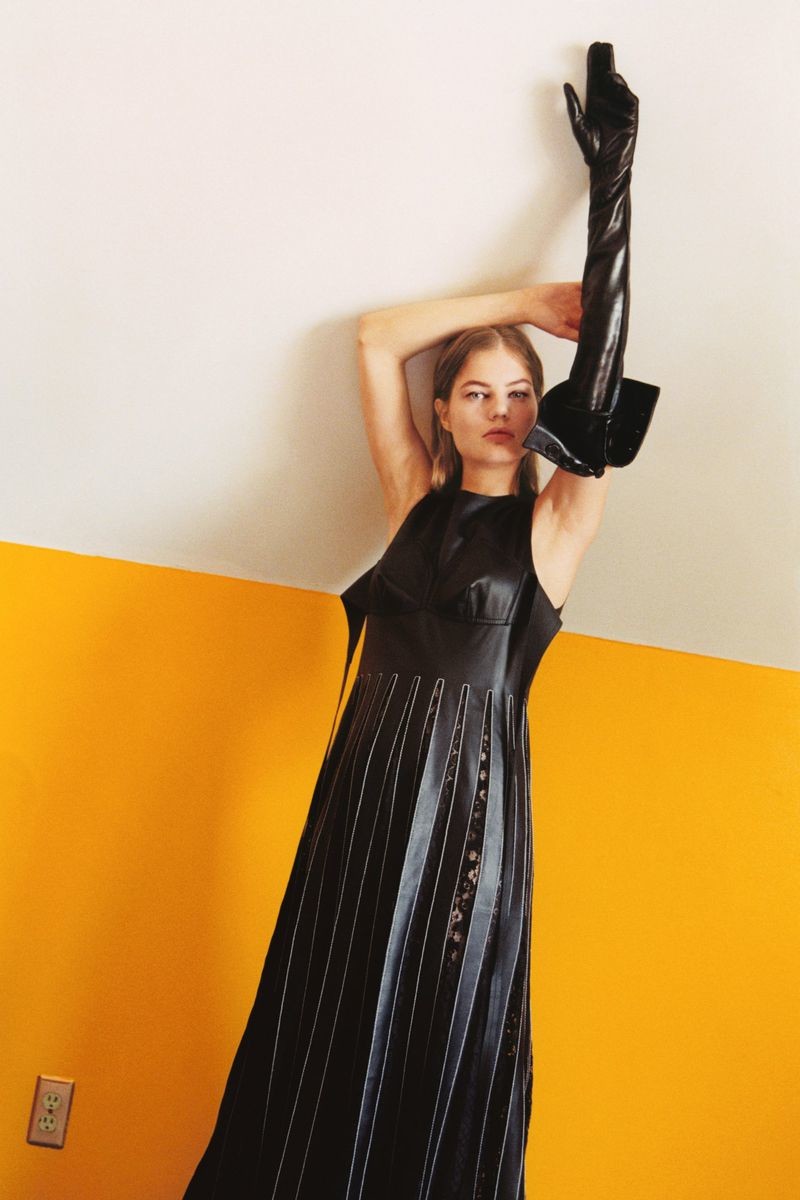
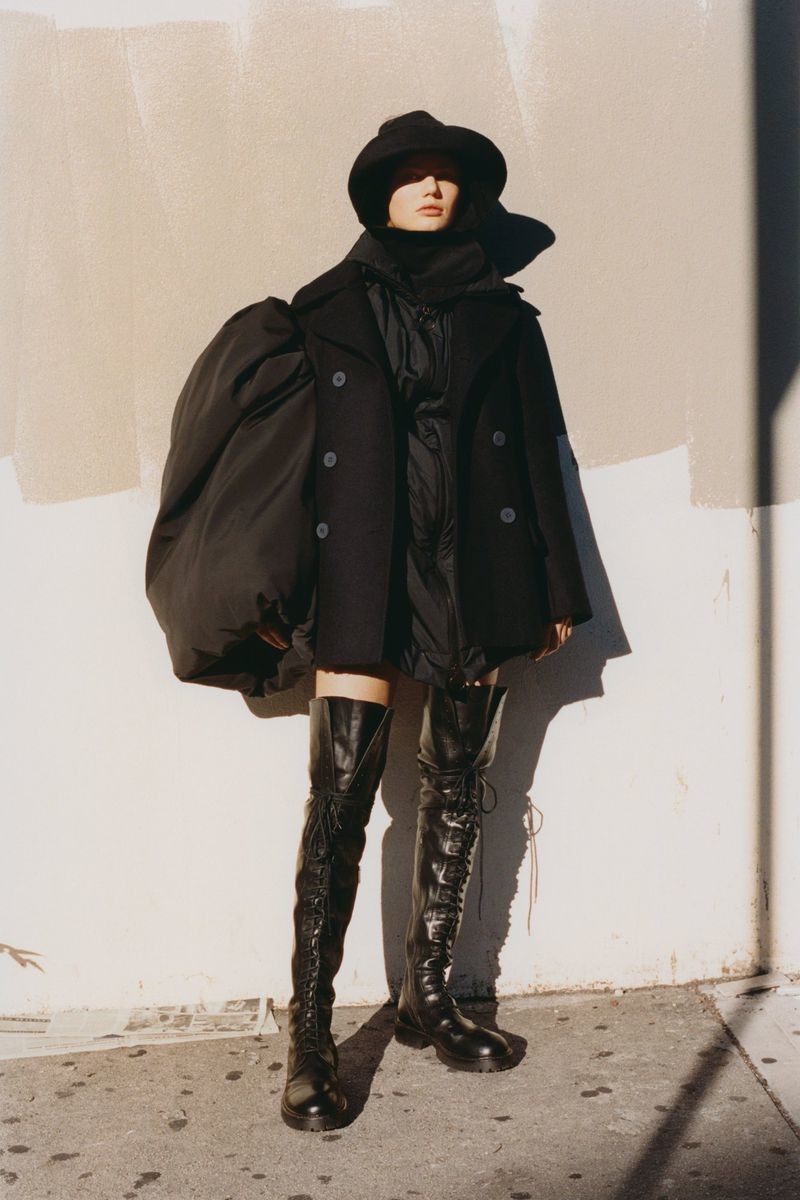
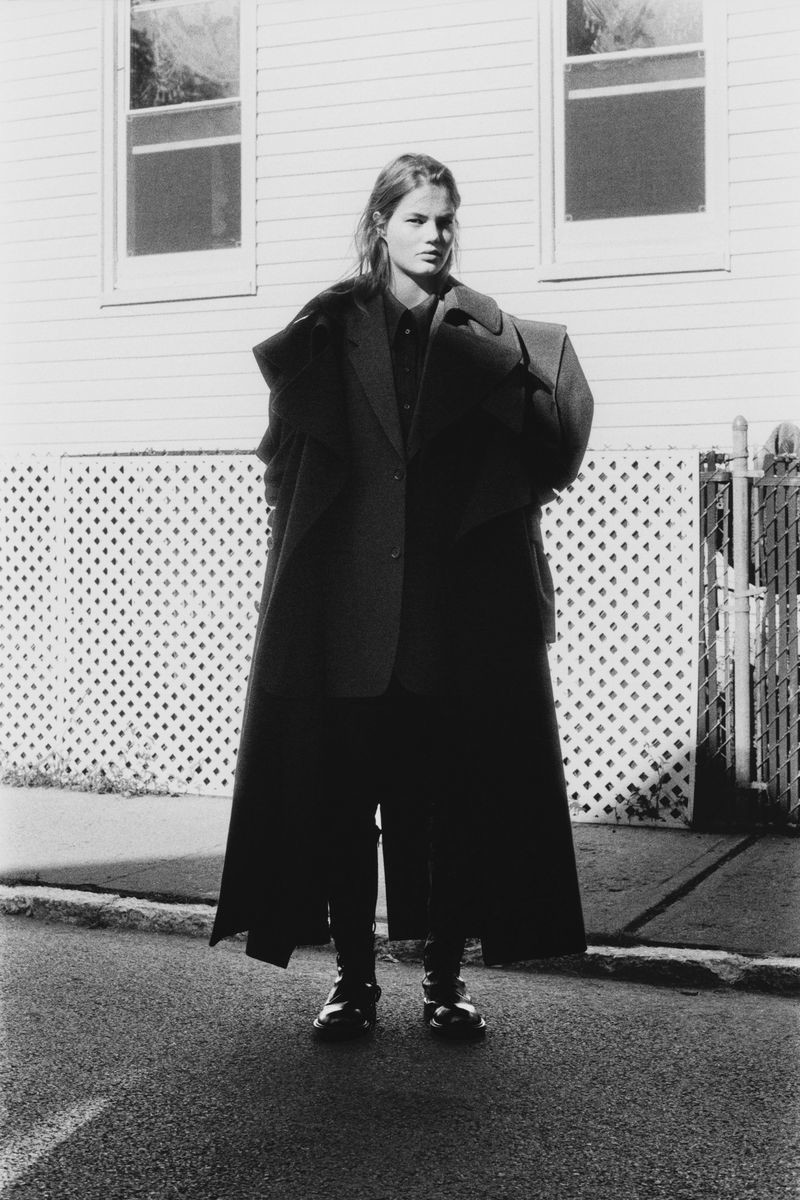
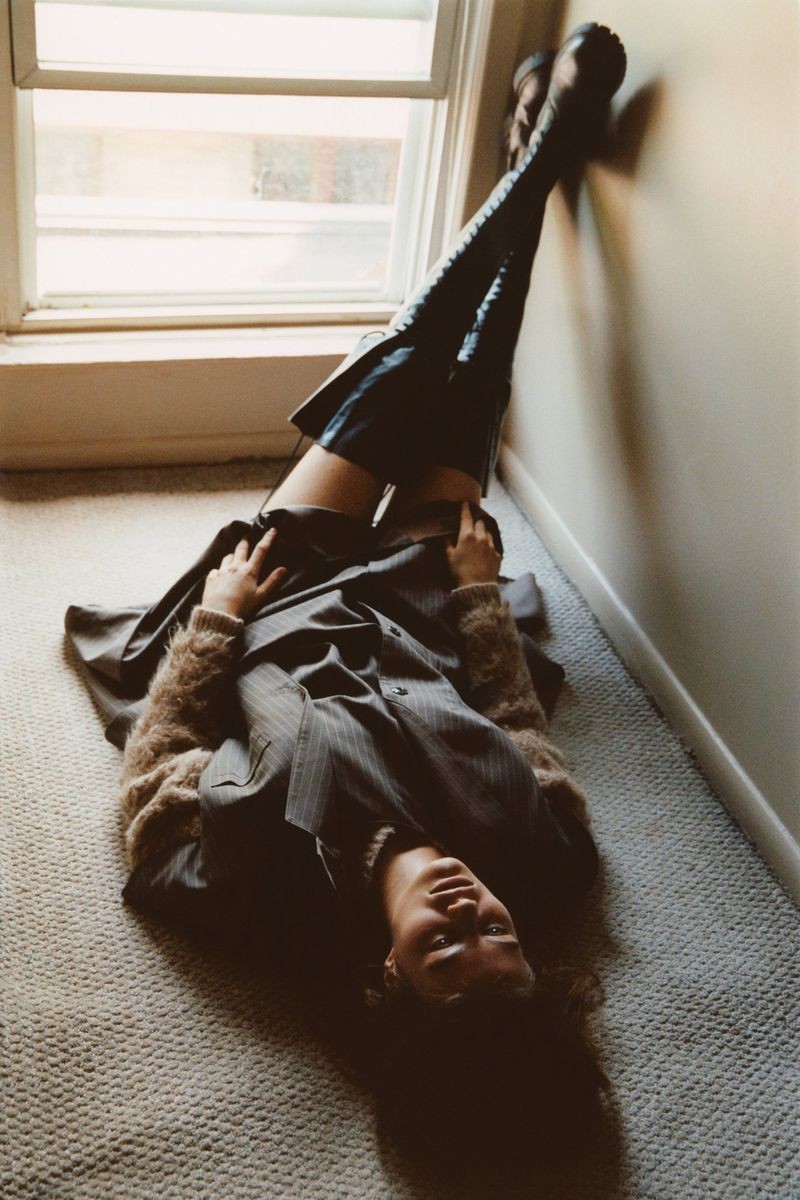
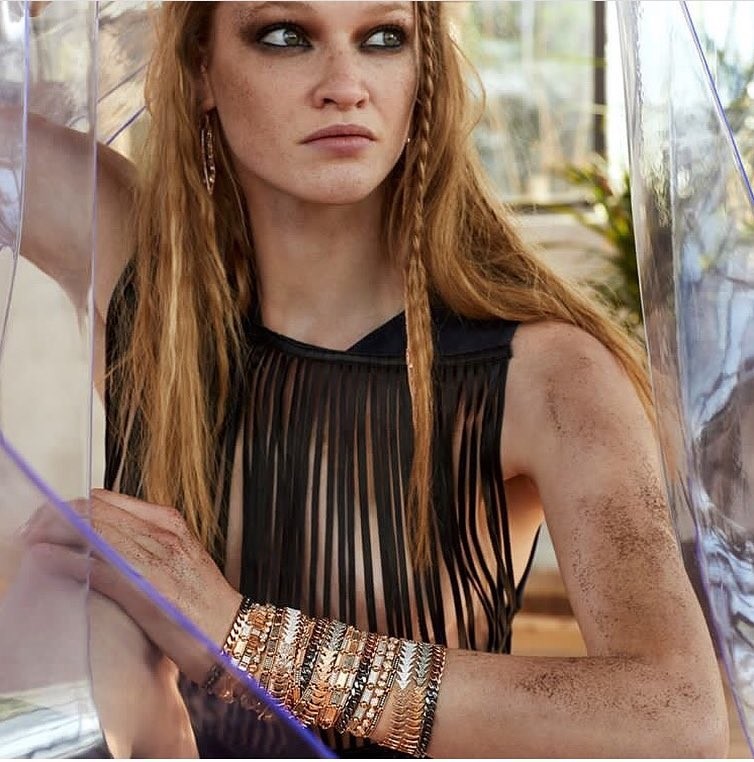
SSAW Magazine FW18 ph: Hart+Leshkina








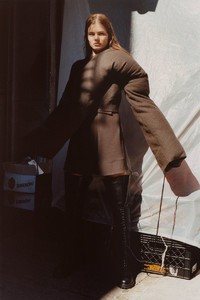

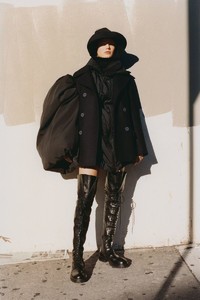
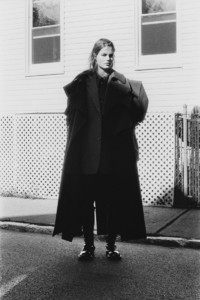
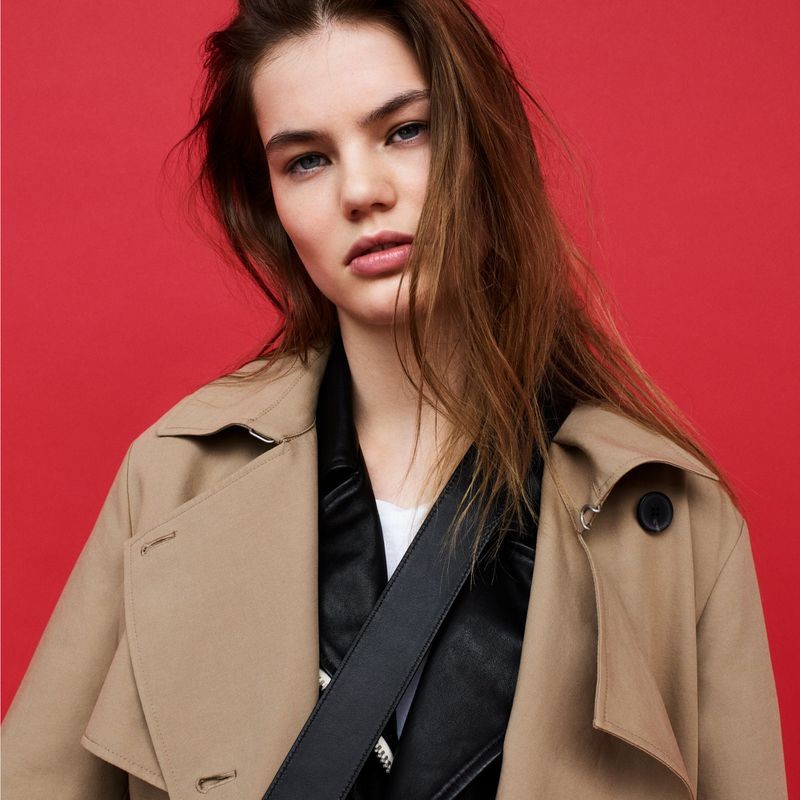
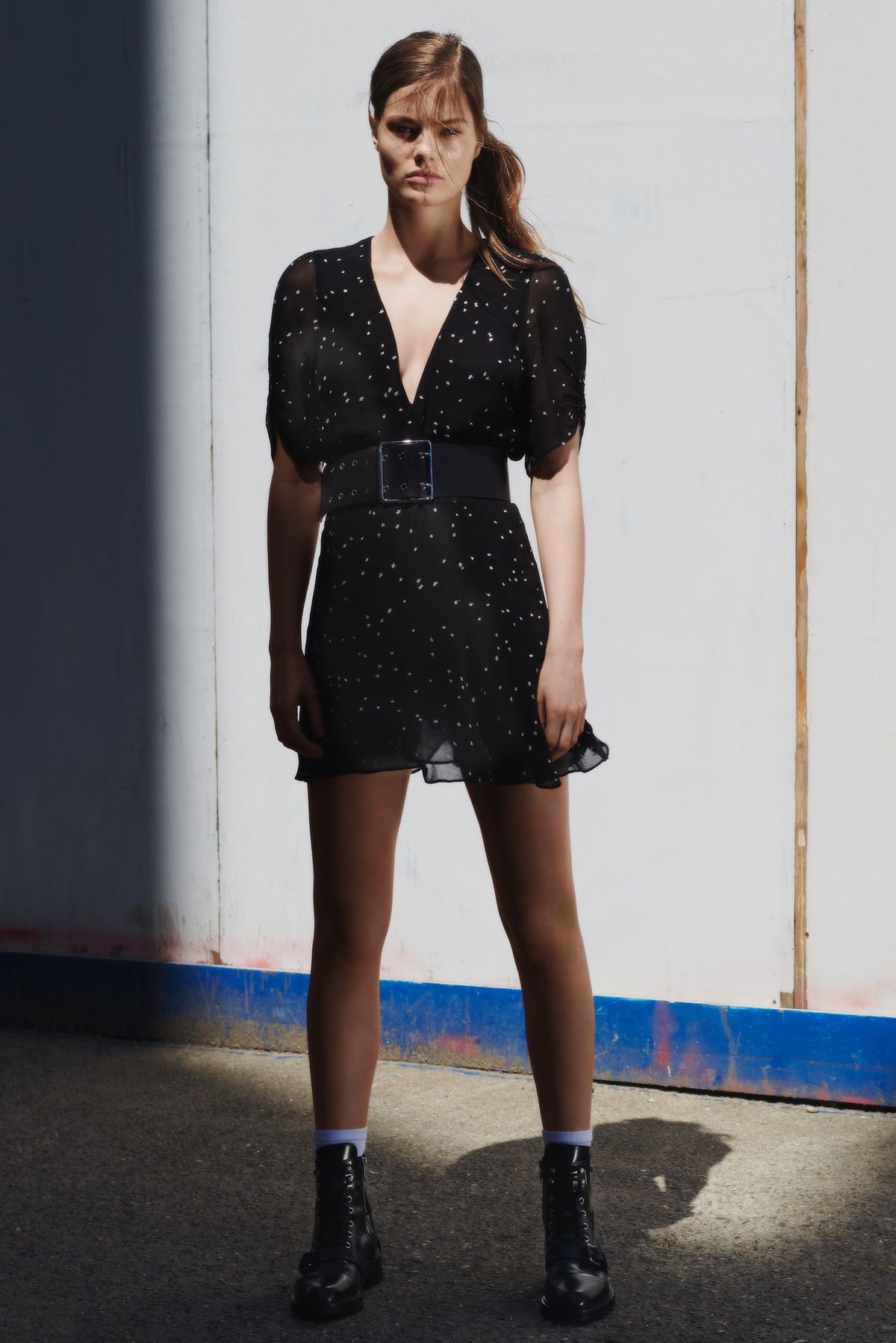
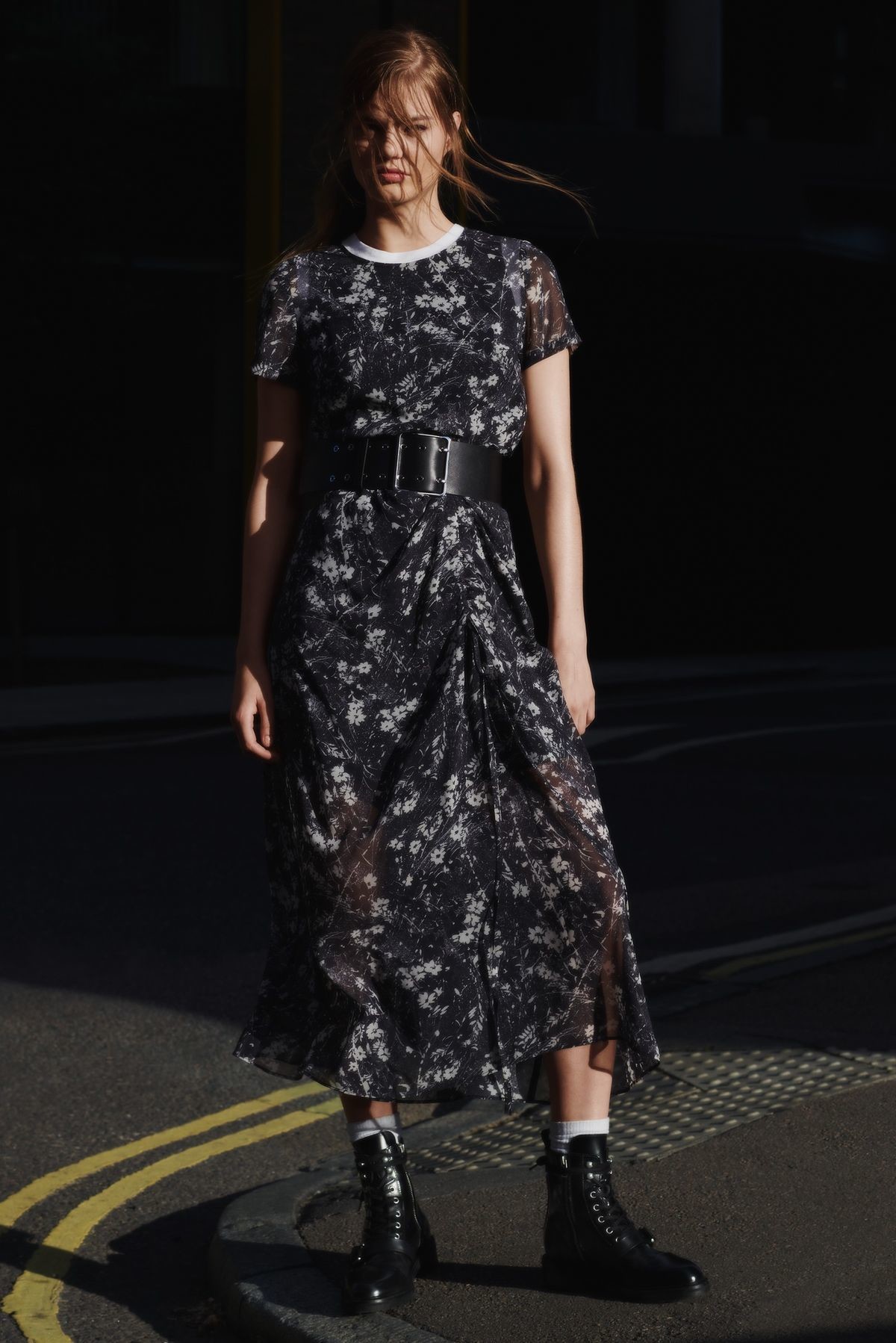
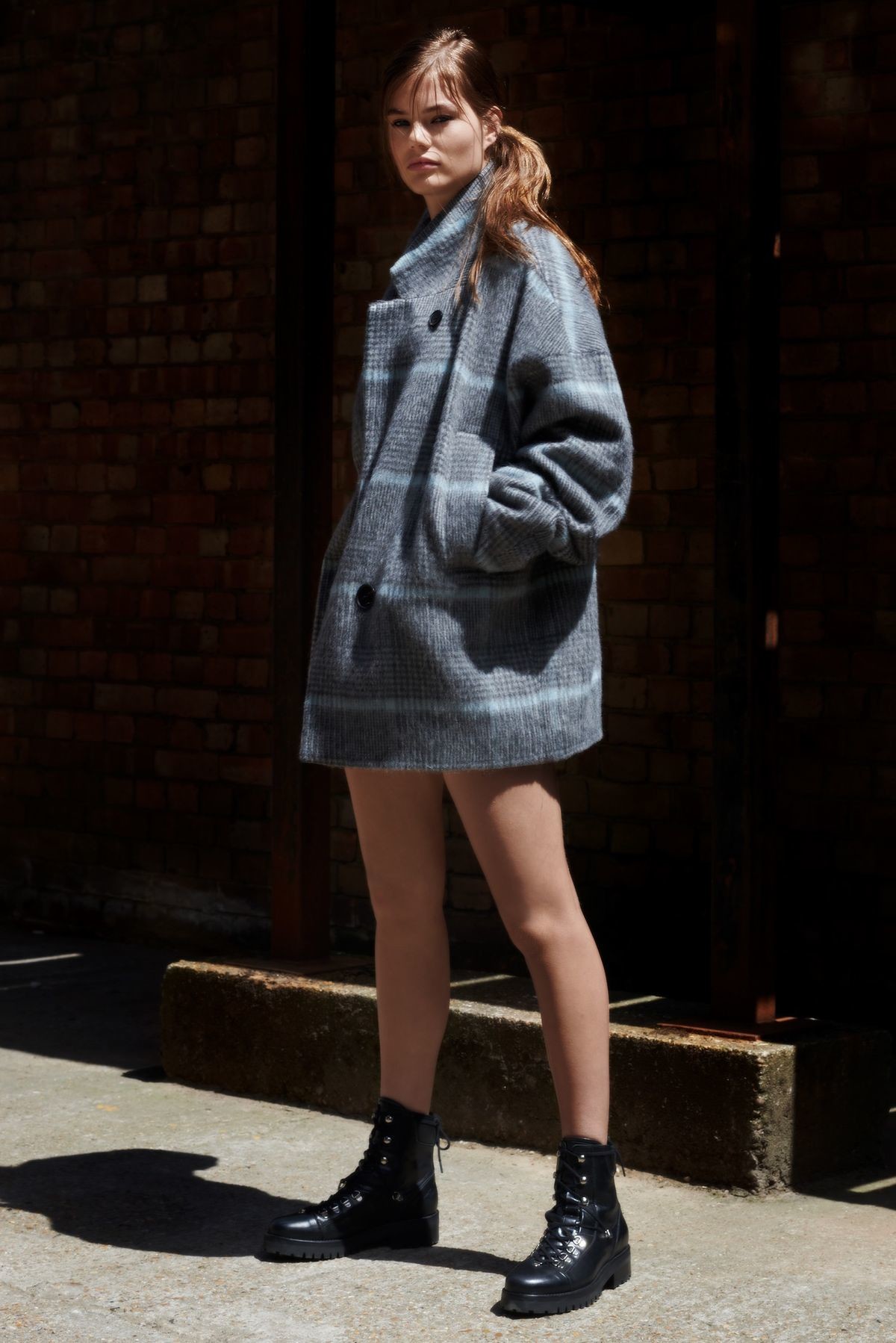
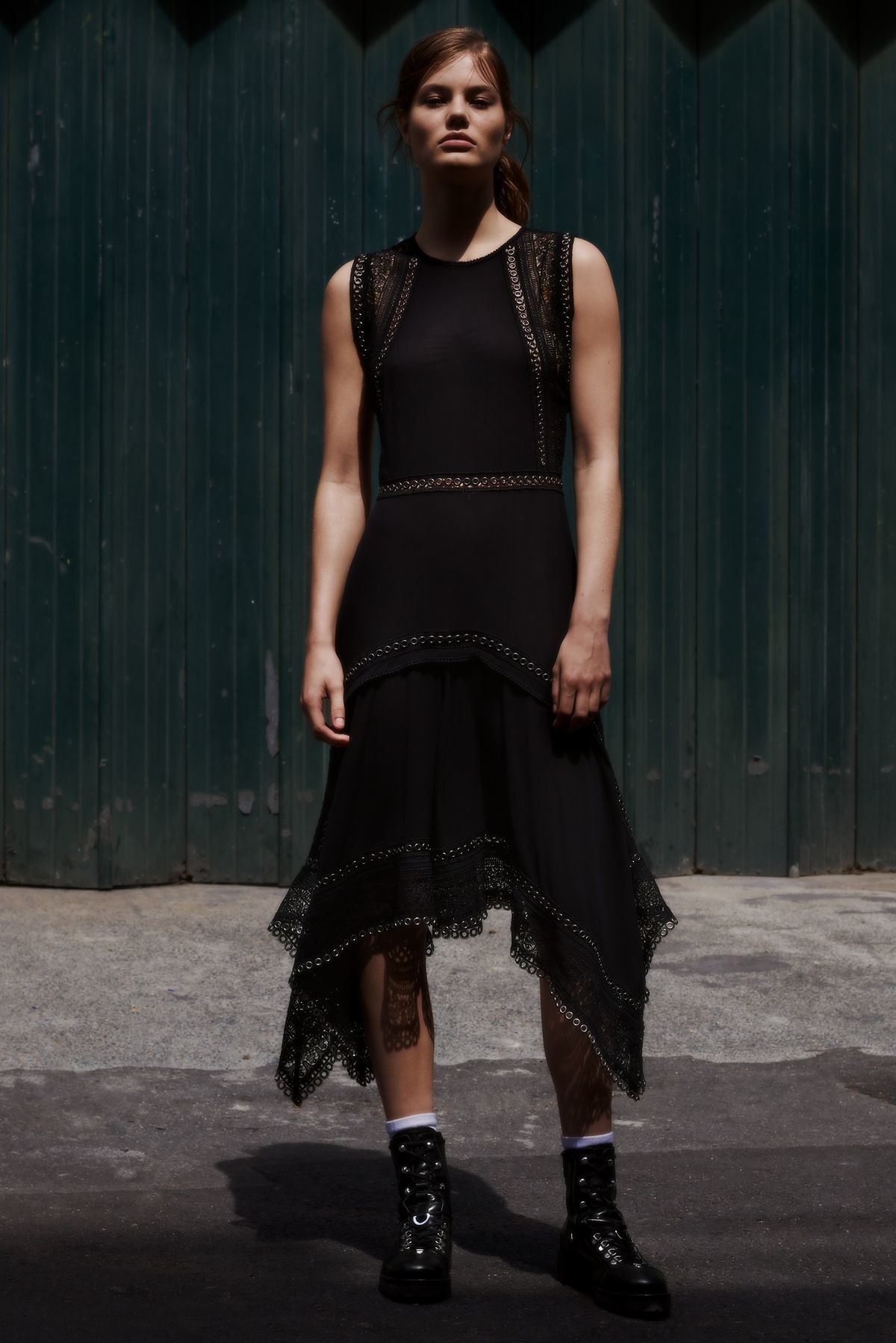
 AllSaints Fall 2018 ph: Amy Troost



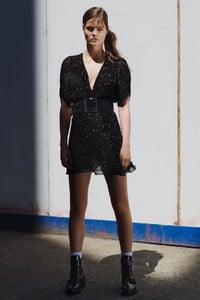
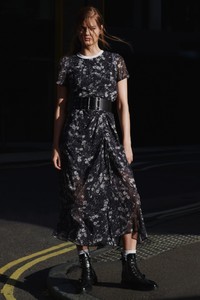

 Lots of new images on Zara. Don’t have time to dl and post now.
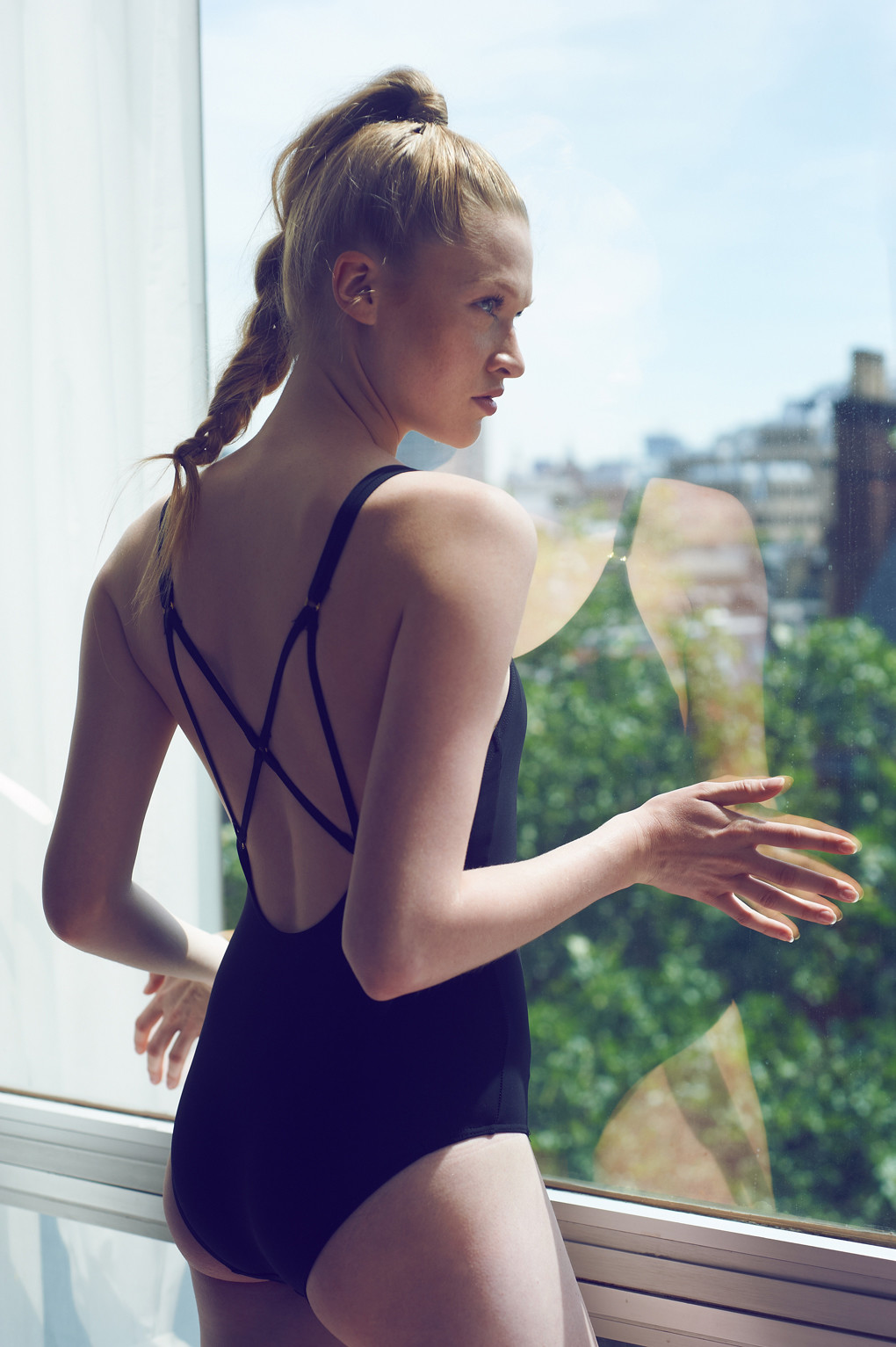
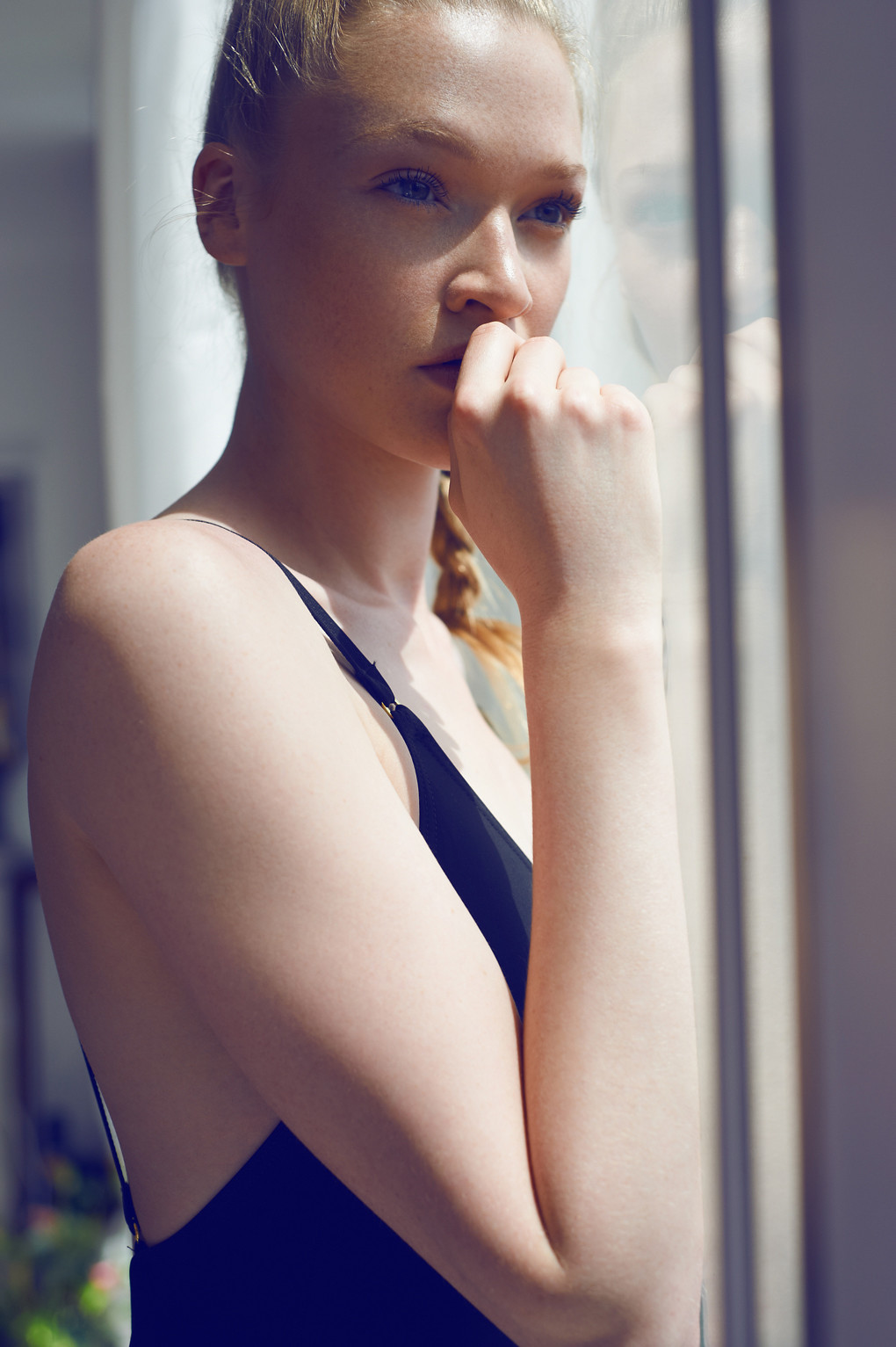
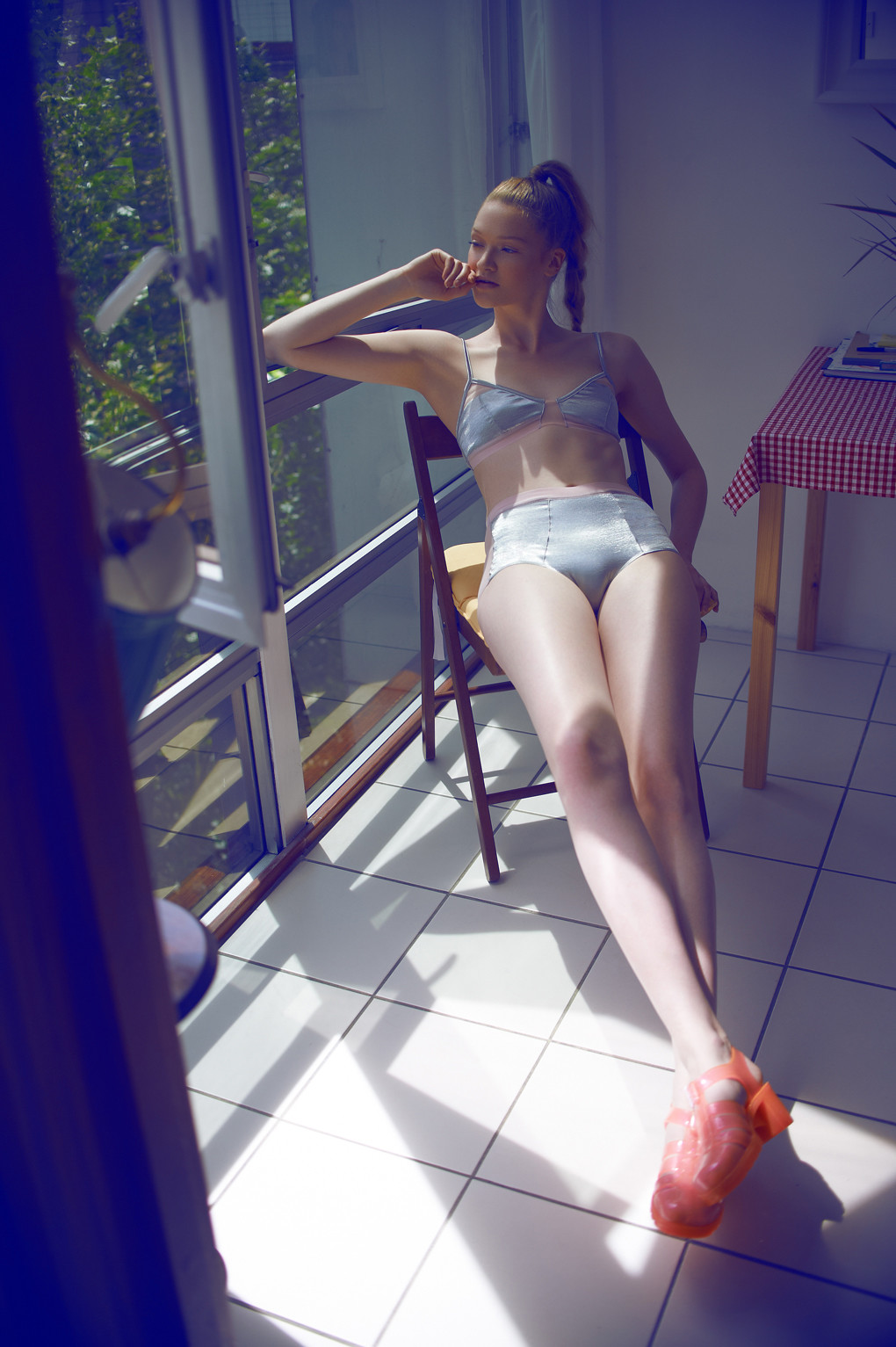
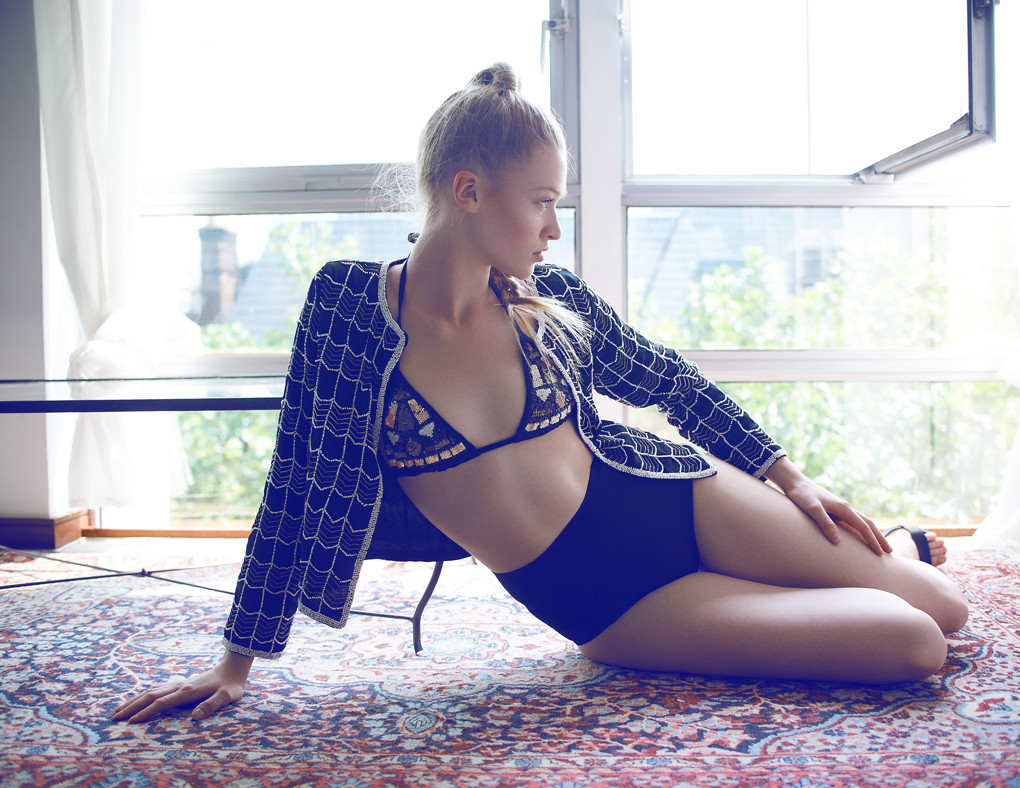
Adds and HQ
Lots of new images on Zara. Don’t have time to dl and post now.
Adds and HQ








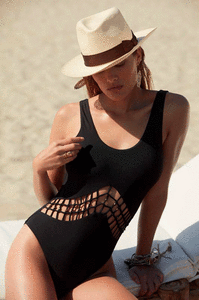







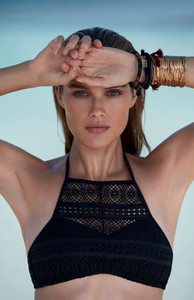





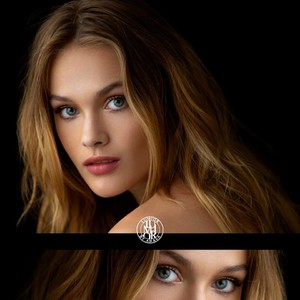
 Lumior by Ahava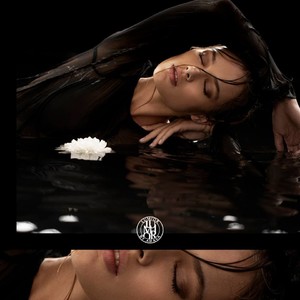

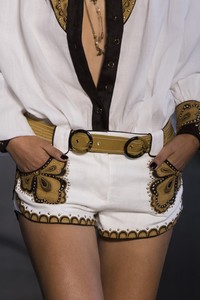
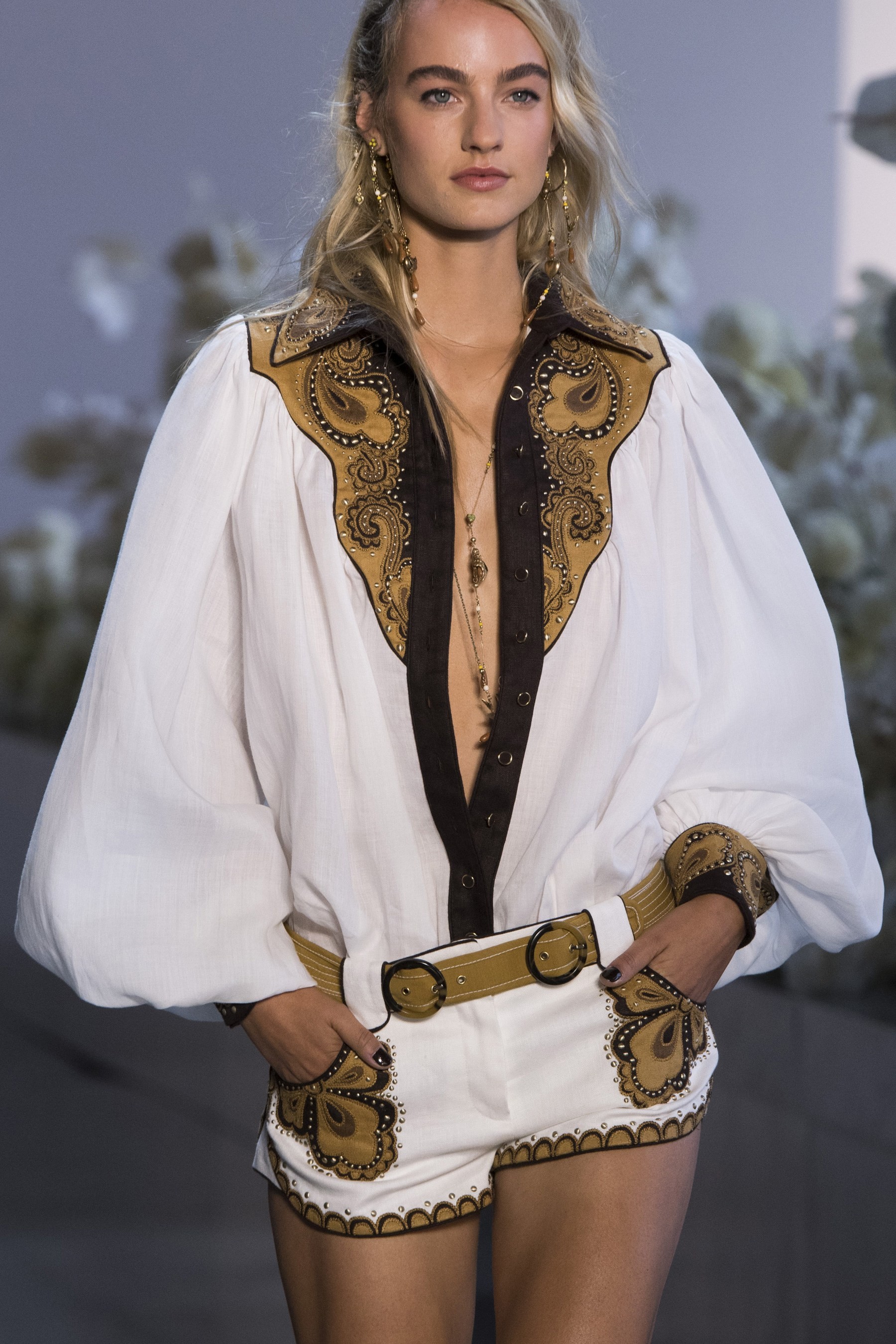
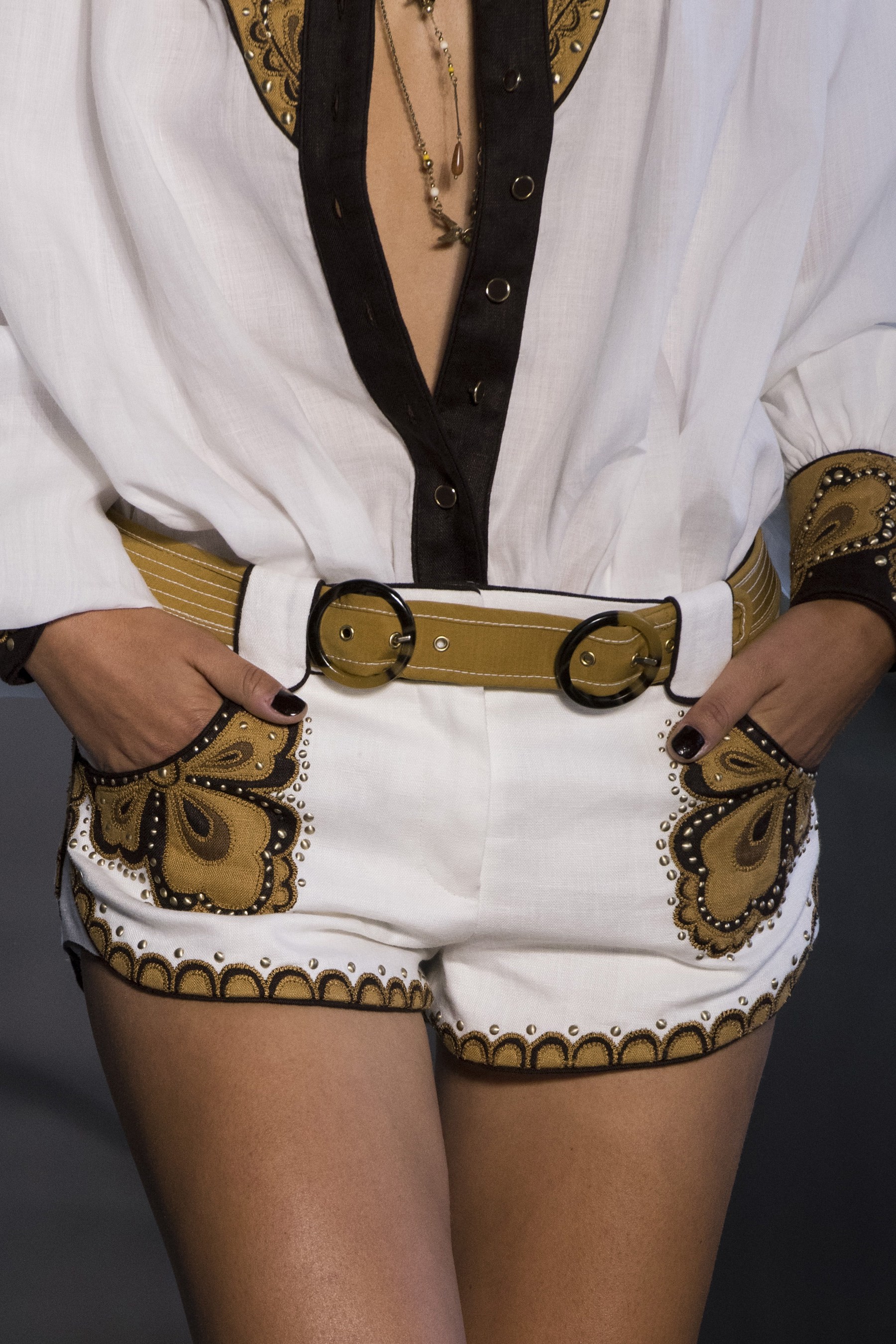
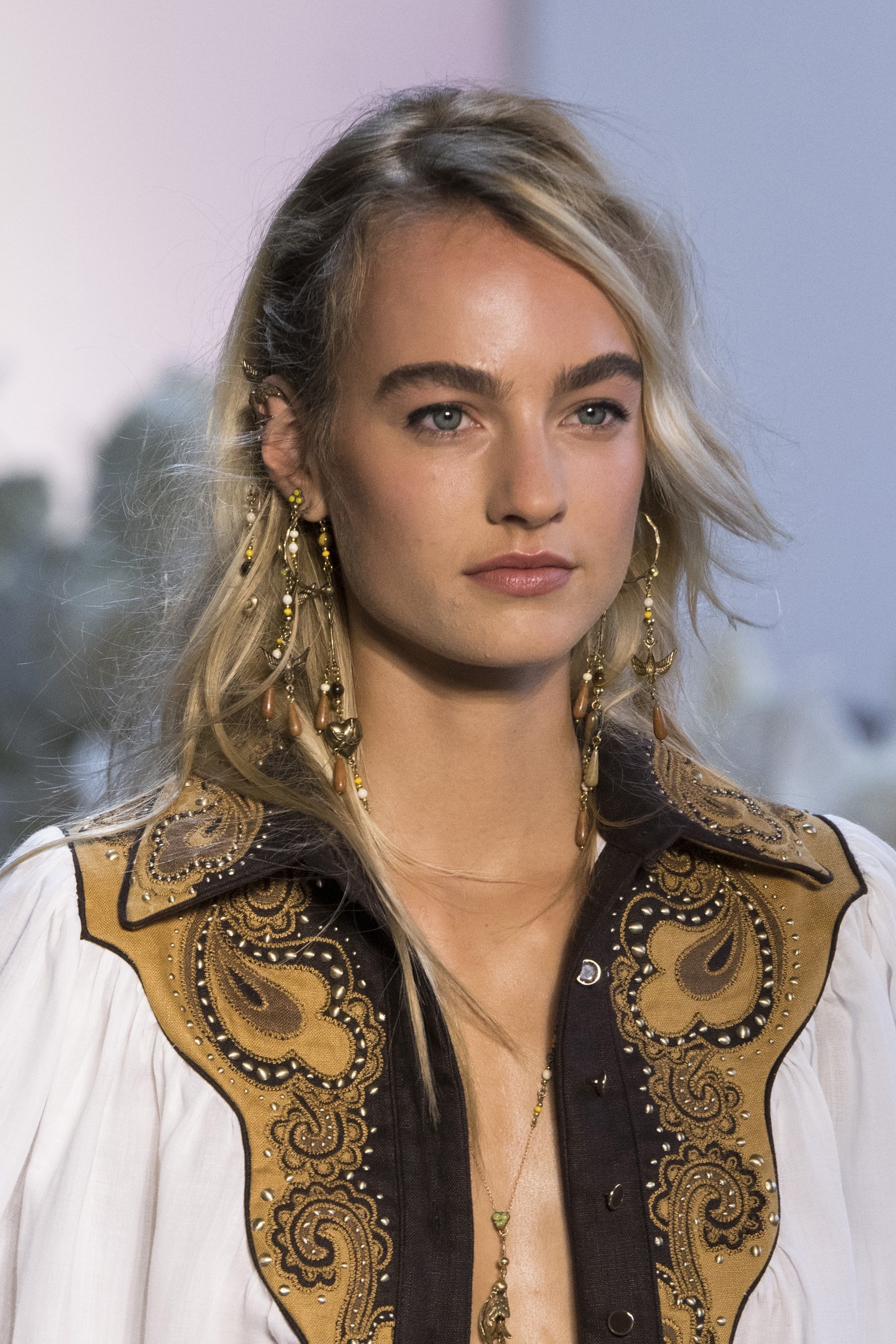
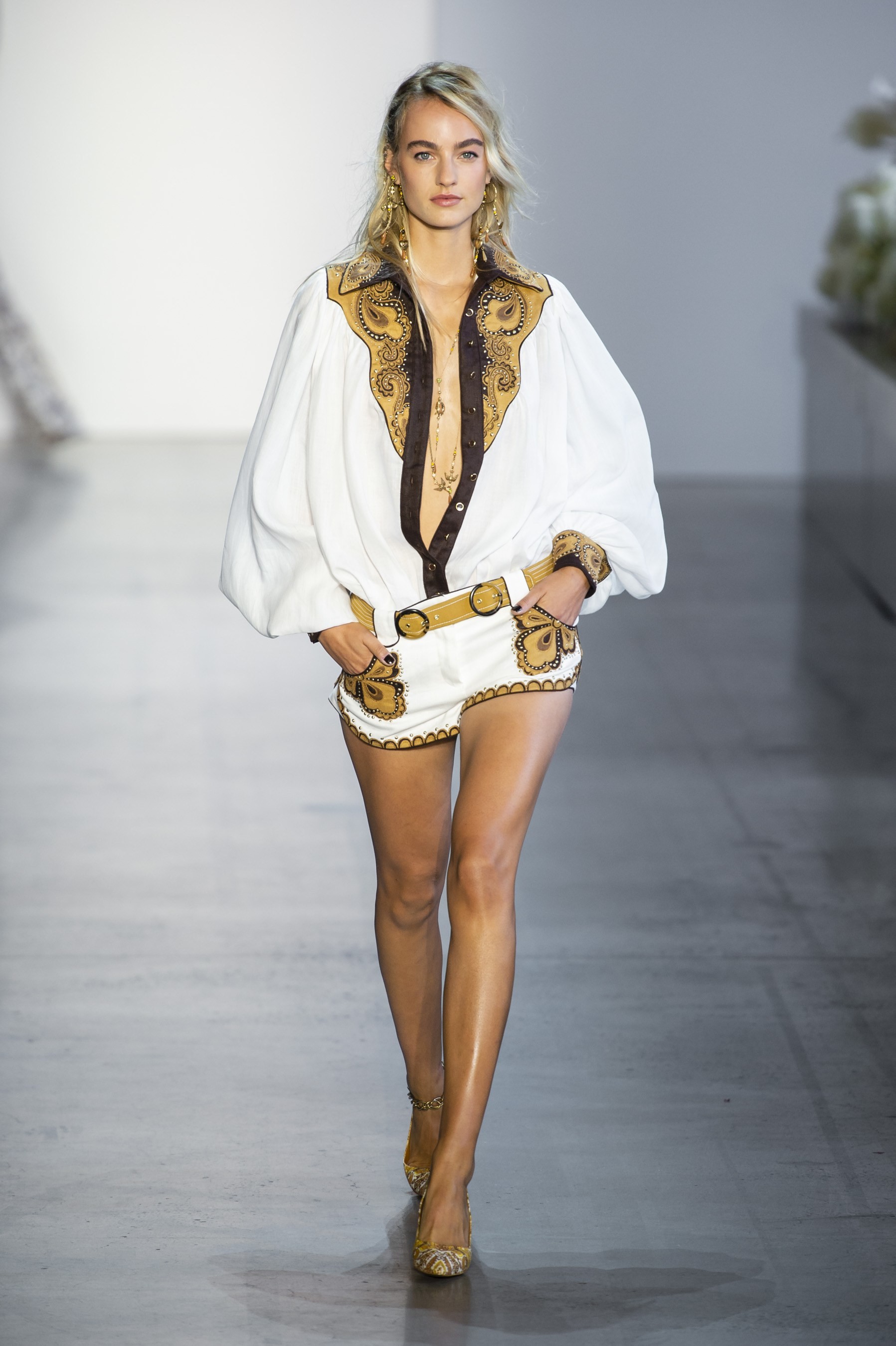
 Zimmermann SS19 source: theimpression https://www.youtube.com/watch?v=4WuL8WejQ1Q (1:05) https://vimeo.com/289384175


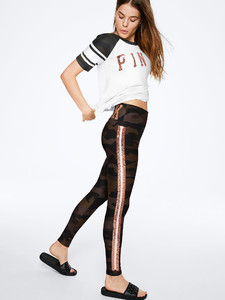
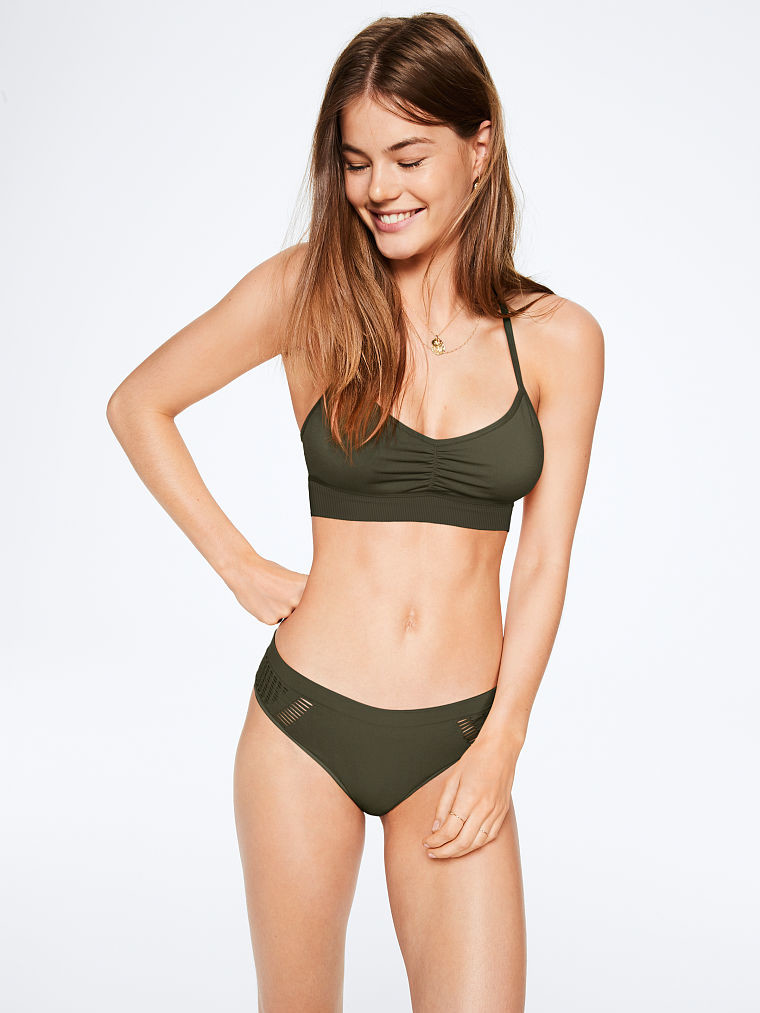
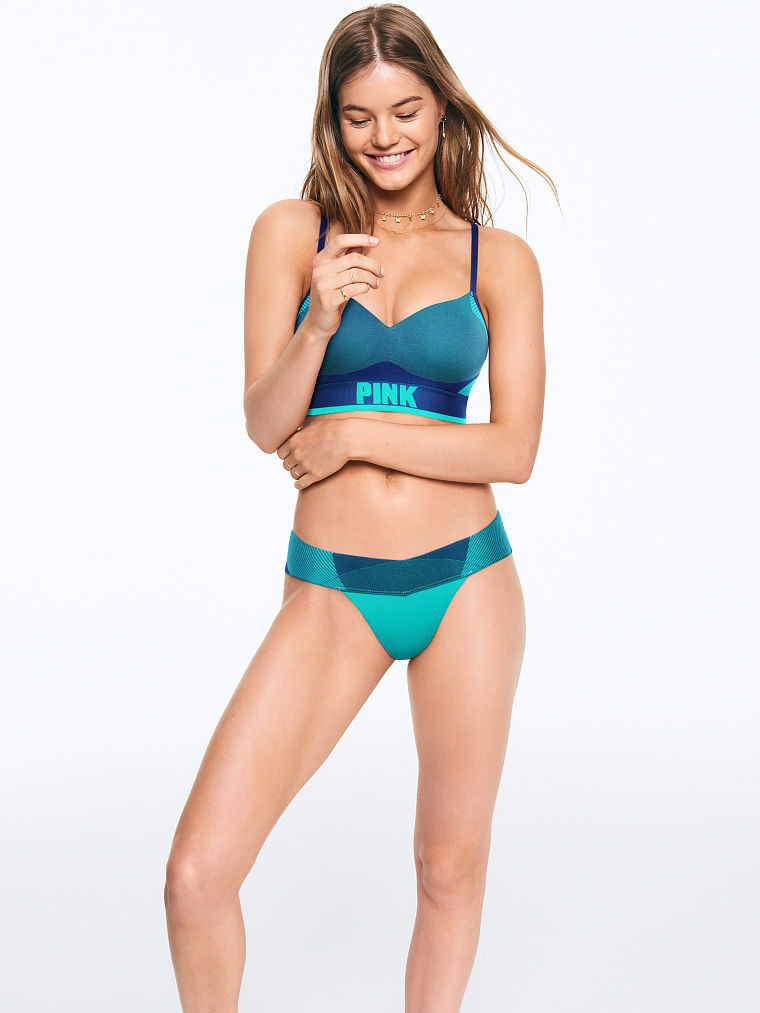
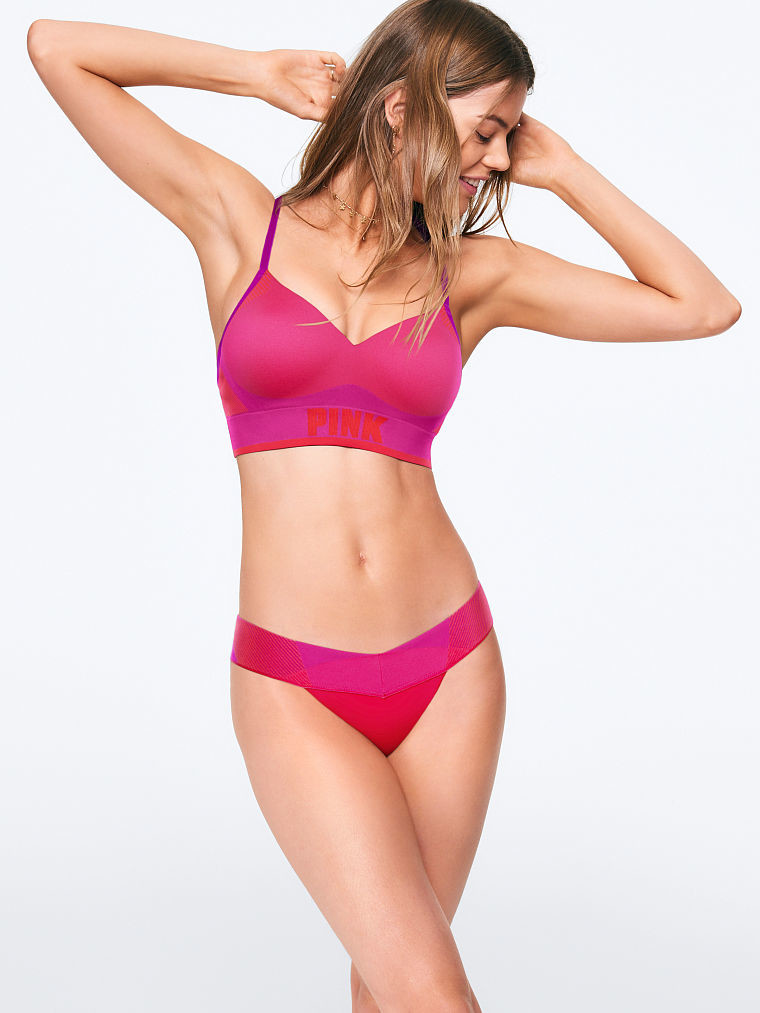
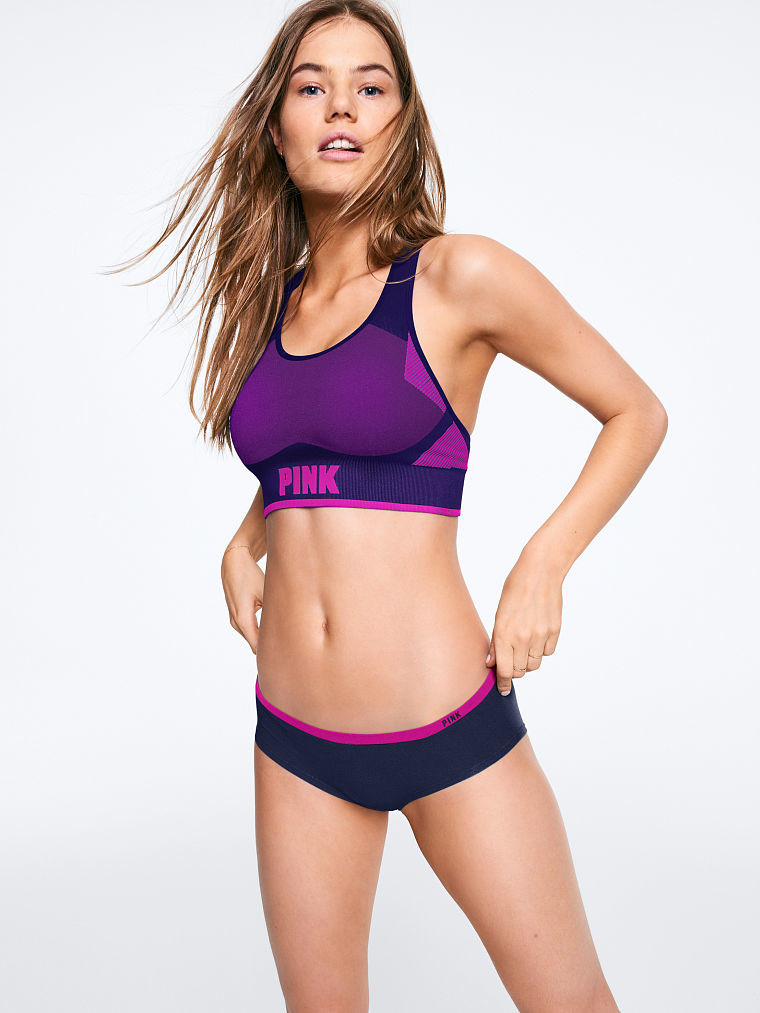
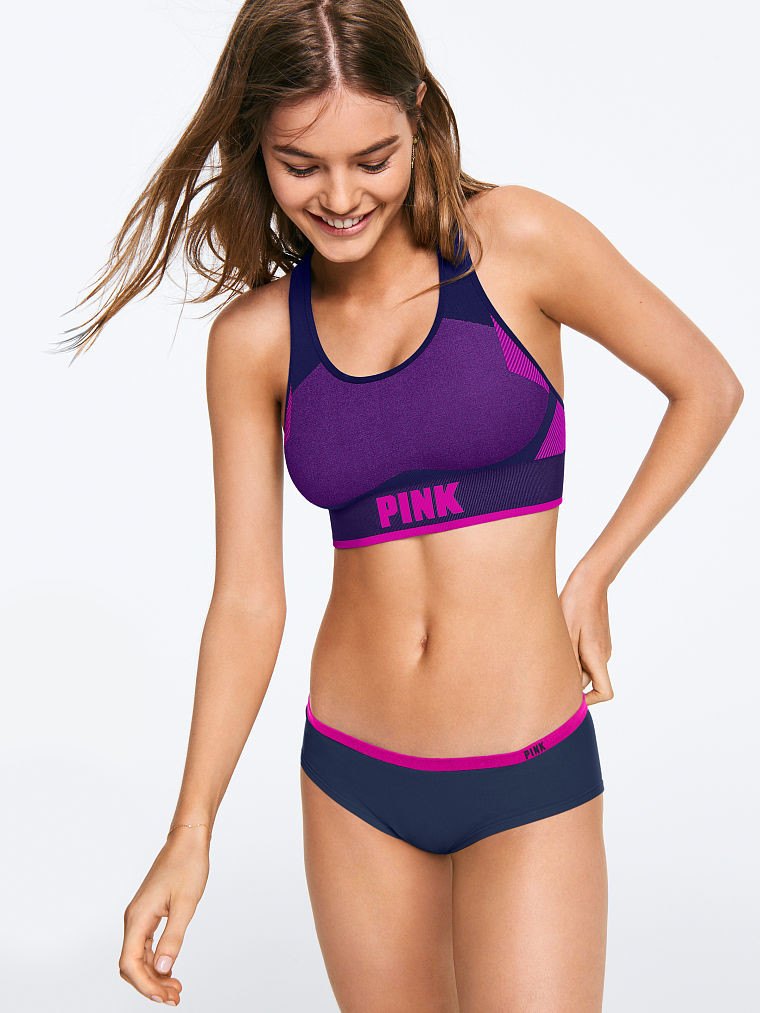
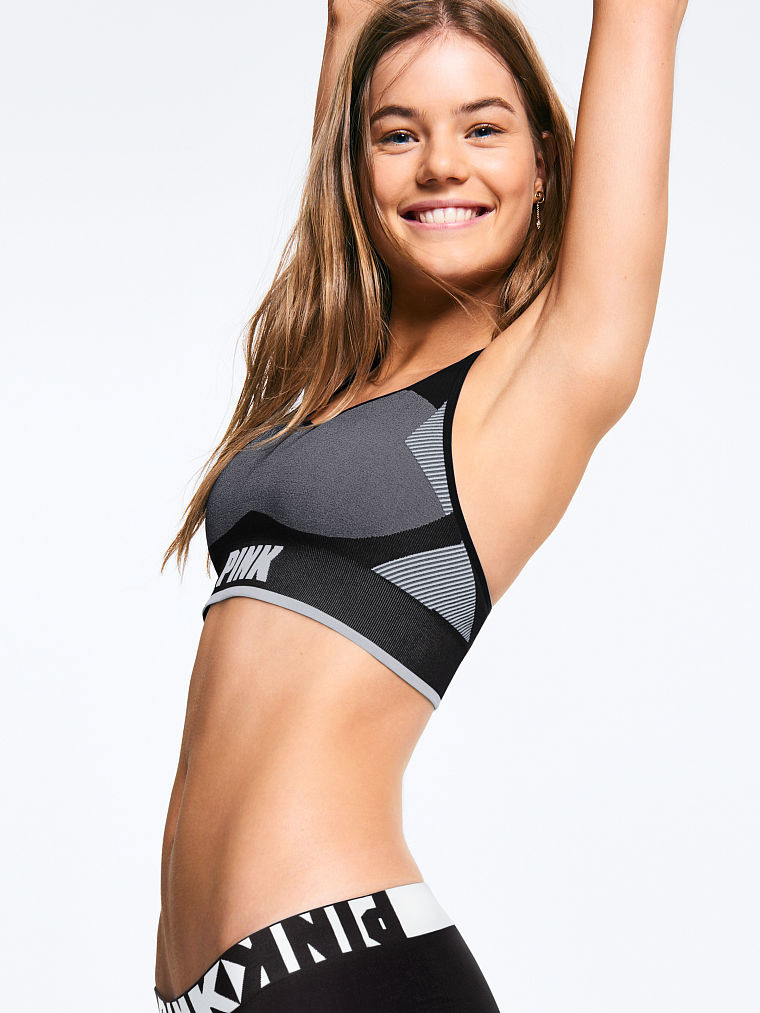
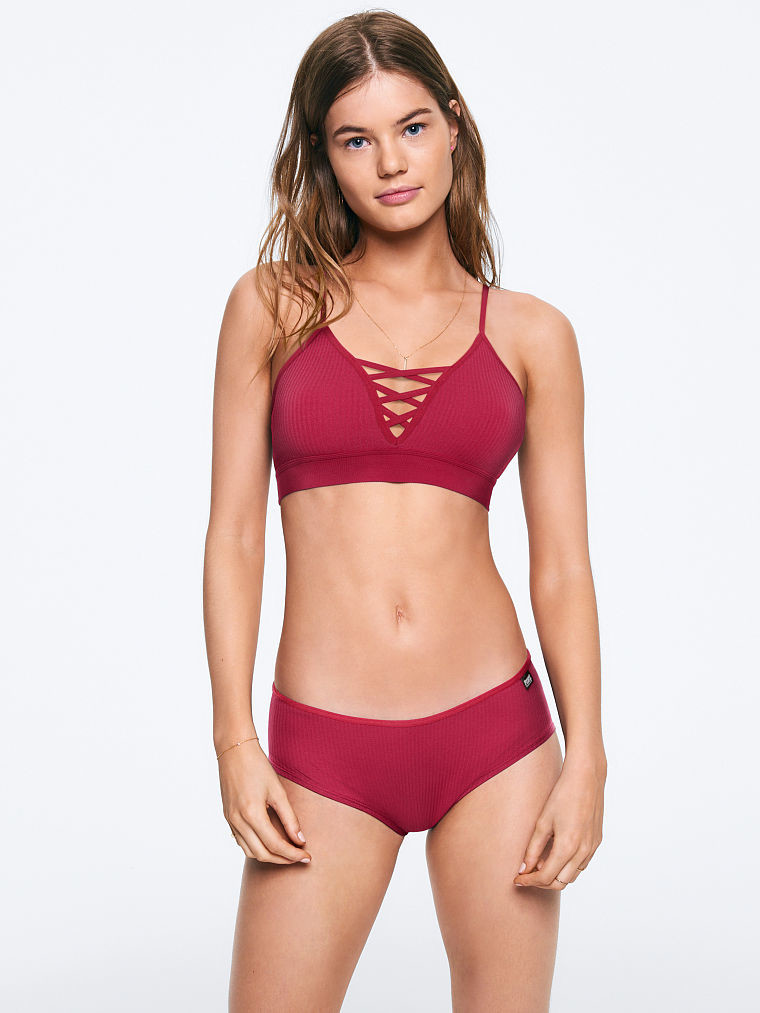
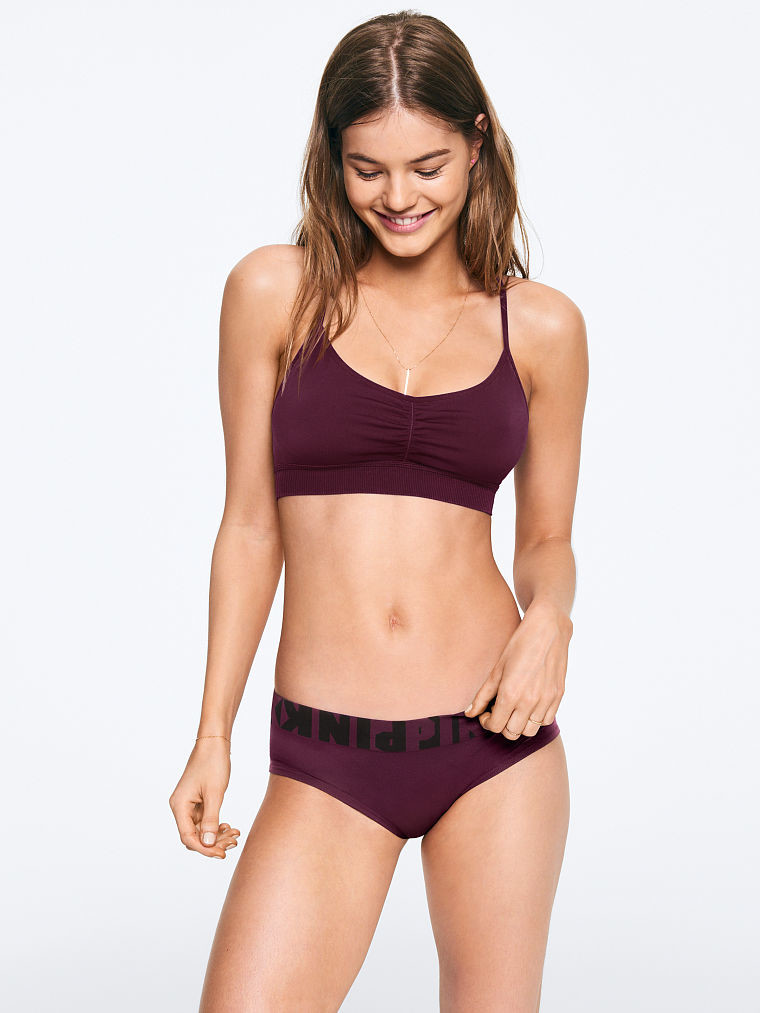
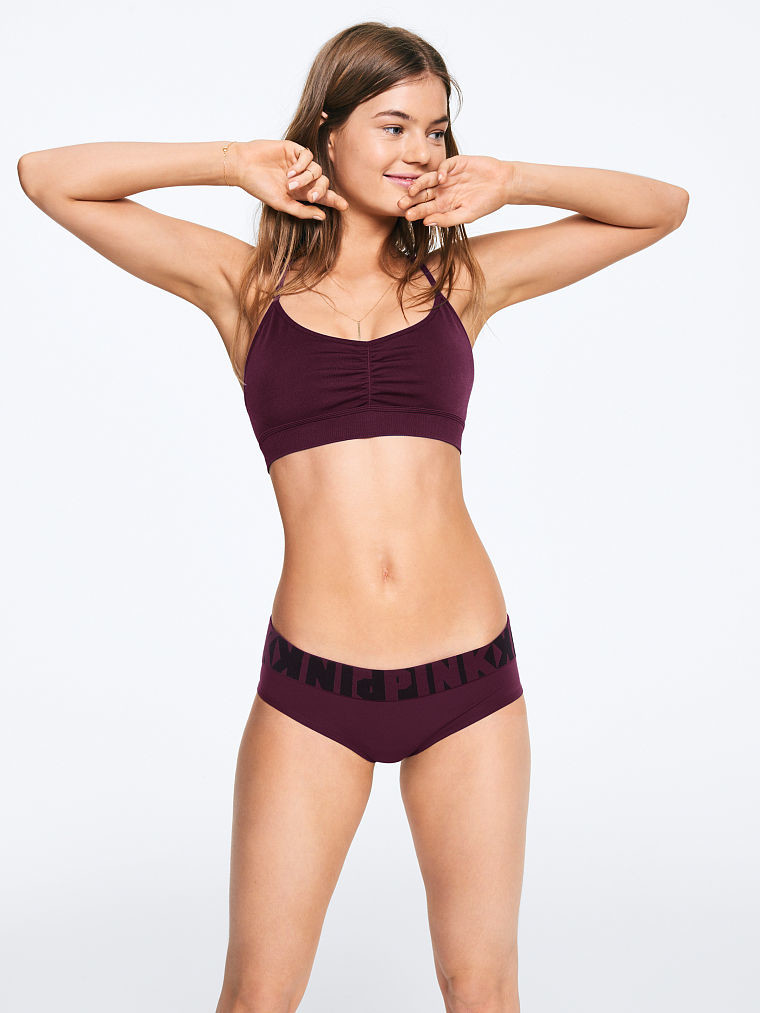
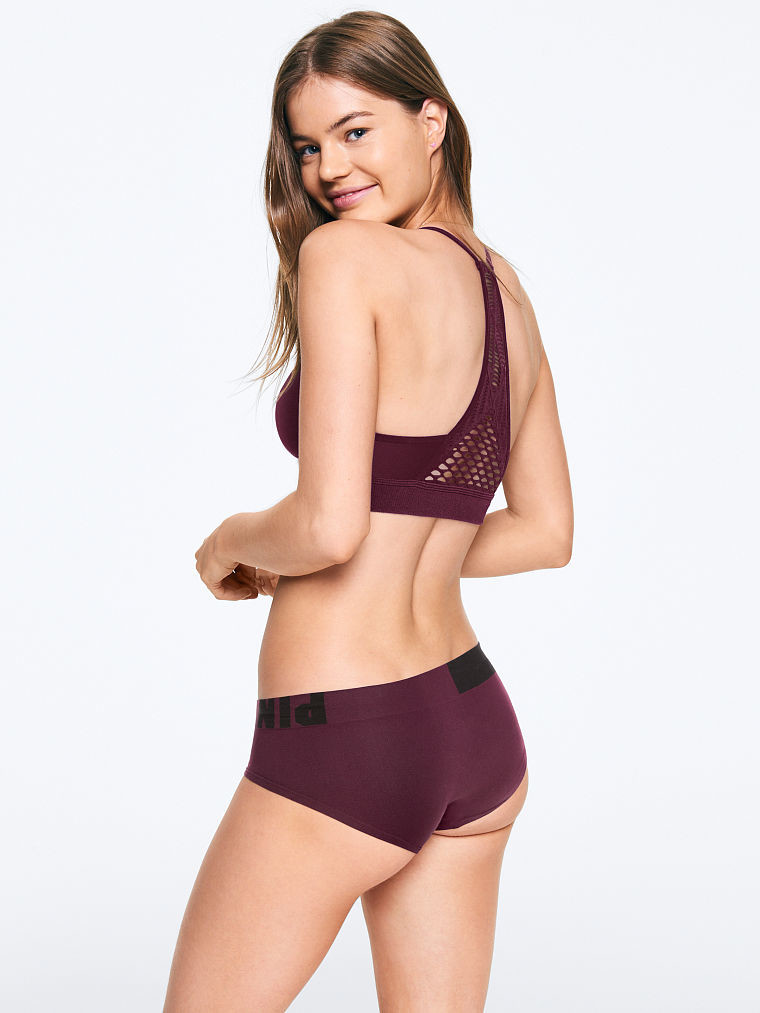
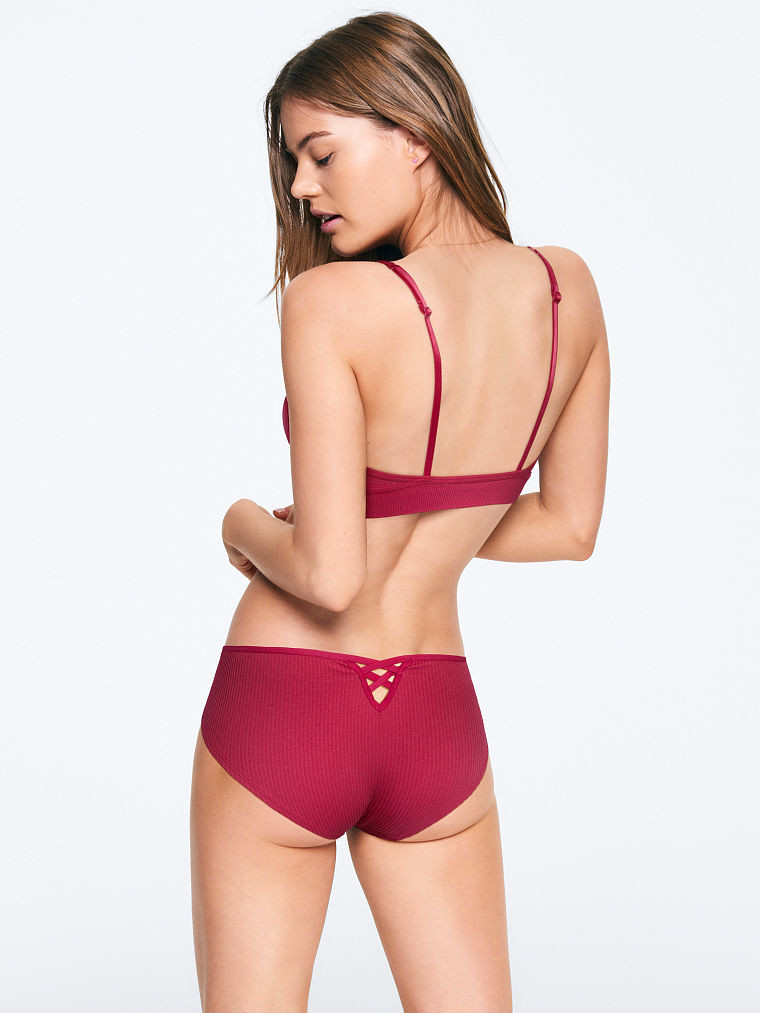
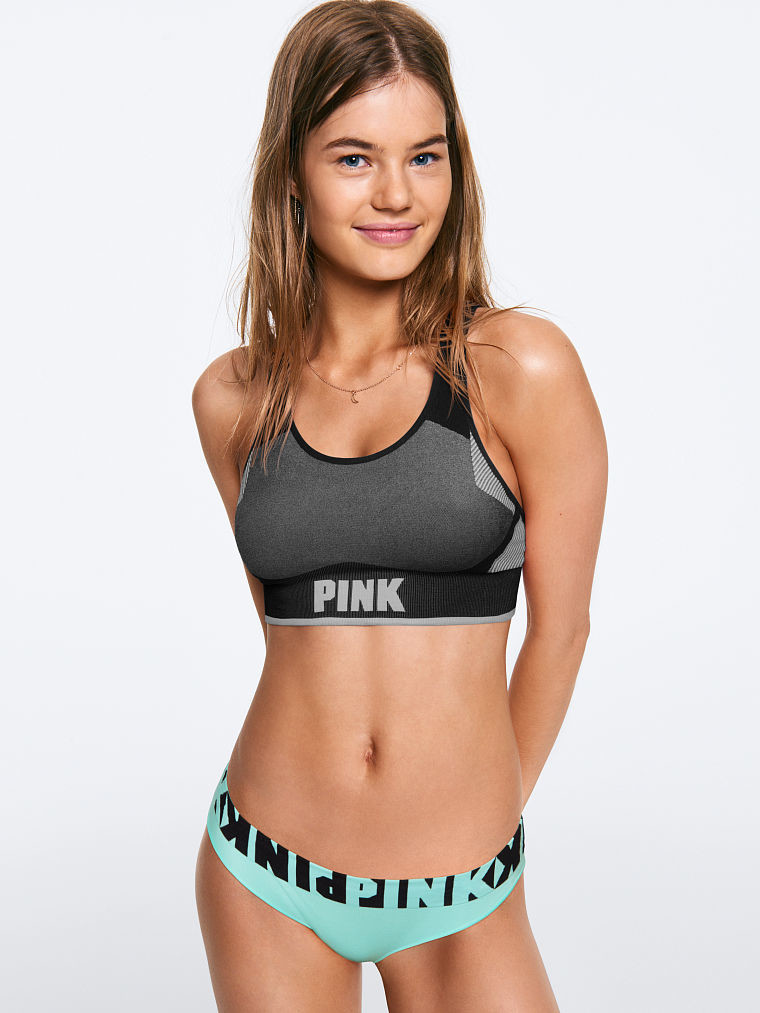
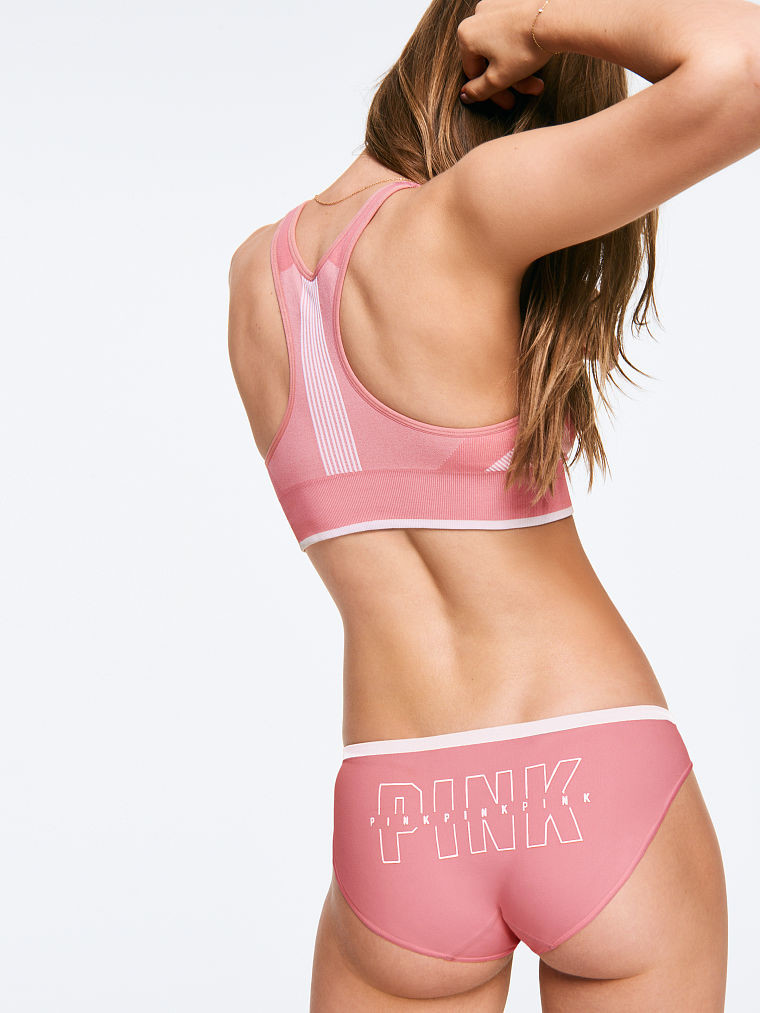
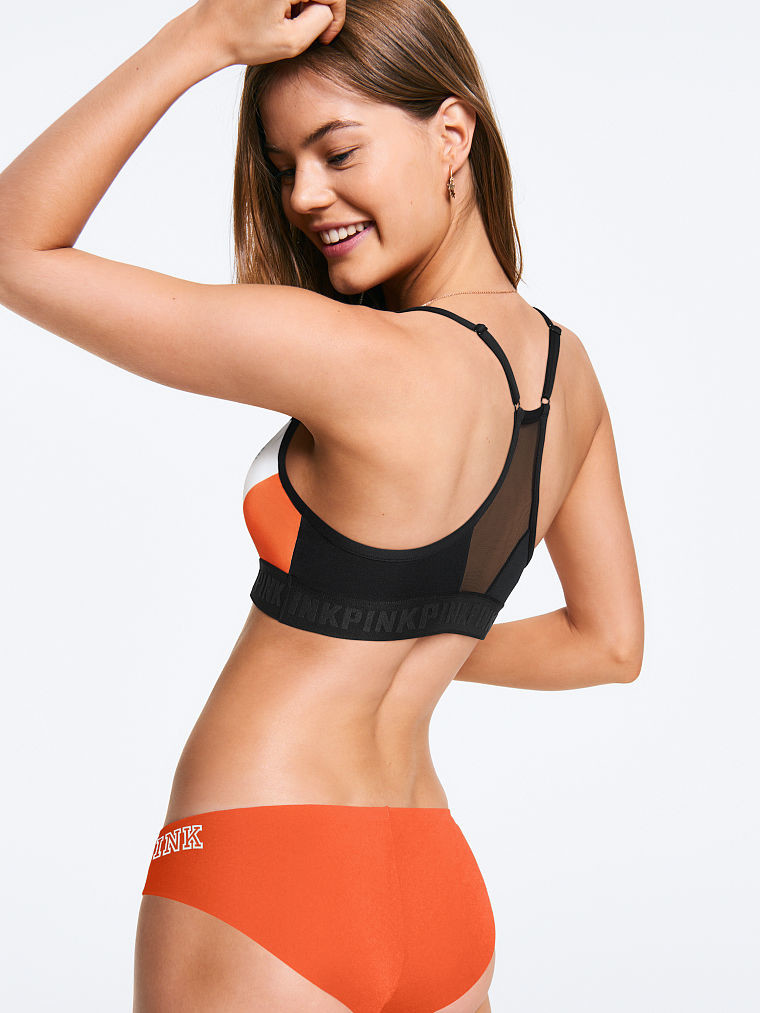
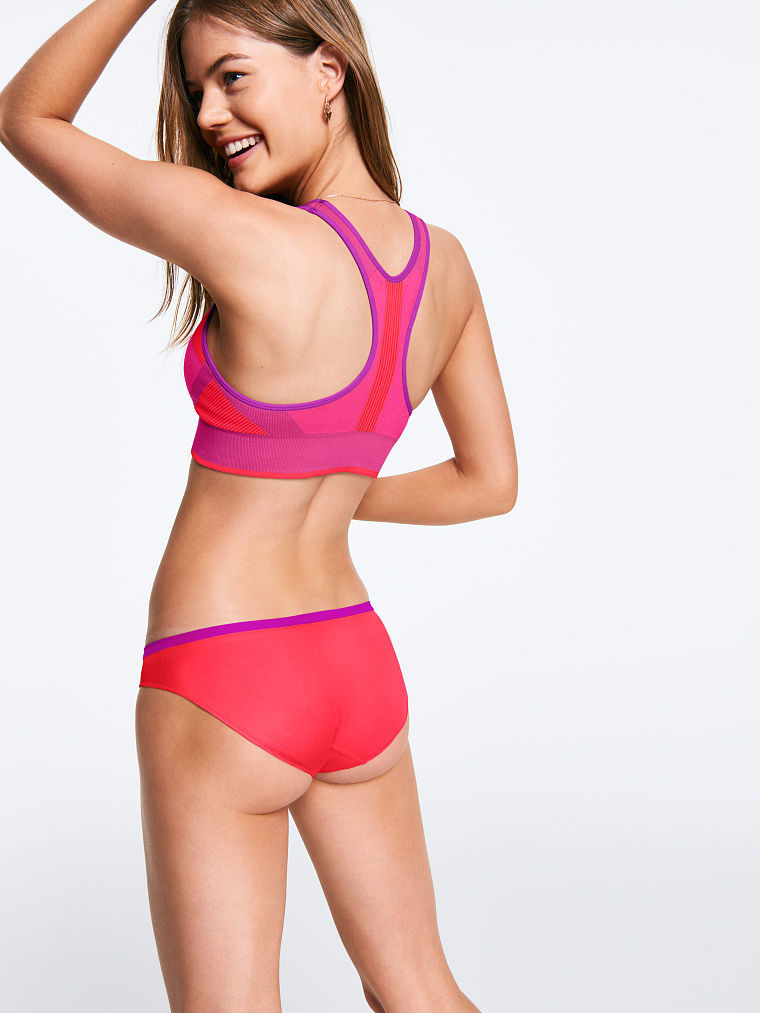
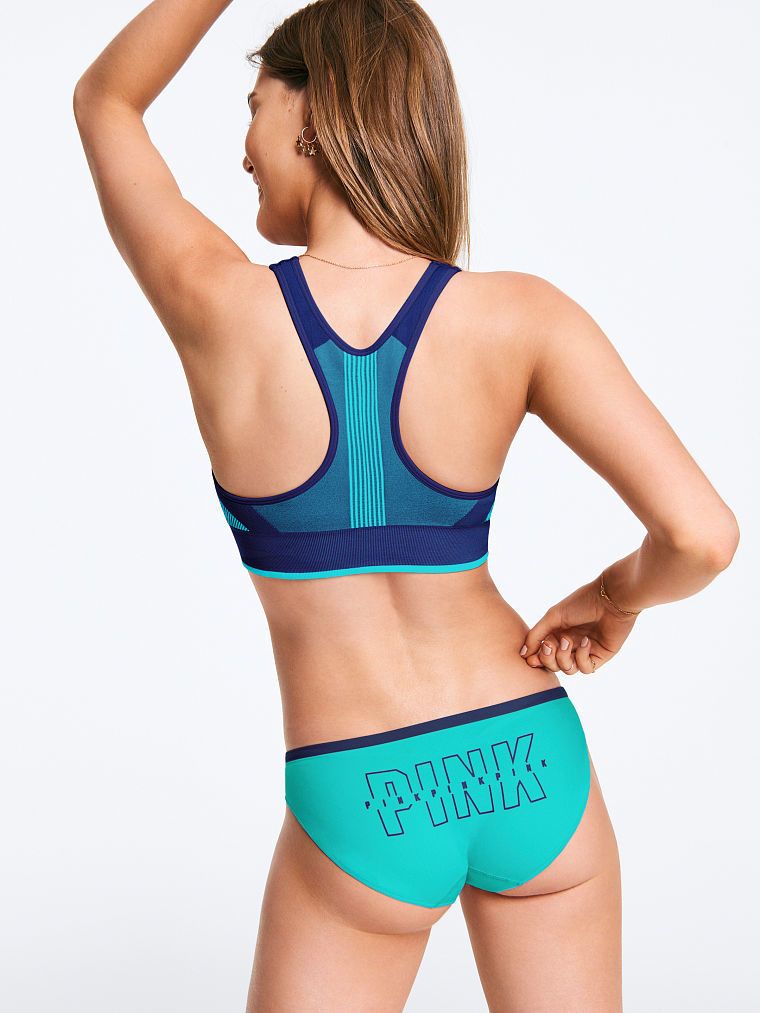
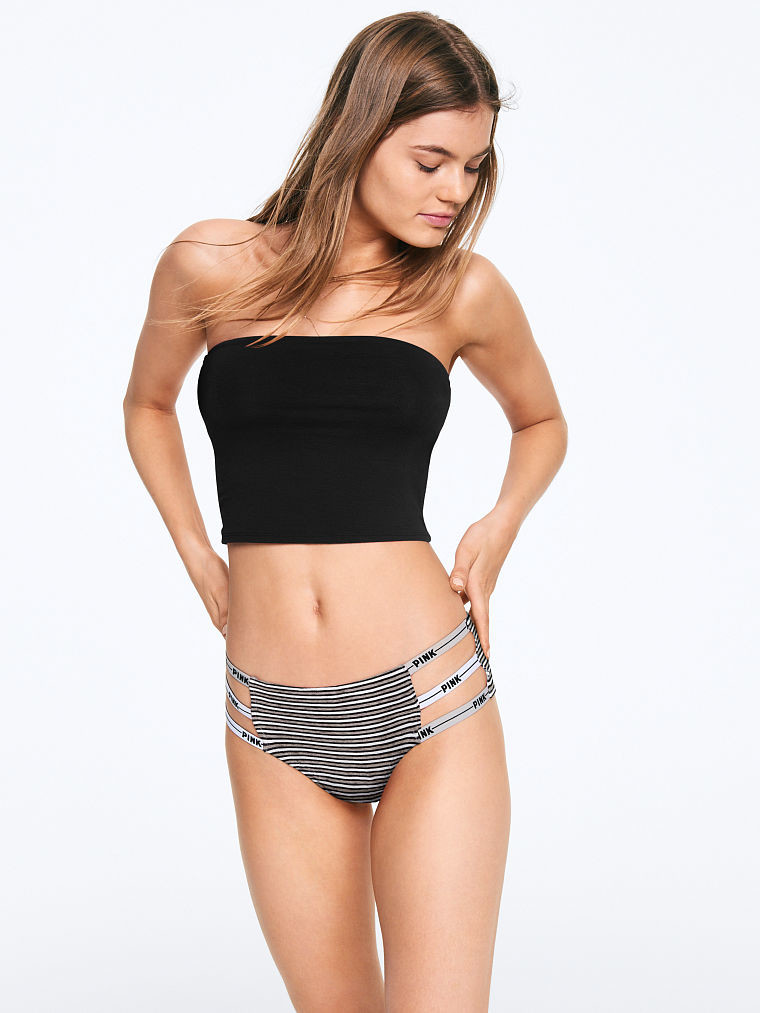
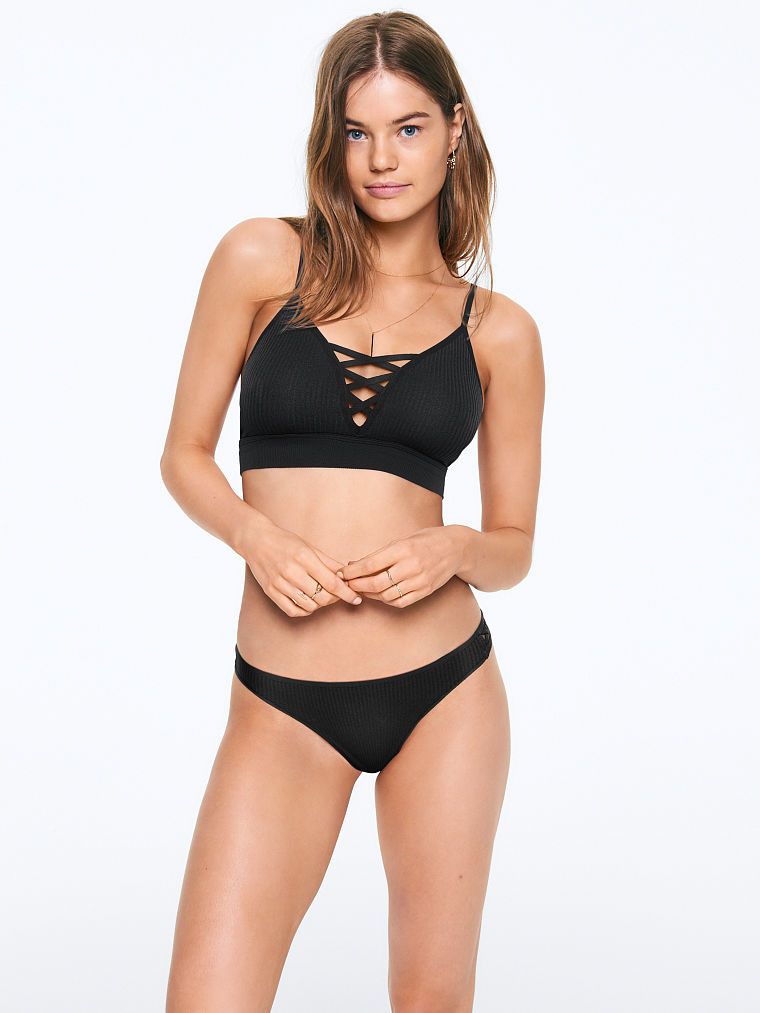
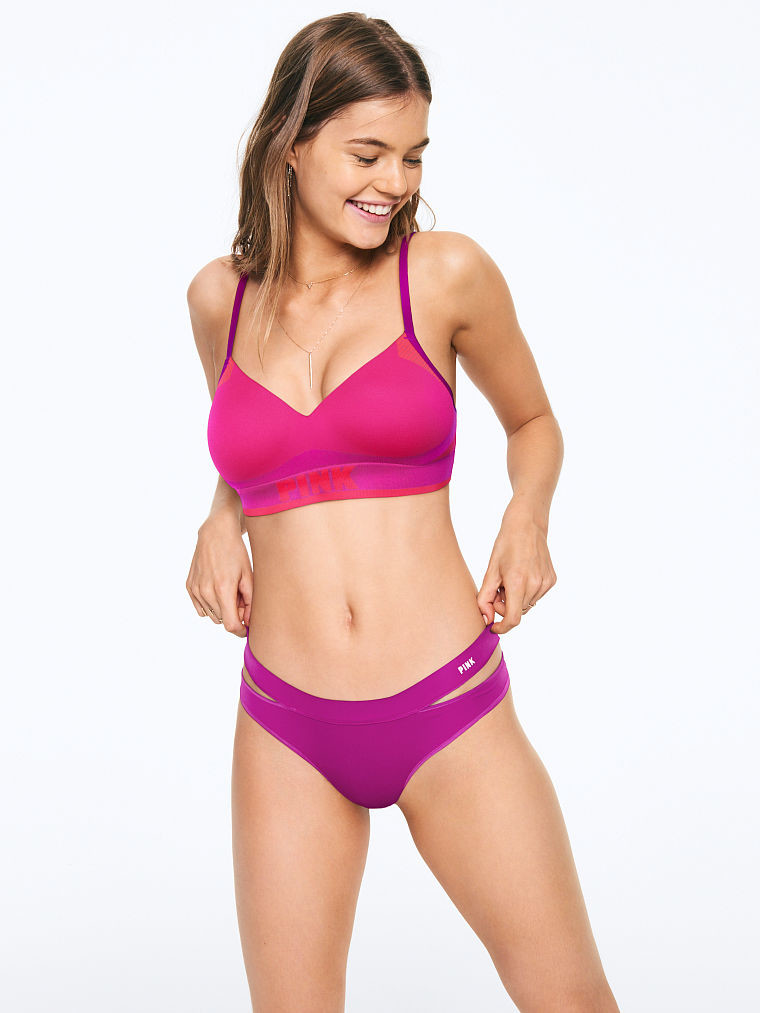
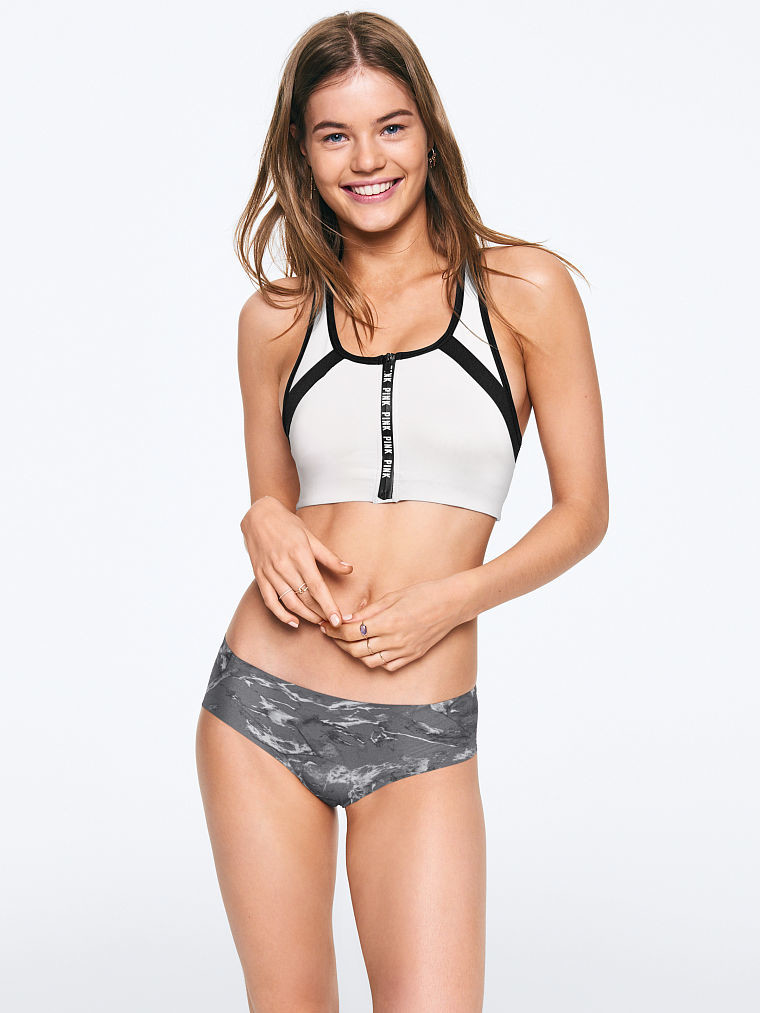
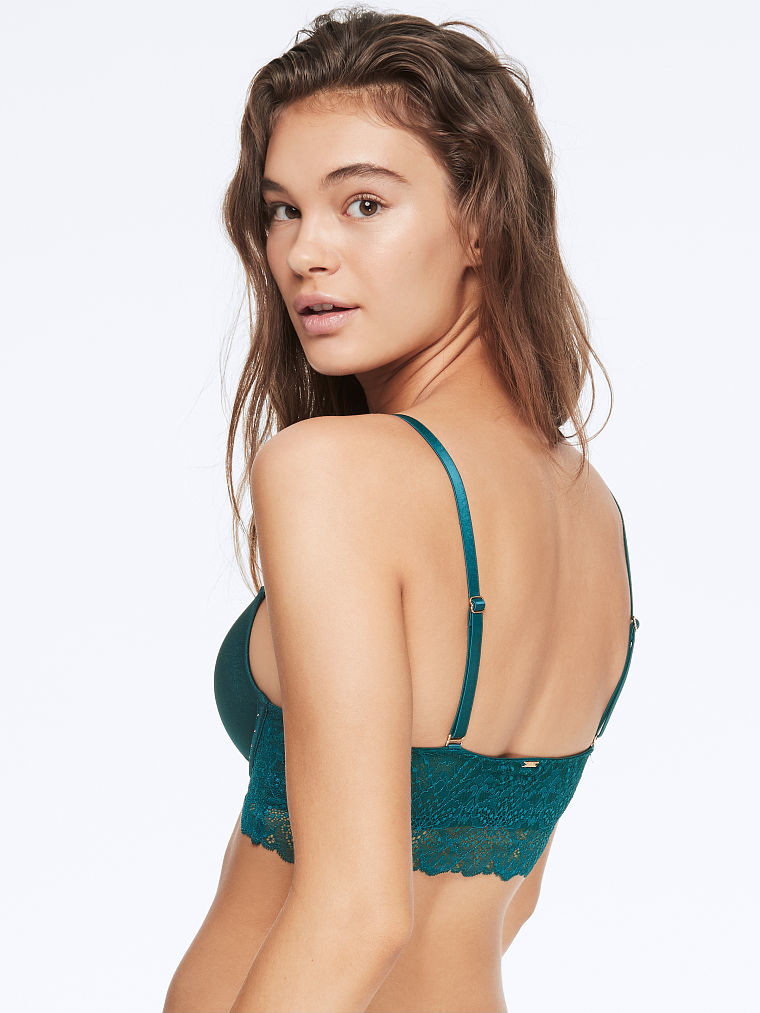
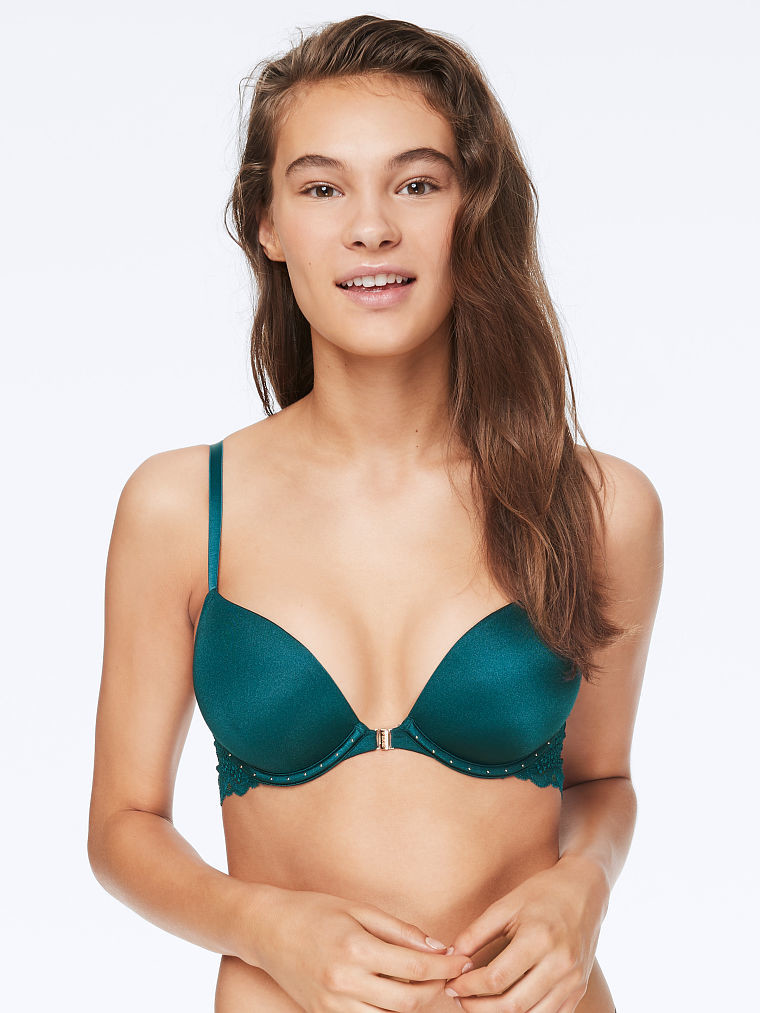
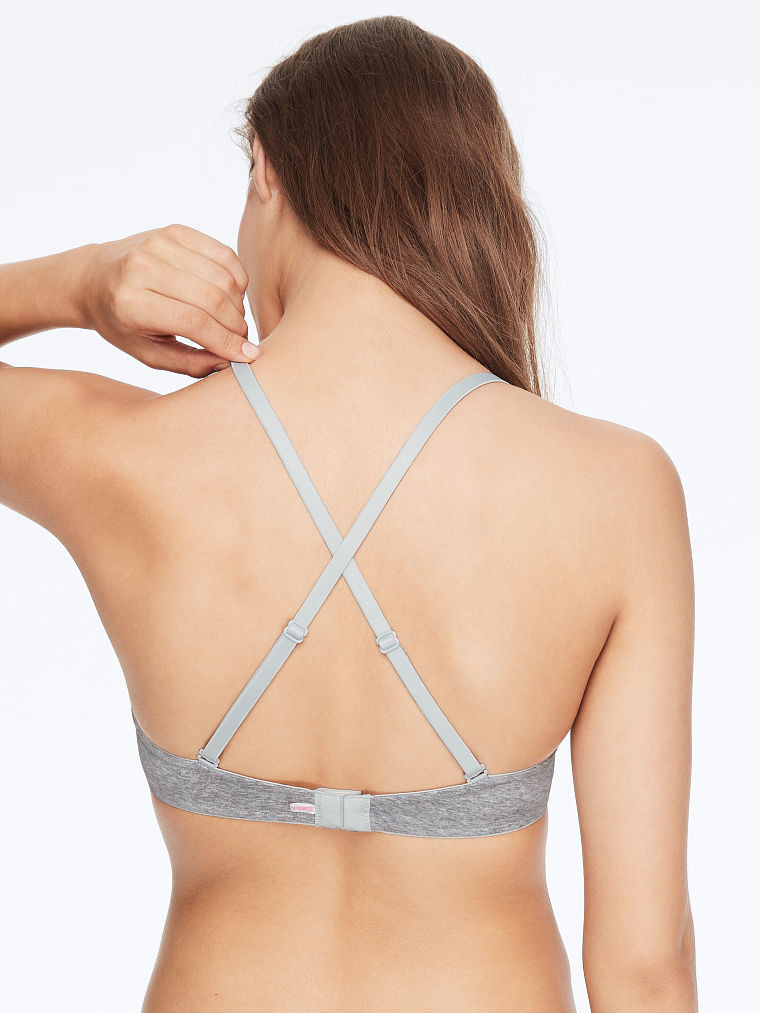
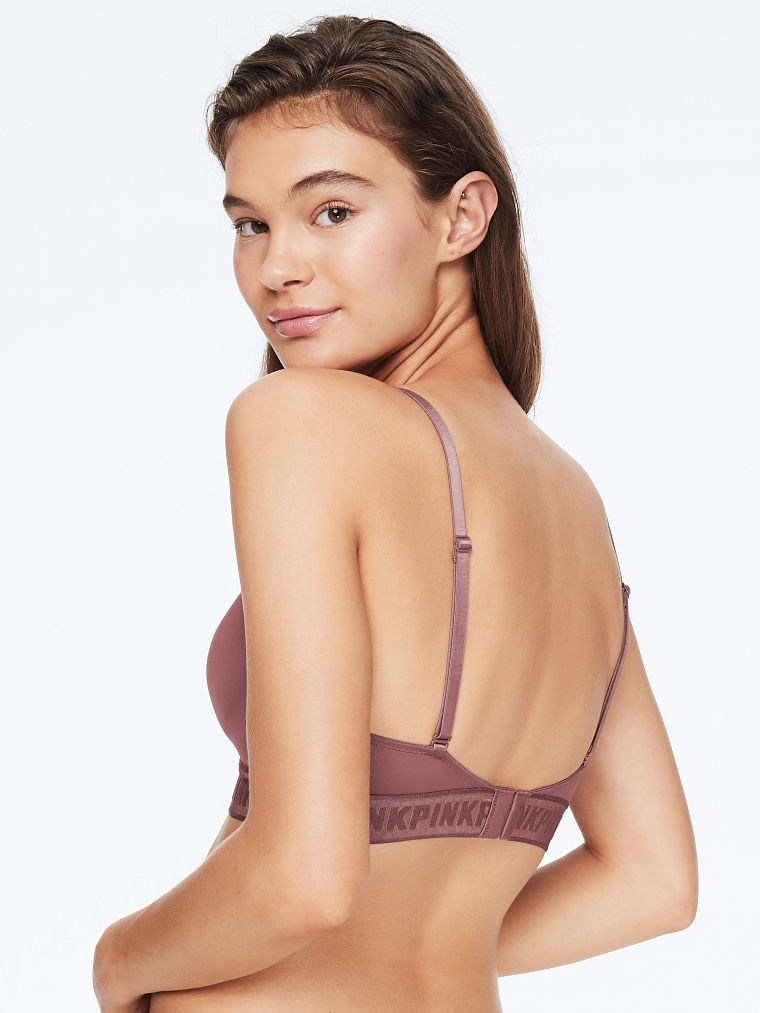
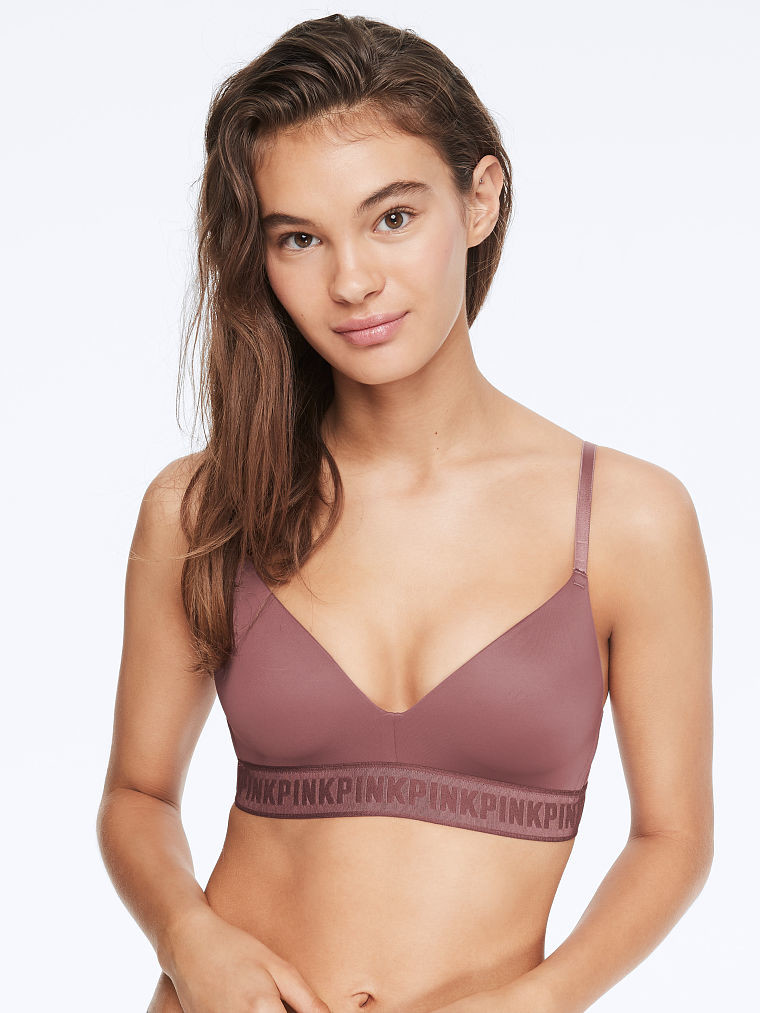
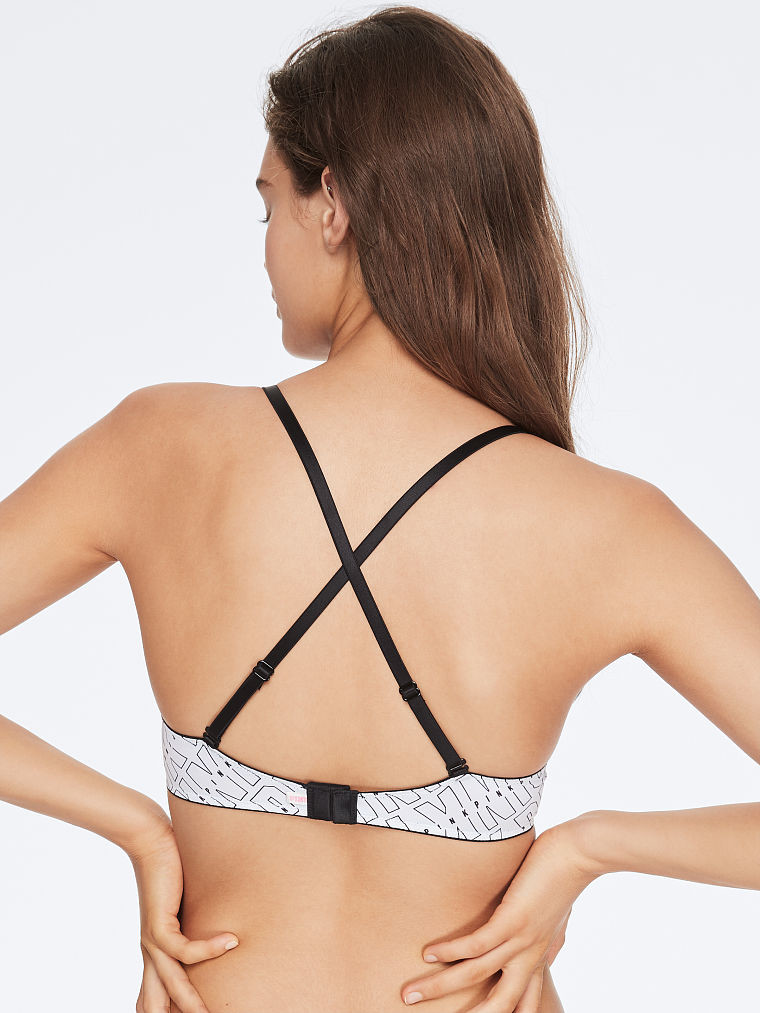
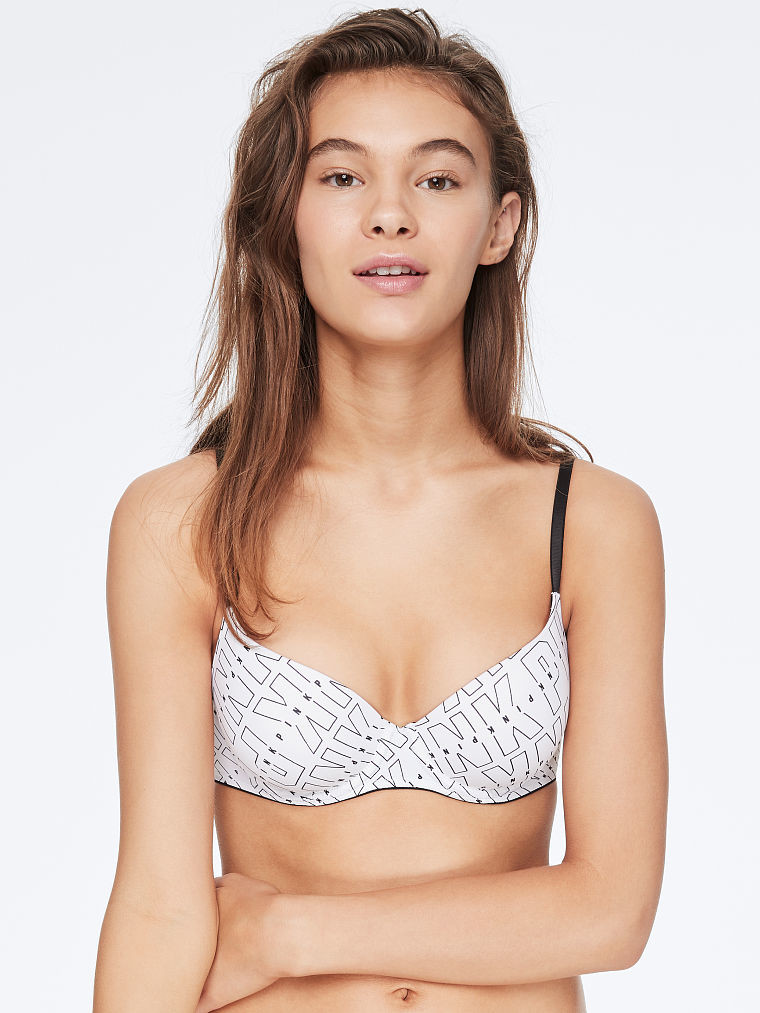
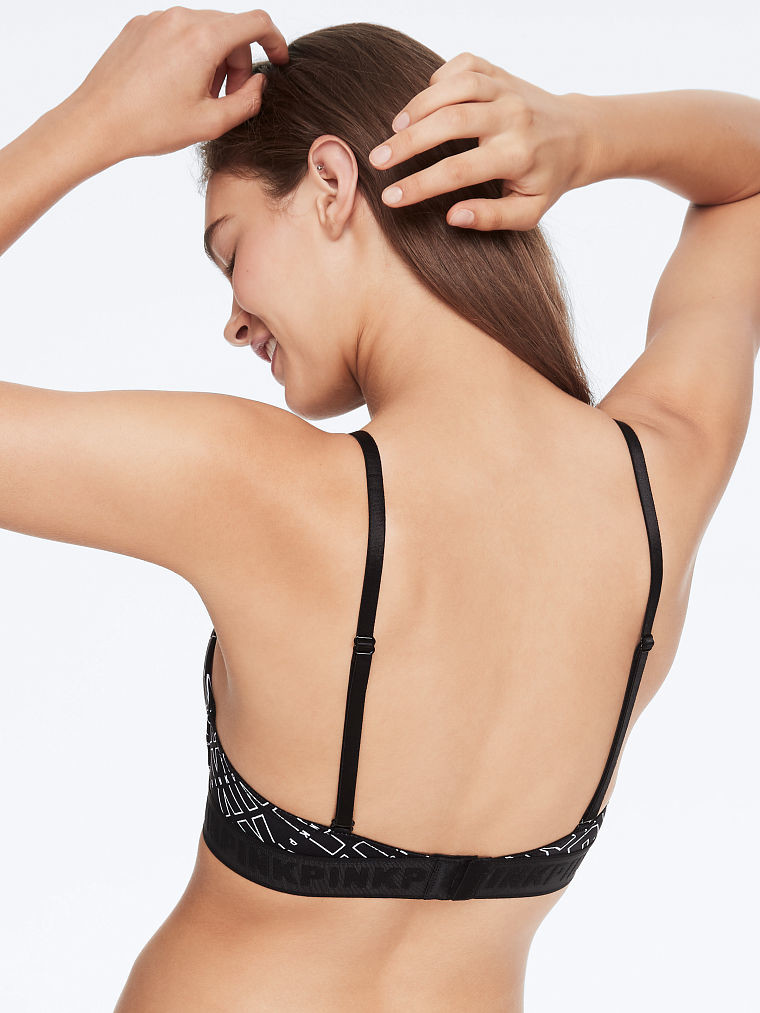
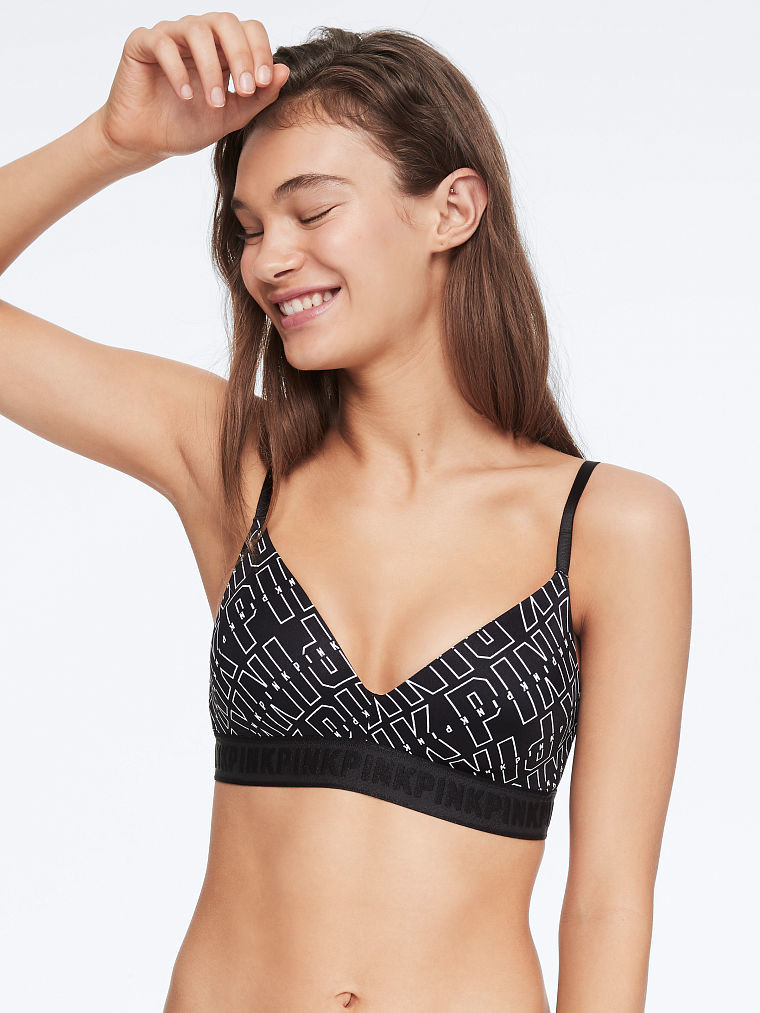
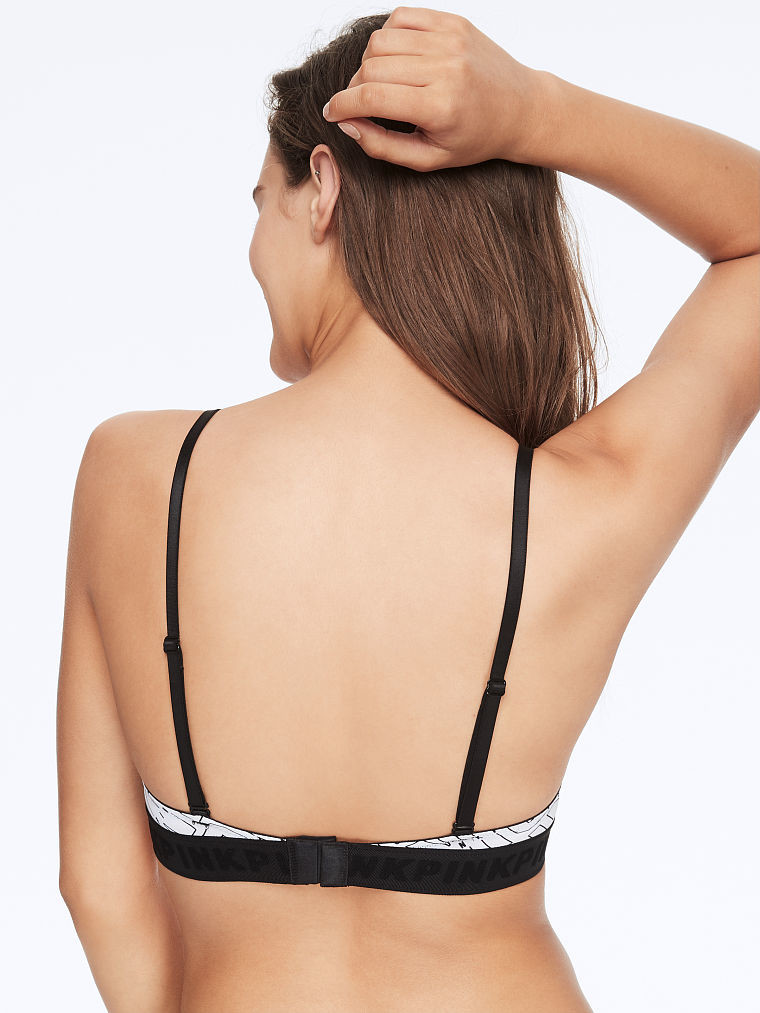
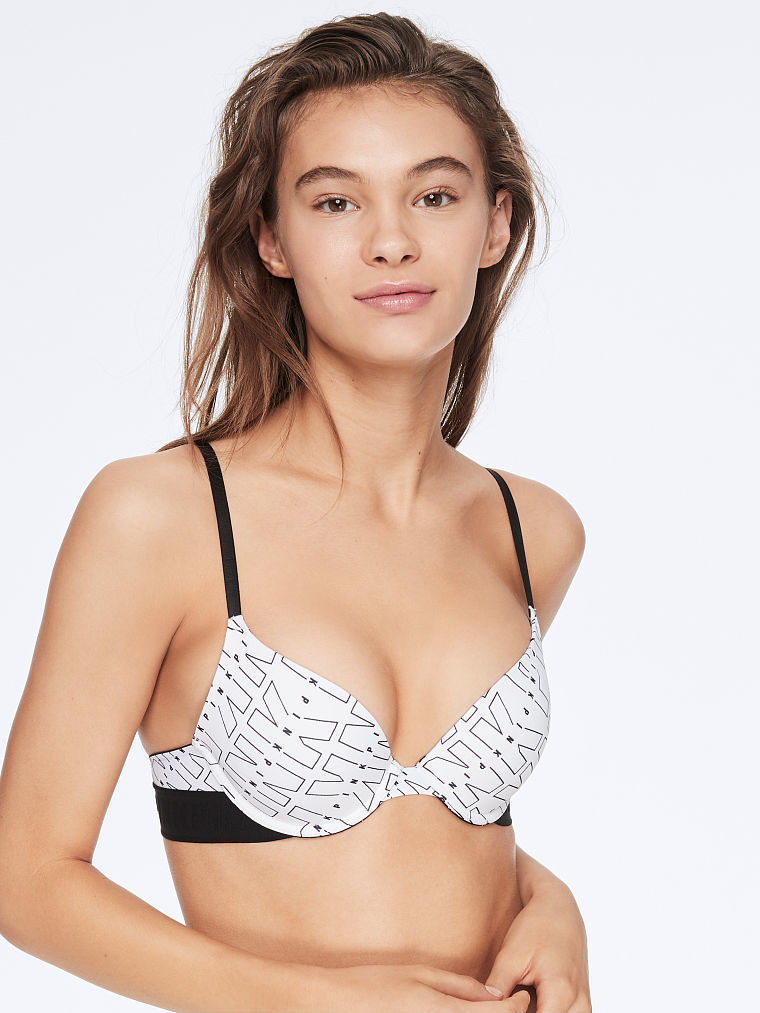
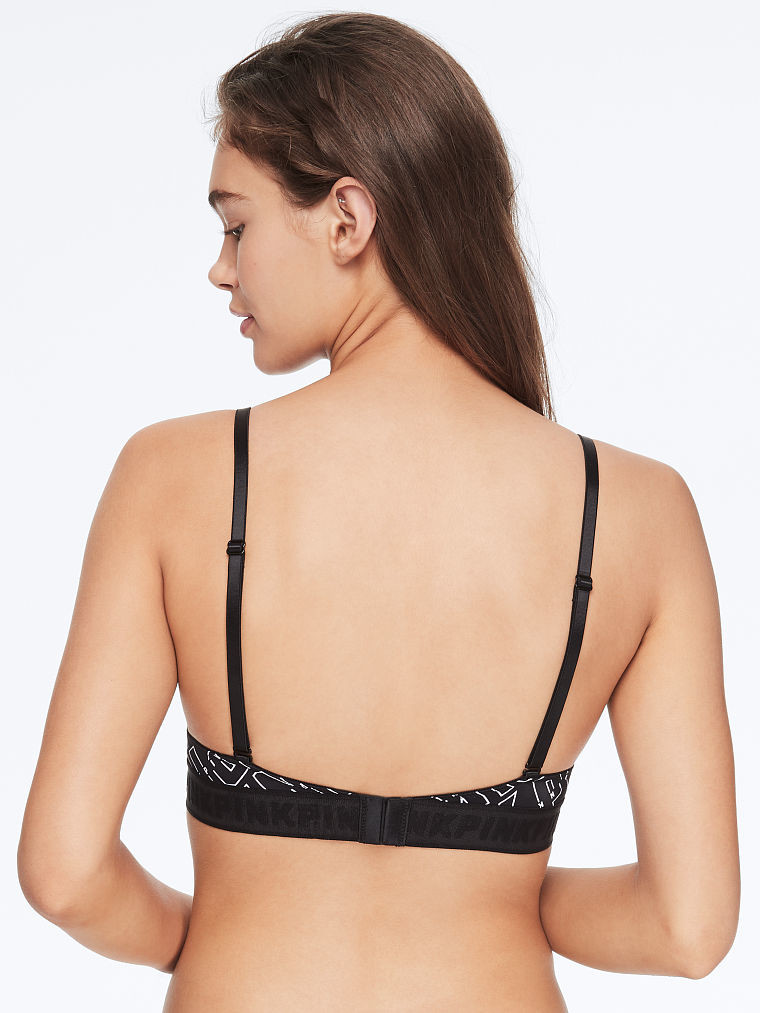
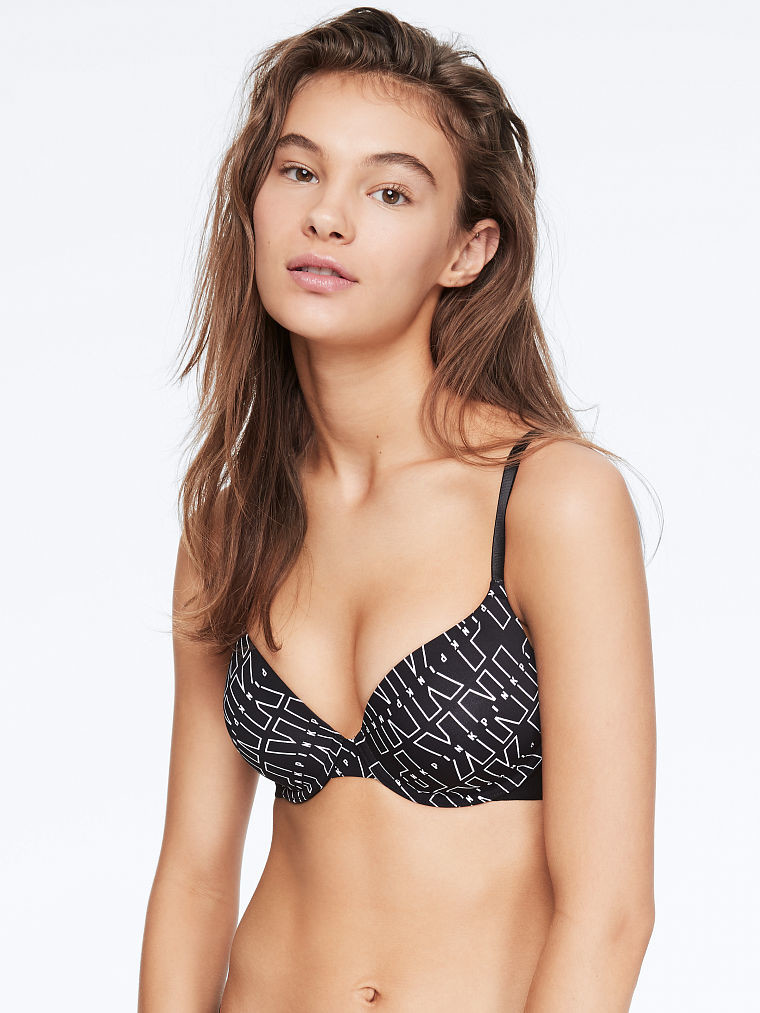
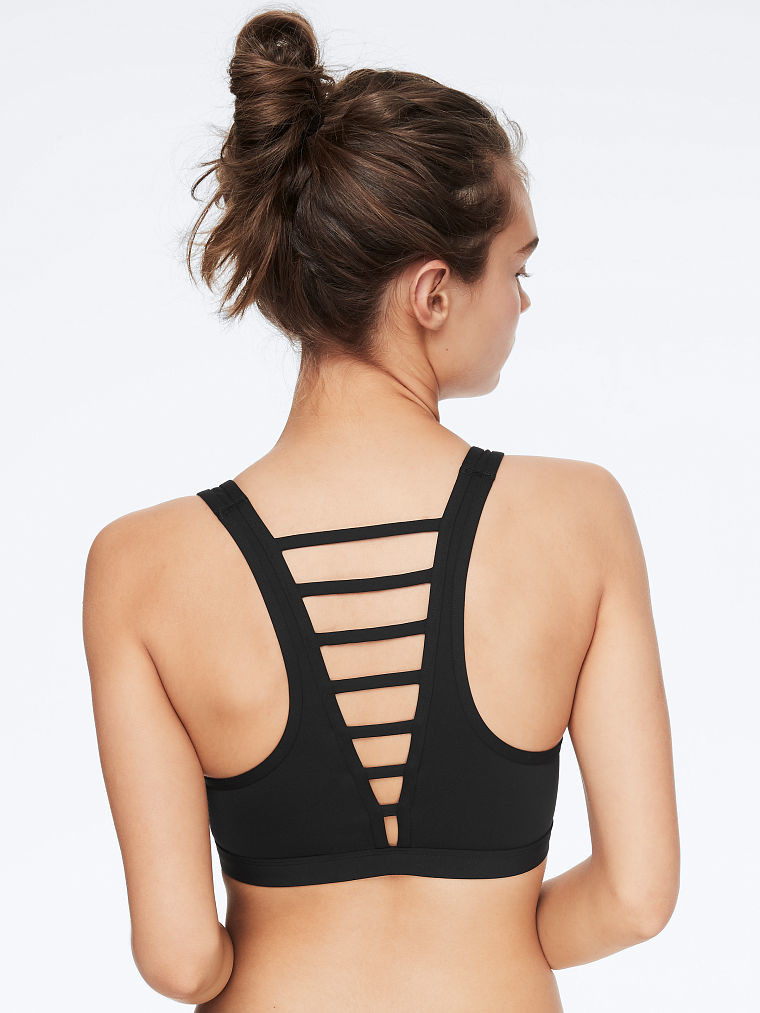
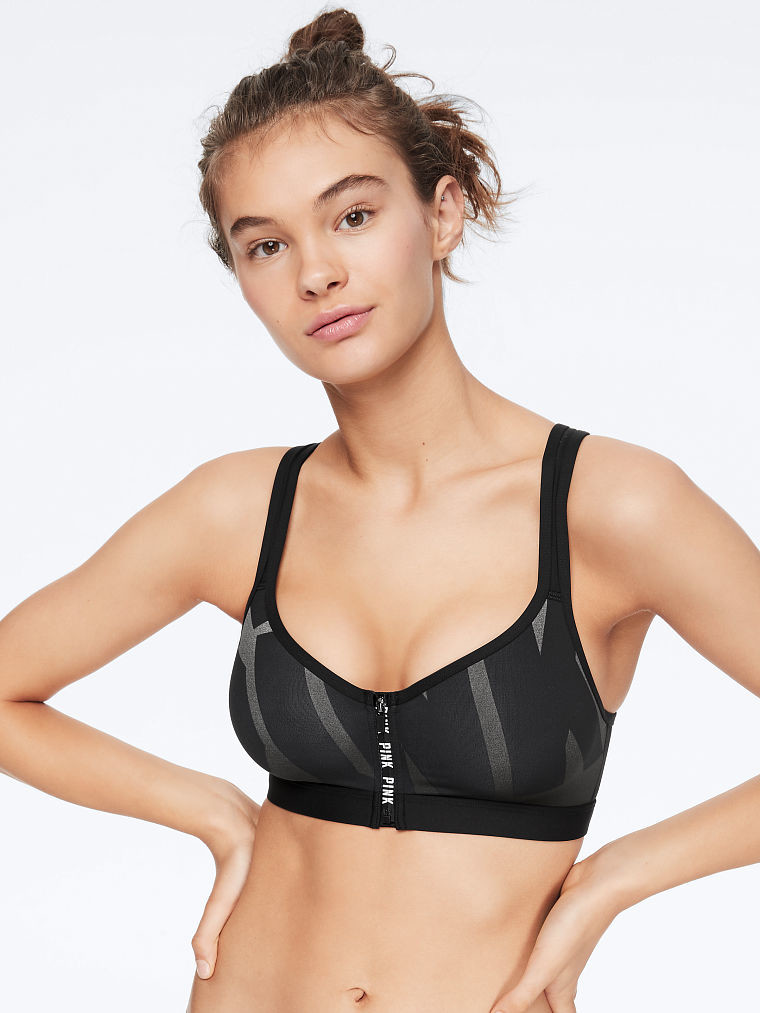
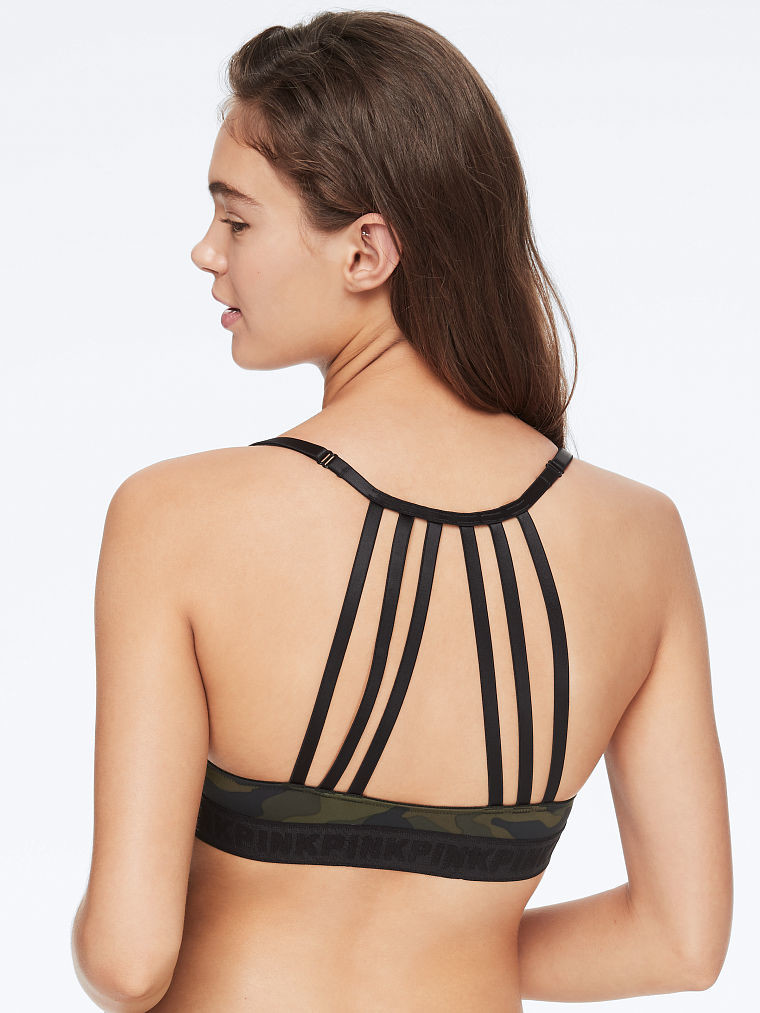
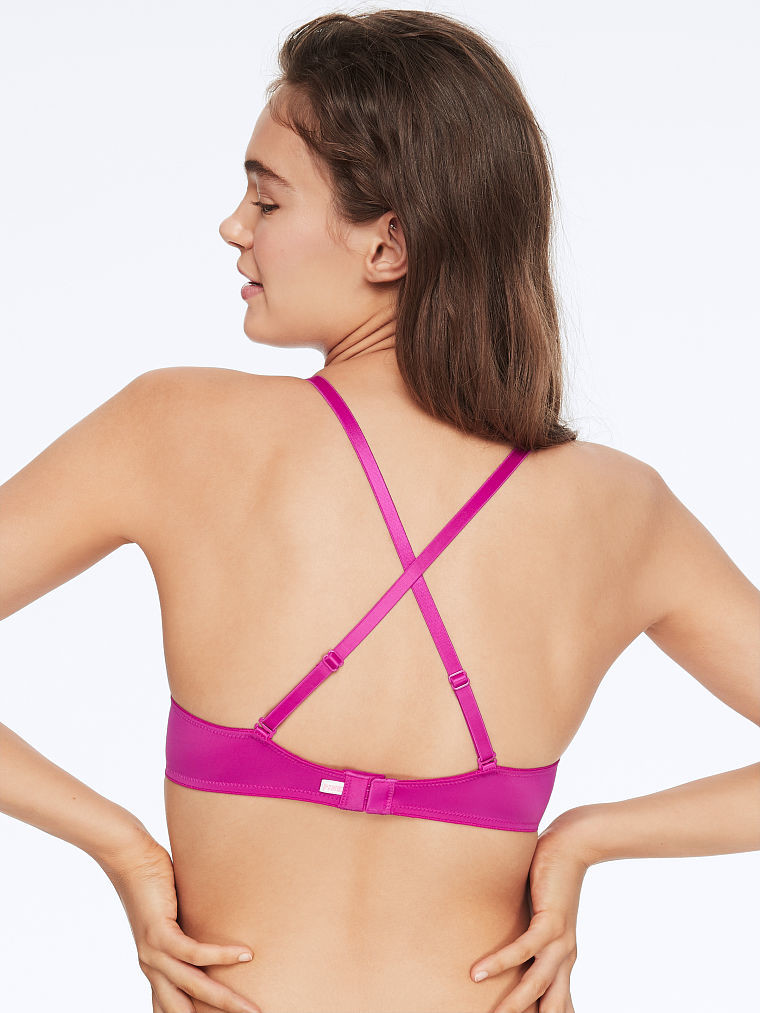
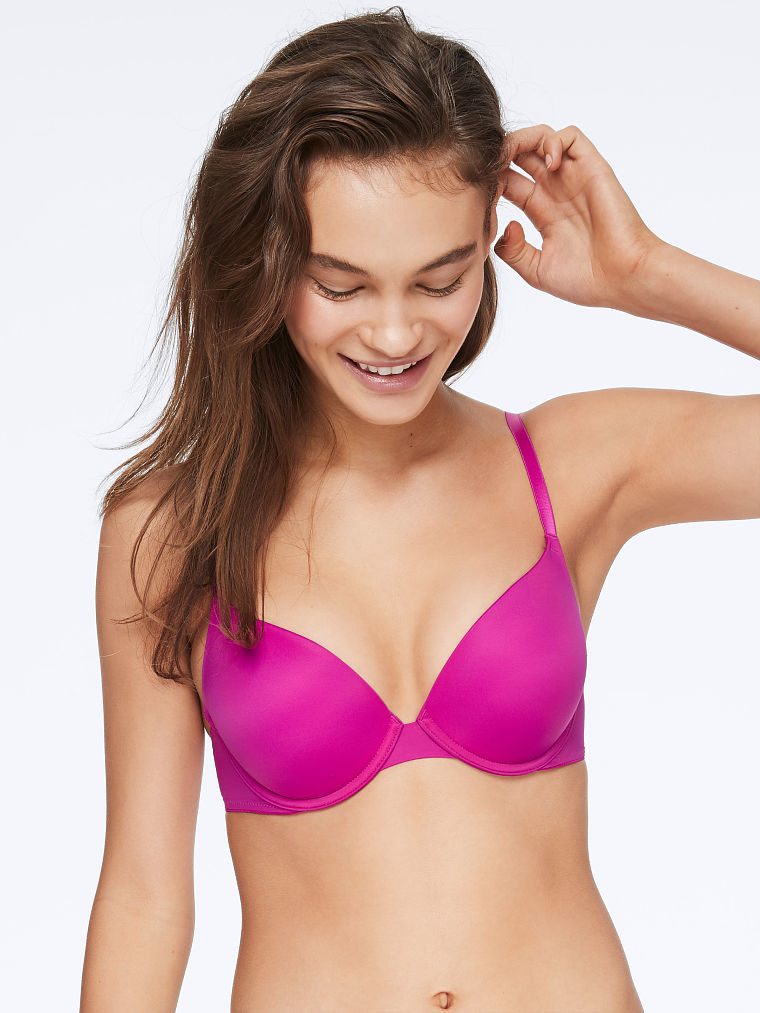
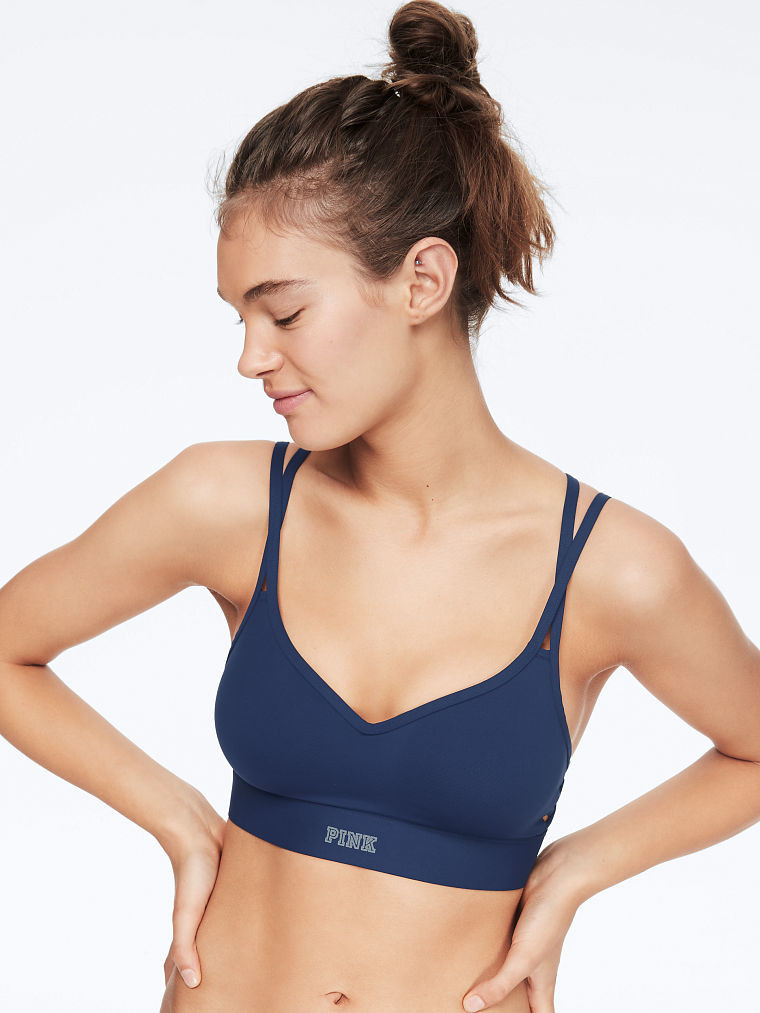
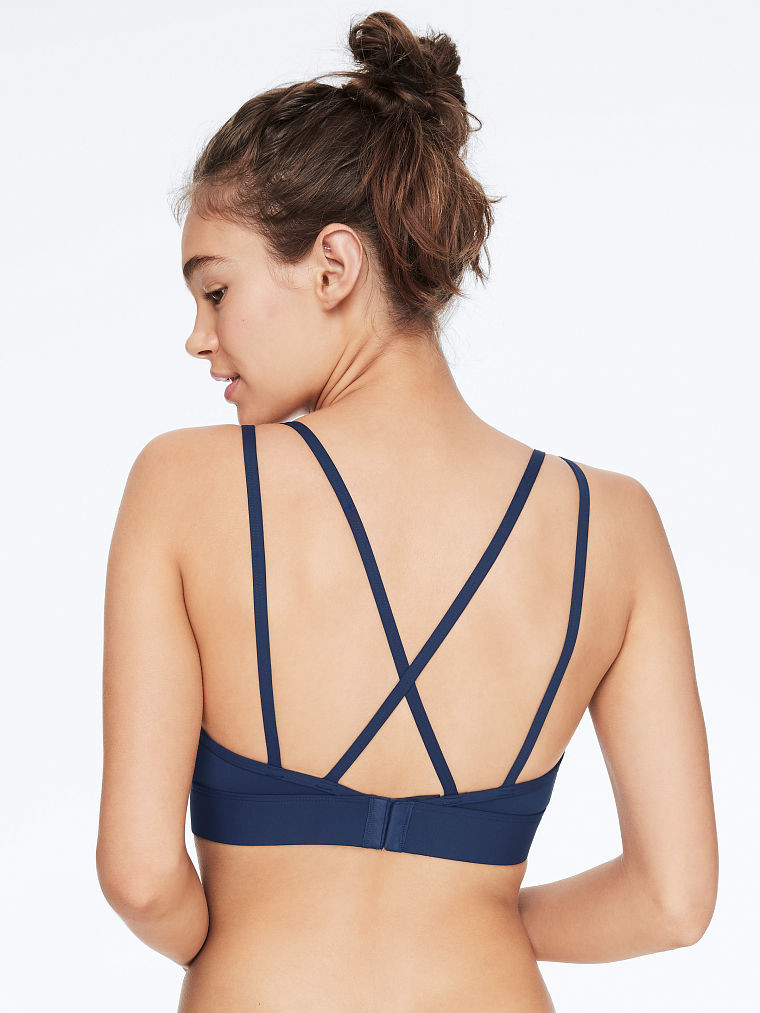
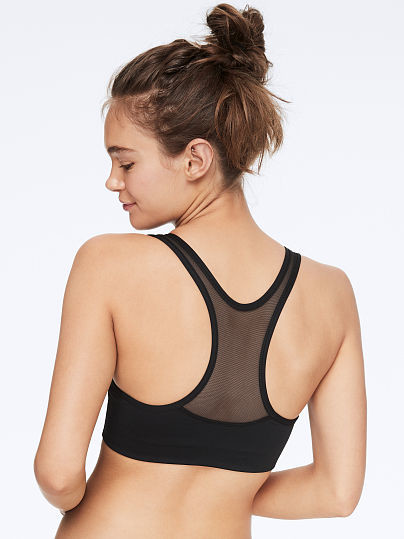
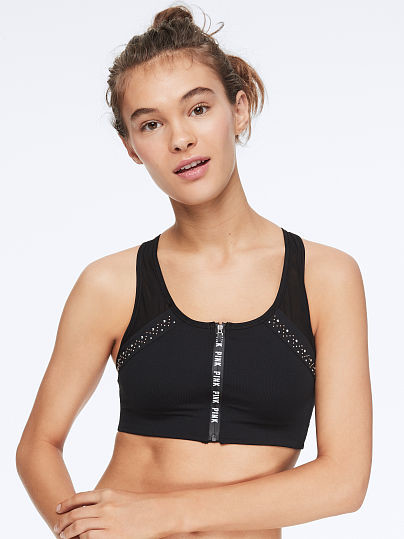
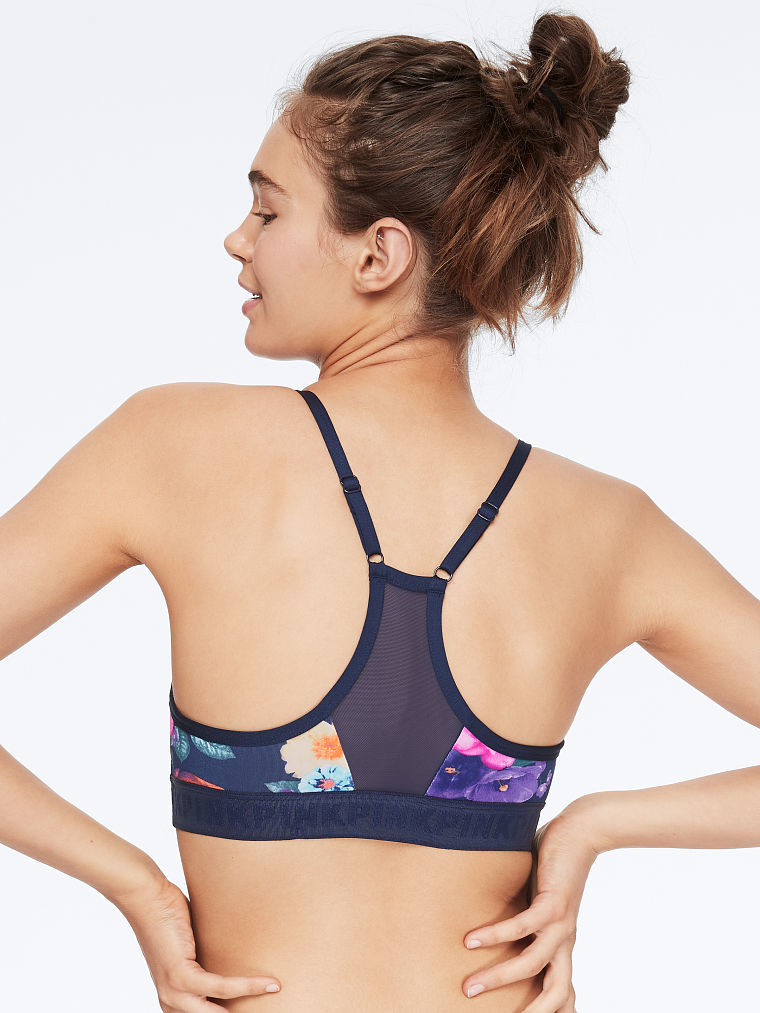
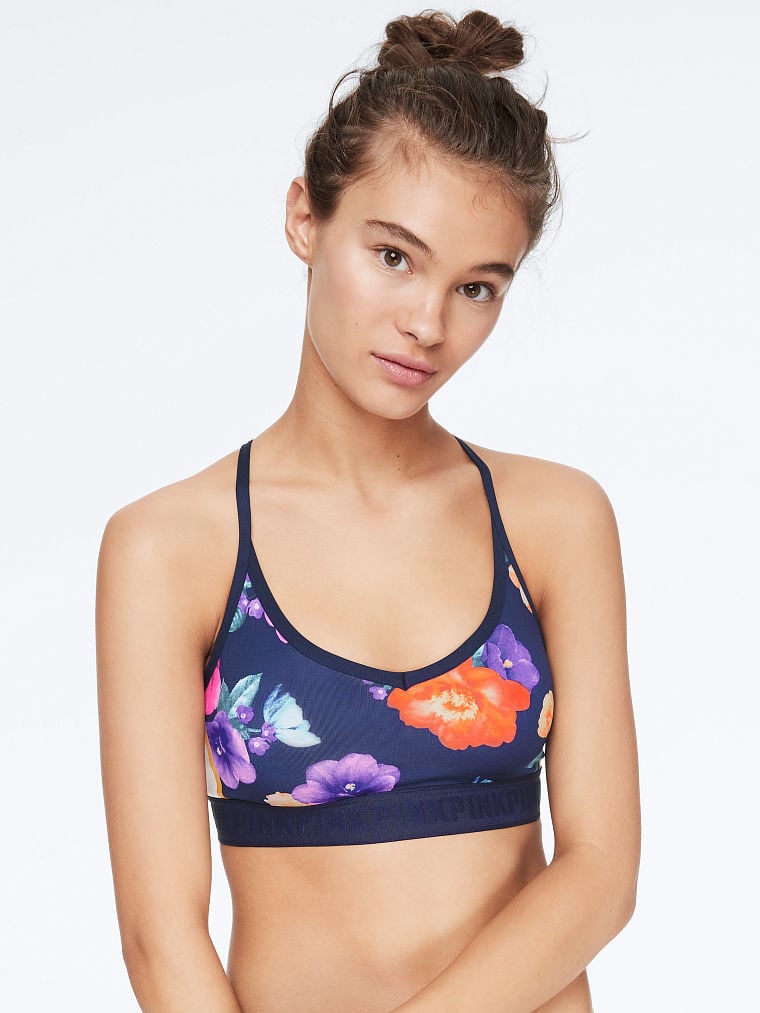
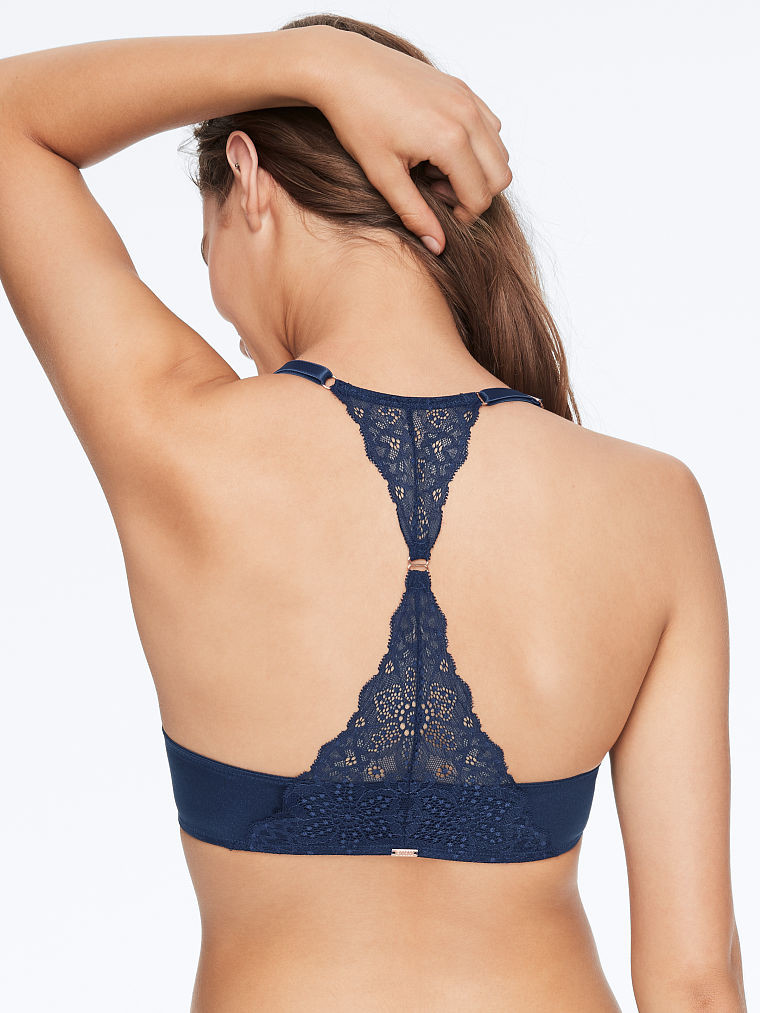
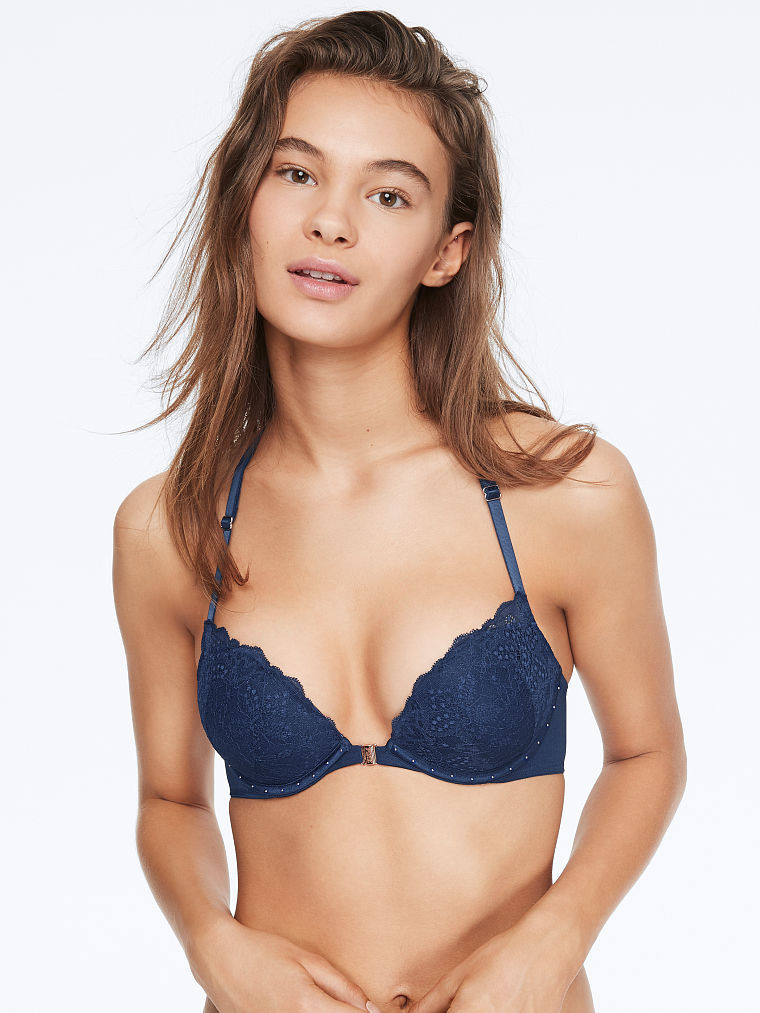
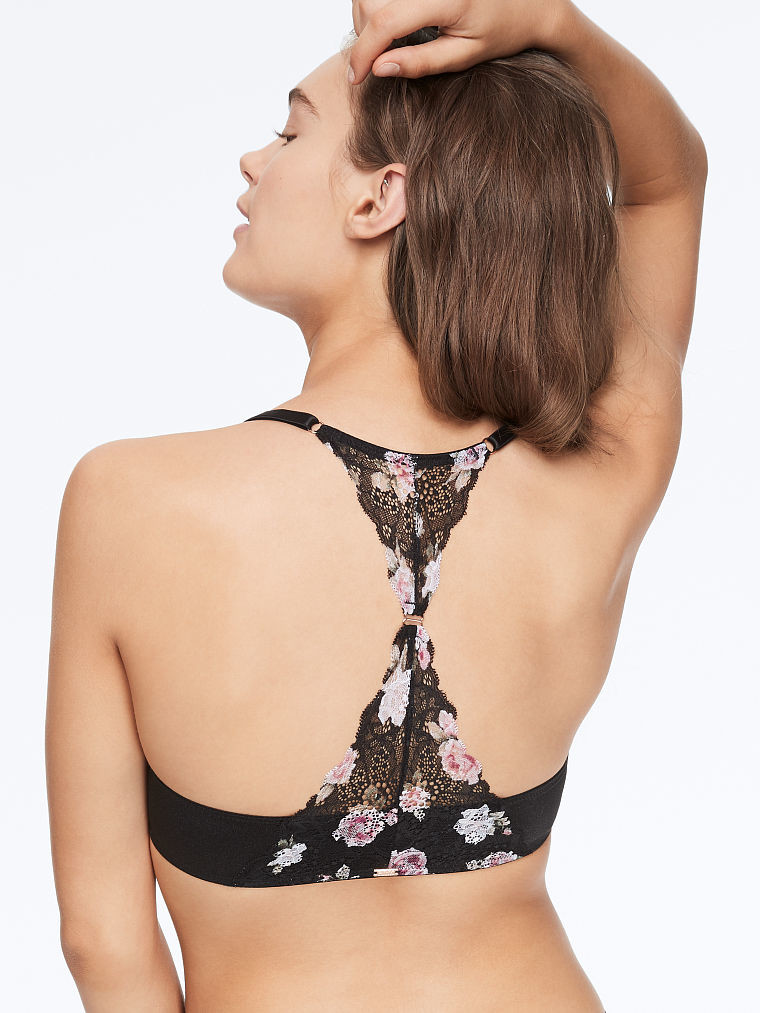
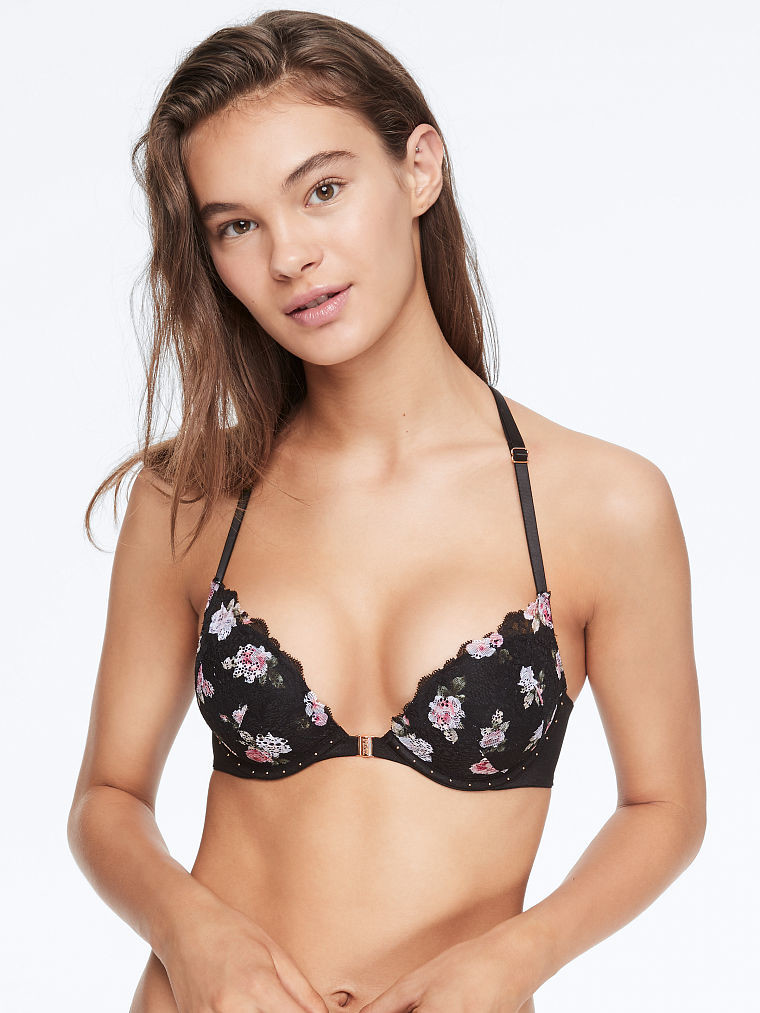
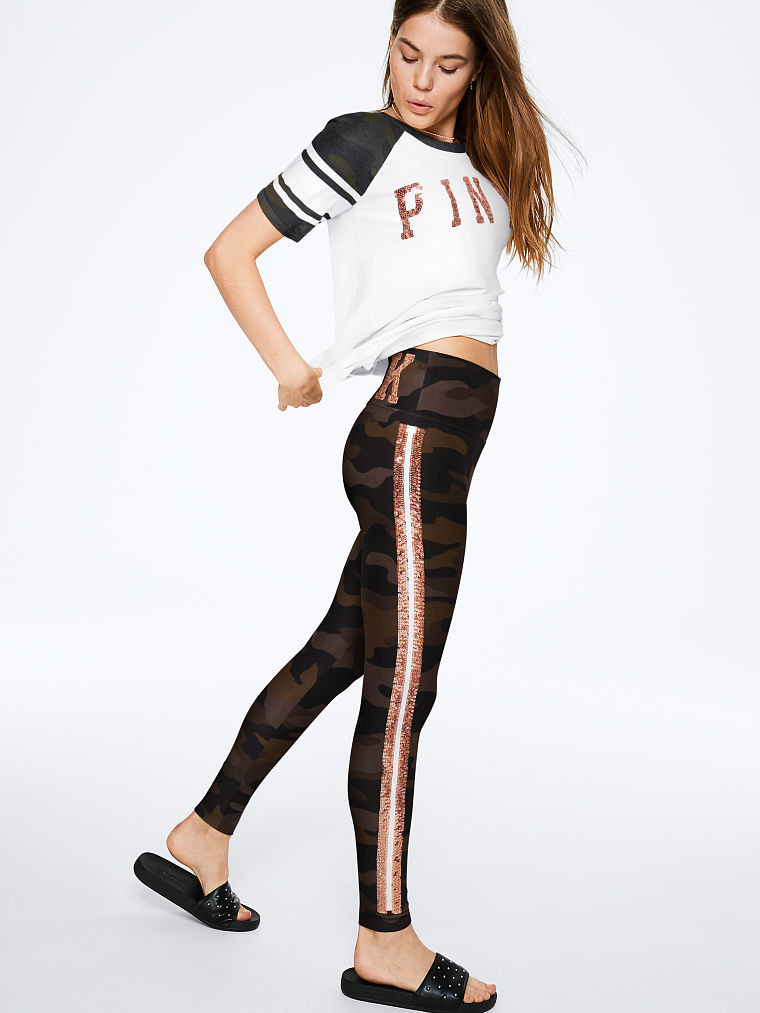
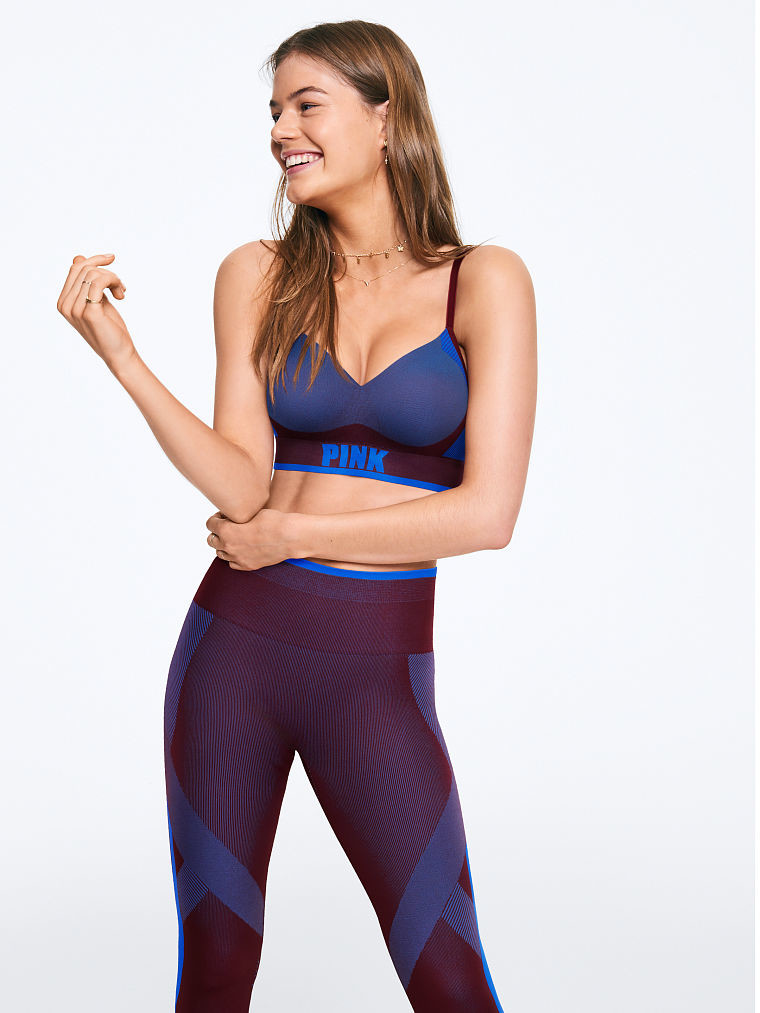
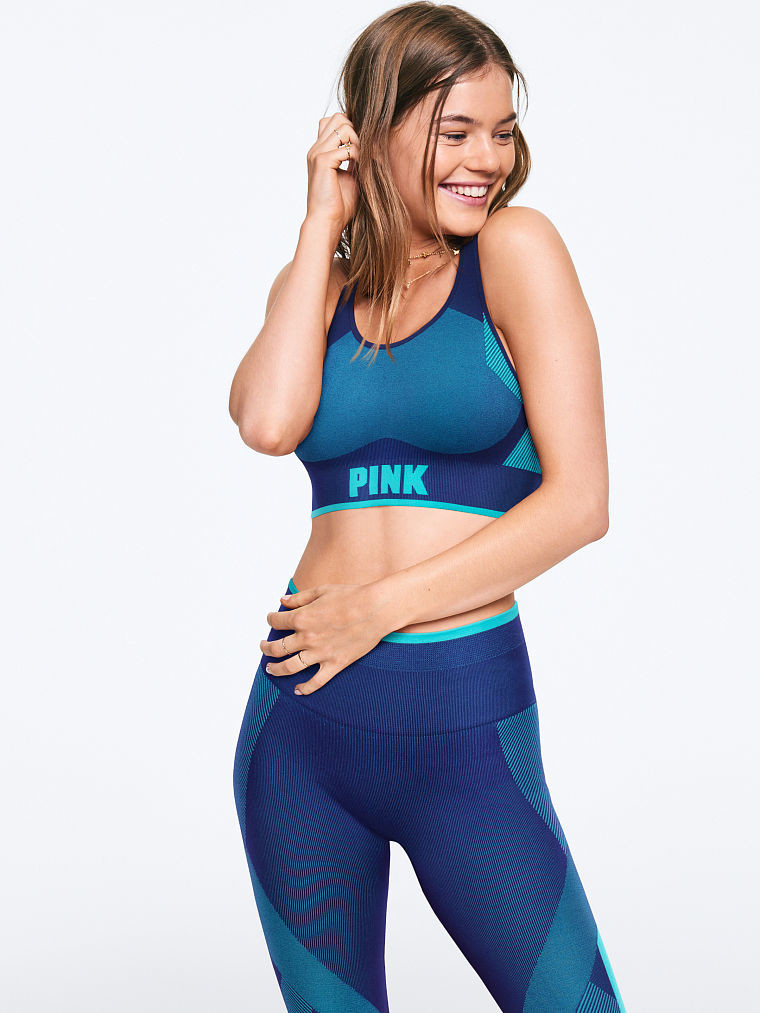
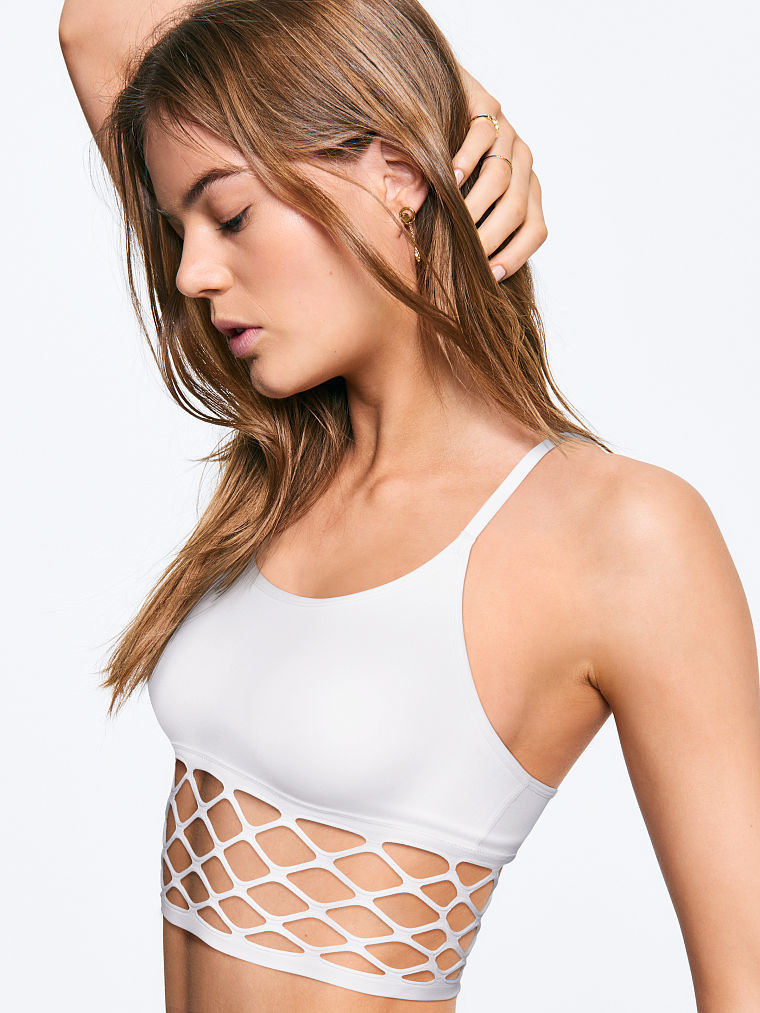
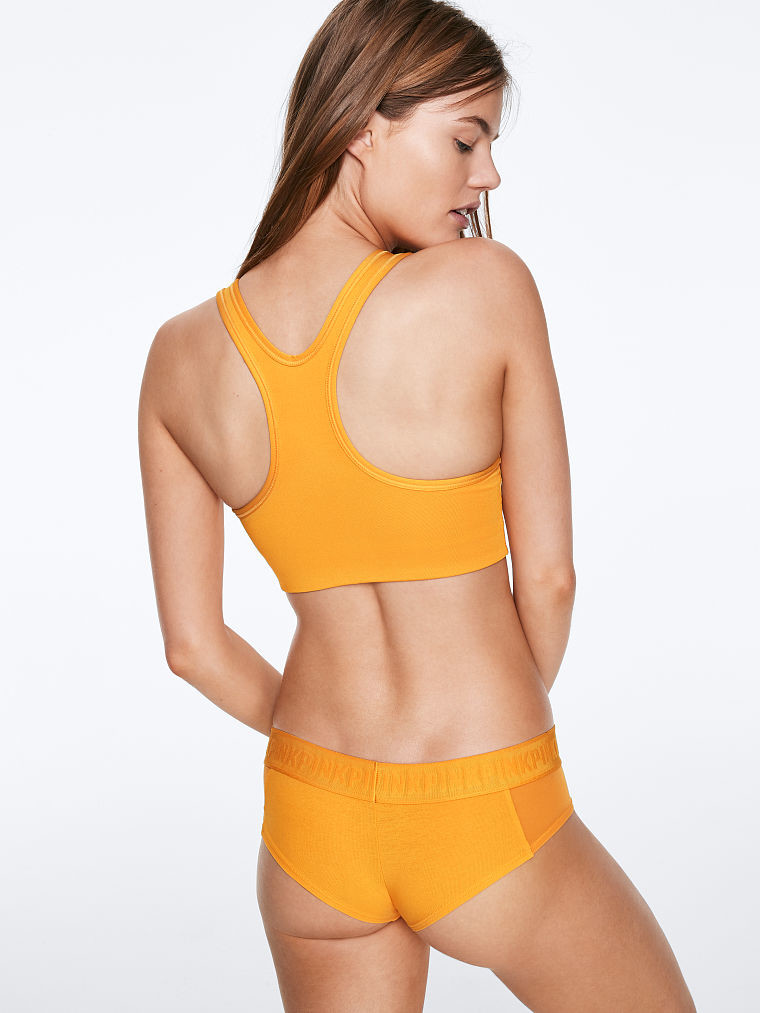
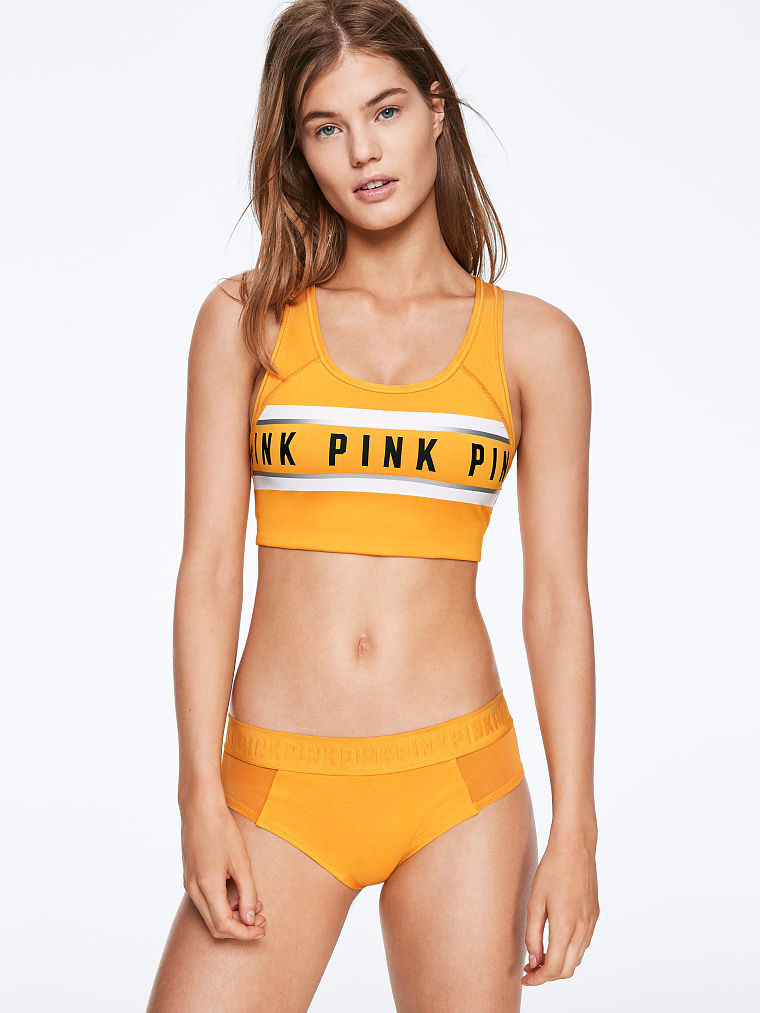
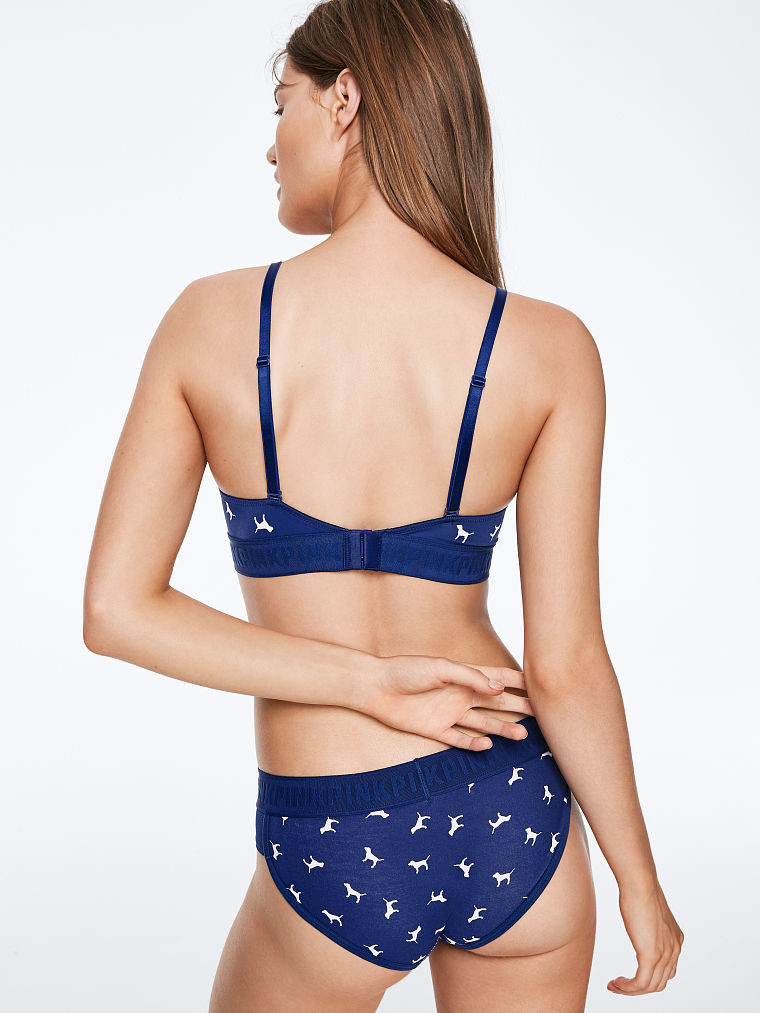
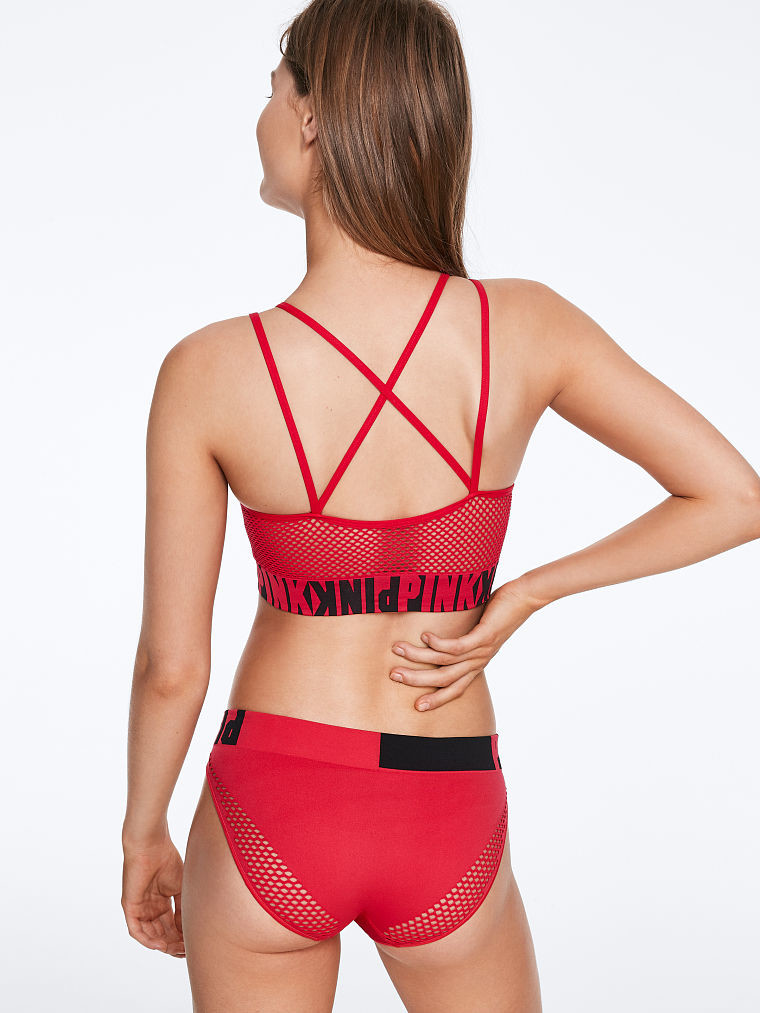
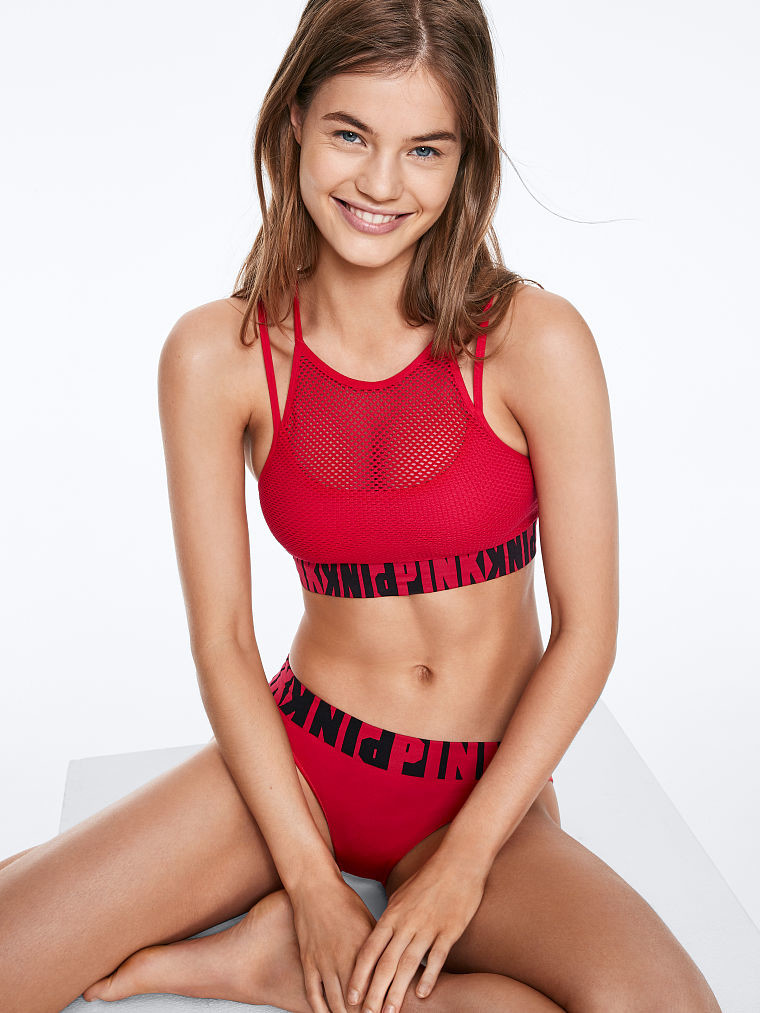
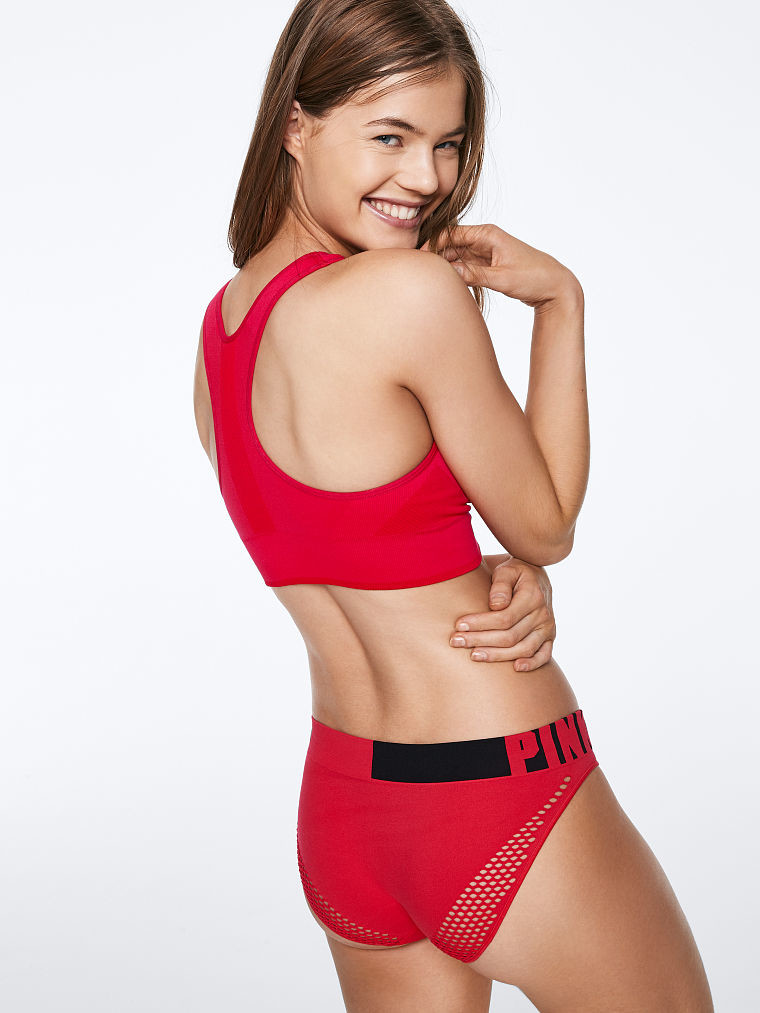
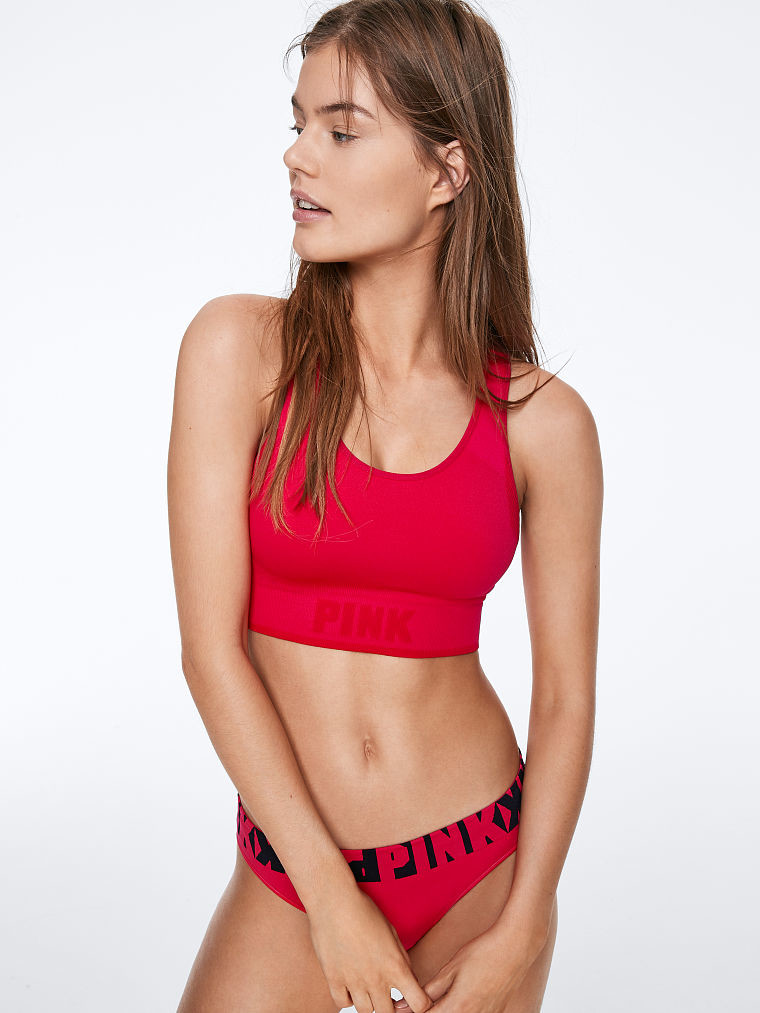
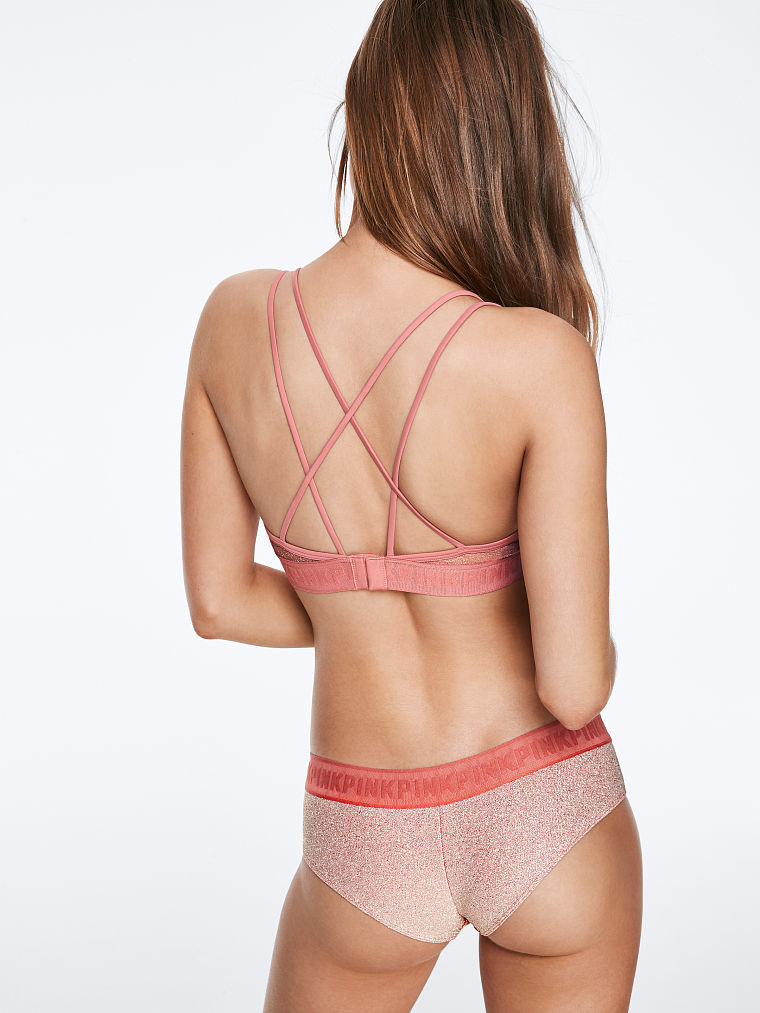
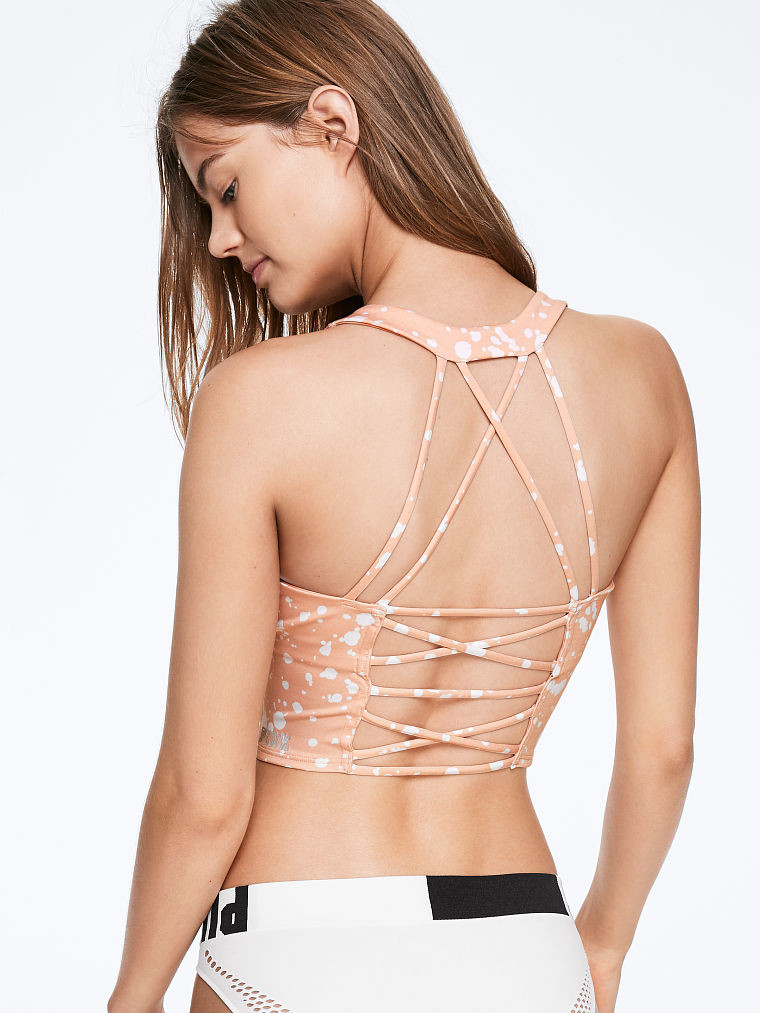
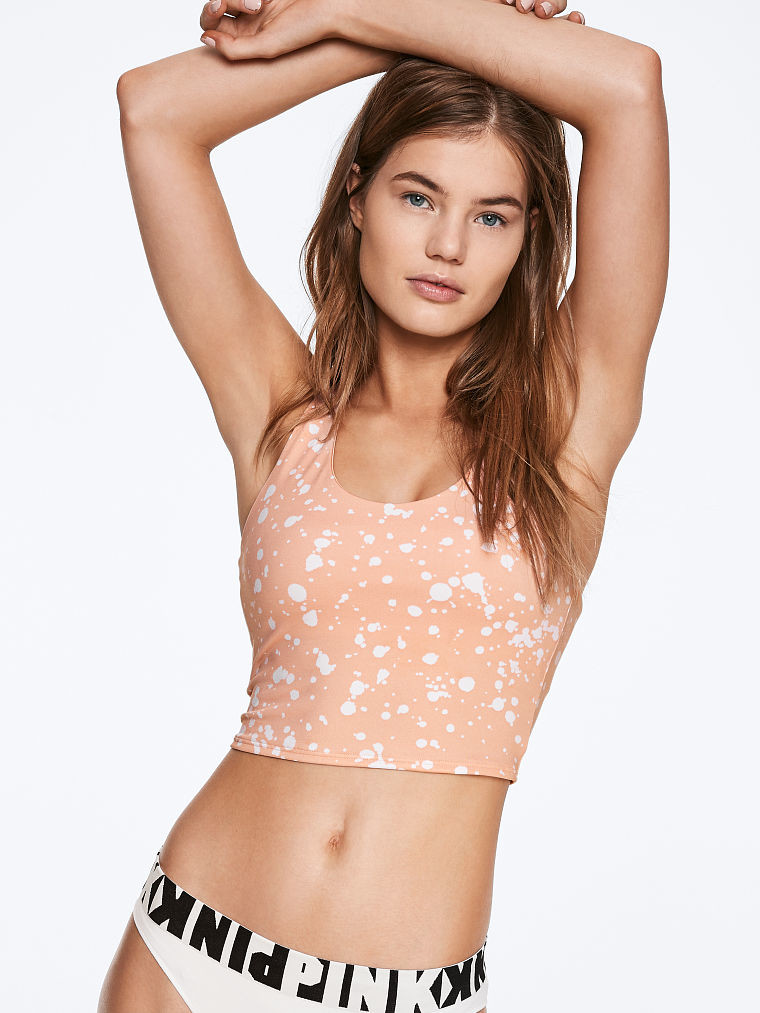
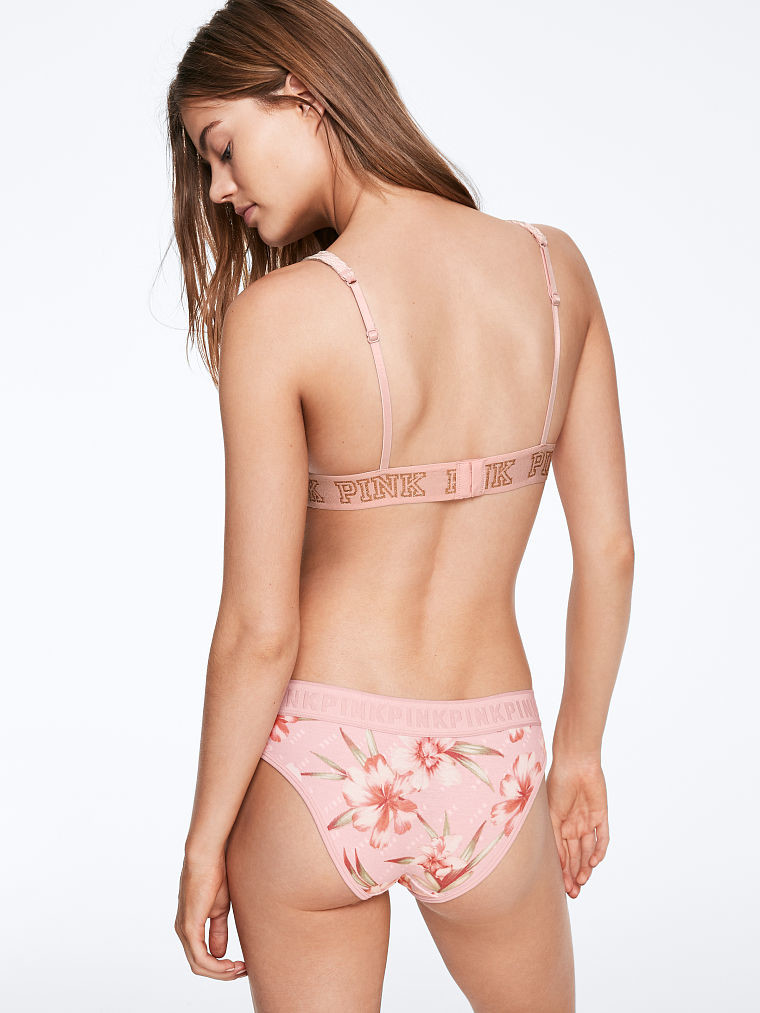
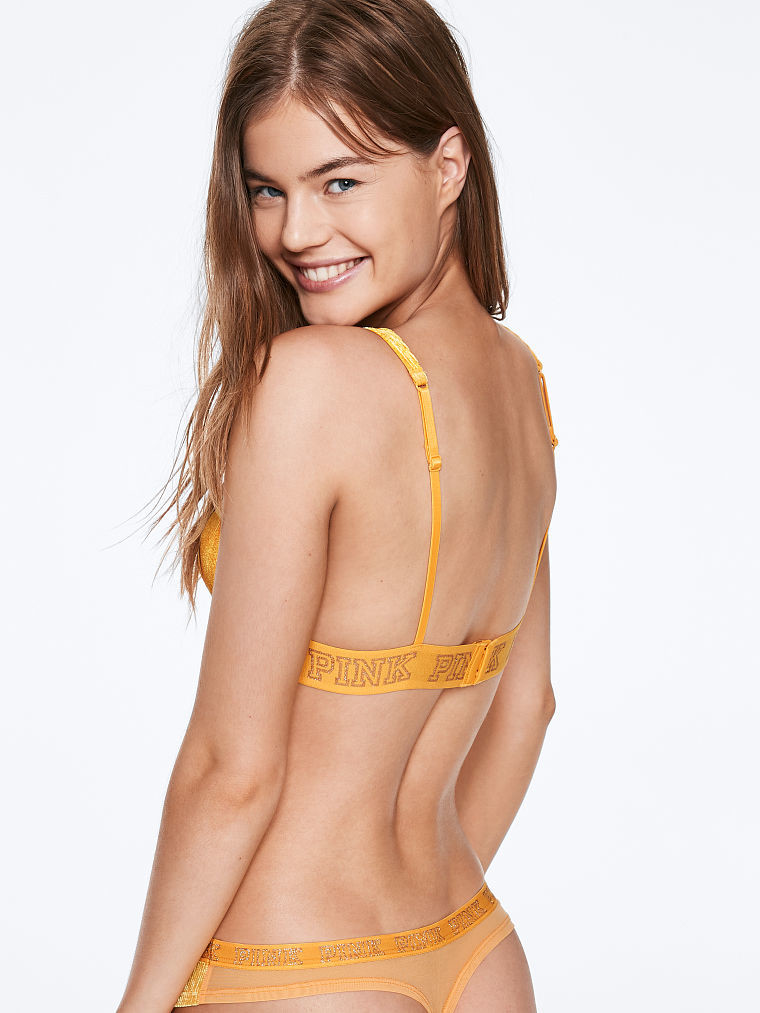
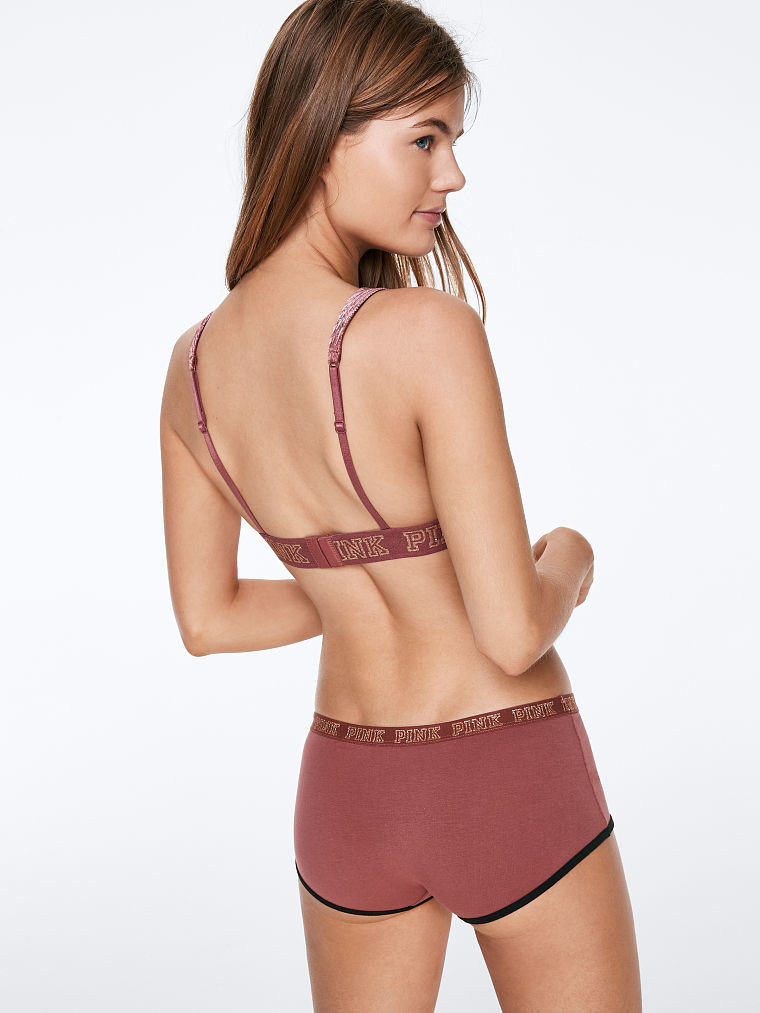
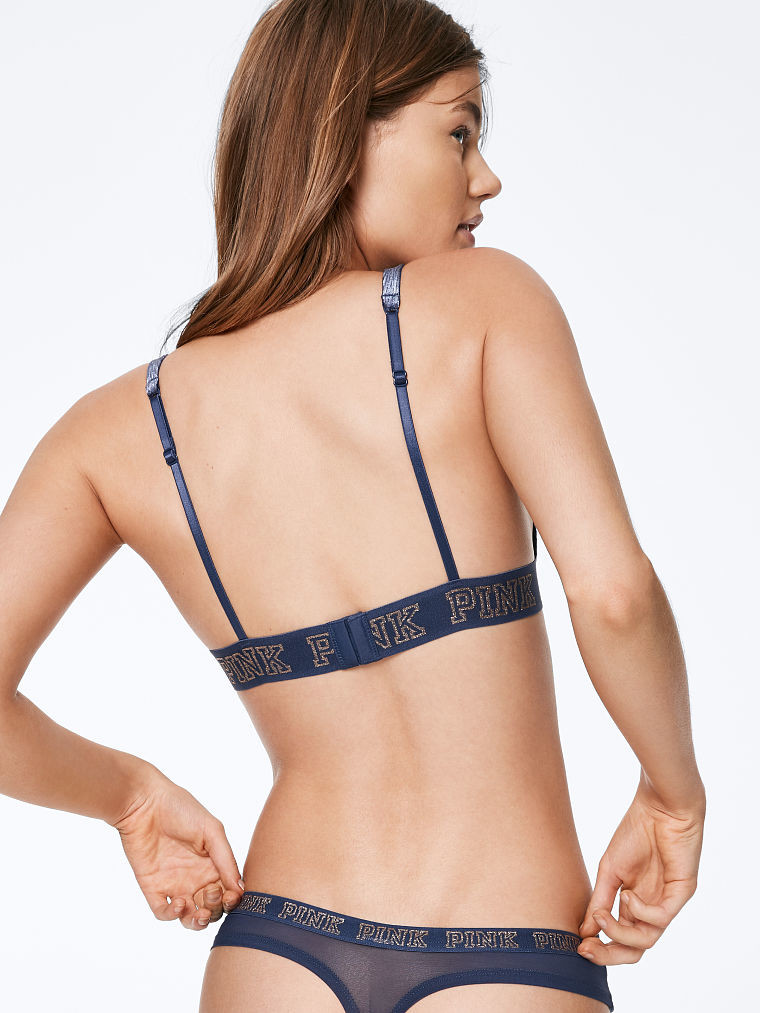
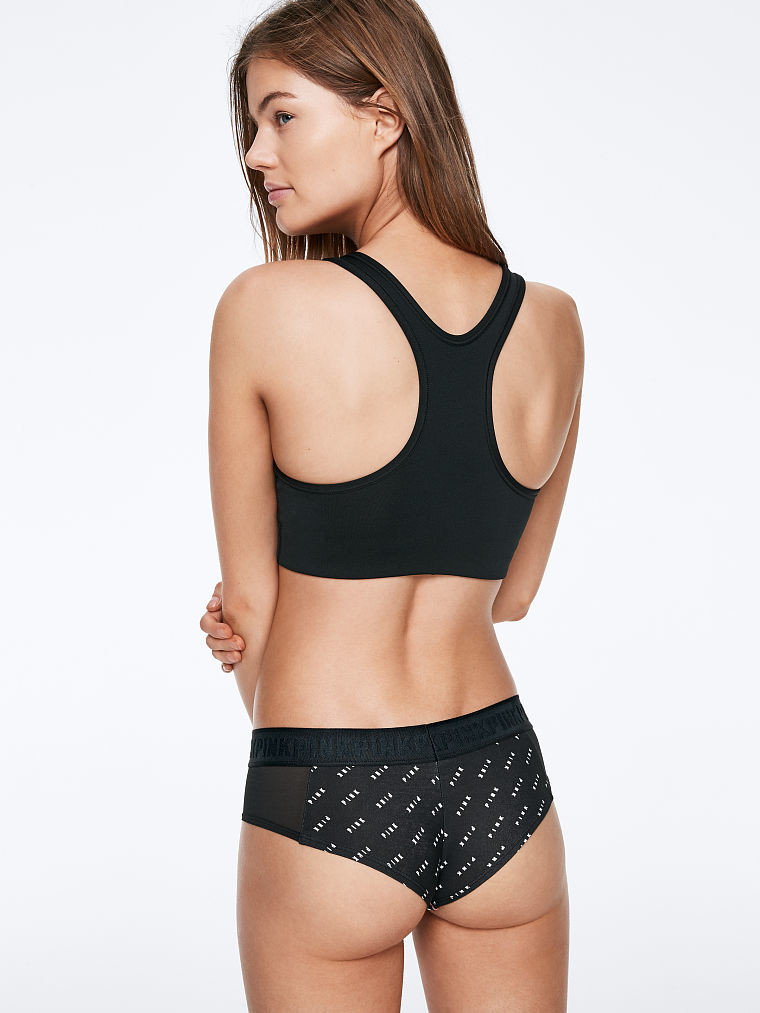
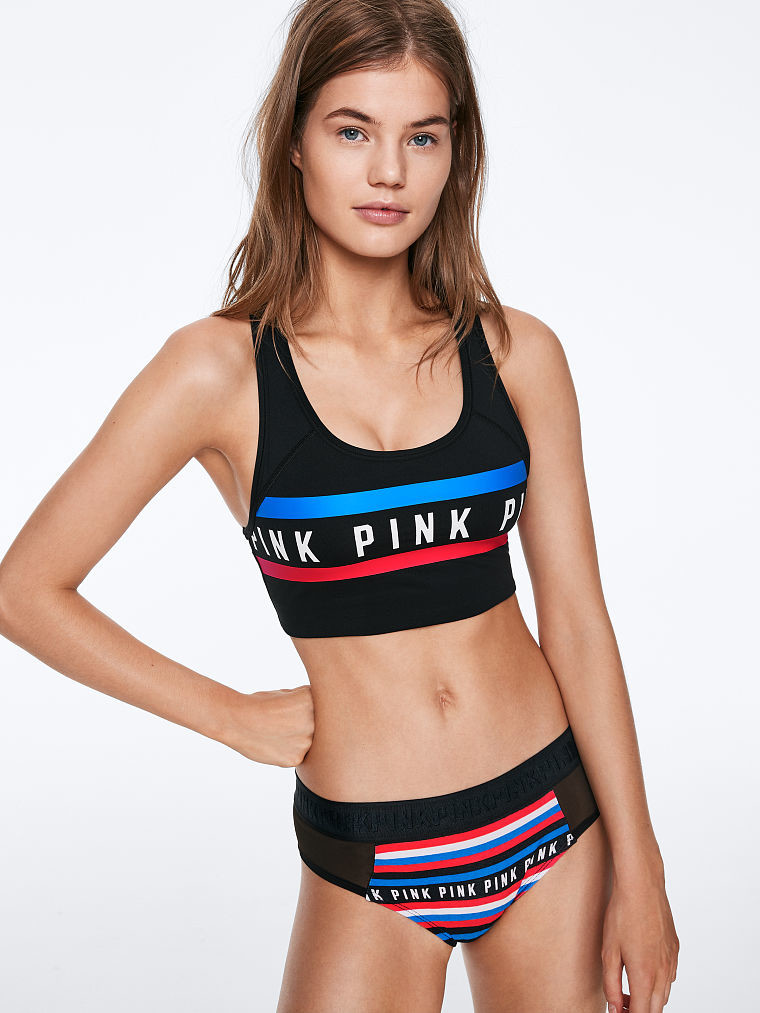
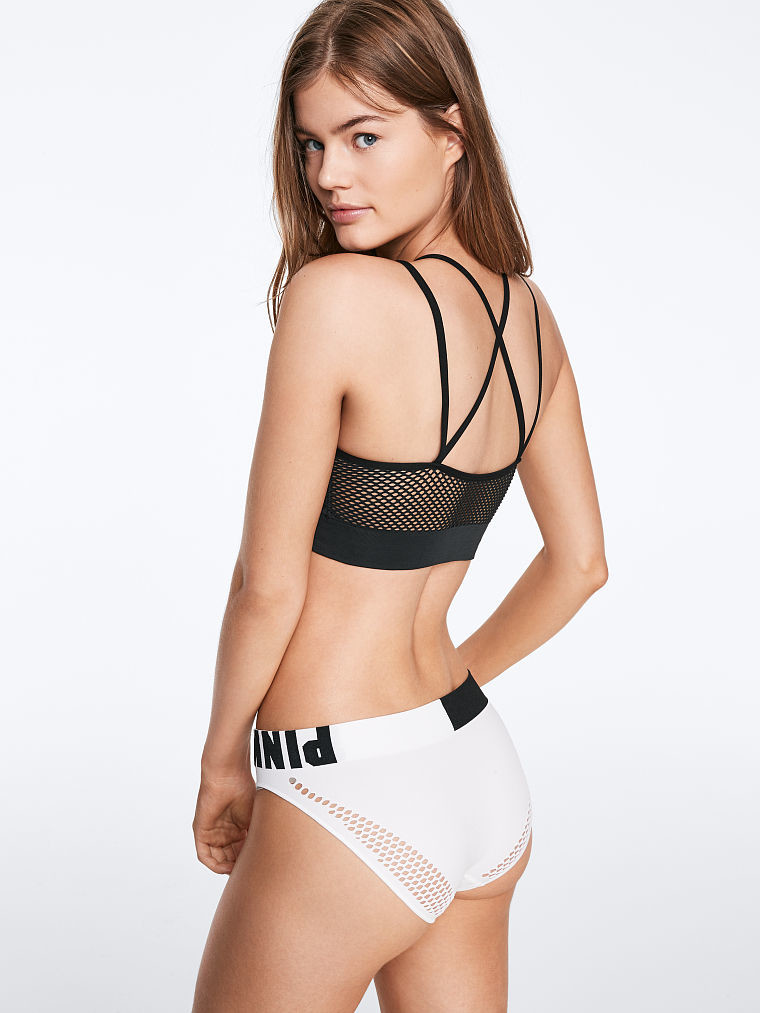
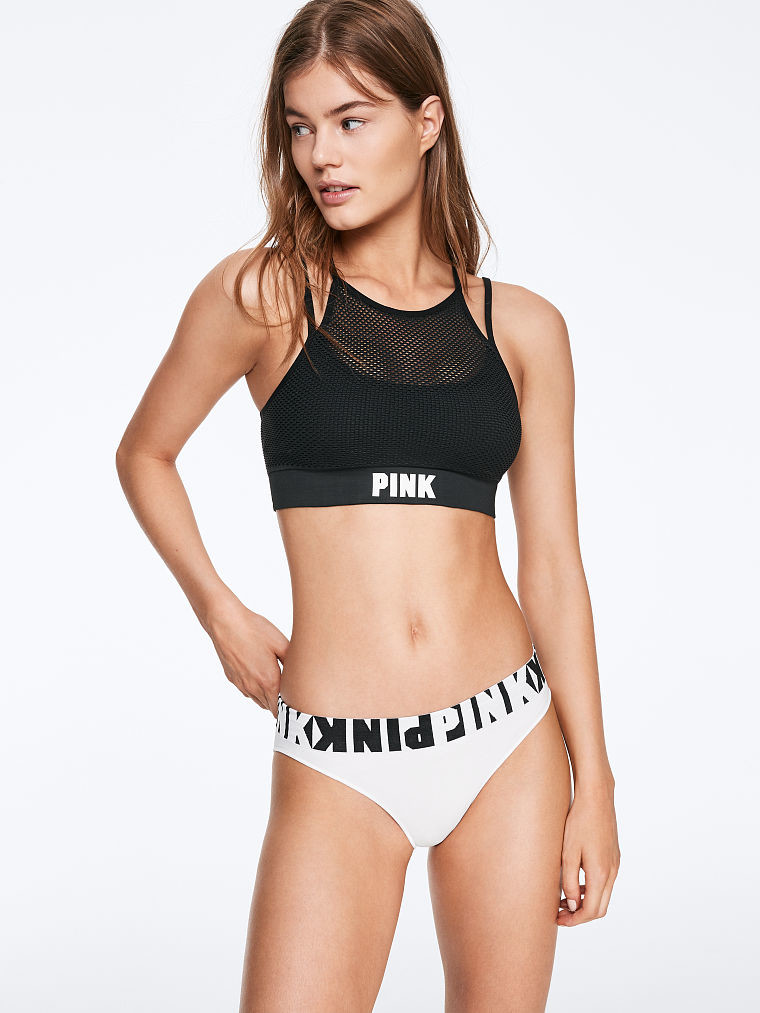
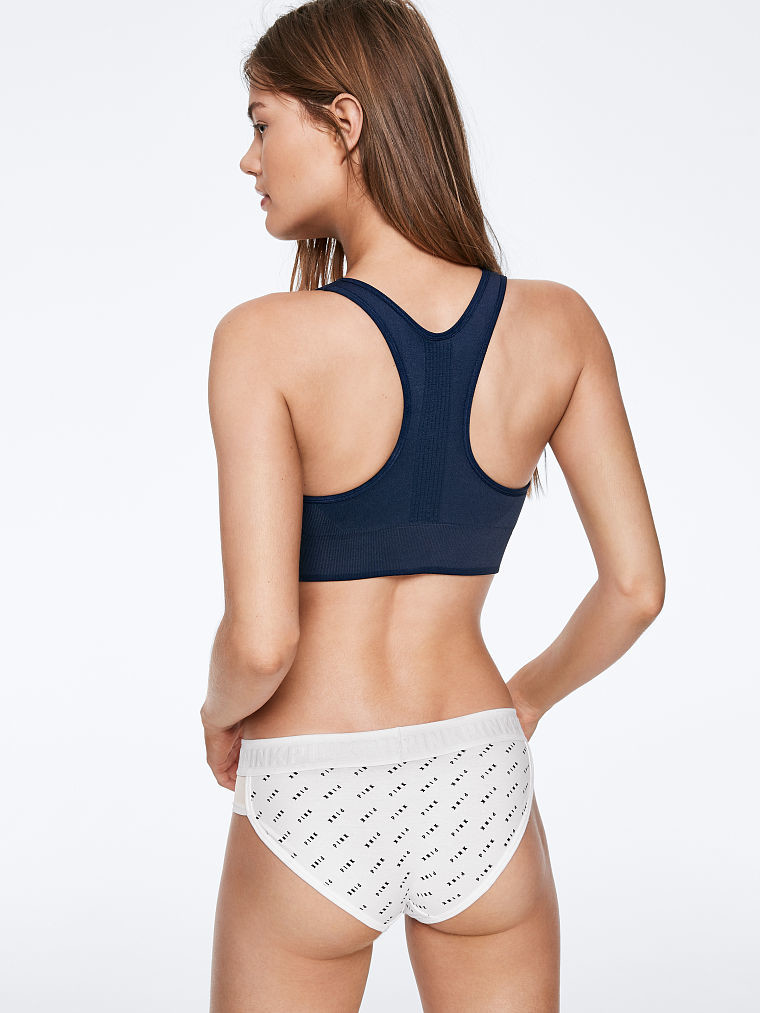
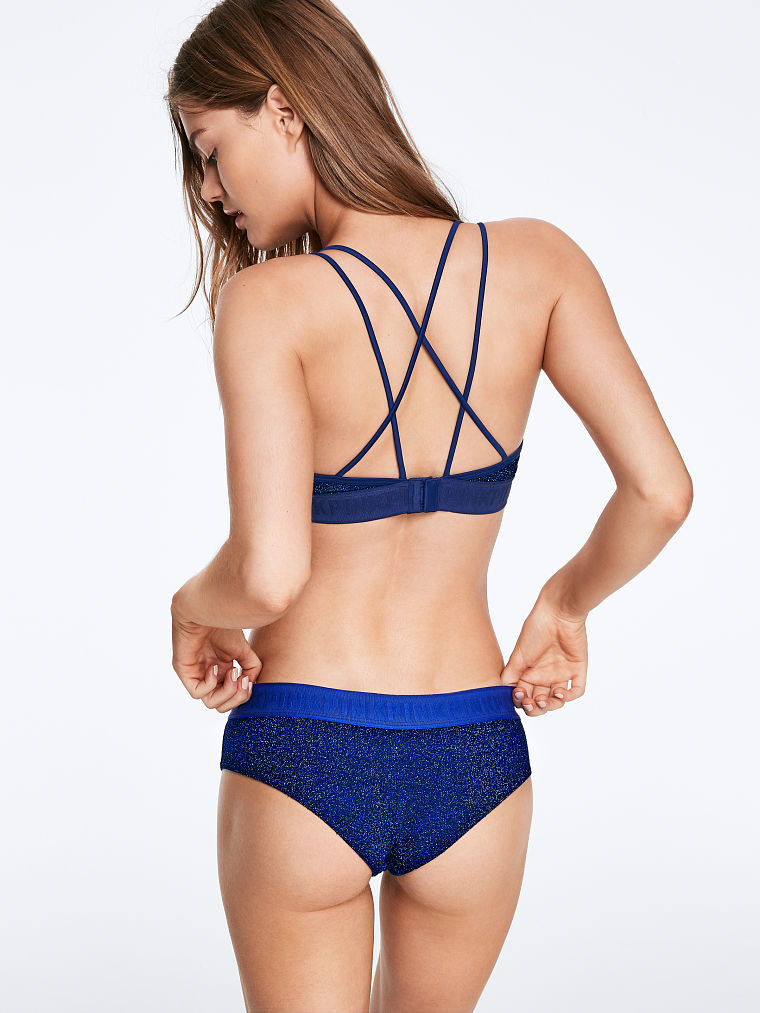
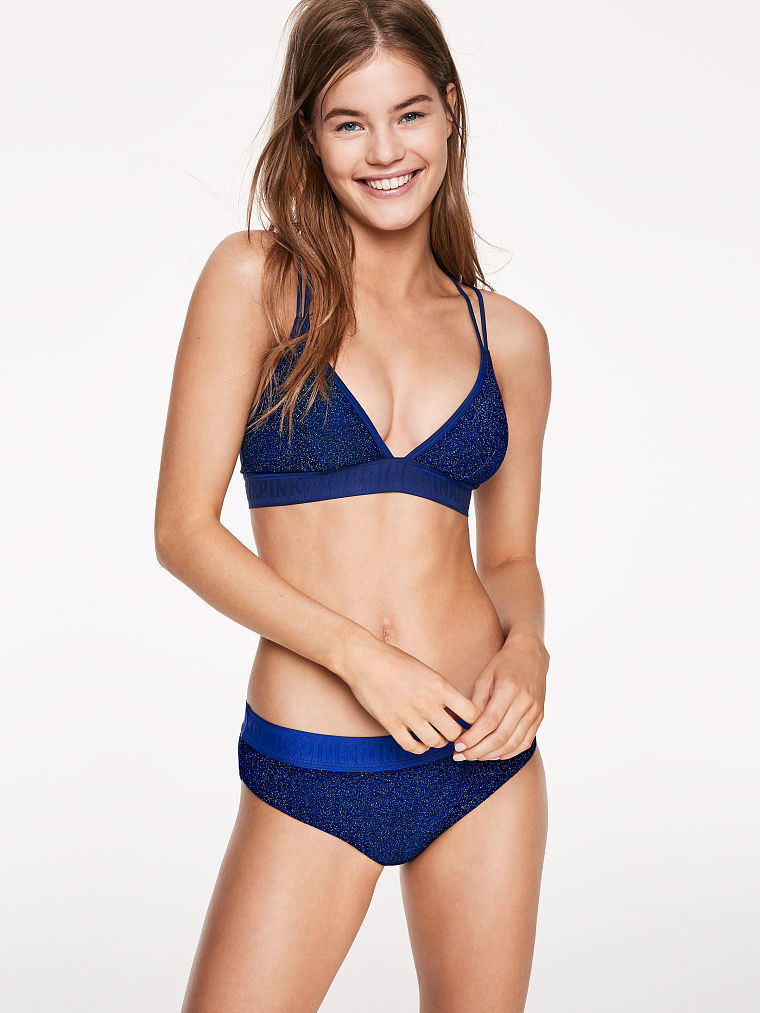
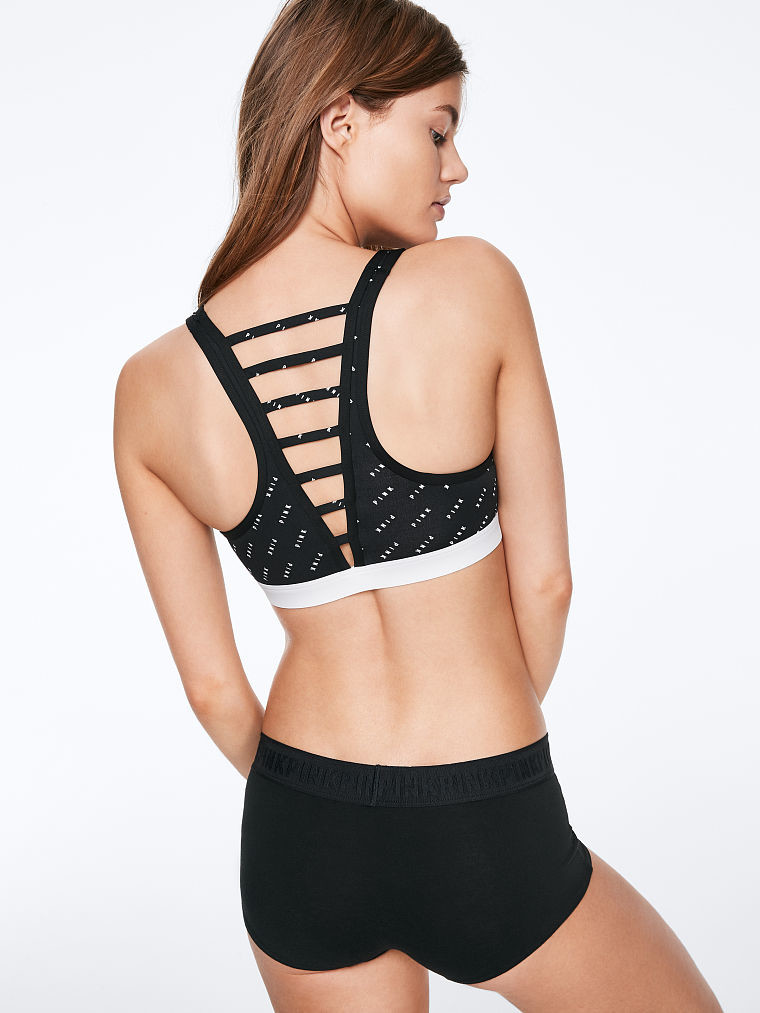
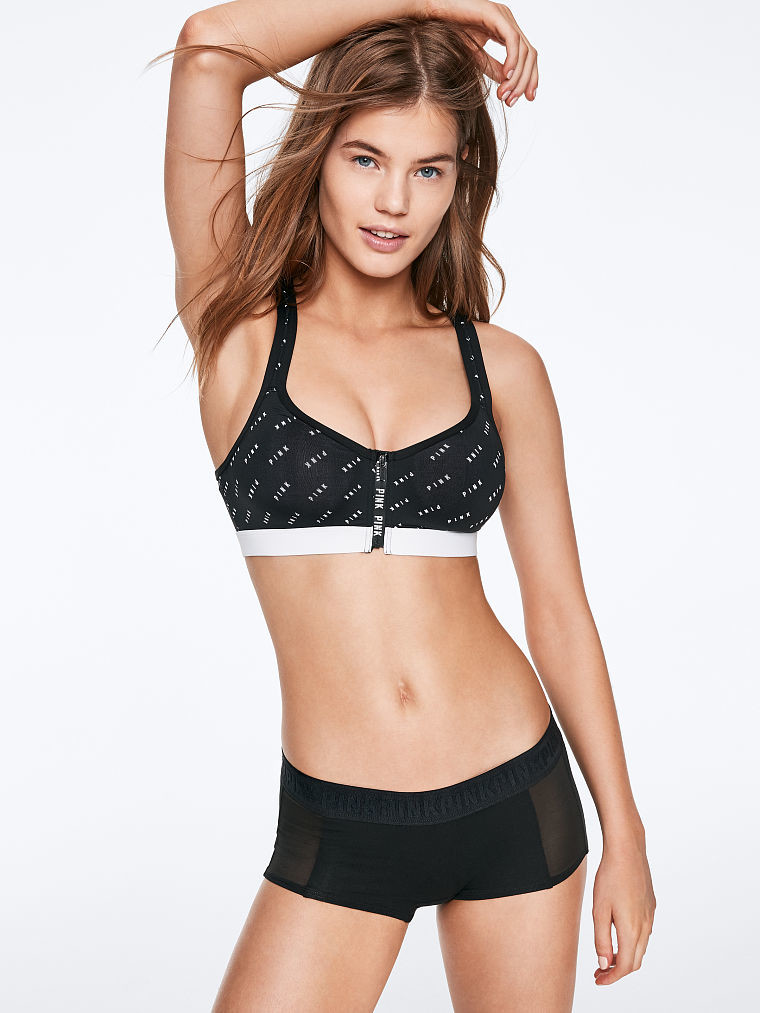
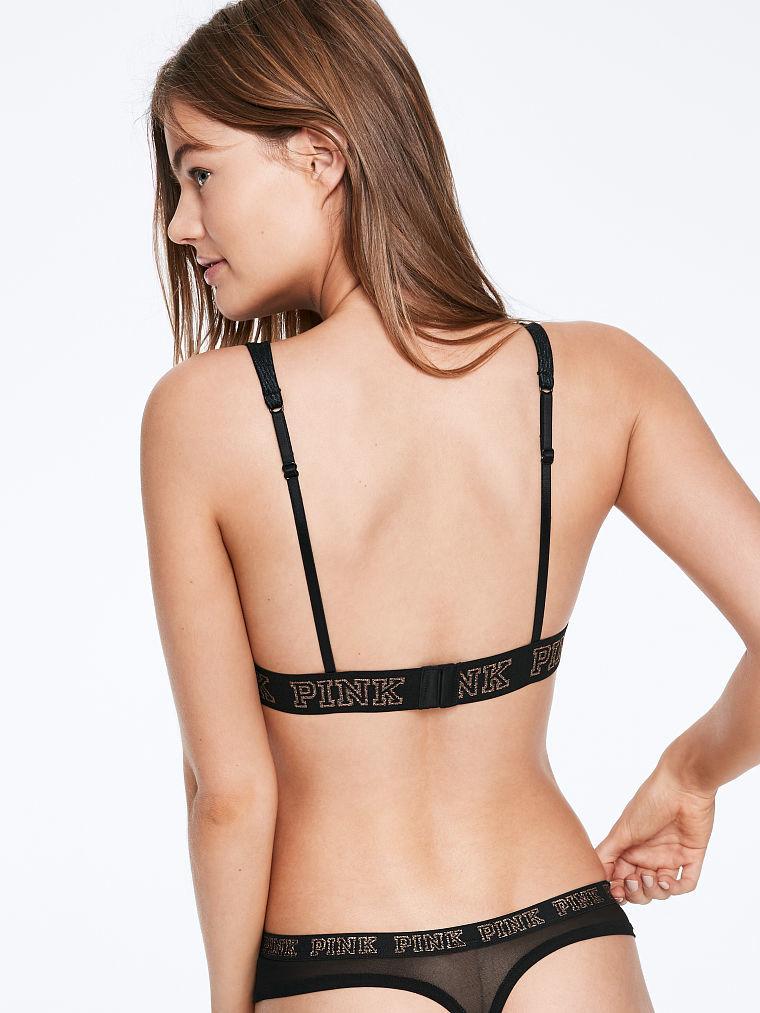
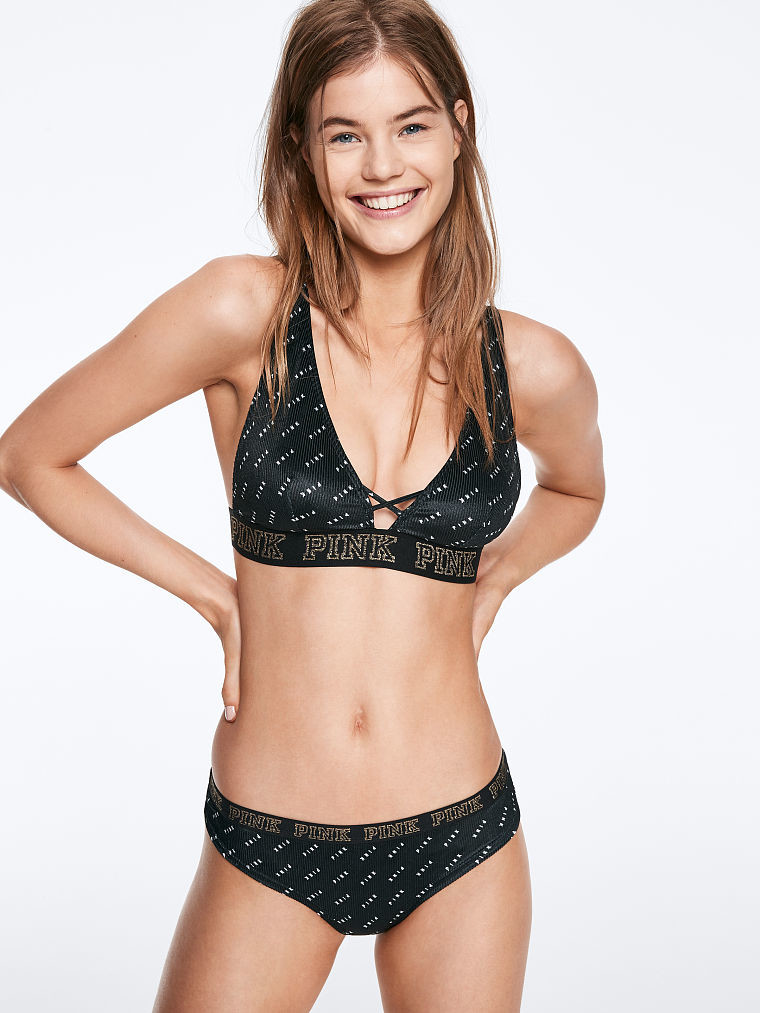
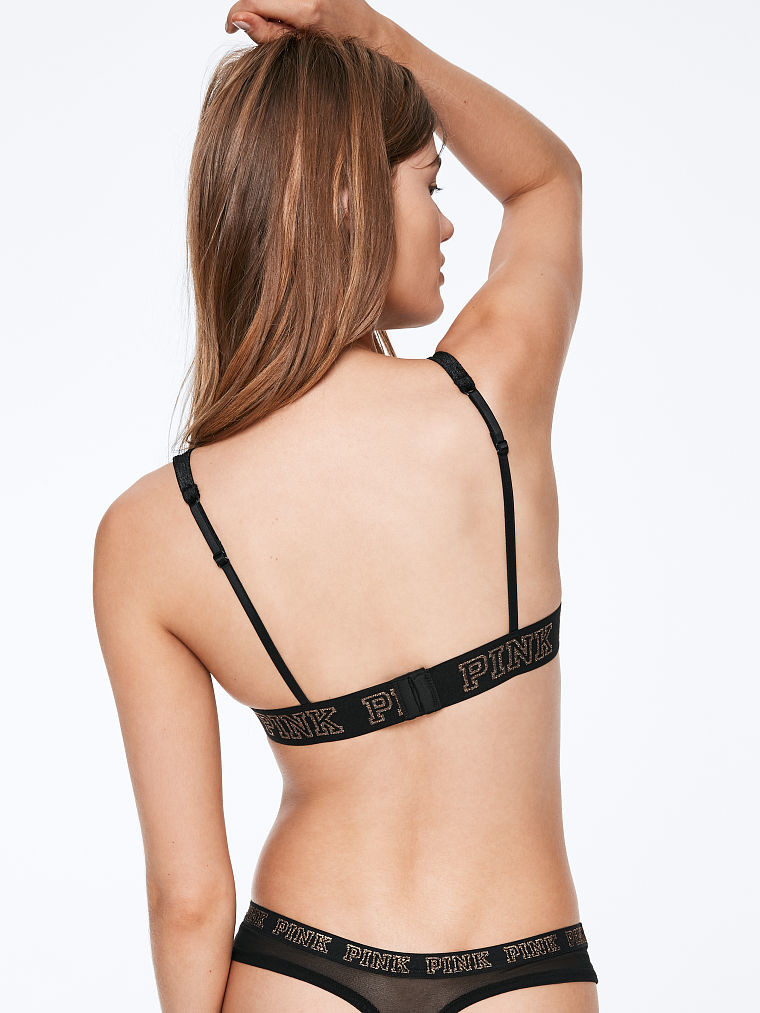
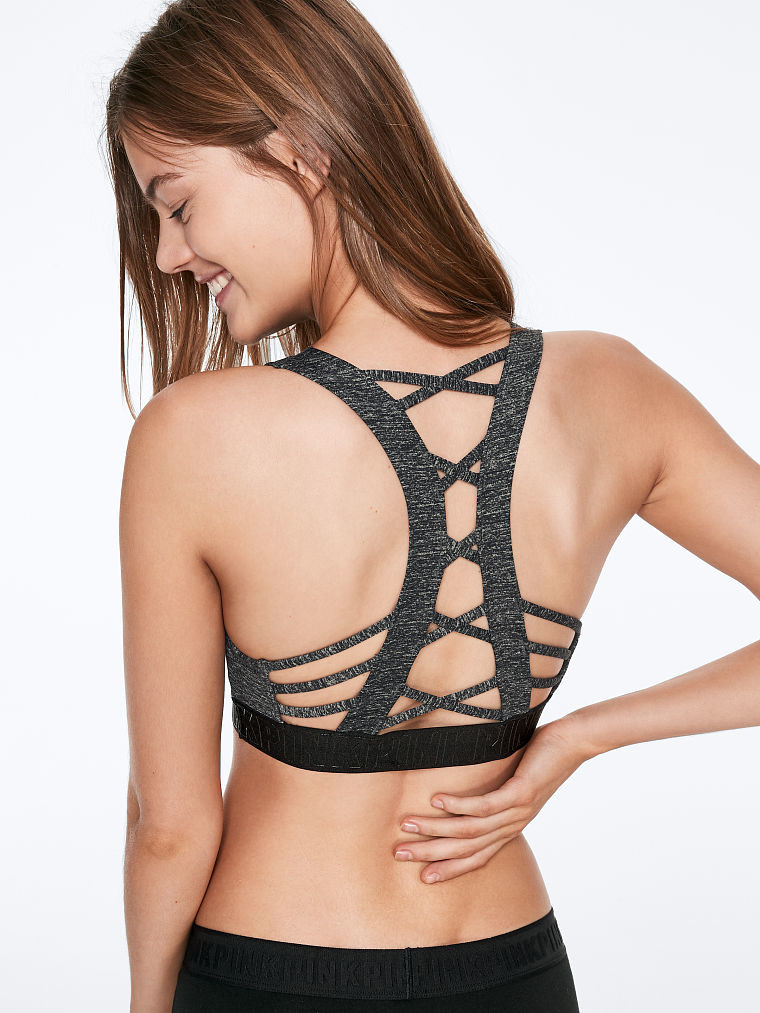
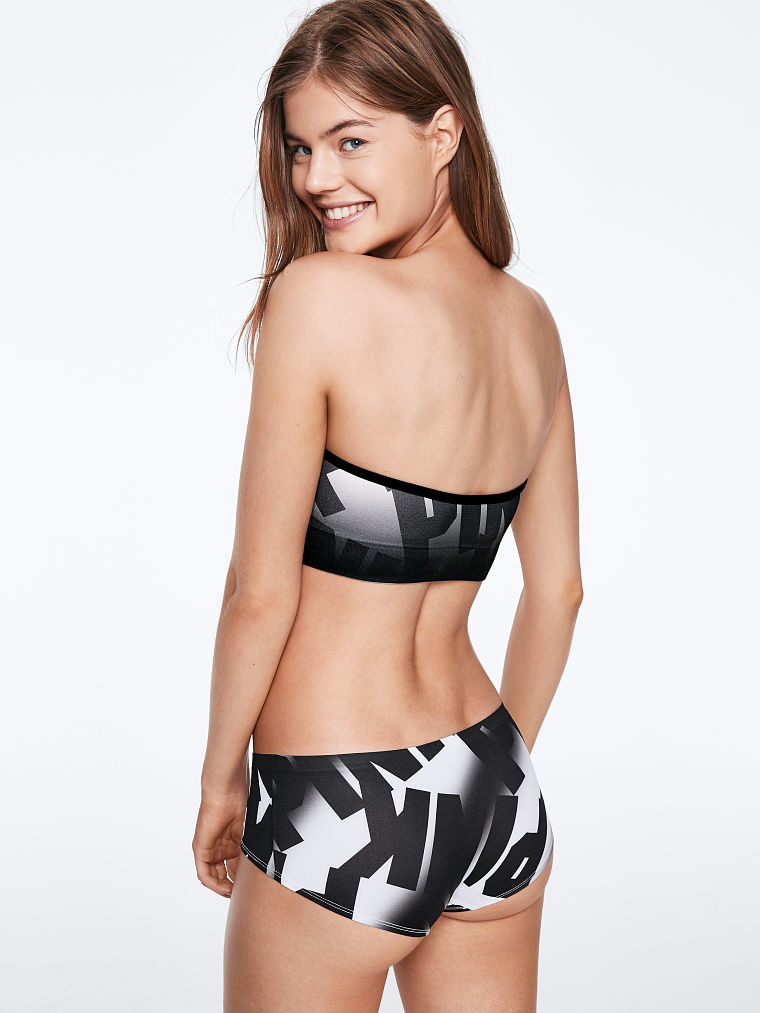
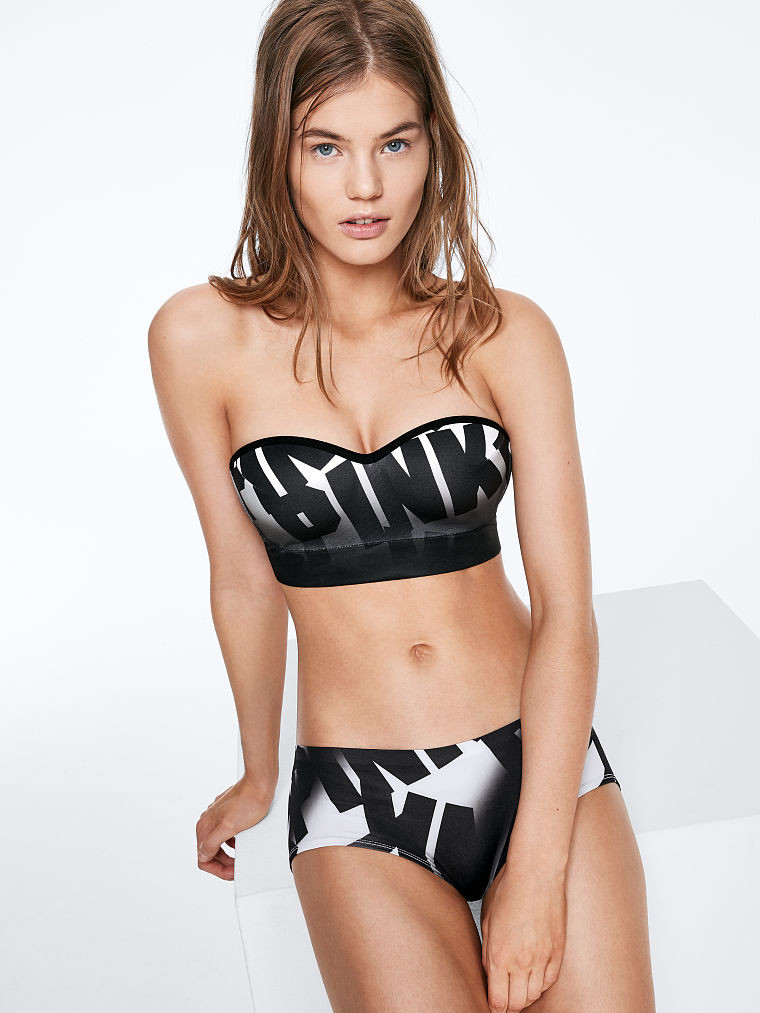
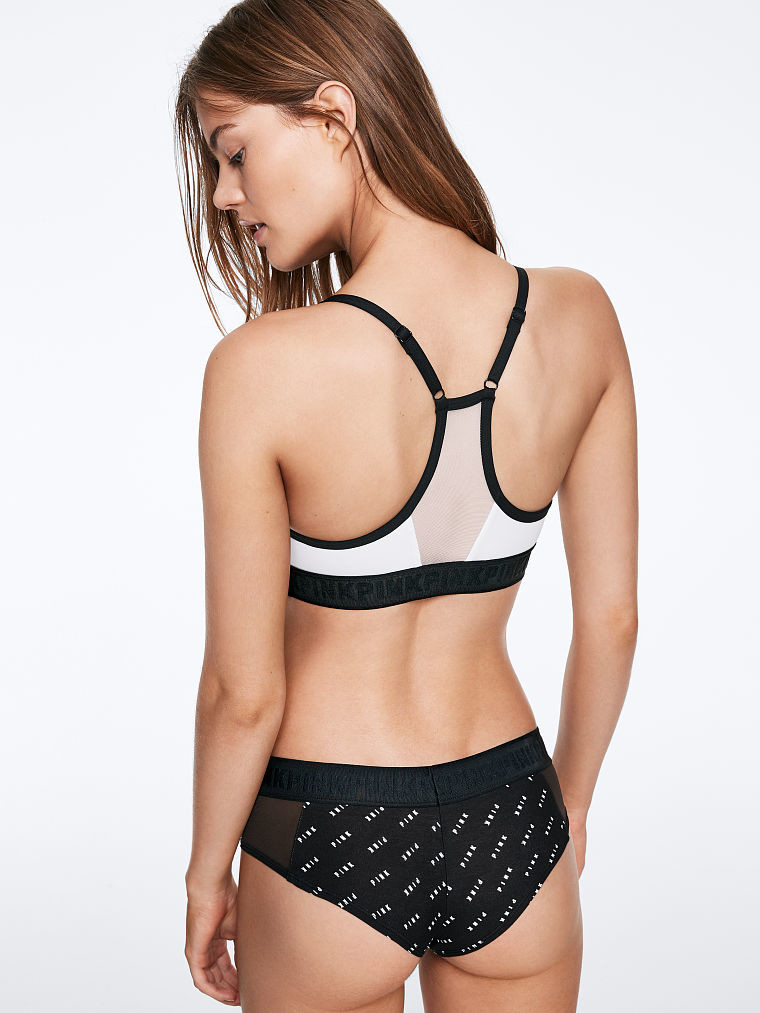
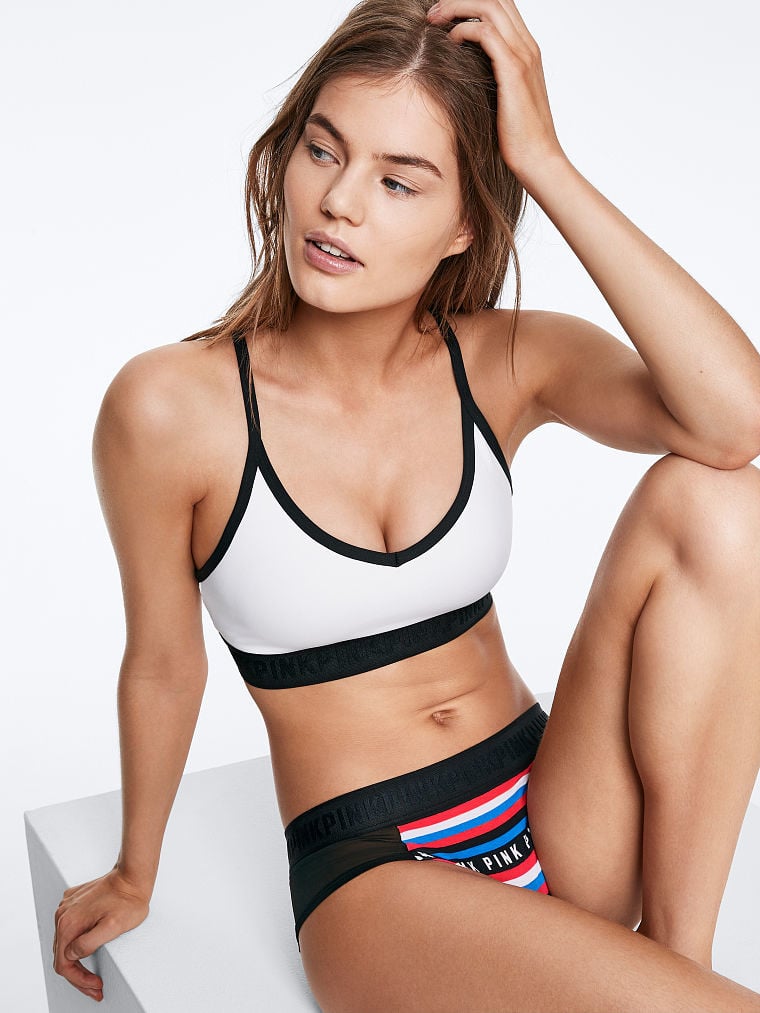
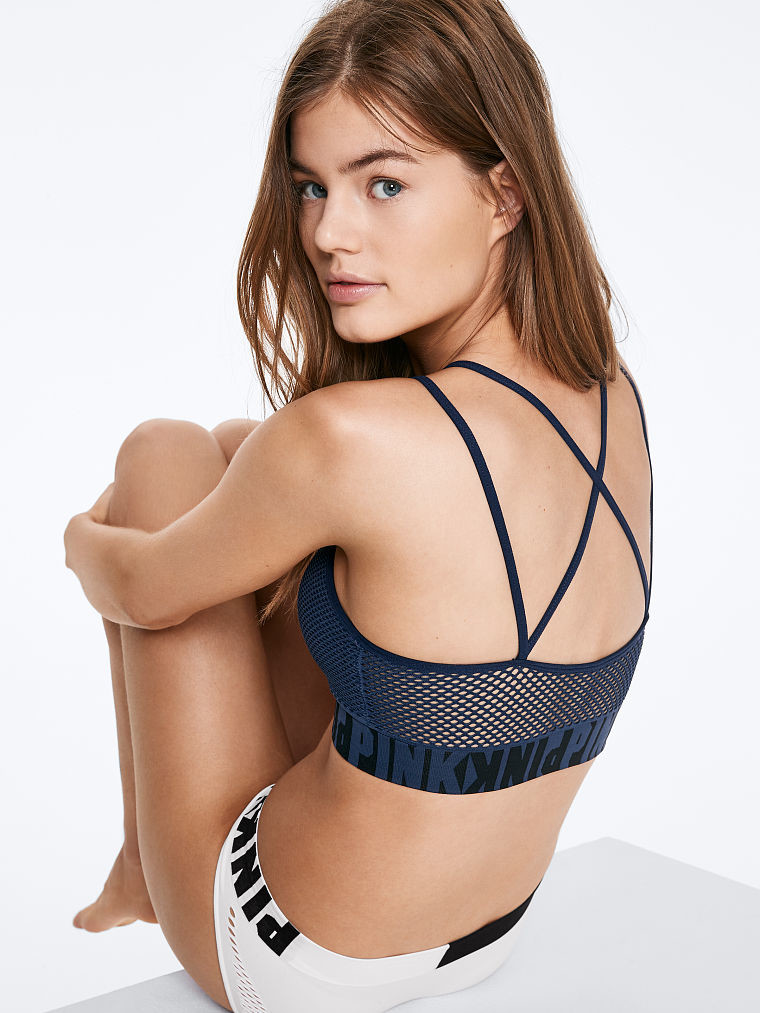
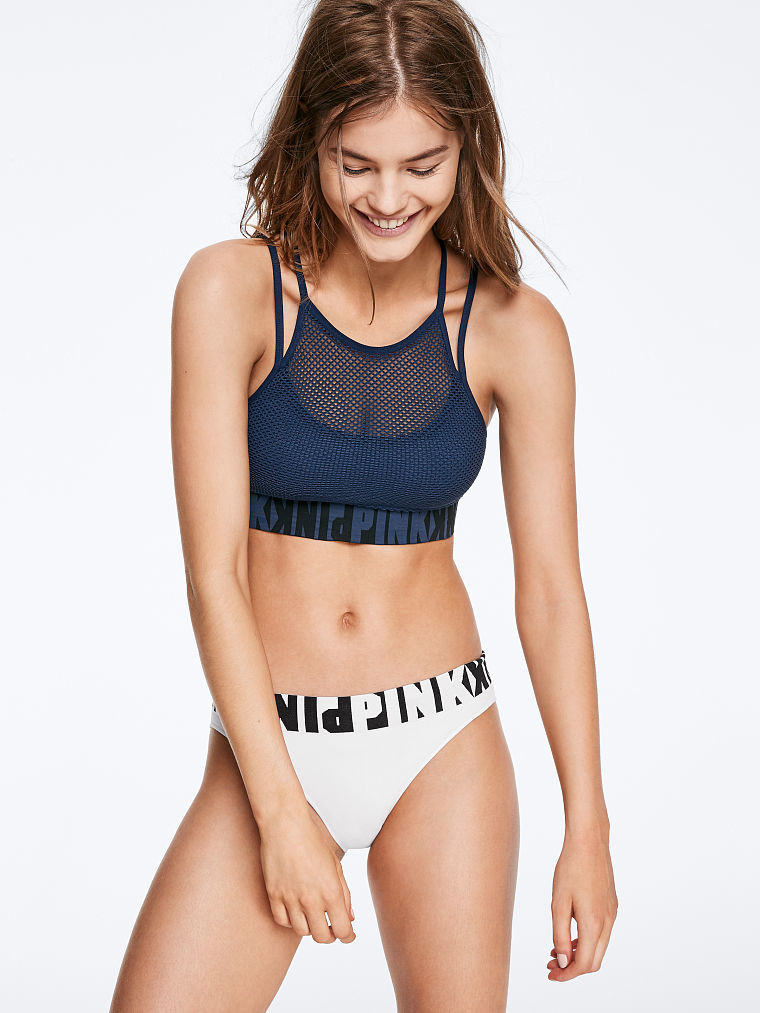
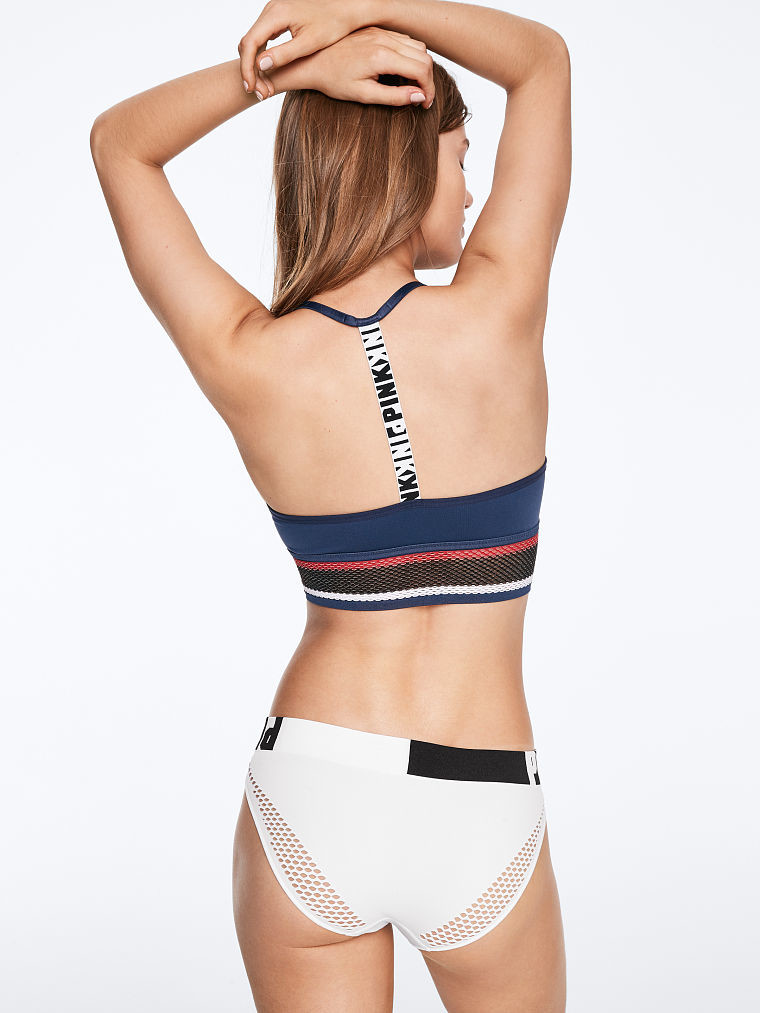
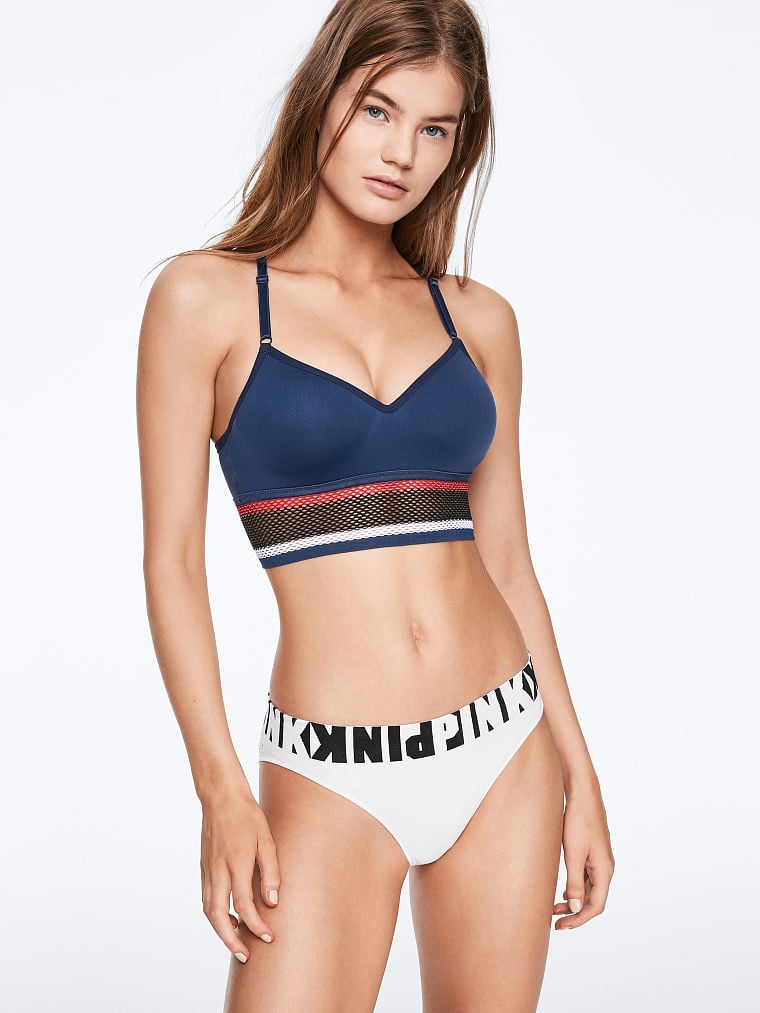
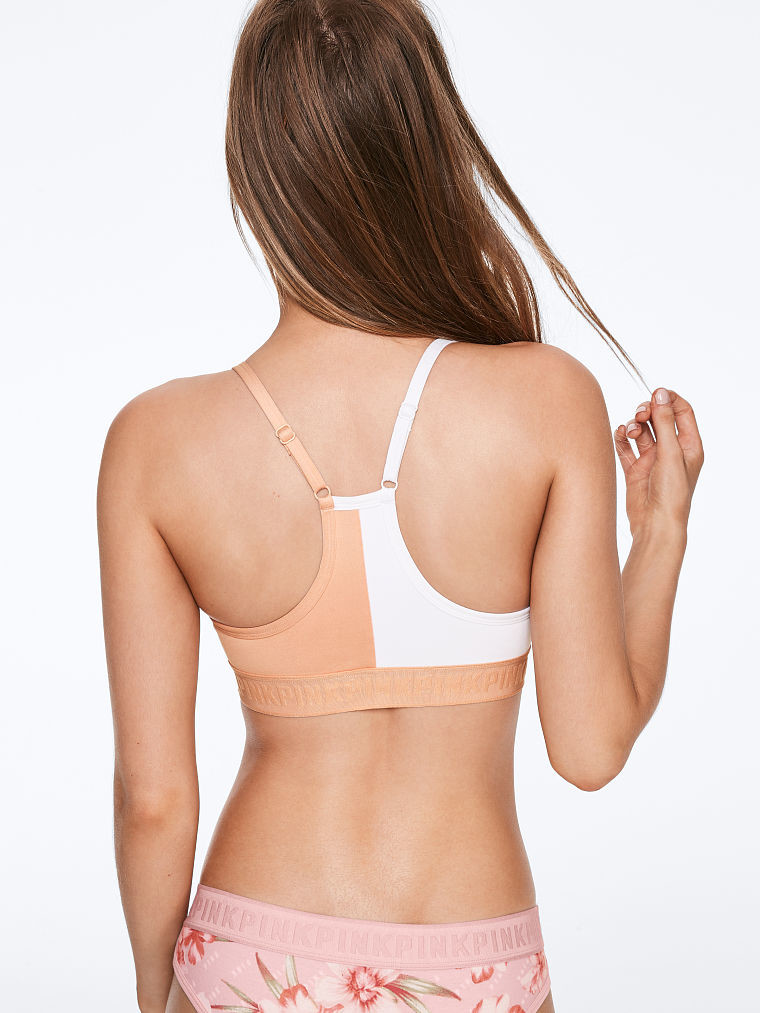
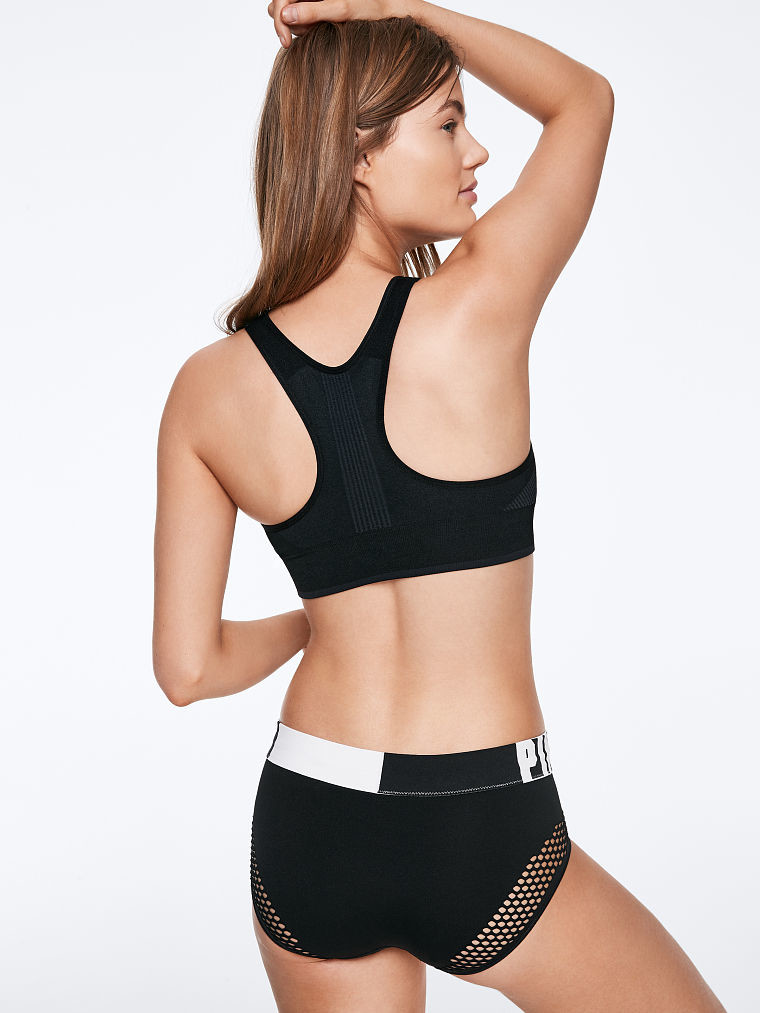
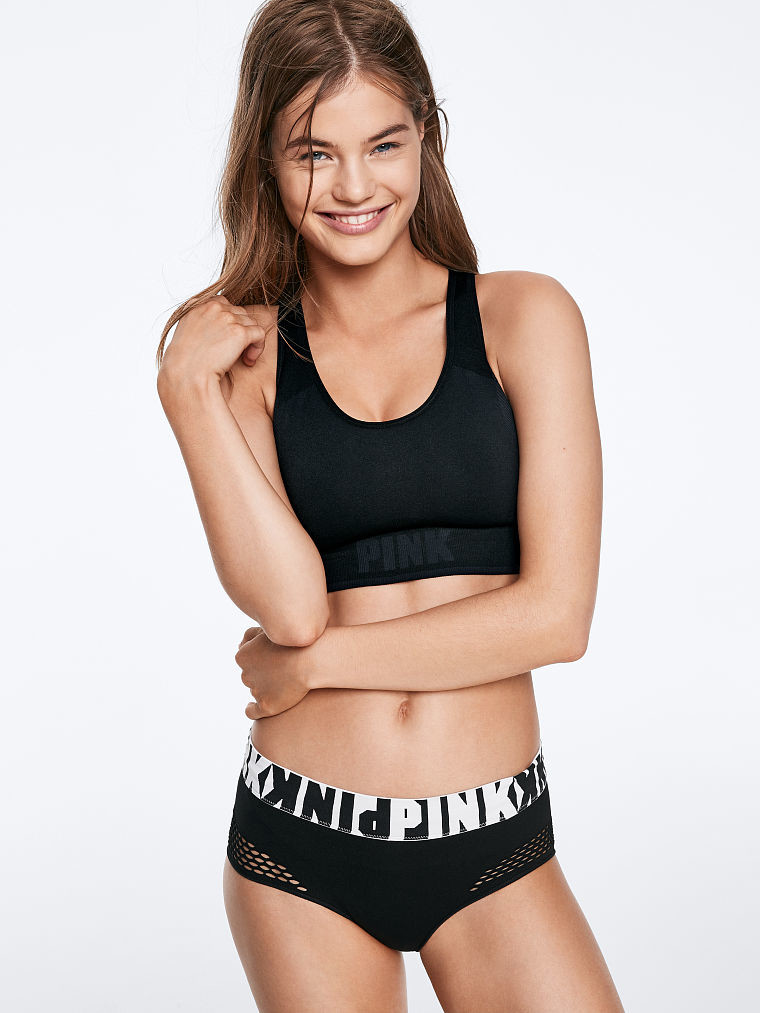
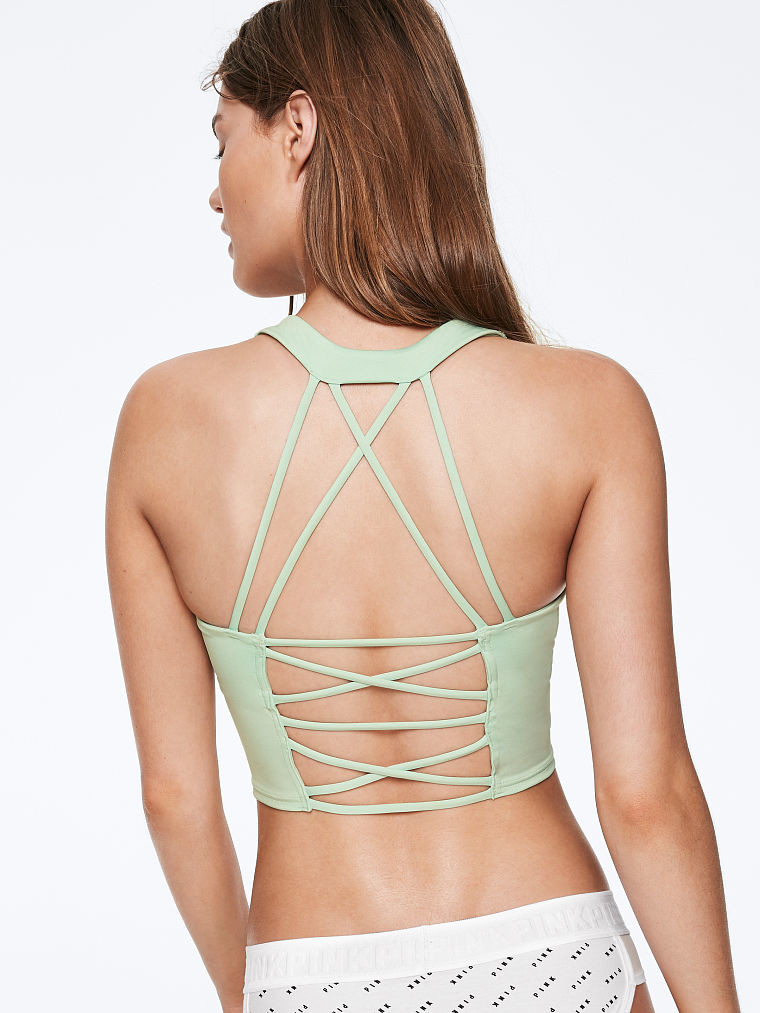
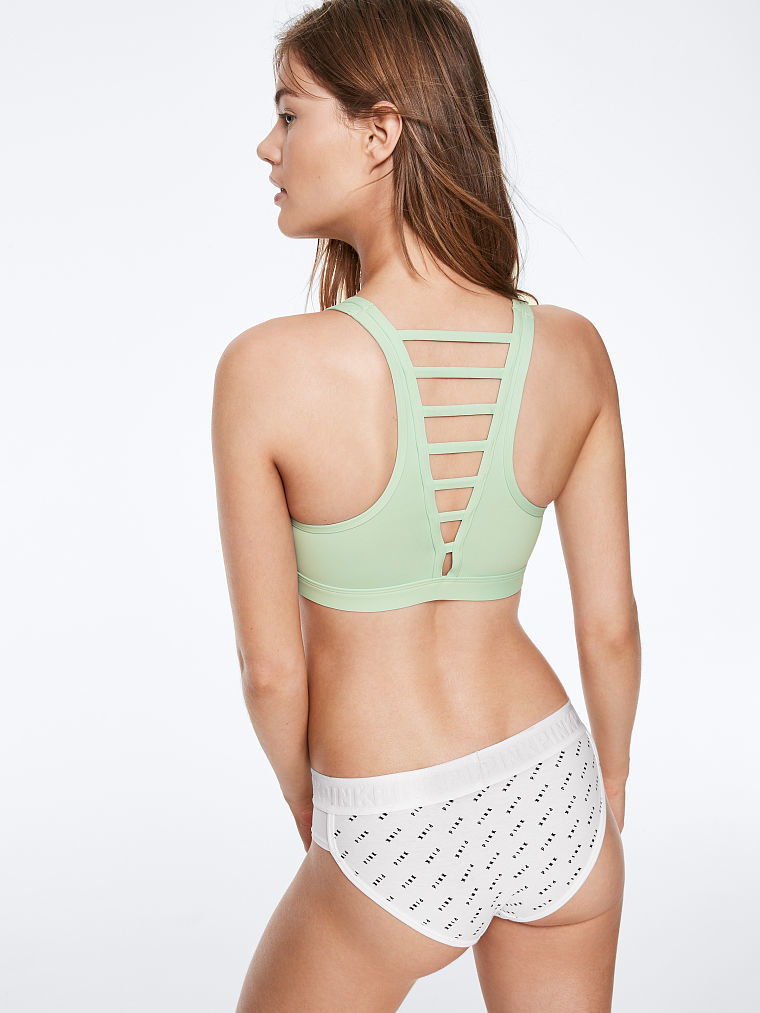
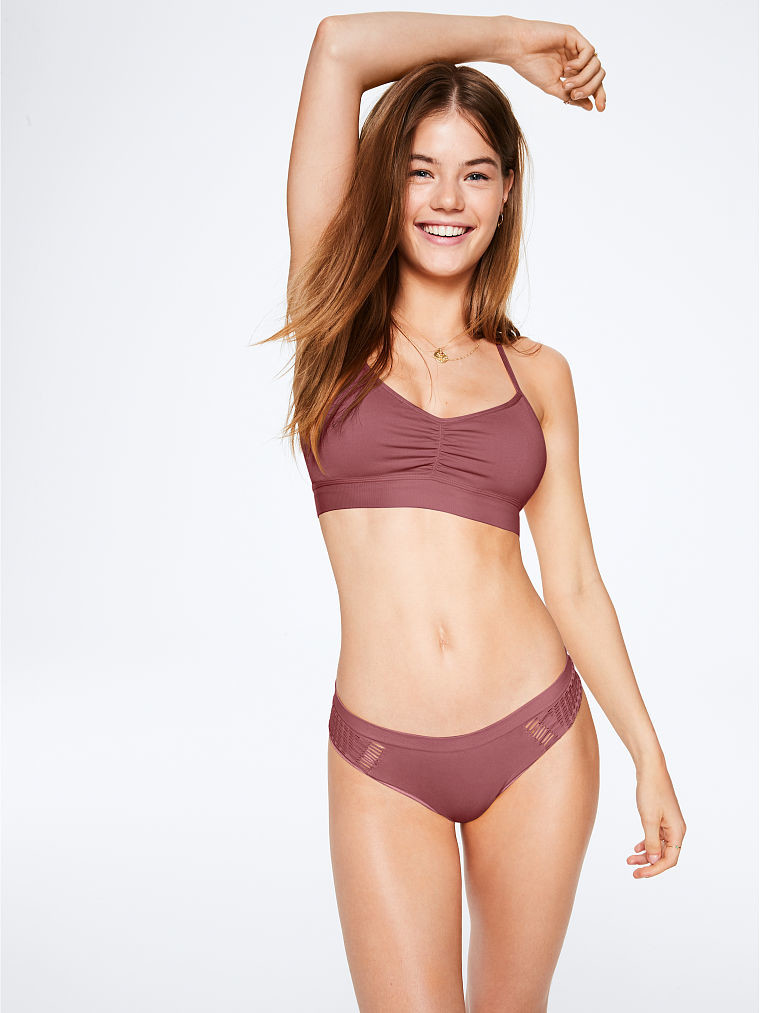
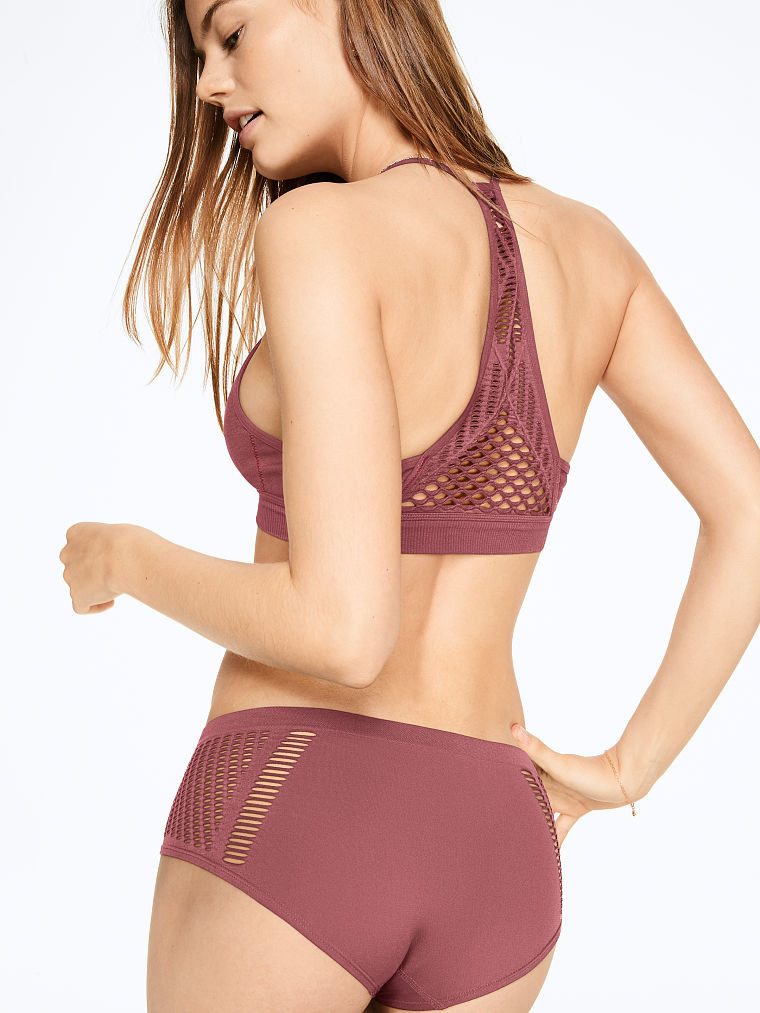
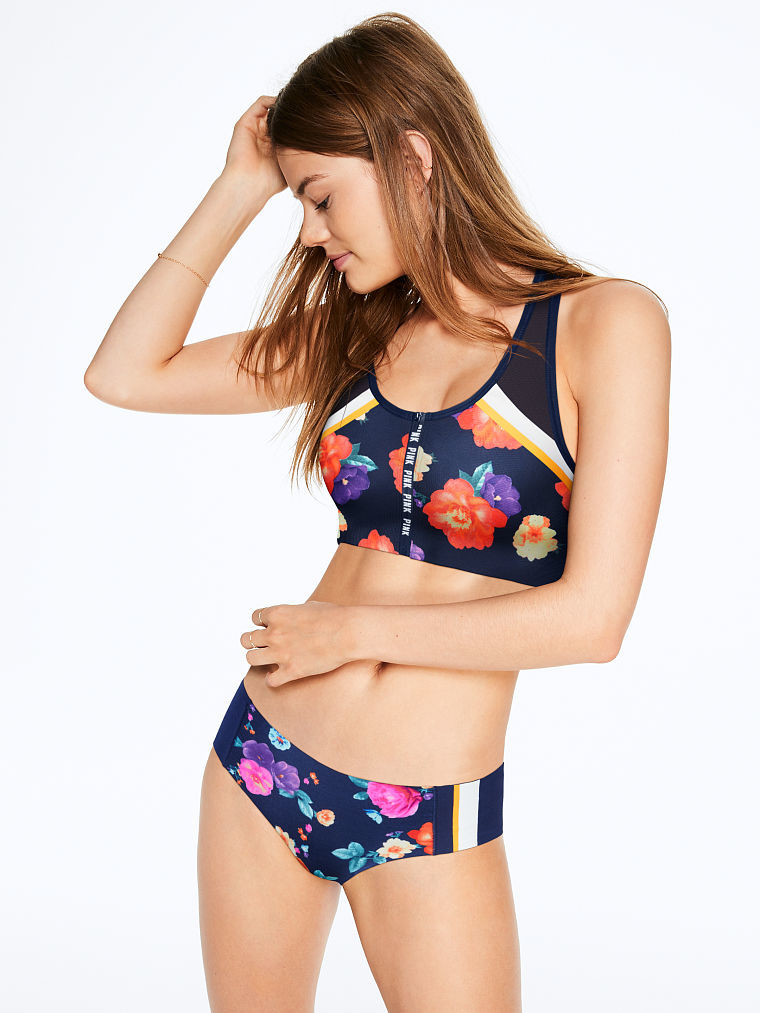
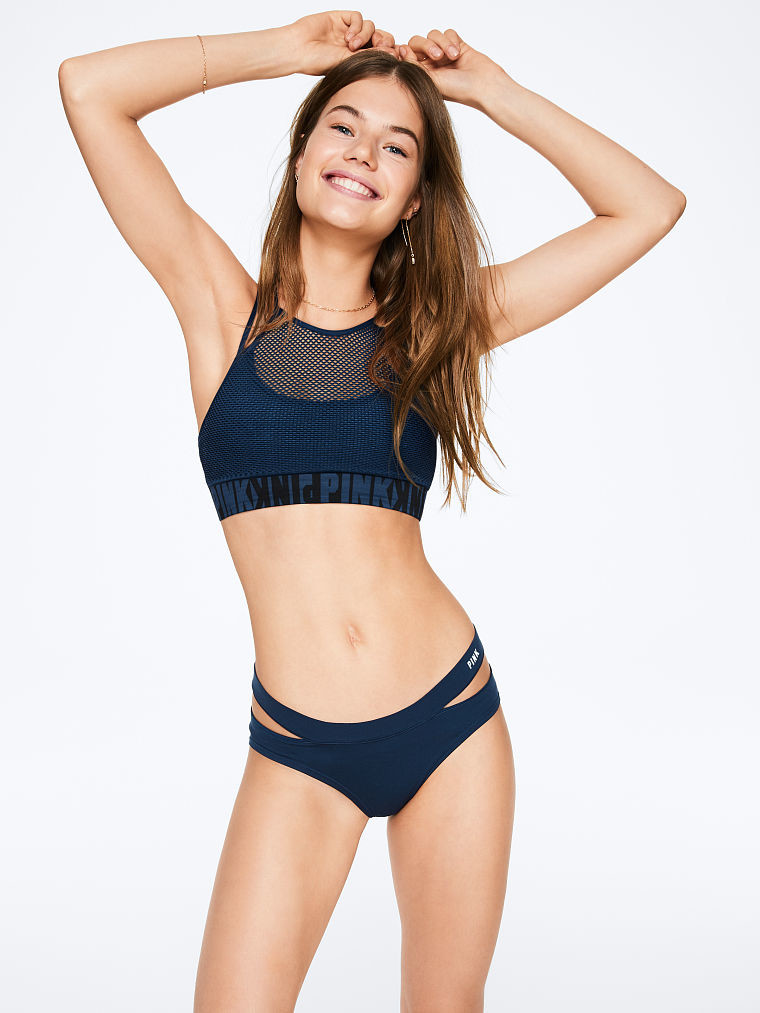
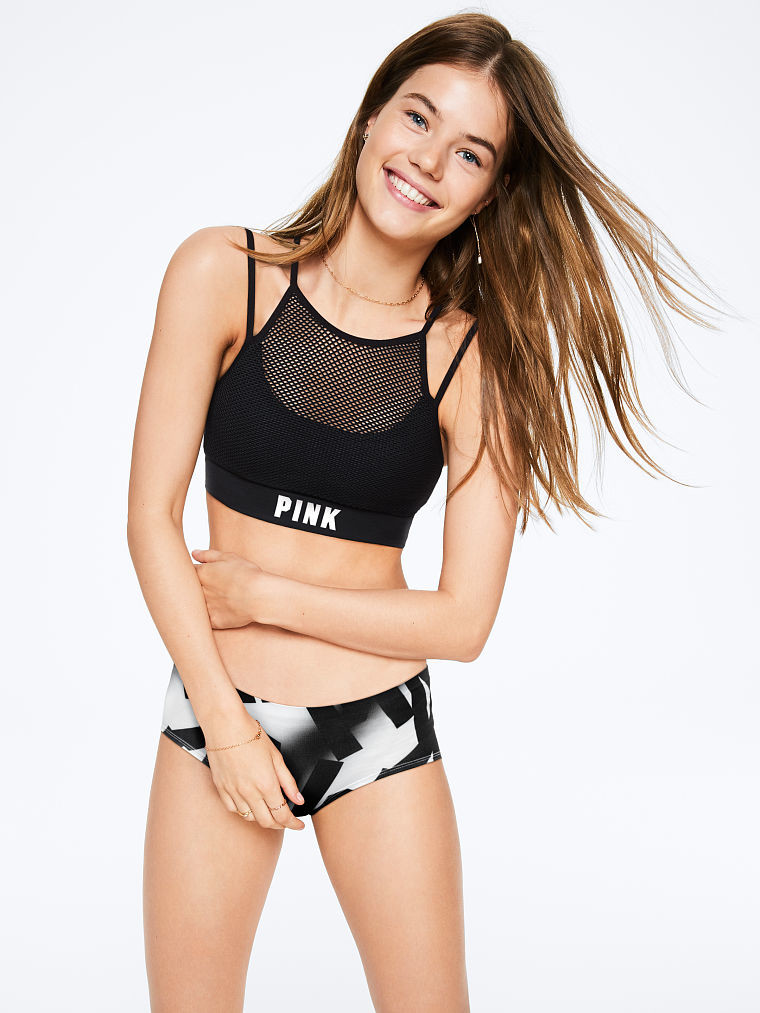
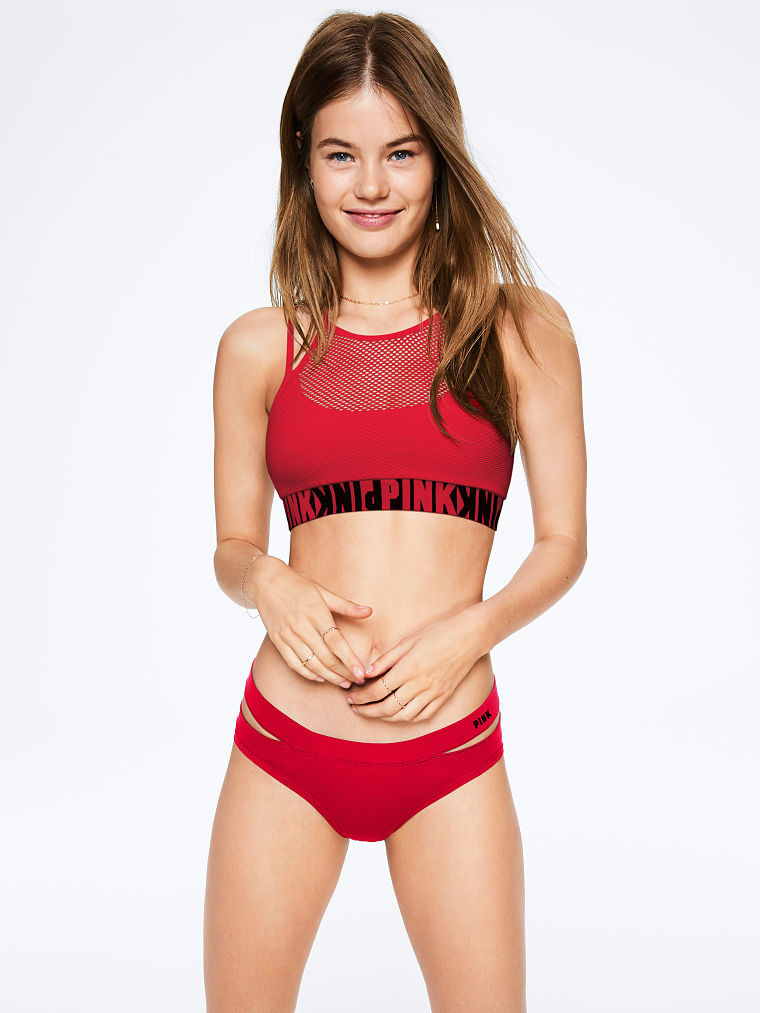
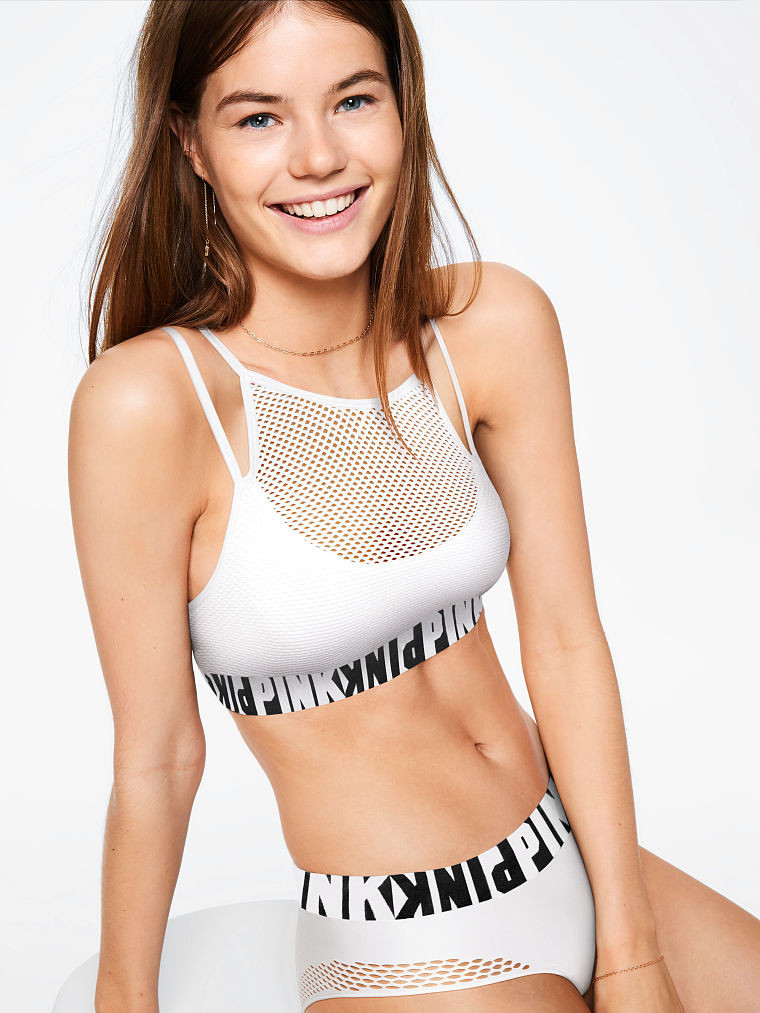
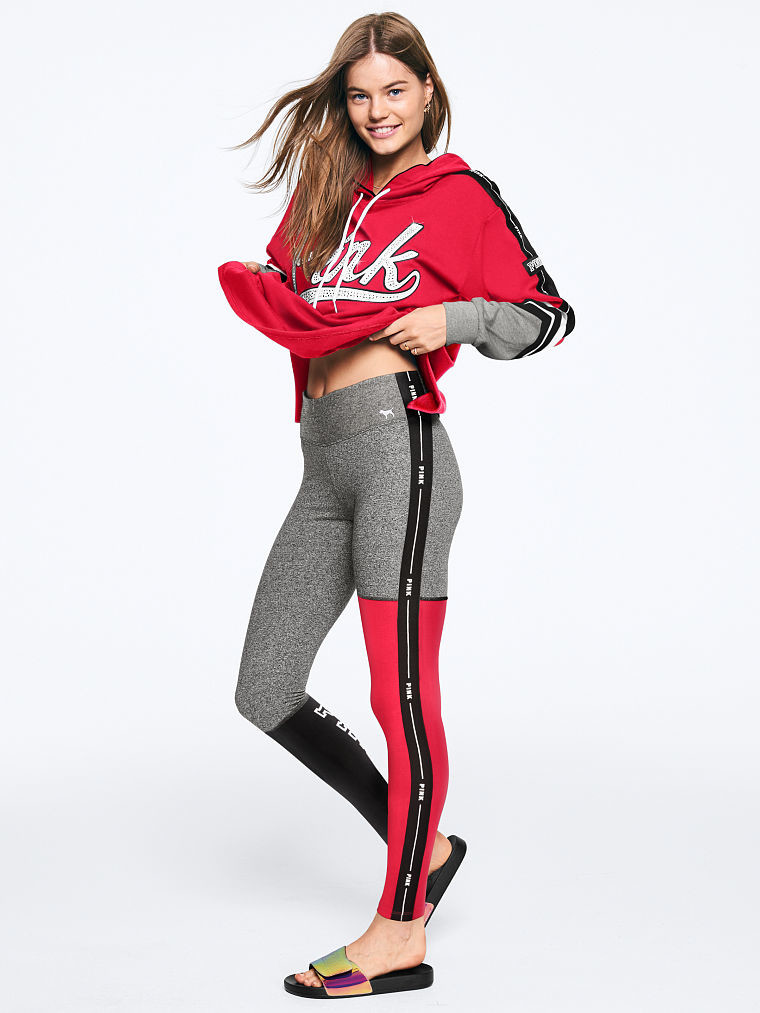
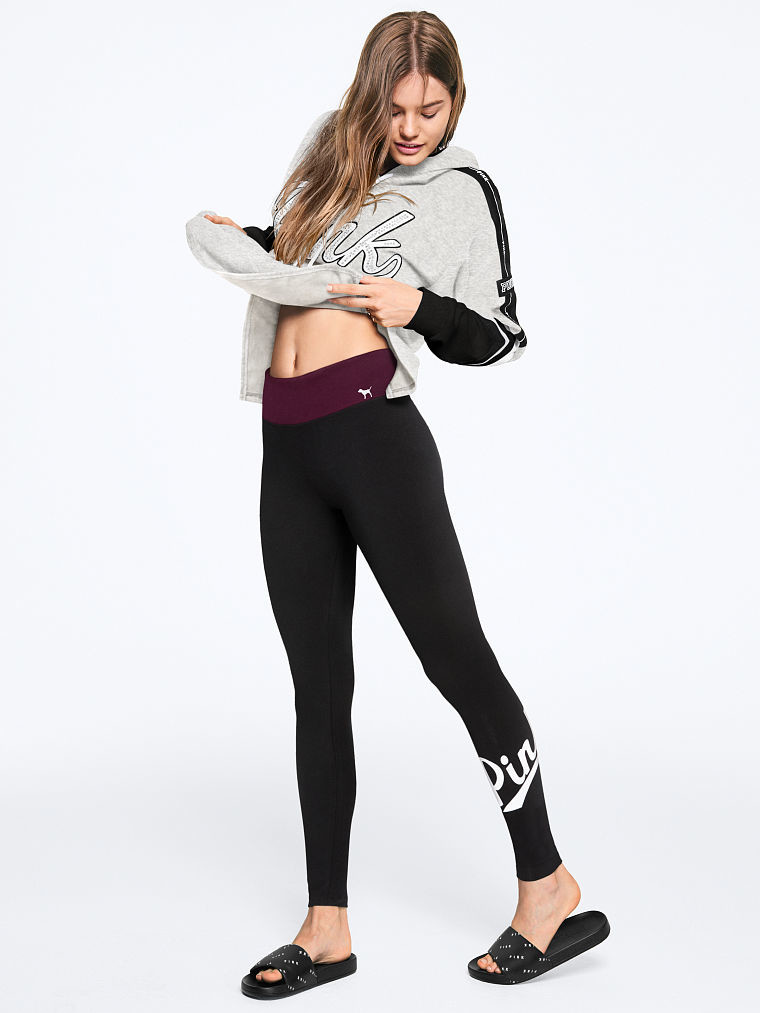
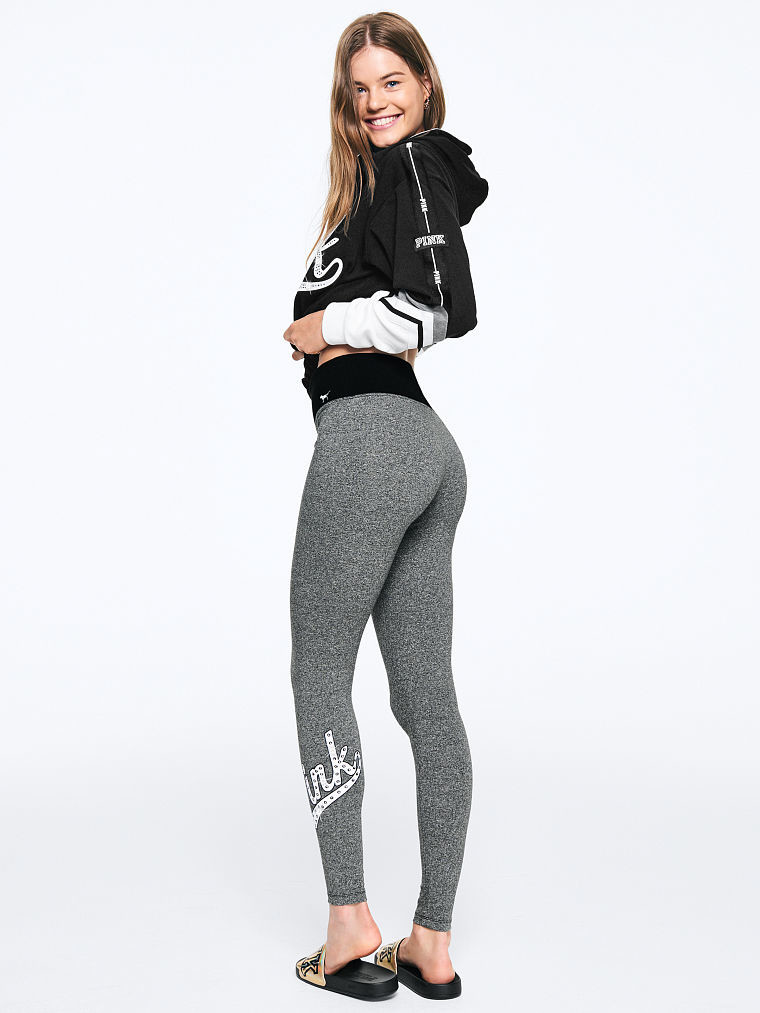
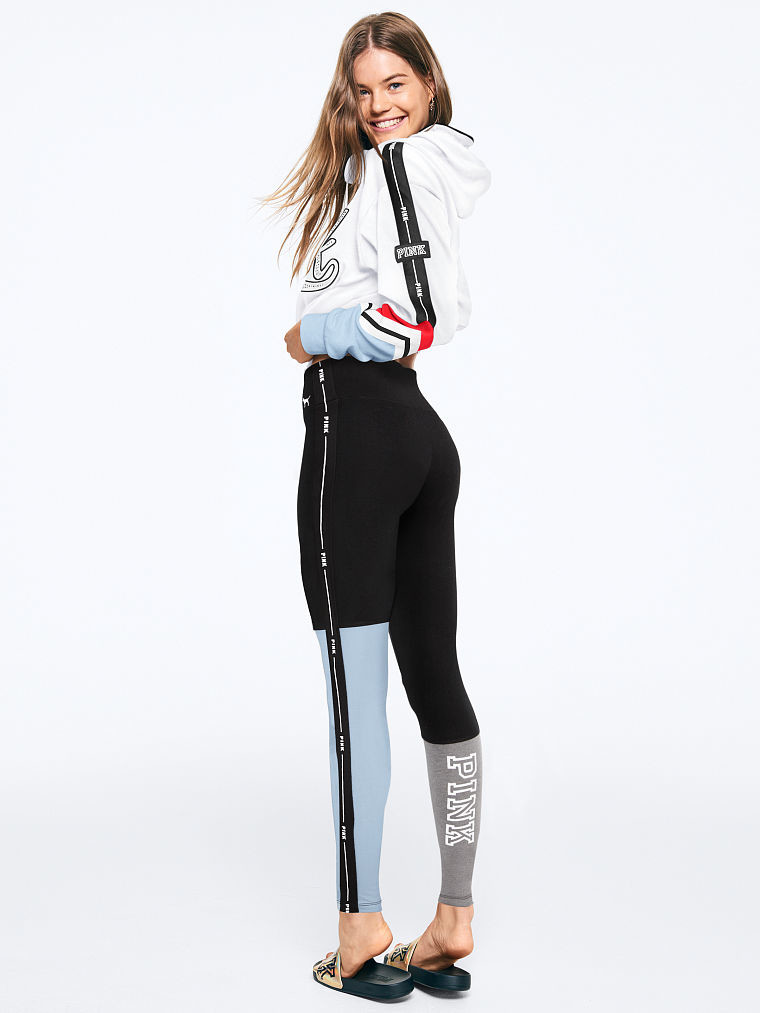
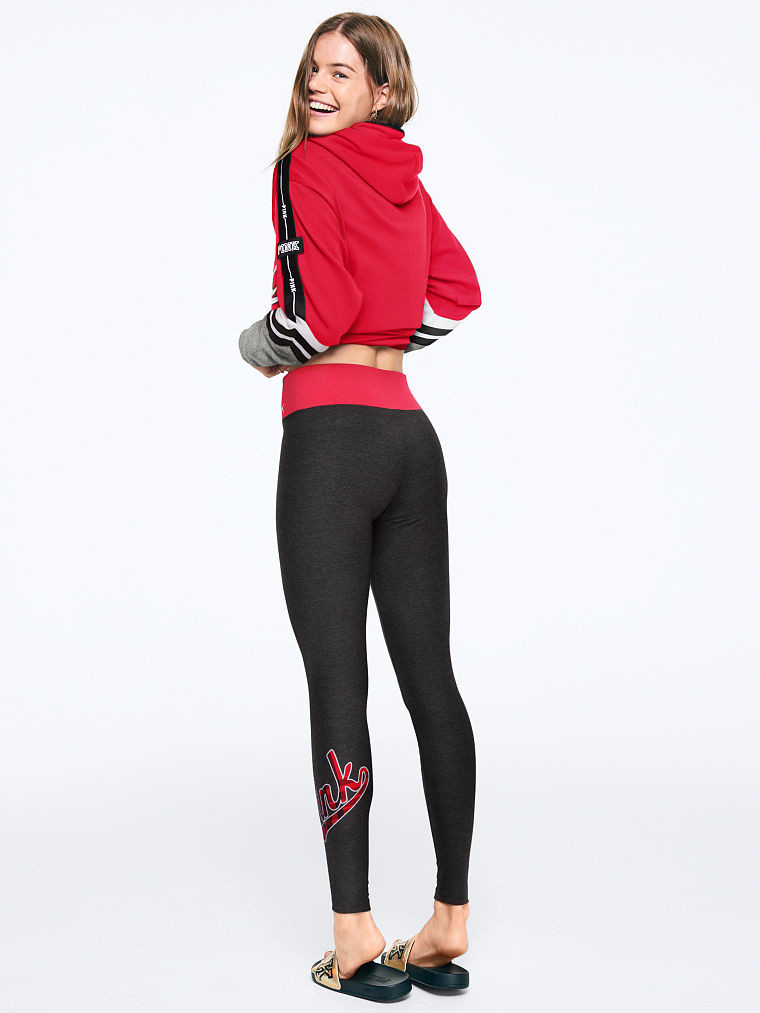
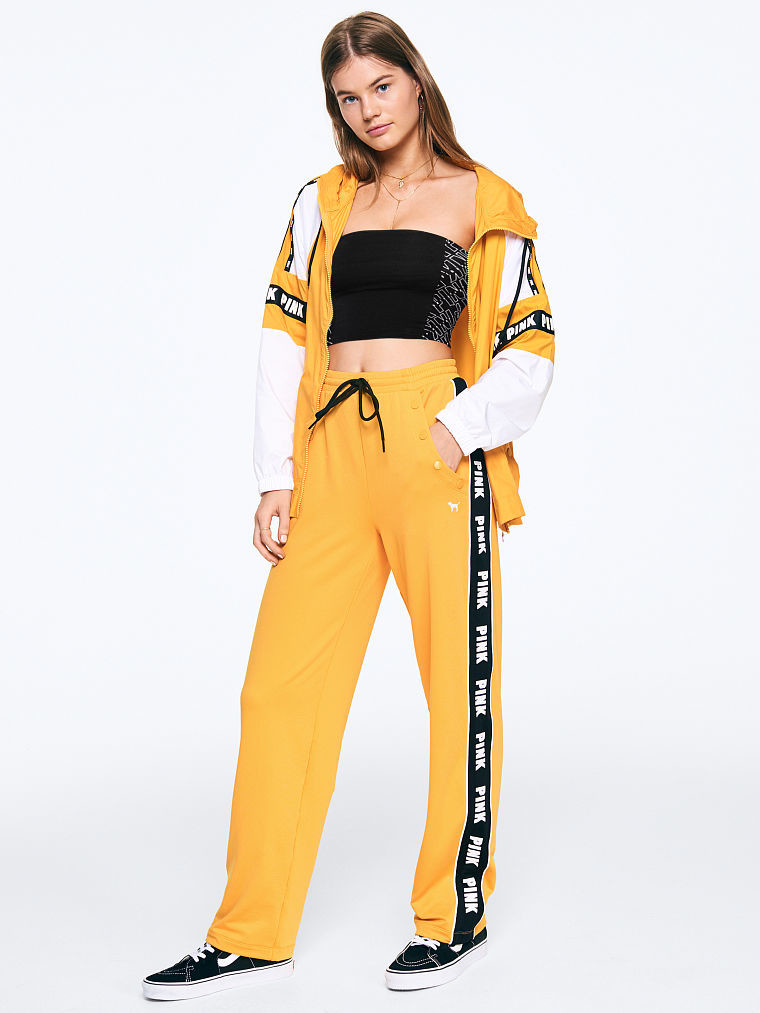
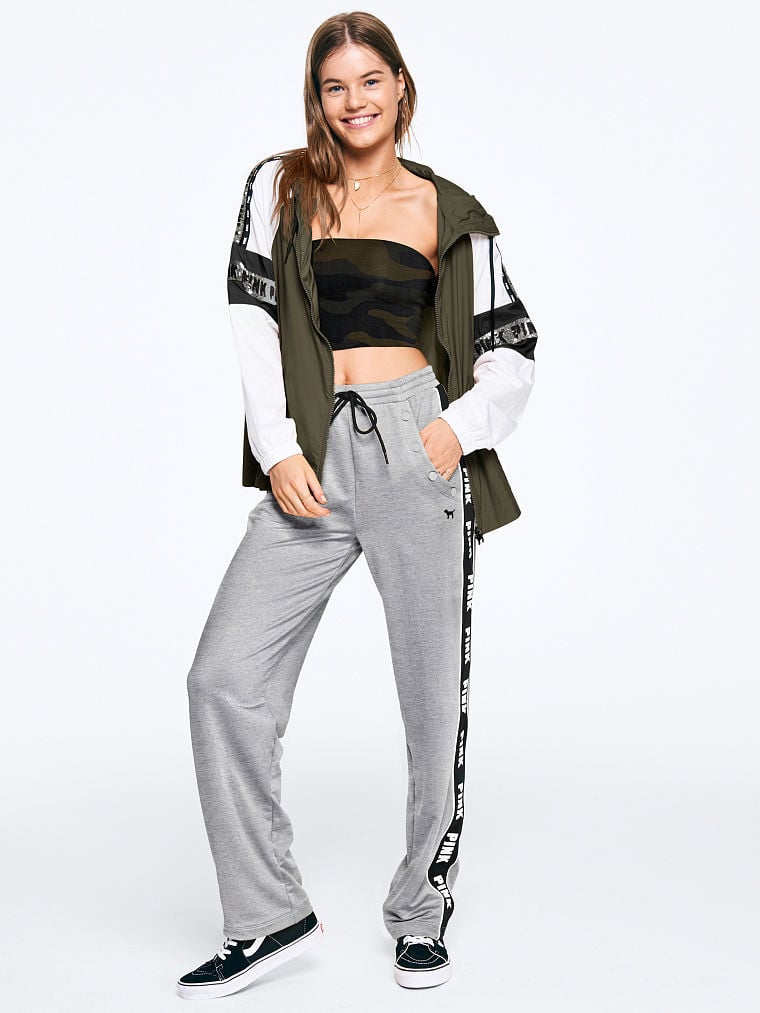
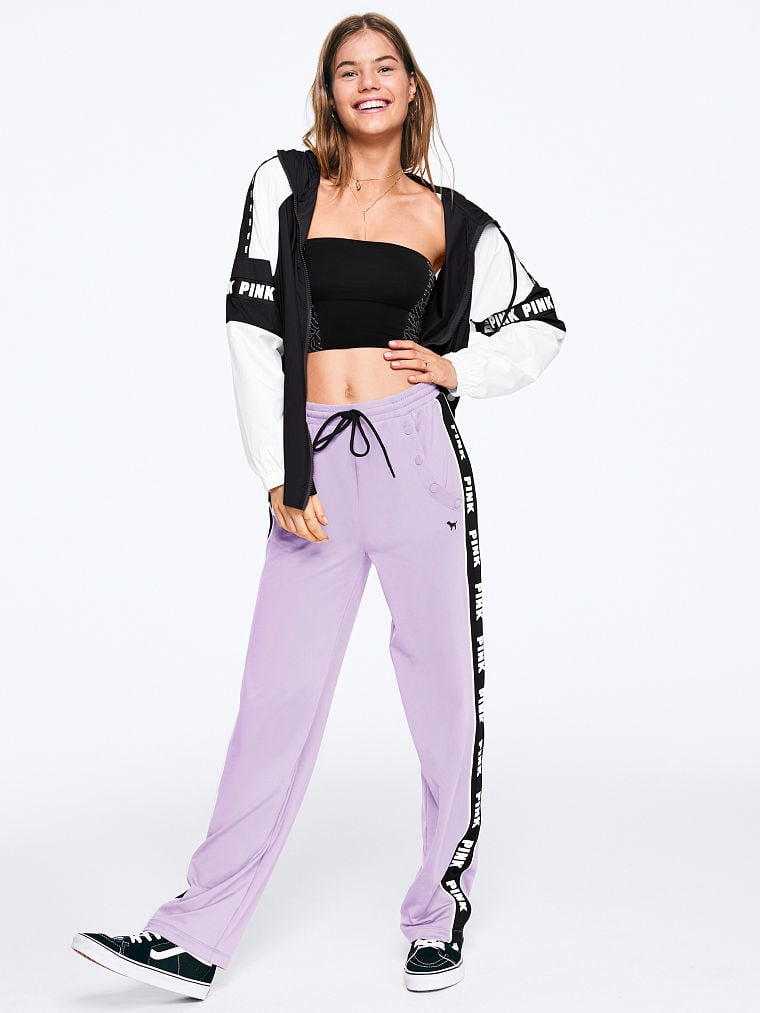
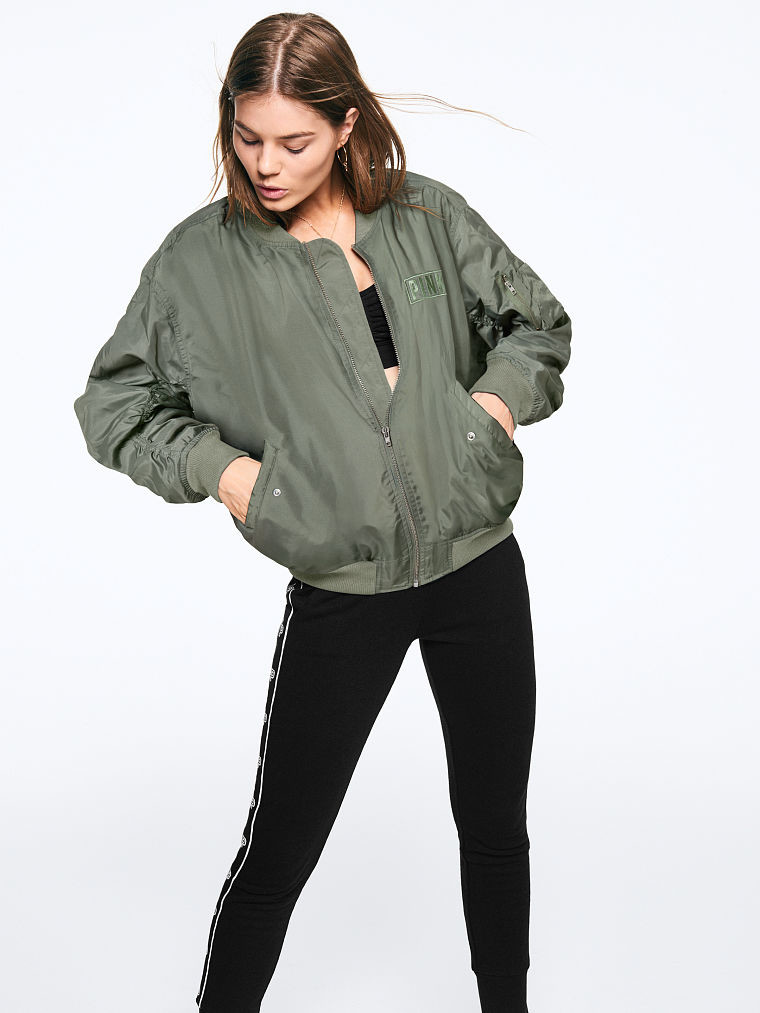
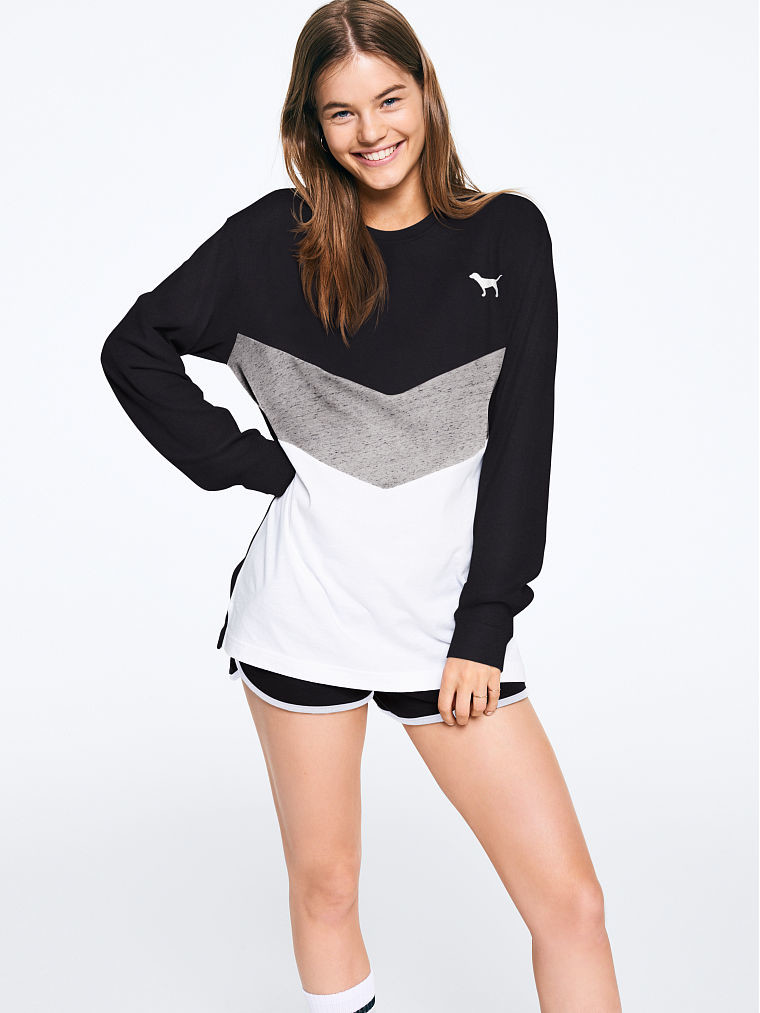
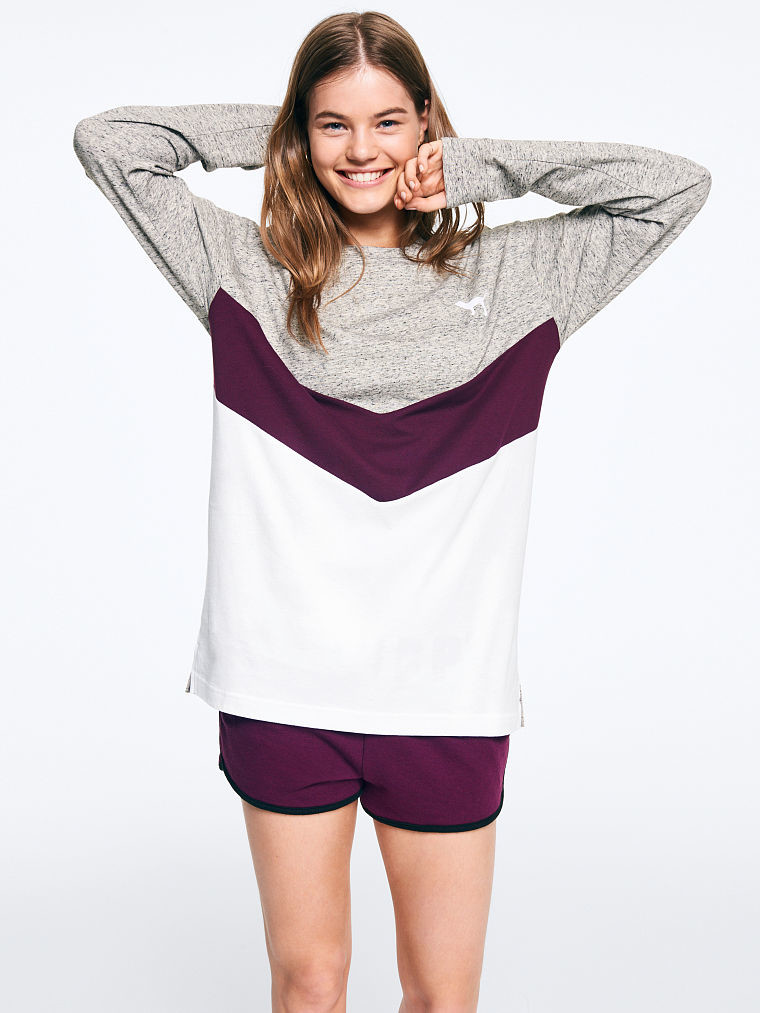
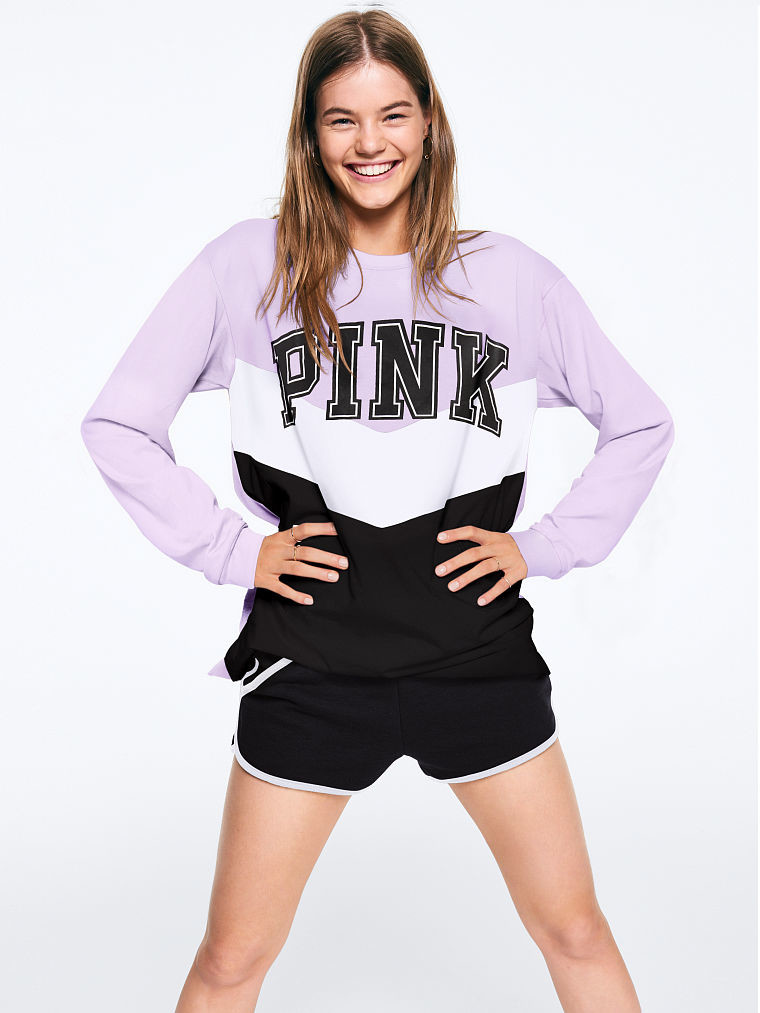
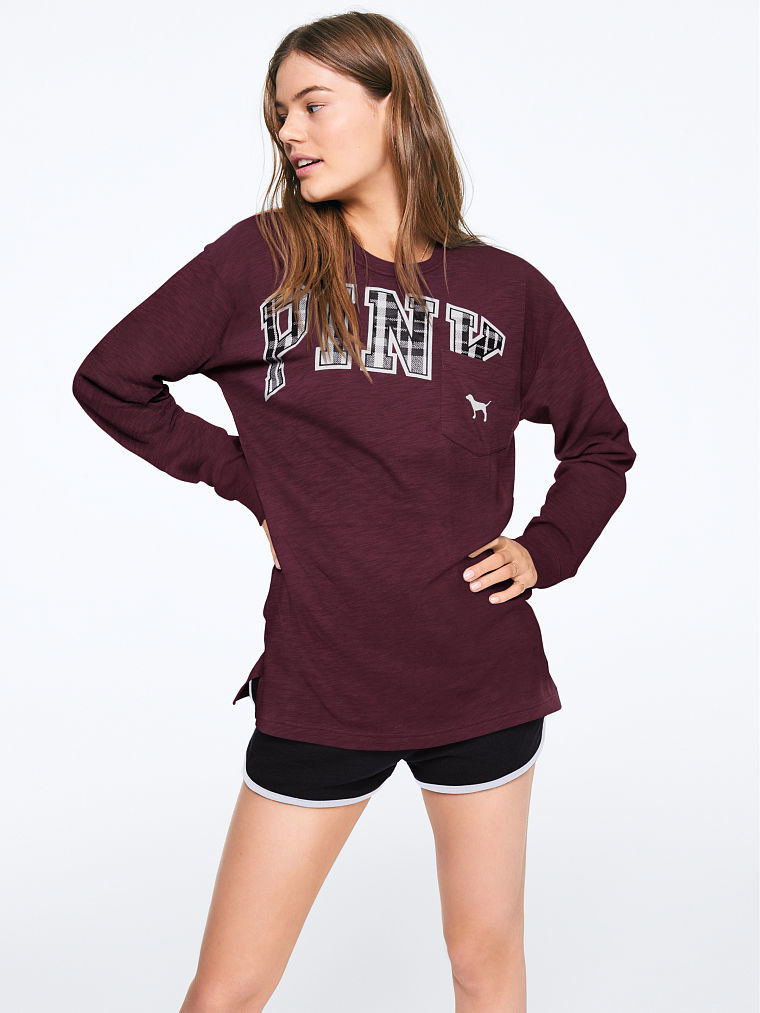
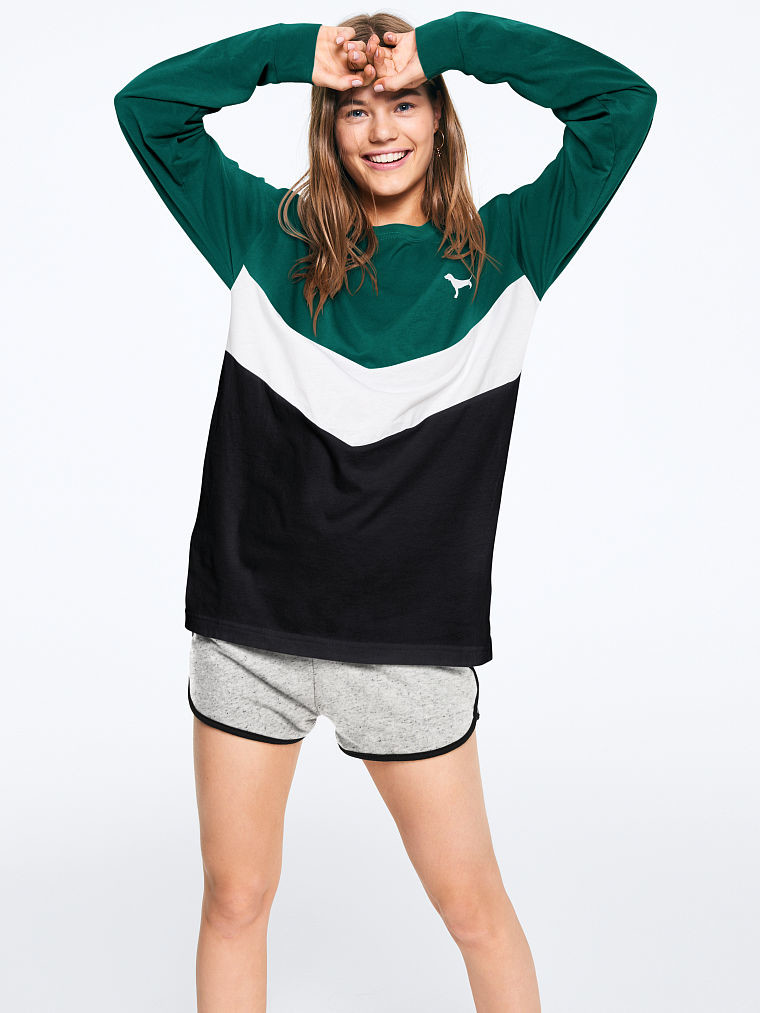
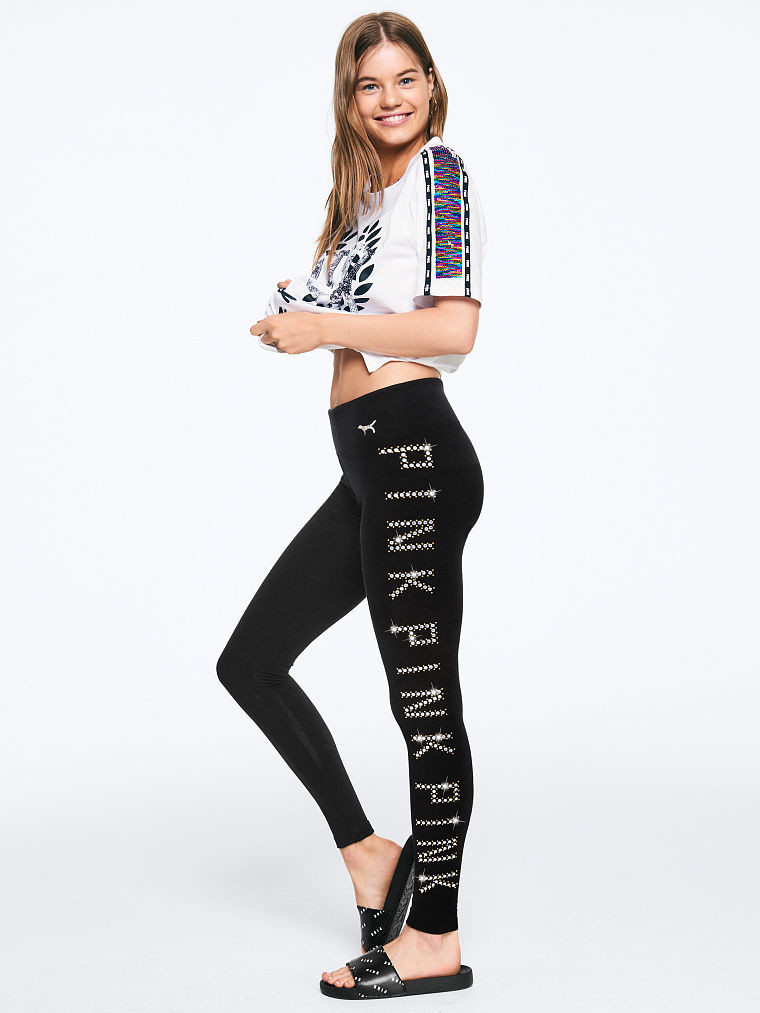
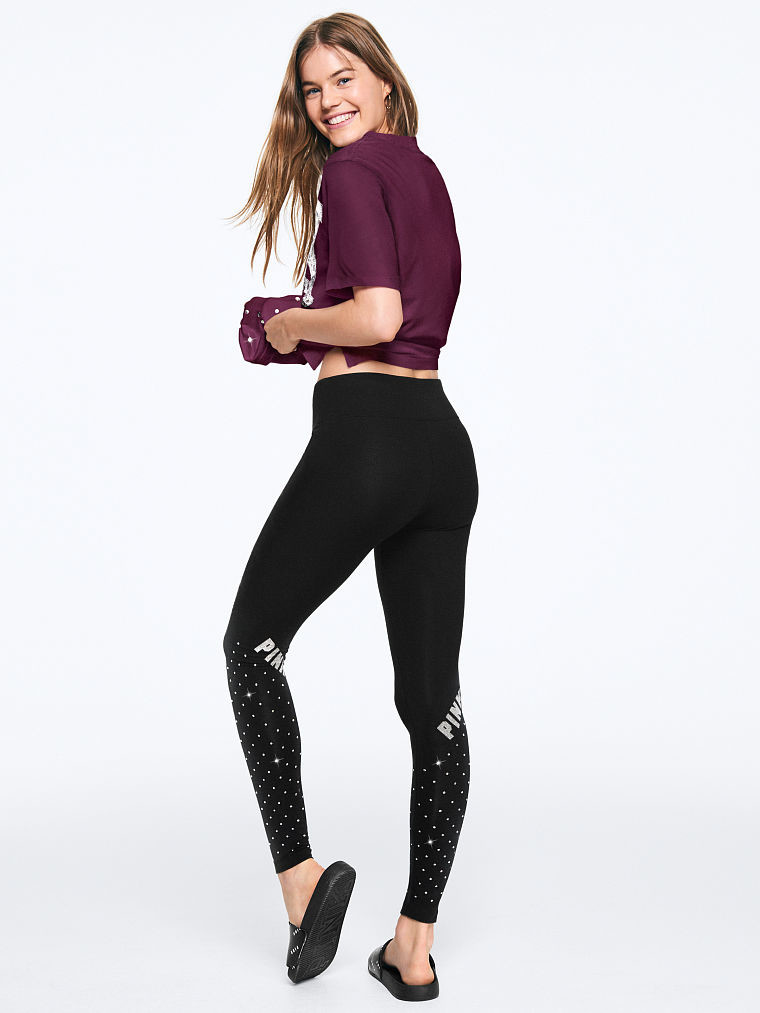
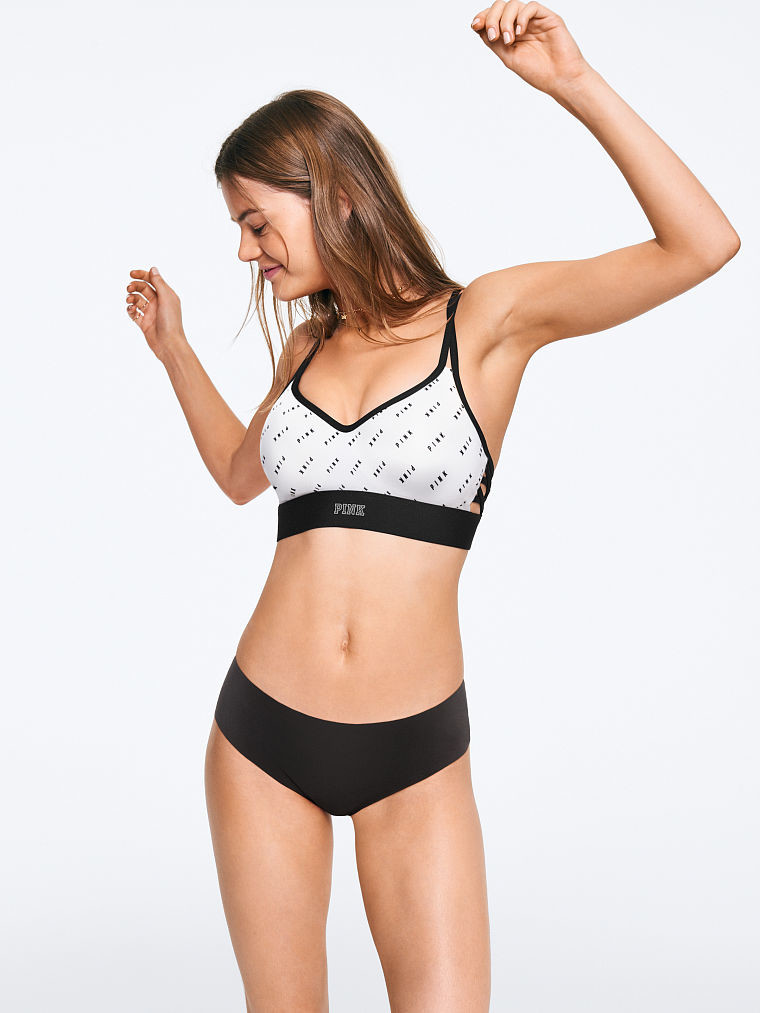
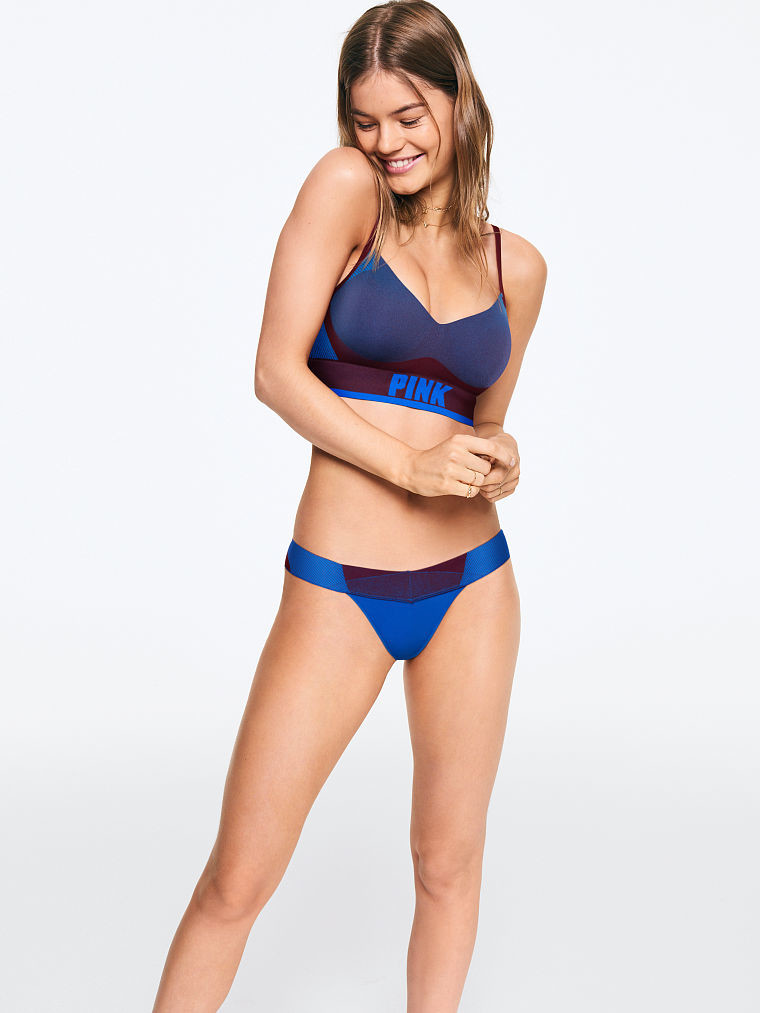
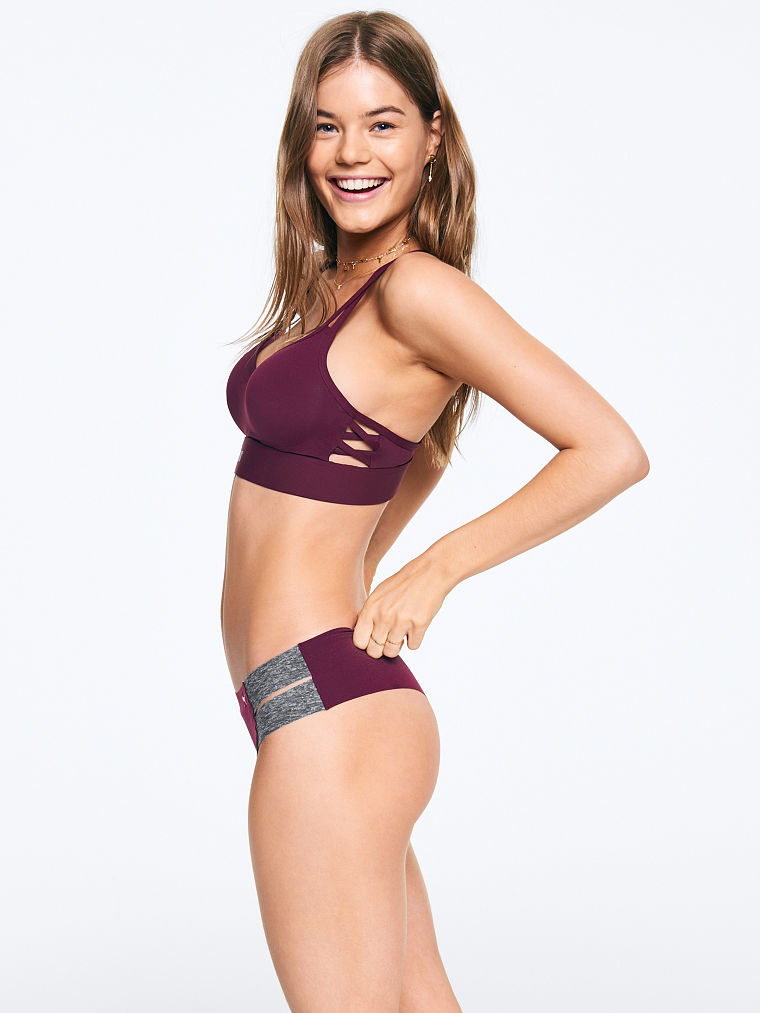
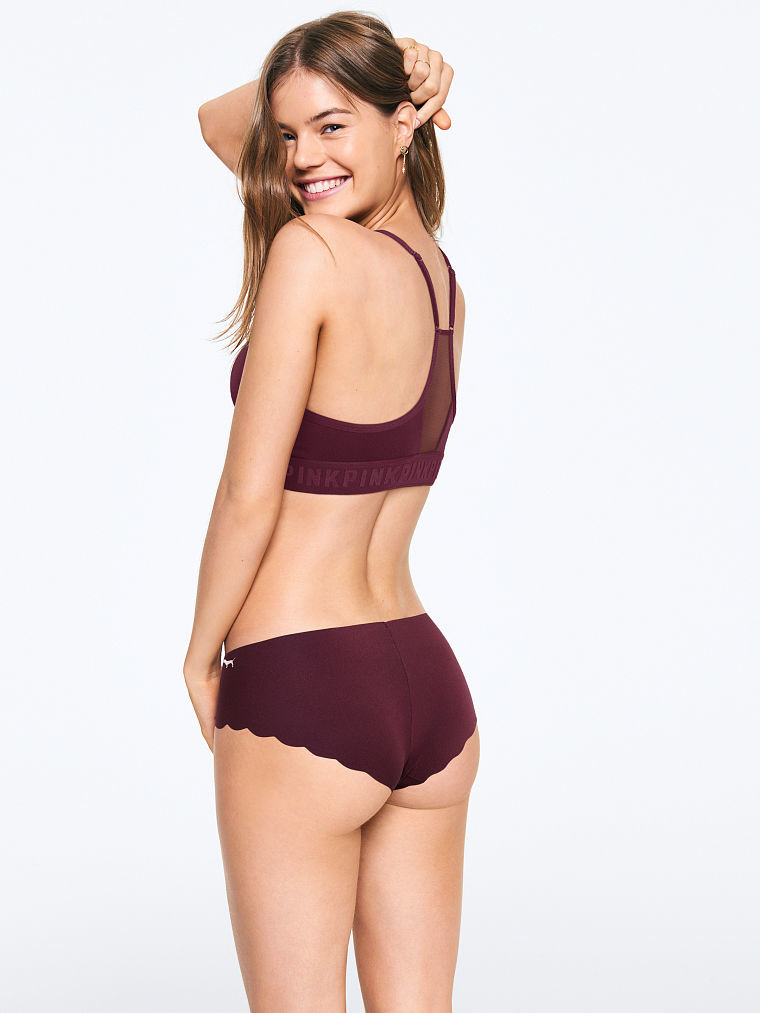
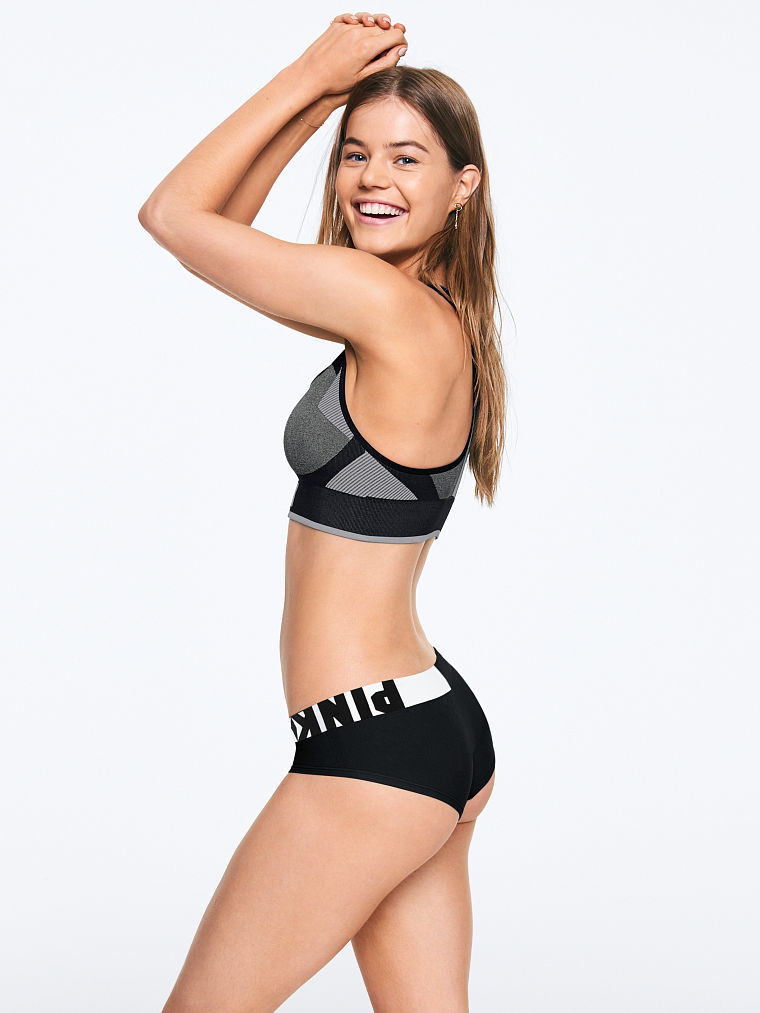
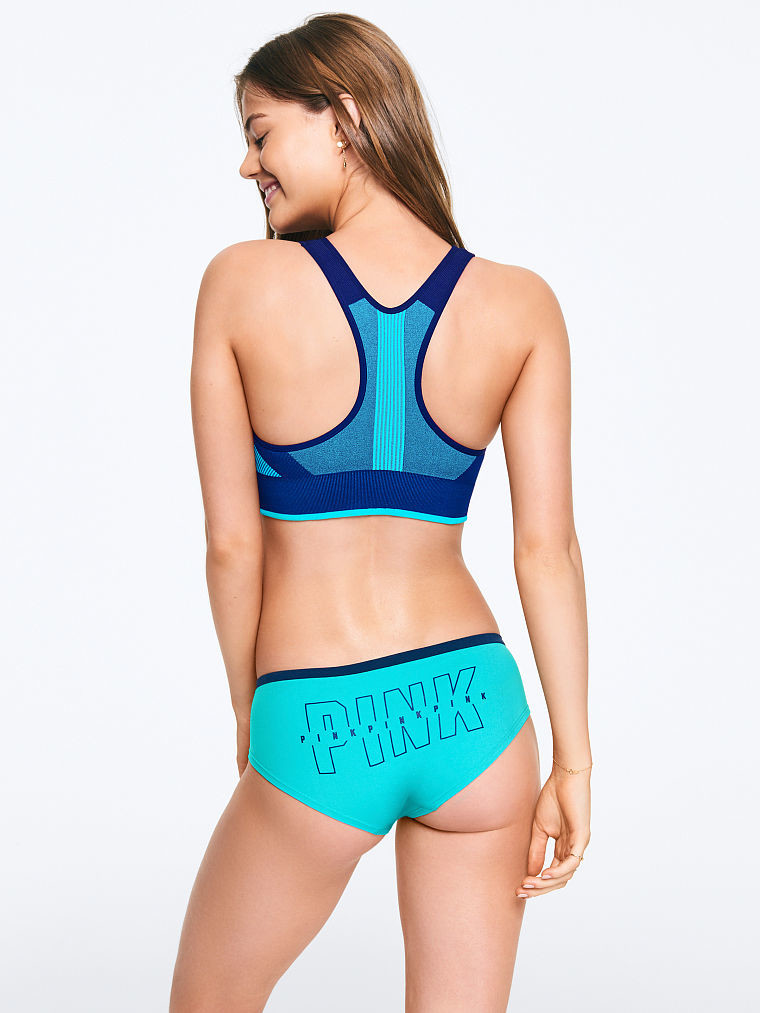
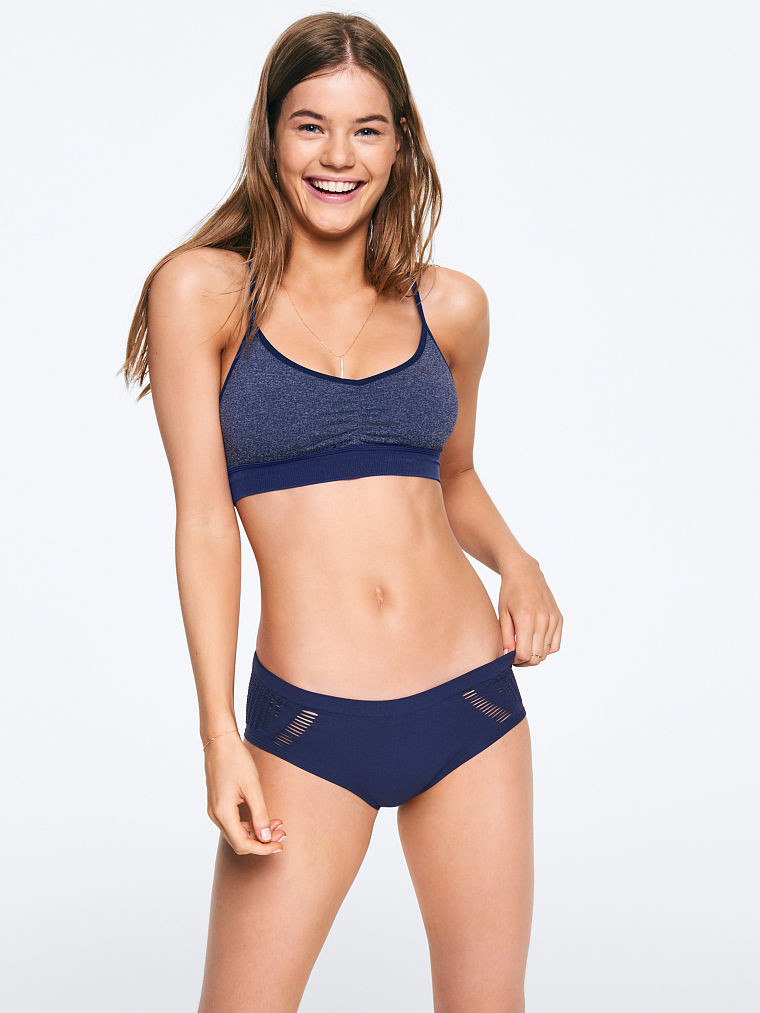
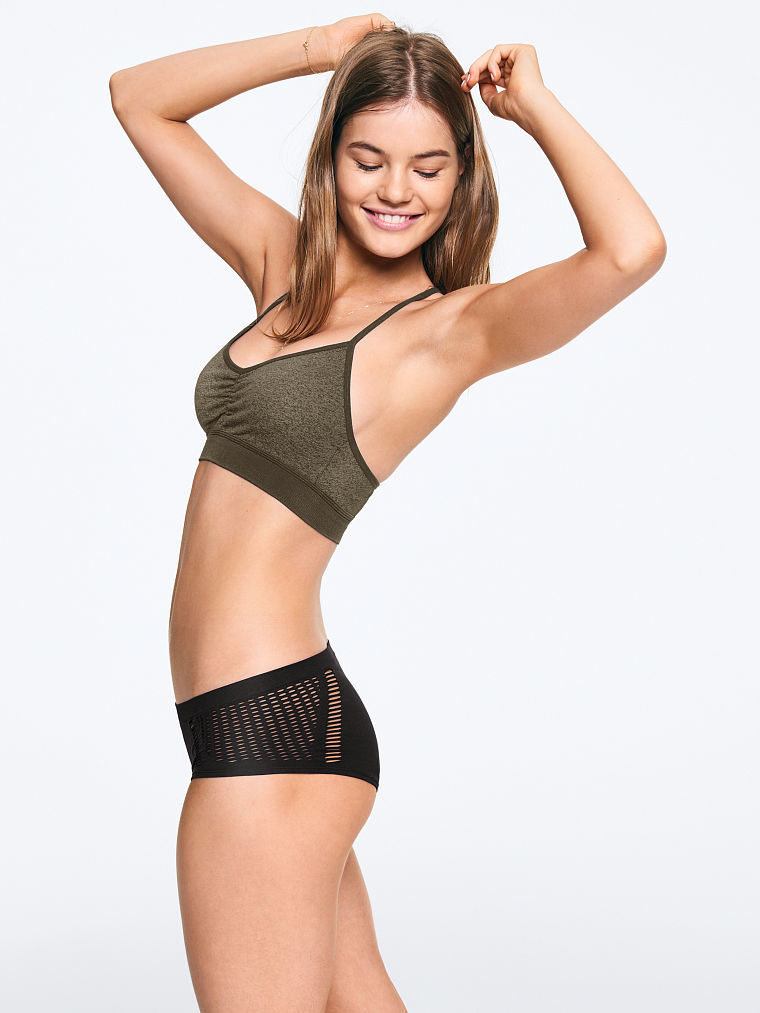
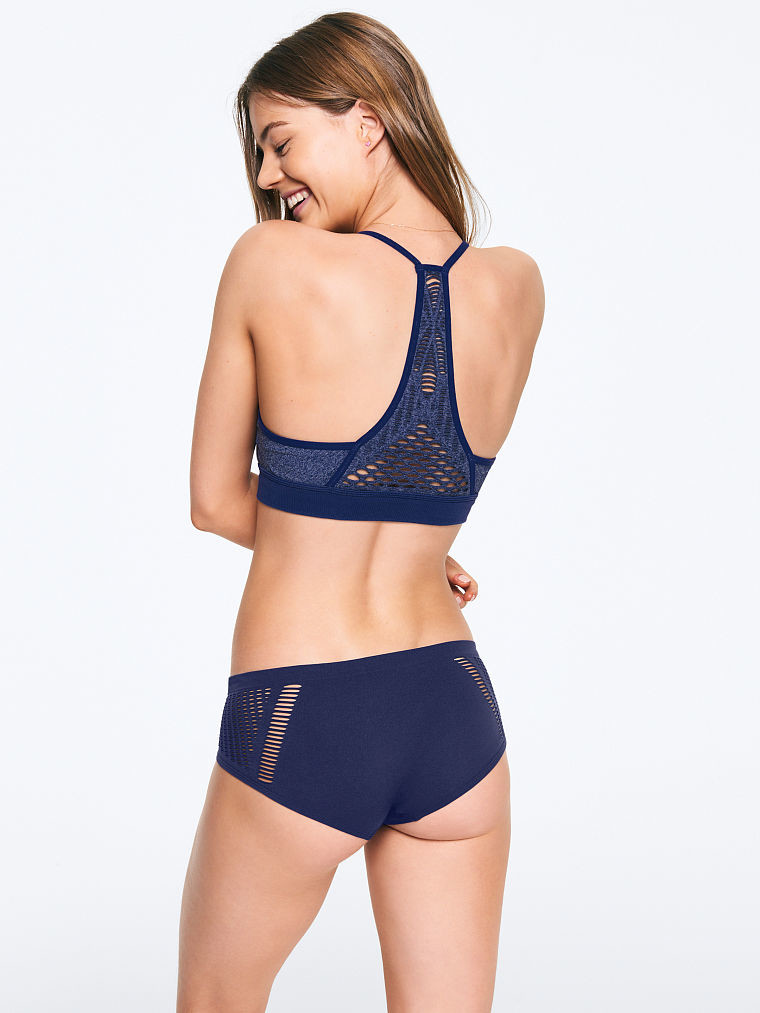
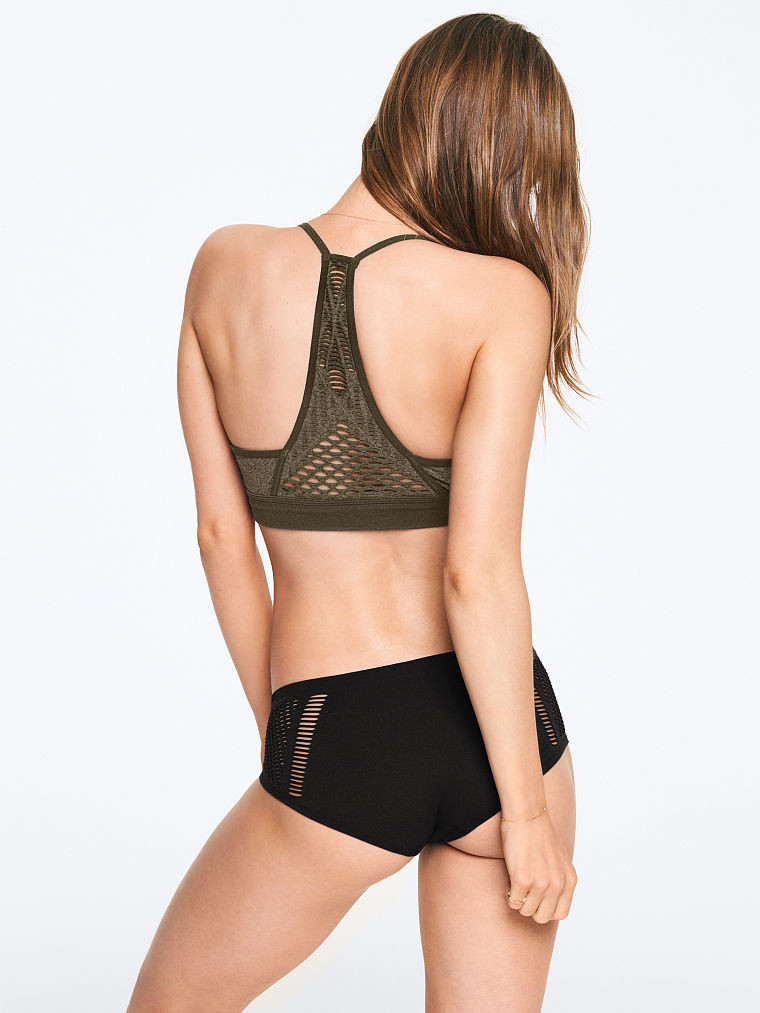
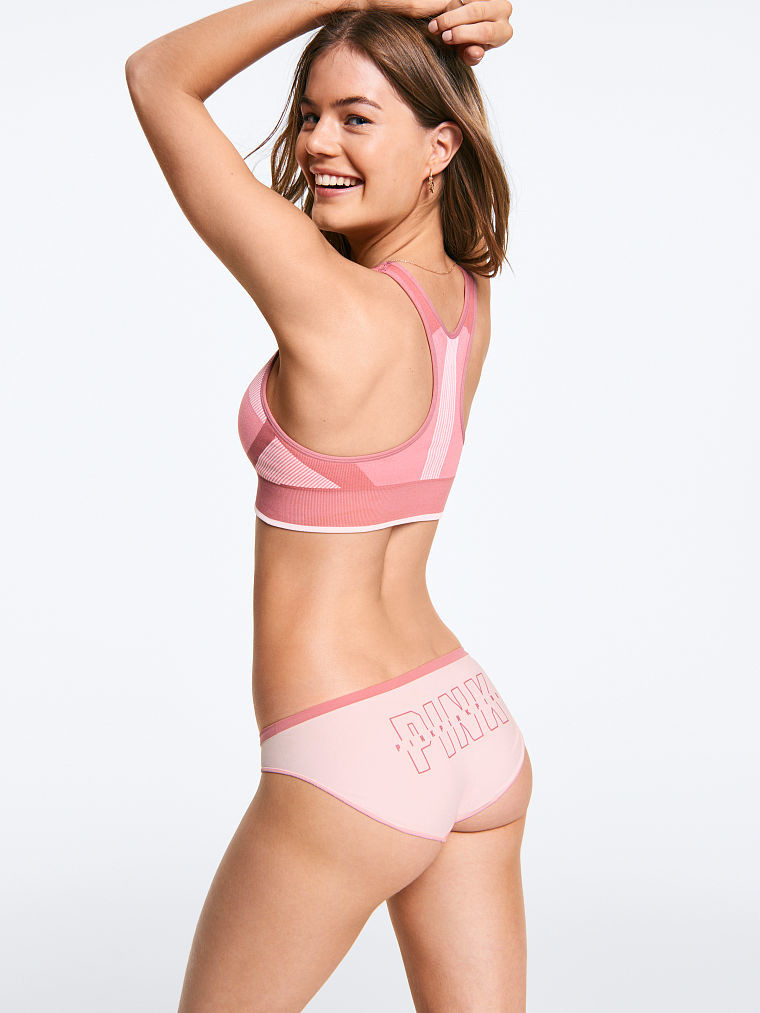
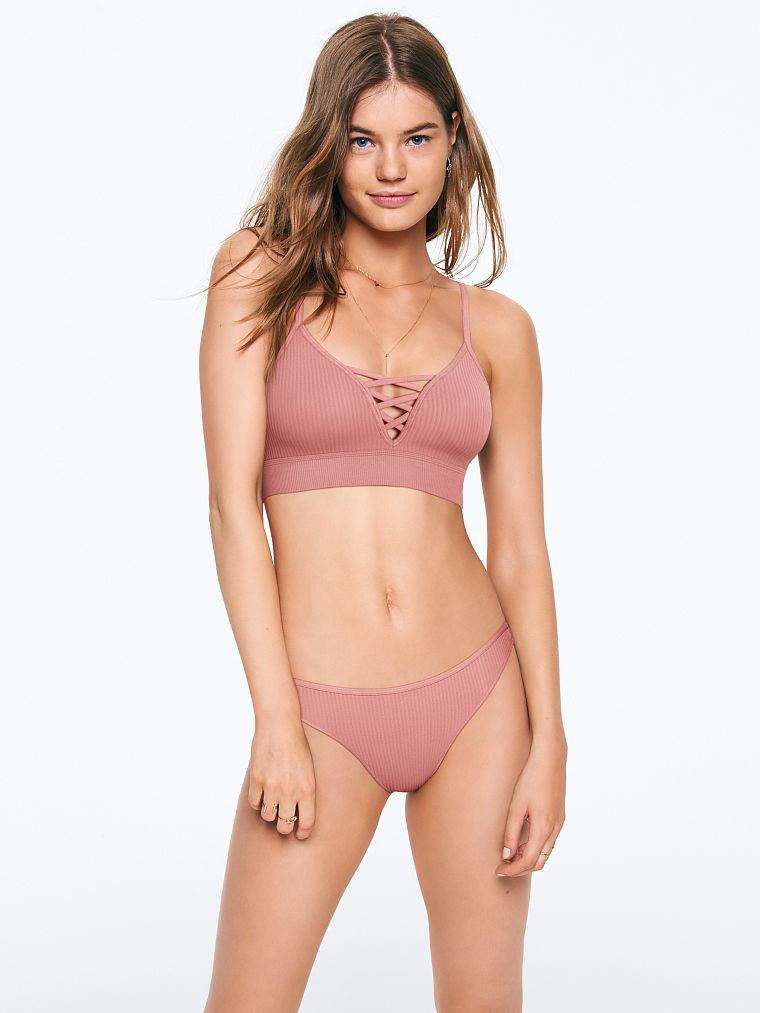
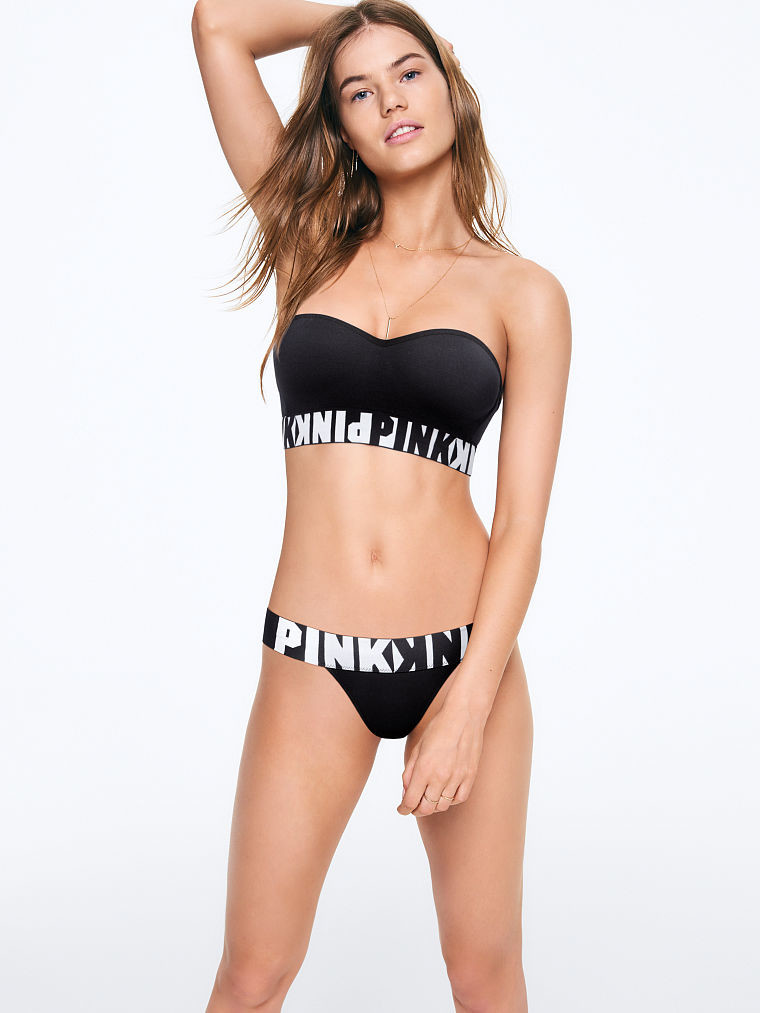
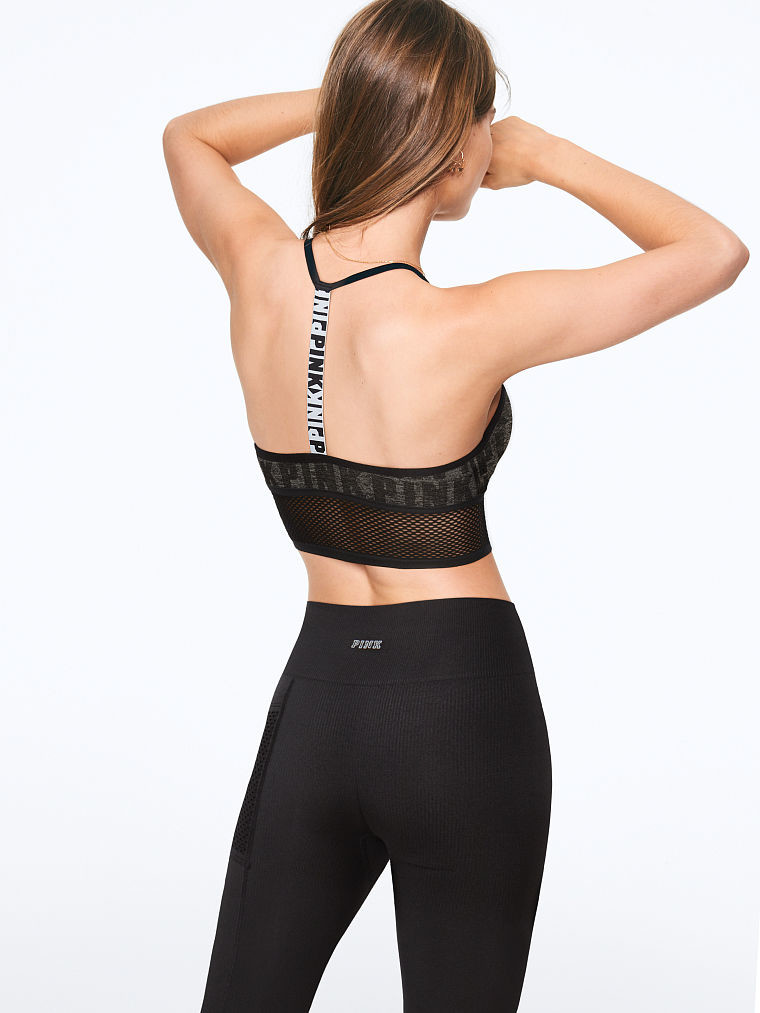
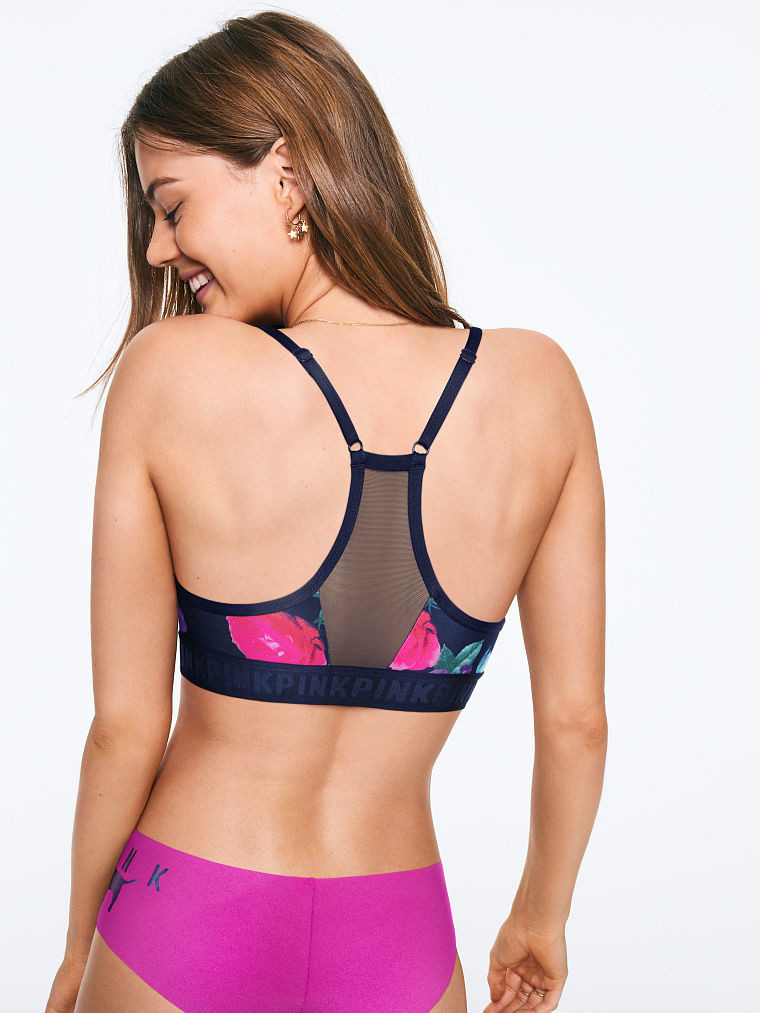
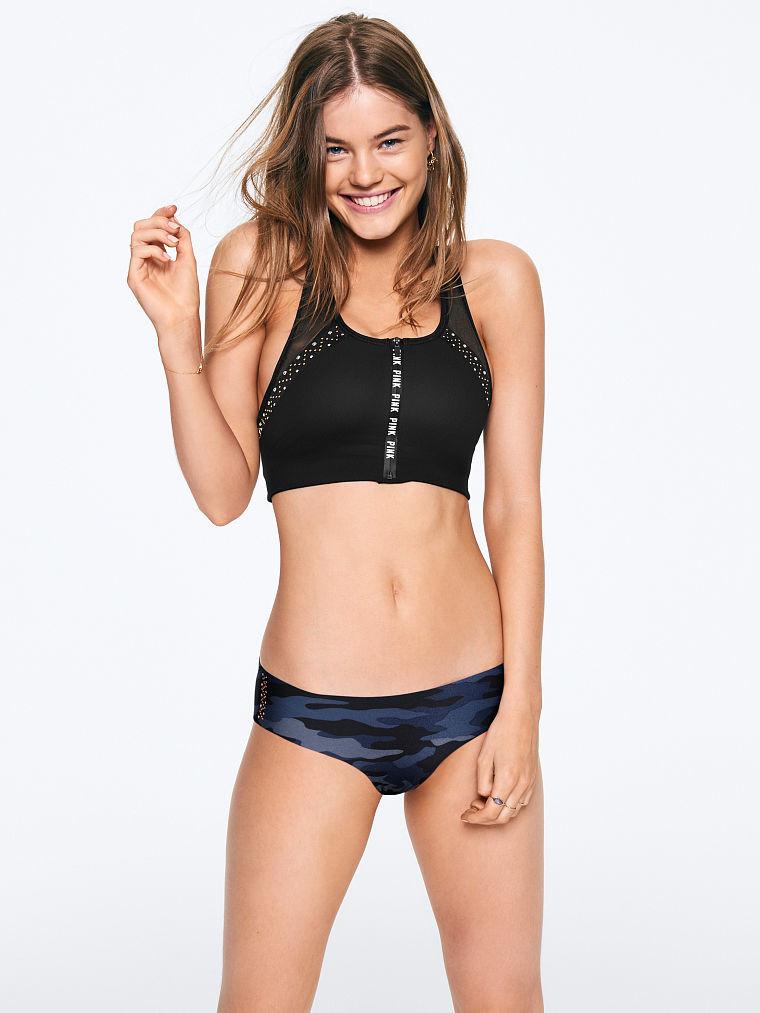
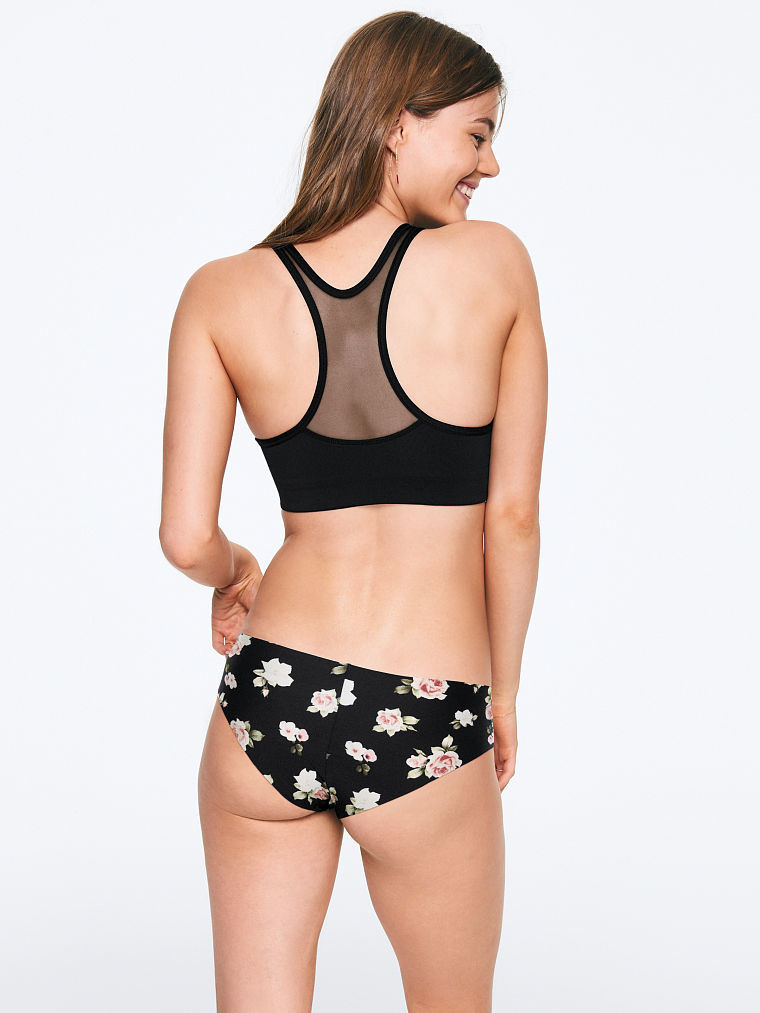
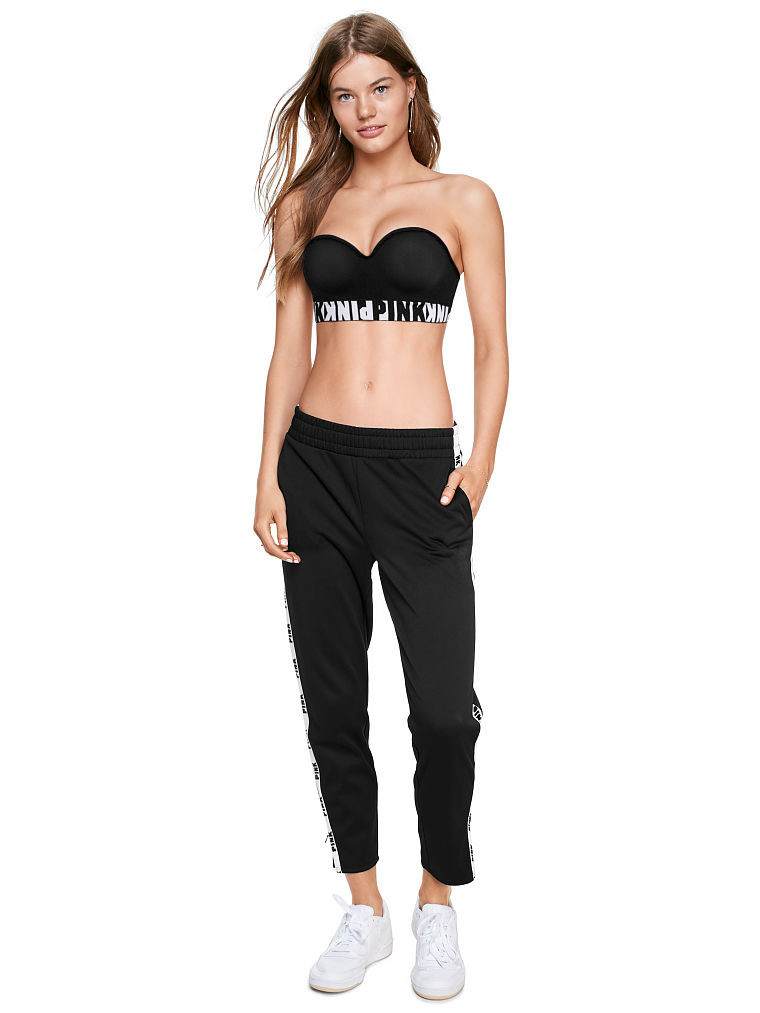
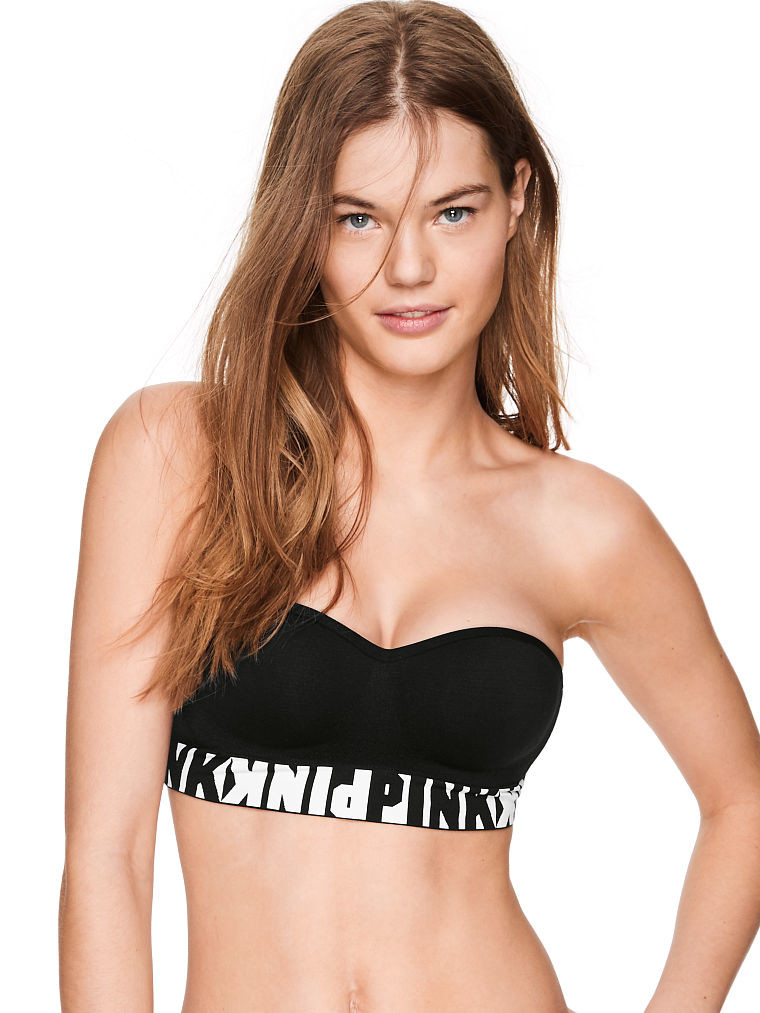
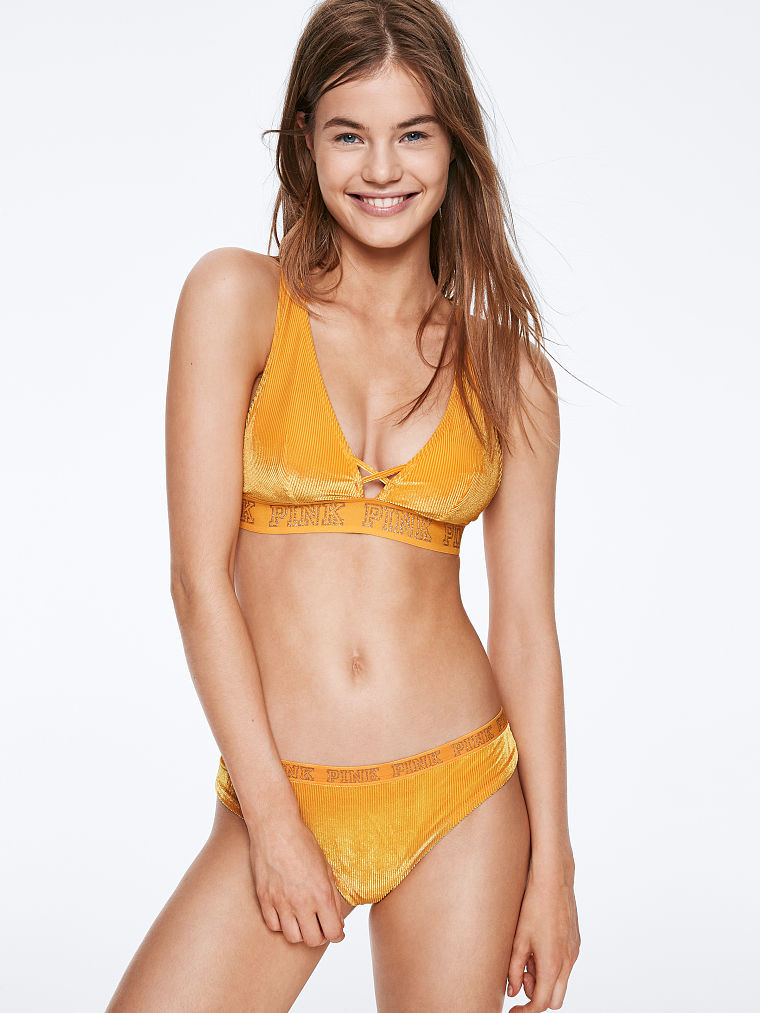
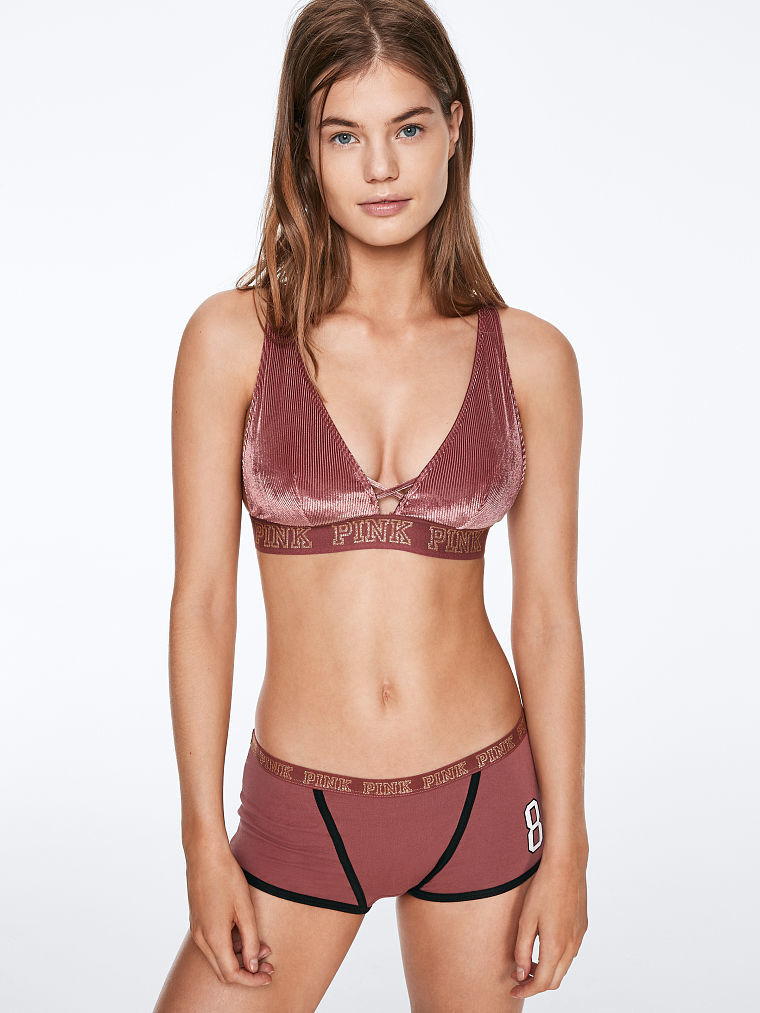
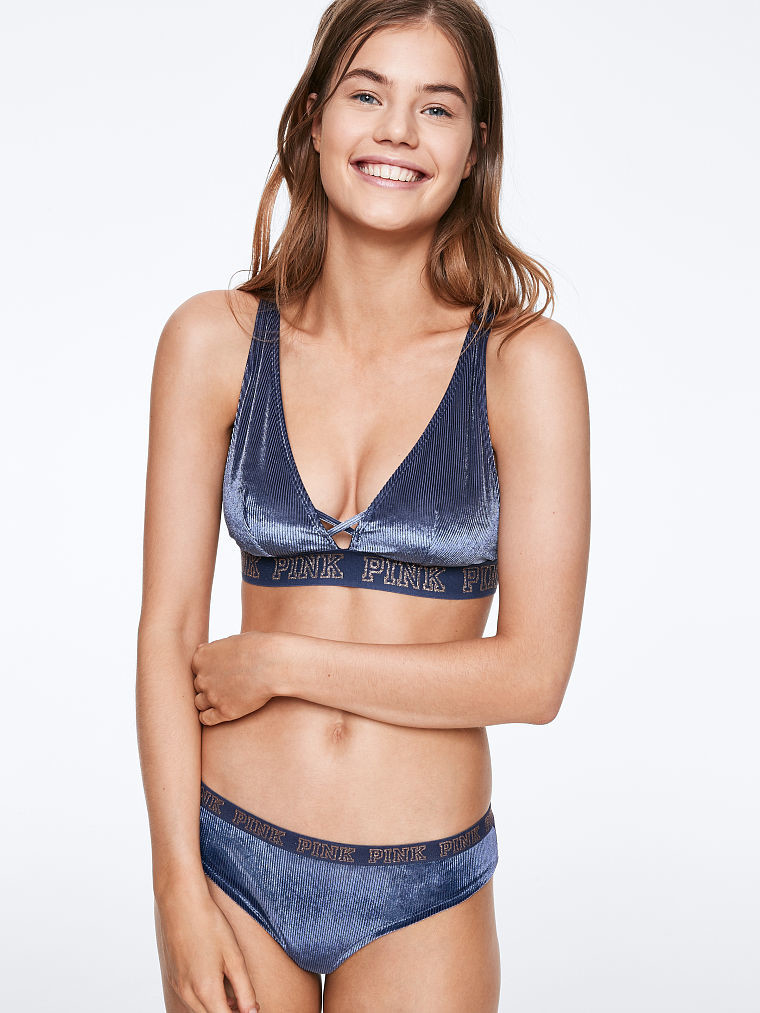
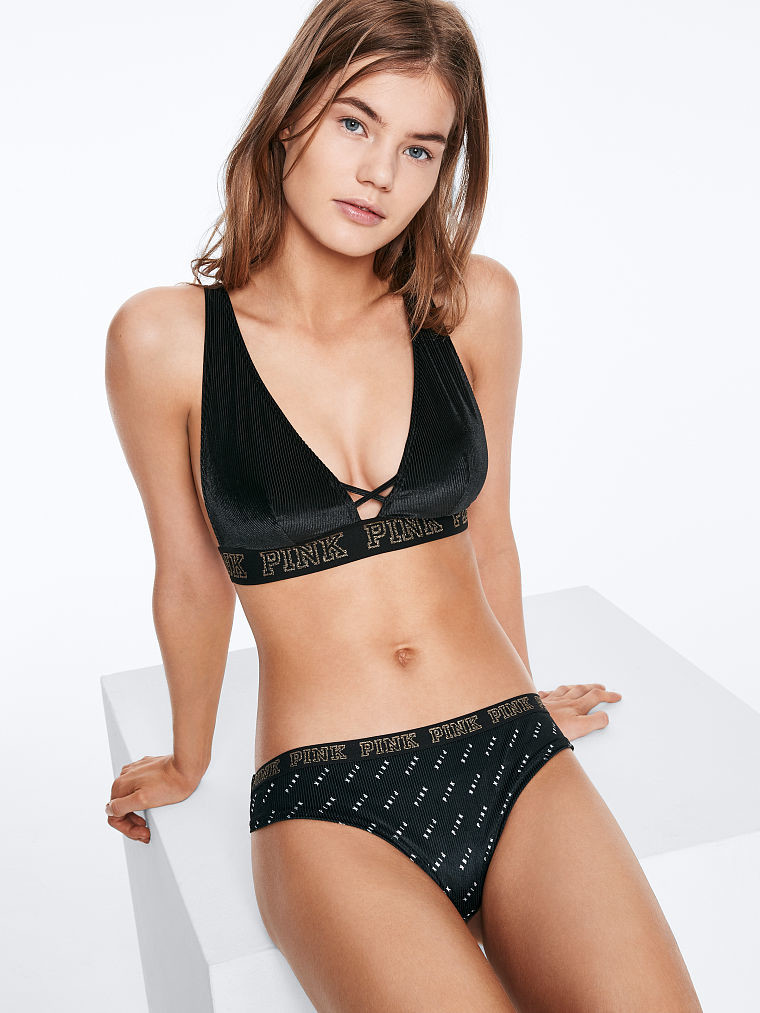
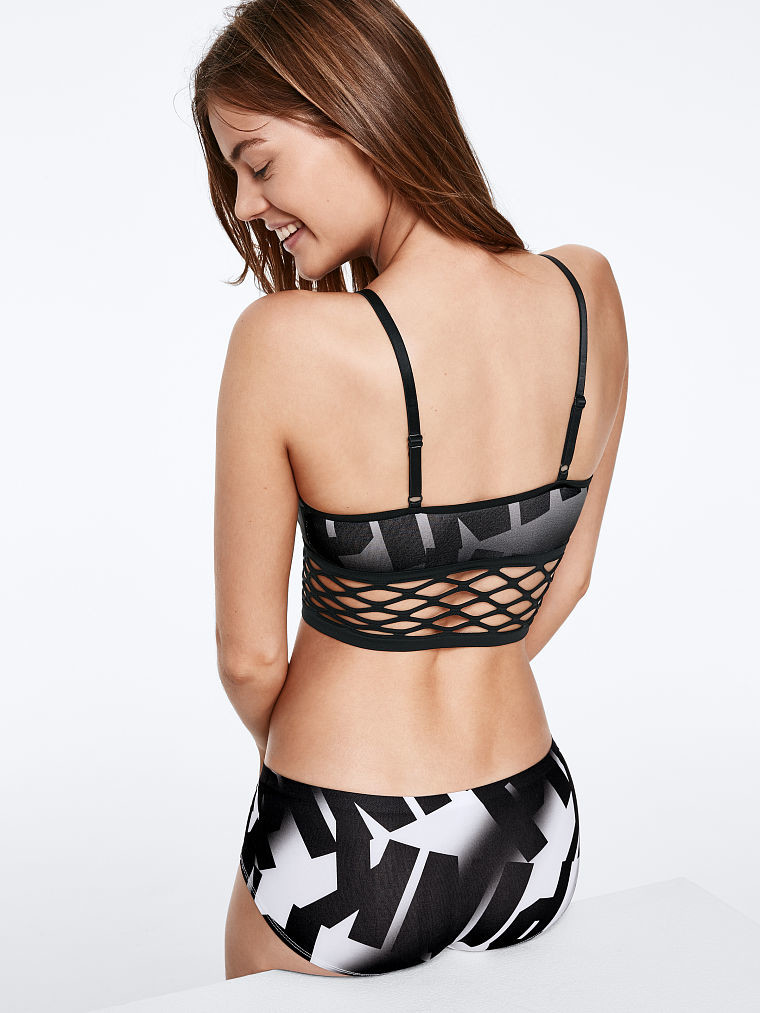
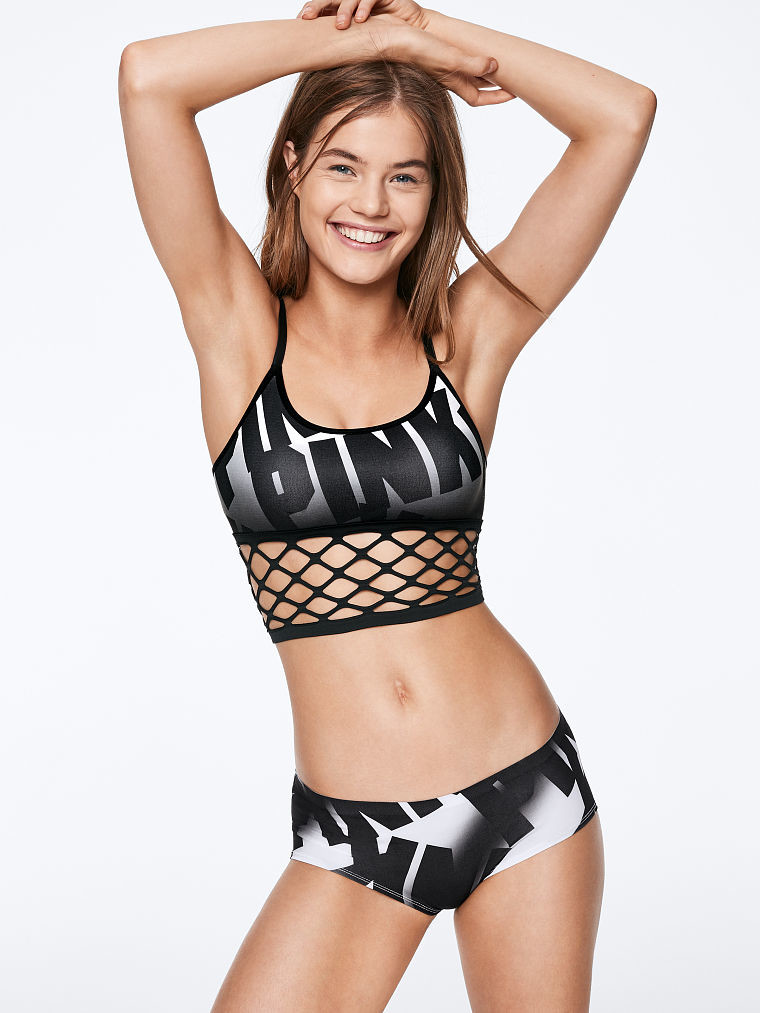
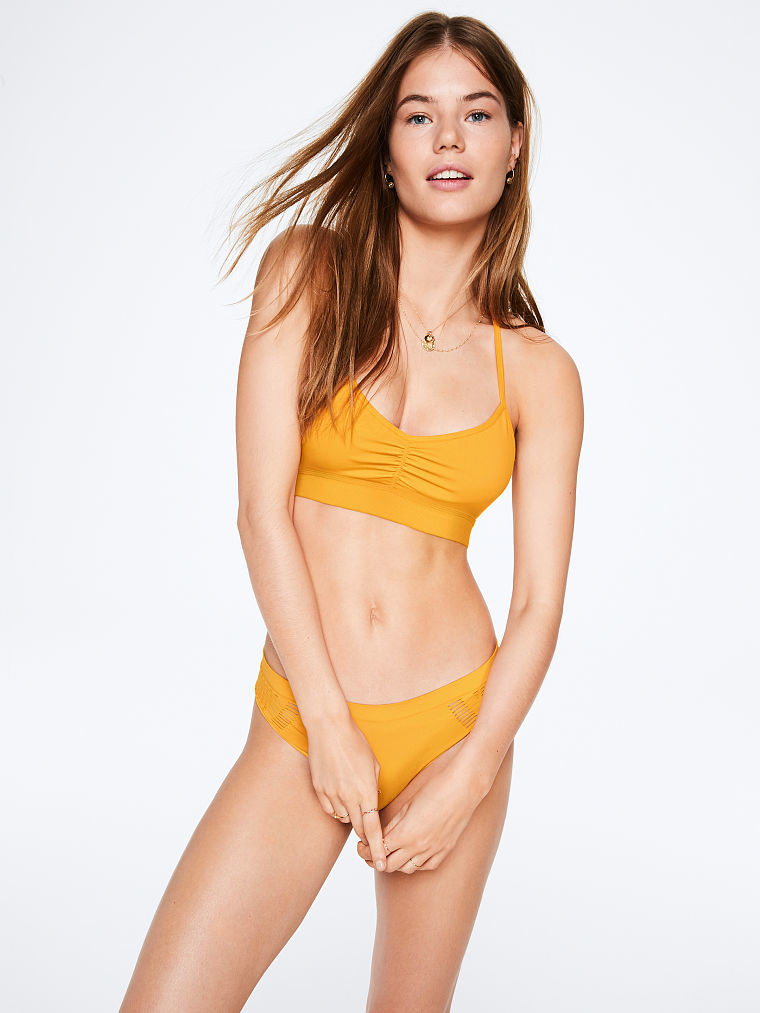
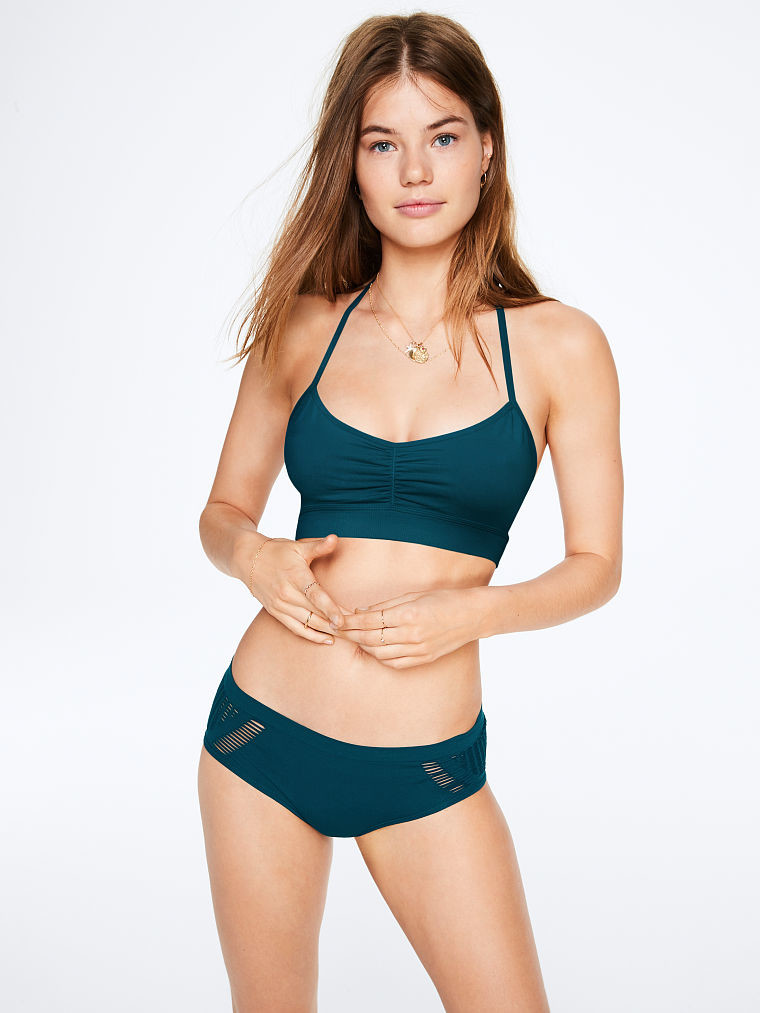
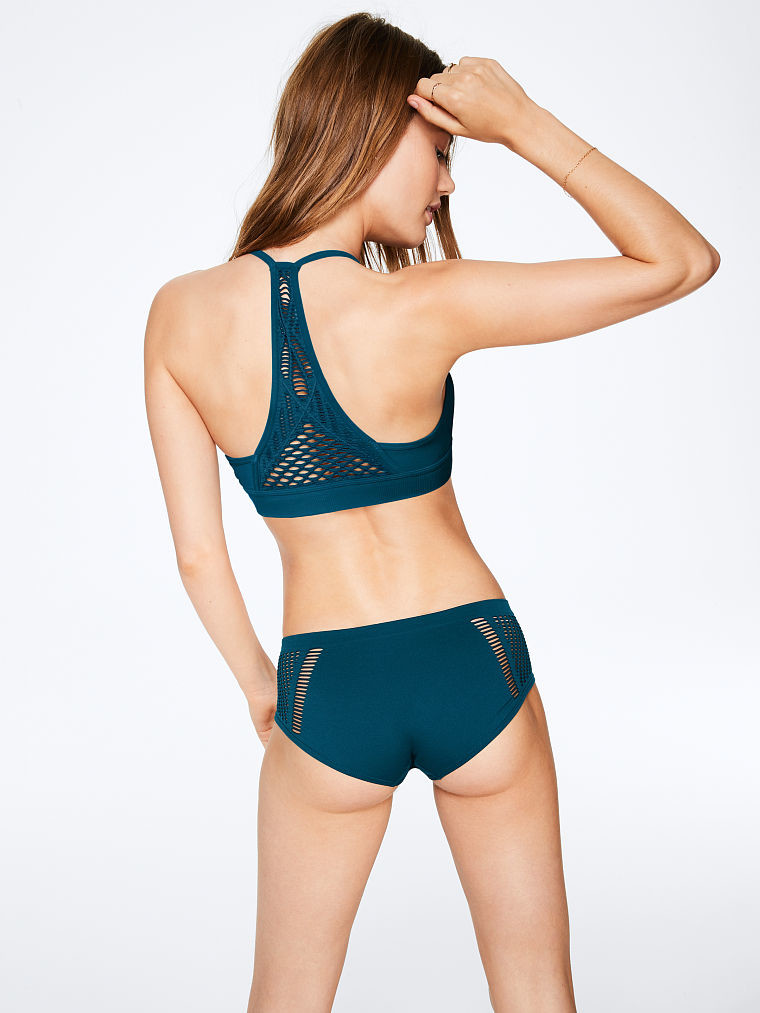
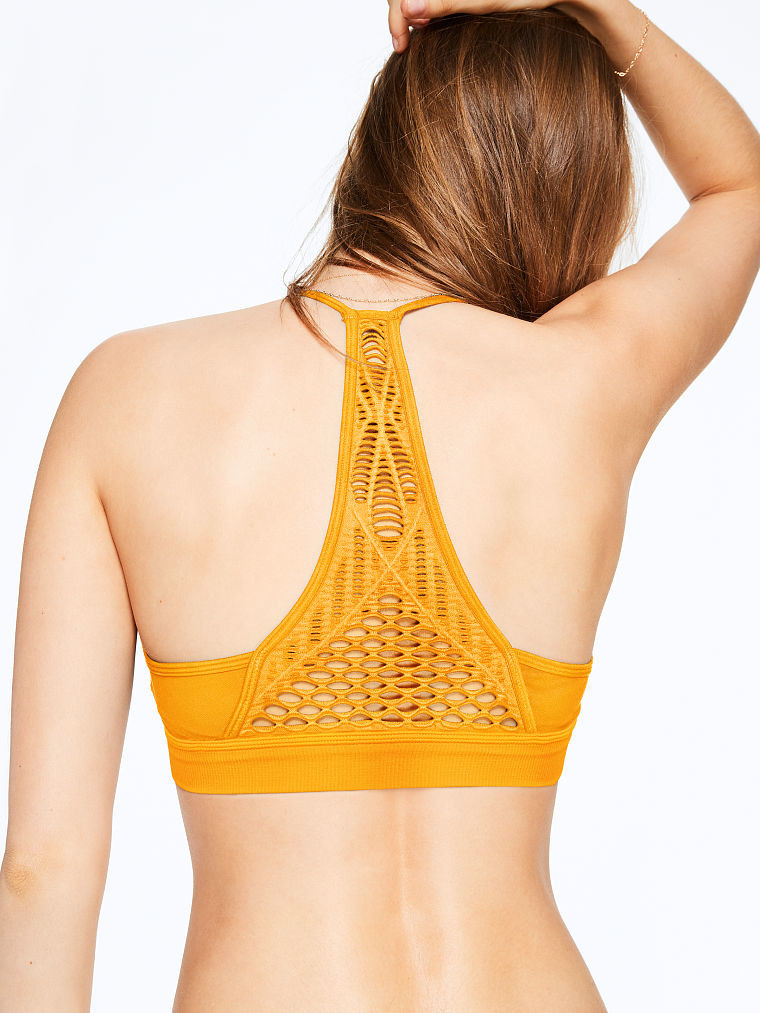
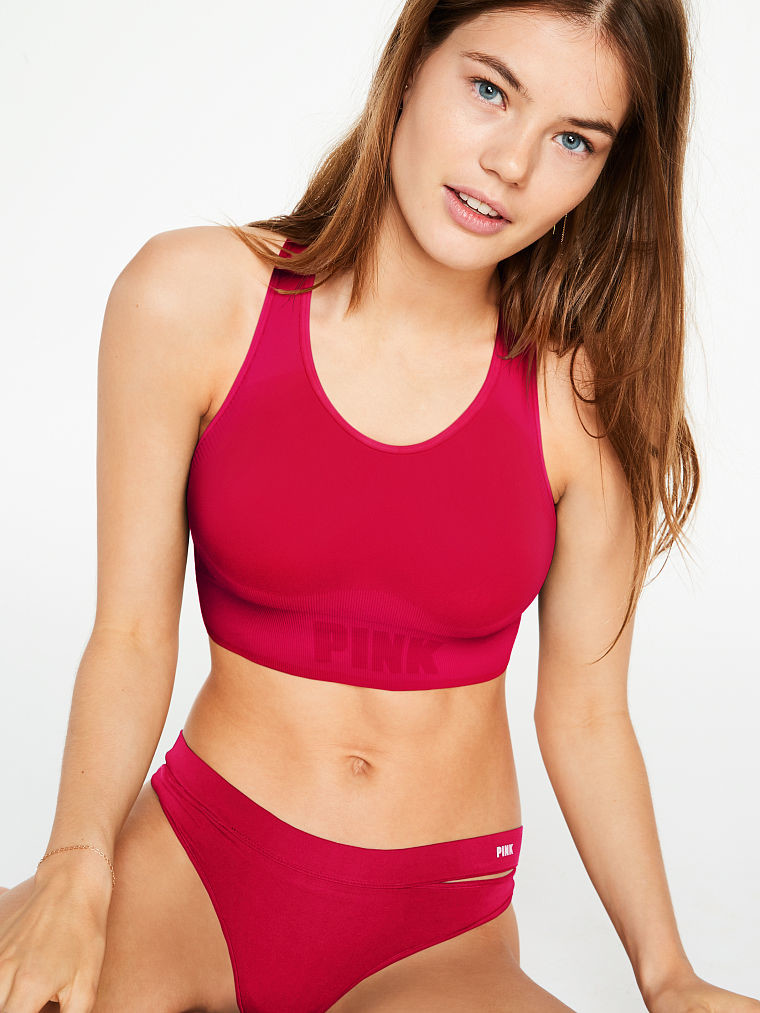
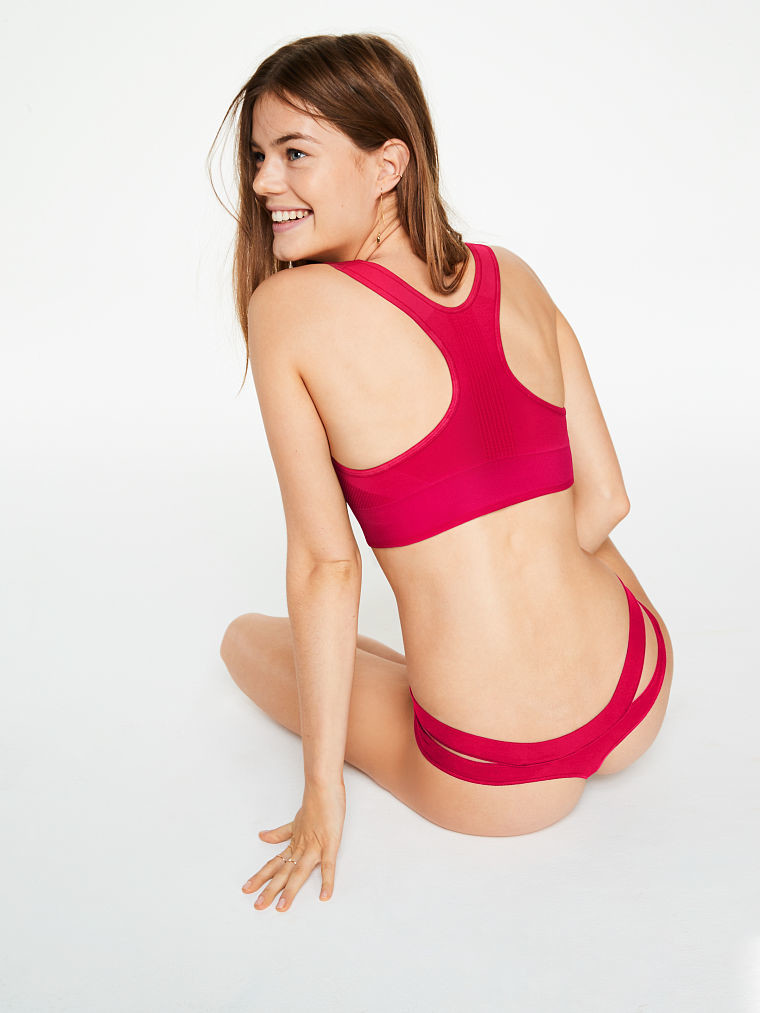
 New for VS Pink



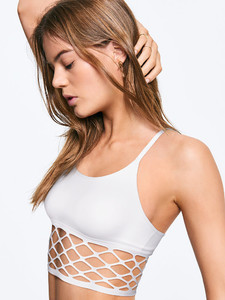 For Mango Spring 2018 https://vimeo.com/266469376 https://vimeo.com/266465060
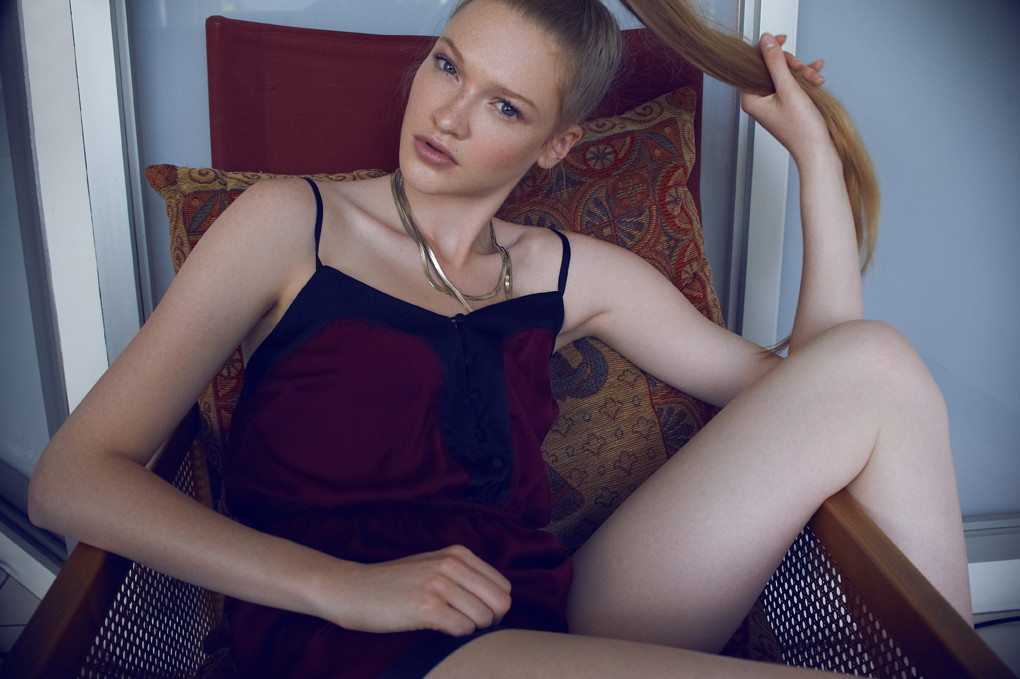
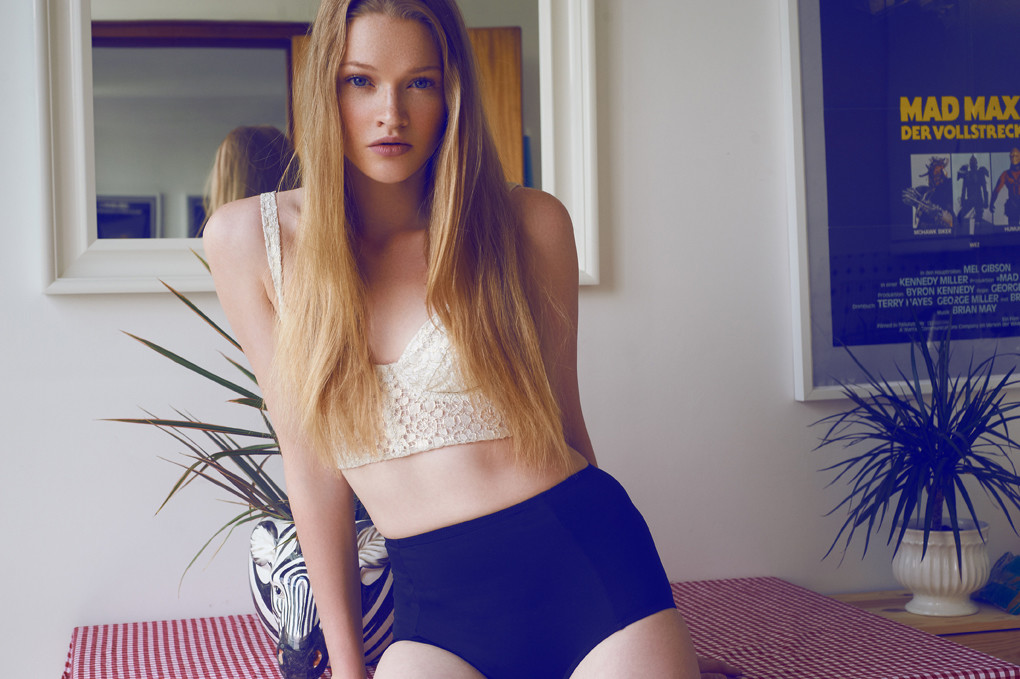
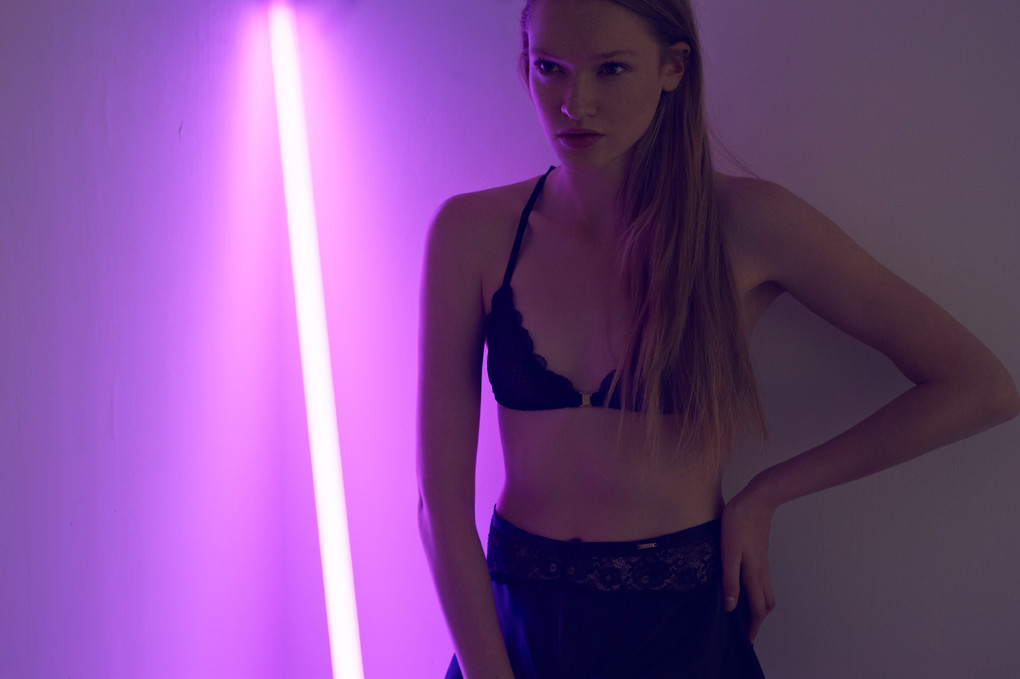
New polos for Micha Models
For Mango Spring 2018 https://vimeo.com/266469376 https://vimeo.com/266465060
New polos for Micha Models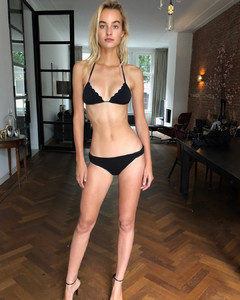
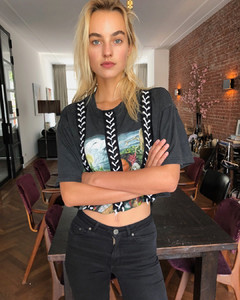
 Did she go to the first casting?


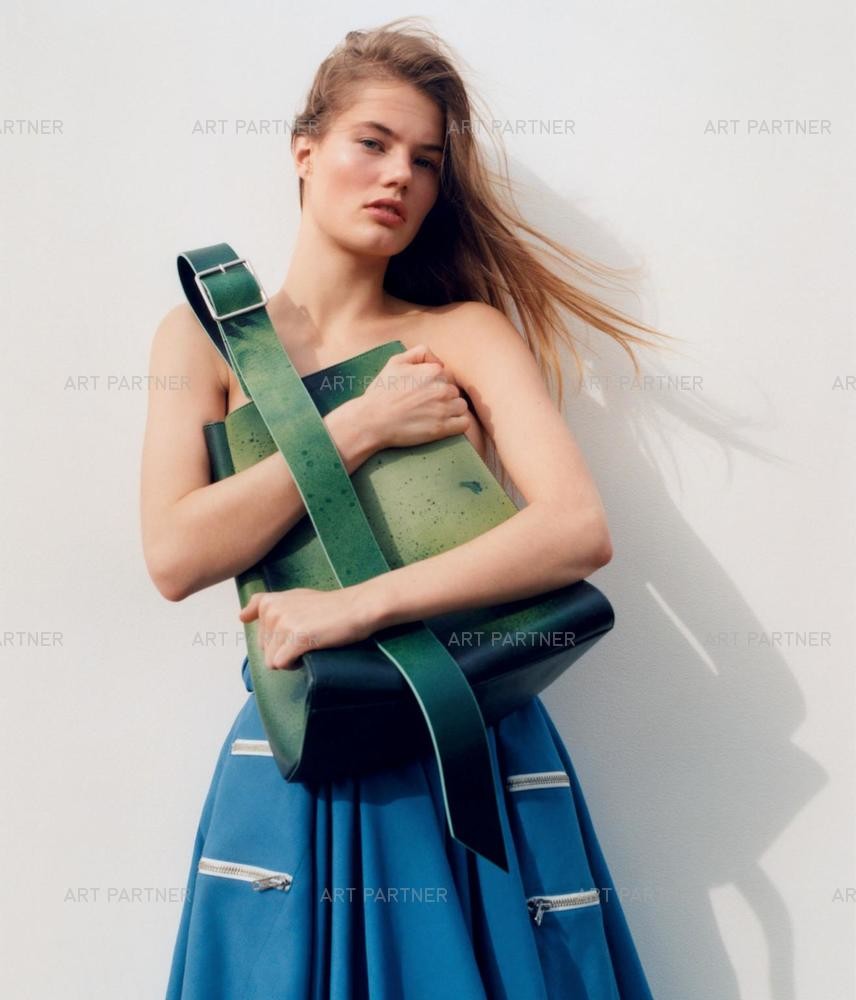














































Account
Navigation
Search
Configure browser push notifications
Chrome (Android)
- Tap the lock icon next to the address bar.
- Tap Permissions → Notifications.
- Adjust your preference.
Chrome (Desktop)
- Click the padlock icon in the address bar.
- Select Site settings.
- Find Notifications and adjust your preference.
Safari (iOS 16.4+)
- Ensure the site is installed via Add to Home Screen.
- Open Settings App → Notifications.
- Find your app name and adjust your preference.
Safari (macOS)
- Go to Safari → Preferences.
- Click the Websites tab.
- Select Notifications in the sidebar.
- Find this website and adjust your preference.
Edge (Android)
- Tap the lock icon next to the address bar.
- Tap Permissions.
- Find Notifications and adjust your preference.
Edge (Desktop)
- Click the padlock icon in the address bar.
- Click Permissions for this site.
- Find Notifications and adjust your preference.
Firefox (Android)
- Go to Settings → Site permissions.
- Tap Notifications.
- Find this site in the list and adjust your preference.
Firefox (Desktop)
- Open Firefox Settings.
- Search for Notifications.
- Find this site in the list and adjust your preference.