Jump to content
View in the app

A better way to browse. Learn more.

Bellazon

A full-screen app on your home screen with push notifications, badges and more.

To install this app on iOS and iPadOS
  1. Tap the Share icon in Safari
  2. Scroll the menu and tap Add to Home Screen.
  3. Tap Add in the top-right corner.
To install this app on Android
  1. Tap the 3-dot menu (⋮) in the top-right corner of the browser.
  2. Tap Add to Home screen or Install app.
  3. Confirm by tapping Install.

bump

Members
  • Joined

  • Last visited

Everything posted by bump

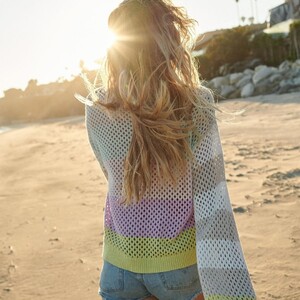
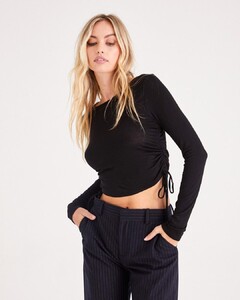
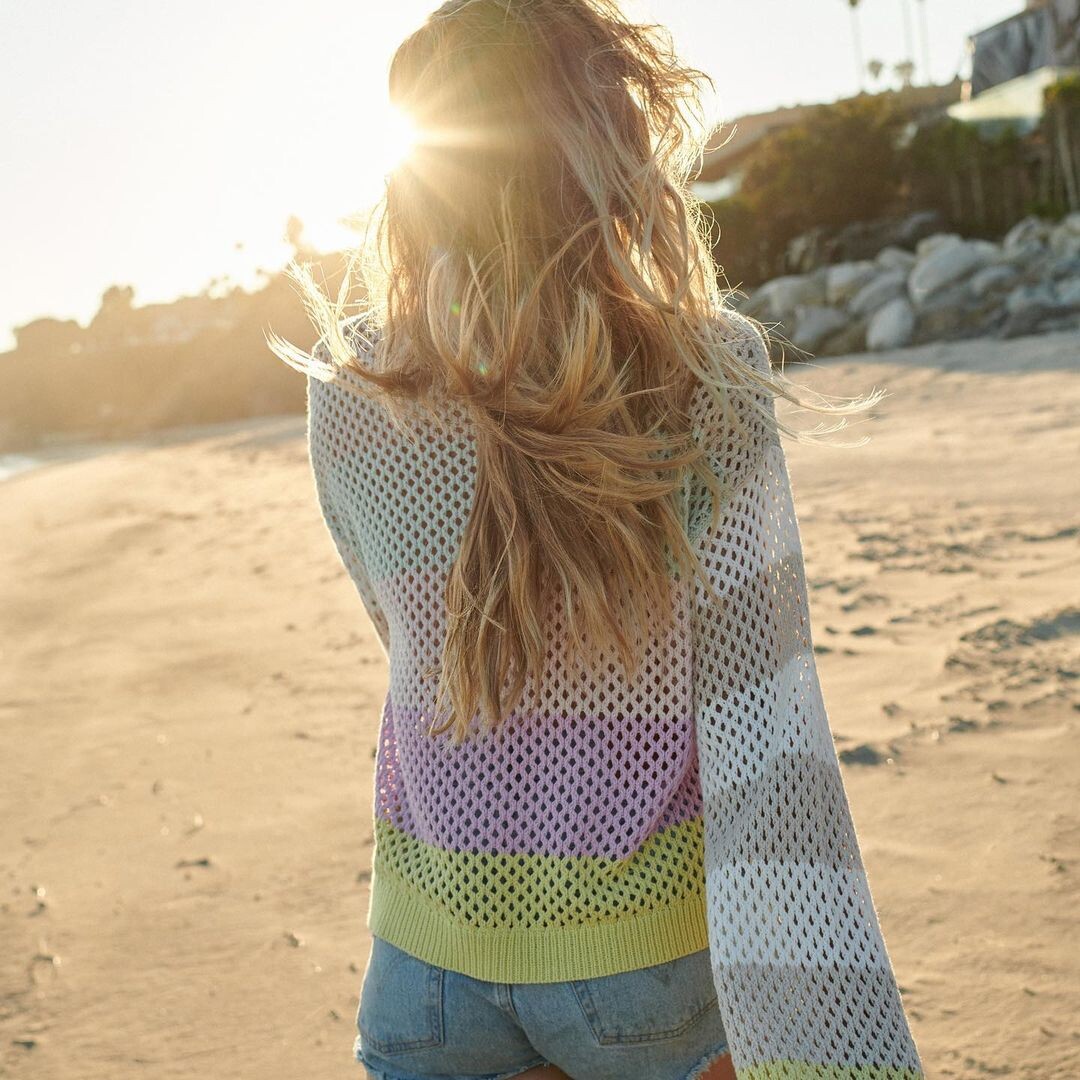
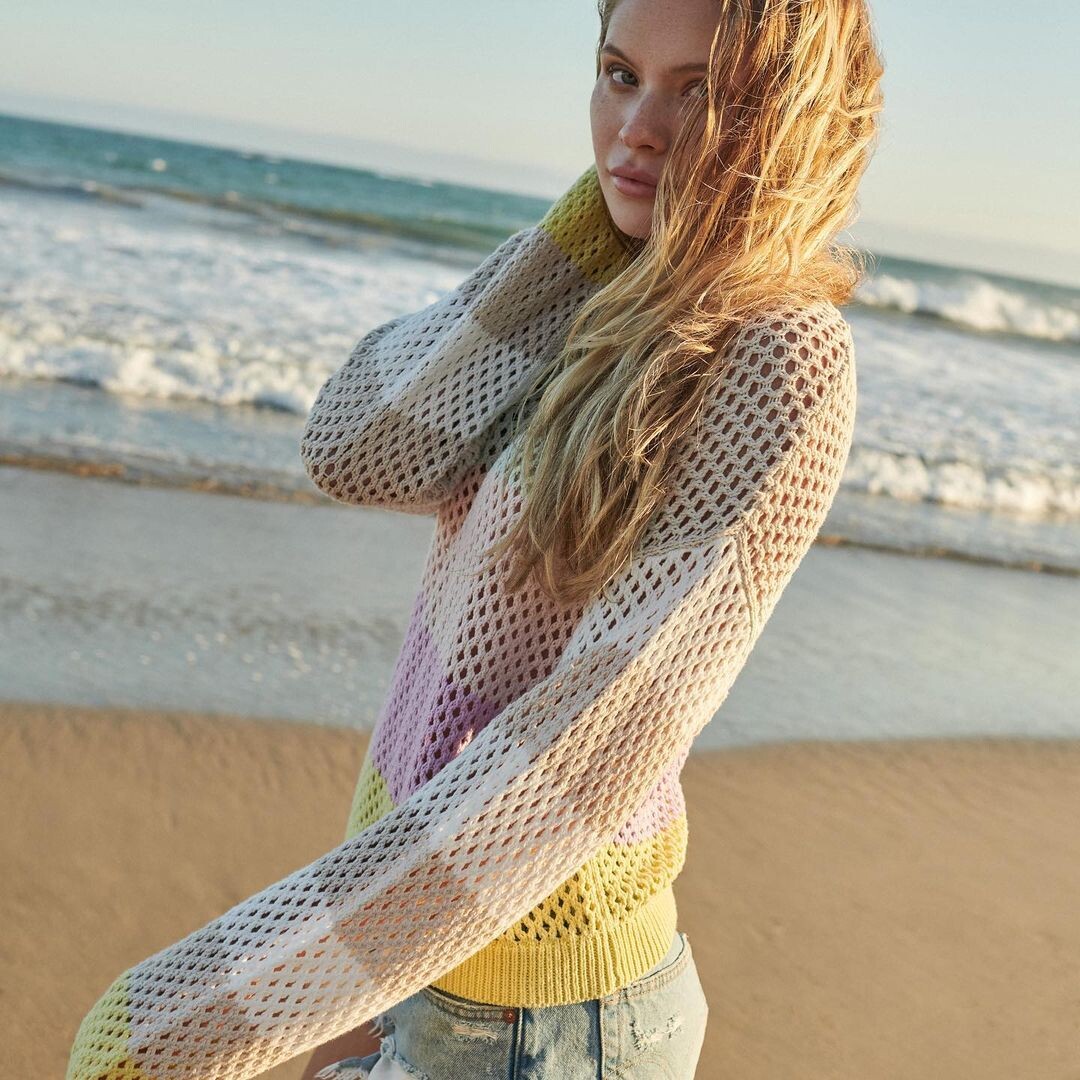
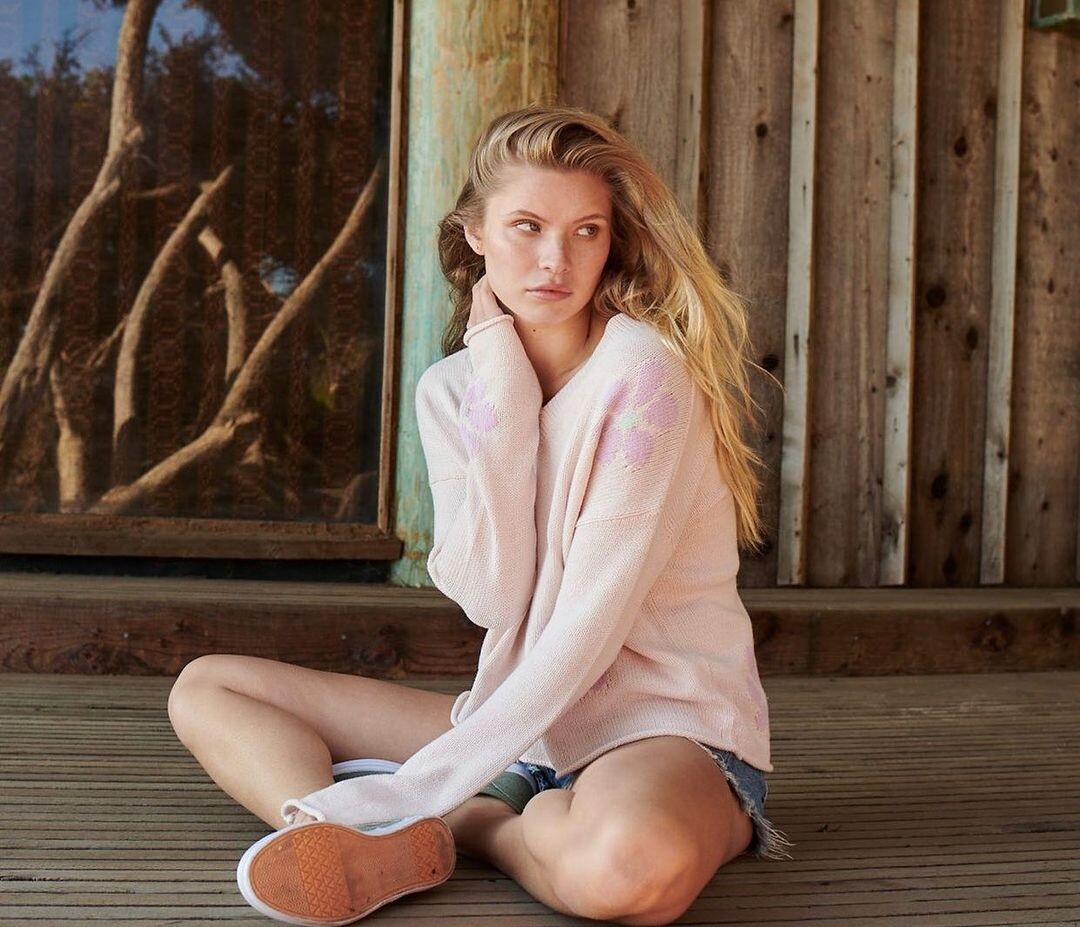
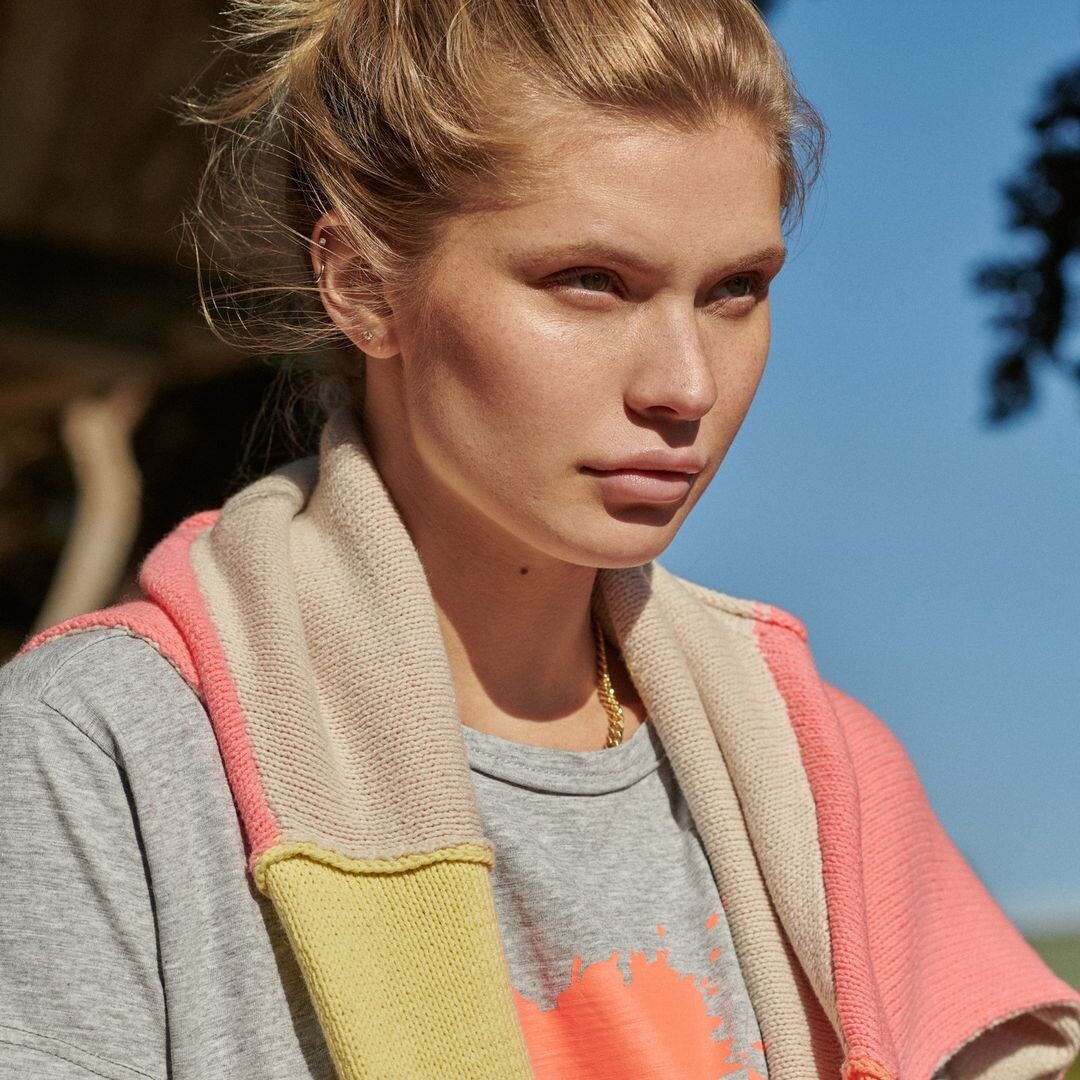
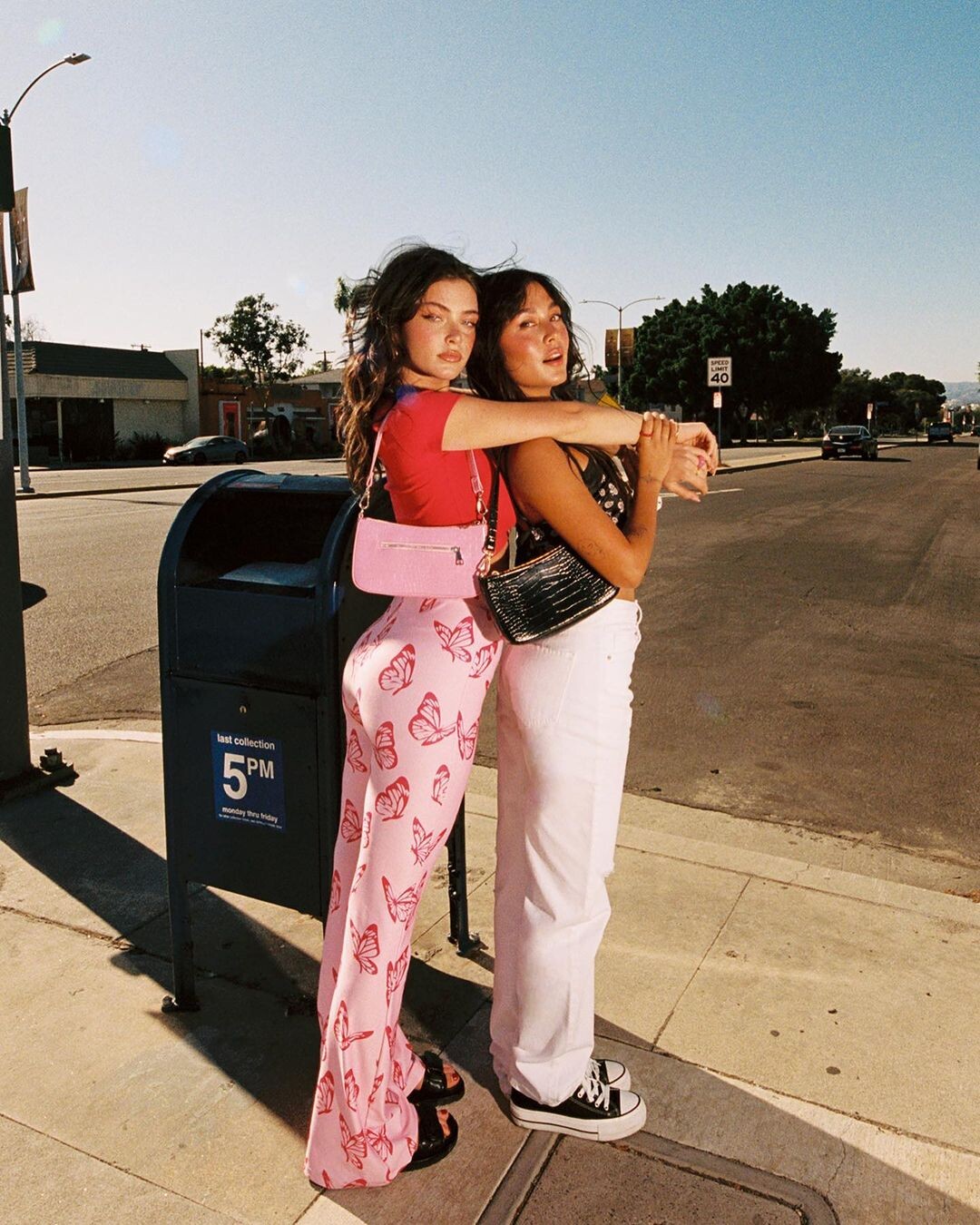
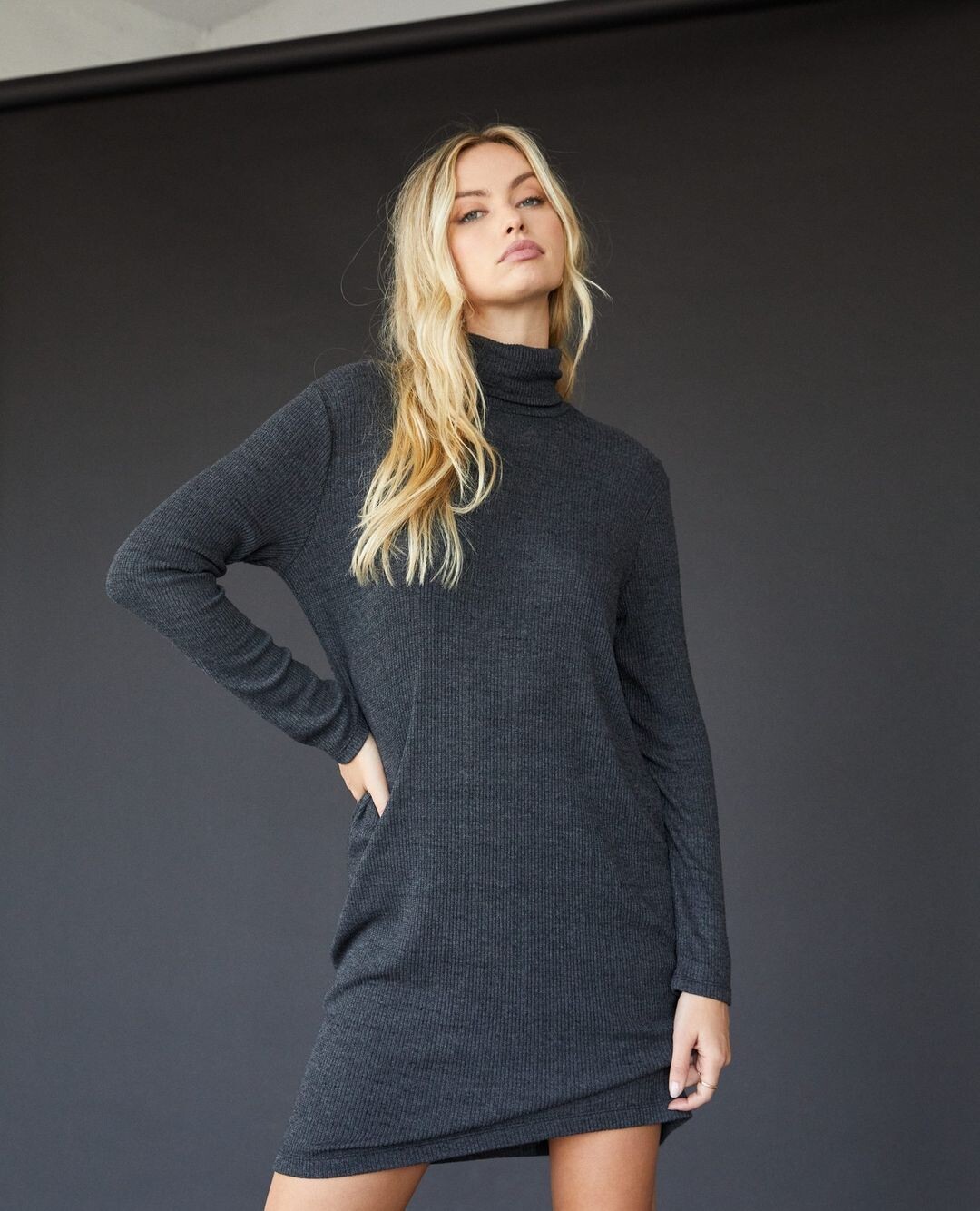
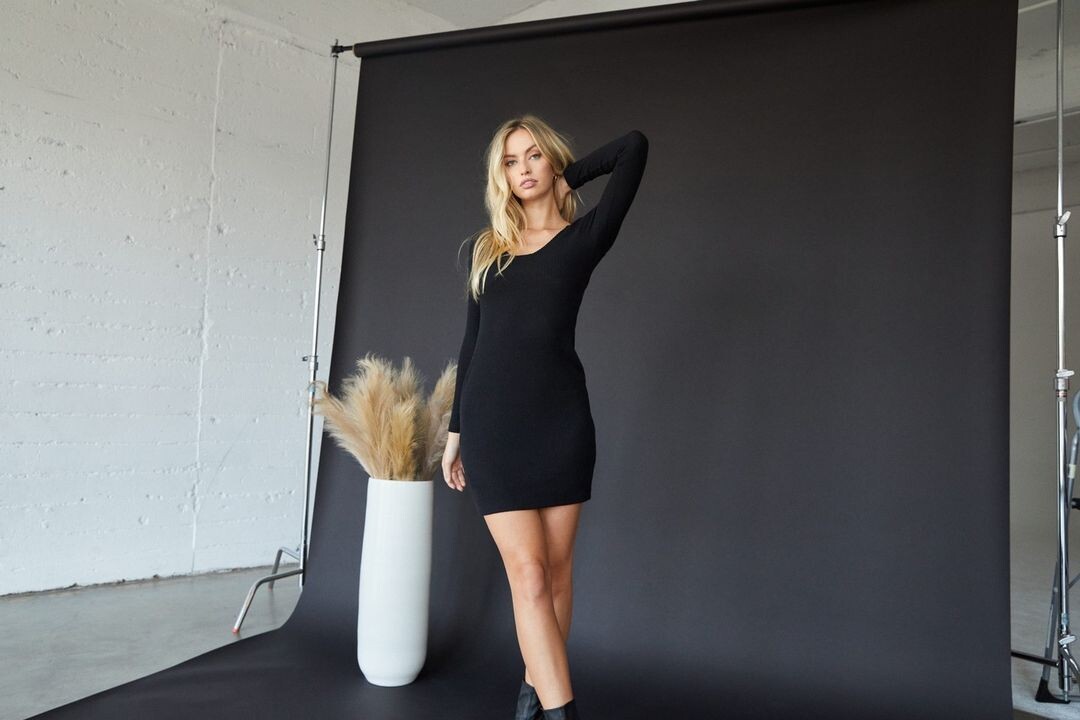
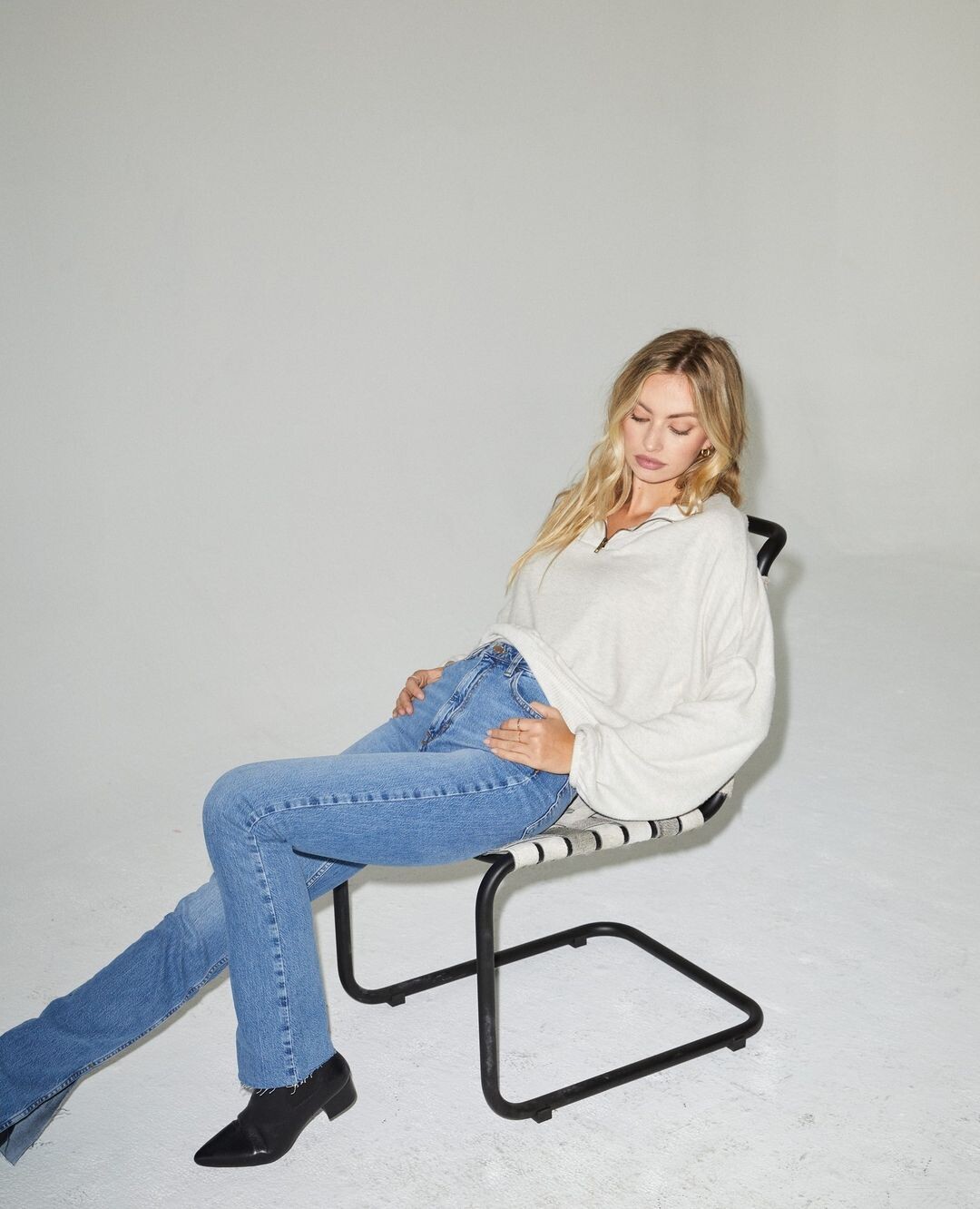
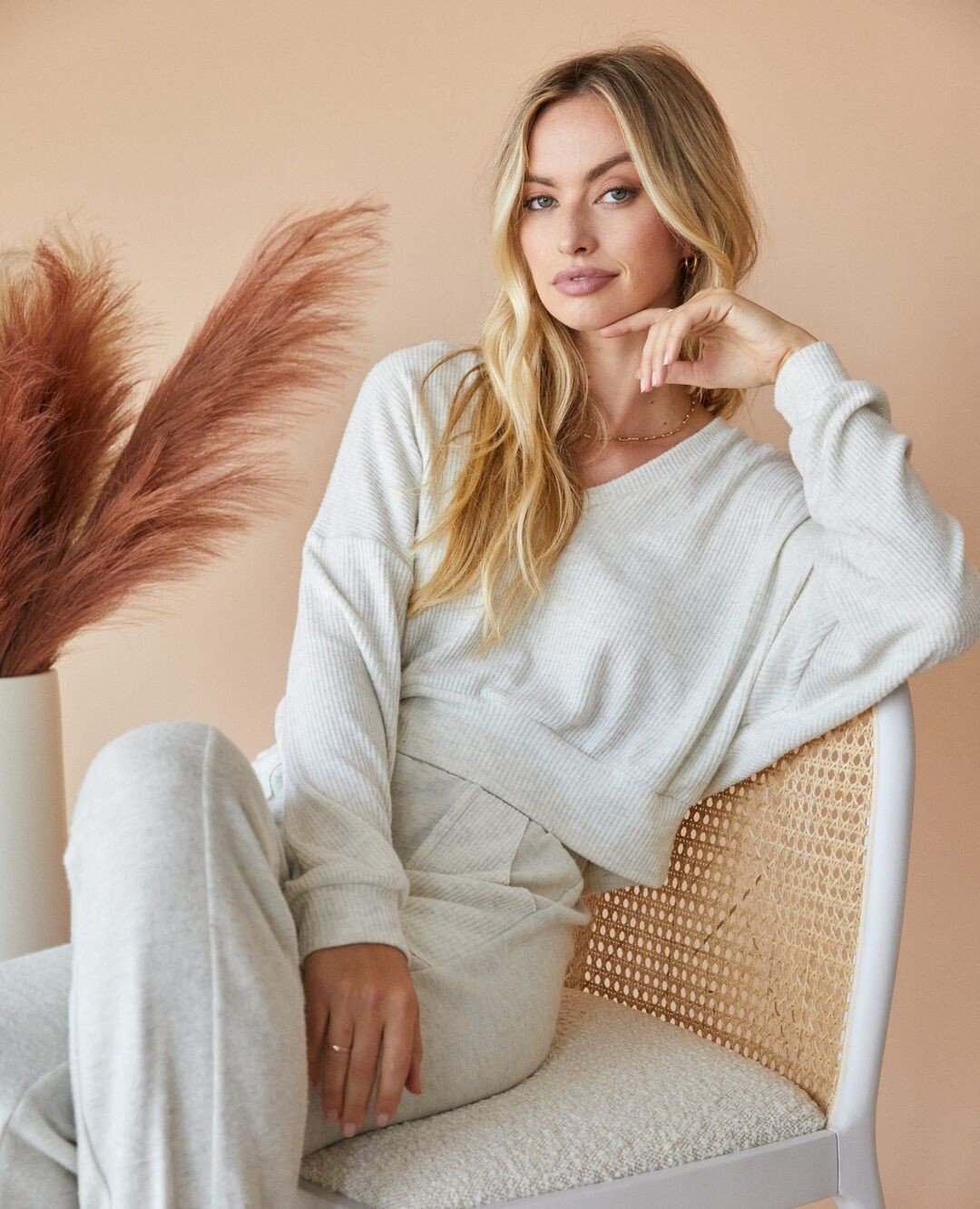
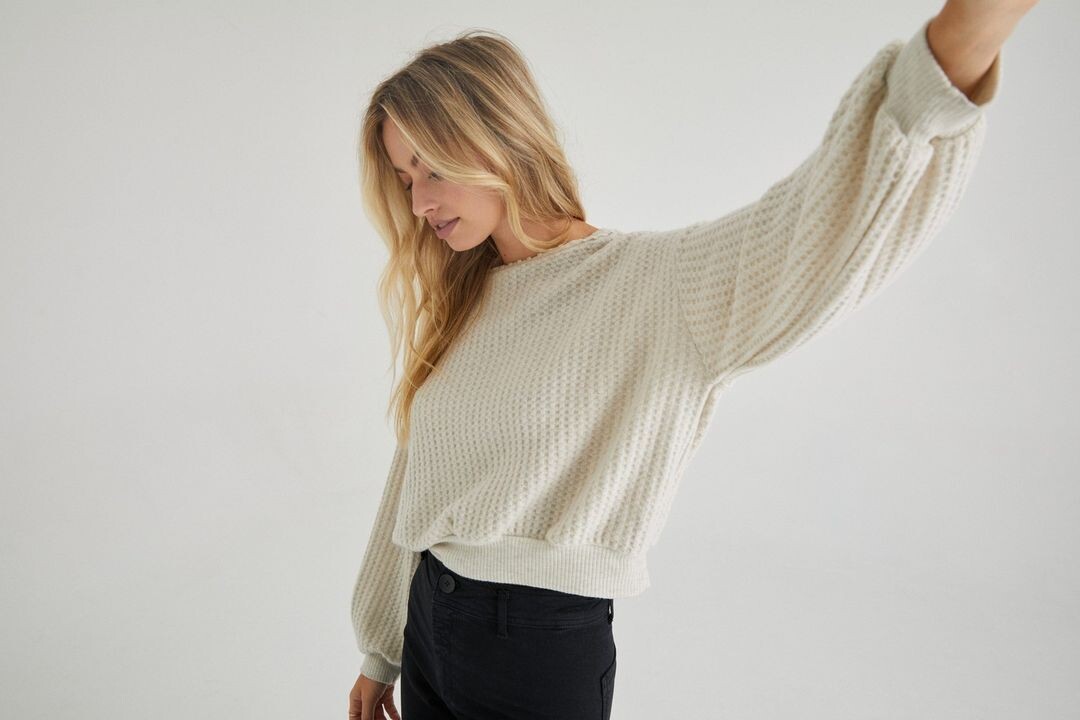
  1. Lisa Todd Clothing IG
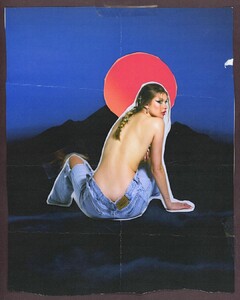
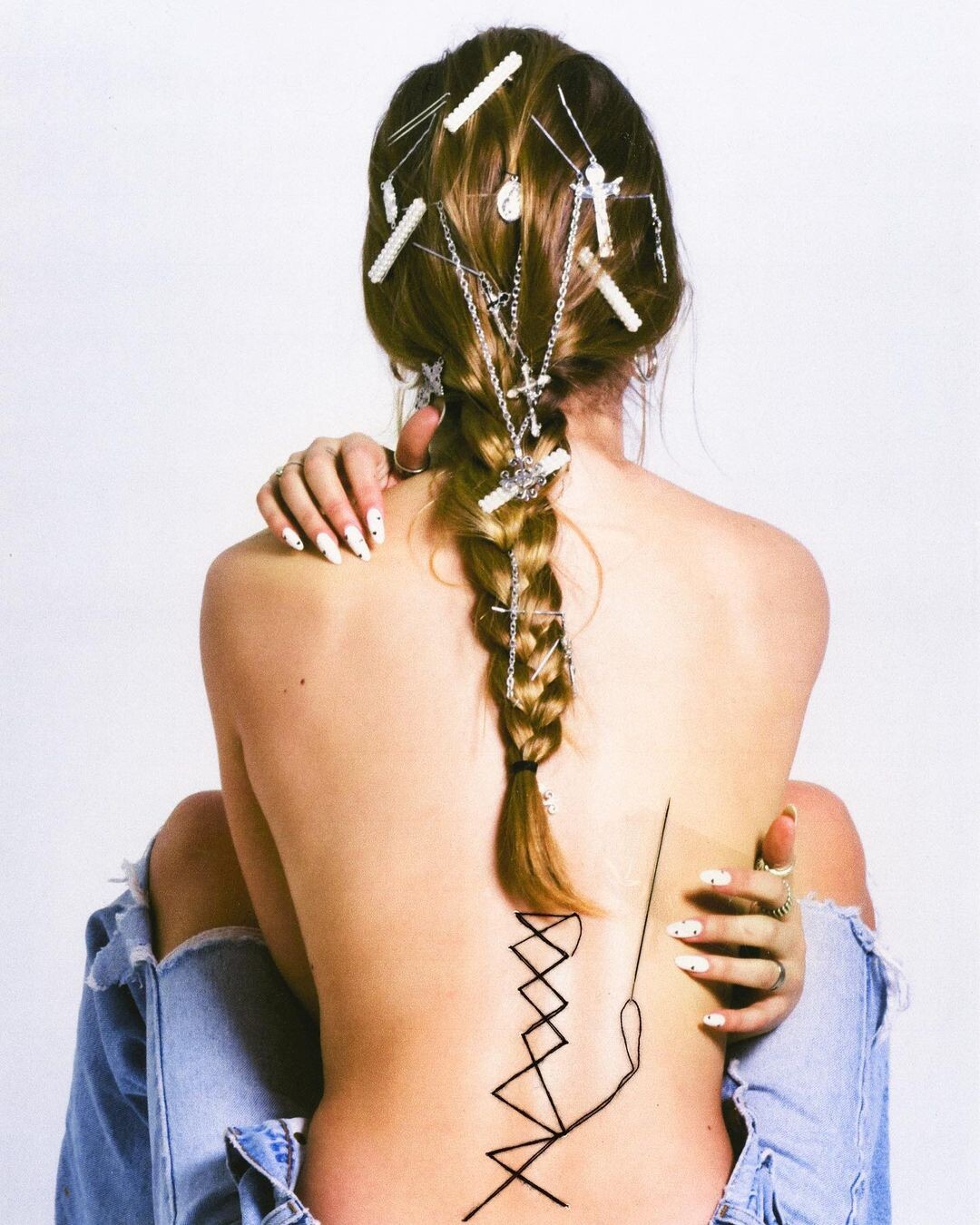
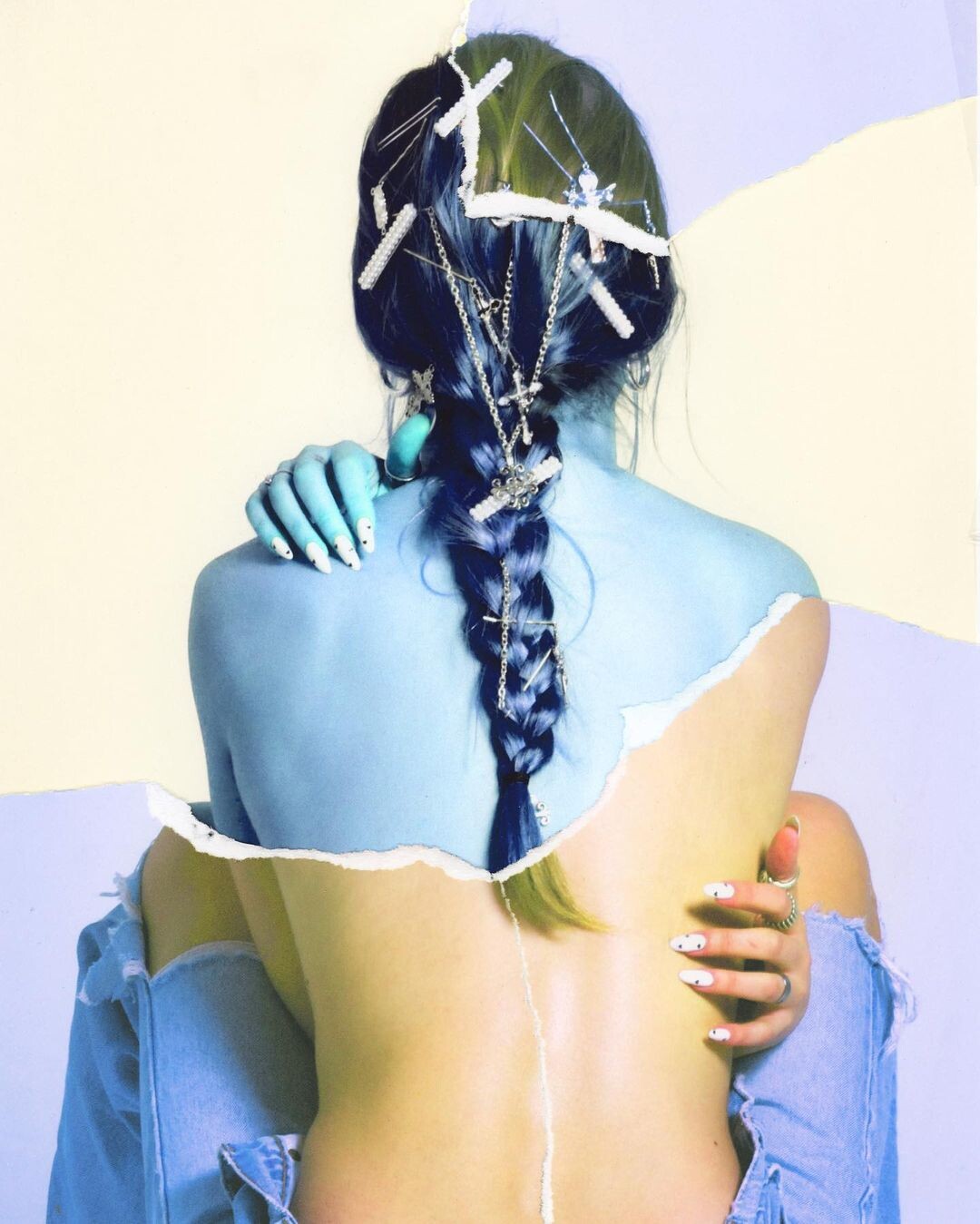
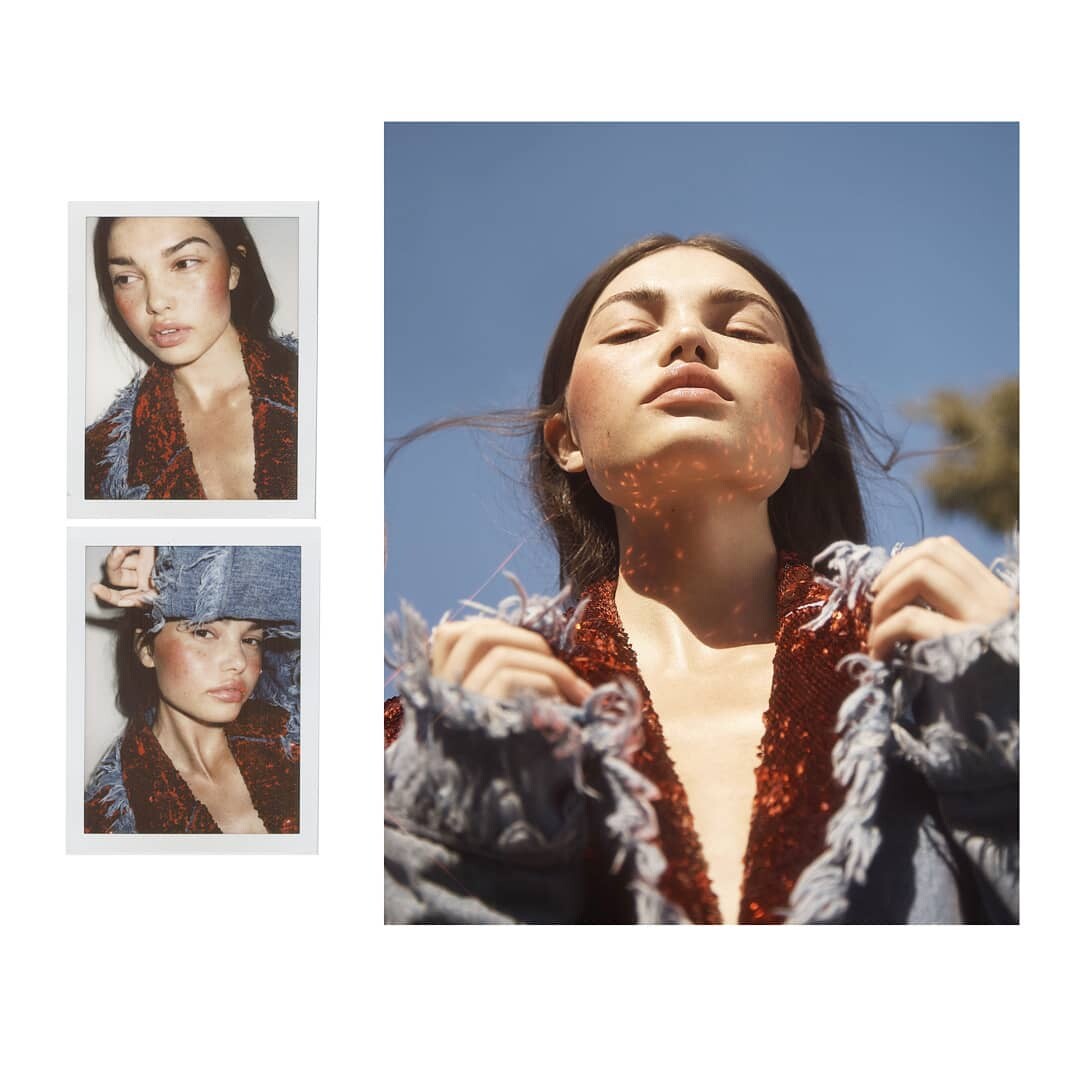
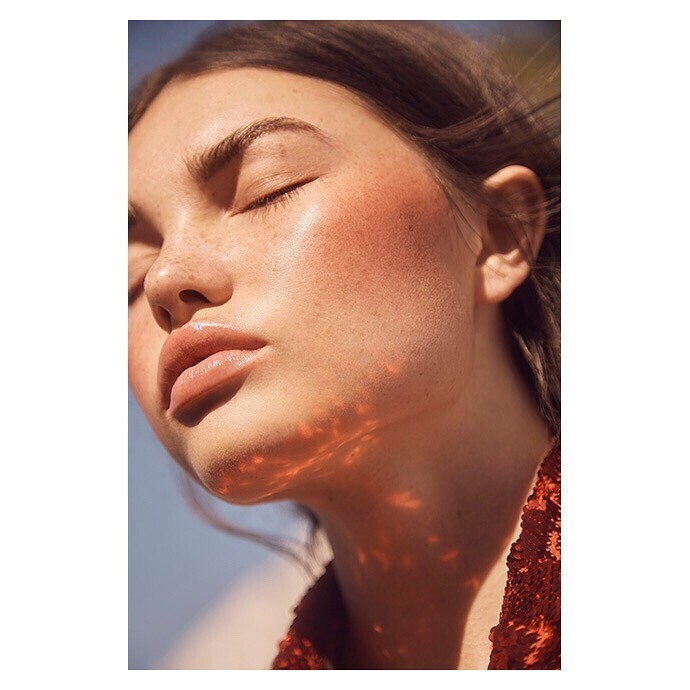
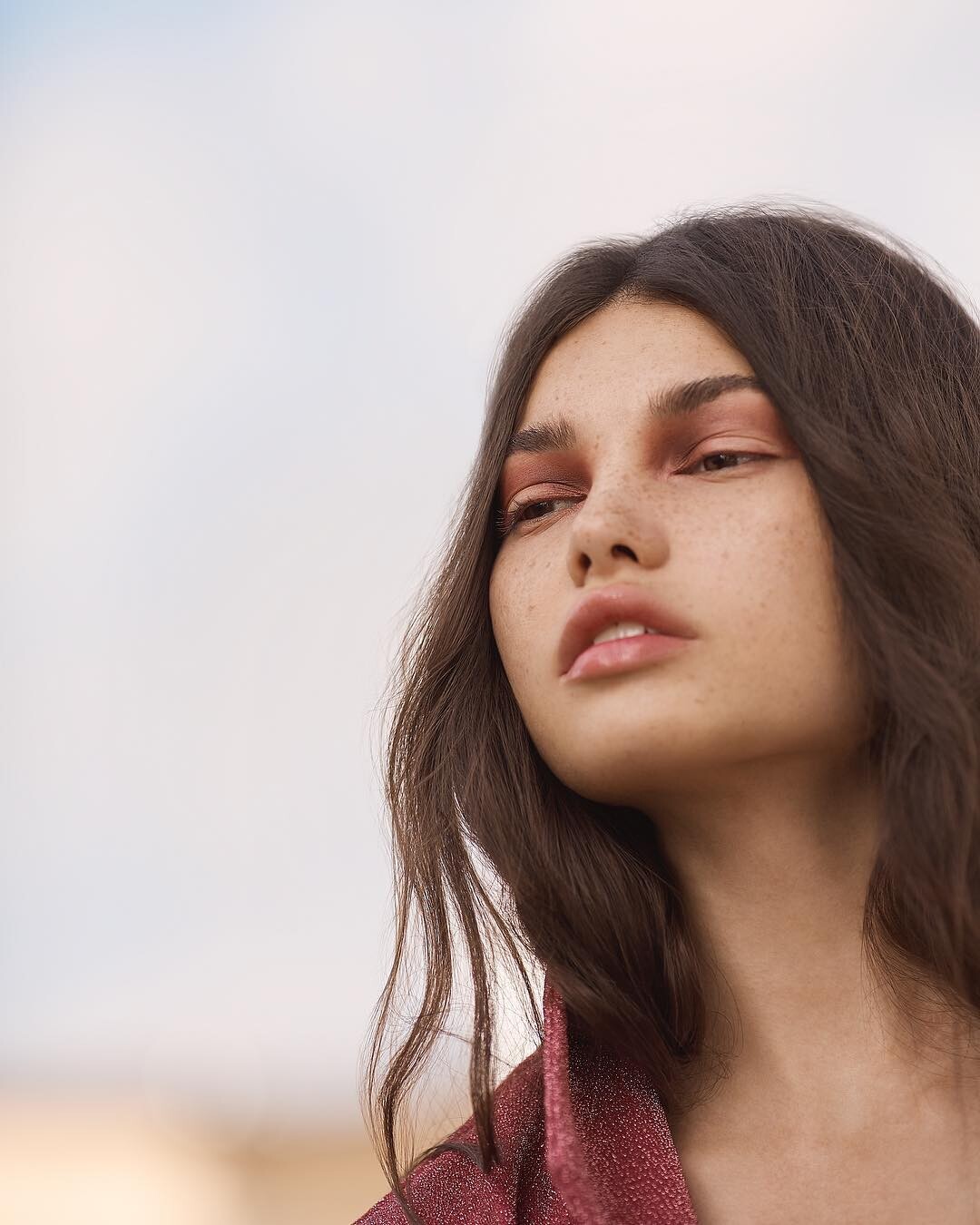
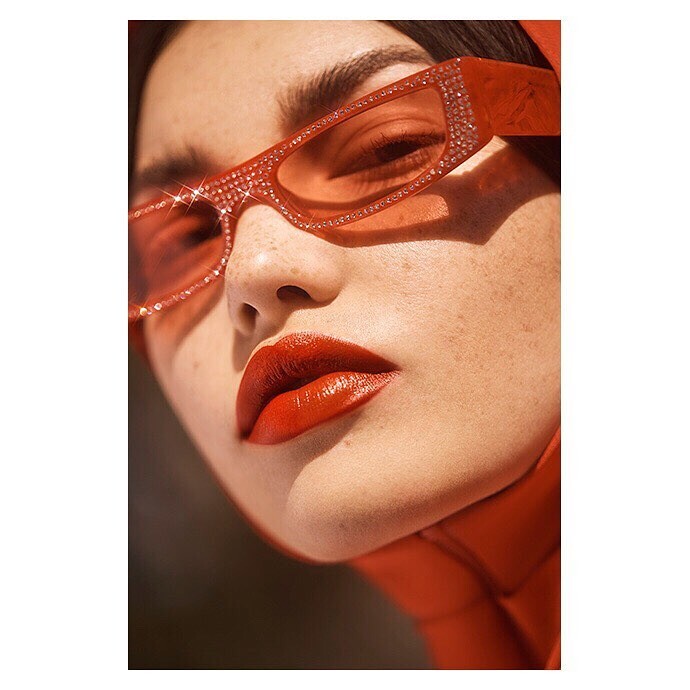
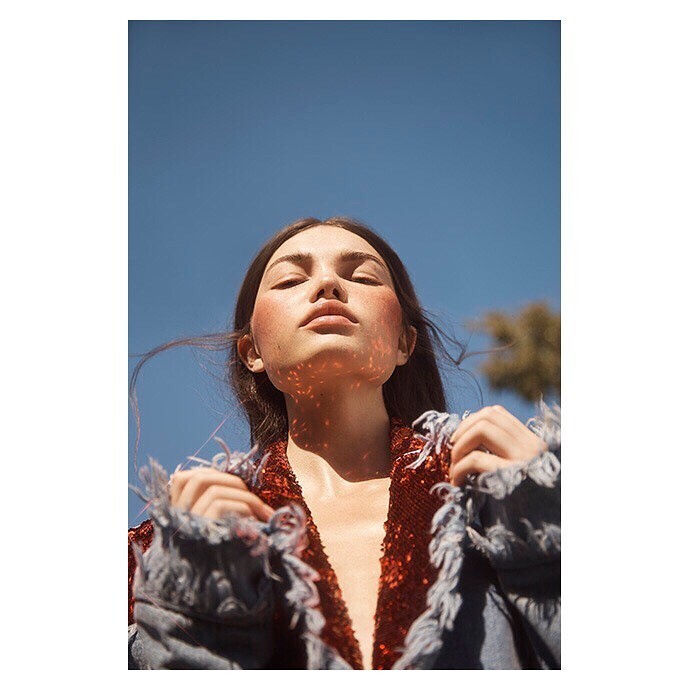
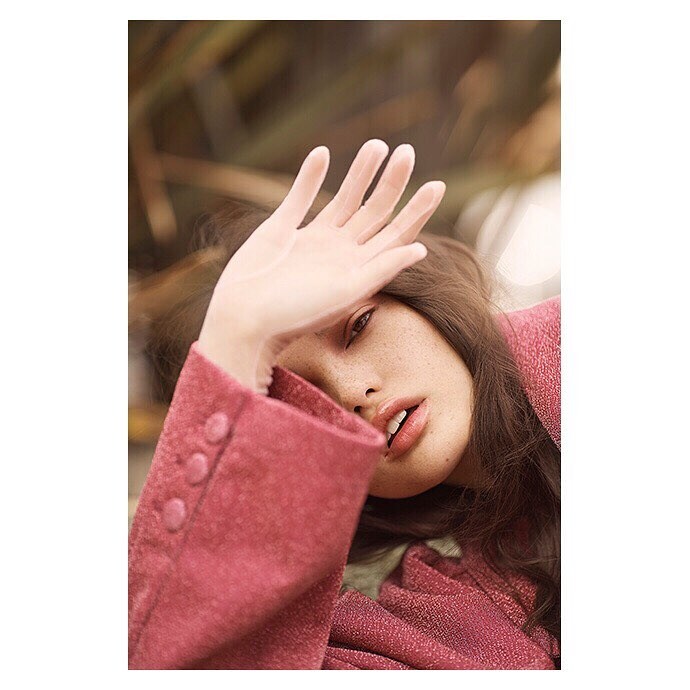
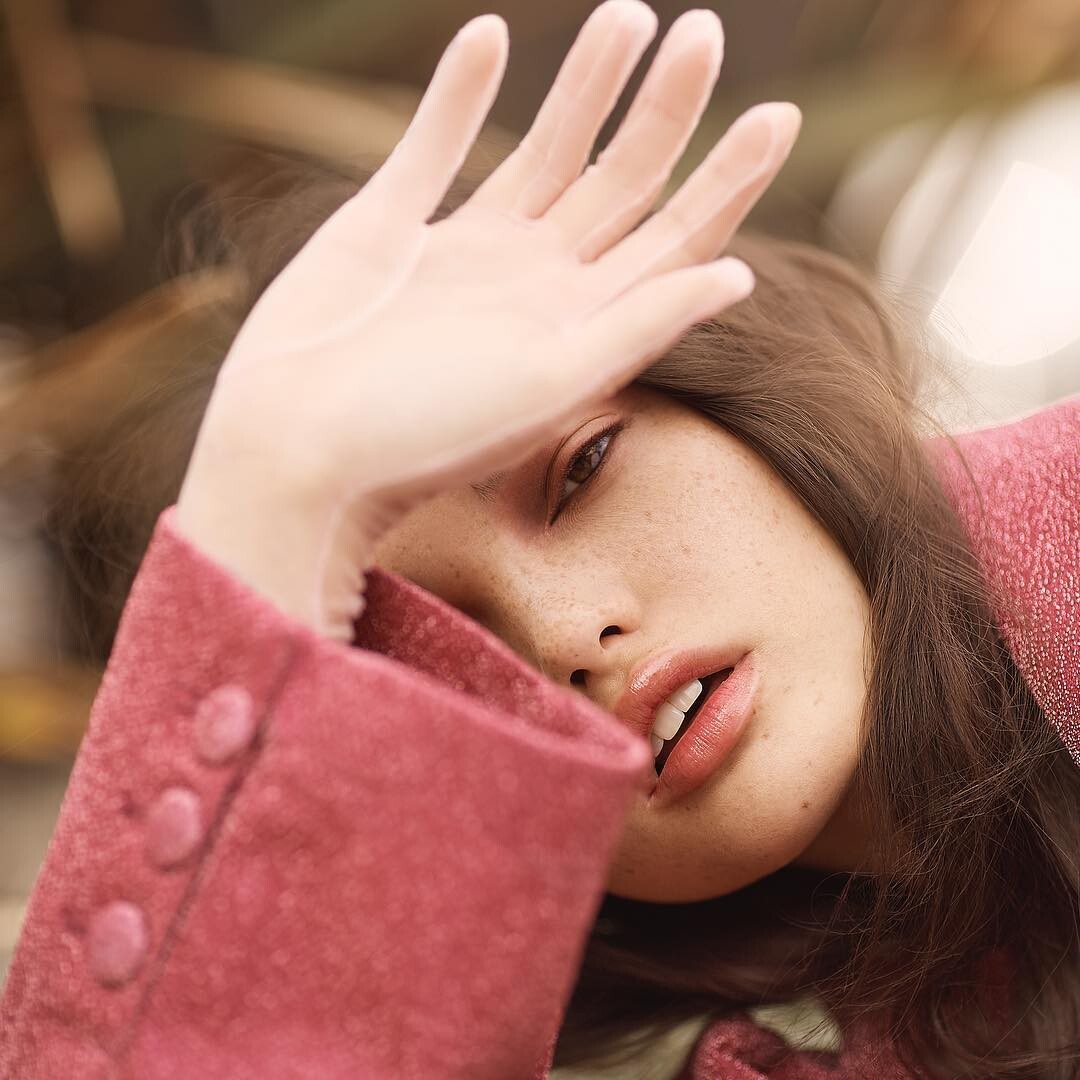
  2. By Maria Hunter (hair by Rachel Lita, MUA Ashley J. Simmons, stylist Jessica Perelman)
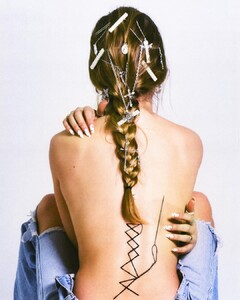
  3. For Lisa Todd Clothing from Social Hour Media Agency IG
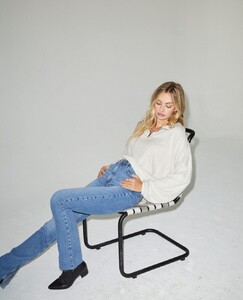
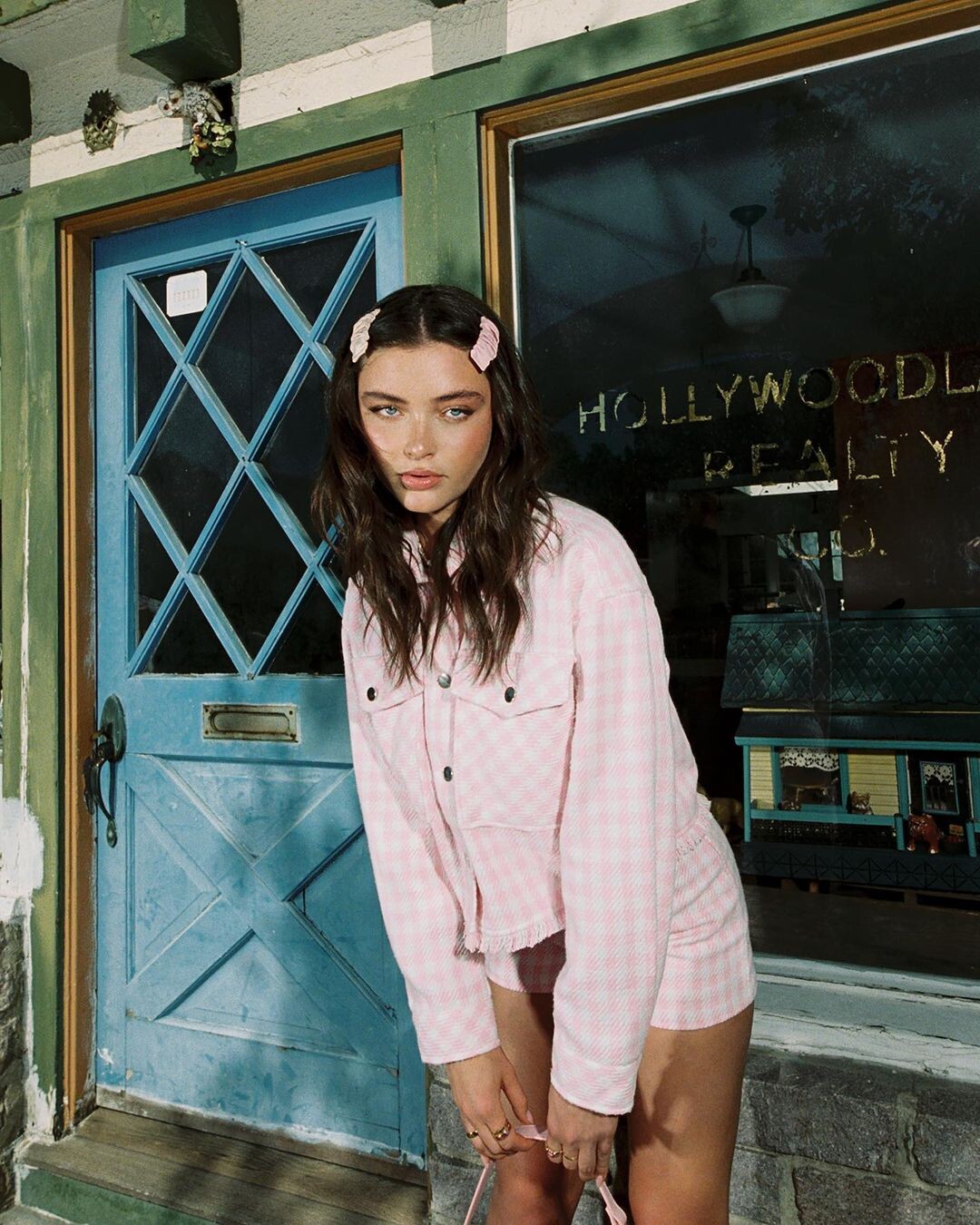
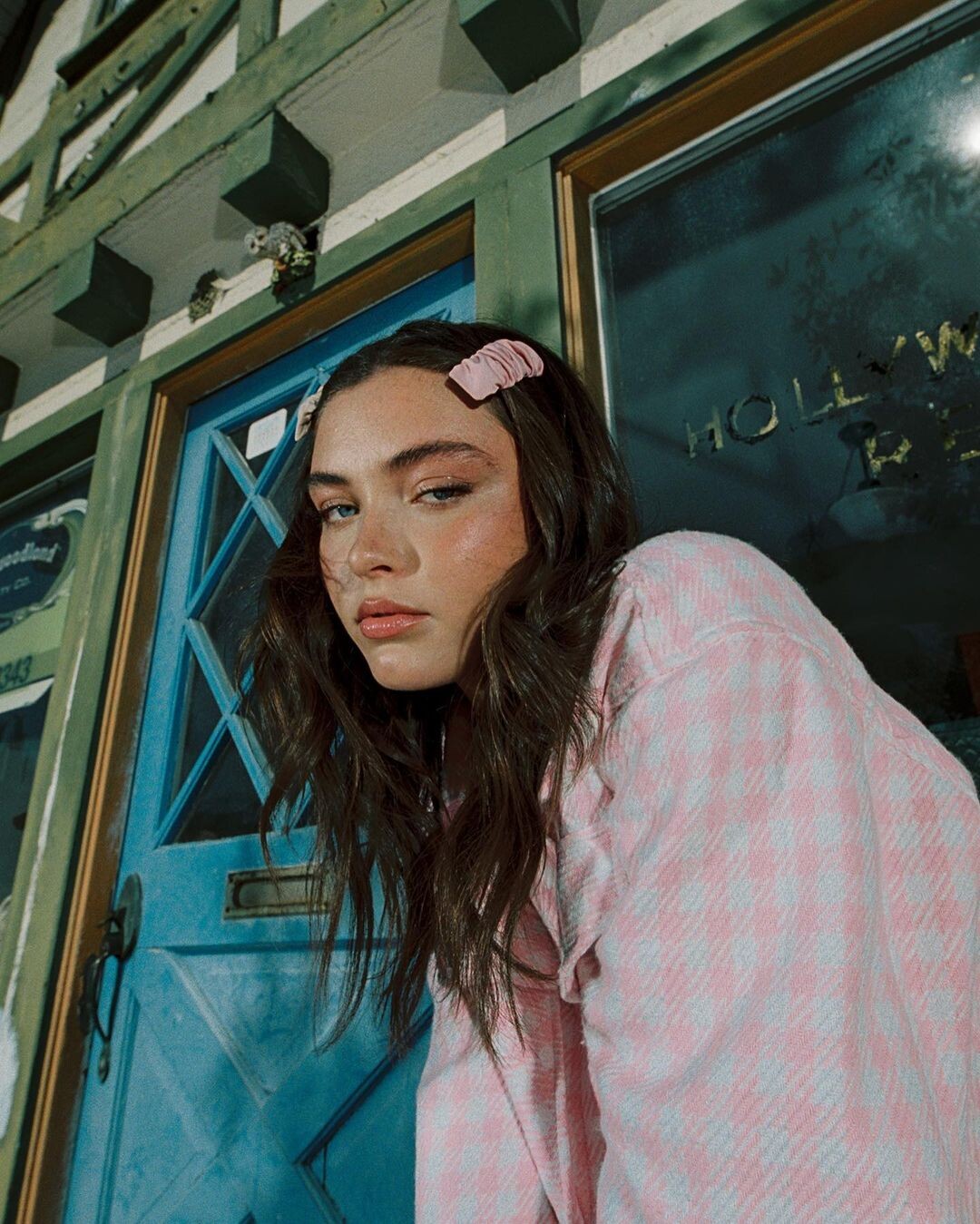
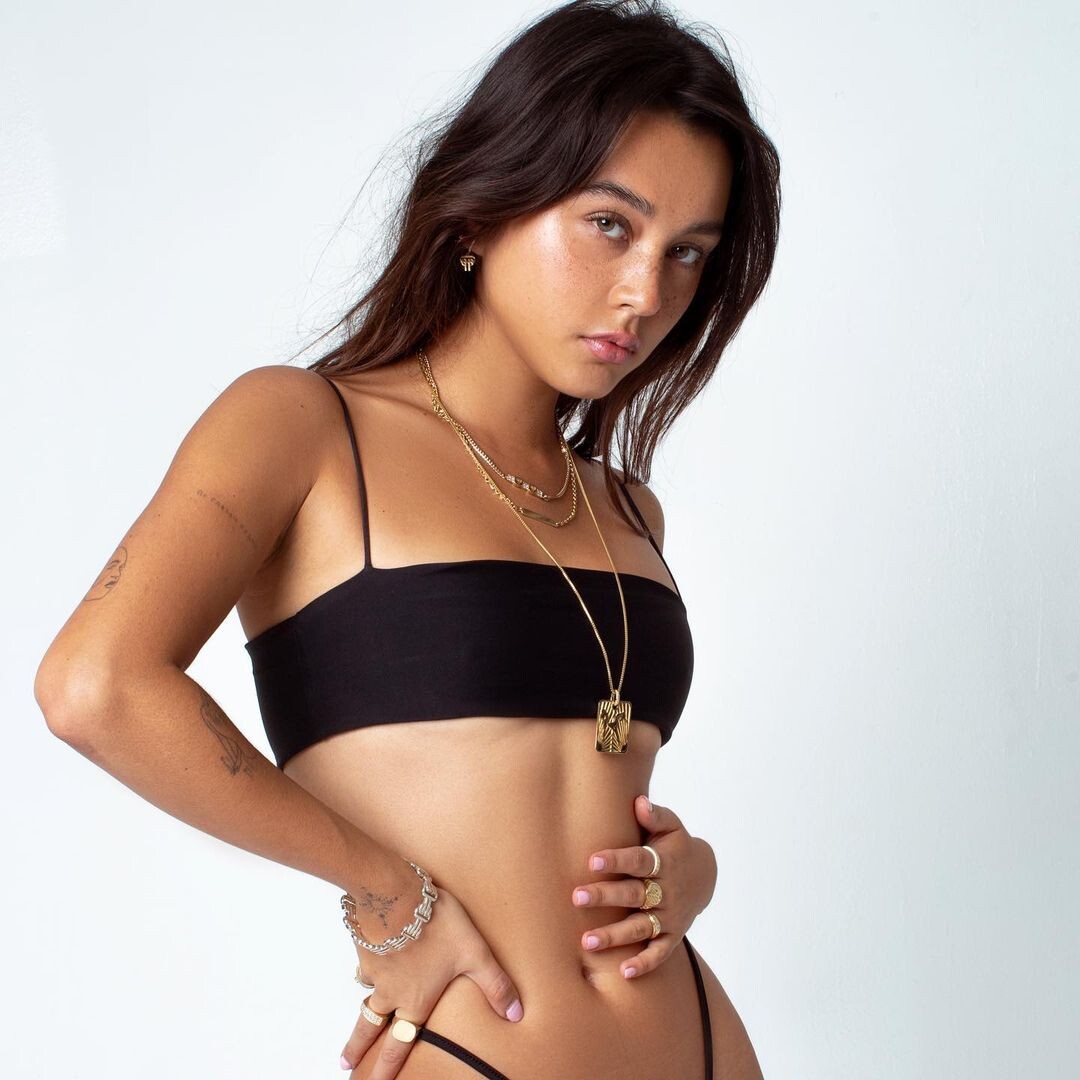
  4. For Princess Polly Boutique from Be Bronze L.A Spray Tanning IG
  5. By Maria Hunter (hair by Rachel Lita, MUA Ashley J. Simmons, stylist Jessica Perelman)
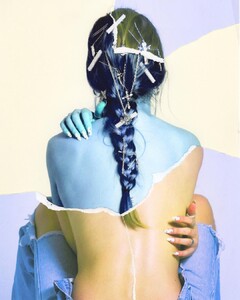
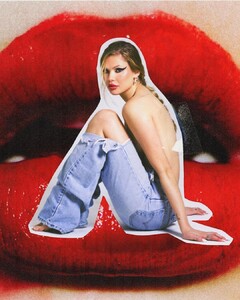
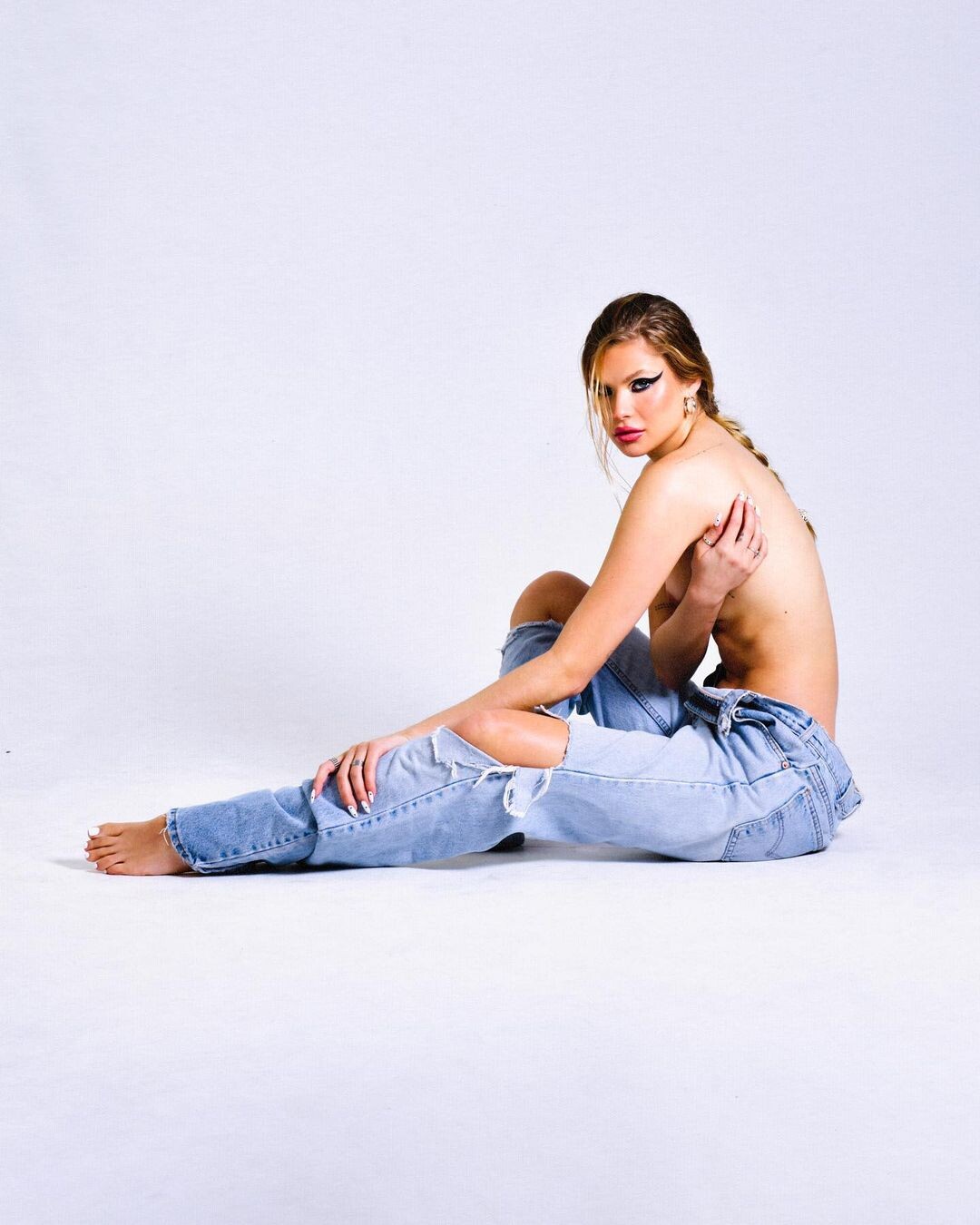
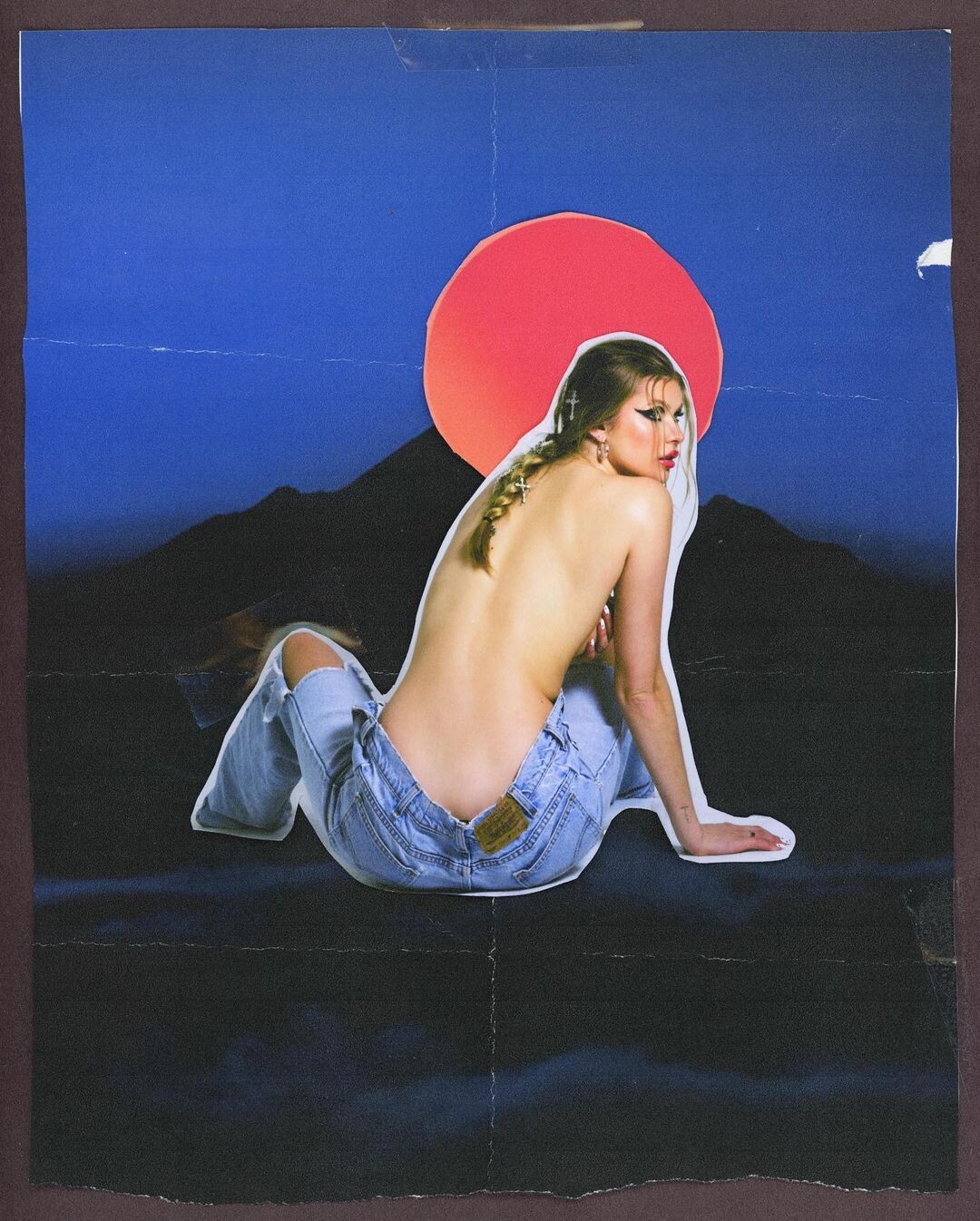
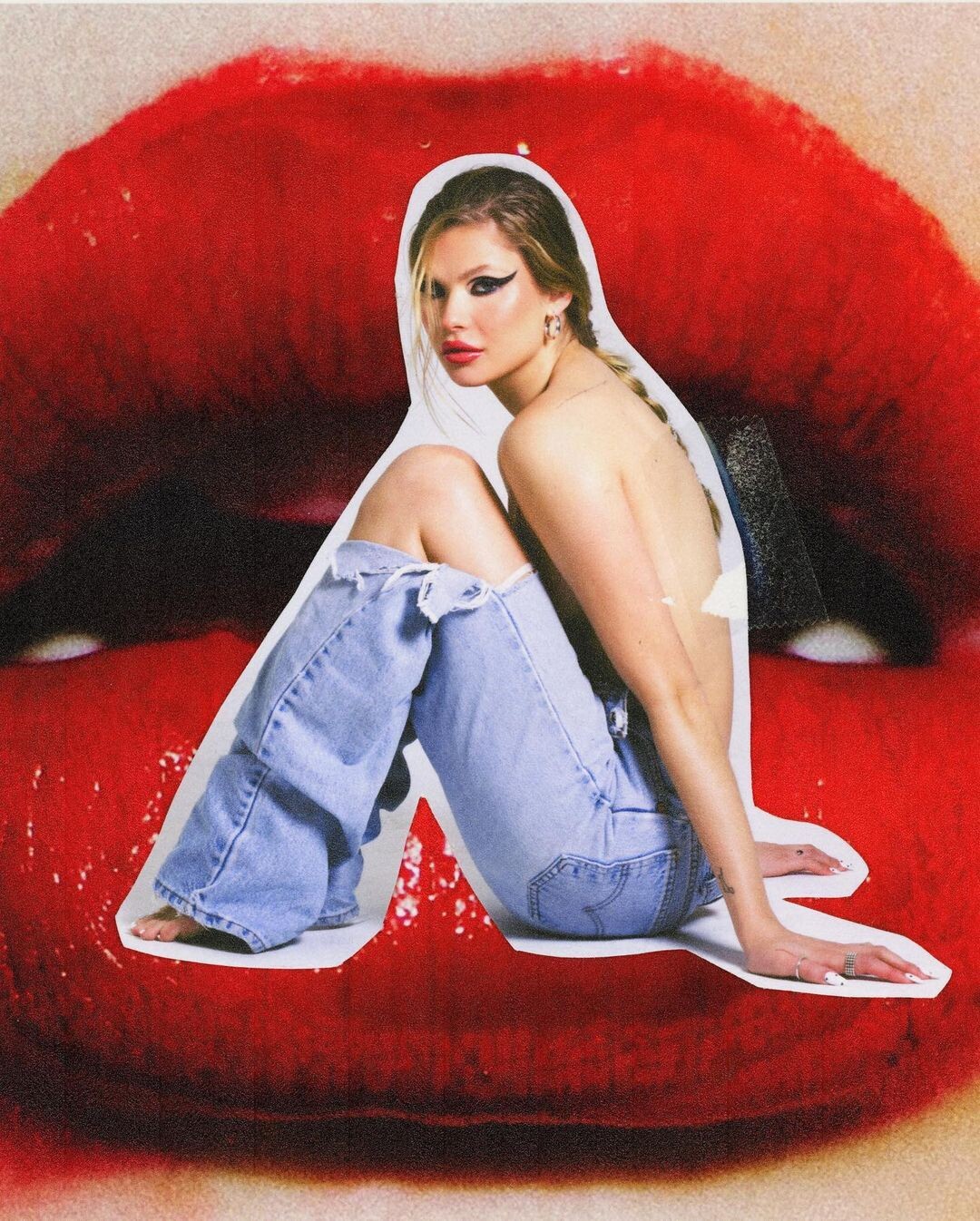
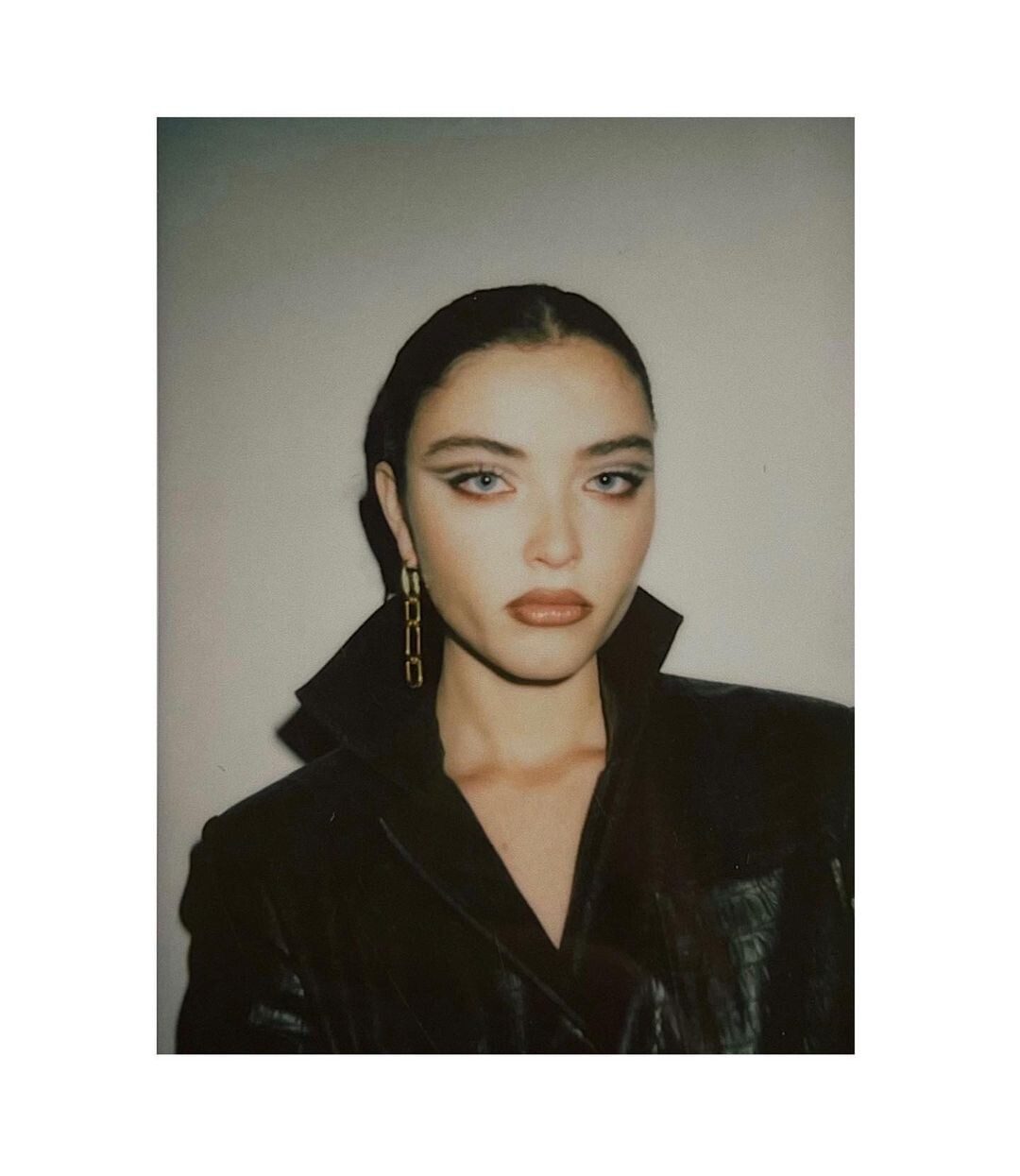
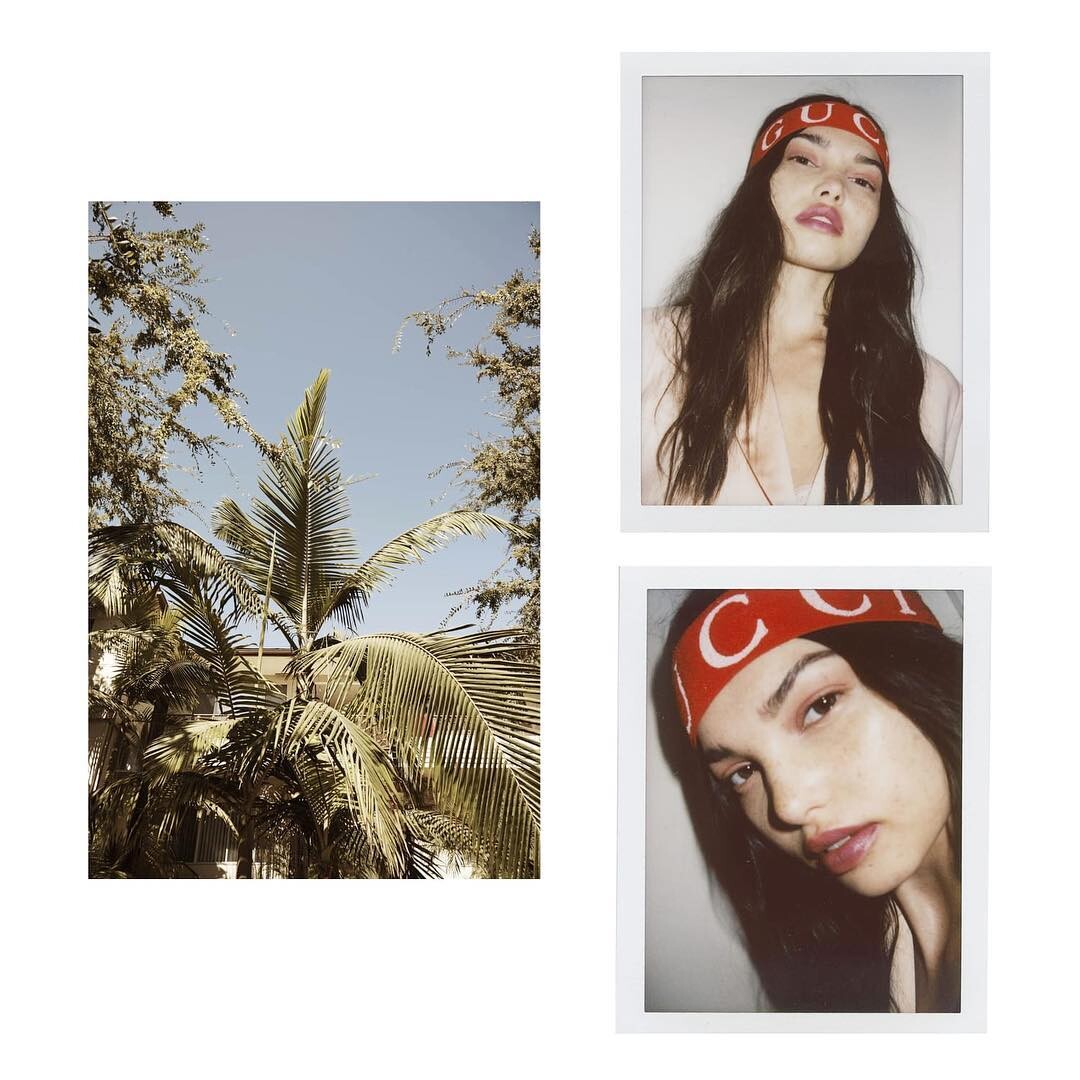
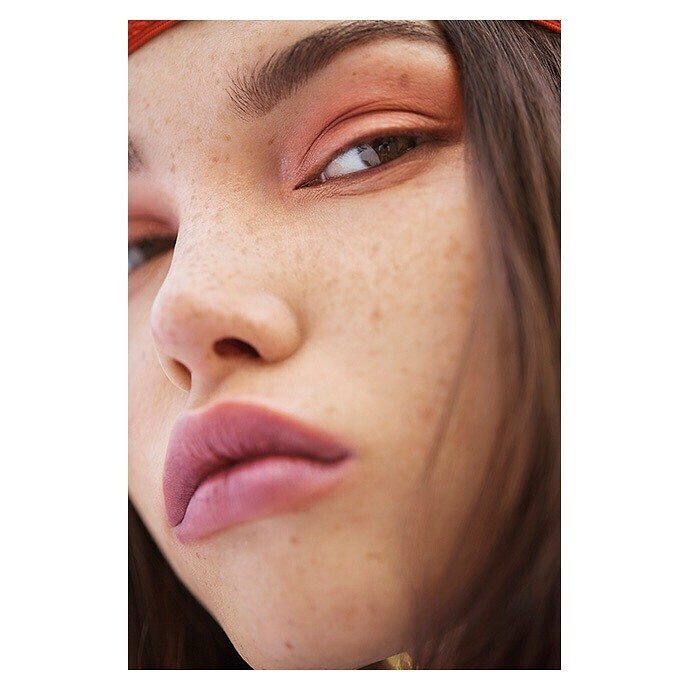
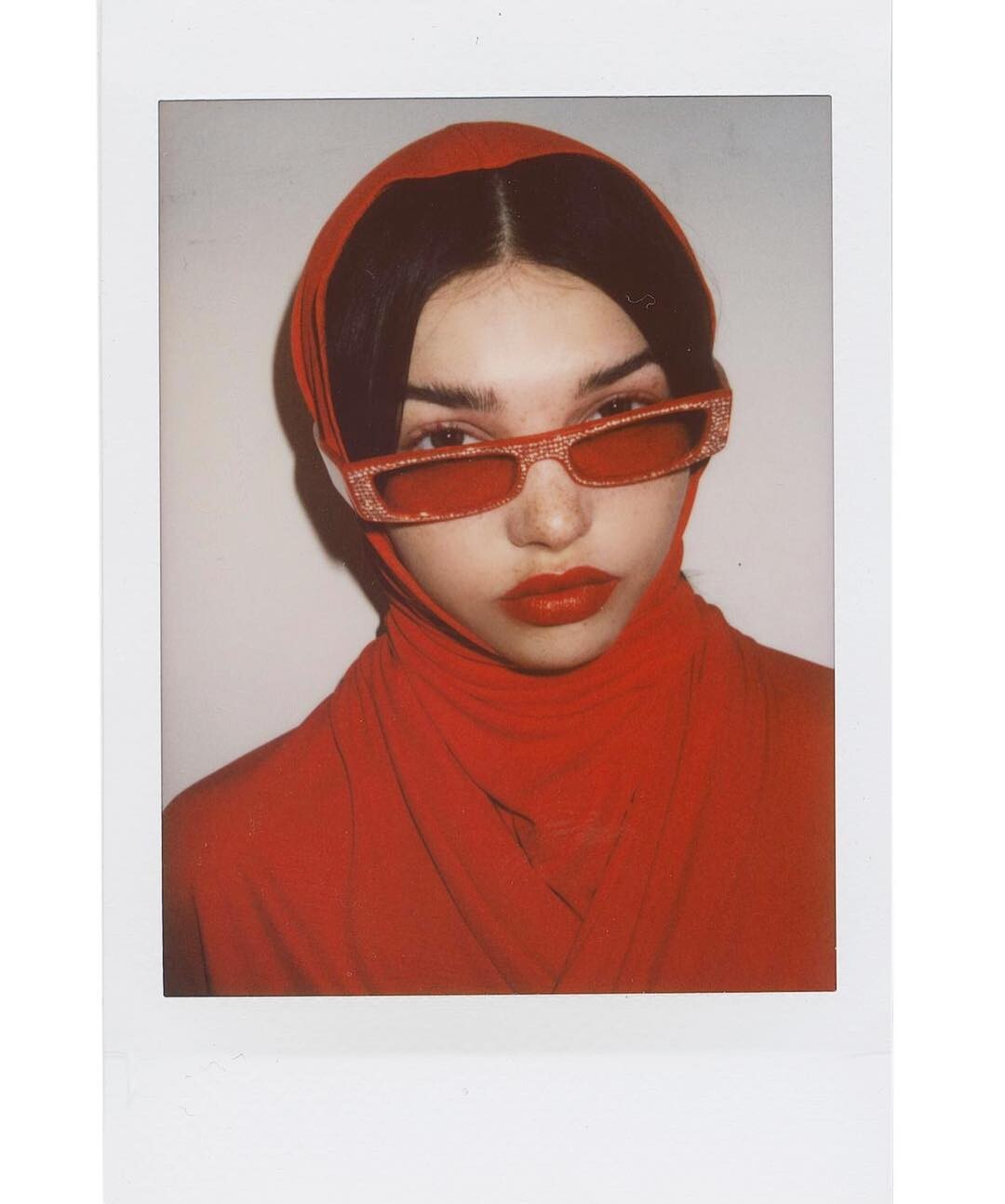
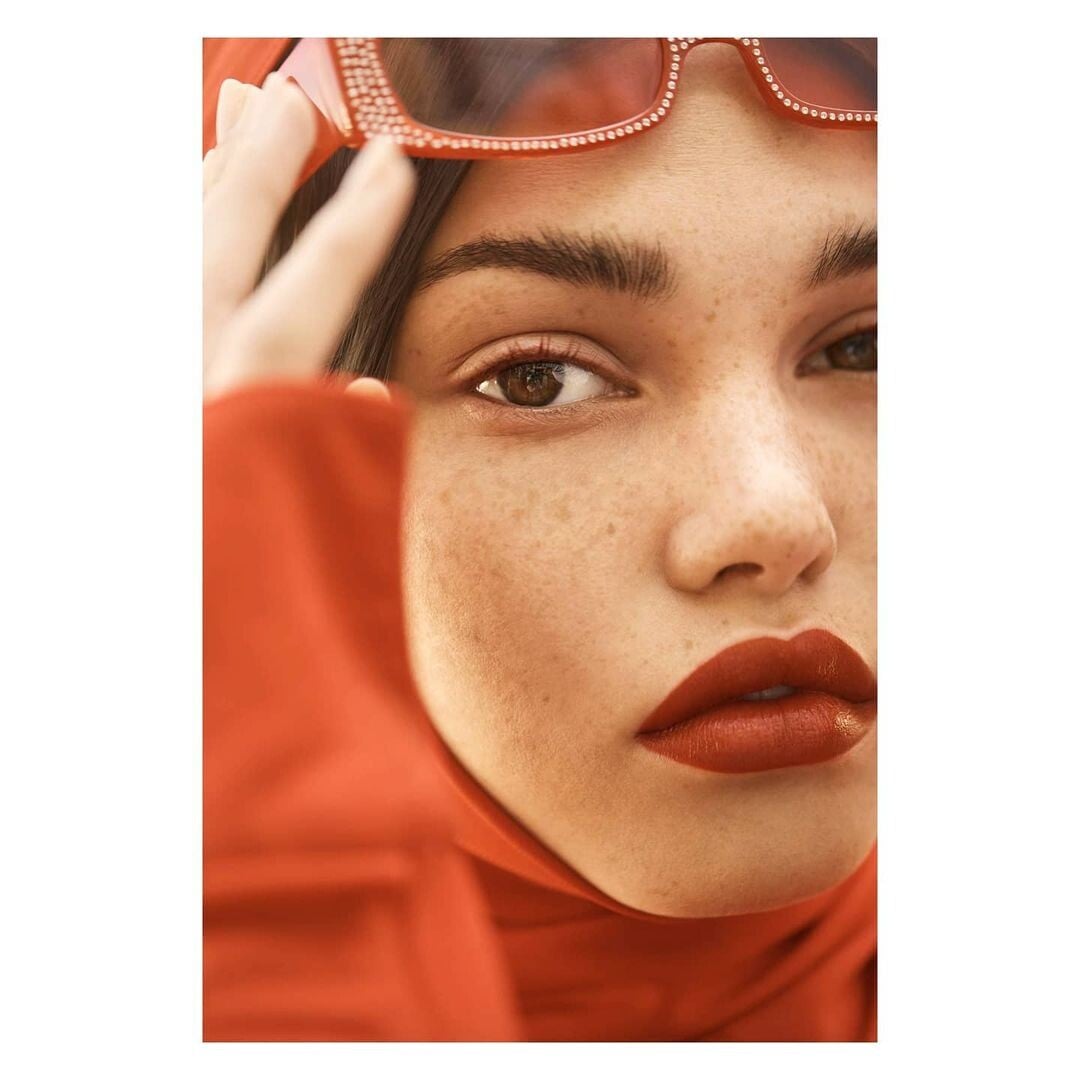
  6. By Andi Elloway for Flaunt Magazine (stylist soareestylist, MUA Alyssa Fall)

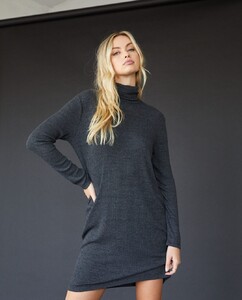
  7. Lisa Todd Clothing IG
  8. By juliakokernak for LeSportsac
  9. By sshevchenkom
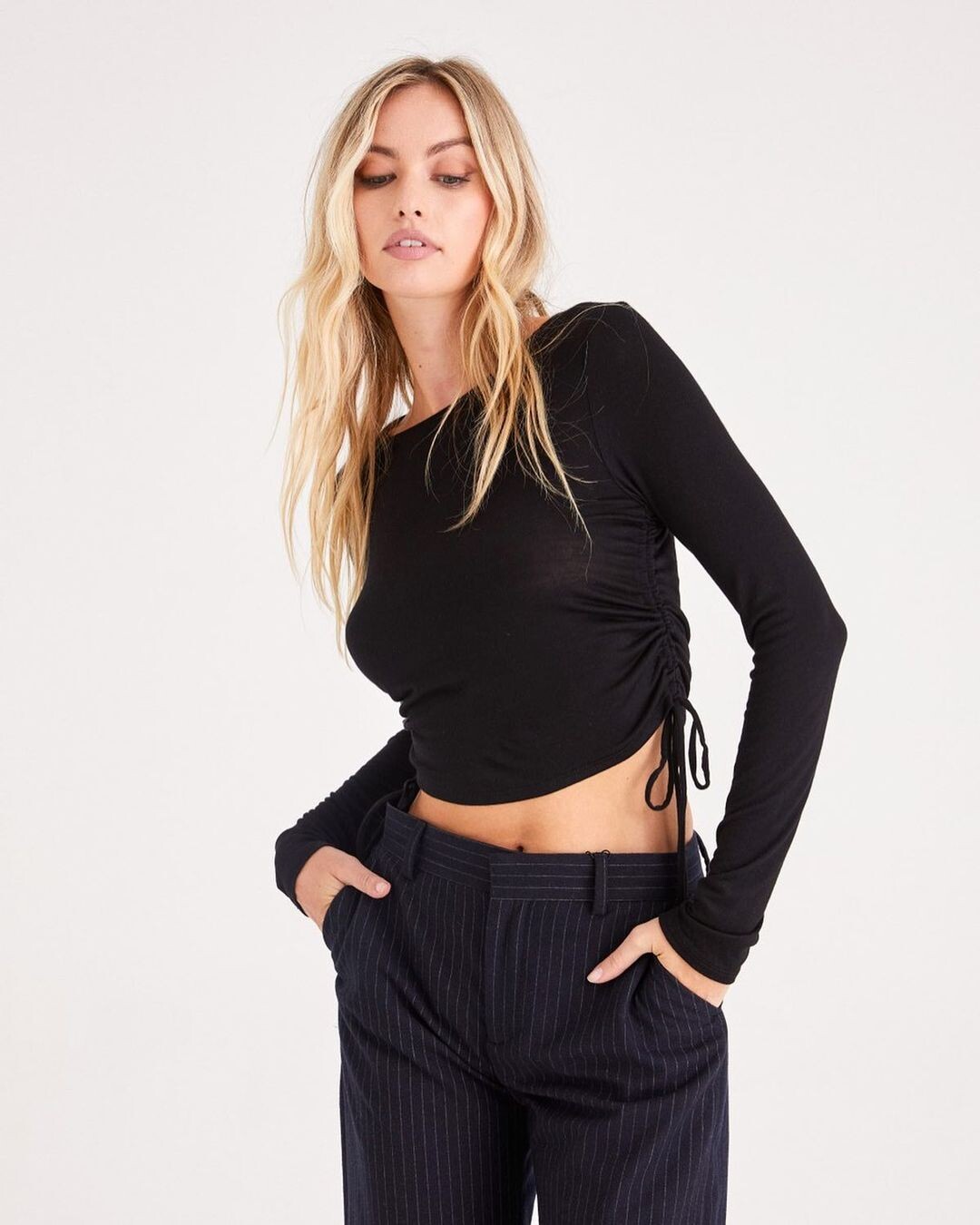
  10. For New Yorker Online Clothing by Corrina Day

  11. For New Yorker Online Clothing by Corrina Day 275510697_795870091806313_9025972779922499028_n.mp4

  12. For New Yorker Online Clothing by Corrina Day 275510697_795870091806313_9025972779922499028_n.mp4

  13. For New Yorker Online Clothing by Corrina Day

  14. For New Yorker Online Clothing by Corrina Day

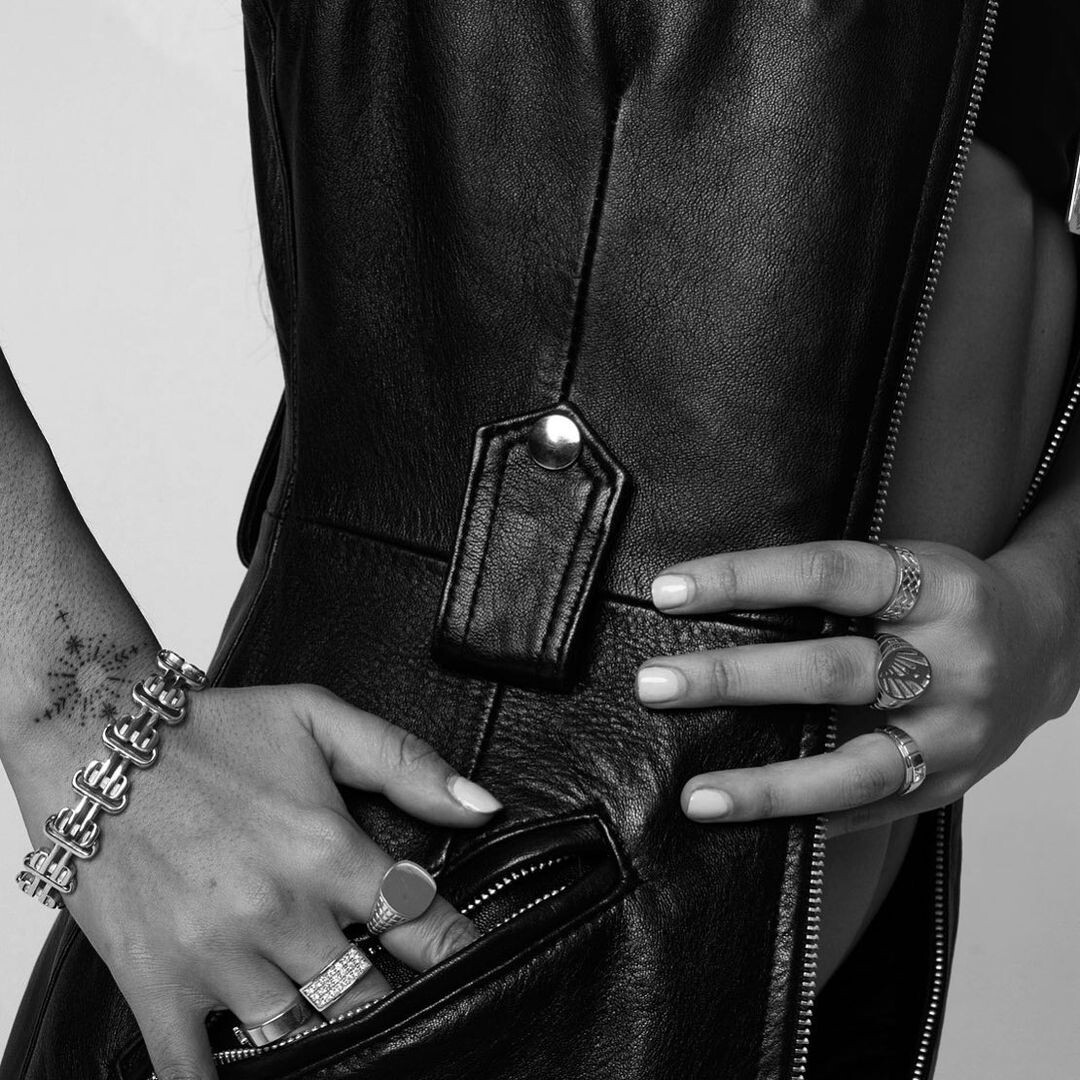
  15. By Angella Choe for O.P.P Jewelry
  16. By Matt Abad for Beyond the Pines Magazine
  17. Sergio Tacchini France Clothing IG
  18. For New Yorker Online Clothing by Corrina Day
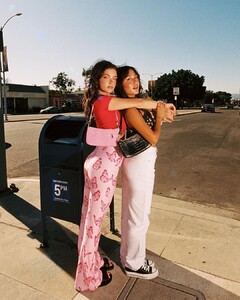
  19. By Angella Choe for O.P.P Jewelry
  20. Project Social T Clothing IG
  21. Project Social T Clothing IG
  22. Project Social T Clothing IG
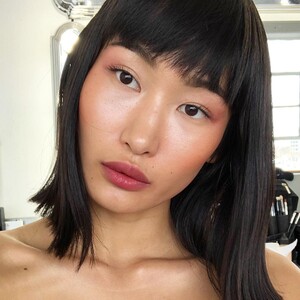
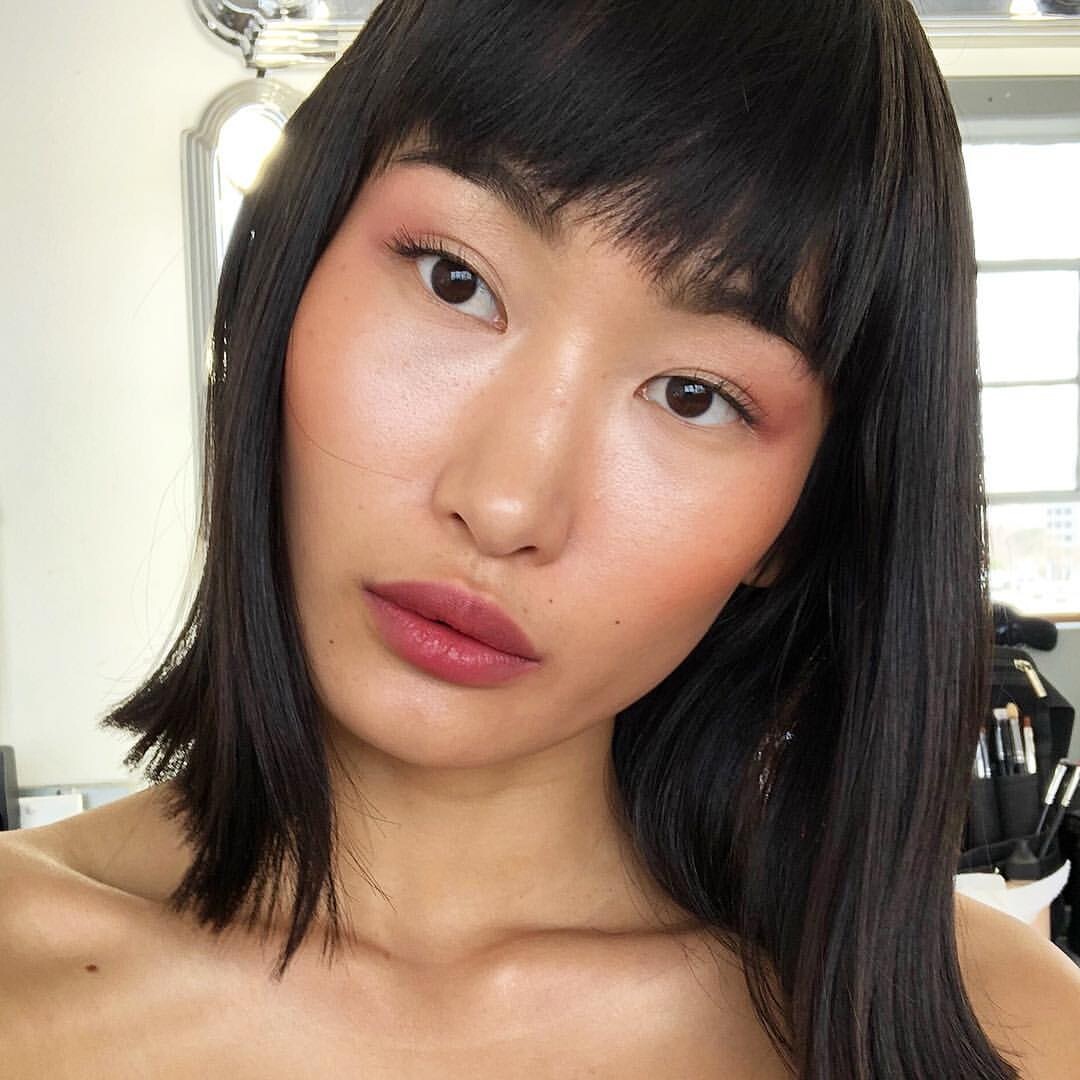
  23. MUA Marlaine Reiner IG
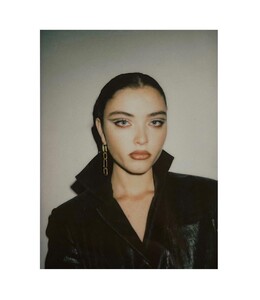
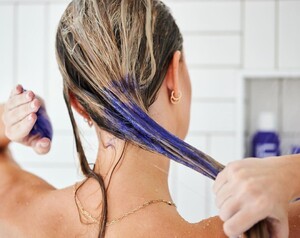
  24. For United Hair by Holly Parker (MUA yasmeinhairmua, (hair by Graham Nation, stylist styledbyamrita)
Configure browser push notifications

Chrome (Android)

  1. Tap the lock icon next to the address bar.
  2. Tap Permissions → Notifications.
  3. Adjust your preference.
Chrome (Desktop)
  1. Click the padlock icon in the address bar.
  2. Select Site settings.
  3. Find Notifications and adjust your preference.