

Candyliz
Members
-
Joined
-
Last visited
Everything posted by Candyliz
-
 Haunted Magazine
Pictures with fans in Mexico
Haunted Magazine
Pictures with fans in Mexico


 From "Backstage Secrets" book https://www.wxnmh.com/thread-1972305.htm
.thumb.jpeg.1486534d650b1142cd75b27098565b97.jpeg)
.thumb.jpeg.e779d9488aab164b1bef24eb53cef2b3.jpeg)
.thumb.jpeg.07d16bdc645fb583e6cfc52c63ac4bec.jpeg) Sorry if it's repost... From "Backstage Secrets" book (not HQ) I found it here https://www.wxnmh.com/thread-1972305.htm
Sorry if it's repost... From "Backstage Secrets" book (not HQ) I found it here https://www.wxnmh.com/thread-1972305.htm.thumb.jpeg.05638e76c71d20db0d1fa01c02e7c070.jpeg) @behatistyle
From Carin Backoff website
@behatistyle
From Carin Backoff website
 behatiprinsloo_29436360_239174143317077_5174631466141249307_n.mp4
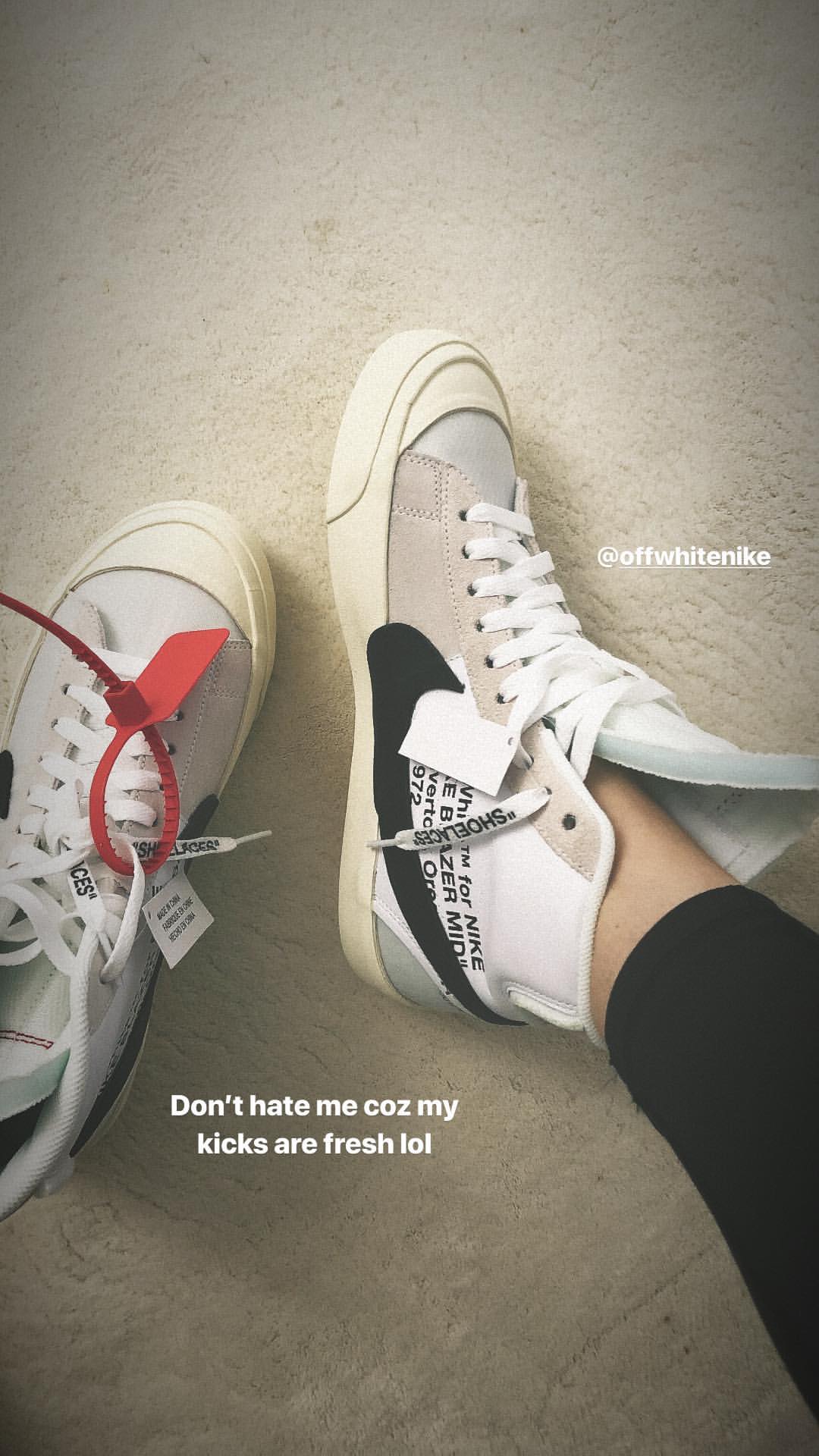
 No idea there's a page on IG who search about their clothes but it hasn't posted anything yet.
behatiprinsloo_29711462_164567490873395_6812673717114504342_n.mp4
No idea there's a page on IG who search about their clothes but it hasn't posted anything yet.
behatiprinsloo_29711462_164567490873395_6812673717114504342_n.mp4
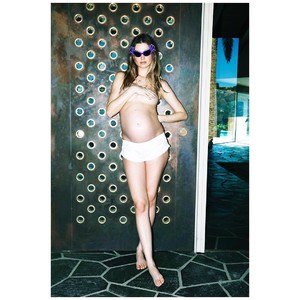
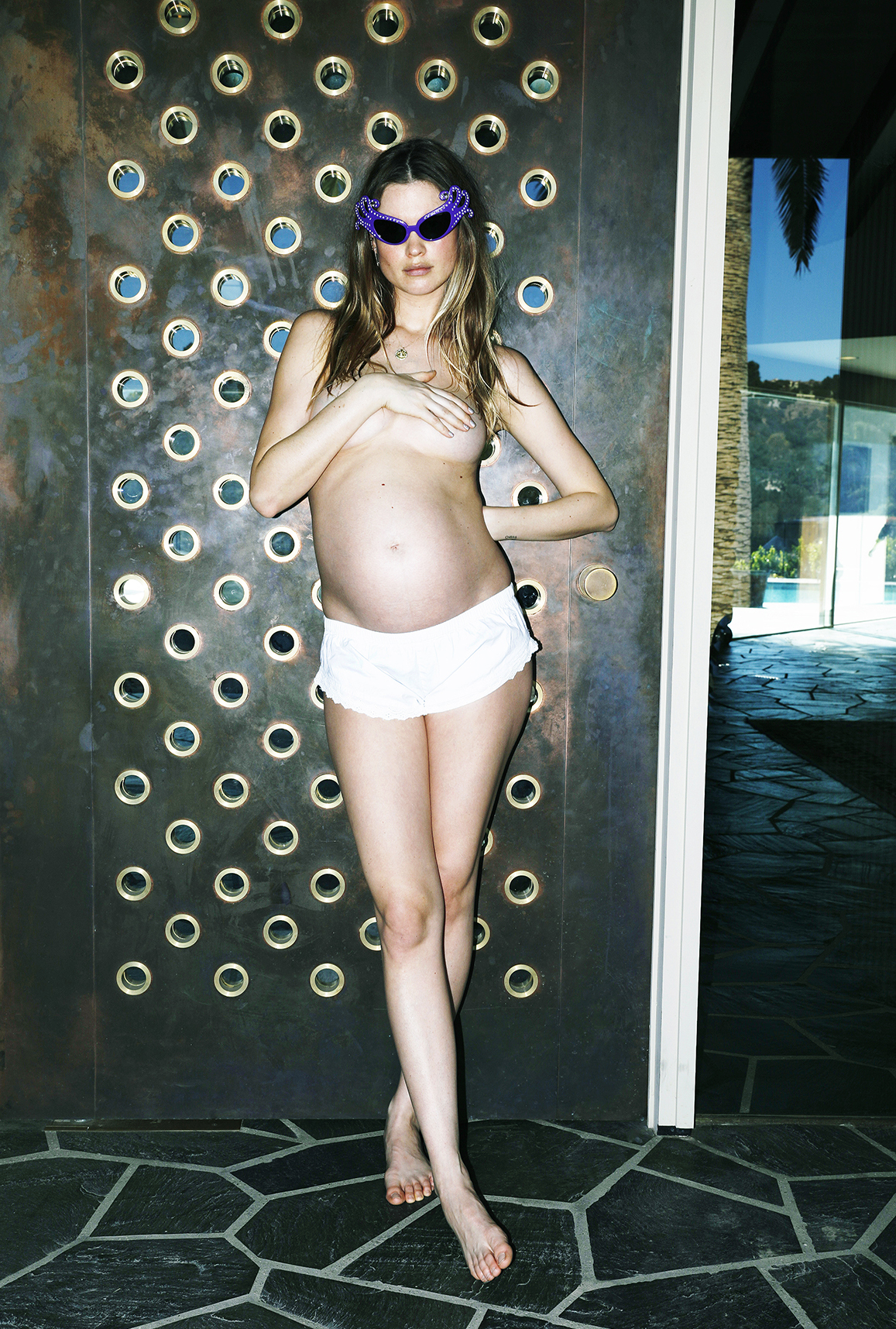
 From her pregnancy with Gio
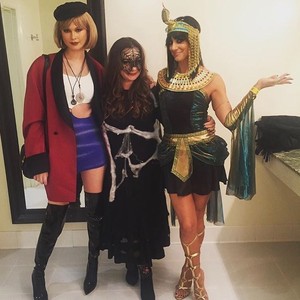
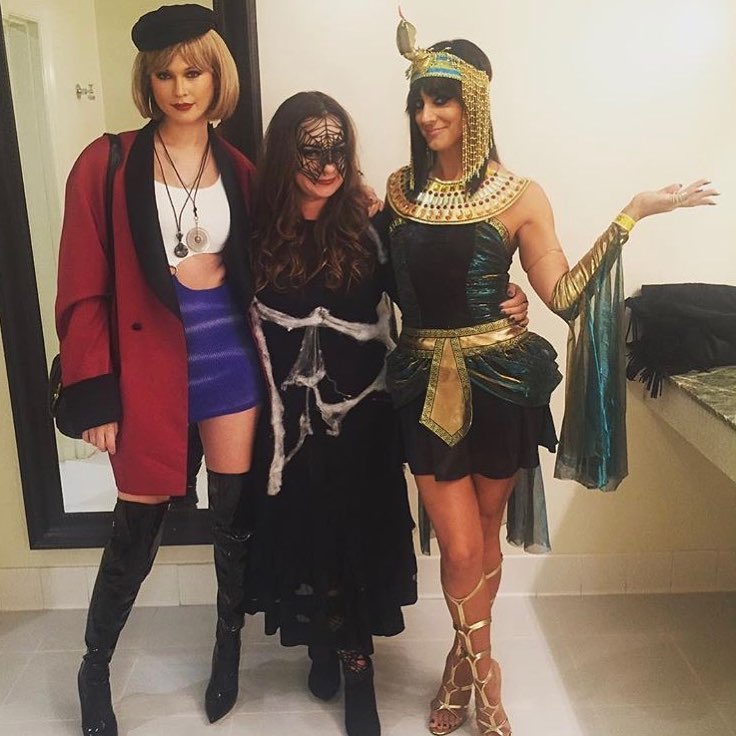
 Sorry if it's repost From Halloween 2016
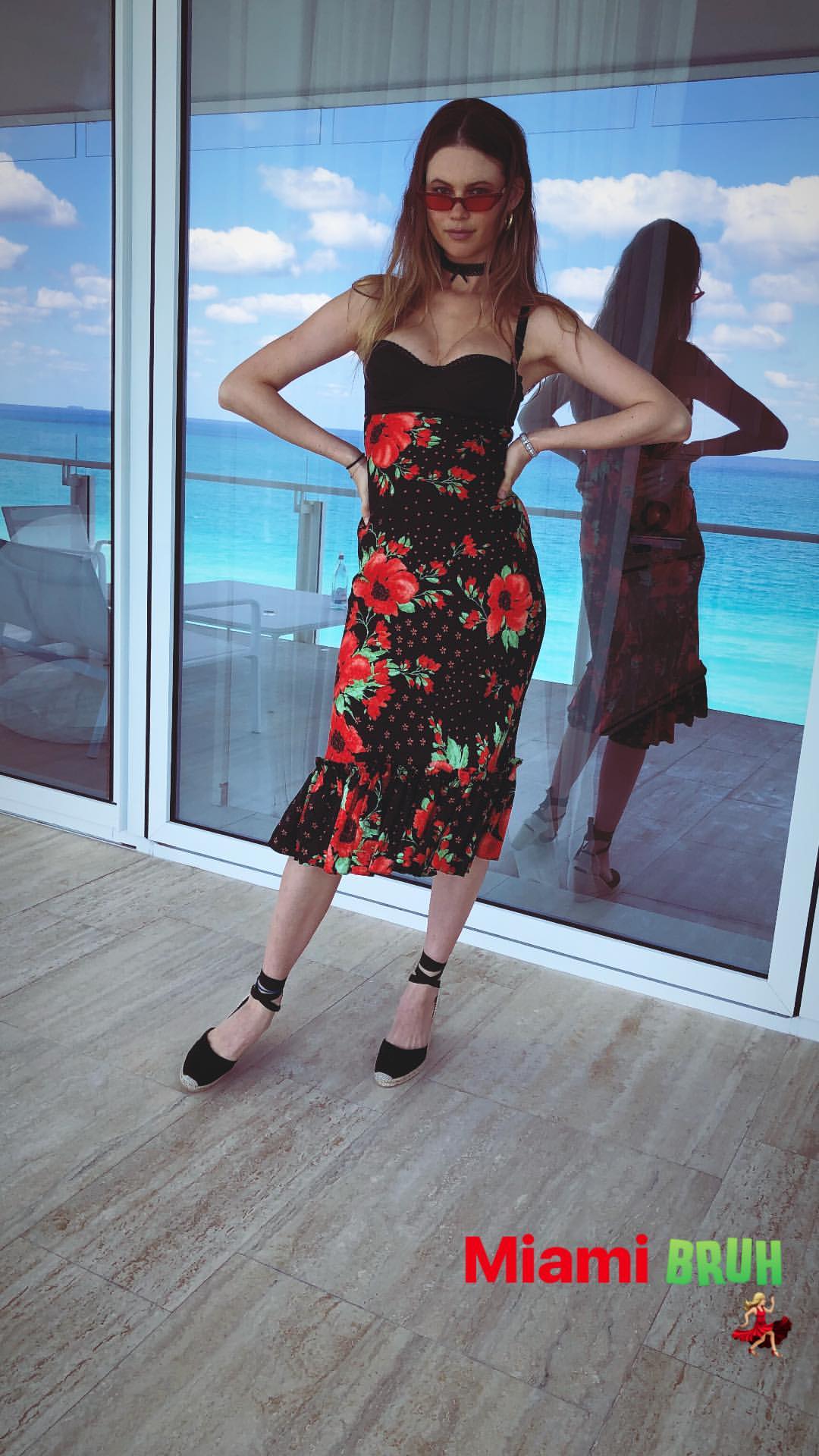
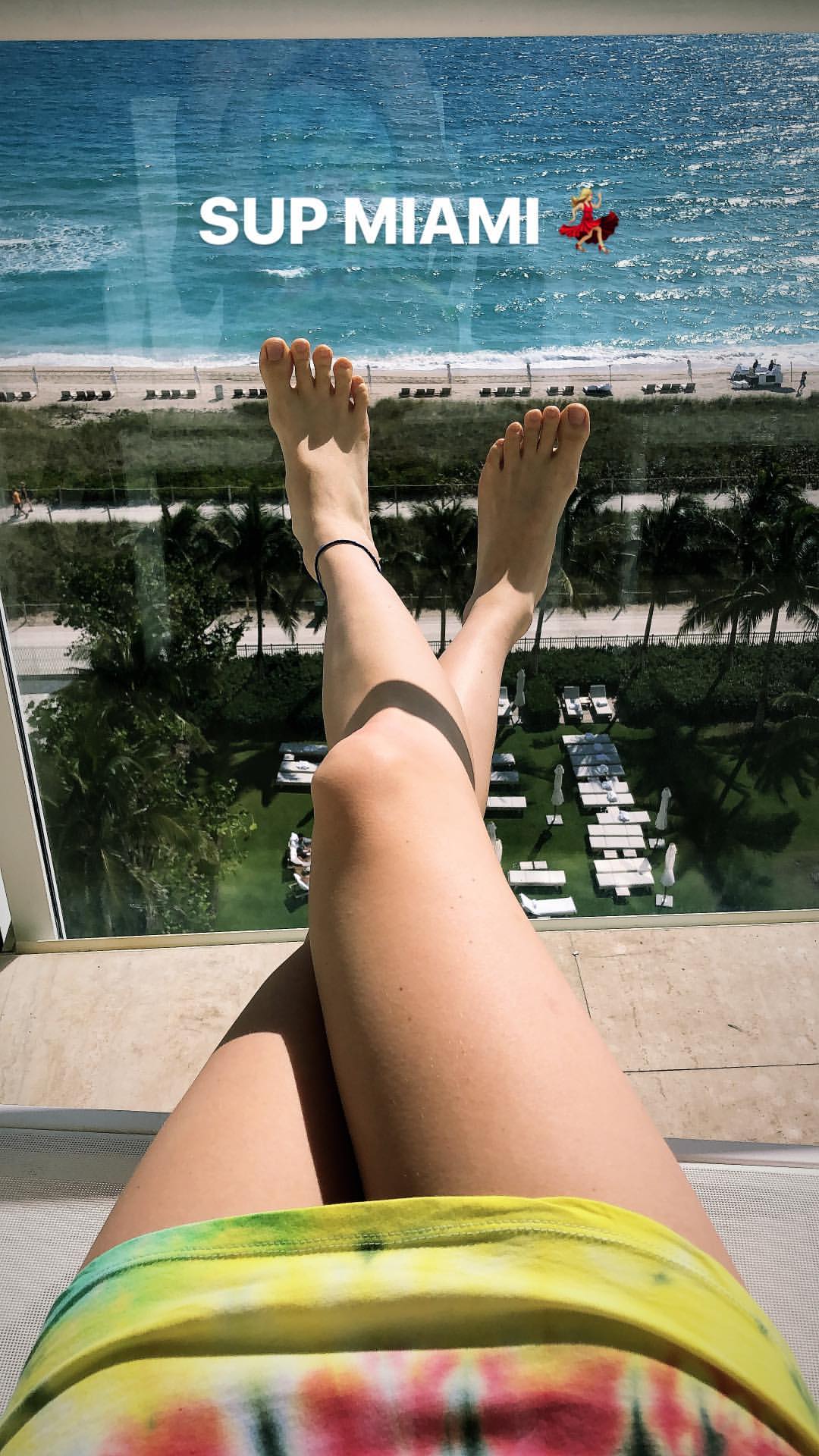
 Miami She is looking so good omg
 Views of Bee's wings she used at her opening in 2015
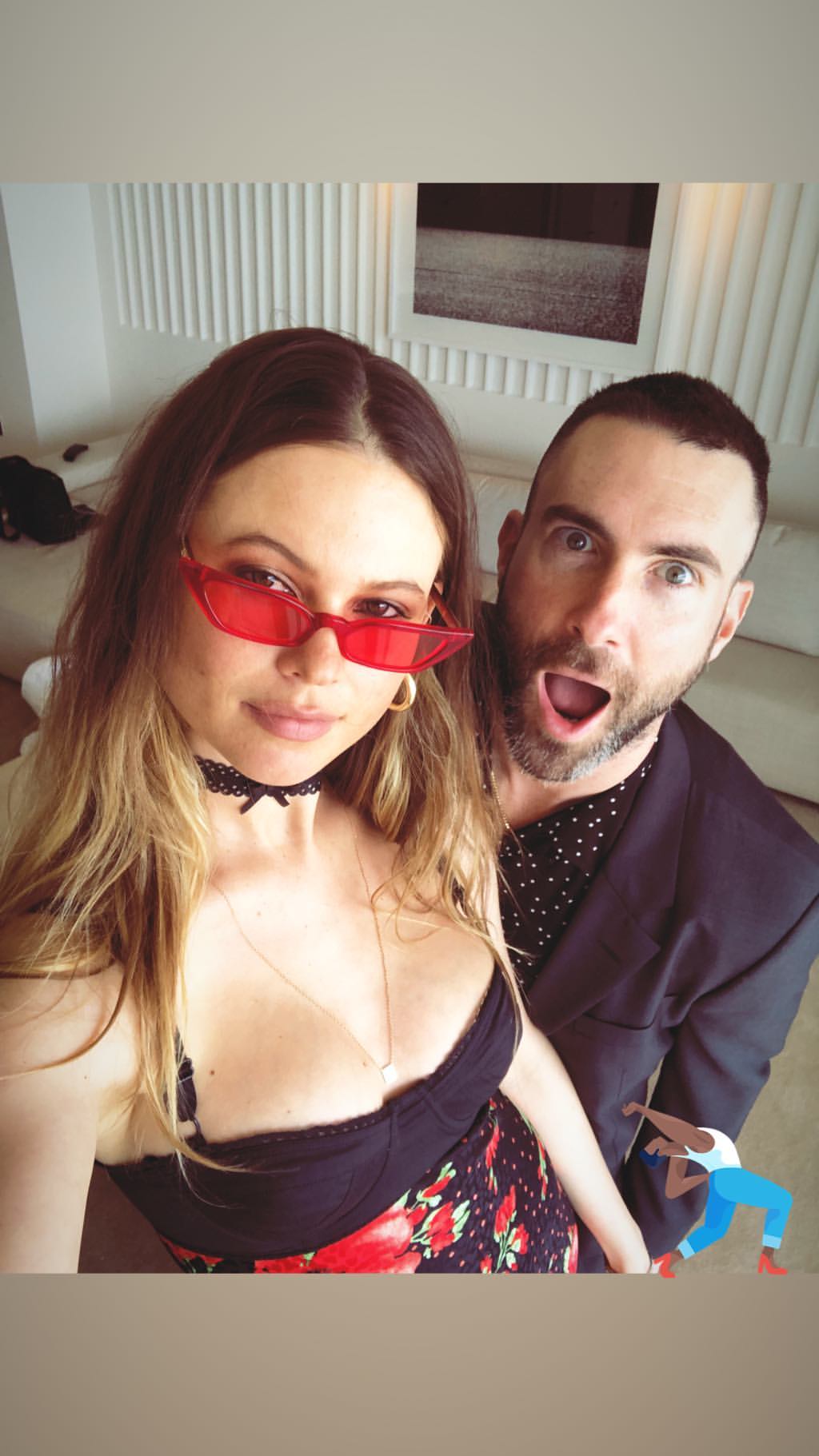
According with an interview Adam had with Zach Sang Show, he's going to attend a wedding's friend today. That's maybe the reason why Bee is in Miami
She is in Miami !!!
Views of Bee's wings she used at her opening in 2015
According with an interview Adam had with Zach Sang Show, he's going to attend a wedding's friend today. That's maybe the reason why Bee is in Miami
She is in Miami !!!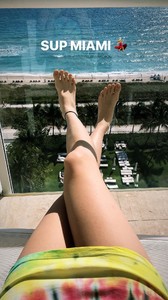





.jpeg.b4acf53be99f82a931ccbe1fc620c49a.jpeg)
.jpeg.5b75fd7d98b61b4bbaf98437b45d6398.jpeg)
.jpeg.6a823ab69e2397e591c0fff30a29f056.jpeg)
.jpeg.33f174e3619385e19b7a47452692009b.jpeg)









Account
Navigation
Search
Configure browser push notifications
Chrome (Android)
- Tap the lock icon next to the address bar.
- Tap Permissions → Notifications.
- Adjust your preference.
Chrome (Desktop)
- Click the padlock icon in the address bar.
- Select Site settings.
- Find Notifications and adjust your preference.
Safari (iOS 16.4+)
- Ensure the site is installed via Add to Home Screen.
- Open Settings App → Notifications.
- Find your app name and adjust your preference.
Safari (macOS)
- Go to Safari → Preferences.
- Click the Websites tab.
- Select Notifications in the sidebar.
- Find this website and adjust your preference.
Edge (Android)
- Tap the lock icon next to the address bar.
- Tap Permissions.
- Find Notifications and adjust your preference.
Edge (Desktop)
- Click the padlock icon in the address bar.
- Click Permissions for this site.
- Find Notifications and adjust your preference.
Firefox (Android)
- Go to Settings → Site permissions.
- Tap Notifications.
- Find this site in the list and adjust your preference.
Firefox (Desktop)
- Open Firefox Settings.
- Search for Notifications.
- Find this site in the list and adjust your preference.