Candyliz
Members
-
Joined
-
Last visited
Everything posted by Candyliz
-
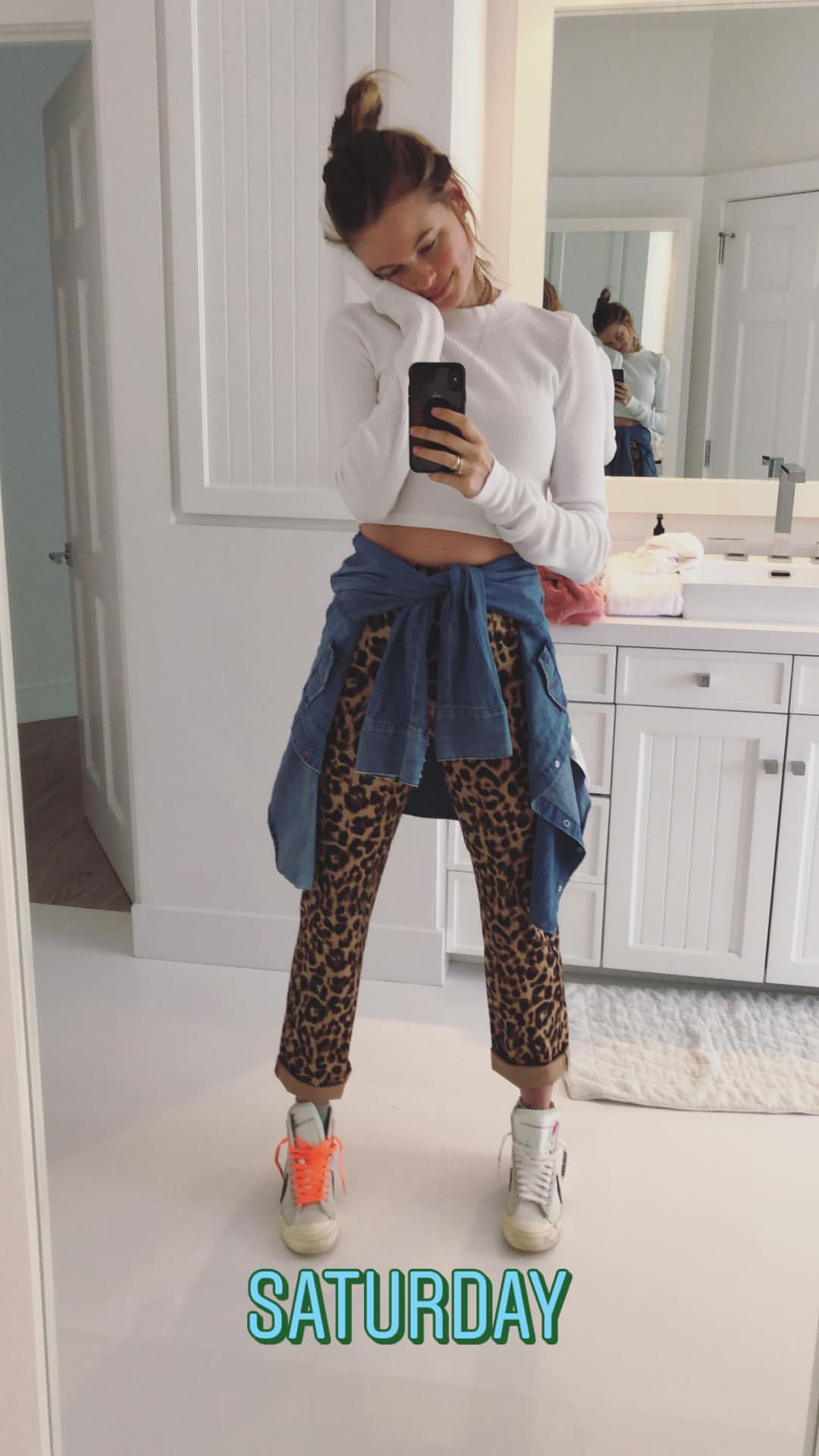
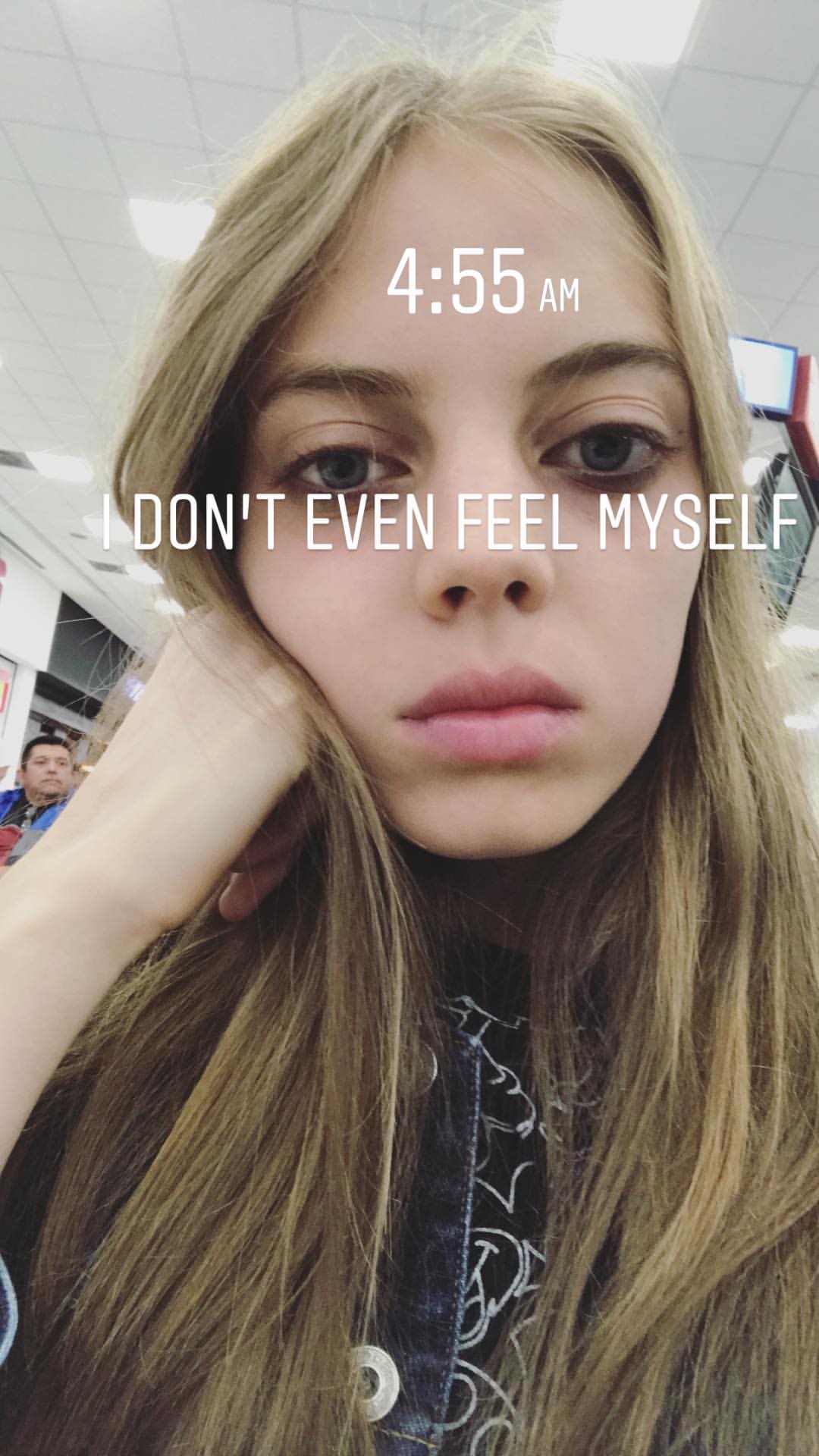
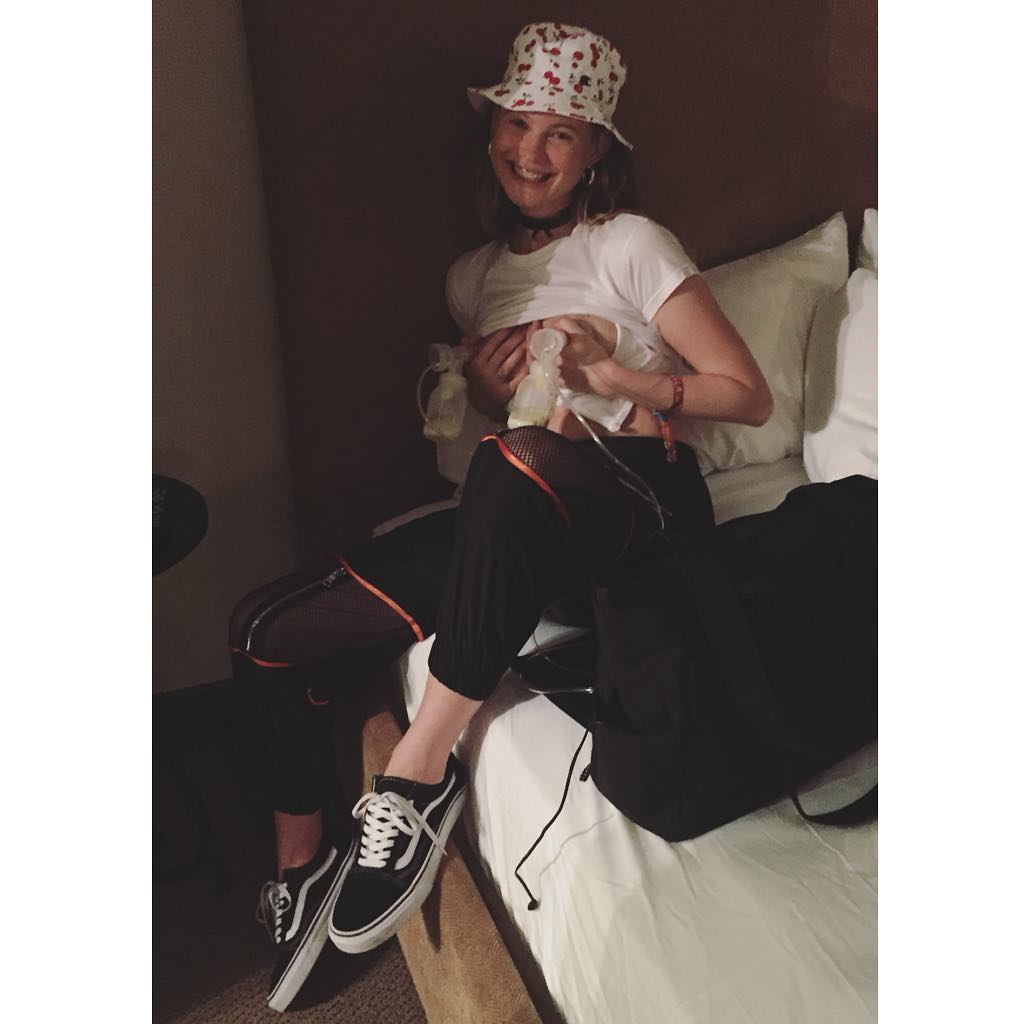
 Tired but she's still Bee
 -
another selfie

-
She is in Jamaica StorySaver_mariana_zaragoza_30893277_157769895056490_7188507704623913210_n.mp4

 I think that's an outtake from Jacquie Aiche's campaign StorySaver_behatiprinsloo_31136173_2160350427533349_2543722349868420636_n.mp4
 StorySaver_palaciodehierro_30931414_576142439413239_2247623797578841615_n.mp4 StorySaver_blankitinerary_30749867_1876690139072086_926627755087269839_n.mp4 StorySaver_mariana_zaragoza_30521259_195101404549016_1022914457930367607_n.mp4 StorySaver_blankitinerary_30892315_193786121412340_8282637941387338041_n.mp4








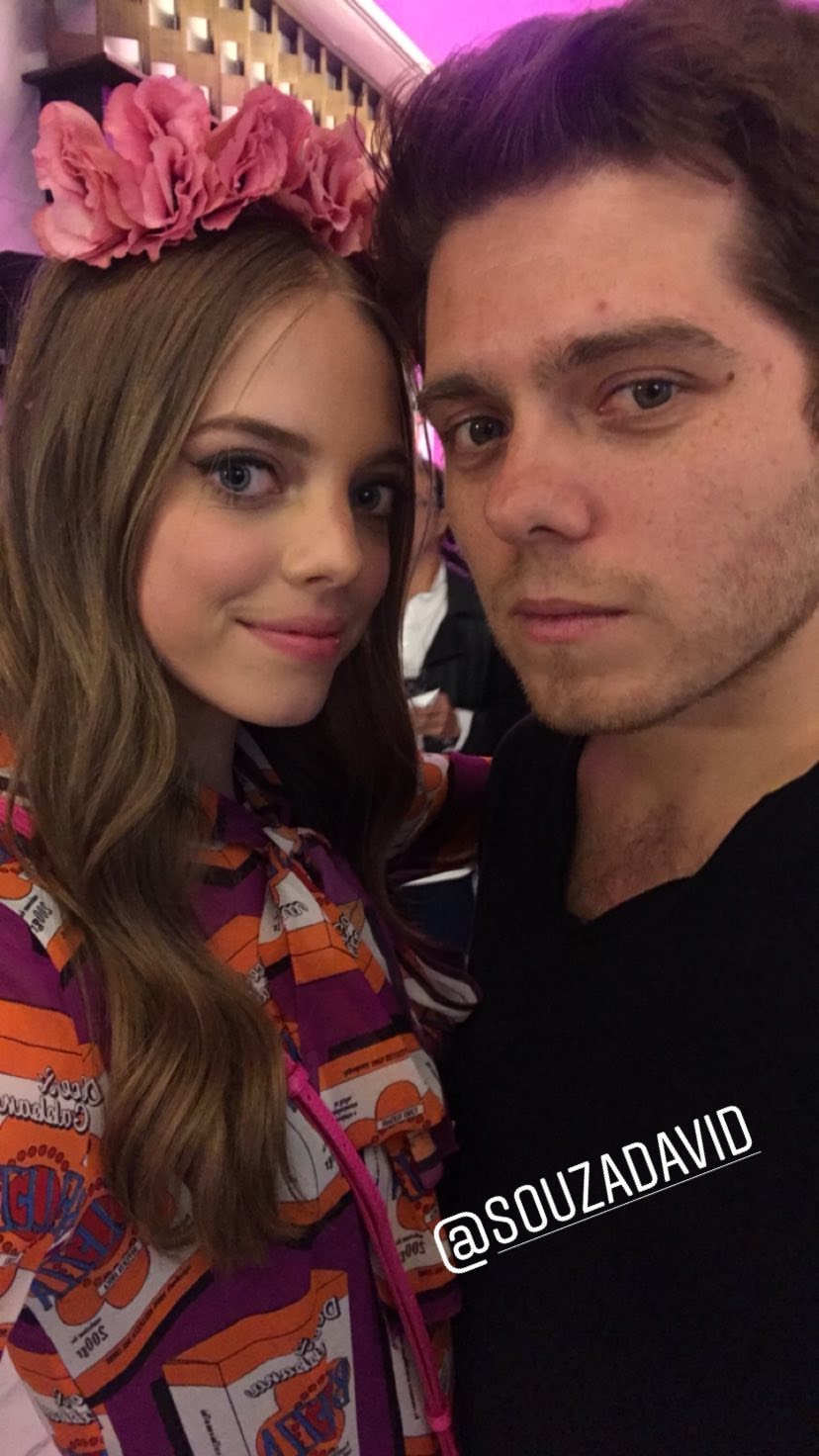
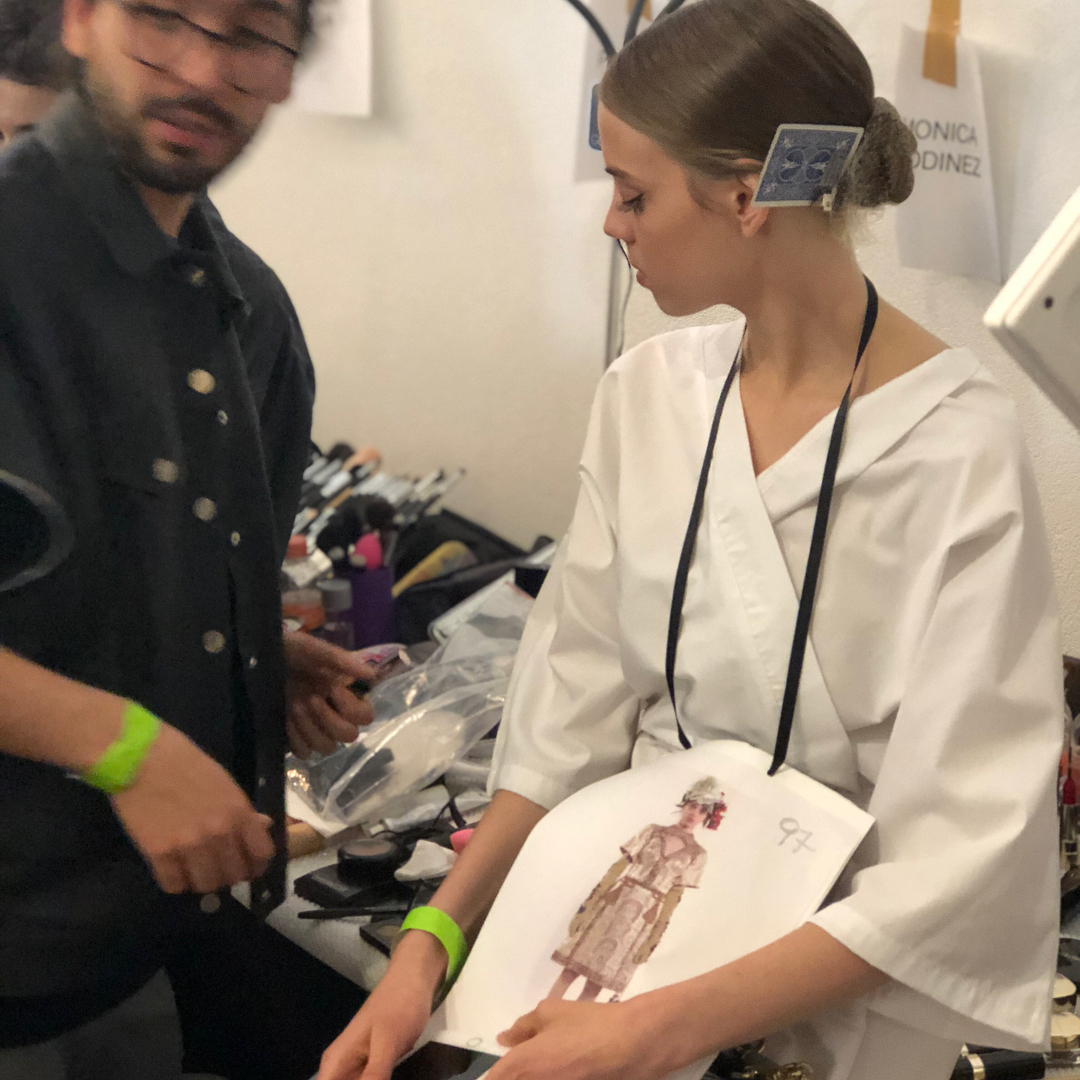
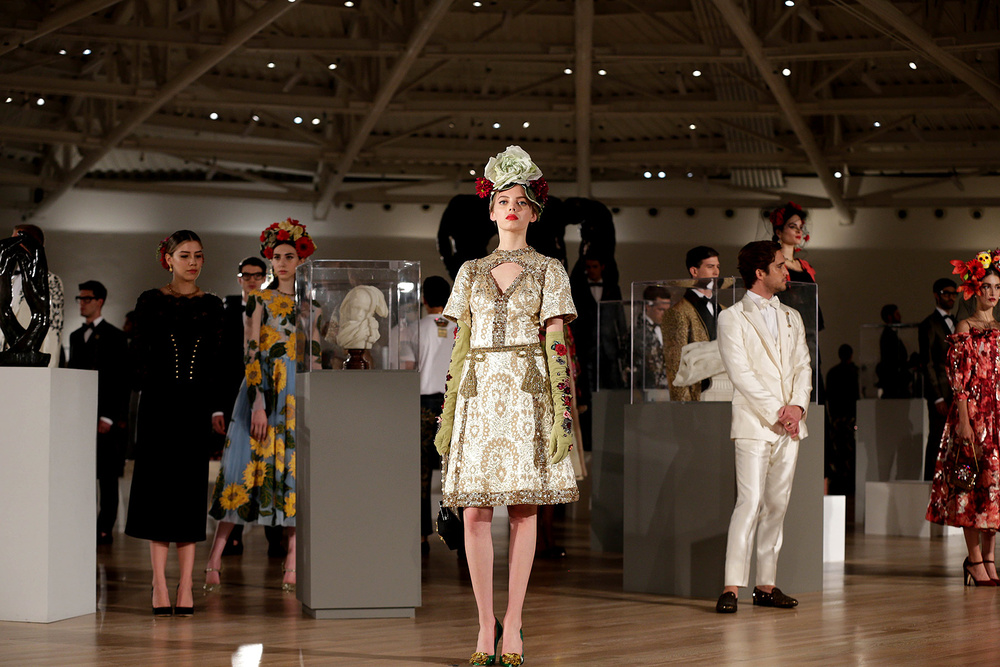
 Mariana last night at Palacio de Hierro event for Dolce and Gabbana
 Dusty StorySaver_behatiprinsloo_30925530_2104990406399325_1674300207302815062_n.mp4
 More from Coachella
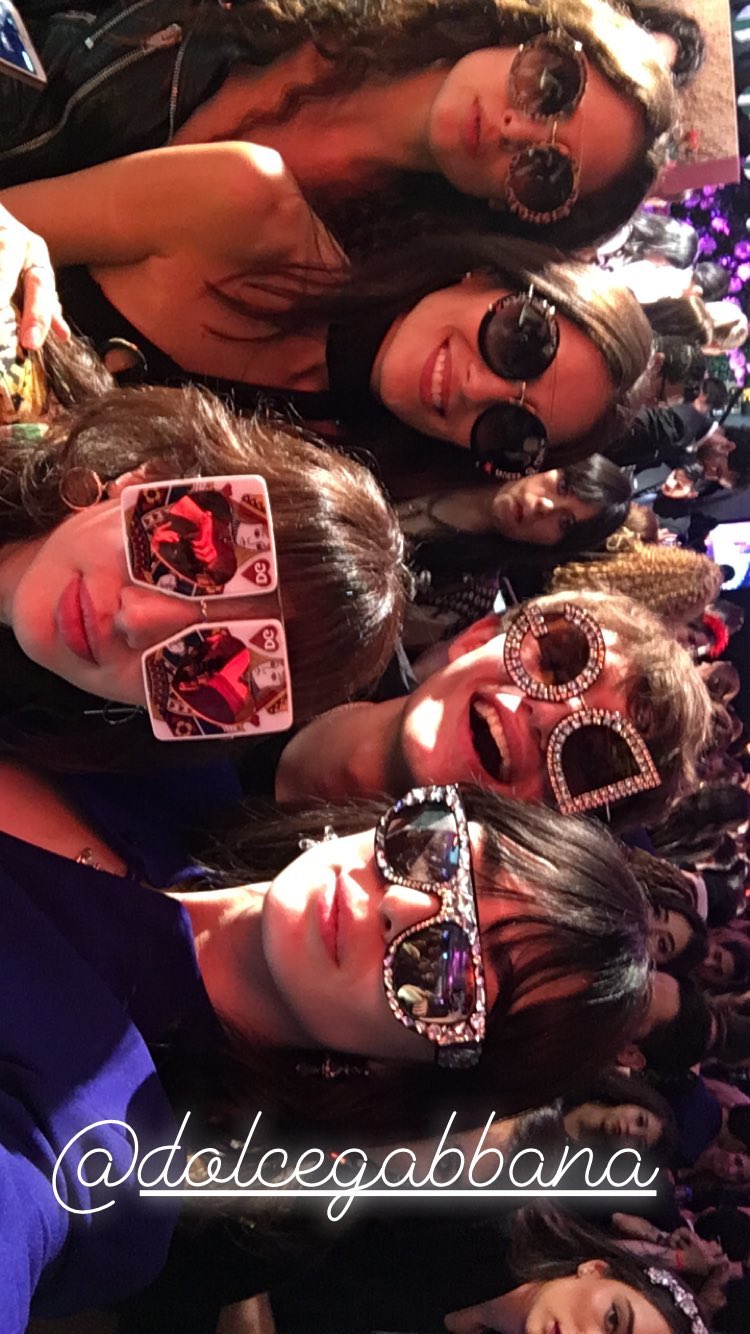
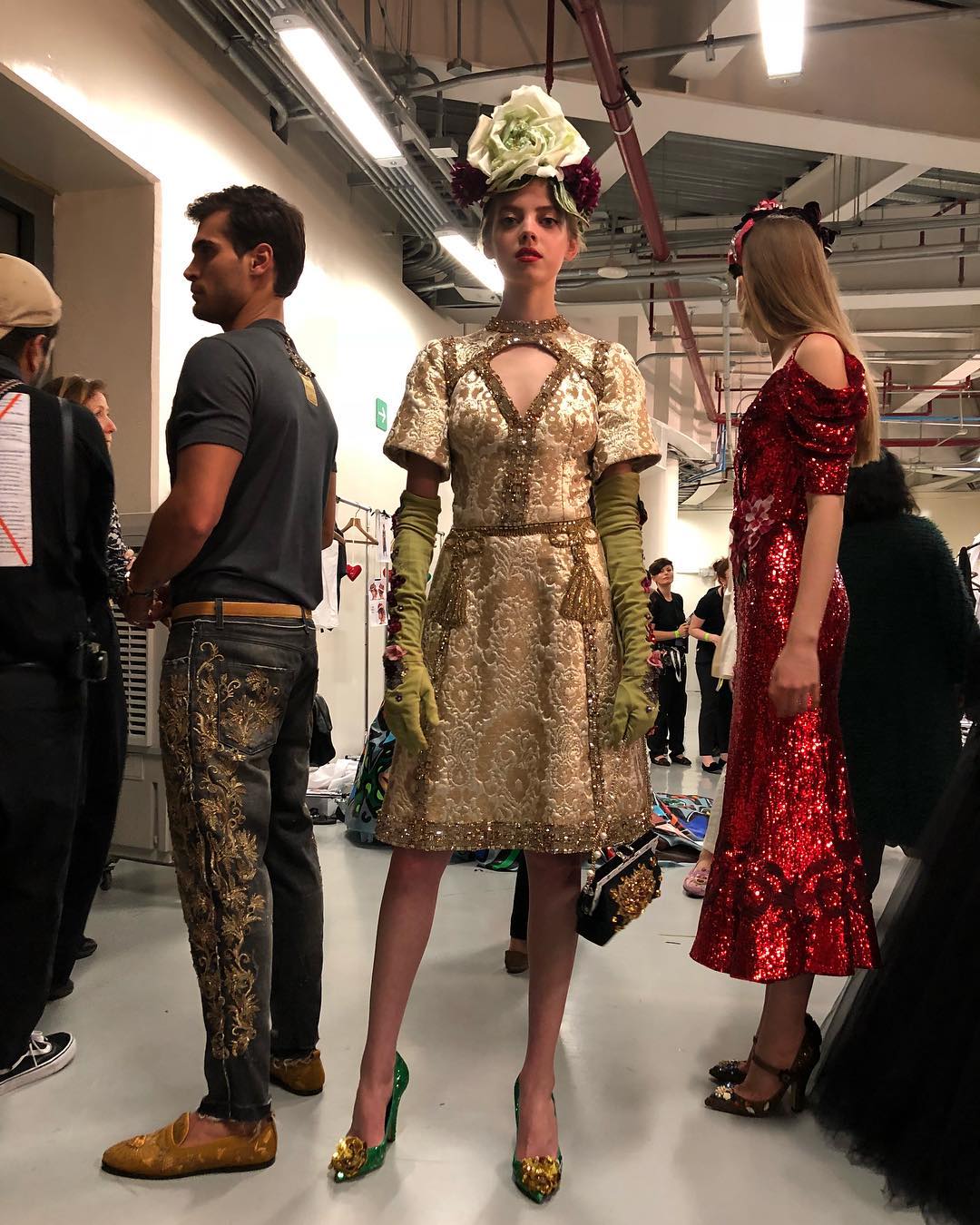
 More D&G backstage StorySaver_karlalaviada_30933465_239917560083390_6835970790922646917_n.mp4 StorySaver_ltorresbeauty_30869788_442474646207760_3880003117262906155_n.mp4

 StorySaver_ossielramosabarca_30933471_573983812980427_3584376300035909826_n.mp4

 BTS for a photoshoot today StorySaver_mariana_zaragoza_30899361_405519086579106_2600946230424983345_n.mp4 StorySaver_mariana_zaragoza_30521493_1960811344248891_4036904596822851901_n.mp4 StorySaver_mariana_zaragoza_30539412_1978917549103408_322955794946270116_n.mp4



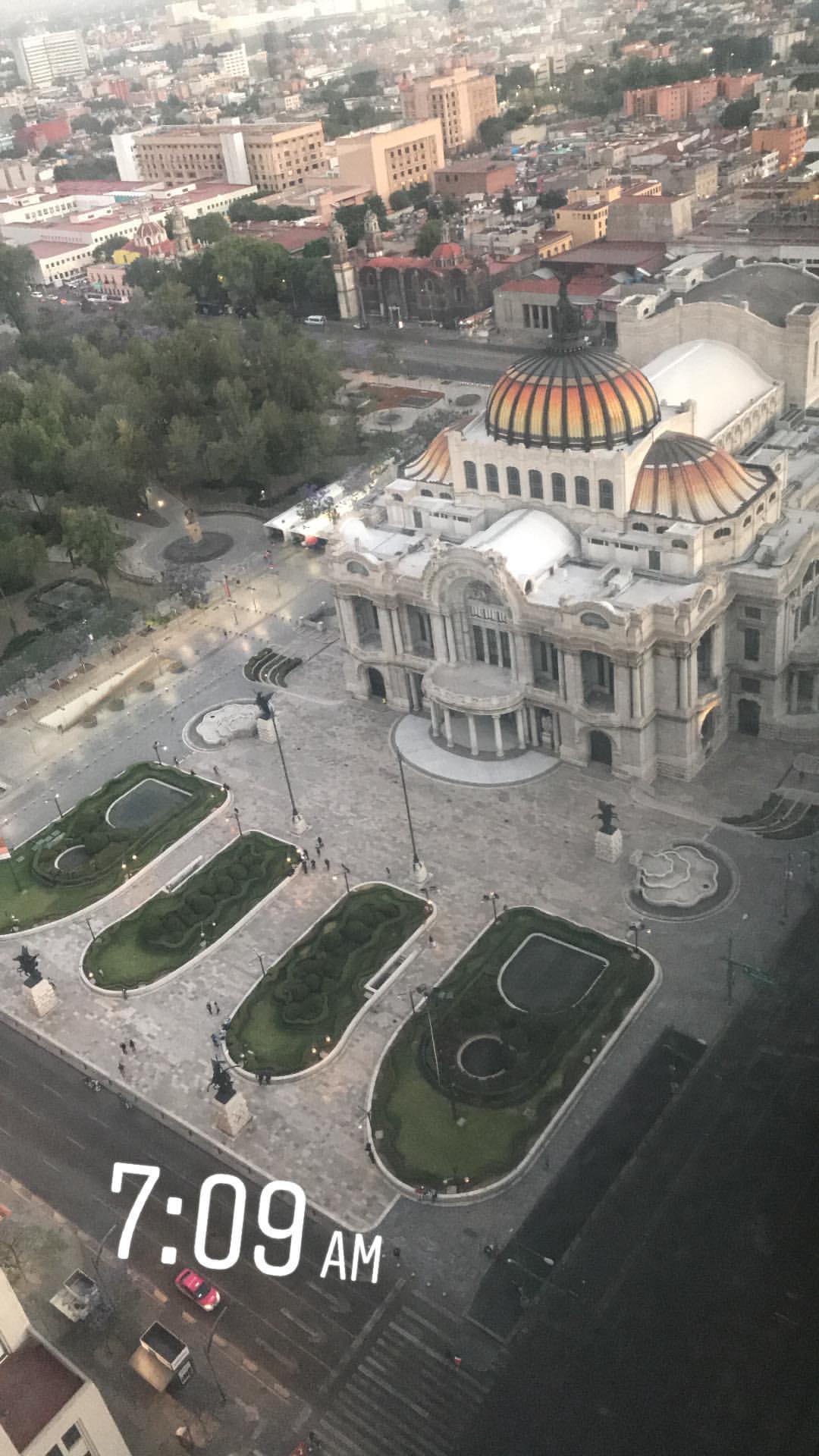
 Dolce & Gabbana Alta Moda - Alta Sartoria at Museo Soumaya, Mexico City
Account
Navigation
Search
Configure browser push notifications
Chrome (Android)
- Tap the lock icon next to the address bar.
- Tap Permissions → Notifications.
- Adjust your preference.
Chrome (Desktop)
- Click the padlock icon in the address bar.
- Select Site settings.
- Find Notifications and adjust your preference.
Safari (iOS 16.4+)
- Ensure the site is installed via Add to Home Screen.
- Open Settings App → Notifications.
- Find your app name and adjust your preference.
Safari (macOS)
- Go to Safari → Preferences.
- Click the Websites tab.
- Select Notifications in the sidebar.
- Find this website and adjust your preference.
Edge (Android)
- Tap the lock icon next to the address bar.
- Tap Permissions.
- Find Notifications and adjust your preference.
Edge (Desktop)
- Click the padlock icon in the address bar.
- Click Permissions for this site.
- Find Notifications and adjust your preference.
Firefox (Android)
- Go to Settings → Site permissions.
- Tap Notifications.
- Find this site in the list and adjust your preference.
Firefox (Desktop)
- Open Firefox Settings.
- Search for Notifications.
- Find this site in the list and adjust your preference.