Candyliz
Members
-
Joined
-
Last visited
Everything posted by Candyliz
-
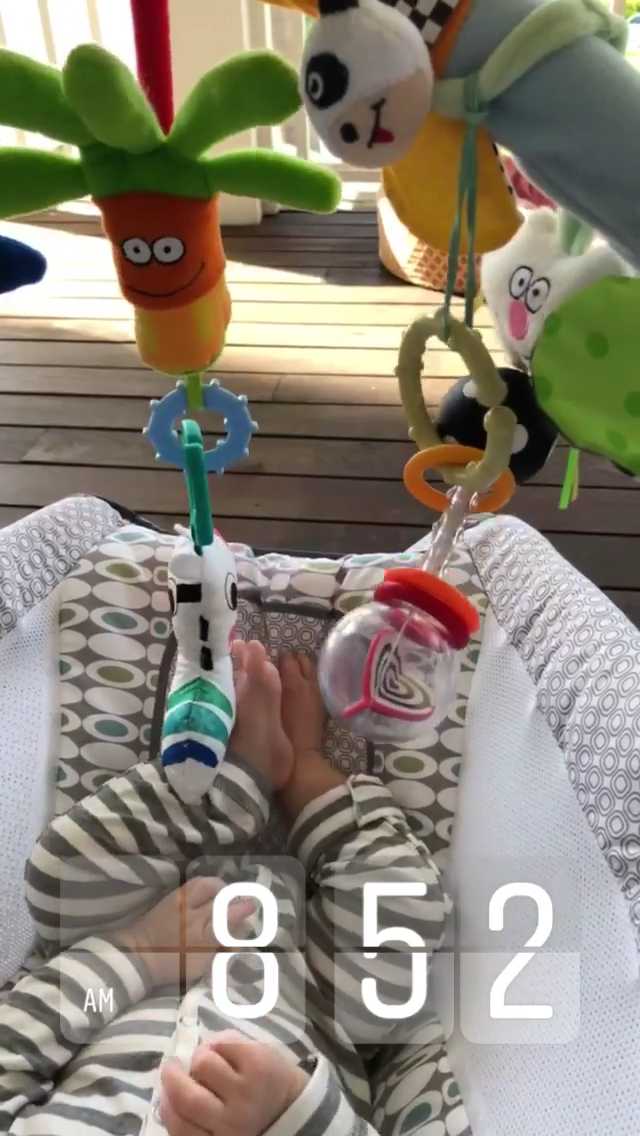
 More stories behatiprinsloo_1773007350220985914_StorySaver_video.mp4 behatiprinsloo_1773040532333199860_StorySaver_video.mp4 behatiprinsloo_1773061371539598790_StorySaver_video.mp4 behatiprinsloo_1772731321313391489_StorySaver_video.mp4
 -
Via Sam Levine

-
Yup. Now I want so bad to see her at the Met Ball
Bee, Adam, Charlie and Dusty I think


 baby Gio Grace StorySaver_behatiprinsloo_31474087_209601246484234_1789642878526543203_n.mp4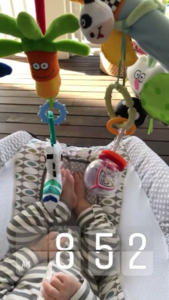

 New campaign for Carolina Crowley
Hot body! No words to this... StorySaver_behatiprinsloo_31729129_1769192969813885_9148582599392190893_n.mp4
New campaign for Carolina Crowley
Hot body! No words to this... StorySaver_behatiprinsloo_31729129_1769192969813885_9148582599392190893_n.mp4


 H&M Conscious Exclusive photoshoot in LA for Grazia Mexico By Peter Koval




 Old Editorial "Blue dao" for Vogue Italia online http://www.amrockproductions.com/editorial/album/editorial-blue-dao
With Juanpa
Old Editorial "Blue dao" for Vogue Italia online http://www.amrockproductions.com/editorial/album/editorial-blue-dao
With Juanpa
 31666245_2089091231359686_6198546636872802022_n.mp4


Account
Navigation
Search
Configure browser push notifications
Chrome (Android)
- Tap the lock icon next to the address bar.
- Tap Permissions → Notifications.
- Adjust your preference.
Chrome (Desktop)
- Click the padlock icon in the address bar.
- Select Site settings.
- Find Notifications and adjust your preference.
Safari (iOS 16.4+)
- Ensure the site is installed via Add to Home Screen.
- Open Settings App → Notifications.
- Find your app name and adjust your preference.
Safari (macOS)
- Go to Safari → Preferences.
- Click the Websites tab.
- Select Notifications in the sidebar.
- Find this website and adjust your preference.
Edge (Android)
- Tap the lock icon next to the address bar.
- Tap Permissions.
- Find Notifications and adjust your preference.
Edge (Desktop)
- Click the padlock icon in the address bar.
- Click Permissions for this site.
- Find Notifications and adjust your preference.
Firefox (Android)
- Go to Settings → Site permissions.
- Tap Notifications.
- Find this site in the list and adjust your preference.
Firefox (Desktop)
- Open Firefox Settings.
- Search for Notifications.
- Find this site in the list and adjust your preference.