Candyliz
Members
-
Joined
-
Last visited
Everything posted by Candyliz
-
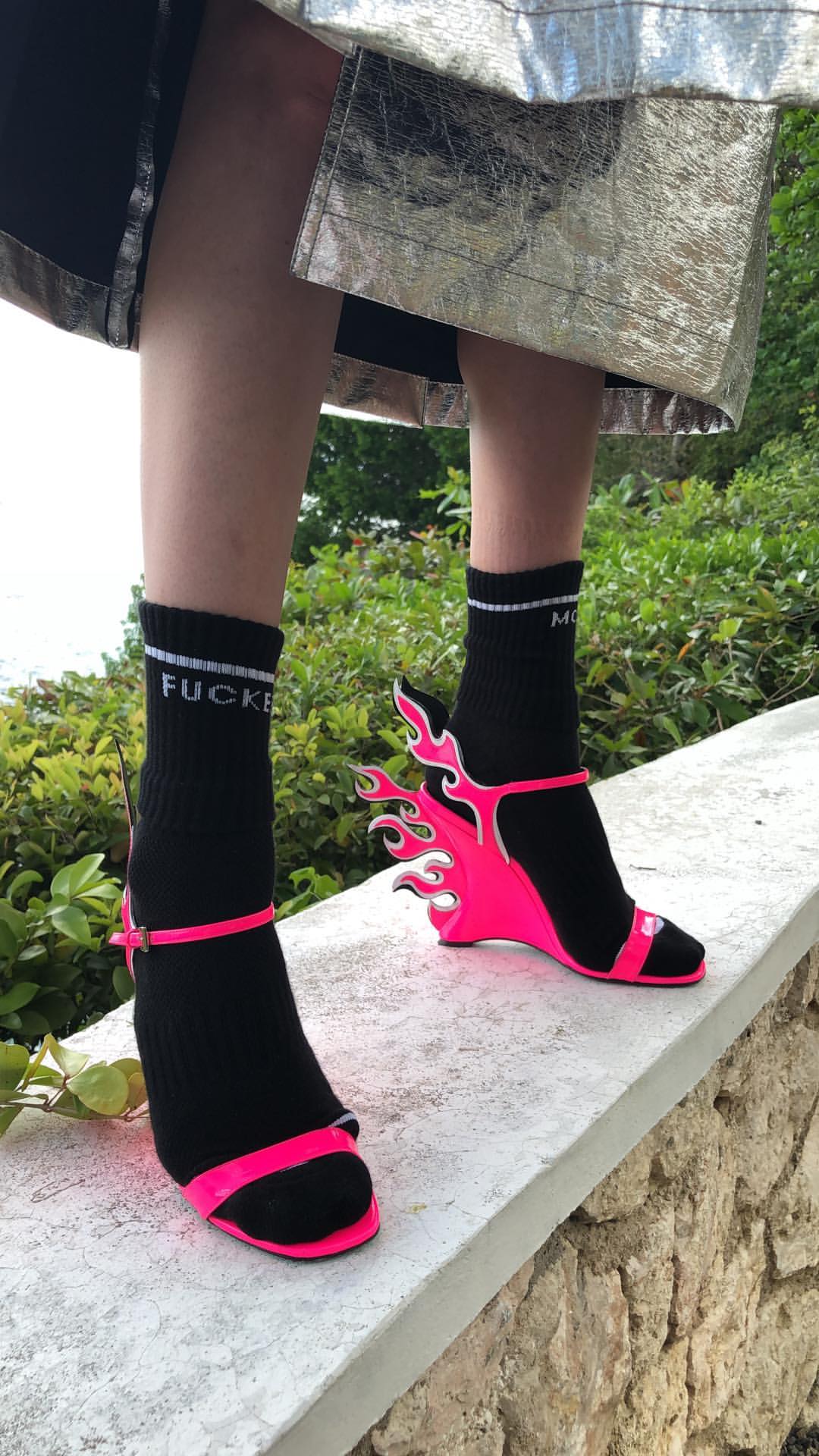
 She was shooting for L'Officiel Paris in Jamaica StorySaver_mariana_zaragoza_30719086_1743549802408507_110290772208953291_n.mp4 StorySaver_mariana_zaragoza_30524353_1813076032334607_5235836759287628659_n.mp4 StorySaver_mariana_zaragoza_30734024_652973435033585_2408978650647689478_n.mp4 StorySaver_mariana_zaragoza_31269758_577006372698959_1996151370864869253_n.mp4



 Bee behind Charlie
Returning from Coachella
Bee behind Charlie
Returning from Coachella BTS from today StorySaver_sergiocorvacho_behindthescenes_30922847_157854404908953_5638268713822607607_n.mp4 StorySaver_sergiocorvacho_behindthescenes_30537657_443814309385973_6075794835162167823_n.mp4 StorySaver_sergiocorvacho_behindthescenes_30749635_226602081226808_7304122198115889001_n.mp4 StorySaver_sergiocorvacho_behindthescenes_30931039_218823448877538_8179237295245686952_n.mp4


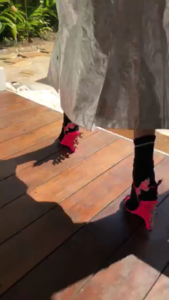
 Idk I wanna know too!!
Mariana at the D&G party in Mexico City
Idk I wanna know too!!
Mariana at the D&G party in Mexico City







 Mexican models
BTS in Jamaica
Mexican models
BTS in Jamaica StorySaver_livvperez_30717830_1675538789149306_5123337619485495947_n.mp4
 Bee yesterday with a friend... (I guess so) StorySaver_livvperez_30869668_185628178826644_6828759586819449368_n.mp4.download
Account
Navigation
Search
Configure browser push notifications
Chrome (Android)
- Tap the lock icon next to the address bar.
- Tap Permissions → Notifications.
- Adjust your preference.
Chrome (Desktop)
- Click the padlock icon in the address bar.
- Select Site settings.
- Find Notifications and adjust your preference.
Safari (iOS 16.4+)
- Ensure the site is installed via Add to Home Screen.
- Open Settings App → Notifications.
- Find your app name and adjust your preference.
Safari (macOS)
- Go to Safari → Preferences.
- Click the Websites tab.
- Select Notifications in the sidebar.
- Find this website and adjust your preference.
Edge (Android)
- Tap the lock icon next to the address bar.
- Tap Permissions.
- Find Notifications and adjust your preference.
Edge (Desktop)
- Click the padlock icon in the address bar.
- Click Permissions for this site.
- Find Notifications and adjust your preference.
Firefox (Android)
- Go to Settings → Site permissions.
- Tap Notifications.
- Find this site in the list and adjust your preference.
Firefox (Desktop)
- Open Firefox Settings.
- Search for Notifications.
- Find this site in the list and adjust your preference.