Candyliz
Members
-
Joined
-
Last visited
Everything posted by Candyliz
-
 Lbeaute Mx on stories lbeautemx_1781526643732897684_StorySaver_video.mp4
 At a Proenza Schouler event in Mexico City mariana_zaragoza_1781720286996327230_StorySaver_video-1.mp4

 theoscarvalle_1781787355495516682_StorySaver_video.mp4

 By Sara Sampaio
 By Ericjfreedman
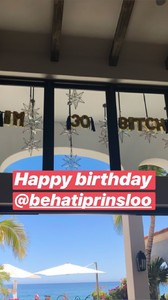 Cabo, Mexico
 By Rome too
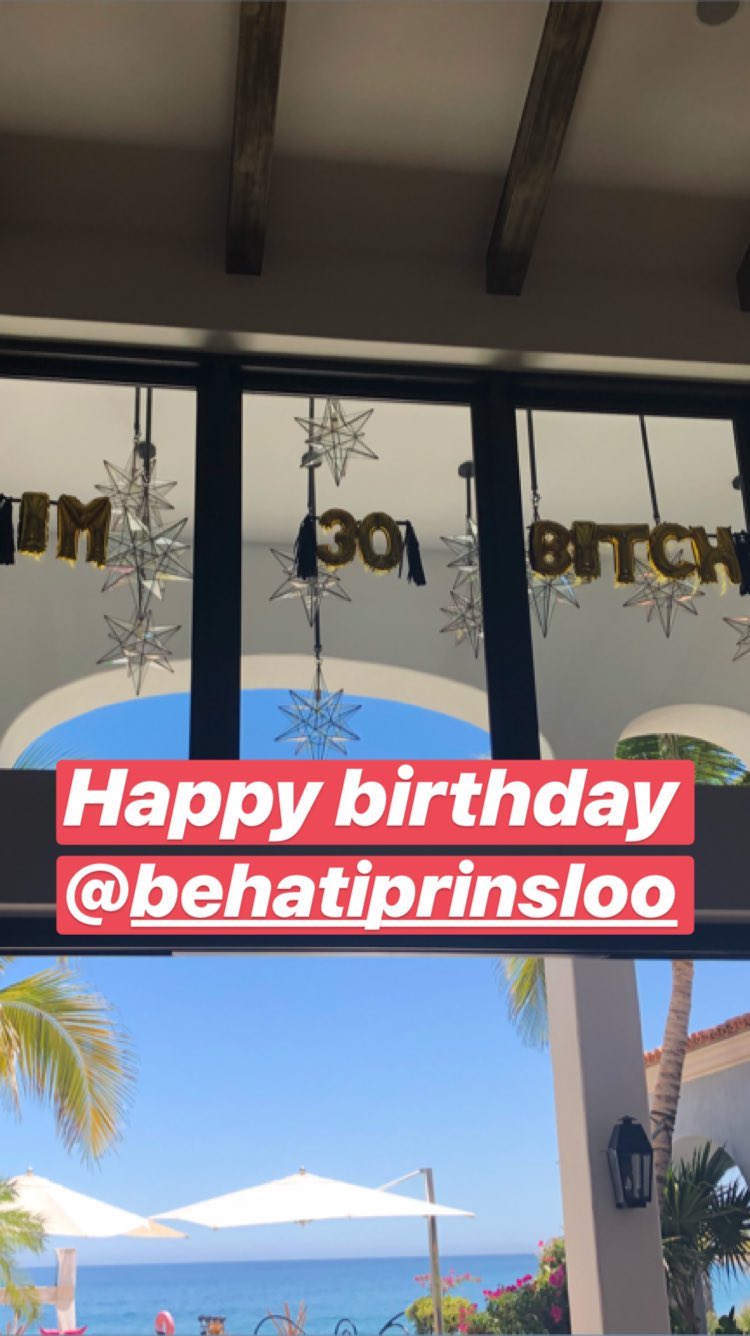
 A pool and a lot of light. We can confirm now she's 30 leiclick_1780942590700719466_StorySaver_video.mp4
 leiclick_1781079924519815097_StorySaver_video.mp4
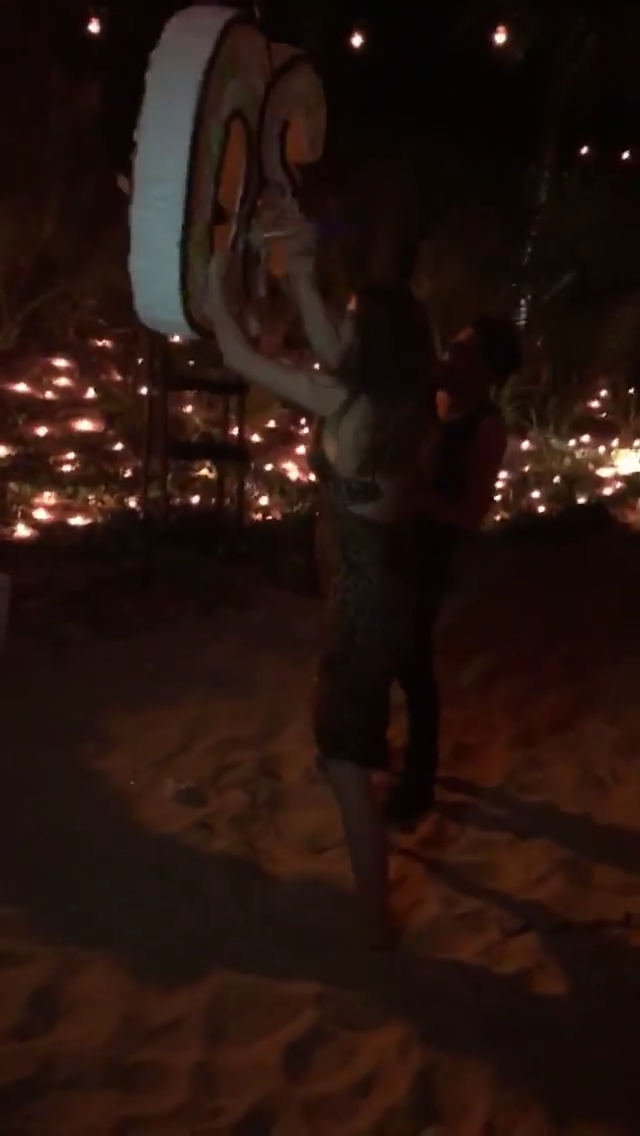
 They were on a beach celebrating Videos by Shannan Click leiclick_1781080417979662480_StorySaver_video.mp4
 By Taylor Hill
 By Ben Watts
Account
Navigation
Search
Configure browser push notifications
Chrome (Android)
- Tap the lock icon next to the address bar.
- Tap Permissions → Notifications.
- Adjust your preference.
Chrome (Desktop)
- Click the padlock icon in the address bar.
- Select Site settings.
- Find Notifications and adjust your preference.
Safari (iOS 16.4+)
- Ensure the site is installed via Add to Home Screen.
- Open Settings App → Notifications.
- Find your app name and adjust your preference.
Safari (macOS)
- Go to Safari → Preferences.
- Click the Websites tab.
- Select Notifications in the sidebar.
- Find this website and adjust your preference.
Edge (Android)
- Tap the lock icon next to the address bar.
- Tap Permissions.
- Find Notifications and adjust your preference.
Edge (Desktop)
- Click the padlock icon in the address bar.
- Click Permissions for this site.
- Find Notifications and adjust your preference.
Firefox (Android)
- Go to Settings → Site permissions.
- Tap Notifications.
- Find this site in the list and adjust your preference.
Firefox (Desktop)
- Open Firefox Settings.
- Search for Notifications.
- Find this site in the list and adjust your preference.