

Candyliz
Members
-
Joined
-
Last visited
Everything posted by Candyliz
-
 Runway Sorry if some are repost?





-
-
After the show https://www.vcg.com/group/504544018?









-
Backstage Alexander Wang Fashion Show in NYC today


 Bee on the background
She was at Matty's goodbye last night jakerosenberg_02062018164356.mp4
Stories behatiprinsloo_02062018165959.mp4
Behati is in NYC
Bee on the background
She was at Matty's goodbye last night jakerosenberg_02062018164356.mp4
Stories behatiprinsloo_02062018165959.mp4
Behati is in NYC
 Bee's agent on Women is leaving the agency?
Stories behatiprinsloo_01062018130558.mp4
Bee's agent on Women is leaving the agency?
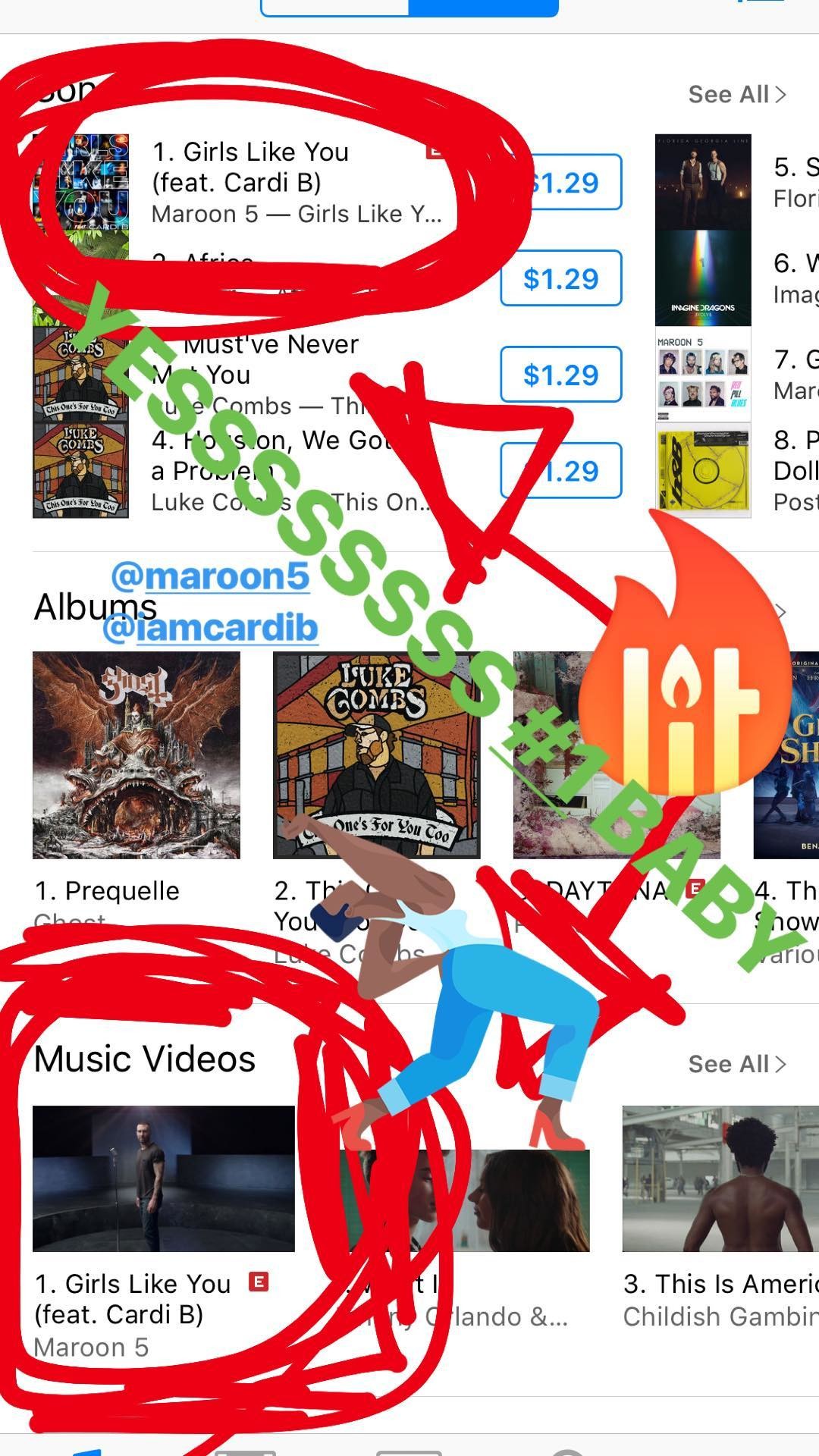
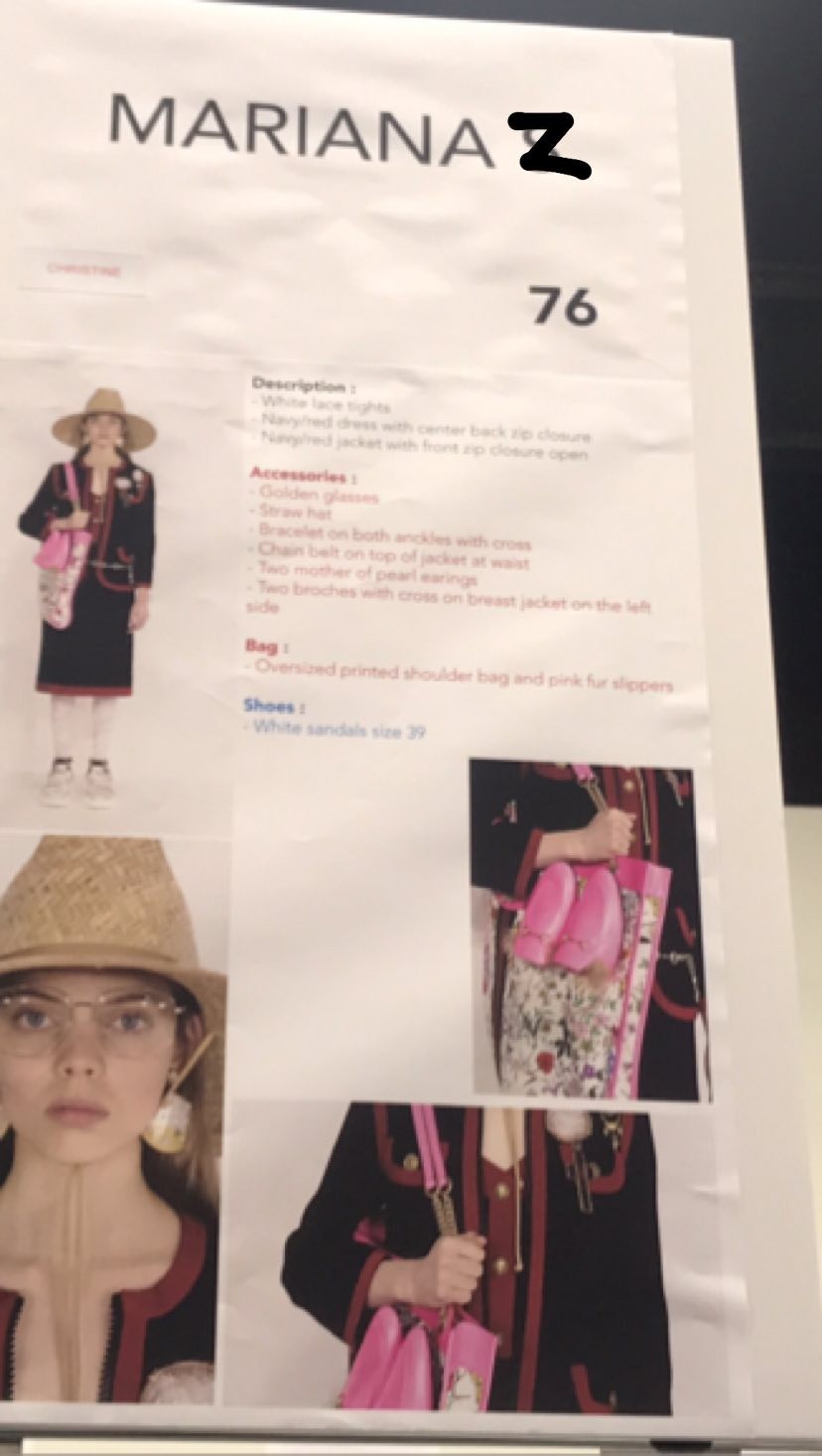
Stories behatiprinsloo_01062018130558.mp4 Stories mariana_zaragoza_30052018161305.mp4 mariana_zaragoza_30052018161309.mp4 mariana_zaragoza_31052018142931.mp4

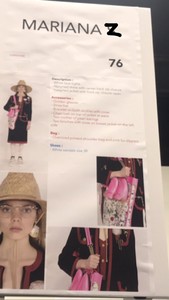
 Still obsessed ?
 behatiprinsloo_29052018231236.mp4 behatiprinsloo_29052018231253.mp4 behatiprinsloo_29052018231310.mp4
The day of her birthday, before Cabo
behatiprinsloo_29052018231236.mp4 behatiprinsloo_29052018231253.mp4 behatiprinsloo_29052018231310.mp4
The day of her birthday, before Cabo



















































Account
Navigation
Search
Configure browser push notifications
Chrome (Android)
- Tap the lock icon next to the address bar.
- Tap Permissions → Notifications.
- Adjust your preference.
Chrome (Desktop)
- Click the padlock icon in the address bar.
- Select Site settings.
- Find Notifications and adjust your preference.
Safari (iOS 16.4+)
- Ensure the site is installed via Add to Home Screen.
- Open Settings App → Notifications.
- Find your app name and adjust your preference.
Safari (macOS)
- Go to Safari → Preferences.
- Click the Websites tab.
- Select Notifications in the sidebar.
- Find this website and adjust your preference.
Edge (Android)
- Tap the lock icon next to the address bar.
- Tap Permissions.
- Find Notifications and adjust your preference.
Edge (Desktop)
- Click the padlock icon in the address bar.
- Click Permissions for this site.
- Find Notifications and adjust your preference.
Firefox (Android)
- Go to Settings → Site permissions.
- Tap Notifications.
- Find this site in the list and adjust your preference.
Firefox (Desktop)
- Open Firefox Settings.
- Search for Notifications.
- Find this site in the list and adjust your preference.