Candyliz
Members
-
Joined
-
Last visited
Everything posted by Candyliz
-
 100% agree like twins
Alexander Wang S18 campaign #WhereIWang https://www.alexanderwang.com/us/spring18_section No pictures just a phrase!
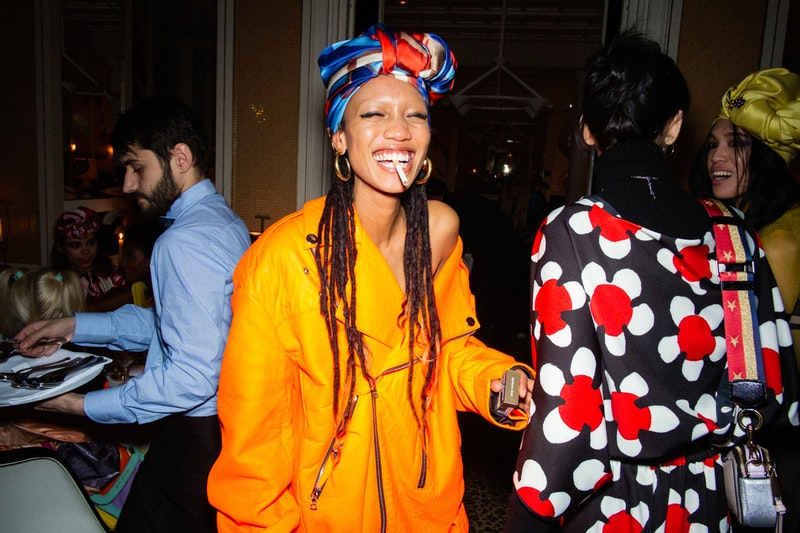
Marc Jacobs Beauty co-hosts a Party with Love, celebrating the Shameless Foundation range at Loulou's in Paris
100% agree like twins
Alexander Wang S18 campaign #WhereIWang https://www.alexanderwang.com/us/spring18_section No pictures just a phrase!
Marc Jacobs Beauty co-hosts a Party with Love, celebrating the Shameless Foundation range at Loulou's in Paris




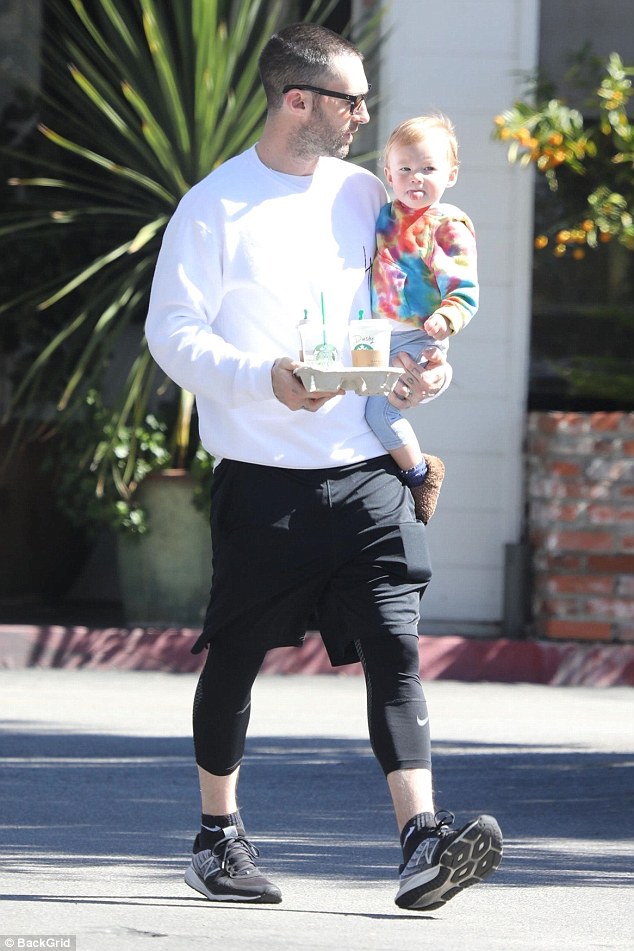
 Daddy's little girl! Adam Levine sweetly dotes on daughter Dusty Rose during coffee run as she bundles up in playful tie-dye sweatshirt
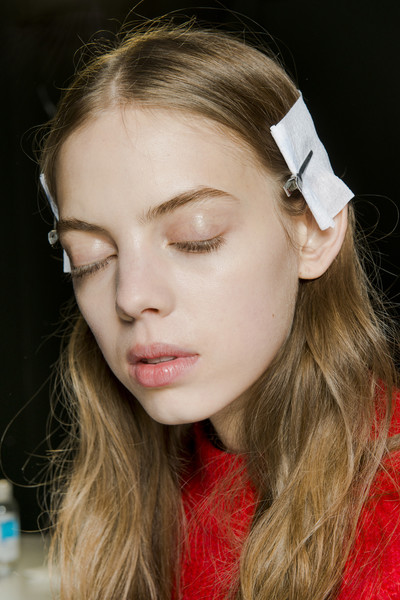
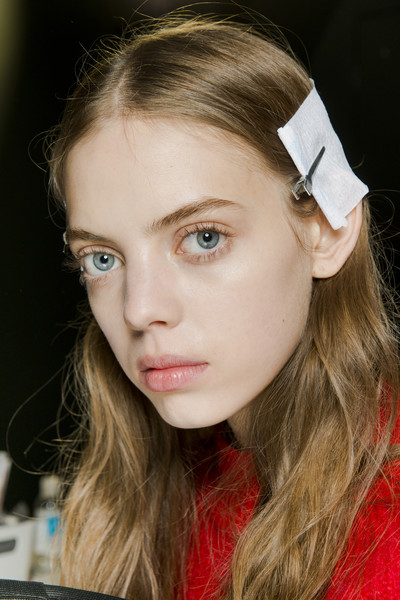
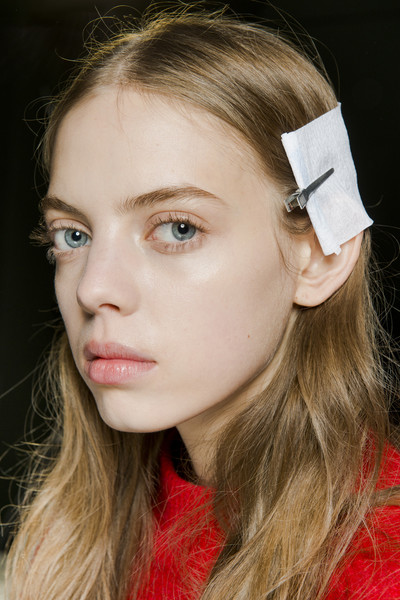
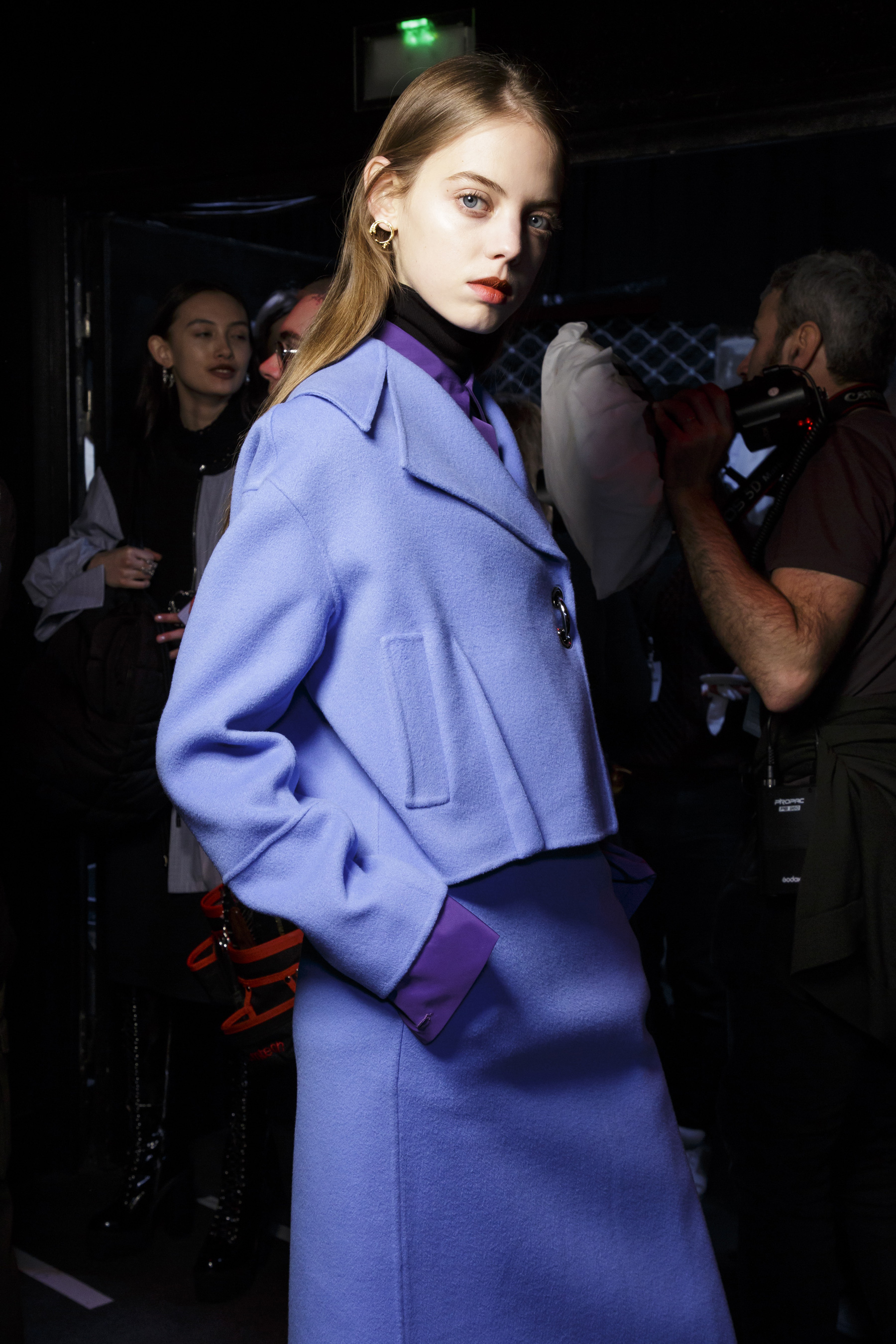
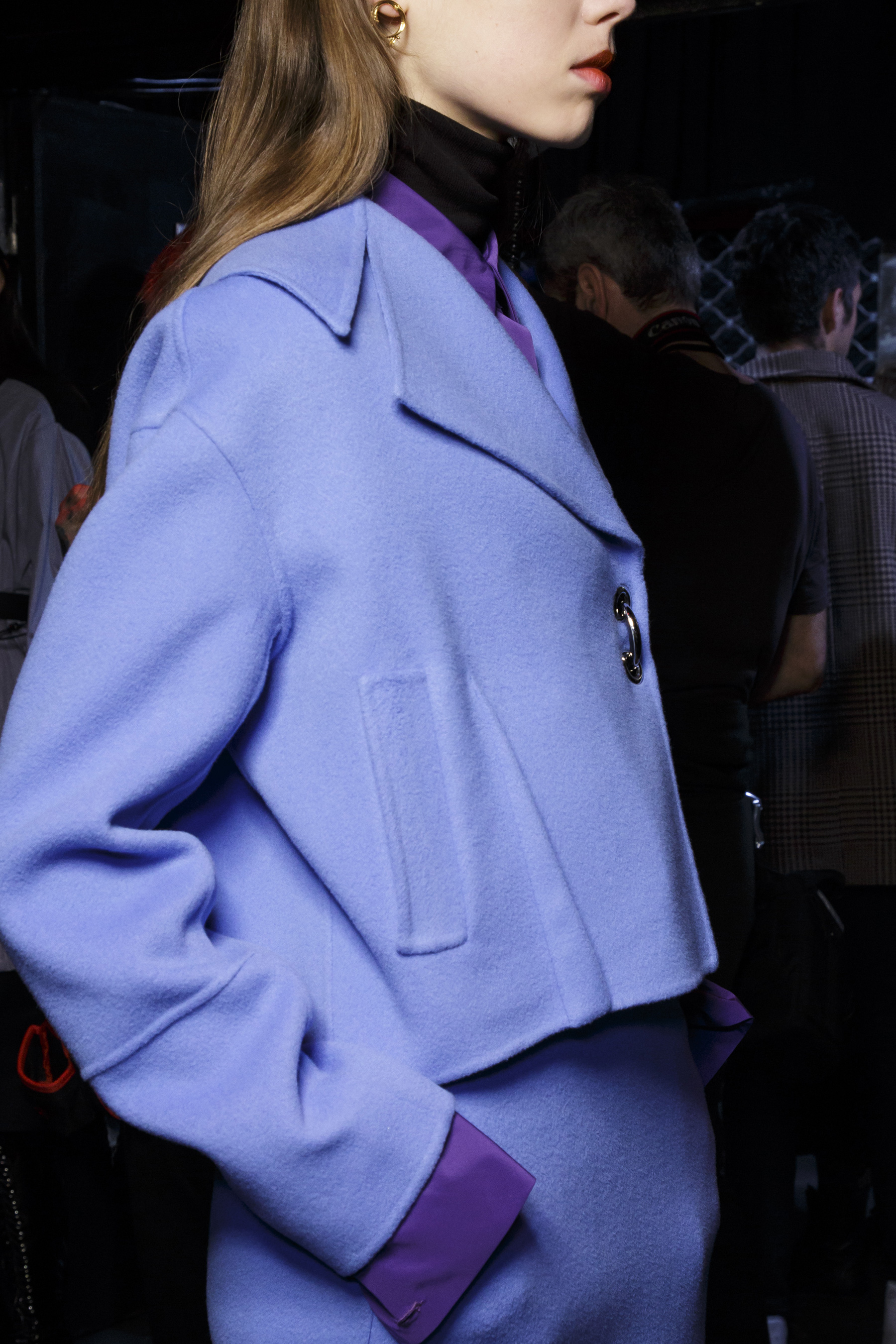
 Backstage John Galliano
 Sources The Impression, Livingly, WWD, NowFashion, Vogue, Zimbio and Shutterstock.
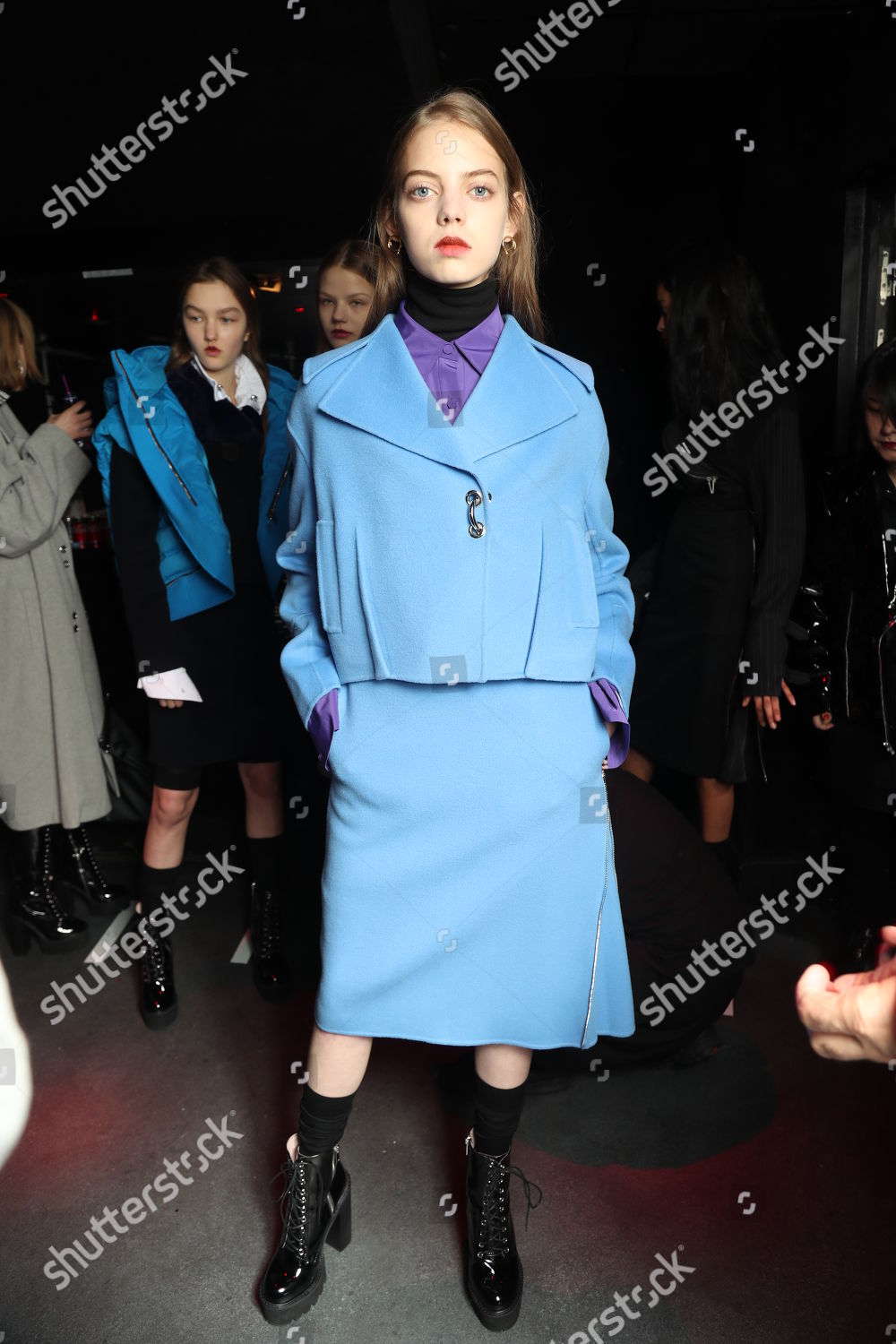
Backstage
Sources The Impression, Livingly, WWD, NowFashion, Vogue, Zimbio and Shutterstock.
Backstage

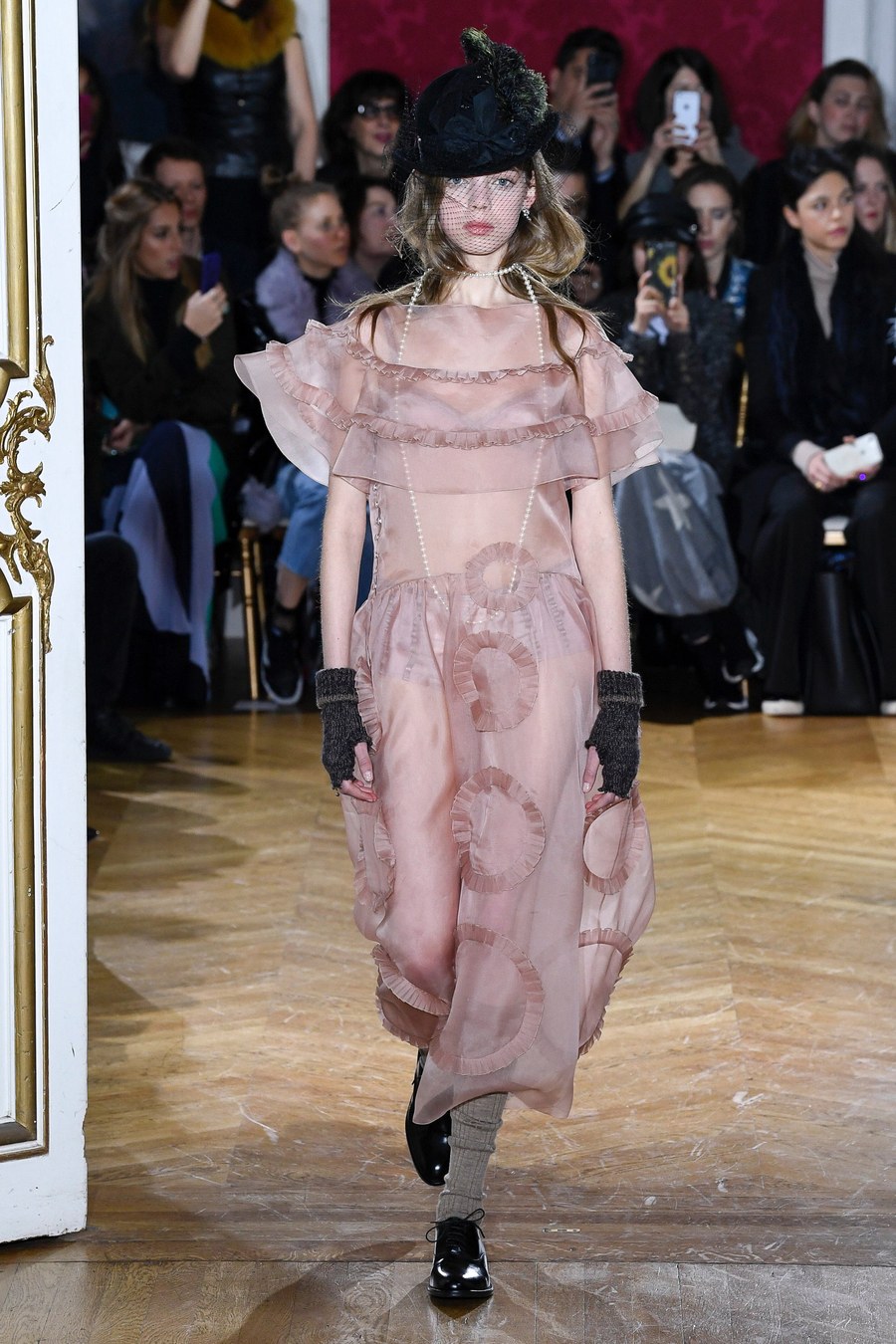
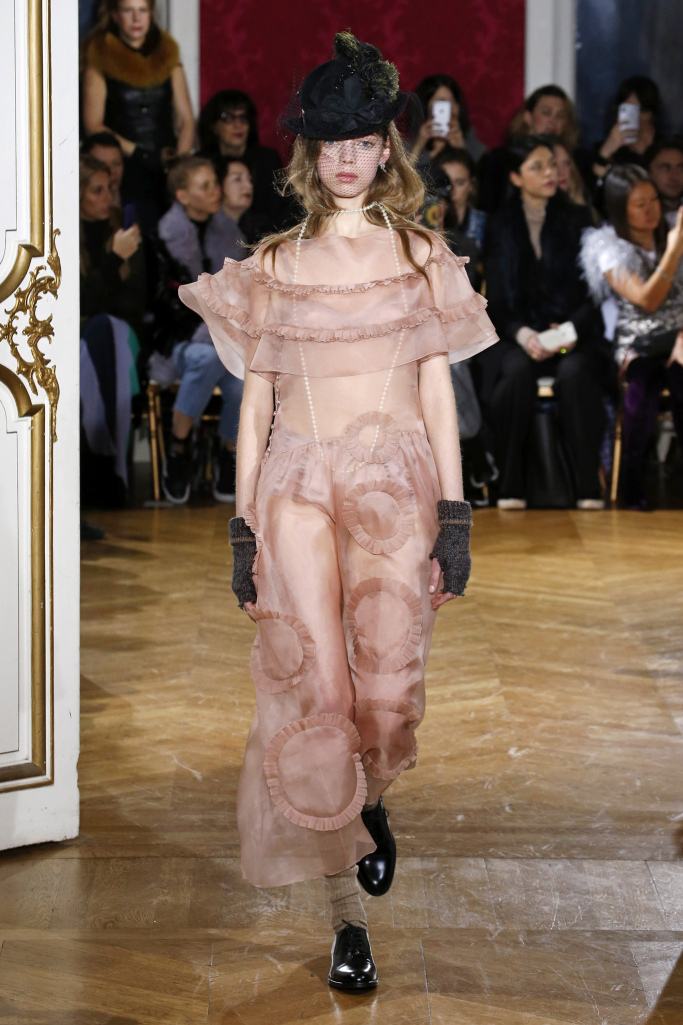
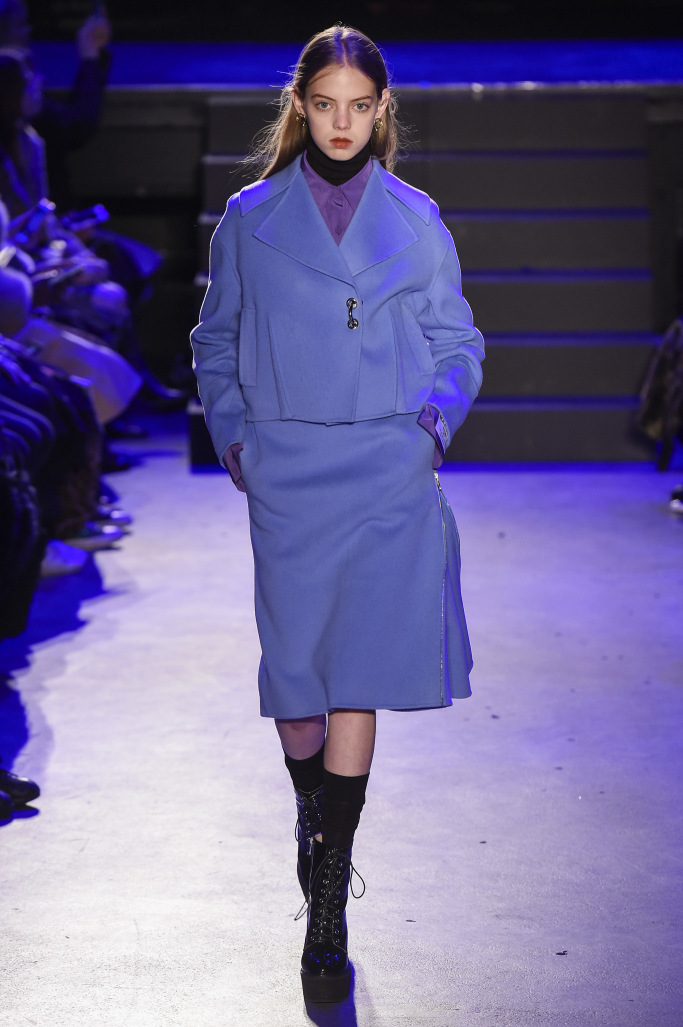
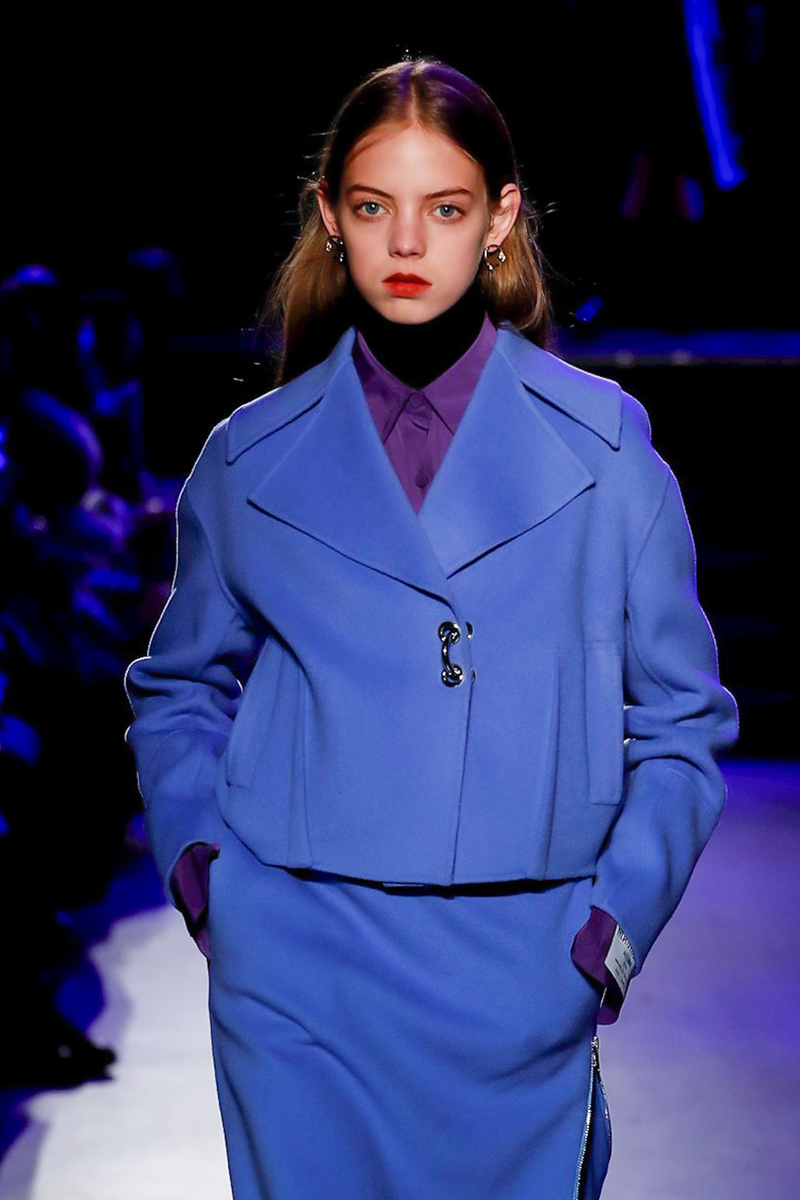
 John Galliano Fall 2018 PFW



 Backstage









 Masha Ma Fall 2018 PFW



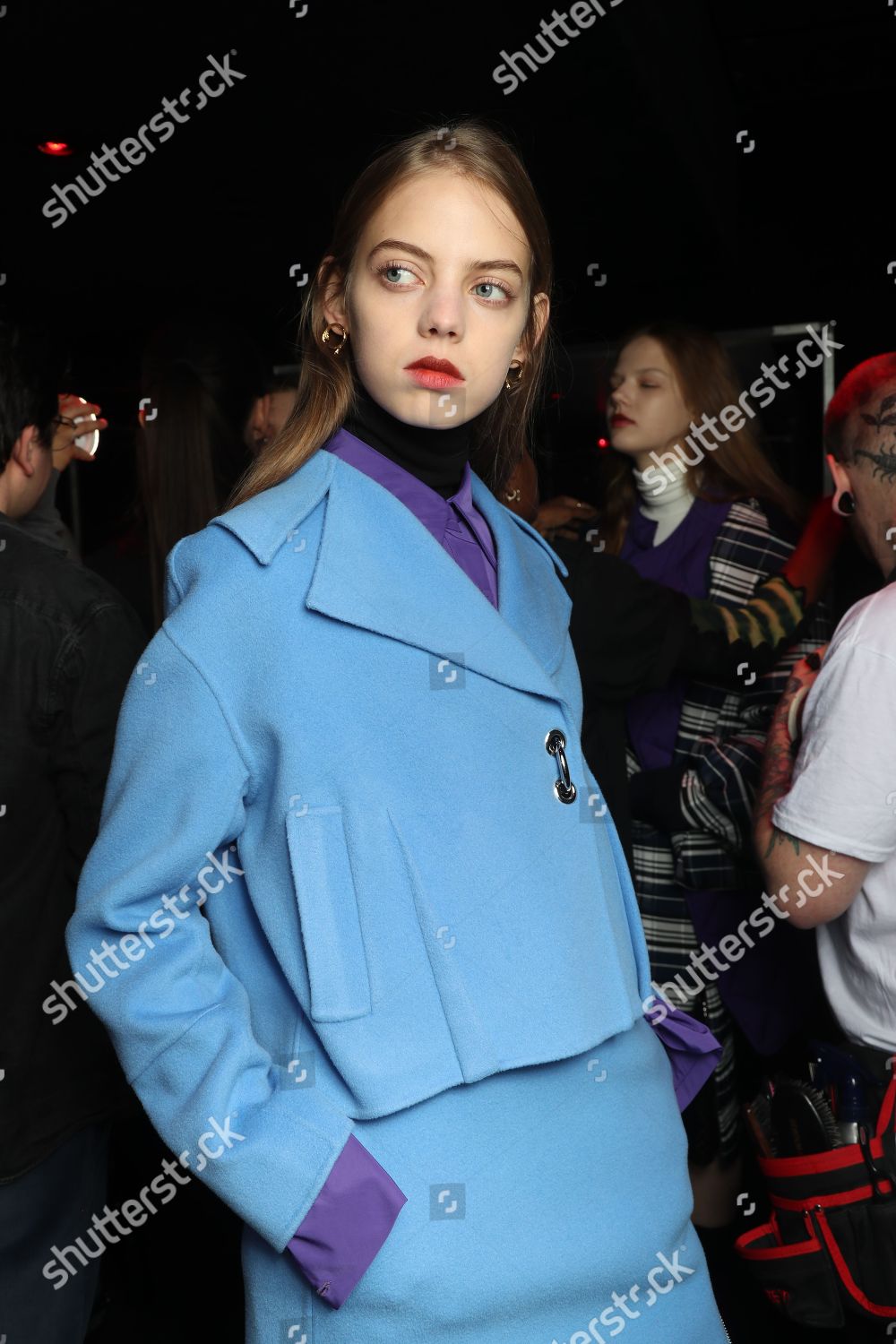
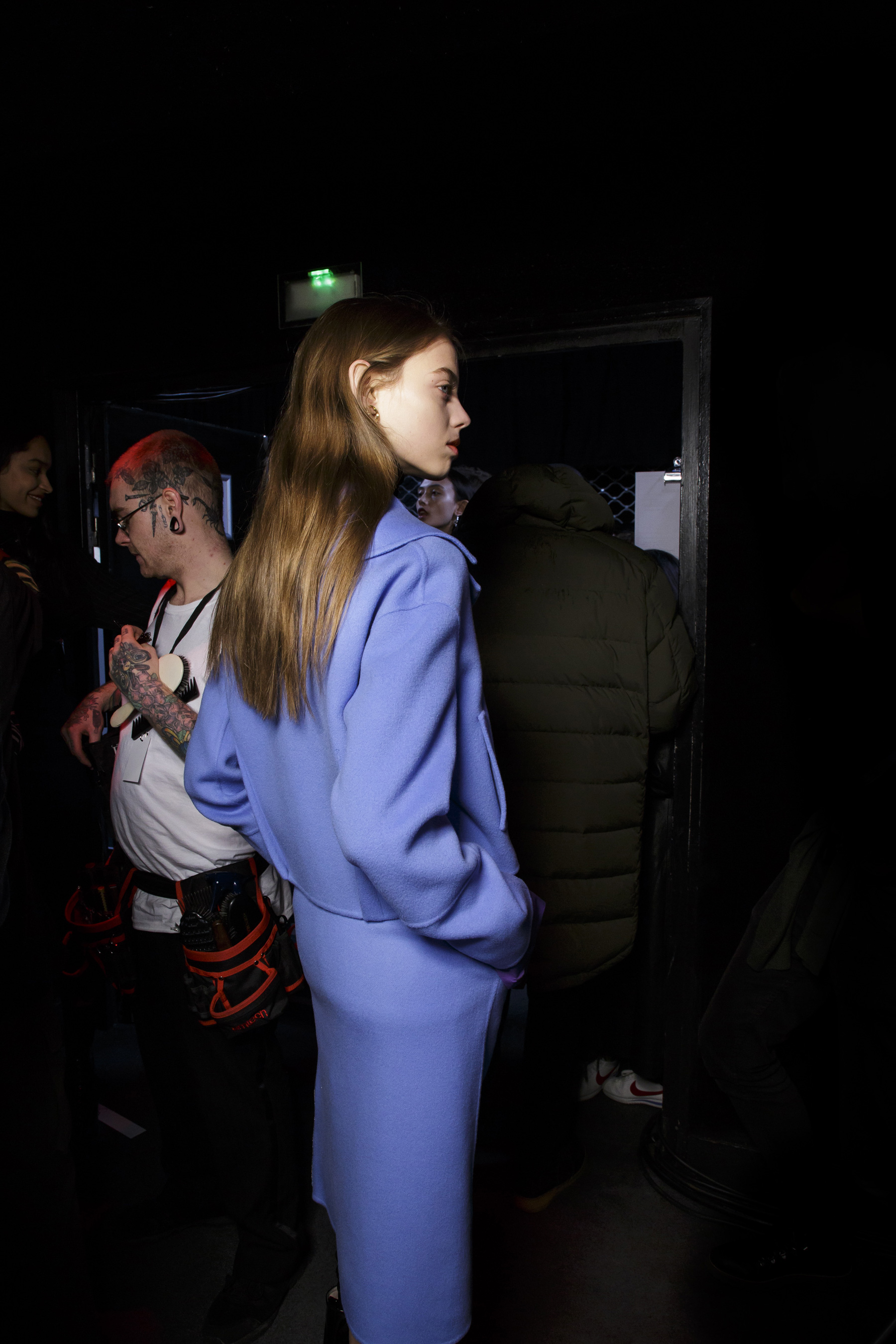
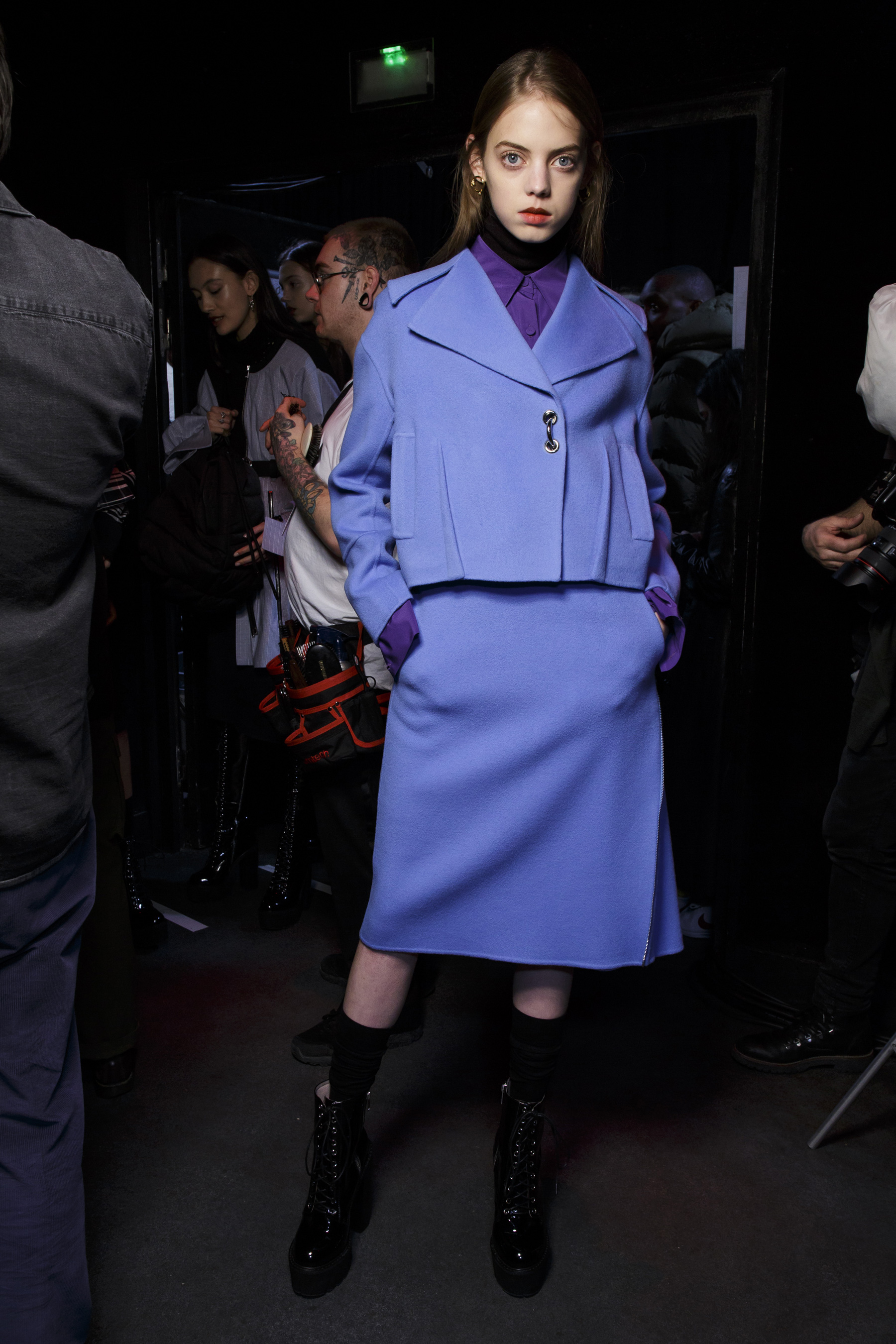
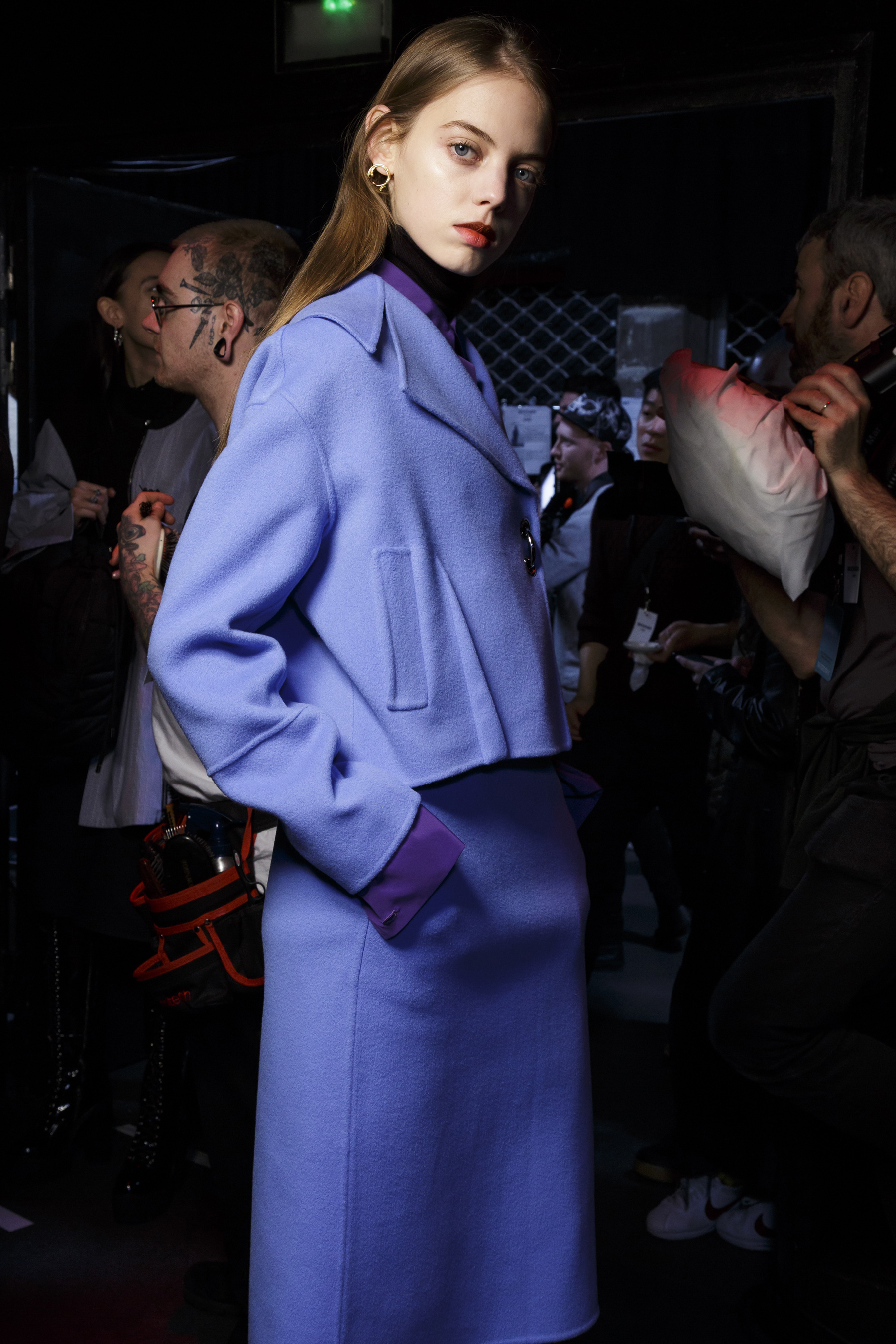
 Backstage Ann Demeulemeester From here http://www.numero.com/fr/fashionweek/defile-ann-demeulemeester-sebastien-meunier-backstage-automne-hiver-2018-2019-mehdi-mendas

 Backstage David Koma
 With model Manuela Sánchez mariana_zaragoza_28387455_397518354052395_7103921526492119250_n.mp4 manuelasancheztsh_28688489_202415047031188_5818018453454850652_n.mp4

Account
Navigation
Search
Configure browser push notifications
Chrome (Android)
- Tap the lock icon next to the address bar.
- Tap Permissions → Notifications.
- Adjust your preference.
Chrome (Desktop)
- Click the padlock icon in the address bar.
- Select Site settings.
- Find Notifications and adjust your preference.
Safari (iOS 16.4+)
- Ensure the site is installed via Add to Home Screen.
- Open Settings App → Notifications.
- Find your app name and adjust your preference.
Safari (macOS)
- Go to Safari → Preferences.
- Click the Websites tab.
- Select Notifications in the sidebar.
- Find this website and adjust your preference.
Edge (Android)
- Tap the lock icon next to the address bar.
- Tap Permissions.
- Find Notifications and adjust your preference.
Edge (Desktop)
- Click the padlock icon in the address bar.
- Click Permissions for this site.
- Find Notifications and adjust your preference.
Firefox (Android)
- Go to Settings → Site permissions.
- Tap Notifications.
- Find this site in the list and adjust your preference.
Firefox (Desktop)
- Open Firefox Settings.
- Search for Notifications.
- Find this site in the list and adjust your preference.