

Candyliz
Members
-
Joined
-
Last visited
Everything posted by Candyliz
-
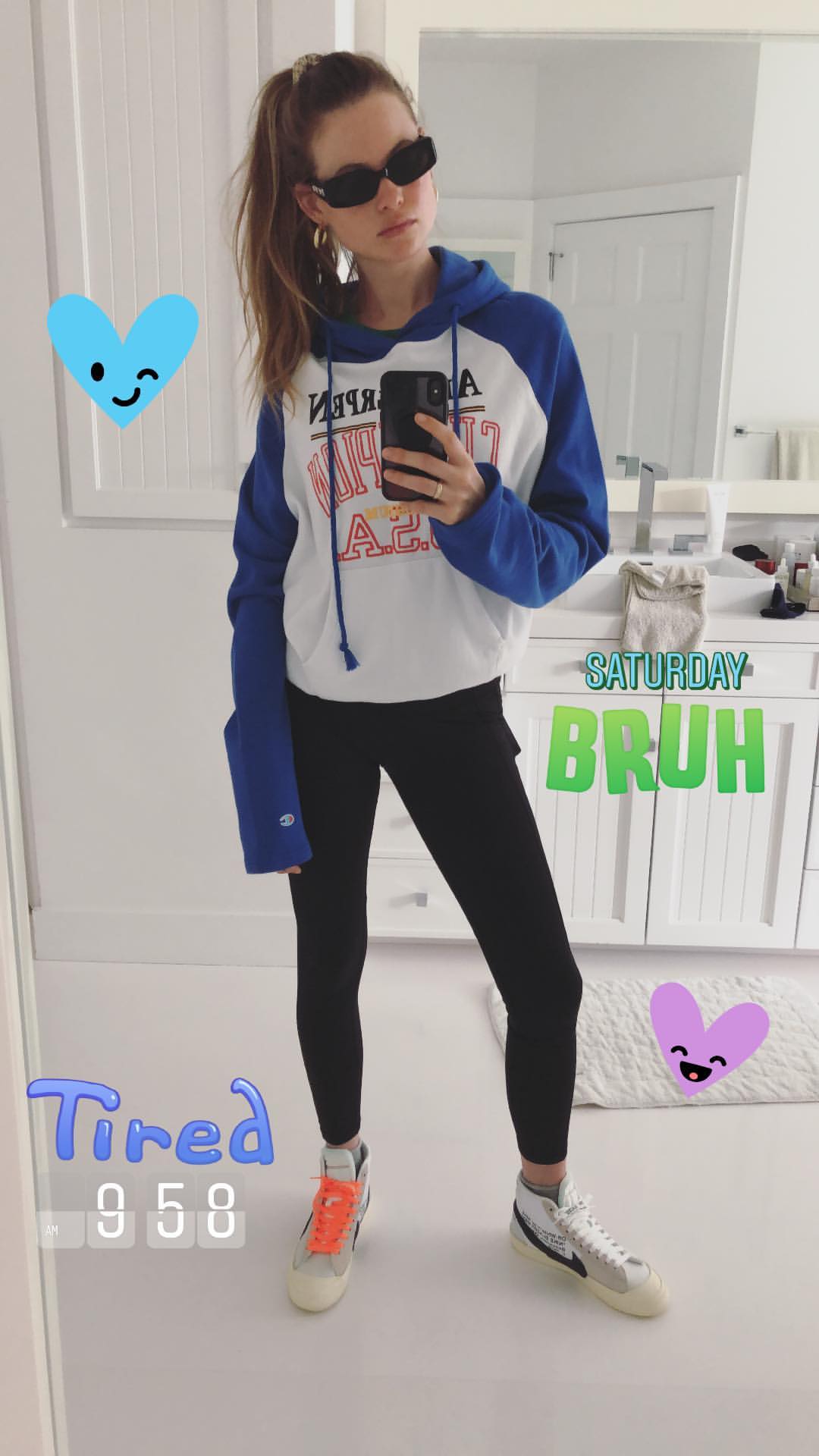
 Behati posted this on her IG but she deleted it
-
Stories



-
-
With Matty Holloway StorySaver_matty_holloway_30719086_590032078045134_2944102140441713684_n.mp4

 She is at Coachella
 From Jasmine Tookes stories
 Marc Jacobs Beauty campaign
Happy Birthday Cris
Happy 18th birthday Mariana
Marc Jacobs Beauty campaign
Happy Birthday Cris
Happy 18th birthday Mariana BTS Jalouse Magazine
 Jalouse Magazine April 2018 Photographer: Spela Kasal Styling: Marie Gilbert Makeup: Khela Hairstyle: Tomoko Ohama







 Shooting for Grazia Magazine in LA
Post pregnancy body on point
Shooting for Grazia Magazine in LA
Post pregnancy body on point souzadavid_29904720_232942244112346_7603454594574066857_n.mp4
 At H&M event in LA

.thumb.jpg.70482259da5711e6067b75470aa99523.jpg)




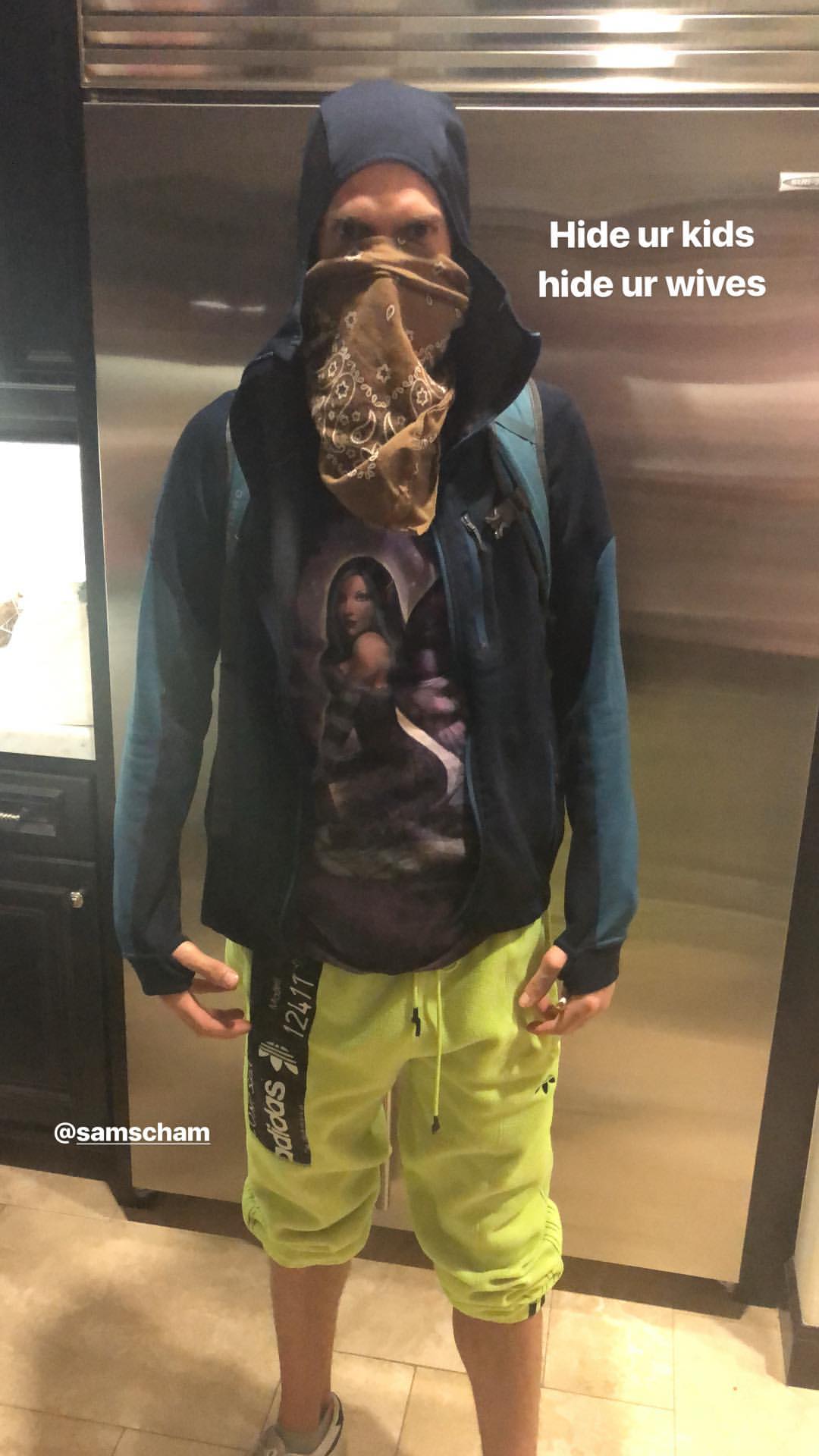

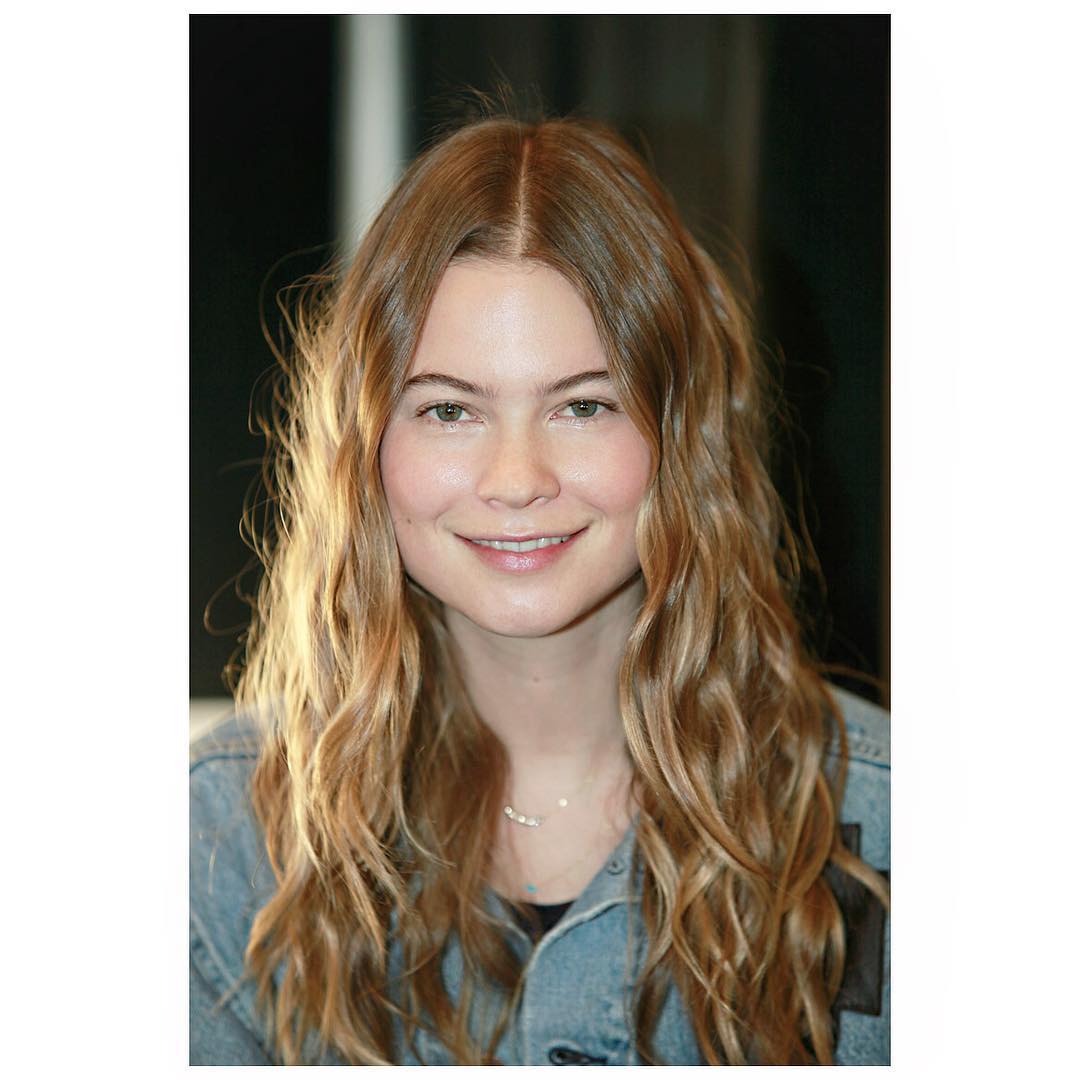




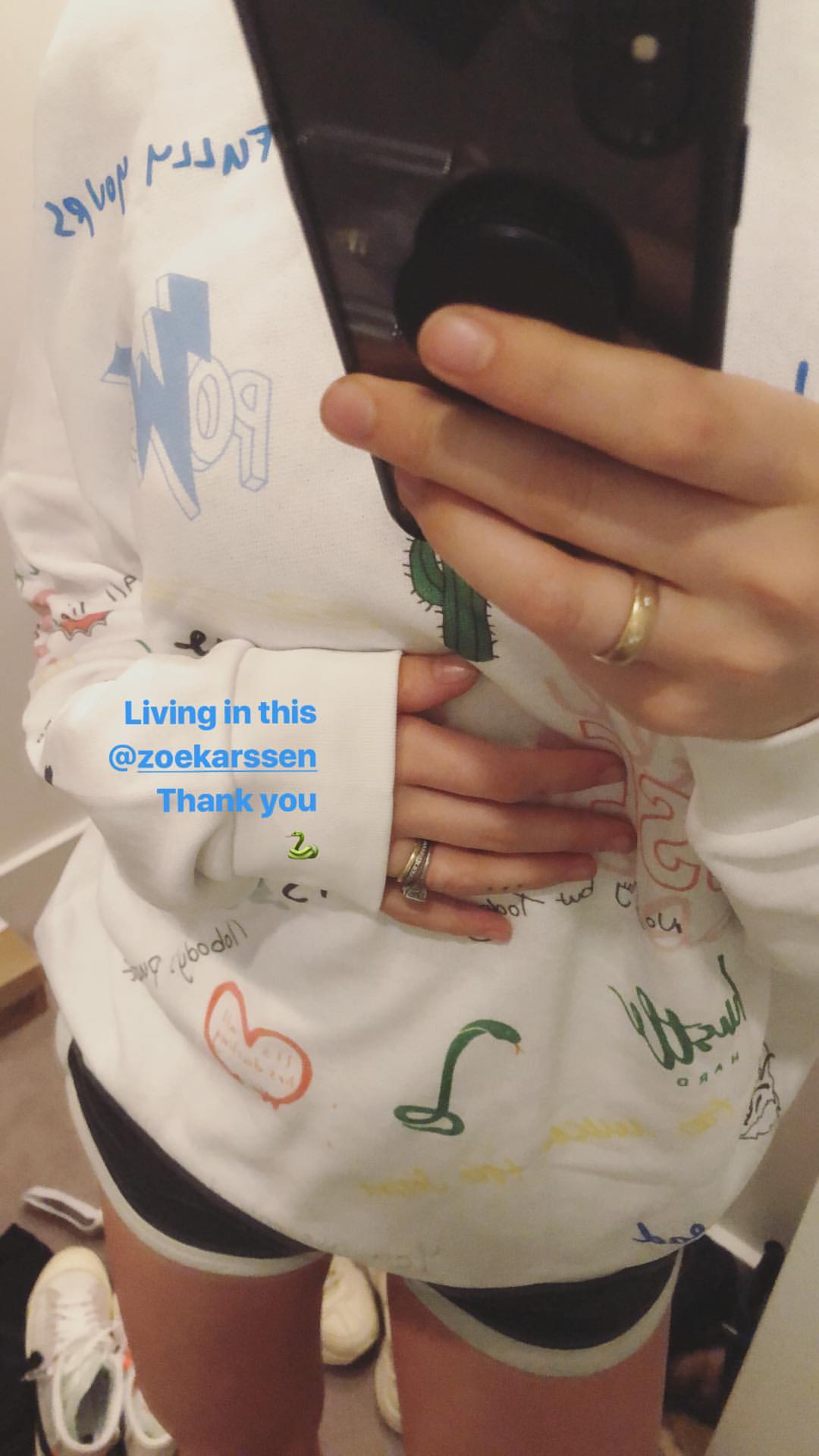





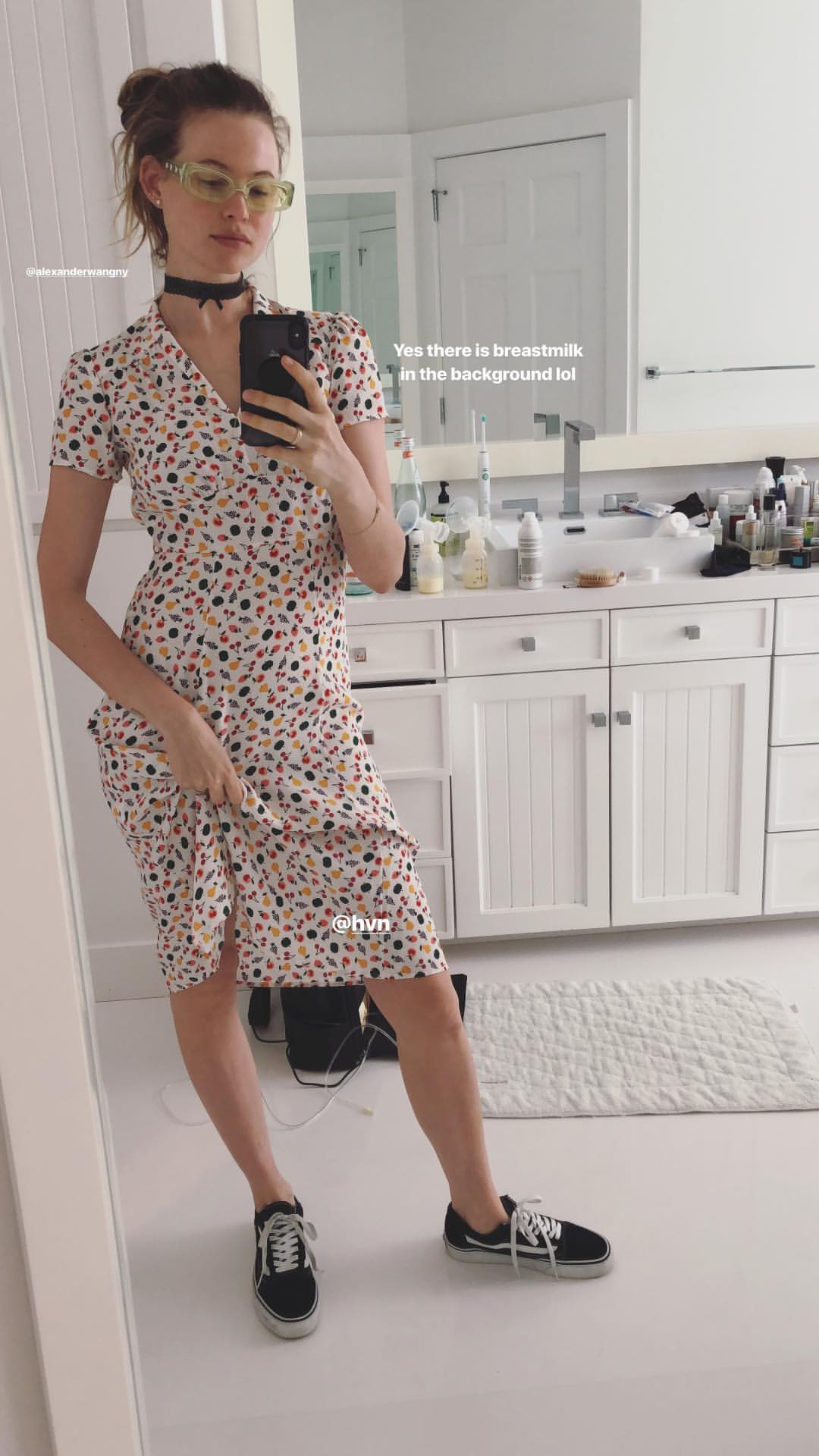
















.jpg.706463647c8751f6cbef6e6a8ef102dd.jpg)
Account
Navigation
Search
Configure browser push notifications
Chrome (Android)
- Tap the lock icon next to the address bar.
- Tap Permissions → Notifications.
- Adjust your preference.
Chrome (Desktop)
- Click the padlock icon in the address bar.
- Select Site settings.
- Find Notifications and adjust your preference.
Safari (iOS 16.4+)
- Ensure the site is installed via Add to Home Screen.
- Open Settings App → Notifications.
- Find your app name and adjust your preference.
Safari (macOS)
- Go to Safari → Preferences.
- Click the Websites tab.
- Select Notifications in the sidebar.
- Find this website and adjust your preference.
Edge (Android)
- Tap the lock icon next to the address bar.
- Tap Permissions.
- Find Notifications and adjust your preference.
Edge (Desktop)
- Click the padlock icon in the address bar.
- Click Permissions for this site.
- Find Notifications and adjust your preference.
Firefox (Android)
- Go to Settings → Site permissions.
- Tap Notifications.
- Find this site in the list and adjust your preference.
Firefox (Desktop)
- Open Firefox Settings.
- Search for Notifications.
- Find this site in the list and adjust your preference.